
The Intelligent AI Agent for Next-Gen Fashion Visuals
Create, edit, and scale fashion model visuals with one unified AI Fashion Model Generator. Instead of switching between different tools, use a single AI agent to generate virtual try-on images, swap outfits, and create realistic fashion models—all in one workflow.
Clothing & Outfit Generators: Try on clothes and create new outfits

AI Virtual Try-On
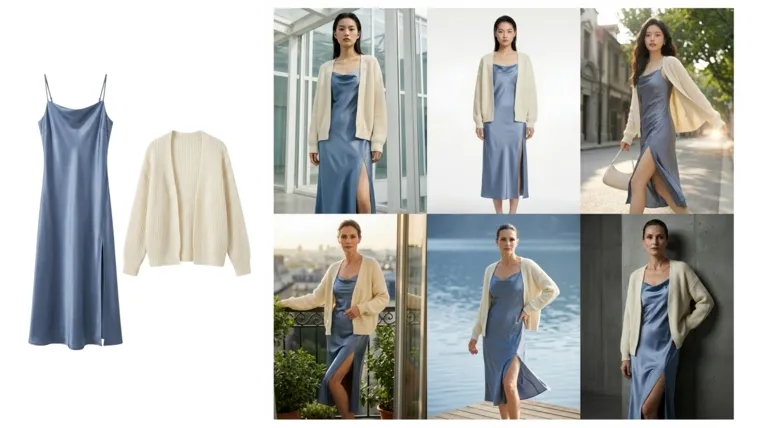
Fashion Model Generator Online
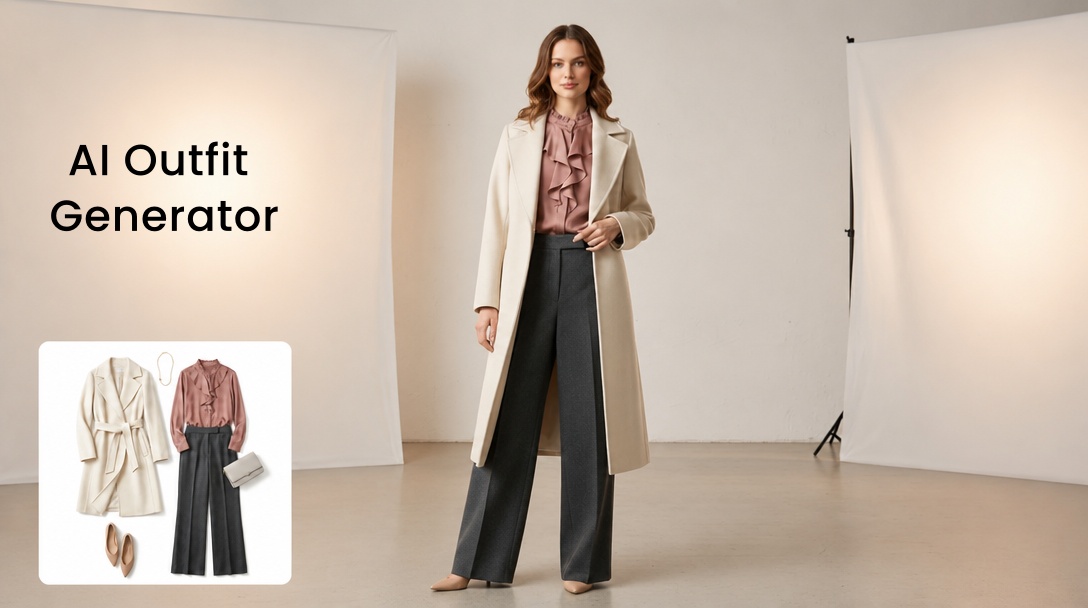
AI Outfit Generator Online
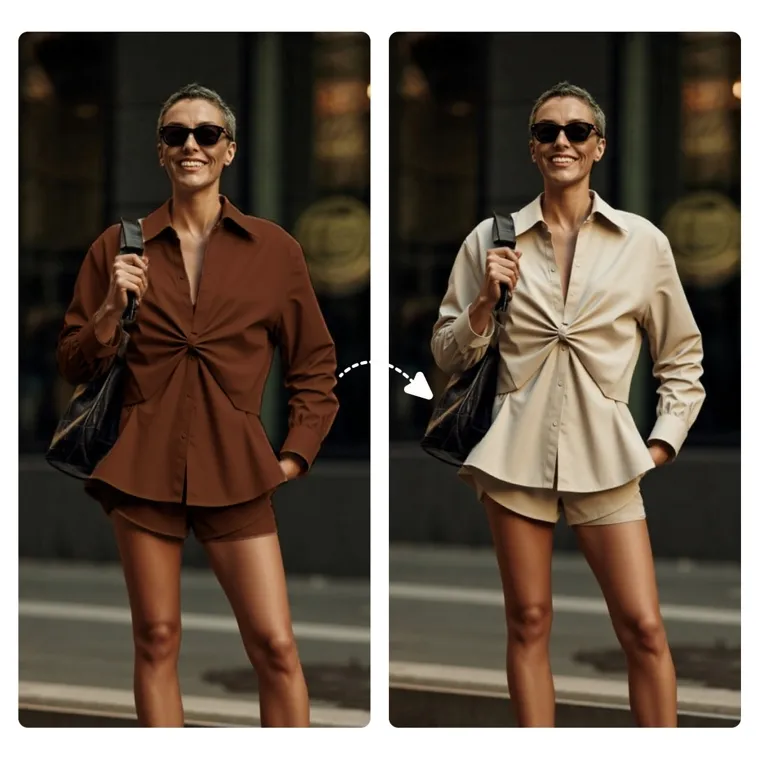
AI Clothes Changer Online
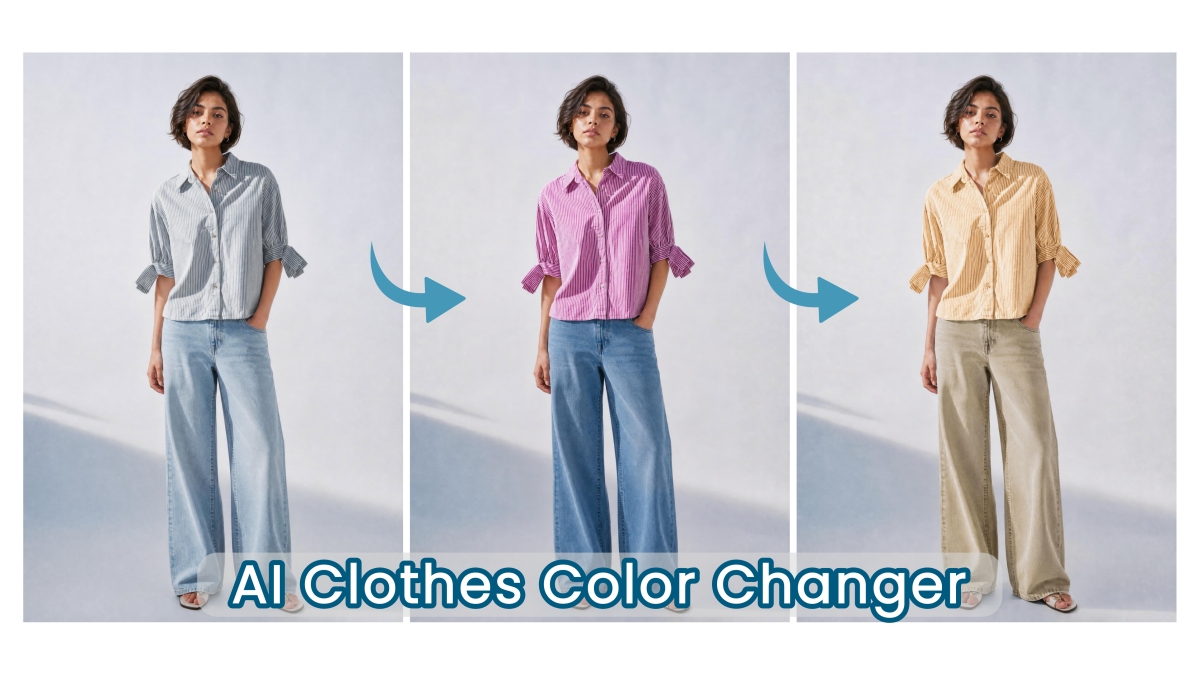
Clothes Color Changer Online
Beauty & Accessory Try-On: Try on beauty looks and accessories
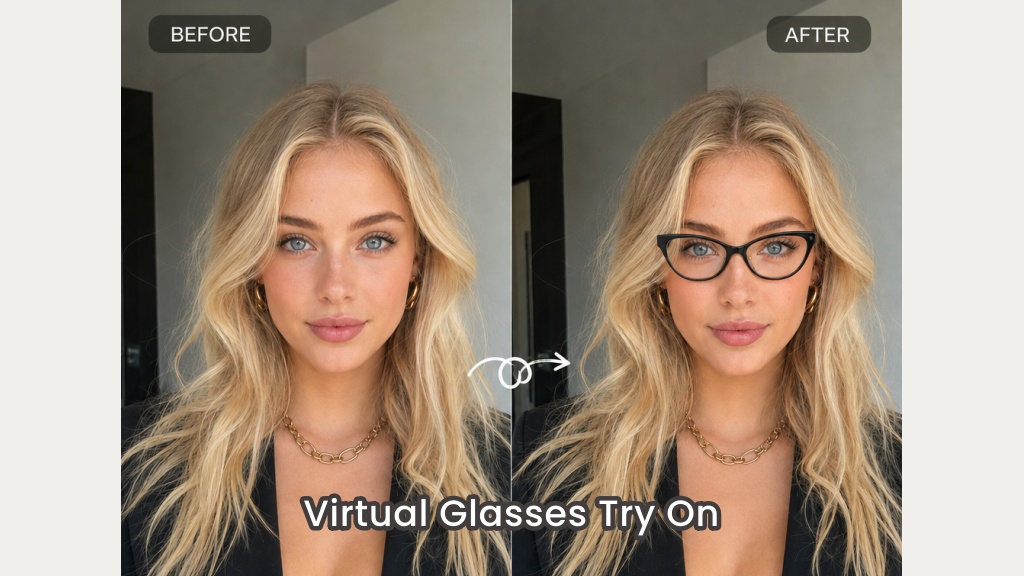
Virtual Glasses Try-On Online

AI Virtual Ring Try-On Online

AI Virtual Makeup Try-On Online

AI Hairstyle Changer Online

AI Hair Color Changer Online
One AI Agent. Multiple Fashion Image Capabilities
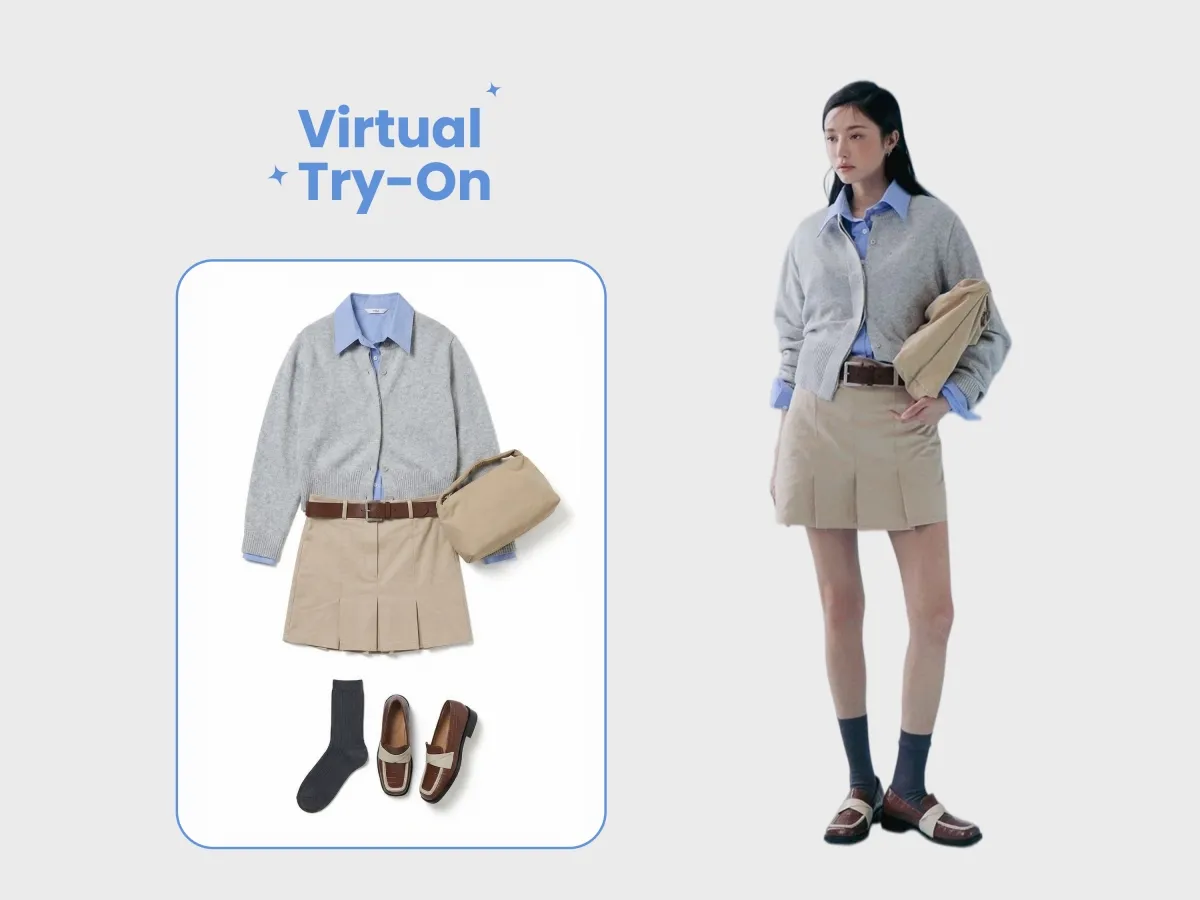
Virtual Try-On with AI Models
Generate realistic try-on images across clothing, footwear, and accessories. The AI fashion model generator allows you to visualize products on different body types, styles, and audiences.
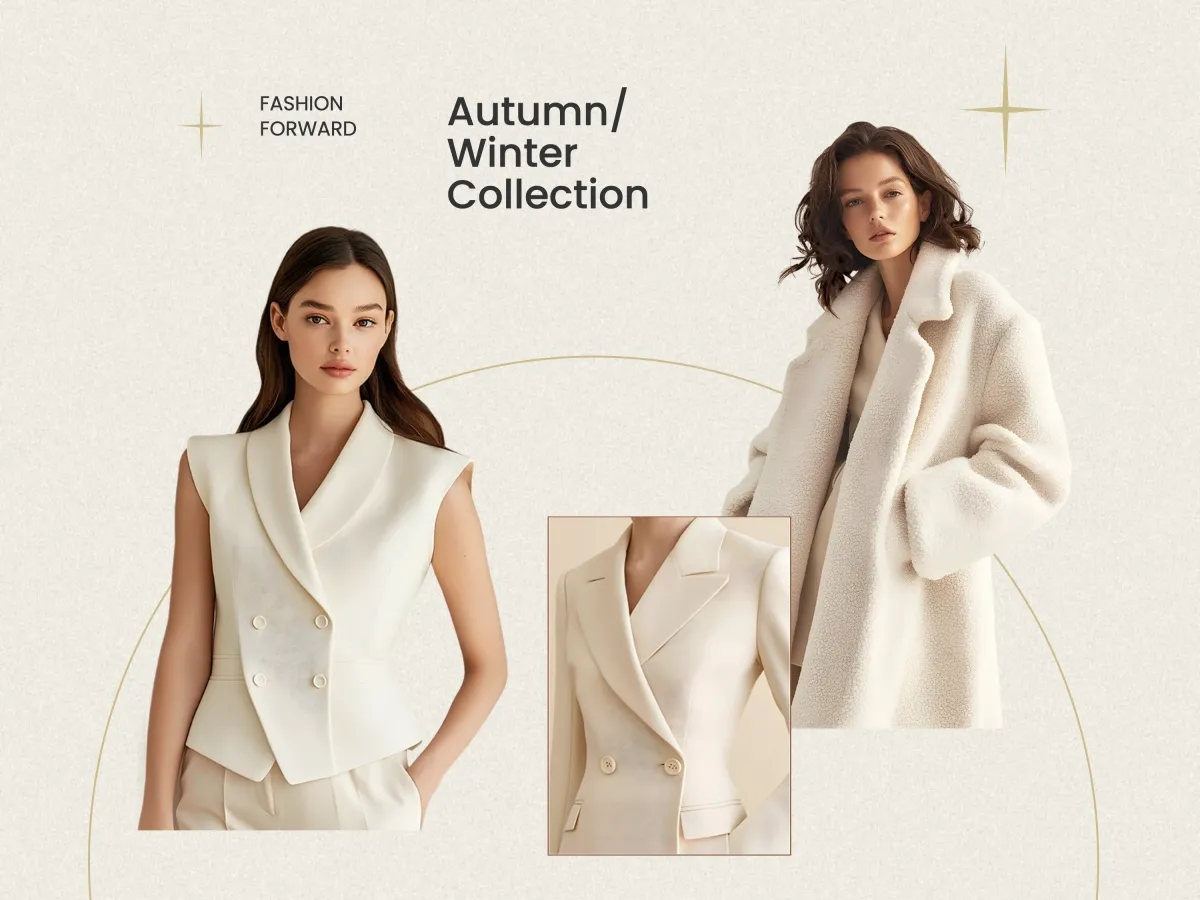
Outfit Swapping & Collection Visualization
Instantly change outfits, colors, and product variations on the same model. This AI fashion model workflow makes it easy to scale your entire catalog visually.
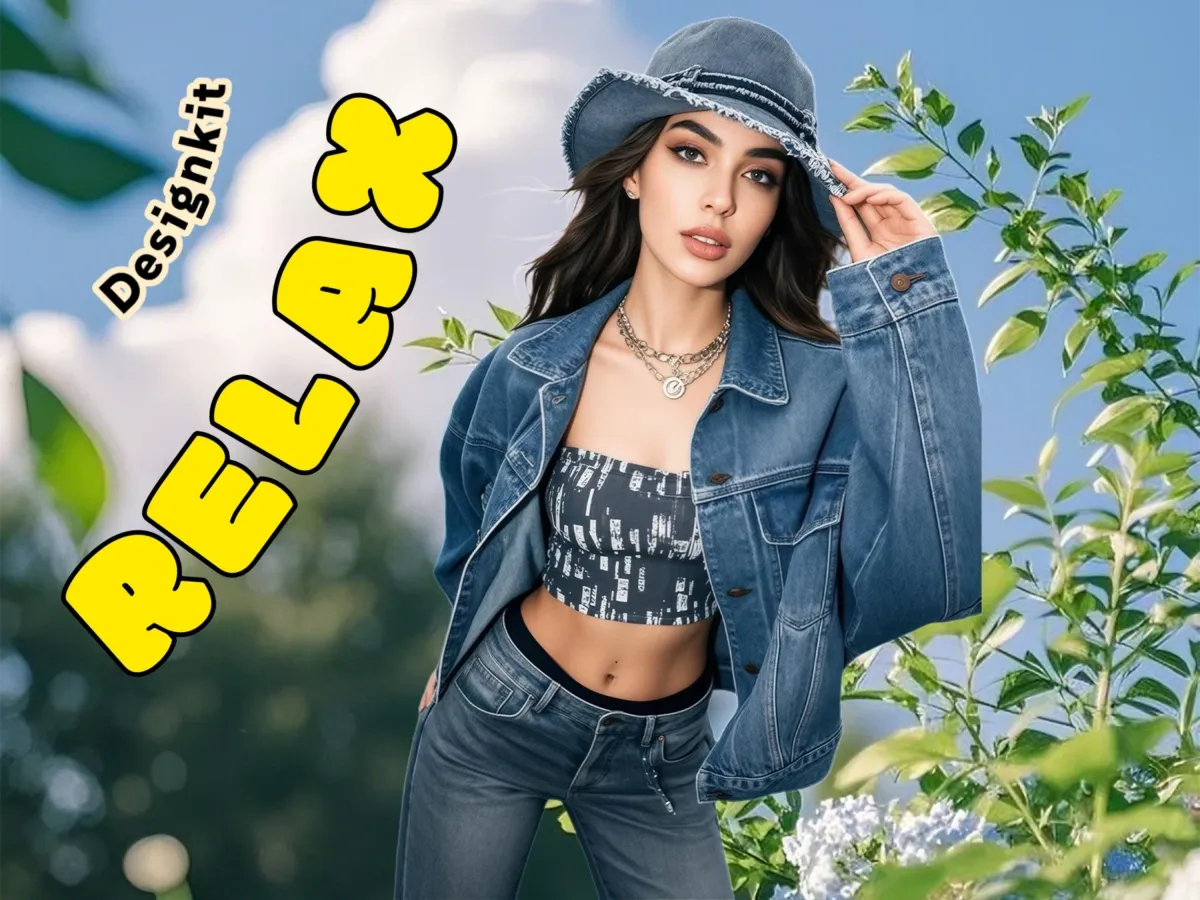
AI-Generated Fashion Models & Scenes
Create diverse AI fashion models and place them into lifestyle or studio environments. Produce on-brand visuals for ecommerce, ads, and social content—all from one AI agent.
From Raw Product Photo to Fashion-Ready Visuals in 3 Steps
Start with Your Product or Model Input
Upload your clothing images and a model image. Designkit works with simple inputs to begin the creation process.
Enter Your Prompt & Styling Requirements
Describe your target market, fashion style, and desired outputs—such as virtual try-on images, outfit swaps, or lifestyle model shots. Define poses, backgrounds, and visual direction.
Generate, Refine, and Export
Use Designkit to create high-quality visuals, refine results, and export images ready for ecommerce listings or marketing campaigns.
Find the Right AI Features for Every Creative Task
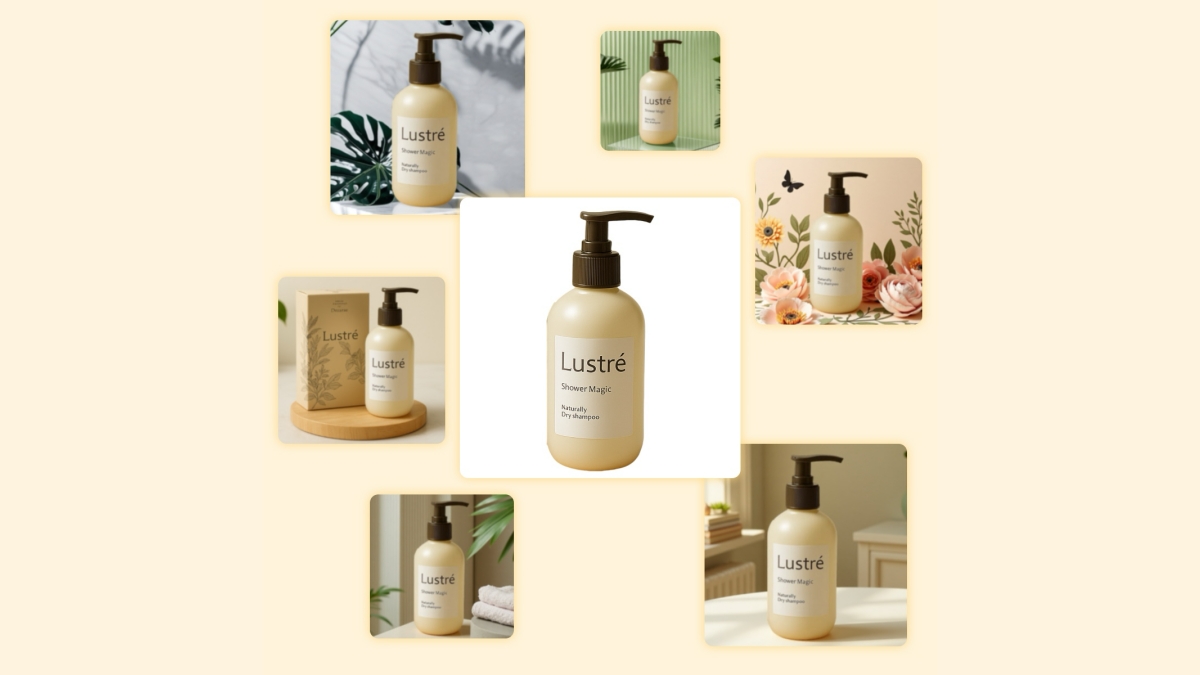
AI Product Visual Creation
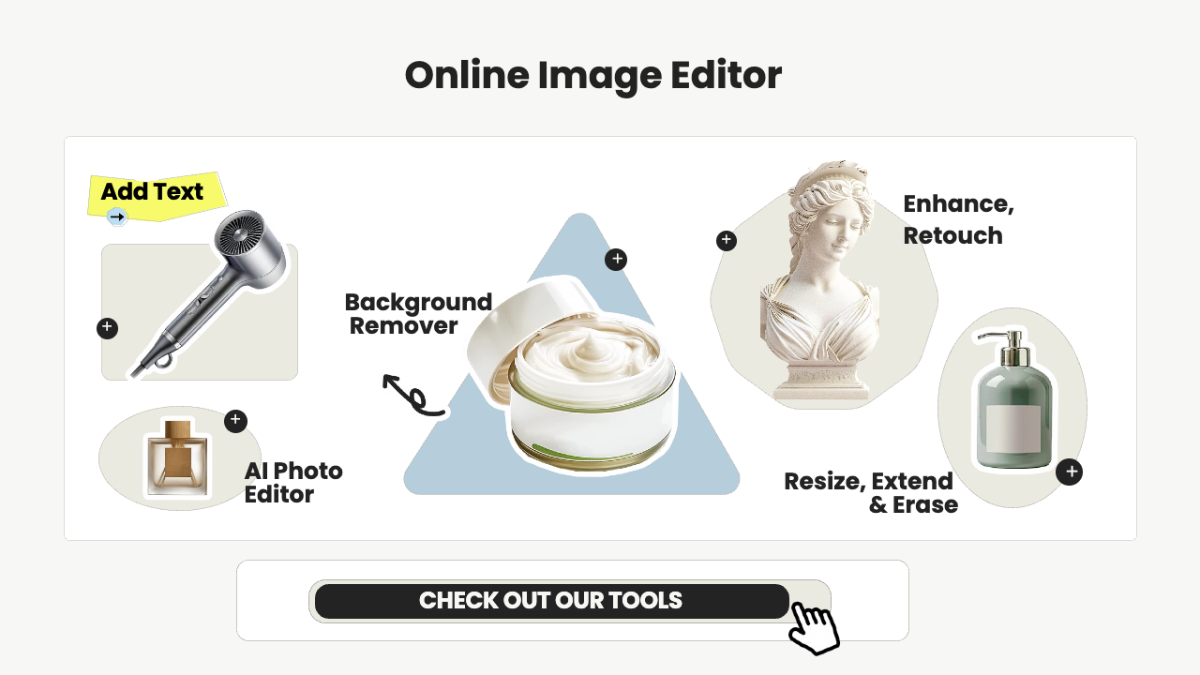
Free Online Image Editor
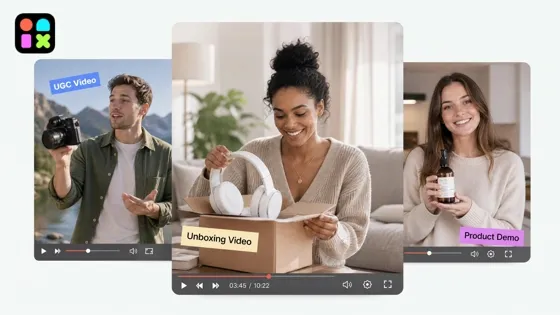
AI Video Generation Tools
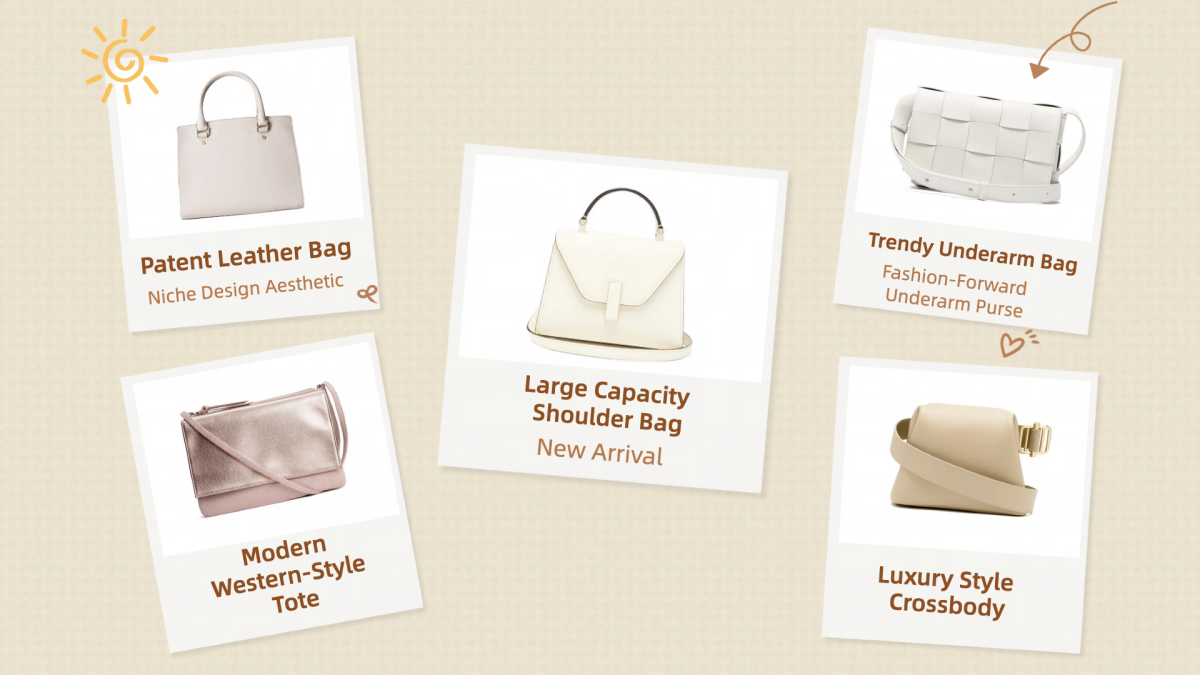
Free Bulk Image Editor Online
Frequently Asked Questions
How is an AI Agent different from a regular online tool?
Can I use Designkit for accessories and footwear, not just clothing?
Yes. Designkit supports clothing, footwear, and jewelry categories. Its also works with non-apparel products — you can generate models wearing or holding accessories, bags, eyewear, and more.
How is this different from generic AI image generators like Midjourney or DALL-E?
Generic image generators produce creative illustrations but lack the precision ecommerce demands: accurate garment fit, consistent model identity across SKUs, marketplace-compliant output dimensions, and realistic fabric physics. Designkit's fashion model generator tools are purpose-built for product visualization — every output is designed to sell, not just to look interesting.
Do I need professional product photos to get started?
No. A basic flat-lay or smartphone photo is enough. The AI handles garment extraction, relighting, and model compositing. That said, higher-quality inputs will produce higher-fidelity results — so clean, well-lit product shots yield the best output.
Make every product image ready to sell
Designkit is an all-in-one AI platform for ecommerce visuals. Create product photos, AI videos, virtual try-ons, and Amazon listing images in seconds. Generate HD backgrounds, batch edit photos, and scale your brand with studio-quality content.
