
Add a White Background to Product Photos Free Online
Remove distracting backgrounds and place your product on a clean white canvas. Upload one image or a batch, refine the result, and download marketplace-ready photos in seconds.
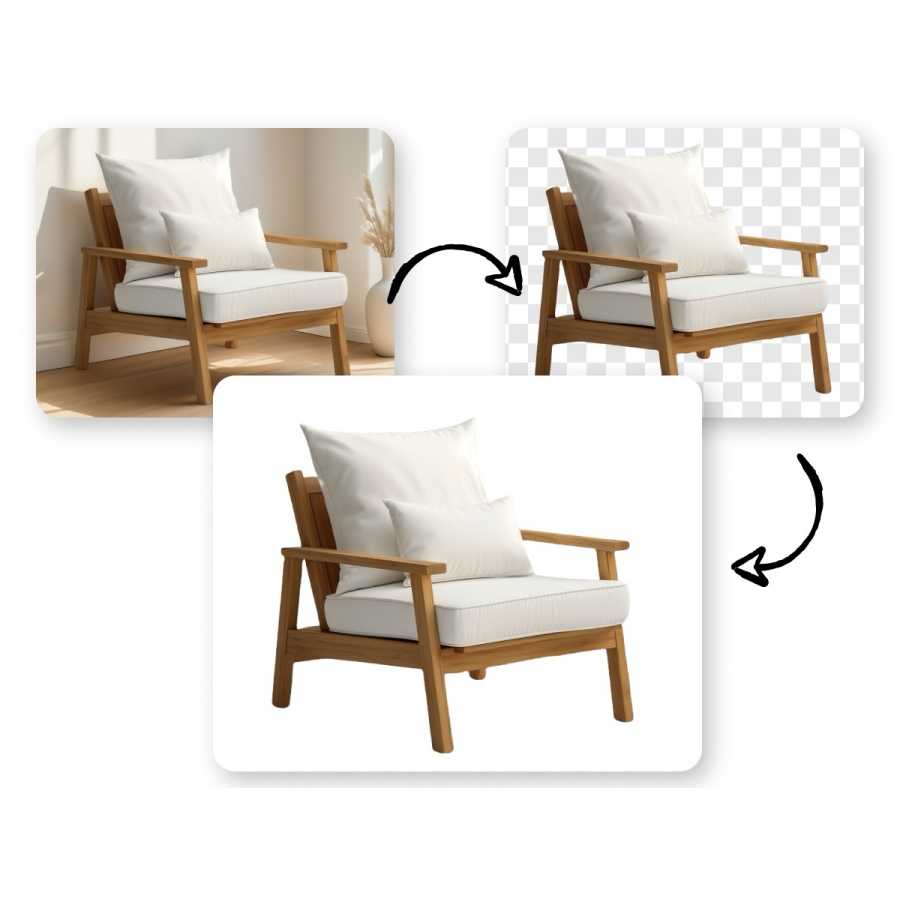
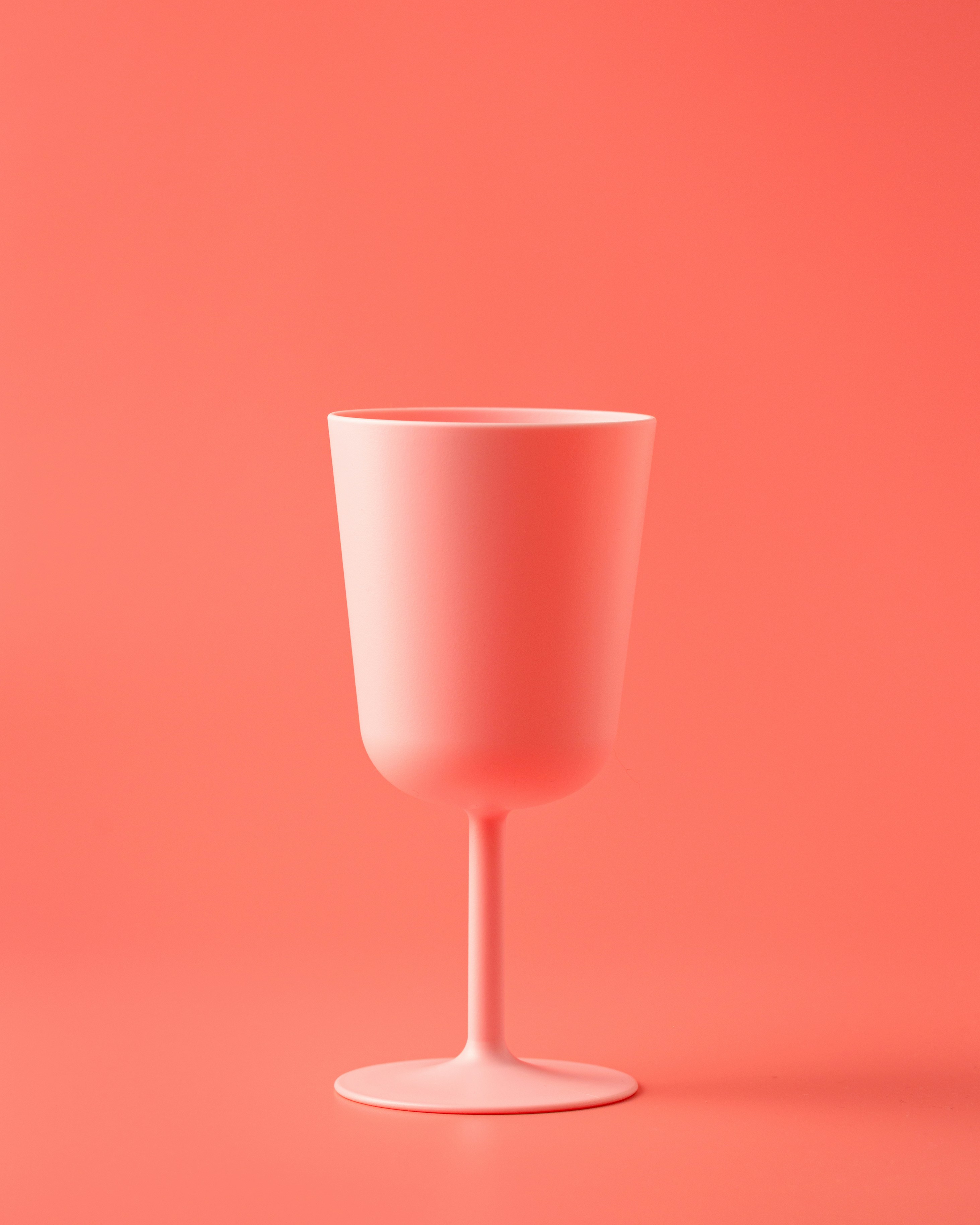
No image ready? Try one of these samples:


How to Add a White Background to a Photo
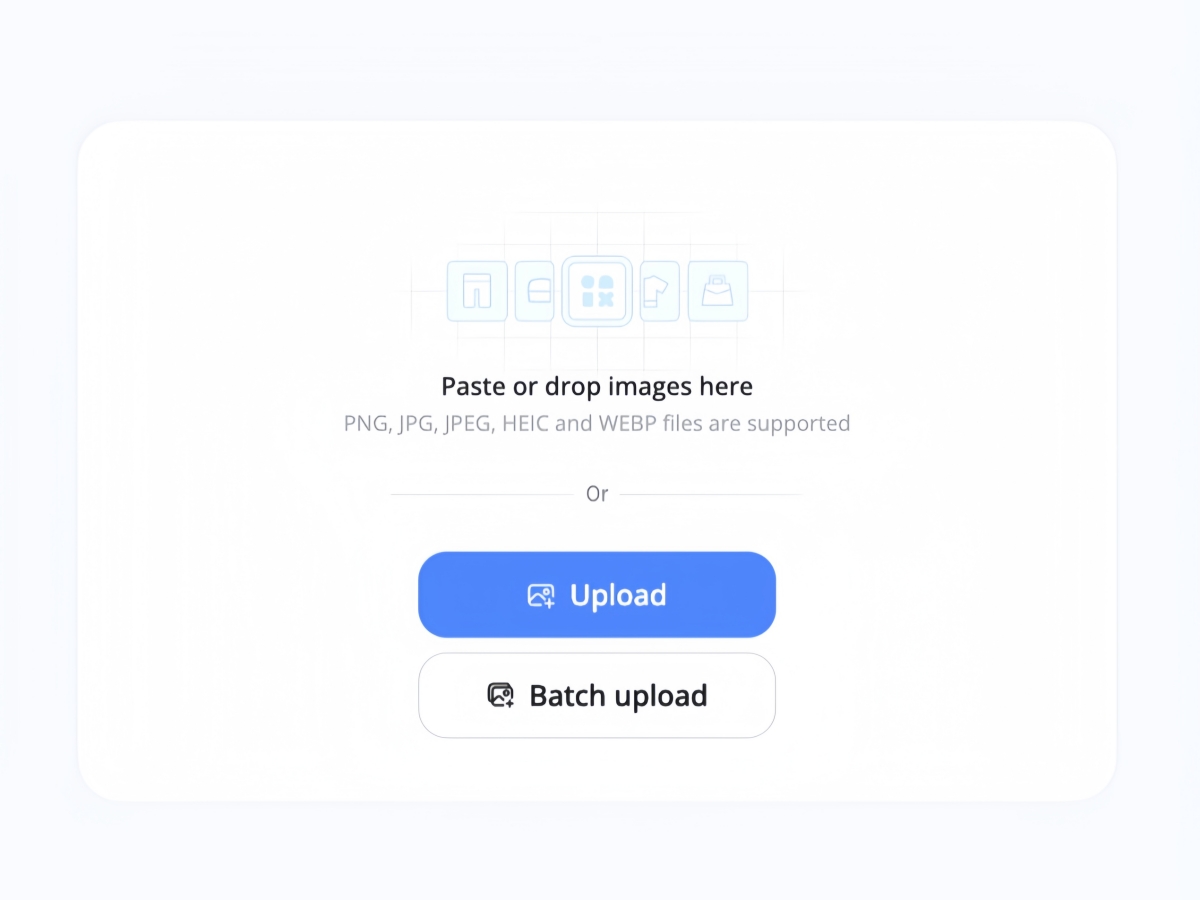
Upload Your Product Photo
Choose a JPG, PNG, or another supported image format. Phone photos, studio shots, and images with busy backgrounds all work.
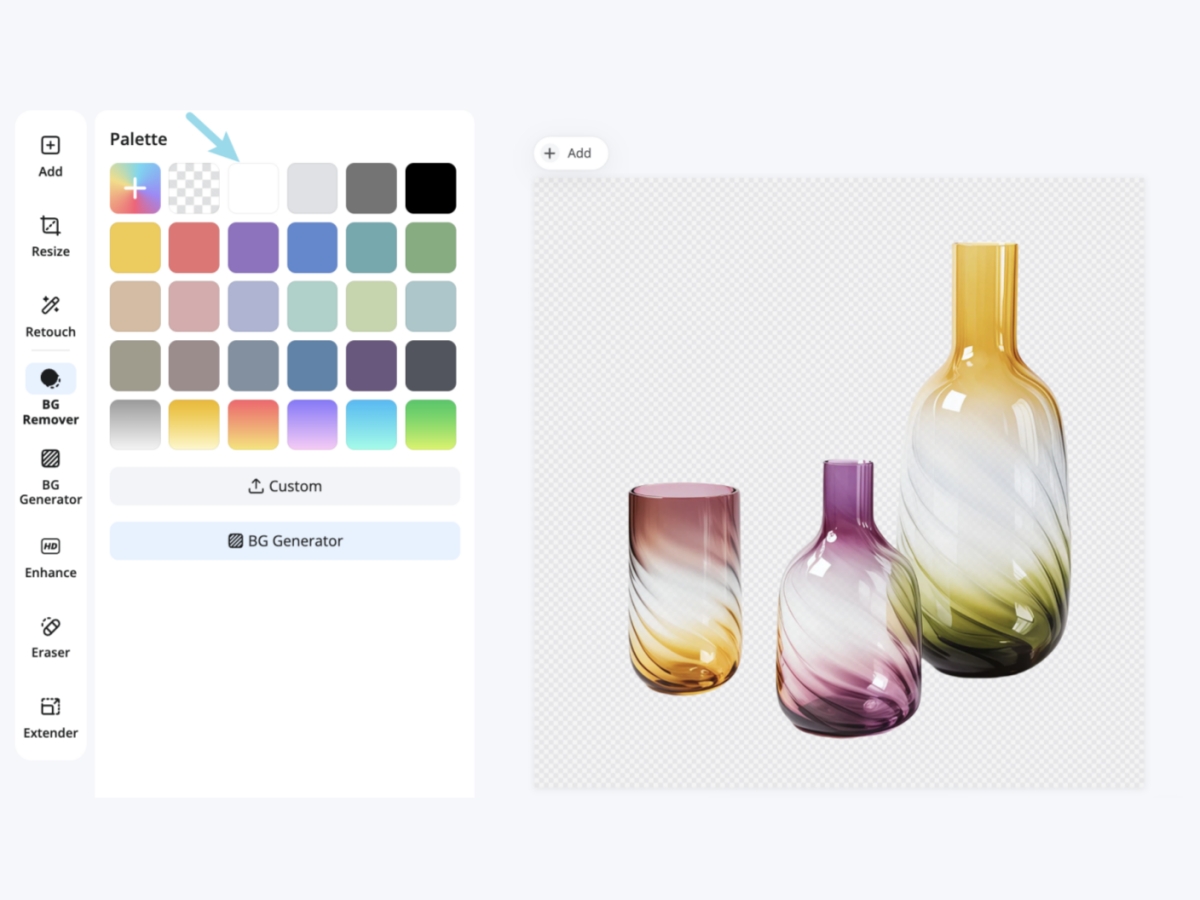
Remove the Original Background
The AI separates your product from the scene and places it on a clean white background. Review the edges and make small adjustments in the editor if needed.
Export Your White Background Image
Check the final result, then download your image as a JPG or PNG for product listings, catalogs, stores, or ads.
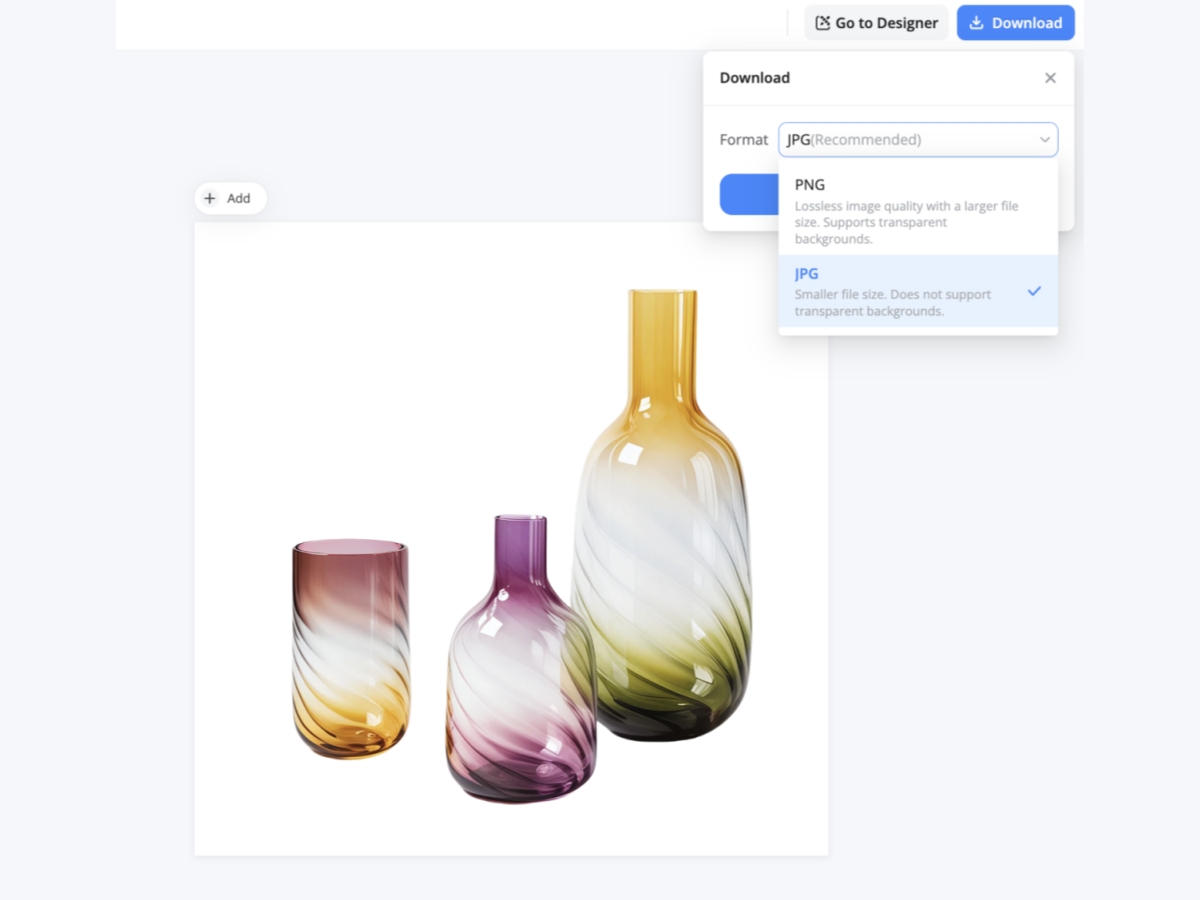
A White Background Editor Built for Product Photos
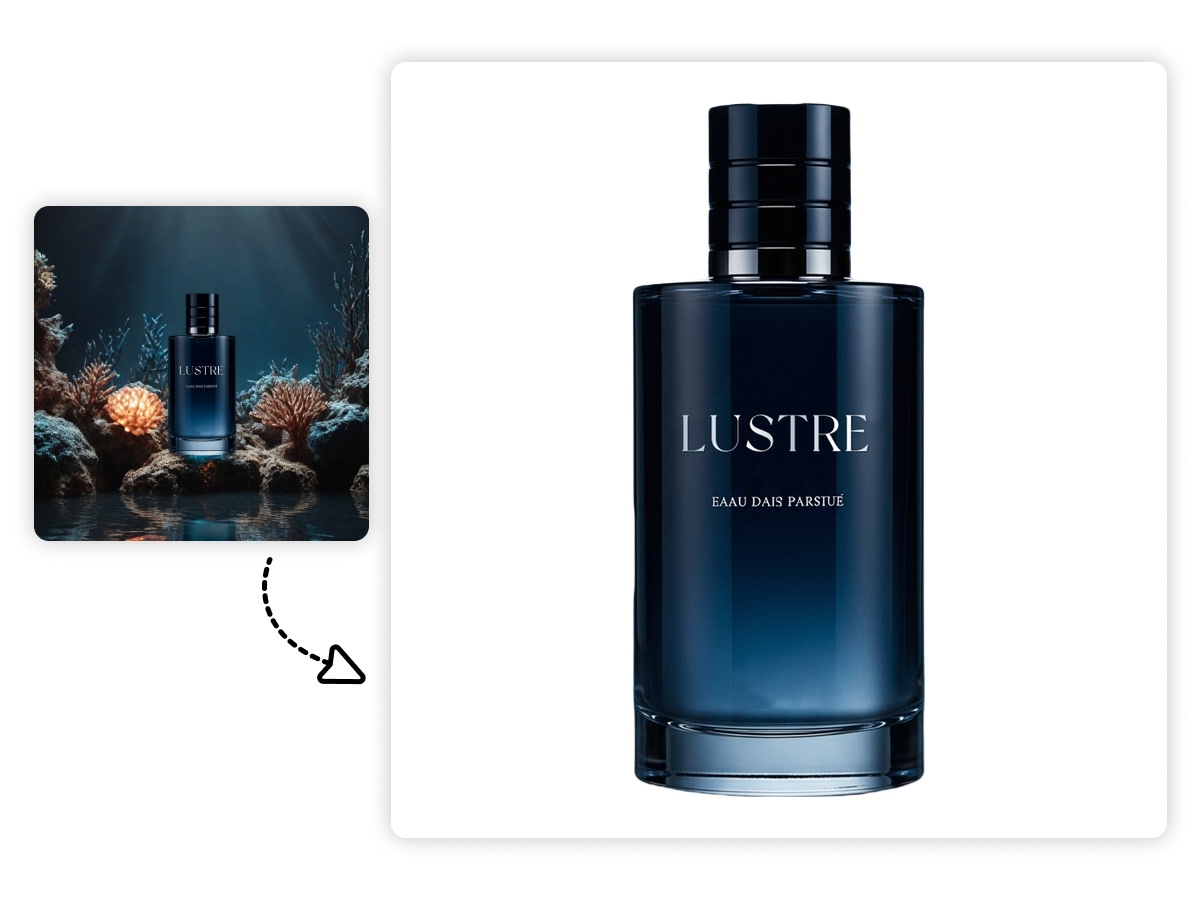
Replace Busy Backgrounds in Seconds
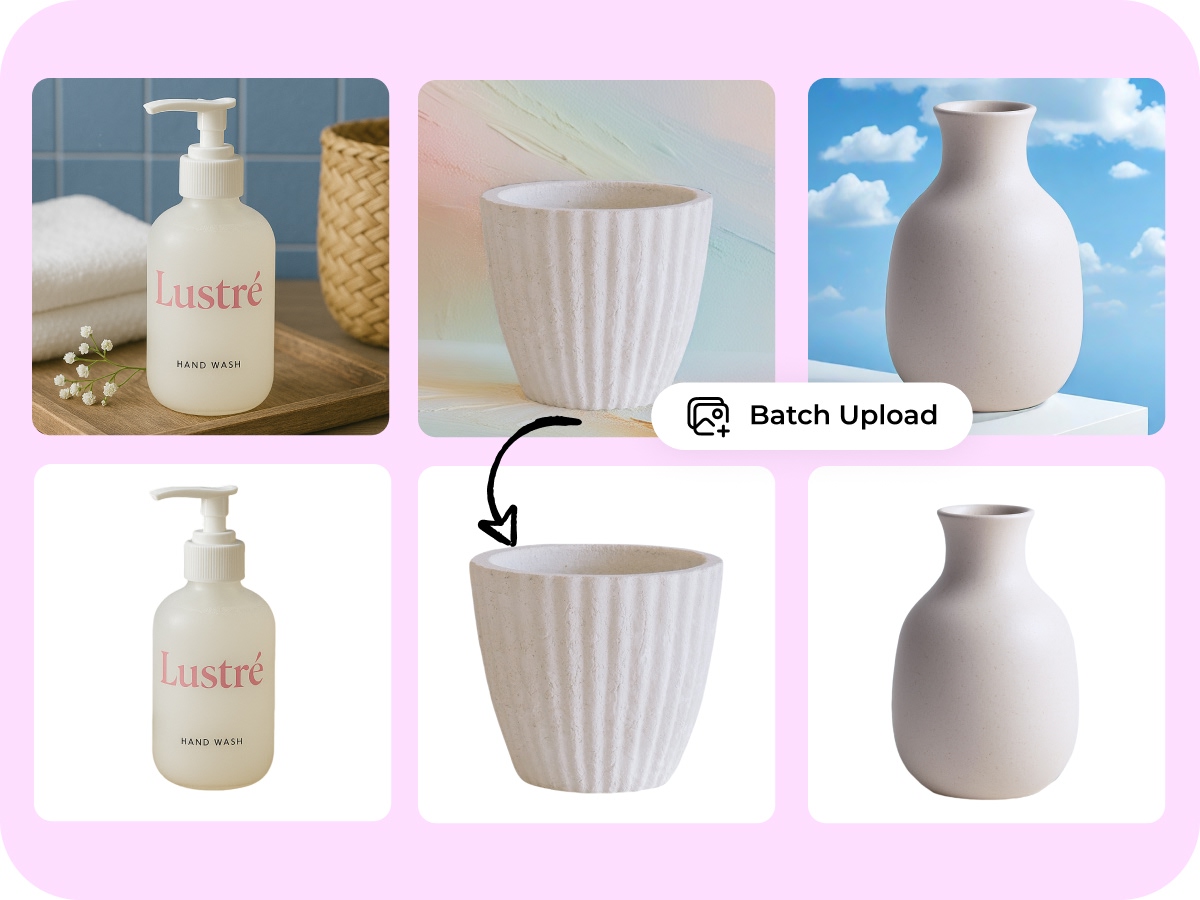
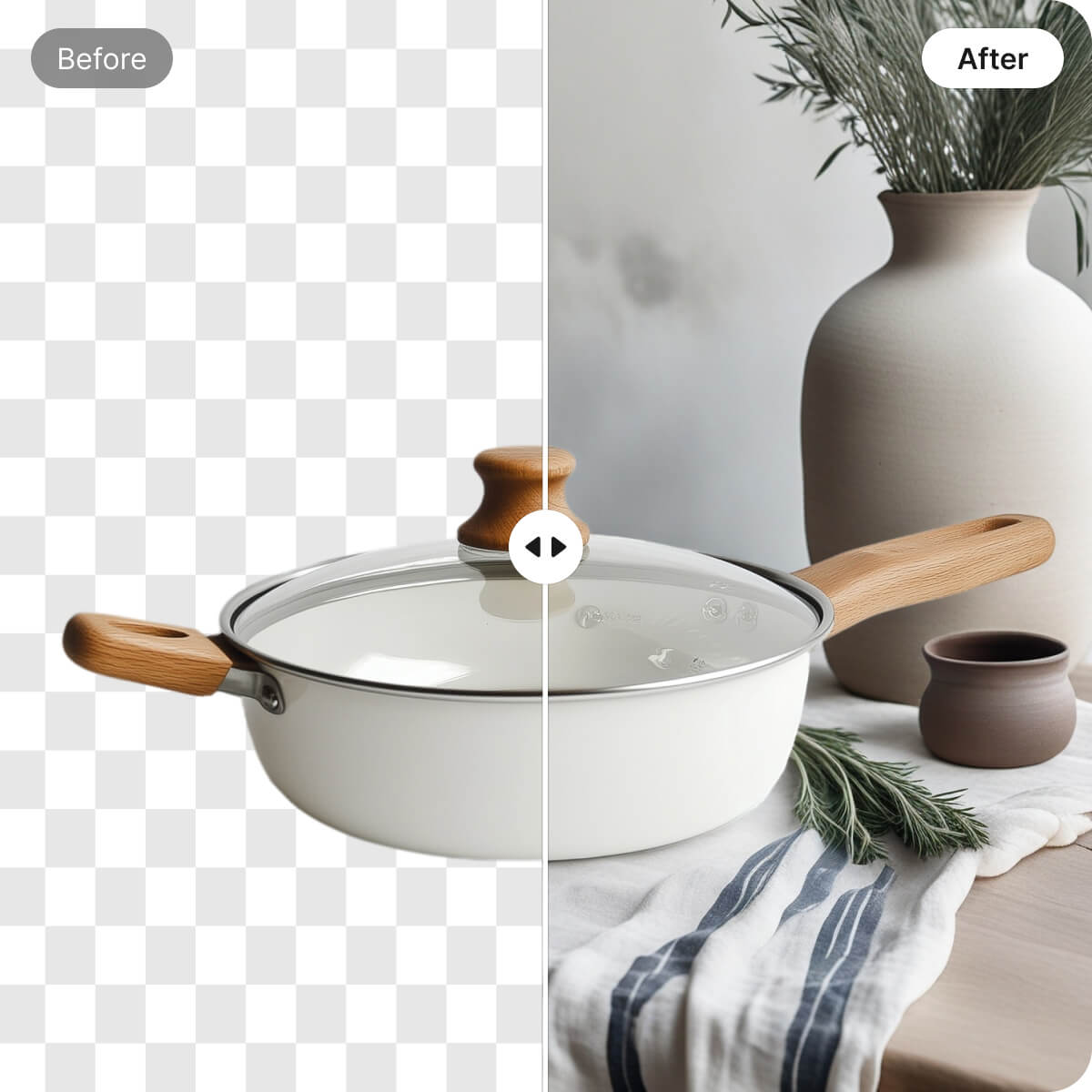
Remove rooms, furniture, tables, and other distractions from product photos without manually tracing every edge. The editor isolates the subject and places it on a clean white background.
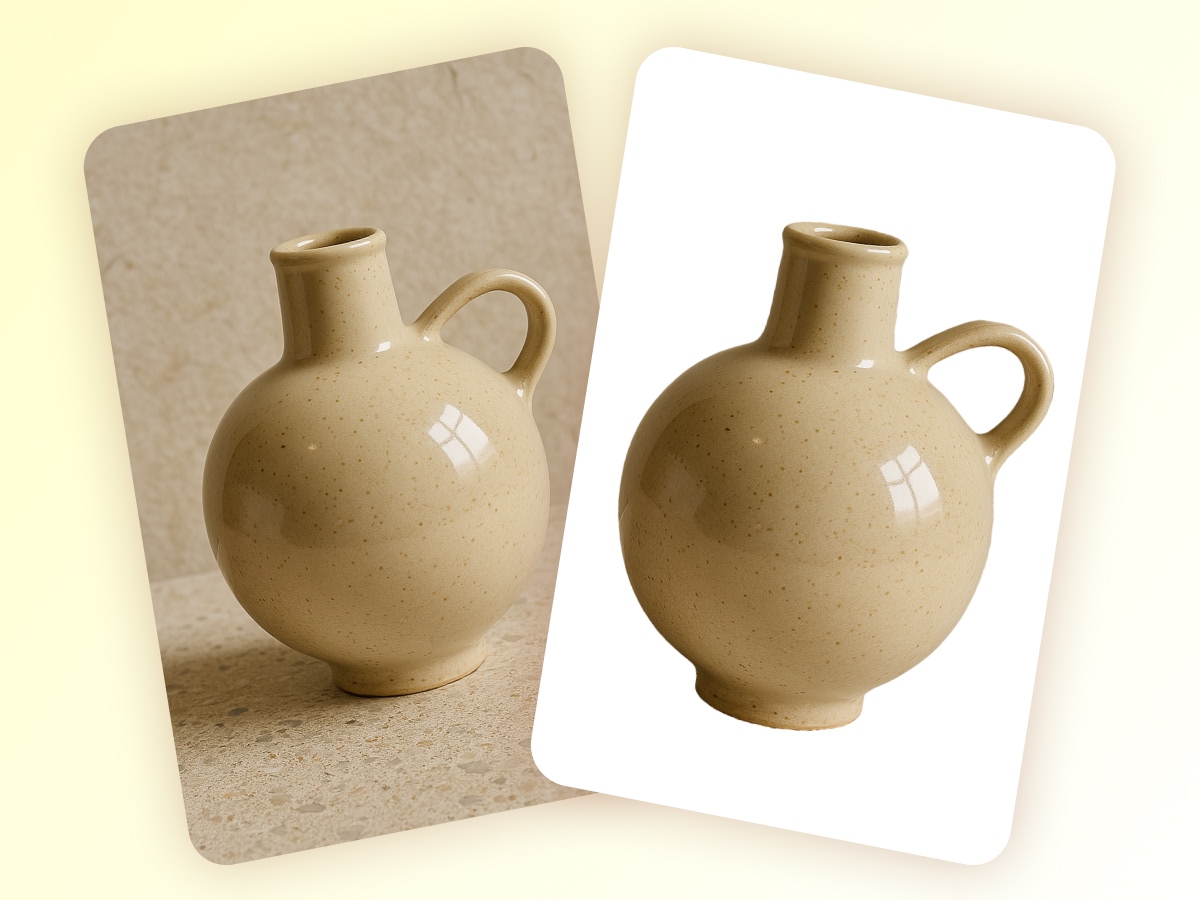
Keep Product Edges and Details Clear
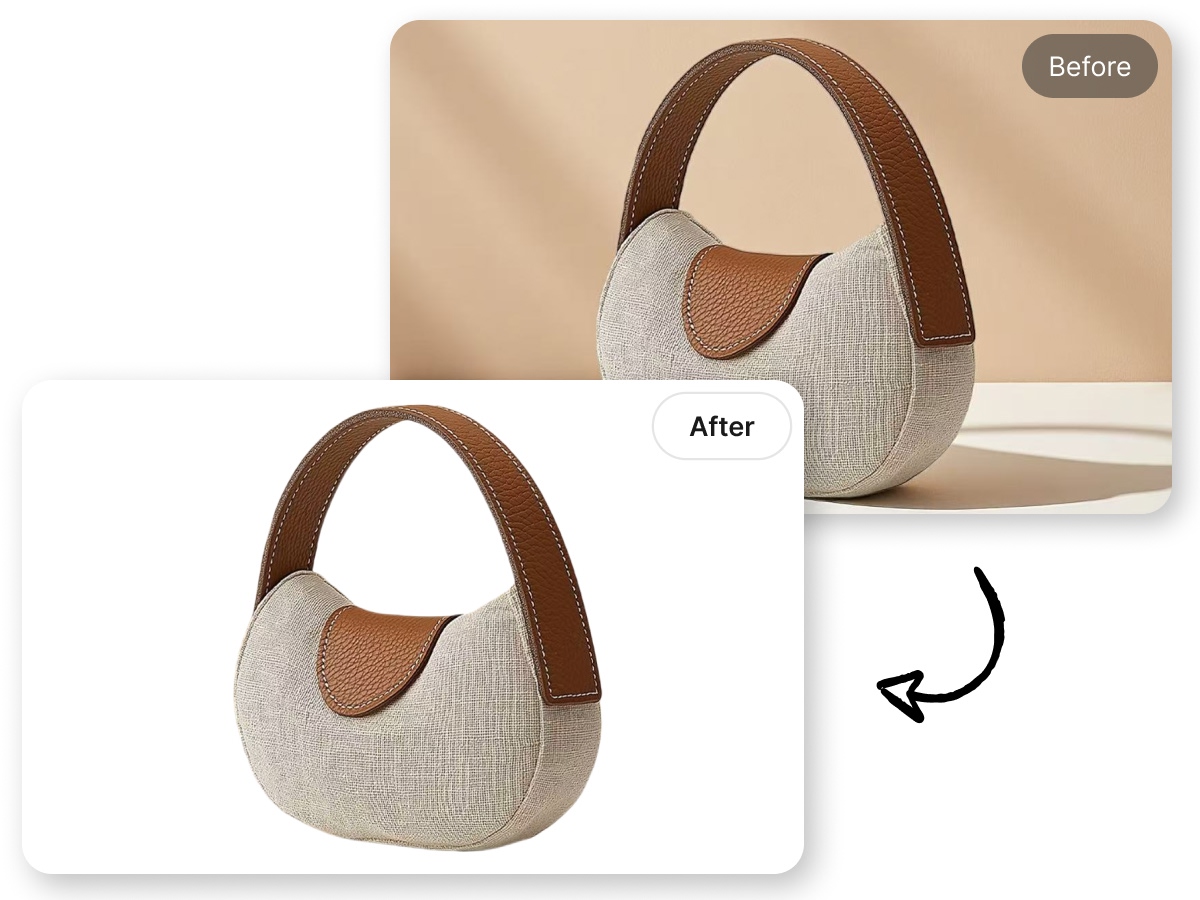
Preserve important product features such as labels, stitching, textures, hair, and fine edges when replacing the background. Review the result before exporting so the final image still looks like the original product.
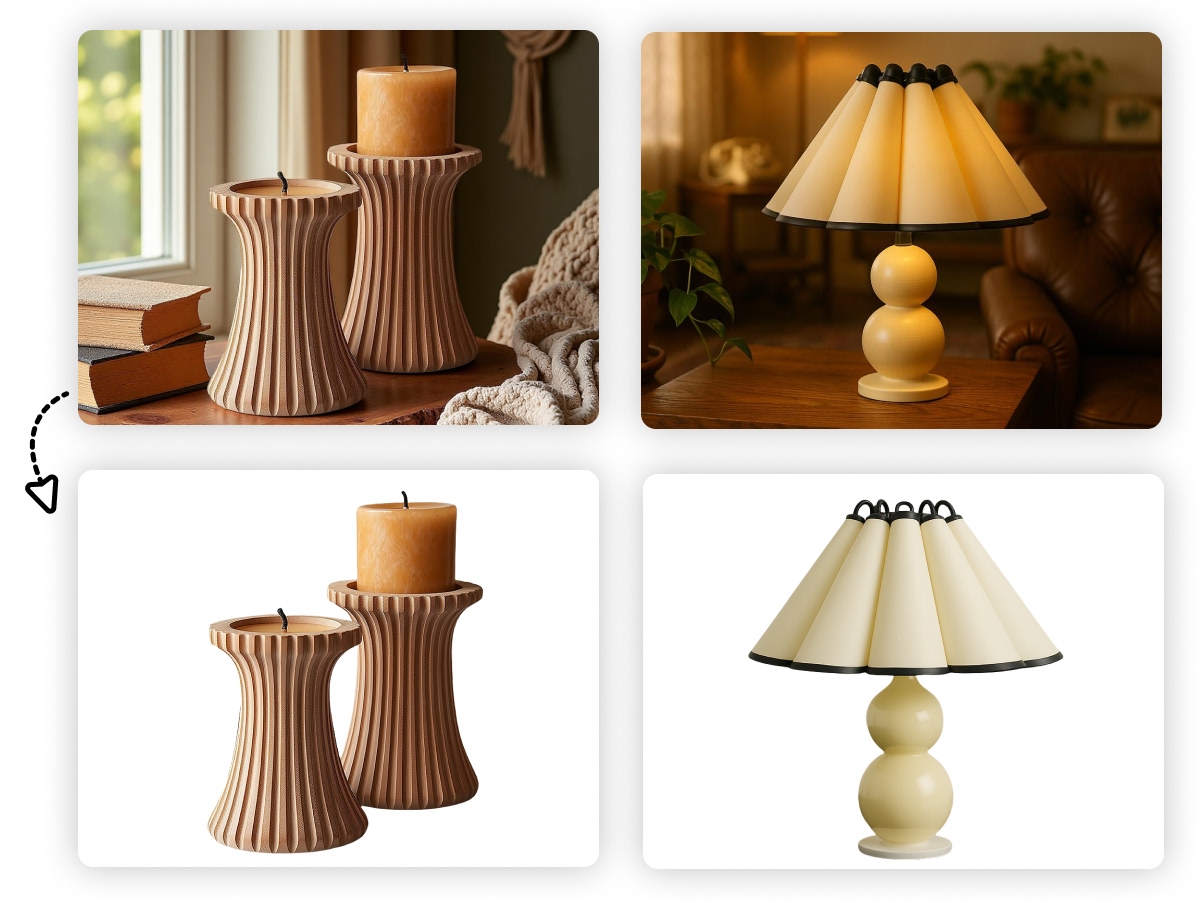
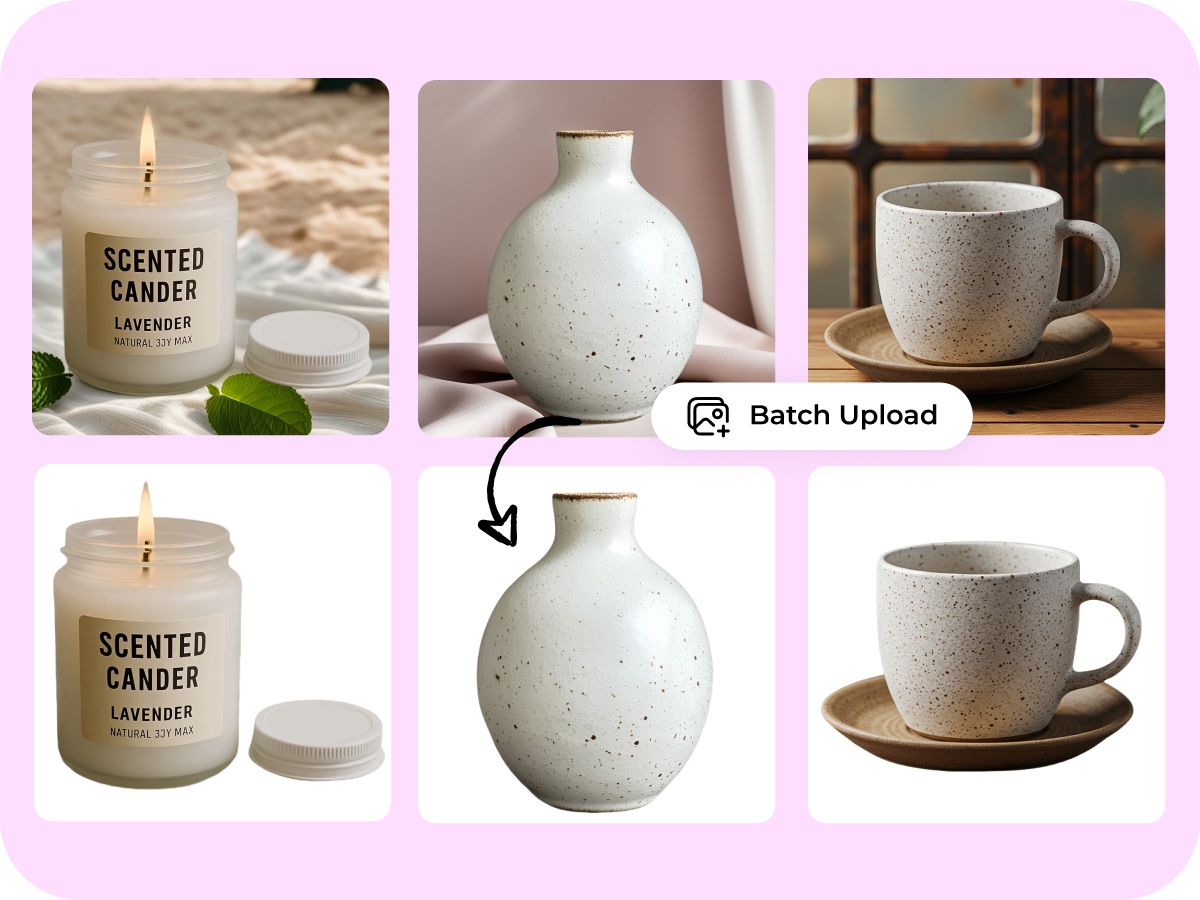
Edit Up to 30 Photos Together
Process up to 30 images in one batch and apply a consistent white background across the set. It is useful for new product launches, catalog updates, and large listing refreshes.
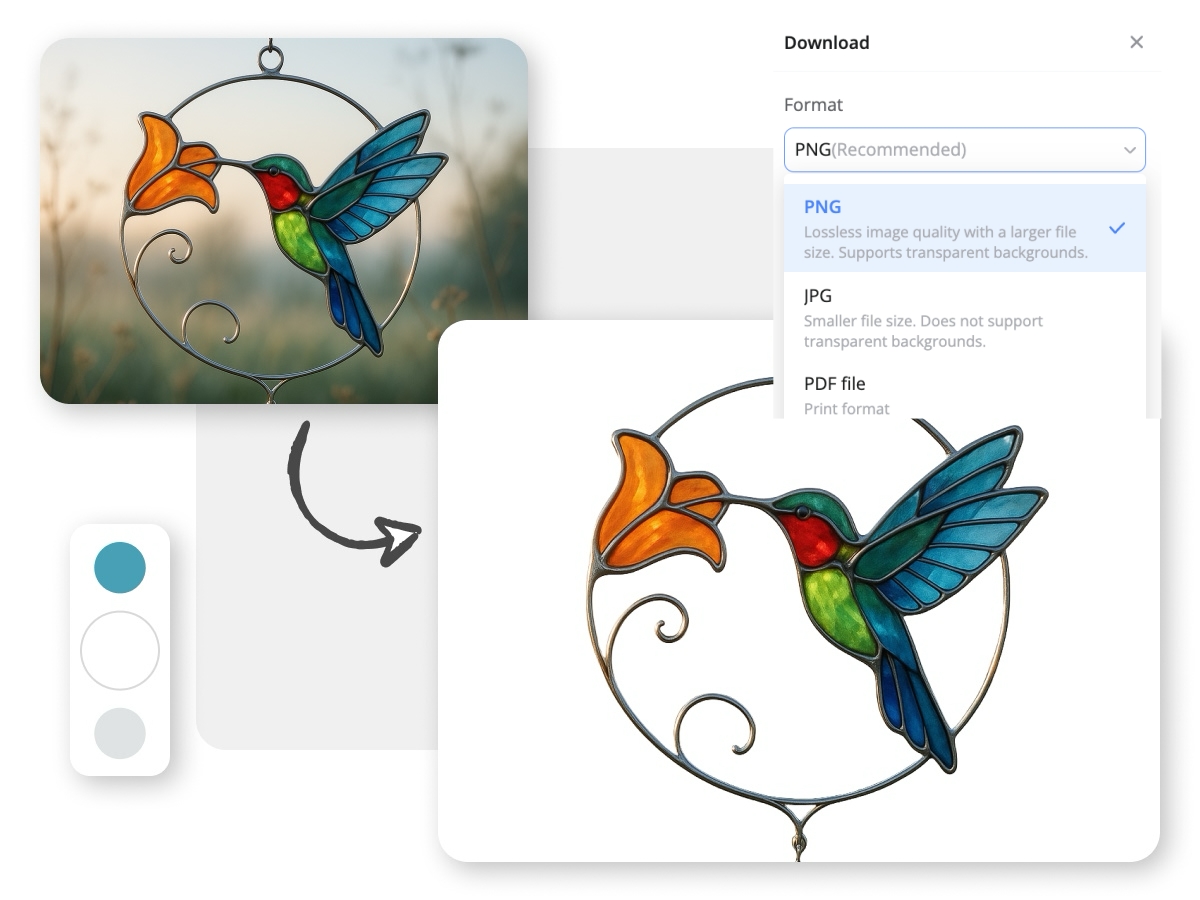
Export JPG or PNG Files
Download your finished images in JPG or PNG format. Use JPG for white-background marketplace images or PNG when you need a transparent editing workflow afterward.
White Background Images for Every Product Workflow
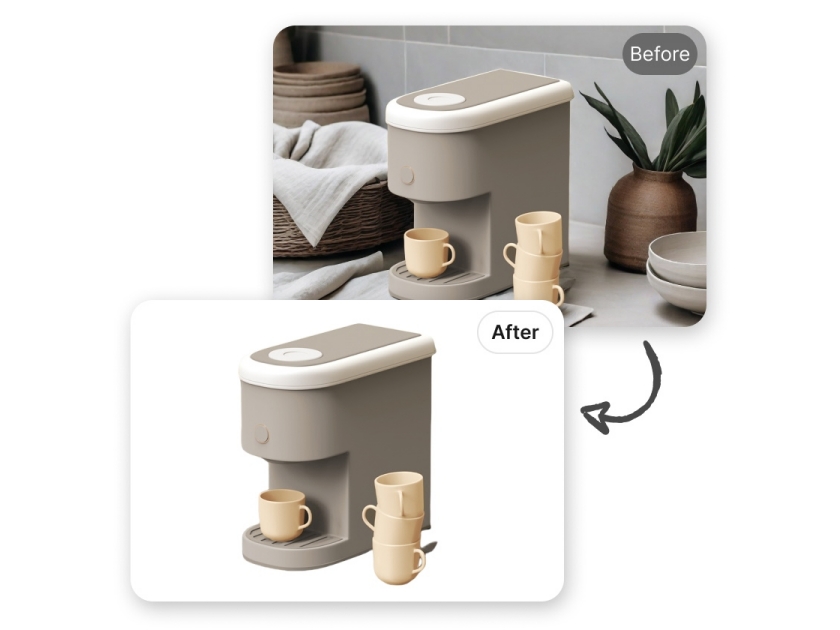
Prepare Clean Main Images
Amazon sellers often need a simple main image that keeps the product clearly visible. Remove rooms, props, and uneven backgrounds from existing product photos, then create a clean white version for review before uploading it to your listing.
Why Use Designkit for White Background Photos
Reuse Photos You Already Have
Turn phone photos, warehouse shots, and older product images into cleaner listing assets without arranging a new photoshoot.
Edit Without Photoshop Layers
Skip complex paths, masks, and manual selections. Upload an image, review the cutout, and make adjustments in one browser-based workflow.

Keep Your Catalog Visually Consistent
Apply the same white-background treatment across product lines, variants, and seasonal updates so your storefront looks more organized.
Unlock More Creative Possibilities

AI Background Generator
Change Image Backgrounds

Background Remover Online
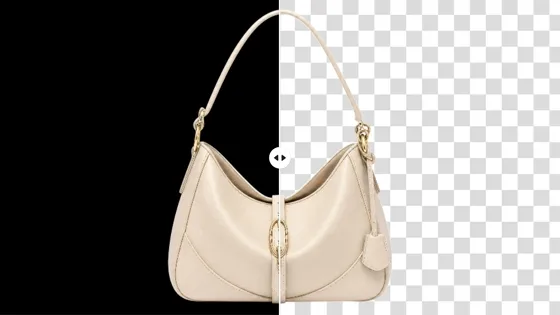
Black Background Remover

Bulk Background Generator

Bulk Image Background Remover
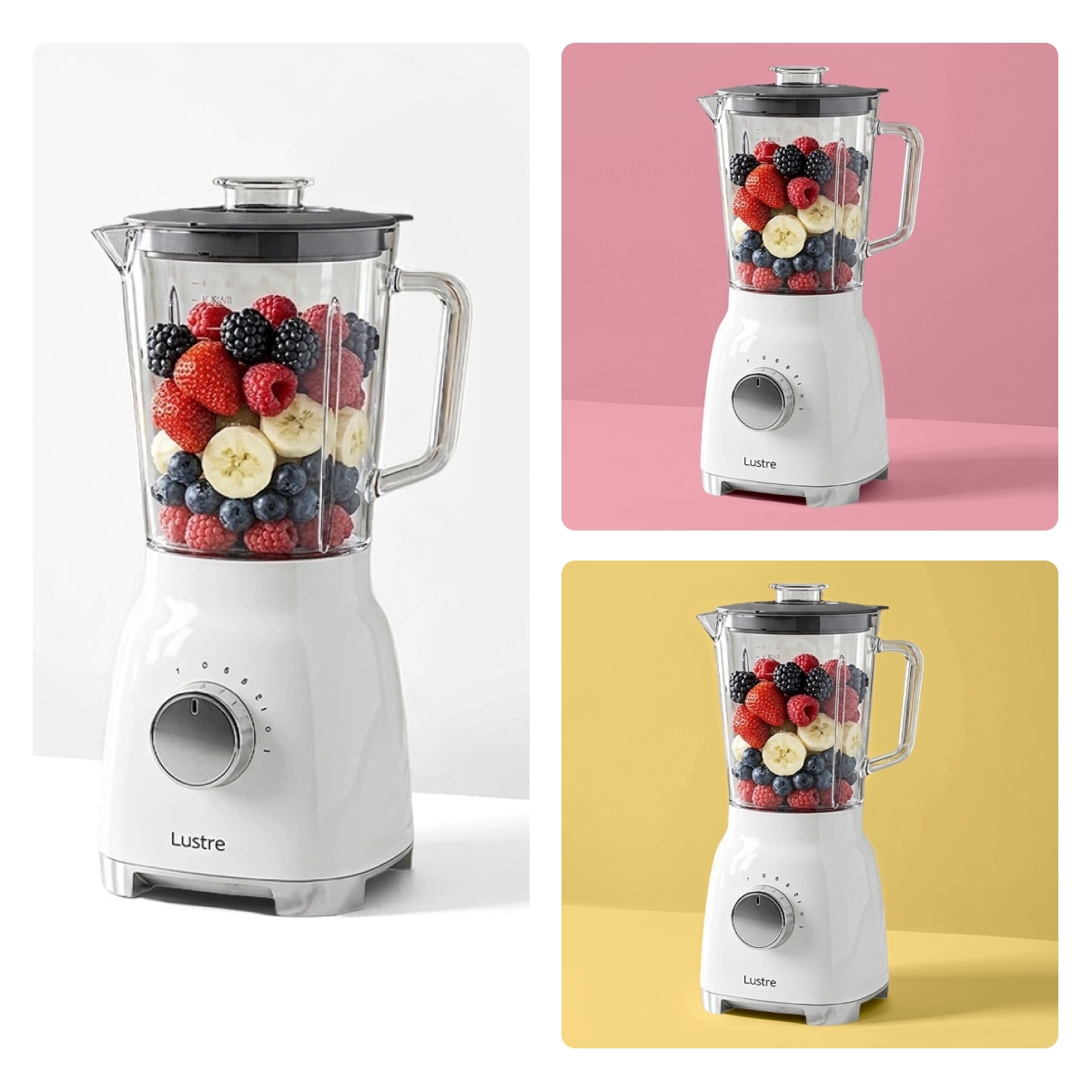
Change Background Color
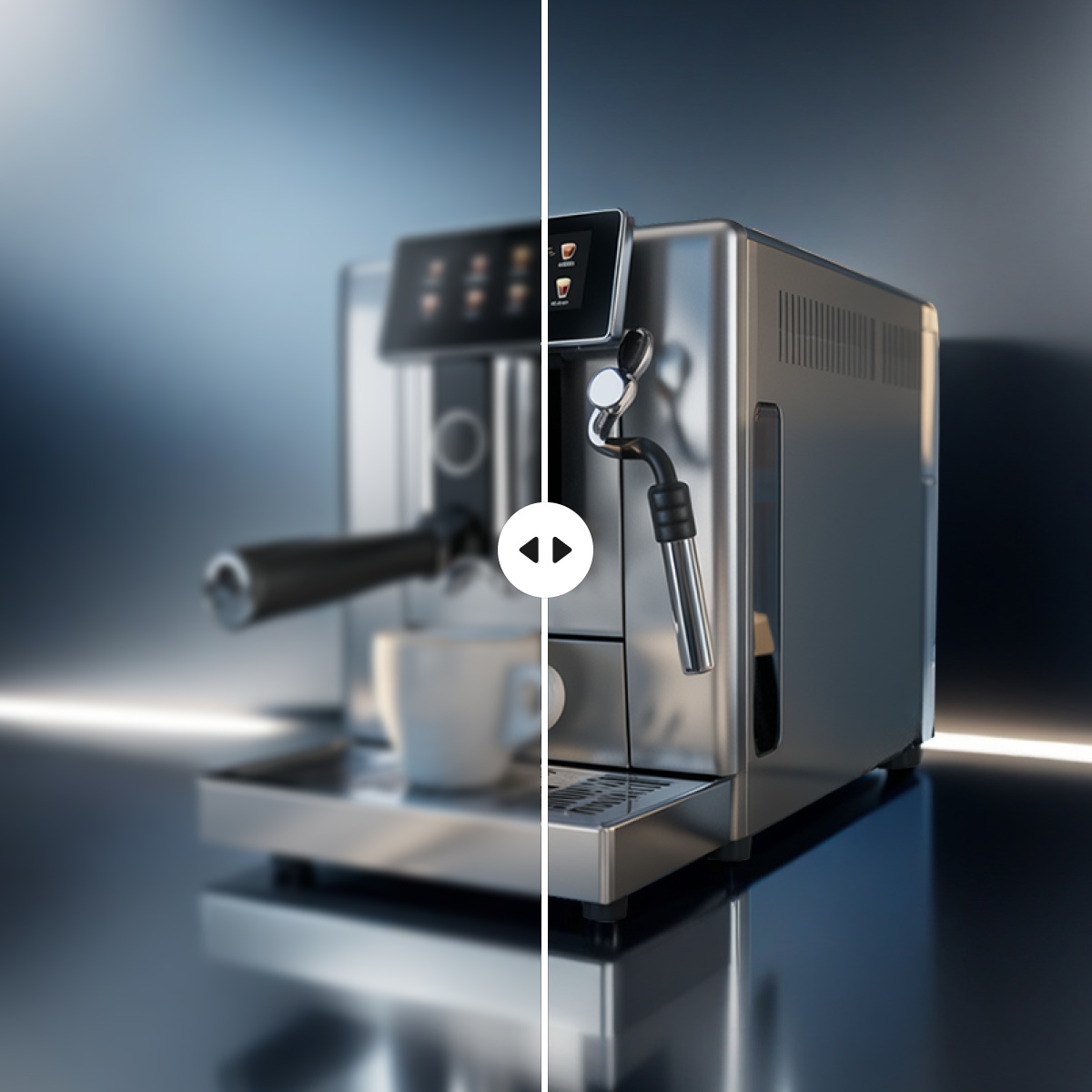
Product Background HD
Frequently Asked Questions
What does a white background remover do?
Can I add a white background to a photo taken with my phone?
Yes. You can upload product photos taken with a phone, camera, or existing catalog workflow. The image can include a room, table, wall, or other background that you want to remove.
Will my product shape and details stay intact?
Designkit is designed to preserve the product’s shape, texture, labels, and important edges during background replacement. Always review the result before downloading, especially when the image contains transparent or reflective materials.
Can it handle hair, glass, or reflective products?
It can process images with fine or complex edges, including hair, glass, glossy packaging, and reflective surfaces. The final result depends on the original image’s lighting, resolution, and separation between the product and its background.
Can I process multiple images at once?
Yes. You can upload up to 30 images in one batch and apply a consistent white-background workflow across them.
Which file formats can I upload?
You can upload JPG, PNG, and other supported image formats. The available formats and file-size limits are shown in the upload tool.
Can I download the result as a JPG or PNG?
Yes. You can export the finished image as JPG or PNG. JPG is commonly used for white-background marketplace images, while PNG is useful when you need to continue editing the file.
Is a white background required for Amazon product images?
Amazon’s main-image requirements can vary by category and marketplace, so review the latest seller guidelines before publishing. A clean white background is commonly required or recommended for Amazon main product images, and Designkit helps you prepare the image for that review.
Make Your Next Product Photo Listing-Ready
Start with one image or process a full batch. Remove the background, check the result, and download clean white product photos without a reshoot.



What Sellers Say About Designkit for White Background Photos
Faster Catalog Launches
We had product photos taken in different rooms with uneven lighting. We used Designkit to replace the backgrounds in one batch, and our new collections now take much less time to prepare for launch.
Less Retouching Work
Every catalog update used to involve waiting for manual retouching or arranging another shoot. We now clean up existing product photos with Designkit and move on to the next listing much sooner.
Clearer Jewelry Details
I was worried that removing the background would flatten the shine or blur the fine details. Designkit kept the chains and gemstone details clear, so the final images still looked like the real products on a cleaner background.