
Online Bulk Image Editor: Scale Your Visuals with AI Toolkit
Resize, enhance, remove backgrounds, and generate product scenes for hundreds of images in minutes. No design skills required.

Batch Photo Editor Online
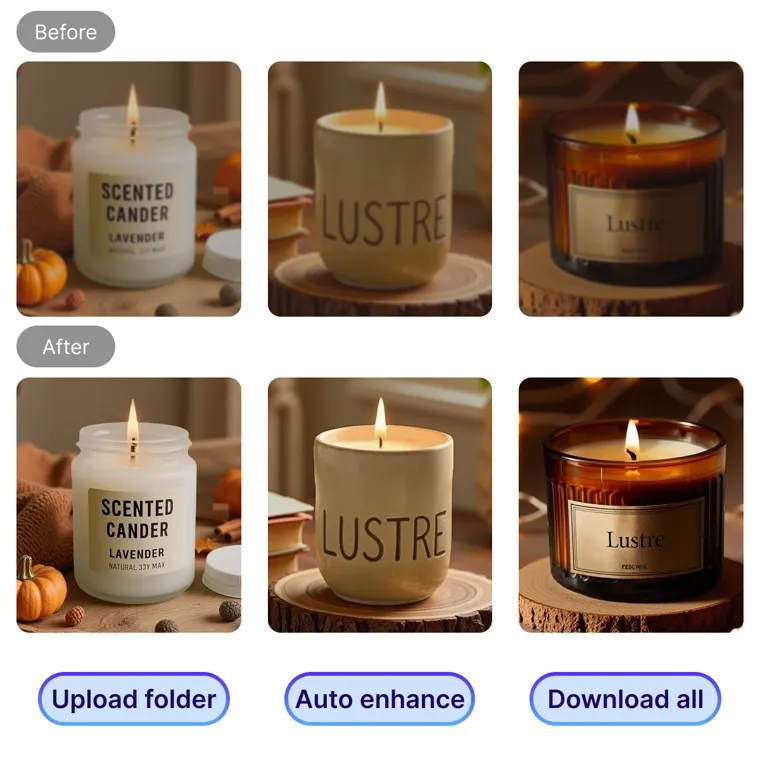
Bulk Image Enhancer Online
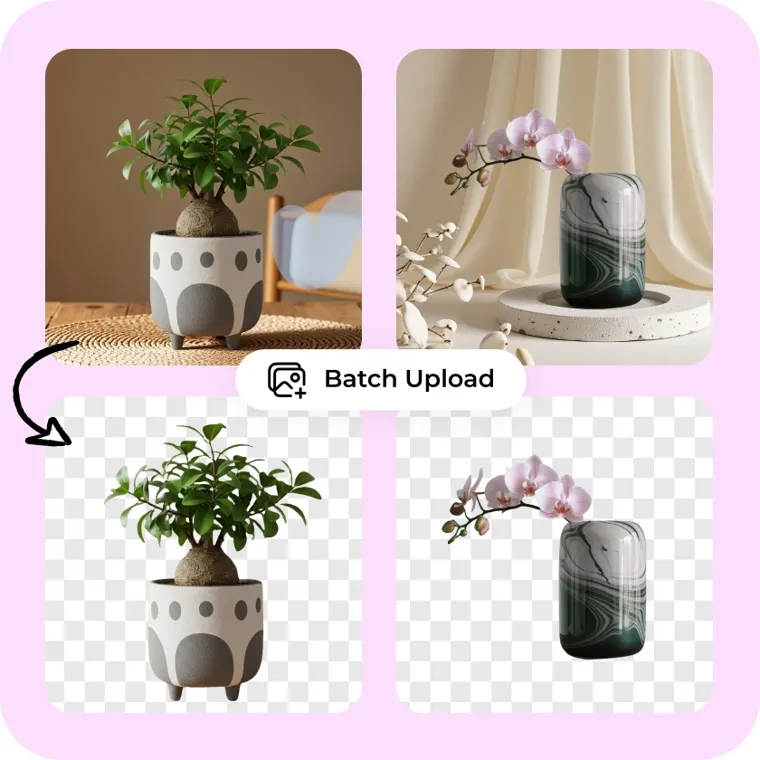
Bulk Image Background Remover Online

Bulk Background Generator Online
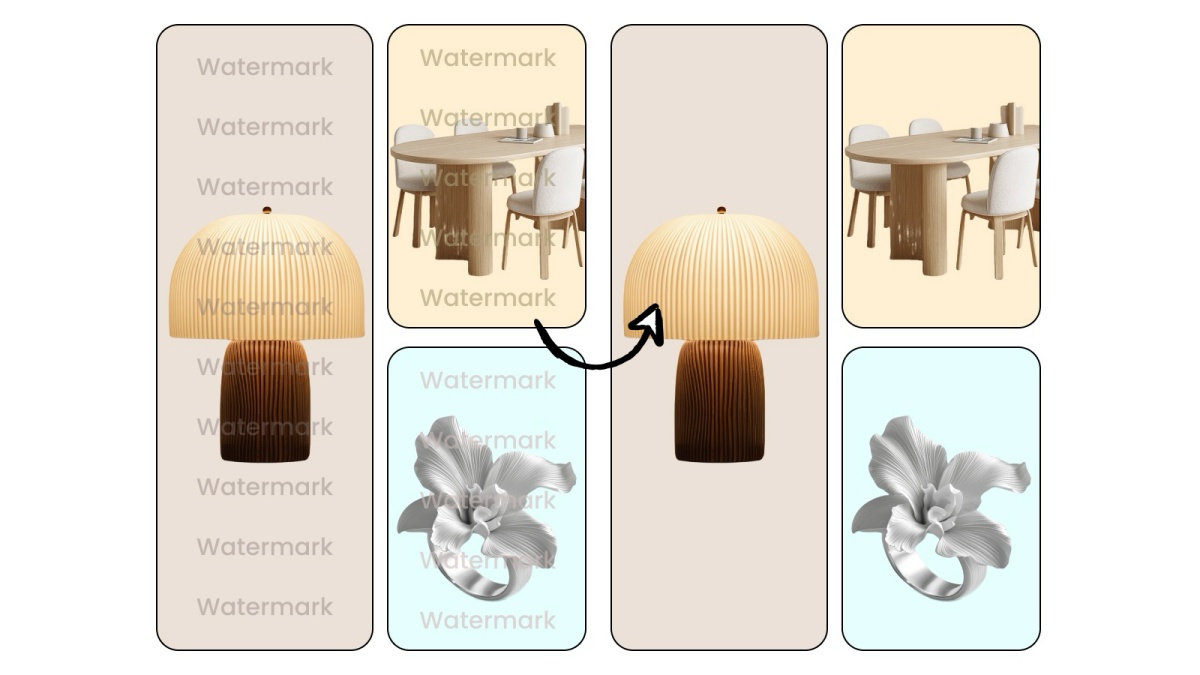
Bulk Watermark Remover Online
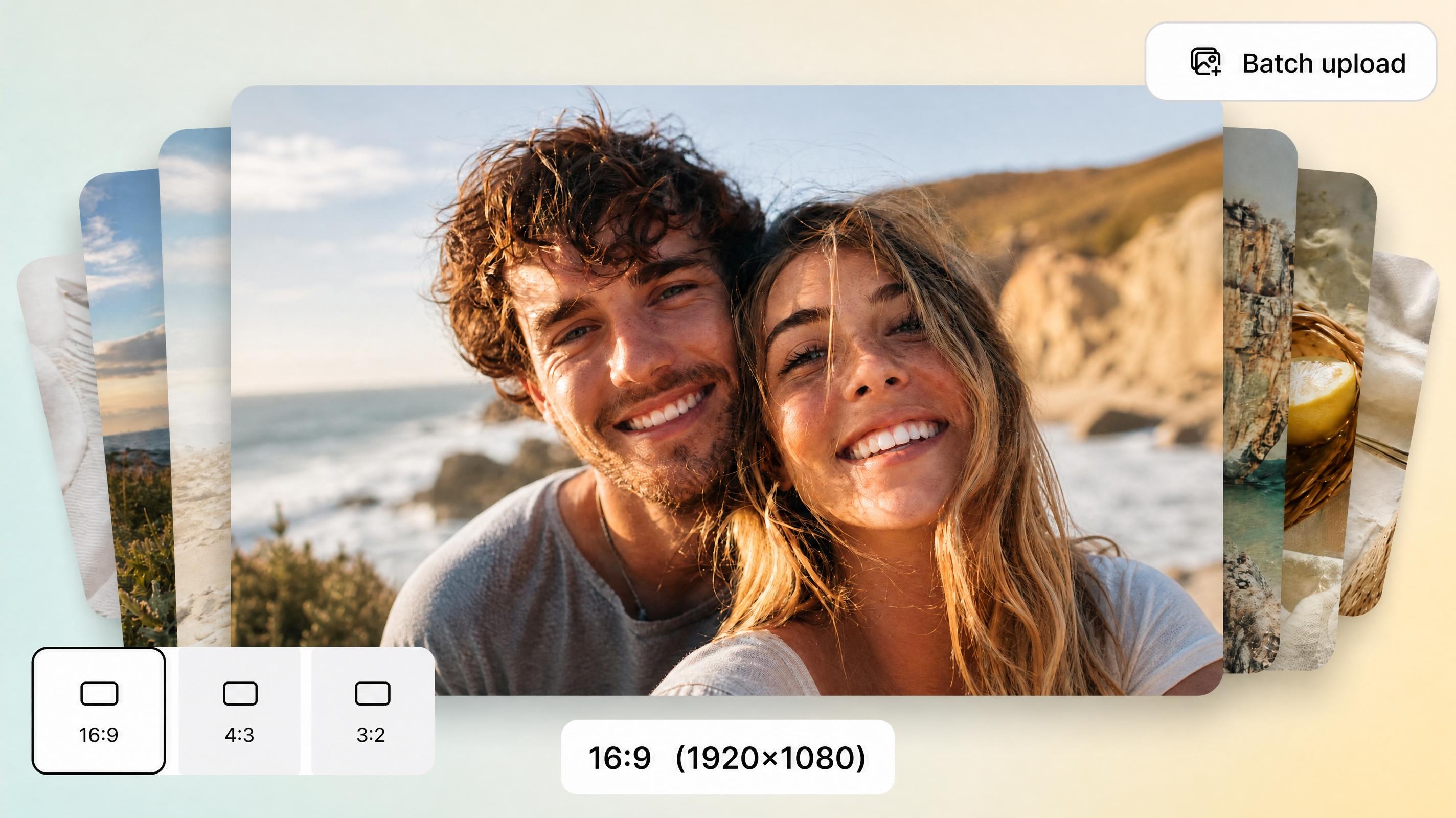
Bulk Image Resizer Online
Edit Images in Bulk—Faster, Smarter, and at Scale

Batch Photo Editor — Edit & Process Entire Catalogs with AI
Apply edits across dozens of images simultaneously: resize, crop, adjust lighting, correct color, optimize file size, and export in consistent format. Built for sellers managing large inventories who need uniform visuals across every SKU without touching each file manually.
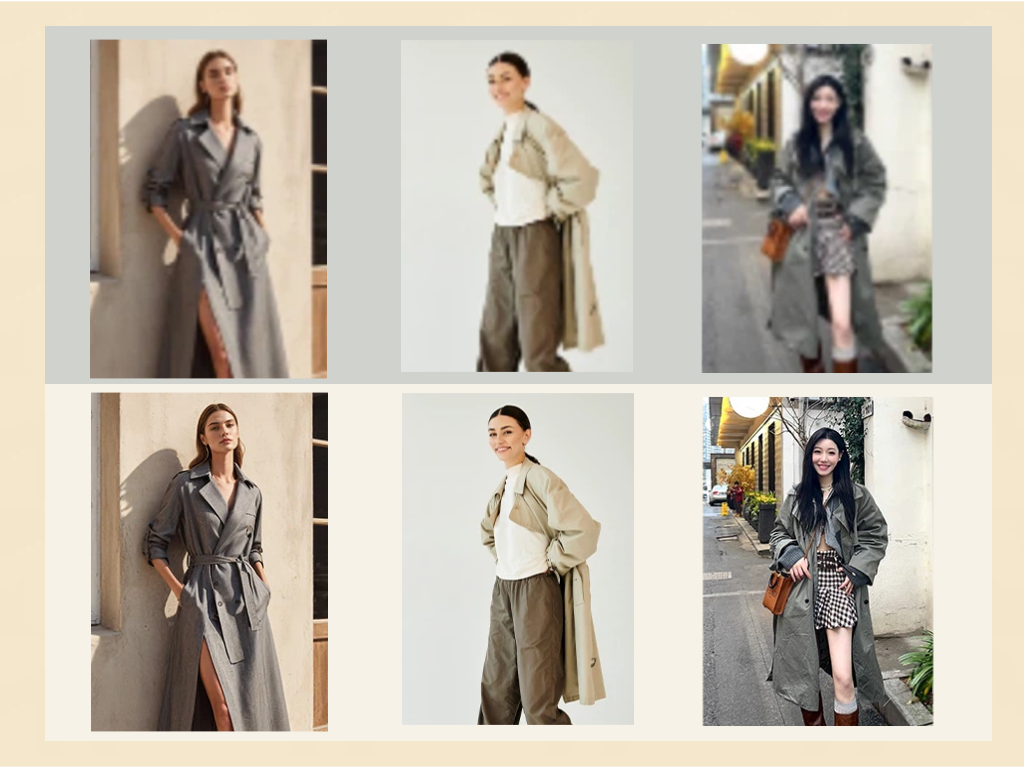
Bulk Image Enhancer — AI Upscaling & Sharpening at Scale
Upscale low-resolution product photos to HD in one batch. The AI sharpens details, fixes lighting inconsistencies, and restores clarity — turning smartphone shots into professional-grade listing images across your full catalog at once.
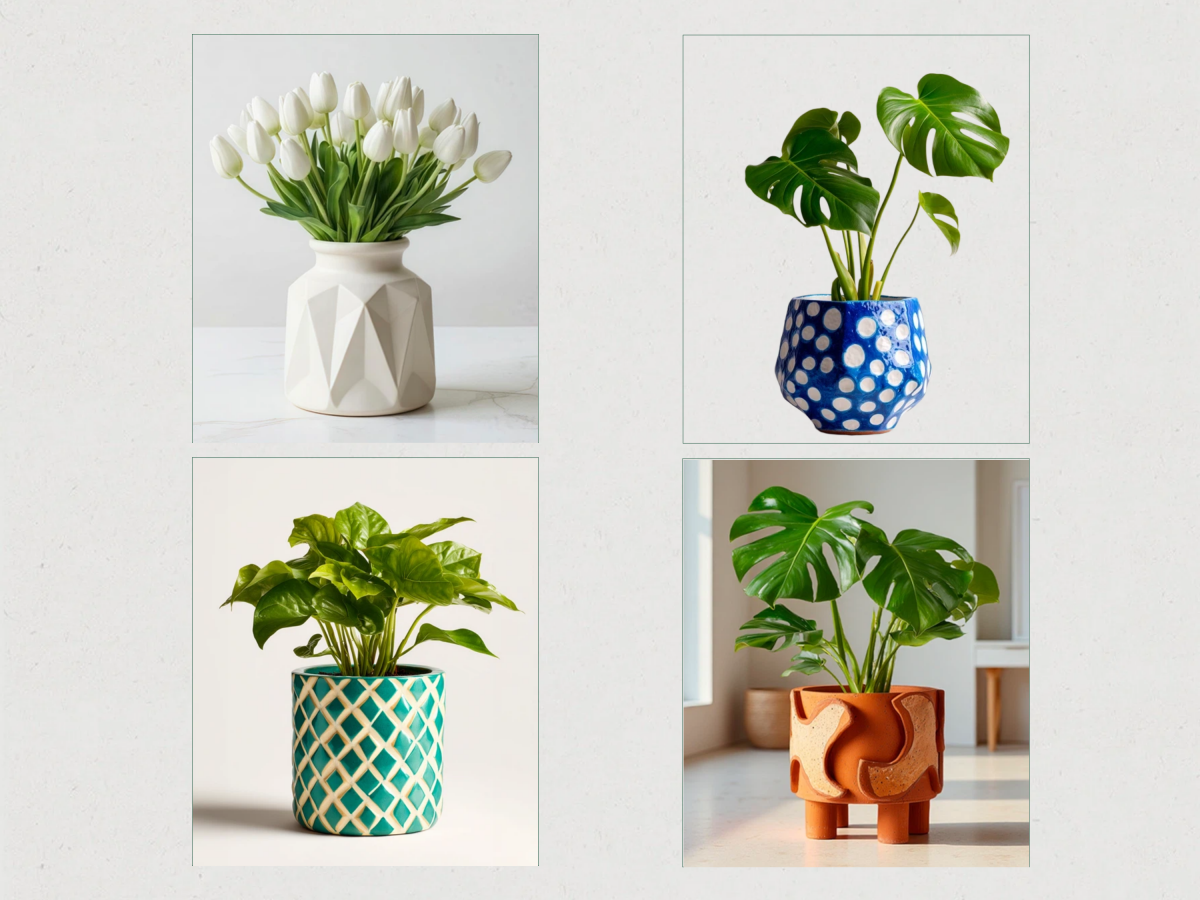
Bulk Background Remover & Generator — Swap Every Background in One Run
Remove backgrounds from up to 30 images simultaneously with pixel-accurate AI cutouts. Then replace them in the same workflow: choose studio white, lifestyle presets, or AI-generated custom scenes — all applied in batch for a consistent storefront look.
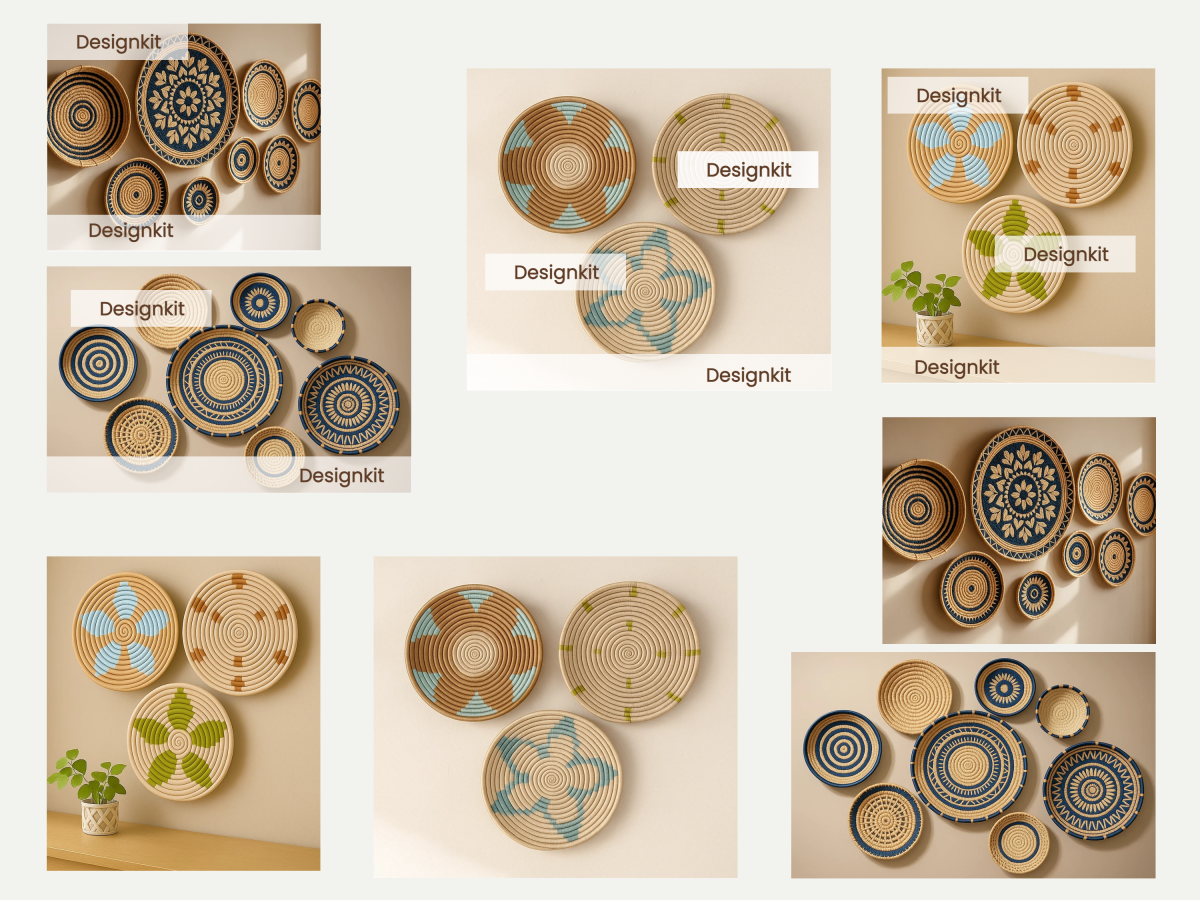
Bulk Watermark Remover — Clean Product Images in Seconds
Auto-detect and remove watermarks, stamps, and overlays from product photos in bulk. Upload a batch, let the AI locate and erase every mark, and download clean images ready for listing — no manual masking required.
How to edit images in bulk with DesignKit
Upload Your Image Batch
Drag and drop images at once into the bulk image editor. JPEG, PNG, and WebP accepted — no pre-sorting or file prep needed.
Choose Your Bulk Tool
Pick the operation your batch needs: full edit, enhance, background remove, background generate, or watermark clean. Each tool processes your entire upload queue with a single click. Need multiple operations? Chain tools sequentially — the editor preserves your batch throughout.
Download All Results
Export every processed image at once in your required format and resolution. Platform presets for Amazon, Shopify, Etsy, and more let you batch-export with correct dimensions — no manual resizing after the fact.
Find the Right AI Features for Every Creative Task
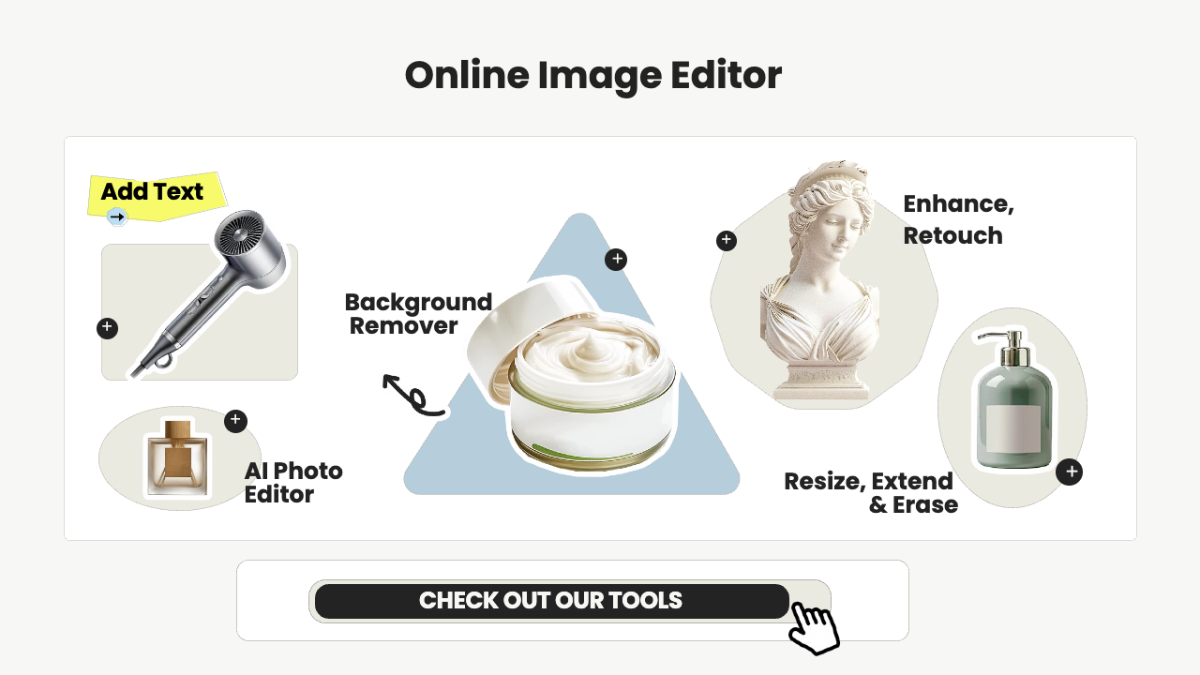
Free Online Image Editor

AI Product Visual Creation

AI Video Generation Tools
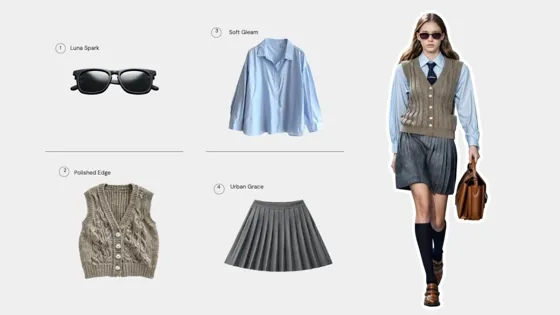
AI Fashion Model | Virtual Try-On
Frequently Asked Questions
How many images can I process at once in the bulk image editor?
Which tool should I start with?
It depends on your most urgent bottleneck. If your images have inconsistent backgrounds, start with the Bulk Background Remover. If quality is the issue, use the Bulk Image Enhancer first. For a full end-to-end overhaul — resize, retouch, color correct, and export — the Batch Photo Editor covers everything in one pass. You can always chain tools: enhance first, then remove backgrounds, then generate new scenes.
Will bulk processing reduce my image quality?
No. Every tool in the suite is built to preserve or improve quality. The Bulk Image Enhancer specifically upscales resolution and sharpens detail. Background removal uses pixel-accurate AI cutouts, and all exports support up to 4K resolution. Batch processing applies the same quality standard to every image — no degradation from scaling the workflow.
Is the bulk image editor free to use?
Core bulk tools — including background removal and basic enhancement — are available on Designkit's free tier with standard batch limits. Advanced features like AI scene generation, watermark removal, and higher batch caps are available on paid plans.
Is this bulk photo editor suitable for eCommerce?
Absolutely. This bulk image editor is designed for eCommerce sellers who need consistent, high-quality product images at scale.
Edit Images in Bulk — Faster Than Ever
Start using the all-in-one bulk image editor to streamline your workflow, save time, and create high-quality visuals at scale.
