
AI YouTube Thumbnail Resizer for Creators, Brands & Social Content
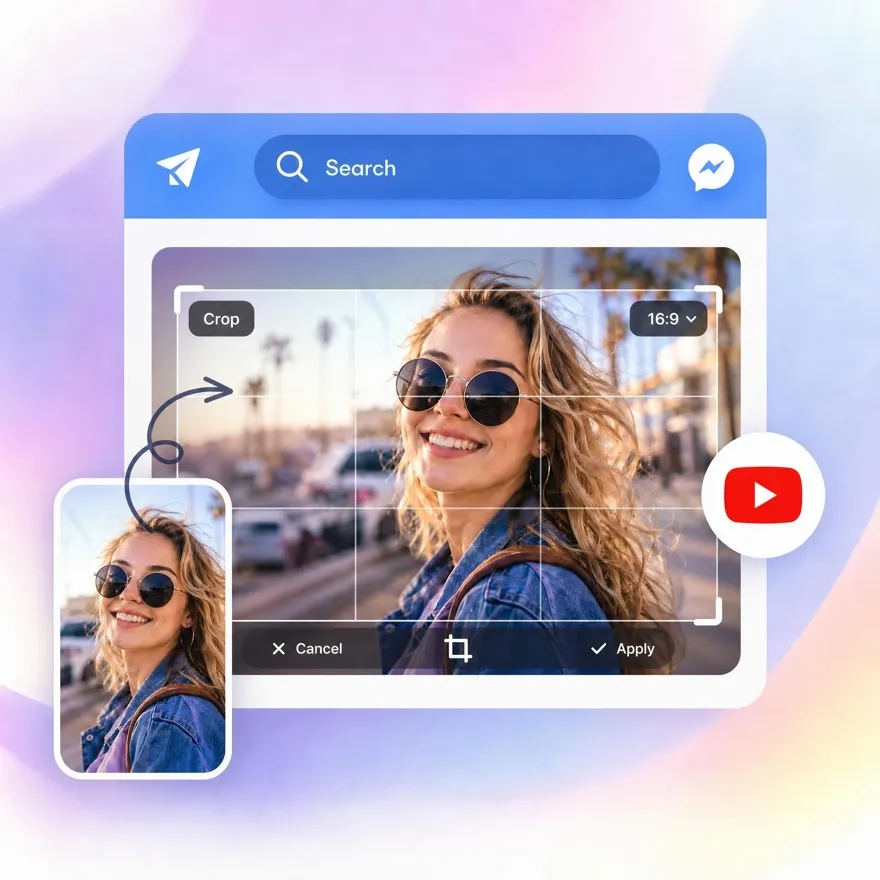
Bad thumbnails get ignored fast. AI YouTube thumbnail resizer sets images for YouTube, Shorts, ads, and social posts without blur, awkward crops, or lost focus.
No image? Try one of these:



How to Resize YouTube Thumbnails with Designkit in 3 Simple Steps
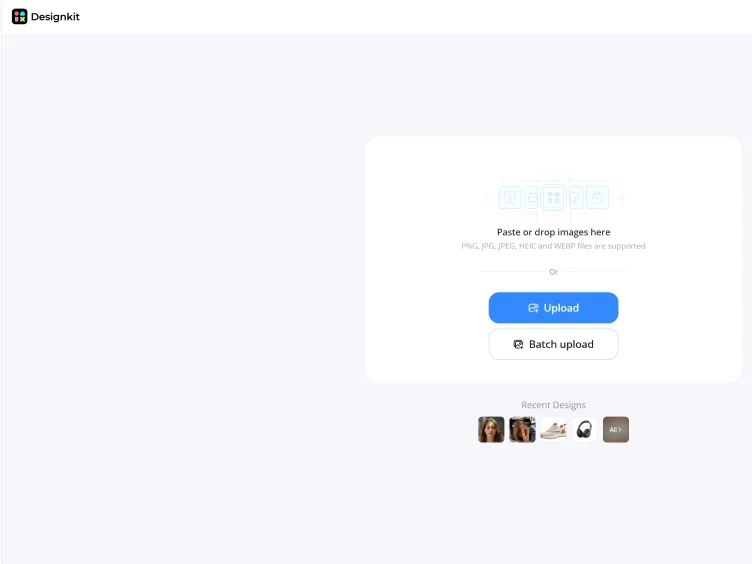
Upload Your Image
Open Designkit and drop in any image: a screenshot, a product shot, or an existing cover. JPG, PNG, and most common formats work.
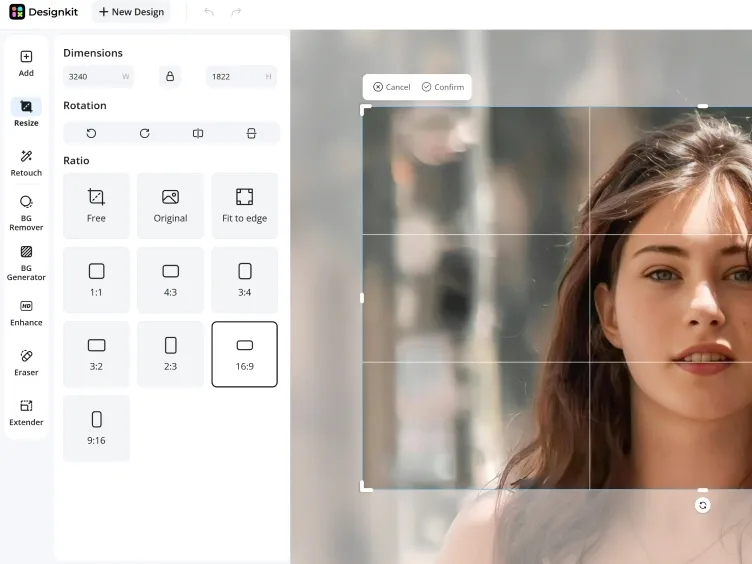
Resize to YouTube Thumbnail Size
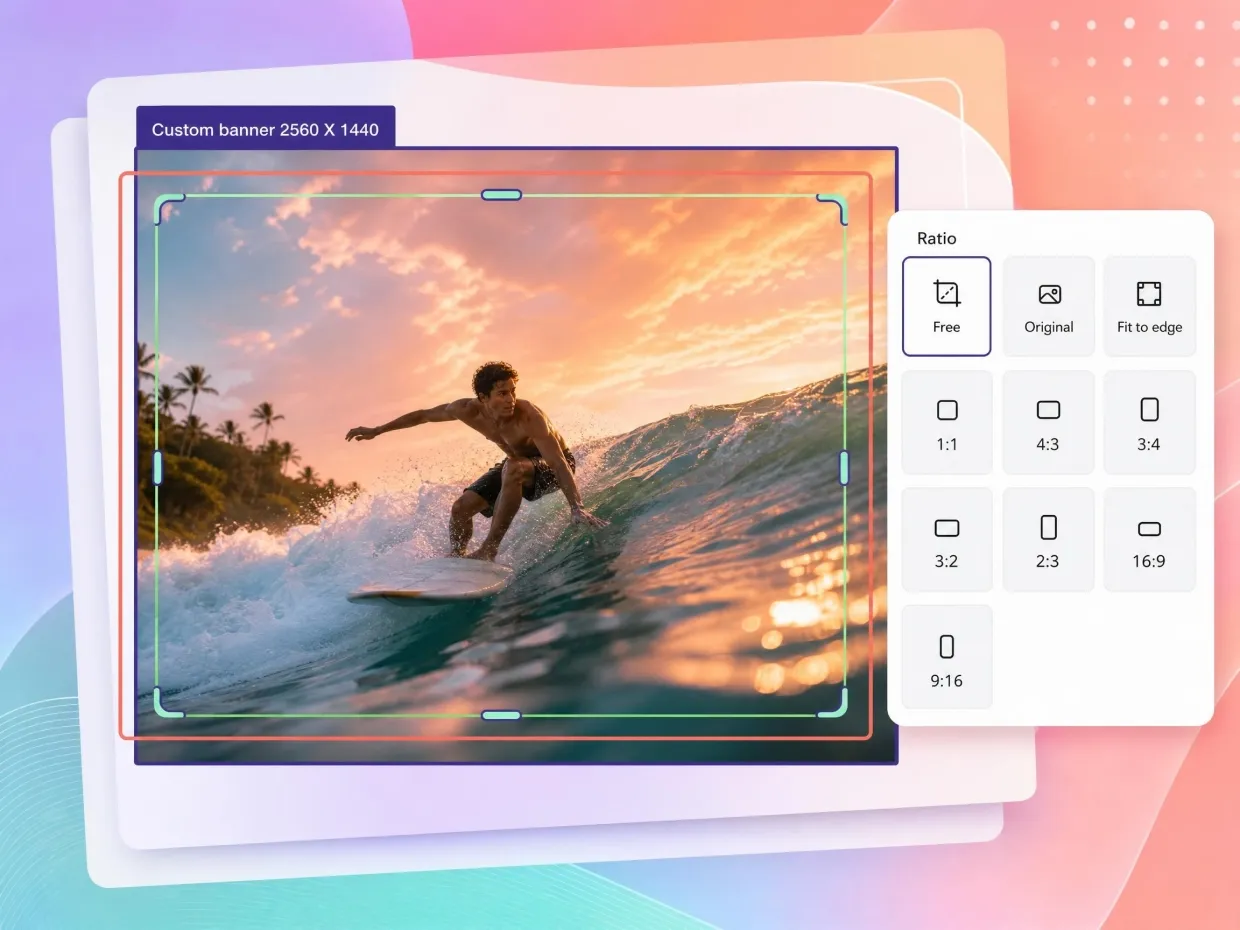
Designkit scales your image to the 1280×720, 16:9 thumbnail spec, keeping it sharp and the key subject framed — no stretching, no awkward crop, no blur.
Download the Resized Thumbnail
Check the framing, pick JPG or PNG, and download a YouTube-ready thumbnail you can also reuse for Shorts, ads, or product listings.
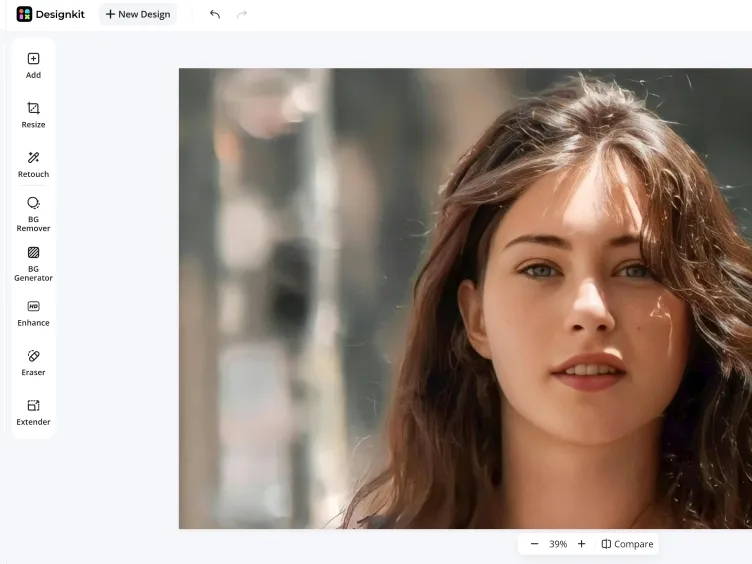
Make Every Thumbnail Look Click-Worthy with Designkit
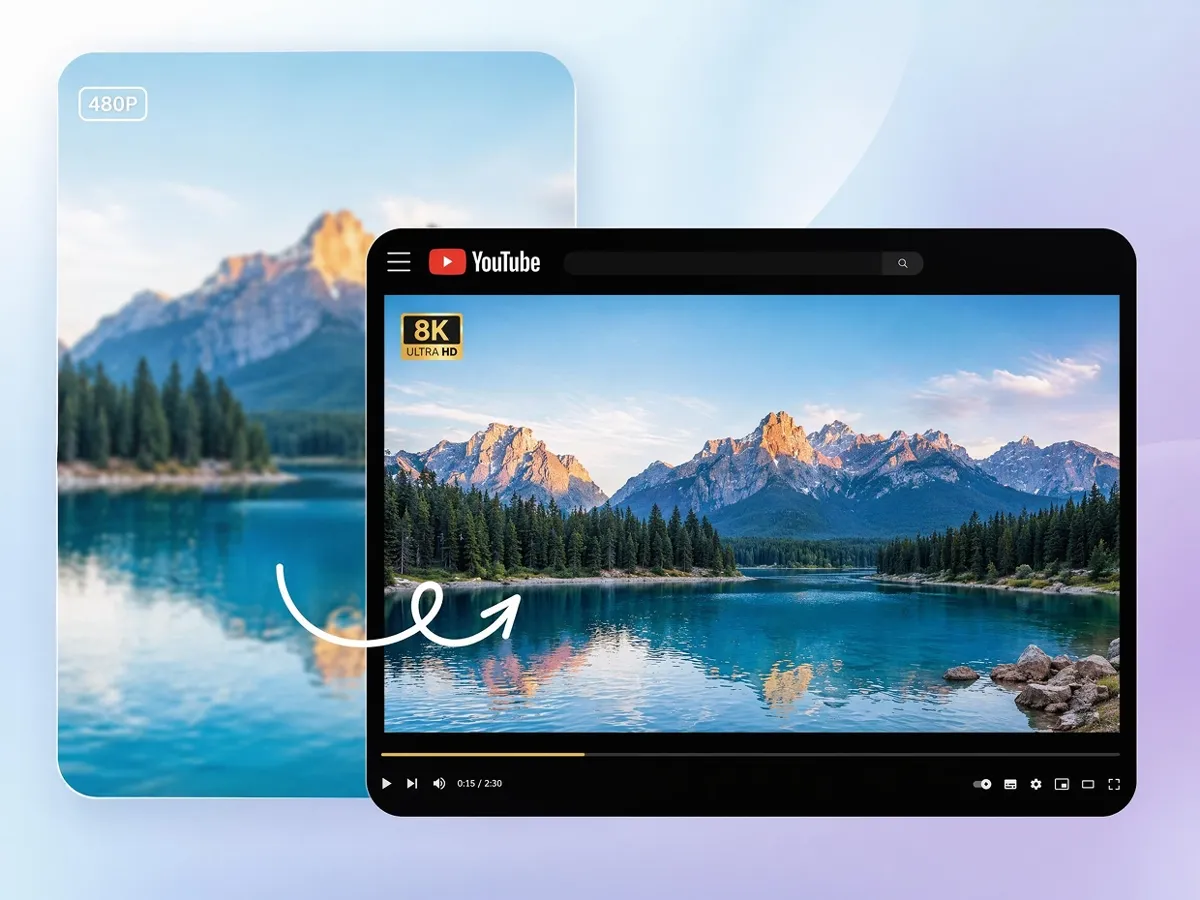
Resize Thumbnails Without Losing Sharpness and Clarity
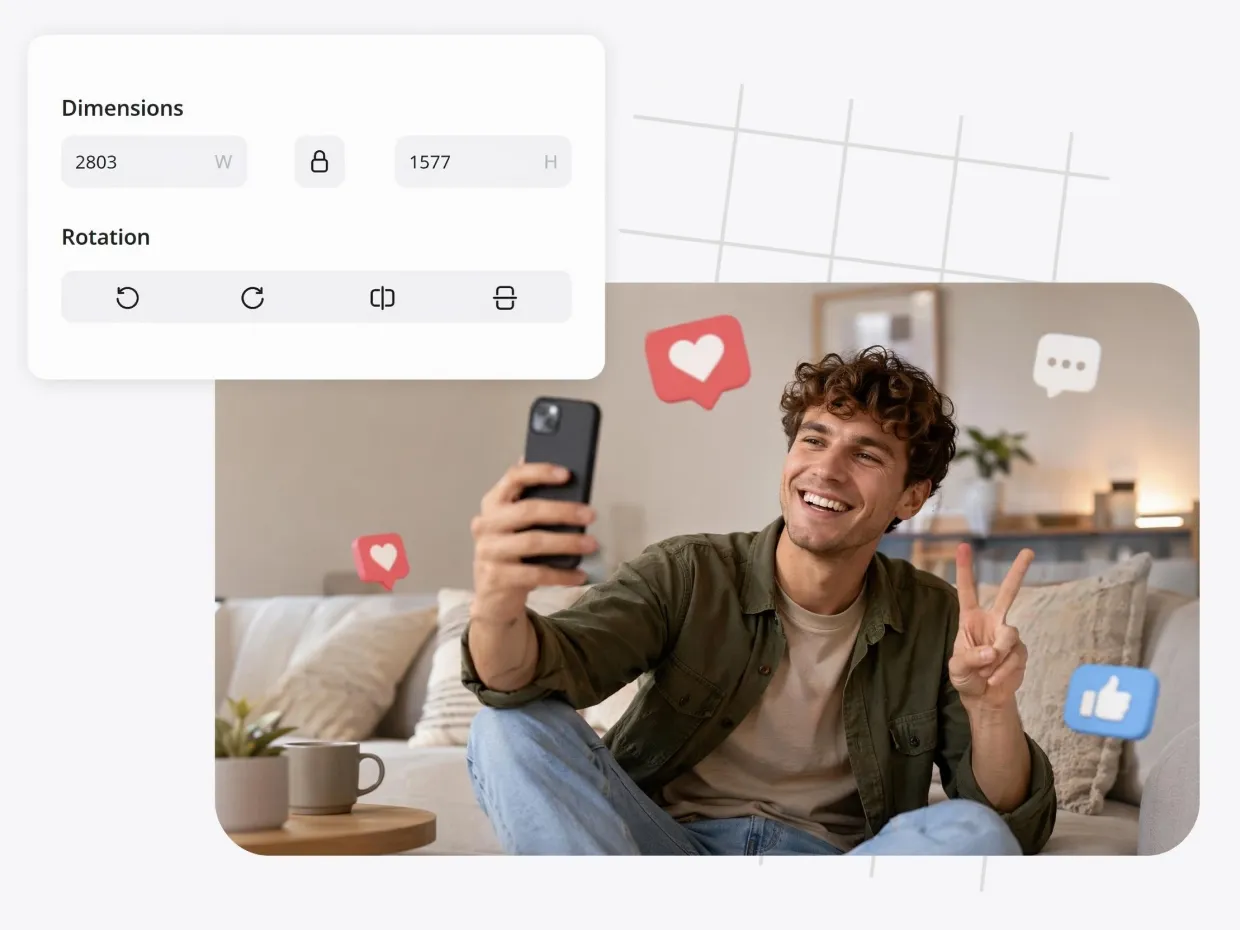
Scaling an image up or down is where most thumbnails go blurry or stretched. Designkit preserves detail and edges through the resize, so a 1280×720 export looks as clean as the original.
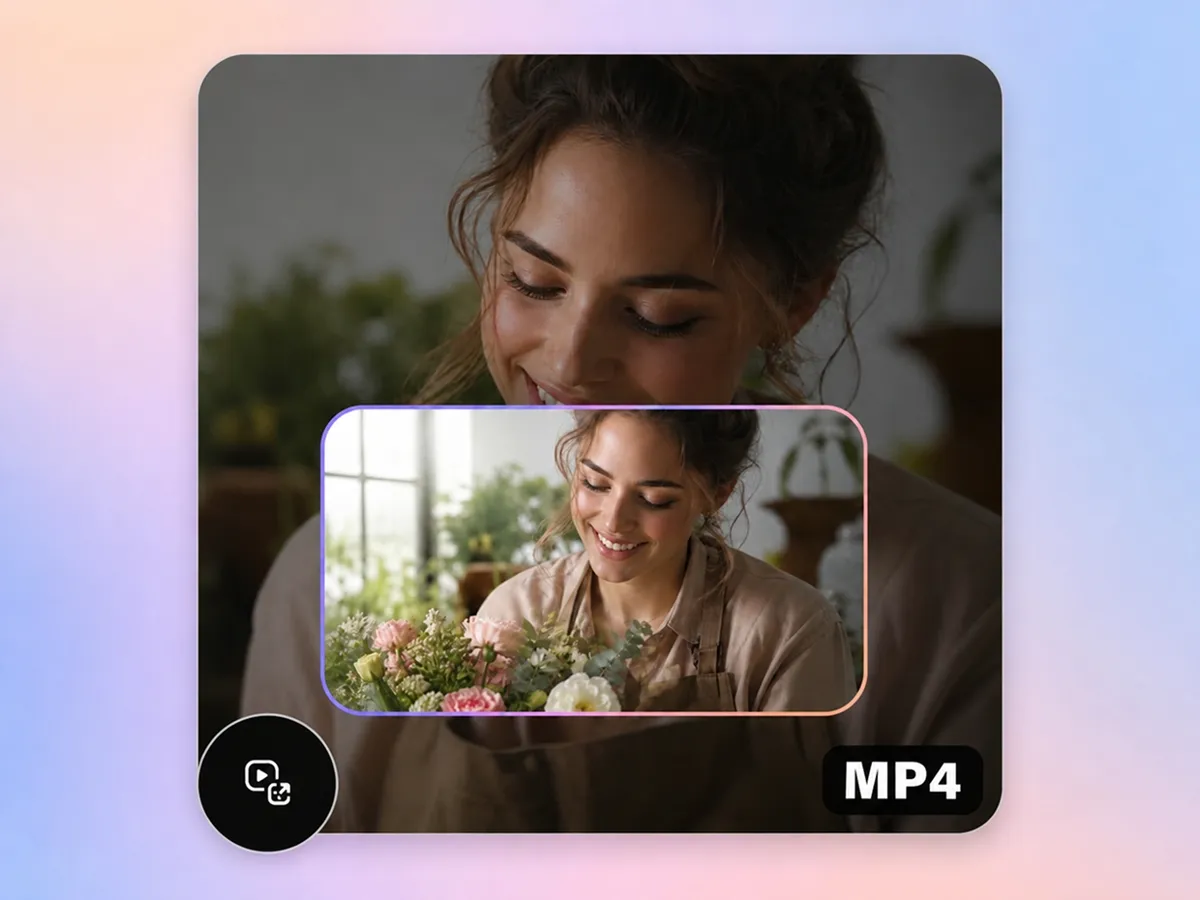
Turn Random Screenshots into Clickable Thumbnail Layouts
Designkit turns unorganized screenshots into structured, high-impact thumbnails. It refines the layout, emphasizes key elements, and improves visual hierarchy, so the image instantly grabs attention, helping viewers develop curiosity, increase clicks, and boost overall engagement across content platforms.
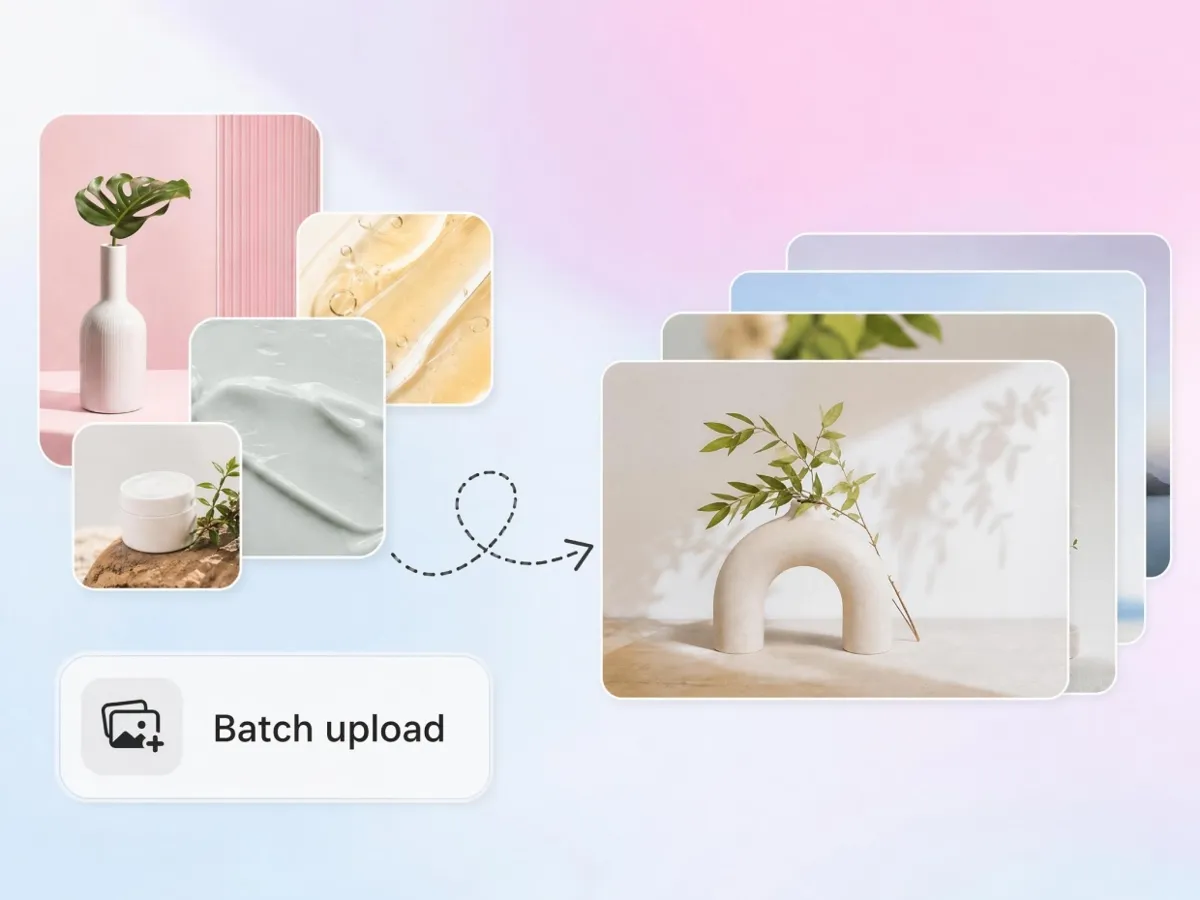
Batch Resize Thumbnails for High-Volume Content Workflows
Process many images at once at consistent dimensions and quality. Designkit cuts the repetitive resizing that slows down creators and agencies preparing thumbnails across a content backlog.
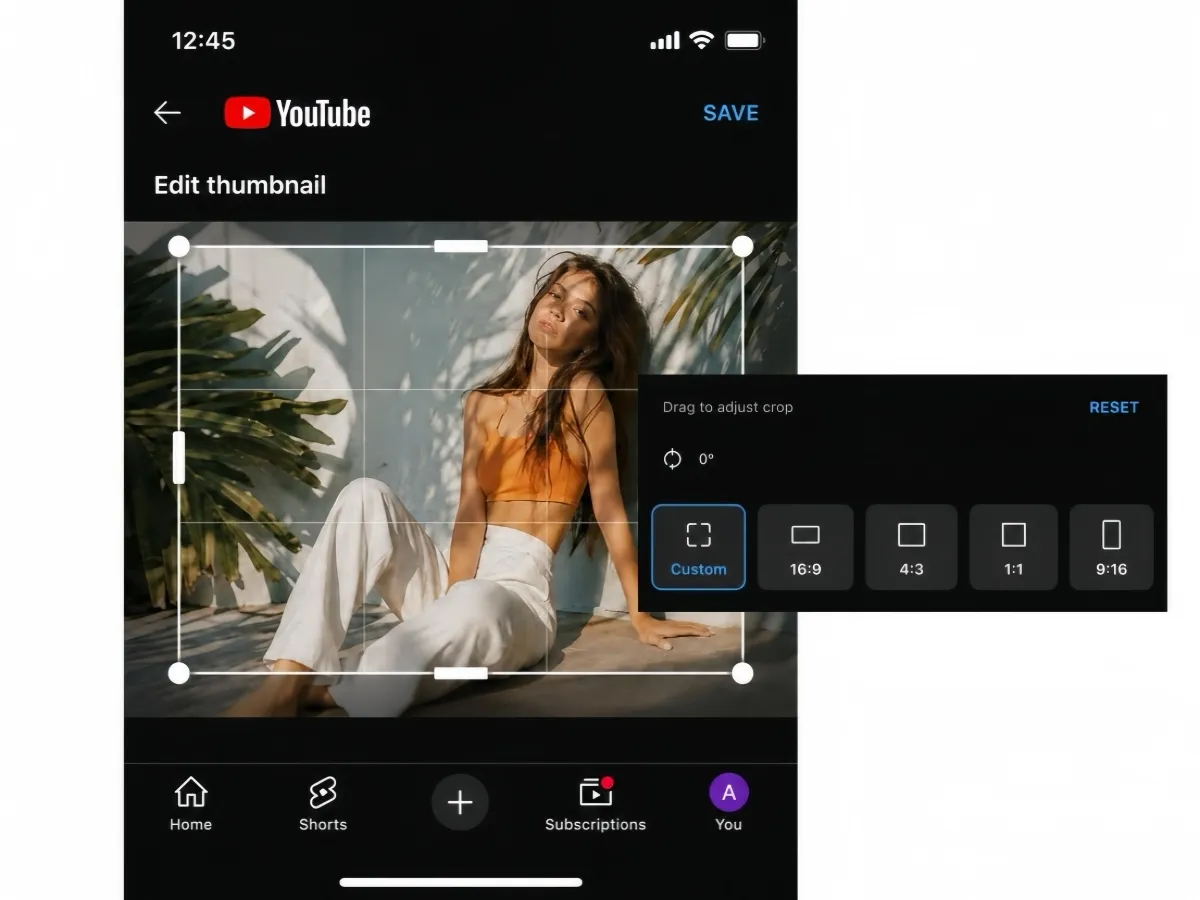
Optimize Thumbnails for Mobile Viewers Automatically
Most thumbnails are seen first on a phone. Designkit keeps the key subject centered and large enough to read at small sizes, so the thumbnail still works when it's shrunk into a crowded mobile feed.
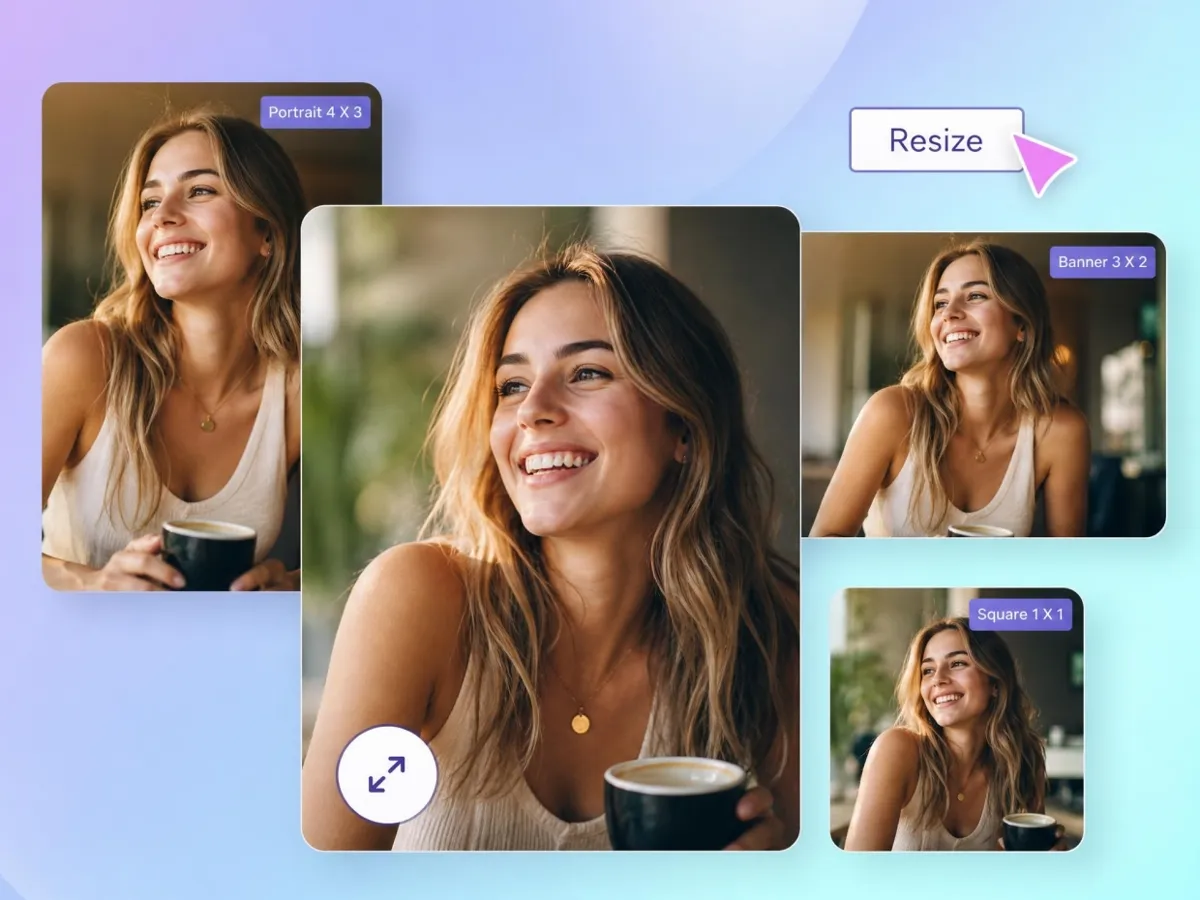
One Image, Sized for YouTube, Shorts, Reels & Ads
Resize a single visual into the correct dimensions for YouTube, Shorts, Reels, and ad placements in one pass: same subject, right size for each, no separate redesign per channel.
Who Can Use Designkit YouTube Thumbnail Resizer

Resize Your Cover Without It Going Soft
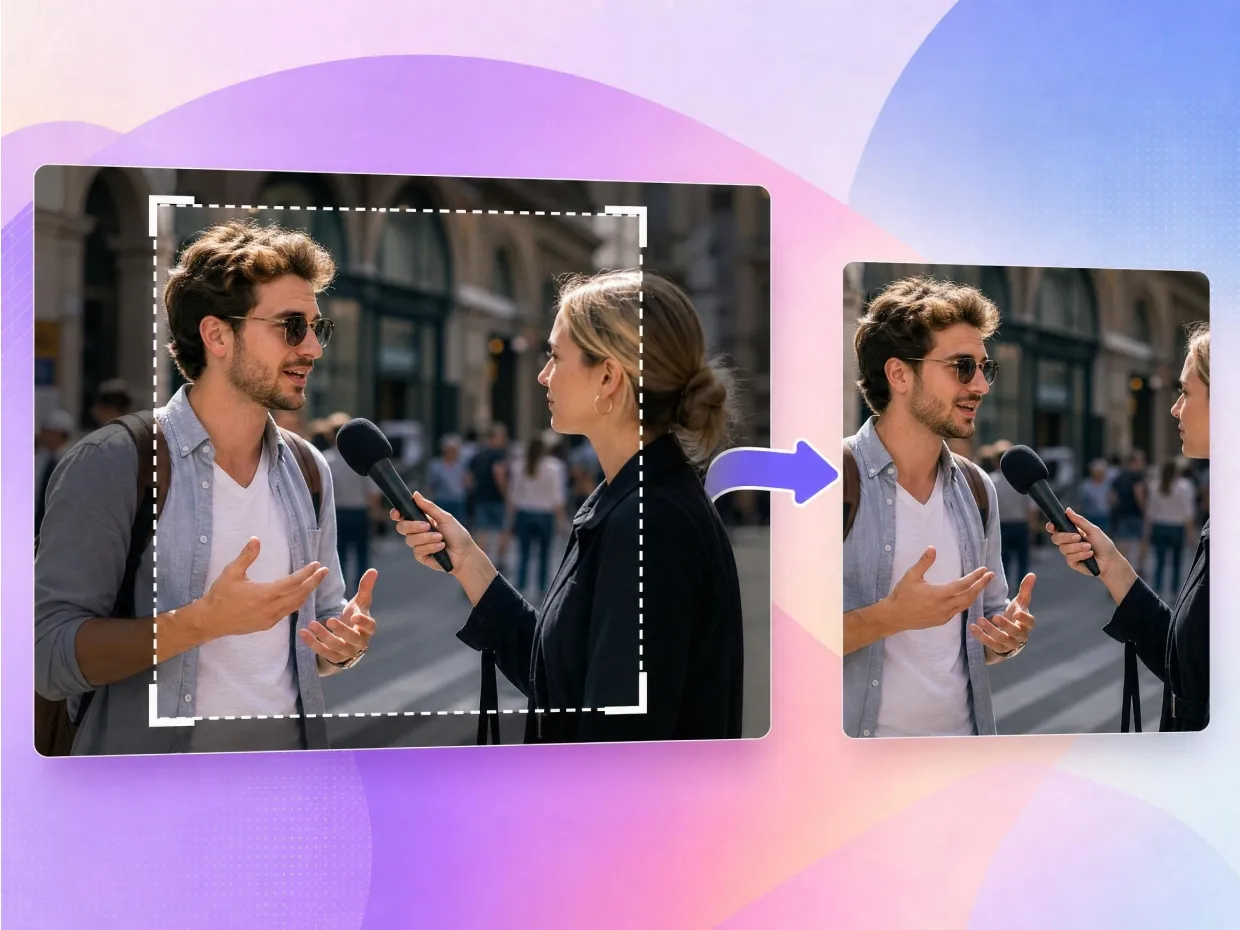
Creators often have a thumbnail that looks great at full size but turns blurry or off-center once it's scaled to spec. Designkit resizes it to 1280×720 with the subject kept sharp and framed, so the cover holds up in search, suggested feeds, and on the channel page.

Why Creators Use Designkit Instead of Basic Resizers

Resizes to Spec, Not Just Smaller
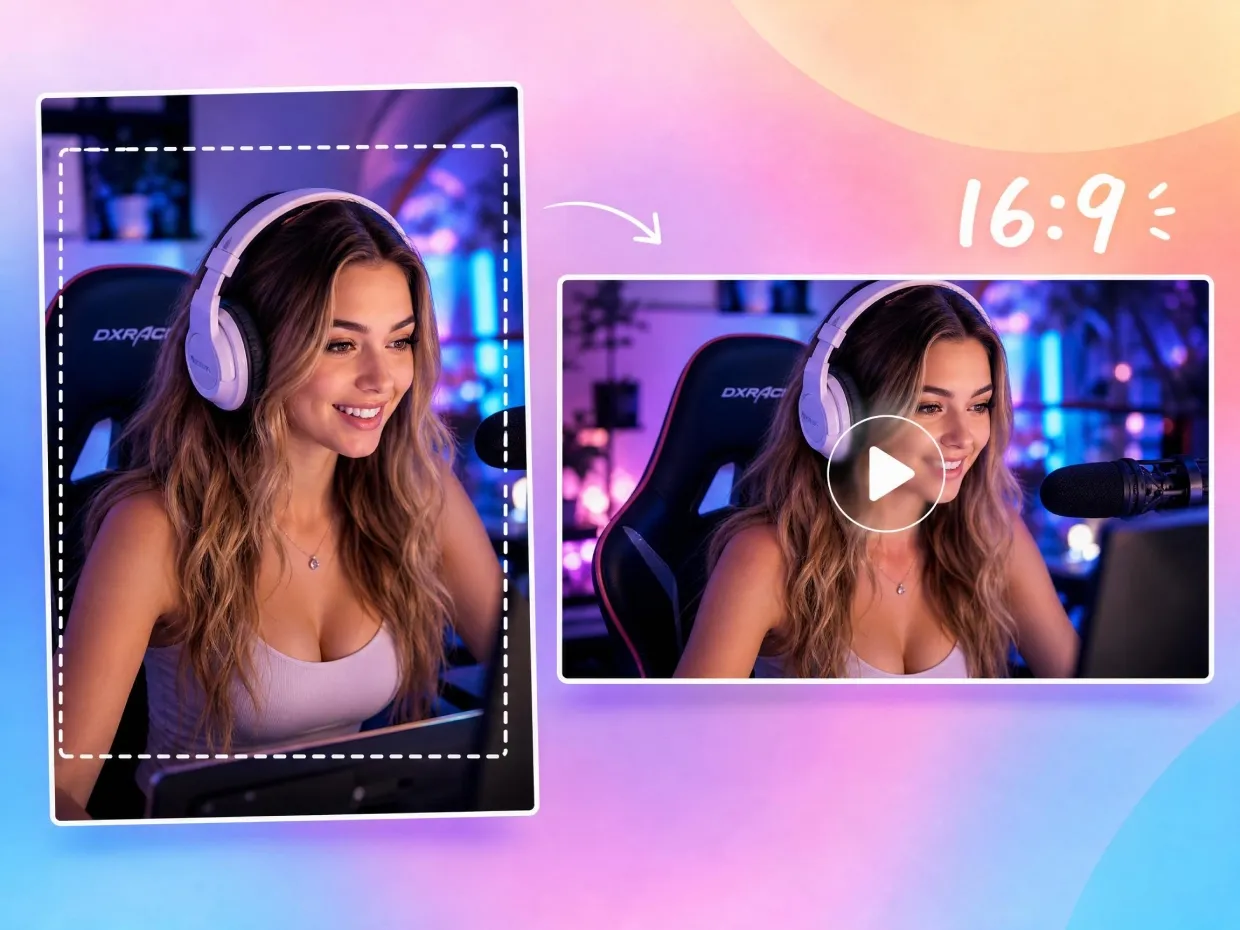
Basic resizers stretch or squash to hit a number. Designkit holds the 16:9 ratio and the right crop, so you get a thumbnail that fits YouTube's spec without distortion.

Sharp Output, No Upscaling Mush
Enlarging a small image usually means visible softness. Designkit preserves detail through the resize, so even an upsized thumbnail stays clean rather than pixelated.

No Design Software, No Manual Cropping
Resizing and re-cropping by hand in Photoshop eats time most creators don't have. Designkit does it in a couple of clicks, with no editing skills required.

Cuts the Repetitive Resizing Grind
Doing the same crop-and-resize for every upload is the kind of work that burns creators out. Designkit automates the repeat steps so you spend the time on content instead.

One Source Image, Every Platform Size
Instead of keeping separate files per platform, resize one visual into all the sizes you need, keeping the look consistent across YouTube, Shorts, and ads.

Makes Small Channels Look Put-Together
A clean, correctly framed thumbnail reads as professional regardless of channel size, helping smaller creators sit credibly next to bigger ones in the same feed.
Frequently Asked Questions
Can resizing a thumbnail reduce image quality?
Are YouTube thumbnails important for Shorts too?
Can I resize thumbnails for multiple platforms at once?
Why do thumbnails sometimes look different on mobile?
Do I need editing skills to make good thumbnails?
What is the correct size for a YouTube thumbnail?
Is Designkit free to use for thumbnail resizing?
Stop Letting Videos Get Ignored Because of Weak Thumbnails
A soft or badly cropped thumbnail costs clicks before the video even loads. Resize sharp, spec-perfect thumbnails with Designkit — free to try.

What Users Say About Designkit's YouTube Thumbnail Resizer
My Videos Finally Started Getting Clicked
I spent months blaming the algorithm, but the real problem was my thumbnails — they came out crowded and soft after resizing. Once I switched to Designkit, they looked cleaner and stayed sharp at full size, and my uploads started feeling like they could actually compete in the feed again.
Resizing Stopped Destroying My Podcast Covers
I used to get so frustrated resizing podcast thumbnails because titles would shift, faces got cropped awkwardly, and every platform needed a different layout. Designkit completely simplified the process. Now my covers stay sharp and balanced everywhere, and I honestly save hours every single week preparing content.
Social Campaigns Finally Look Consistent Everywhere
Managing thumbnails across YouTube, Shorts, Instagram, and ads used to feel chaotic. We were constantly rebuilding visuals from scratch just to fit different formats. Designkit changed that completely. Now we resize once and reuse assets everywhere while keeping the branding clean, consistent, and professional-looking.
My Gaming Content Looks More Professional Now
Gaming thumbnails are hard because action scenes become blurry really fast after editing. Before Designkit, my uploads looked low-quality no matter how good the gameplay was. Now screenshots stay sharp, titles remain readable, and the overall channel finally feels polished enough to compete with larger creators.
Thumbnail Work No Longer Drains My Energy
Editing thumbnails honestly became the most exhausting part of posting content. I would spend forever fixing crops, resizing images, and adjusting layouts for every platform. Designkit removed so much repetitive work. Publishing feels smoother now, and I can finally focus more on creating instead of fighting with design tools.
Cleaner Thumbnails Improved Our Ad Performance
We noticed people were scrolling past our video ads because the thumbnails looked inconsistent and poorly framed. After moving to Designkit, our visuals immediately felt more premium and attention-grabbing. Campaign engagement improved across YouTube and social platforms, and our team now launches creatives much faster.