
Stitch Two Photos Into One Seamless Image
Upload photos and stitch people, products, and scenes into one natural-looking image without manual cutting, layering, or design software.
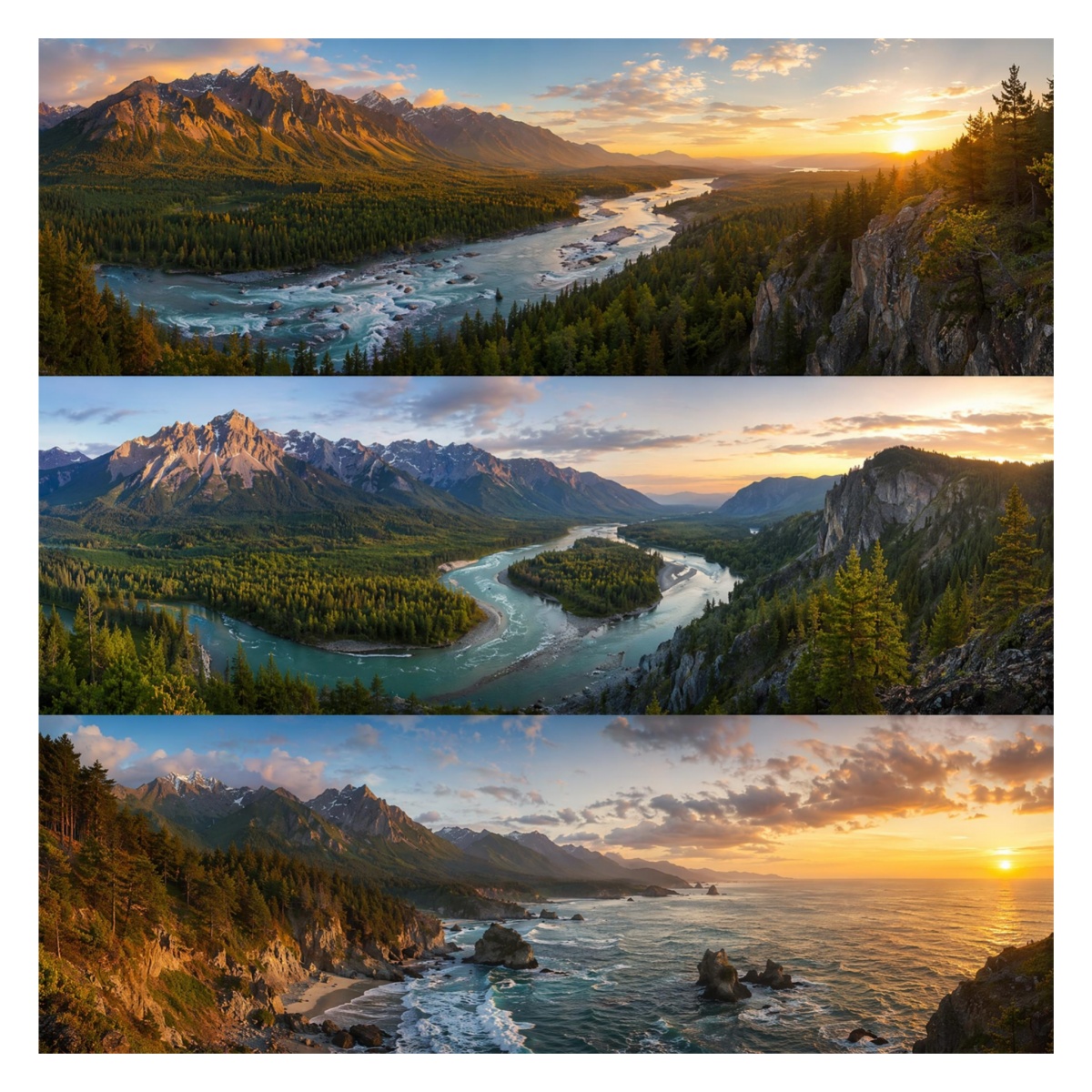
How to Stitch Photos Together in 3 Steps
Upload Your Photos
Upload two or more photos, portraits, product shots, screenshots, or scene images you want combined into one frame.
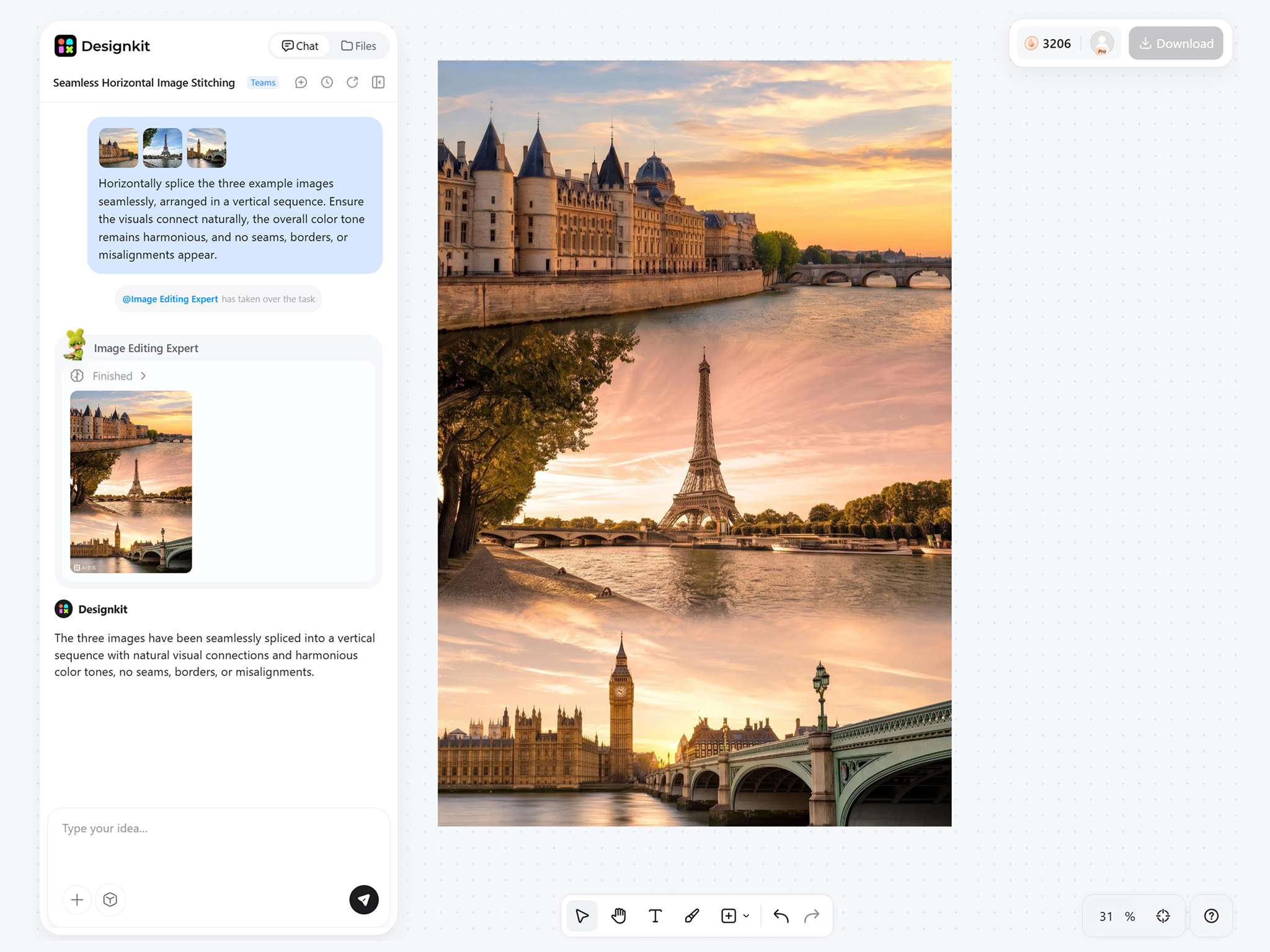
Stitch Photos Together
Choose a stitch layout or describe how the images should blend. Designkit aligns edges, lighting, and layout automatically for you.
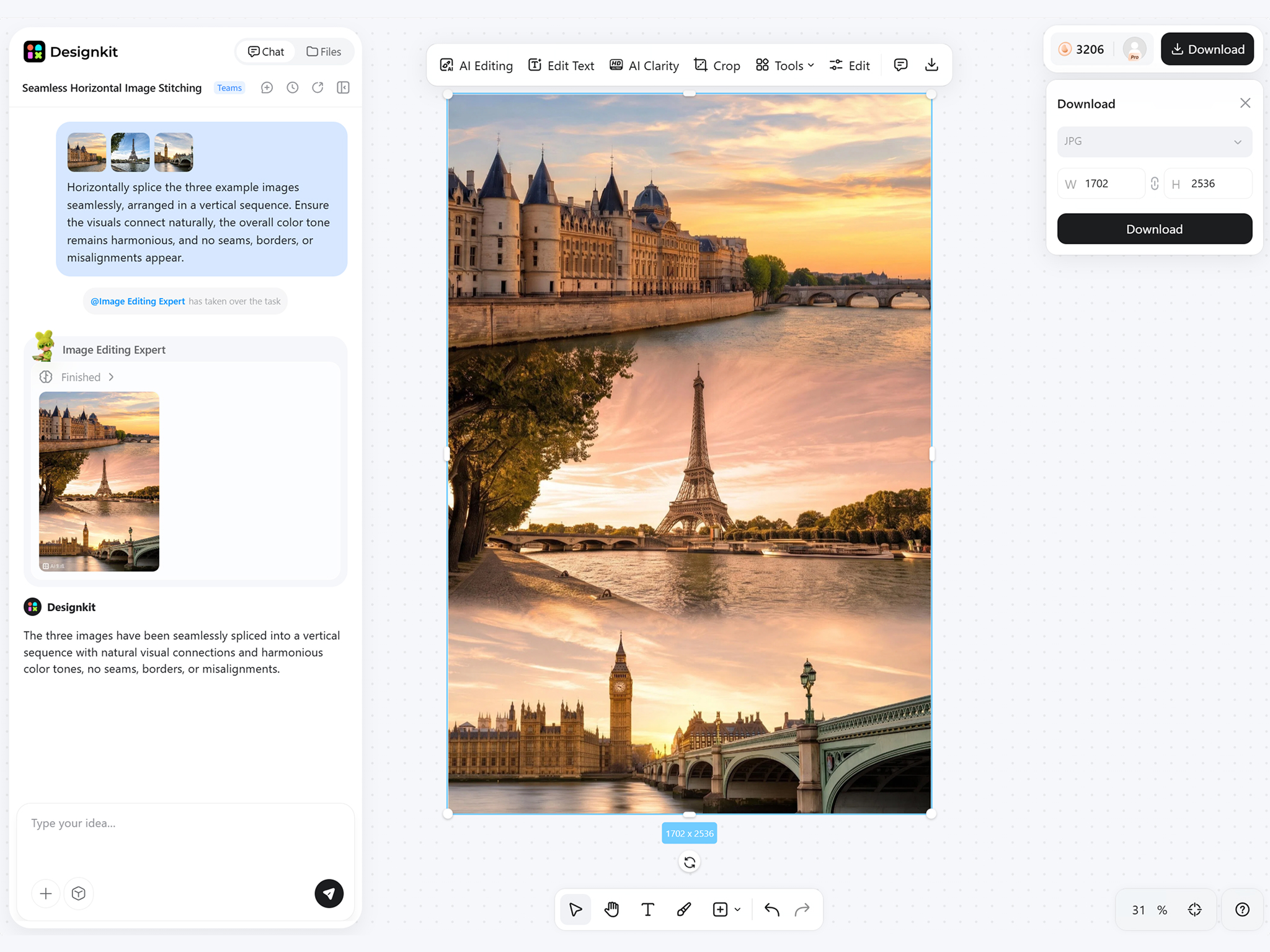
Download Your Stitched Image
Export one combined image for social posts, listings, guides, presentations, or anywhere a single visual works better.
Create Seamless Photo Stitching with Designkit
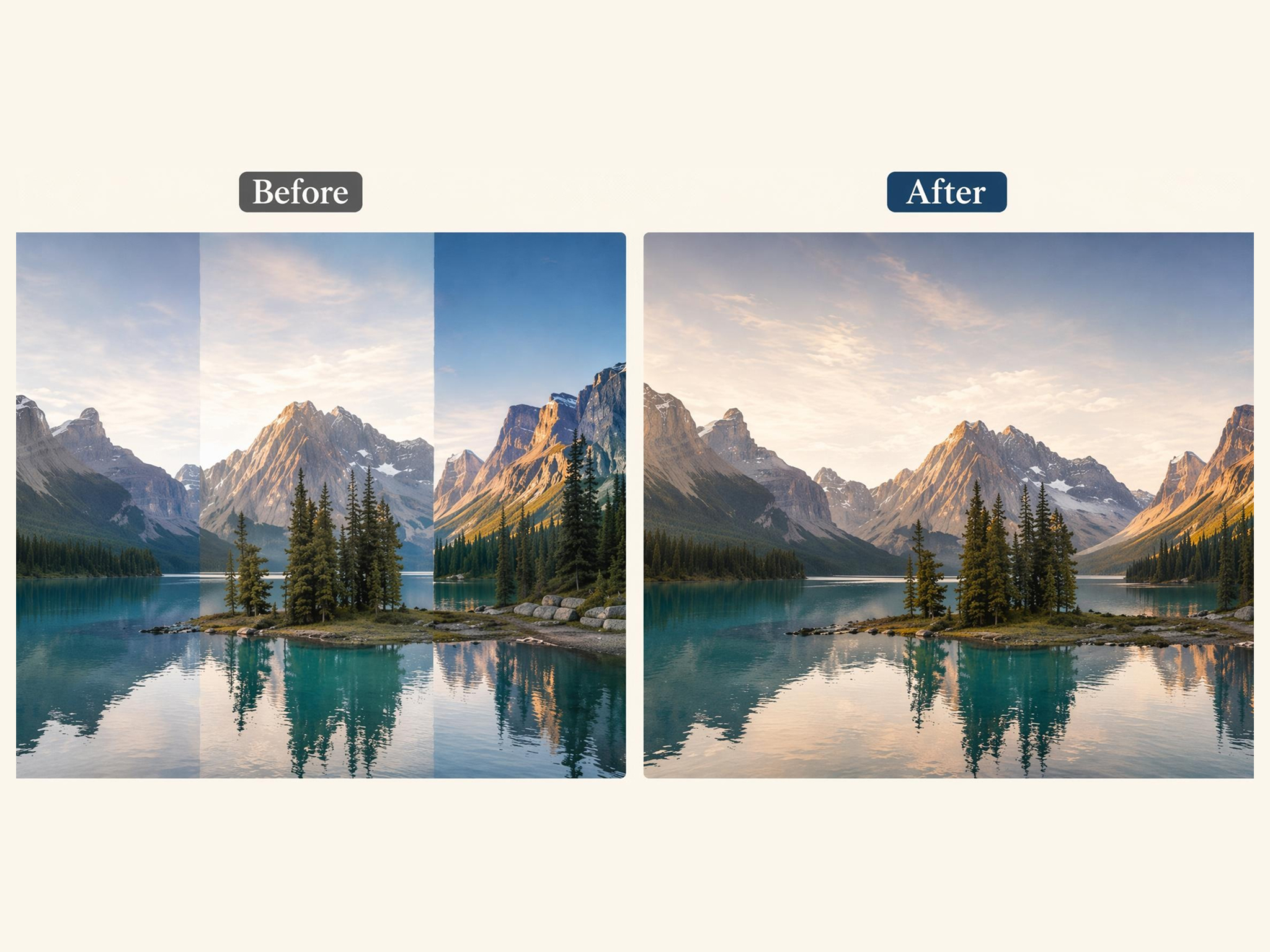
Blend Two Images Without Manual Editing
Skip layer masks and manual cutting. Instead, combine image automatically with a photo stitcher that aligns lighting and edges for a natural-looking composition.
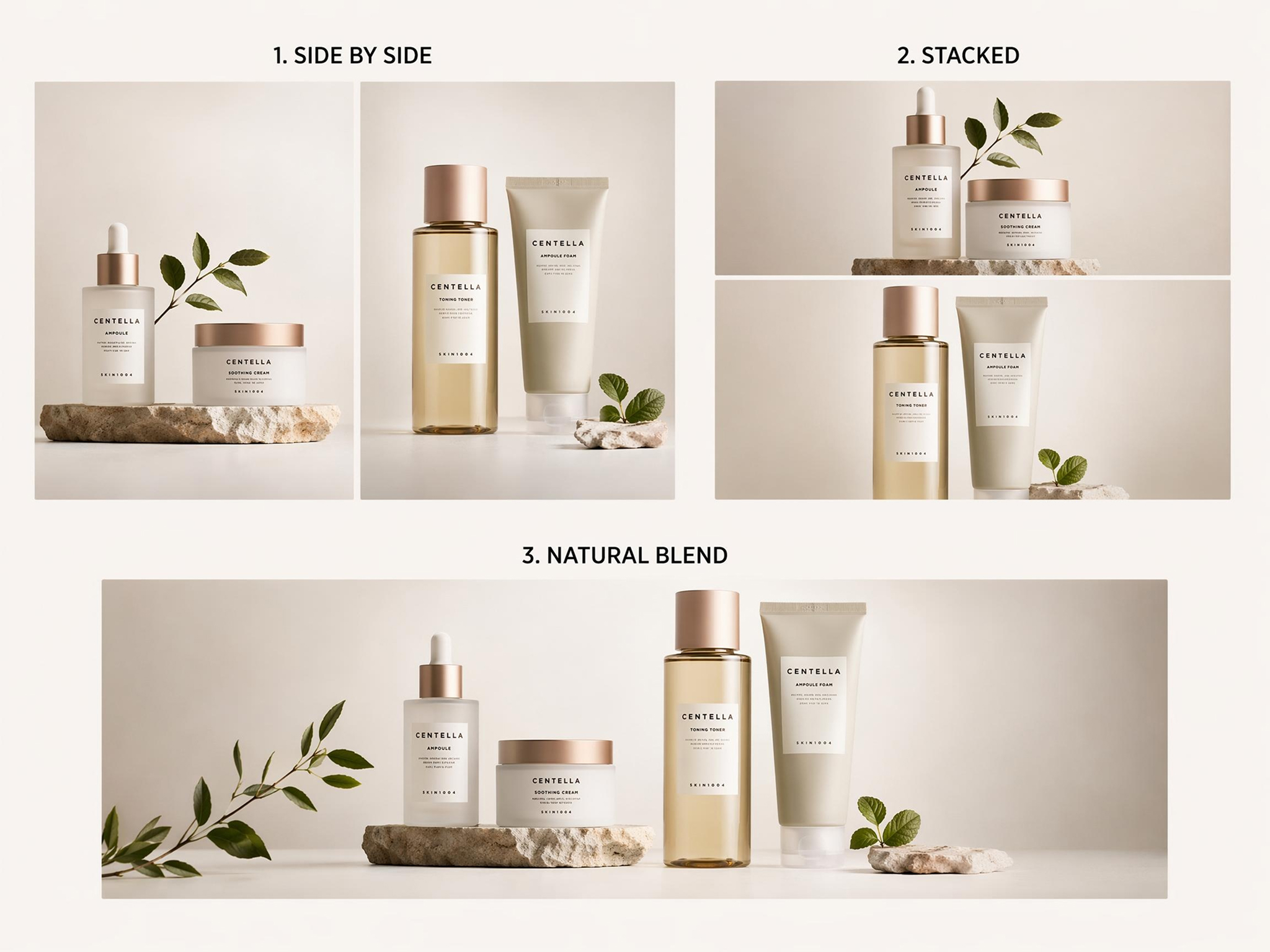
Create Different Stitching Styles from One Upload
Generate a side-by-side, stacked, or blended version of two photos without re-uploading and manually editing them, all through the same image stitching process in one session.
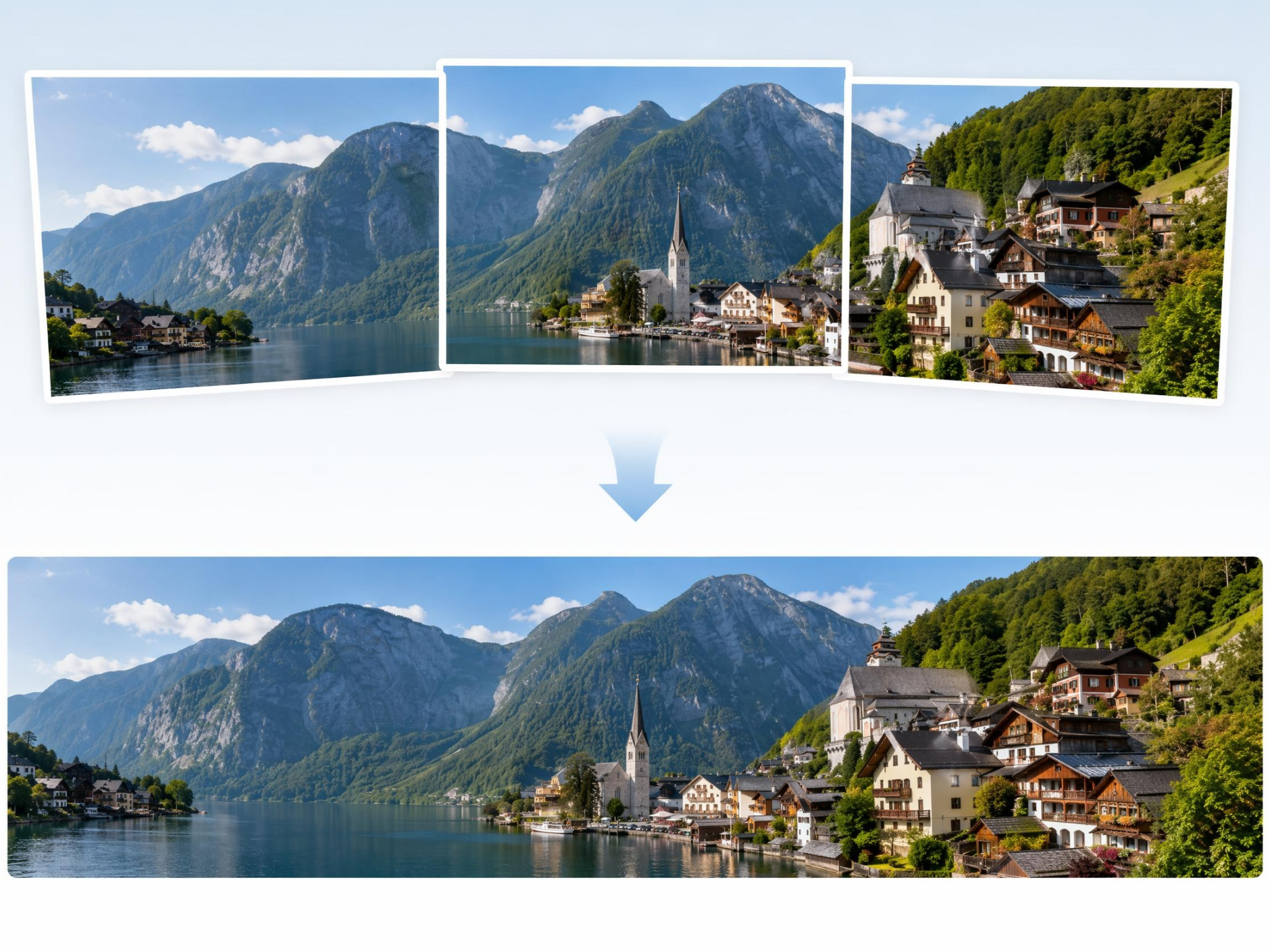
Build Wider Scene Images From Multiple Photos
Combine several shots into one wide scene, useful when you need to stitch images together into a single panorama-style result instead of settling for one cropped frame.
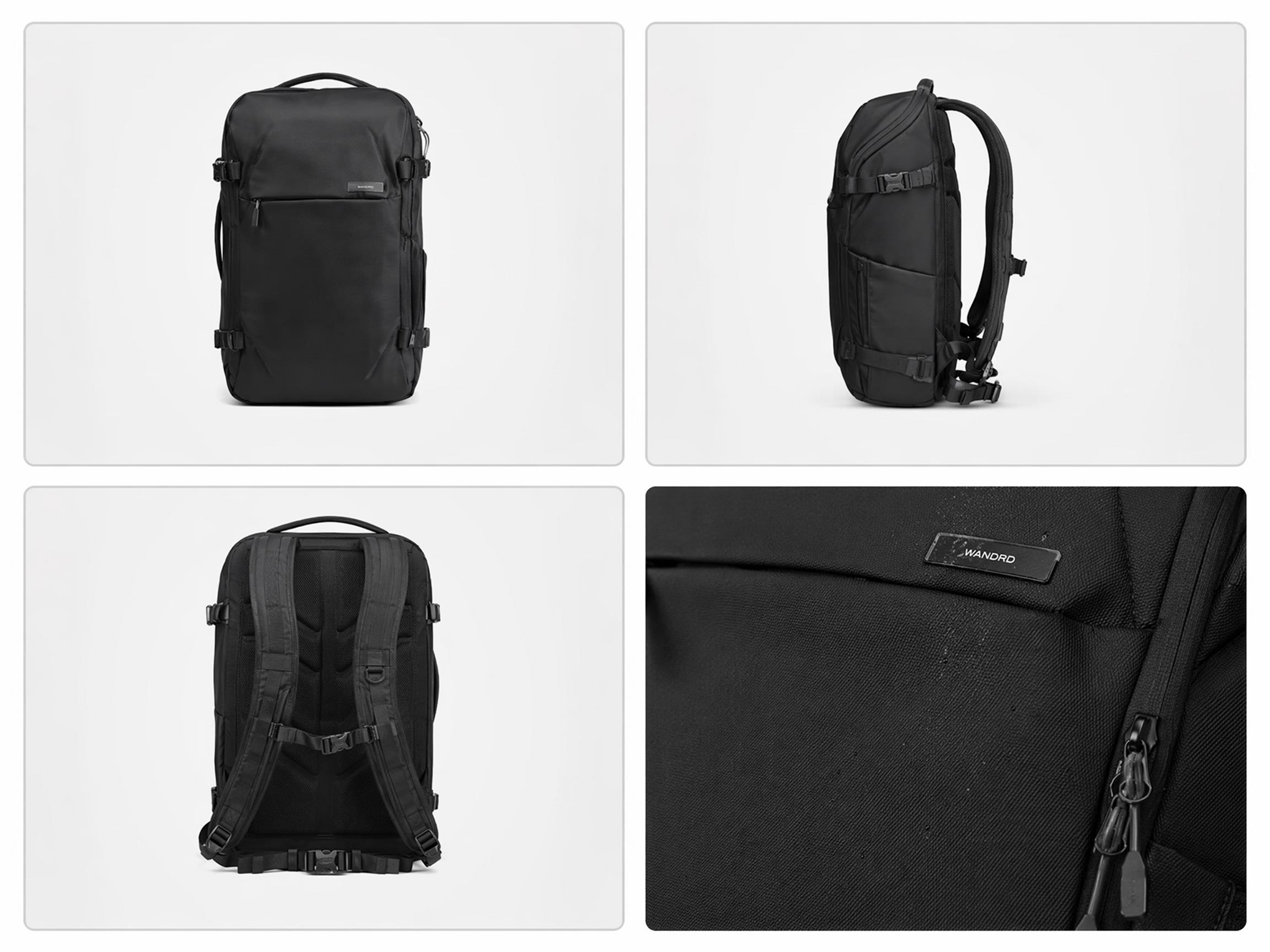
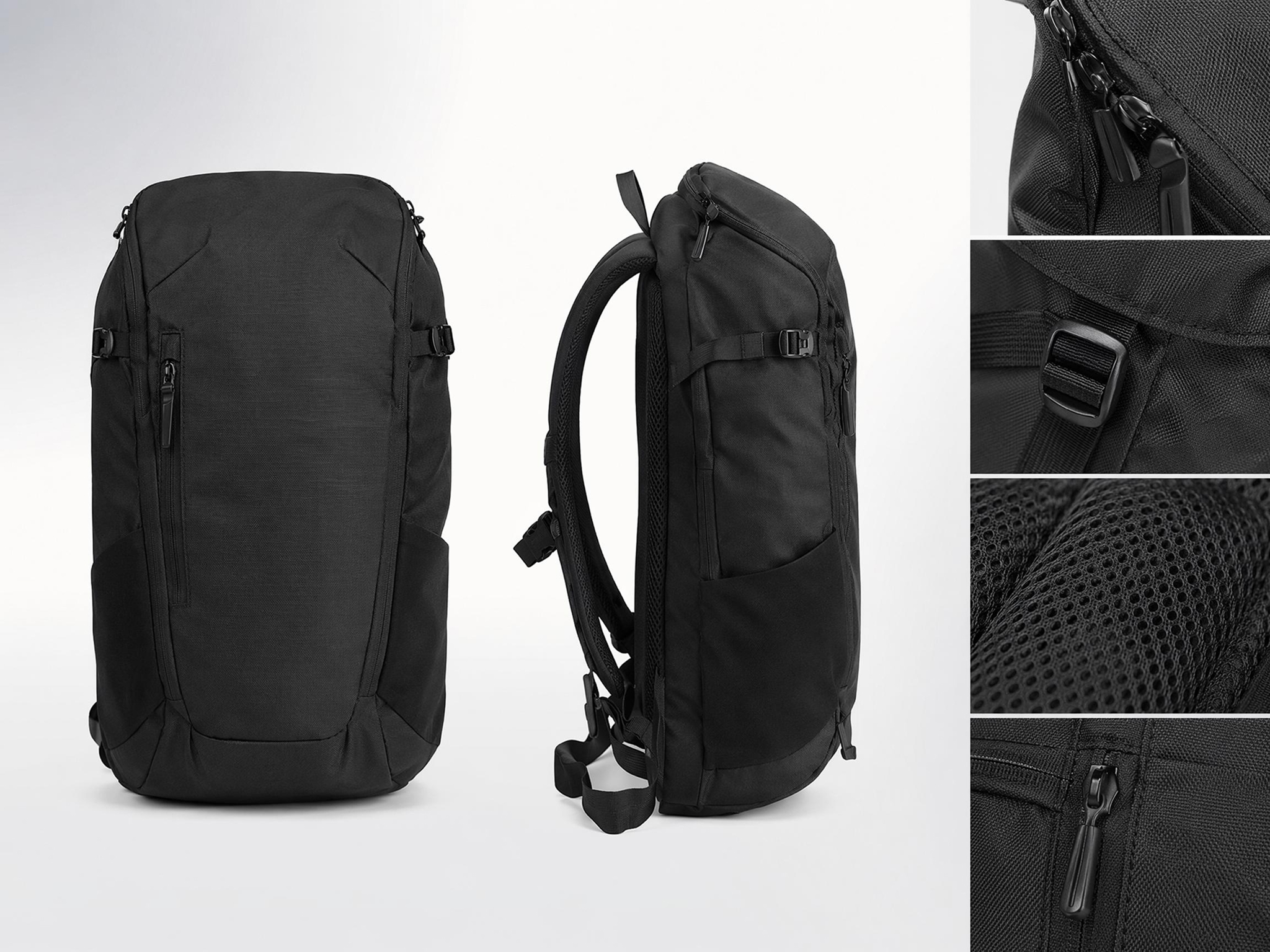
Merge Photos for Product Comparisons
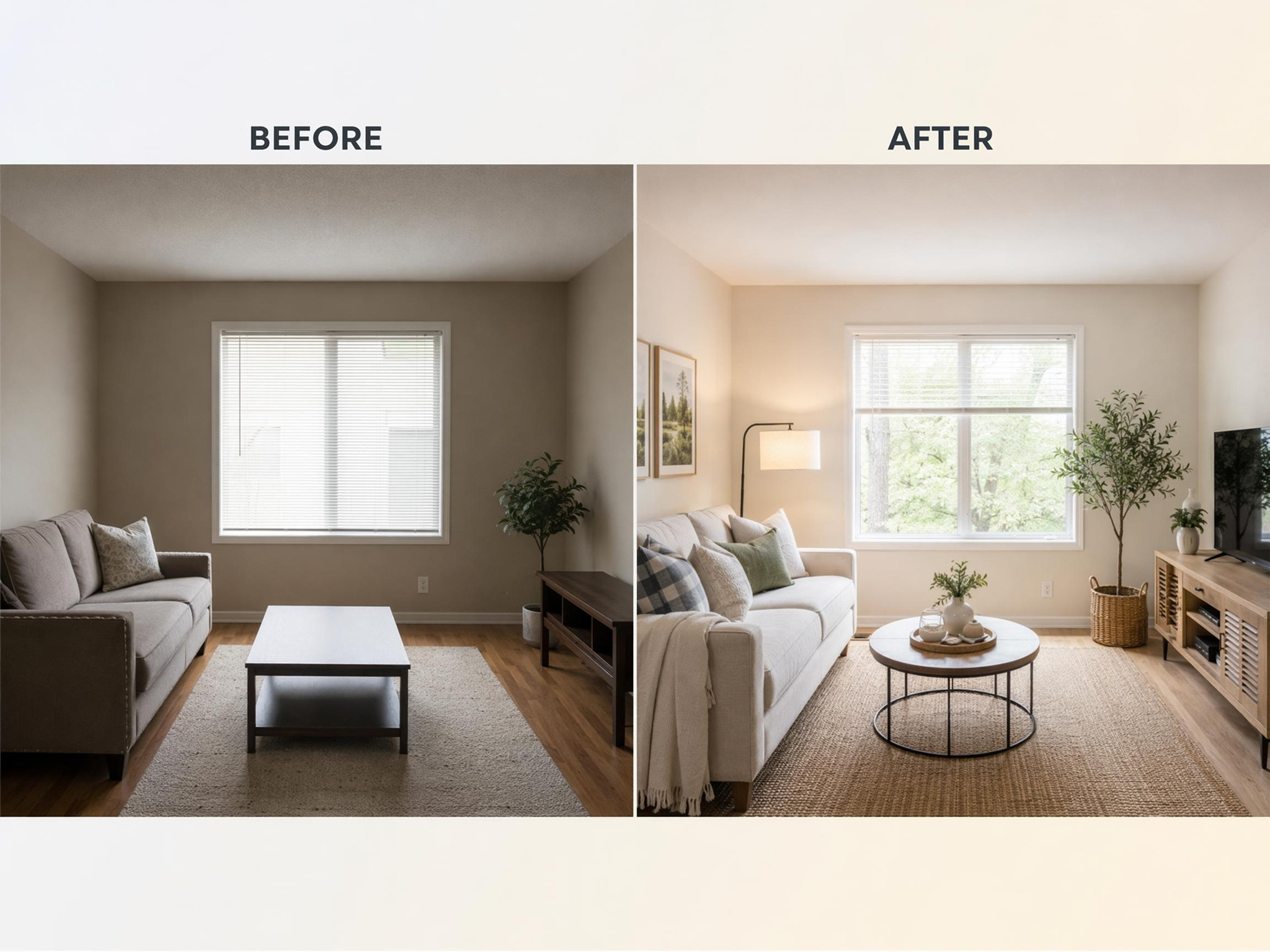
Show two product angles or a before-and-after pair in one frame instead of posting separate images that shoppers have to compare manually while scrolling.
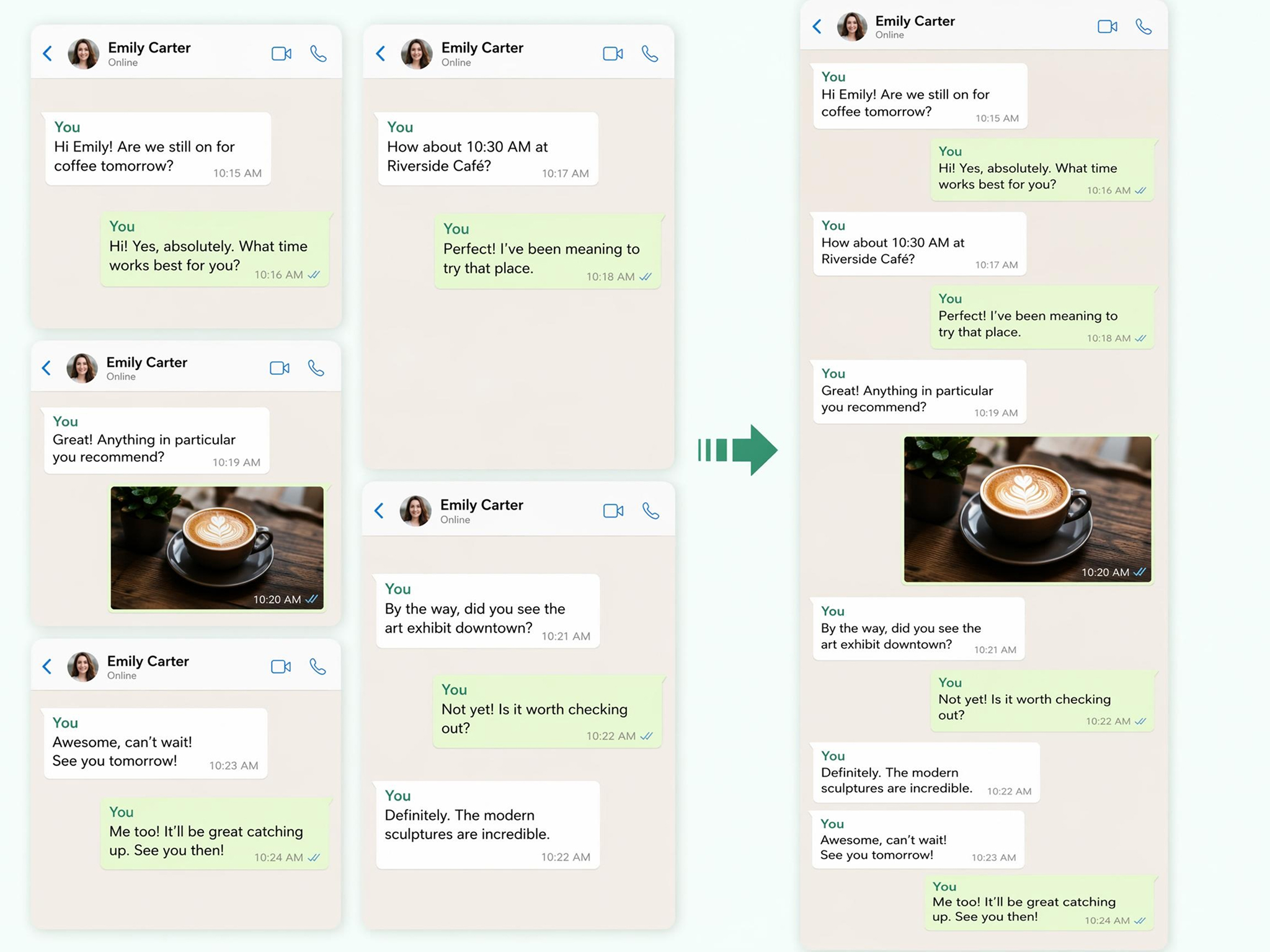
Stack Screenshots Into One Long Image
Turn multiple screenshots into one scrolling image with the batch photo editor, eliminating the need to paste each one into a document individually.
Who Uses Designkit Photo Stitch Generator
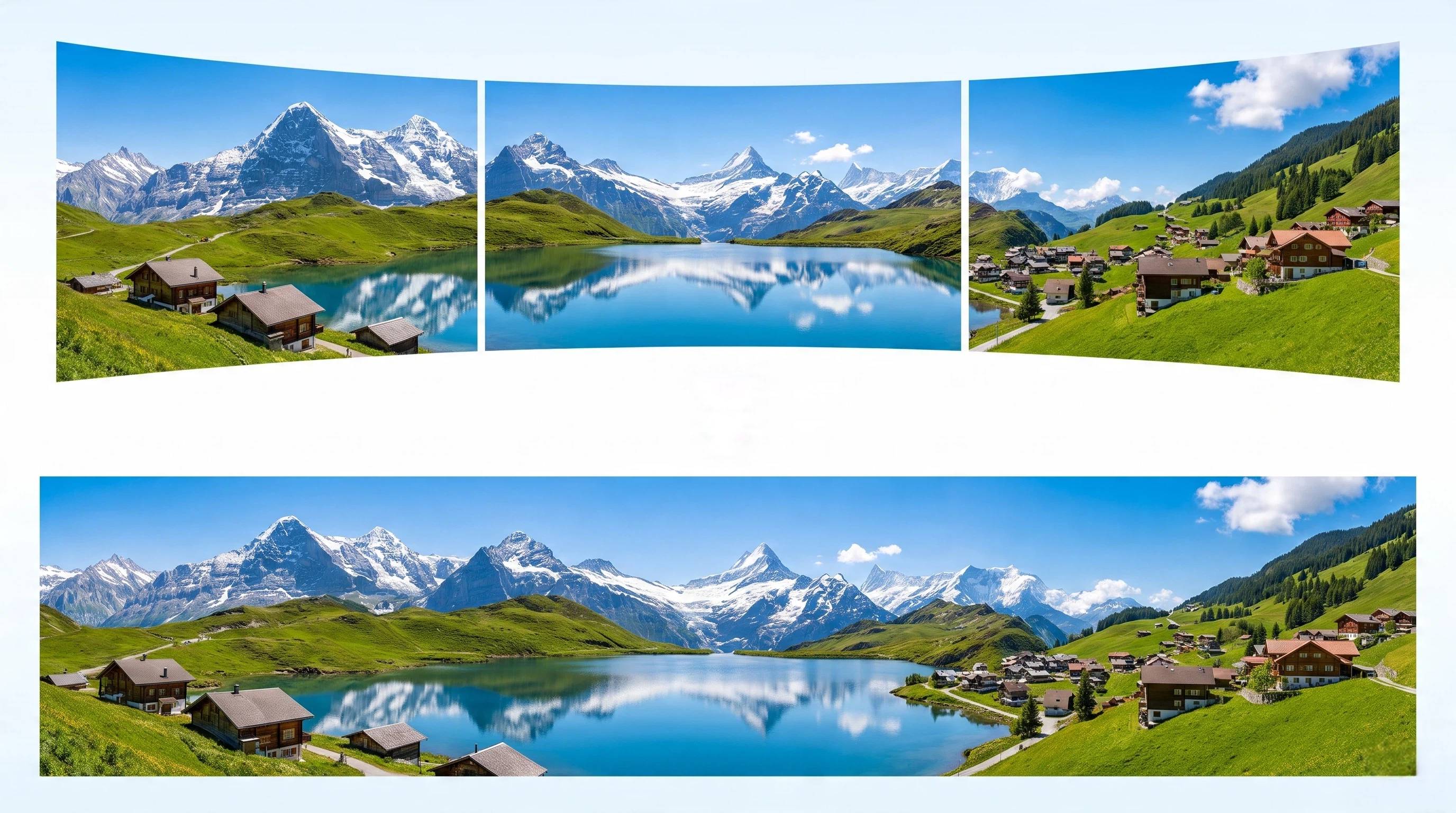
Merge Travel Shots Into Wide Scene Images
Combine two travel photos from the same trip into one wide scene instead of posting them separately or cropping one shot to leave the other out entirely.
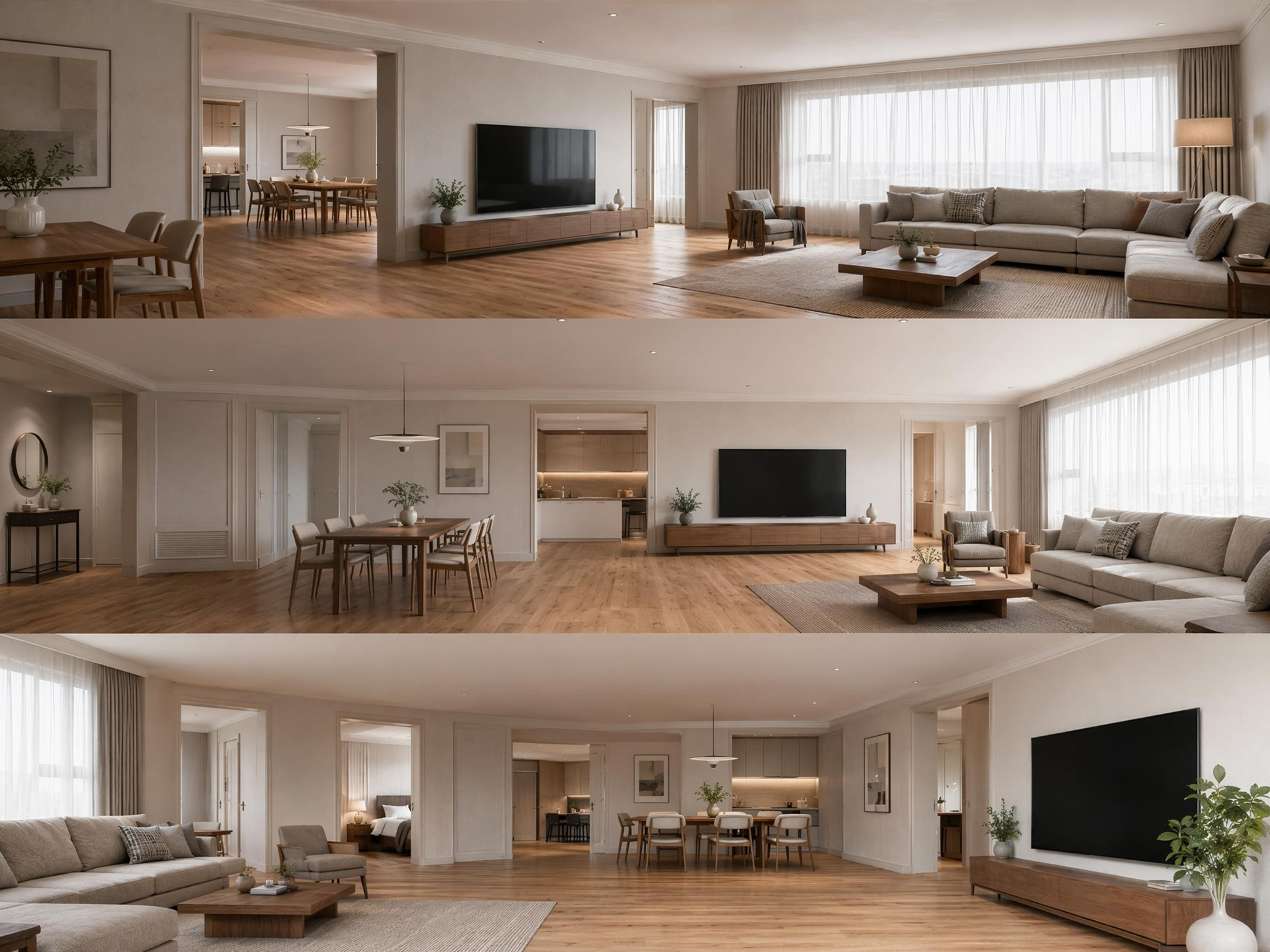
Why Choose Designkit's AI Photo Stitcher
No Manual Layers or Editing Skills
Skip layers entirely. Upload two photos and get a combined result without any design software.
More Than Simple Photo Joining
Get matched lighting and blended edges instead of two photos simply placed side by side with a visible seam.
Works for Personal and Business Photos
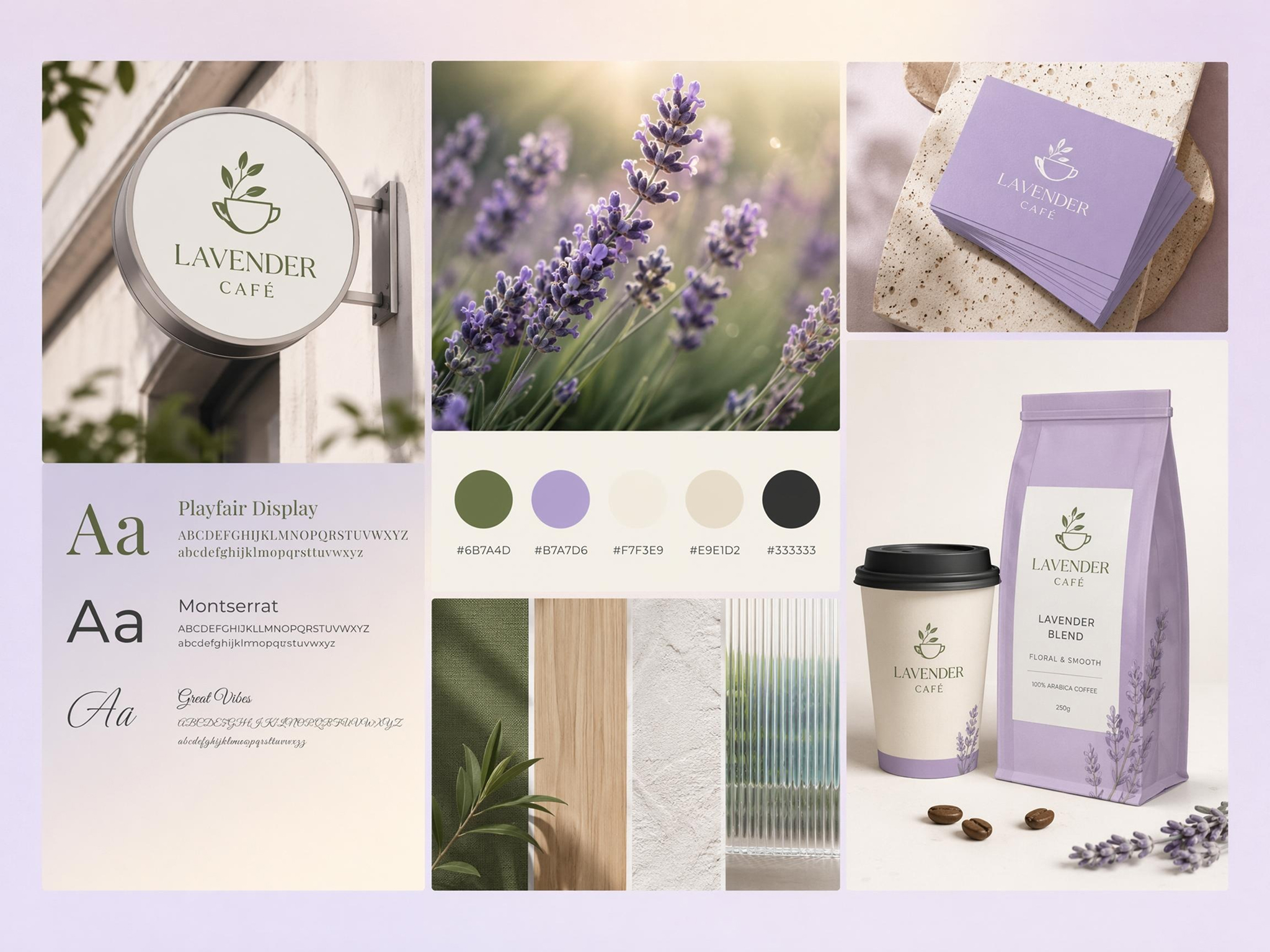
Combine vacation photos, product shots, or screenshots in the same tool, whether the use is personal or business.
Keep Details Sharp in Combined Images
Stitched results retain fine details and sharp edges, creating a clean, high-quality image without visible quality loss.
Choose Layout, Style, and Blend Direction
Choose a side-by-side, stacked, or blended layout with image to image instead of being limited to a single fixed template.
Free Credits to Start
Test this online image stitcher with free signup credits before ever committing to a paid plan or subscription.
Unlock More Creative Possibilities
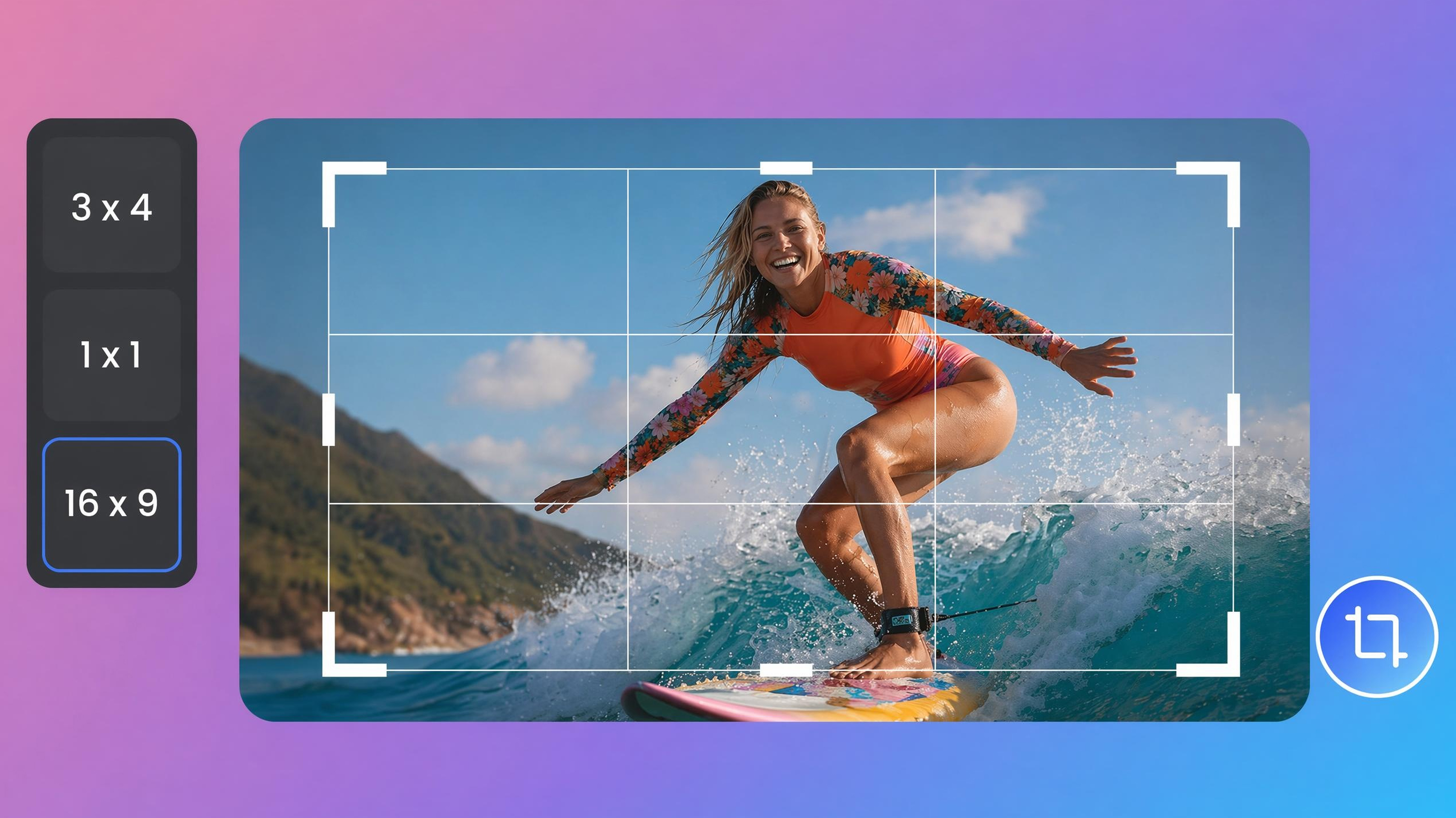
Image Cropper Online
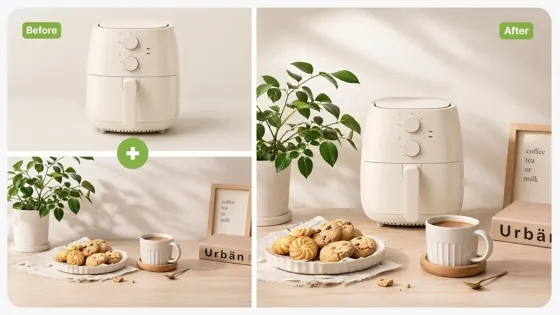
Image Combiner
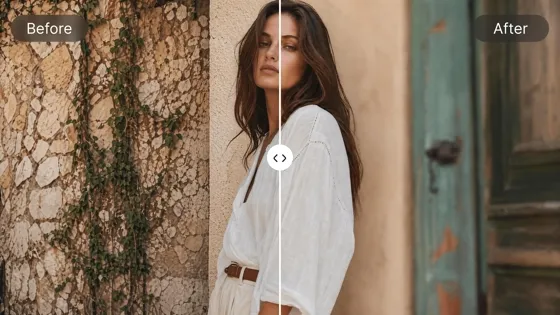
Blur Photo Online
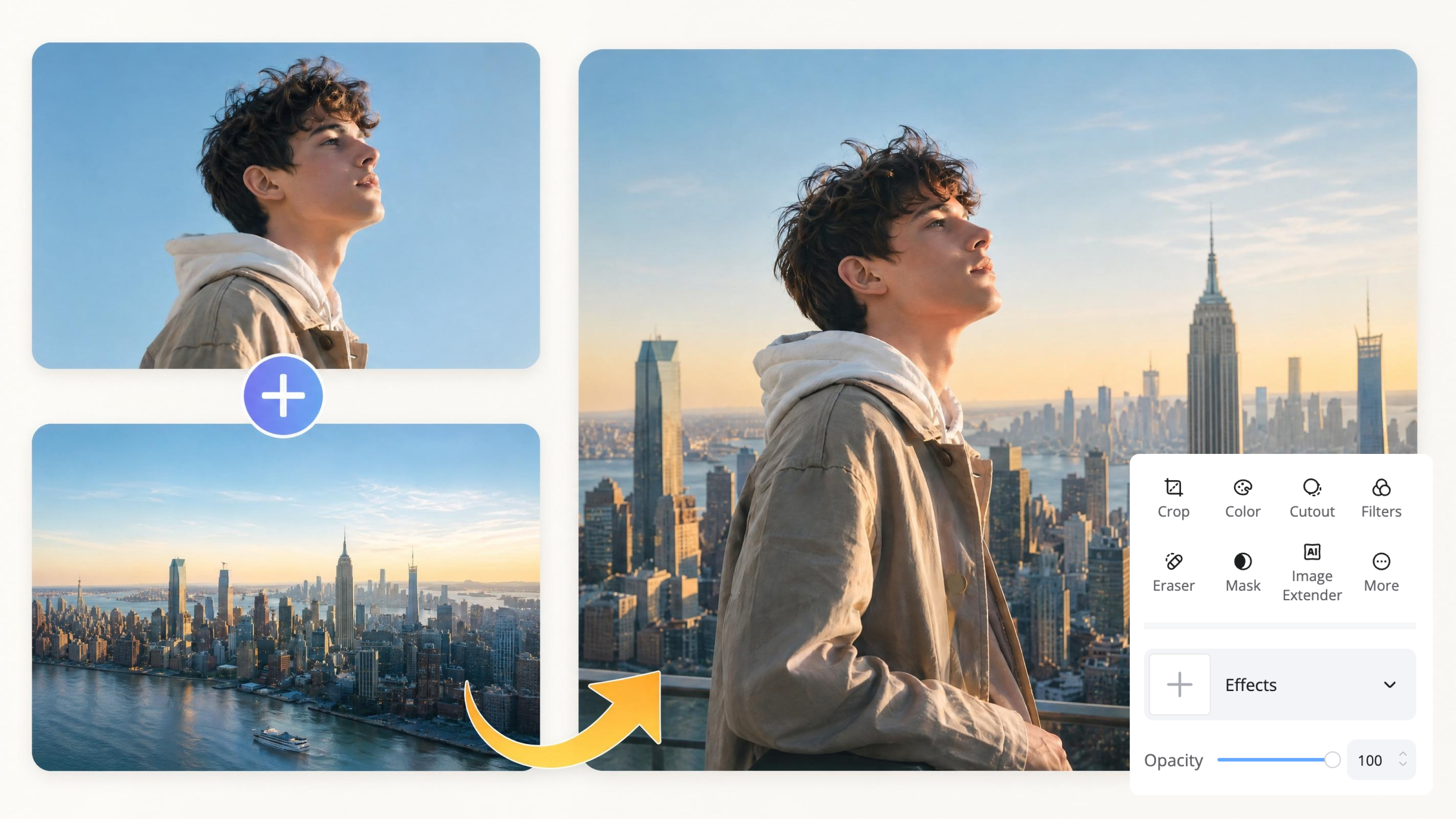
Image Overlay Tool
Frequently Asked Questions
What is photo stitching?
How do I stitch photos together online?
Upload the photos you want to combine, then choose a layout such as side by side, stacked, or blended, or describe your preferred arrangement with a text prompt. The tool automatically aligns and merges the images into a single composition. Once you're satisfied with the preview, download the stitched image in your preferred format.
Can I stitch photos vertically and horizontally?
Yes. Upload your photos to Designkit, choose a side-by-side layout for horizontal stitching or a stacked layout for vertical stitching. The tool automatically arranges your images, so you can preview and download the final result in just a few clicks.
Is photo stitching different from making a collage?
A collage typically places several photos in separate boxes with visible borders between each one. Photo stitching blends two images into one continuous scene with matched lighting and edges instead, so it reads as a single photo.
Does photo stitching reduce image quality?
It depends on the quality of the photos you upload and the tool you use. With Designkit, upload your original high-resolution images, stitch them together, and export the final image at high resolution to maintain sharp details.
Can I stitch more than two photos?
Yes. In Designkit, start by stitching your first two photos together. Then upload the stitched result with your next photo and combine them again. Continue repeating these steps until all of your images are merged into one final composition.
Will the stitched result look natural?
Yes. Designkit analyzes your uploaded photos and blends the edges while maintaining consistent lighting where possible, helping the final stitched image appear seamless rather than obviously joined.
Stitch Your Photos Into One Seamless Image
Upload two or more photos and let AI stitch them into one seamless image in seconds. Start free with signup credits.

What Users Say About Designkit's Photo Stitcher
Real feedback from creators who combined photos with AI.
Merged Trip Shots Into One Shareable Image
I had two great shots from the same trip that never quite fit together in one Instagram post. Stitching them into a single wide image gave me one clean photo to share instead of a cluttered carousel nobody swiped through.
Built Product Comparison Images Without Complex Editing
I used to stitch photos by switching between multiple tools, which took far more time than it should have. Designkit freed my hands by letting me upload everything in one place, choose a layout, and create a polished stitched image in just a few clicks.
Better Social Media Posts
My before-and-after posts used to be two separate images in a carousel that people scrolled past without stopping. Combining them into one photo actually gets people to stop and look at the transformation.