
Remove Logo Backgrounds and Create Transparent Brand Assets
Remove the background from any logo in seconds. Turn screenshots, old files, JPGs, and low-quality copies into clean transparent PNG logos for websites, Shopify stores, Amazon listings, packaging, ads, videos, and social media.
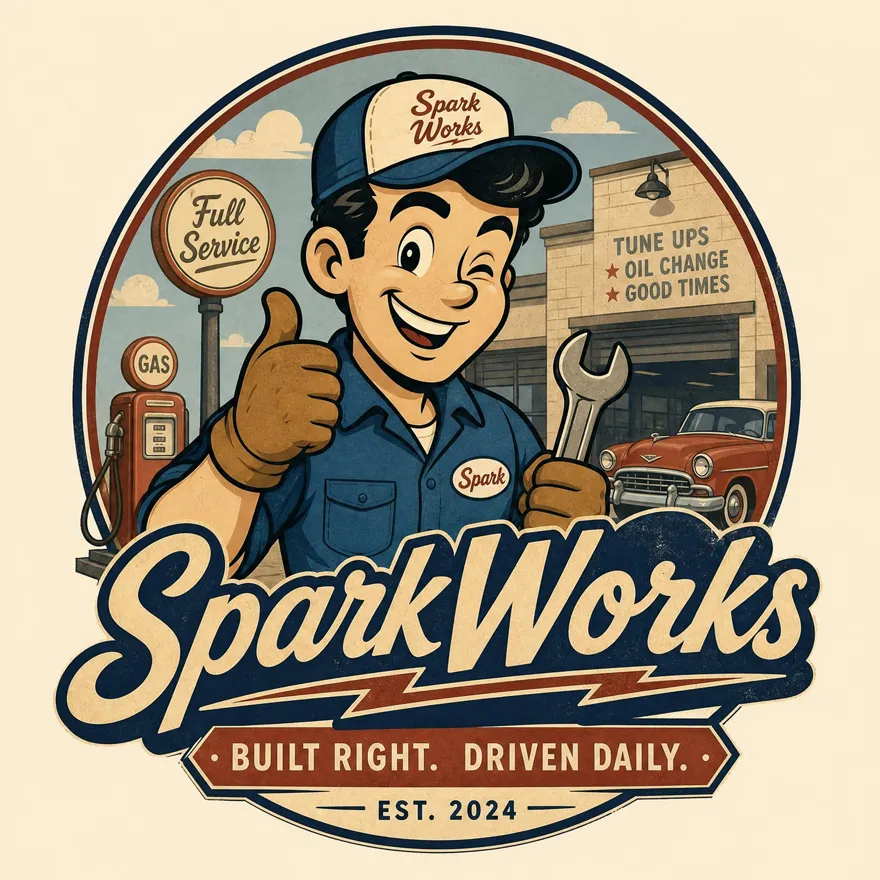
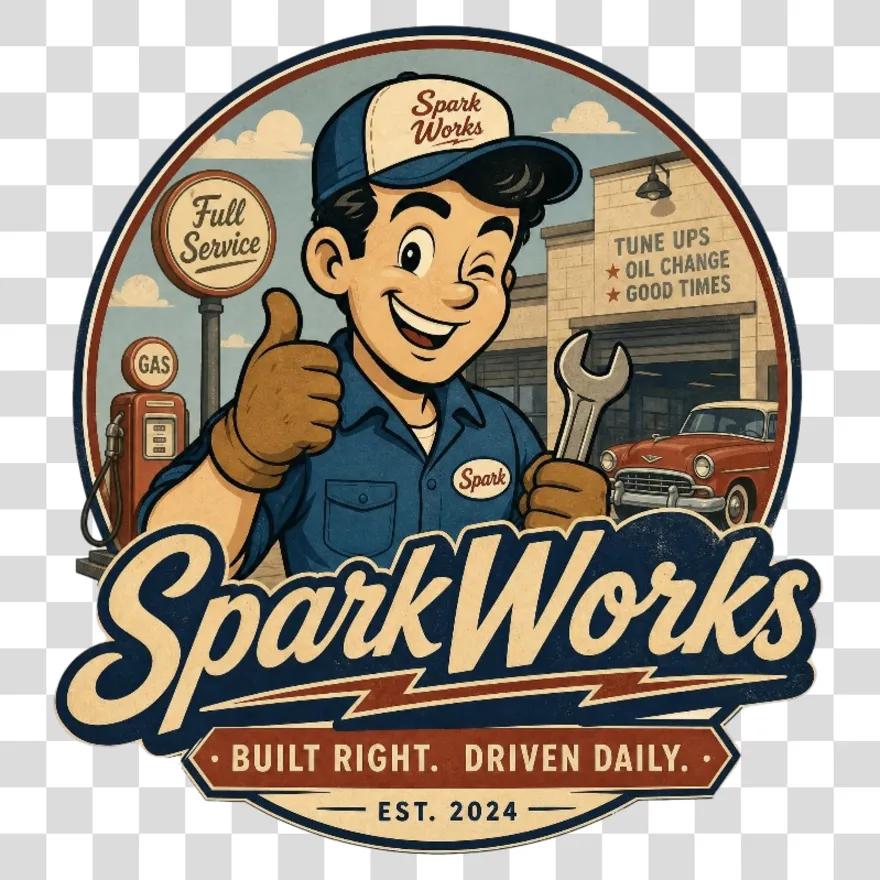
No image? Try one of these:



How to Remove Logo Backgrounds with Designkit
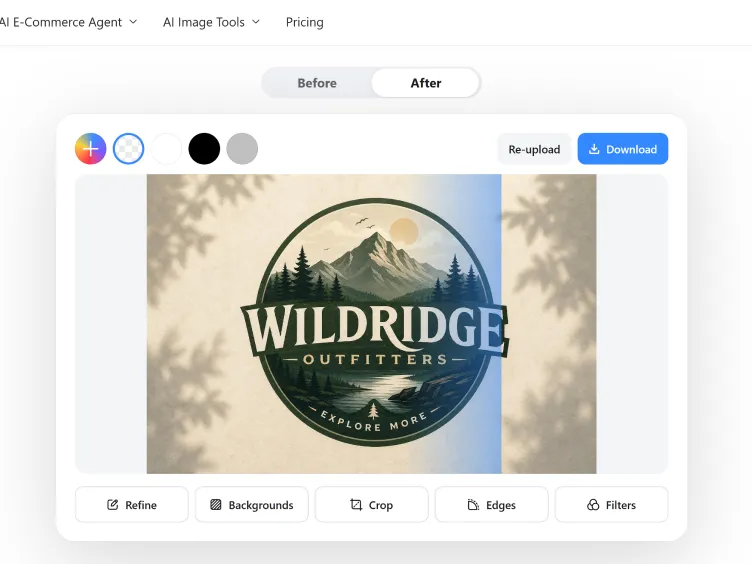
Upload Your Logo
Upload or drag in your logo from any device. Designkit supports common image formats including PNG, JPG, and WebP.
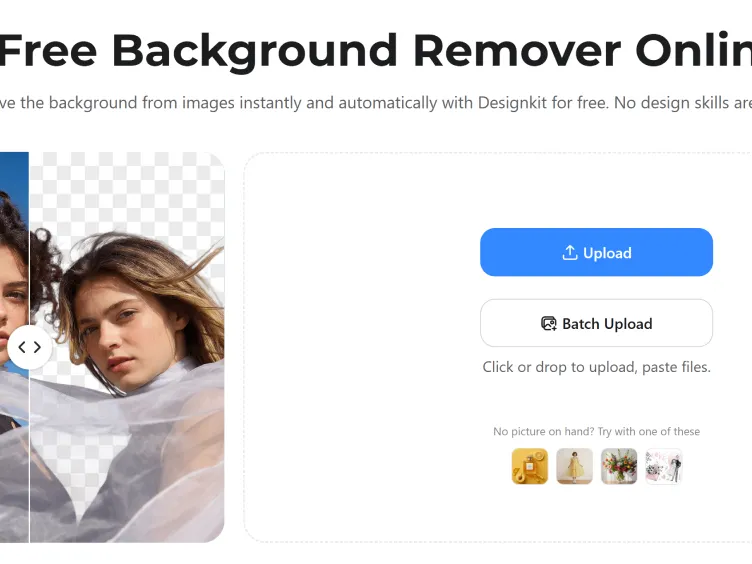
Remove the Background Automatically
Designkit's AI detects the logo, removes the unwanted background, and keeps key details like text, icons, fine lines, and brand colors intact.
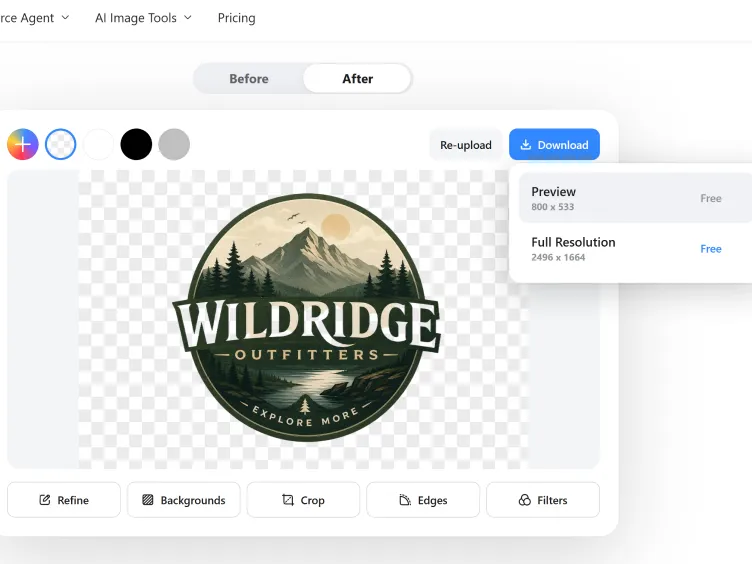
Download the Transparent Logo
Preview the result and export a high-quality transparent PNG that is ready for websites, product listings, packaging, social posts, presentations, and print materials.
Create Cleaner Brand Assets with Designkit's Logo Background Remover
Turn Messy Logo Files Into Transparent Brand Assets
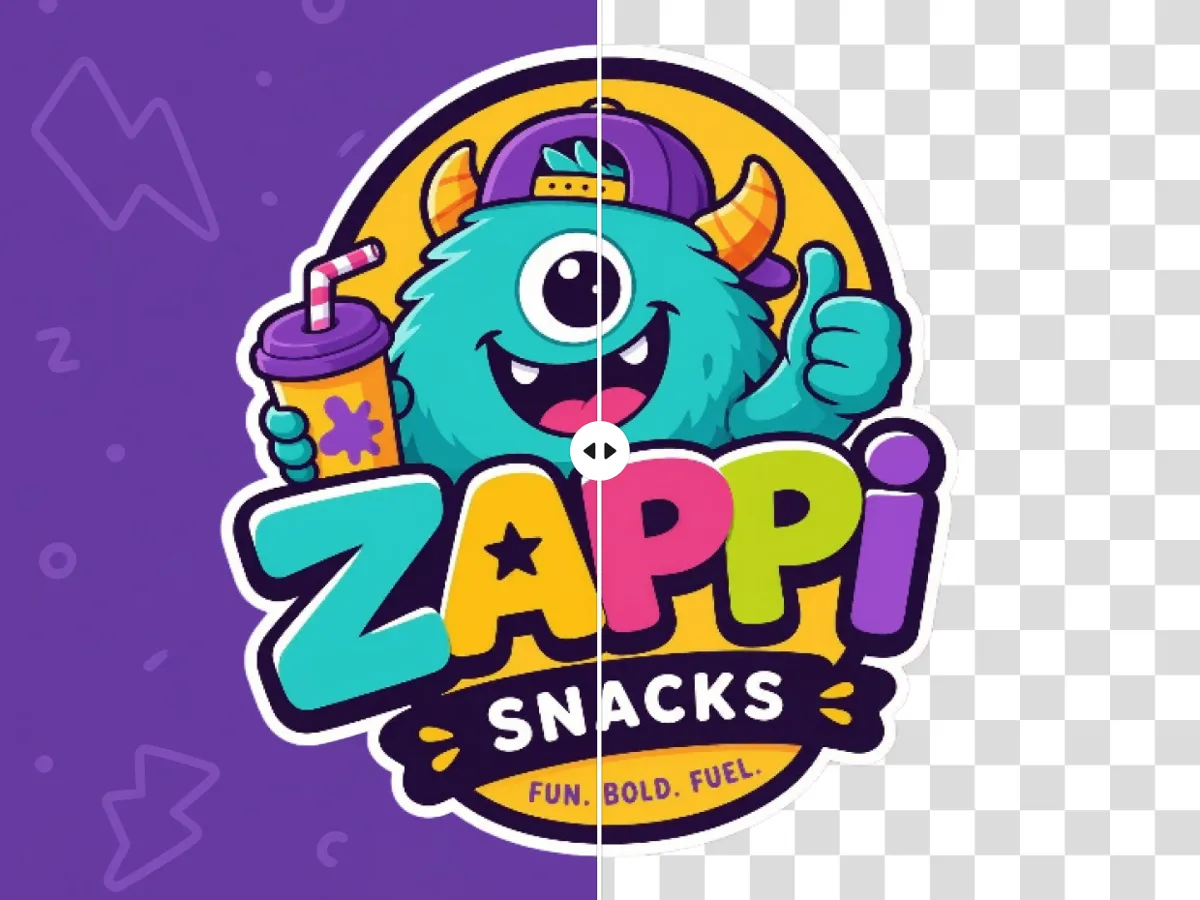
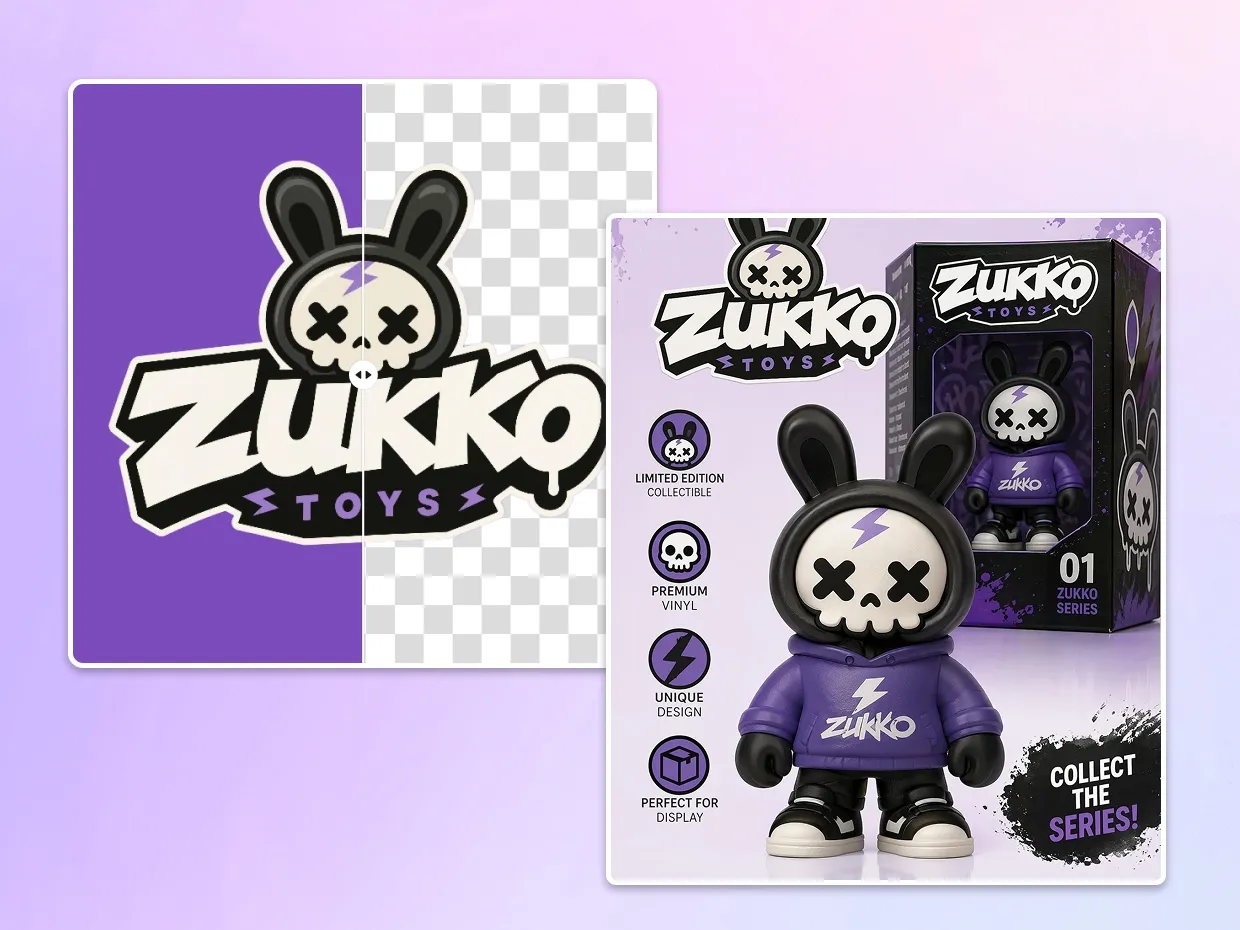
Not every business still has the original logo file. You may only have a screenshot, a JPG from an old website, or a logo with a white box behind it. Designkit removes unwanted backgrounds and turns those files into clean, transparent logos you can reuse across your brand materials.
Keep Logo Edges Sharp on Every Platform
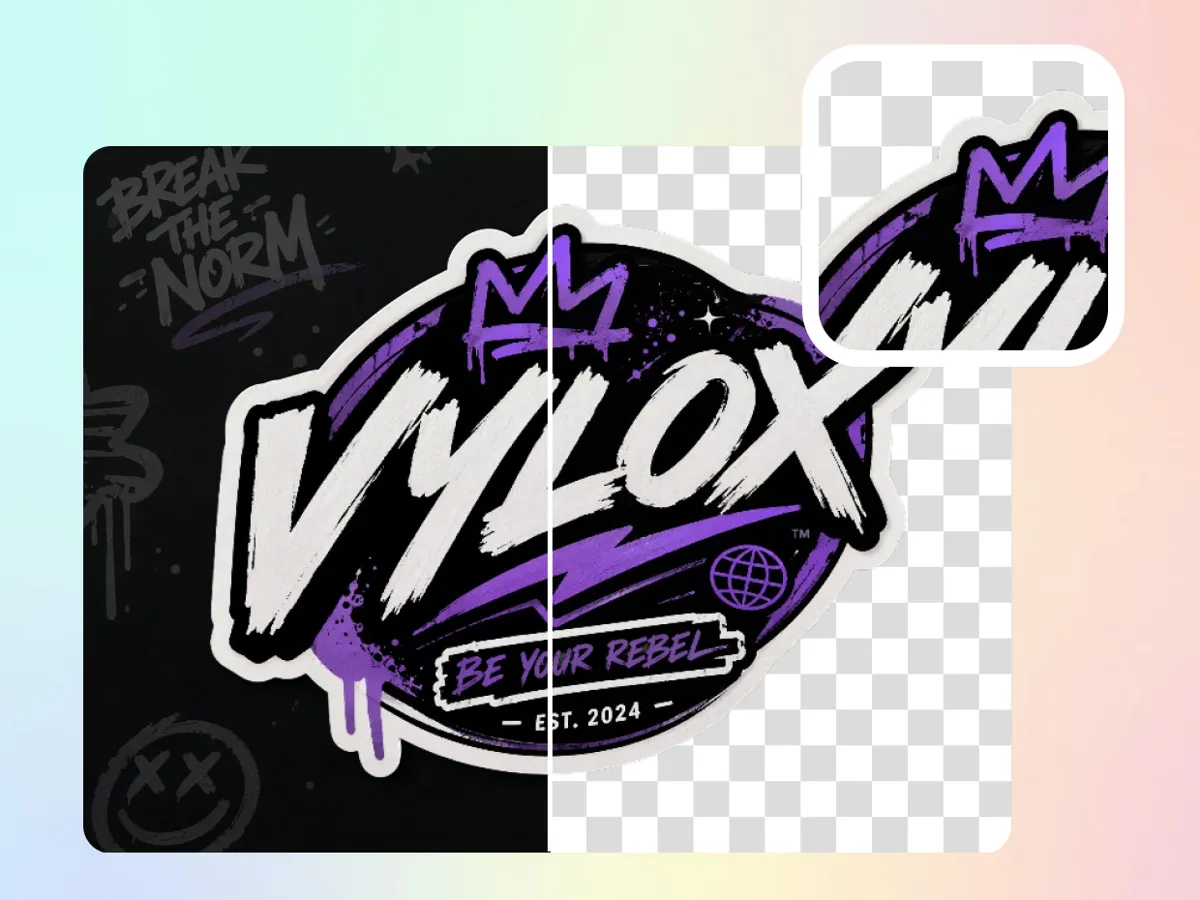
A logo that looks fine in a small corner can look rough when enlarged for packaging, banners, print, or product images. Designkit preserves crisp edges, clean shapes, and readable text so your transparent logo stays professional at different sizes.
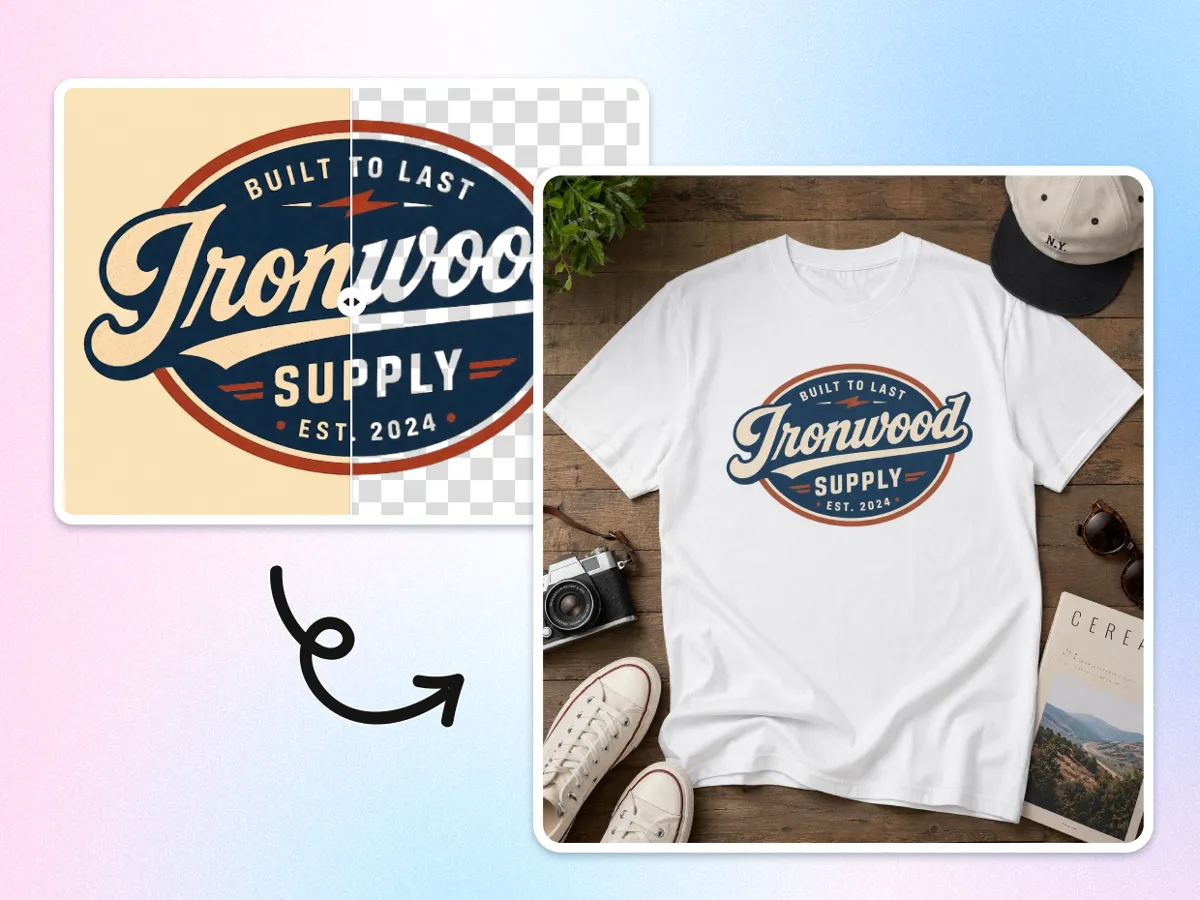
Prepare Logos for Ecommerce, Ads, and Social Media
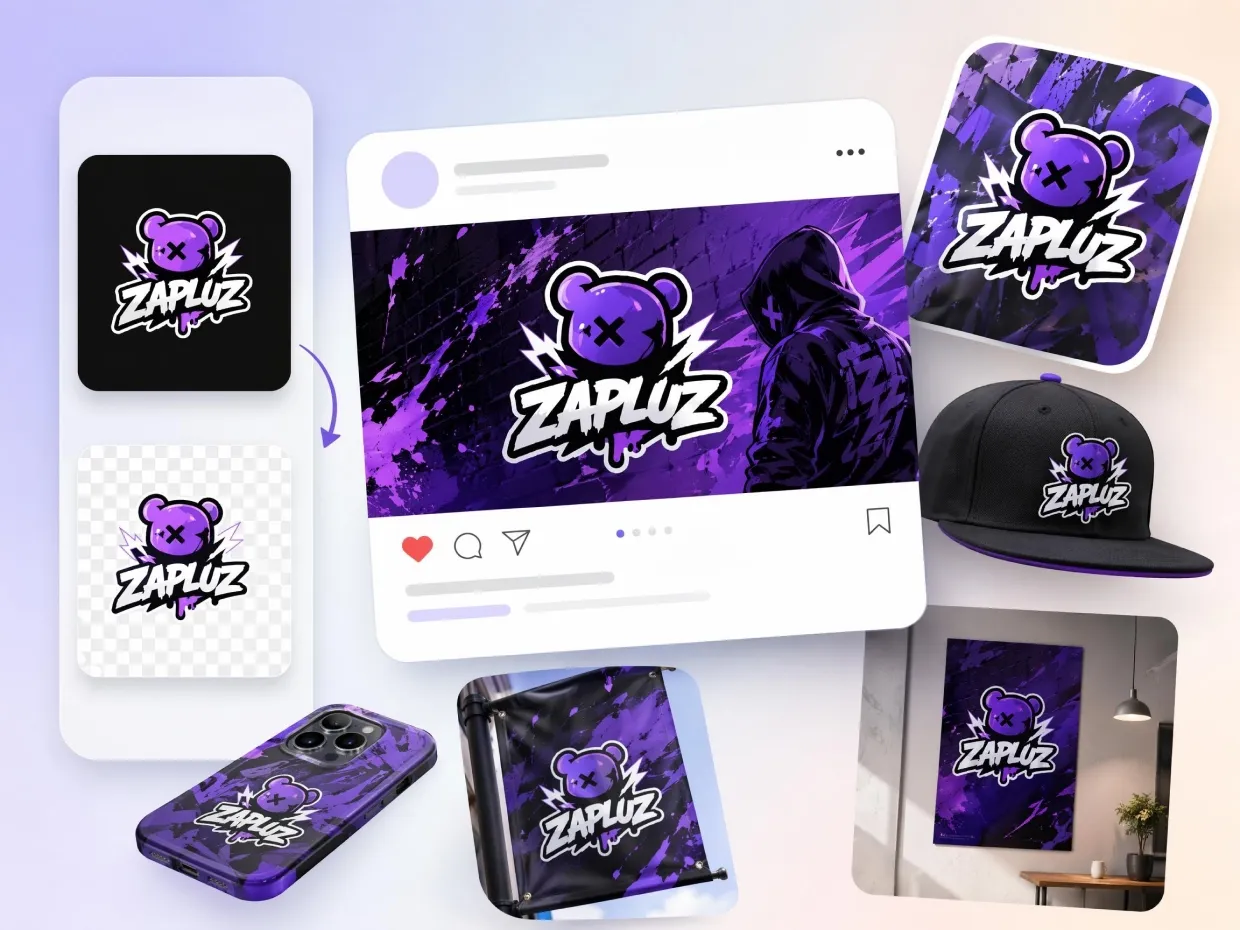
Different platforms need different logo placements. Use one clean transparent logo across Shopify, Amazon, Etsy, product photos, ad creatives, social profiles, YouTube thumbnails, TikTok videos, and branded presentations.
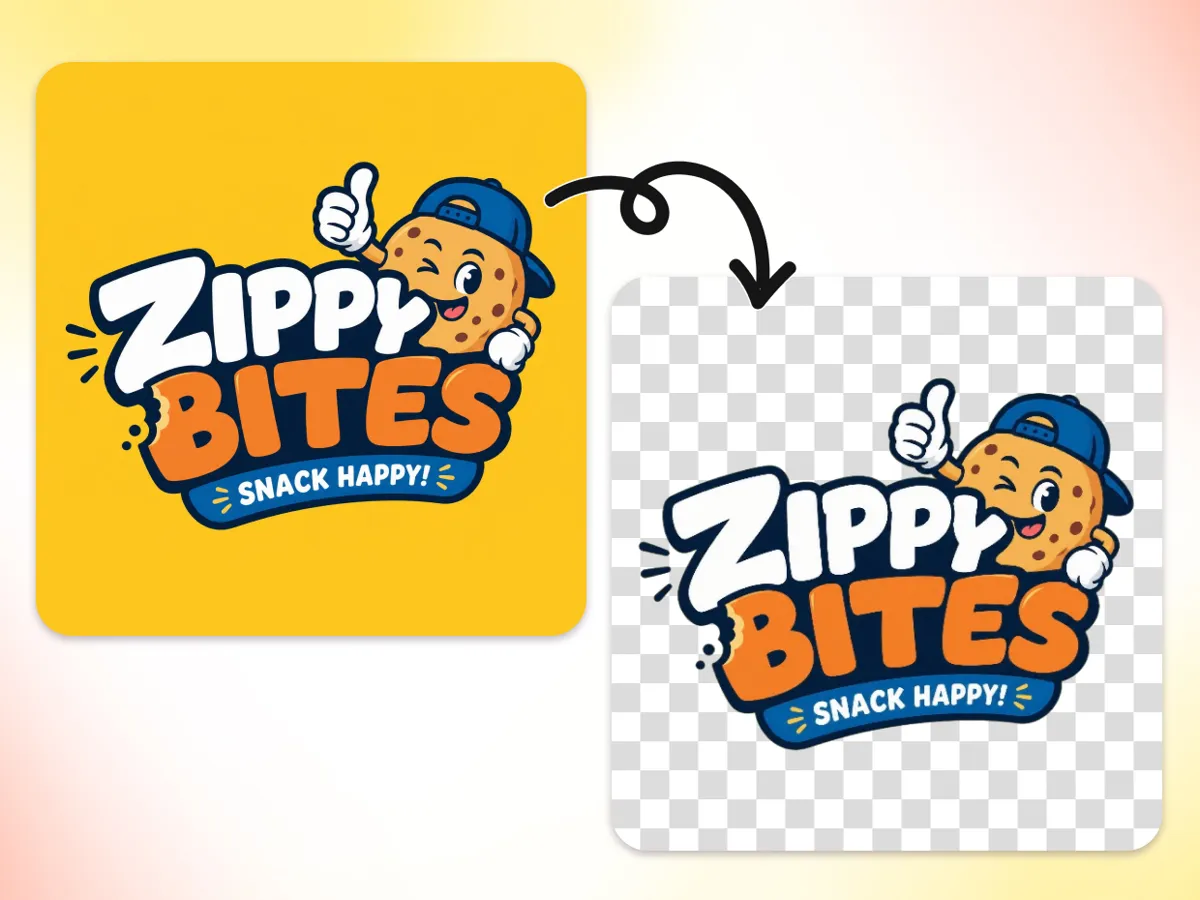
Preserve Small Text, Fine Lines, and Complex Shapes
Logo details matter. Designkit is built to protect small typography, thin strokes, icons, symbols, and detailed shapes while removing only the background. The result stays clear, readable, and close to your original brand design.
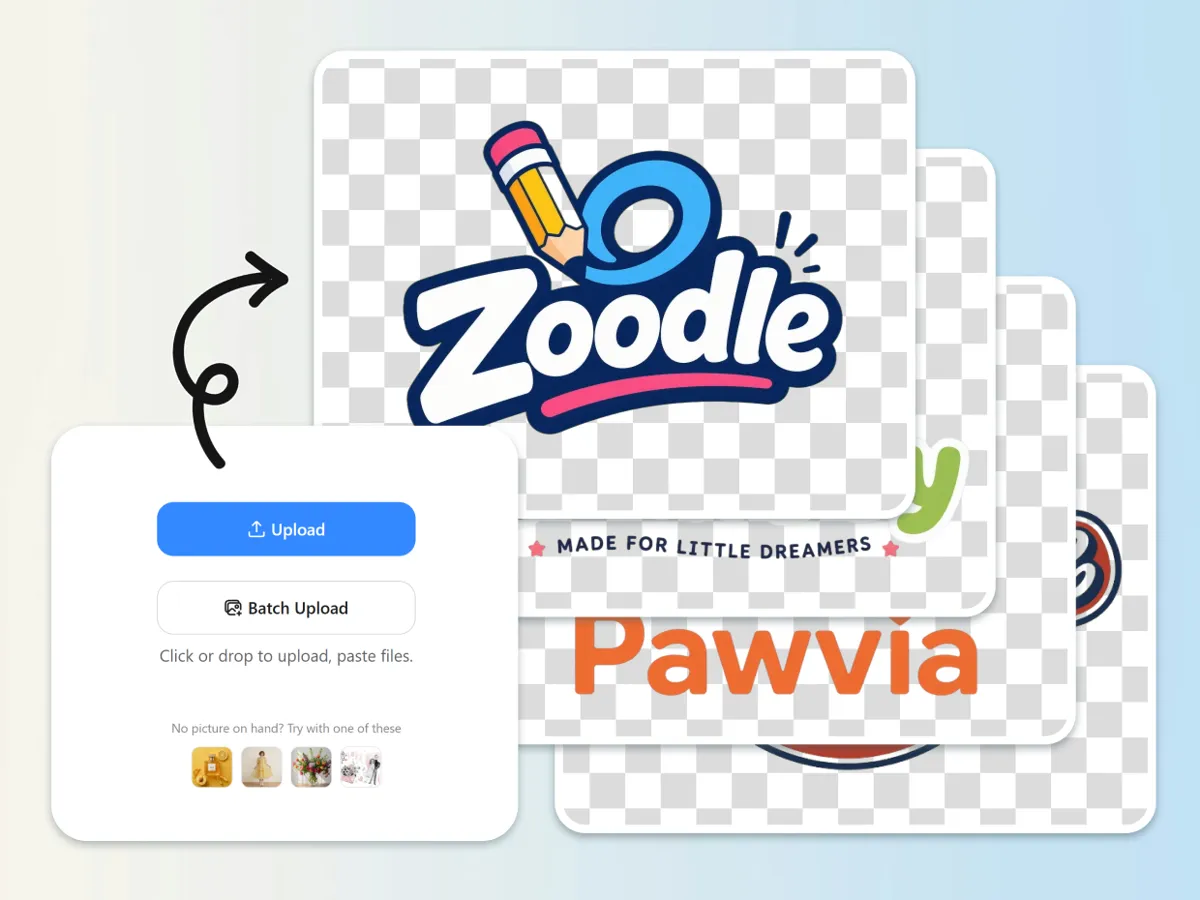
Remove Backgrounds from Multiple Logos at Once
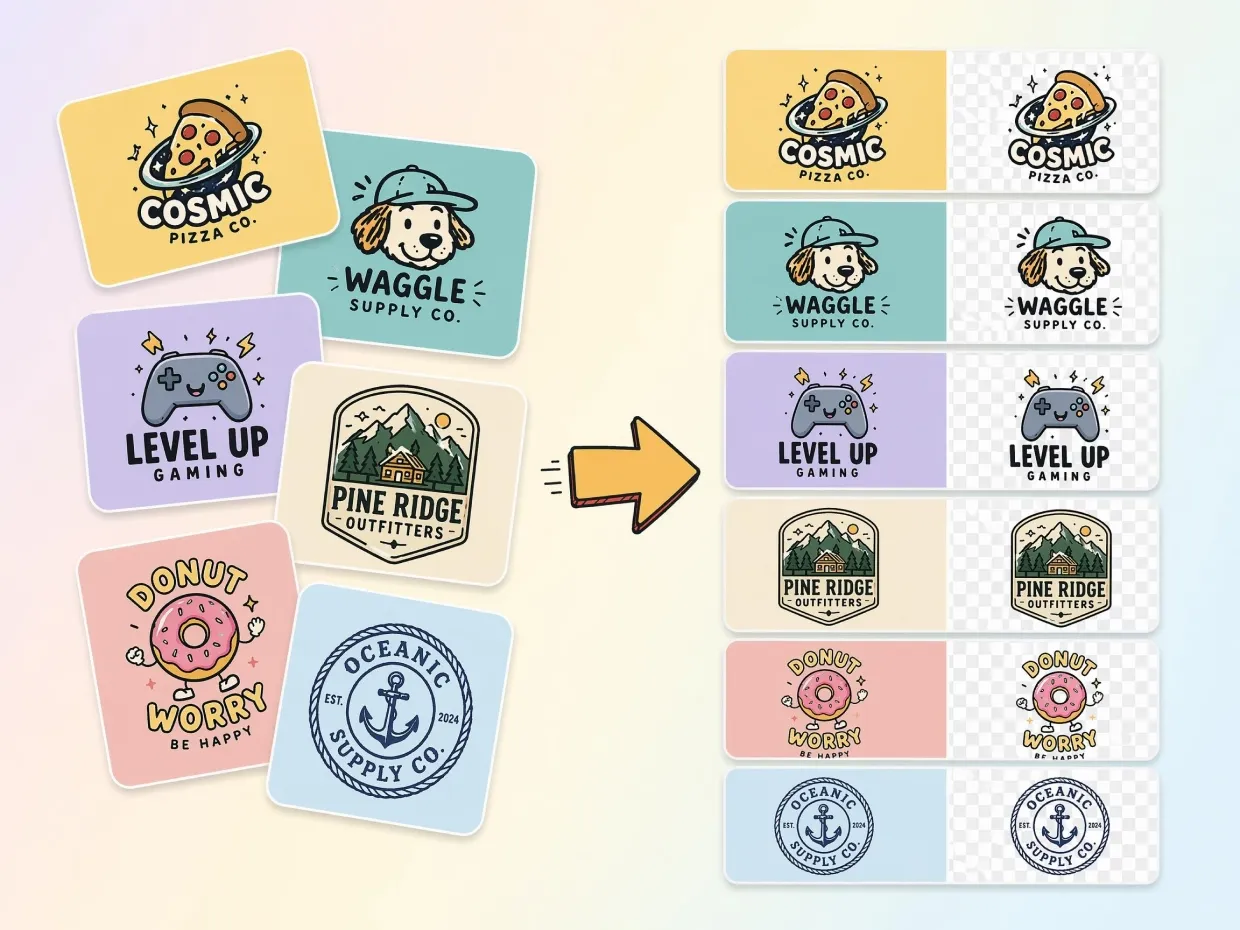
Agencies, sellers, and growing brands often manage many logo versions. The bulk background removal helps you process multiple files faster, keep assets consistent, and avoid repeating the same manual cleanup work.
Who Uses Designkit to Remove Logo Backgrounds
Make Store Branding Look More Professional
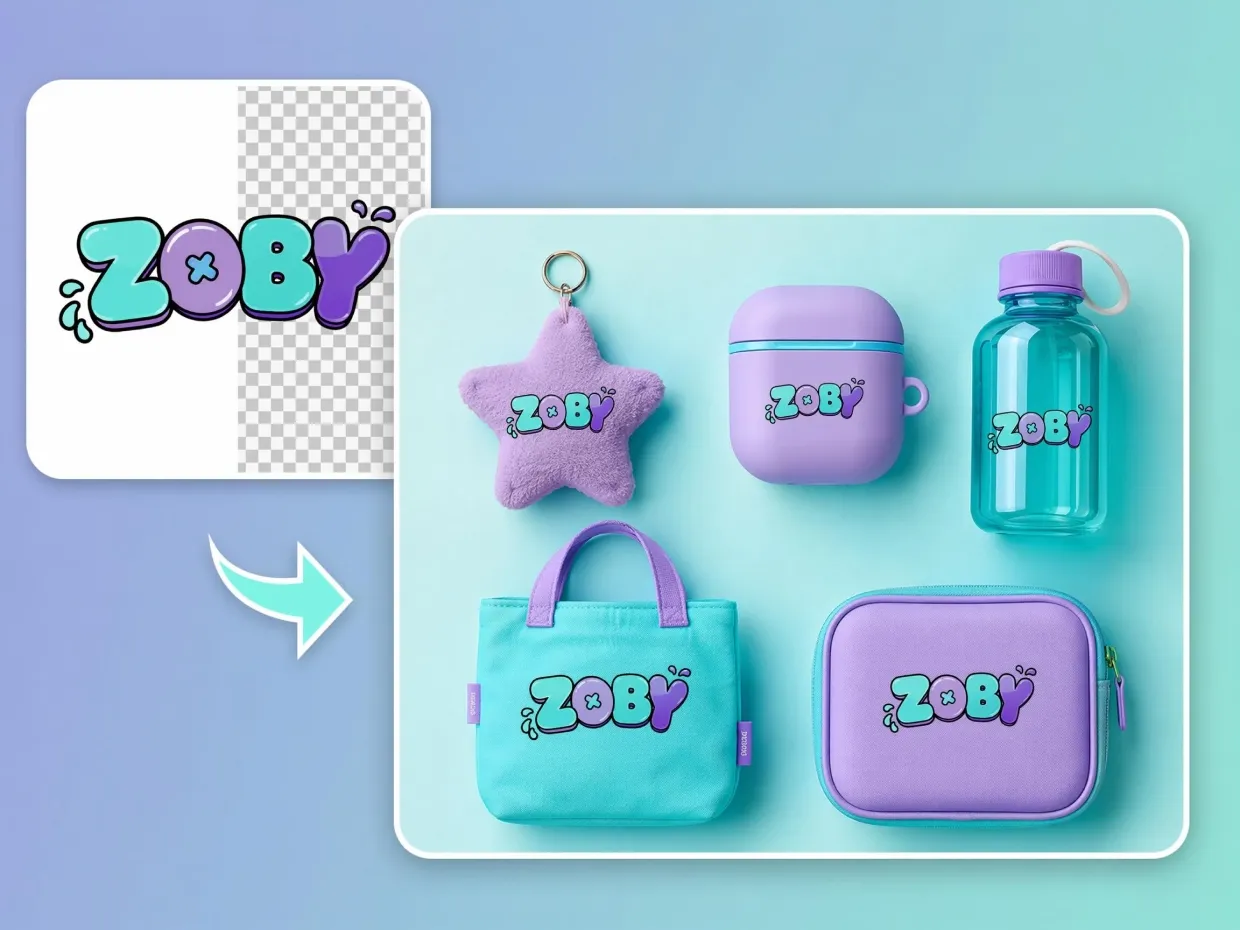
A logo with a white or colored box behind it can make a product page look unfinished. Remove the background once and use the same transparent logo across your storefront banner, product images, packaging inserts, email templates, and ads.
Why Choose Designkit for Logo Background Removal

Faster Than Waiting on a Designer
Remove a logo background yourself in seconds instead of sending small cleanup tasks back and forth.

Cleaner Than Manual Edge Tracing
Avoid slow manual selections and rough cutouts. Designkit removes the background while keeping logo edges, icons, and text crisp.

Built for Real Brand Use
Your transparent logo is ready for websites, ecommerce stores, packaging, ads, social media, presentations, and print materials.

Consistent Results Across Multiple Files
Process different logo versions with a consistent look, so your brand assets feel organized and professional.

Easy for Non-Designers
No Photoshop skills, design training, or technical setup needed. Upload the logo, remove the background, and download the transparent file.

Brand Colors Stay Accurate
Designkit removes the background while preserving the original logo colors, helping your brand stay consistent across every channel.
Frequently Asked Questions
How do I remove a white background from a logo?
What is the best file format for a transparent logo?
PNG is the best format for transparent logos because it supports transparency and keeps text, colors, and details clear. JPG files do not support transparent backgrounds.
Can I remove backgrounds from multiple logos at once?
Yes. Designkit supports batch logo background removal, so you can process multiple logo files together instead of editing each one manually.
What is a logo background remover?
A logo background remover is a tool that removes unwanted backgrounds from logo images and creates a clean transparent version. It is useful for websites, ecommerce listings, ads, packaging, social media, videos, and presentations.
Will removing the background damage small logo text?
No, as long as the tool uses precise edge detection. Designkit is designed to preserve small text, thin lines, icons, and complex logo shapes while removing the background. This helps the logo stay readable and professional.
Can I use transparent logos for TikTok, YouTube, and social media?
Yes, transparent logos work well as watermarks, video overlays, thumbnails, intros, profile graphics, and branded templates because they blend naturally with different backgrounds.
Is Designkit's logo background remover suitable for non-designers?
Yes, you do not need Photoshop, design experience, or manual editing skills. Upload your logo, let AI remove the background, and download a transparent PNG.
Can I use the transparent logo for print?
Yes. A clean transparent PNG can be used for many print materials, including labels, stickers, packaging, business cards, flyers, and merchandise. For very large print projects, always check the required resolution before printing.
Make Every Logo Look Clean, Sharp, and Brand-Ready
Remove your logo background for free and download a transparent PNG ready for websites, ecommerce stores, packaging, ads, videos, and social media.



User Reviews for AI Logo Background Remover
Real feedback from ecommerce sellers, creators, agencies, and brand owners using Designkit to create transparent logo assets faster.
Instant Logo Background Removal for Clean Shopify Branding
My store logo used to have a white box around it, which made the whole page look less professional. Designkit gave me a clean transparent version in seconds, and now my product pages and banners look much more consistent.
Higher CTR with Professional Amazon Logo Optimization
My listings looked inconsistent because of poor logo presentation. Designkit lets me create sharp logos for my A+ content and product pages fast. After updating a bunch of listings, noticeably more people are clicking through.
Faster Product Launch with Instant Logo Processing
I upload new products often, and logo cleanup used to slow me down. Now I can create transparent logos quickly and keep my launch workflow moving.
Bulk Logo Background Removal for Agency Efficiency
Client logo folders are rarely organized. With batch background removal, I can clean up multiple logo files at once and deliver better brand assets faster.
Perfect Edge Accuracy for Professional Brand Kits
Small text and thin logo lines usually worry me during background removal. Designkit keeps the edges clean enough for polished digital and print brand kits.
Fast Startup Branding Without Design Costs
I needed transparent logos for my website and pitch deck but didn't want to hire a designer for a simple task. Designkit gave me the files I needed right away.