
JPG Background Remover for Photos, Products, and Listings
Upload a JPG photo and remove the background automatically. Export a transparent PNG ready for ecommerce listings, social media content, design projects, and marketing assets.


No image ready? Try one of these samples:



How to Remove JPG Backgrounds in 3 Steps
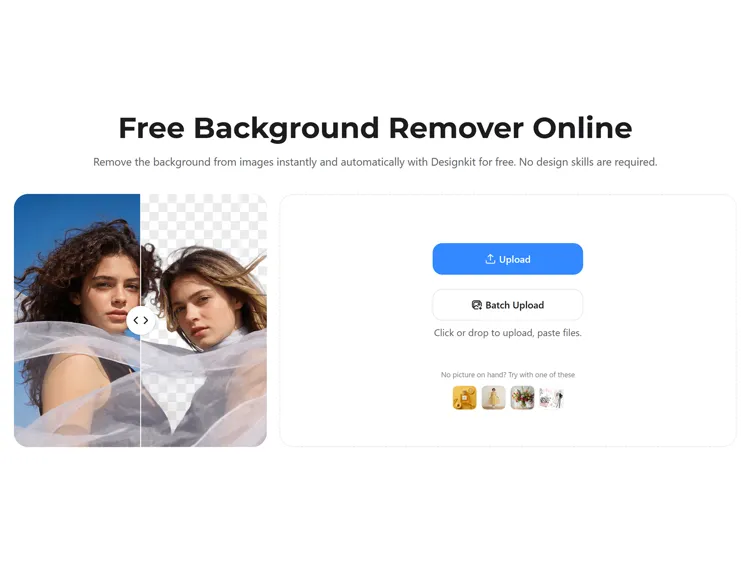
Upload Your JPG
Open the Designkit and upload your JPG image from your device. You can also drag and drop files or upload multiple images for batch editing.
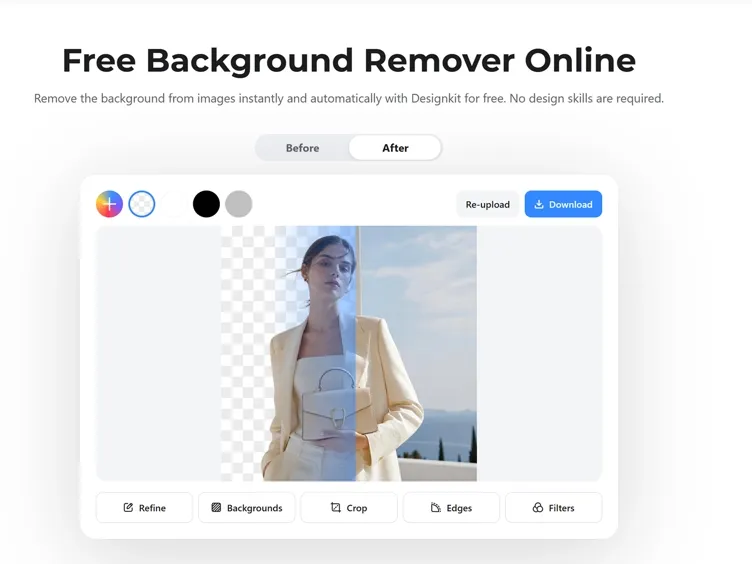
Auto-Detect the Subject and Trim Edges
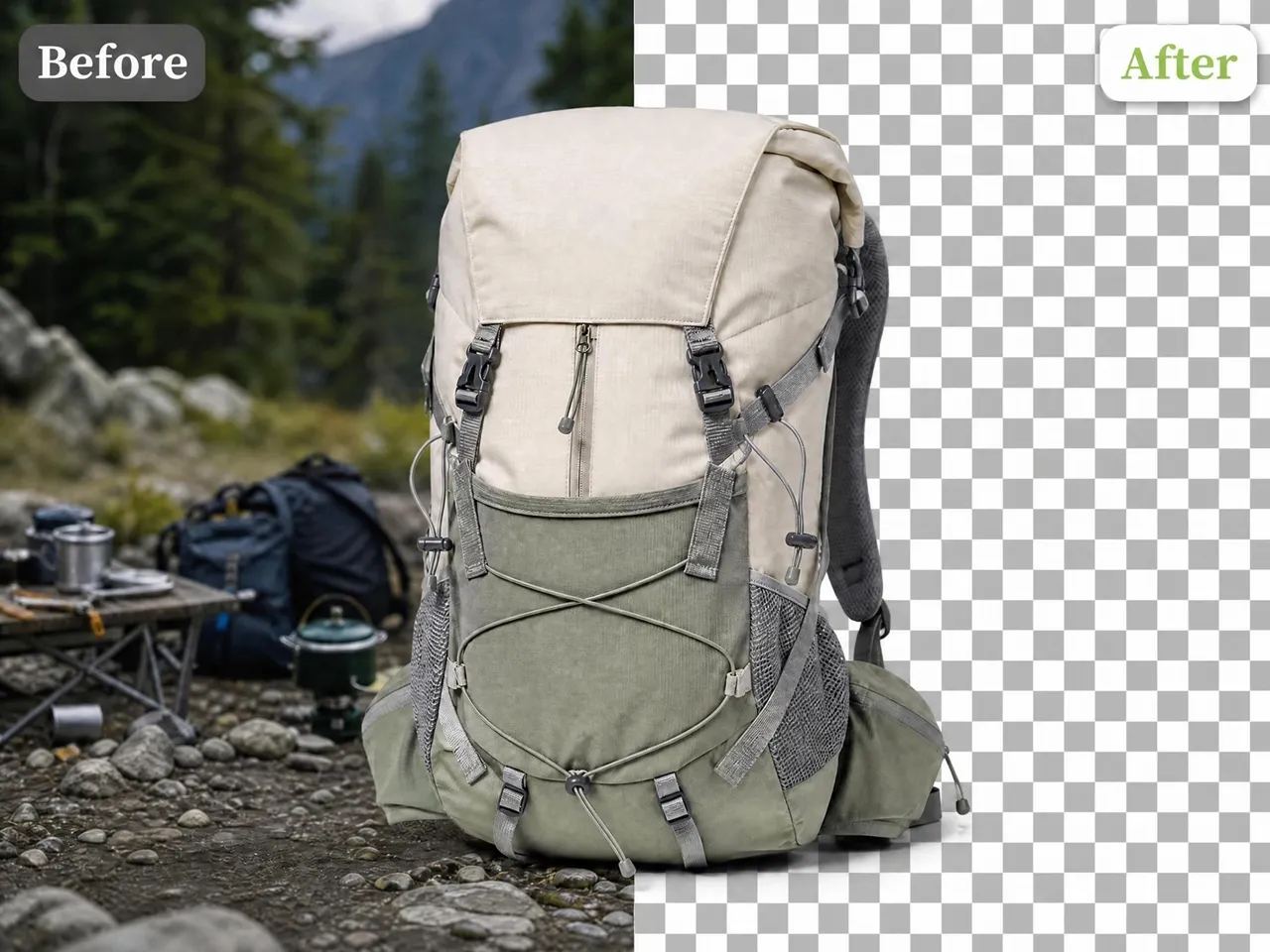
Designkit will automatically detect the subject and remove the background from your JPG image while keeping edges clean and natural.
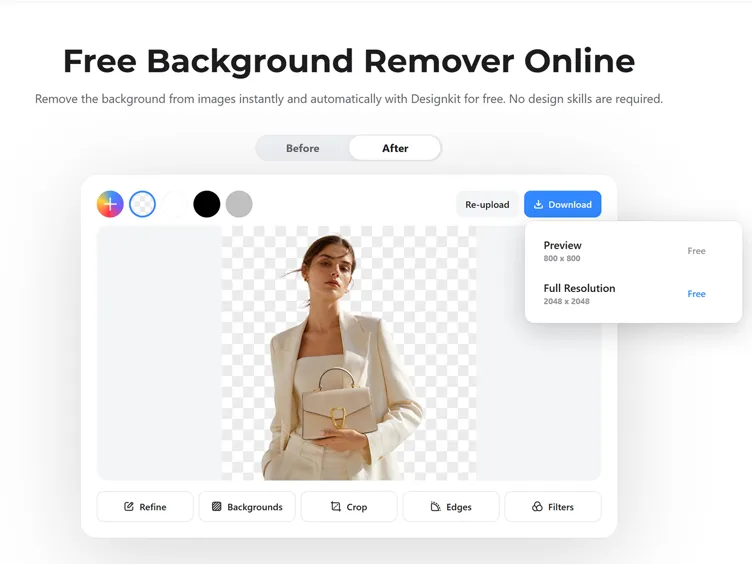
Download Your Transparent Image
Preview the final result and ensure it looks perfect. Then download it to save your image as a transparent PNG or ready-to-use file for ecommerce, social media, or marketing.
Turn Messy JPG Images Into Clean Visuals with Designkit
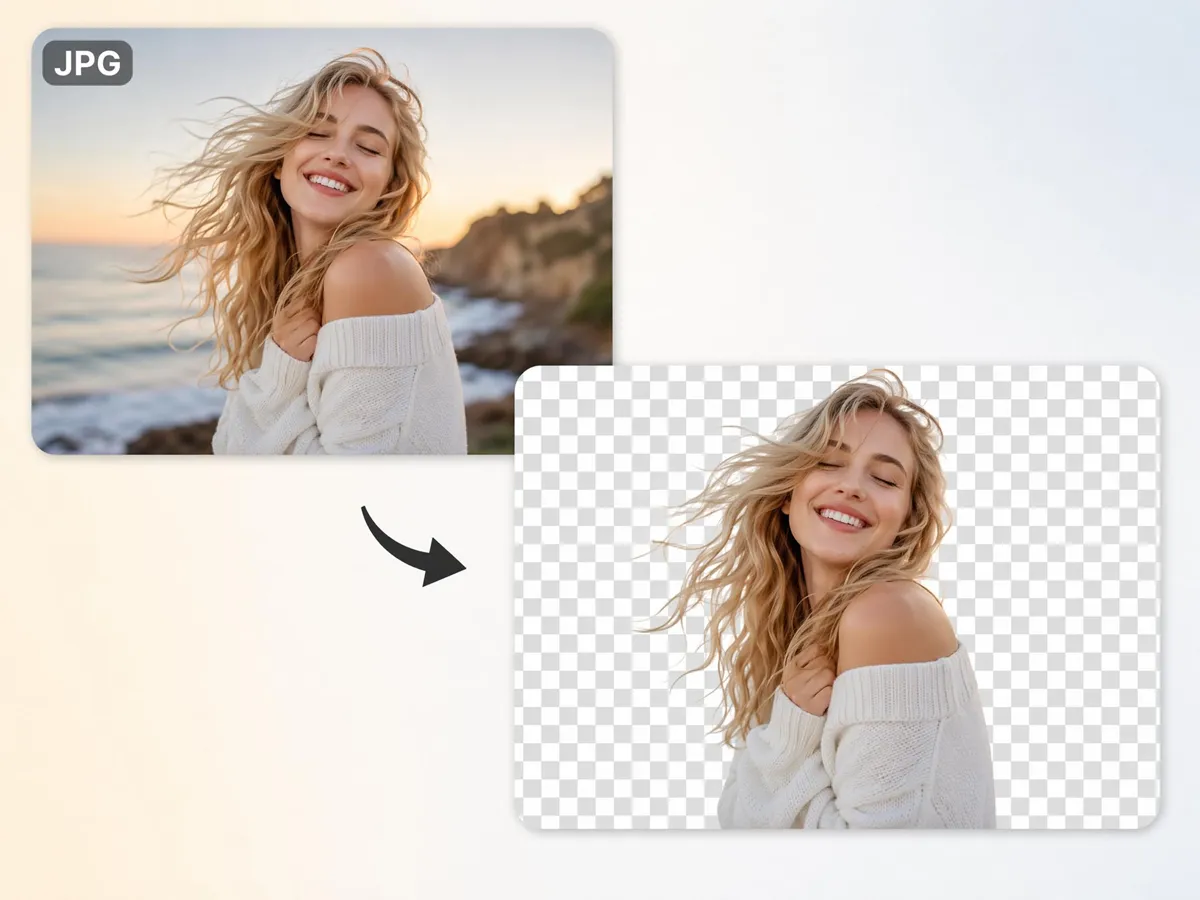
Convert JPG Photos into Transparent PNG Files
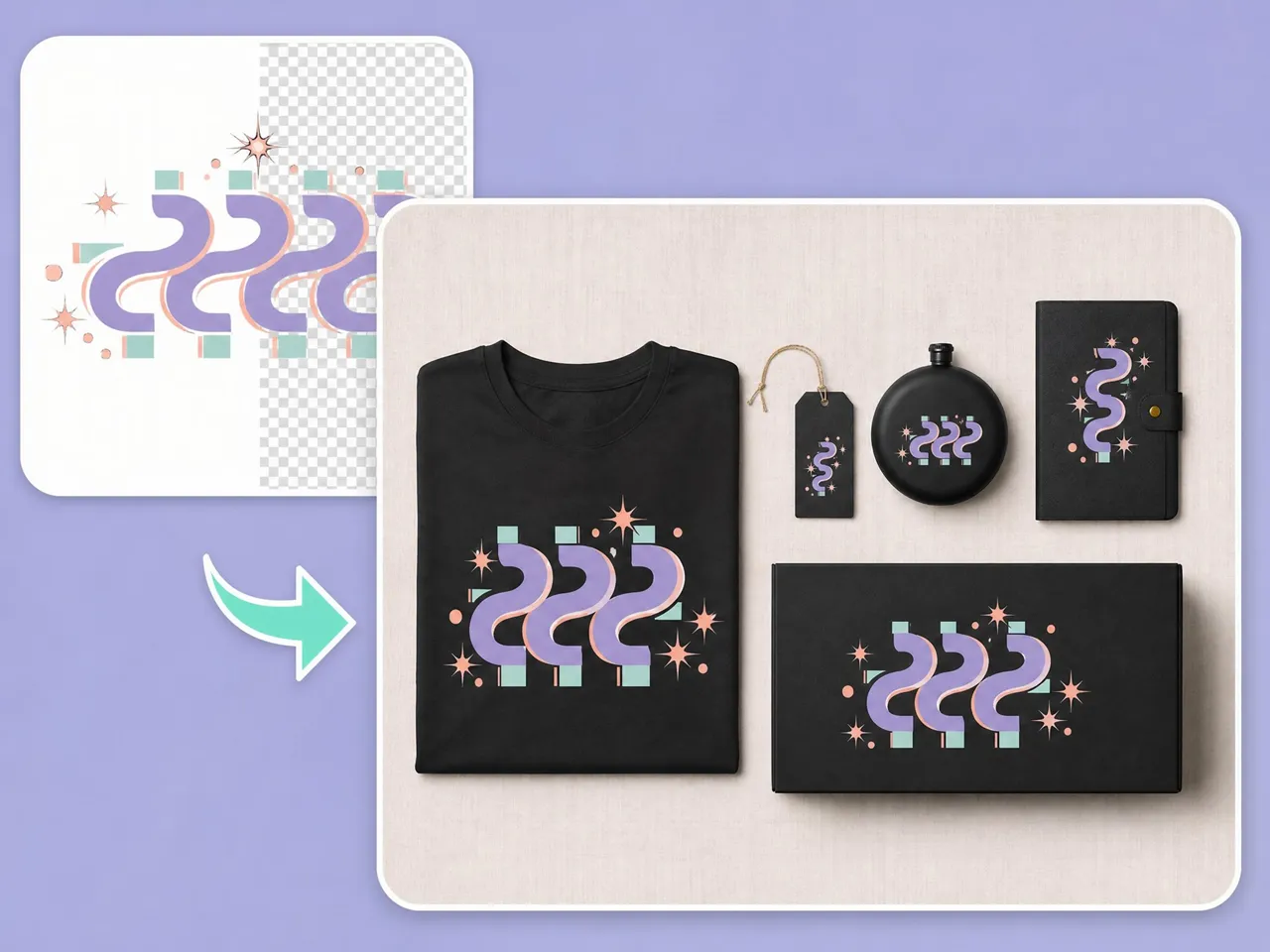
A JPG can't have a transparent background, so removing it isn't enough on its own. Designkit cuts out the subject and exports it as a PNG, so you get a usable transparent file instead of a white box behind the product.
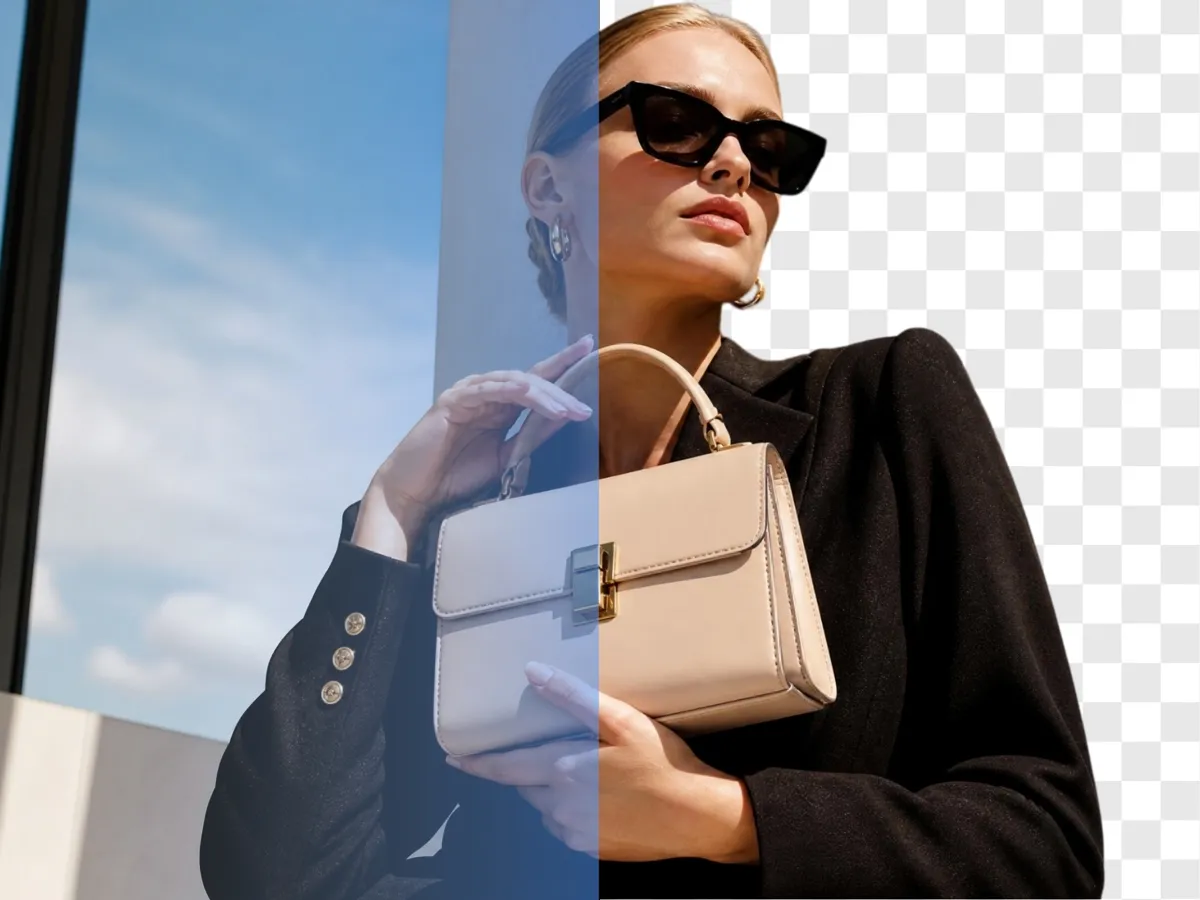
Clean Up Real Photos, Not Just Clean Graphics
Many JPG images come from phones, cameras, suppliers, or social platforms rather than design software. Designkit identifies the main subject and removes the background while preserving hair, shadows, glass, and other complex details.
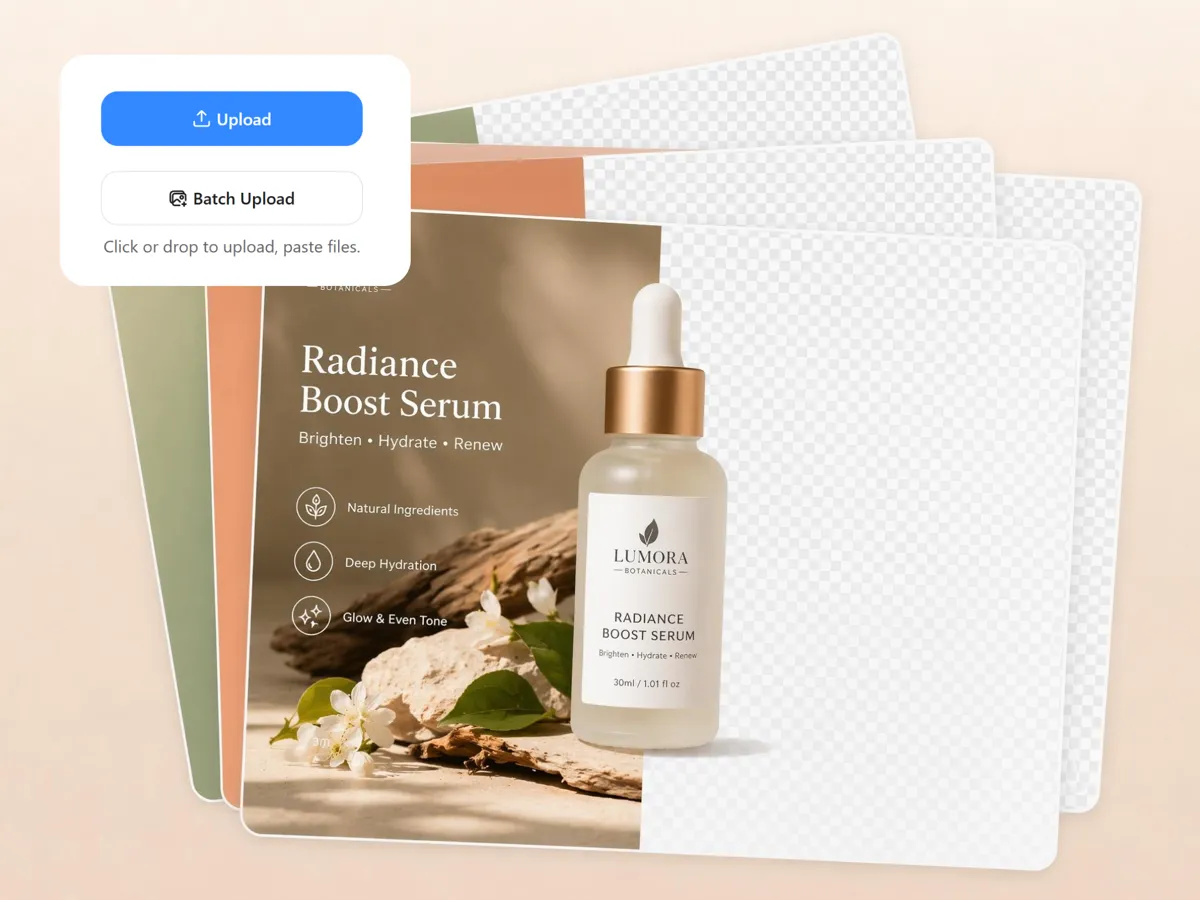
Batch Remove Backgrounds from 30 JPGs at Once
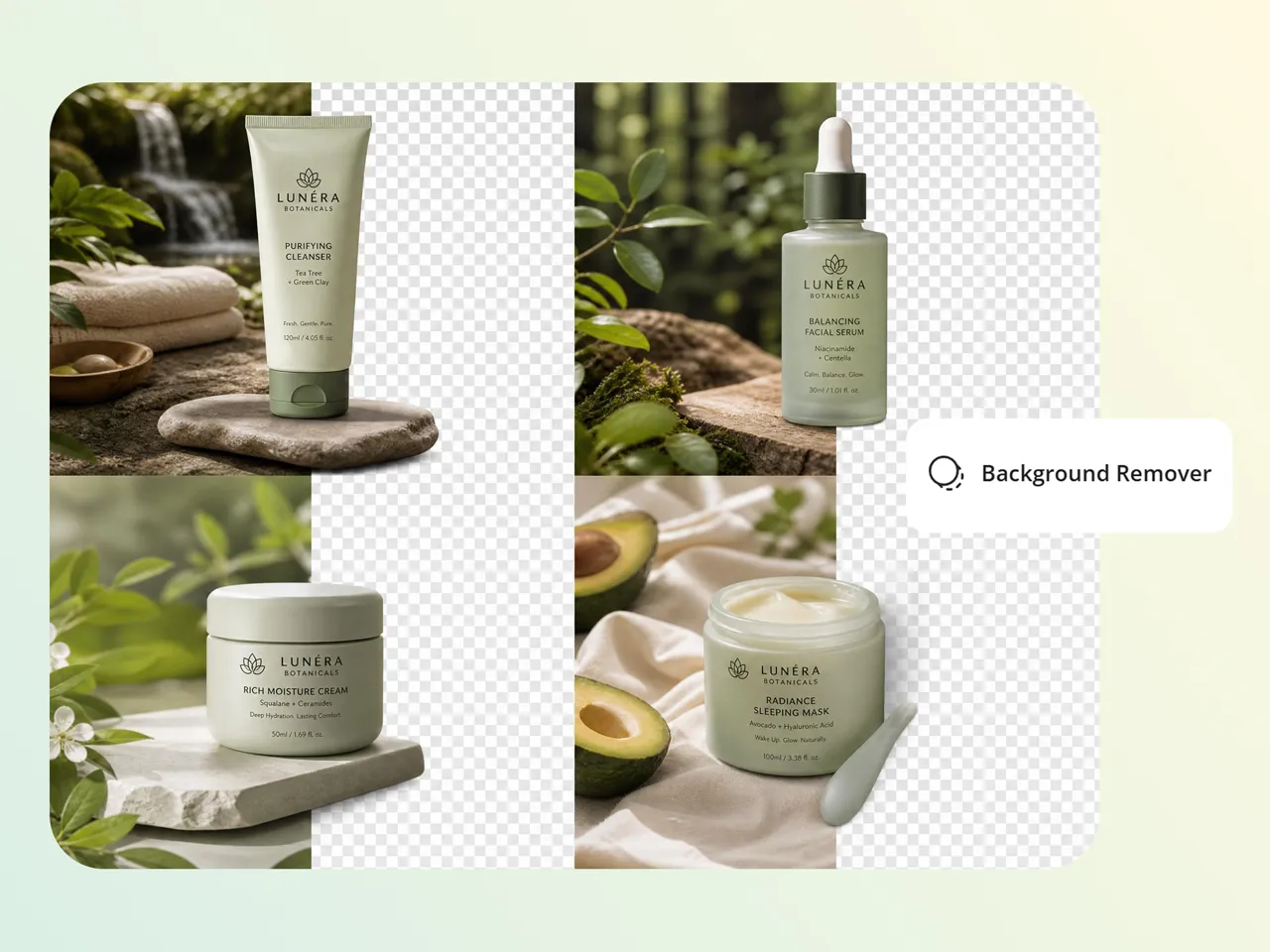
Process large product catalogs effortlessly by editing up to 30+ images in one workflow. This is useful for product catalogs, campaign assets, supplier photos, and marketplace listings that require consistent image presentation.
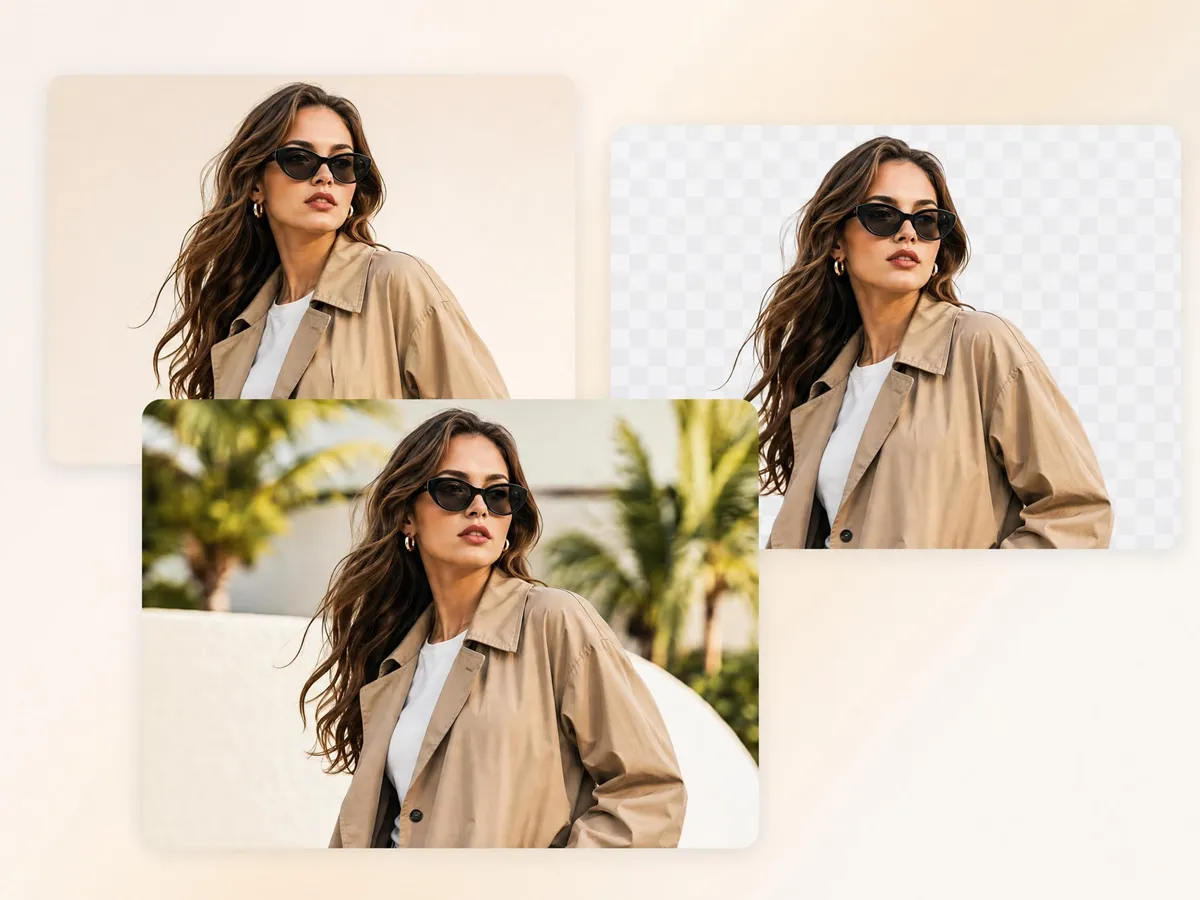
Replace the Background or Download Instantly
Export optimized images instantly in formats and sizes ready for Instagram, Facebook, Amazon, Shopify and more, ensuring every JPG is clean, properly aligned, and ready to upload without extra resizing or editing work needed.
Who Can Use Designkit for JPG Background Removal
Turn Phone Photos into Content Assets
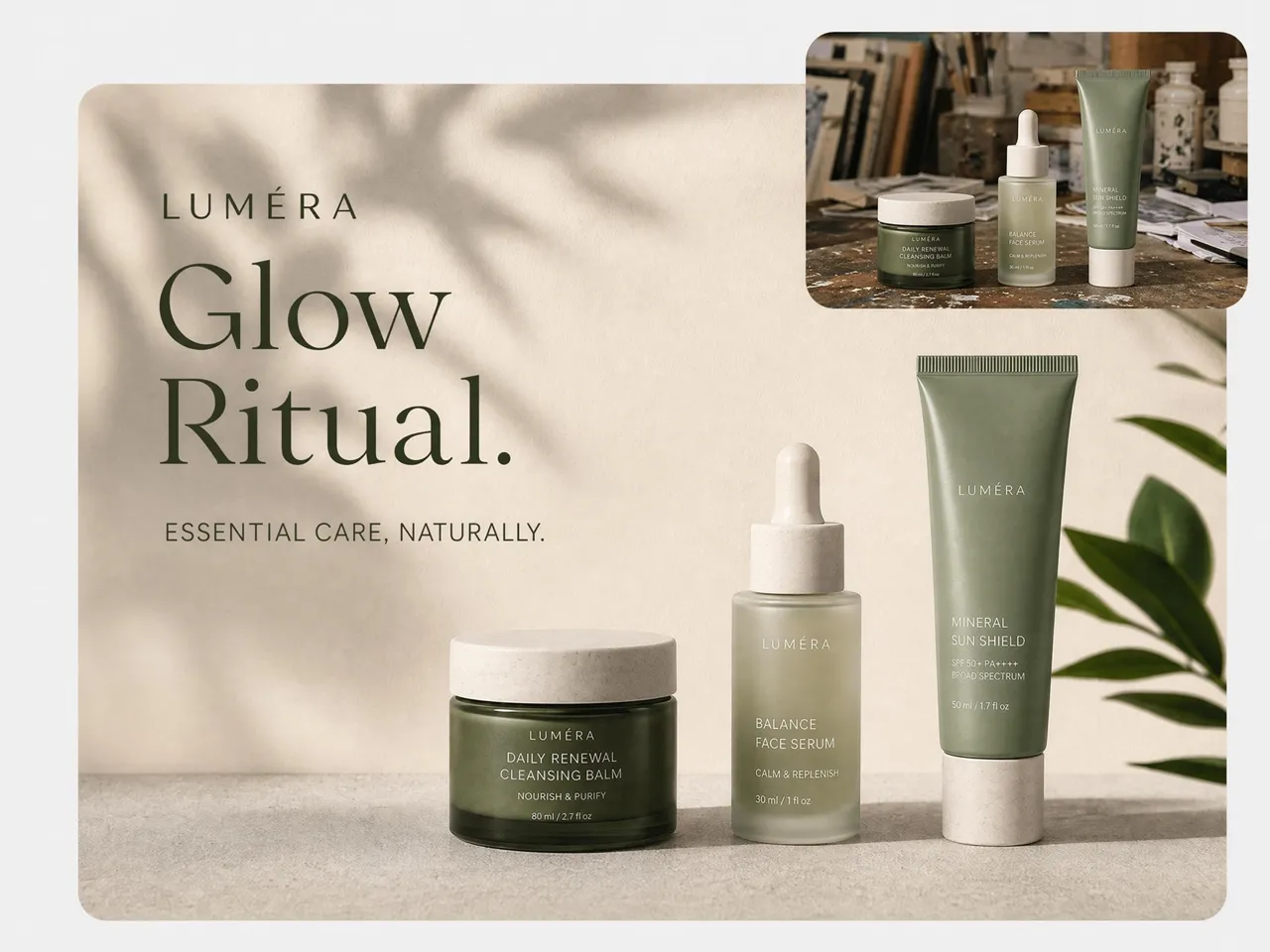
Most social content starts as a JPG photo taken on a phone. Remove the background and place the subject on a clean color, branded backdrop, or campaign visual.
Why Use Designkit for JPG Background Removal

Built for Real JPG Photos
Designkit identifies subjects accurately even when backgrounds are busy or inconsistent.

Supports Batch Processing
Remove backgrounds from up to 30 JPG images at once.

Preserves Fine Details
Keeps hair, shadows, transparent materials, and object edges intact.

Marketplace and Social Presets Included
Export straight to the dimensions Shopify, Amazon, Etsy, and social platforms ask for. No manual resizing or reformatting after the cutout.

JPG Goes Straight to a Transparent PNG
A JPG can't be transparent, so the export matters. Your cutout comes out as a clean PNG with a real transparent background in seconds, no extra software.

Includes Background Editing Tools
Replace backgrounds, generate new scenes, or export immediately after processing.
Unlock More Creative Possibilities
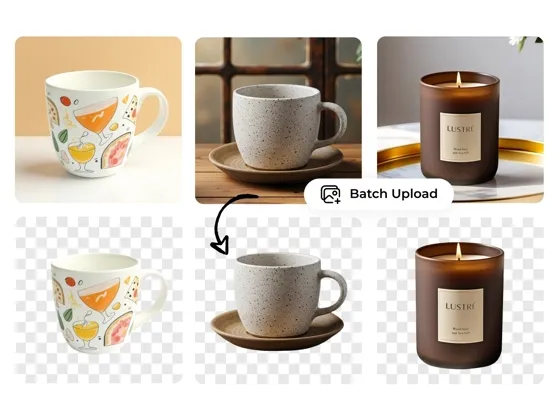
Background Remover Online

Bulk Image Background Remover
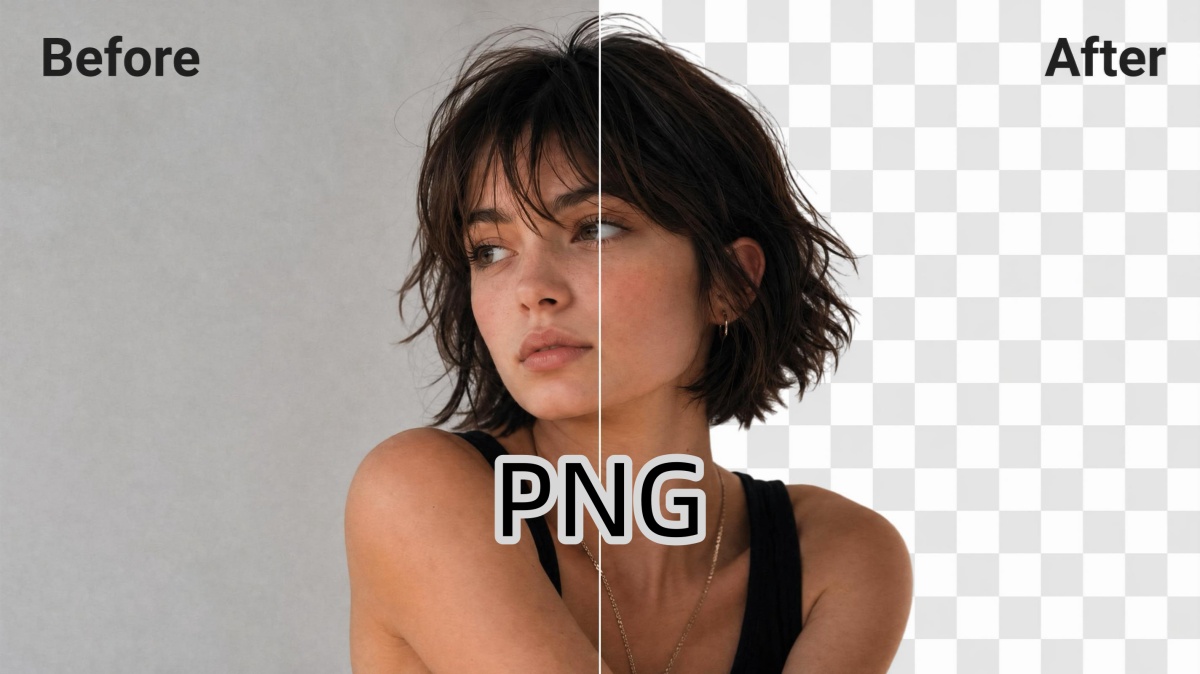
PNG Background Remover
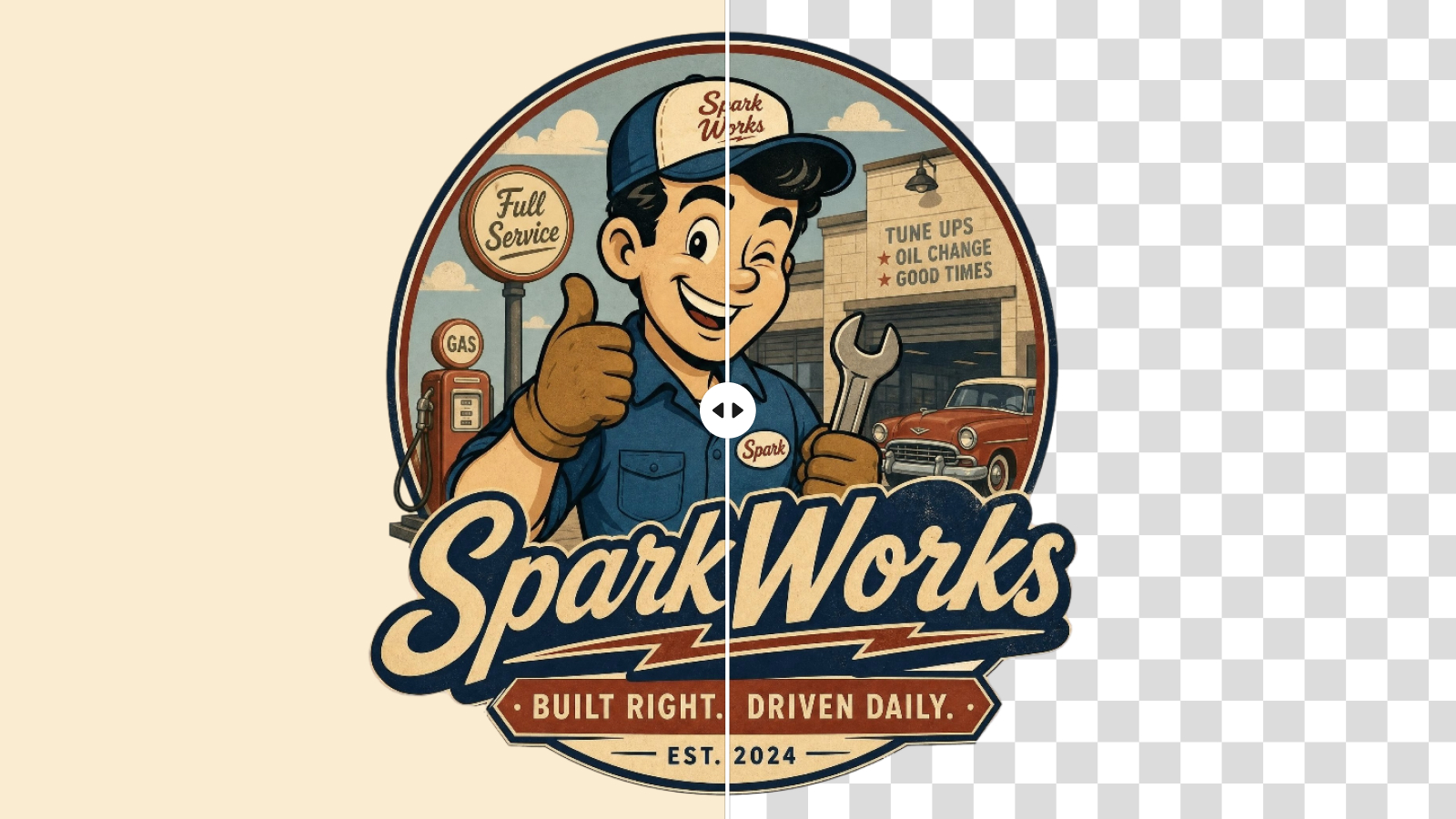
Logo Background Remover
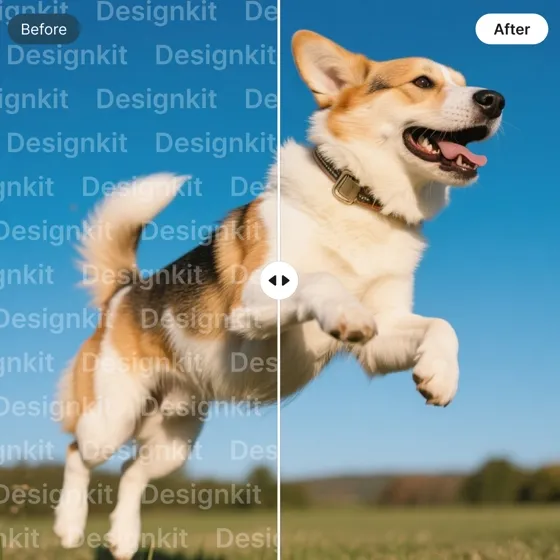
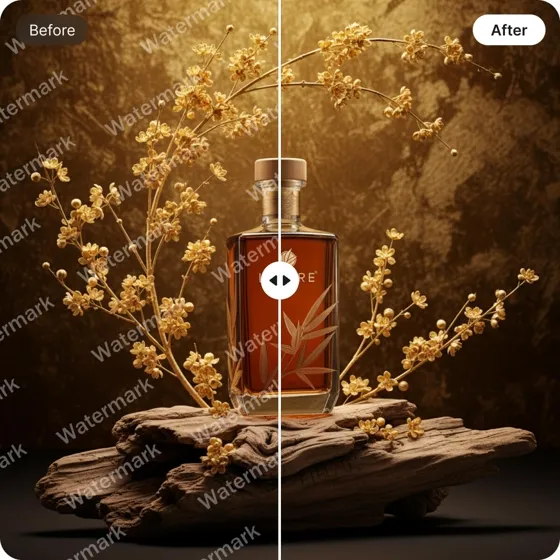
Remove Watermarks
Remove Text From Images
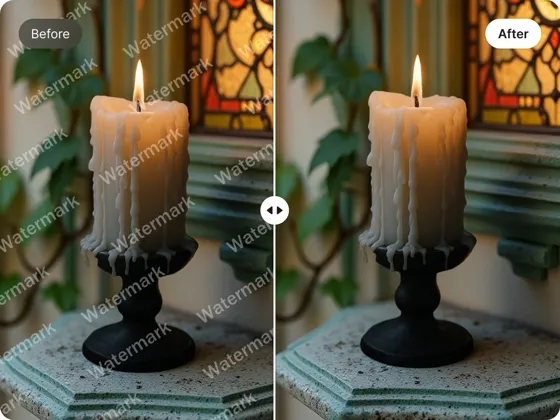
AI Object Remover
Frequently Asked Questions
Can a JPG have a transparent background?
What is the difference between a JPG and PNG?
JPG files do not support transparent backgrounds, while PNG files do. After removing the background from a JPG image, Designkit exports the result as a transparent PNG.
What is a JPG background remover and when should I use it?
A JPG background remover helps you separate the main subject from the background in just a few clicks. It's useful when you have product photos with distracting, cluttered, or inconsistent backgrounds and want a cleaner look. With Designkit, you can upload your image and instantly create a polished visual that's ready for your store, website, or social media without spending time on manual editing.
Can I export the result as a transparent PNG after removing the JPG background?
Yes, after removing the JPG background, you can easily export your image as transparent PNG. This is useful when you need flexible visuals for websites, product listings, or design work. With Designkit, the process is simple. Just remove the background and download a clean PNG ready for any platform or creative use.
Is Designkit accurate for complex images like hair, shadows, or glass?
Yes, the tool is designed to handle complex details like hair strands, soft shadows, and transparent objects such as glass. It carefully detects edges to avoid rough cuts or missing parts. Even difficult images become clean and natural-looking, helping your product photos stay realistic and professional without manual editing.
Can I remove backgrounds from multiple JPG images at once?
Yes. Upload up to 30 JPGs together and they're processed in one pass, with size and quality kept consistent across the set. It's faster than editing product or campaign photos one at a time.
Can I use the cleaned images for Amazon, Shopify, or ads?
Yes. The files export at marketplace and social sizes, so they upload straight to Amazon, Shopify, Etsy, and ad platforms. A clean cutout keeps the focus on the product and usually reads as more professional.
Do I need any editing skills to use it?
No. Uploading the JPG is the only step you control. The subject is detected, the background is removed, and the file is exported for you, so beginners get a clean transparent cutout without learning a photo editor.
Convert JPG Photos into Transparent PNGs
Remove backgrounds from JPG images, keep important details intact, and download transparent PNG files ready for ecommerce, marketing, and design projects.



Real Experiences from Sellers and Creators Using Designkit JPG Background Remover
See how users create clean, professional images with Designkit JPG Background Remover.
Faster Editing Completely Changed My Workflow
I used to spend 2–3 hours fixing JPG backgrounds before posting content. Now I process nearly 80 images in under 20 minutes using Designkit. It saves me around 10–12 hours every week and makes my editing flow smooth and stress-free.
Finally Handles My Tricky Shots
My photos always had the parts other tools wrecked, the flyaway hair and the glass edges. Designkit keeps those clean, so I'm not redoing cutouts by hand anymore and I can take on more client work.
Professional Results Without the Skills
My course visuals looked inconsistent because the backgrounds were all over the place. I clean a whole set in a few minutes now, the materials look more polished, and I'm getting through noticeably more content in the same time.
Cheaper Than Outsourcing Every Image
We used to send images out for editing, which added up fast. I just clean them in-house now in one session, no design background needed, and it's saved us a real amount on outside editing.
A Consistent Look Across Every Account
Running several accounts meant the backgrounds never matched and revisions kept piling up. I standardized everything in one workflow, so the brand looks consistent and approvals go through a lot faster.
Turns Phone Photos Into Sellable Images
A lot of what I get is raw phone snaps under tight deadlines. I drop them in, the subject comes out clean, and I export a transparent file ready to use, so I'm hitting deadlines without the manual slog.