
The Shopify Photo Editor That Makes Your Store Look Professional
Edit Shopify product images faster with AI-powered tools that clean backgrounds, enhance quality, and standardize visuals across your store. Create consistent, professional product photos without manual editing or design skills.
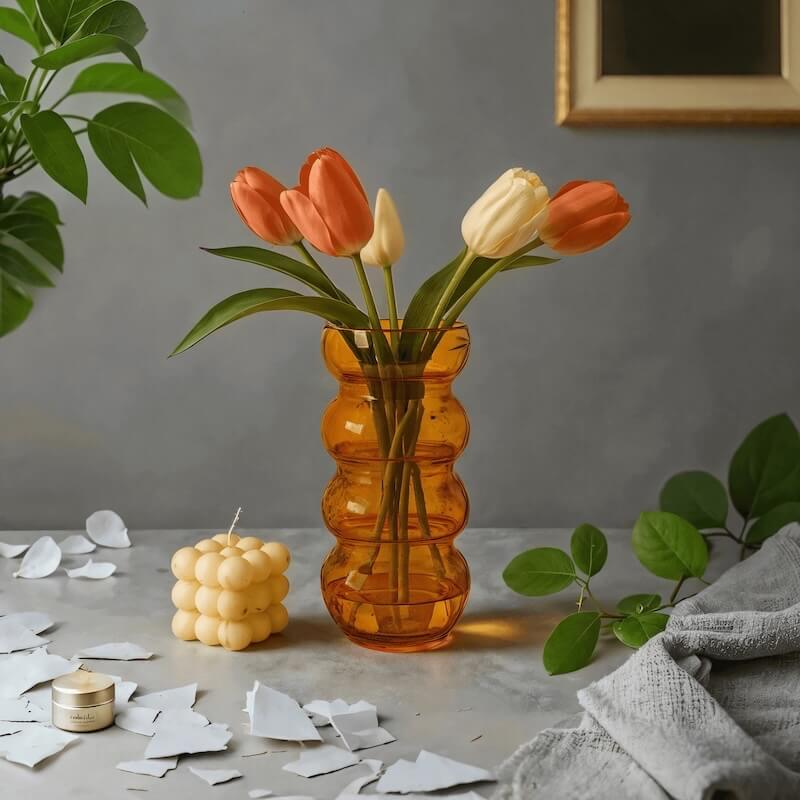
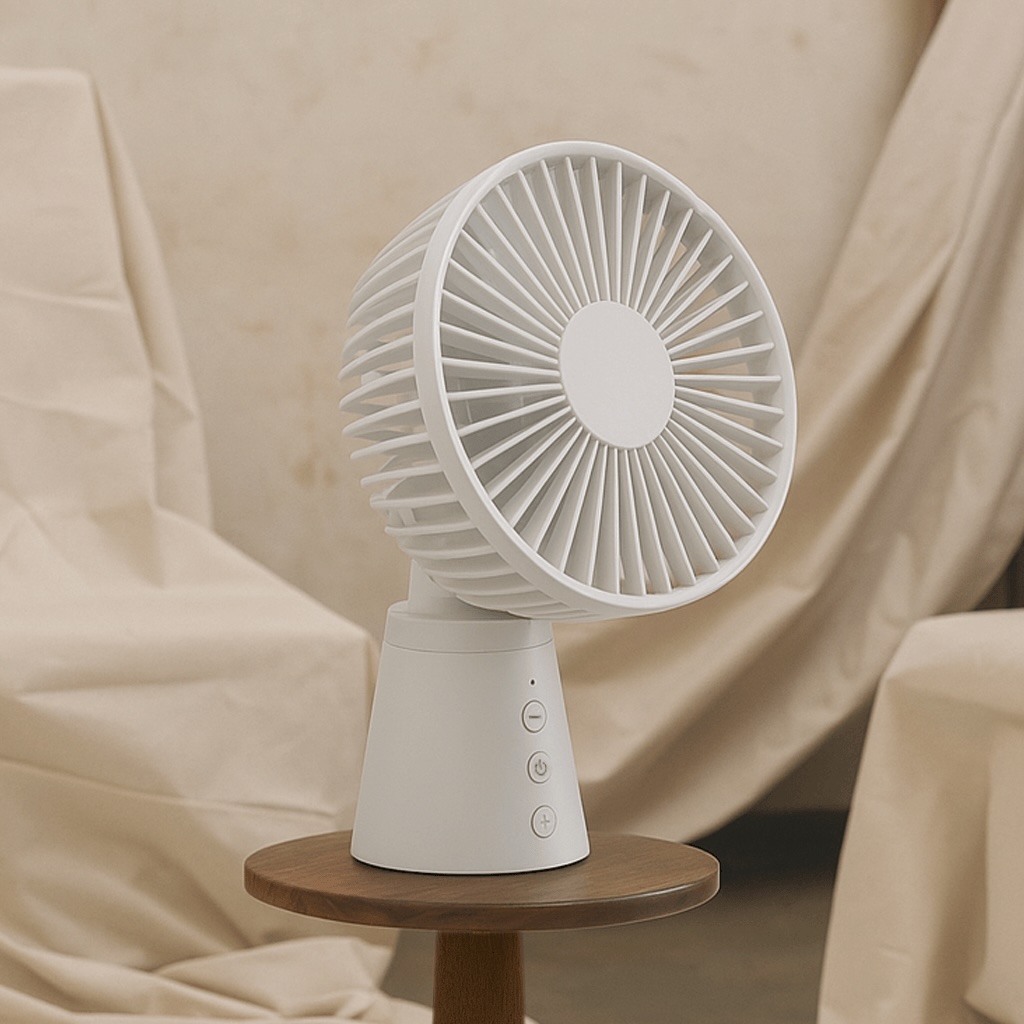
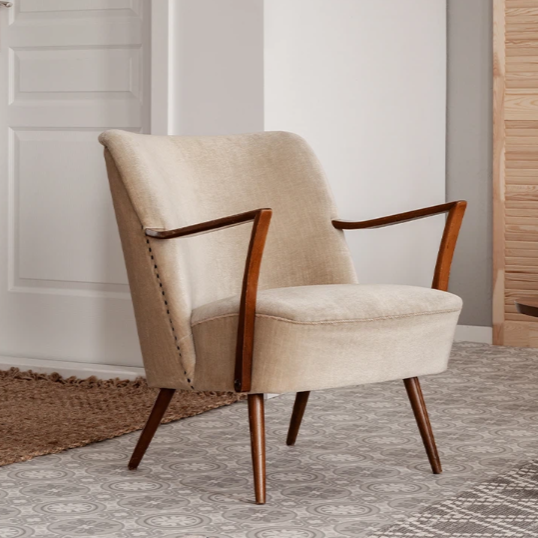
No picture on hand? Try with one of these

How to Edit Shopify Product Photos with Designkit
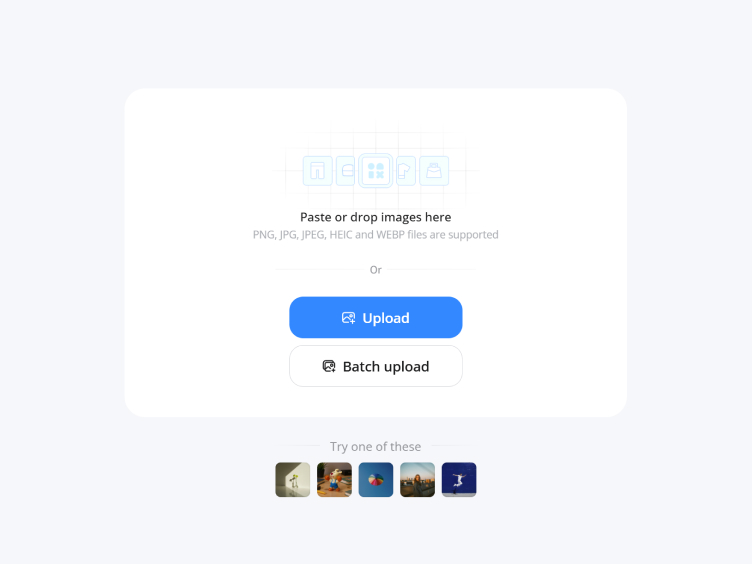
Upload Product Image or Reference
Go to Designkit and select "AI Photo Editor." Upload, paste, or drag your product images. You can also upload in bulk to speed up editing and handle multiple Shopify product photos efficiently.
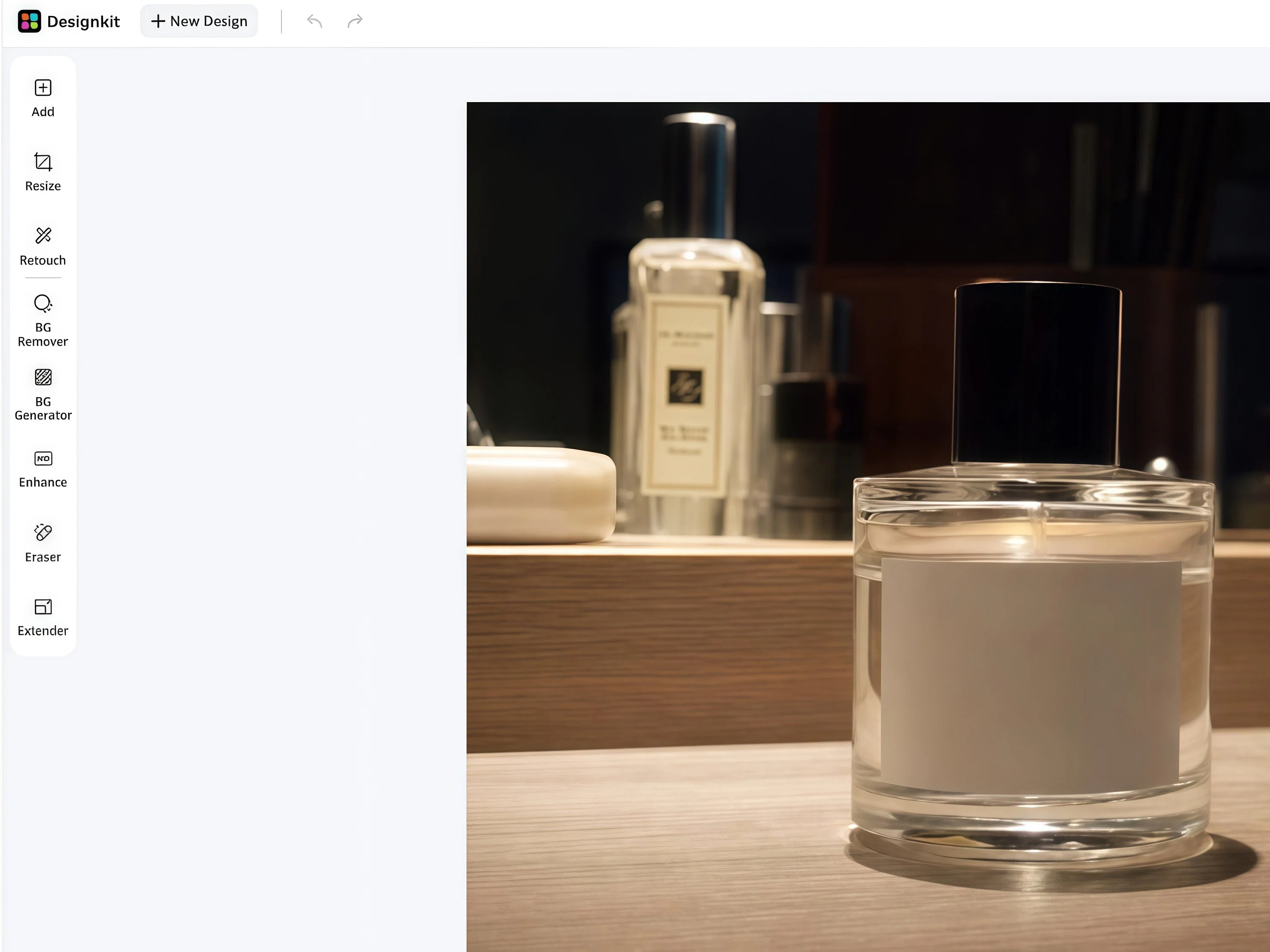
Edit Your Product Photos
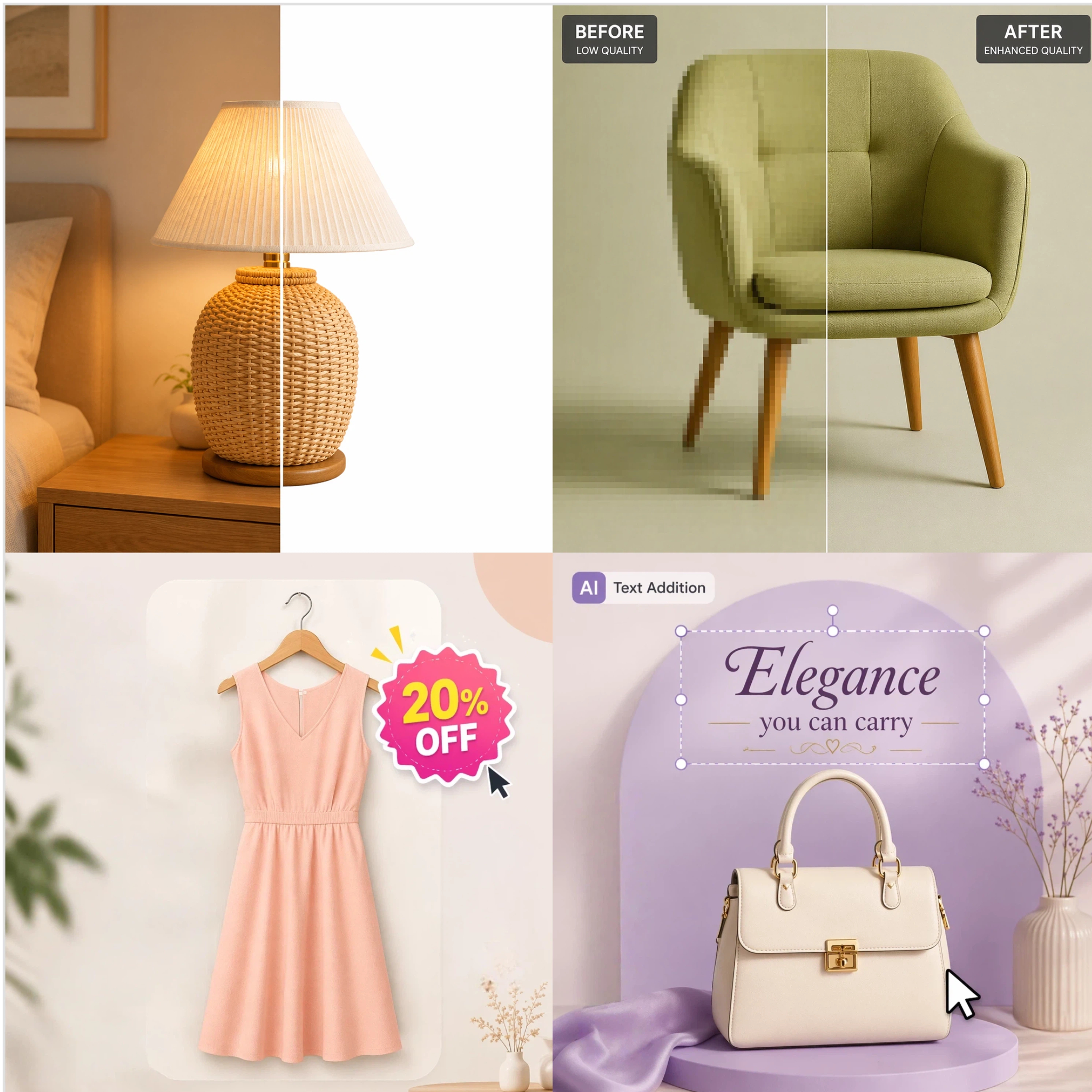
Use the toolkit to adjust your product lighting, color, and texture. Create a clean white background with BG Remover, or customize a new scene for your product using BG Generator. Adapt your product image into different ad sizes with the Resize tool. You can upscale product images in one seamless workflow.
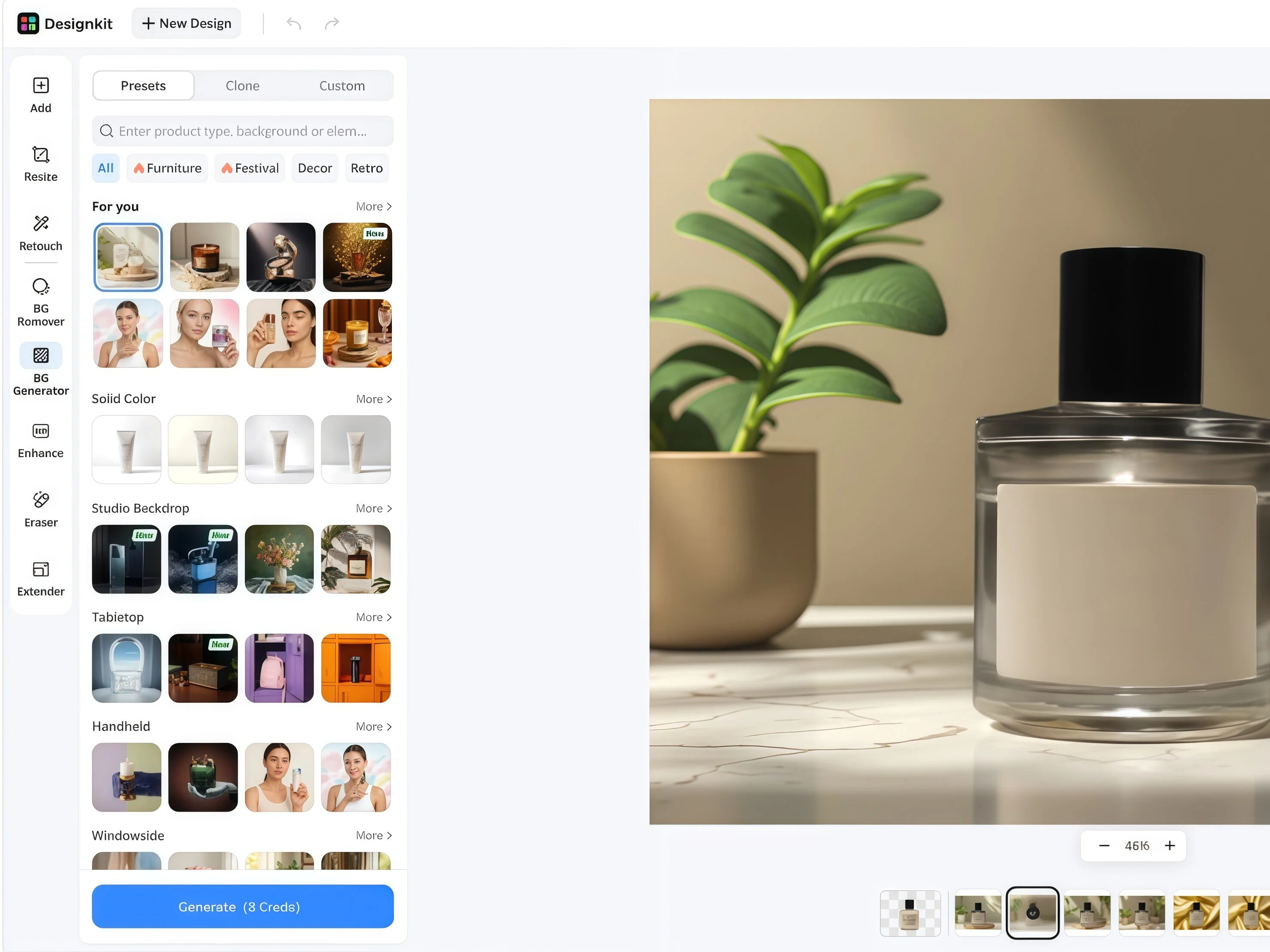
Preview, Refine and Download
Review your edits, then download at full resolution in PNG or JPG — pre-formatted for Shopify collection grids, product pages, and ad banners.
Designkit for Shopify: Capabilities of the AI Photo Editor
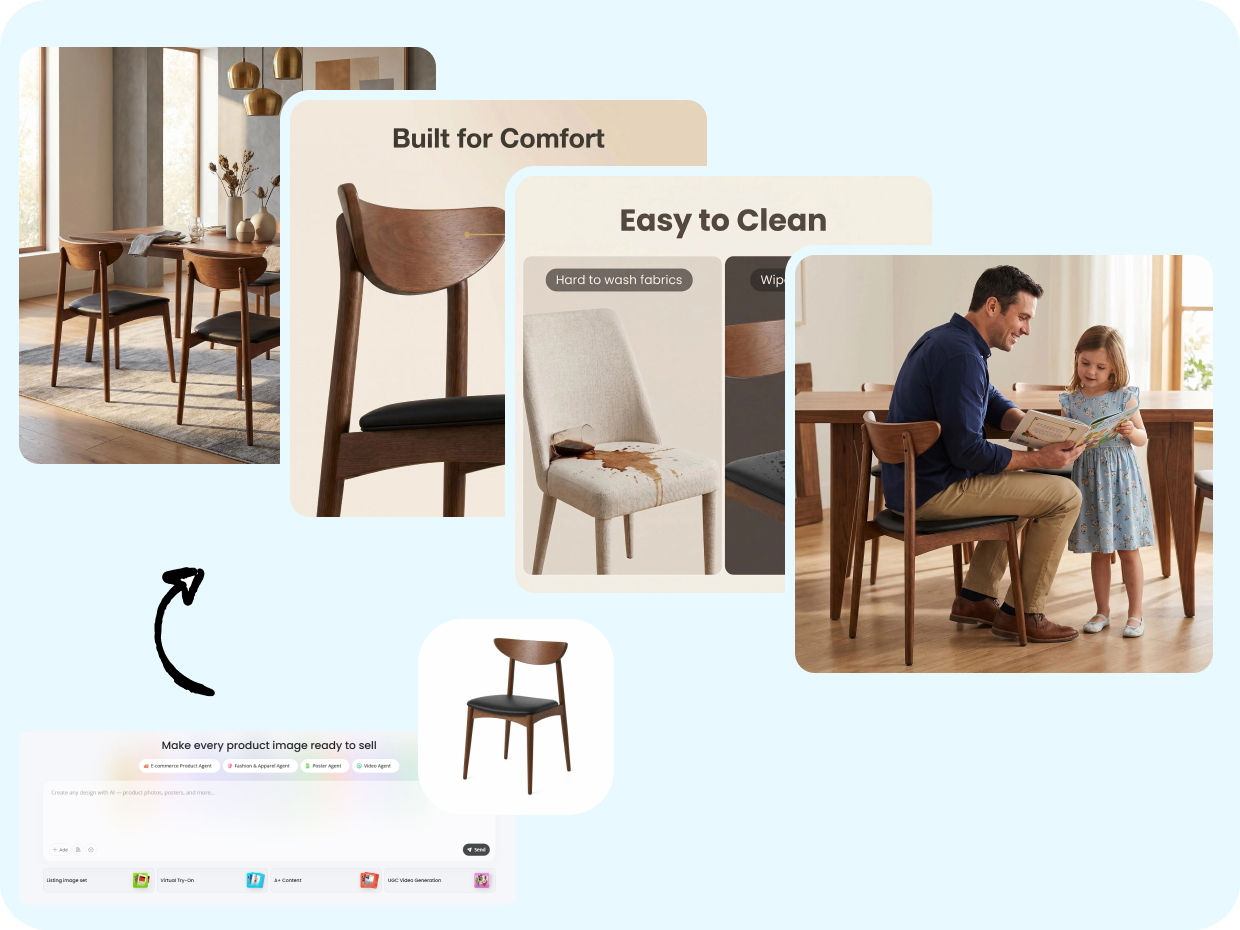
Batch Edit Product Images for Faster Shopify Listings
When you have 50+ SKUs that need updating, editing images one by one becomes slow and repetitive. Designkit's batch photo editor lets you process 50+ product images at once in a single workflow. Apply consistent background fixes, enhancements, and adjustments across your entire catalog. Your Shopify product photos stay uniform, ready to publish, and updated in minutes instead of hours.
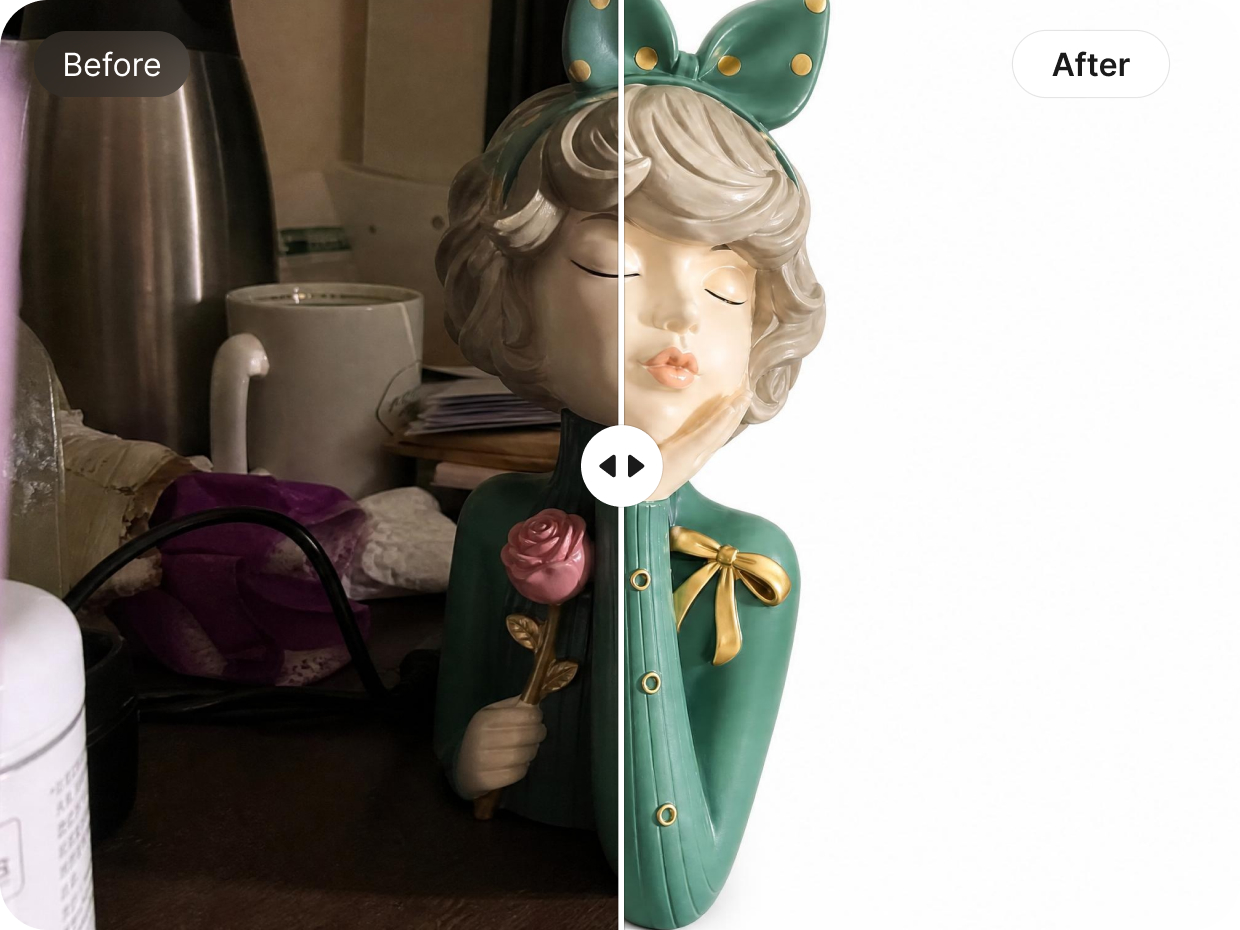
Generate Clean, Consistent Backgrounds for Product Catalogs
Designkit's background remover automatically removes distracting or uneven backgrounds and replaces them with clean, consistent visuals that match your brand style. It ensures every product in your Shopify store looks visually aligned, whether you have 10 SKUs or 1,000. This improves catalog organization, makes products easier to browse, and creates a more professional and trustworthy shopping experience for customers across all collections.
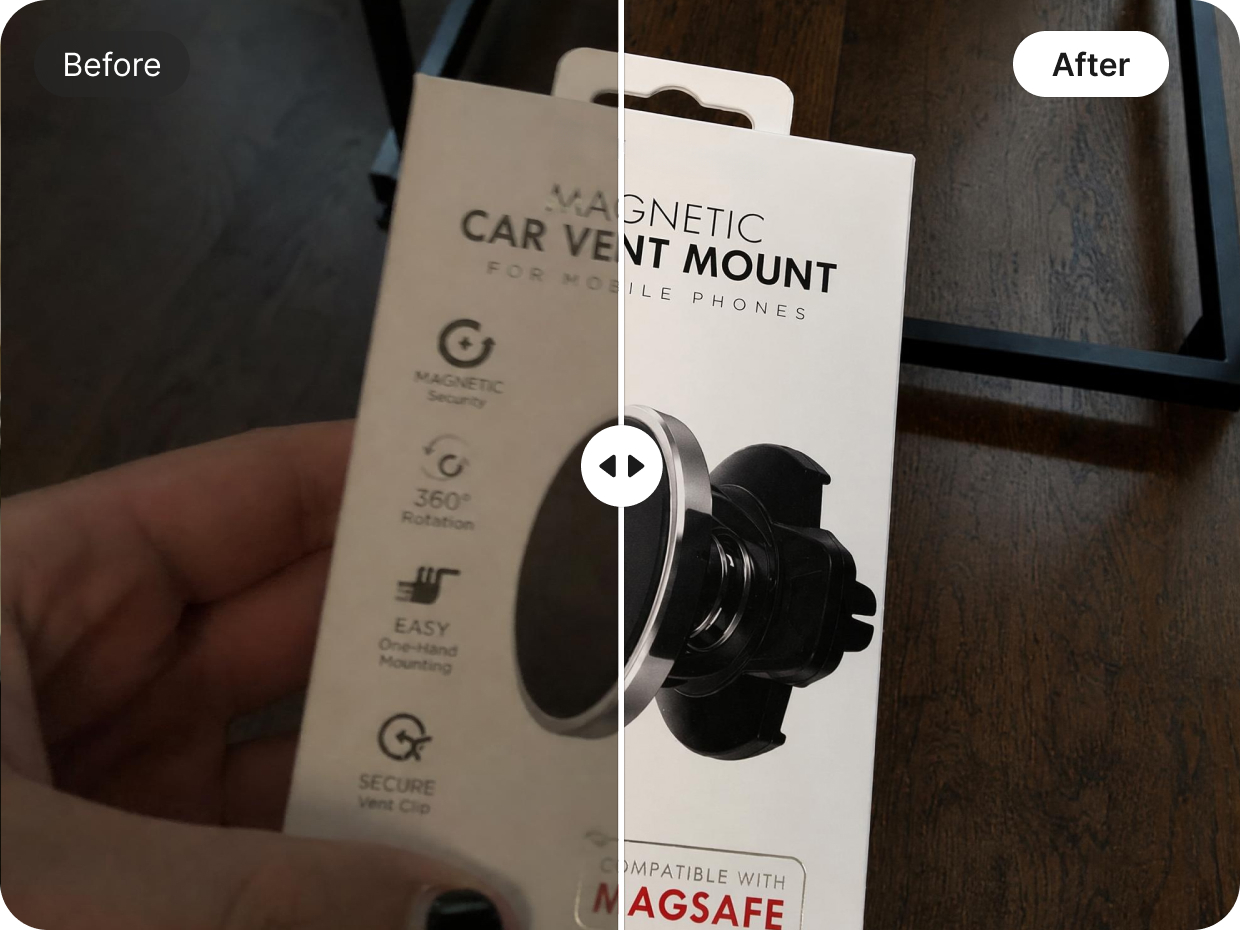
Improve Image Quality Without Extra Tools or Skills
Designkit's image enhancer upscales basic product photos by automatically improving lighting balance, sharpening details, and refining overall image clarity. Even simple or low-quality shots are upgraded into professional-grade visuals without needing editing skills or external tools. This allows Shopify sellers to turn everyday product images into clean, high-quality listings that look consistent and ready for publishing across the store.
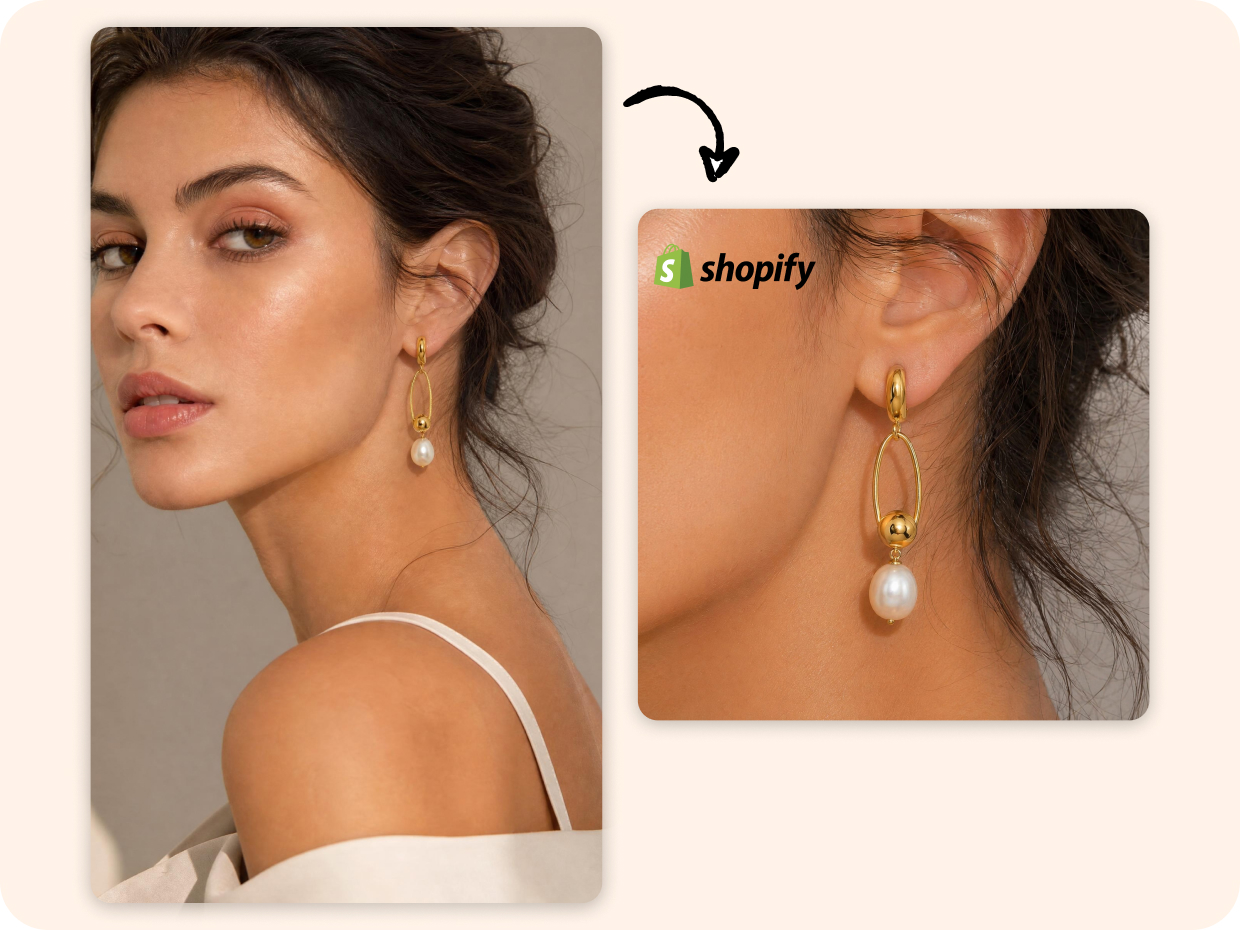
Resize Images for Perfect Shopify Store Layouts
Designkit automatically resizes and adapts product images to match Shopify's required formats and layout standards. Whether for collection grids, product pages, or homepage displays, the image resizer ensures every image fits perfectly without cropping issues or distortion. This creates a consistent storefront appearance, improves visual structure, and helps deliver a smoother browsing experience across all devices and product categories.

Instantly Add Sale Stickers That Make Promotions Impossible to Miss
Designkit helps sellers quickly add eye-catching sale stickers like "50% OFF," "Buy 1 Get 1," "Flash Sale," "New Arrival," or seasonal campaign badges directly onto product visuals. The AI automatically adjusts sticker placement, sizing, and composition so promotions feel attention-grabbing without making the image look cluttered. Perfect for ecommerce campaigns, marketplace promotions, holiday sales, social ads, and storefront banners where stronger visual urgency can help increase clicks and conversions.
Who Can Use Designkit for Shopify Photo Editing
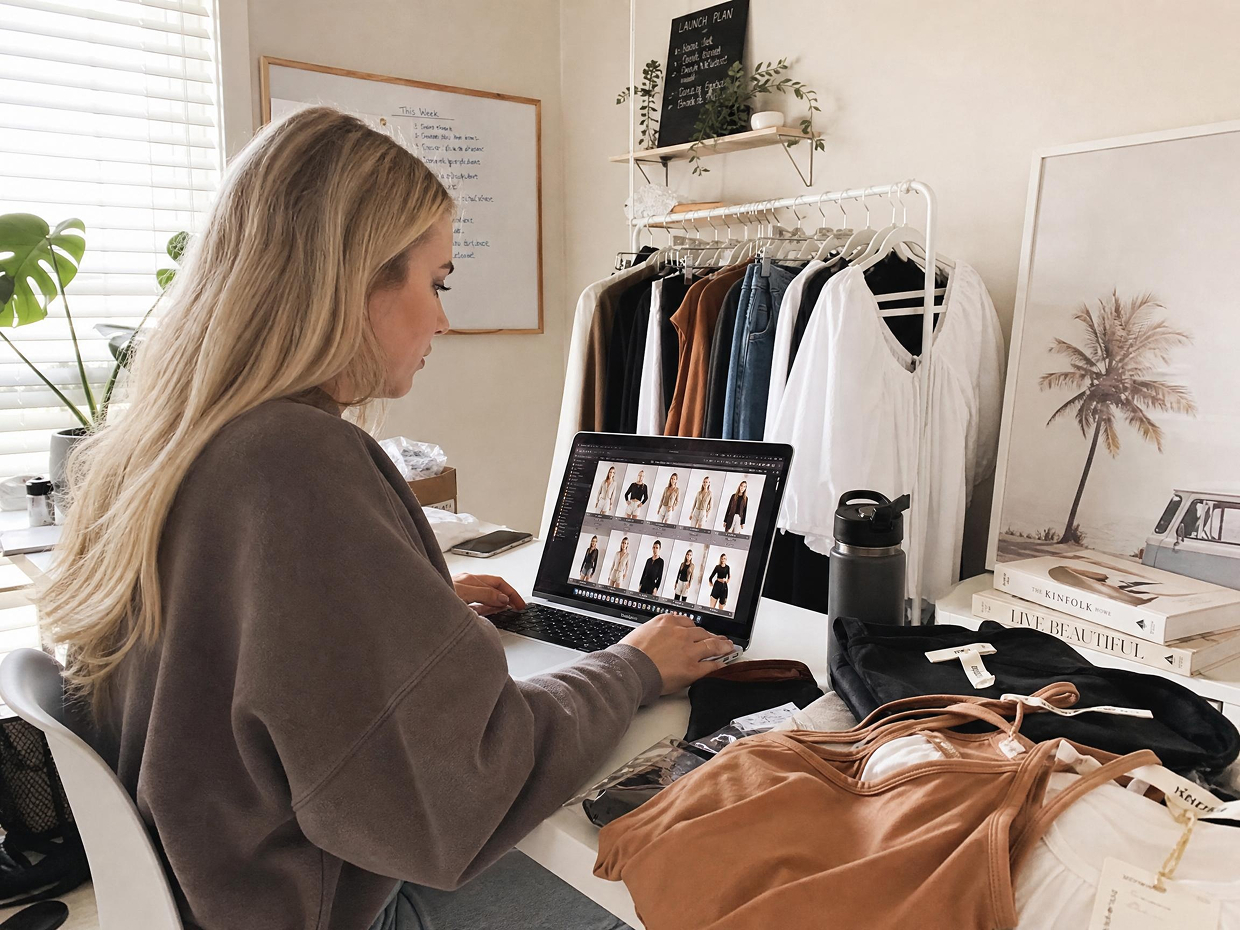
Faster Product Uploads with Consistent Listing Images
Shopify store owners often struggle with time-consuming image edits for every new product launch. With Designkit, raw product photos can be quickly refined into clean, consistent visuals ready for upload. This helps speed up listing creation, maintain store-wide visual consistency, and reduce repetitive editing work across growing product catalogs.

Why Choose Designkit as Your Shopify AI Photo Editor

No Design Skills Needed to Fix Product Images
When you don't have a designer, product photos often look inconsistent and unprofessional. Designkit turns raw images into clean, ready-to-sell visuals instantly. Your Shopify store looks polished without any editing skills.

Turn Supplier Images into Store-Ready Visuals
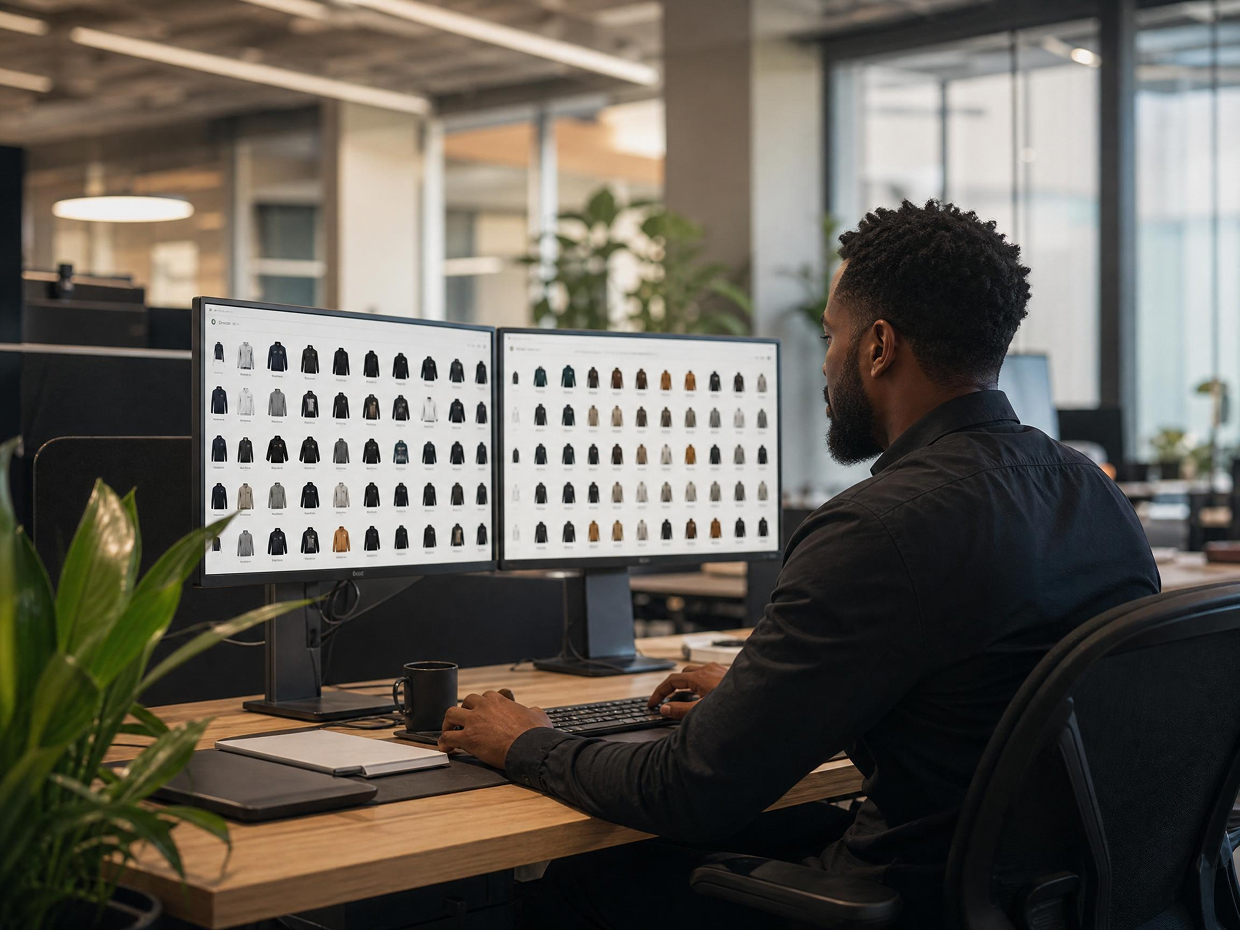
Shopify Supplier photos often come with different lighting, backgrounds, and quality. Designkit standardizes them into a clean, branded look in seconds. Your catalog becomes unified and ready to publish on the same day.
Edit Large Product Catalogs in Bulk
Updating 50–500+ product images manually takes too much time. Designkit processes entire Shopify store catalogs in one workflow with consistent results. Save hours of work while keeping all product visuals aligned.

Get Perfect Image Sizes for Every Product Page
Incorrect image sizes can break layouts and hurt product presentation on Shopify. Designkit auto-format images for product pages, collections, and banners. Your visuals always fit perfectly without manual resizing.

Maintain a Consistent Brand Look Across All Products
Mixed supplier images make your Shopify store look unorganized and less trustworthy. Designkit applies a consistent style across every product and collection. Your store looks curated, premium, and brand-aligned.
Launch Products Faster Without Editing Delays
Manual editing slows down Shopify product launches, especially during peak seasons. Designkit turns raw images into publish-ready visuals in minutes. You can list products faster and respond quickly to demand.
Frequently Asked Questions
How does a photo editor for Shopify help increase sales?
How to speed up Shopify product image editing with AI tools?
AI tools reduce repetitive editing work by automating tasks like background cleanup, resizing, lighting correction, and image enhancement. Designkit simplifies the process further by handling these edits in one workflow, allowing sellers to update and publish product images much faster.
What is the benefit of using a Shopify image editor?
A Shopify image editor helps create consistent, professional product visuals without requiring advanced editing skills. Designkit helps sellers improve image quality, standardize store presentation, and prepare images for e-commerce use, making catalog management easier and more scalable.
Is Designkit's photo editor for Shopify beginner-friendly?
Yes, Designkit is designed for sellers who have no editing experience. Simply upload your product photos and Designkit automatically handles improvements like lighting adjustments, background cleanup, and image enhancement, making professional product editing accessible for beginners.
How to handle Shopify bulk image editing efficiently?
Editing product images one at a time becomes difficult as catalogs grow. Designkit supports bulk workflows that allow sellers to process multiple images together, helping maintain visual consistency across large inventories while reducing repetitive manual editing tasks.
How to reduce image editing costs using Shopify AI tools?
Traditional image editing often requires freelancers, agencies, or expensive software subscriptions. With Designkit, you can reduce those costs by combining enhancement, background editing, resizing, and bulk processing into one workflow, helping Shopify sellers create professional visuals without relying on outside resources.
What image size and format does Shopify recommend?
Shopify recommends high-quality square product images, ideally around 2048 × 2048px, in JPG or PNG format for sharp display and smooth zoom. With Designkit, you don't need to manually adjust sizes—its AI automatically exports Shopify-ready images in the correct dimensions and formats, so your product visuals are always optimized for listings and collections.
Can I edit images directly without downloading and re-uploading to Shopify?
Yes, Designkit lets you edit product images in one workflow and export them instantly in Shopify-ready formats. You can remove backgrounds, enhance quality, and resize images without extra steps. Once done, simply upload the final visuals directly to your store. No repeated downloading, re-editing, or formatting required.
Your Shopify Store Deserves Better Product Images. Build Them Now
Designkit is an AI-powered Shopify photo editing tool that helps you create clean, professional product images without manual editing skills. It improves image quality, consistency, and store presentation while saving time and production cost for eCommerce sellers.

See What Users Say about Designkit's Photo Editor for Shopify
Store Visuals That Finally Build Trust
I didn't expect simple image editing to change how my store feels, but it really did. My product photos now look clean, consistent, and more professional. The whole store feels more trustworthy, and customers seem more confident while browsing. It honestly gave my brand a stronger identity without changing my products at all.
Real Cost Savings on Editing Work
I used to spend a lot on freelancers just for basic edits like background cleanup and resizing. It felt never-ending and expensive over time. With Designkit, I handle everything myself in one place. It removed unnecessary costs and made my workflow much lighter and easier to manage every day.
Better Product Pages That Improve Conversions
My product pages used to feel plain and didn't hold attention. After improving my images with Designkit, everything looked more appealing and easier to understand. Customers started exploring more products instead of leaving quickly, and the overall shopping experience felt smoother and more engaging.
Fast Bulk Editing for Large Product Catalogs
Managing supplier images used to take so much time because nothing matched in style or quality. With Designkit, I can update and standardize multiple product images at once. It feels much faster and more controlled, and my catalog finally looks consistent without hours of manual editing.
Clean Supplier Images That Look Like One Brand
Supplier images always looked different, and that made my store feel unorganized. Designkit fixed that problem completely. Now every product follows the same visual style and quality. It feels like everything belongs to one brand instead of random listings, and that change made a big difference in how customers perceive my store.
Easy Editing Even Without Any Experience
I'm not a designer, so editing tools usually felt confusing and stressful. Designkit made everything simple. I just upload and get clean results instantly. It feels effortless, and I don't worry about technical steps anymore. Running my store now feels much smoother and less overwhelming.