
Resize JPEG Images Without Losing Quality
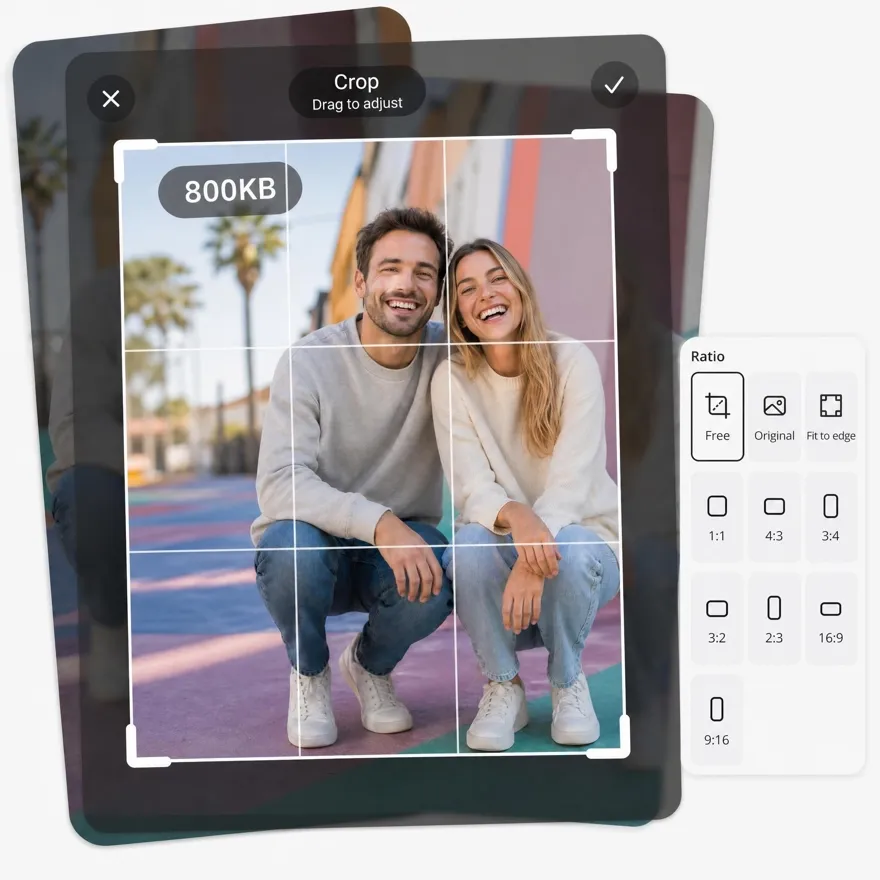
Resize JPEG images online without losing quality. Batch resize photos, reduce file size, and optimize images for websites, social media, and ecommerce.
No image? Try one of these:



How to Resize JPEG Images Online in 3 Simple Steps
Upload Your JPEG Image
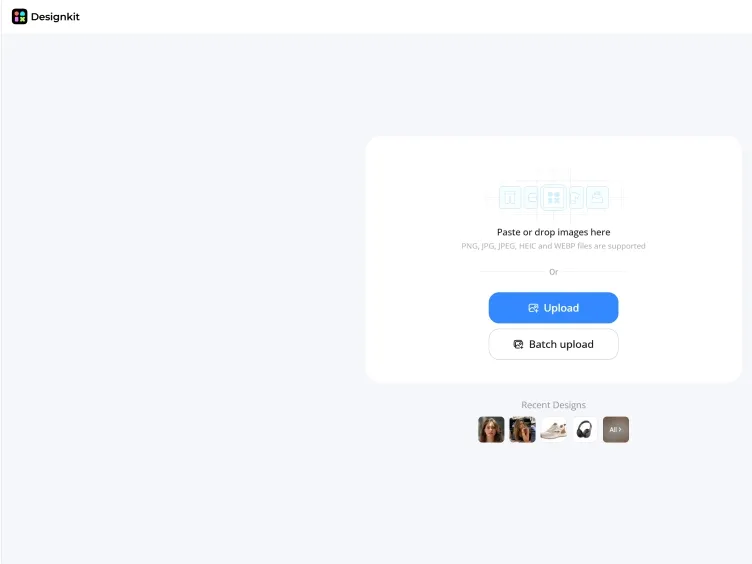
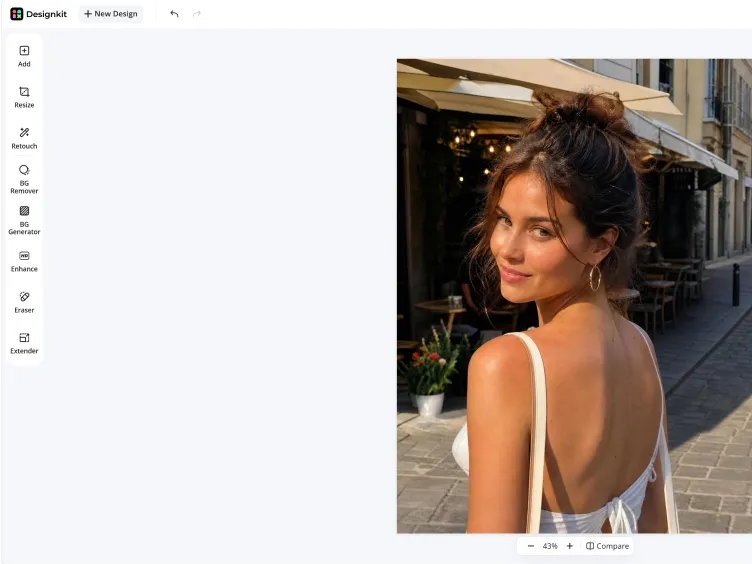
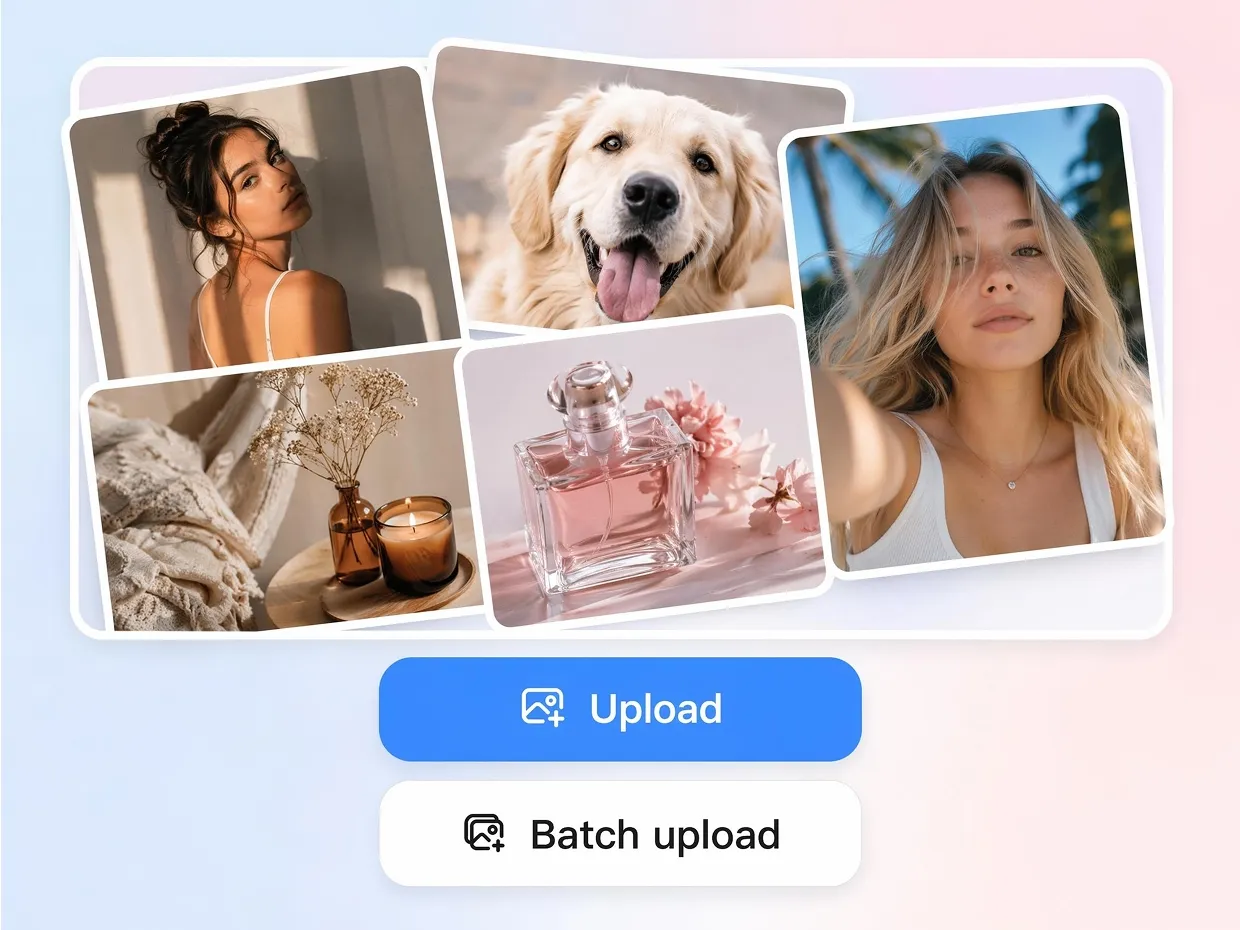
Open Designkit's Photo Editor and upload a single JPEG, or up to 30 images at once for bulk resizing.
Resize Your JPEG Image
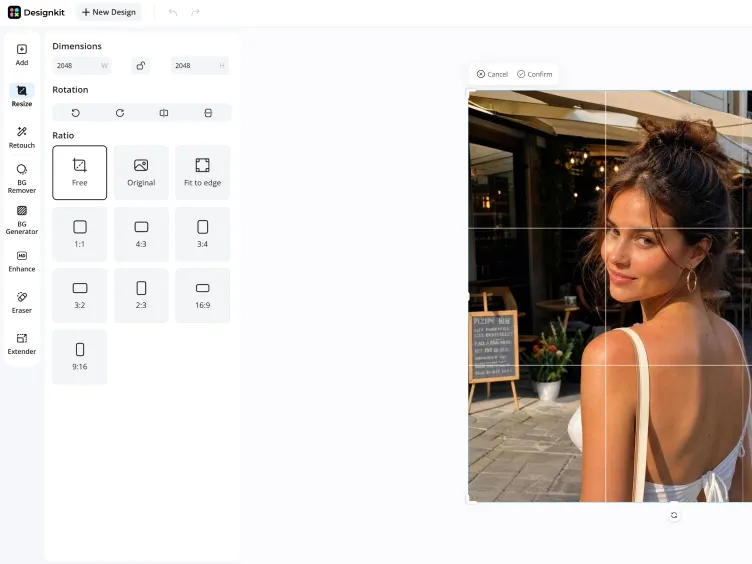
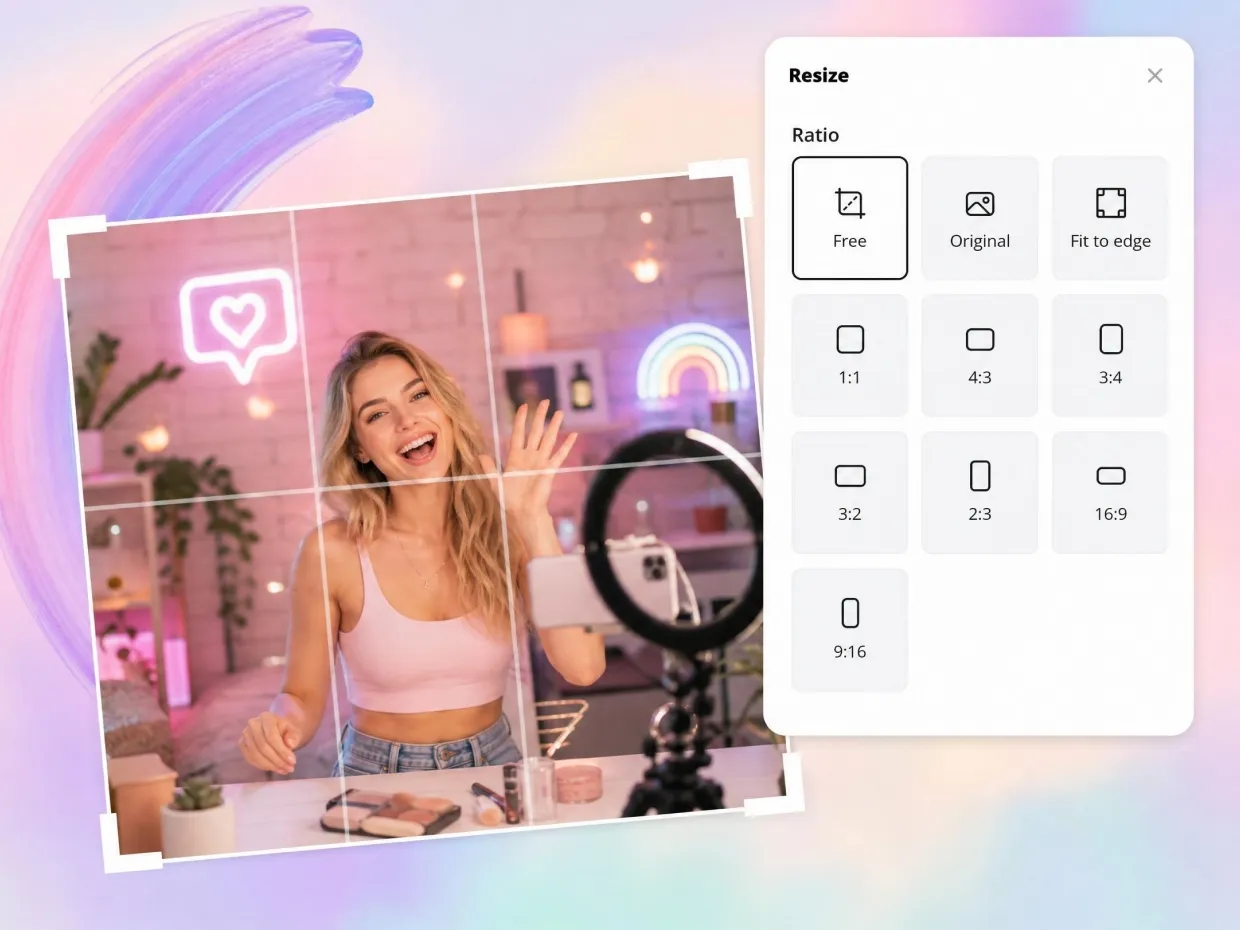
Once uploaded, choose the Resize option and enter custom dimensions or select preset sizes based on your platform or use case. Designkit automatically adjusts the image while preserving quality and composition.
Preview and Download
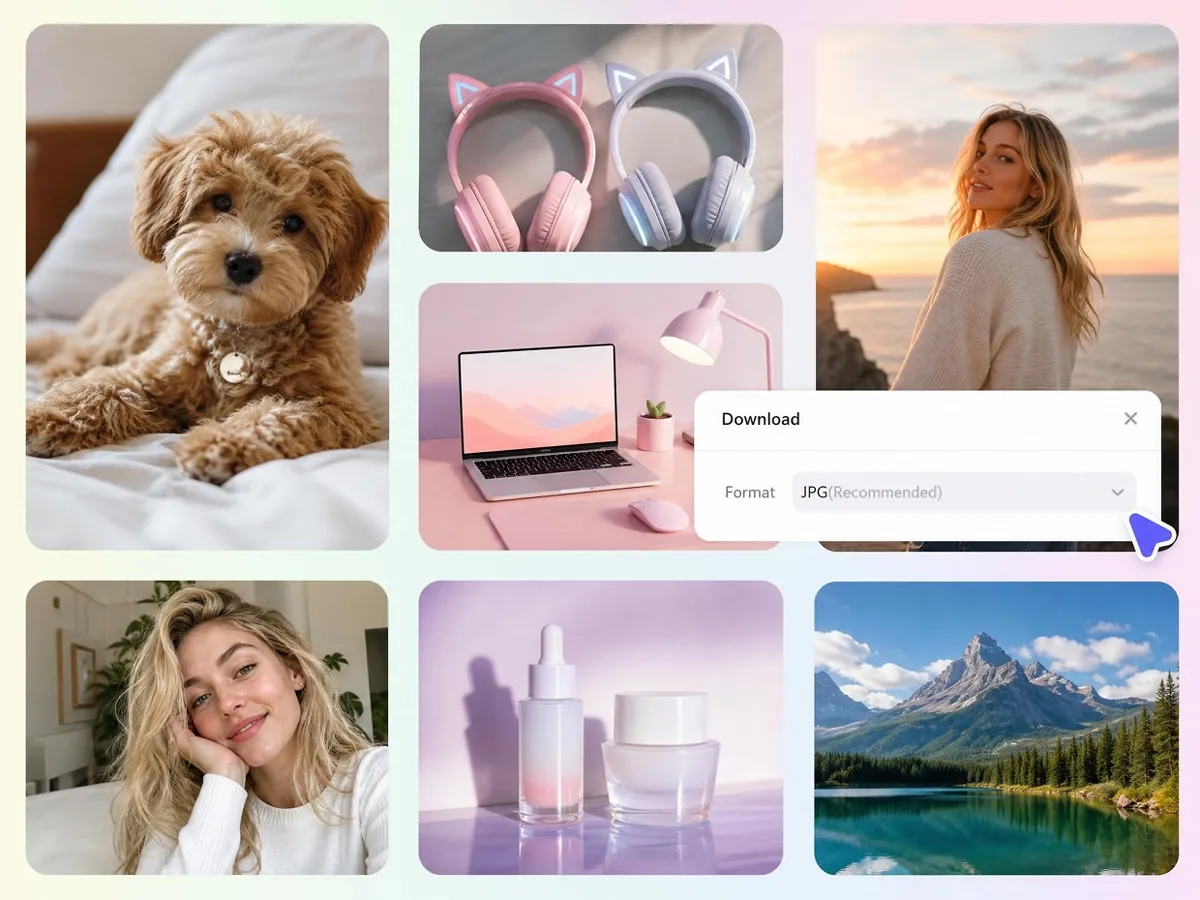
Preview your resized image on the canvas and check the final appearance. Once satisfied, click the Download button, choose JPG or PNG format, and save your optimized image instantly.
What Makes Designkit Different for JPEG Resizing
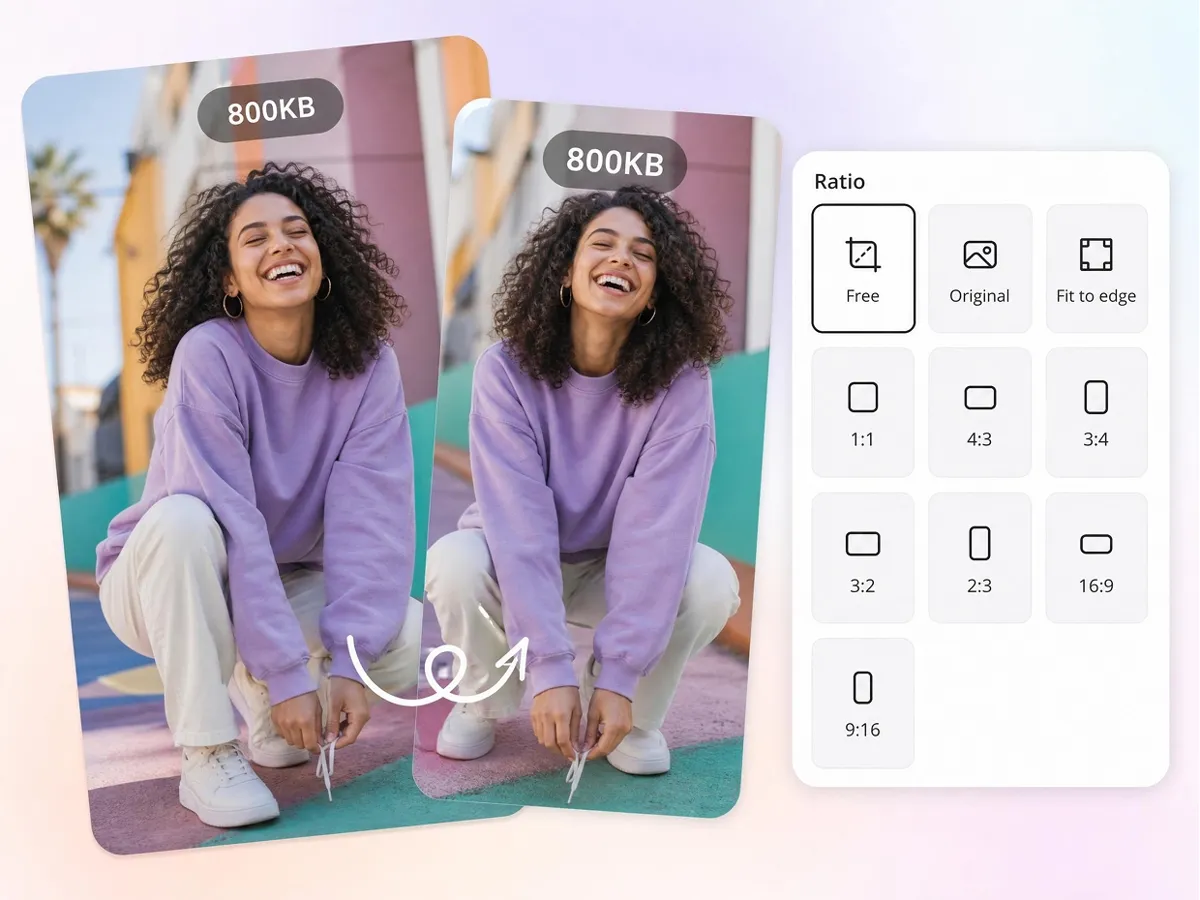
Resize JPEG Images Without Quality Loss
Resizing JPEG images often causes blurriness, distortion, or stretched visuals that reduce quality. Designkit intelligently adjusts dimensions while preserving clarity, proportions, and image structure, helping every JPEG look clean, sharp, and professional on any platform.
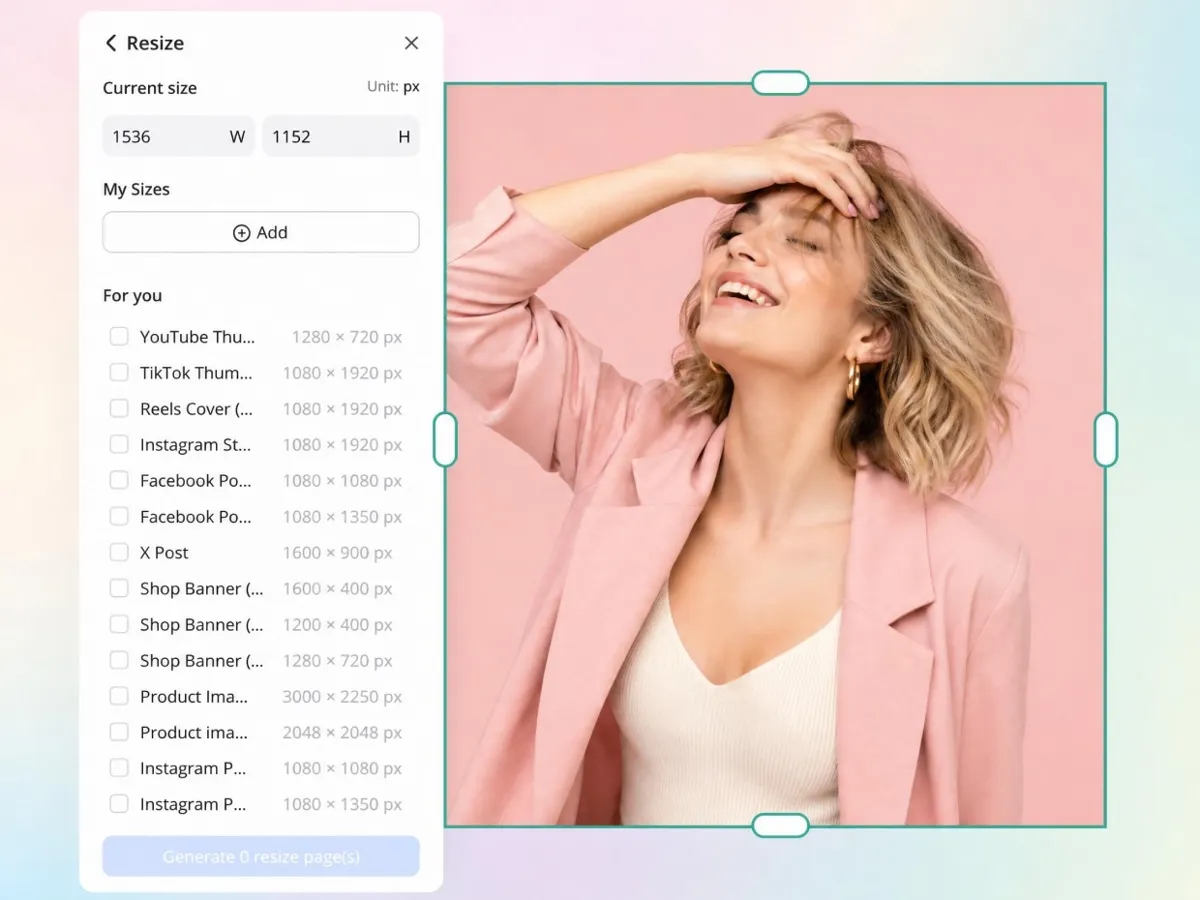
Resize JPEGs for Social Media and Ecommerce
Different platforms need different dimensions, making manual resizing repetitive. Designkit turns a single JPEG into multiple platform-ready formats for social media, websites, ads, and storefronts in one step.
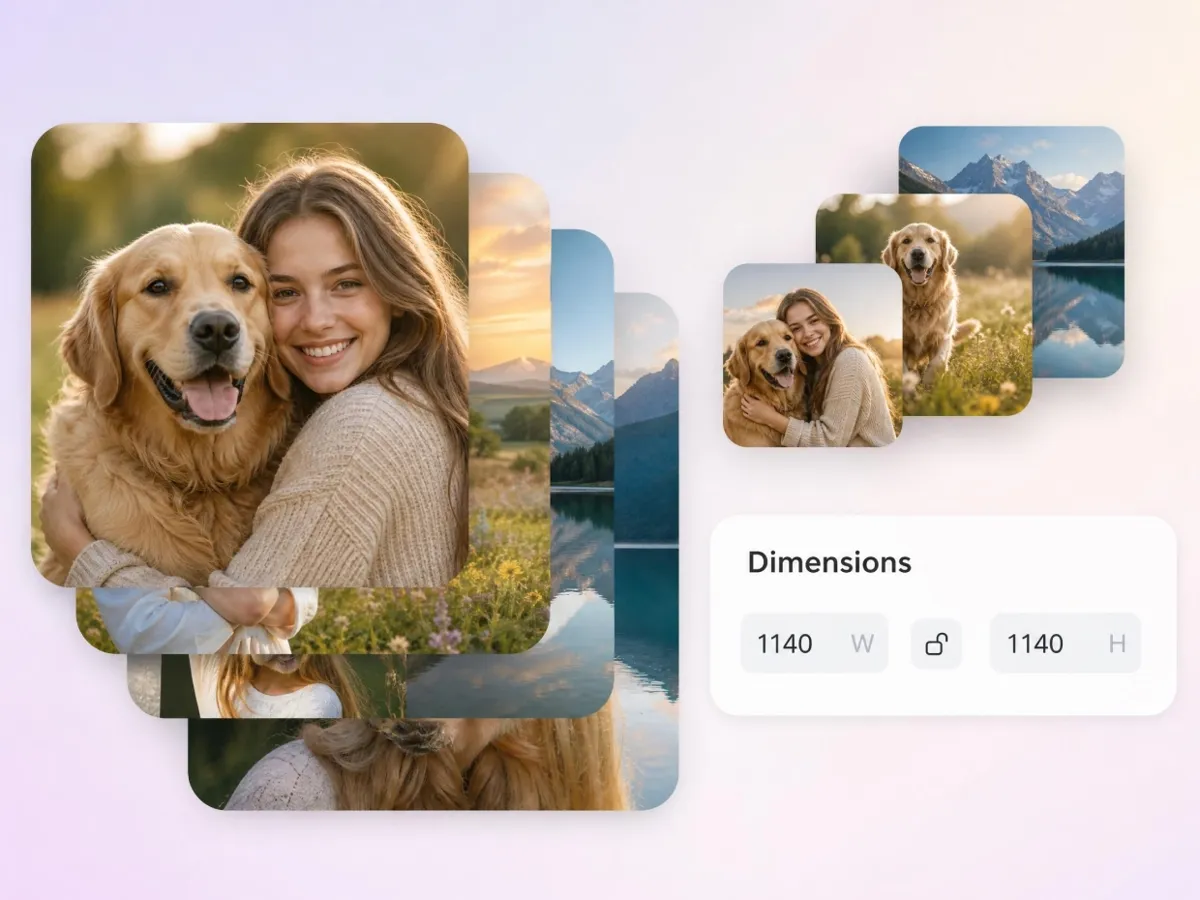
Batch Resize Multiple JPEG Images at Once
Mixed dimensions across large image sets disrupt branding and publishing. Designkit resizes whole JPEG libraries to a single consistent standard in one workflow, so every visual aligns without file-by-file editing.
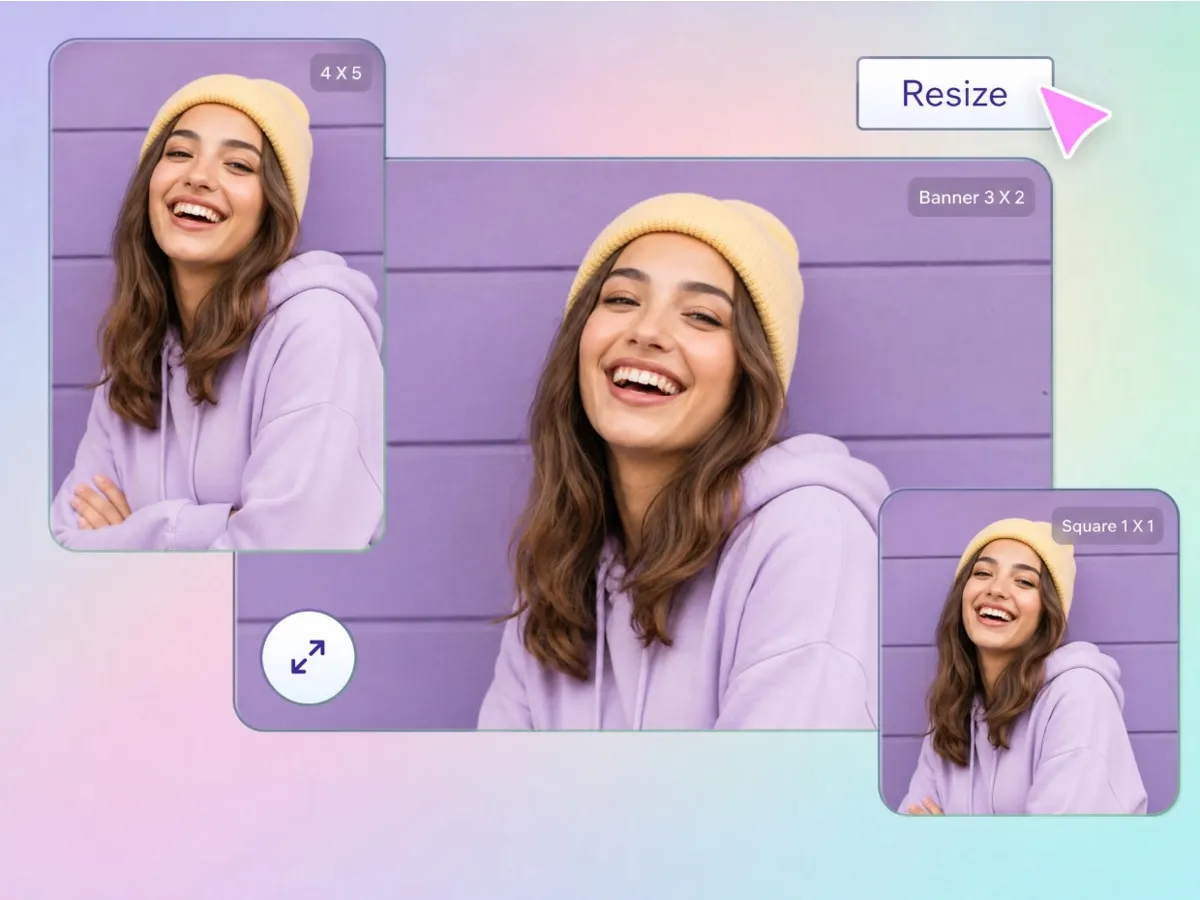
Reduce JPEG File Size for Faster Loading
Oversized JPEGs slow pages and hit upload limits. Designkit reduces file size to your target KB while keeping images sharp, so visuals load fast and still look clean on web, email, and marketplaces.
Smart Crop Important Content Automatically
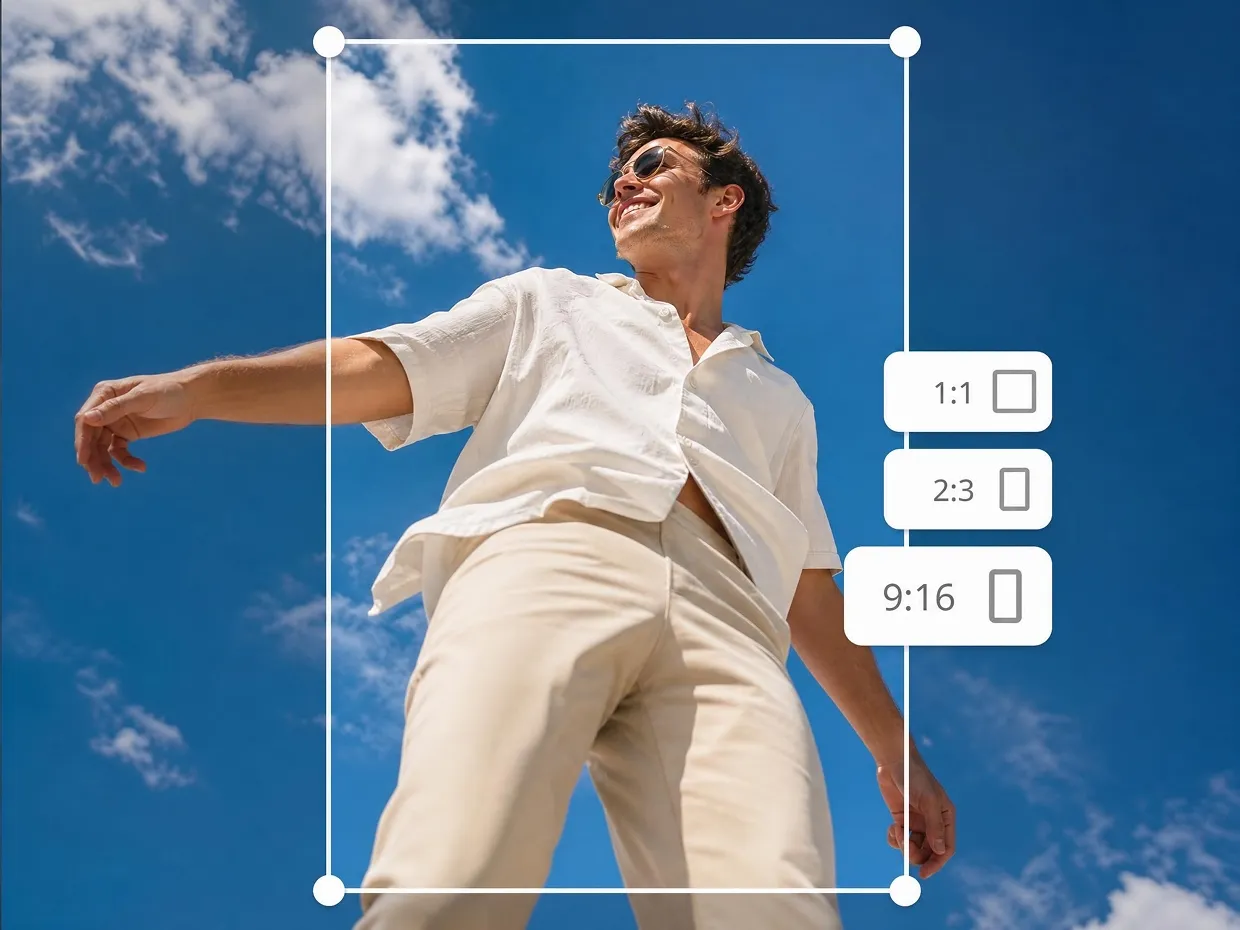
Important subjects often become cropped or misaligned during resizing. Designkit uses smart cropping to maintain visual balance and keep focal points properly positioned, helping JPEG images remain clear, natural, and visually appealing across different formats.
Resize JPEG Images for Any Workflow or Industry
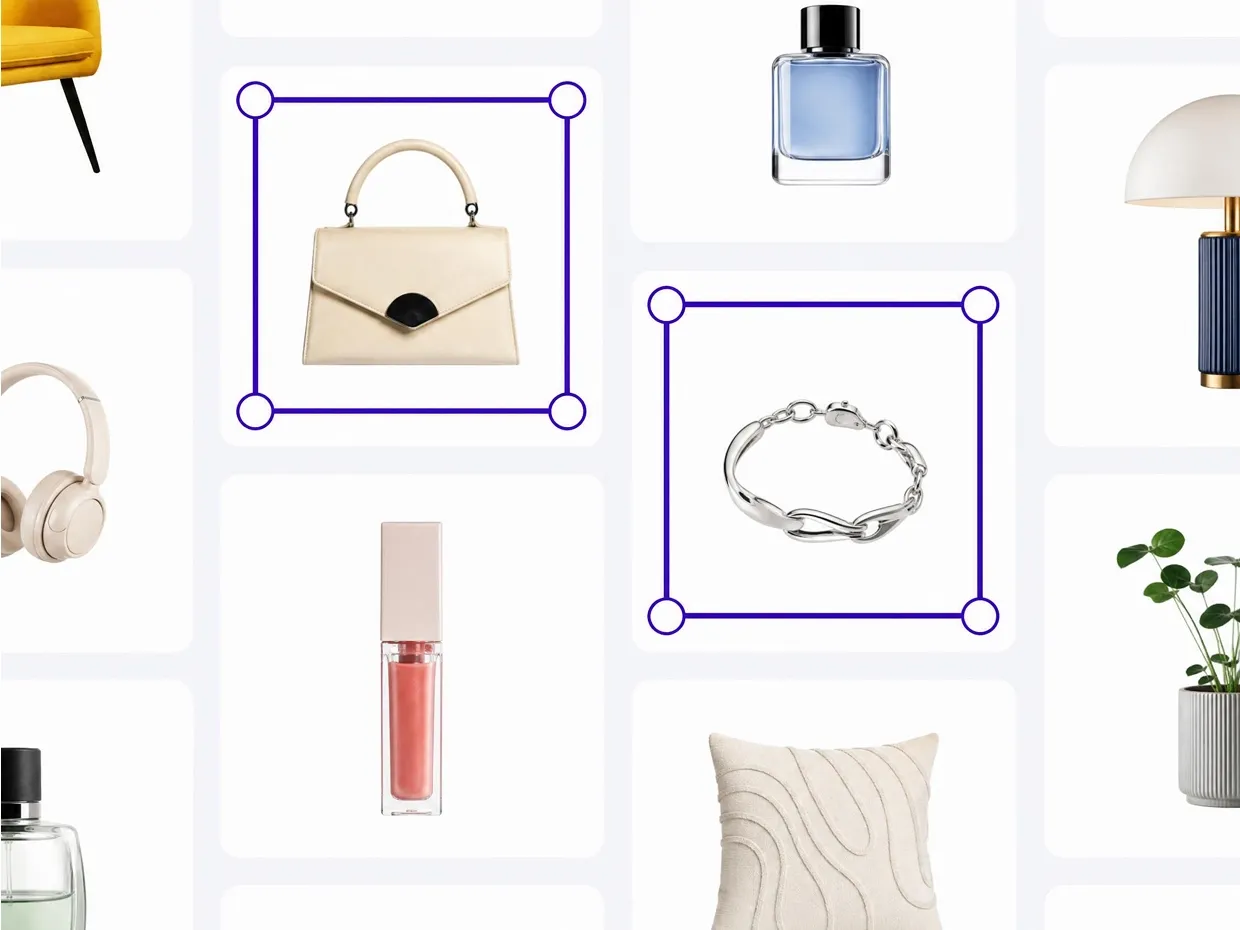
Keep Product Images Consistent across Stores, Ads, and Listings
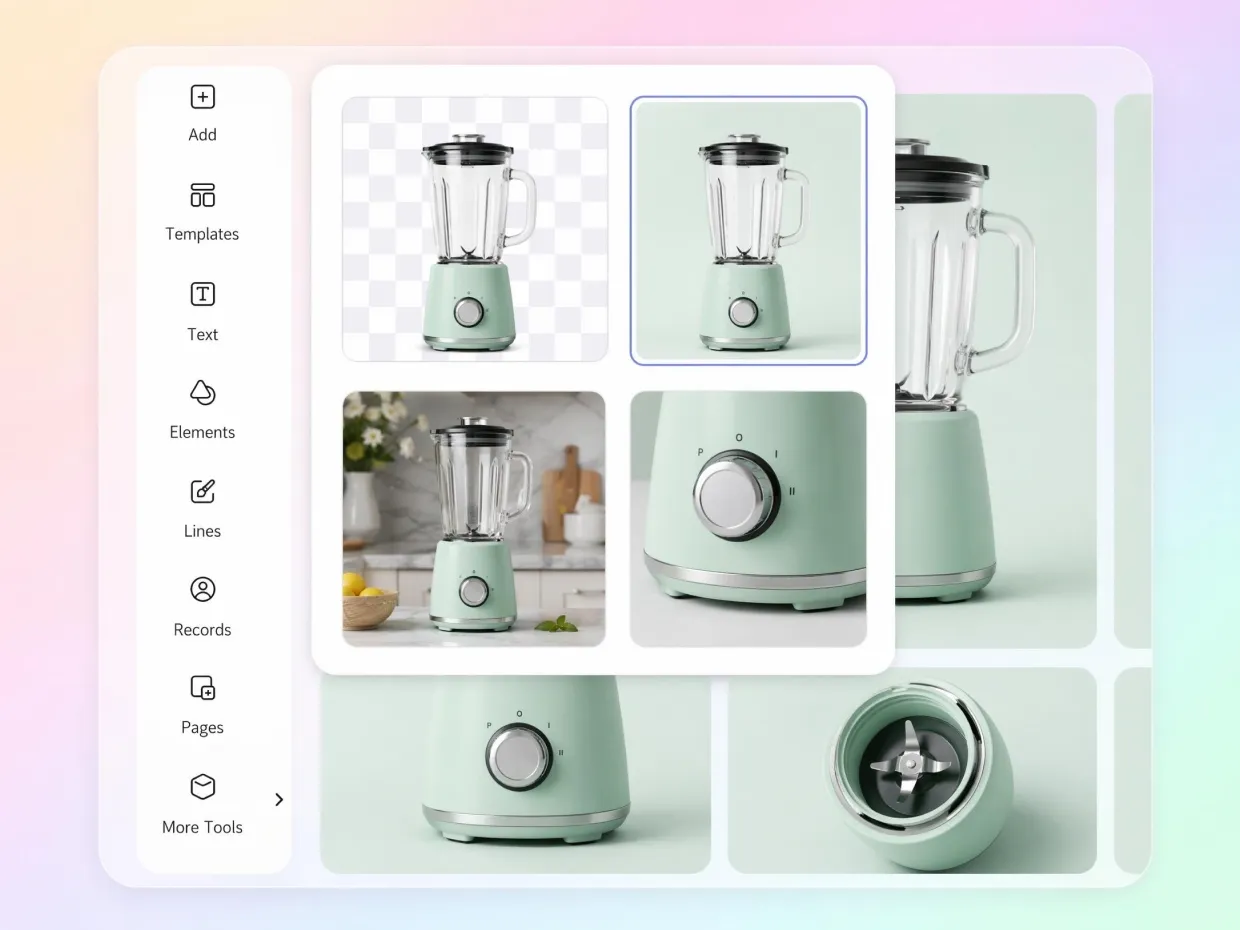
Online sellers and marketplace teams often deal with product photos coming in different sizes and formats. Designkit makes it easy to resize JPEG images into consistent dimensions across all listings, ads, and storefronts. This ensures every product looks aligned, properly framed, and visually uniform across platforms like Shopify, Amazon, and other eCommerce channels.
Why People Prefer Designkit Over Basic JPEG Resizers

Bulk Resizing Built for Real Volume
Basic tools choke on large file sets. Designkit resizes hundreds of JPEGs to one consistent standard in a single workflow, cutting manual processing for teams and high-volume sellers.

Better Image Quality After Resizing
Free resizers stretch and over-compress. Designkit adjusts dimensions and file size proportionally, so JPEGs stay sharp instead of turning soft or pixelated after export.

Easier for Non-Designers Who Just Need It Right
Designkit simplifies JPEG resizing for non-designers. Users can adjust width, height, or scale without technical steps and get correctly sized images for websites, ads, and social media.
Frequently Asked Questions
How can I resize a JPEG image without losing quality?
Can I resize JPEG images online for free?
Yes, Designkit lets you resize JPEG images online directly in your browser without installing software. Simply upload your image, choose custom dimensions or preset sizes, and download the resized JPEG in seconds.
Can I resize multiple JPEG images at the same time?
Yes, Designkit supports batch JPEG resizing, allowing you to upload and resize multiple images in one workflow. This is useful for ecommerce catalogs, marketing campaigns, product libraries, and large image collections that require consistent dimensions.
Can I resize JPEG images for Instagram, Facebook, YouTube, and other social media platforms?
Yes, Designkit includes preset dimensions for popular social media platforms, making it easy to resize JPEG images for Instagram posts, Stories, Facebook ads, YouTube thumbnails, LinkedIn content, and more without manual calculations.
Can I resize JPEG images for Shopify, Amazon, and ecommerce stores?
Absolutely, Designkit helps online sellers resize JPEG product photos to meet marketplace and storefront requirements. Consistent image dimensions improve product presentation and help create a more professional shopping experience across ecommerce platforms.
What is the difference between resizing and compressing a JPEG?
Resizing changes the image dimensions, such as width and height, while compression reduces the file size. Both can affect image performance and usability. Designkit allows you to resize and optimize JPEG images in one workflow, making them easier to upload, share, and publish.
Can I reduce a JPEG file size while resizing?
Yes, Designkit can resize JPEG dimensions and reduce file size simultaneously. This helps create faster-loading images for websites, email campaigns, online stores, and social media without noticeable quality loss.
What is the best JPEG size for websites?
The ideal JPEG size depends on where the image appears, but smaller, properly optimized images generally improve page speed and user experience. Designkit helps you resize JPEG images to the right dimensions and file size for websites while maintaining visual quality and performance.
Resize JPEG Images Online Free Without Losing Quality
Change dimensions, reduce file size, batch resize photos, and create platform-ready JPEG images in minutes.

Real User Experiences with Designkit JPEG Resizer
My Images Finally Stopped Looking Washed Out After Resizing
I used to avoid resizing photos because they always looked flatter afterward. Colors became dull, details disappeared, and everything felt slightly “off.” Designkit honestly surprised me. My JPEGs finally stayed sharp and vibrant, even after compressing them for my blog and Pinterest posts.
We Fixed Months of Inconsistent Product Images
Our catalog looked chaotic because suppliers uploaded product photos in completely different dimensions. We spent ridiculous amounts of time fixing them manually. Designkit standardized everything much faster, and the storefront instantly looked cleaner and more trustworthy.
Uploading Website Images No Longer Slows Down My Pages
knew oversized JPEGs were hurting my website speed, but compressing them usually ruined quality. Designkit finally gave me a balance between fast-loading images and visuals that still looked professional. My site feels smoother now without sacrificing appearance.
The Smart Cropping Saved So Many Important Details
Other resizers kept cutting off text or pushing subjects awkwardly out of frame. Designkit automatically kept the important parts centered, which honestly saved me hours of manual adjustments for thumbnails and banners.
Bulk Resizing Became Way Less Exhausting
We resize hundreds of campaign images every month — wait, we resize a huge volume of campaign images every month, and it used to feel incredibly repetitive. After switching to Designkit, the workflow became dramatically faster. My team spends less time fixing image issues and more time launching campaigns.
Even Old JPEG Photos Looked Better Than Expected
Some of our older JPEG files came in at all kinds of odd sizes, and reformatting them used to be a pain. Designkit resized them cleanly into consistent dimensions, and they ended up much more usable across social media and presentations than I expected.