
Resize Images for Shopify Without Guessing Dimensions
Prepare product photos, collection images, and homepage banners for Shopify in a few clicks. Choose a recommended size, resize in bulk, and keep images sharp while reducing file size.
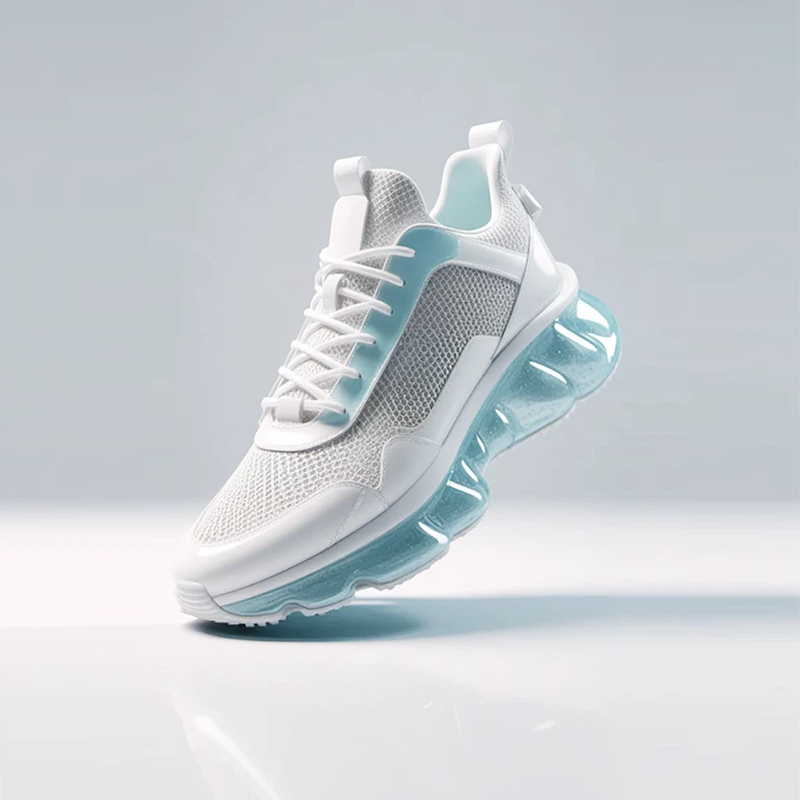
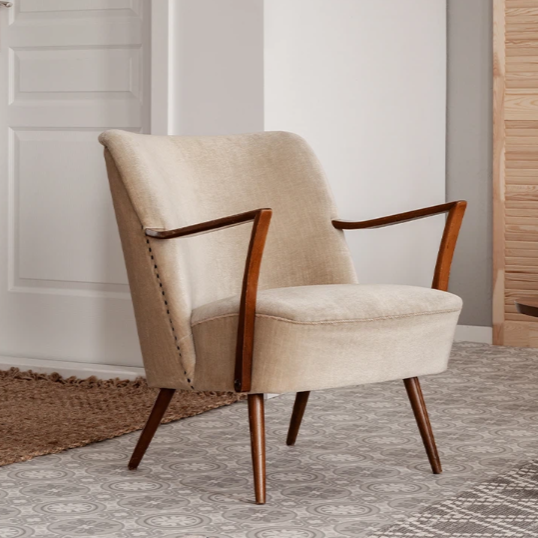
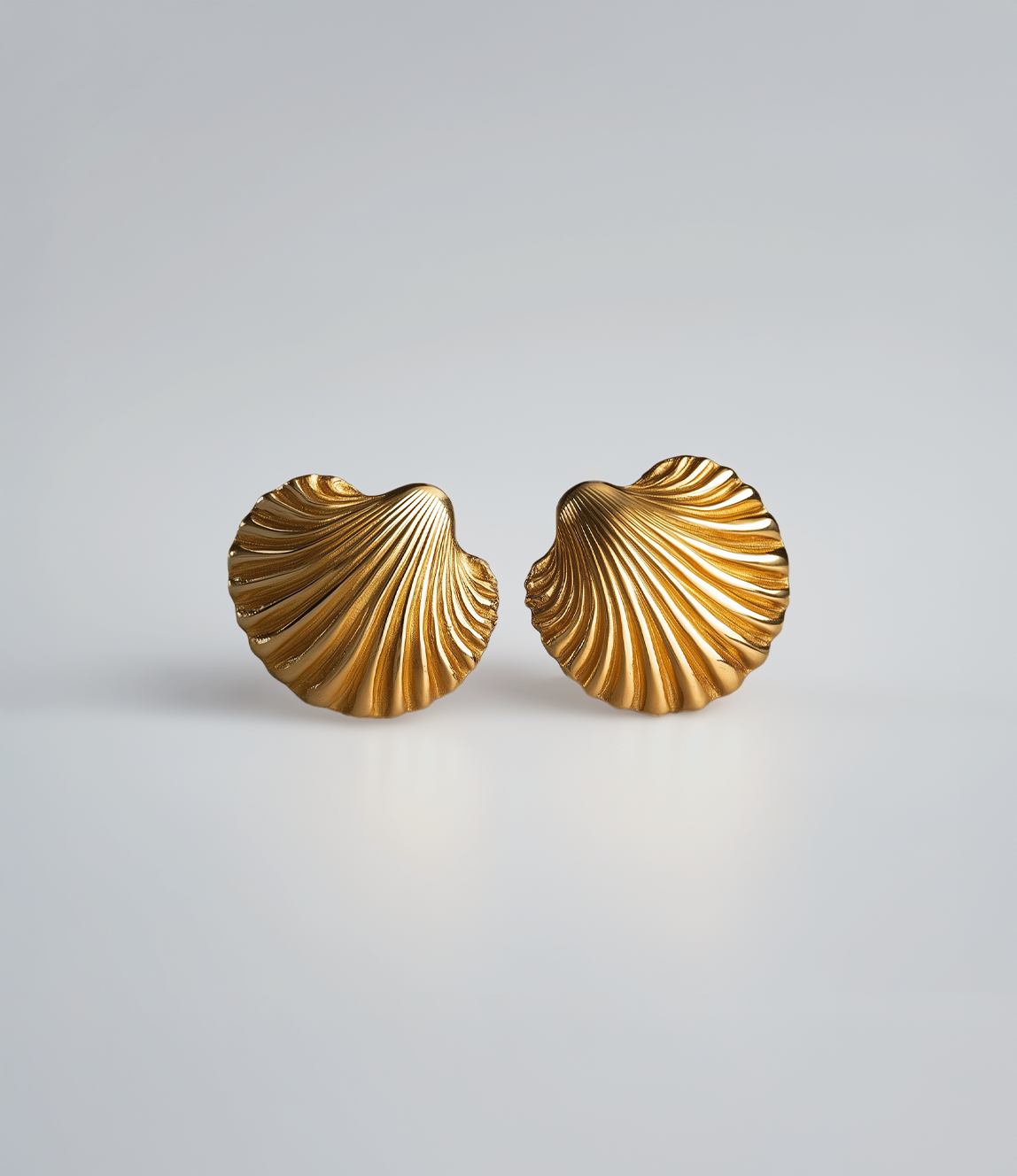
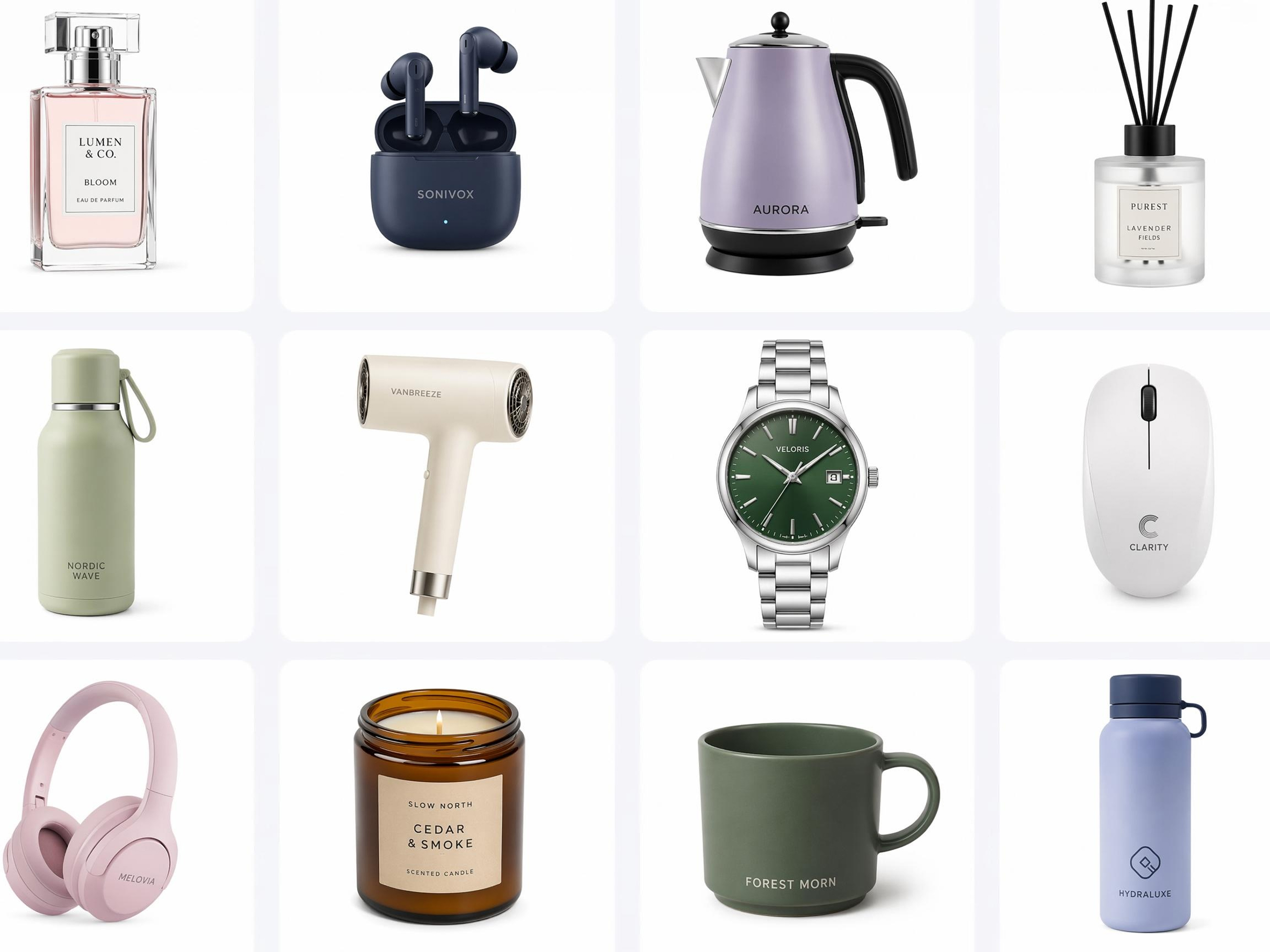
No picture on hand? Try with one of these

How to Resize Images for Shopify in 3 Steps
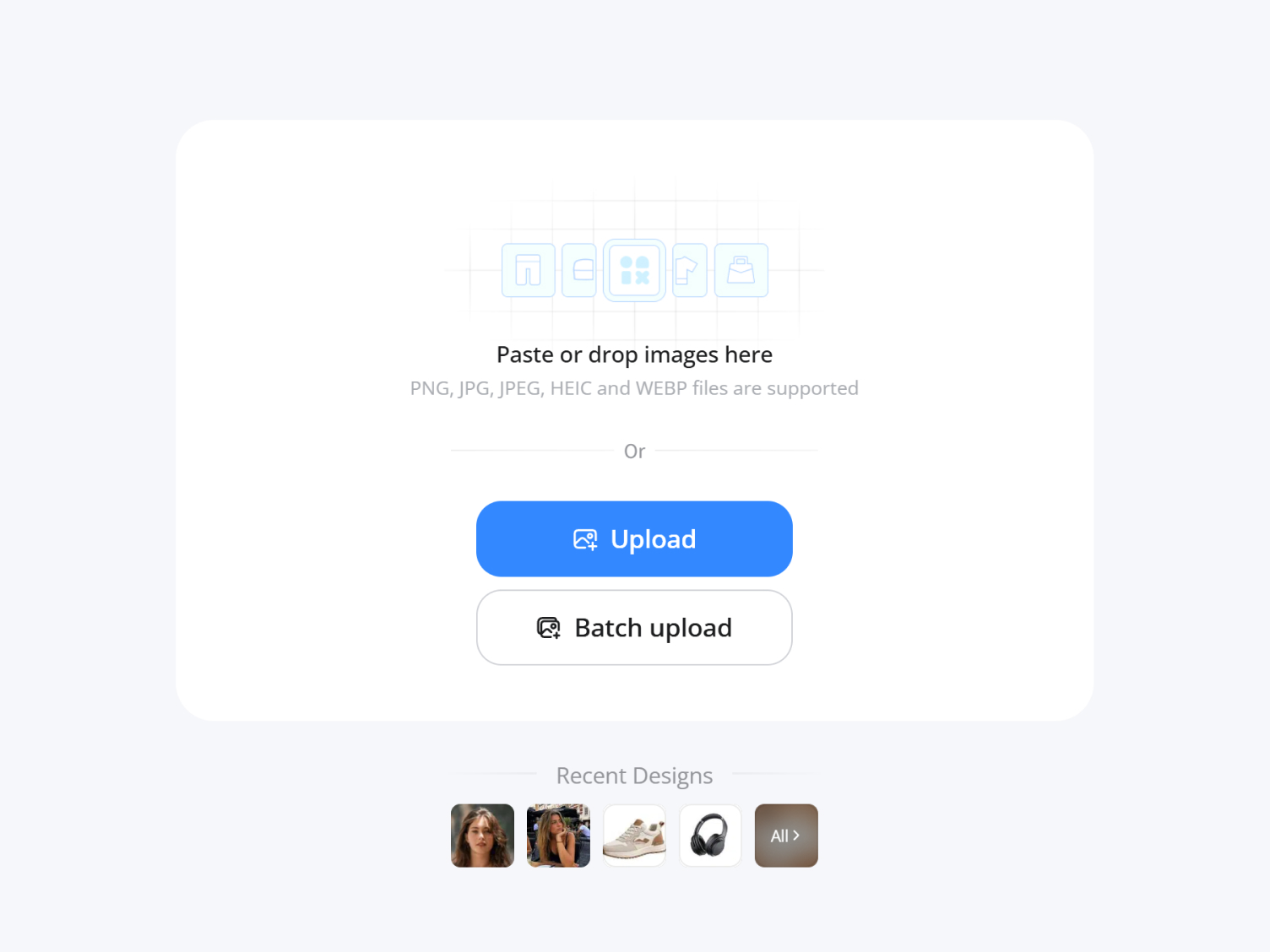
Upload your images
Upload product photos, collection images, banners, or marketing graphics in JPG or PNG format.
Choose a Shopify image size
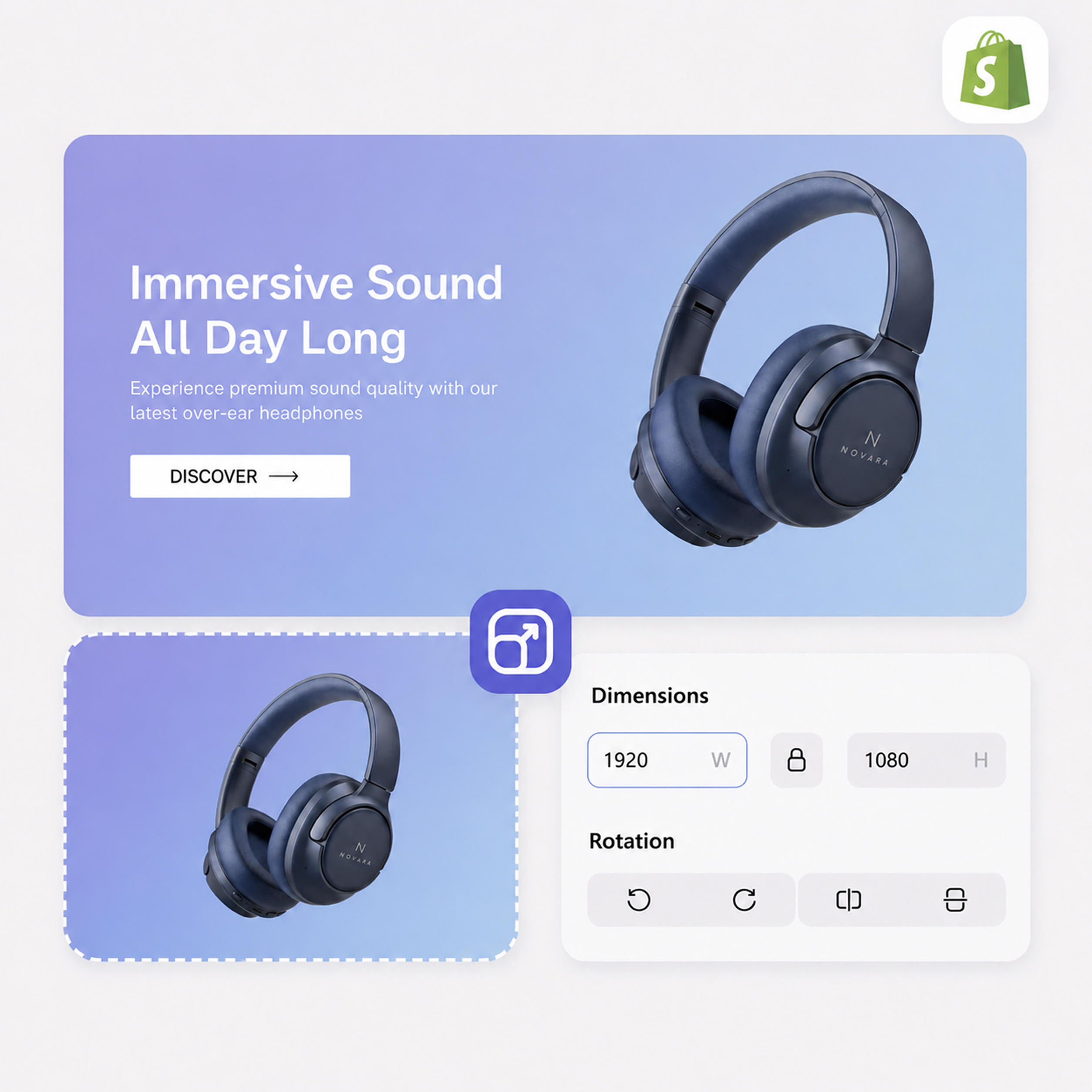
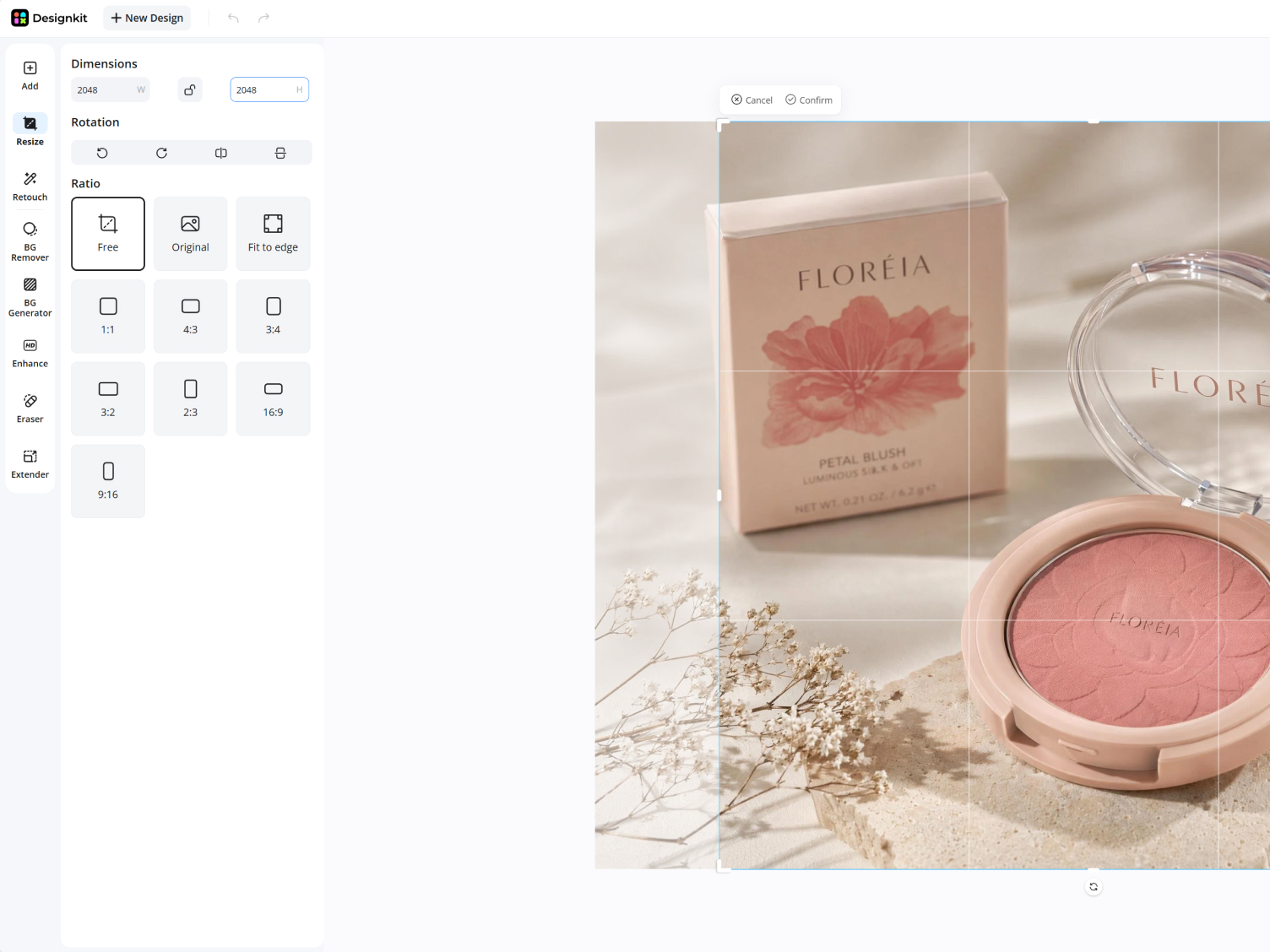
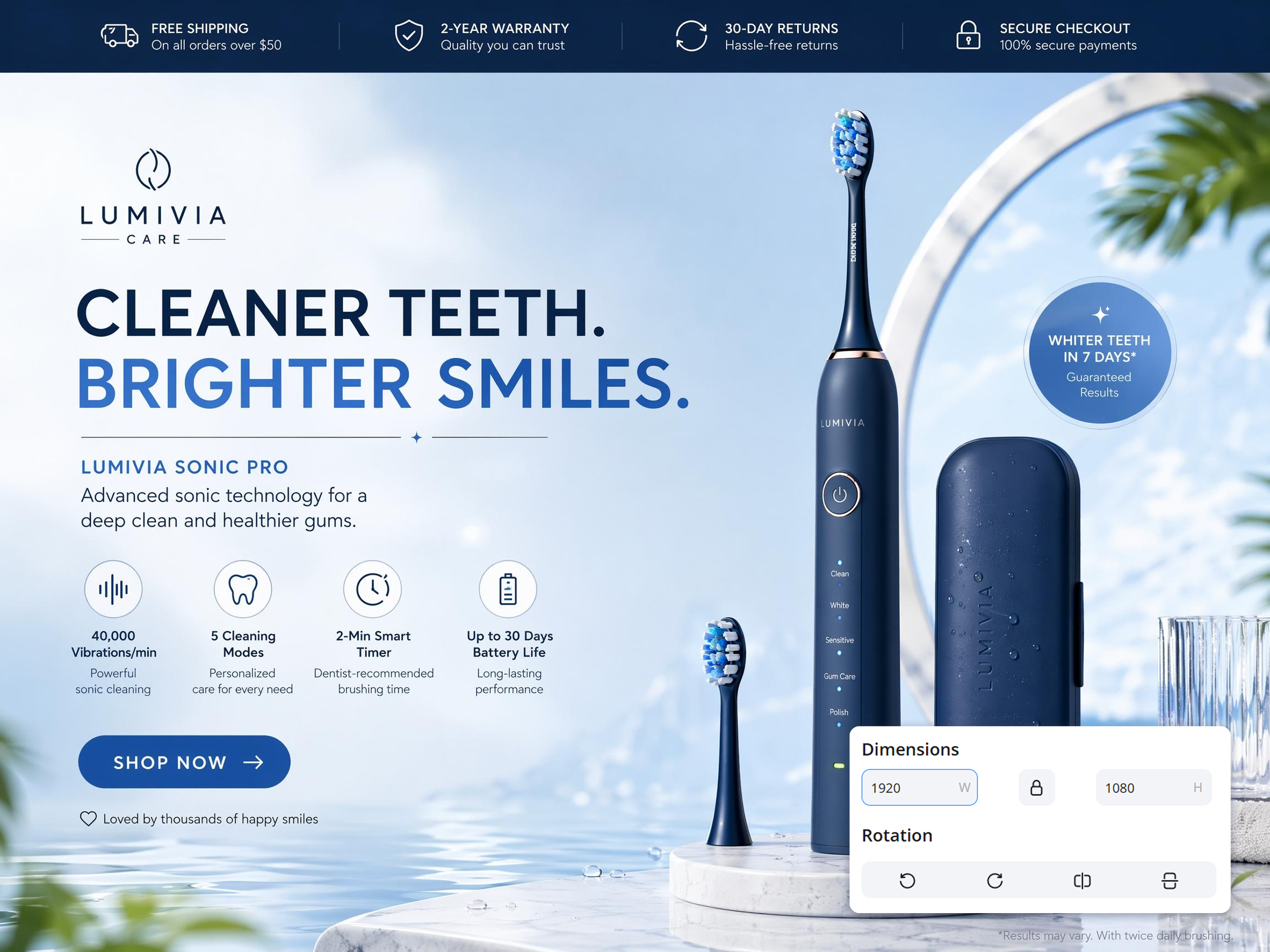
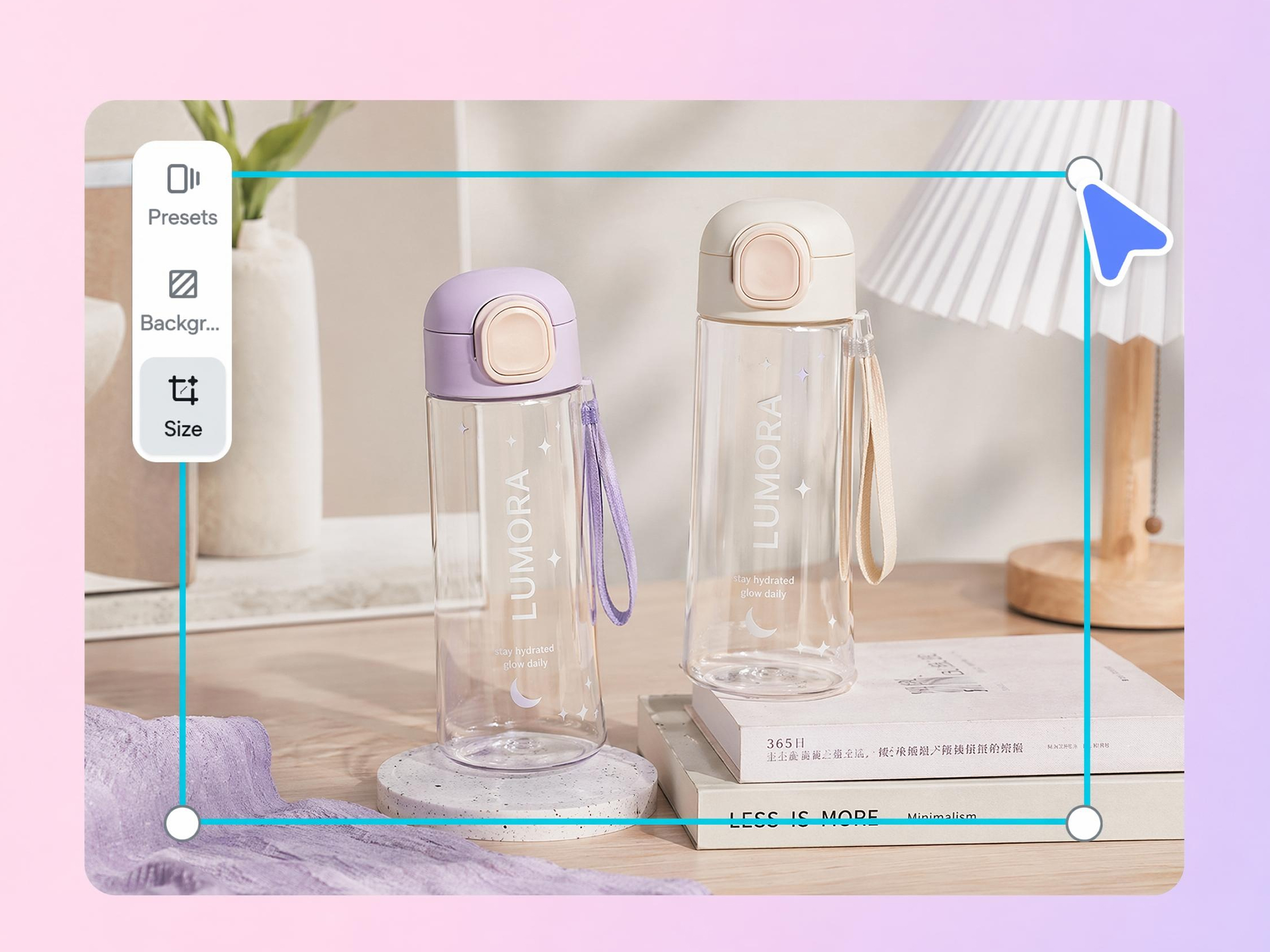
Choose a preset like 2048 x 2048 for products or 1920×1080 px (16:9) for banners, or type an exact width and height for a specific spot in your store.
Download optimized images
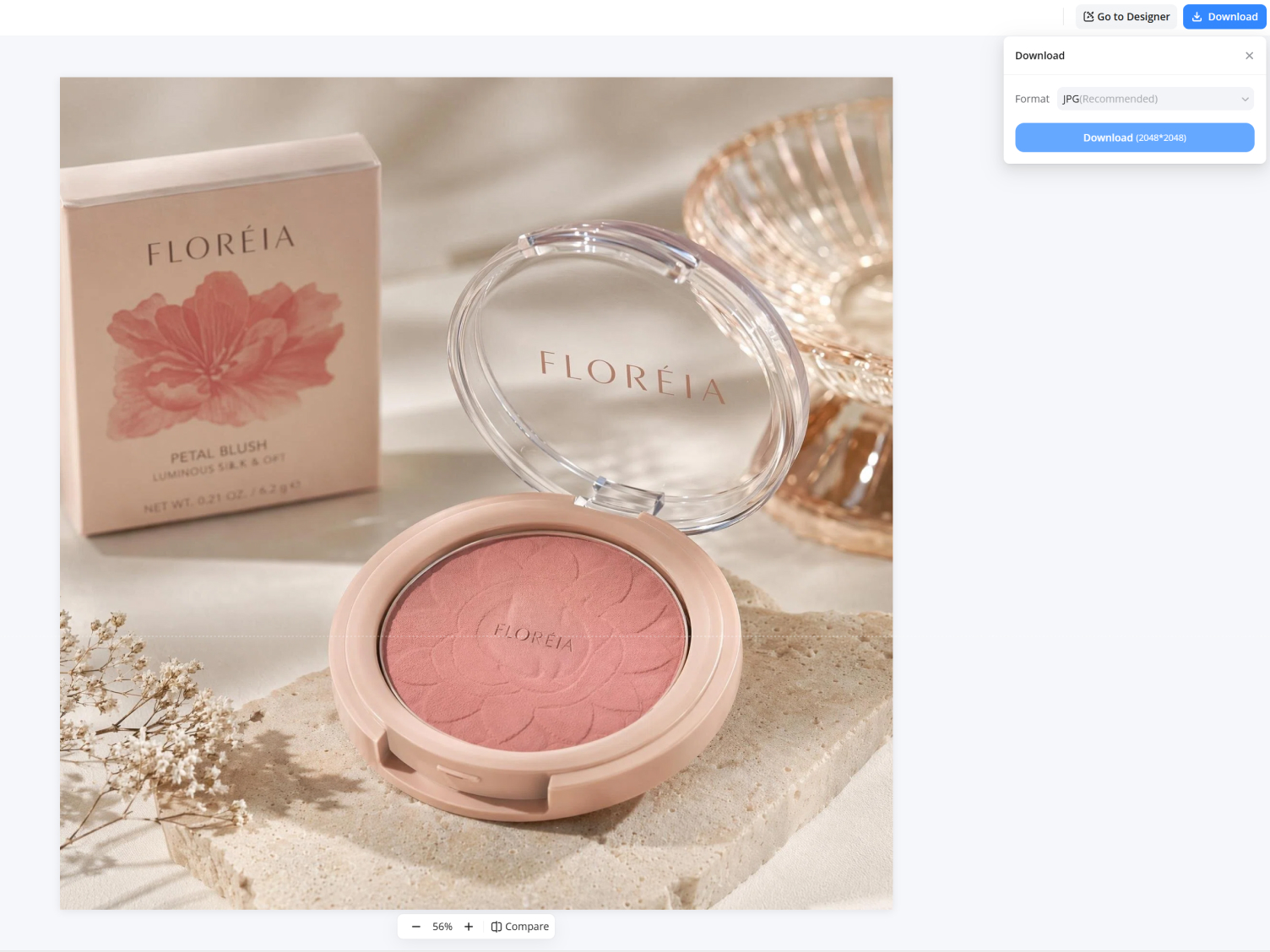
The image is resized and compressed to load fast, then download it ready to upload to Shopify.
How Designkit Fixes Common Shopify Image Problems
Presets for Shopify's recommended sizes
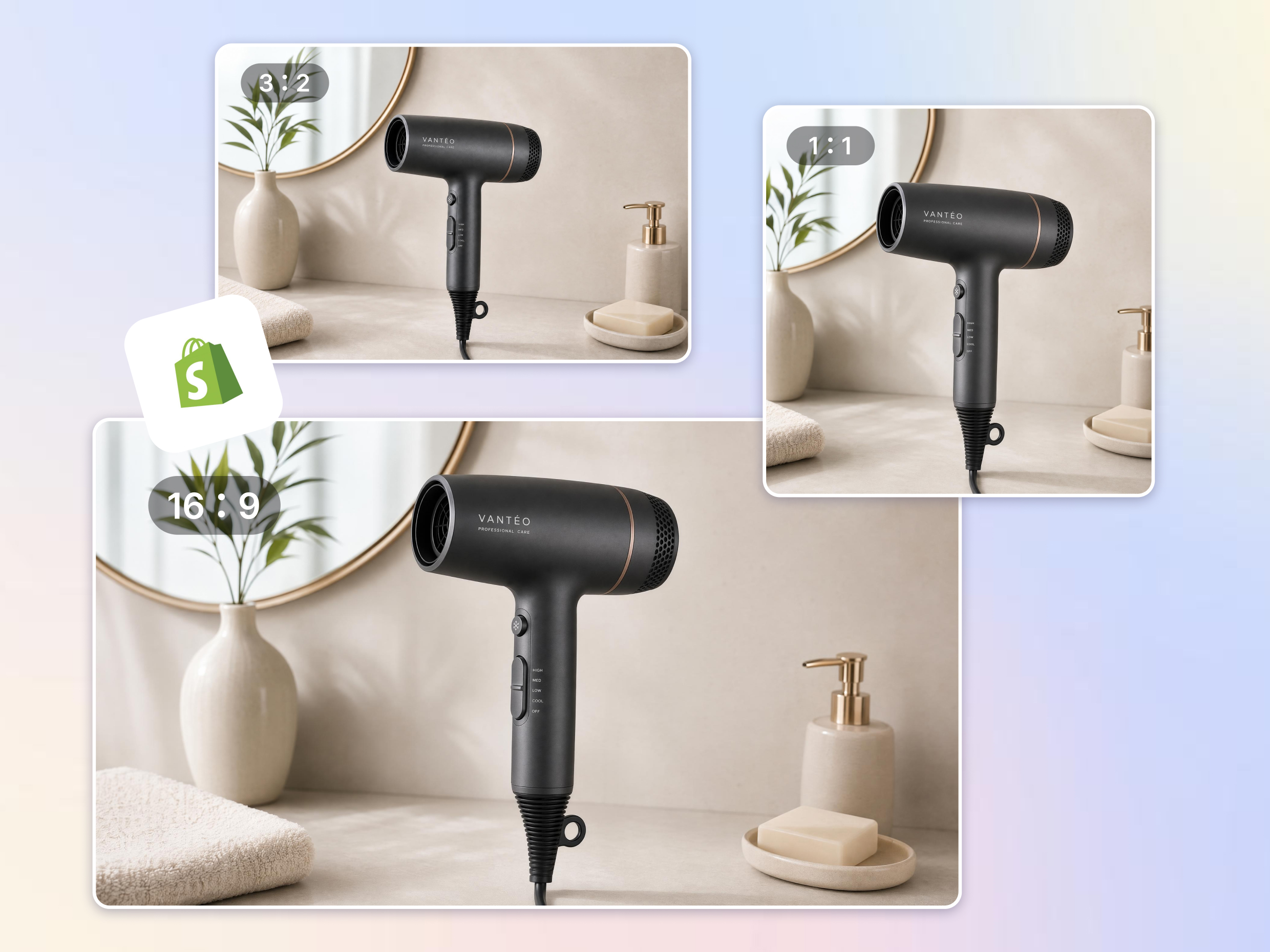
Say goodbye to the wrong dimensions that make your product images inconsistent and non-professional. Designkit resizes product images automatically by applying recommended Shopify image sizes, helping product photos display correctly across listings, collections, and storefront layouts.
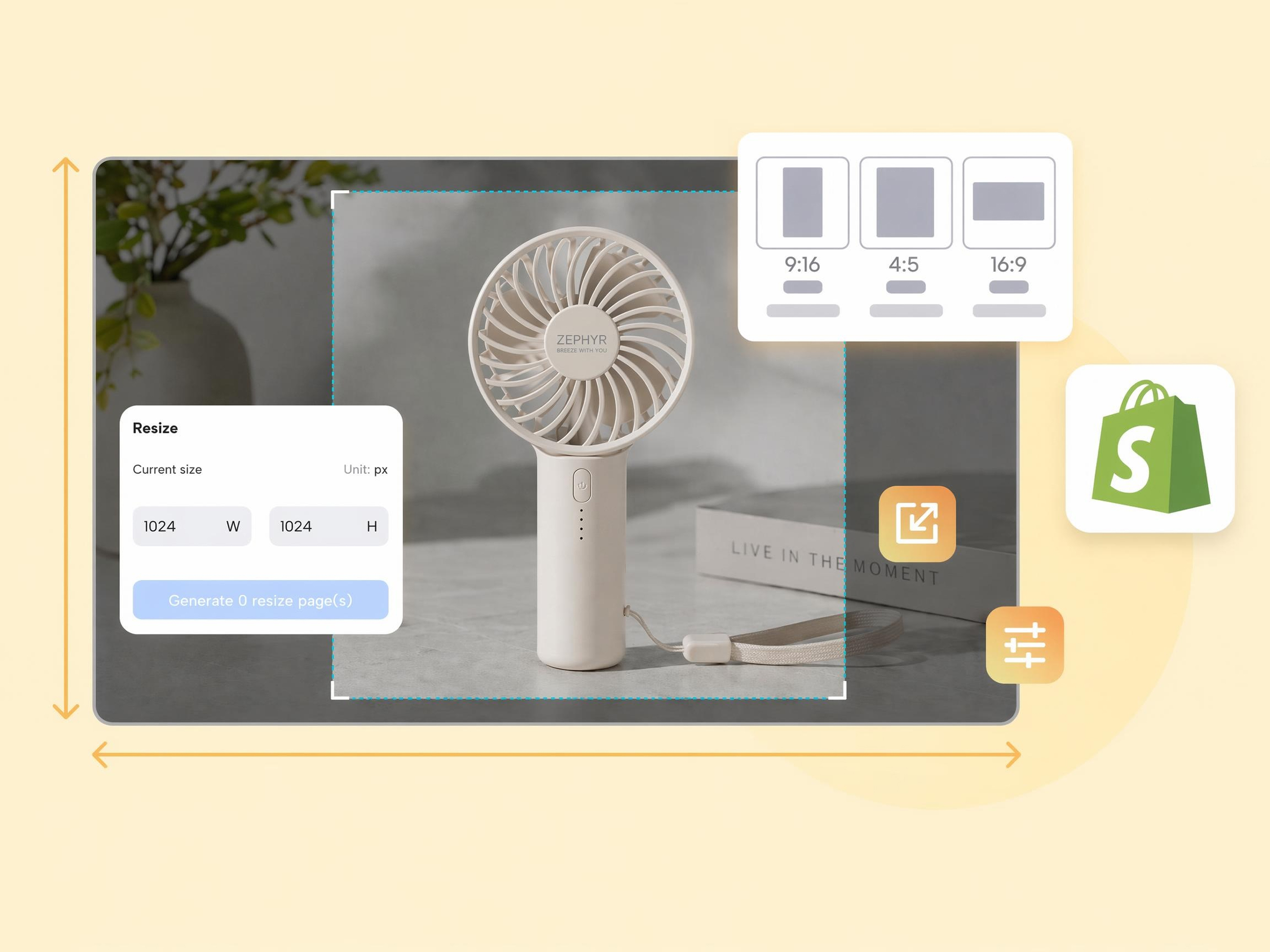
Resize Product Images, Collections, and Banners in One Place
Different areas of a Shopify store require different image dimensions. Designkit adapts product photos, collection banners, and promotional graphics to the correct format, ensuring every image fits perfectly without distortion.
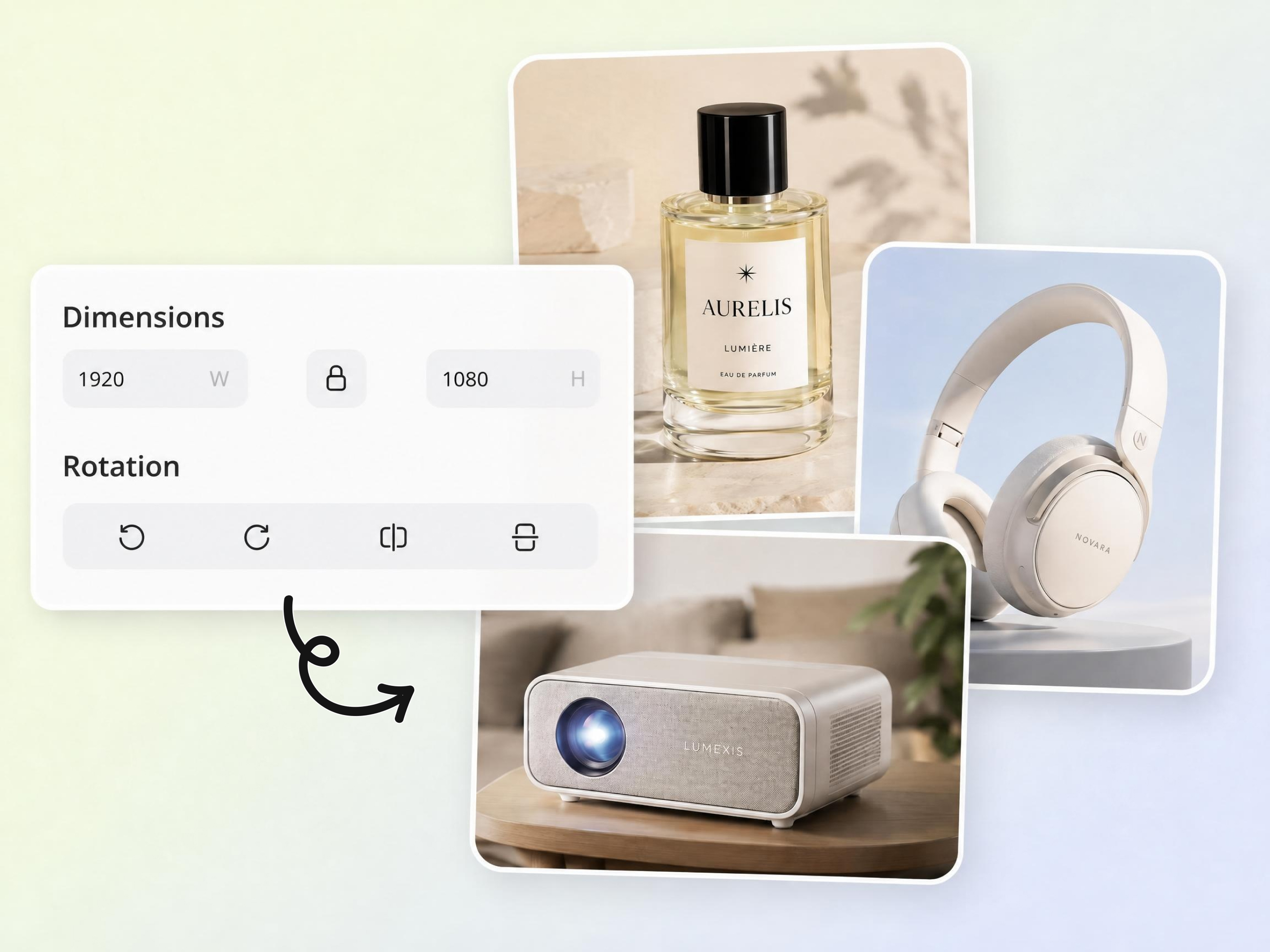
Batch Resize Entire Product Catalog in Seconds
Manually resizing hundreds of images is repetitive and time-consuming. Update an entire catalog in a batch rather than editing images individually. Bulk edit your product images faster for store launches, seasonal updates, and supplier imports.
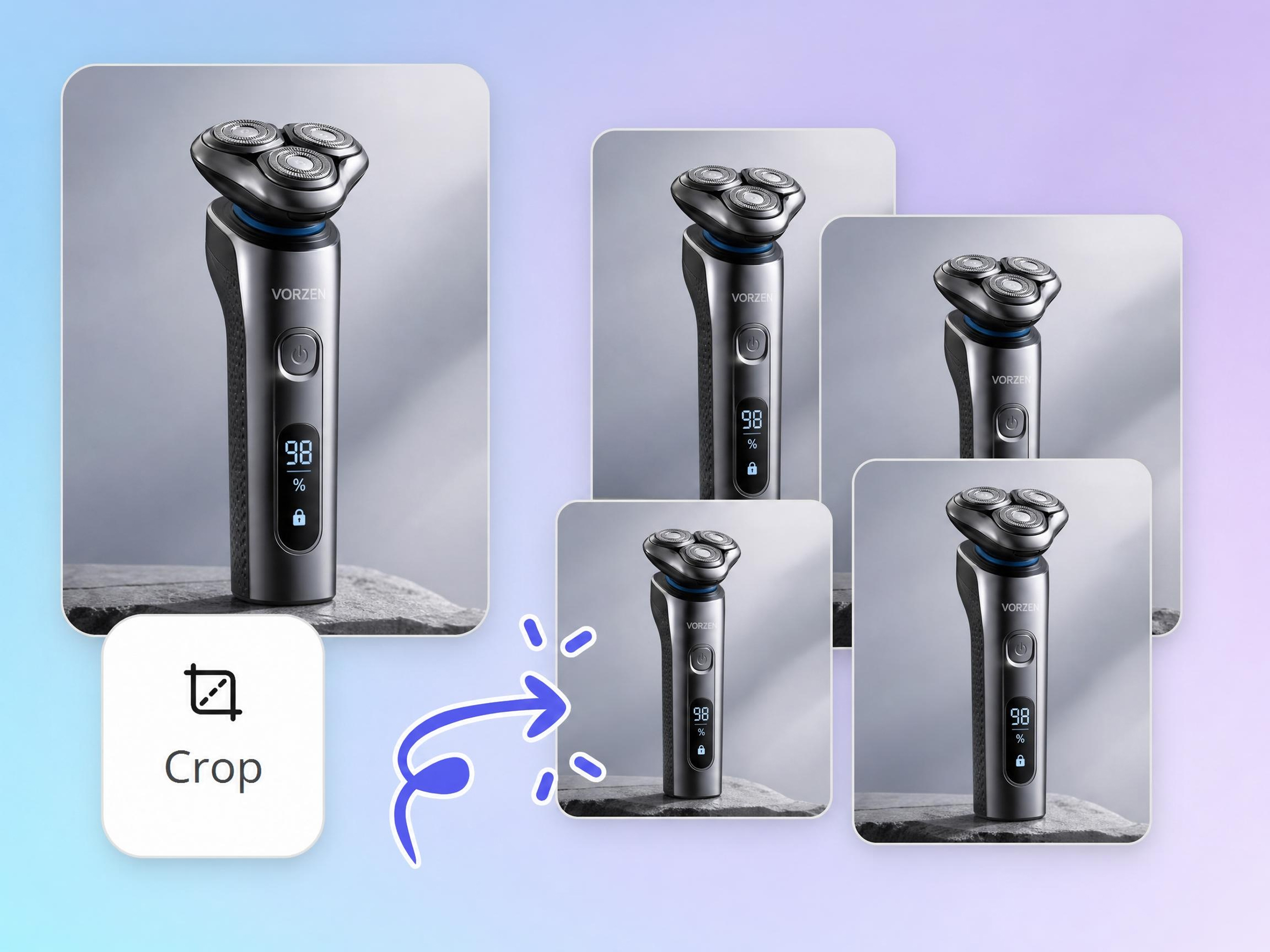
Create Multiple Sizes from One Original Image
Creating multiple versions of the same image can slow publishing. Generate versions for product pages, collection pages, ads, email campaigns, and social media without creating separate source files.

Reduce File Size While Keeping Images Clear
Large image files can slow storefronts and affect browsing experience. Designkit optimizes image weight while preserving visual quality, functioning like a smart photo resizer built specifically for eCommerce needs.
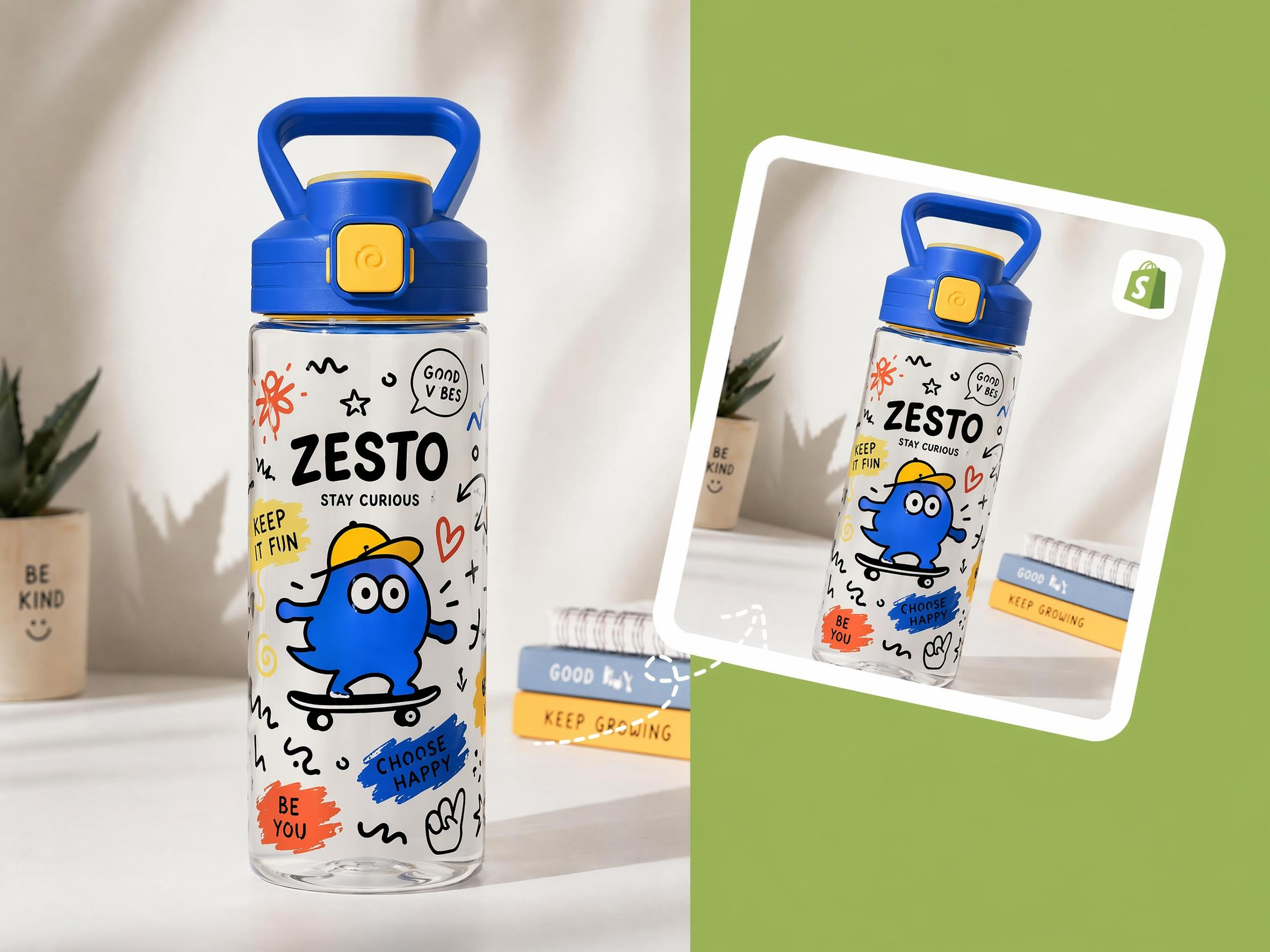
Keep Product Placement Consistent Across Listings
Images from different suppliers often have different framing and spacing. Designkit automatically centers and positions products consistently, helping every collection page look organized, professional, and visually balanced.
Resize Images for Every Part of Your Shopify Store
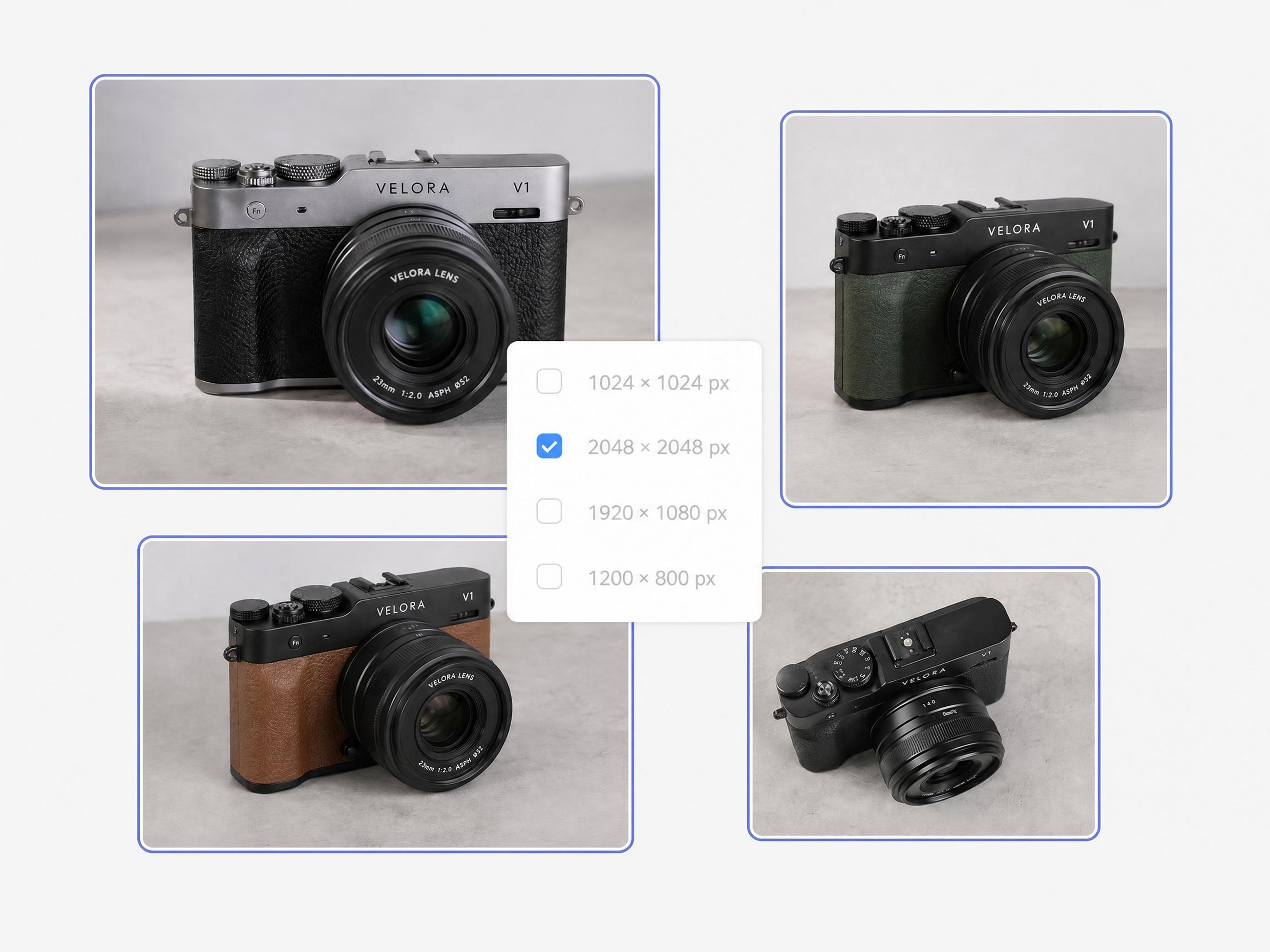
Create a Cleaner Product Grid
Mismatched product shots make a collection page look uneven. Resize them all to 2048 x 2048 so the grid is uniform and each product sits in a clean, consistent frame.
Why Use Designkit as a Shopify Image Resizer
Designed Around Shopify Store Requirements
Quickly appliy Shopify formats like 2048×2048 px for product images, 1920 × 1080 px for hero or banners, and 1024 × 1024 px for collection images automatically without looking up dimensions manually.

Save Time on Repetitive Image Editing
Resize single images or entire catalogs in a few clicks instead of editing every file separately.

Improve Store Speed with Smaller Image Files
Large images can increase page weight and slow loading times. Resize and compress images before uploading to Shopify.
Make Supplier Images Look More Consistent
Standardize dimensions across products from different suppliers to create a cleaner storefront.

Create Multiple Outputs from One Upload
Generate image sizes for Shopify, advertising campaigns, marketplaces, and social channels from the same source image.

Scale Image Preparation as Your Catalog Grows
Whether you're managing dozens or thousands of products, batch resizing helps keep image management efficient.
Unlock More Creative Possibilities
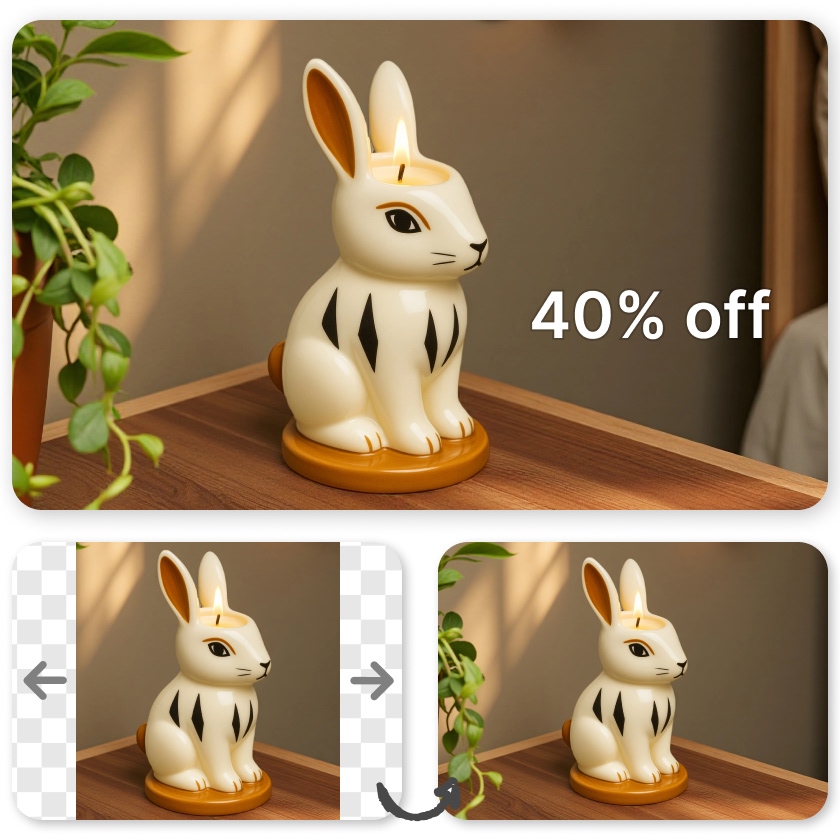
Resize Your Images
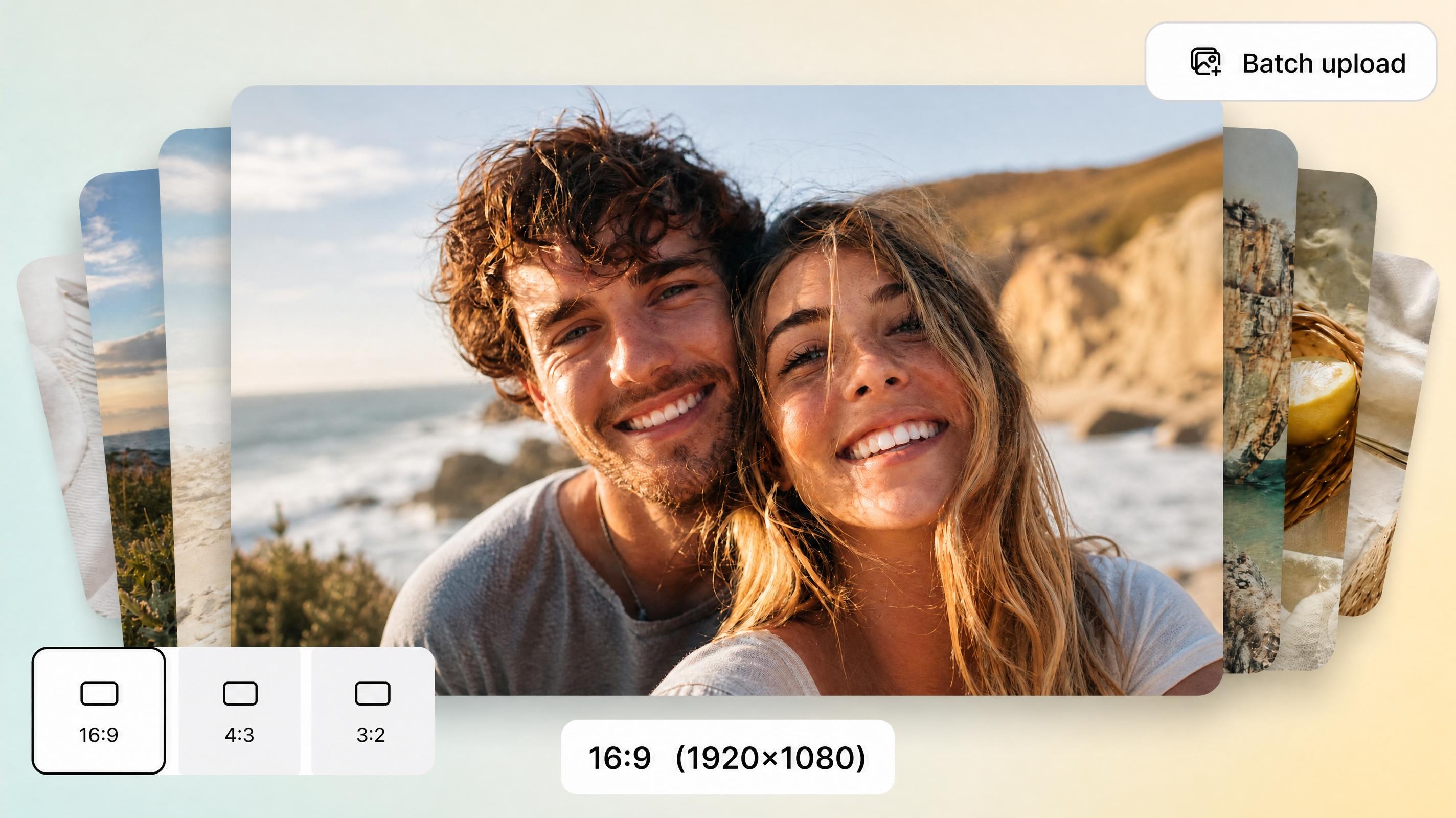
Bulk Image Resizer
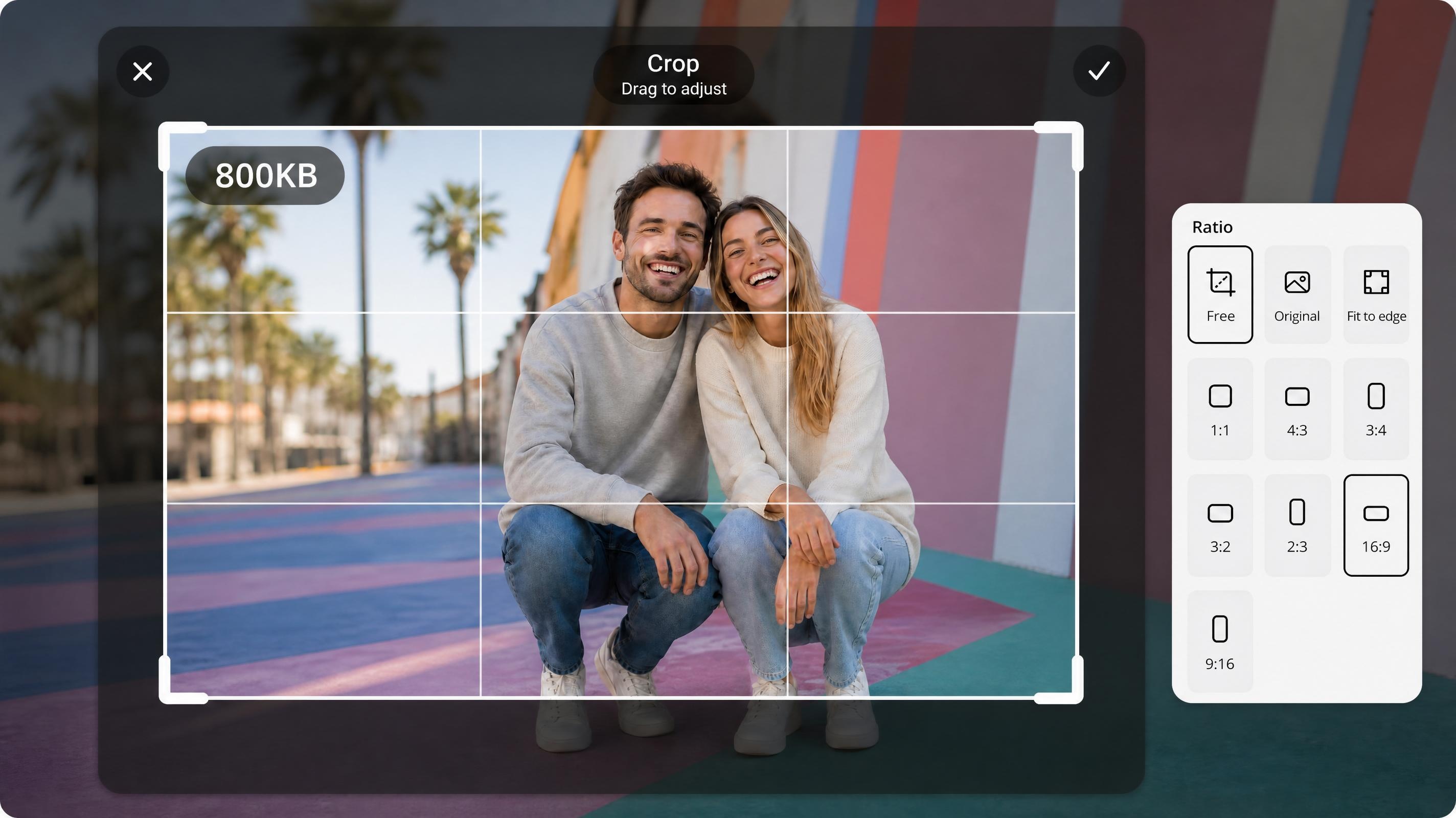
Free JPEG Resizer
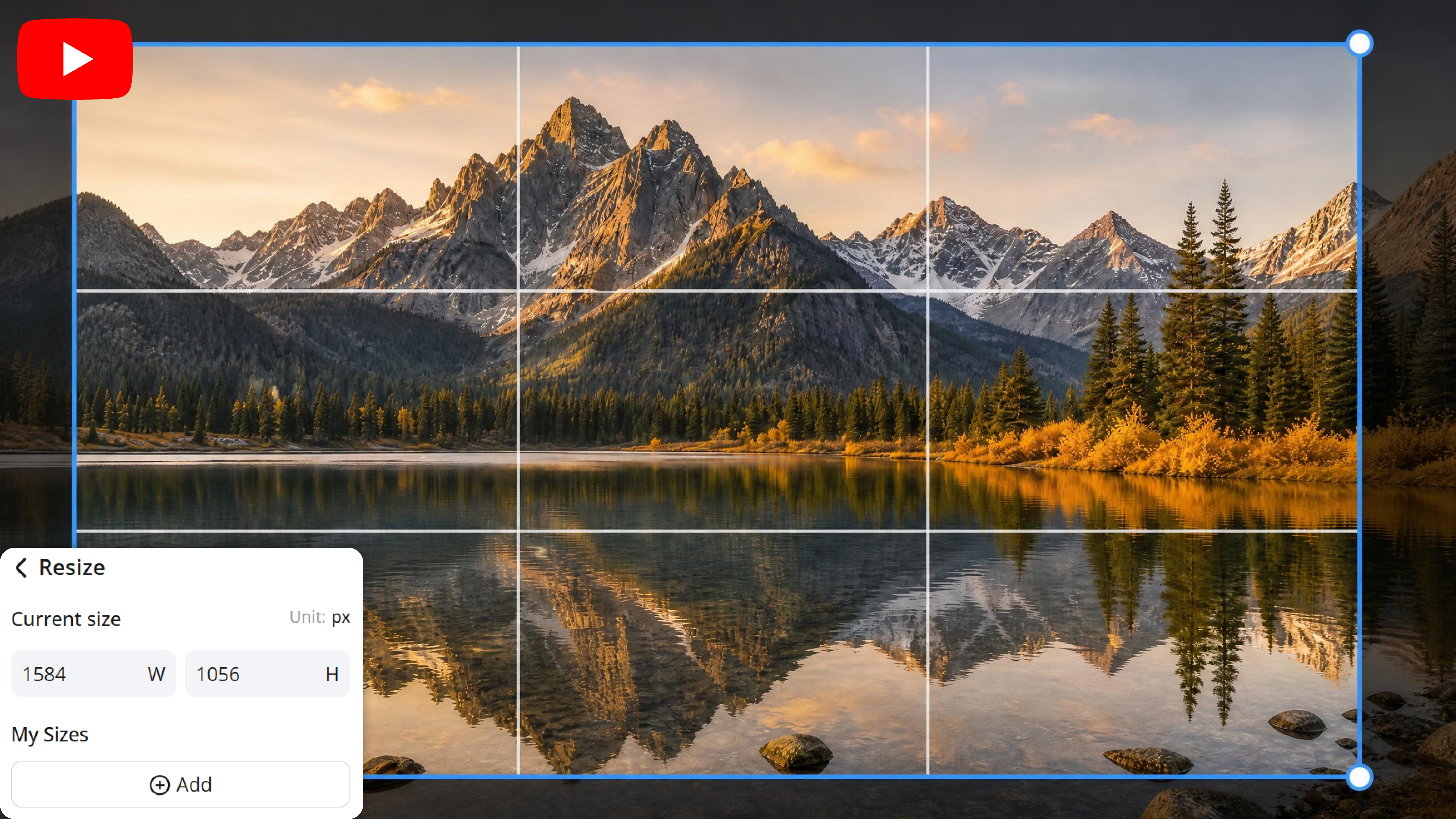
YouTube Banner Resizer
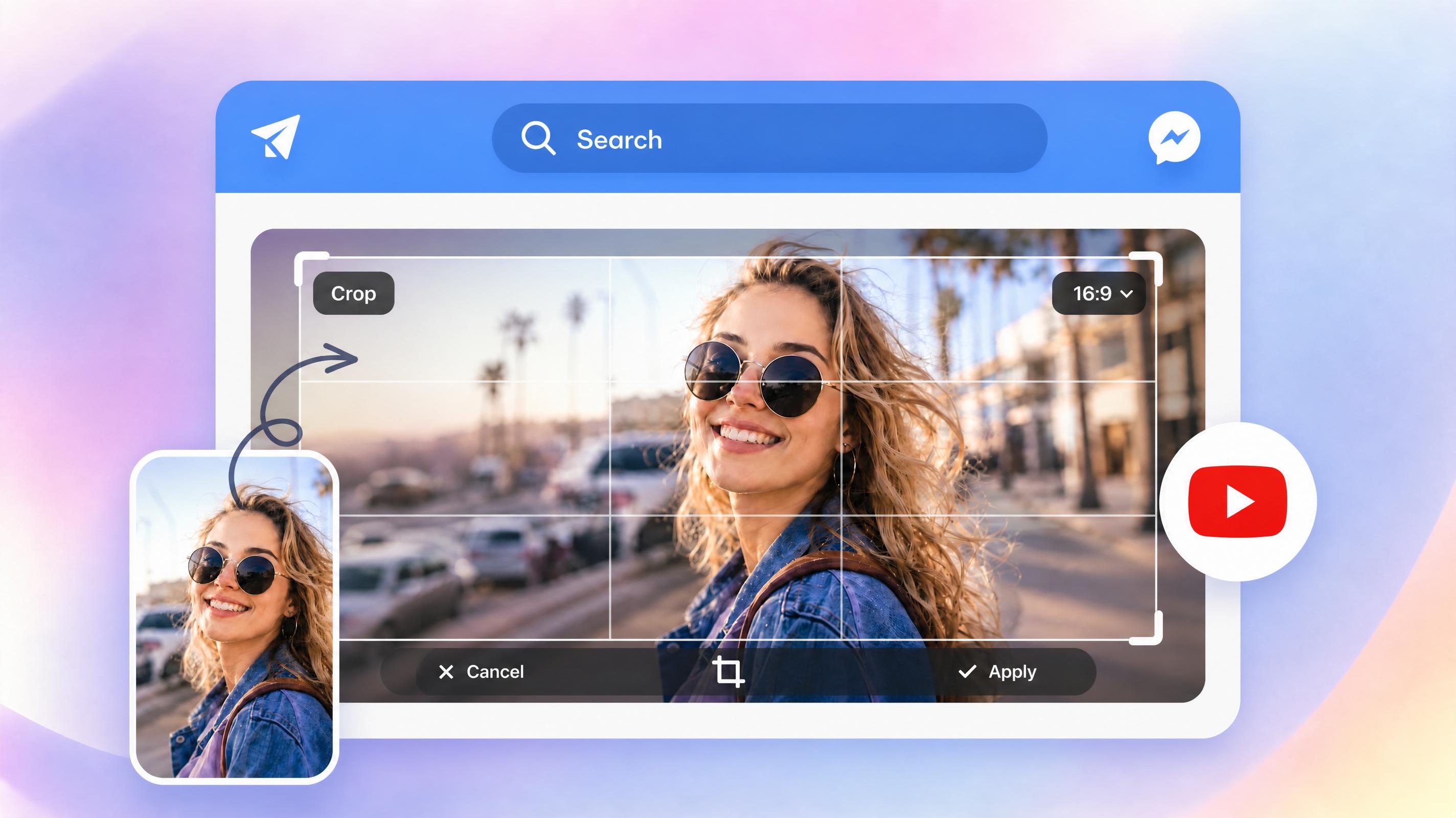
YouTube Thumbnail Resizer
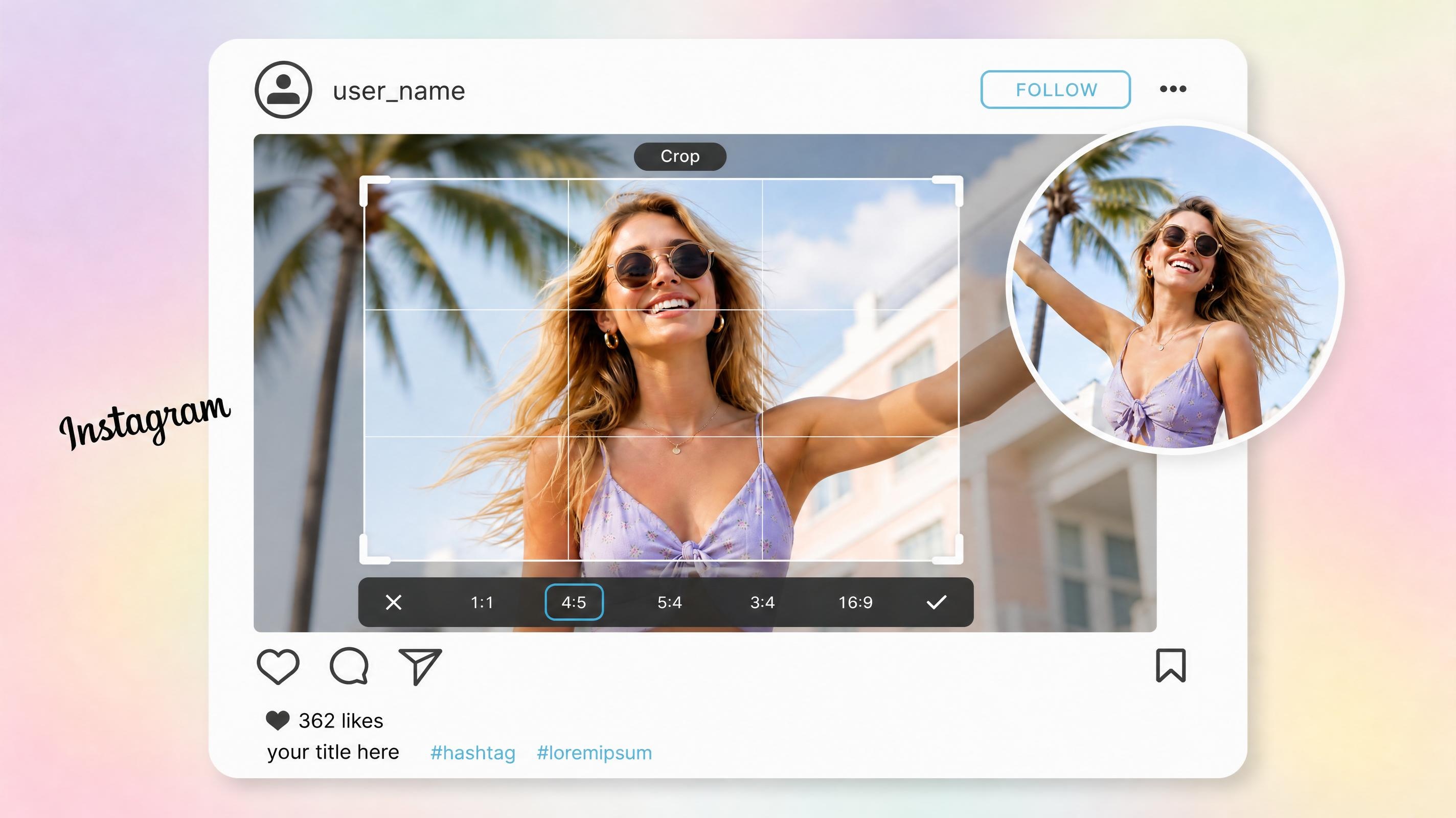
Instagram Image Resizer

Resize Photo for Printing
Frequently Asked Questions
What image size is best for Shopify product photos?
Should I resize images before uploading them to Shopify?
Yes. Preparing images before upload gives you more control over dimensions, file size, and image consistency across your storefront.
Does image size affect Shopify store speed?
Yes. Oversized images increase page weight and can slow loading times, especially on mobile devices. Optimized image dimensions and file sizes help pages load more efficiently.
What's the difference between resizing and compressing?
Resizing changes the dimensions of the image. Compressing reduces the file size so it loads faster. Both happen together here, so a resized photo is also optimized for speed.
Can I resize collection images and banners too?
Yes, Shopify requires different sizes for products, banners, and collections, which can be hard to manage manually. Designkit handles all formats in one workflow, ensuring every section of your store uses correctly sized visuals without breaking layout consistency.
Can I resize multiple Shopify images at once?
Yes, instead of resizing images one by one, Designkit allows bulk processing for entire catalogs. This makes it easy to standardize hundreds of product images at once, saving time and keeping every listing aligned across your Shopify store.
Prepare Shopify Images in Minutes
Resize product photos, collection images, and banners to the right dimensions before uploading them to Shopify.



What Shopify Sellers Say About Designkit Image Resizer
Store owners, marketers, and ecommerce teams use Designkit to prepare images faster, keep storefronts consistent, and spend less time on manual editing.
A Collection Page That Finally Looks Even
My product photos came from different suppliers, and every image had a slightly different size and crop. The collection page looked uneven, especially on desktop. After resizing everything to the same dimensions, the grid became much cleaner and easier to browse. It was a small change, but it made the storefront look much more polished.
Pages That Stopped Loading Slowly
Many of my supplier images were much larger than they needed to be. Product pages felt slow on mobile, especially when customers opened multiple listings. Resizing and compressing the images reduced file sizes significantly while keeping the photos clear. The pages feel noticeably faster now.
No More Guessing the Right Size
I used to search for Shopify image dimensions whenever I updated banners or collection pages. Sometimes images looked fine on one screen and cropped awkwardly on another. The presets removed the guesswork, and I can upload images knowing they'll fit the intended section correctly.
One Less App to Pay For
My workflow involved resizing images in one tool and compressing them in another. It wasn't difficult, but it added extra steps every time I launched new products. Having both functions in one place simplified the process and helped me remove an app I was paying for separately.
Quick to Manage Large Catalog Updates
We regularly refresh product images across hundreds of SKUs. Resizing files individually was one of those repetitive tasks that always took longer than expected. Batch resizing lets us standardize the entire catalog much faster and keeps new uploads consistent with existing product pages.