
PNG Background Remover: Get a Clean Transparent PNG Free Online
Remove backgrounds from PNG images and export clean transparent PNG files in seconds. Ideal for ecommerce listings, product photos, social media graphics, and marketing assets.


No image? Try one of these:



How to Remove a PNG Background in 3 Steps
Upload your PNG
Upload a PNG image or drag and drop it into Designkit. You can process a single file or upload up to 30 PNG images at once.
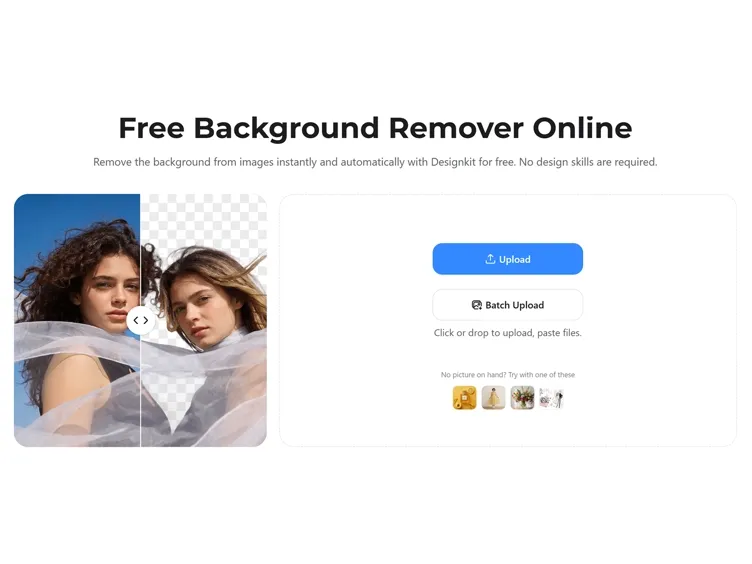
Remove the Background
Designkit detects the main subject automatically and removes the background while preserving edges, textures, shadows, and fine details.
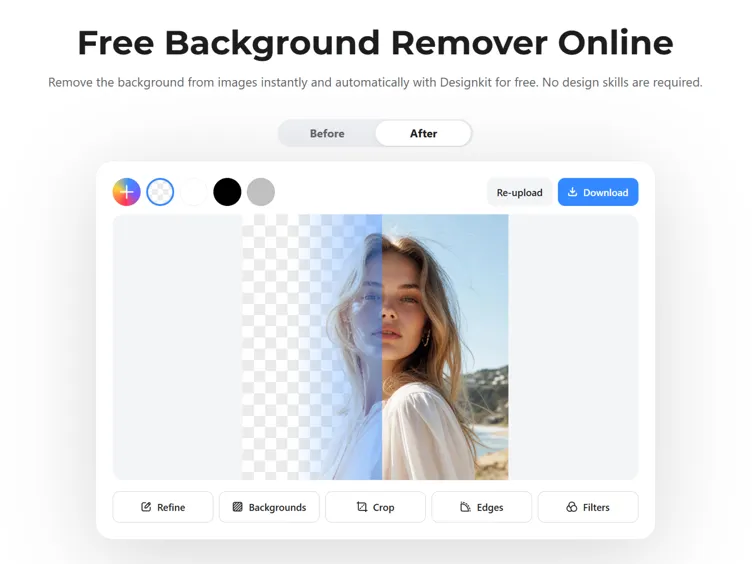
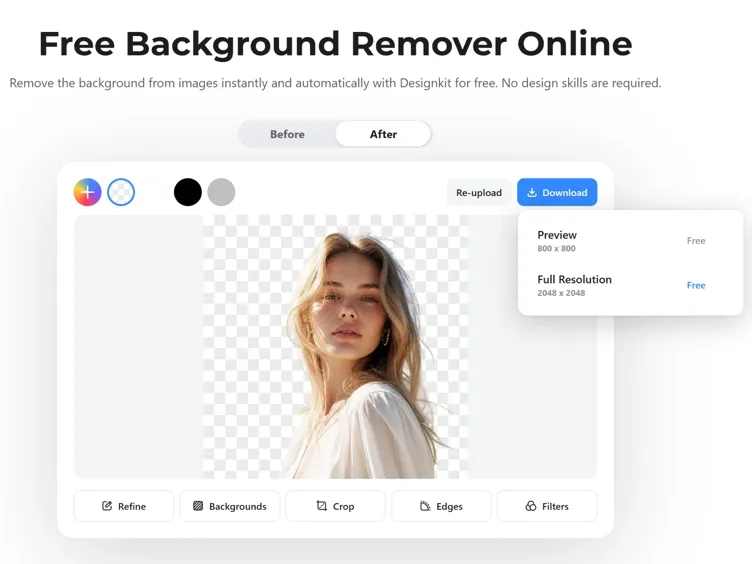
Download the Transparent PNG
Preview the result and download a transparent PNG file. You can also replace the background, refine the image, or upscale it before exporting.
Features Built for Fast PNG Background Removal
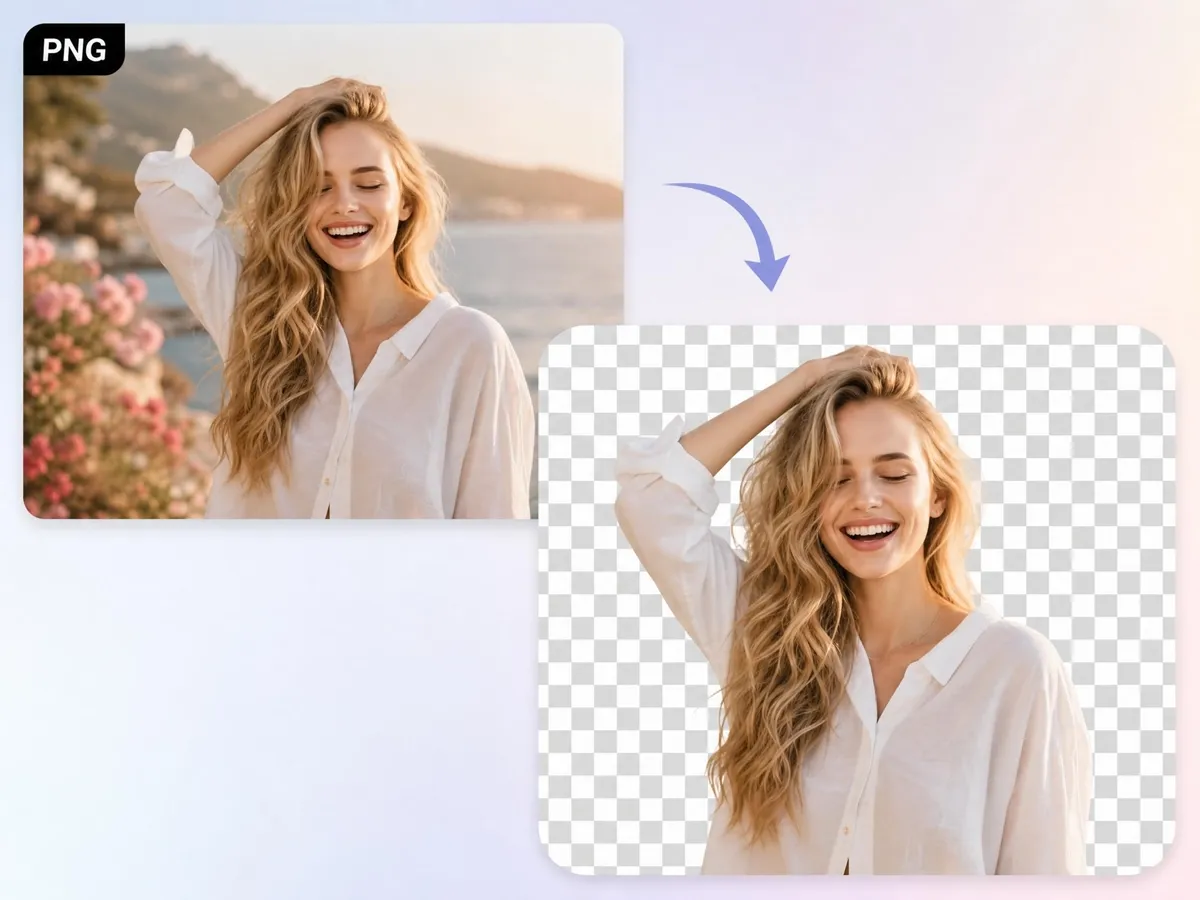
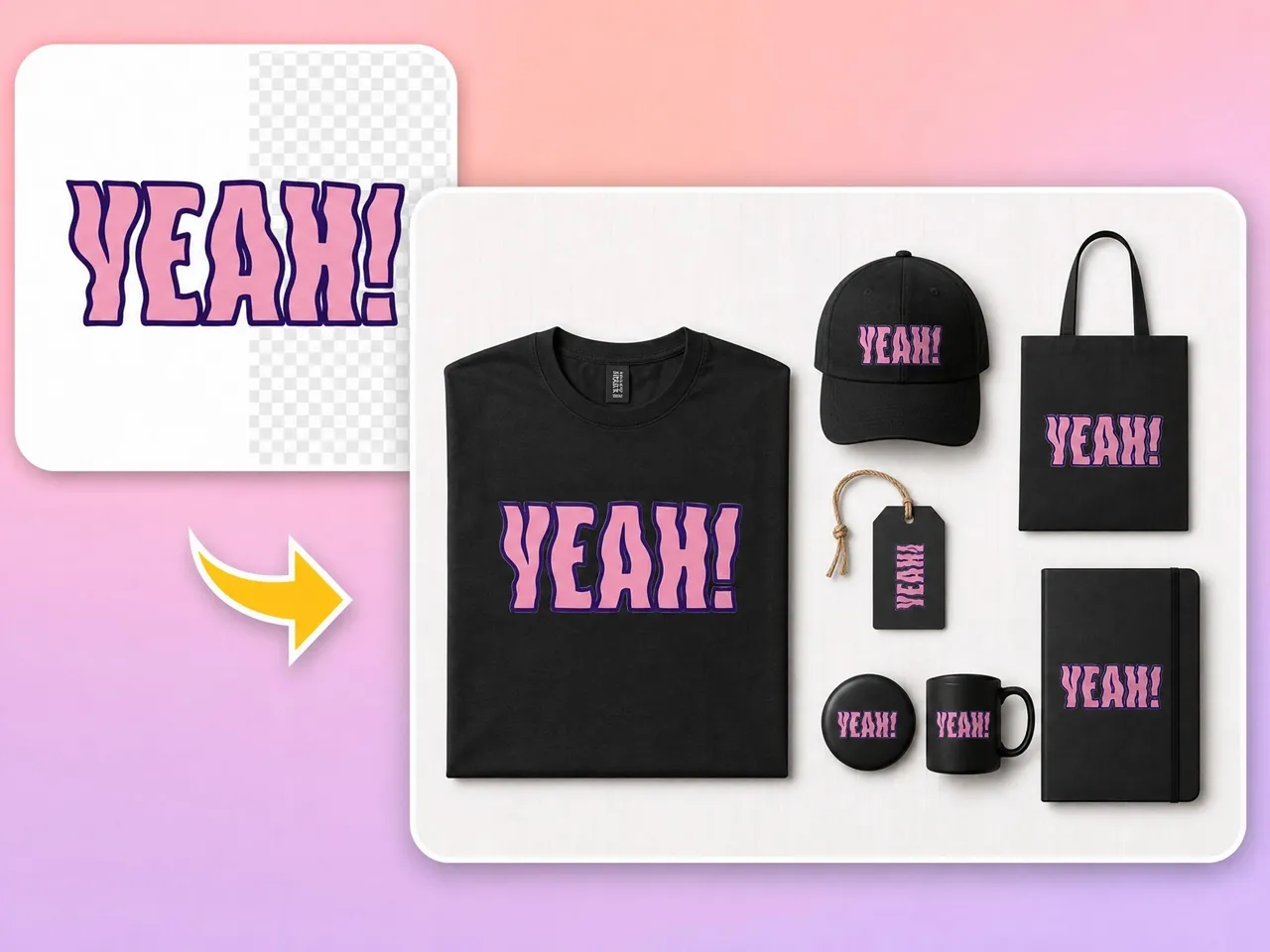
Create Transparent PNG Images Automatically
Remove backgrounds from PNG files without manual selection or masking. Designkit identifies the subject and generates a clean transparent PNG in seconds. Ready for ads, stores, or social posts.
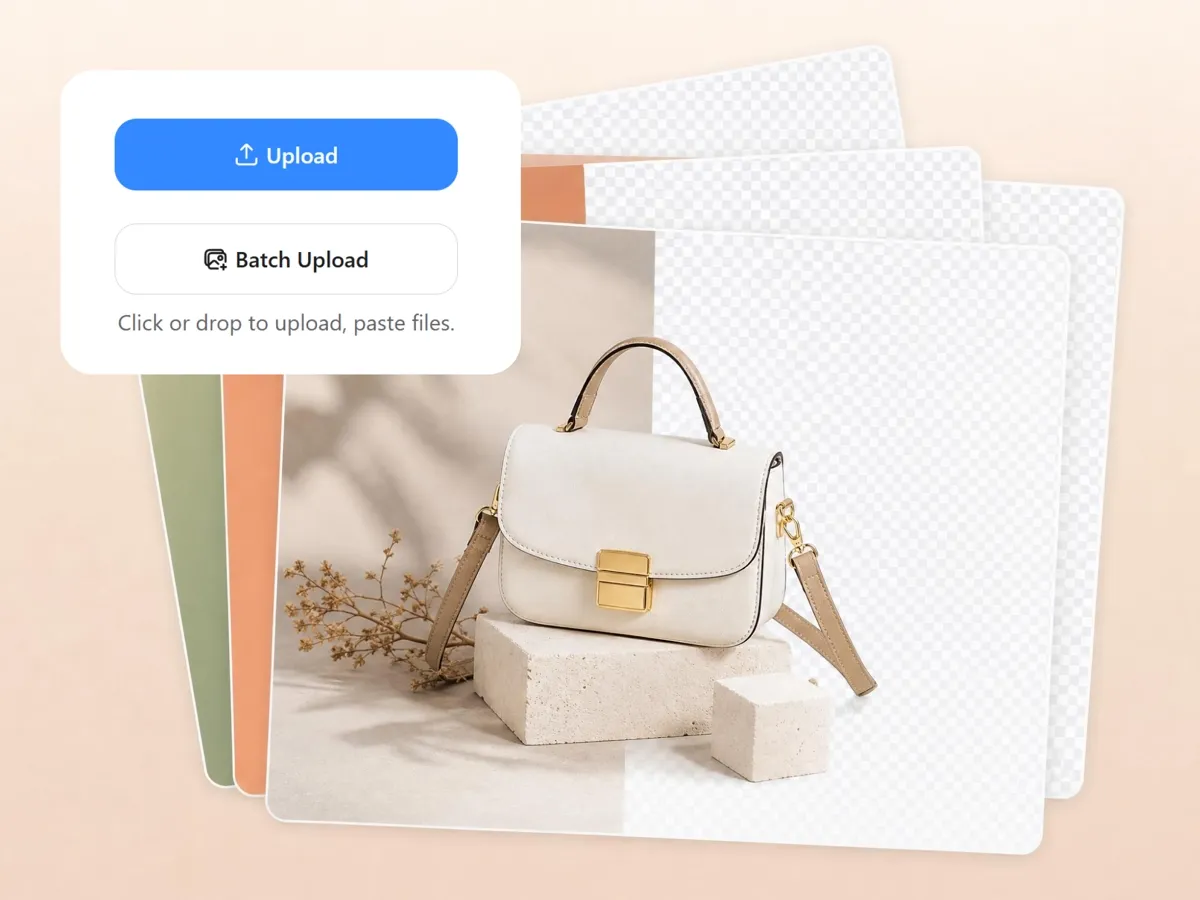
Remove backgrounds from 30 PNGs at once
Handling large batches of product photos can quickly become exhausting. Upload and remove backgrounds from multiple PNG files in a single workflow. The bulk background remover helps maintain consistent image quality across product catalogs and marketing assets.
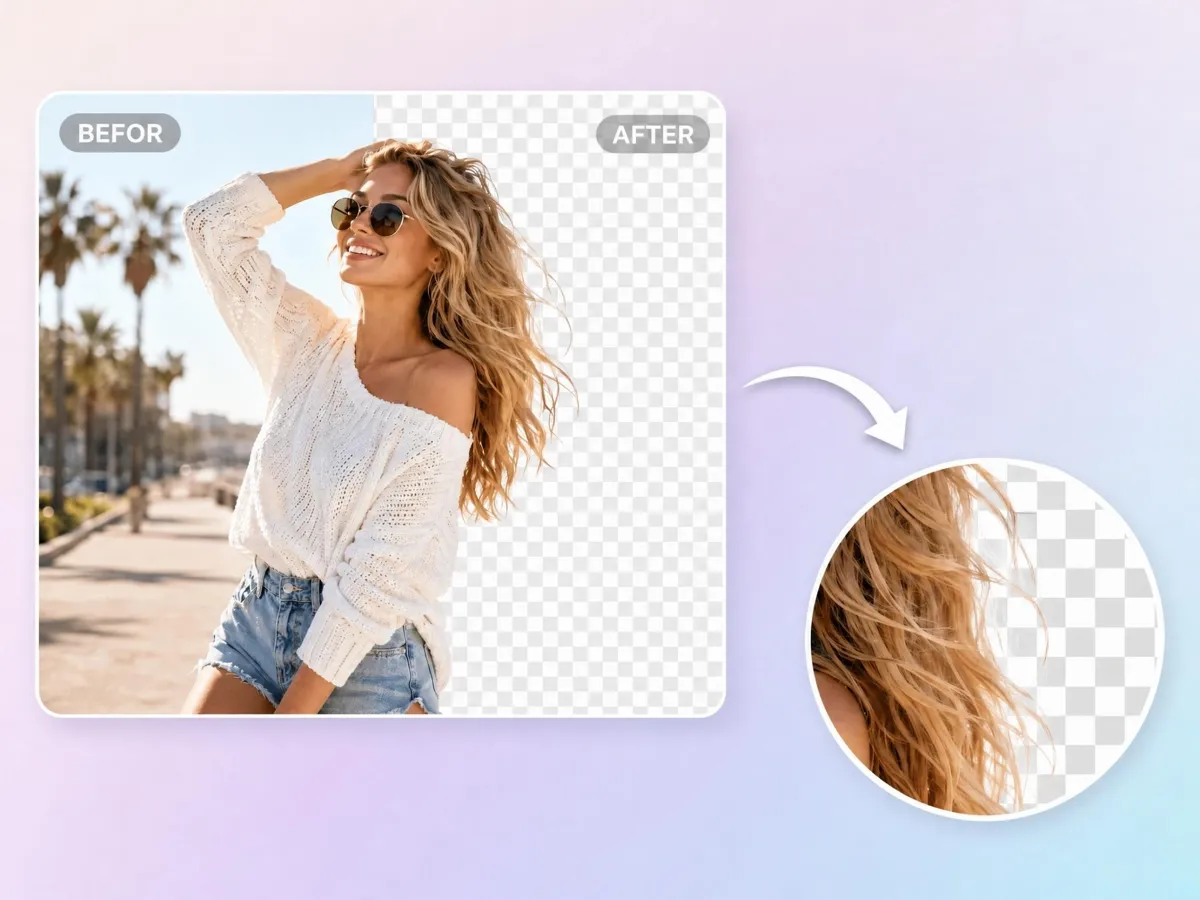
Preserve Hair, Edges, and Small Details
Rough edges and missing details can ruin an otherwise great image. Designkit keeps fine image details intact during background removal, including hair, transparent elements, shadows, and product outlines.

Add A Solid Color or A New Background After
A different background can completely change the mood of your design. Once the background is removed, you can add a solid color, upload a custom background, or generate a new scene for different marketing needs.
PNG Background Removal for Everyday Content Workflows
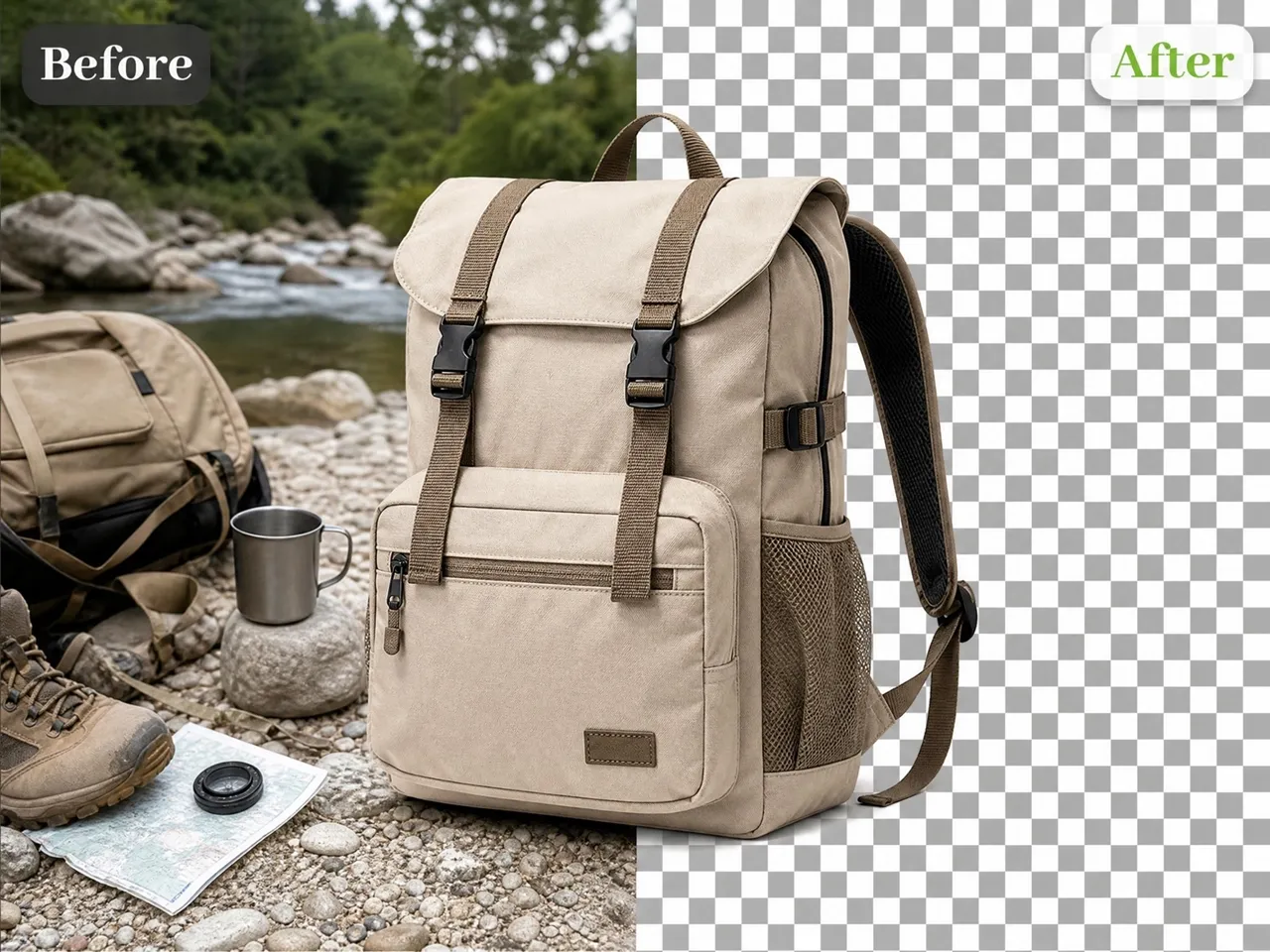
Create Cleaner Product Images for Social Media
Product photos from your phone come with cluttered backgrounds that don't match your feed. Remove distracting backgrounds and place products on consistent colors or branded scenes for posts, reels, and promotional graphics.

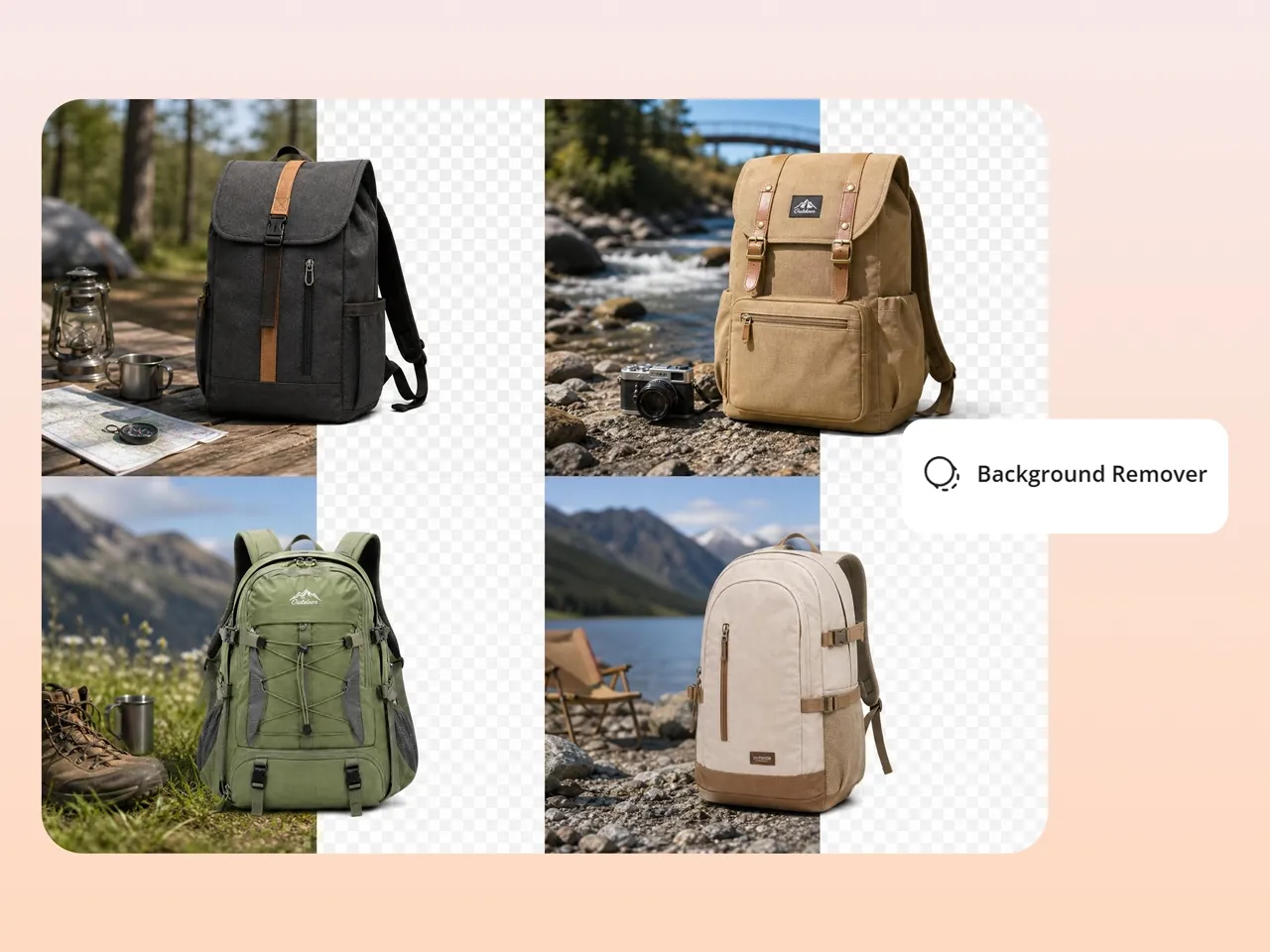
Why Use Designkit as Your PNG Background Remover

Fast Background Removal
Generate transparent PNG files in seconds without manual editing.

Batch Processing Support
Remove backgrounds from up to 30 PNG images in a single upload.

High-Quality Edge Detection
Maintain clean outlines and preserve fine image details.

Background Editing Included
Replace, customize, or generate new backgrounds after removal.

Built-In Image Enhancement
Refine edges and upscale images without switching tools.

Ready for Ecommerce Platforms
Export transparent PNG files suitable for product listings, ads, and marketing materials.
Frequently Asked Questions
What is a PNG background remover and what can I use it for?
Can I remove backgrounds without design experience?
Yes, you can easily remove backgrounds even if you have zero design experience. Designkit's background remover uses AI to detect subjects and remove background instantly with one click. It handles edges, hair, and shapes automatically, so beginners can create professional transparent PNG images for stores, ads, and social content without learning complex tools or editing techniques.
Can I remove backgrounds from multiple images at once?
Yes, you can process multiple images together using Designkit's bulk background remover. It allows batch upload and removes PNG background from many files in a single pass while keeping consistency in quality and size. This is very useful for ecommerce sellers, marketers, and creators who need fast editing for large product catalogs or campaign assets.
Will image quality be reduced after background removal?
No, image quality is not reduced after processing. Designkit's PNG background remover AI is designed to preserve original resolution, sharpness, and fine details while removing the PNG background. It keeps edges clean and natural, so your final transparent PNG still looks professional and ready for ecommerce listings, advertisements, and high-quality digital or print usage without any visible quality loss.
Can I use transparent PNG images for Shopify and Amazon listings?
Yes, transparent PNG images are fully suitable for Shopify and Amazon product listings. Designkit helps you remove background and export clean, marketplace-ready visuals that improve product presentation. These transparent images make your listings look more professional, help highlight the product clearly, and improve customer trust by keeping focus only on the item being sold.
Can I replace the background after removing it?
Yes, after removing the background, you can easily replace it using Designkit's background generator tools. It allows you to add solid colors, gradients, or custom scene backgrounds after you remove the background. This helps turn simple cutouts into branded product visuals, lifestyle images, or marketing creatives suitable for ads, social media, and ecommerce promotions.
Create Transparent PNG Images in Seconds
Try Designkit free and turn any PNG into a clean, transparent, content-ready image in seconds. No editing skills, no software, no cost to start.



What Creators Say about Designkit's PNG Background Remover
Real users use Designkit to create cleaner visuals, speed up content production, and reduce editing work.
Cleaner product images, a more put-together store
My product shots all had different messy backgrounds and the store looked thrown together. Now I just pull the background off and every listing has a clean transparent image. The whole store looks more consistent, and I think people trust it more.
Higher Product Clicks with Transparent PNG Optimization
My listings weren't getting many clicks and the photos looked rough. I clean up the PNG backgrounds in a few seconds now and the images come out a lot sharper. Since I redid my main products the clicks have clearly gone up.
Faster Product Upload Workflow for Dropshipping Stores
I used to edit every PNG by hand before uploading, which ate up my whole morning. Now the background comes off instantly and I upload ready-to-sell images in a fraction of the time. Adding new products is so much quicker.
Bulk PNG Editing for Agency-Level Efficiency
Handling PNG editing for multiple clients used to slow down my workflow. With Designkit's bulk processing, I can clean hundreds of images in one go. This reduced my editing workload by nearly 70% and improved delivery turnaround time.
High-Quality Edge Preservation for Branding Consistency
I often faced issues with uneven edges and poor cutouts in PNG images. Designkit maintains clean edges and preserves product details with high accuracy. My client's brand visuals now look consistent across digital platforms.
Affordable Solution for Startup Product Branding
Hiring designers for every product image was expensive for my startup. Designkit lets me remove backgrounds quickly and create professional visuals without extra cost. It saved me hundreds of dollars while speeding up my product launch process.