
Signature Background Remover for Documents, PDFs, and Branding
Turn a phone photo or scan of your signature into a clean transparent PNG. The paper, shadows, and noise come off while the ink stays sharp.
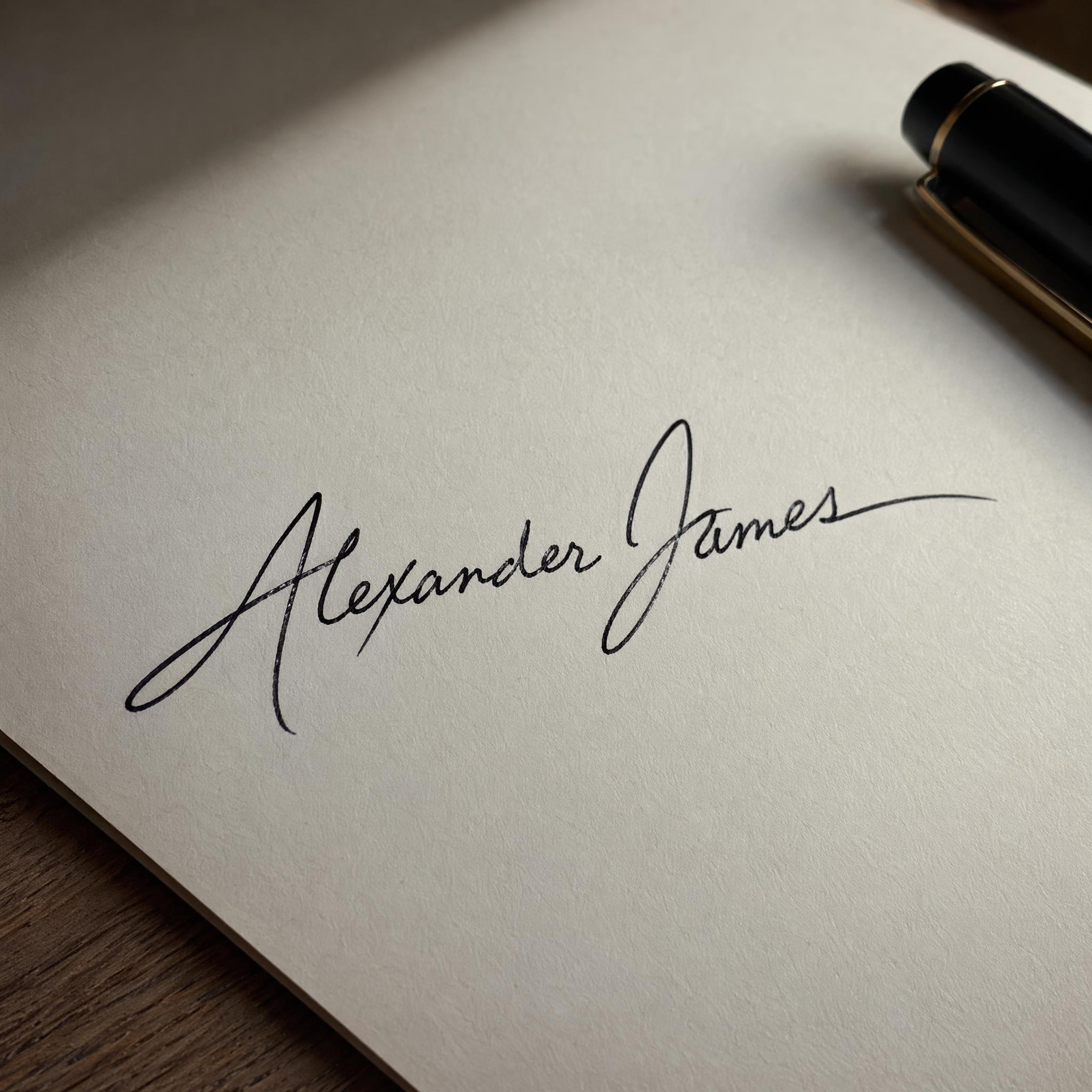

No picture on hand? Try with one of these
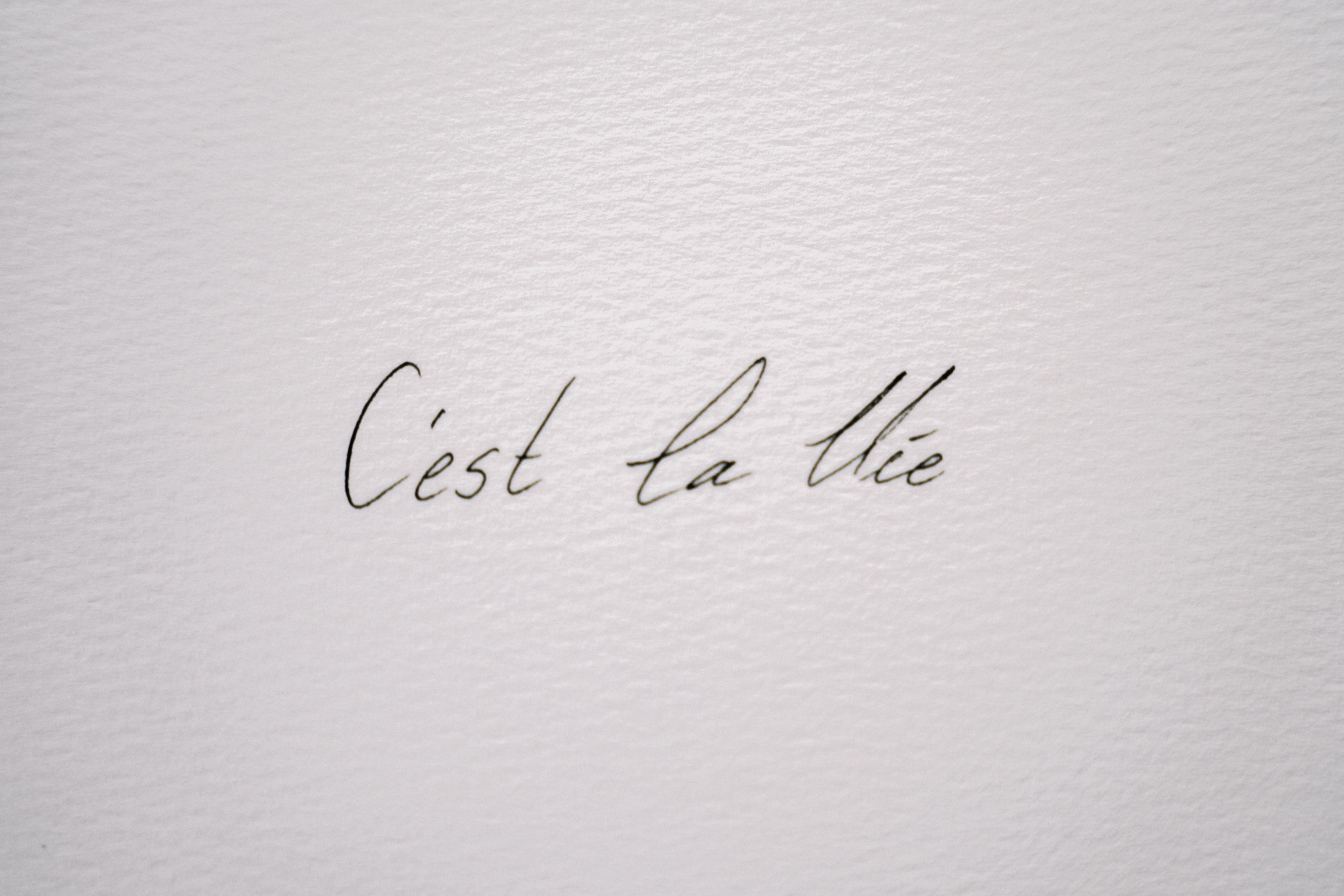
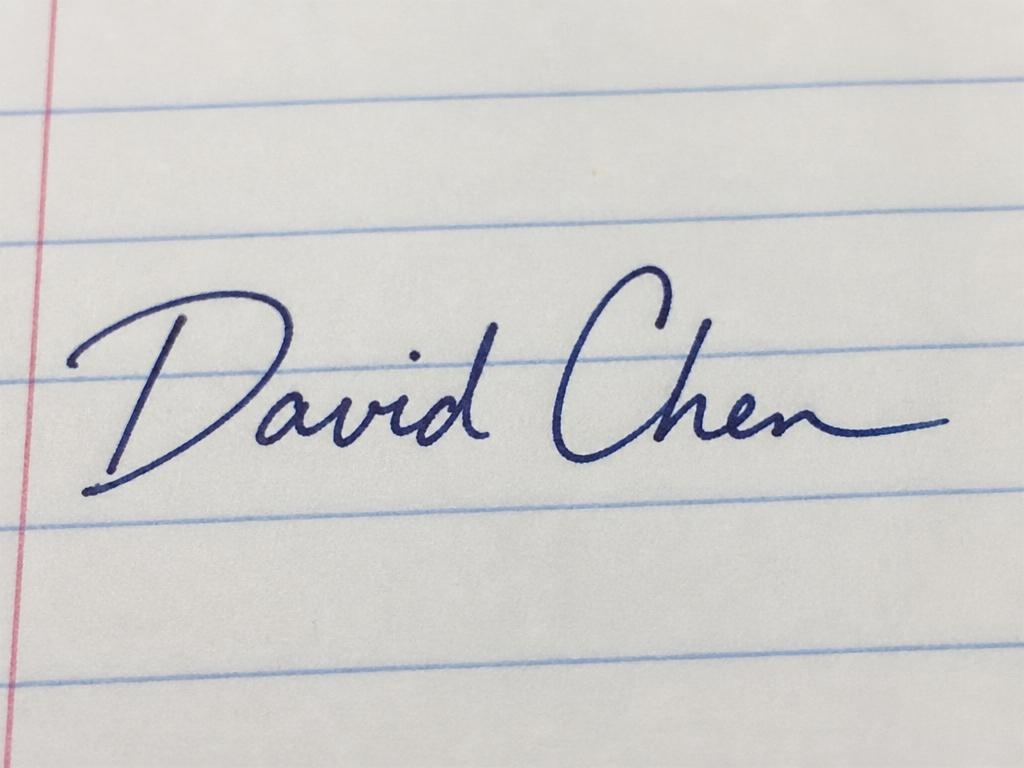
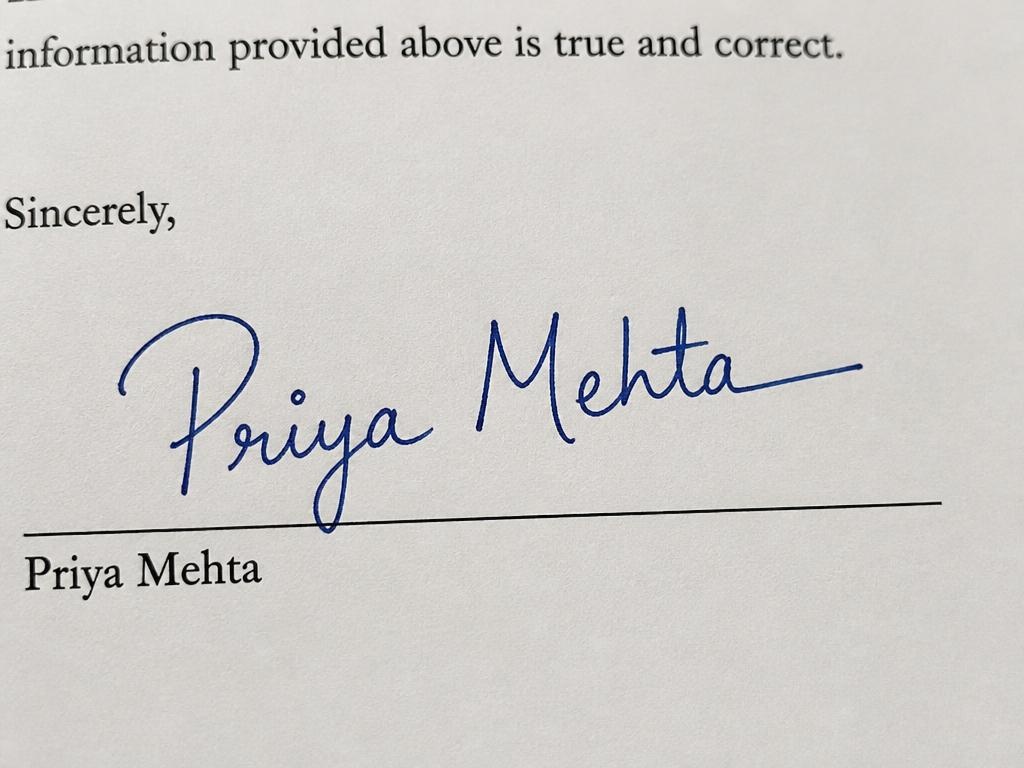
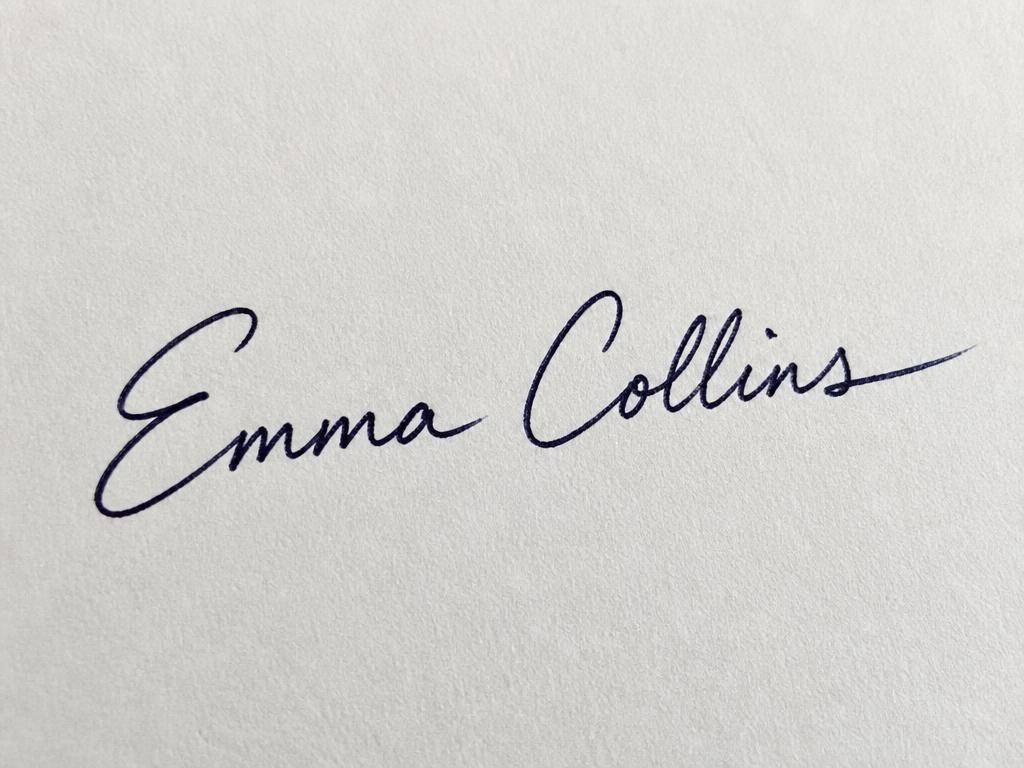
How to Remove Background From Signature in 3 Steps
Upload Your Signature Image
Take a photo or scan of your handwritten signature and upload it, or drag and drop it in. Shadows, wrinkles, and uneven lighting are fine.
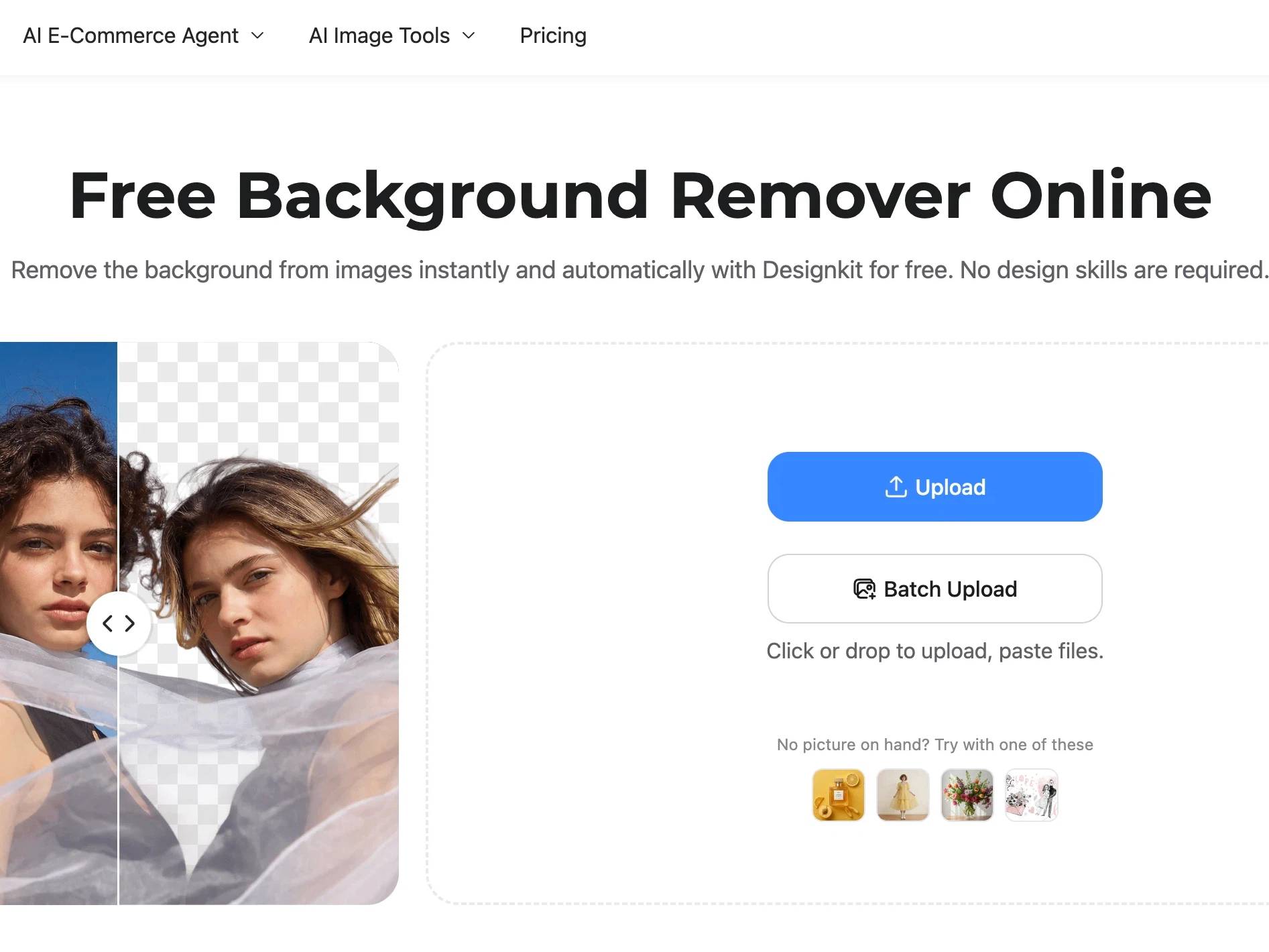
Clean Background Automatically
The ink strokes are detected and the paper, shadows, and noise are cleared in one click, with the fine curves and lines of your signature kept intact.
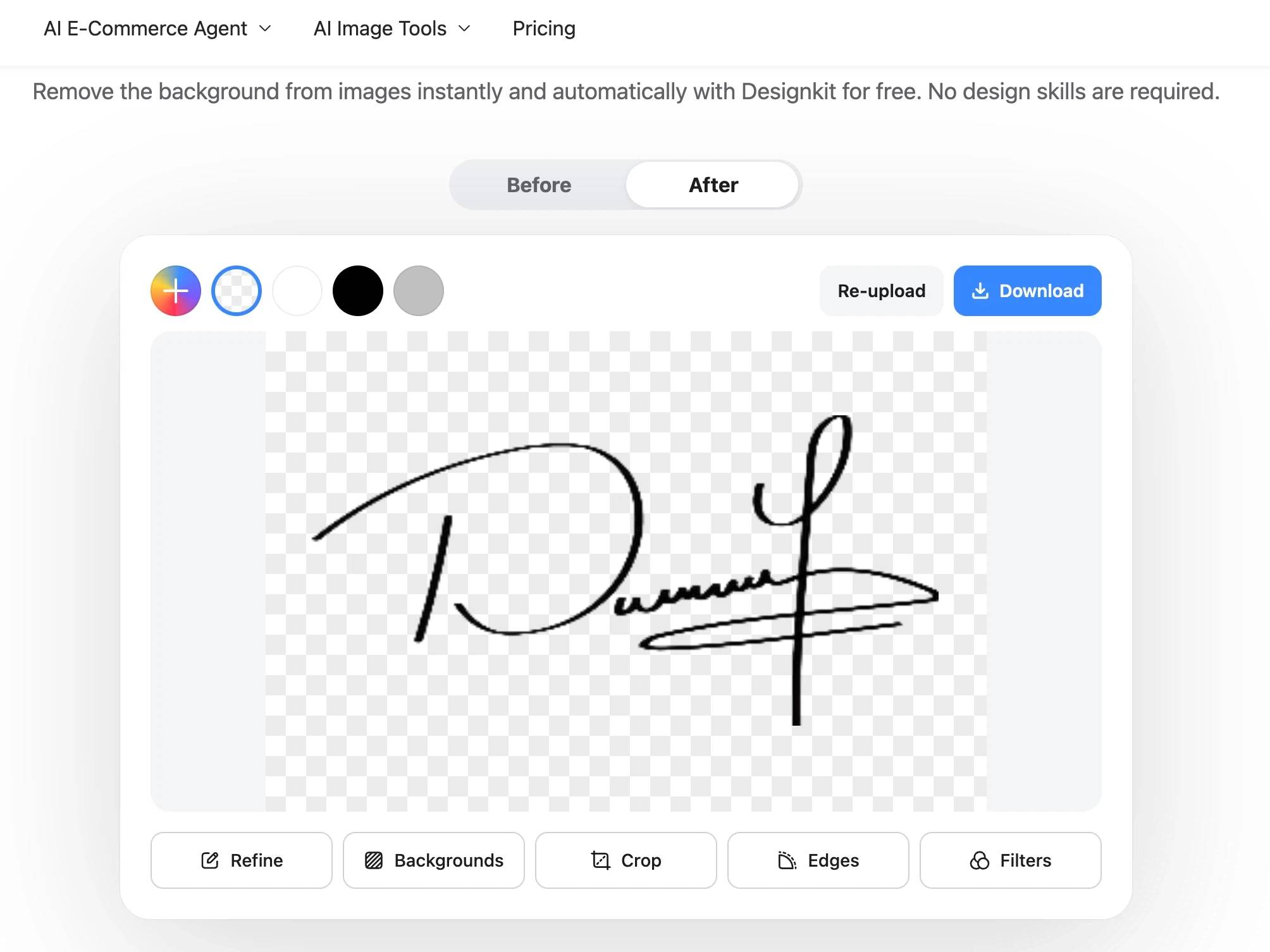
Download a Transparent PNG
Export your signature as a transparent PNG and use it directly in contracts, PDFs, invoices, or branding materials without extra editing.
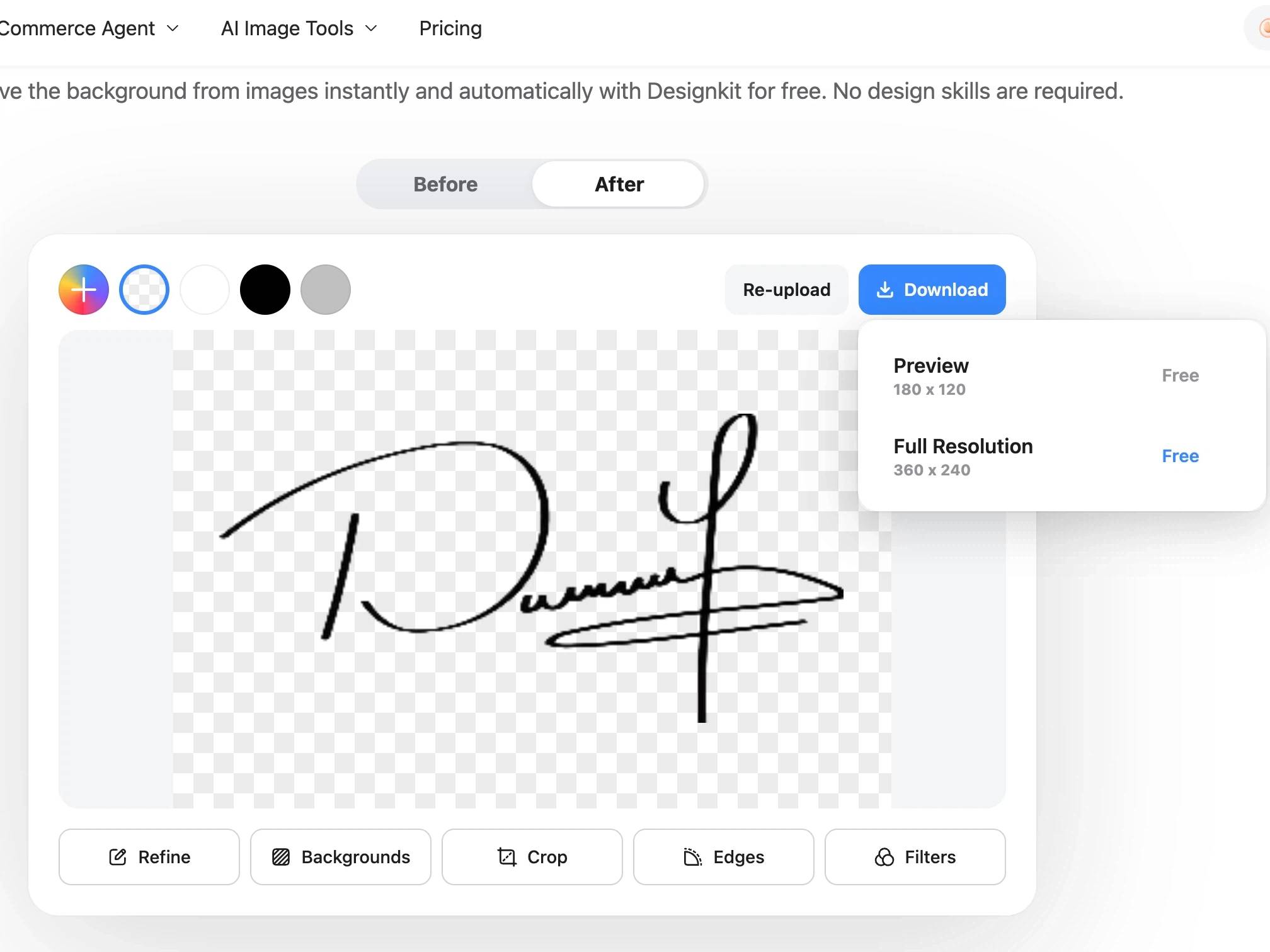
What Makes Designkit Ideal for Signature Cleanup
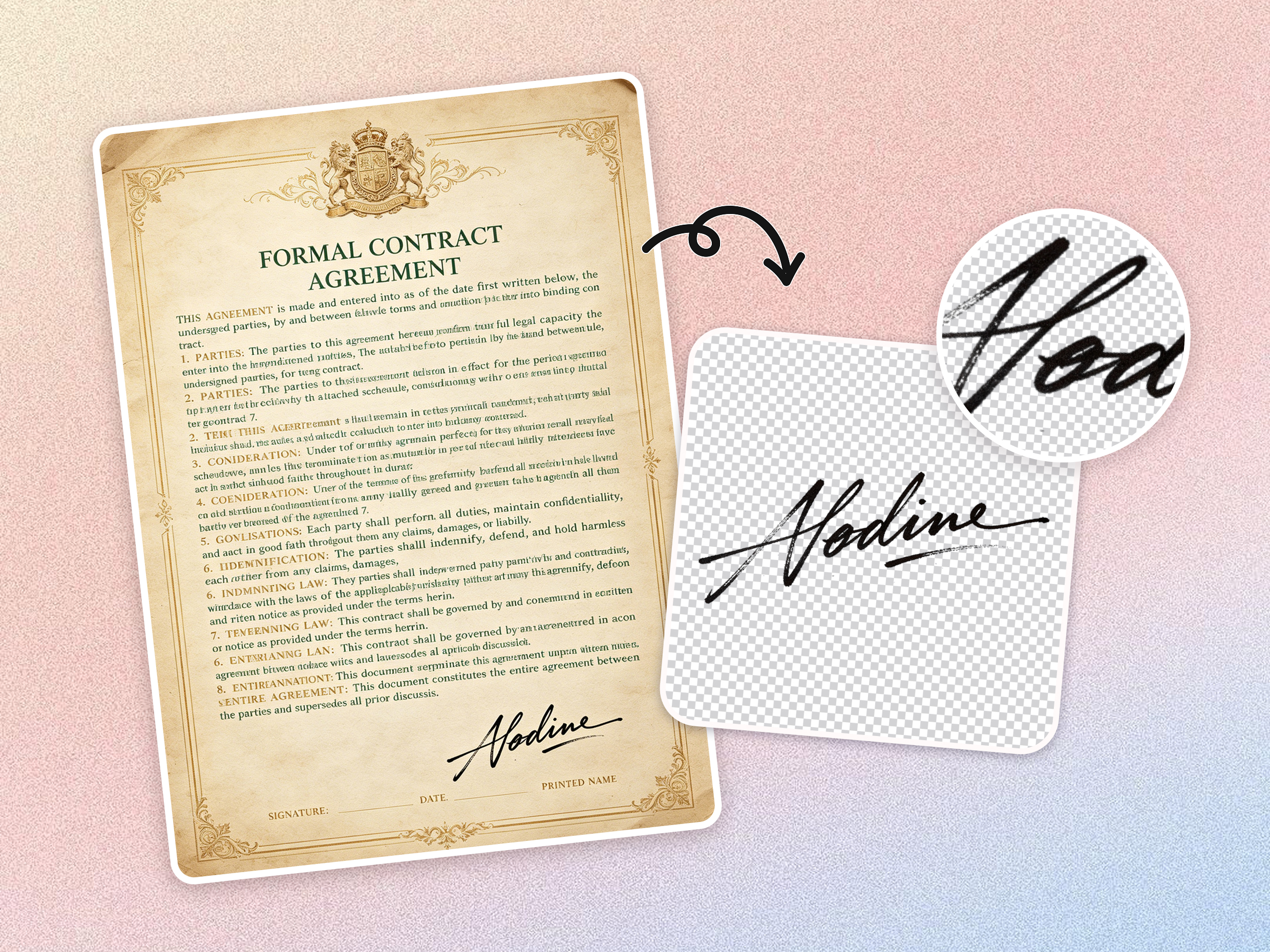
Keeps Thin Ink Strokes and Cursive Loops
Signatures often contain delicate pen strokes, quick flourishes, and overlapping cursive lines that are easy to lose during cleanup. Designkit's background remover carefully separates the ink from the background, preserving the natural flow and character of your signature, so it still looks authentic and complete.
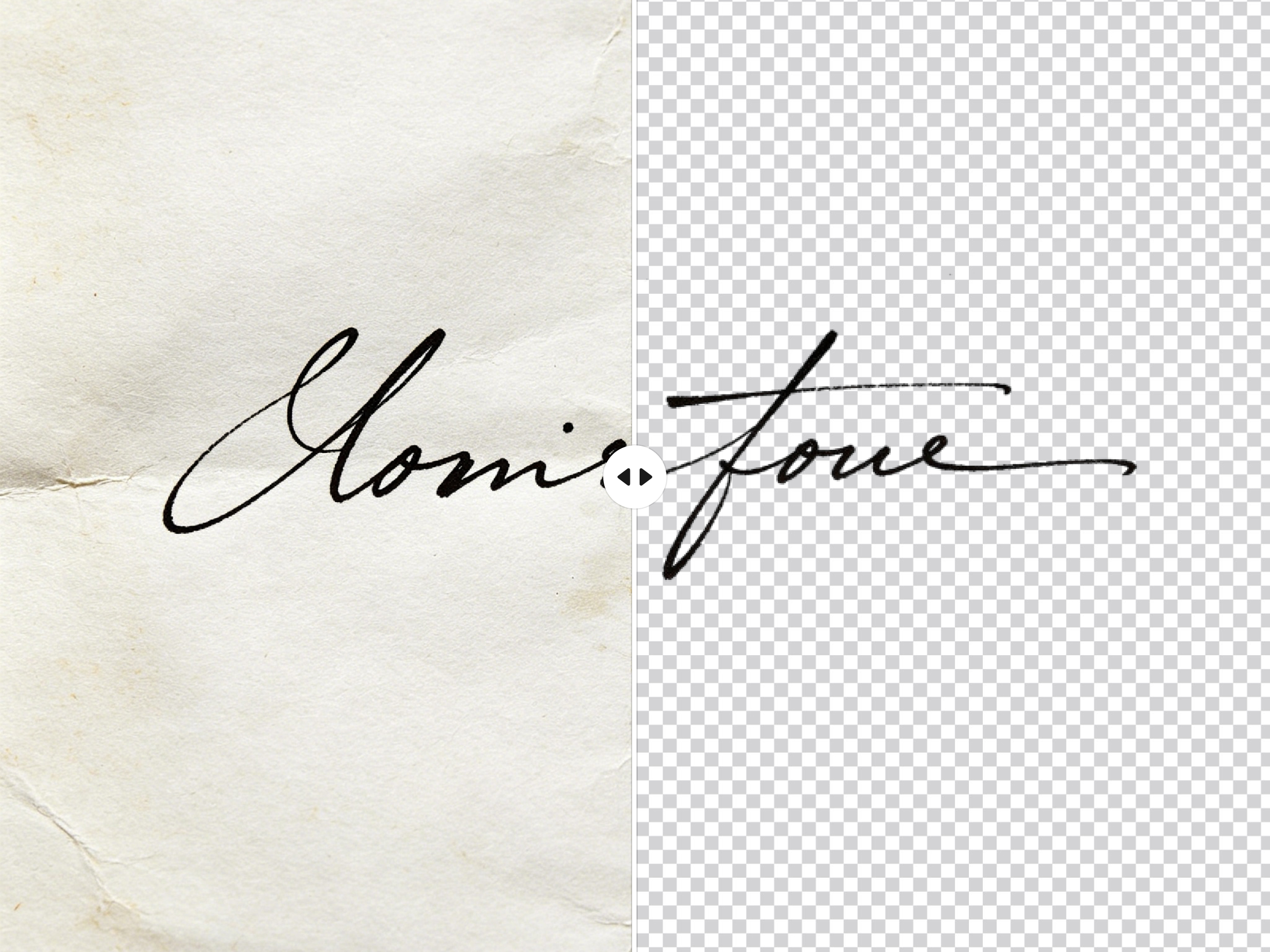
Removes Paper Shadows and Texture
Scanned documents and phone photos often include shadows, wrinkles, paper grain, and uneven lighting. Designkit's object remover removes these distractions automatically, leaving a clean signature that looks professional and ready to use on digital documents.
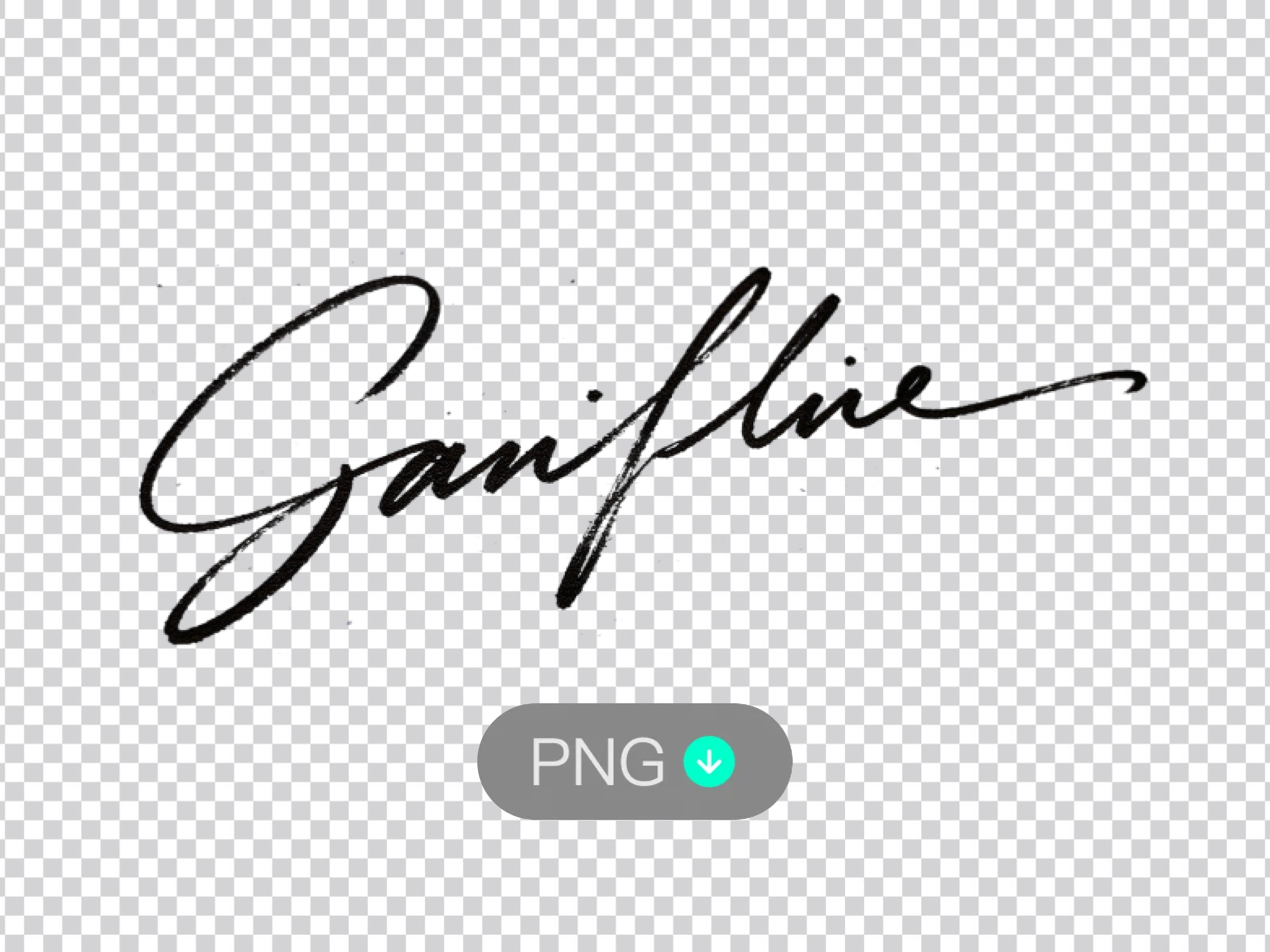
Exports a High-Resolution Transparent PNG
A digital signature is most useful when it works anywhere. Designkit exports a high-resolution transparent PNG, making it easy to place your signature on contracts, forms, invoices, PDFs, presentations, and email documents without a visible background.
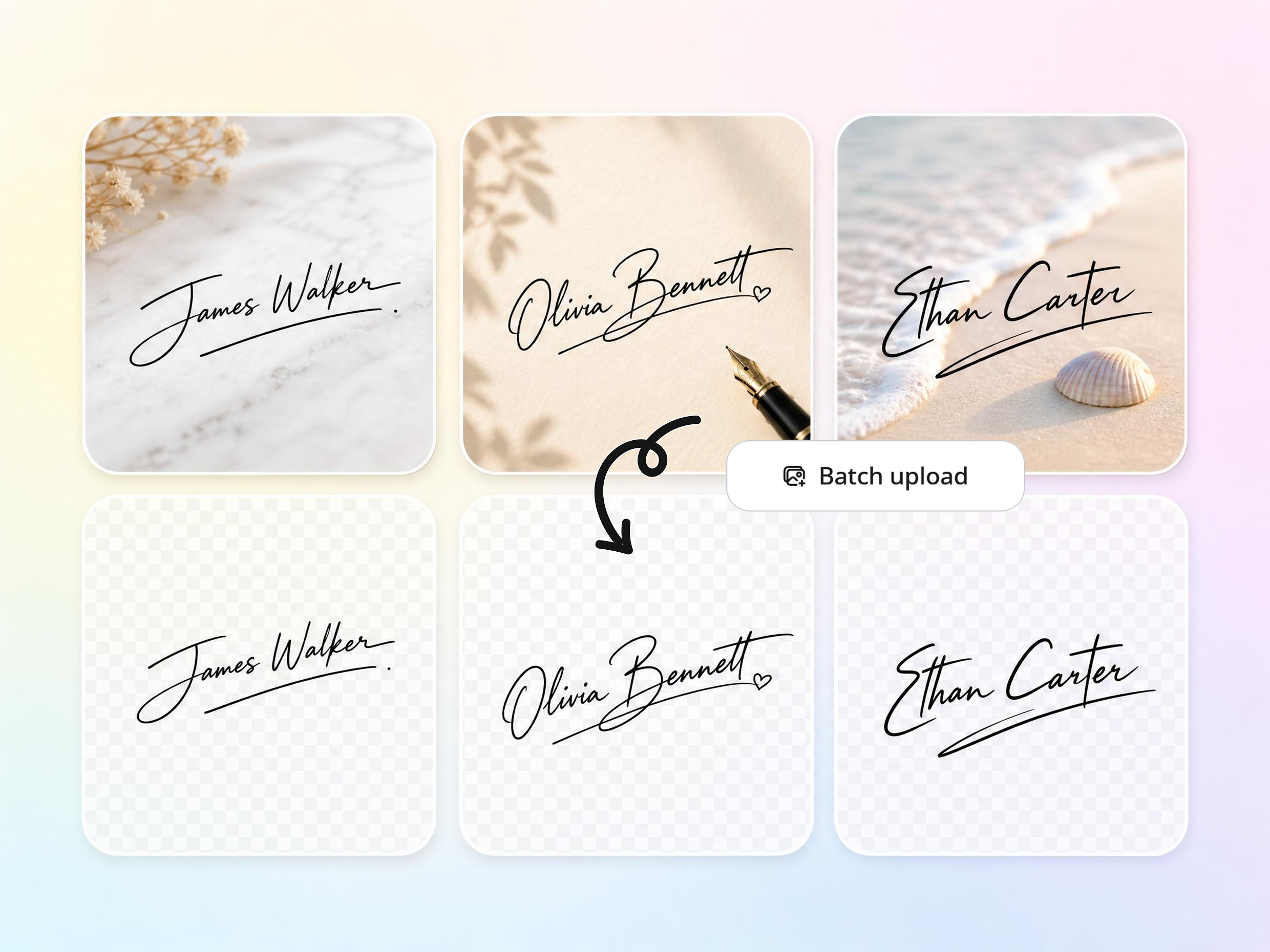
Batch Processing for Multiple Signatures
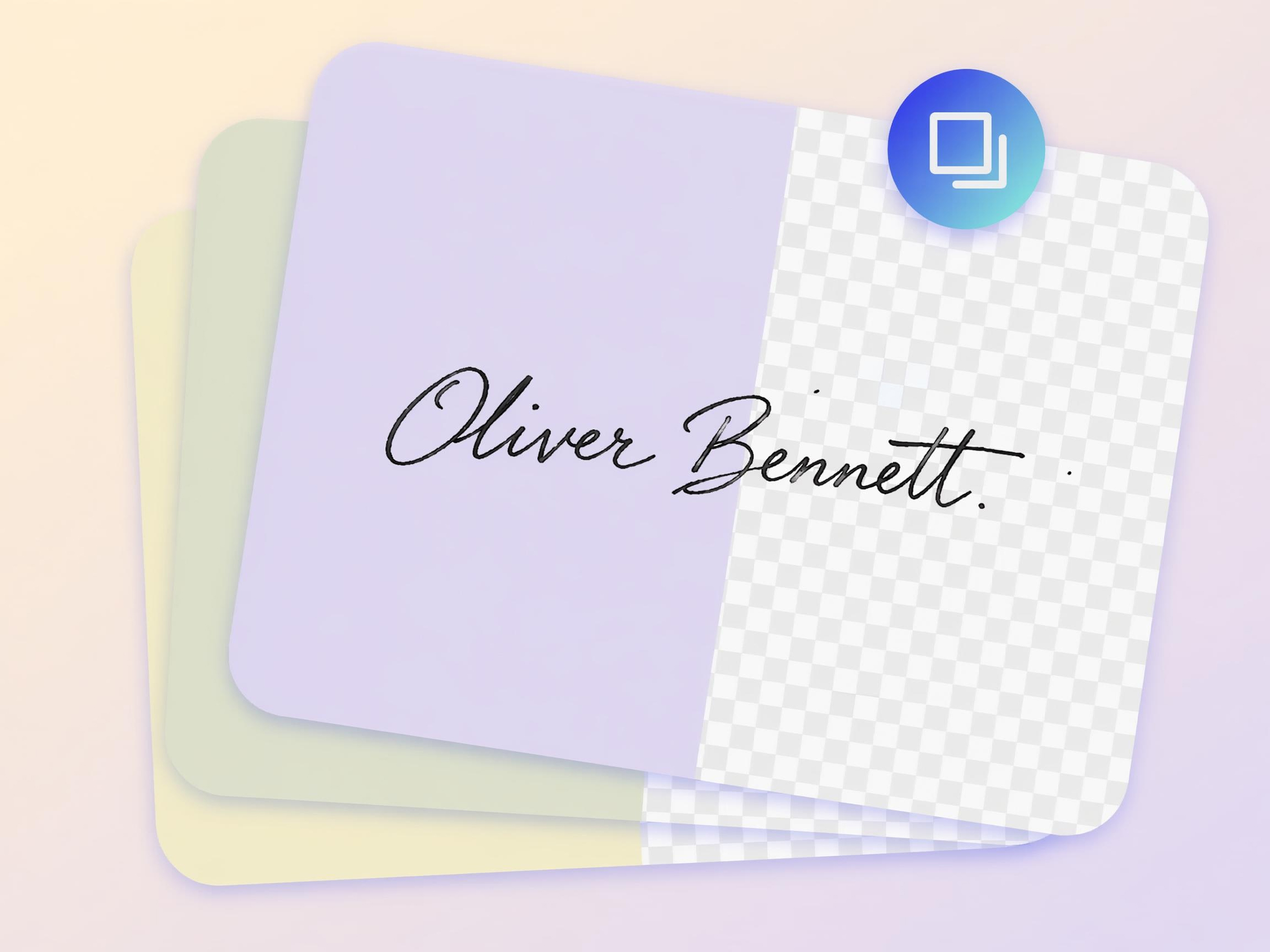
Handling signatures one at a time can become repetitive when working with large document collections. Designkit supports bulk image editing, allowing multiple signatures to be cleaned consistently in a single workflow while maintaining quality across every file.
Use Cases of Designkit Signature Background Remover
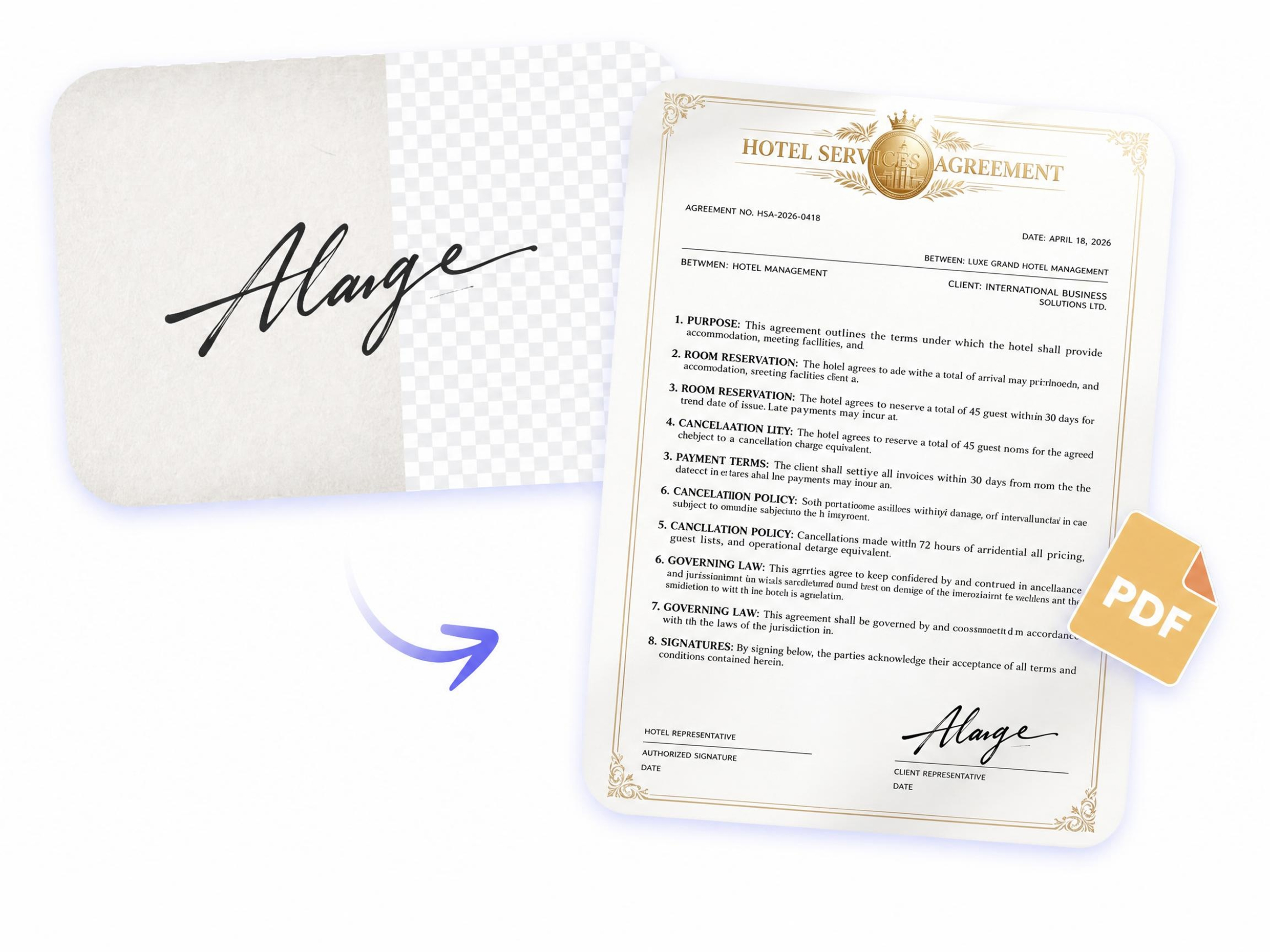
Add Your Signature to Documents Without a Scanner
Print-sign-scan workflows can slow down approvals and create low-quality results. Designkit turns a handwritten signature into a transparent digital file that can be added directly to contracts, agreements, forms, and PDF documents whenever needed.
Why People Choose Designkit to Remove Signature Backgrounds

Removes Background without Damaging Ink
Many tools accidentally erase parts of a signature while removing the background. Designkit isolates handwriting carefully, preserving fine strokes, curves, and signature details.

Ready to Use in PDFs and Word Right Away
The cleaned signature can be added directly to contracts, forms, invoices, Word files, and PDFs without extra editing, resizing, or background cleanup work.

No Re-Shooting or Rescanning Needed
If your signature photo contains shadows, paper texture, or uneven lighting, Designkit cleans it automatically so you can avoid rescanning or retaking images.

Keeps Handwriting Natural and Readable
Signatures should still look like they were written by hand. Designkit keeps the original flow, shape, and character of your handwriting instead of making it look artificial.

Works Even with Low-Quality Uploads
Even signatures captured using smartphones, old scans, or low-quality images can be cleaned effectively, helping recover usable results from less-than-perfect uploads.

One-Click Output for Multiple Use Cases
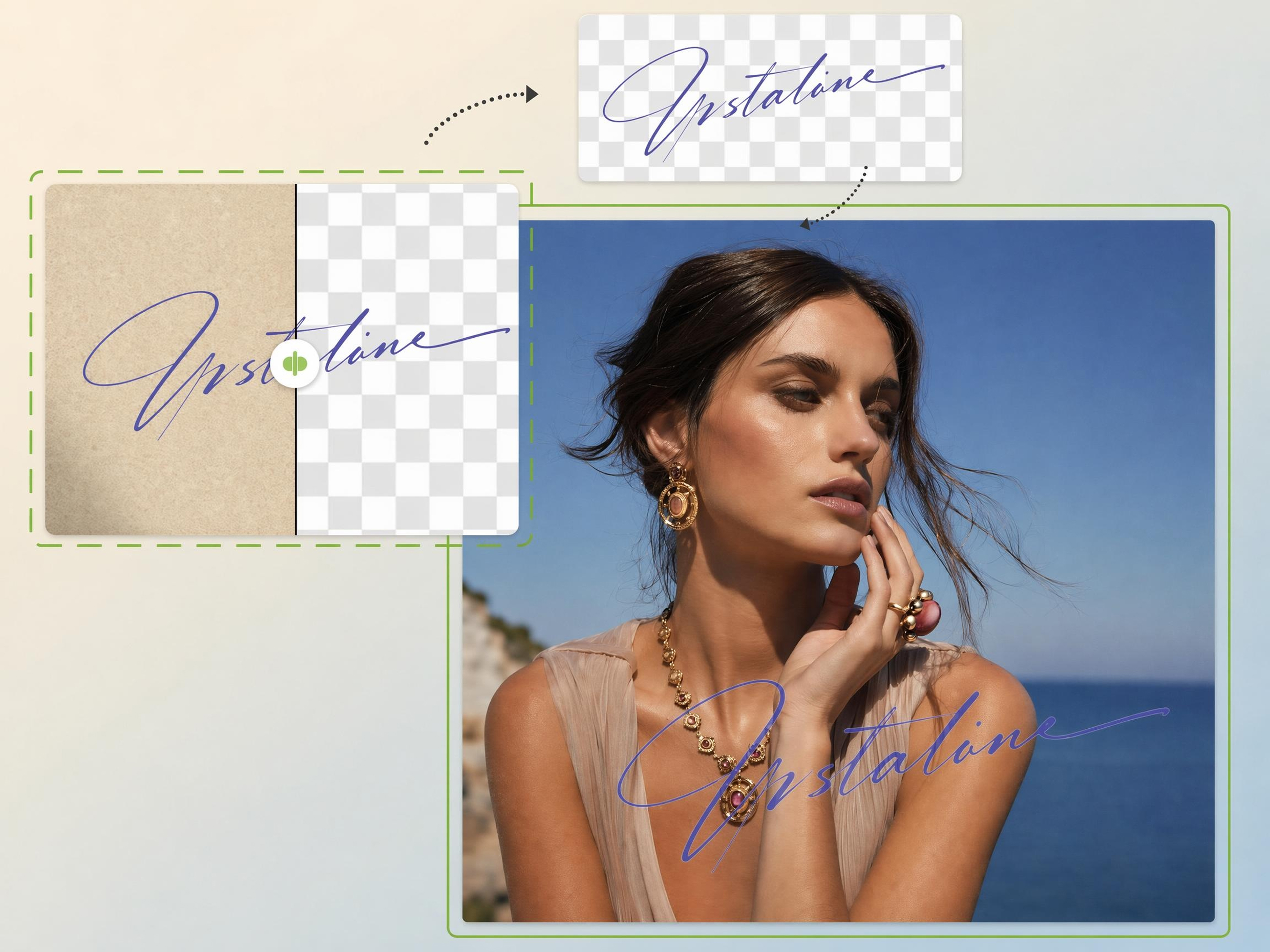
Create a transparent signature file that works across documents, email signatures, watermarks, business forms, presentations, and other professional workflows.
Unlock More Creative Possibilities
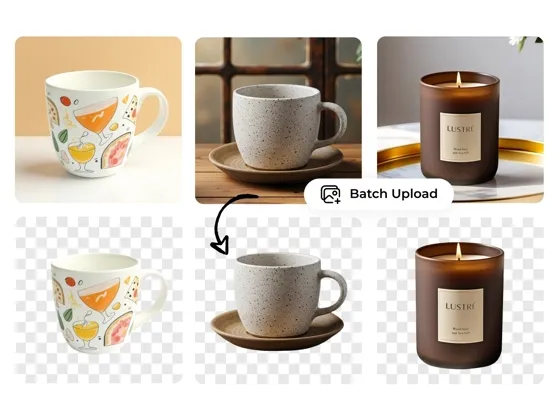
Image Background Remover

Bulk Image Background Remover

Logo Background Remover
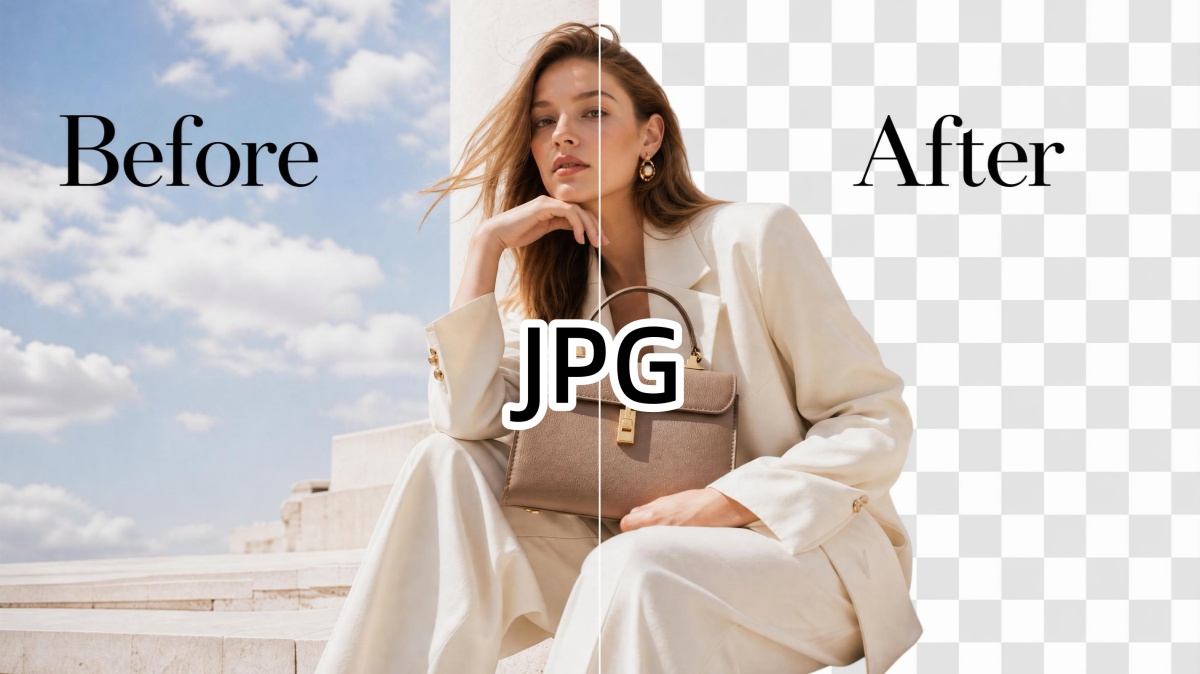
JPG Background Remover
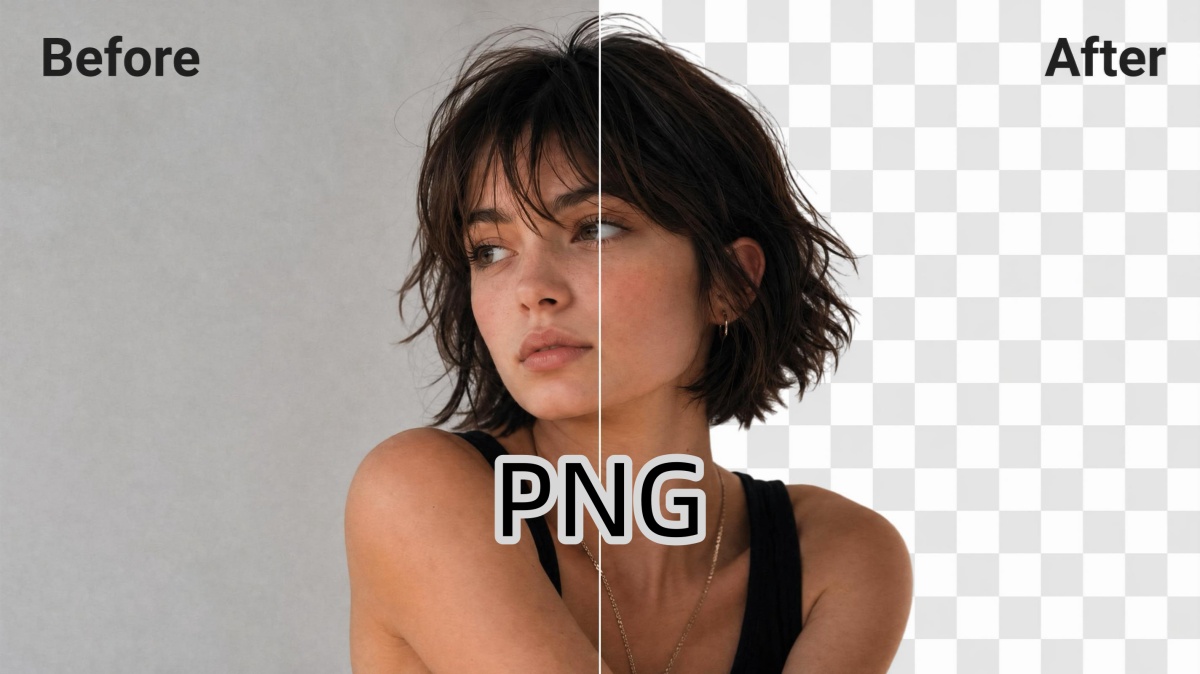
PNG Background Remover
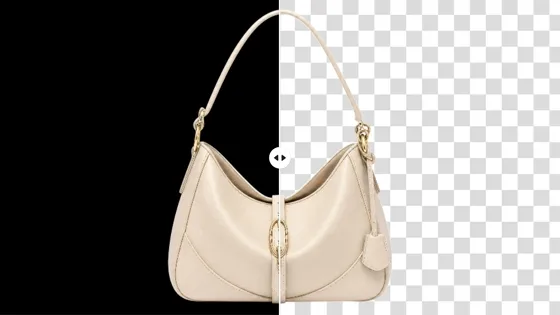
Black Background Remover
Frequently Asked Questions
How to remove background from signature without losing ink quality?
Can I use this tool to remove background from signature free?
Yes. Designkit allows users to quickly remove signature backgrounds without needing advanced editing software or design experience. Simply upload a scanned signature or photo, let the AI clean the background, and create a digital signature file that can be used across documents and business workflows.
What format should I use to get a signature transparent background?
Transparent PNG is the most common format for digital signatures. Unlike JPG files, PNG supports transparent backgrounds, allowing the signature to be placed on contracts, forms, PDFs, presentations, and other documents without a white box appearing around the handwriting.
Does the AI signature background remover work on blue ink or just black?
Yes. Designkit can work with signatures written in blue ink, black ink, and other common pen colors. The AI focuses on identifying the signature itself while removing unwanted paper backgrounds, helping preserve the original appearance and color of the handwriting.
Can I process multiple signatures at once using this tool?
Yes. Designkit supports batch processing, making it easier to clean multiple signatures in a single workflow. This can be especially useful for HR teams, legal departments, administrative staff, and businesses that regularly work with large volumes of signed documents.
Can I use the tool to remove a signature background from lined or wrinkled paper?
Absolutely. Signatures are often captured from notebook paper, printed forms, or documents with folds and wrinkles. Designkit removes distracting lines, shadows, paper texture, and background marks while keeping the signature clear, helping create a cleaner digital version.
Is it safe and secure to upload my signature to the sign background remover?
Designkit is designed to process uploaded signatures so users can create clean digital files quickly and conveniently. As with any online tool, users should review the platform's privacy and security policies to understand how uploaded files are handled and protected during processing.
Digitize Your Handwritten Signature in Seconds With Background Remover
Upload a photo of your signature and get a clean transparent PNG in seconds, ready for contracts, PDFs, slides, and email footers.

How Users Improve Workflows With Our Signature Background Remover
Customer Reviews on Designkit for Signature Background Remover
Perfect for Legally Binding Contracts
Getting legally binding contracts signed remotely was a nightmare because clients would send poorly lit, smartphone photos of their signatures that risked compliance issues. Designkit's sign background remover solved this instantly. It gave me a crisp, transparent PNG in seconds, ensuring my urgent contracts looked 100% professional and legally sound.
Instant Shadow and Texture Removal
I needed to add my signature to hundreds of digital invoices, but the dark shadows and gray paper backgrounds from my phone camera ruined the document's aesthetic. The AI signature background remover completely eliminated the paper texture and uneven lighting in one simple click. It left just my pure signature with flawless edges!
Unmatched Precision for Custom Watermarks
I wanted to create a custom watermark using my handwriting to protect my photo galleries, but other free web tools destroyed the thin pen strokes and color accuracy. Designkit's extraction precision is completely unmatched, easily removing the background while retaining the exact thickness of my ink. This gave my photography portfolio a personalized brand sense without hiring a branding agency.
Processed Every Form Faster
We were preparing onboarding paperwork for several new hires, and every document needed a clean signature. Doing them manually would have taken hours. Designkit cleaned the entire batch consistently, giving us professional-looking files and saving a huge amount of repetitive work.
Added a Personal Touch to Every Email
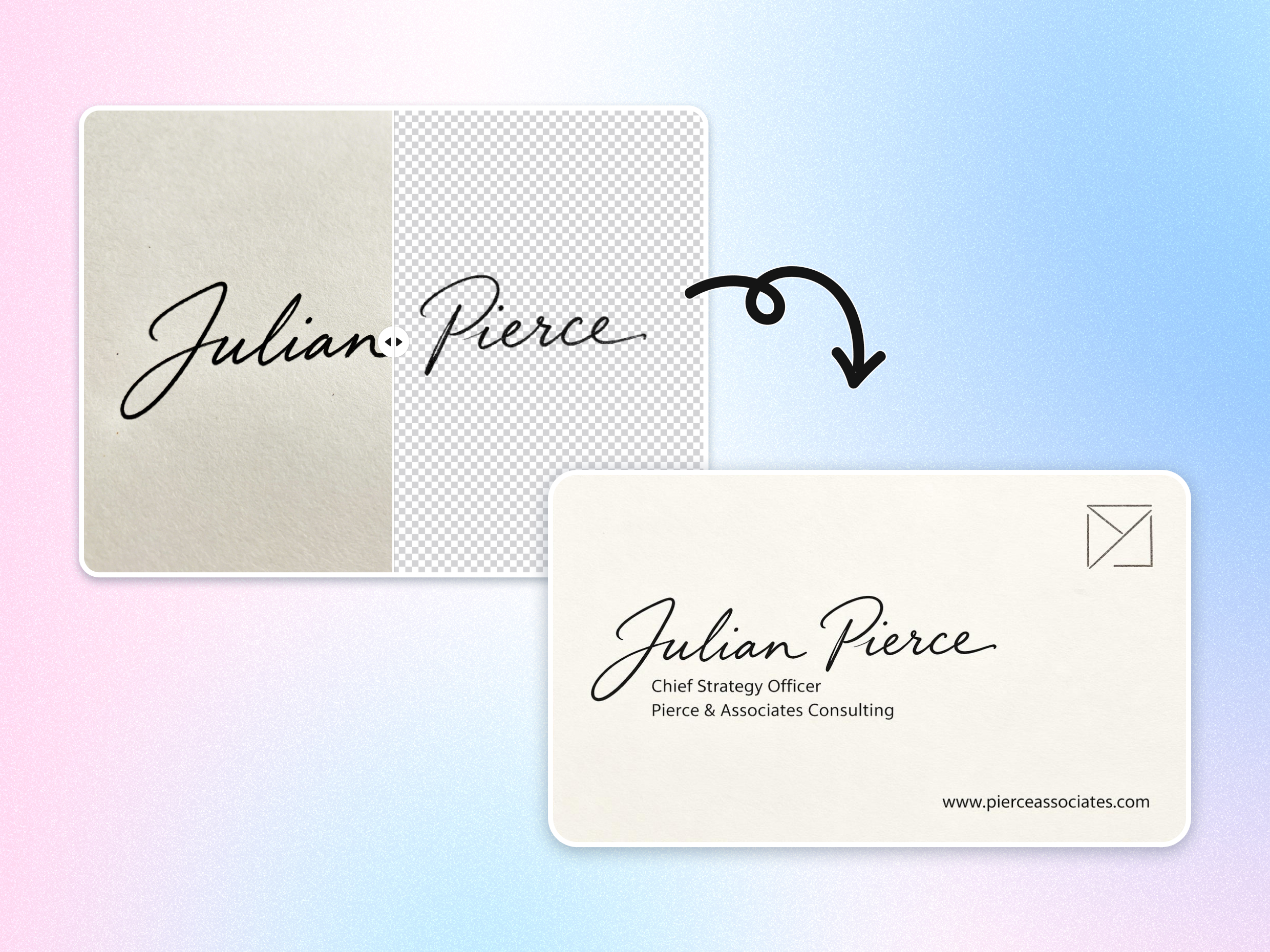
I wanted clients to see my actual handwritten signature instead of a typed name at the bottom of emails. Designkit removed the background from a quick photo and created a clean transparent file. Now my emails, proposals, and digital business cards feel much more personal and professional.