
Product Background HD: AI Studio Quality Images Online
Turn ordinary product photos into cleaner, high-resolution visuals. Remove distracting backgrounds, improve image clarity, and create images ready for listings, ads, and storefronts.
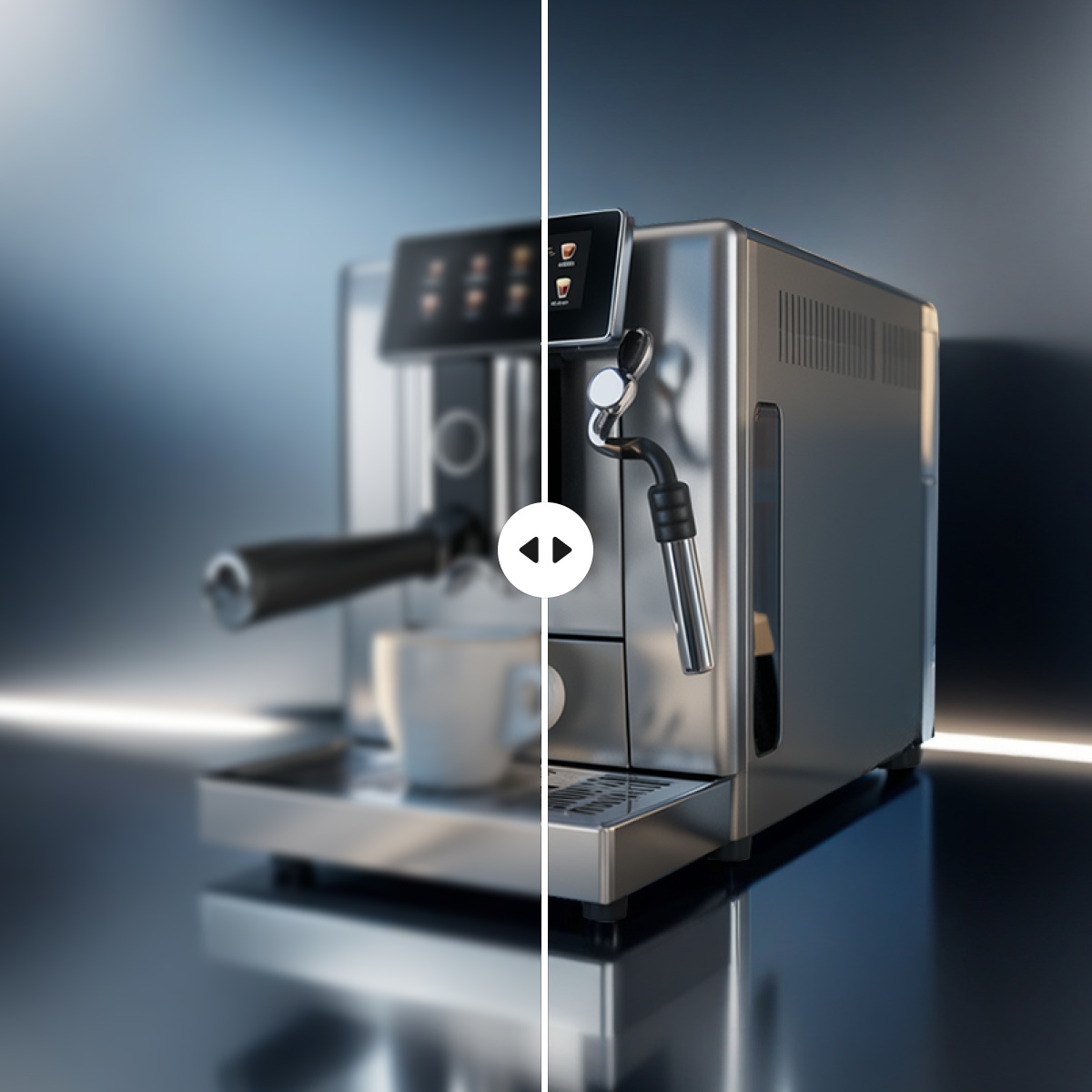
No image? Try one of these:



How to Create HD Product Visuals in 3 Easy Steps
Upload Your Product Photo
Upload Your Product Photo Open Designkit and upload your product image to the Image Enhancer tool. Phone photos, supplier images, and existing catalog shots all work as starting points.
Enhance Image Quality
Enhance Image Quality Select HD or UHD enhancement mode and click "Image Enhancer." Designkit sharpens edges, recovers product details, and improves overall image clarity automatically.
Export Your HD Product Image
Export Your HD Product Image Download your enhanced image in high resolution for Amazon, Shopify, Instagram, or ads. Files are export-ready with no additional editing required.
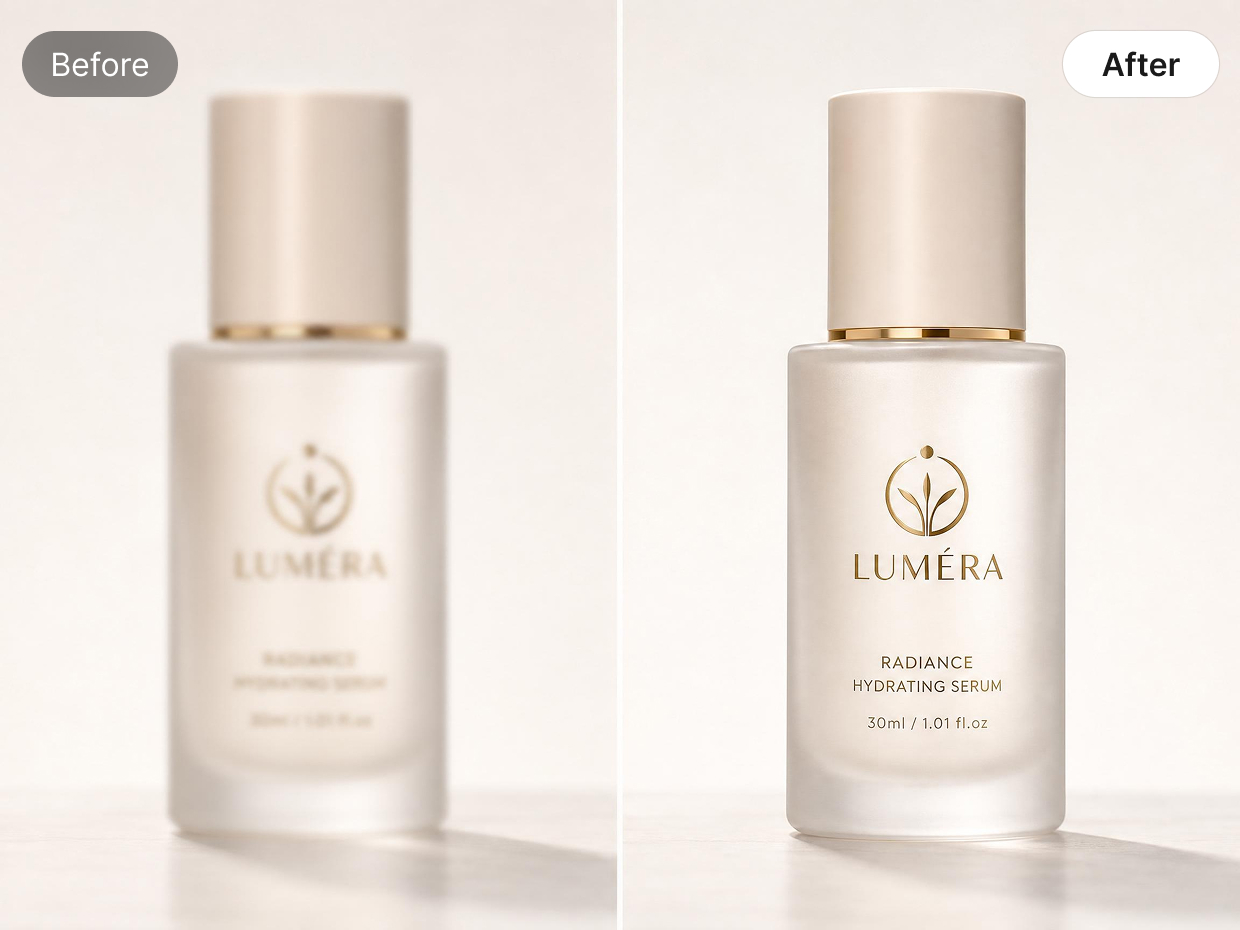
Clean Up Soft or Low-Quality Product Photos
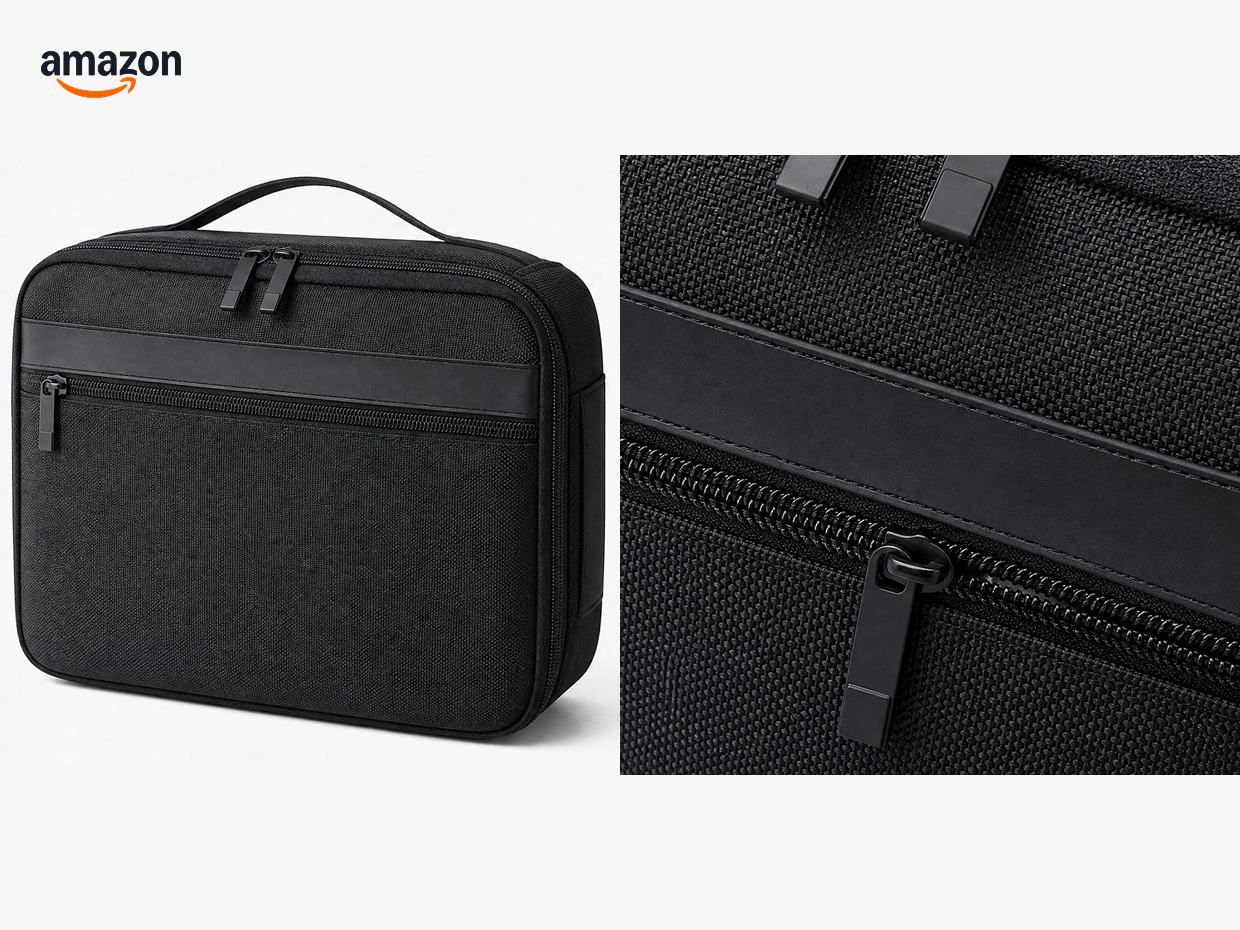
Some product photos lose clarity after resizing, compression, or background removal. Small details like labels, packaging text, and product edges can start looking soft or uneven, especially on marketplace zoom views. Designkit helps restore clearer outlines and cleaner details so product images hold up better across listings and storefront pages.
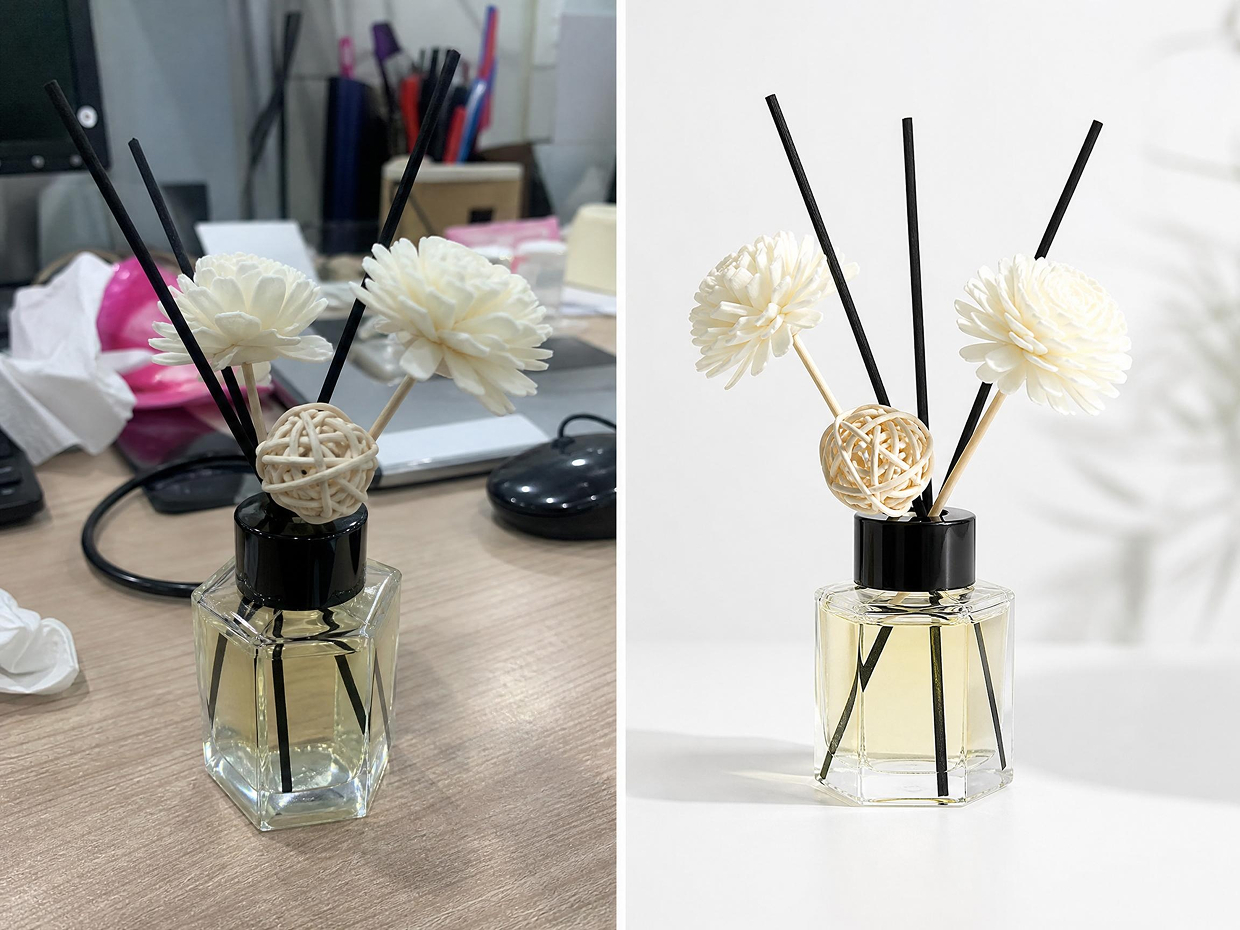
Fix Busy or Distracting Backgrounds
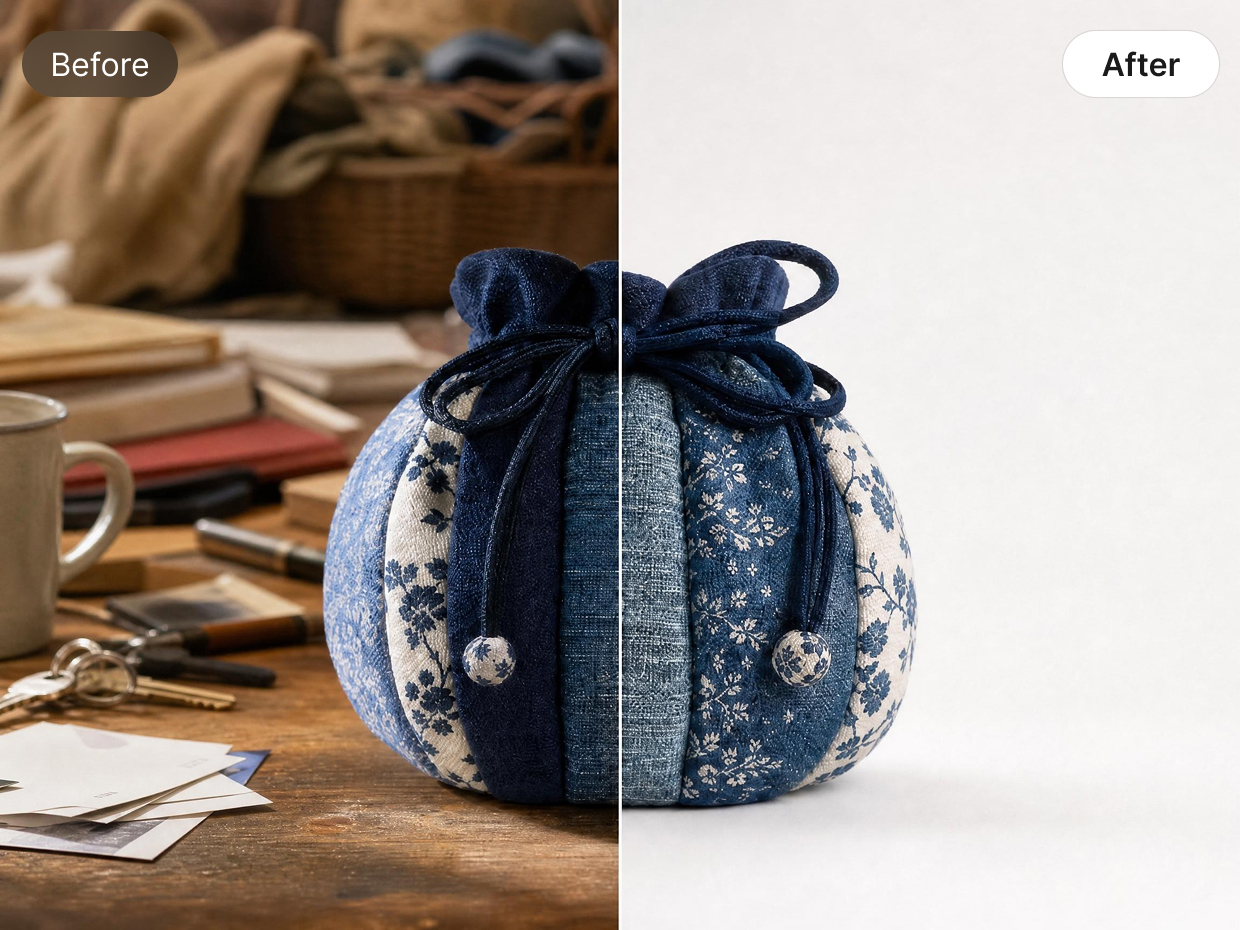
Phone photos often include cluttered surfaces, uneven lighting, or objects left in the frame. These inconsistencies become more noticeable when products are displayed side by side in a store or campaign. Designkit cleans up the background so product photos look more consistent and professional across different platforms and formats.
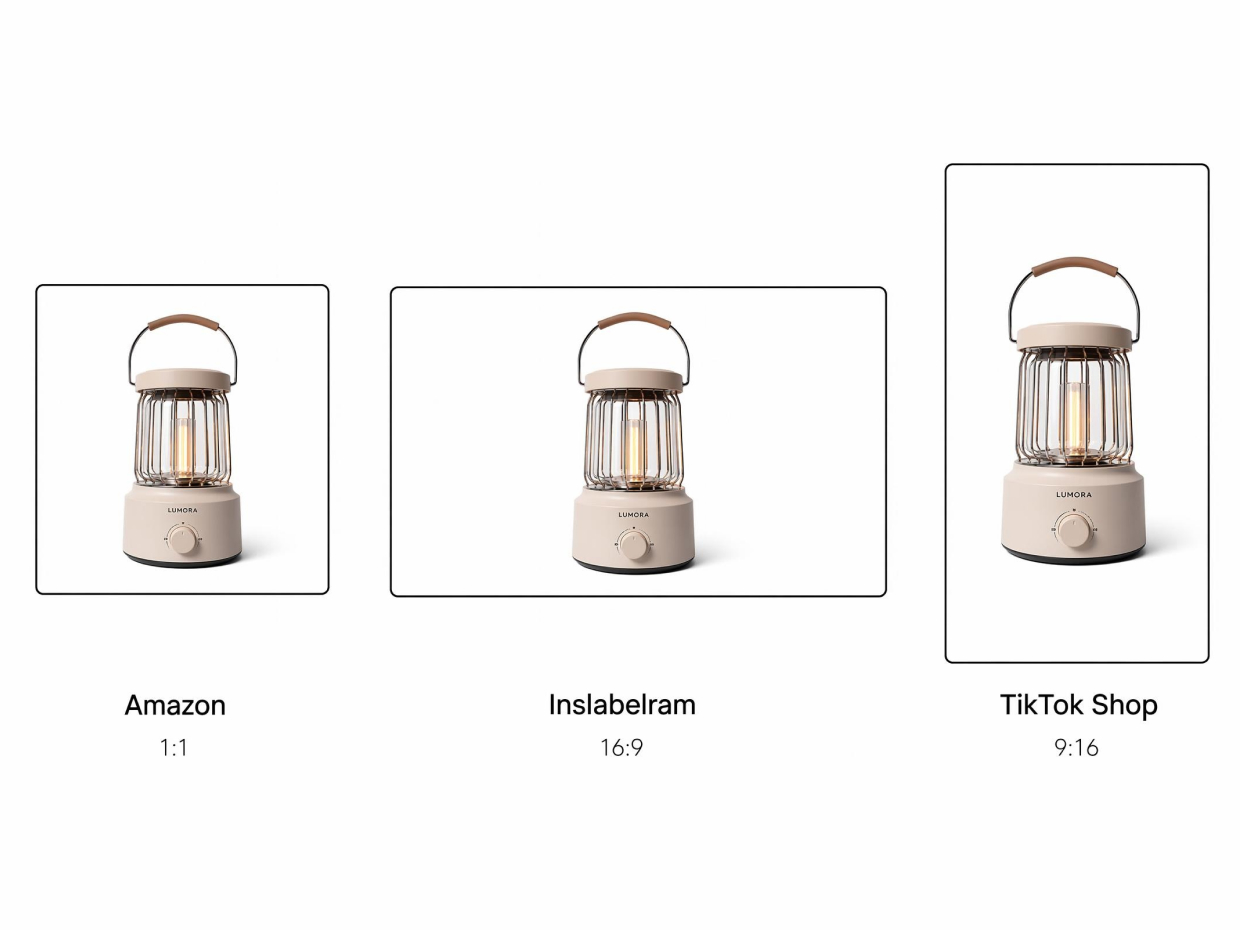
Resize Product Images for Different Platforms
Different platforms use different image sizes and layouts. A square product image that works for Amazon may not fit Instagram ads, homepage banners, or TikTok Shop listings. Designkit helps adjust image sizes while keeping product details clear and usable across different formats.
Built for Every E-Commerce Seller Who Needs Better Product Backgrounds
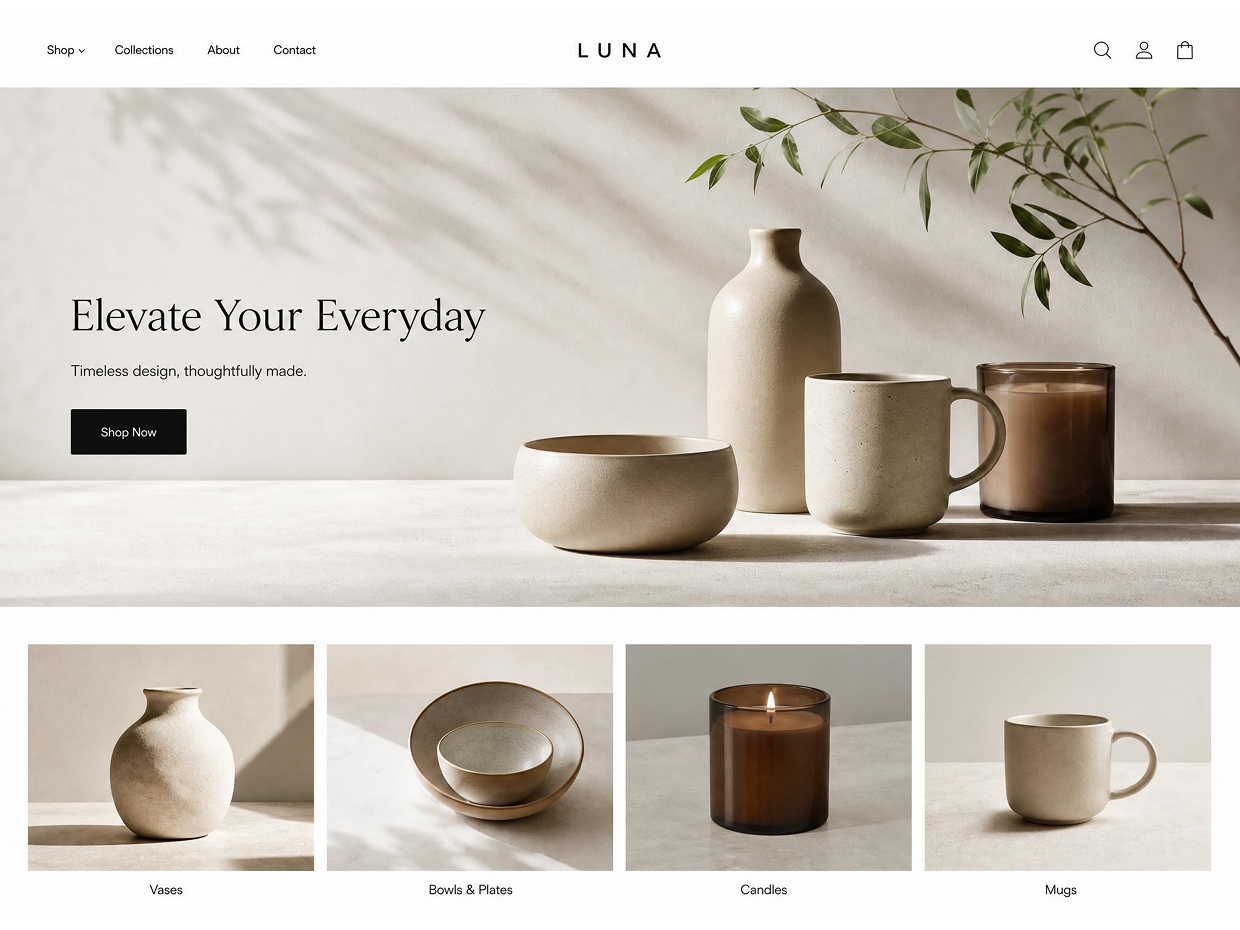
Shopify Store Owners: Rebuild Product Backgrounds for Storefront Content
Many Shopify sellers start with product photos that work well on listing pages but feel too limited for homepage banners, collection covers, and promotional sections. Designkit helps rebuild product backgrounds and create wider, cleaner layouts from existing images. This makes it easier to reuse the same product photos across storefront content, seasonal campaigns, and marketing assets without organizing new photoshoots for every design update.

Product Background HD Tool

Browser-Based Studio Power
Transform your product's environment directly in your browser. Designkit is the fastest way to get professional-grade results without touching Photoshop.

Zero Quality Loss (4K Support)
We preserve the exact clarity and sharpness of your original photo. Even after a complete background swap, every fine detail and texture remains crystal clear.

Retina-Ready HD Presets
Access a diverse library of professional HD backgrounds tailored specifically for electronics, jewelry, cosmetics, and furniture.
Frequently Asked Questions
What types of images work best with Product Background HD?
Can I use Product Background HD on phone photos?
Yes. Many sellers start with phone photos taken at home, in an office, or on a temporary setup. Product Background HD can help clean up distracting backgrounds and improve overall image quality without requiring a professional camera.
Will Product Background HD change my product itself?
No. The goal is to improve the background while keeping the product's appearance recognizable. For best results, start with a clear product photo where the product is fully visible.
Can I use the same image for Amazon, Shopify, and social media?
Yes. After improving the image, you can export and reuse it across Amazon listings, Shopify stores, social media posts, product ads, and other marketing materials without creating separate photos for each channel.
Does Product Background HD work for supplier photos?
Yes. Supplier images are often compressed, resized, or provided in lower-quality formats. Product Background HD helps improve image clarity and create cleaner backgrounds, making existing supplier photos more usable for storefronts and product listings.
Do I need design or editing experience to use Product Background HD?
No. Upload your image, generate an improved version, and export the final result. The workflow is designed for sellers who need better product images without learning Photoshop or other editing software.
Product Background HD: From Amateur to Studio in 3 Seconds
The easiest way to get high-end product photography without the high-end price tag. Upload your photo and let our AI handle the rest. No credit card required.
