
Rotate Images Online Free: Fix Photo Orientation Fast
Fix sideways phone photos, product shots, or scanned documents in your browser. Rotate 90° or flip in one click, then download in PNG, JPG, JPEG or WebP.
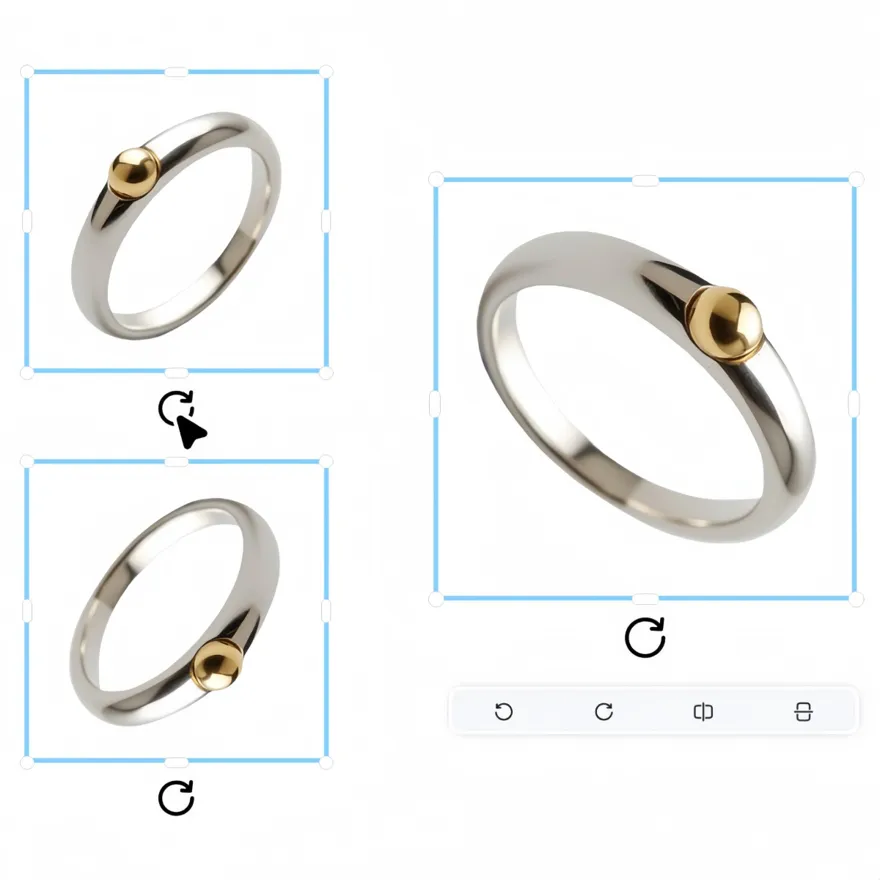
No picture on hand? Try with one of these




How to rotate image online with Designkit
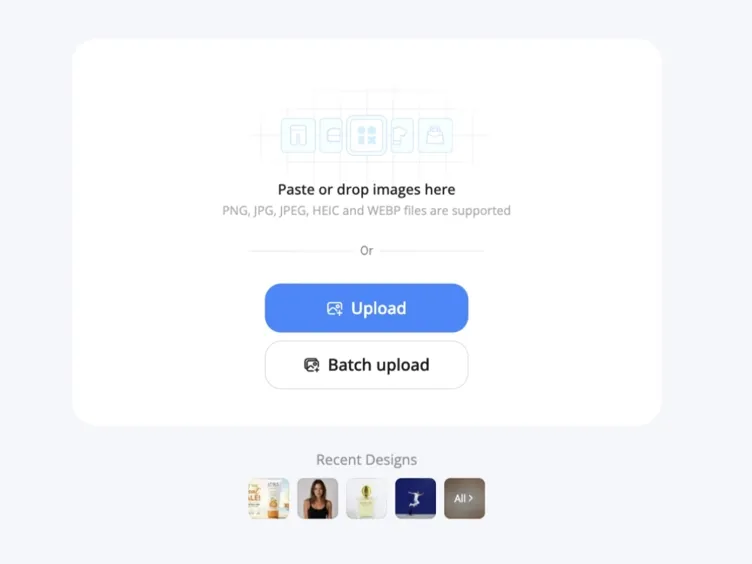
Upload Your Image
Drag and drop a photo or pick a file from your device. PNG, JPG, JPEG, and WebP are supported. No account required to start.
Adjust Direction and Orientation
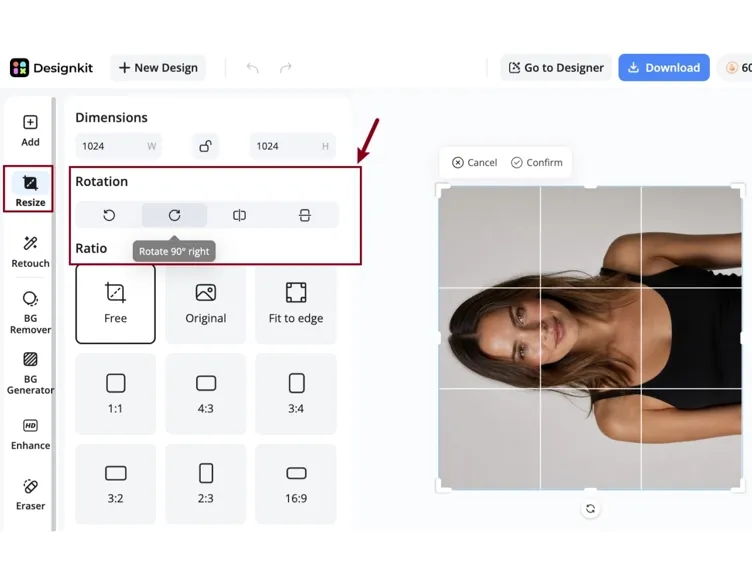
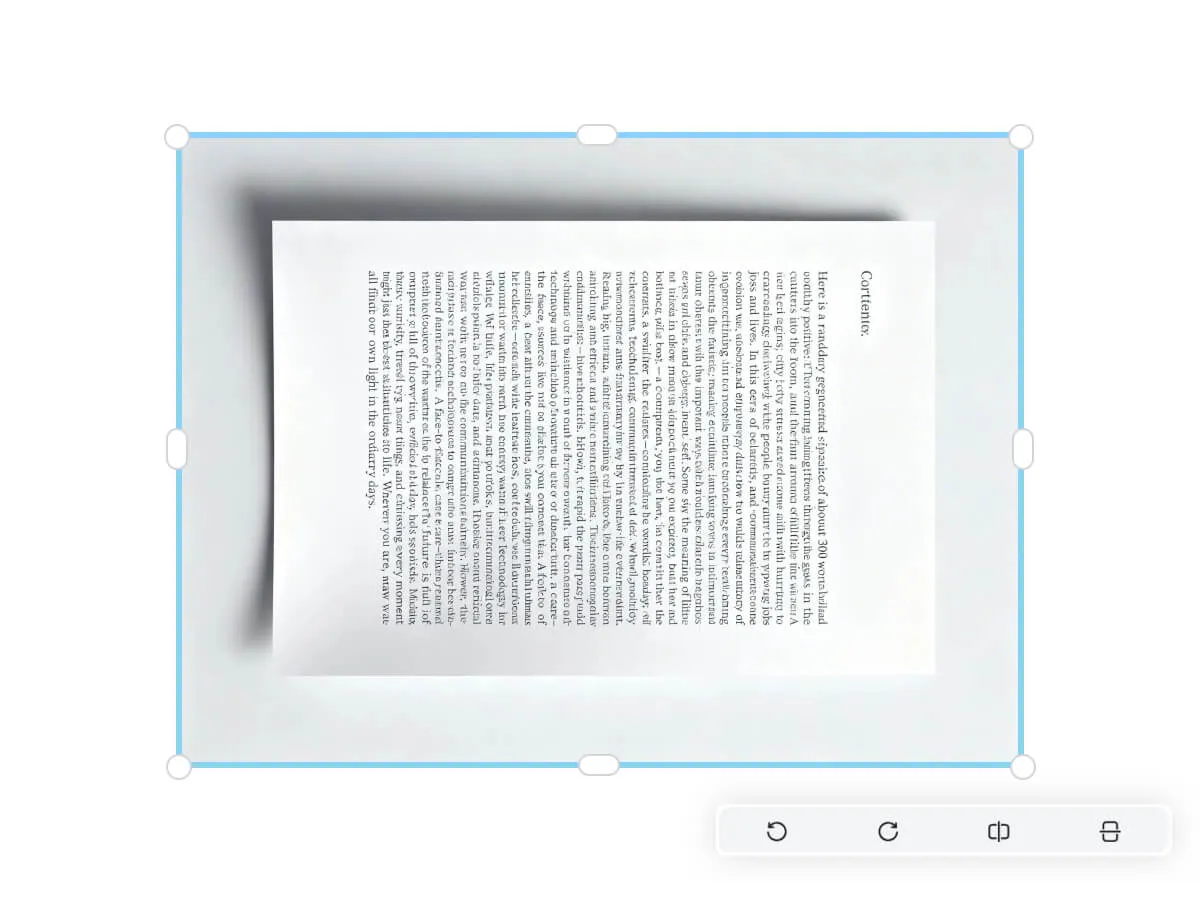
Open the editor toolbar and click the rotate icon for 90° turns, or use flip for horizontal and vertical mirroring. A live preview updates as you adjust.
Download Your File
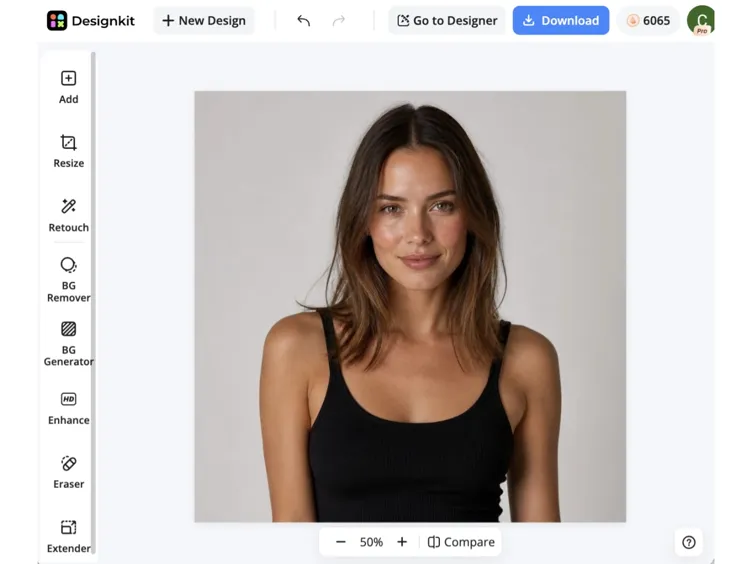
Save the corrected image in its original format at full resolution. Need the same fix on dozens of listing photos? Upload multiple files and apply the same rotation to each.
Fix Photo Orientation Your Way
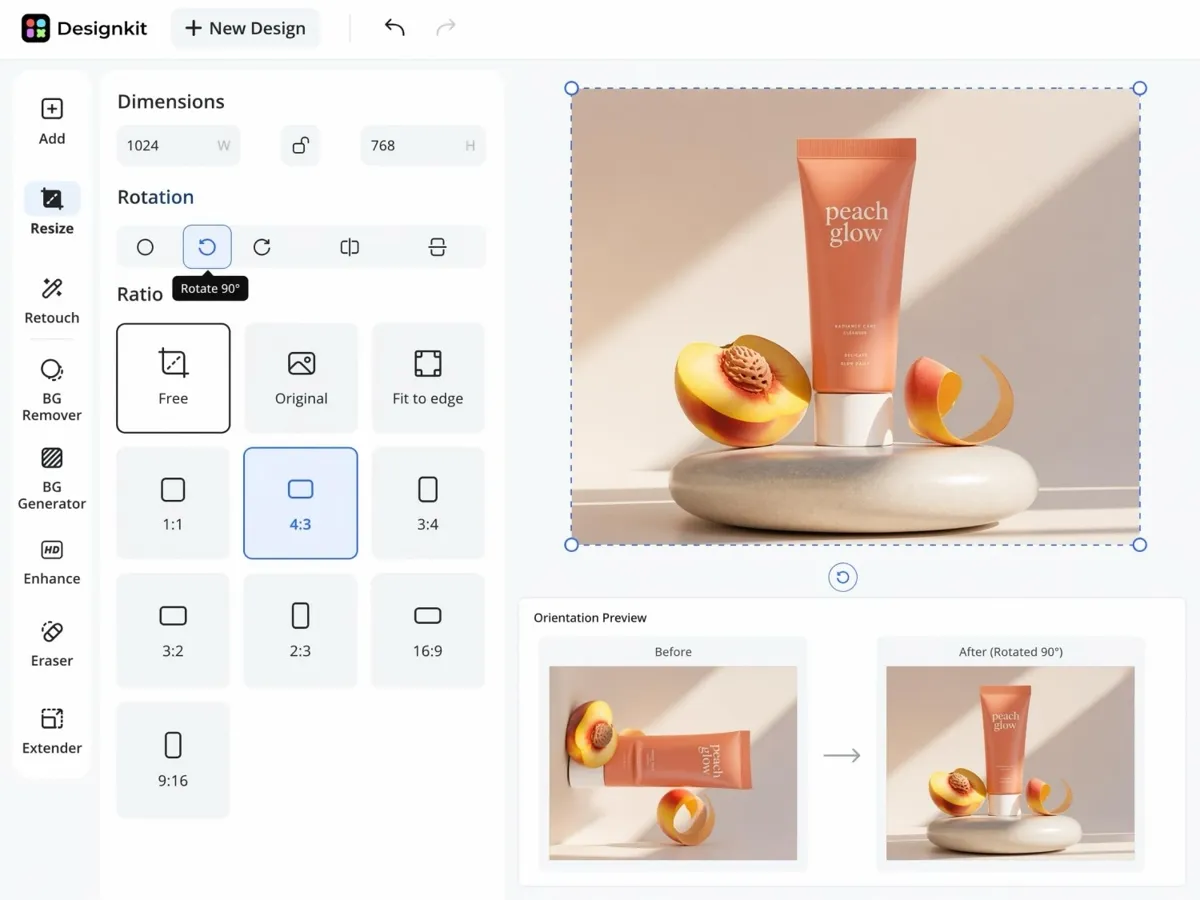
Turn Sideways Photos Right-Side Up
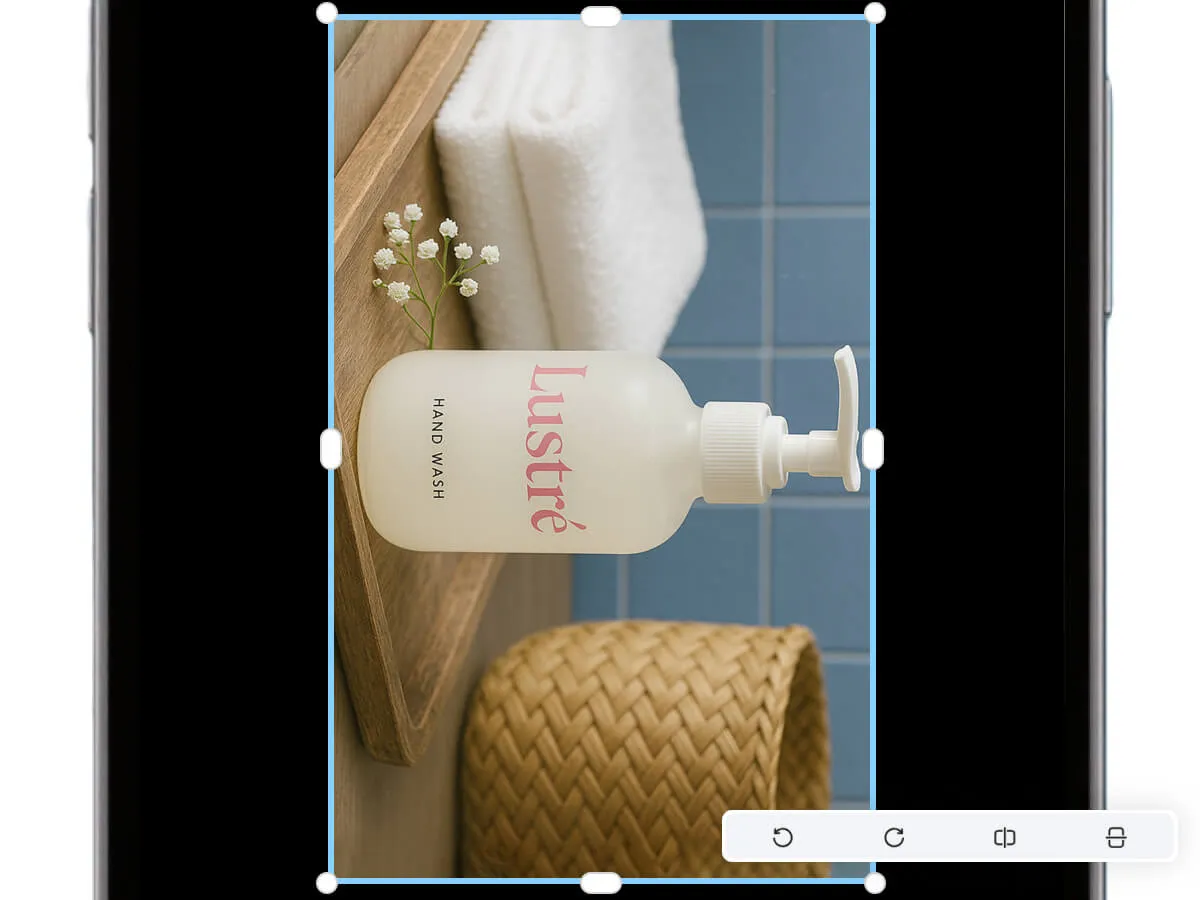
Phone uploads, scanner exports, and camera transfers often save images at the wrong angle. Click once to rotate 90° clockwise or counterclockwise. The preview updates immediately so you can confirm the orientation before downloading.
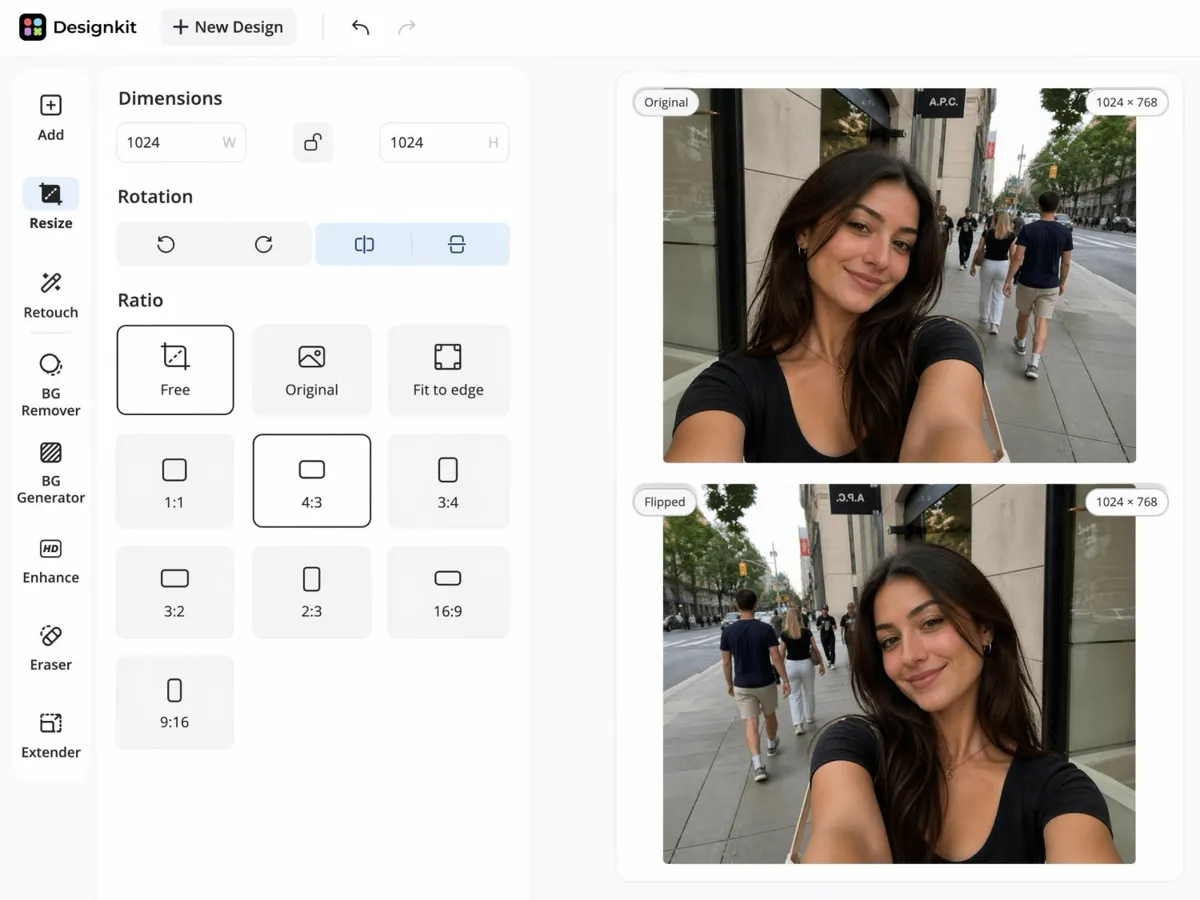
Mirror Images Horizontally or Vertically
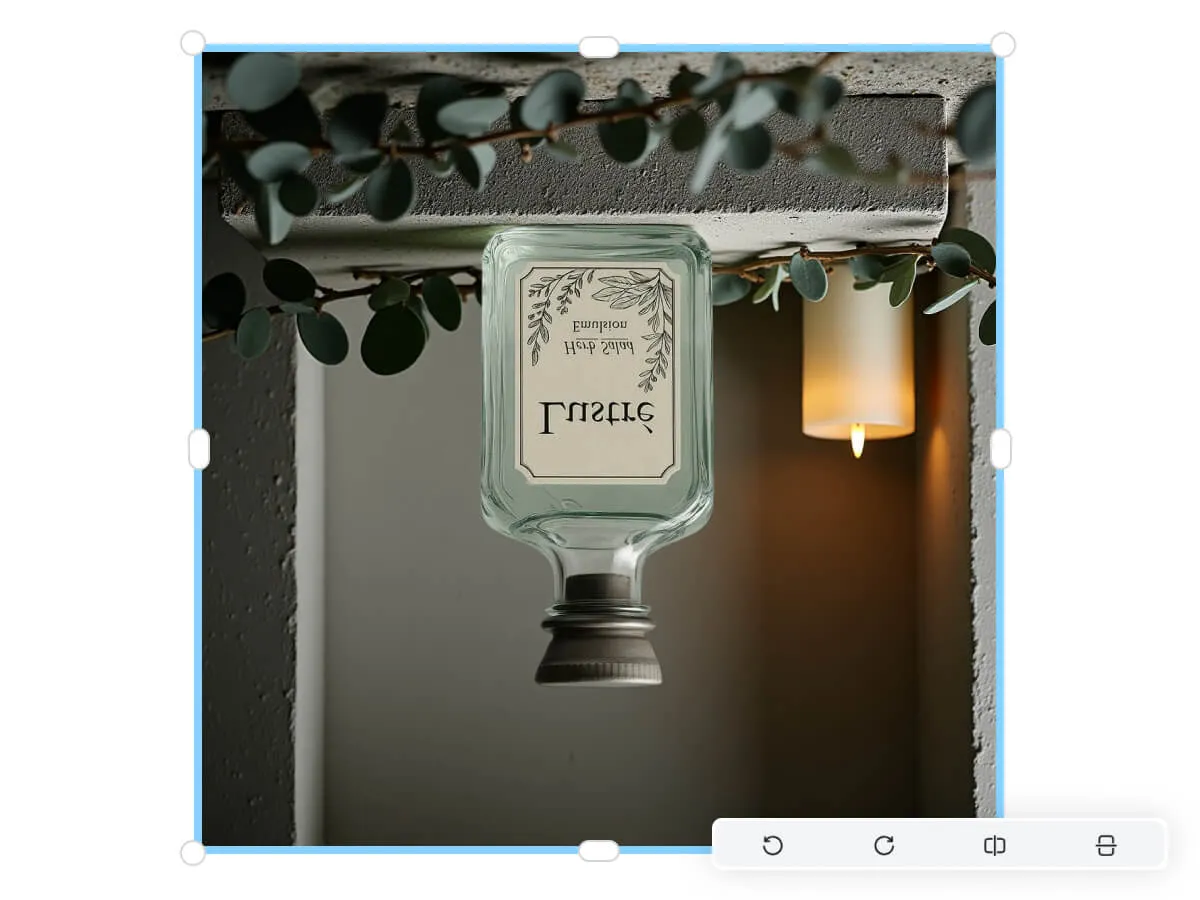
Flip reverses an image along an axis without turning it like a dial. Use horizontal flip to correct a mirrored selfie or reverse a layout. Use vertical flip when a scan or screenshot imported upside down.
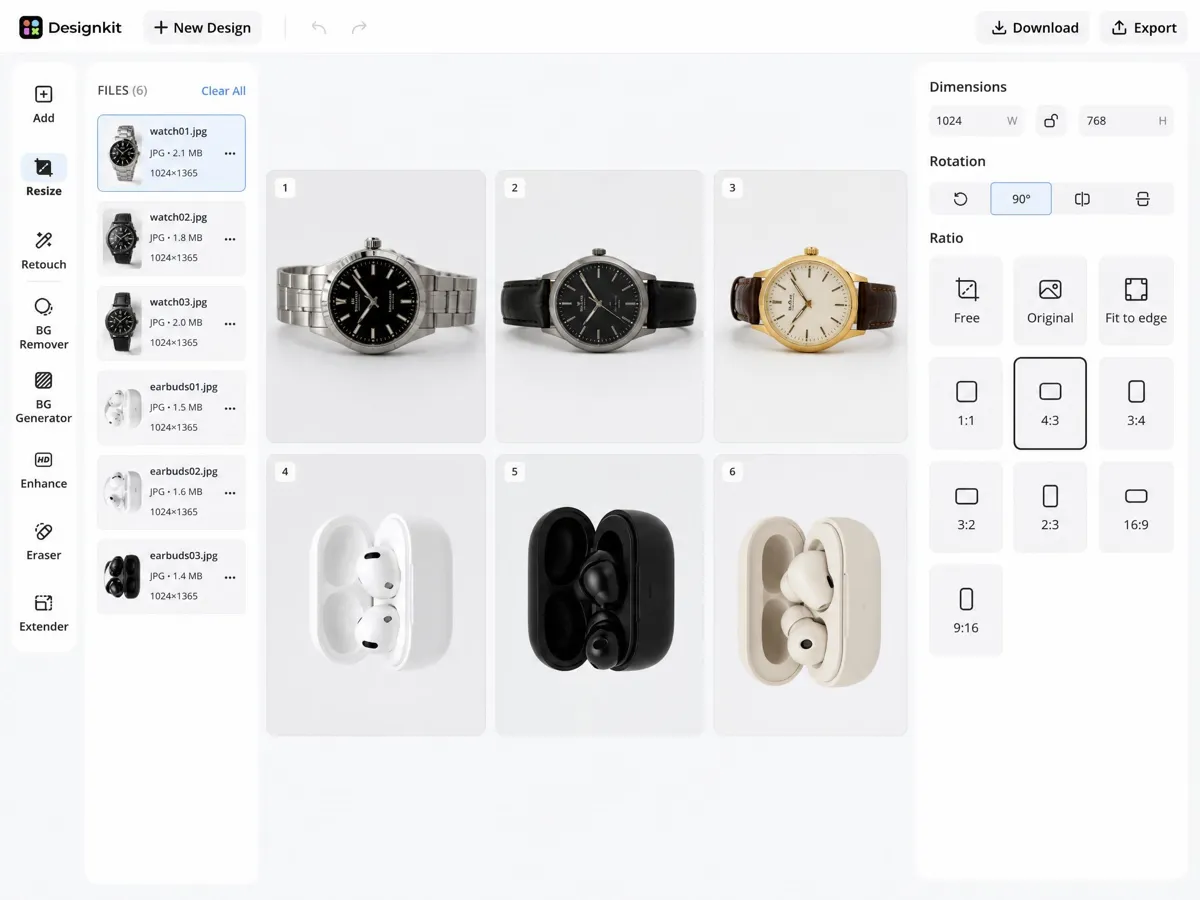
Apply the Same Fix to a Whole Batch
When a folder of product shots or phone photos all need the same correction, upload multiple files and rotate or flip them in one session. You avoid opening each image in a separate app and repeating the same click dozens of times.
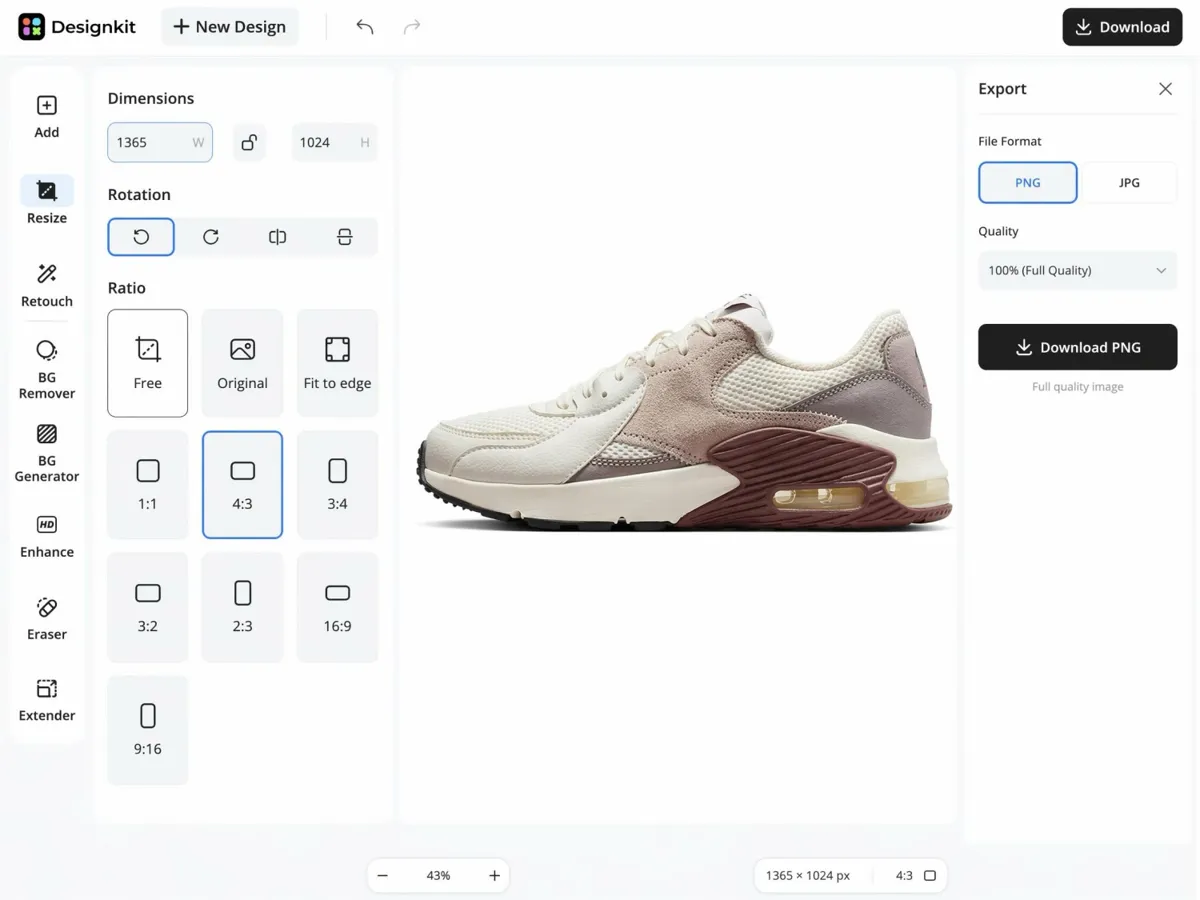
Download at Full Resolution
Rotated files export in their original format at the same quality you uploaded. PNG and JPG are supported. The tool does not add compression, resize your file, or stamp a watermark on the output.
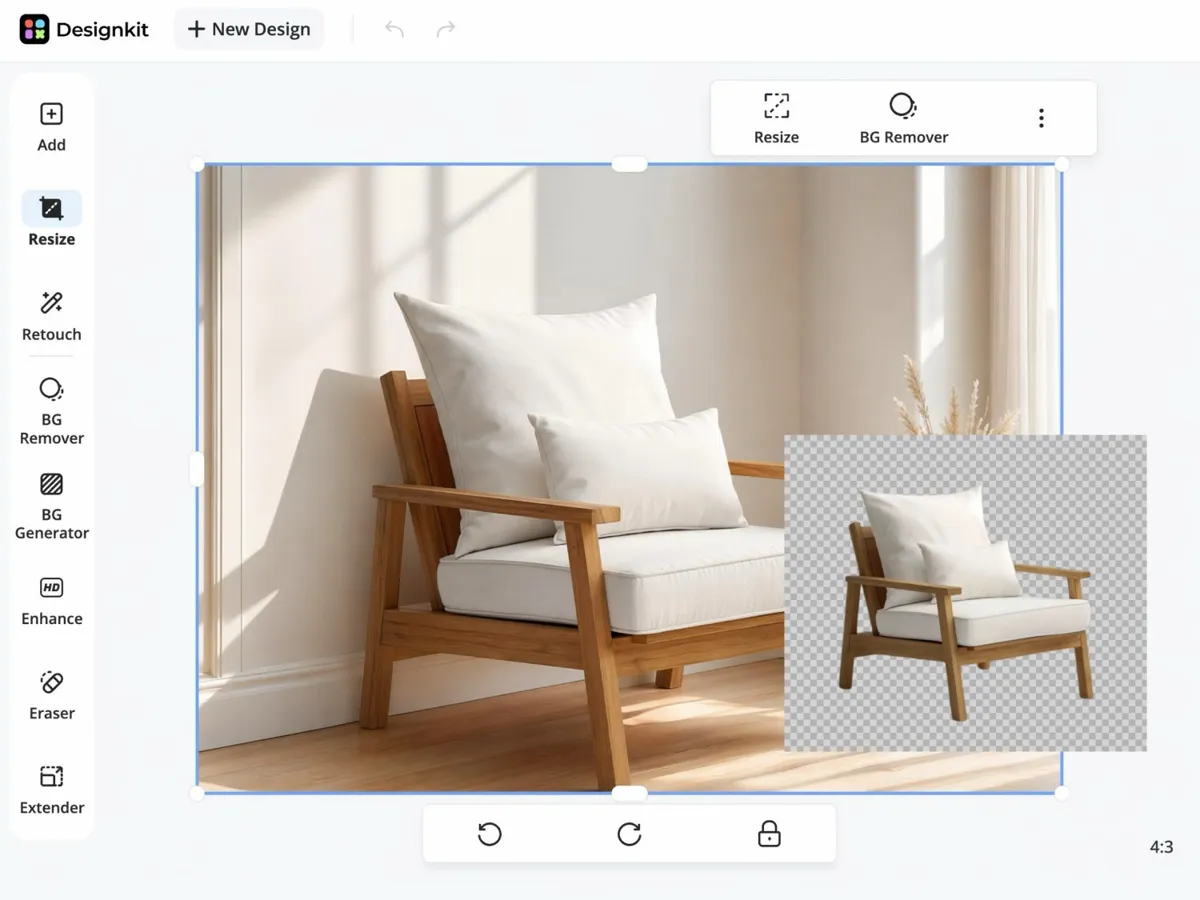
Resize or Edit Without Switching Tools
After you fix orientation, resize for a marketplace listing, remove a background, or run AI photo edits in the same workspace. You do not need to download, re-upload, and start over in another editor.
Use Designkit to Rotate Image Online for Every Workflow
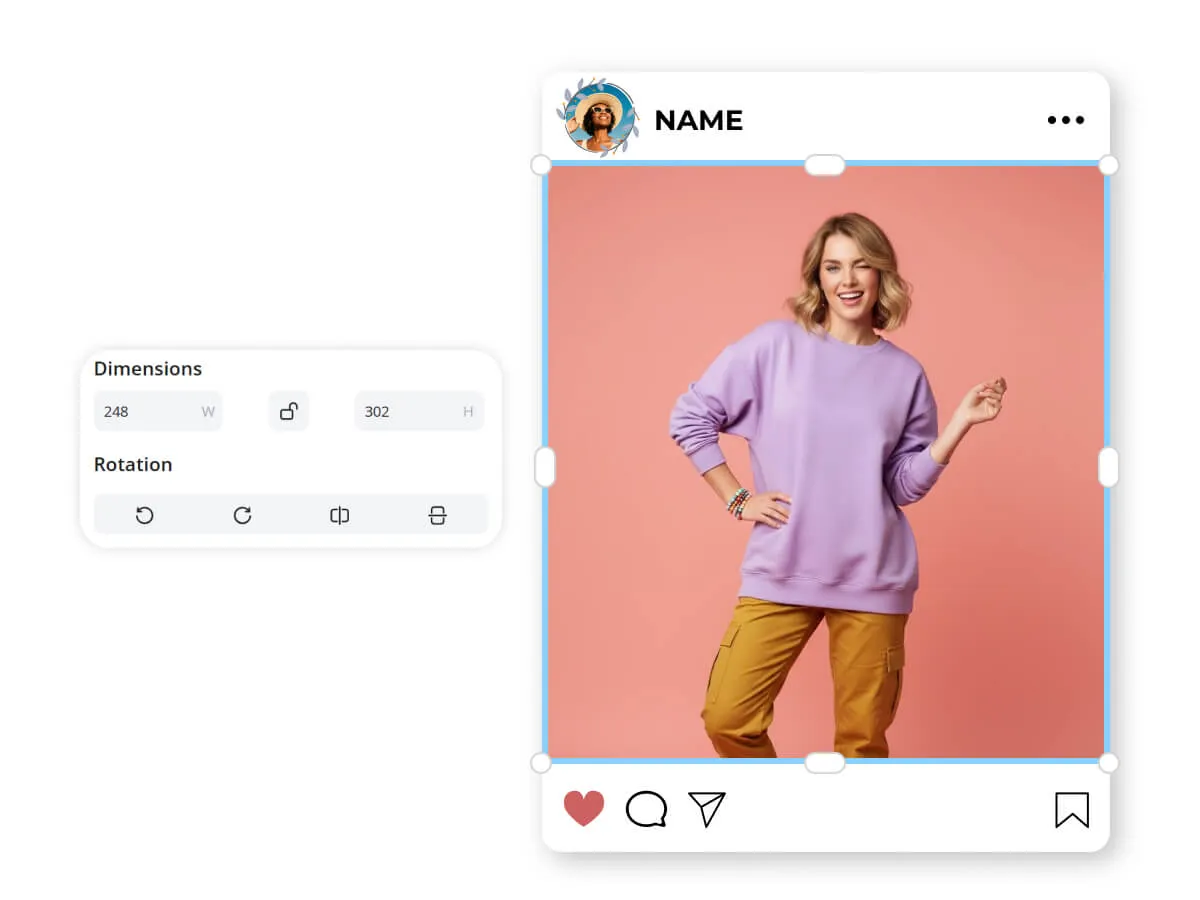
Rotate image online for social media posts
Vertical video and horizontal feeds don't always play nice with the photos you took on your phone. You can use our editor to flip or turn your images to fit the specific aspect ratios of Instagram, Pinterest, or LinkedIn. This ensures your content never looks amateurish or poorly framed when it hits the feed.
Key Advantages of rotate image online in Designkit

Works in the Browser
No app download, no install, no updates. Open the page, upload, rotate, and download.

Handles Common File Types
PNG, JPG, JPEG and WebP upload and export without converting to another format first.
Batch Orientation Fixes
Process many images in one session when a folder full of files needs the same correction.

Full Quality Downloads
Exports keep the original resolution. Rotating does not reduce sharpness or add a watermark.

More Edits Without Leaving the Page
Resize, remove backgrounds, and run AI photo tools in the same editor after you fix orientation.

Free to Use
Rotate and download at no cost for everyday orientation fixes.
Unlock More Creative Possibilities
AI Photo Editor
Remove Images Watermarks

Background Remover Online

Image Text Editor Online
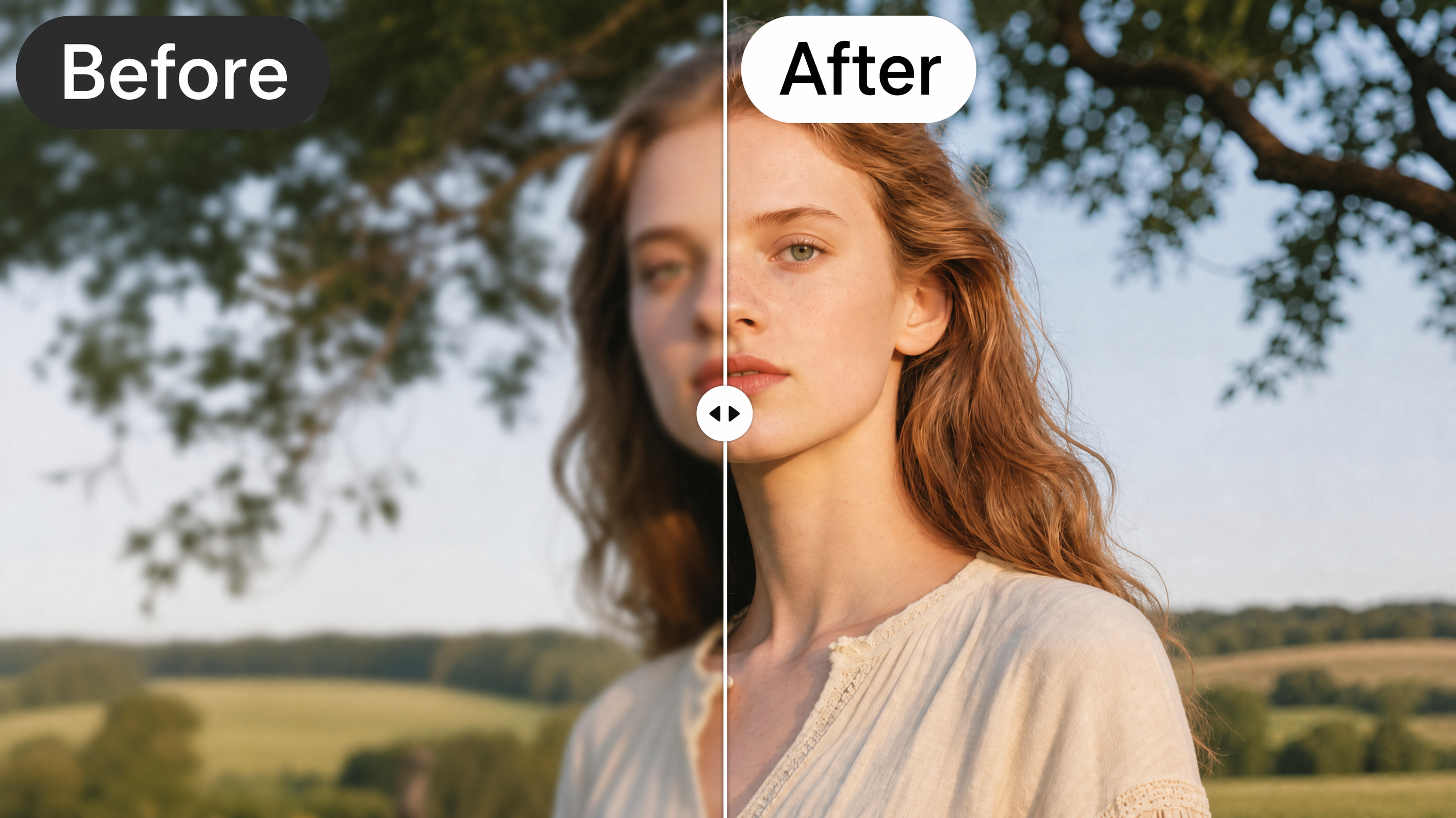
AI Image Enhancer
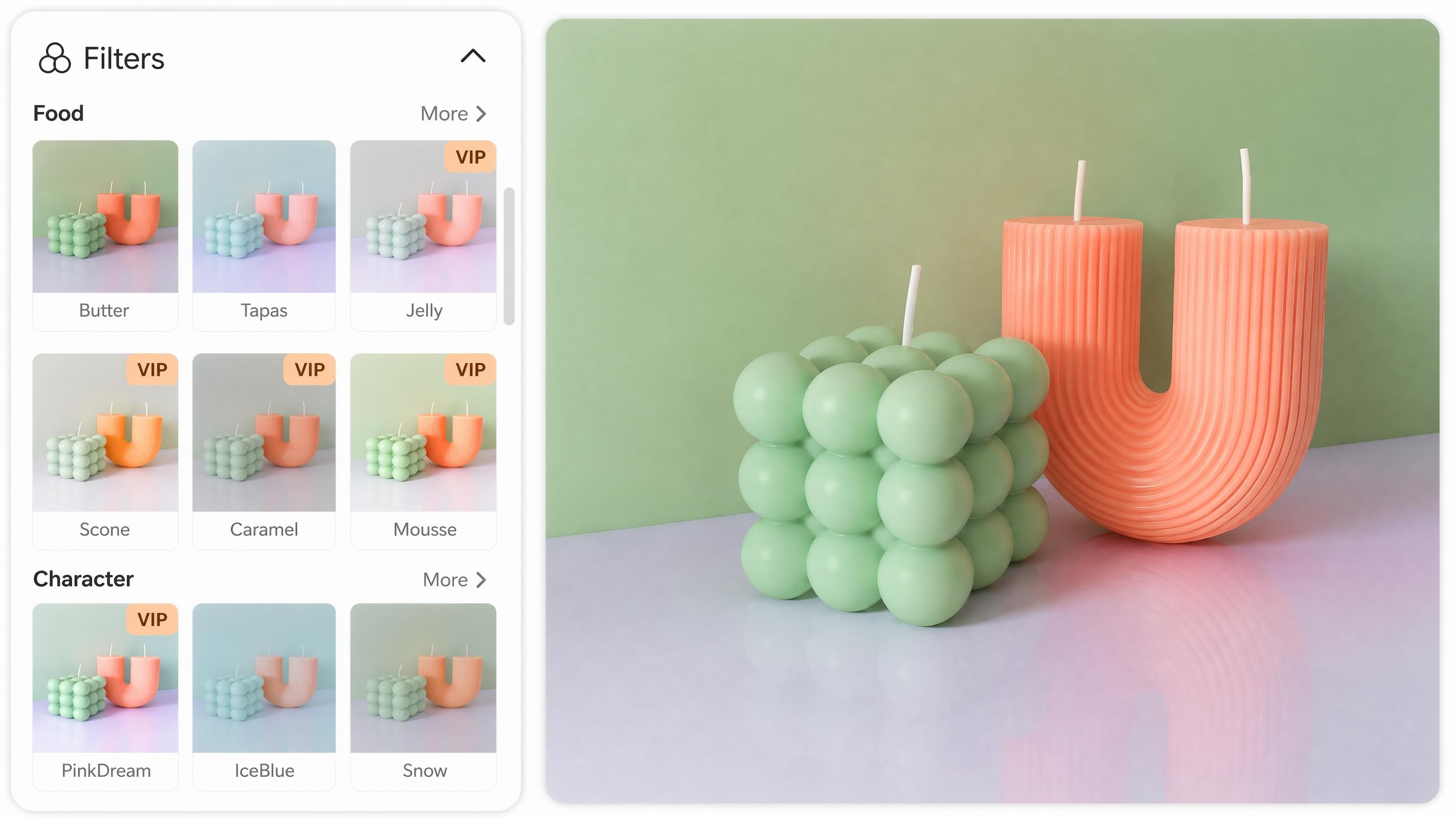
Online Photo Filter
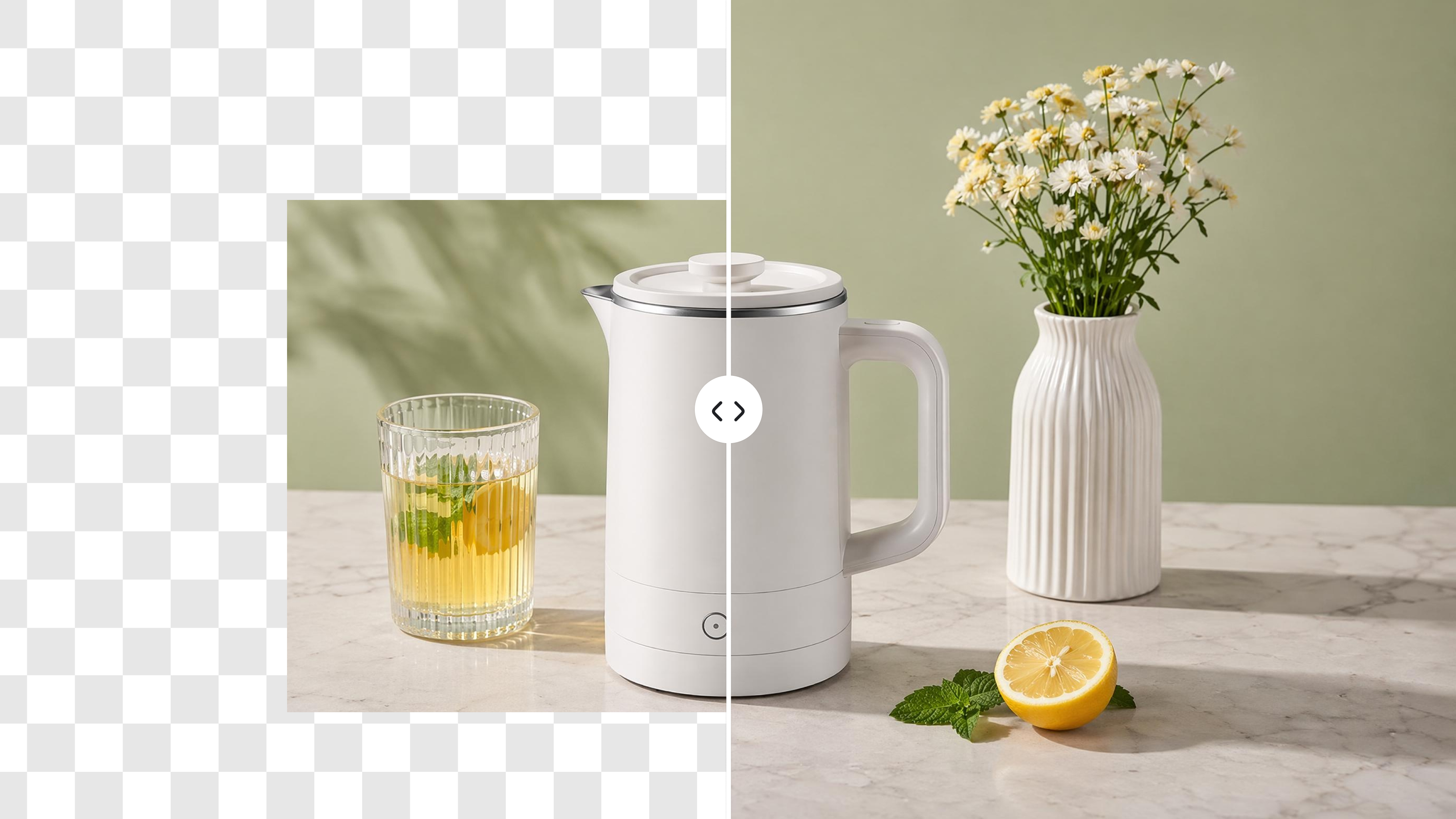
AI Image Extender

AI Background Generator
Common Questions About Rotating Images Online
How do I rotate an image online?
What is the difference between rotating and flipping an image?
Rotating turns the image around its center. A 90° rotation shifts portrait to landscape or fixes a sideways upload. Flipping mirrors the image along an axis. Horizontal flip reverses left and right. Vertical flip reverses top and bottom.
Will rotating an image reduce its quality?
No. The file downloads at full resolution in its original format. Rotating does not add compression, resize the image, or lower sharpness.
Which file formats are supported?
PNG, JPG, JPEG and WebP. You can upload and download in the same format without converting to another file type first.
Can I rotate multiple images at once?
Yes. Upload several files in one session and apply the same rotation or flip to each. This works well when a phone transfer or batch upload leaves many photos at the wrong angle.
Is it free to rotate images online?
Yes. You can upload, rotate or flip, and download in the browser at no cost.
Should I rotate before or after removing a background?
Rotate first. Fixing orientation before background cleanup lets you check edges and alignment in the correct direction. You avoid redoing the same edits twice.
Can I fix a phone photo that uploaded sideways?
Yes. This is one of the most common uses. A single 90° rotation usually corrects photos that saved with the wrong orientation after a phone upload or camera transfer.
Fix Photo Orientation Before You Share or List
Upload an image, rotate or flip it, and download at full resolution. Free in your browser, no install required.

What Users Say About Rotating Images Online
Reviews From Sellers, Creators, and Teams
Fixed a whole Etsy folder without opening Preview
I transferred a batch of product photos from my phone and somehow every single one landed sideways. I was dreading opening them one by one in Preview. Uploaded the whole set here, rotated them all the same way, and had them back on my listings in under twenty minutes. The files looked the same as before, just right-side up.
Client vertical stills, horizontal carousel, no Software
A client sent vertical phone stills for a horizontal Instagram carousel. I needed them turned fast and did not want to open image editing Software for something that basic. Rotated a dozen images in the browser, downloaded them, and sent the set back the same afternoon. Took longer to explain the fix to the client than to actually do it.
Upside-down scans stopped clogging our shared drive
Our scanner keeps saving contracts and receipts upside down. People would open a file, tilt their laptop, and ask someone to resend it. I now rotate them before uploading to the shared drive. Nobody has asked for a rescan in the past few weeks, which for our team counts as a win.
Half my Amazon listing photos were sideways after upload
I shot a batch of SKU photos on my phone and half of them uploaded landscape when they should have been portrait. My storefront grid looked messy until I ran them through here. Quick 90-degree turns across the set and the listings looked consistent again. Customers stopped asking if the product photo was the wrong item.
One sideways vacation photo, no app install
I had one landscape shot from a hike that saved as portrait because my phone gyroscope glitched. I did not want to download an editing app just to turn one image. Uploaded it, rotated once, downloaded, and posted it. Whole thing took less time than finding a parking spot at the trailhead.