
YouTube Banner Resizer: Resize Banners to the Correct YouTube Size
Resize YouTube banners to 2560×1440 without blurry quality, cropped text, or hidden logos. Create channel art that looks perfect on mobile, desktop, and TV. CTA: Upload Image
No image? Try one of these:


How to Resize a YouTube Banner Online
Upload Your Banner Image
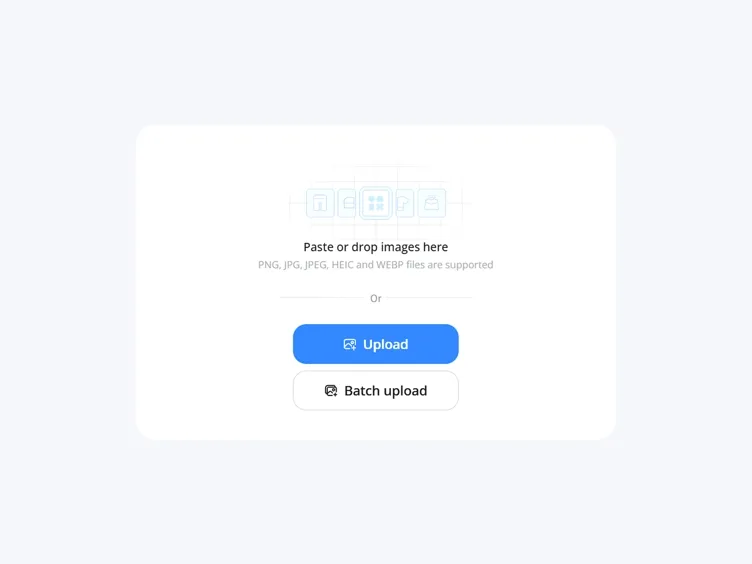
Upload your banner to Designkit and instantly prepare it for YouTube resizing.
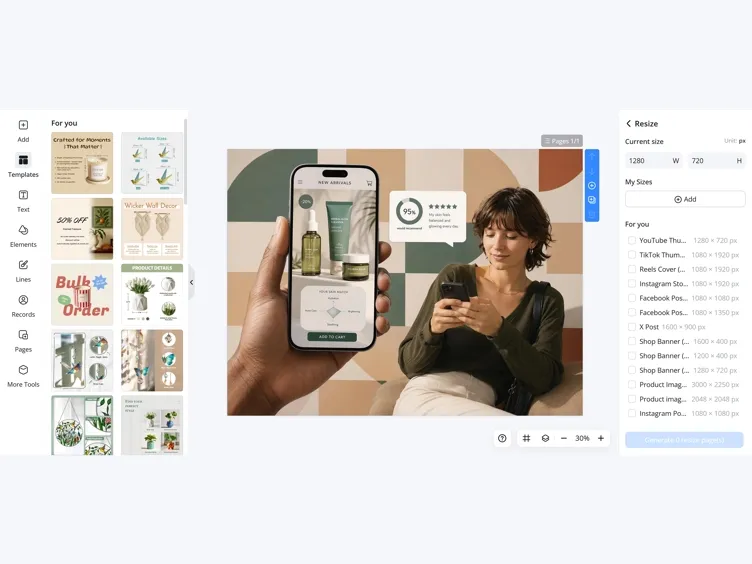
Resize to YouTube Banner Size
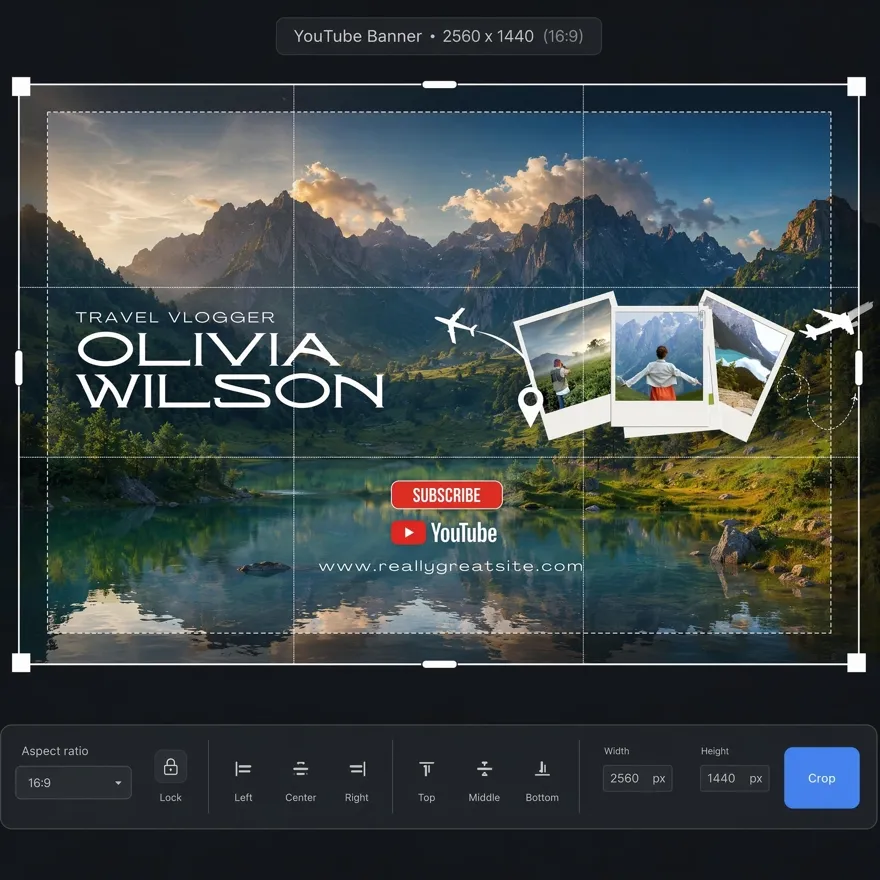
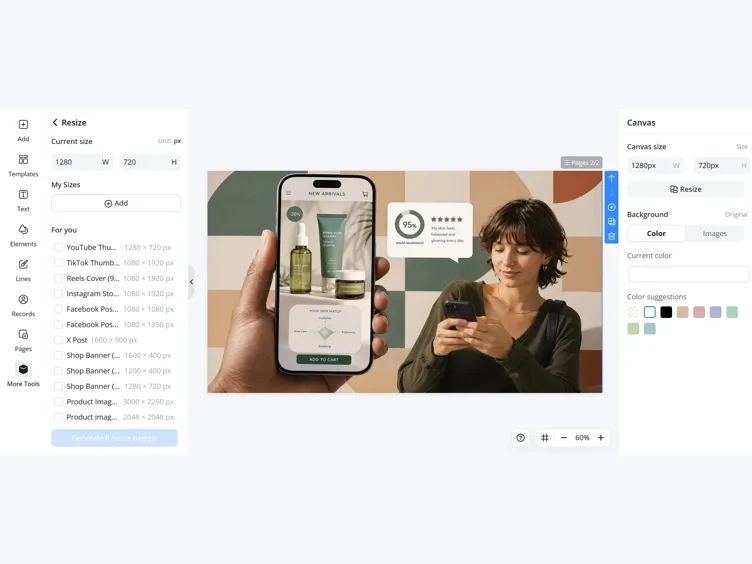
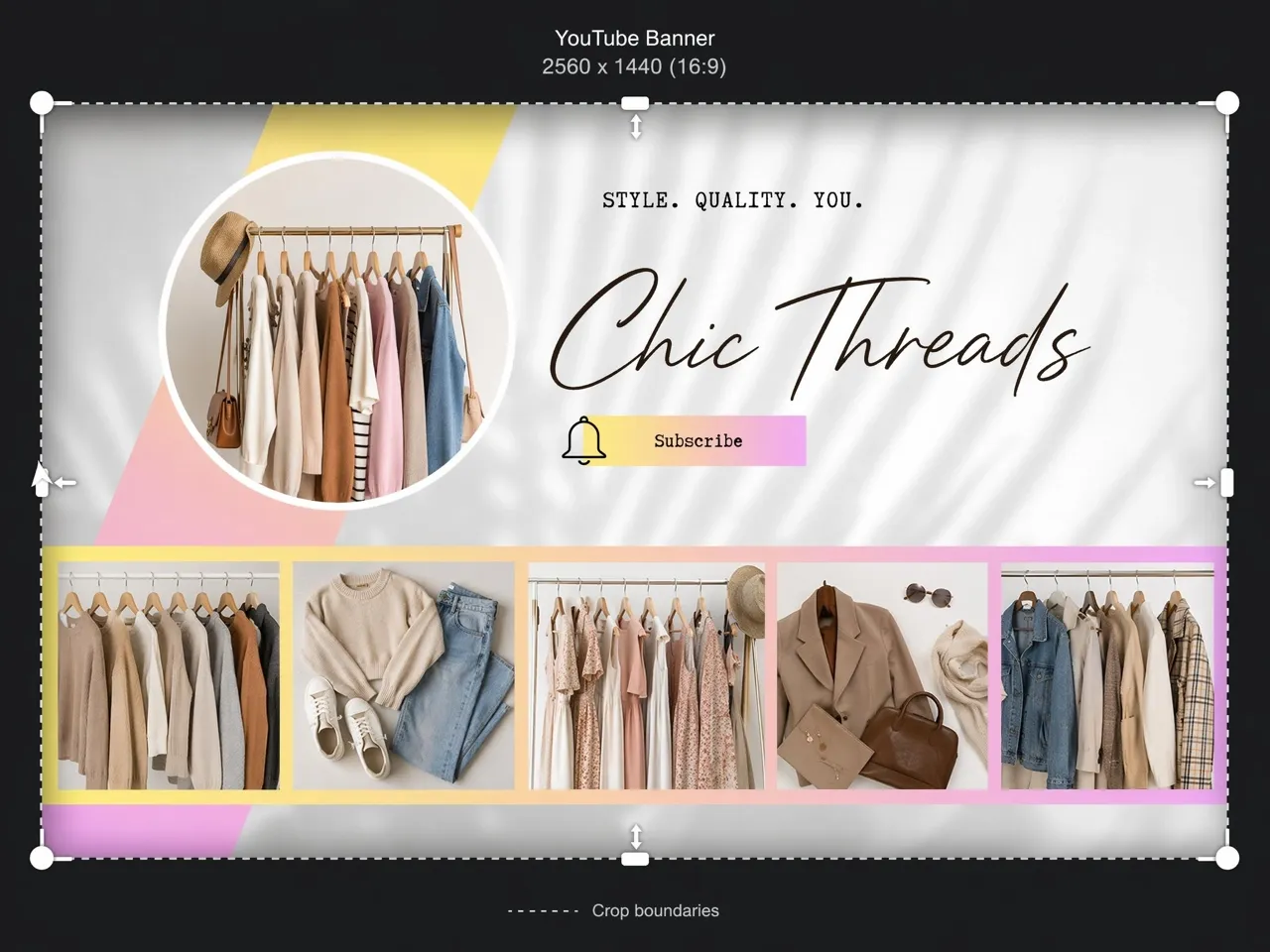
Select the YouTube Banner preset (2560×1440). Designkit automatically adjusts your image while protecting text, logos, and faces from being cropped.
Download Your YouTube Banner
Preview how your banner appears across devices, then export a YouTube-ready JPG or PNG.
Resize YouTube Banners Without Cropping or Quality Loss
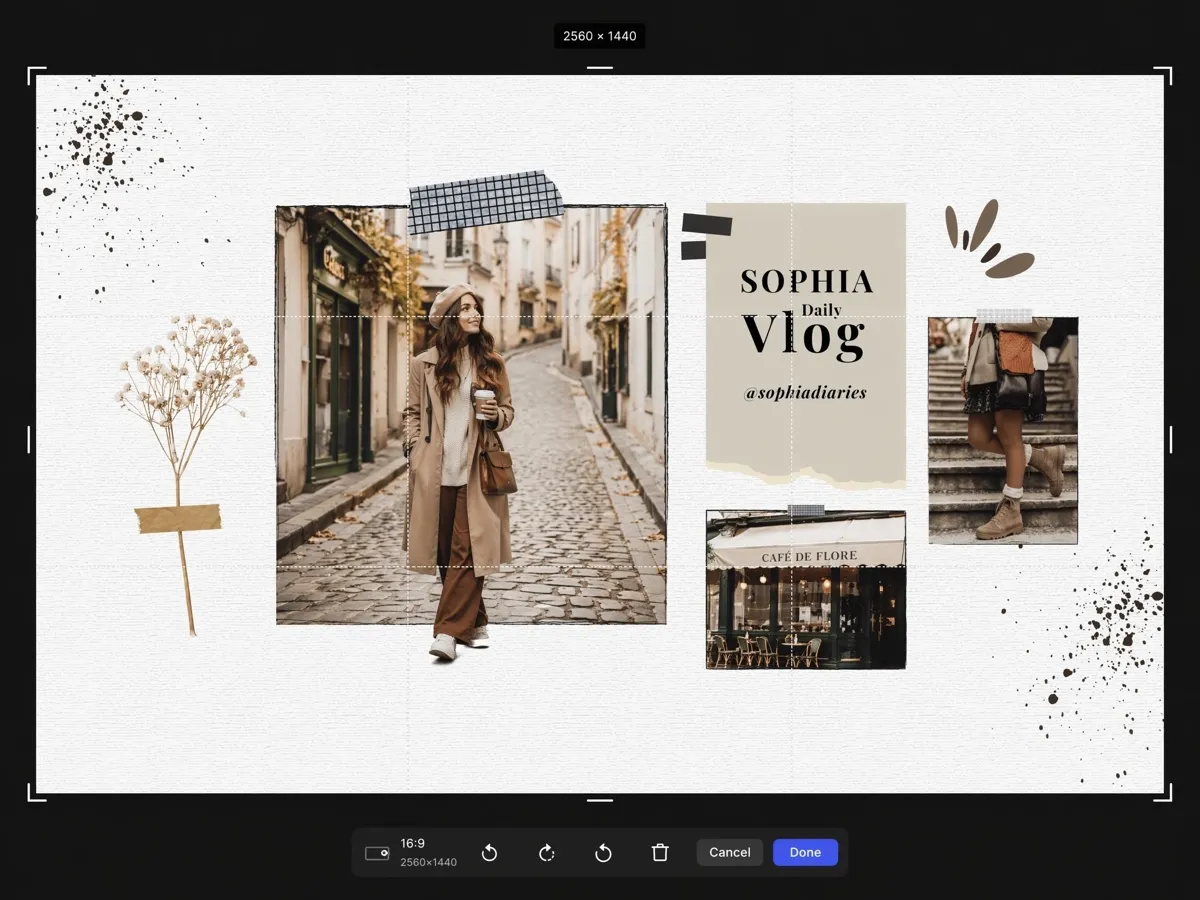
Keep Text and Logos Inside YouTube Safe Zones
Important banner elements often get cropped on mobile and TV screens. Designkit automatically places titles, logos, and faces within YouTube safe zones, helping your channel art stay visible, professional, and effective on every device.
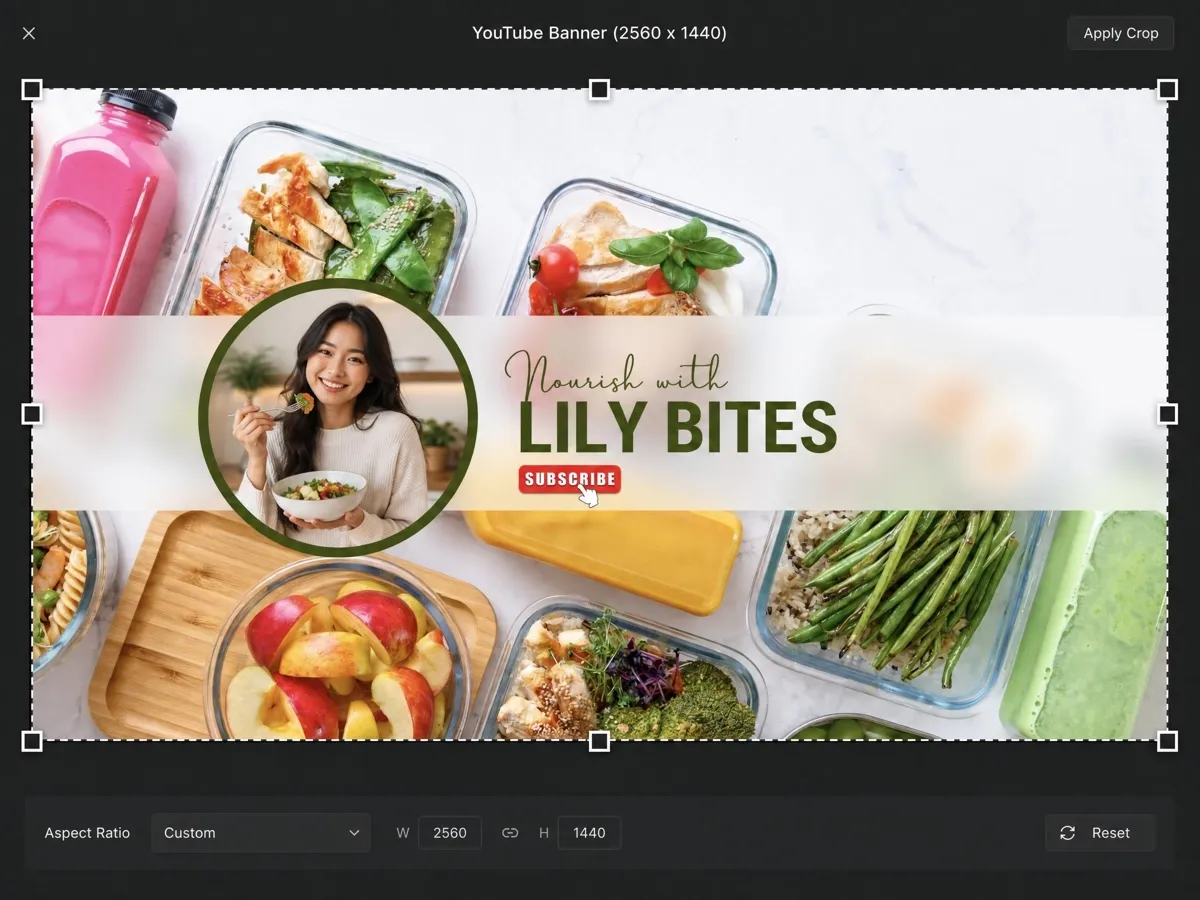
Preview Your YouTube Banner on Mobile, Desktop, and TV
A YouTube banner looks different on mobile, desktop, and TV, often causing cropping issues or hidden elements. Designkit provides multi-device previews before publishing, helping you avoid cropping issues and create channel art that looks perfect everywhere.
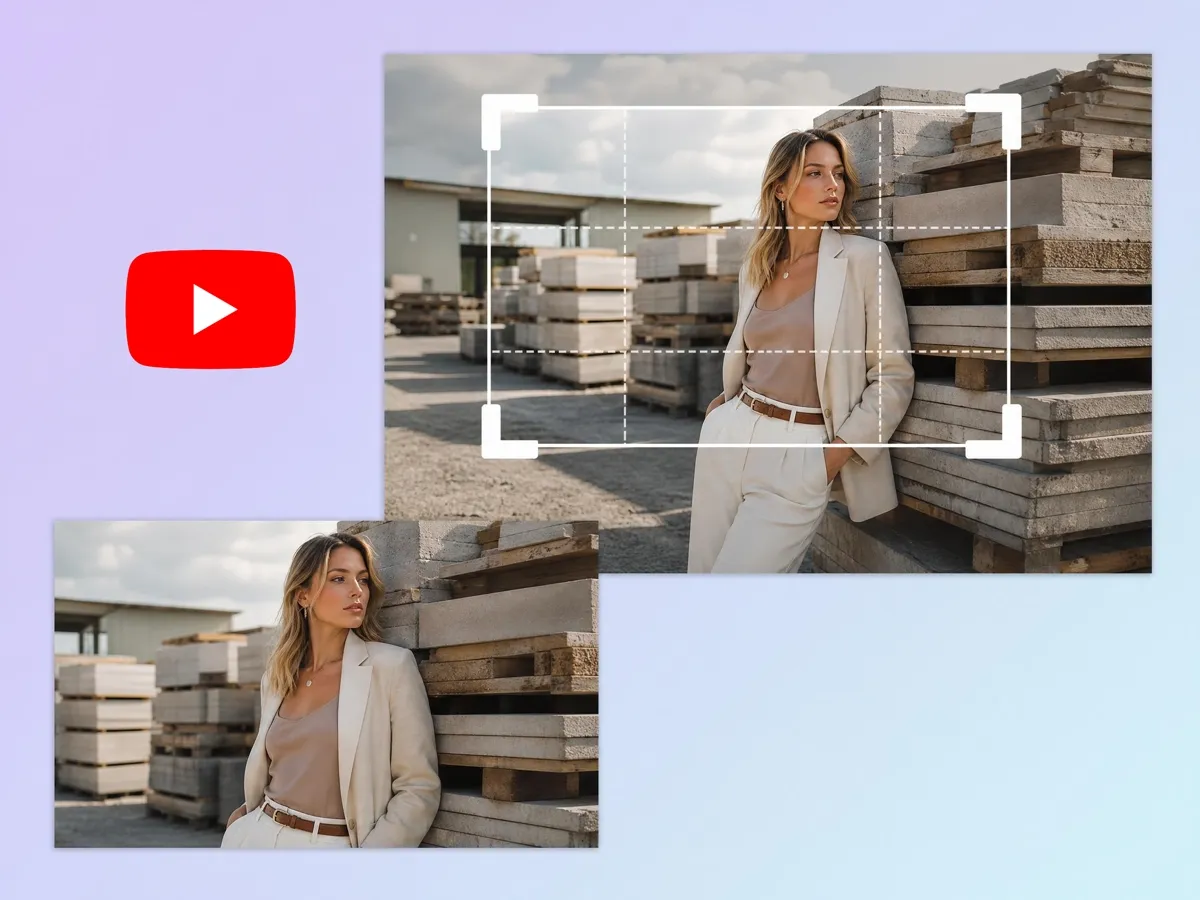
Convert Any Image to YouTube Banner Size
Most images are not created with YouTube's banner dimensions in mind, making them difficult to use without editing. Designkit automatically adjusts size, composition, and layout to transform any image into professional channel art without requiring advanced editing skills.
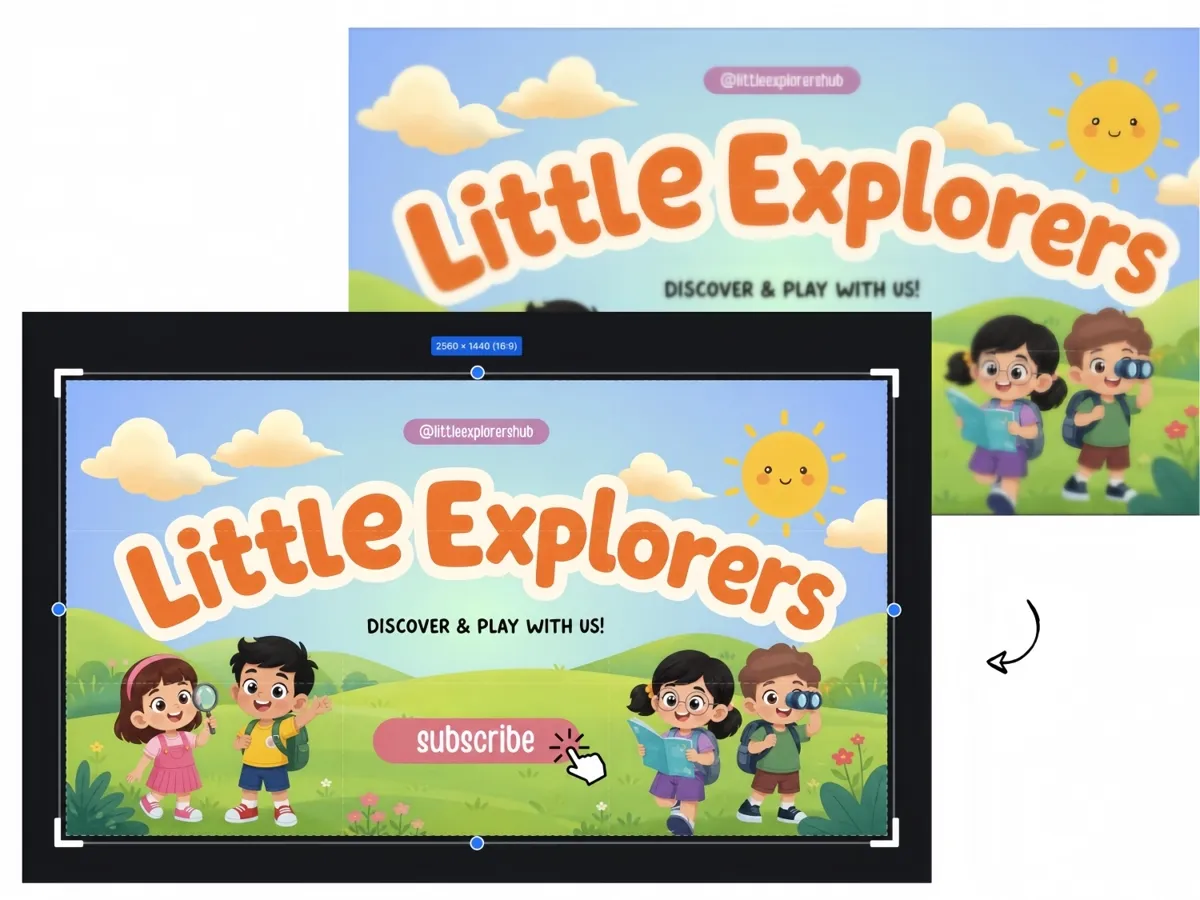
Fix Blurry YouTube Banners After Resizing
When banners are resized manually, images often lose sharpness and become blurry or pixelated, especially on high-resolution screens. Designkit preserves image quality while resizing, ensuring your YouTube banner remains sharp, professional, and visually appealing across all screen resolutions.
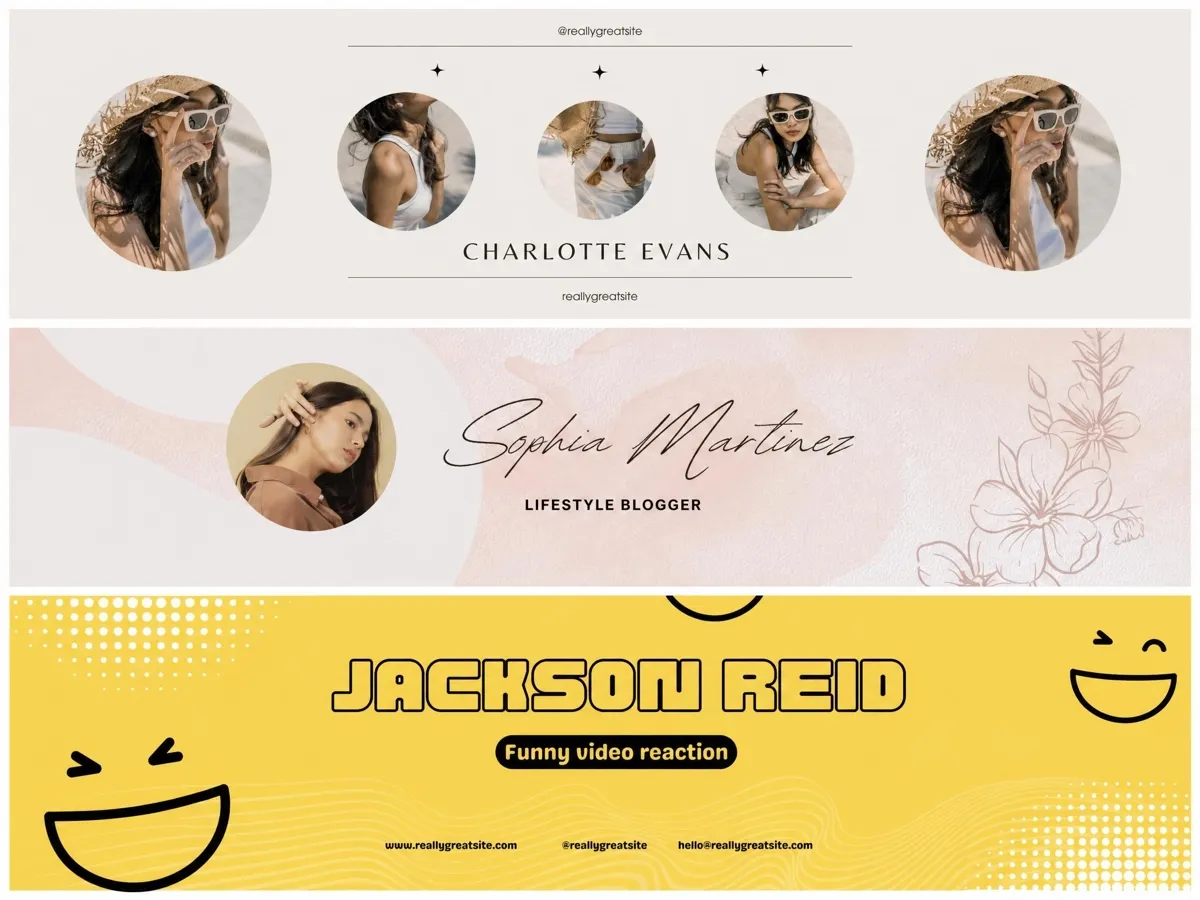
Batch Resize YouTube Banners for Multiple Channels
Manually reformatting banners for each channel eats hours. Designkit lets you resize and export multiple banners at once, keeping every channel on-brand without repeating the same edits. CTA: Batch Resize Banners
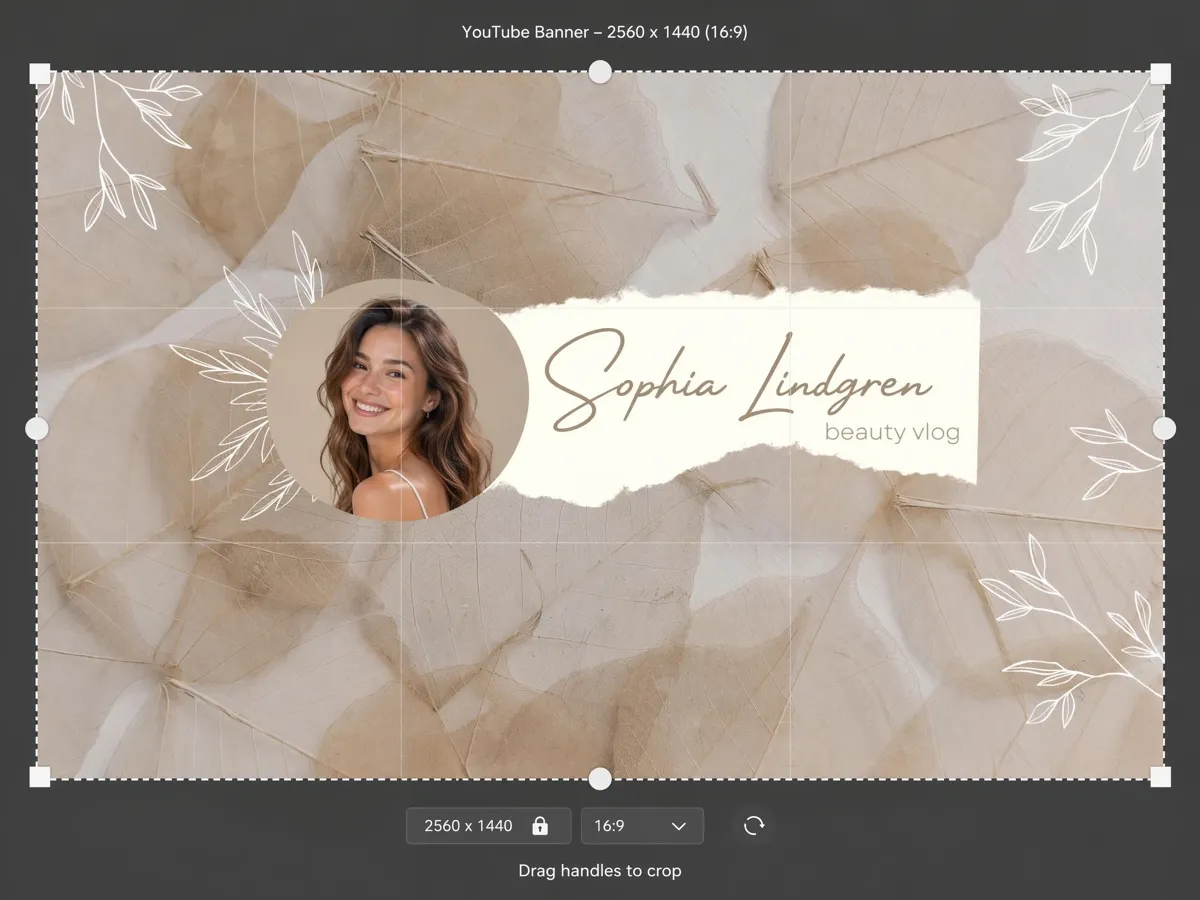
Export in the Correct YouTube Banner Dimensions
Wrong export settings are a top cause of fuzzy uploads. Designkit outputs banners at the exact 2560×1440 specification in JPG or PNG, so your channel art uploads clean the first time.
Who Needs a YouTube Banner Resizer
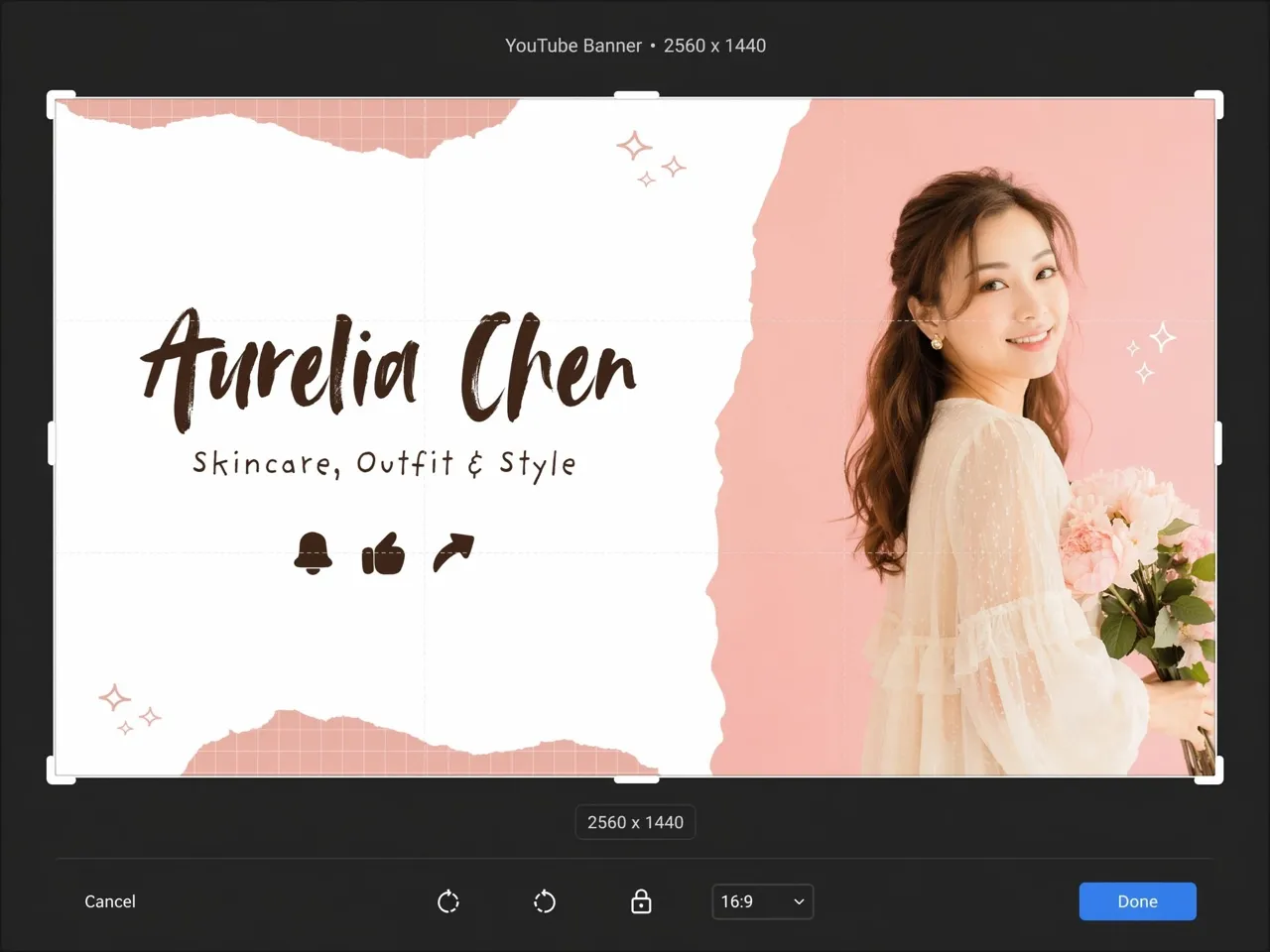
Your Banner Creates the First Impression
Your YouTube banner is often the first thing people notice before watching your content. A poorly cropped or blurry banner can make even great videos feel less professional. Designkit helps creators resize channel art correctly for TVs, desktops, tablets, and mobile devices while keeping text, faces, and branding safely visible. Build a cleaner channel identity that instantly feels more polished and trustworthy.
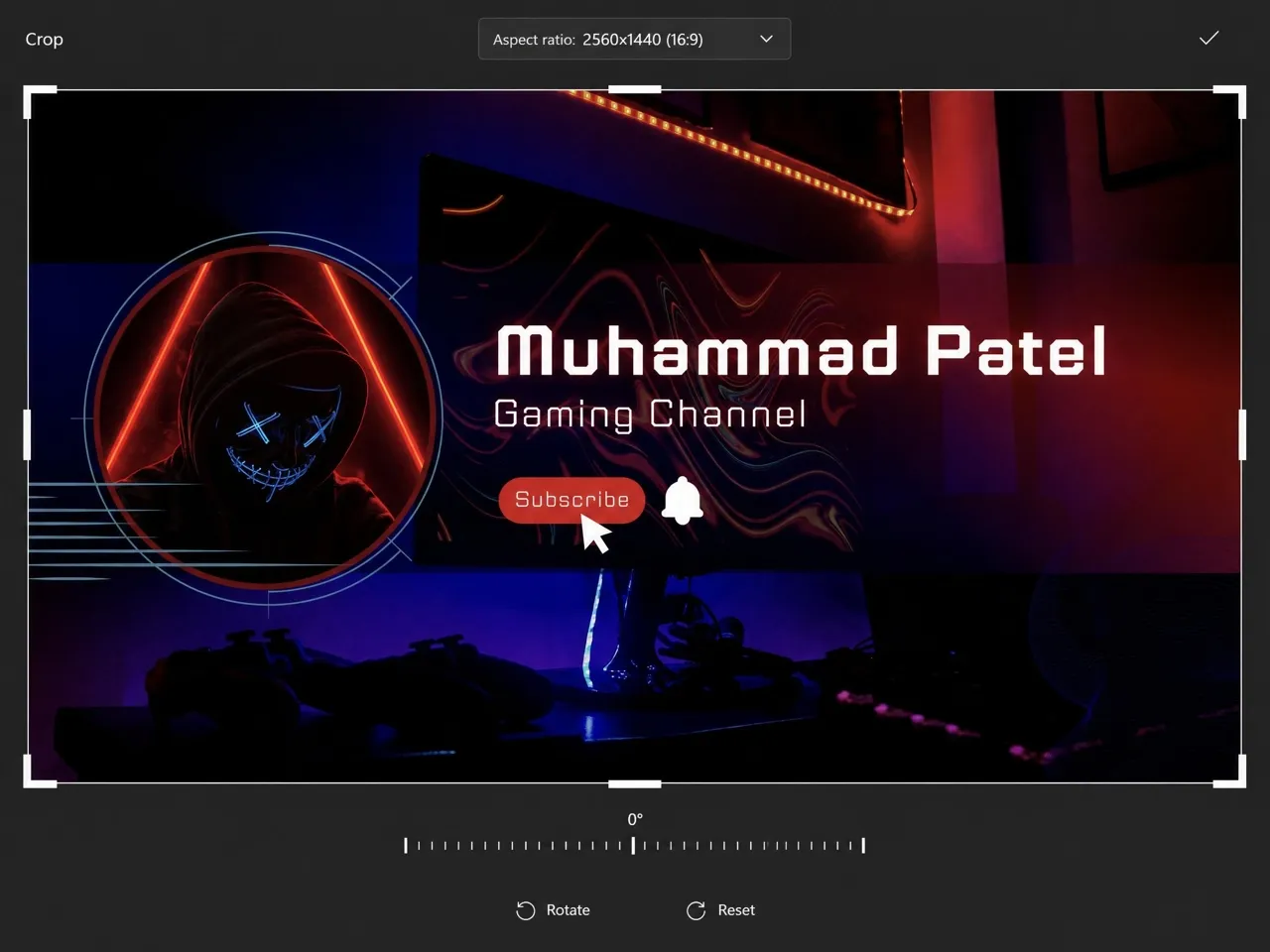
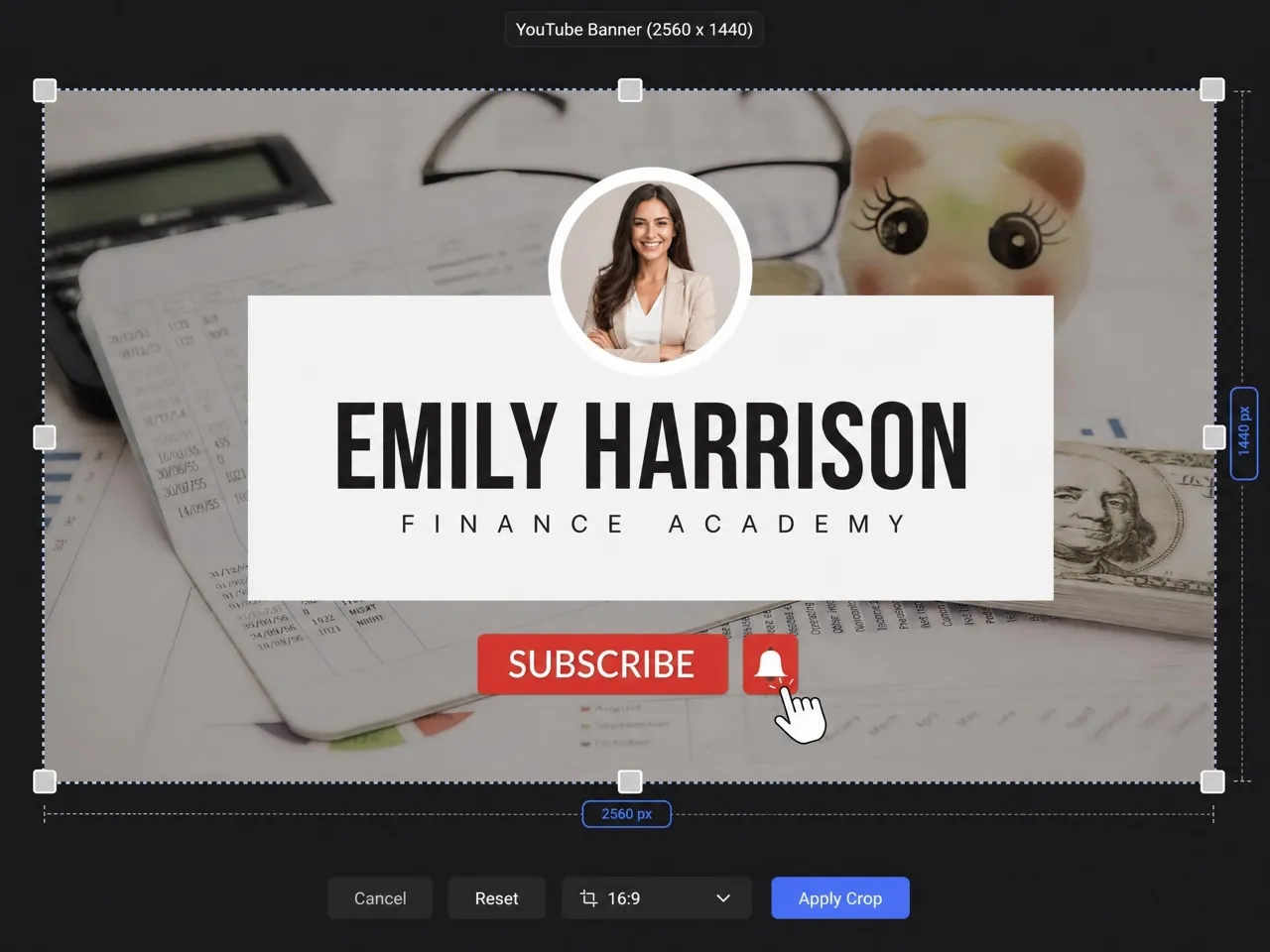
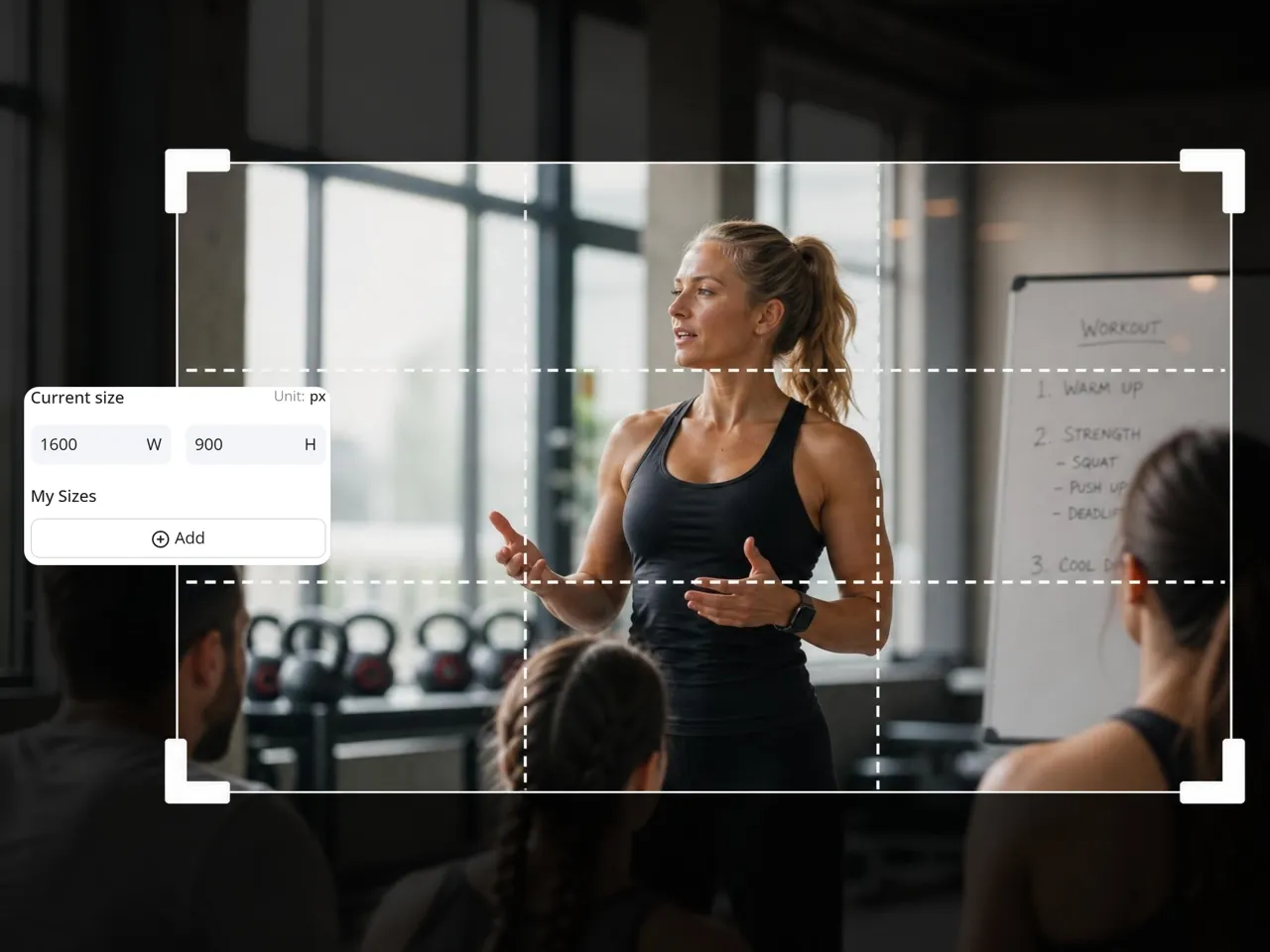
Why Use Designkit Instead of a Generic YouTube Banner Resizer

Built for YouTube Banner Dimensions
Generic resizers use one-size crops. Designkit maps your image to YouTube's actual mobile, desktop, and TV display zones, so nothing important gets cut.

Keep Content Inside Safe Zones
Designkit shows exactly where text and logos must sit to survive cropping on every device, something standard resizers leave you to guess.

Resize YouTube Banners without Editing Skills
Anyone can upload an image and get an upload-ready banner in under a minute, at no design cost.
Frequently Asked Questions
Why do YouTube banners look different on mobile and desktop?
What is the correct YouTube banner size for all devices?
How can I resize for youtube banner without cropping text?
Why does my YouTube banner look blurry after uploading?
Can I resize banners if I don't have professional editing skills?
What is the safest layout area for YouTube banners?
Will my resized banner actually look good on every device?
Does resizing a YouTube banner reduce image quality?
Great Channels Look Professional with the Best Banner Layouts
Your next banner can be channel-ready in under a minute. Try Designkit free and resize your YouTube banner now.

User Reviews of Designkit's YouTube Banner Resizer
My Channel Finally Looked Professional
I used to upload banners that looked fine on desktop, then completely broken on mobile. Titles were cropped, faces disappeared, and the whole channel felt unfinished. Designkit fixed that instantly. My banner finally looks balanced everywhere, and honestly my channel feels far more professional now.
Managing Multiple Channels Became Way Easier
We handle several YouTube channels for different brands, and banner resizing constantly slowed our team down. Every upload required manual adjustments for safe zones and device layouts. Designkit simplified the entire workflow and helped us keep branding much more consistent across every account.
I Didn't Need Any Extra Tools Anymore
I'm not a designer, so creating YouTube banners always felt frustrating and overwhelming. I wasted hours trying to resize images correctly. Designkit made everything simple. I just upload visuals and get clean, polished banners that actually fit properly without stress.
My Gaming Banner Finally Keeps the Important Artwork
Most resizing tools kept cutting off the best parts of my banner art, especially on mobile devices. Designkit preserved the composition much better and made the channel look way more polished for new viewers visiting the page.
Our Brand Channels Feel More Unified Now
Before Designkit, every channel banner looked slightly different depending on who edited it. Now the banners of each channel are put together, making it feel like a company did it, which was not the case before.
Banner Editing Stopped Feeling Like a Chore
Banner resizing used to be one of those annoying tasks I kept procrastinating because something always looked off after uploading. Designkit removed so much trial and error. Now I can update channel art in minutes instead of wasting half a day fixing crops.