
AI Jewelry Photo Editor for Ecommerce Product Images
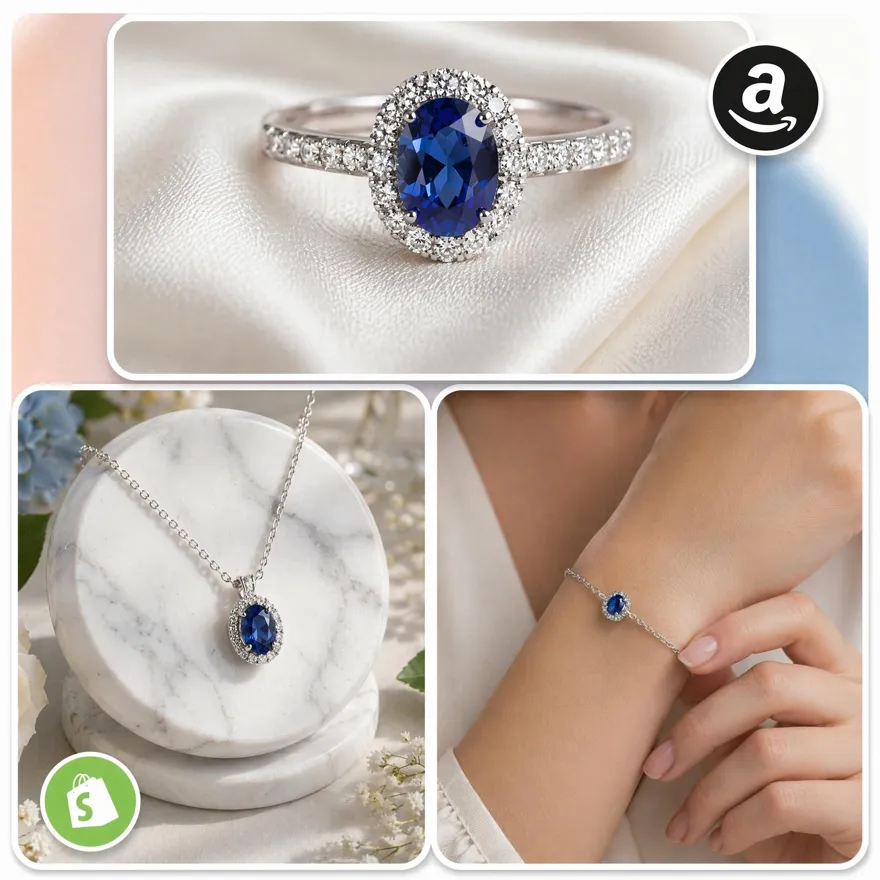
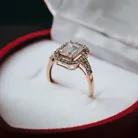
Turn ordinary jewelry photos into polished product images with AI. Enhance brightness, gemstone details, and metal finishes to create more professional listings without complex editing software.
No picture on hand? Try with one of these
How to Edit Jewelry Photos in 3 Steps
Upload Jewelry Photos
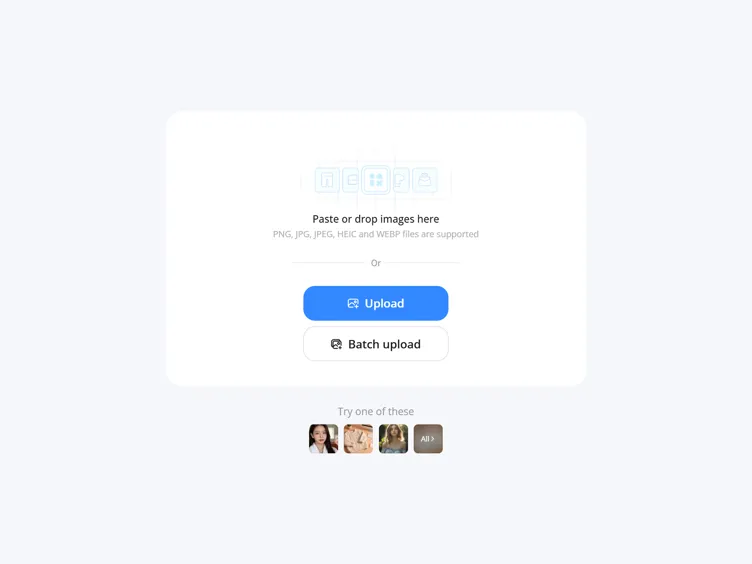
Go to Designkit and select "AI Photo Editor." Upload, paste, or drag your jewelry product images. You can also upload in bulk to quickly process multiple product photos and streamline your eCommerce workflow.
Edit Jewelry Photos with AI
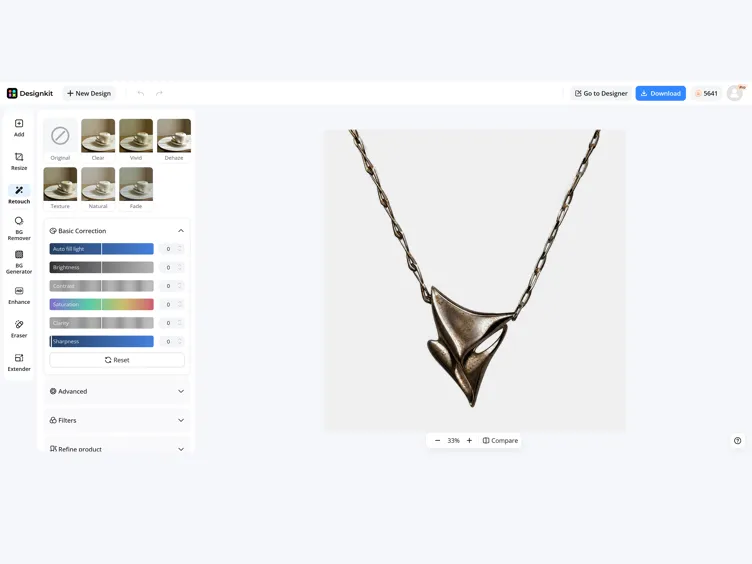
Use the toolkit to refine your jewelry image step by step. First fix lighting and reflections to improve overall look. Then clean the background to remove distractions. Next sharpen gemstone details for better clarity and shine. Finally, resize the image to fit Amazon, Etsy, or any platform requirement for a polished, market-ready result.
Preview and Download
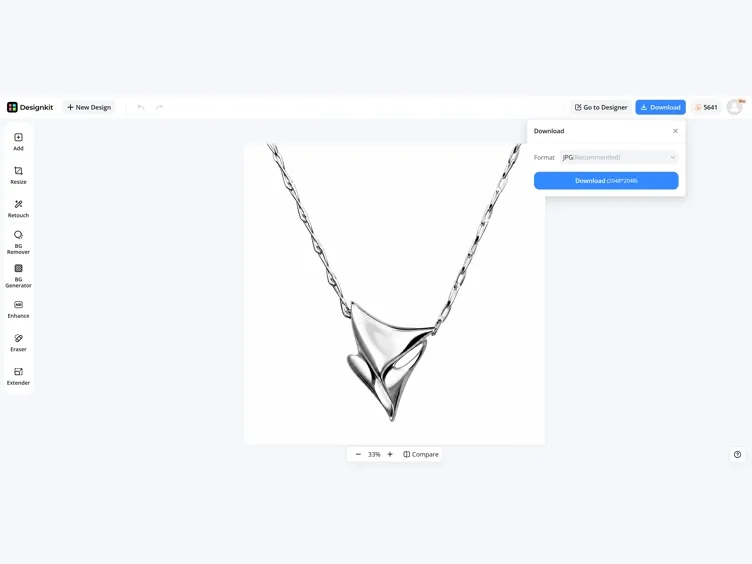
Review your final edits and instantly download high-quality images ready for use. Perfect for Amazon product listings, storefronts, A+ content, product galleries, and promotional materials—helping you create a more professional, consistent, and polished product presentation.
Why Designkit Stands Out as a Powerful AI Jewelry Photo Editor
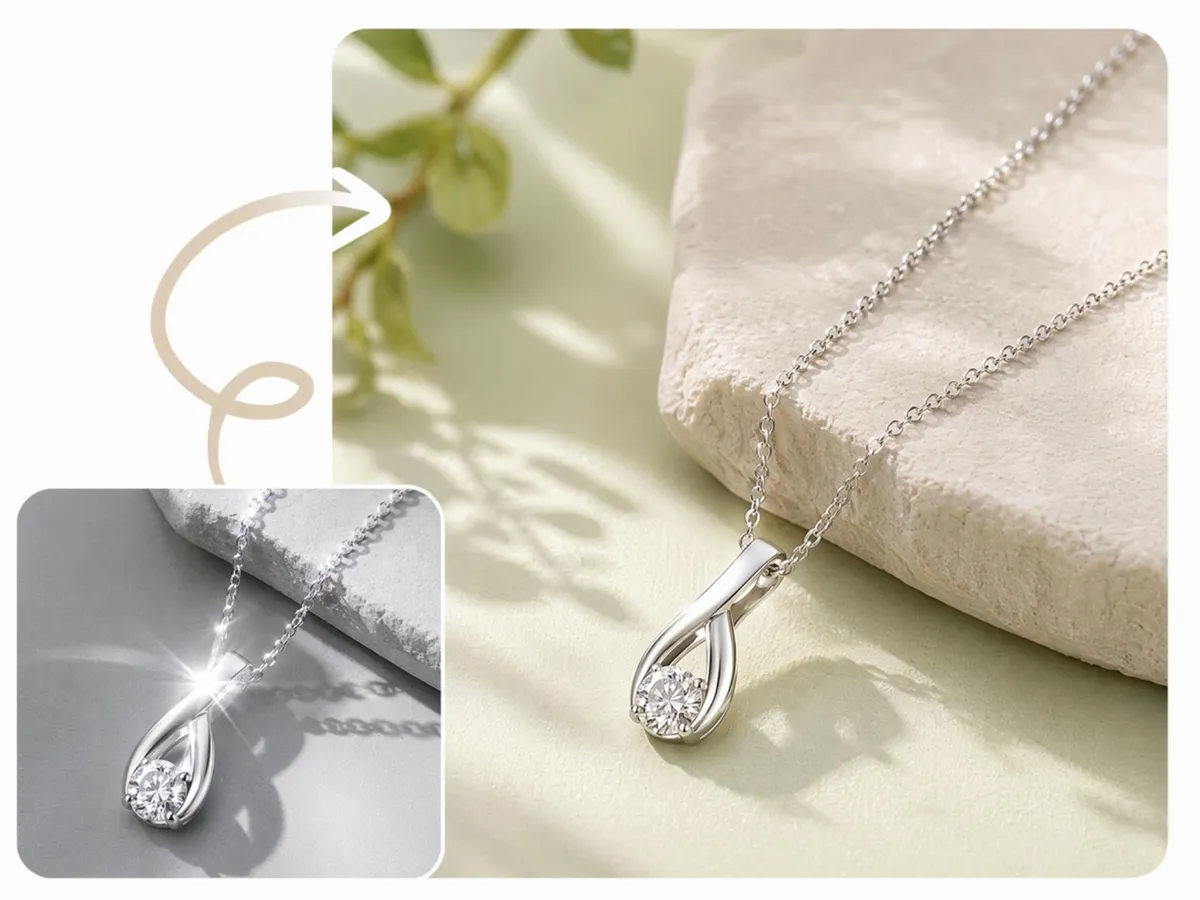
Retouch Jewelry Photos with AI Color and Lighting Correction
Jewelry photos often have harsh reflections, uneven lighting, or dull colors that reduce product appeal and trust. Designkit automatically fixes lighting, improves color accuracy, sharpens details, and enhances texture while keeping the product natural. It turns raw jewelry images into clean, polished, ecommerce-ready visuals for Amazon, Etsy, and online stores.
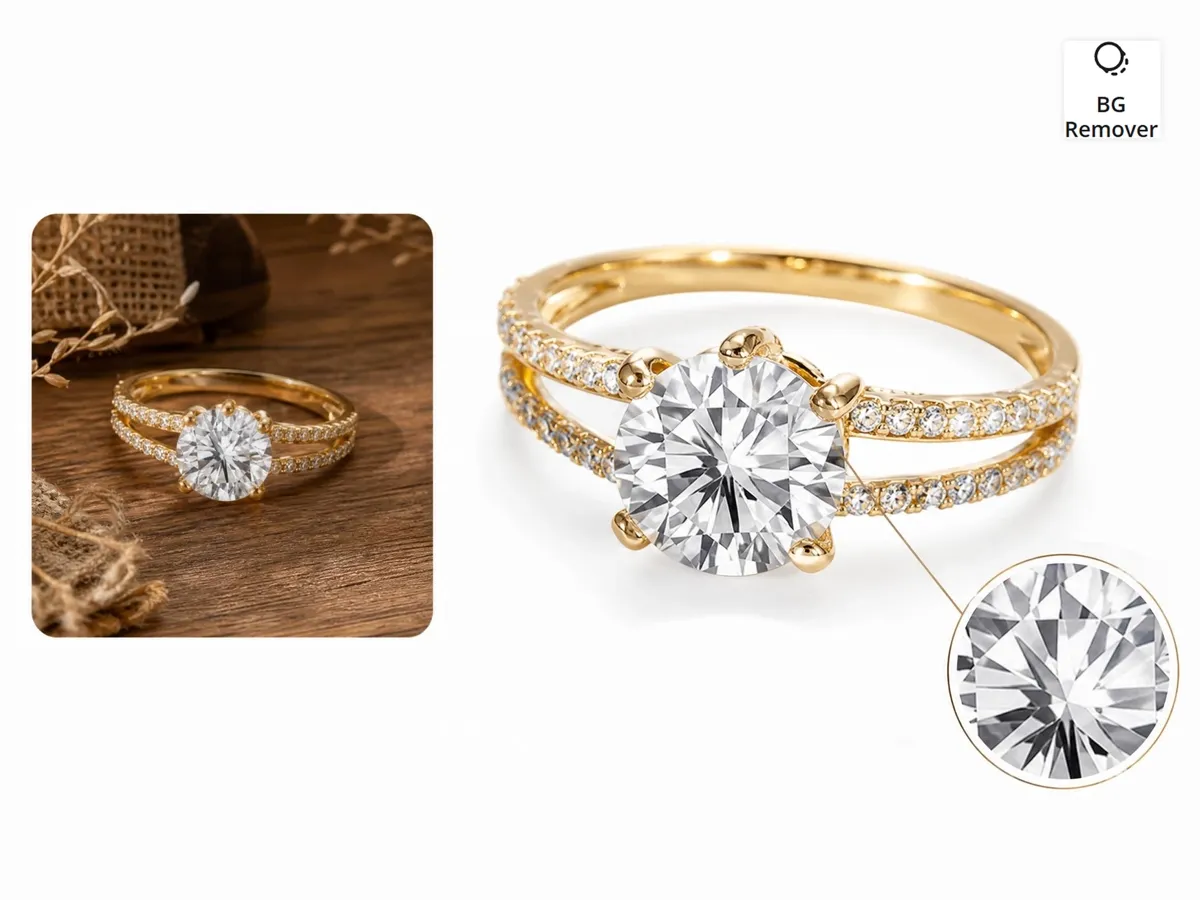
Create Clean Backgrounds That Highlight Every Jewelry Detail
Distracting or inconsistent backgrounds can reduce focus on your jewelry and make product pages look unprofessional. Designkit's background remover deletes cluttered backgrounds and replaces them with clean, product-ready settings that highlight sparkle, material texture, and craftsmanship. It helps create marketplace-ready white backgrounds for Amazon, Etsy, and online stores without manual editing.
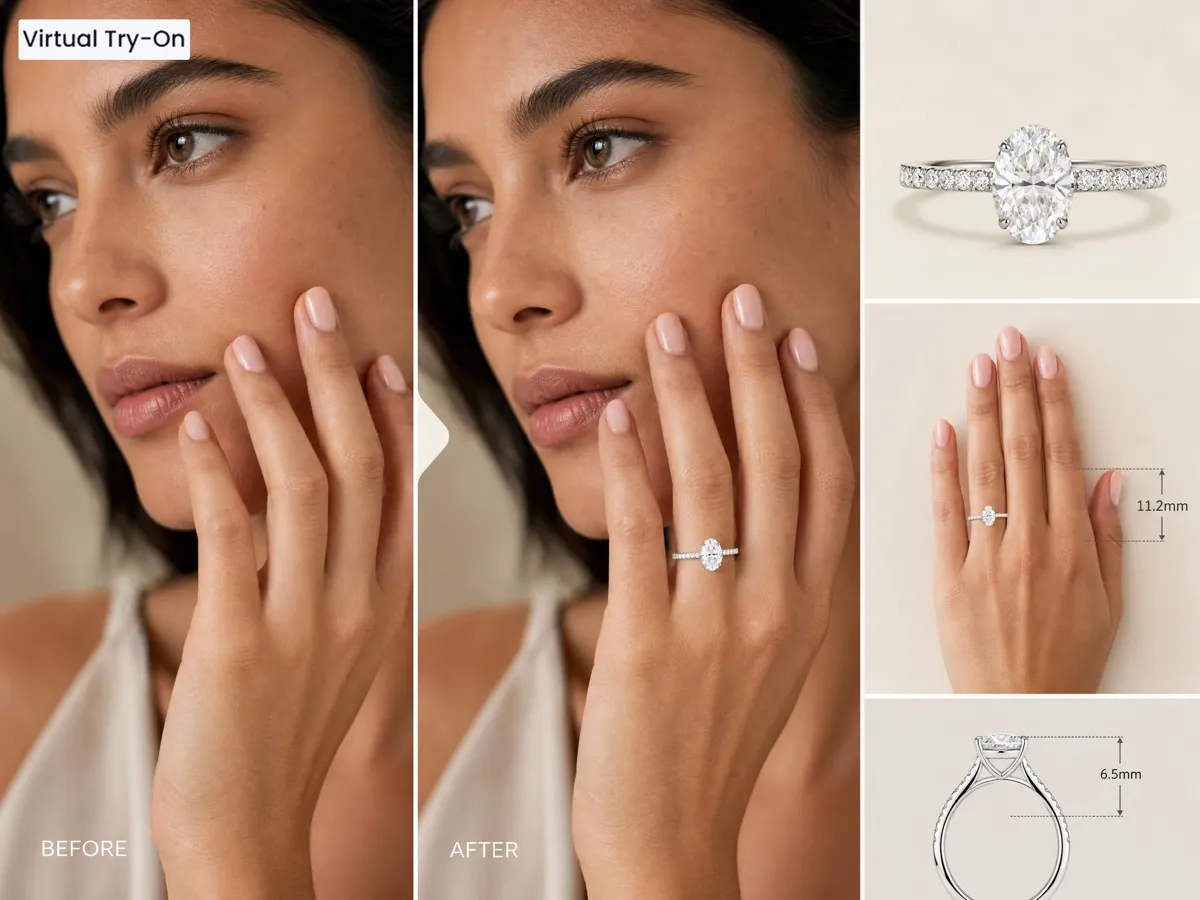
AI Virtual Try On for Higher Conversions and Fewer Returns
Customers often hesitate to buy jewelry online because they can't clearly imagine size, fit, or real appearance. Designkit's AI virtual try-on places rings, necklaces, earrings, and accessories on realistic models in seconds. It helps shoppers understand scale and styling better, increases purchase confidence, improves engagement, and reduces avoidable returns.
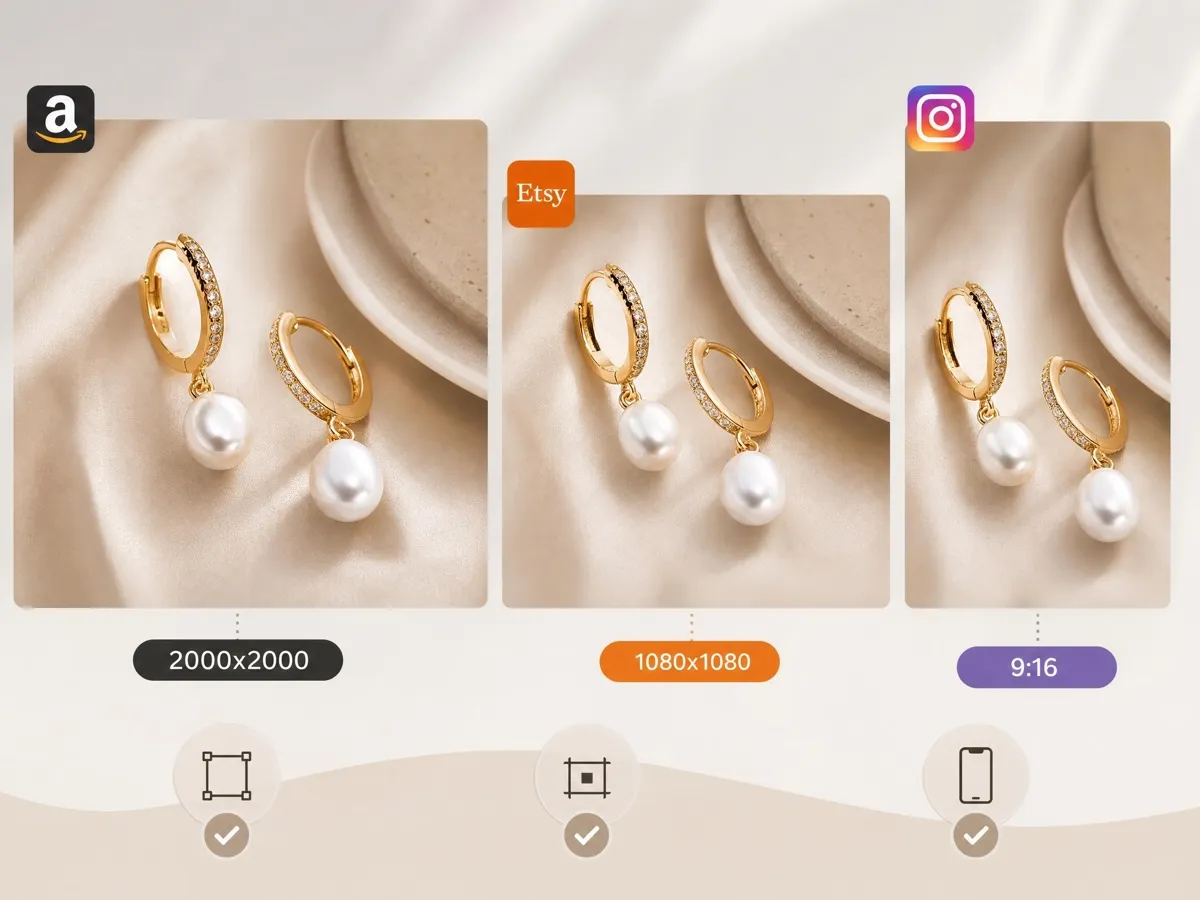
Auto-Resize Jewelry Images for Every Ecommerce Platform
Different platforms need different image sizes, which makes managing jewelry catalogs time-consuming. Designkit automatically formats and resizes images for Shopify, Amazon, Etsy, eBay, and social media while preserving quality and composition. It helps sellers publish faster, maintain consistent visuals, and avoid repetitive manual resizing across platforms.
Built for Anyone Who Creates Jewelry Product Images
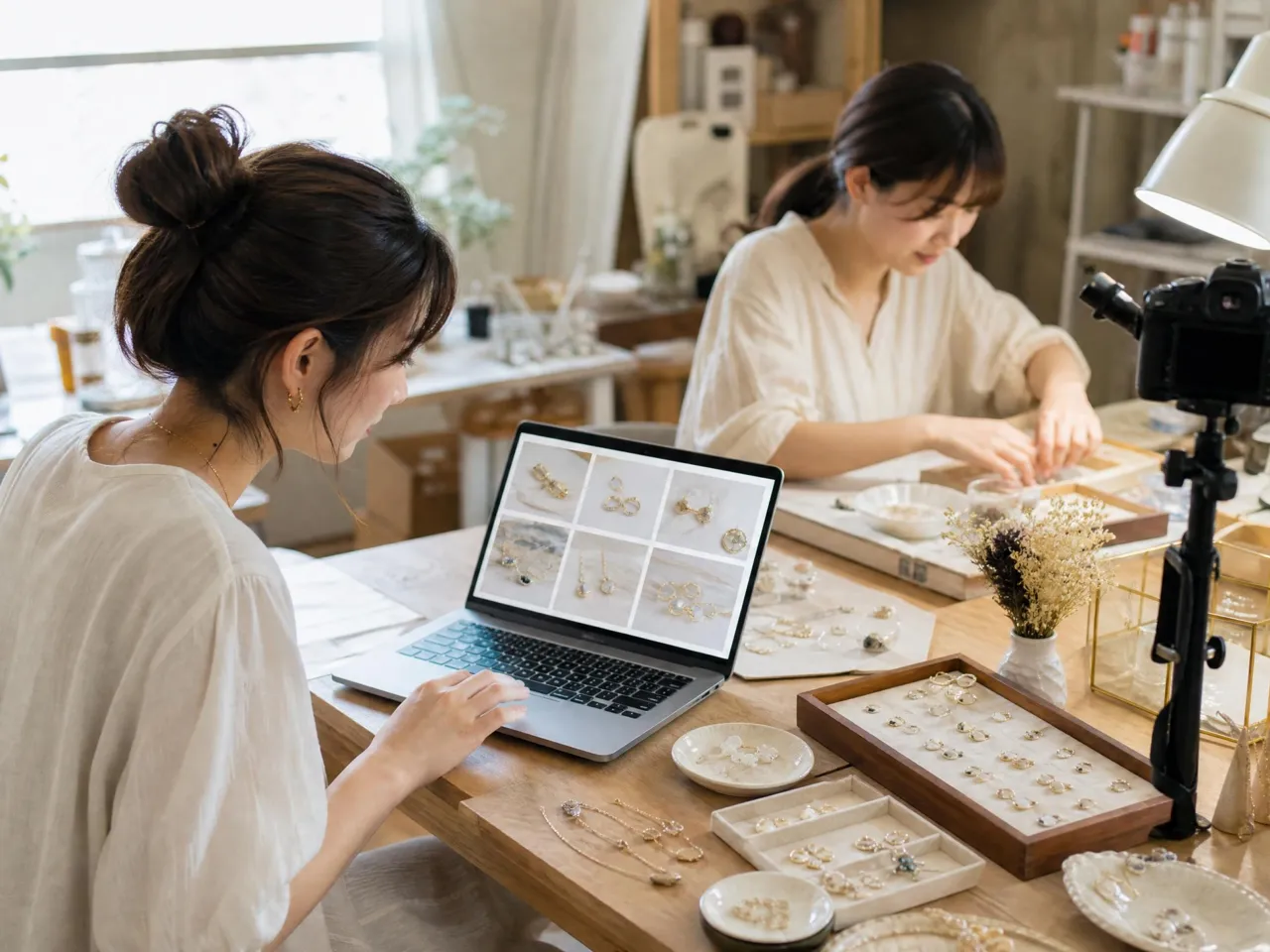
Launch Faster with Stunning Jewelry Listing Images
Managing large jewelry catalogs across Amazon, Shopify, or TikTok Shop can slow listing workflows, especially when each product needs separate edits and polished presentation. Designkit helps jewelry sellers create listing-ready images with clean backgrounds, consistent visuals, and marketplace-optimized formatting across multiple SKUs. This makes product launches and catalog updates faster while keeping storefronts visually aligned and easier for shoppers to explore.
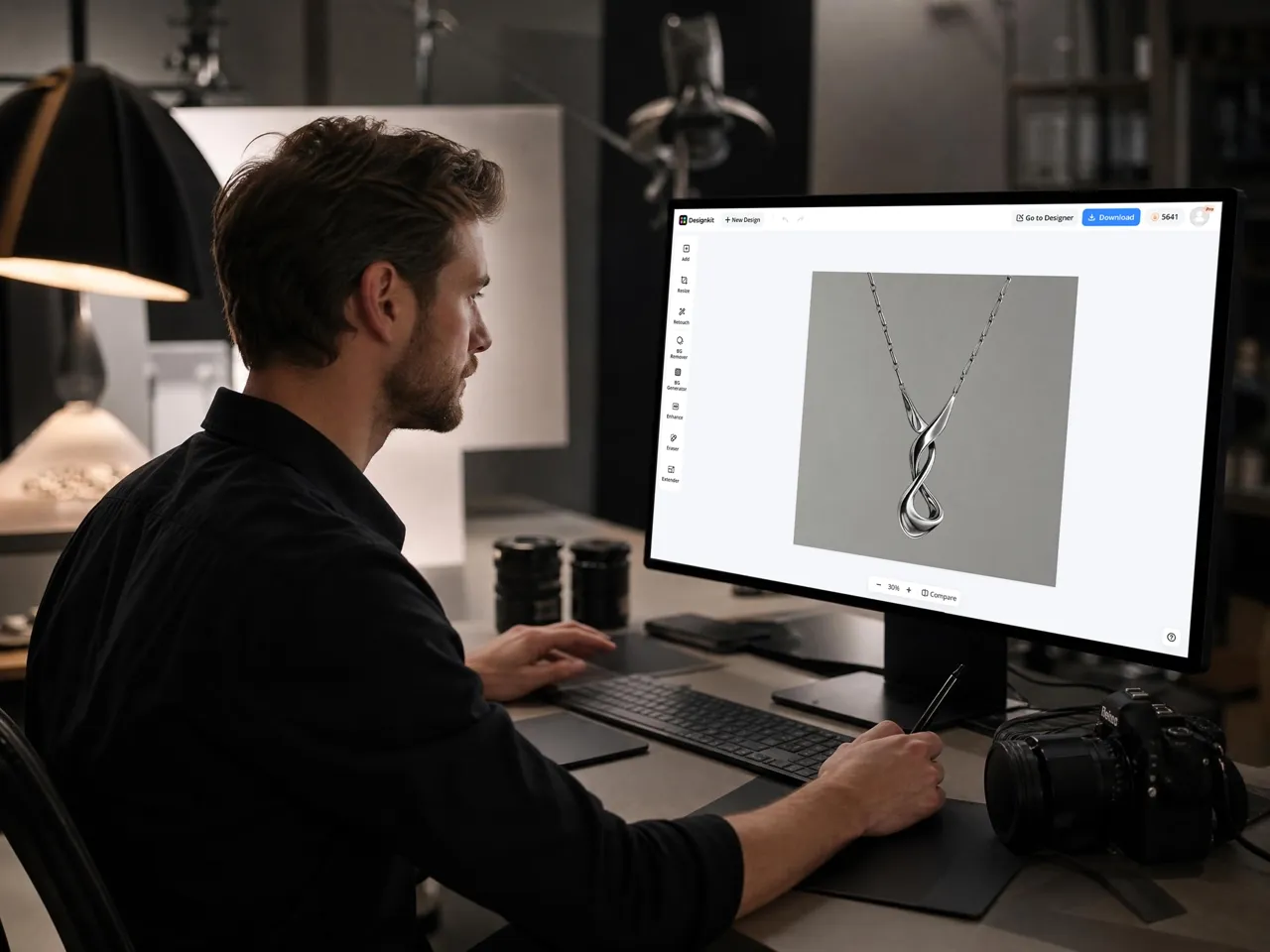

Why Sellers and Brands Choose Designkit for Jewelry Photo Editing

Edit Jewelry Photos Without Learning Complex Tools
With Designkit, jewelry photo editing becomes fully automated—handling lighting correction, background cleanup, and detail enhancement in a single workflow. Upload images and get polished, ecommerce-ready visuals without Photoshop or editing skills.

Preserve Fine Jewelry Details That Influence Purchases
Designkit enhances gemstone sparkle, metal shine, and fine textures while keeping the product realistic and true to life. Clearer details improve visual trust and help customers evaluate jewelry more confidently before purchasing.

Adapt Jewelry Images Across Multiple Platforms and Formats
Using Designkit, raw or phone-captured jewelry photos can be turned into refined product images in minutes. This reduces reliance on photographers and manual editing, cutting production time and lowering overall content costs.
Unlock More Creative Possibilities
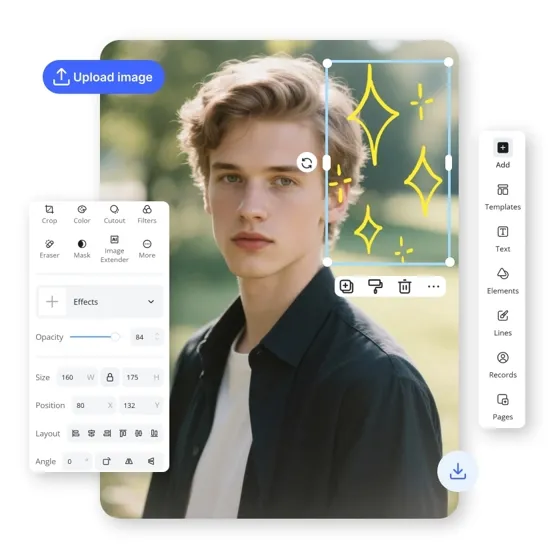
AI Photo Editor
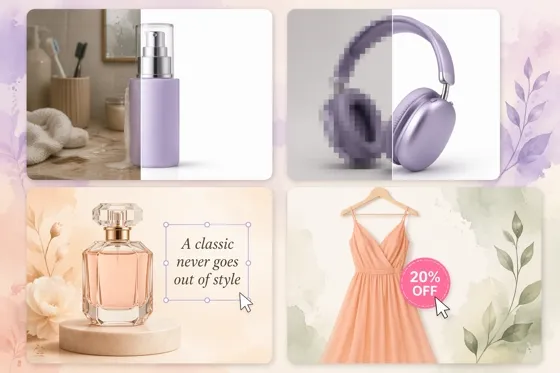
AI Product Photo Editor
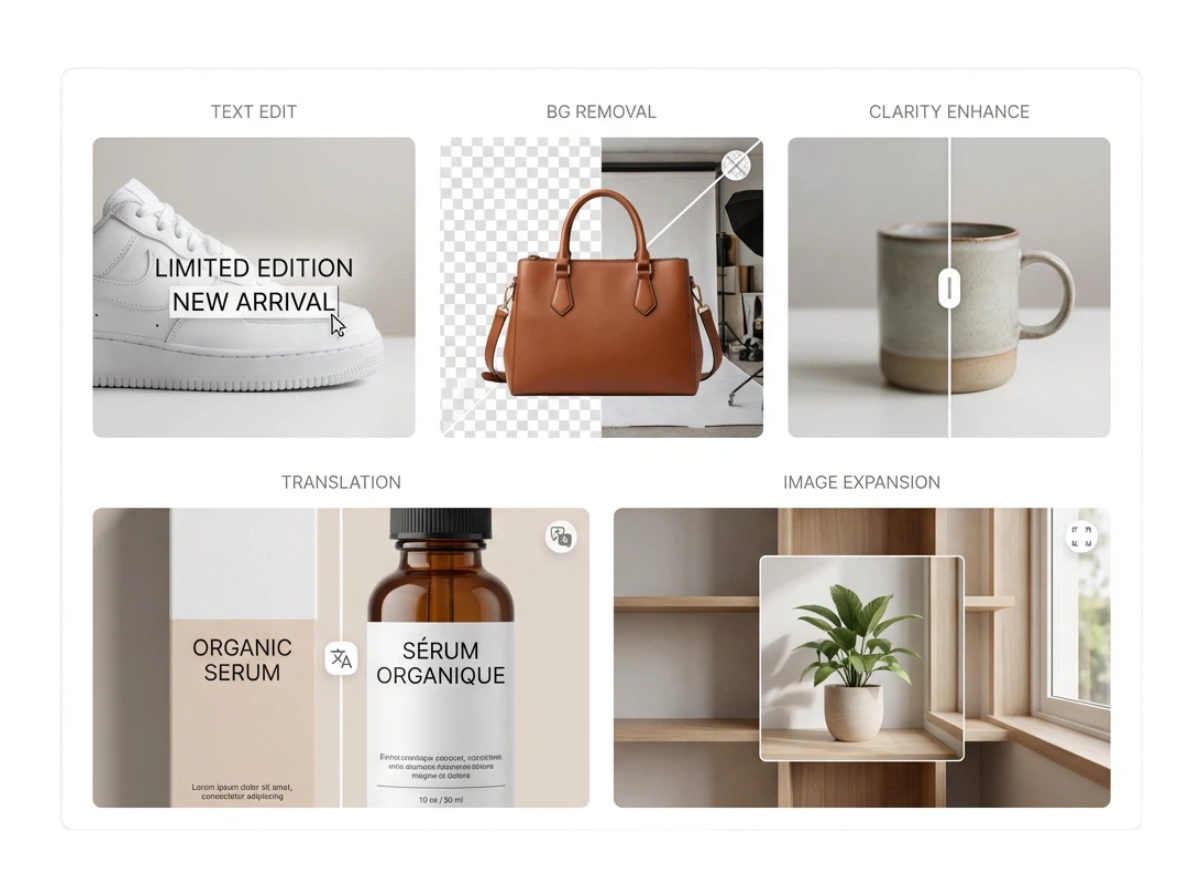
AI Photo Editor for E-Commerce Sellers

AI Shopify Photo Editor
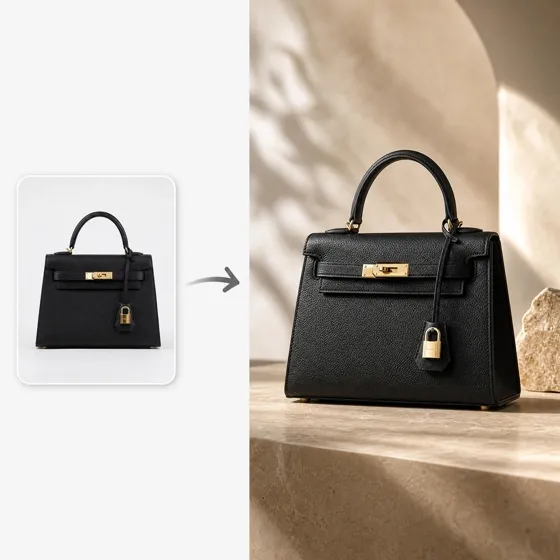
AI Product Photography
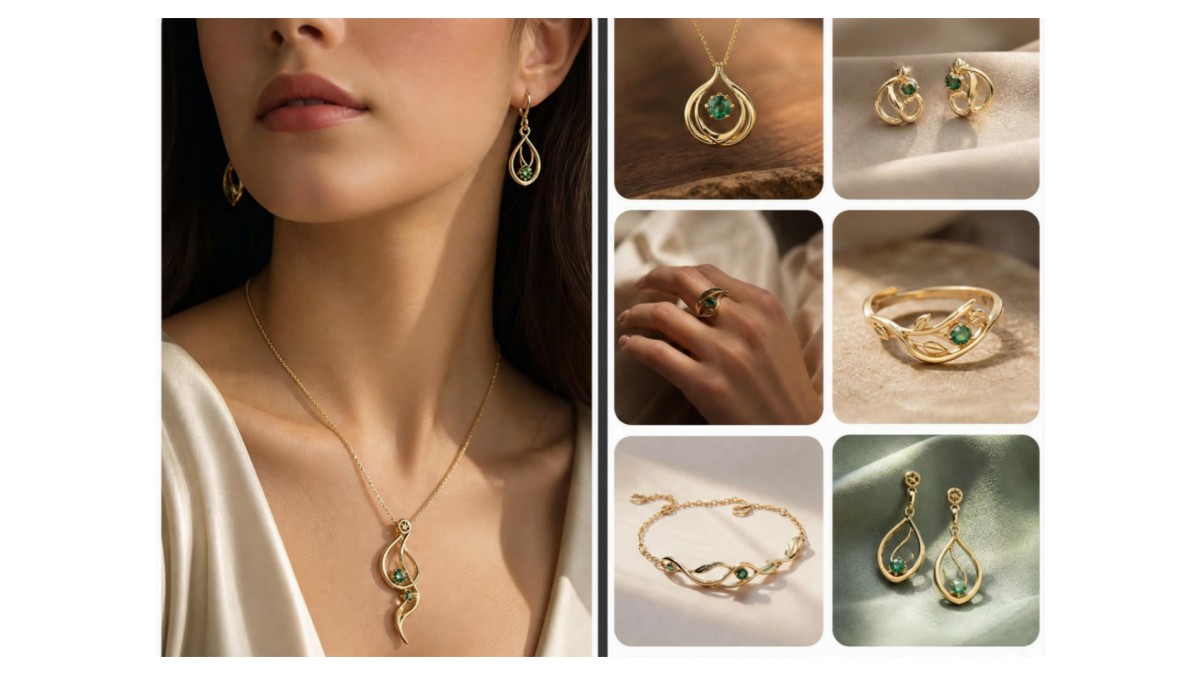
AI Jewelry Product Photography

AI Product Listing Images Generators
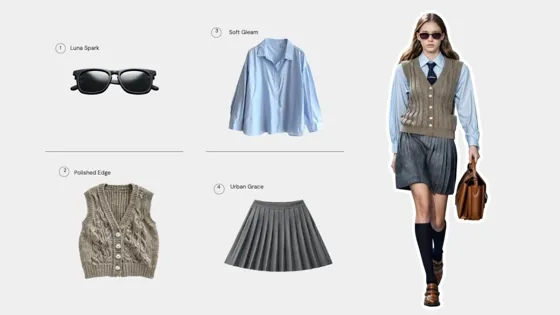
AI Try-On
Frequently Asked Questions
Can I edit jewelry photos without professional skills?
Can AI generate jewelry photos without a photoshoot?
Studio setups, lighting equipment, and reshoots are not necessary. Raw product photos can be transformed into high-quality visuals suitable for online listings. Designkit enables this by converting simple jewelry images into refined product photos ready for ecommerce platforms.
How can AI remove reflections from jewelry?
Harsh reflections can often hide gemstone clarity and metal texture. These can be reduced while preserving natural shine and realism. Designkit applies intelligent lighting correction to control glare and enhance visibility, helping jewelry look balanced and detailed in final images.
How can AI jewelry photo editing improve my product listings?
AI jewelry photo editing improves product listings by making images clearer, brighter, and more appealing to buyers. Designkit helps fix lighting, remove backgrounds, and enhance gemstone details automatically. It turns dull product photos into clean, professional visuals that build trust and increase clicks. With Designkit, sellers can create Amazon, Etsy, and Shopify-ready images in seconds without editing skills.
Can I edit jewelry photos for Shopify or online stores?
Yes, ecommerce platforms require clean, consistent, and properly formatted visuals. Designkit automatically adjusts jewelry images with background cleanup, lighting correction, and smart resizing, ensuring they fit Shopify product grids and online store layouts while maintaining a cohesive brand appearance across collections.
How do I create white-background jewelry photos for Amazon?
Amazon listings require pure white backgrounds and clear product visibility. Designkit removes original backgrounds, corrects lighting, and generates compliant white-background jewelry images while preserving gemstone detail and metal shine, making them ready for Amazon product listing standards without manual editing.
How to scale photo editing for large jewelry catalogs?
Managing large SKU catalogs manually is slow and inconsistent. Designkit supports bulk image processing, allowing multiple jewelry photos to be edited, standardized, and resized in one workflow. It ensures consistent lighting, background style, and formatting across entire collections for scalable ecommerce publishing.
Every Jewelry Piece Deserves Studio-Quality Presentation
Body: Imagine every jewelry piece displayed in a professional, studio-quality style that builds trust and boosts sales. Designkit's AI jewelry photo editor refines ordinary product images into high-converting, premium visuals all in just a few minutes.



What Users Say about Designkit's AI Jewelry Photo Editor
See How Designkit Helps Jewelry Businesses Create Better Visuals
Cleaner Images That Feel More Premium Instantly
I didn't expect much at first, but the difference in image quality was obvious. The jewelry looks cleaner, sharper, and more "luxury-ready" without heavy manual editing. My listings now feel more polished, and customers seem to trust the products more when they see them on the page.
True Color and Detail That Builds Buyer Confidence
One thing I really care about is color accuracy, especially for metals and gemstones. The images now keep the real look of the product while improving lighting and clarity. It reduced customer doubts and made my store feel more reliable and professional.
Faster Workflow Without Losing Control
I used to spend hours fixing each image one by one, especially when uploading new collections. Now I can process everything much more smoothly in one flow. It feels less stressful, and I finally have time to focus more on selling instead of editing.
Lower Editing Costs and Less Dependency on Freelancers
Before this, I was constantly paying freelancers for small edits like backgrounds and resizing. It added up quickly. Now I handle most of it myself, which has reduced my monthly cost pressure and made my workflow much more independent.
More Engagement on Social Media Posts
My jewelry posts used to get average engagement, but now the visuals actually stand out on Instagram. The lighting and composition feel more professional, so people interact more with my posts and DMs have definitely increased.
Easier Bulk Editing for Consistent Brand Look
I manage a lot of SKUs, and keeping everything visually consistent was always difficult. Now all my product images follow the same style and feel like one brand. It makes my store look much more organized and easier for customers to browse.