
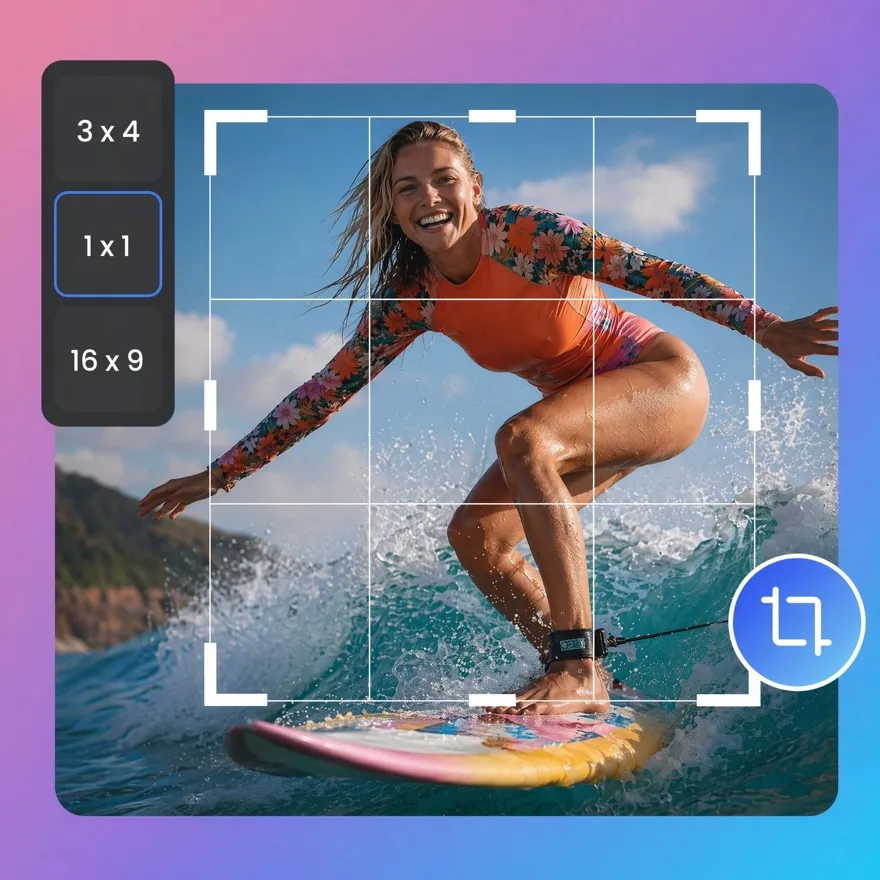
Crop Photos To The Exact Size, Ratio, Or Shape You Need
Remove unwanted areas, adjust composition, and create images ready for social media, ecommerce, websites, and marketing materials.
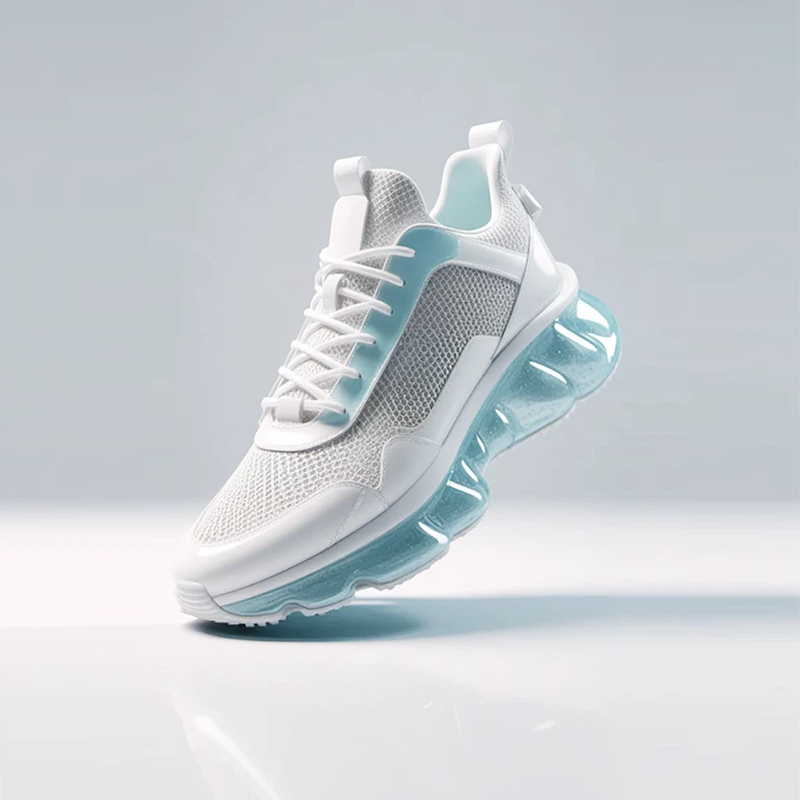
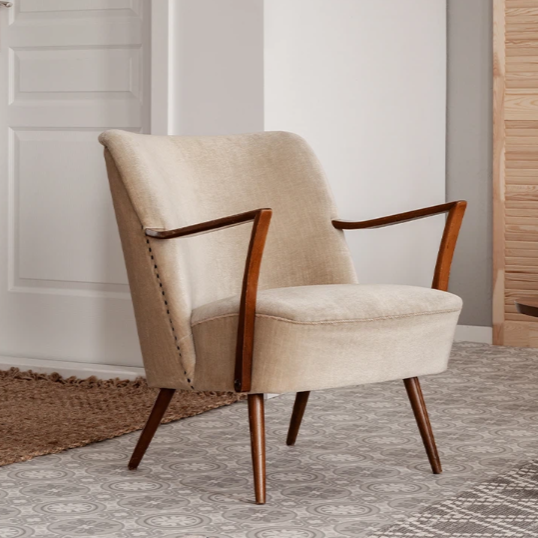
No image ready? Try one of these samples:


How to Crop an Image Online in 3 Simple Steps
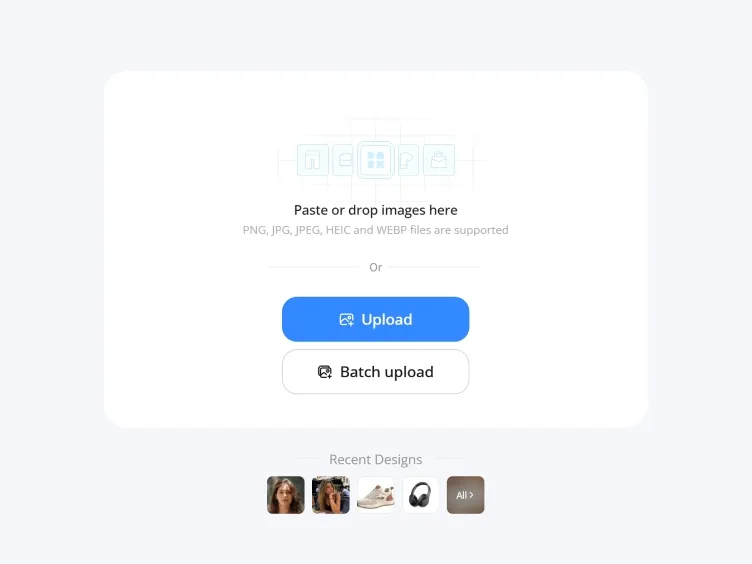
Upload Your Image
Upload a photo or image to Designkit. You can crop a single image or upload multiple files at once.
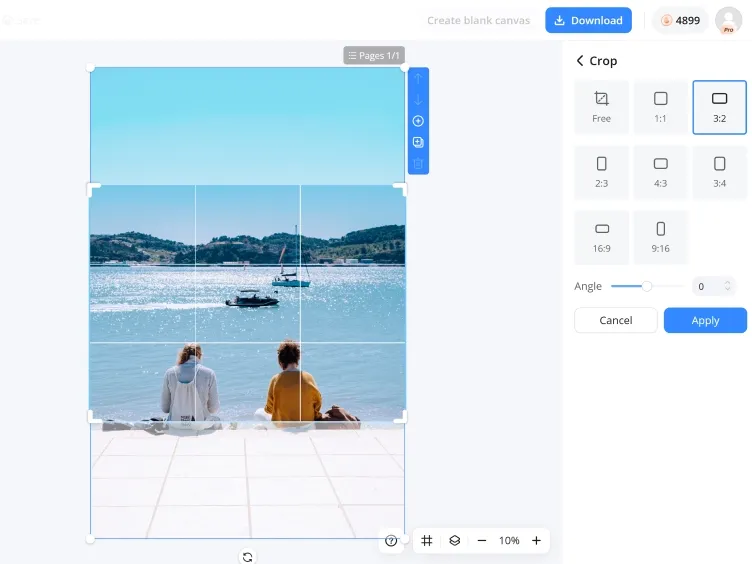
Reframe, or Pick a Ratio or Shape
Drag the crop area manually, select a preset aspect ratio, enter custom dimensions, or crop the image into a circle.
Download Your Cropped Image
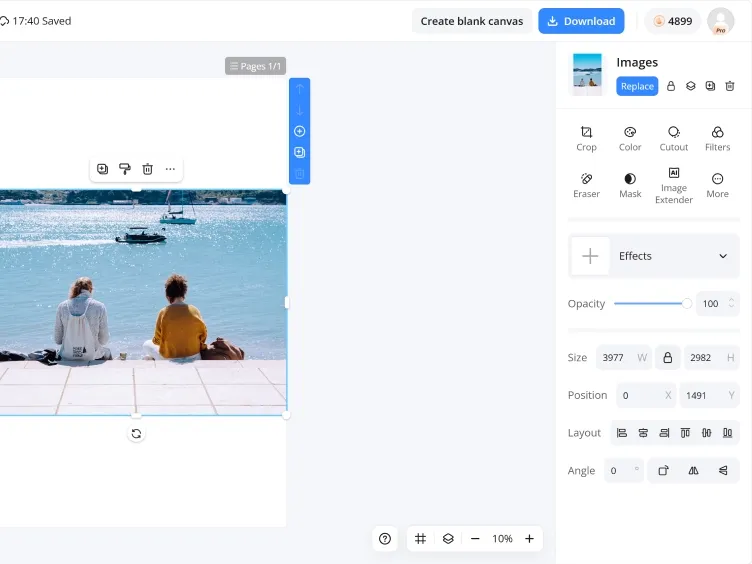
Preview the result and download the cropped image at full quality. Continue editing with resizing, background removal, or image enhancement if needed.
Why Designkit Makes Image Cropping Effortless
Cut Out the Parts You Don't Want
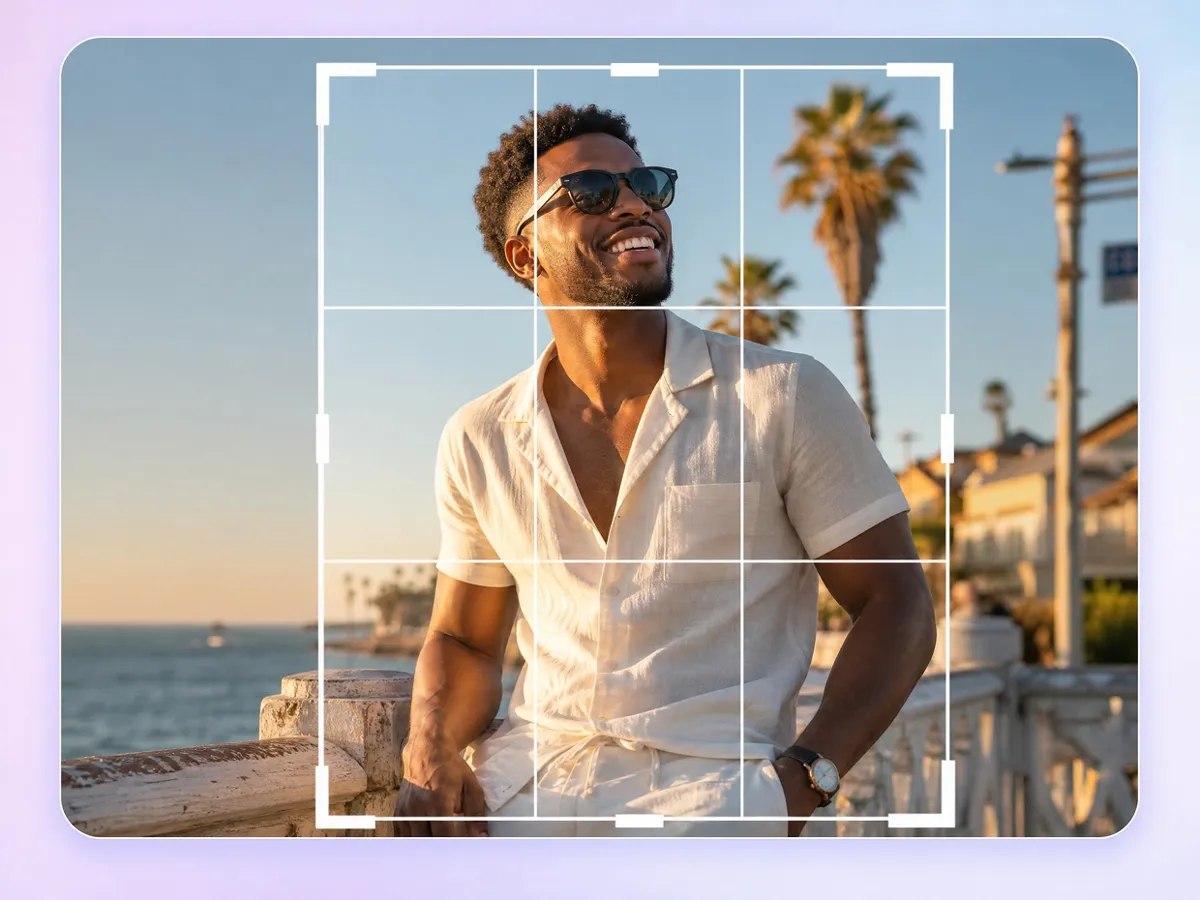
Crop is about what stays in the frame. Drag the box to remove distractions, fix a crooked edge, or recompose the shot, so the photo says what you want before you publish it.
Drag Freely or Enter Exact Pixel Dimensions
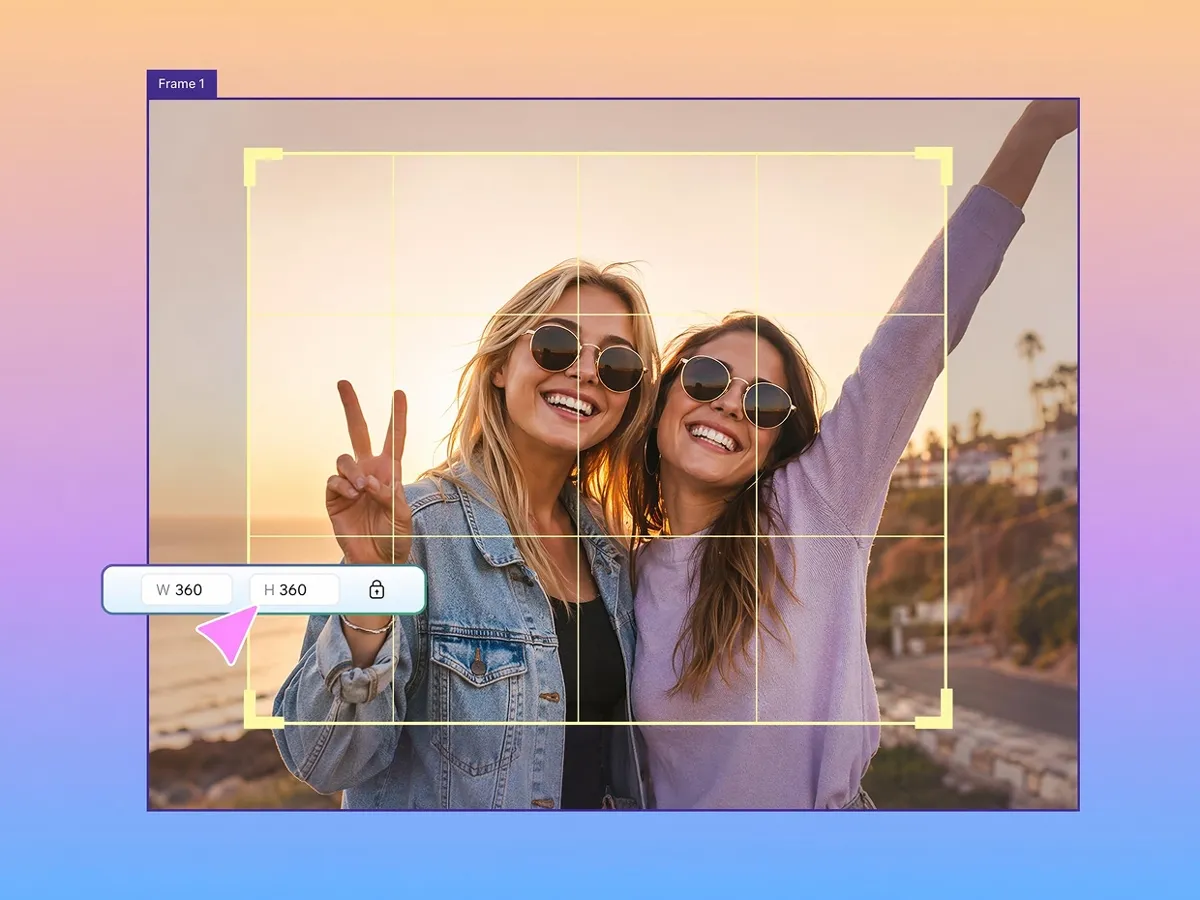
Some projects need flexibility while others require precise dimensions. Designkit lets you drag freely, choose a preset, or enter exact width and height values, making it easy to create images that meet specific platform requirements.
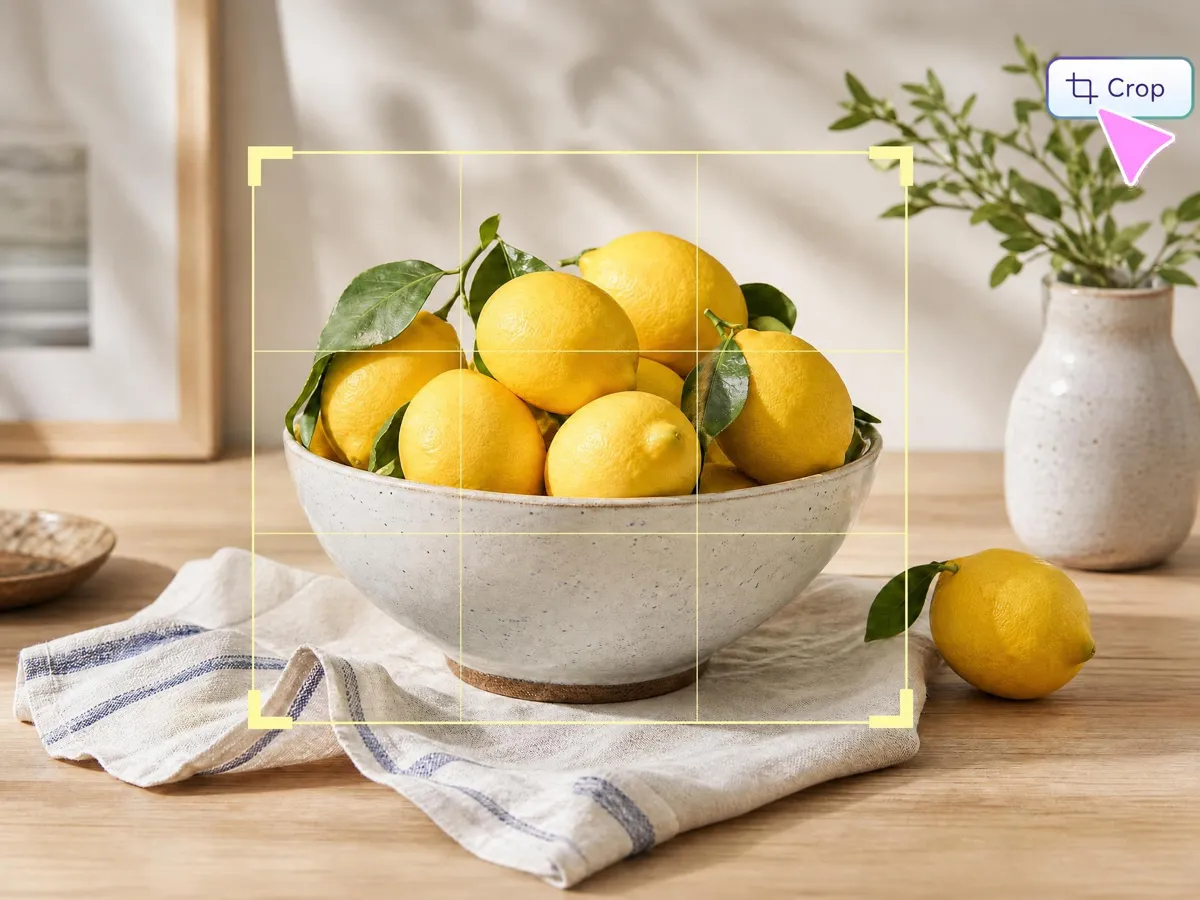
Keep the Subject in Frame
Re-cropping for each platform usually means re-centering the subject every time. Designkit keeps your crop centered on the frame, so the framing stays consistent across every ratio.
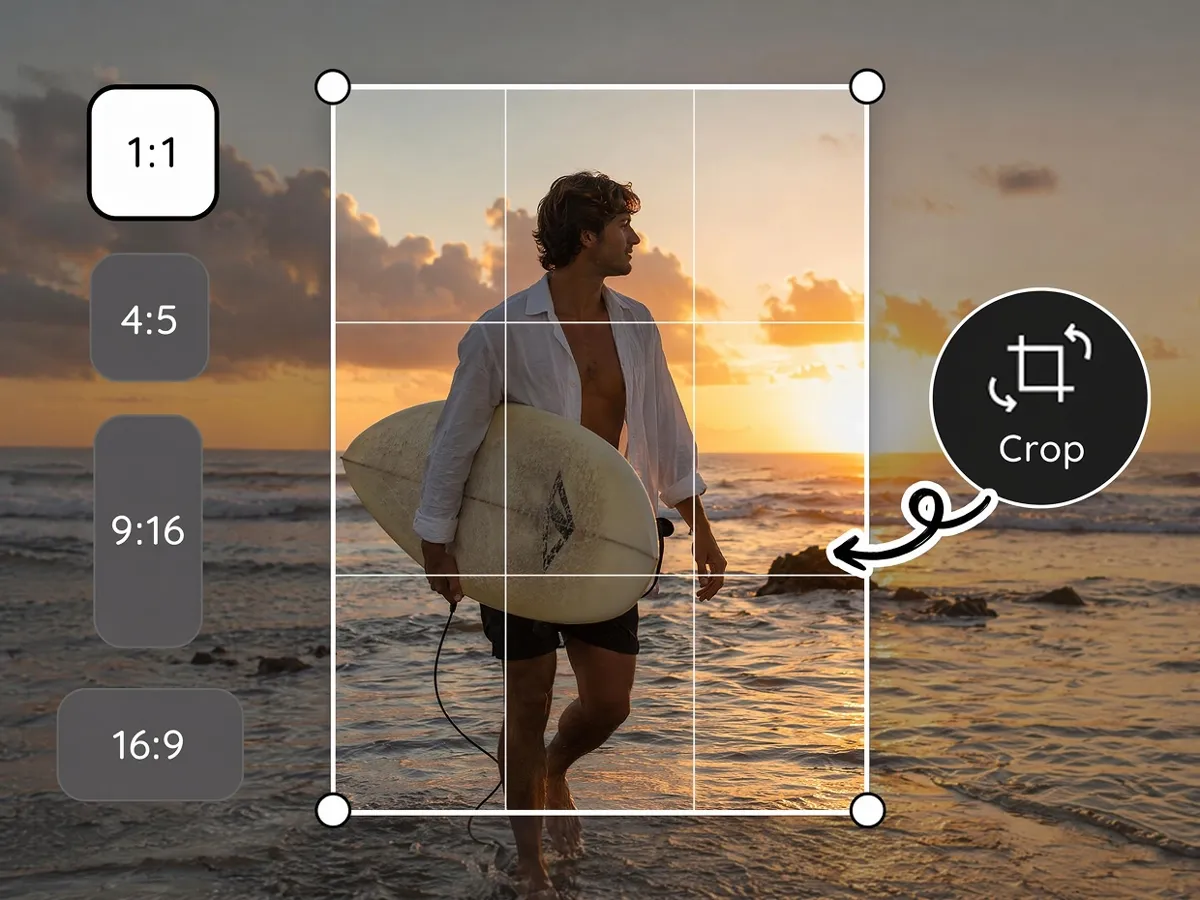
One-Click Presets for 1:1, 4:5, 9:16, and 16:9
No need to remember platform requirements. This AI image cropper includes popular aspect ratios for social media, ecommerce stores, websites, and ads. Select a preset and instantly create properly sized images without manual calculations.
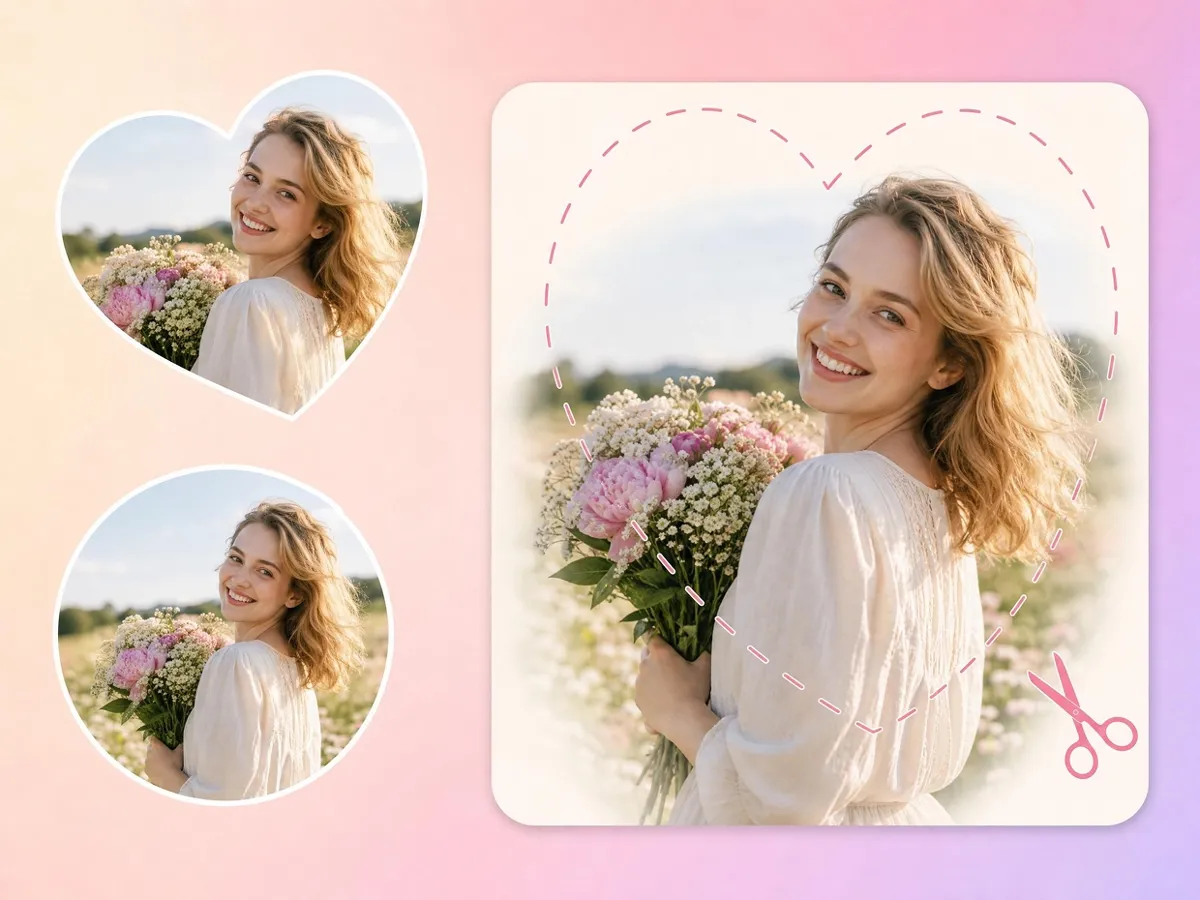
Crop into a Circle or Other Shape
Sometimes a rectangle isn't what you need. Crop into a circle for a profile picture or avatar, so the subject sits cleanly with no leftover corners.
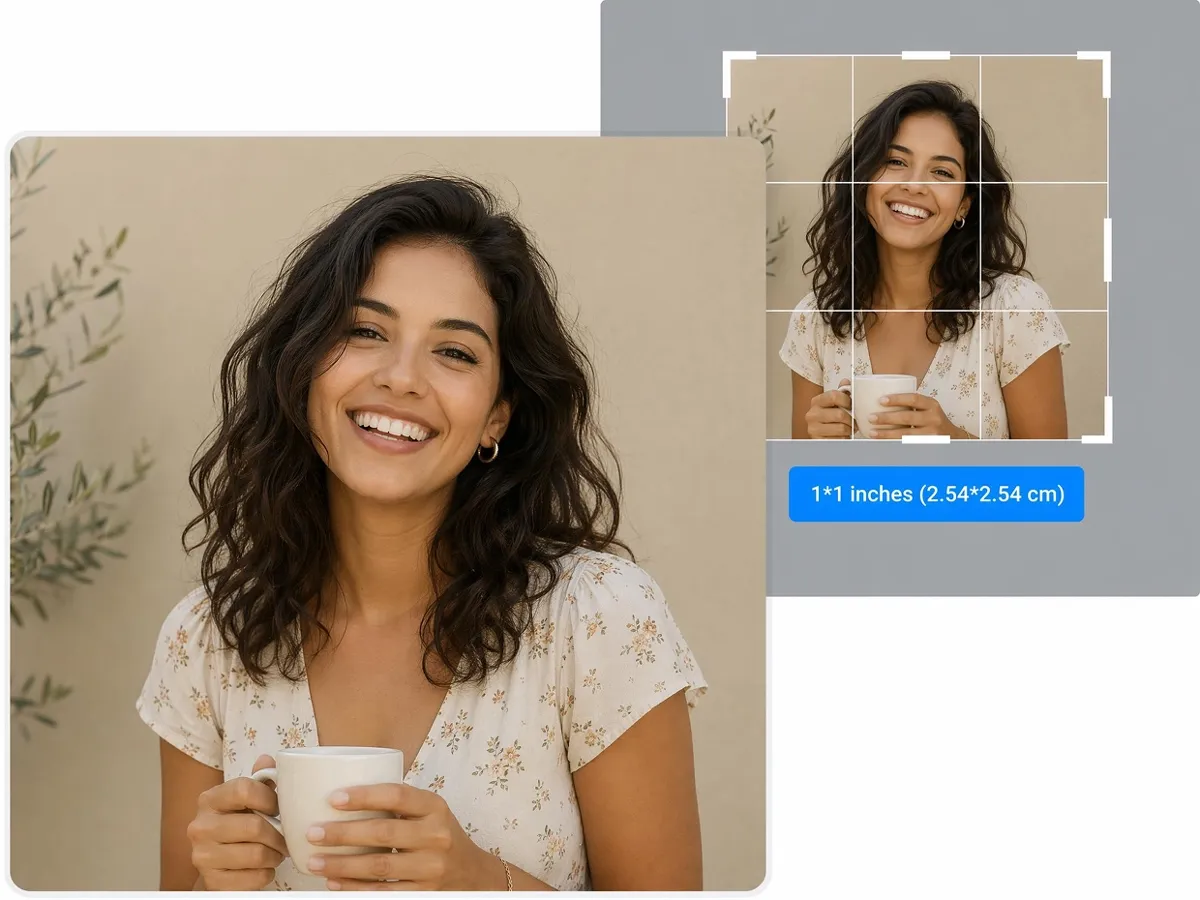
Crop Without Losing Image Quality
Many tools reduce image quality after editing. Designkit helps you crop an image while preserving clarity and sharpness, so your photos stay professional-looking. You can even improve softer images before exporting the final result.
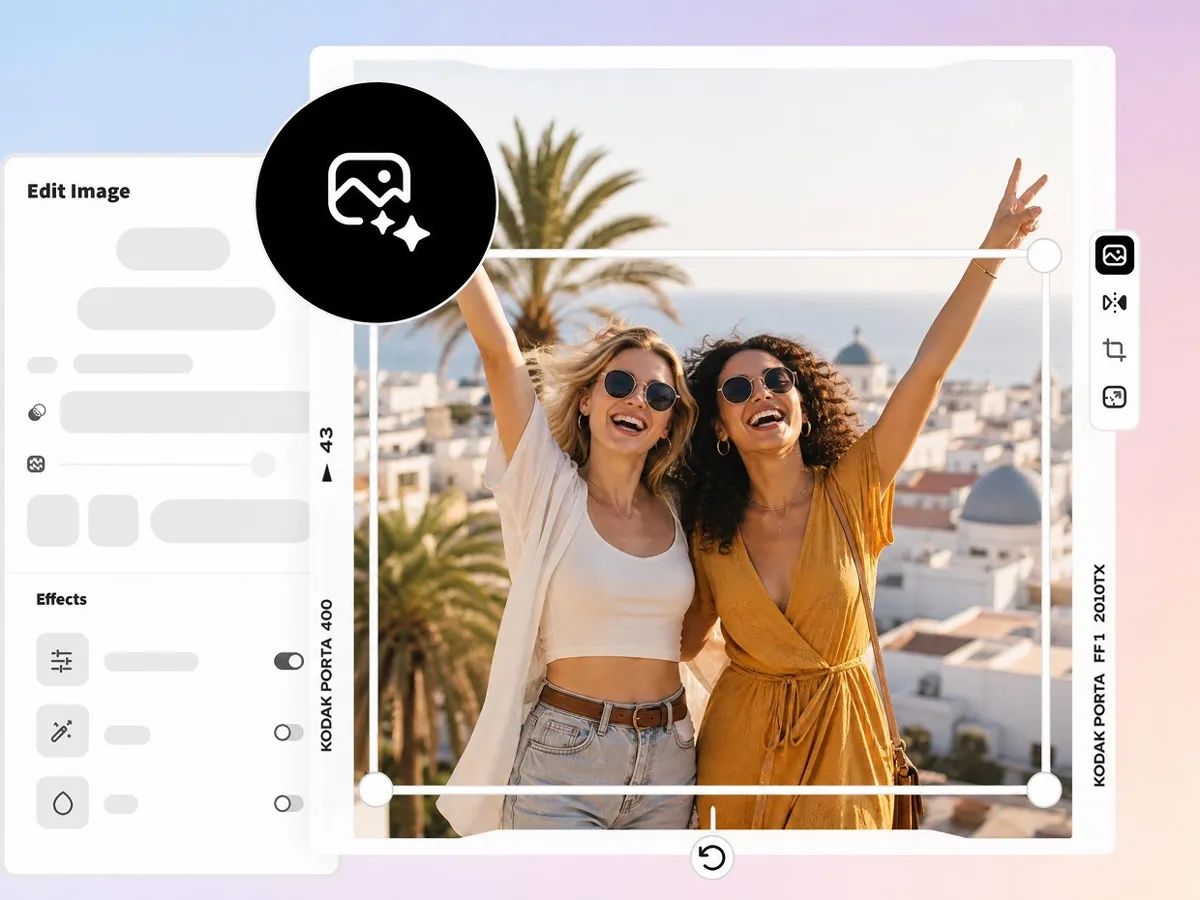
Keep Editing After Cropping, in One Place
Cropping is often just the first step. After you crop images online, Designkit lets you continue with background removal, image enhancement, and resizing, helping you complete your workflow without switching between multiple tools.
Who Benefits from Designkit's Image Cropper
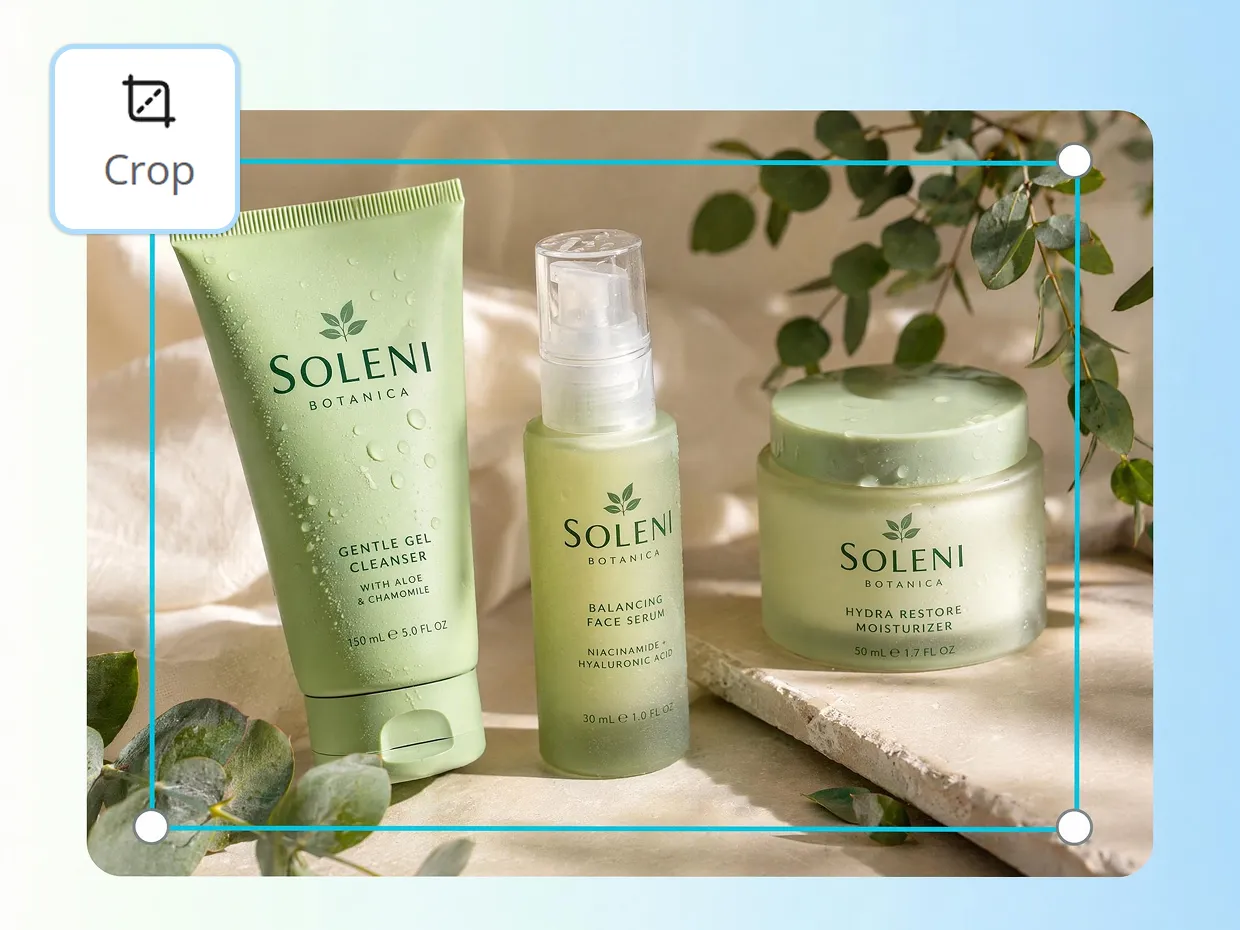
Crop Product Photos to Fit Every Marketplace Spec
Each marketplace frames product images differently. Crop to Amazon, Shopify, and Etsy ratios, keep the product centered in the frame, and cut out the empty space around it without resizing every photo by hand.
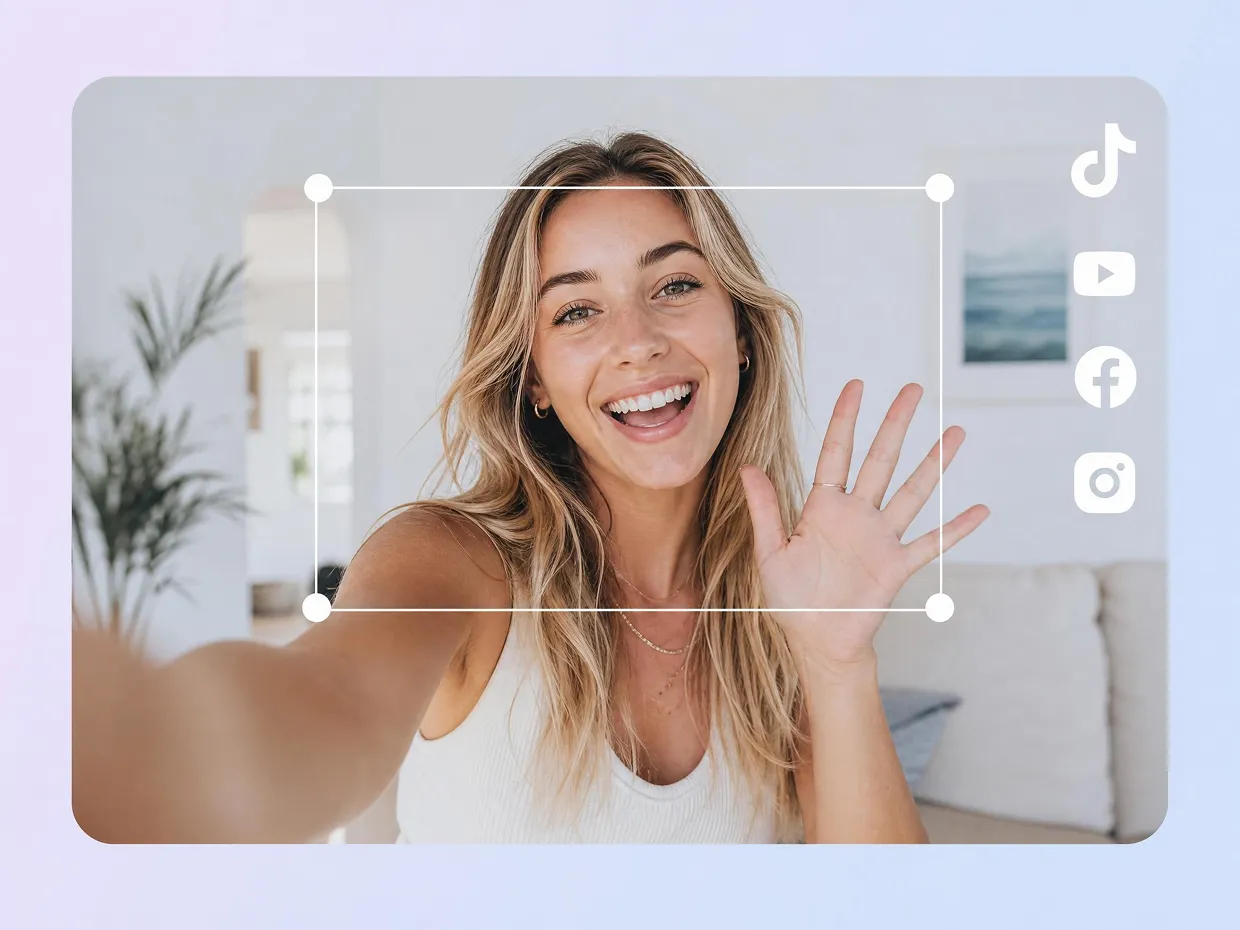

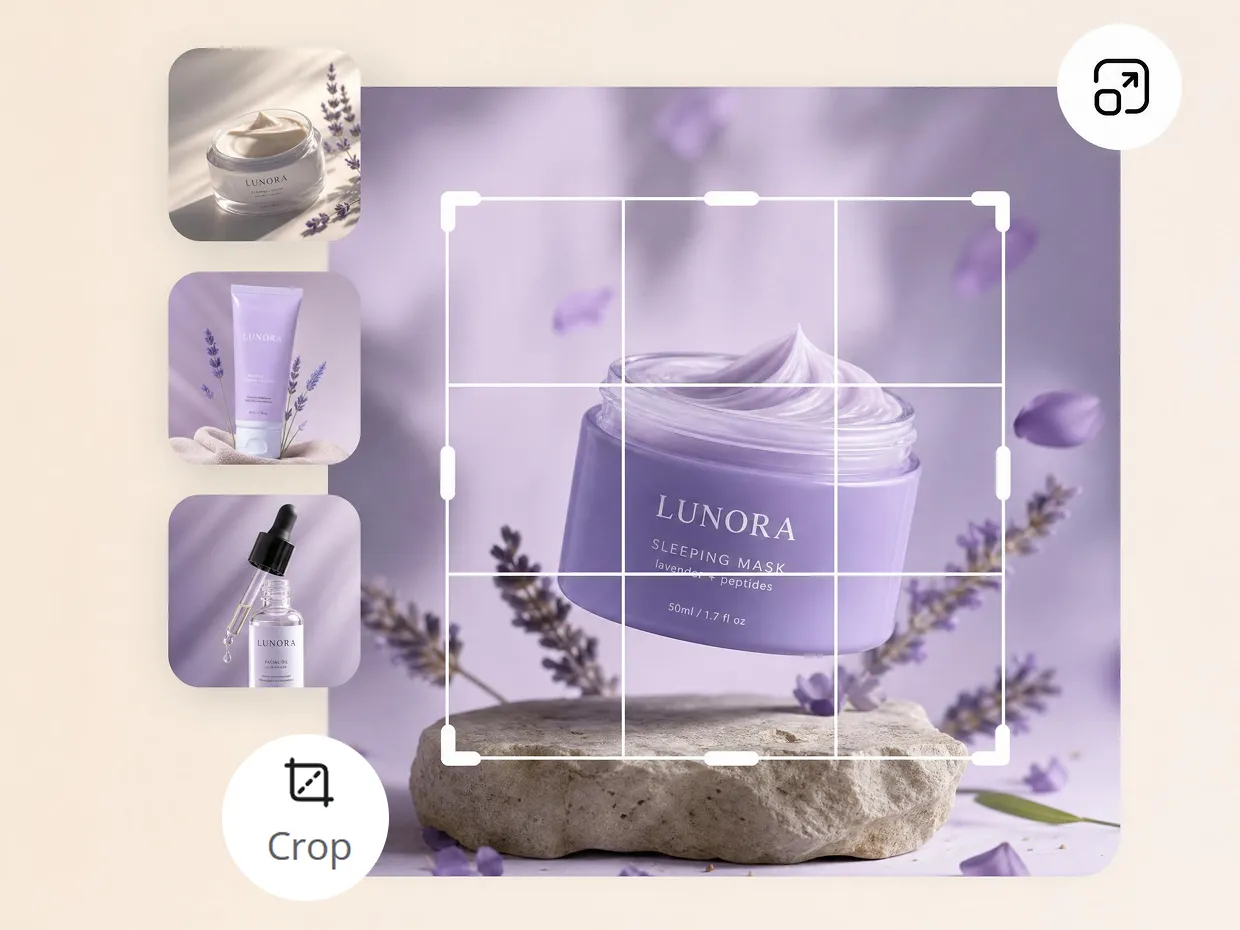
Why Ecommerce Teams, Creators, and Brands Choose Designkit

Crop Once, Reframe for Every Ratio
Instead of recomposing each version by hand, crop once and pull the framing you need for social, ecommerce, ads, and websites.

Reframe or Exact Pixels, Your Choice
Drag the box freehand when you're recomposing, or type exact dimensions when a spec demands it. Presets cover the common ratios in between.

Shapes, Not Just Rectangles
Crop into a circle, square, or other shape for profile pictures and avatars, which a standard resizer can't do.

Full Quality, No Re-Compression
Cropping removes only what you cut; the rest keeps its original resolution. The export stays sharp for listings, ads, and print.

Crop in Your Browser, No Sign-Up
Everything runs in a browser tab with nothing to install and no account needed. Upload, crop, and download in seconds.

More Editing Tools in One Place
Continue with resizing, background removal, image enhancement, and other image editing tasks after cropping.
Unlock More Creative Possibilities
AI Photo Editor
AI Product Photo Editor
Resize Images
Rotate Image Online
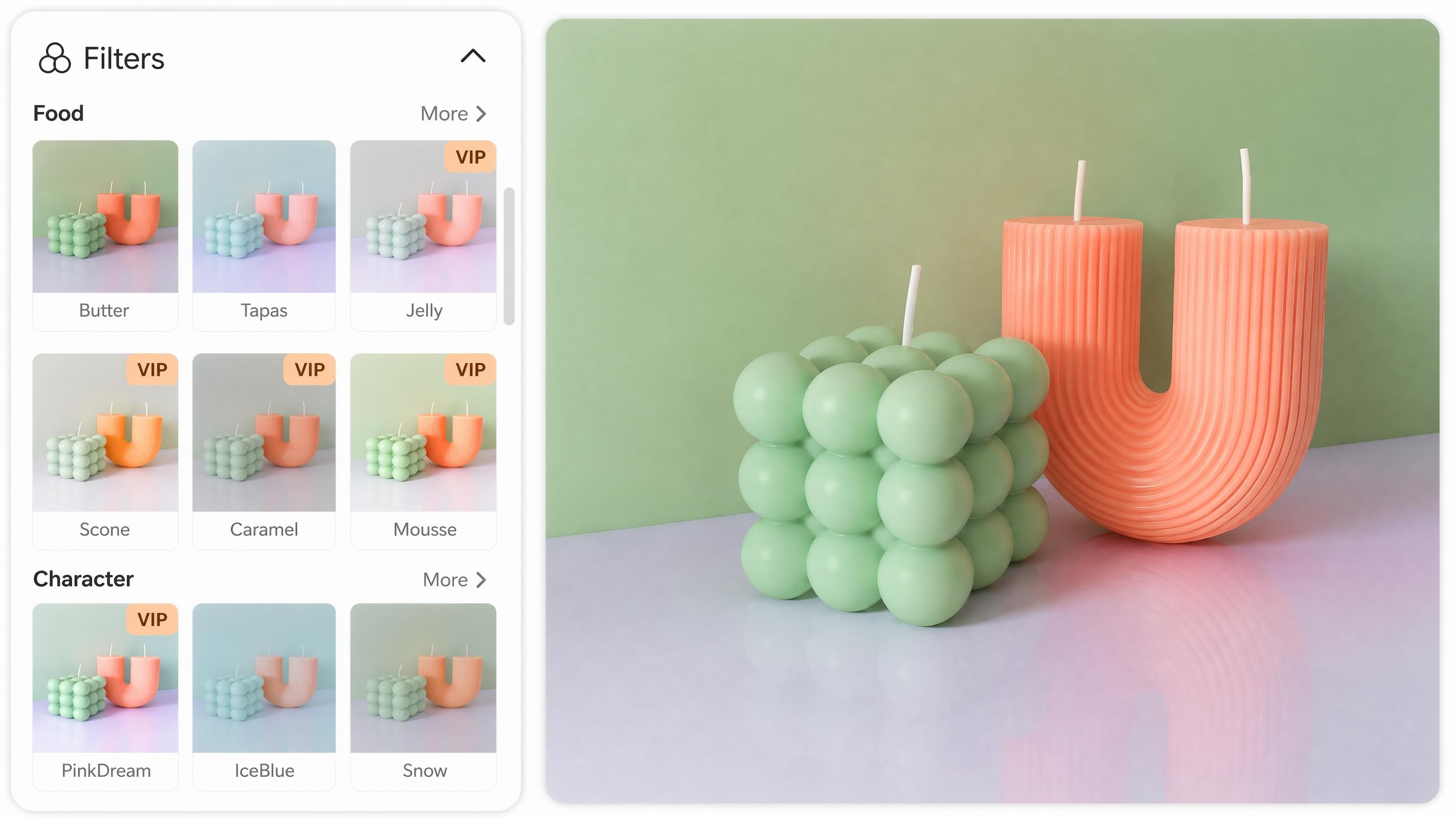
Photo Filter
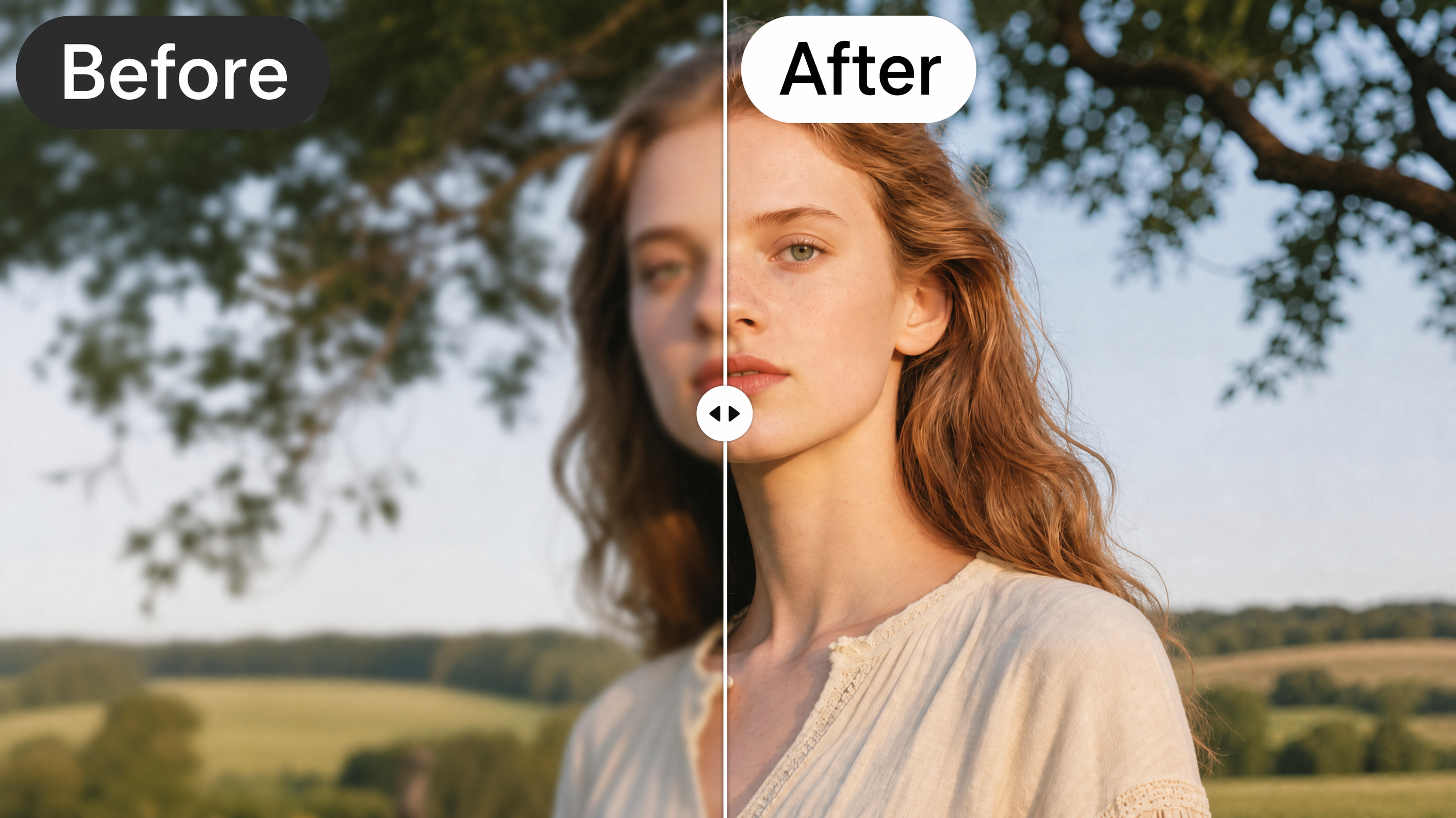
AI Image Enhancer
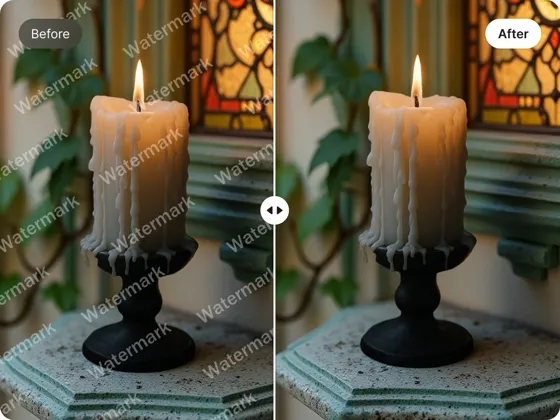
AI Object Remover
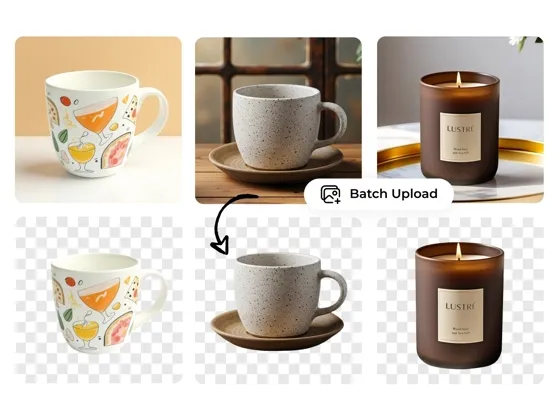
Background Remover
Frequently Asked Questions
What is an image cropper?
How do I crop an image online?
Upload your image, select a crop area, choose a ratio or custom dimensions, and download the cropped version.
Can I crop an image to a specific size?
Yes. You can enter custom width and height values to crop images to exact dimensions.
Can I crop an image into a circle?
Yes. Designkit allows you to create circular crops for profile pictures, avatars, logos, and social media images.
Will cropping reduce my image quality?
Cropping itself only removes parts of the image and does not automatically make the remaining area blurry. However, quality can suffer if a tool compresses the file too much. Designkit is built to preserve image quality during cropping, helping your photos stay sharp, clear, and professional after editing.
What aspect ratios are available?
Designkit includes popular formats like 1:1, 4:5, 16:9, and 9:16, making it easy to create images that are ready for Instagram, TikTok, Amazon, Shopify, and other platforms.
Crop Images Online in Seconds
Upload an image, crop it to the size or shape you need, and download a high-quality result ready for any platform.

Real Experiences with Designkit's Image Cropper
See how creators, sellers, and teams crop faster and keep every image cleanly framed.
Stopped Re-Cropping by Hand for Every Size
I used to recrop the same shot over and over for each platform. Now I reframe once and pull all the versions, so my time goes to ideas instead of dragging crop boxes around all day.
Product Shots Finally Framed the Same
My listings had subjects framed differently from image to image, so the catalog looked messy. Now everything's centered and framed the same way, and the brand reads as a lot more put-together.
Thumbnails Stopped Cutting Off Faces
My thumbnails kept chopping off the top of someone's head when I recropped them. The subject stays in frame now, so they look right the first time instead of after three tries.
Batch Cropping Made the Day Less Chaotic
I deal with a huge pile of content, and cropping each one to spec used to slow everything down. I run the whole batch in one go now, so the framing comes out consistent and I'm not reframing one by one.
Easy to Use Without Any Editing Background
I assumed cropping tools would be fiddly, but I just drag the box or pick the ratio and it's framed right. I'm not worrying about a post getting awkwardly cut on Instagram anymore, so posting is quicker.
Cut the Busywork Out of Our Workflow
My team spent real hours recropping files before they went to clients. We batch those now, the framing stays consistent across a delivery, and people are freed up for the actual creative work.