
Get Photos Sized Right for Any Print, From 4×6 to Poster
Resize photos to exact print sizes in inches, cm, or mm, keep them sharp and undistorted, and get every image ready for frames, albums, and posters.
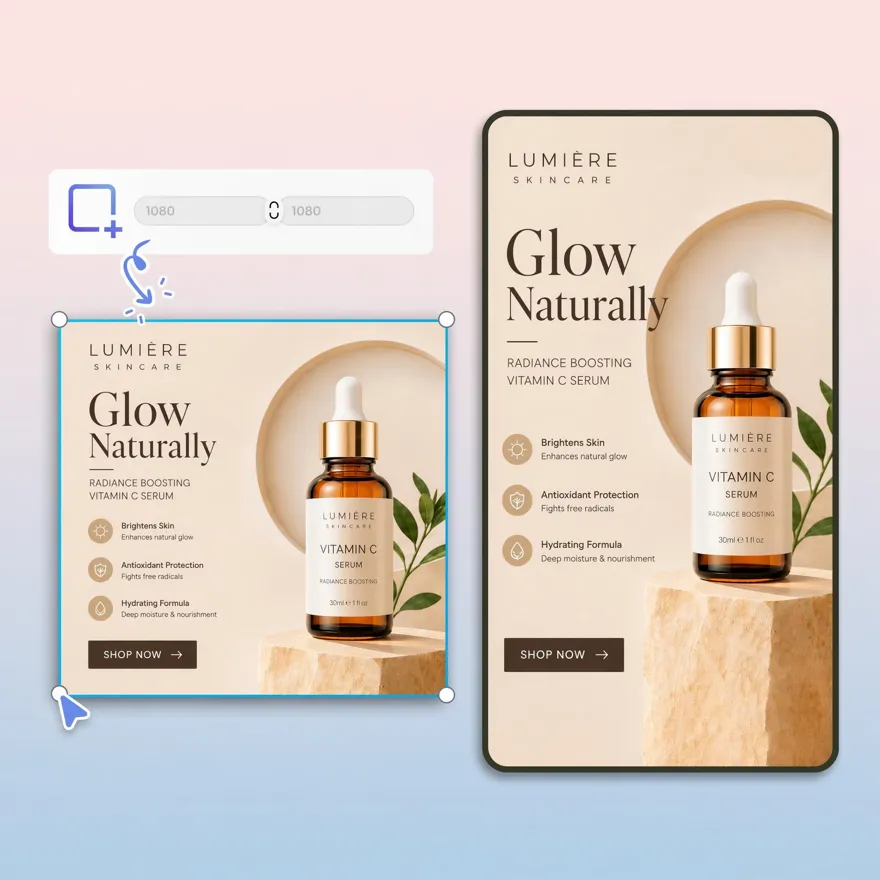
No picture on hand? Try with one of these



How to Resize Images for Printing in 3 Steps
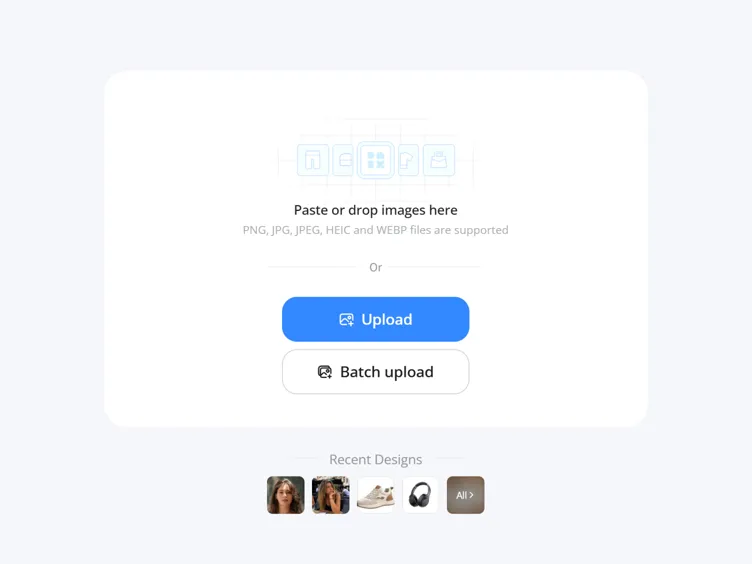
Upload Your Image
Upload photos, artwork, posters, or graphics you want to prepare for high-quality printing.
Resize Your Image for Printing
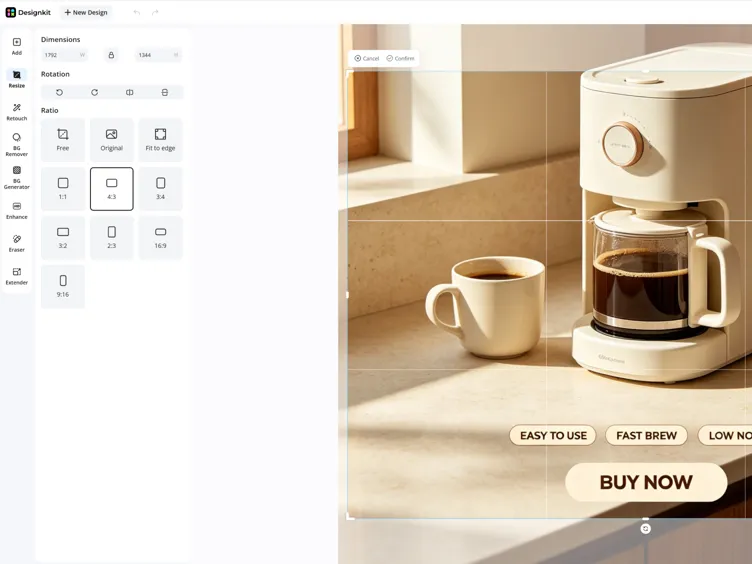
Choose from ready print sizes like 1×1, 4×3, 3:2, A4, and poster formats, or enter custom dimensions. Designkit automatically adjusts resolution and sizing to match your selected print format accurately.
Download Print-Ready Image
Preview your resized image and download a high-resolution file ready for professional or home printing.
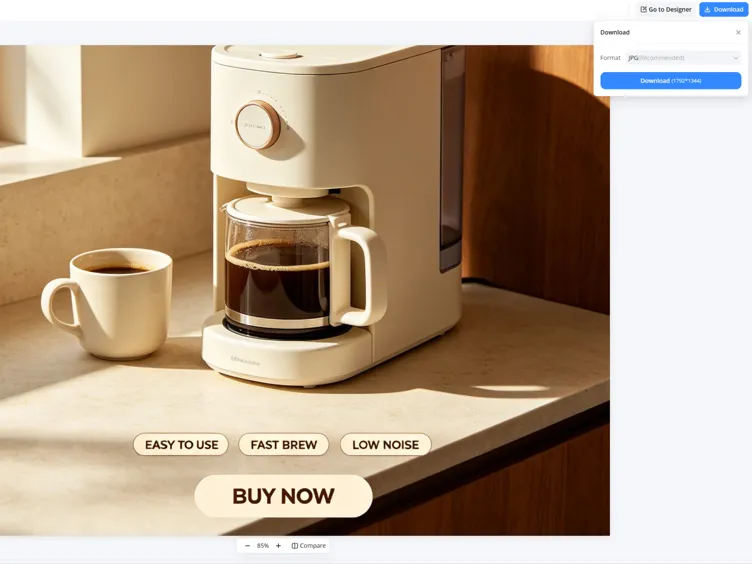
What Makes Designkit's Image Resizer Ideal for Photo Printing
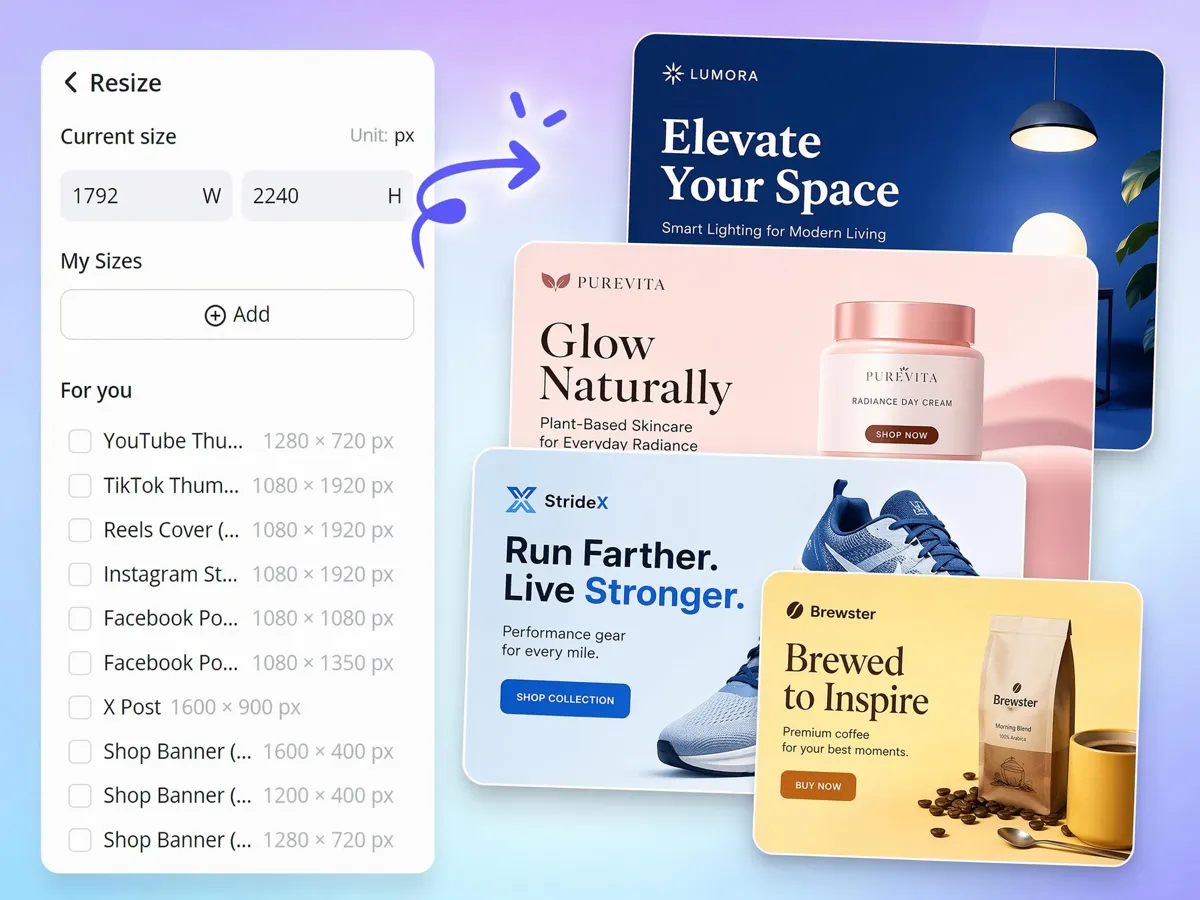
Pick From Ready Print Sizes: 4×6, 5×7, 8×10, A4, Poster
Automatically resize with ready-made presets like 4×6, 5×7, 8×10, or A4 for family photos, portfolio images, postcards, or wall art. Simply select the format that matches your printing project and apply instantly.
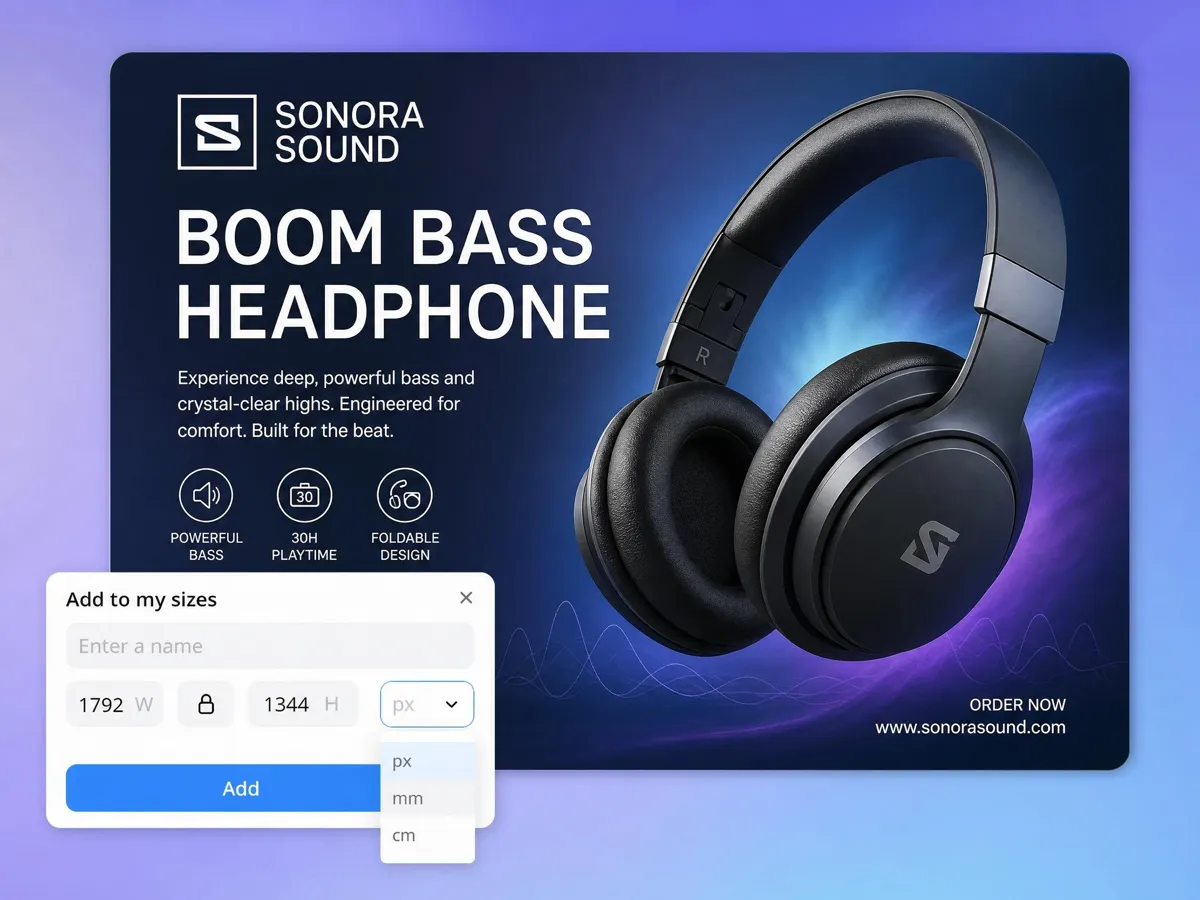
Resize in Inches, Centimeters, or Millimeters
Work directly in inches, centimeters, or millimeters without doing manual conversion or worrying about print specs. Designkit's image resizer automatically adapts your image to the exact unit your printer requires. This removes the back-and-forth between different regional or printing standards.
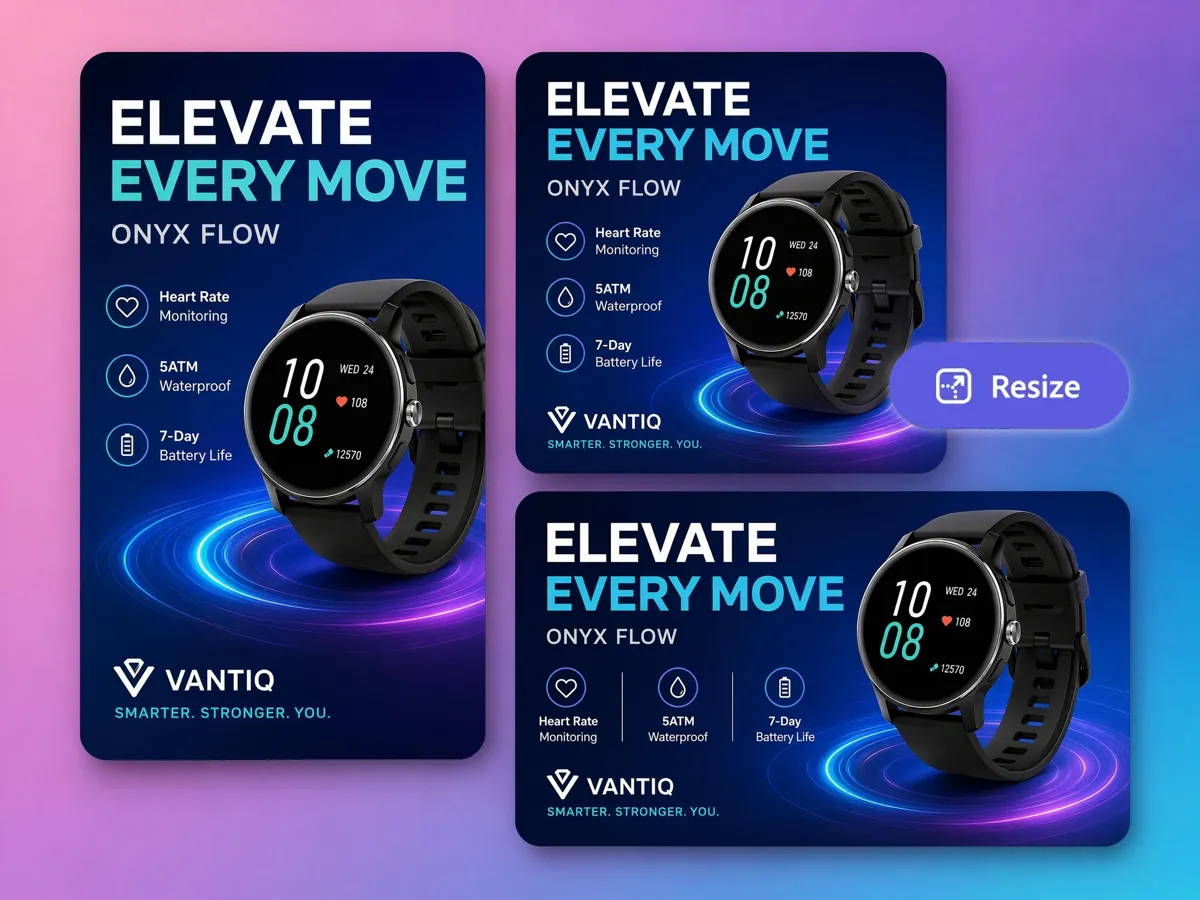
Set Any Custom Size for Banners and Flyers
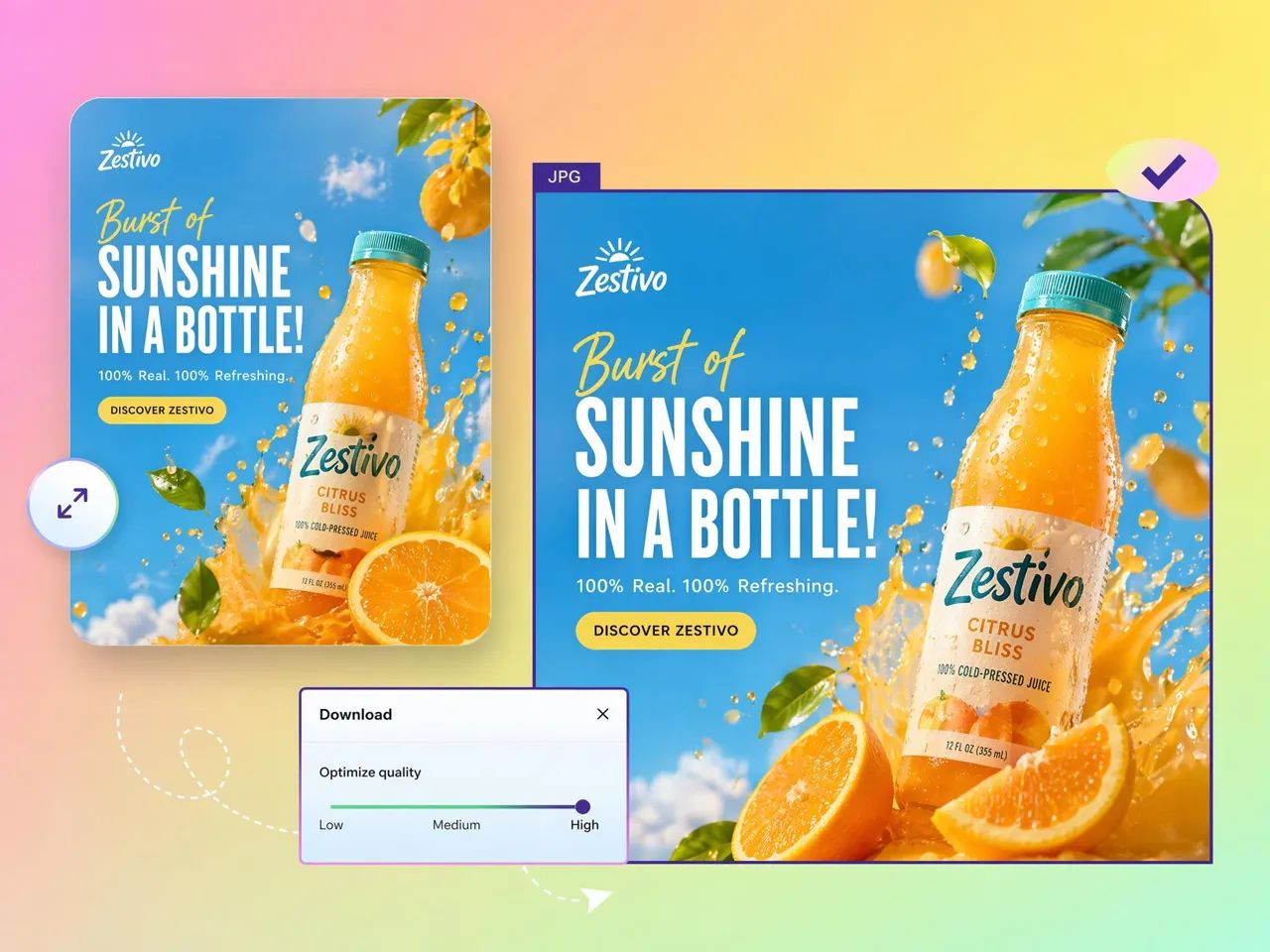
Whether for a restaurant menu, trade show banner, event flyer, or storefront sign, you can just enter exact dimensions and create a file tailored to your project specifications. No preset limitations, no complicated calculations.
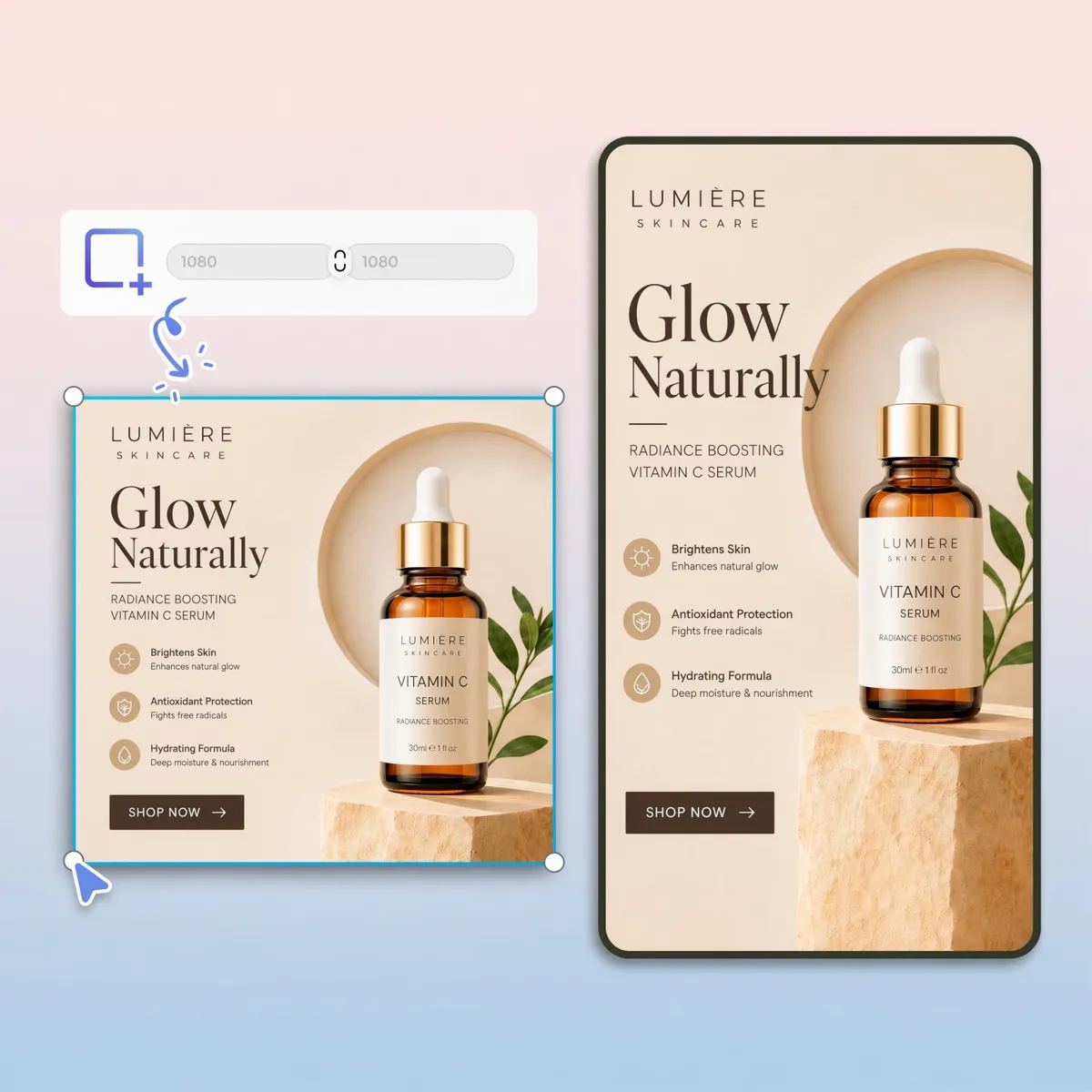
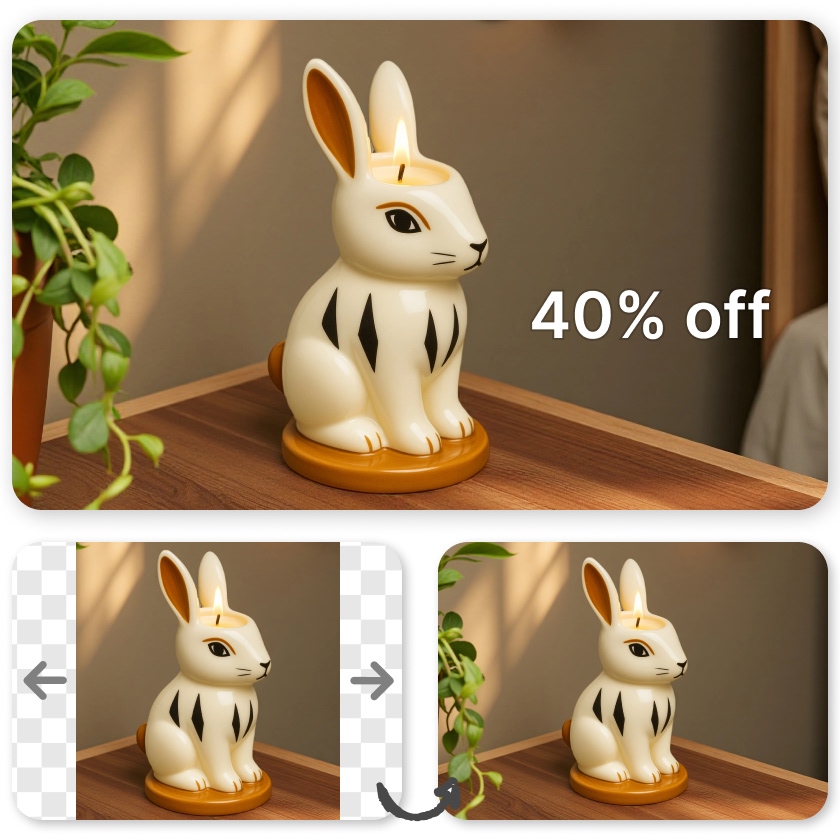
Keep the Aspect Ratio So Prints Don't Stretch
Make your resized images stay proportionally correct. Designkit locks the aspect ratio while adjusting to new print dimensions. Your final output looks exactly as intended on screen and on paper.
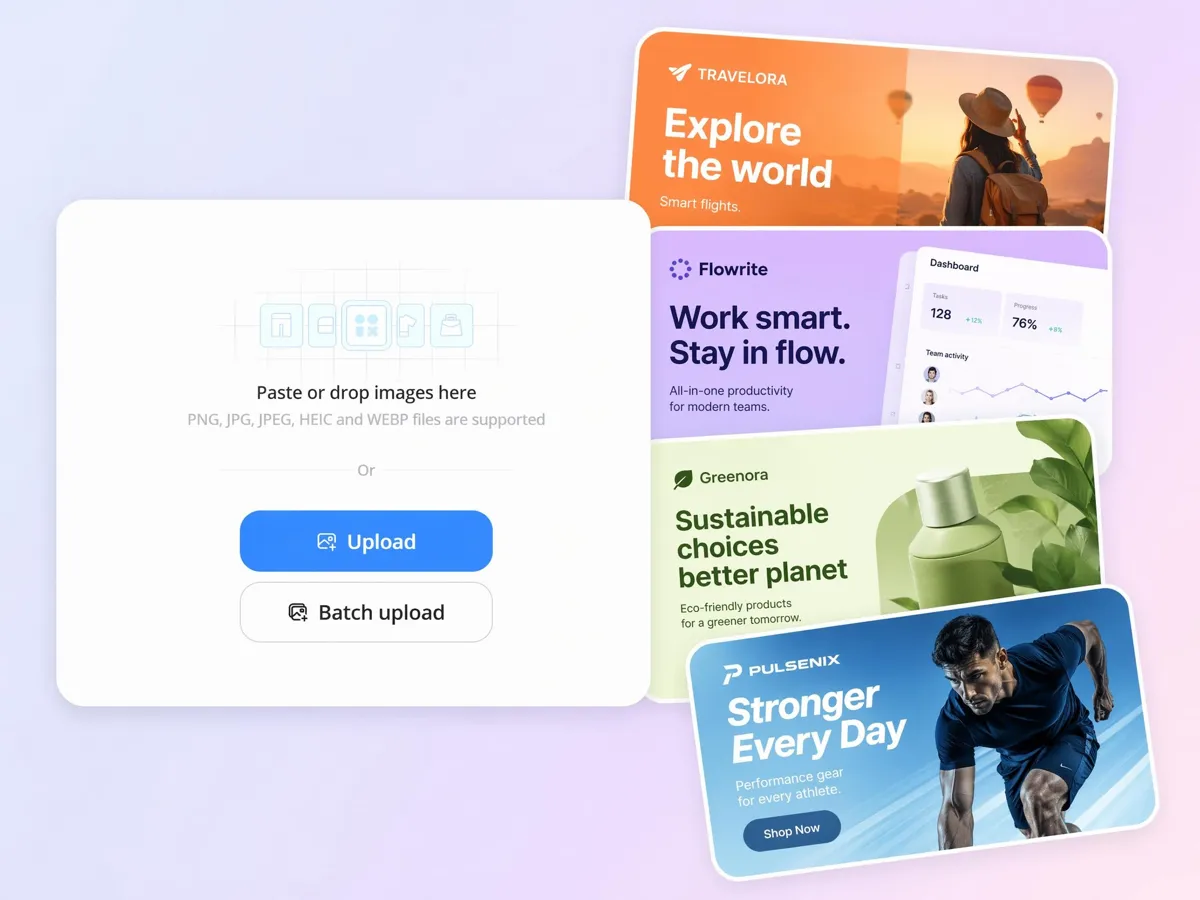
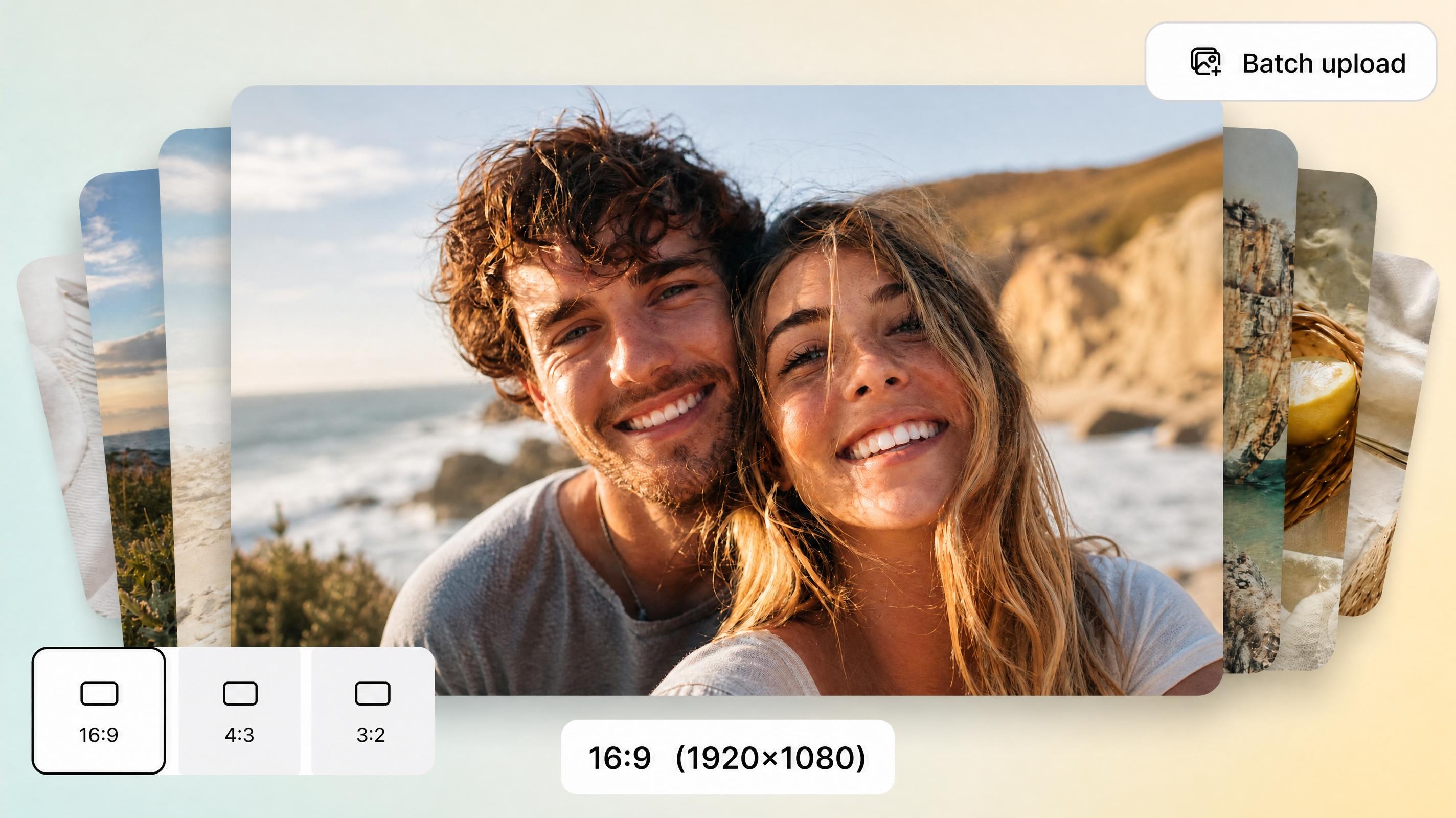
Resize a Whole Batch for Print at Once
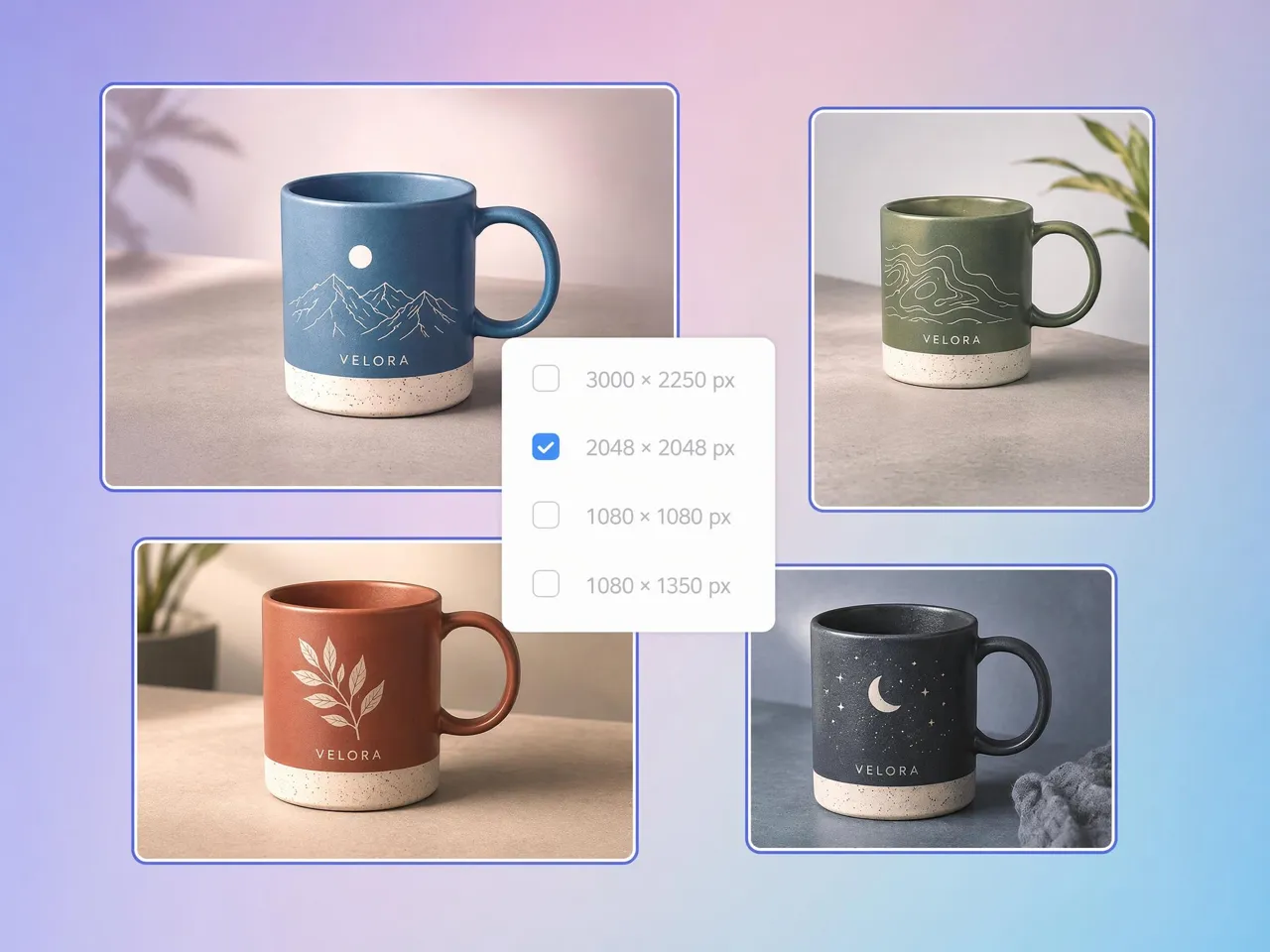
Instead of editing files one by one, you can process entire batches for catalogs, photo shoots, or marketing campaigns. The bulk image editing applies the same print settings across all images to keep everything consistent. This makes large-scale print preparation much faster and easier to manage.
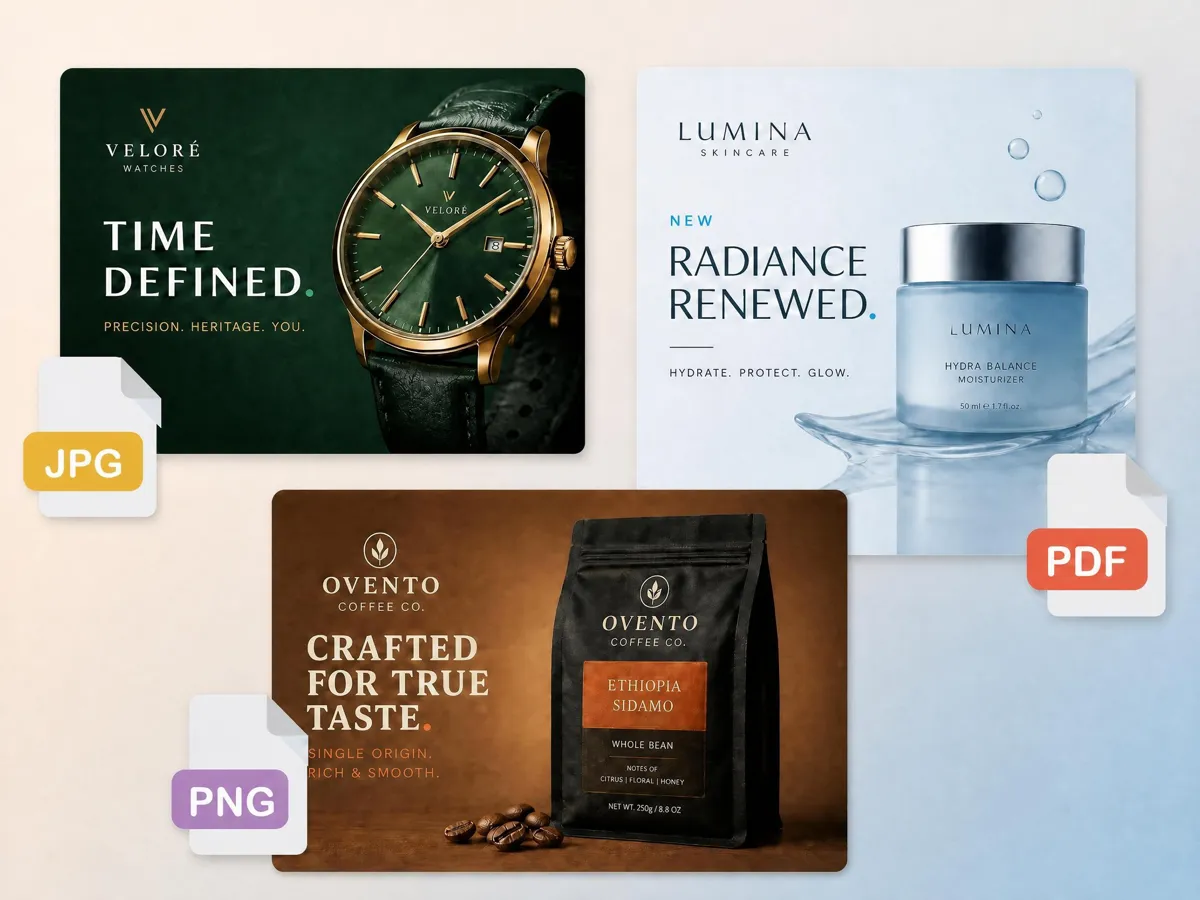
Create Print-Ready Files Without Extra Software
No need for complex design software. Just upload your image, set the print size, and export a ready-to-print file in seconds. Everything happens in one workspace, so you can move straight from editing to printing.
Built for Anyone Preparing Photos for Print
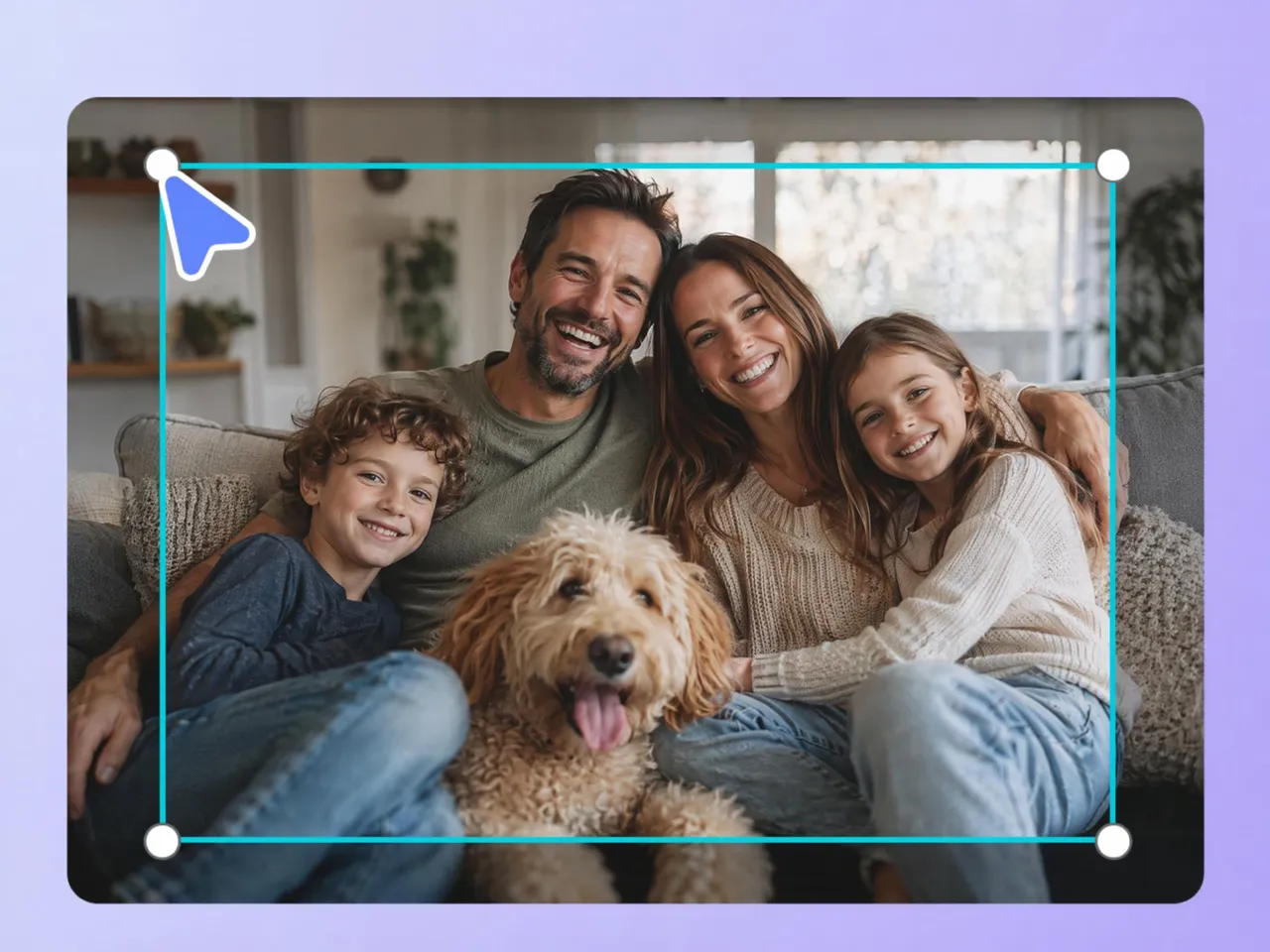
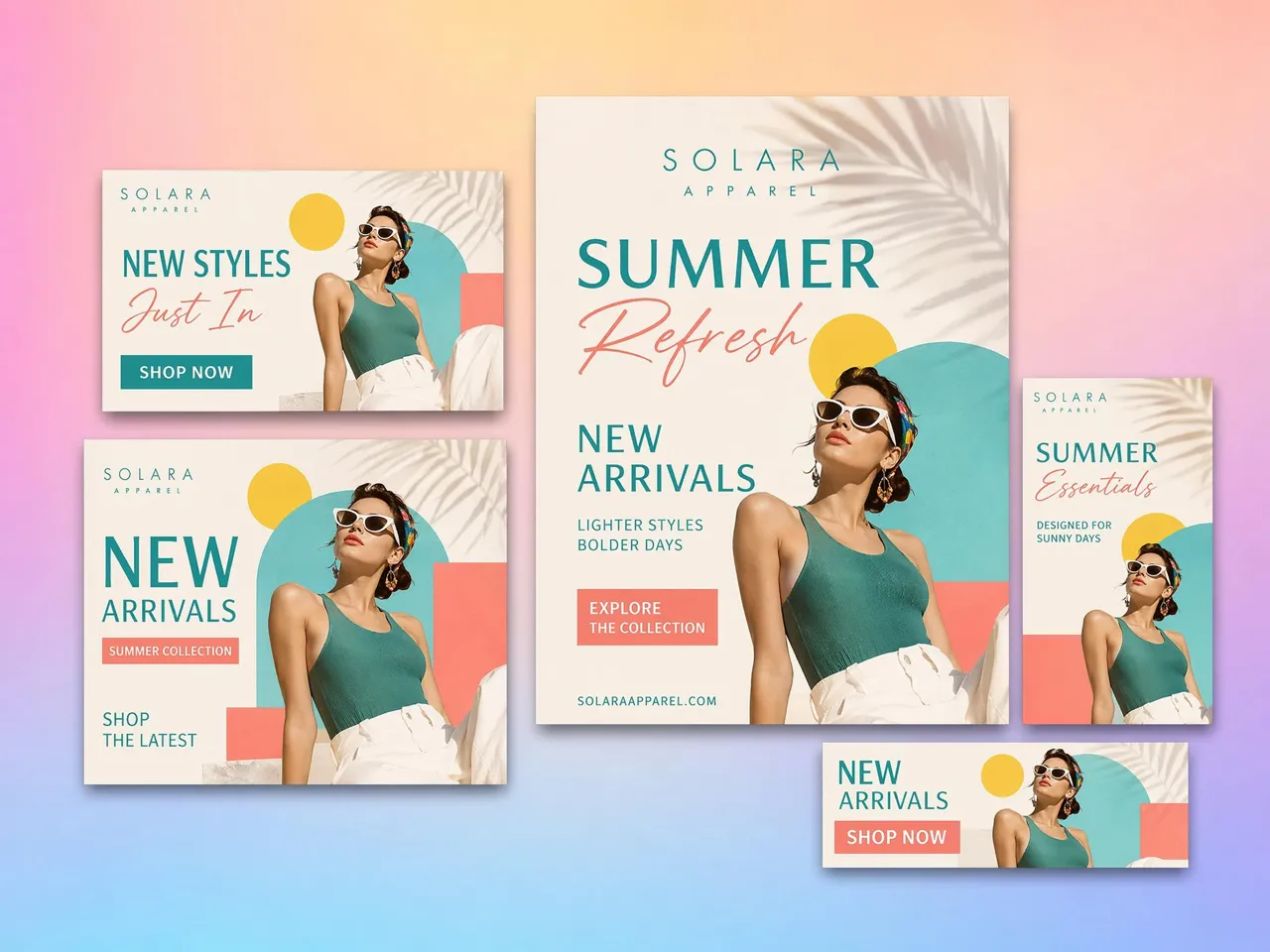
Print Family Photos Without Trial and Error
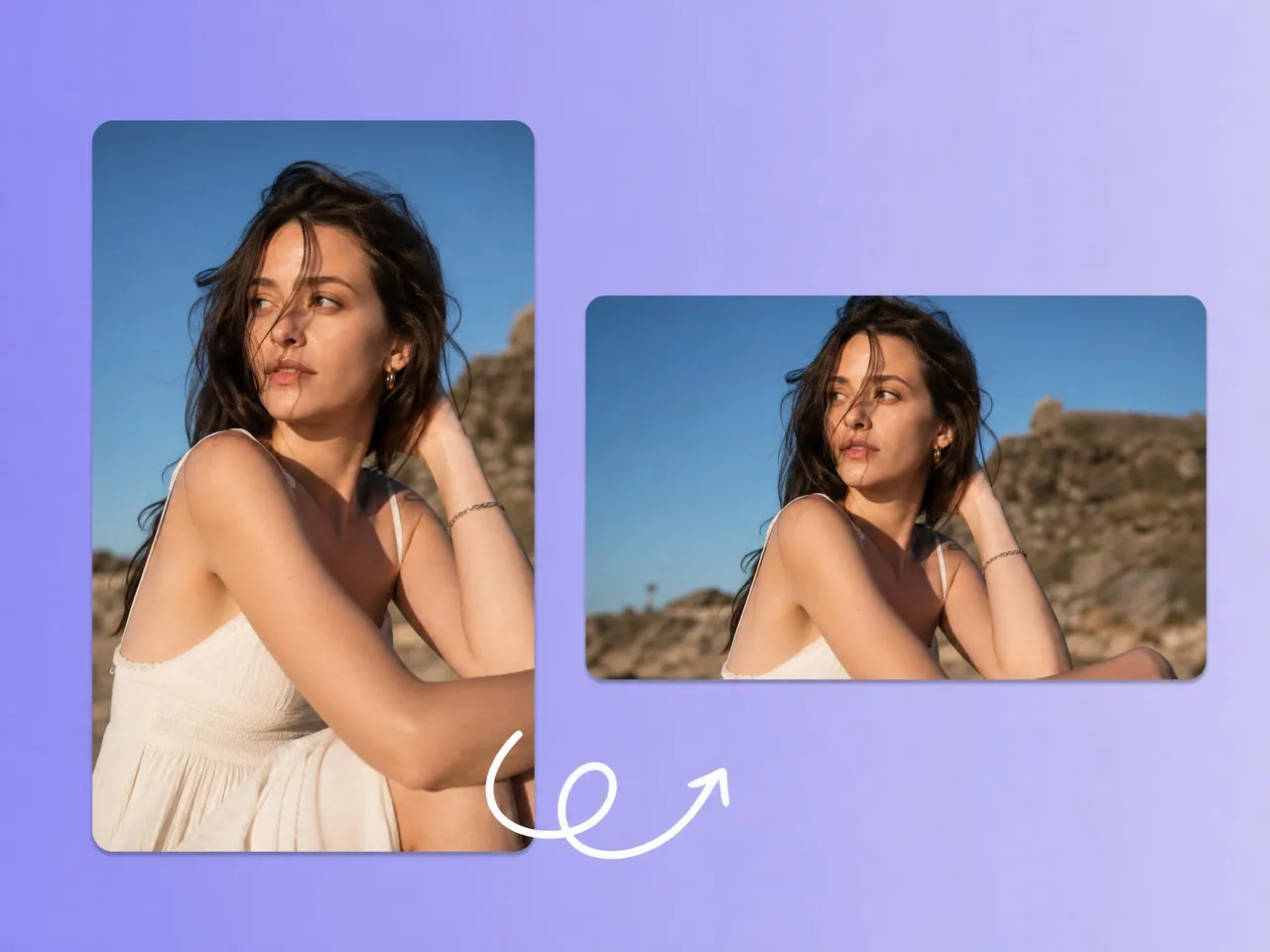
Many people are unsure how large a photo can be printed without becoming blurry. Designkit helps home users resize photos for printing with the correct dimensions and resolution, making it easy to create albums, framed prints, and gifts with confidence.
Why Choose Designkit to Resize Photos for Printing

Ready Sizes for Photos, Paper, and Posters
Manual print sizing can be confusing. Designkit offers ready-made photo, paper, and poster presets, helping you prepare correctly sized images for printing in seconds.

Outputs Tuned for High-Quality Printing
Low-quality files can appear blurry or pixelated when printed. Designkit preserves image clarity during resizing, helping photos, artwork, and marketing materials maintain sharp, professional-looking results.

No Stretched or Cropped Prints
Incorrect resizing can distort important details or cut off subjects. Designkit maintains the original aspect ratio and keeps the main focus properly positioned, ensuring prints look natural and accurate.

Resize, Enhance, and Export in One Place
Designkit combines resizing, image enhancement, and export options in one workflow, making it faster to create print-ready files from any image.
Batch a Whole Order at Once
Preparing large print orders one file at a time is inefficient. Designkit processes multiple images together, helping photographers, print shops, and businesses create consistent print-ready files faster.

Your Uploads Stay Private
Designkit uses secure processing to keep uploaded images private, giving you confidence when working with family memories or professional projects.
Unlock More Creative Possibilities
Resize Your Images
Bulk Image Resizer
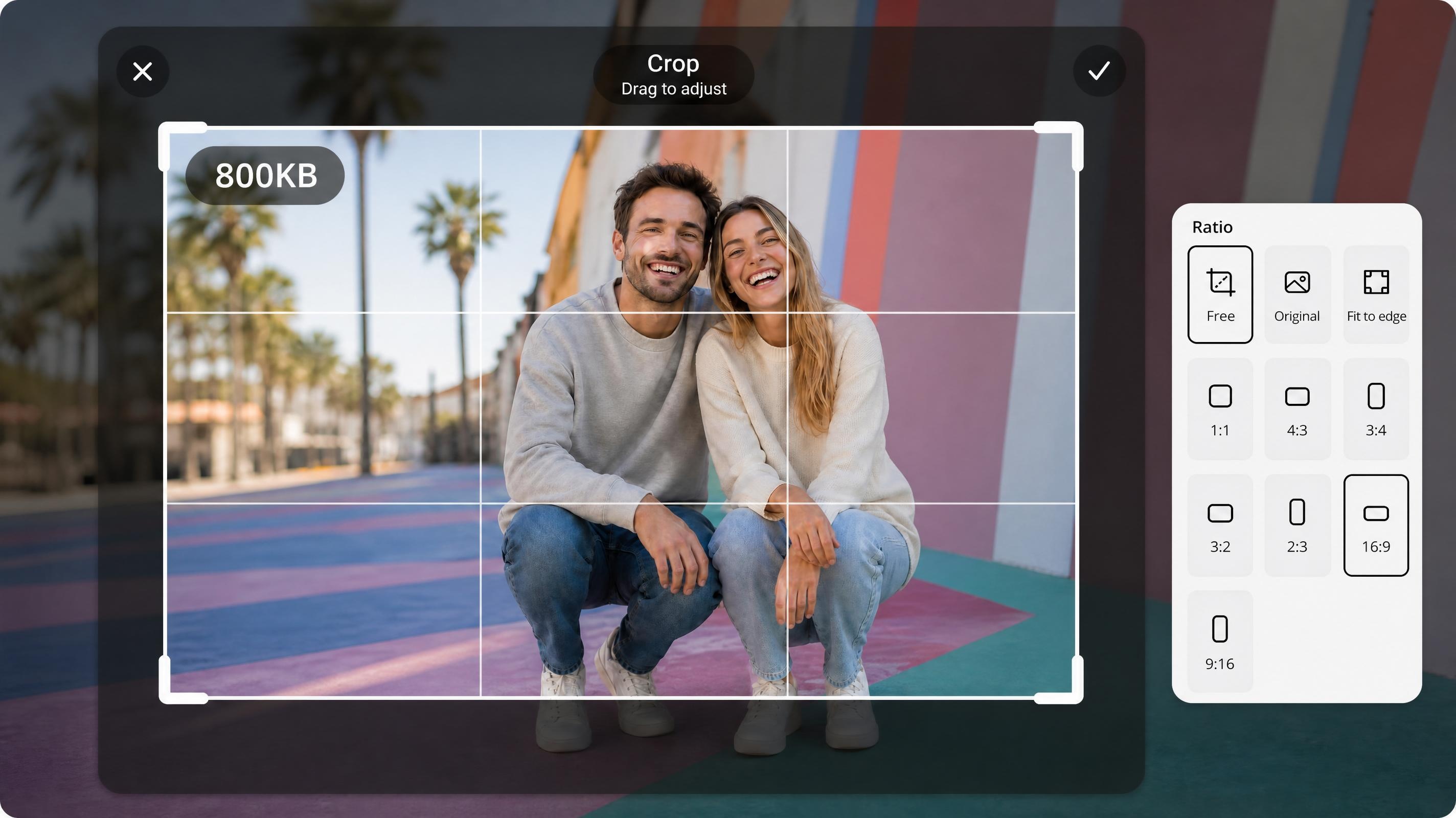
Free JPEG Resizer
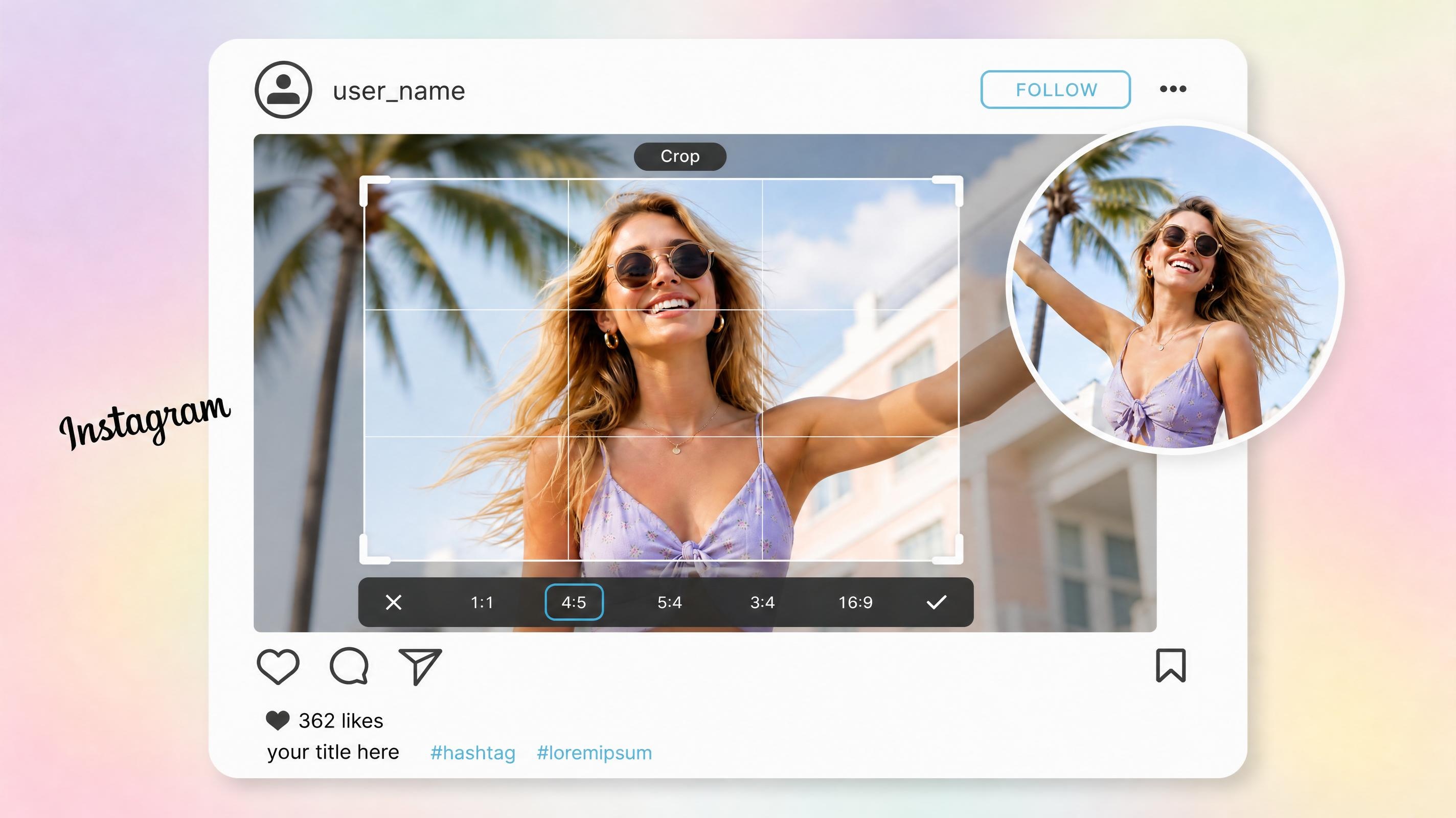
Instagram Image Resizer
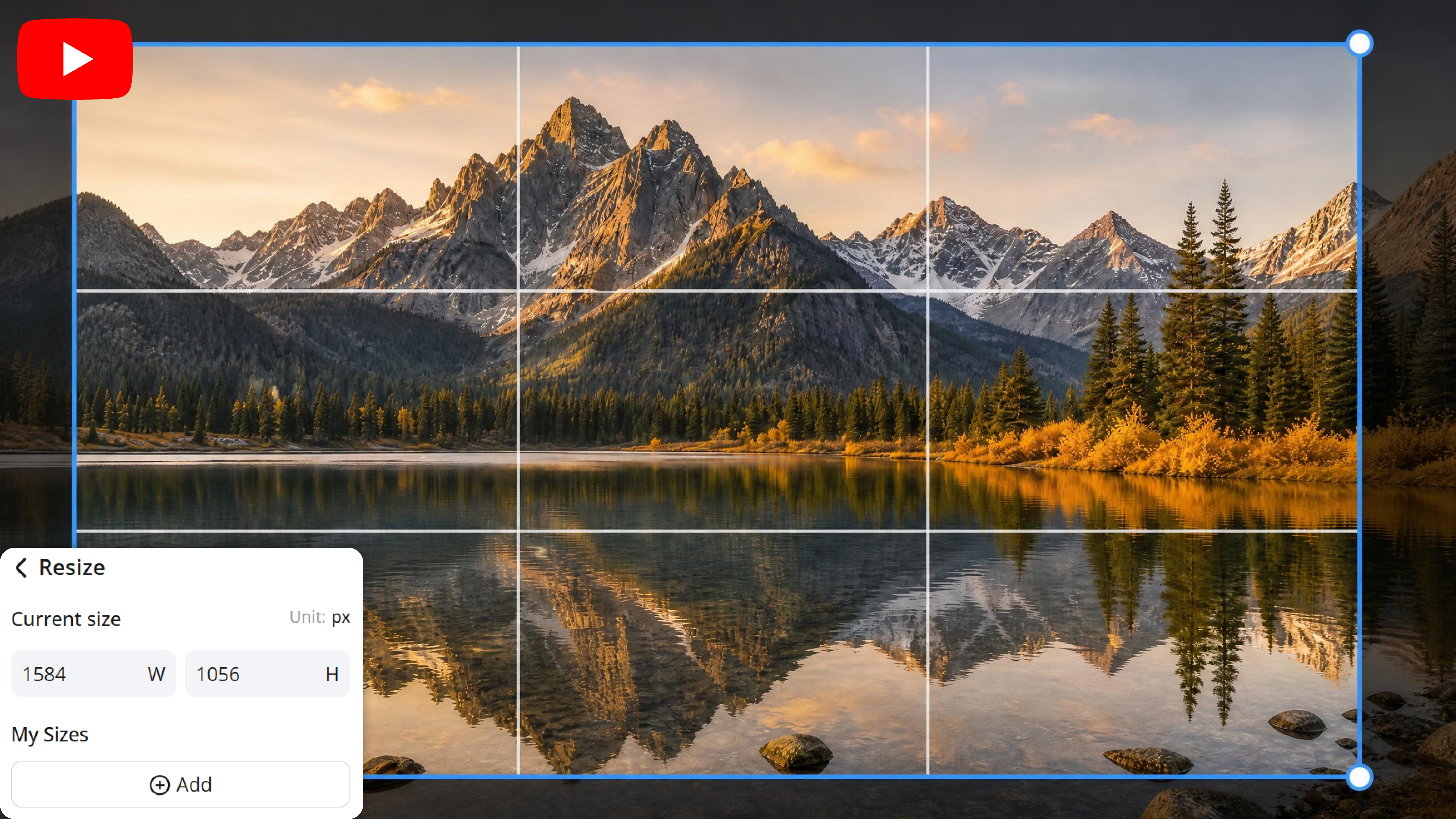
YouTube Banner Resizer
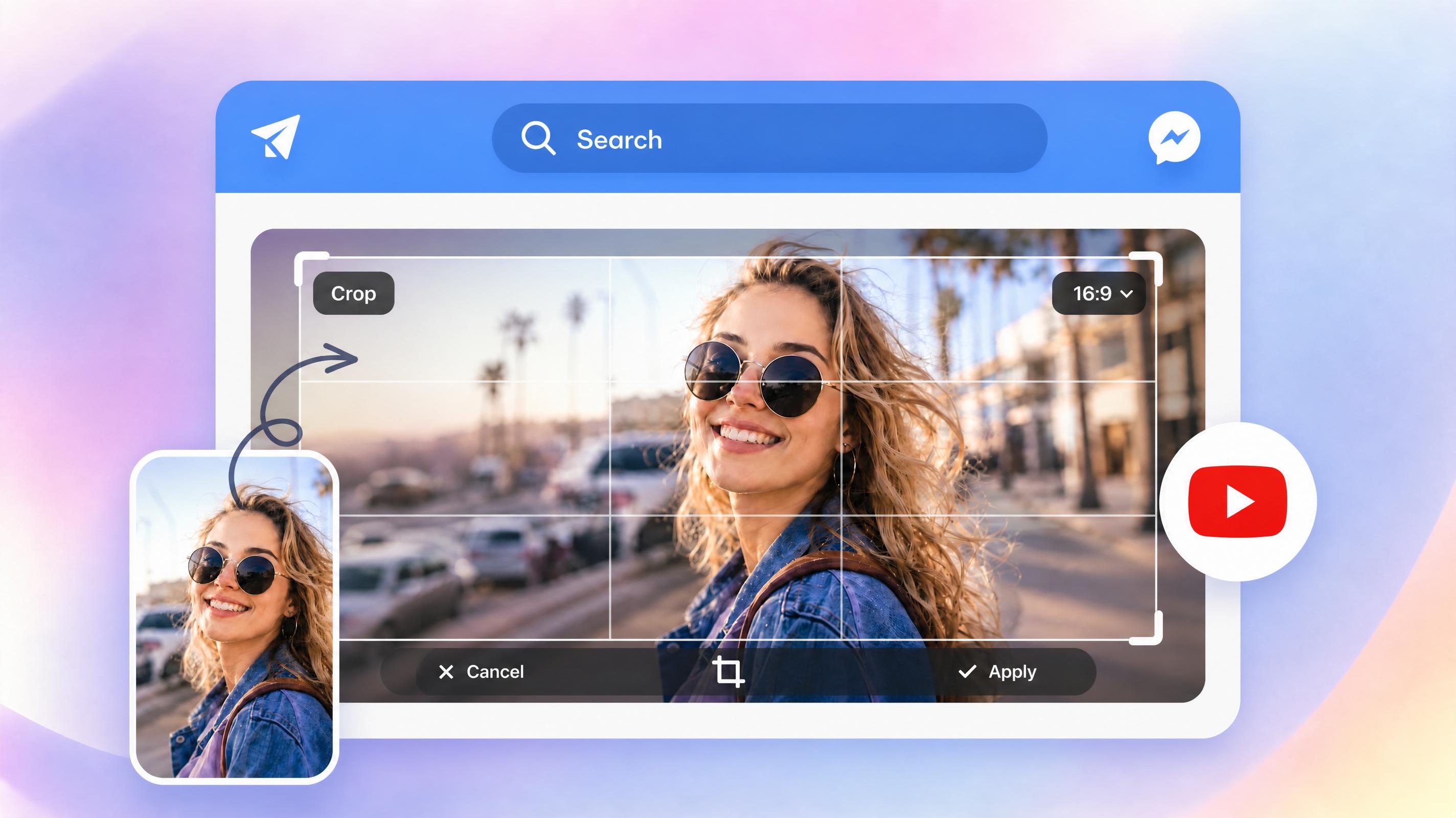
YouTube Thumbnail Resizer
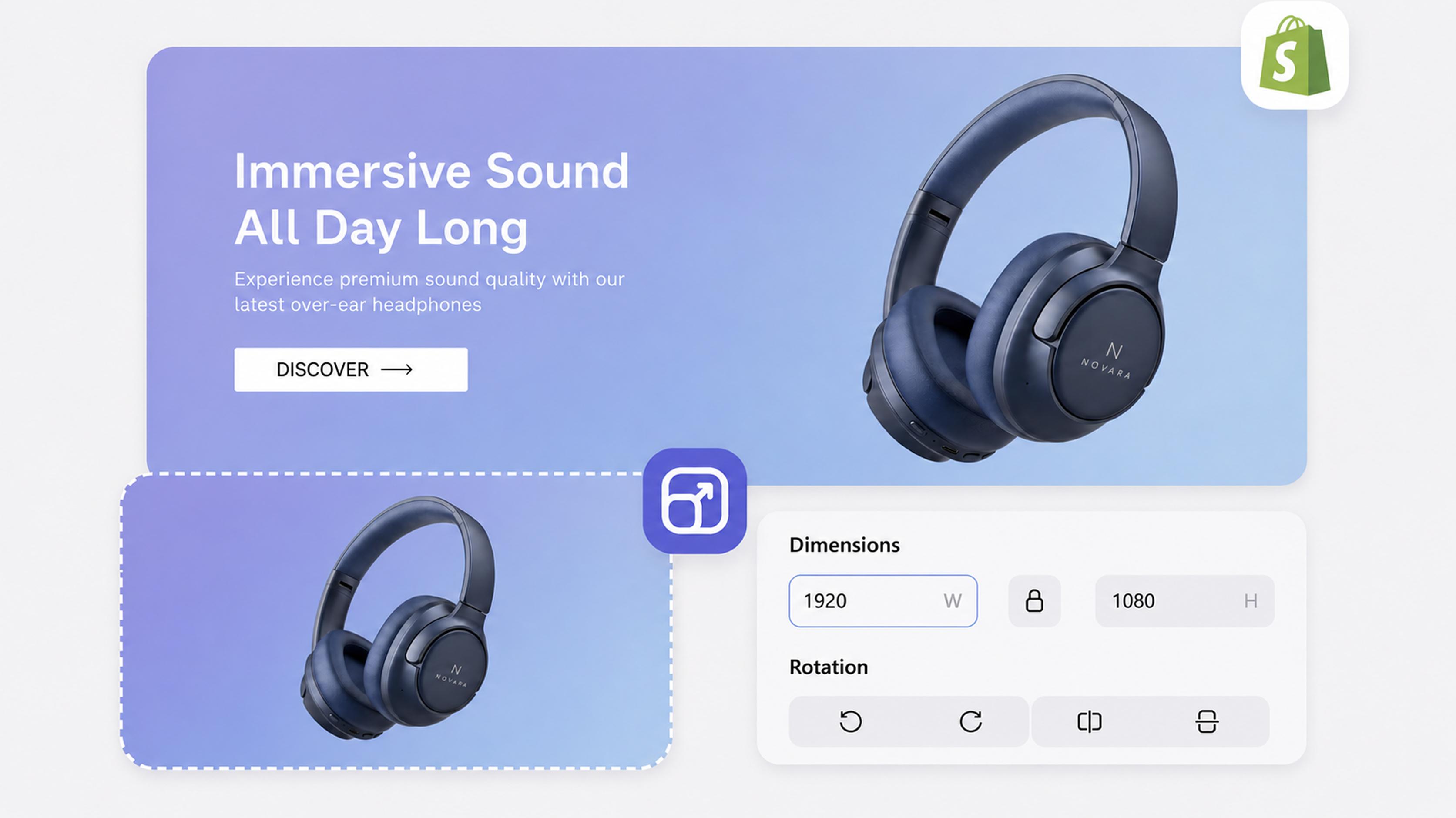
Shopify Image Resizer
Frequently Asked Questions
Why does my photo look sharp on my phone but blurry when printed?
What print size should I use for a 4×6, 5×7, or poster print?
The ideal print size depends on your intended use and the resolution of the original image. Smaller prints generally require fewer pixels, while posters need much higher-quality files. Designkit provides ready-to-use print presets, making it easy to select the correct dimensions without manual calculations.
Can I resize in inches, centimeters, or millimeters?
Yes, print projects often use different measurement systems depending on the country, printer, or application. Designkit allows you to resize images using inches, centimeters, or millimeters, helping you create accurately sized files that meet specific printing requirements.
Why does my photo look sharp on screen but blurry when printed?
Screens display images using light and often at reduced sizes, while printers reproduce every detail on paper. Images with insufficient resolution may appear fine digitally but lose sharpness when printed. Designkit helps optimize image dimensions and quality before printing for better results.
Can I enlarge a photo for printing without losing quality?
Enlarging an image too much can reduce sharpness if the original file lacks enough detail. While no tool can fully replace missing image data, Designkit helps preserve quality during resizing and prepares images for larger print formats with cleaner, more professional-looking output.
Can I resize multiple photos for printing at once?
Absolutely. Resizing large numbers of photos individually can take significant time, especially for events, client orders, or product catalogs. Designkit supports batch processing, allowing you to resize multiple images in one workflow while maintaining consistent dimensions across all files.
What's the best file format for printing photos?
High-quality JPEG and PNG files are commonly used for printing, while some professional printers may request TIFF files. The best choice depends on your print provider and project requirements. Designkit exports high-quality resized images that are ready for printing and easy to share.
Get Print-Ready Photos Without Guessing Sizes or Quality
Try Designkit free and get photos sized, sharpened, and print-ready in minutes, no blurry results or wasted reprints. No cost to start.



What Users Say about Designkit's Image Resizer for Printing
See how users turn ordinary images into flawless print-ready visuals with Designkit
My Prints Finally Look Sharp and Professional
My printed designs used to look slightly blurry due to wrong sizing and DPI issues. With Designkit, I can now resize everything correctly in minutes, and my print outputs consistently come out sharp at 300 DPI with perfect alignment. It reduced my reprint errors from 8 per month to just 1.
Printing Documents Became So Much Easier
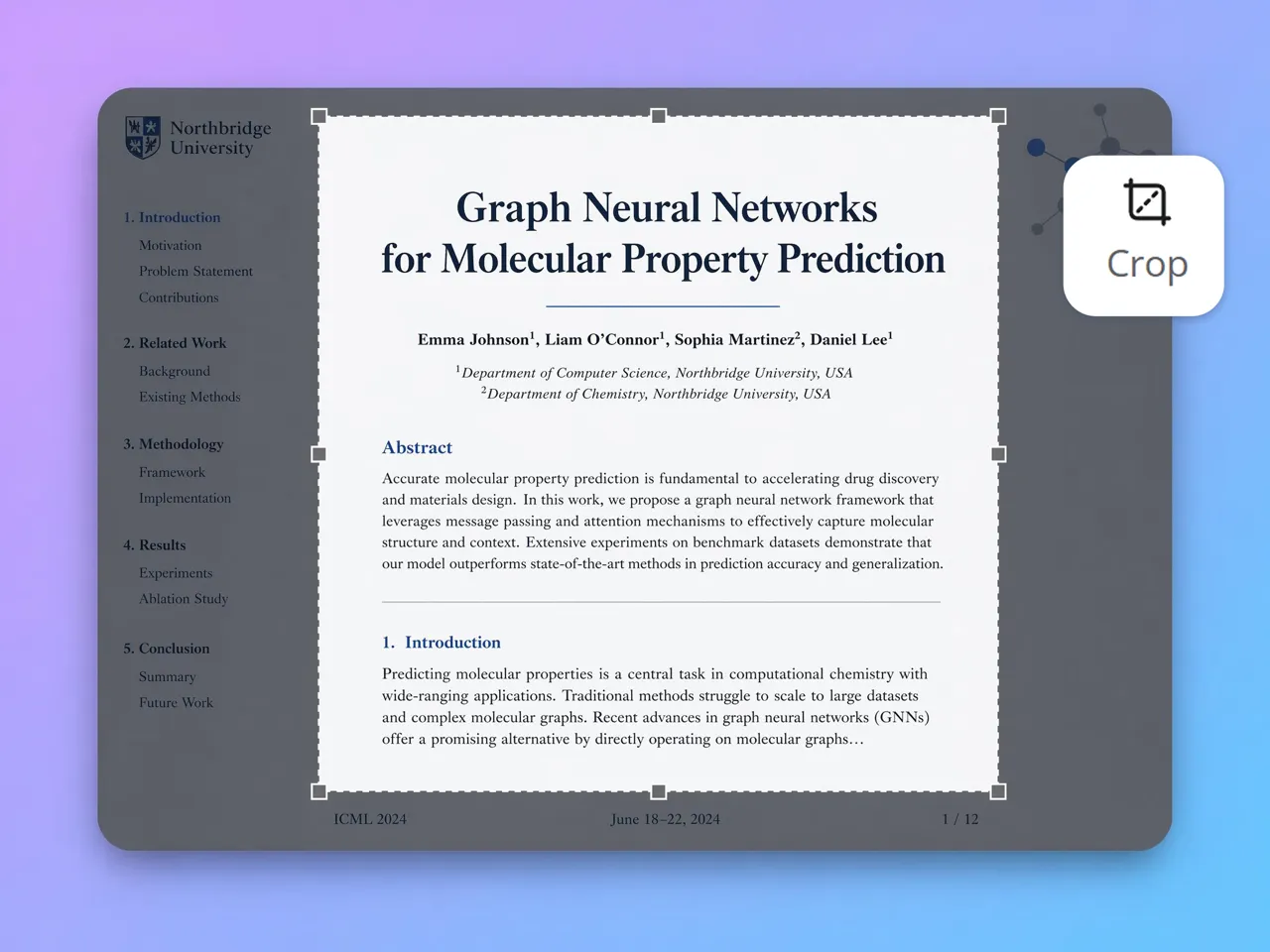
Before Designkit, resizing documents for A4 and A3 printing was always frustrating and time-consuming. Now I can prepare print-ready files in under 3 minutes per document with correct margins and layout. Our office print preparation time dropped from 45 minutes to just 12 minutes per batch.
My Posters No Longer Get Cropped Wrong
We kept having posters print with the edges cut off. Since switching to Designkit they fit the print size properly, so they come out right the first time and reprint requests have dropped right off.
Bulk Printing Saved Me Hours Every Week
I handle hundreds of client photos weekly, and resizing them manually for print was exhausting. Designkit lets me batch resize everything in one go, saving nearly 5 hours per week while keeping consistent print quality across all albums and orders.
My Print Shop Workflow Became Fully Consistent
We used to face inconsistent file formats from clients, which slowed production. With Designkit, we standardize all incoming images into print-ready formats instantly. Our processing speed improved from 60 files per hour to nearly 95 files per hour with fewer corrections needed.
Large-Format Prints Finally Look Perfect
Our banners and signage used to suffer from pixelation when scaled up. Designkit's smart upscaling and DPI optimization helped us produce clean, high-quality, large-format prints. We reduced material waste by 4 rolls per project and improved client satisfaction significantly.