
Remove Unwanted Emojis, Stickers, and Memes from Photos Online
Remove emojis and stickers from your photos without loss of image quality. Try our AI emoji remover online for free without downloading and installation.
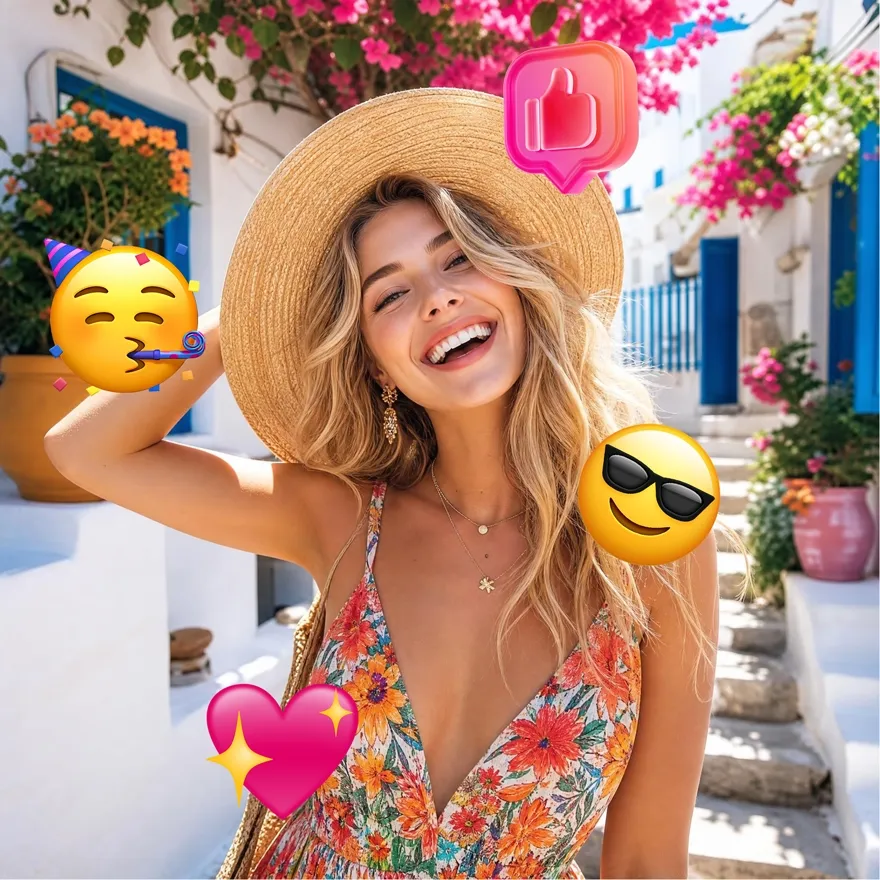

No picture on hand? Try with one of these:



How to Remove Emojis from a Photo
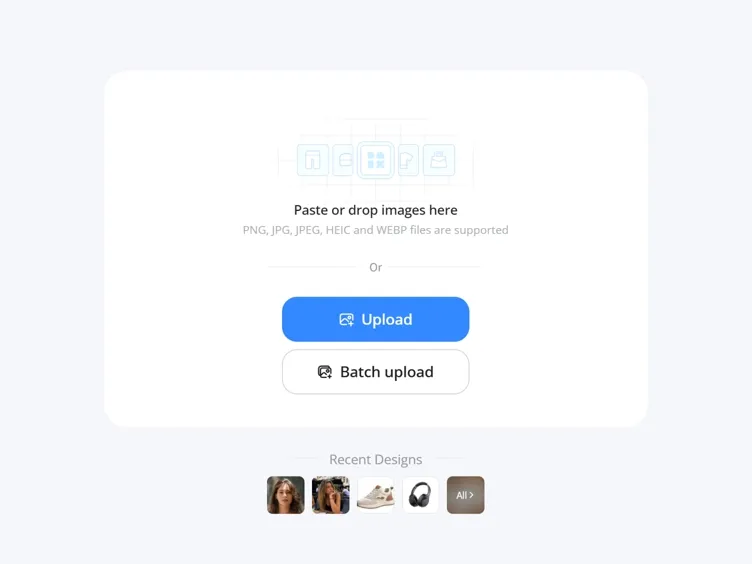
Upload Your Photo
Add a JPG or PNG with emojis, stickers, or graphic overlays on a face, product, or background.
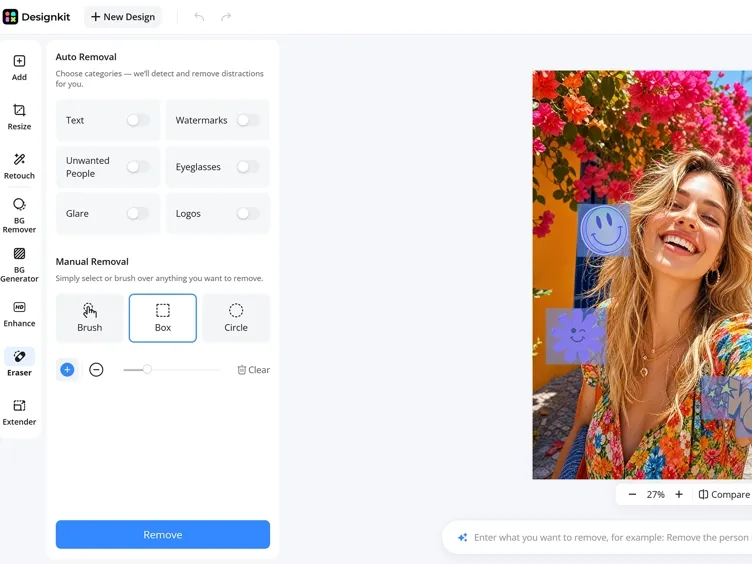
Select the Emoji Area
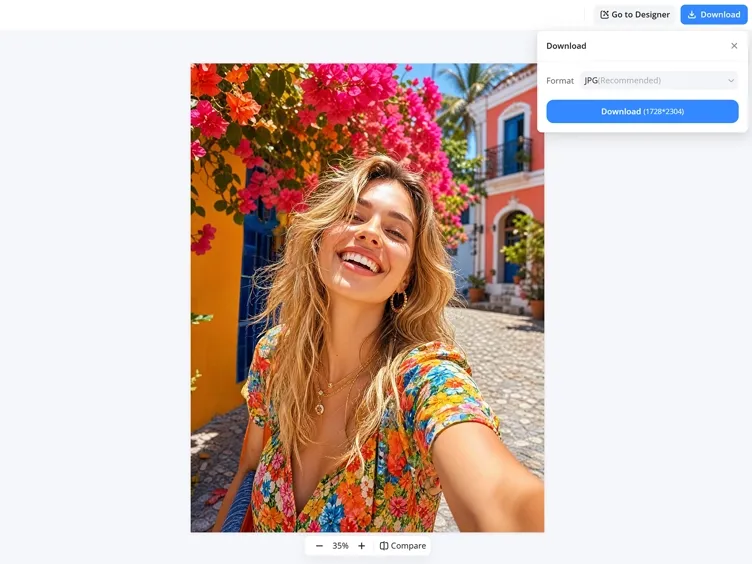
Brush over the emoji or sticker, and Designkit intelligently reconstructs the hidden background or facial details.
Download the Clean Photo
Preview the result and download a file ready for social posts, listings, slides, or printing.
What You Can Do with Designkit Emoji Remover
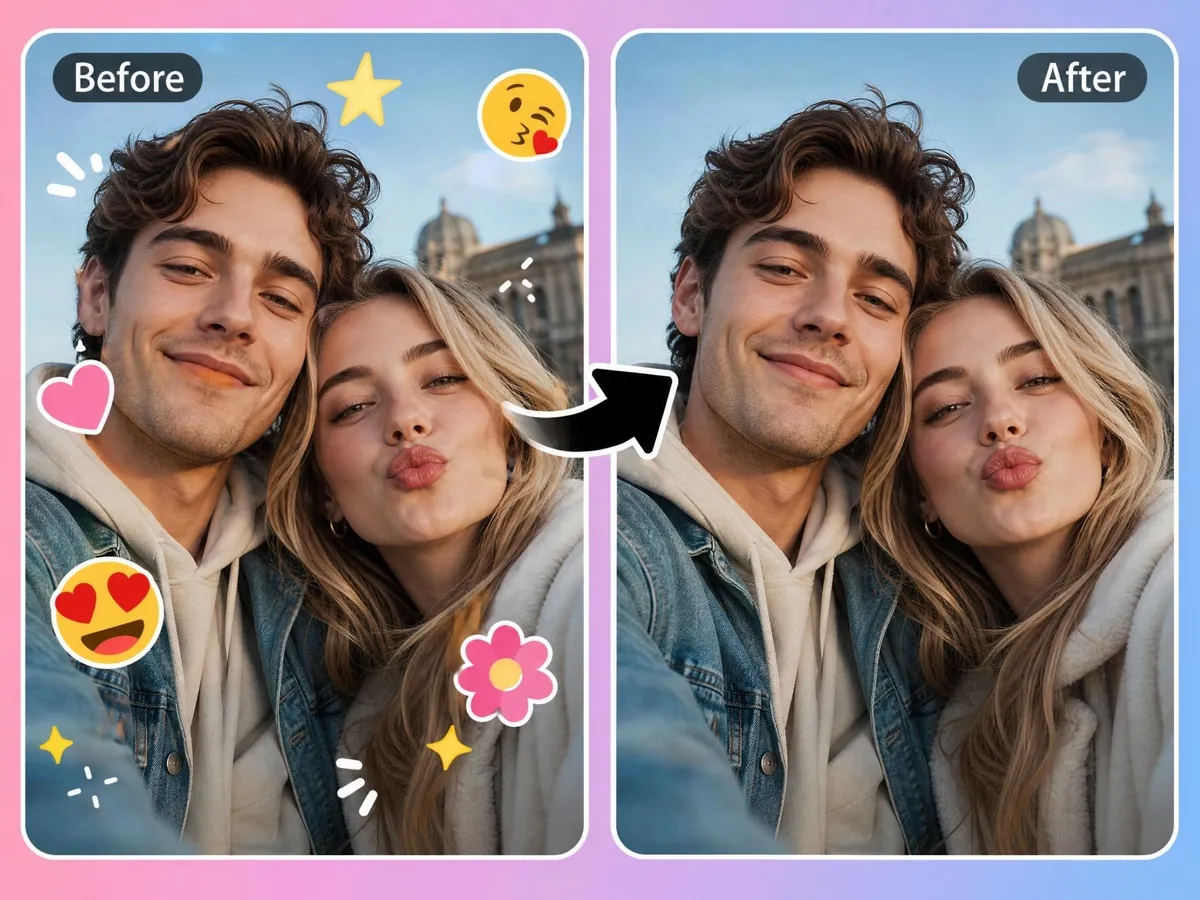
Remove Emojis, Stickers, and Memes with One Click
Recover photos covered by emojis, stickers, memes, or overlays without recreating the image. Designkit's object remover helps remove emoji from photo while rebuilding the hidden area, so the edit looks natural instead of leaving obvious gaps.
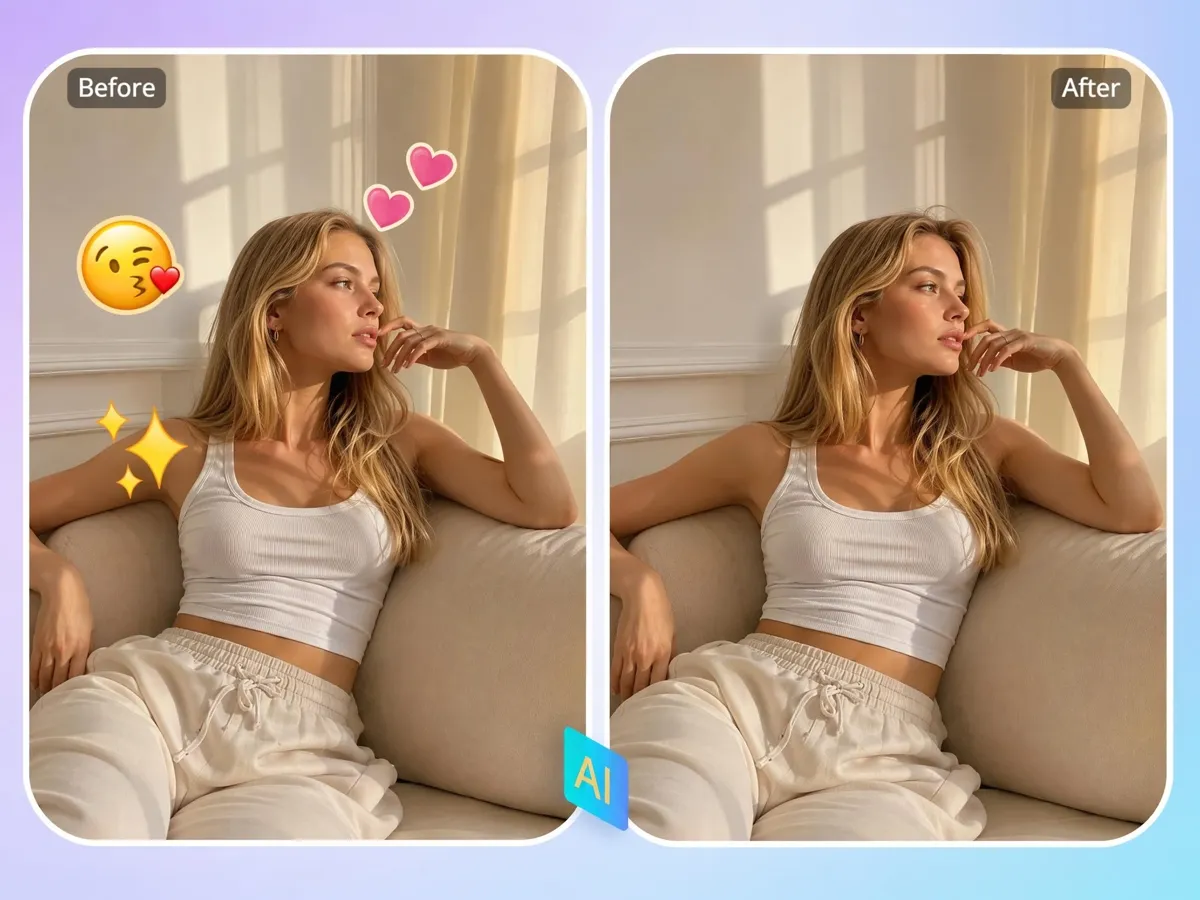
Clear Face Emojis and Restore Features
Face stickers often hide expressions that cannot be recovered with simple cropping. Designkit's emoji remover from picture reconstructs facial features using surrounding details, making portraits usable again for personal or professional use.
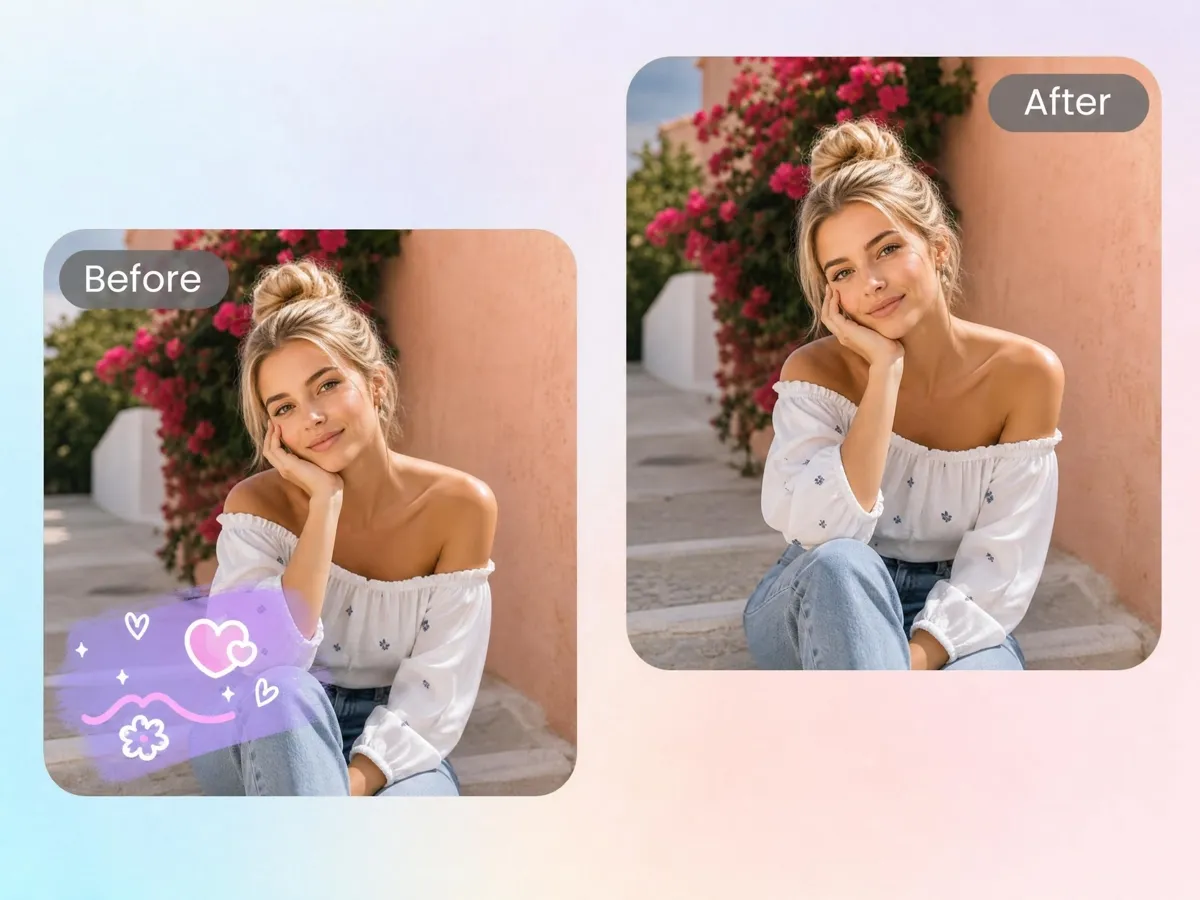
Fill Backgrounds Behind Removed Stickers
Stickers can cover scenery, objects, or important details that are difficult to rebuild manually. Designkit lets you remove emoji from picture online free and intelligently fills missing backgrounds for a cleaner final image.
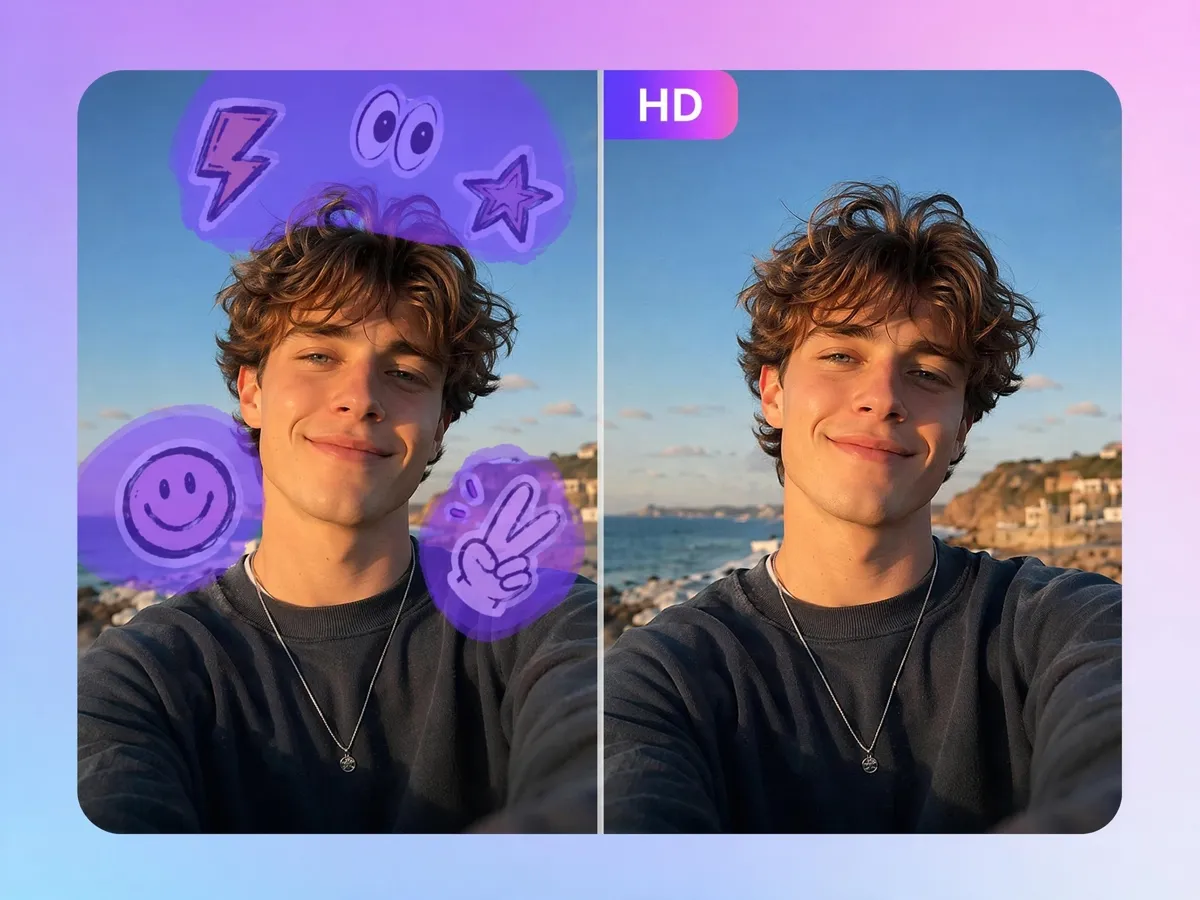
Restore Scenes and Keep Original Quality
Removing overlays can reduce image quality or leave blurry patches. Designkit helps remove emojis from pictures while preserving resolution, colors, and textures, so the restored image remains clear and ready to share.

Refine the Edit Before Download
Some photos need small touch-ups after an object is removed. Designkit's emoji cleaner lets you adjust the restored area, regenerate edits, and improve the result without restarting the entire process, even if you're learning how to remove an emoji from a picture.
Who Uses an Emoji Remover from Photo
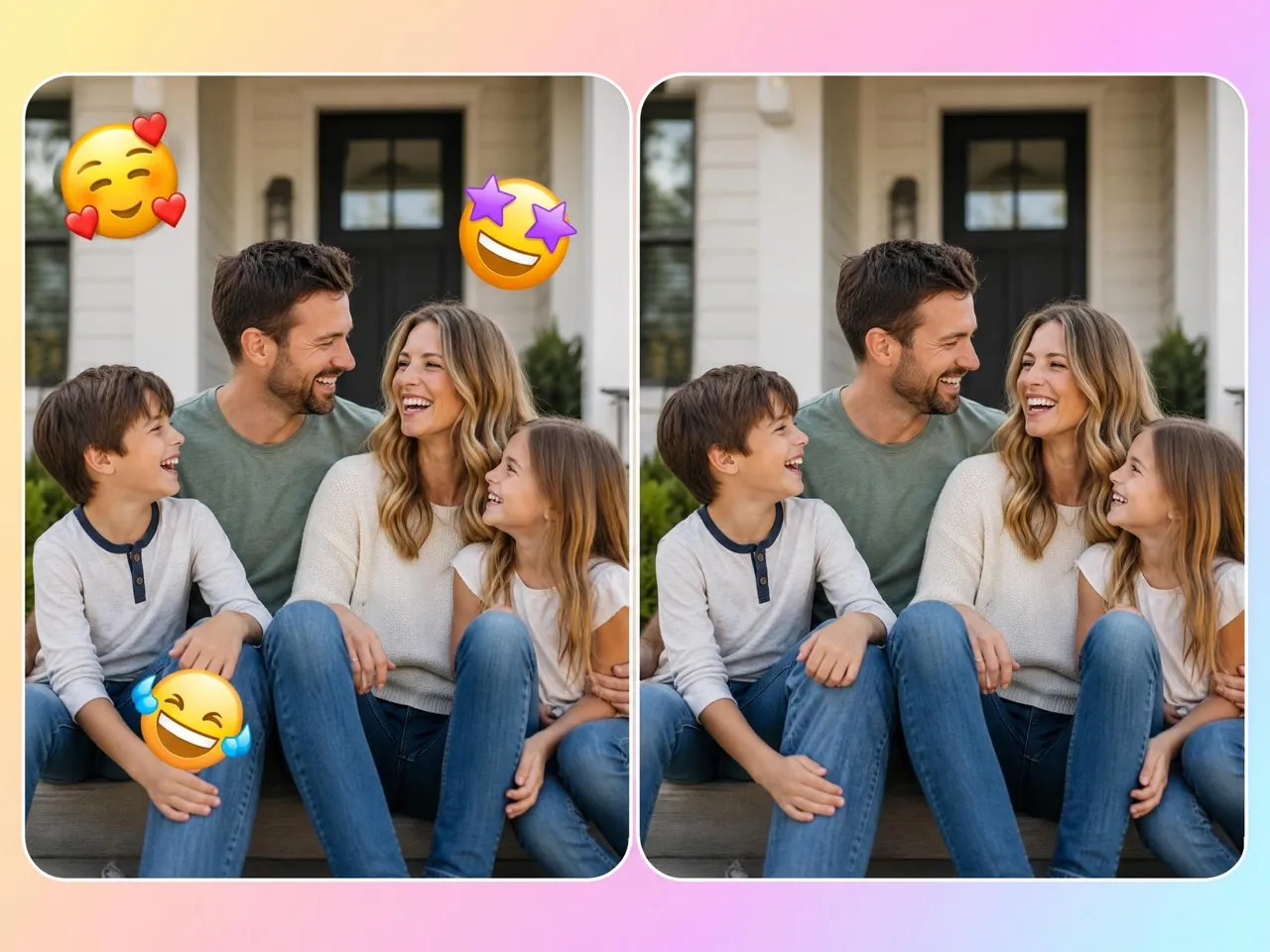
Restore family photos with emoji-covered faces!
Family photos shared on social media often have emojis covering faces, making them difficult to reuse or print. Designkit's face emoji remover restores hidden facial details, helping preserve meaningful memories without retaking the original photo.

Why Use Designkit to Remove Emojis from Photos

Fill the Gap Instead of Leaving a Blur Patch
Restore hidden details cleanly so the photo avoids blur patches, rough edges, or obvious edit marks after emoji removal each time.

Works on Faces, Products, and Backgrounds
Use one workflow to clear face emojis, product stickers, and scene overlays without switching tools for each image type as needed!
No Desktop Editor Required
Finish the full restoration in your browser, avoiding installs, plugins, and the learning curve of desktop editing software today!

Refine Without Starting Over
Adjust the selected area and rerun the fix on the same file, instead of repeating the whole edit from scratch for minor fixes in bulk.
Handle Collections with Consistency
Keep albums, catalogs, and image libraries aligned, so every restored photo follows the same visual result across batches at scale.

Preserve the Natural Feel of Every Photo
Blend repaired areas into the original image, so portraits and close-ups keep their natural look after emoji removal in every case
Unlock More Creative Possibilities
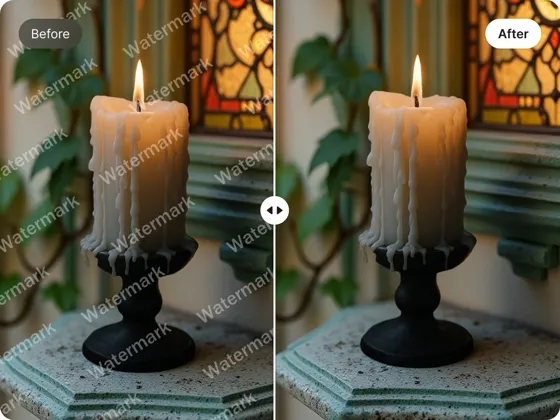
AI Object Remover
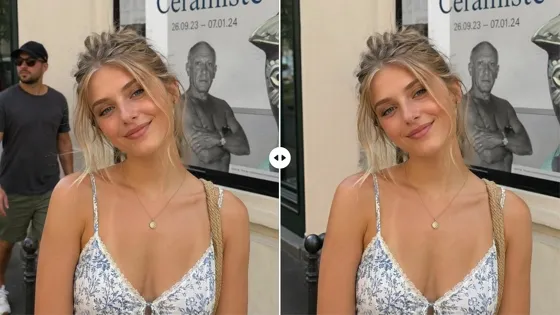
Remove People From Photo
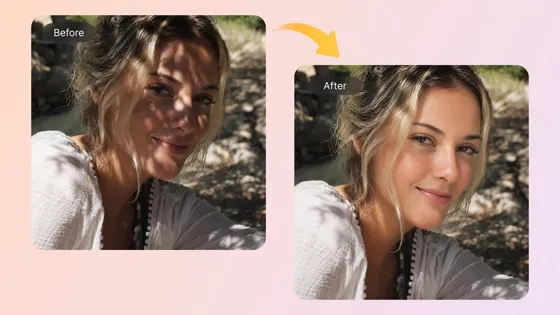
AI Shadow Remover Online
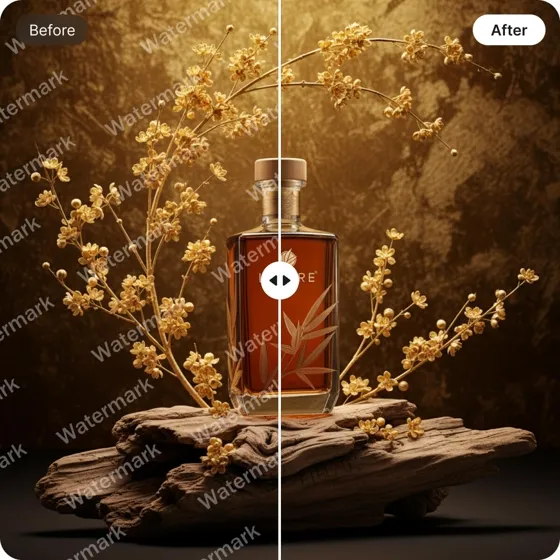
Remove Text From Images
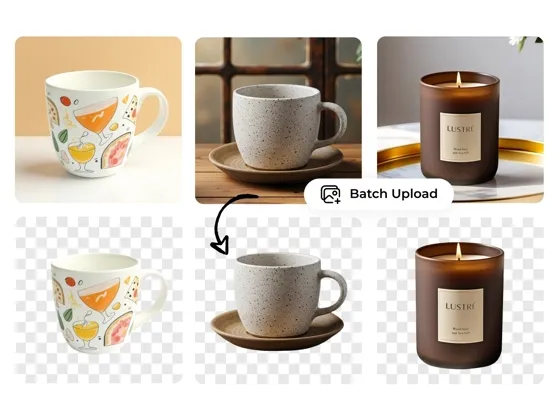
Background Remover Online
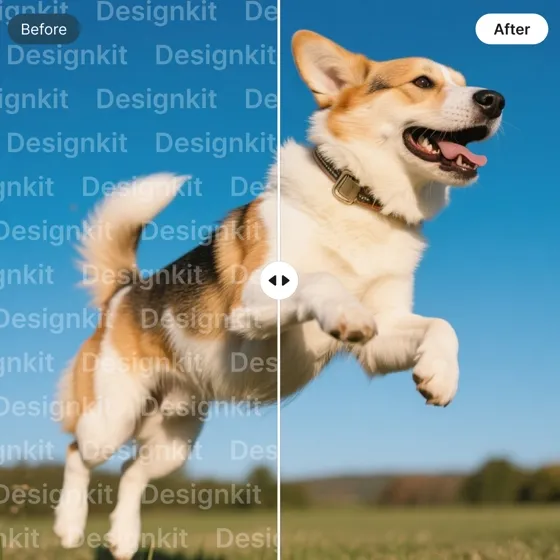
Watermark Remover
Logo Background Remover
PNG Background Remover
Frequently Asked Questions
Can AI remove emojis covering faces?
Can I remove stickers from old social media photos?
Yes. Stickers, emojis, and other overlays can be removed from saved social media images. Designkit rebuilds the covered areas, so older photos become usable again for printing, sharing, or editing. Higher-resolution images typically produce more detailed restoration results.
Will the restored area look realistic?
The restored section is generated to blend with nearby textures, colors, and lighting instead of leaving empty spaces or blurred patches. Designkit analyzes the surrounding image to recreate missing details, helping the final photo maintain a natural appearance in most situations.
Can I remove multiple emojis from one photo?
Multiple emojis or stickers can be removed from the same image during the editing process. Designkit restores each selected area while keeping the overall photo balanced, making it suitable for recovering heavily edited social media images without splitting them into separate edits.
Does it work for product photos with stickers?
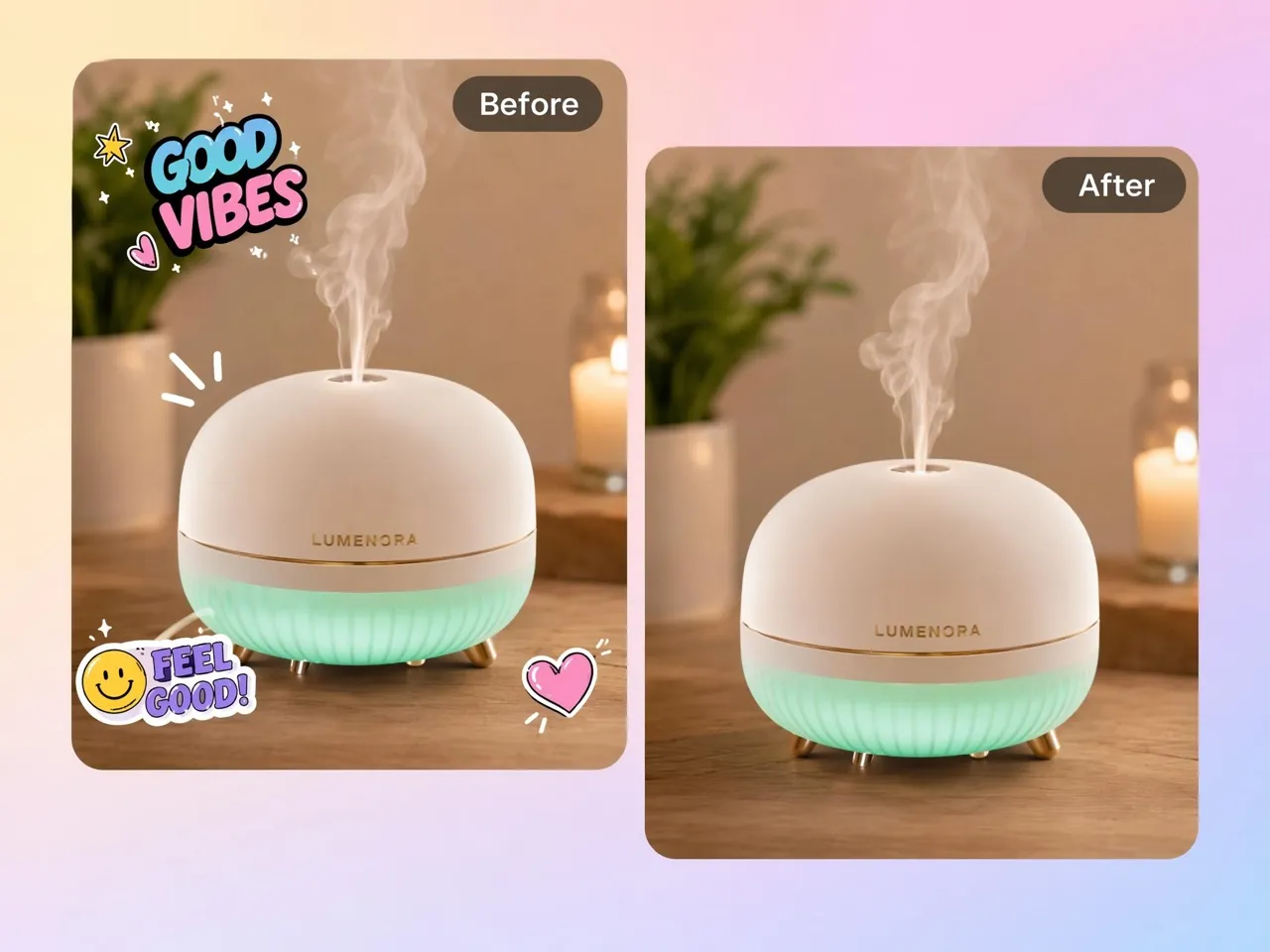
Yes. Promotional stickers, sale labels, and decorative overlays can be removed from product photos. Designkit reconstructs the covered packaging, product surface, or background, allowing existing product images to be reused for updated listings instead of arranging another photo shoot.
What photo format works best?
PNG and JPG images usually provide the best results because they preserve enough visual detail for accurate restoration. Designkit supports these common formats, and higher-resolution photos generally allow more natural reconstruction of faces, backgrounds, and objects.
Is the emoji remover free to try?
Yes. You can try the emoji remover without paying upfront. Designkit provides free access, so you can test the restoration process before deciding whether you need additional generations or advanced capabilities. Some higher usage limits may require a paid plan.
Can I process many photos together?
Multiple photos can be restored one after another, making it easier to clean image collections efficiently. Designkit helps streamline large restoration tasks, reducing the time needed to recover albums, product catalogs, or archived social media photos.
Remove Emojis from Your Photos Online
Upload a photo, clear emojis or stickers, and download a clean image with hidden details filled back in.

What Users Say About Designkit Emoji Remover
Real stories from people recovering photos they thought were lost
Got Back a Precious Family Memory
Years ago, I covered my daughter's face with a funny emoji before posting the photo online. Later, I realized I had lost the original. Designkit restored her smile so naturally that it honestly felt like getting a precious family memory back. I almost cried when I saw the result.
Saved My Graduation Photos
My friends had covered everyone with emojis before sharing the pictures, and those were the only copies I still had. Designkit removed the stickers and rebuilt the faces so naturally that the photos finally felt complete again. It brought back memories I thought were gone forever.
Recovered Client Product Images
Several product photos had promotional stickers added for social media, but we later needed clean versions for marketplace listings. Designkit restored the packaging and product details beautifully, saving us from arranging another expensive photo shoot.
Made Old Portfolio Files Usable
Some portfolio images only existed with large emoji overlays added for social sharing. Designkit reconstructed the hidden areas so well that I could confidently include the restored versions in client presentations again.