
Layer Photos, Cutouts, and Text Into One Design
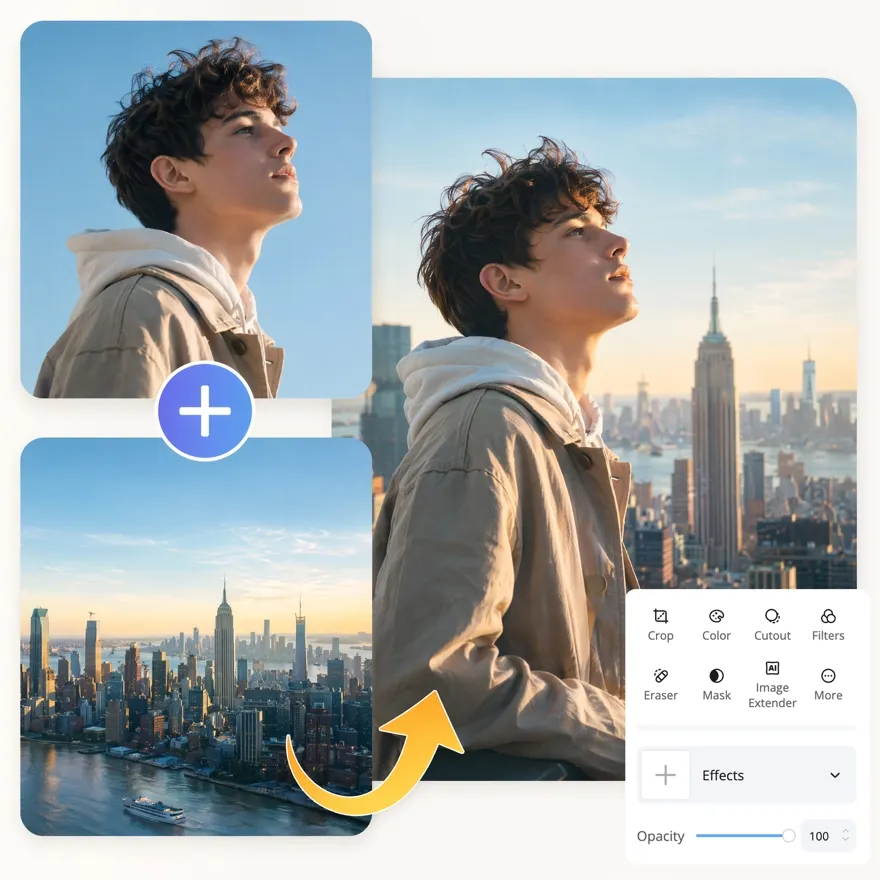
Start with a base image, then add cutouts, logos, icons, and text as editable layers. Easily position, resize, recolor, and arrange each element to create polished visuals.
No picture on hand? Try with one of these


How to Overlay Photos Online in 3 Simple Steps
Upload Your Base Image
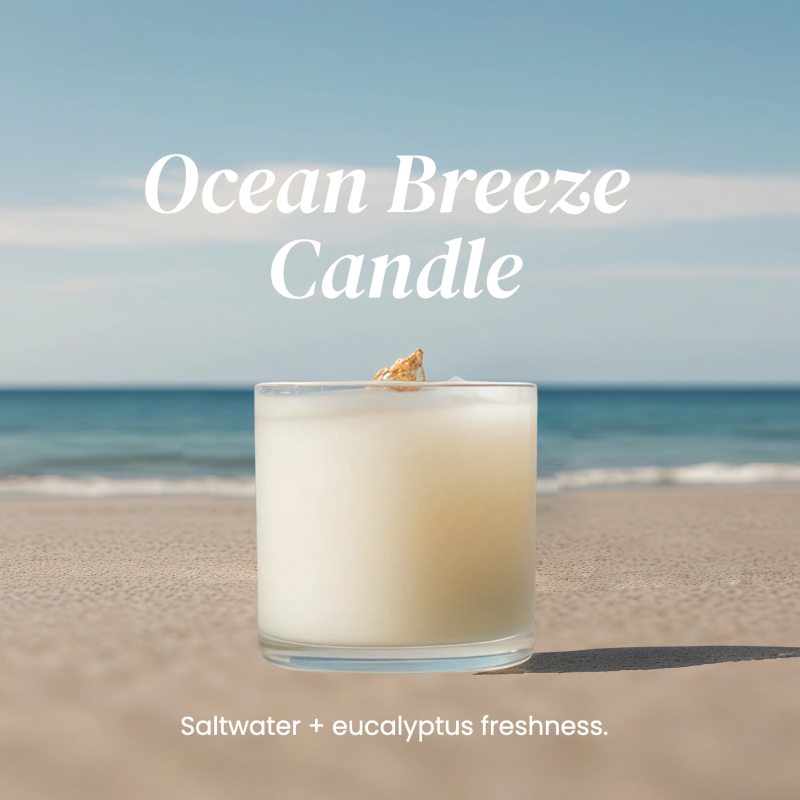
Add the product photo, lifestyle shot, or background you want to build on. This becomes the bottom layer everything else sits on.
Add and Arrange Your Layers
Drop in cutouts, logos, or text and place each one by dragging. Resize, rotate, and reorder layers so the composition reads the way you want.
Refine and Export
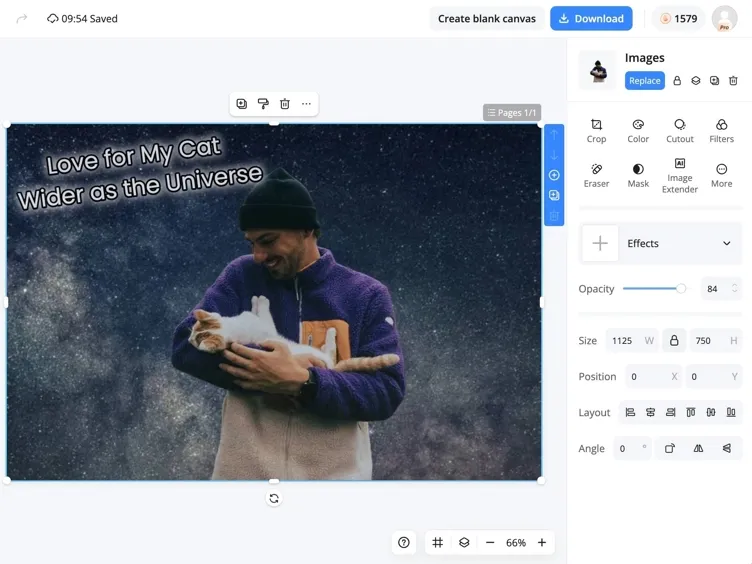
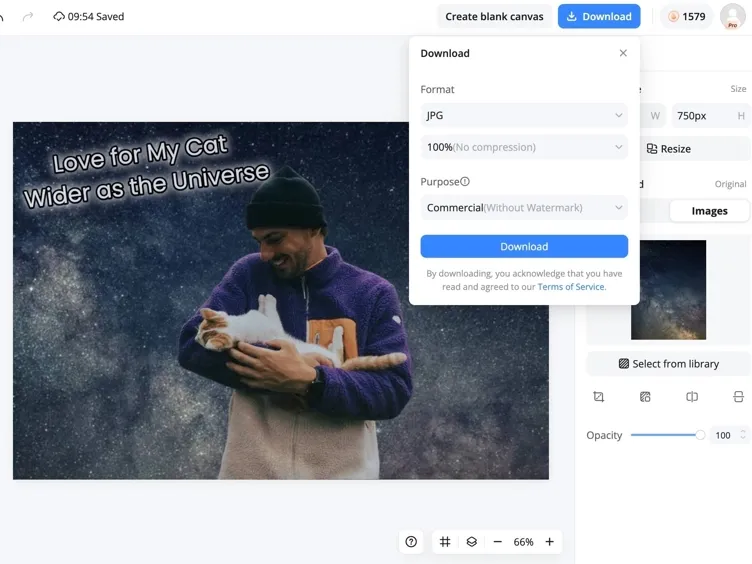
Adjust opacity, crop, recolor, or mask each layer until it blends in, then export a high-resolution image ready to publish.
Everything You Need to Build Layered Visuals
Cut Out Objects and Drop Them Onto Any Background
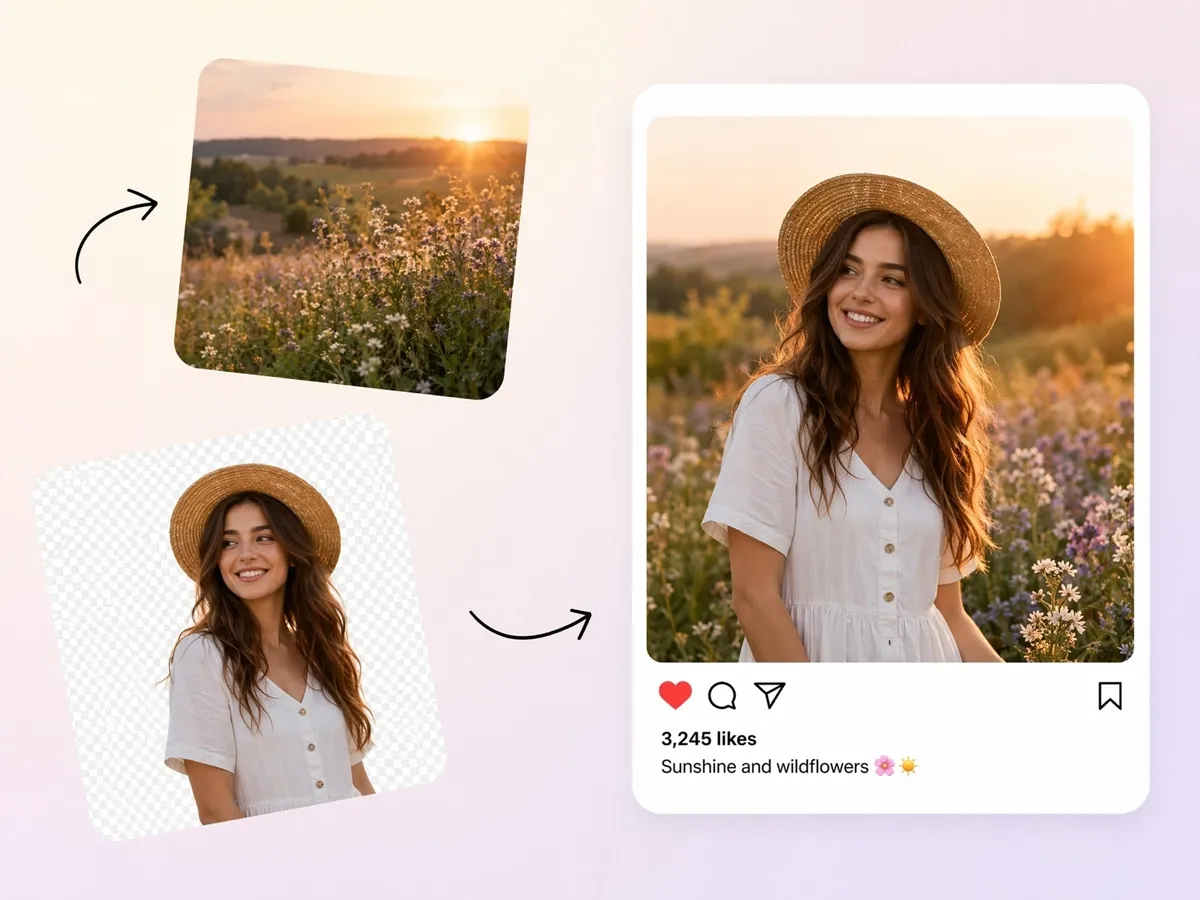
Move people, products, logos, or objects from one image into another without complicated selections. Designkit helps create clean cutouts that can be placed on new backgrounds for marketing graphics, social posts, product mockups, and creative designs.
Add Text and Graphics on Top of Any Image
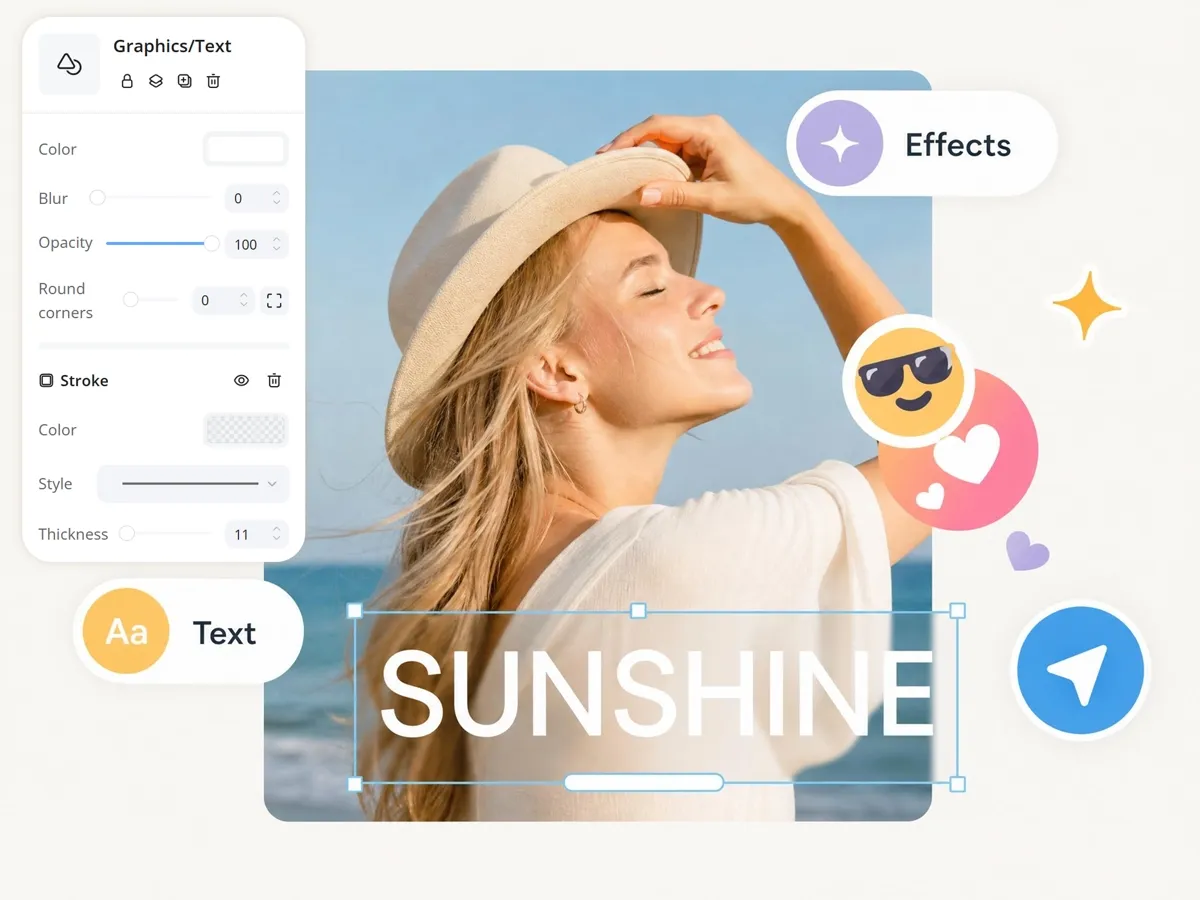
Create richer designs by combining photos with text, logos, stickers, shapes, and branding elements. Whether you're building ads, social content, posters, or presentations, Designkit makes it easy to arrange everything in one composition.
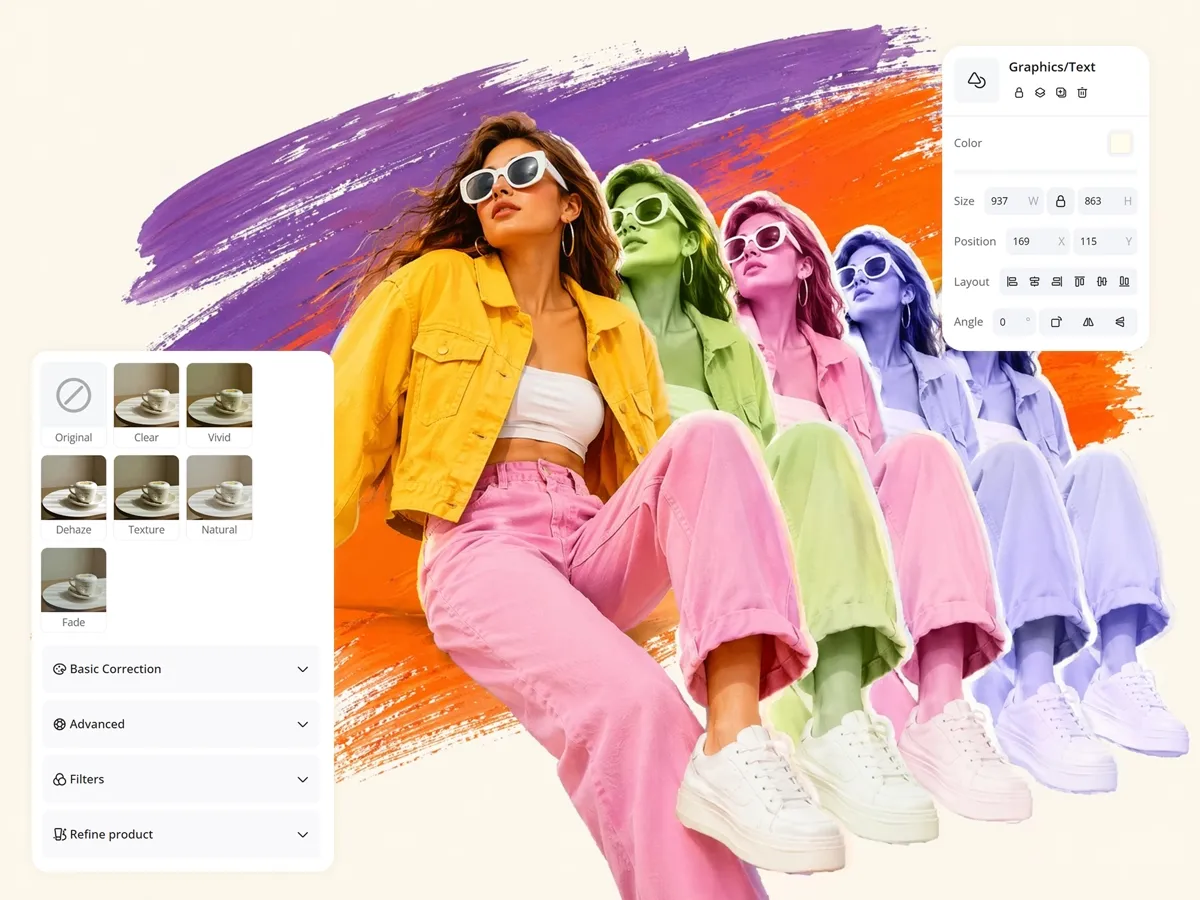
Mask, Crop, and Extend Layers for a Seamless Fit
Not every image element fits perfectly the first time. Designkit lets you crop, mask, and adjust layers so different elements blend naturally together and look like part of the same design rather than separate pieces.
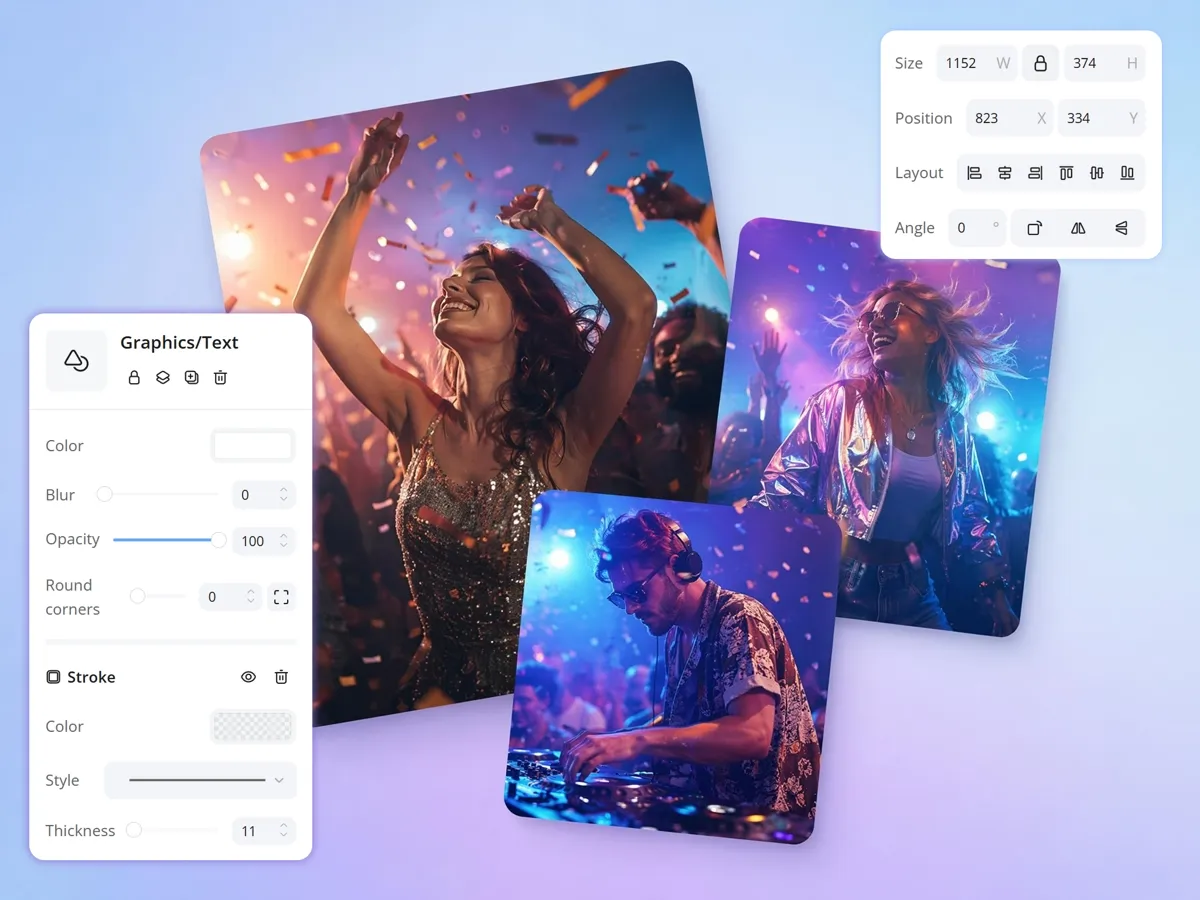
Control Opacity, Size, and Angle of Every Layer
Fine-tune how each layer appears in your design. Adjust transparency, resize elements, rotate graphics, and position objects precisely to create balanced visuals that match your creative vision.
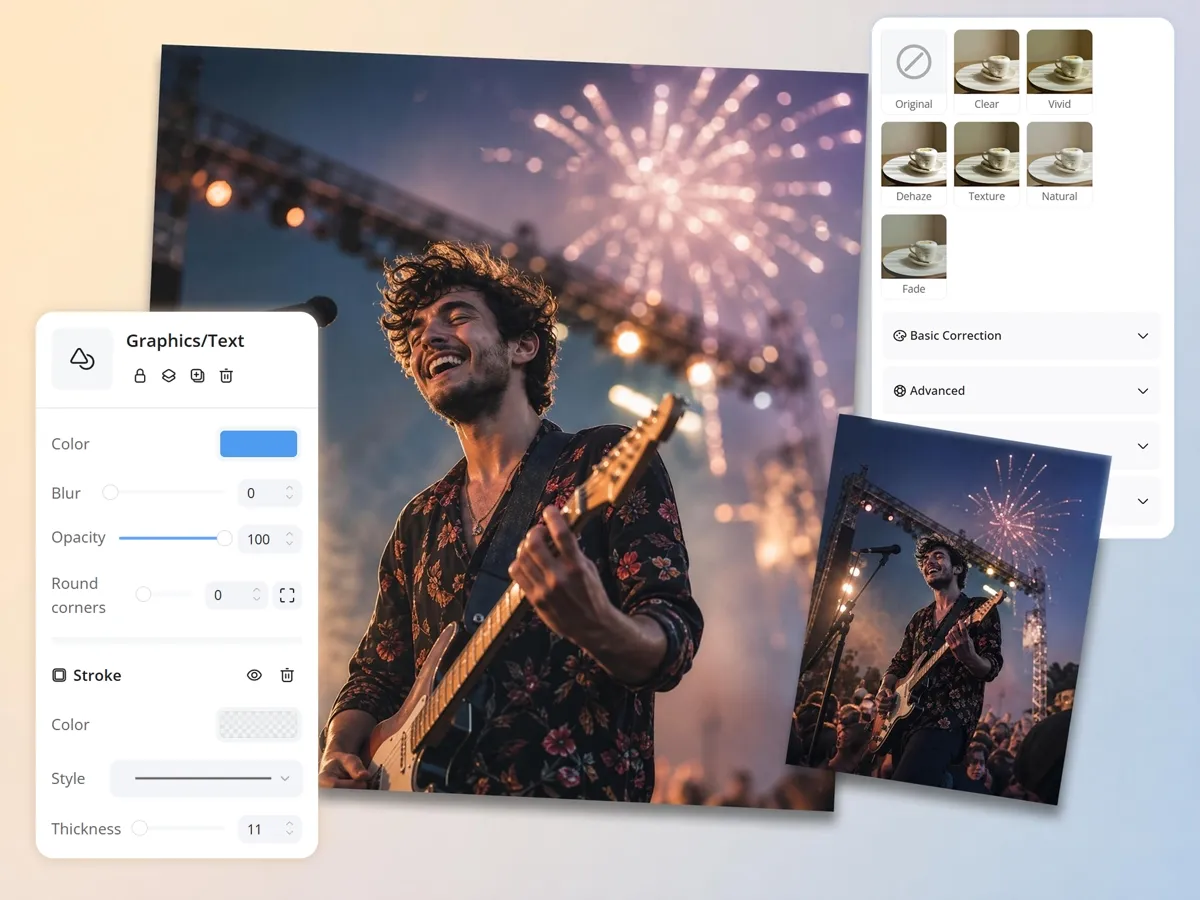
Recolor and Filter Layers So They Match
Images from different sources often have inconsistent colors and lighting. Designkit helps you adjust colors, apply filters, and create a more unified look across all layers for a cleaner final design.
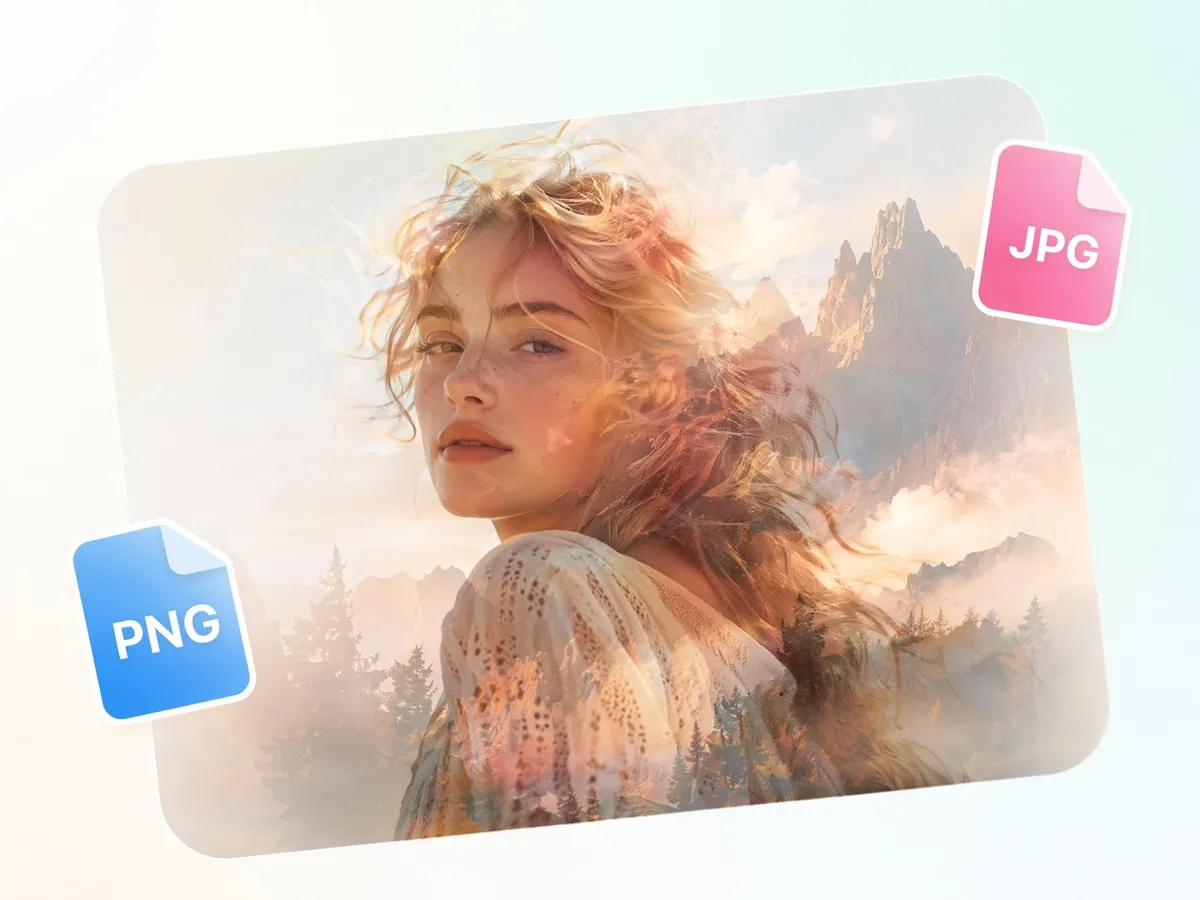
Export High-Resolution Files Ready to Post
Once your layered design is complete, export it to high quality for social media, marketing campaigns, ecommerce listings, presentations, websites, and print projects without losing clarity.
Built for Sellers, Marketers, and Creators
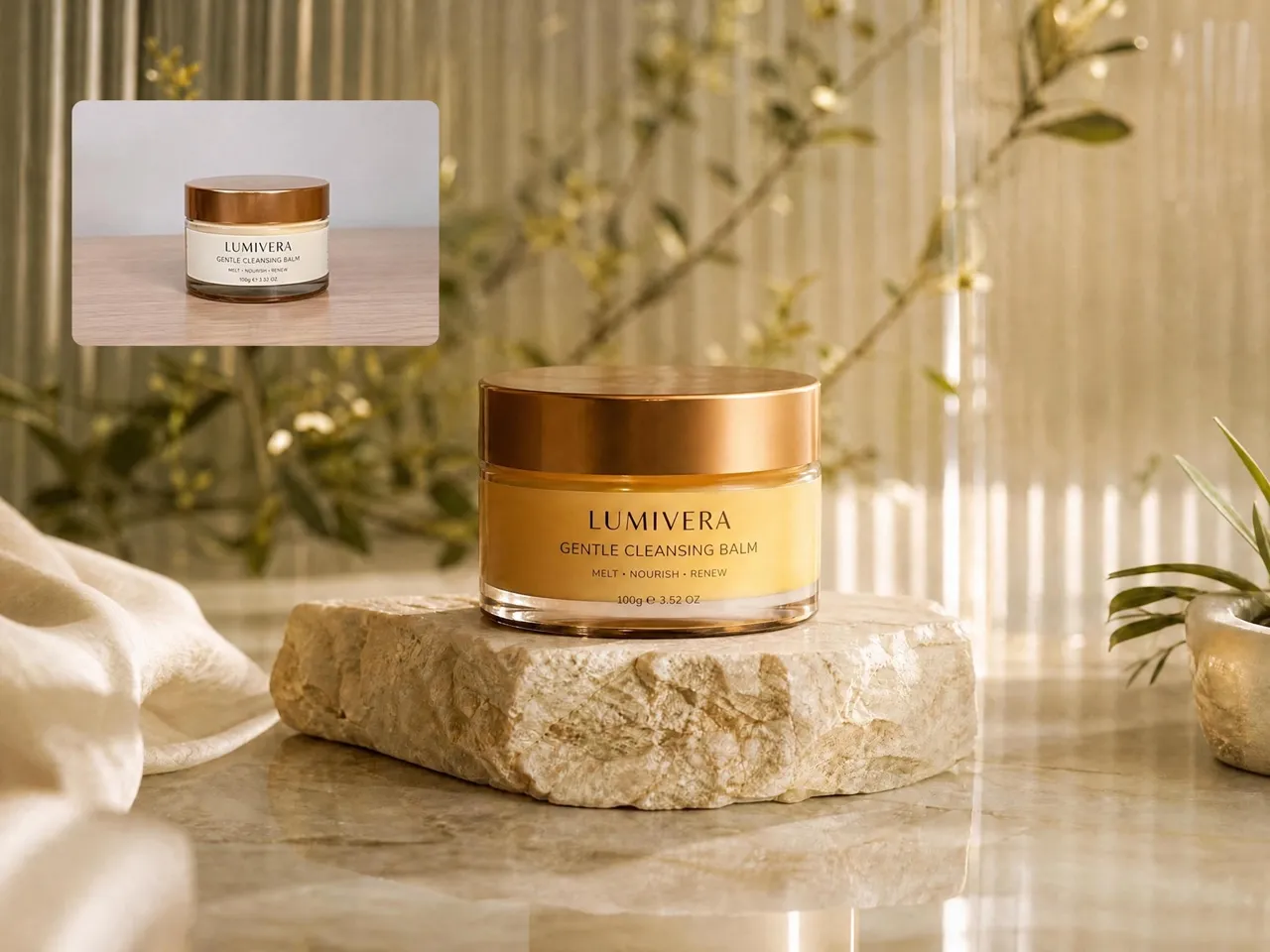
Place Product Cutouts Onto Clean Studio or Lifestyle Backgrounds
Product photos often need different backgrounds for marketplaces, ads, and social media. Designkit makes it easy to remove distractions, place products into new scenes, and create visuals that better match your brand and marketing goals.
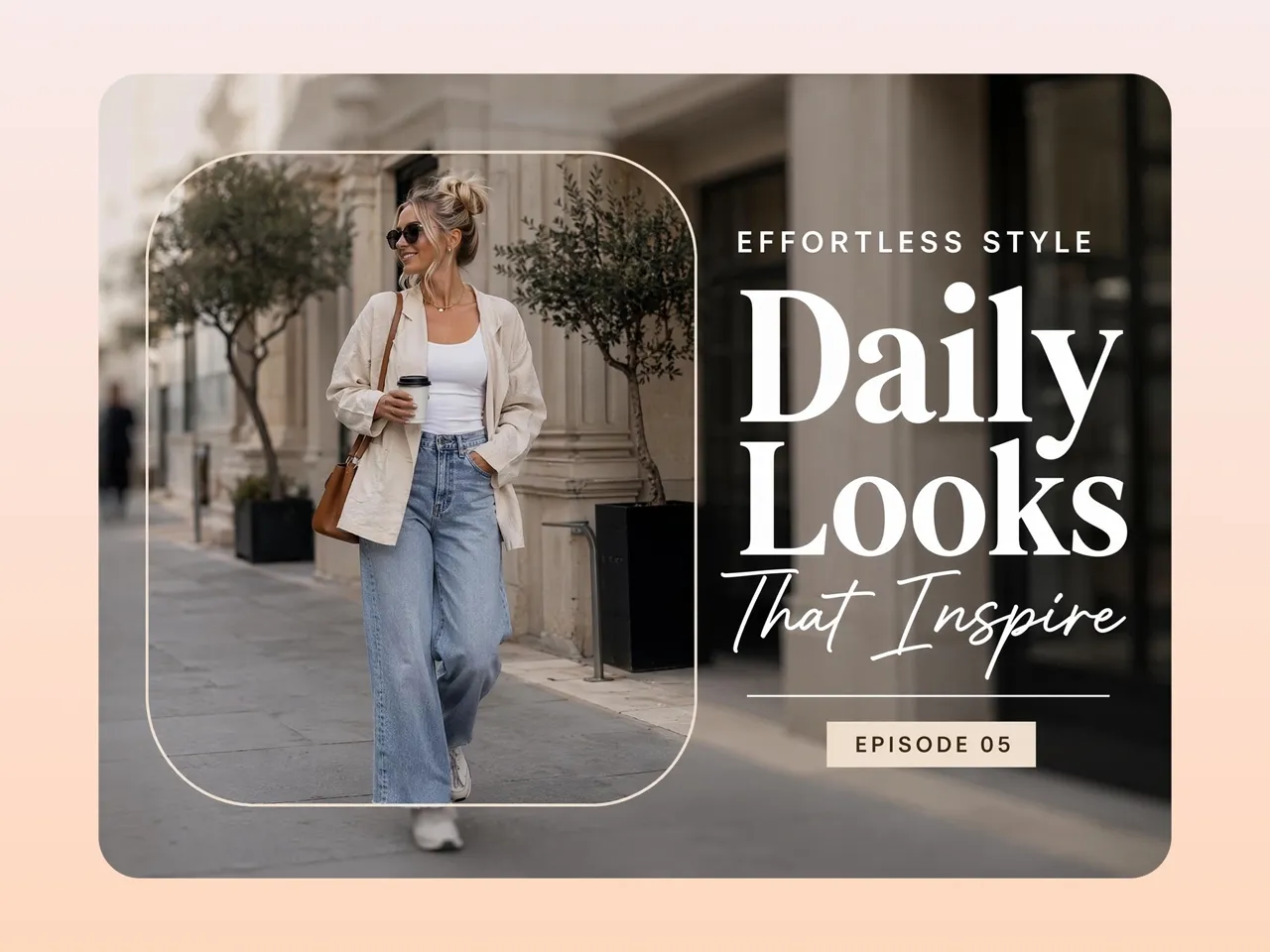
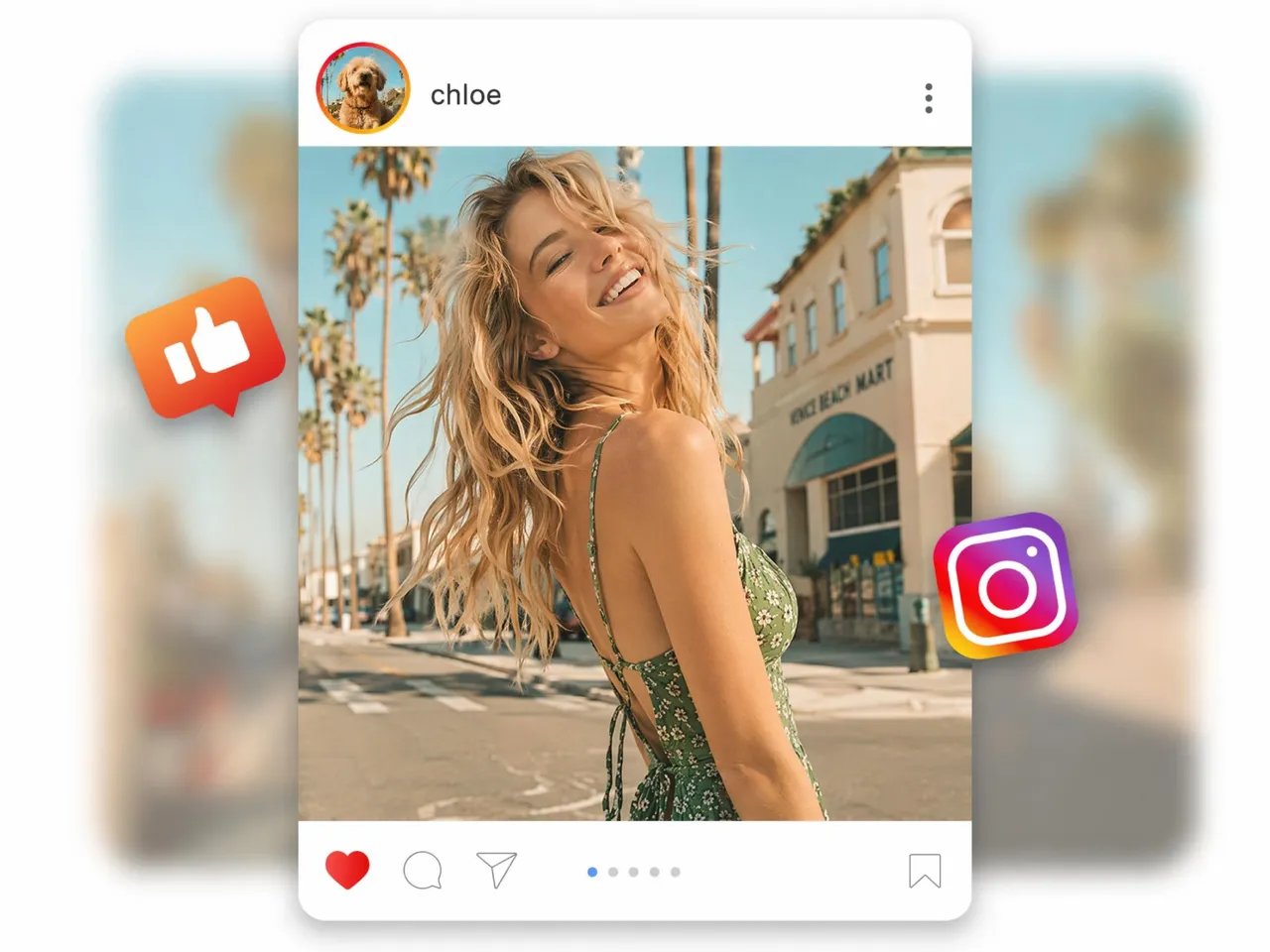
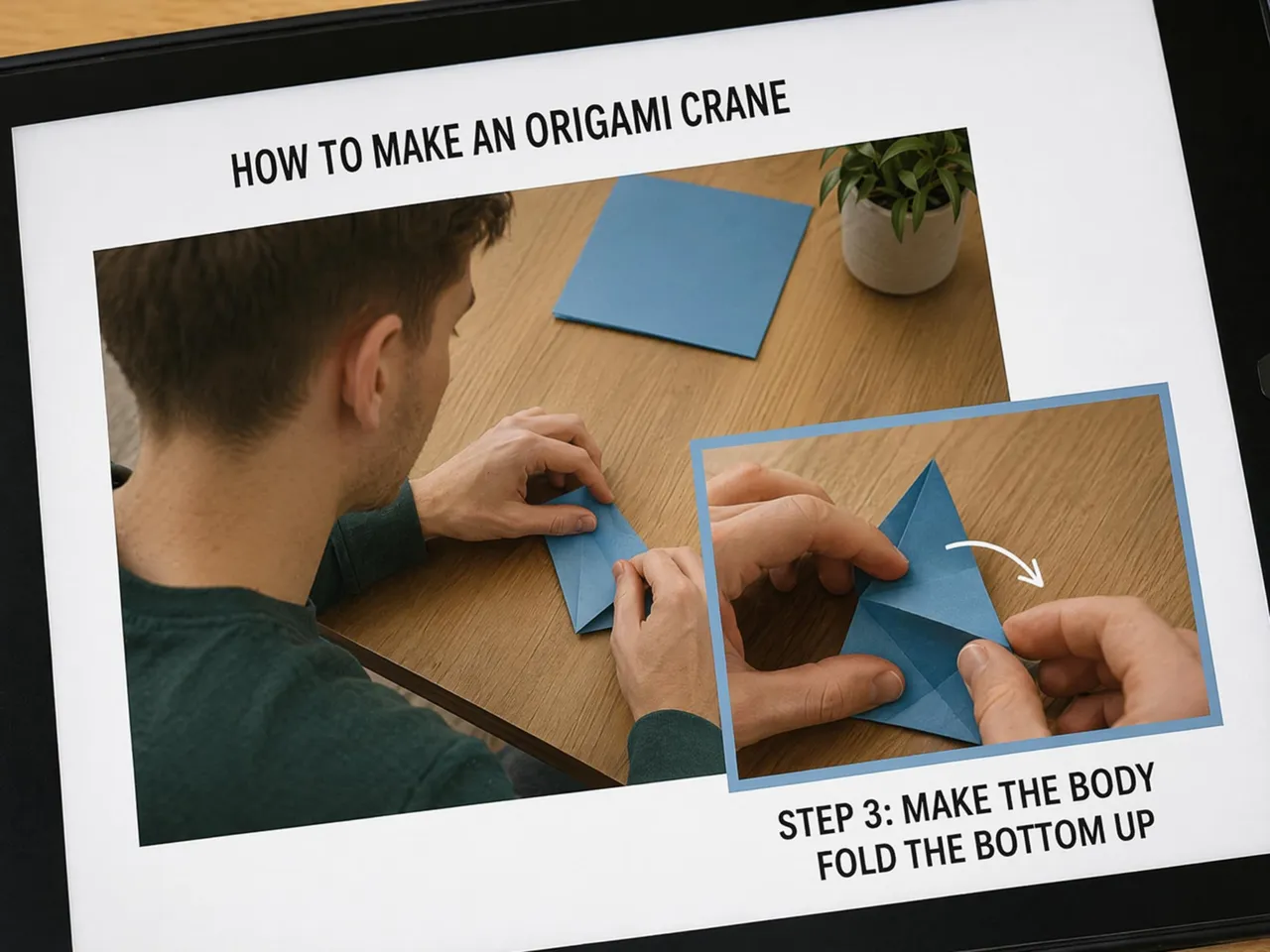
Why Creators Pick Designkit for Image Overlays

Clean Cutout Edges, Even on Busy Backgrounds
Complex backgrounds can leave rough edges around people and objects. Designkit creates cleaner cutouts that blend naturally into new designs without distracting outlines or leftover background fragments.

Full Layer Control: Crop, Mask, Extend, and Angle
Every design needs flexibility. Designkit gives you control over layer positioning, masking, cropping, resizing, and rotation, making it easier to build polished compositions that look intentional.
Layered Visuals in Minutes, No Editing Skills Needed
Creating image overlays shouldn't require professional software training. Designkit simplifies the process so anyone can combine images, text, and graphics into professional-looking designs quickly.
Unlock More Creative Possibilities
AI Photo Editor
Image Cropper Online
AI Product Photo Editor
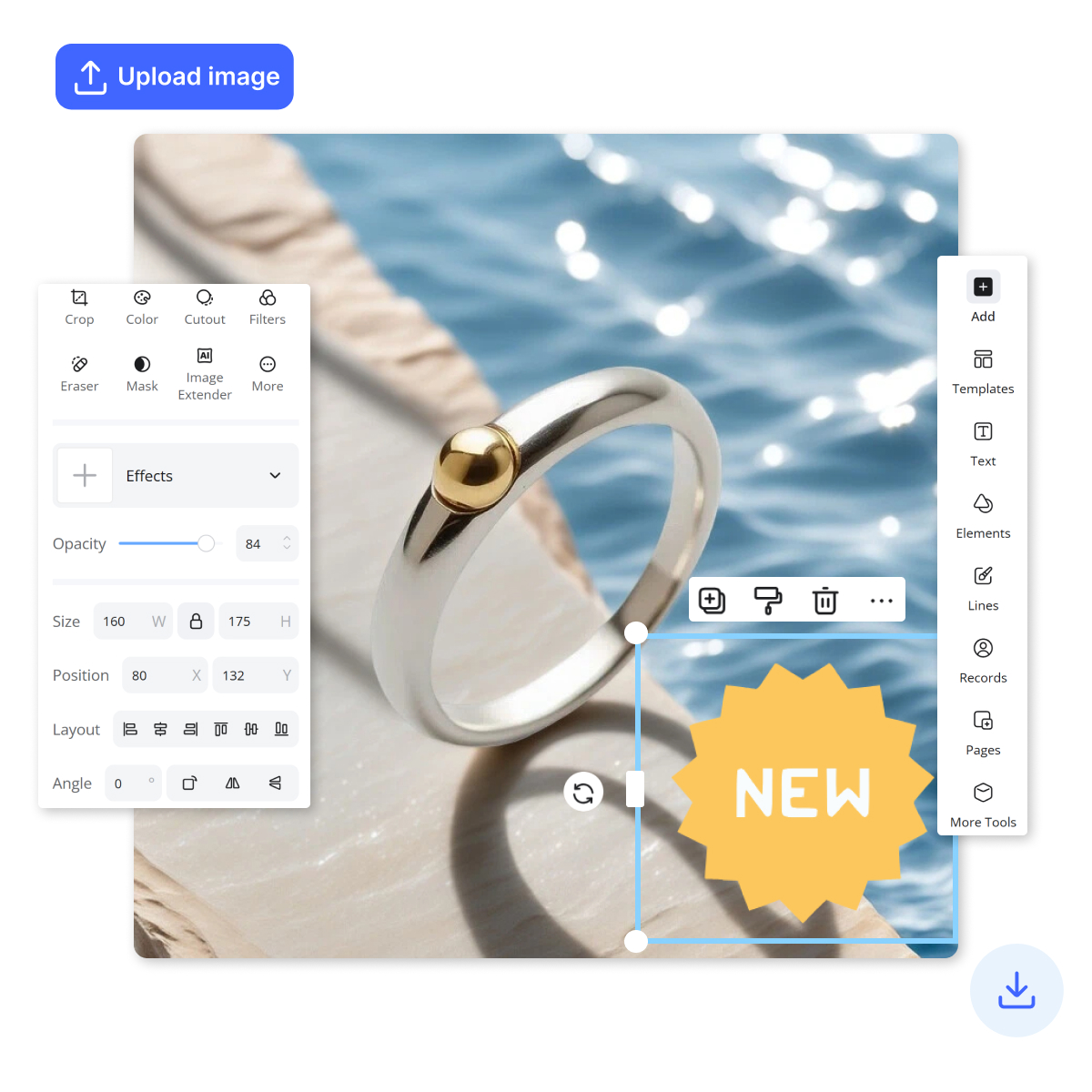
Add Stickers to Photos
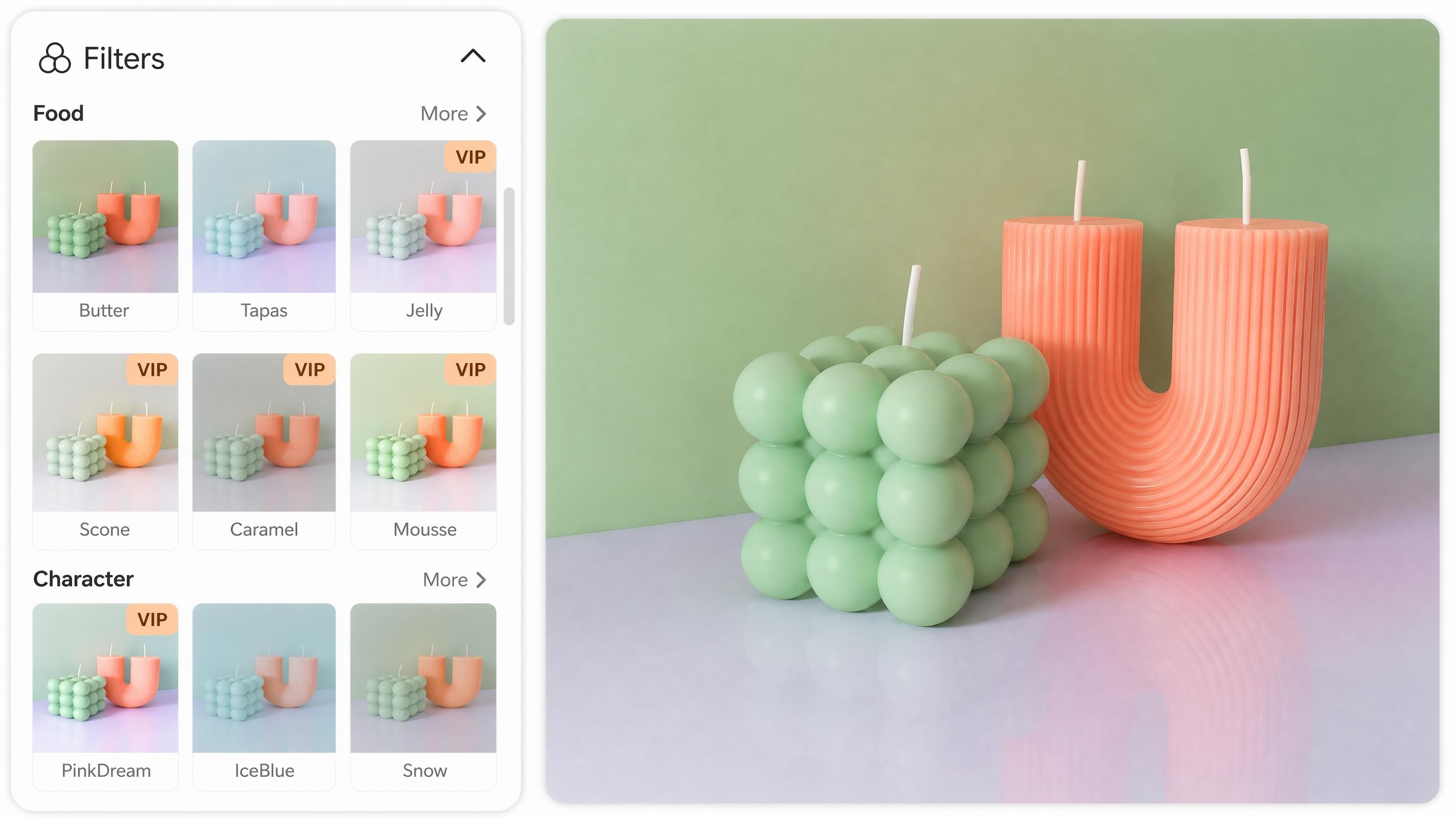
Online Photo Filter

Image Text Editor
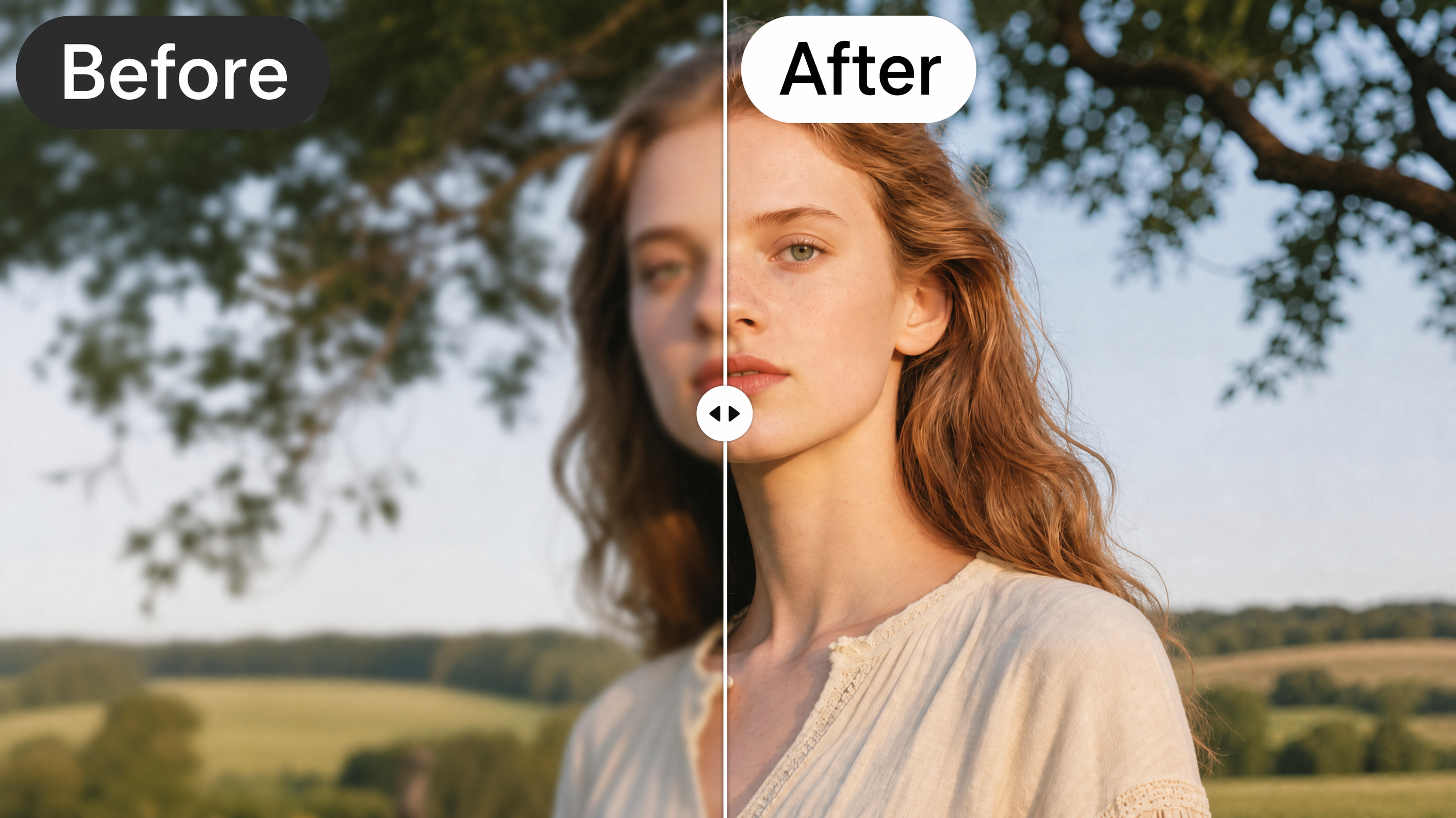
AI Image Enhancer
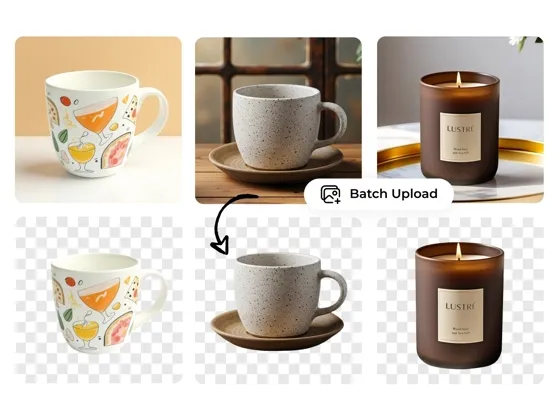
Background Remover
Frequently Asked Questions
What is image overlay?
How do I overlay one photo onto another?
To overlay one image onto another, you typically place a second image as a new layer and adjust its size, position, and transparency. Designkit simplifies this process by allowing users to upload multiple images, arrange layers, and create composite visuals without advanced editing experience.
Can I crop, mask, and recolor each layer separately?
Yes. Individual layer control allows you to modify specific elements without affecting the rest of the design. With Designkit, users can crop, mask, resize, rotate, and recolor layers independently, making it easier to create polished visuals that look cohesive and professionally designed.
Do overlaid images look natural and professional?
They can when the layers are blended properly. Factors such as clean cutouts, matching colors, balanced positioning, and appropriate transparency all help create a natural result. Designkit provides tools for refining layers, so different elements work together more seamlessly.
Can I add a text layer on top of my photos?
Yes. Text overlays are commonly used for advertisements, social media graphics, educational content, announcements, and branded visuals. Designkit allows users to add text alongside images, logos, and other design elements to create more informative and engaging content.
How do I adjust the transparency of an overlay?
Transparency is controlled through opacity settings, which determine how visible a layer appears. Lower opacity creates a more subtle effect, while higher opacity makes the layer stand out. Designkit lets users adjust layer transparency easily to achieve the right visual balance.
What image formats can I upload and export?
Most image overlay projects use common formats such as JPG, JPEG, PNG, and WEBP. Designkit supports widely used file types for both uploads and exports, making it easier to work with images from different devices, platforms, and creative workflows.
Can I use the overlaid images for commercial projects?
Yes. Image overlays are widely used for ecommerce listings, marketing campaigns, social media promotions, presentations, websites, and branded content. Designkit helps users create professional visuals that can be used across a variety of personal and commercial projects.
Put Your Layers Together and Publish
Upload a photo, add your cutouts and text, then crop, recolor, and adjust until it fits. Build listings, ads, and social visuals in one place. Try it free, no design skills needed.

What People Say About the Overlay Editor
Hear About Designkit From Our Loyal Clients
Faster Text Updates for Campaign Assets
Updating promotional graphics used to require multiple rounds of revisions with our design team. Now I can add text overlays, adjust fonts, and make quick edits myself in Designkit. It's helped us launch campaigns faster while keeping branding consistent across channels.
Professional Product Visuals Without Studio Costs
We regularly need lifestyle images for new products, but organizing photo shoots for every launch isn't practical. With Designkit, I can place product cutouts on high-quality backgrounds in minutes and create listing images that look professionally produced. It has reduced both production time and photography costs.
Easy Brand Watermarks for Social Content
Our team publishes content across multiple platforms every day. Designkit makes it easy to add logos and watermarks with the right opacity while preserving image quality. It has become a reliable part of our social media workflow.
Simple Layering for Creative Projects
I often combine product photos, textures, and branding assets into a single design. The layer controls are intuitive, and I can create composite visuals much faster than with traditional editing software. It's especially useful for quick client turnaround projects.
High-Quality Thumbnails for YouTube
Thumbnail quality has a direct impact on video performance. Designkit lets me layer images and text while keeping everything sharp after export. The workflow is straightforward, which means I can spend more time creating content and less time editing graphics.
Great for Social Media Cover Images
I create a lot of vertical content for TikTok and Instagram, and consistency matters. Designkit helps me combine product images, backgrounds, and text into polished visuals that match my brand style. It's become one of my fastest ways to create social-ready graphics.