
Edit Product Photos Like a Pro: Create Clean, High-Converting Photos
Upload any product photo—phone shot, supplier image, or raw file—and turn it into polished, marketplace-ready visuals in one place. Remove backgrounds, retouch colors, erase distractions, resize instantly, and extend frames with AI.

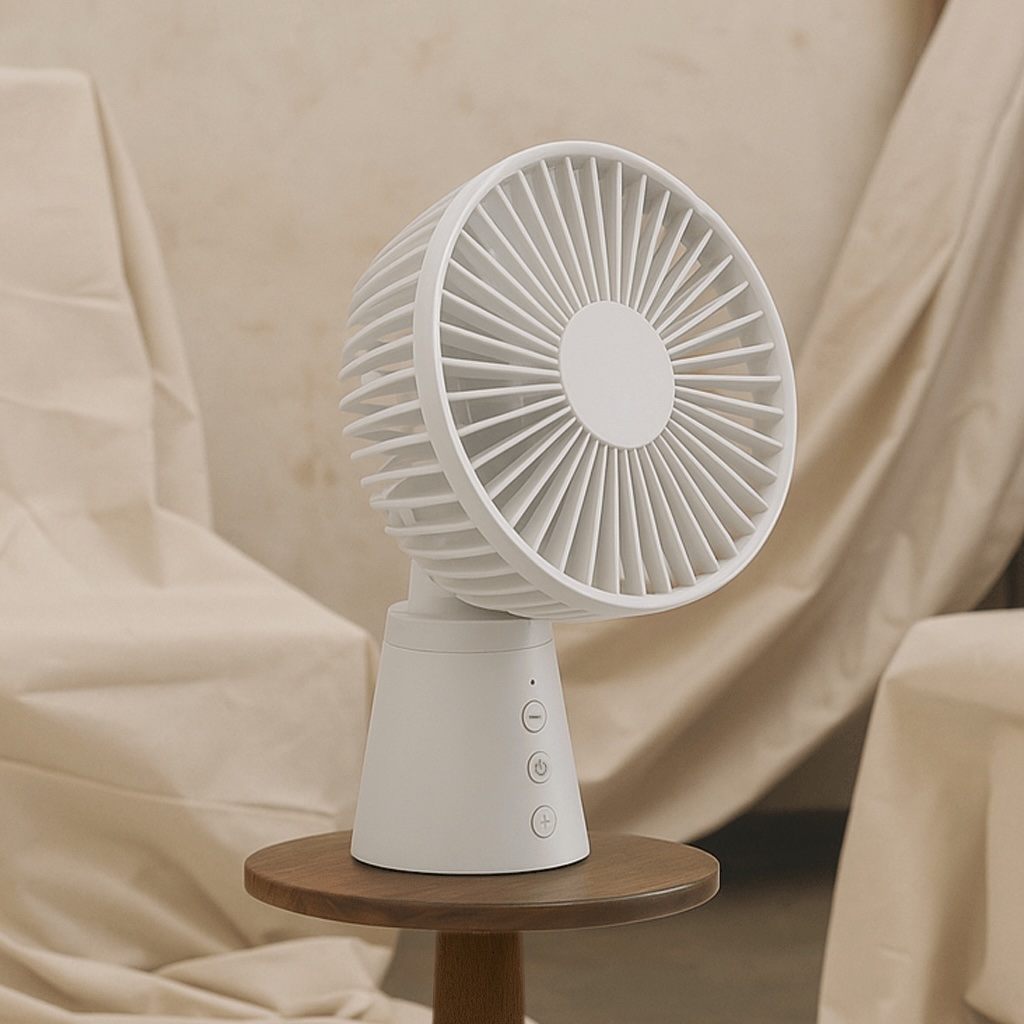
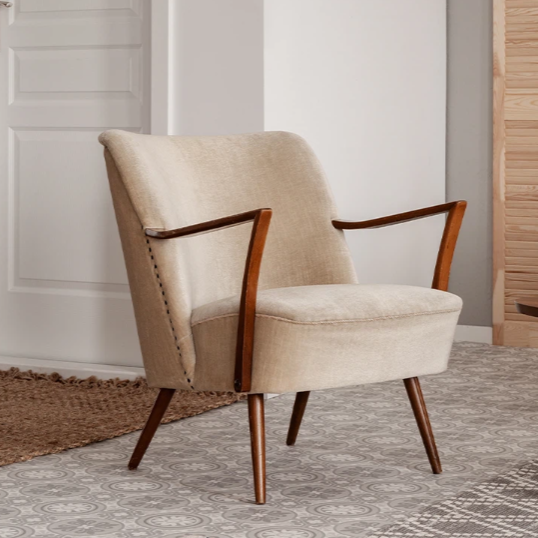
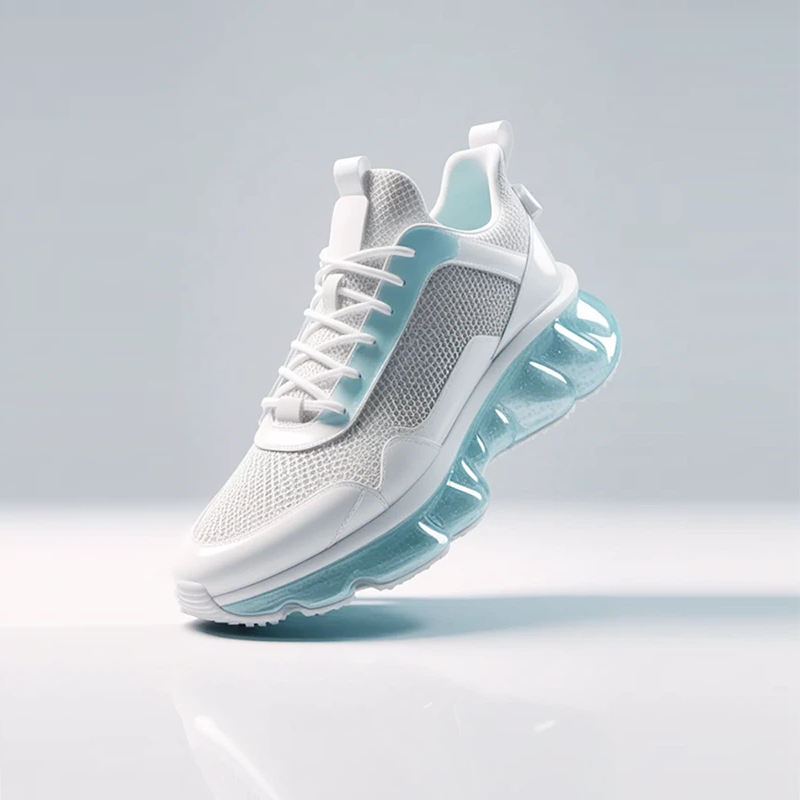
No picture on hand? Try with one of these


How to Edit Product Photos with Designkit
Upload Product Image
Open Designkit and click "AI Photo Editor" to open the photo editing console. Upload your product photo or drag it into the editor. To edit multiple images, click "Batch Photo." Designkit supports multiple file formats like PNG, JPG, HEIC, and WEBP.

Edit with AI-Powered Tools
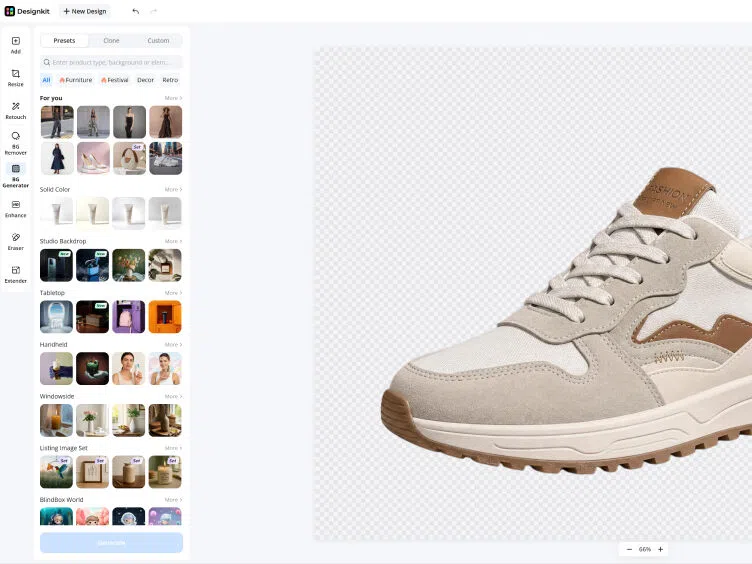
Use AI tools to clean, improve, and adjust your product photo in one place. Remove backgrounds and unwanted objects, enhance colors and image quality, then crop, resize, rotate, or expand your image to fit Amazon, Shopify, TikTok Shop, and more.
Preview, Refine, and Export
Preview your edited image at full resolution. Make final adjustments, then download them in your preferred format and size—ready for Amazon listings, Shopify product pages, or ad campaigns. Export platform-ready images in one click, like Amazon 2000×2000px or Shopify-optimized sizes, with no manual resizing needed.
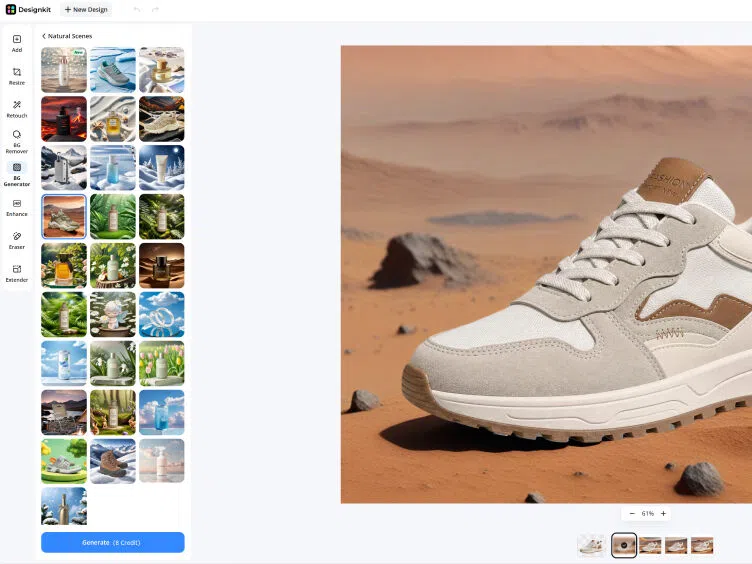
Everything You Need to Edit Product Photos Professionally
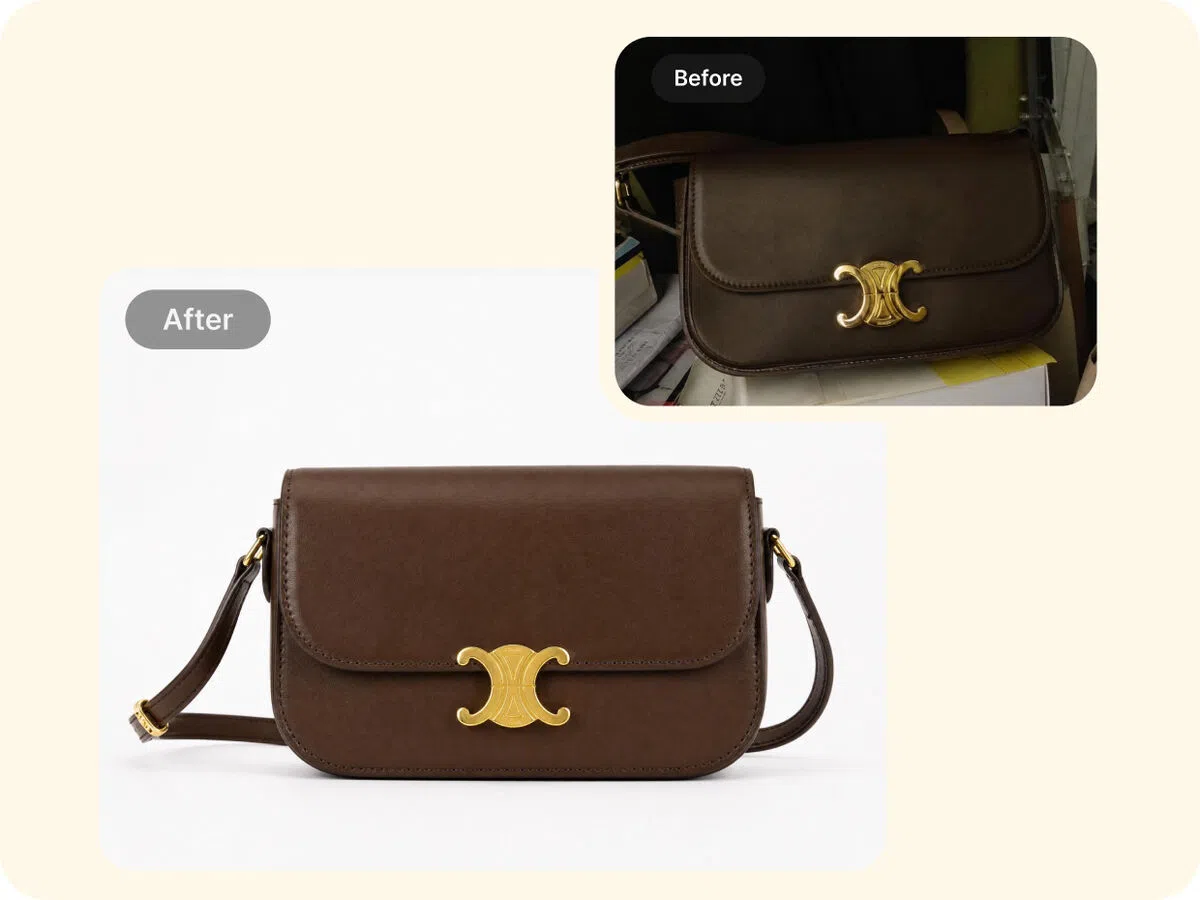
Remove and Replace Product Backgrounds without Manual Editing
Cluttered backgrounds make product photos look unprofessional and reduce trust. Designkit removes backgrounds automatically in seconds and replaces them with white backgrounds or lifestyle scenes. As a result, your product images look clean, consistent, and ready for marketplace listings.
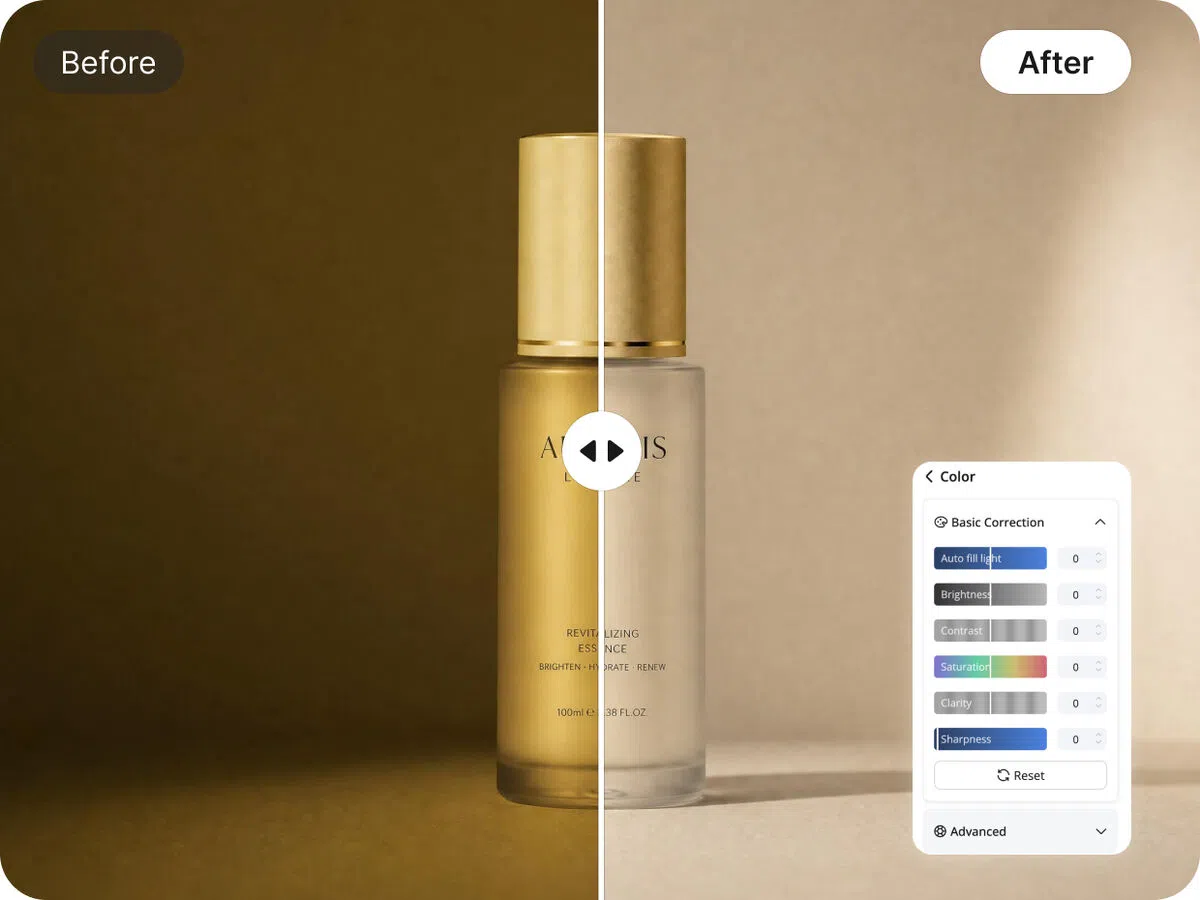
Retouch Product Photos with Auto Color Correction
Poor lighting and uneven colors make products look different across listings and confuse buyers. The image enhancer in Designkit corrects brightness, exposure, shadows, and white balance. Your images look natural, consistent, and more trustworthy across your entire catalog.
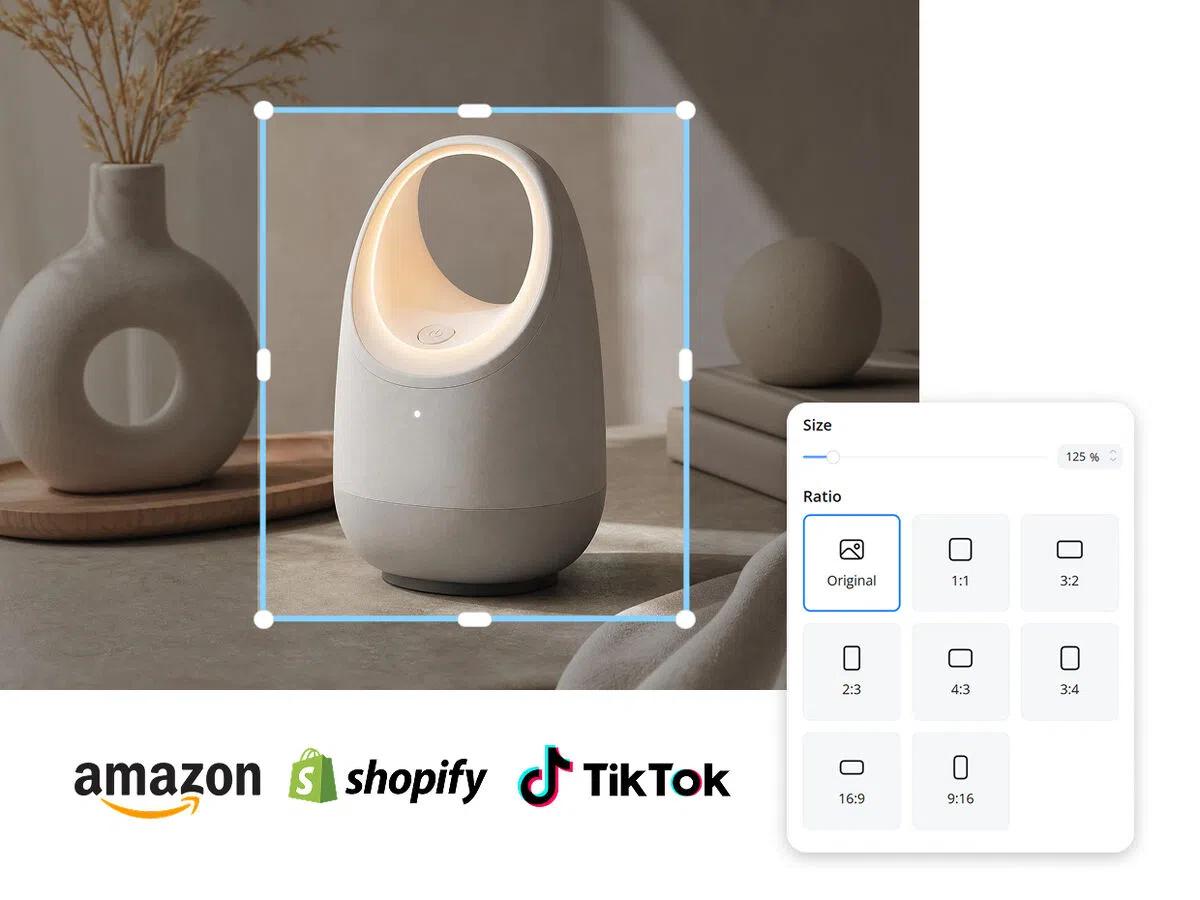
Resize Product Photos for All E-commerce Platform Requirements
Different marketplaces require different image dimensions, but resizing manually wastes time and often ruins composition. Designkit resizes images automatically for Amazon, Shopify, Etsy, TikTok Shop, and more while keeping visuals sharp and properly framed.
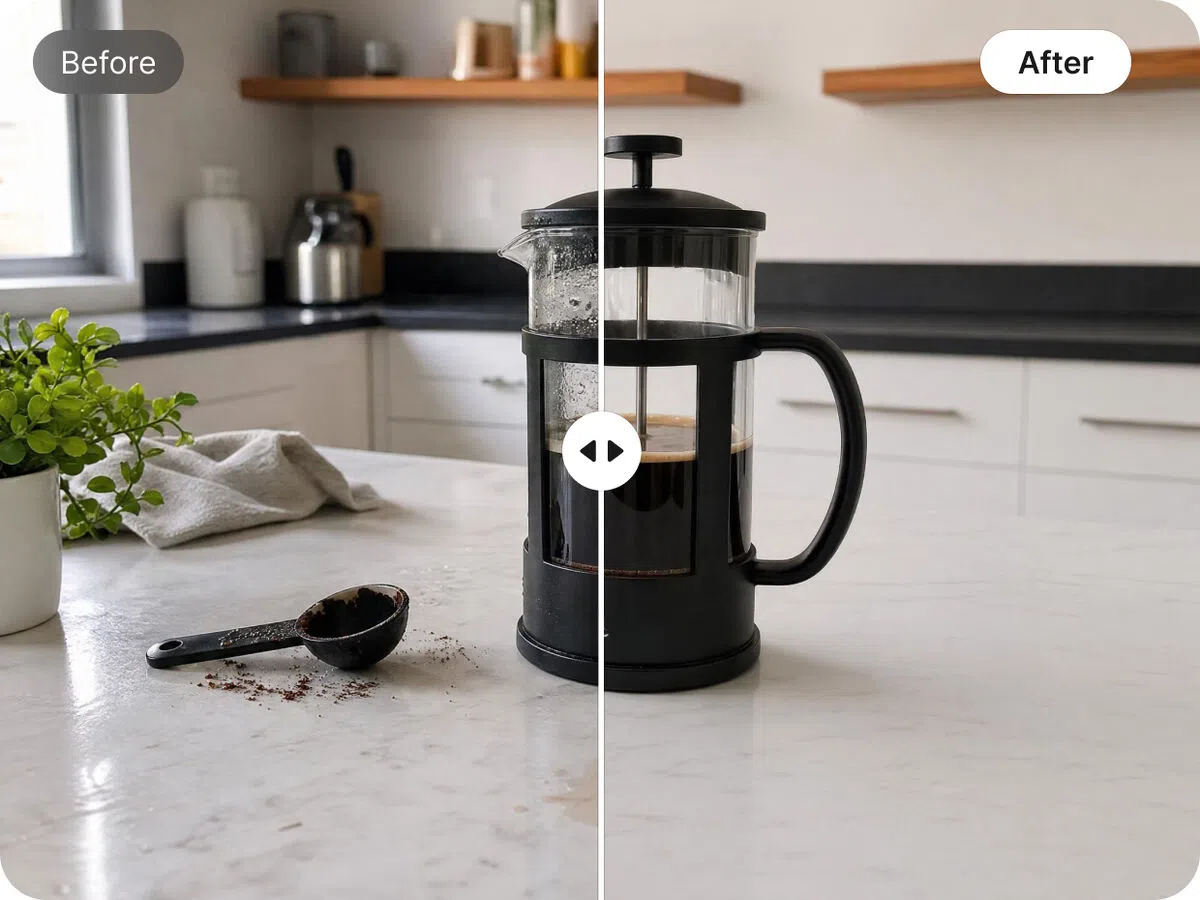
Erase Any Unwanted Objects to Make Product Photos Stay Clean
Small distractions like dust, reflections, or unwanted objects pull attention away from the product. Designkit's object remover cleans up distractions naturally, helping products stand out with a cleaner, more trustworthy presentation.
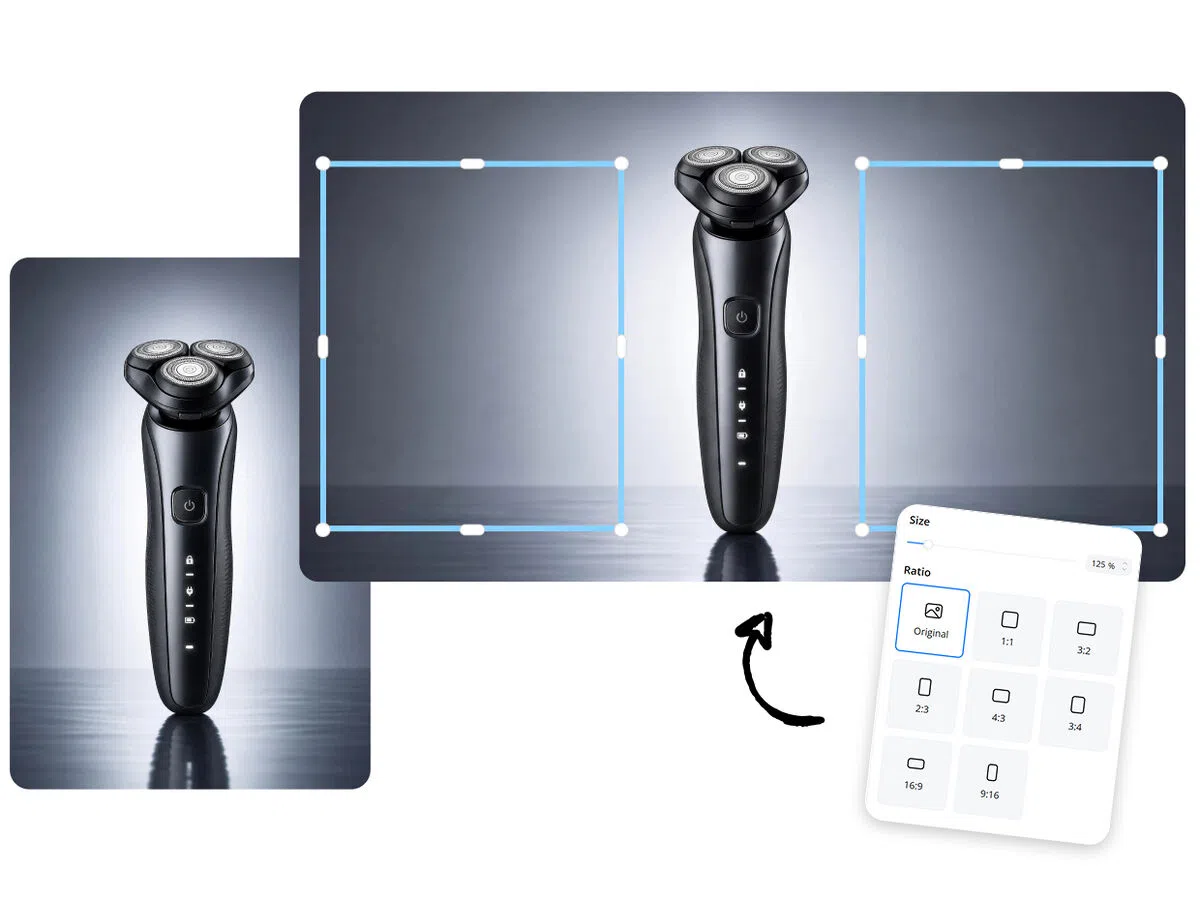
AI Expands Product Frames Without Cropping for Flexible Layouts
Ads and banners often need extra space, but cropping cuts important parts of the product. Designkit expands image frames while keeping perspective, shadows, and details intact. Your visuals fit different layouts without losing product focus.
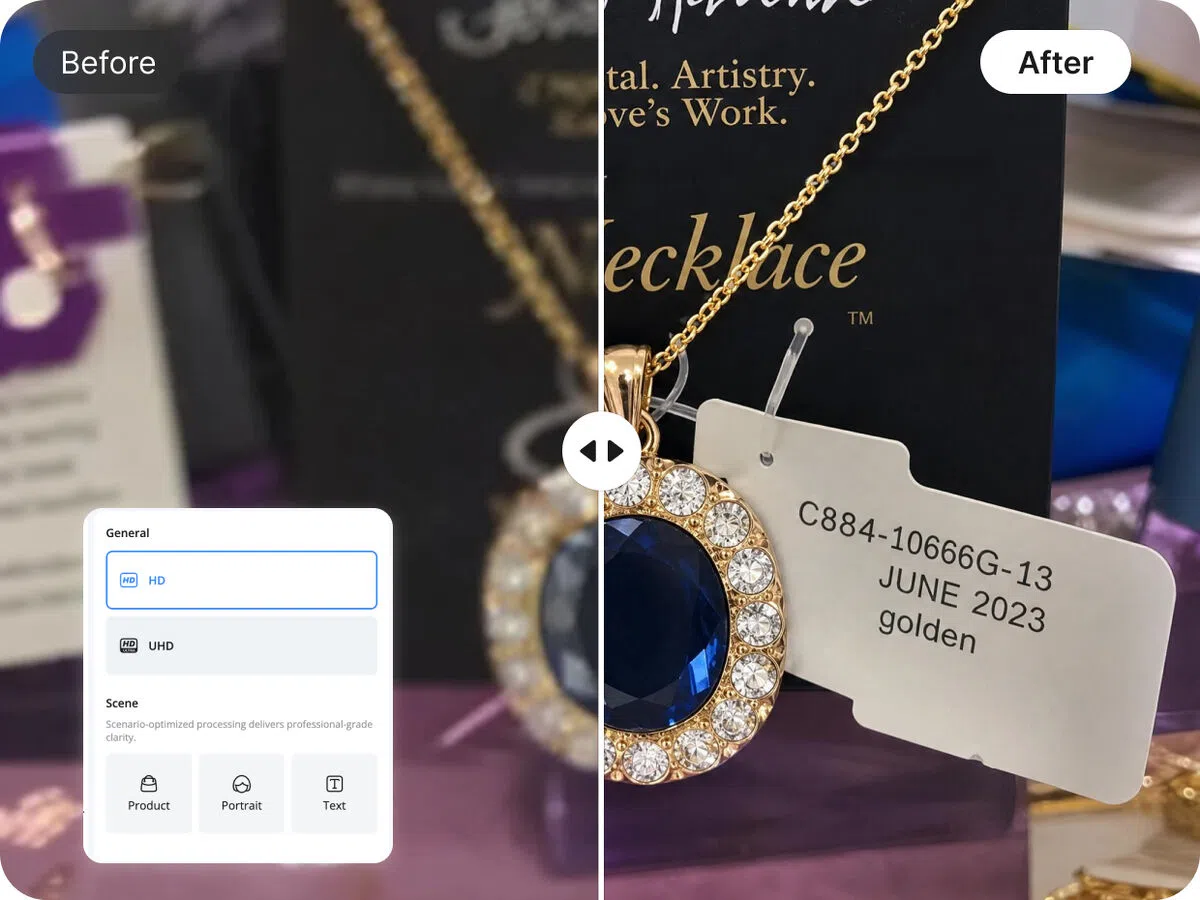
AI Image Quality Improvement to Crisp HD Visuals
Low-quality or blurry images reduce buyer confidence and lower conversion rates. Designkit sharpens details, enhances textures, and upgrades resolution automatically. Even simple phone photos become clear, high-definition product visuals.
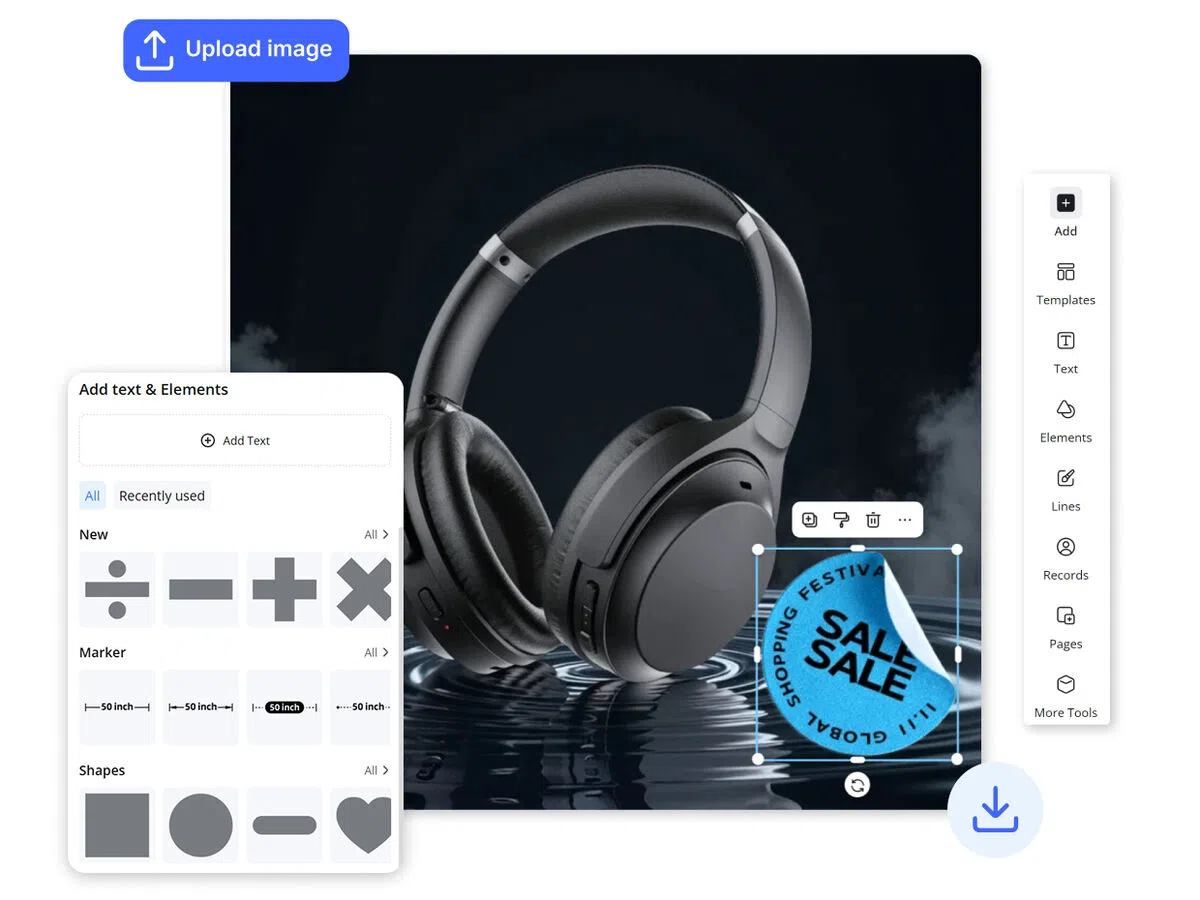
Add Text and Elements to Highlight Key Features and Boost Engagement
Plain product images fail to explain key features and benefits clearly. Designkit lets you add text, icons, and design elements directly on images. Your visuals become more informative, engaging, and better at driving clicks and sales.
Built for Every Seller Who Needs Clean, Conversion-Ready Product Images

Meet Listing Requirements Without Hiring an Editor
Amazon rejects images with the wrong background, watermarks, or poor framing. Designkit removes backgrounds, fixes framing, and cleans product photos automatically. Your listings match Amazon rules, stay consistent, and are ready to upload in bulk
Why Choose Designkit for Product Photo Editing

No Design Skills Needed for Online Sellers
Edit product photos using simple, guided tools. Upload your image, apply adjustments, and export clean visuals without learning complex software or relying on external editors.

Fast Editing Workflow with Lower Costs
Process product images quickly without outsourcing or long revision cycles. Handle background removal, retouching, and resizing in one place, reducing time spent per listing.

Ready for All E-commerce Platforms
Prepare images that match platform requirements for Amazon, Shopify, and websites. Export correct sizes, formats, and layouts, so your visuals are ready to upload without rework.

All-in-One Editing, No Tool Switching
All-in-one editing in a single workspace—remove backgrounds, retouch, resize, and enhance images without switching tools or apps. Save time and keep your entire editing workflow simple and fast.

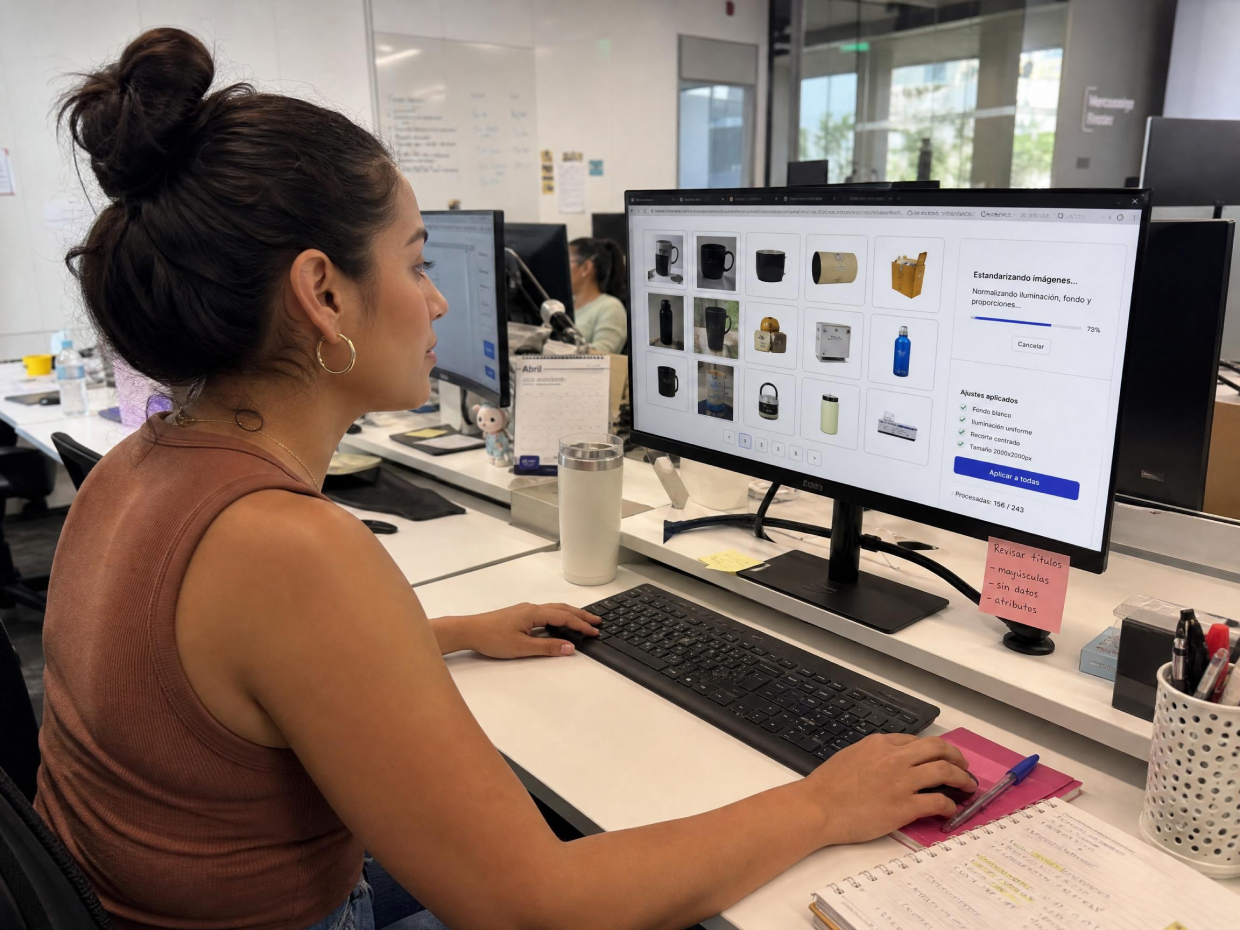
Batch Edit Hundreds of SKUs at Once
Batch edit hundreds of SKUs in minutes with consistent edits across your entire catalog. Perfect for seasonal updates and large launches, saving days of manual work and keeping visuals uniform.

Maintain Consistent Brand Quality Across Every Image
Inconsistent lighting and framing hurt brand trust. Designkit applies consistent edits across all product images. Your catalog stays uniform, polished, and ready for every platform and campaign. User Review
Frequently Asked Questions
Do I need design skills to use Designkit for product photo editing?
Can I remove the background from a product photo?
How do I edit product photos for Amazon listings?
How do I resize product images for different eCommerce platforms?
How can I make product images fit any Ad size without cutting them off?
How do I remove unwanted objects from a product photo?
Can I edit product photos in bulk?
Stop Editing Manually. Let AI Handle Your Product Photos
Designkit is an AI-powered product photo editor built for eCommerce sellers to create clean, professional visuals for Amazon and online stores. It reduces editing time and cost while helping you produce consistent, listing-ready images at scale.

User Reviews of Designkit Product Photo Editing Services
Consistent Catalog Quality Across SKUs
Managing multiple product listings used to feel messy because every image looked slightly different. With Designkit, I can standardize backgrounds and improve image clarity across all SKUs. It also helps me handle product batches much more smoothly and keeps everything visually aligned across the catalog.
Professional Store Look Without Heavy Production Costs
I didn't want to rely on expensive photography for every new product drop. With Designkit, I can refine product visuals, adjust lighting, and create clean backgrounds myself. It saves me around 3–4 hours per product batch and keeps my store looking polished and consistent without extra production costs.
Cut Content Production Cost by Half with Flexible Ad Creatives
Earlier, I had to outsource different versions of product images for ads and campaigns. Now with Designkit, I can quickly adapt visuals for different platforms: background removal, resizing, and object cleanup all in one place. This reduced my content production cost by nearly half and made ad creatives much easier to manage.
Stronger Visual Consistency for Content Creation
As a content creator, consistency is everything. Designkit helps me turn plain product photos into clean, aesthetic visuals that match my content style. I can prepare a full set of posts in under 1 hour, which earlier used to take almost half a day. It really improved my posting consistency.
Faster Supplier Image Standardization for Growing Catalogs
Managing supplier images was chaotic because every vendor sends different formats, lighting, and quality. With Designkit, I can quickly standardize large batches of supplier photos into clean, uniform product visuals without manual editing. It reduces a major part of our catalog cleanup workload and keeps all supplier content aligned with our brand-ready format.
Easier Product Launches for Small Businesses
I didn't have access to a design team or studio setup. Designkit helped me turn basic product photos into clean ecommerce-ready visuals without extra tools. I can now prepare launch-ready images in a fraction of the time, which makes launching new products much easier and more professional.