


Choosing between Grok and ChatGPT has become one of the more practical decisions AI users face right now. Both tools have matured significantly, both offer free tiers with capable paid upgrades, and both can handle a wide range of writing, research, and analysis tasks. But they are built on different philosophies — and that difference shapes what each one does well.
This guide breaks down the key distinctions across features, performance, pricing, and real-world use cases. The goal is not to declare a winner, but to help you figure out which tool fits your actual workflow.
Part 1. What Is Grok AI and How Does It Differ from ChatGPT?
Grok is an AI assistant developed by xAI, the AI company founded by Elon Musk. It launched in late 2023 and has since expanded its feature set considerably, with versions like Grok 2 and Grok 3 introducing more advanced reasoning, image generation via the Aurora model, and deeper integration with the X (formerly Twitter) platform.
ChatGPT, developed by OpenAI, launched in November 2022 and is widely considered the product that brought large language models into mainstream use. It powers both consumer products and enterprise APIs, and its GPT-4o model sits at the core of the current Plus and Team subscription tiers.
At the surface level, both are conversational AI assistants. The structural difference lies in how each accesses information and where each excels:
| Feature | Grok (xAI) | ChatGPT (OpenAI) |
|---|---|---|
| Developer | xAI | OpenAI |
| Real-time data access | Yes — via X platform integration | Limited — available via Bing in some plans |
| Primary strength | Trending topics, live information | Long-form content, complex reasoning |
| Image generation | Yes (Aurora model, SuperGrok tier) | Yes (DALL·E 3, Plus tier) |
| API availability | Yes | Yes |
| Free tier | Yes (with daily limits) | Yes (GPT-4o mini) |
1.1 Grok's Real-Time Information Edge
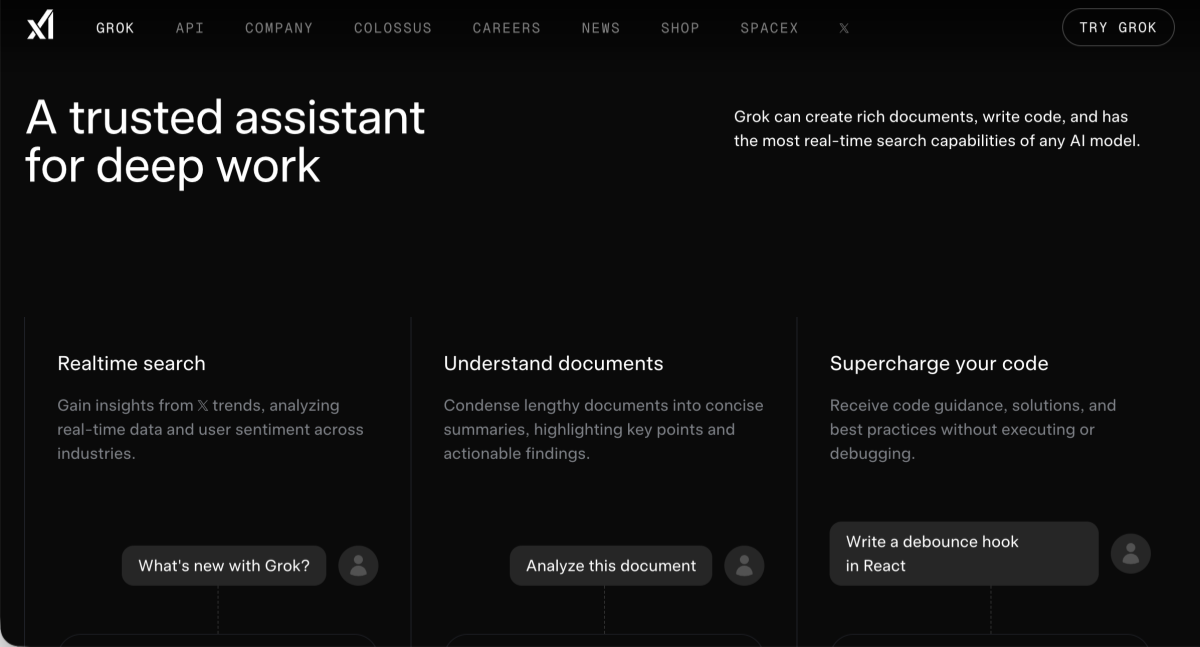
One of Grok's clearest differentiators is its native connection to X's data stream. Because X functions as a real-time public feed — covering breaking news, financial commentary, tech announcements, and cultural conversation — Grok can surface information that other AI tools simply don't have access to at the same speed.
This matters most for tasks like: tracking how a news story is developing, identifying what topics are gaining traction in a specific community, or verifying whether a claim has been discussed recently. For journalists, social media strategists, and market researchers, this is a tangible operational advantage, not just a spec on a comparison sheet.
ChatGPT offers browsing capability through Bing integration on select plans, but the experience is less seamless and not as tightly coupled to a live social data layer.
1.2 ChatGPT's Strengths in Deep Content Generation
Where ChatGPT has a persistent edge is in sustained, complex reasoning and long-form generation. Writing a structured 3,000-word report, debugging a multi-file codebase, or maintaining coherence across a long conversation — these are tasks where GPT-4o reliably performs at a high level.
The GPT ecosystem also benefits from years of third-party development. Custom GPTs, API integrations, and plugin workflows give power users considerable flexibility. For developers and content professionals who need a tool that fits into an existing stack, ChatGPT's ecosystem maturity is a real consideration.
Part 2. Head-to-Head Feature Comparison: Grok vs ChatGPT
2.1 Reasoning & Accuracy
Both models perform well on standardized benchmarks, though their profiles differ. Grok 3, according to xAI's published evaluations, showed competitive results on MATH and GPQA benchmarks compared to frontier models. GPT-4o has demonstrated strong performance on MMLU and HumanEval, with OpenAI's own model cards providing detailed breakdowns.
In practical use, the distinction is less about raw scores and more about task type. Grok tends to handle time-sensitive factual queries better due to its data access. ChatGPT tends to be more consistent on multi-step analytical reasoning tasks that don't require current information.
Neither model is immune to hallucination — the tendency to generate plausible but incorrect information. Users working with either tool on factual or research-heavy tasks should verify key claims independently, particularly for niche topics.
2.2 Coding & Technical Tasks
Both tools are capable coding assistants, and the right choice often comes down to the specific language or framework involved.
ChatGPT has a longer track record in developer communities and benefits from more extensive fine-tuning on code data. For complex debugging, architectural advice, or documentation generation across large projects, GPT-4o is the more battle-tested option.
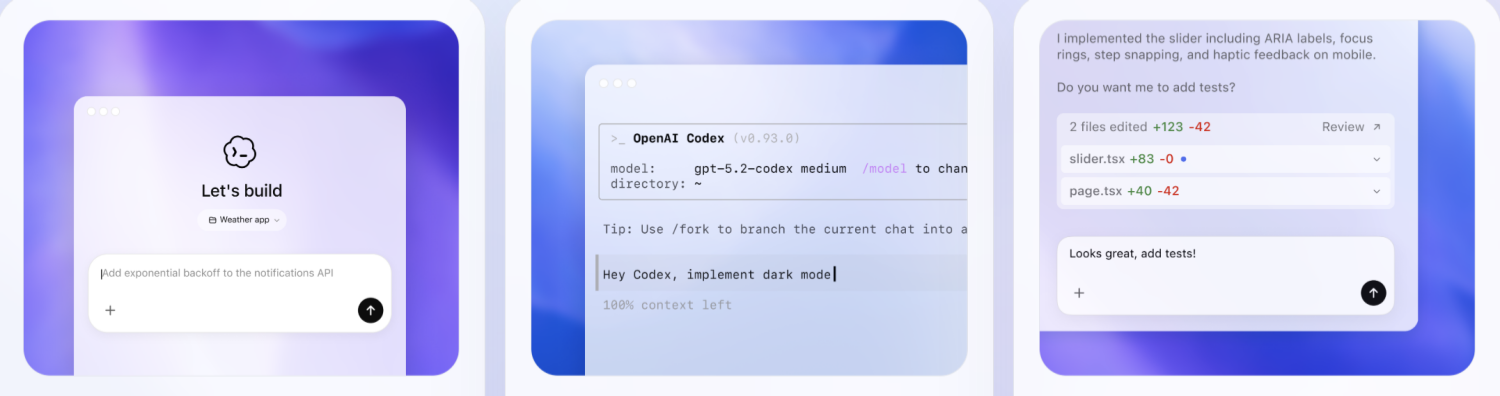
Grok has improved its coding capabilities markedly in recent versions, and its Think Mode — a slower, more deliberate reasoning process — can be particularly useful for problems that require step-by-step logical breakdown rather than pattern-matching.
For teams already using X or building products in the social/media space, Grok's API also offers an interesting integration path.

2.3 Creative & Visual Design Tasks
For creative work — brand copywriting, campaign ideation, product descriptions, social content — both tools are productive, and the quality gap has narrowed considerably. The more meaningful question is often what happens after the text is generated.
Creative and marketing teams increasingly use AI for content production as one step in a wider production workflow. A team might use Grok to surface trending angles on X, draft copy around those angles, and then move the resulting assets into a design tool to create the final visual output.
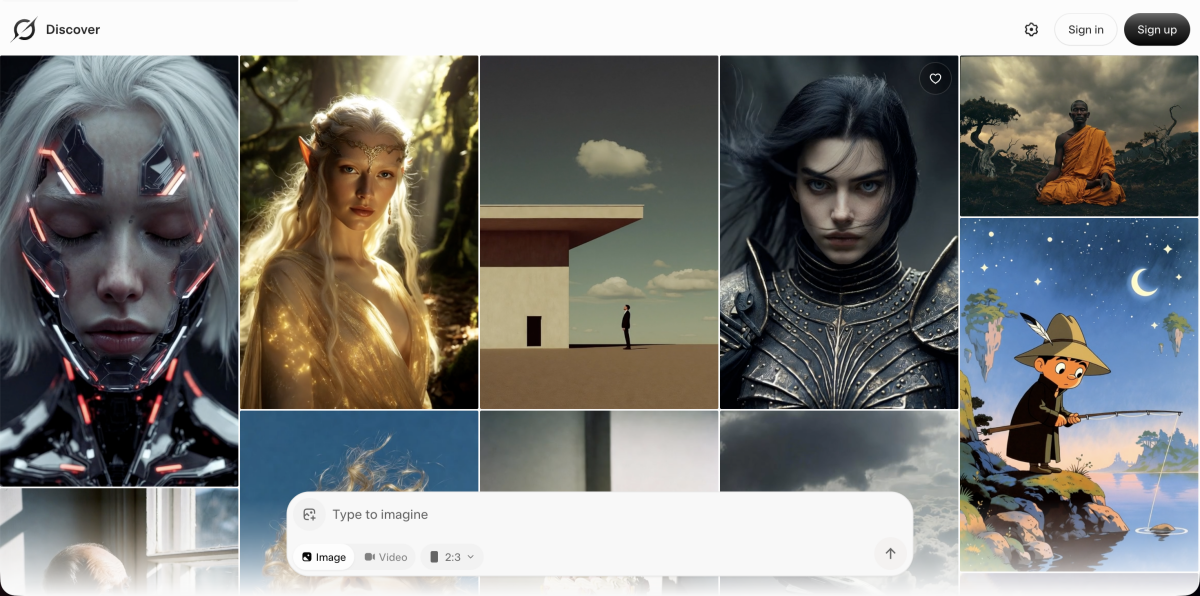
This is where purpose-built design tools enter the picture. Designkit is an AI agent built specifically for e-commerce design workflows. Rather than generating generic visuals, it is trained to produce product-focused design outputs — banners, product page layouts, and marketing creatives — using models like Seedance. For teams that need to go from AI-generated copy to production-ready visuals, tools like Designkit handle the design layer that generalist AI chatbots aren't optimized for.

The broader pattern here: AI chatbots and specialized design AI tools are not in competition — they solve adjacent problems in the same production workflow.
Part 3. Pricing, Accessibility & Platform Availability
Understanding the cost structure matters before committing to either platform.
| Plan | Grok | ChatGPT |
|---|---|---|
| Free tier | Yes — basic Grok access via X account, daily message cap | Yes — GPT-4o mini, limited GPT-4o access |
| Standard paid | SuperGrok (~$30/month) | ChatGPT Plus ($20/month) |
| Team / Enterprise | Available via xAI API | ChatGPT Team ($30/user/month), Enterprise custom pricing |
| API access | Yes (xAI API) | Yes (OpenAI API, pay-per-token) |
A few practical notes: ChatGPT Plus is currently the better value for individual users who primarily need writing and coding support. SuperGrok makes more sense if real-time data access and Grok's image generation are central to your workflow.
For developers and organizations evaluating API costs, both platforms price by token volume — actual costs depend heavily on usage patterns and model selection. OpenAI's API pricing structure is publicly documented; xAI's API pricing can be found at the xAI developer portal.
Part 4. Which AI Is Best for Your Use Case?
Rather than a single recommendation, here is a straightforward breakdown by scenario:
4.1 Best for Research & Real-Time Trends
Grok is the more practical choice for tasks that depend on current, time-sensitive information. This includes:
- Monitoring how a news story or market event is unfolding
- Identifying emerging topics in a specific industry or community
- Getting AI-assisted context on something that happened in the last 24–48 hours
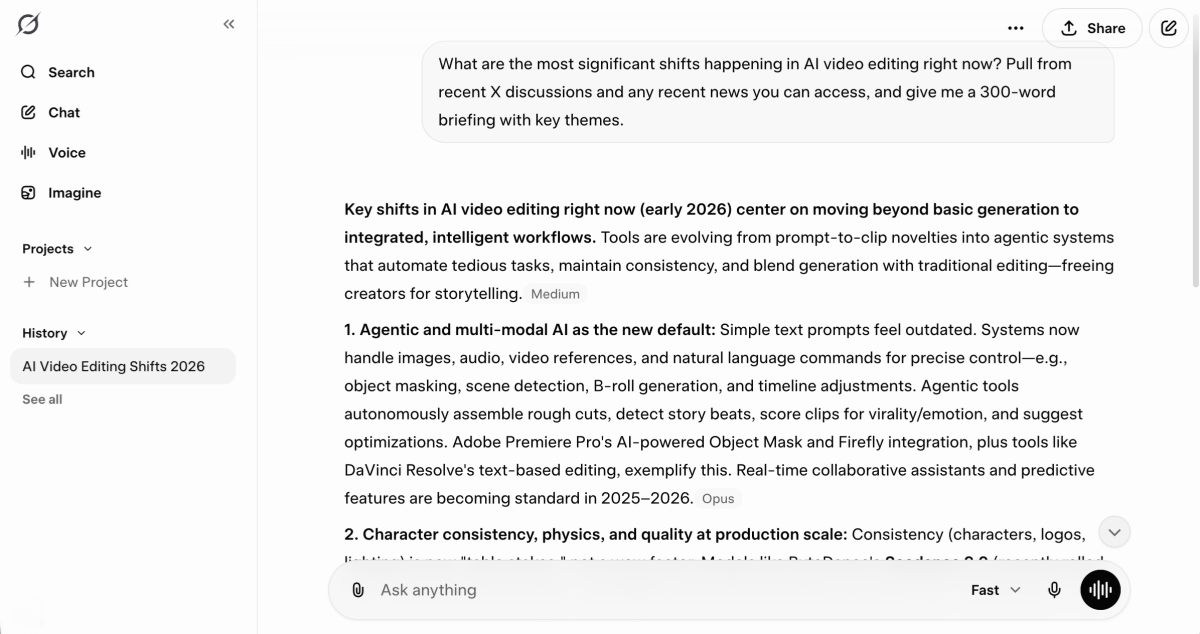
The X integration is a genuine advantage here, not a marketing feature. Journalists, social media managers, and analysts who need a faster loop between "what's happening" and "what does this mean" will find Grok's real-time layer immediately useful.
4.2 Best for Writing, Coding & Long-Form Tasks
ChatGPT remains the stronger option when depth and consistency matter more than recency. Practical use cases include:
- Drafting and iterating on long-form content (articles, reports, proposals)
- Working through complex code problems with step-by-step explanations
- Maintaining coherent, context-rich conversations across extended sessions
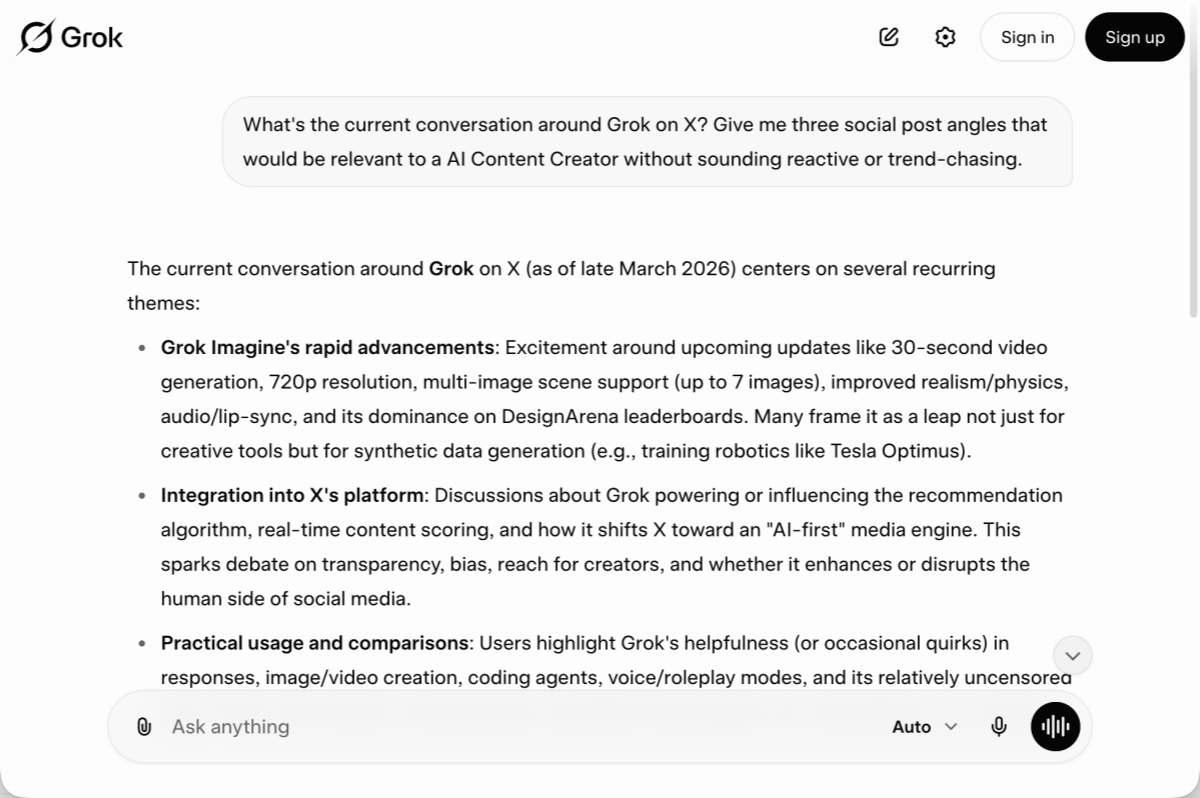
For academic researchers, technical writers, and software developers, the maturity and consistency of the GPT-4o model — plus the breadth of the plugin and GPT ecosystem — continues to make ChatGPT a reliable primary tool.
4.3 Best for E-Commerce & Marketing Teams
E-commerce and marketing teams tend to have the most varied workload: product copy, campaign ideation, trend research, customer communication, and visual asset production all happen in parallel.
In practice, many teams use both: Grok for monitoring what competitors and consumers are talking about on X, ChatGPT for drafting longer-form copy and email sequences. The text generation step, however, is only part of the production chain.
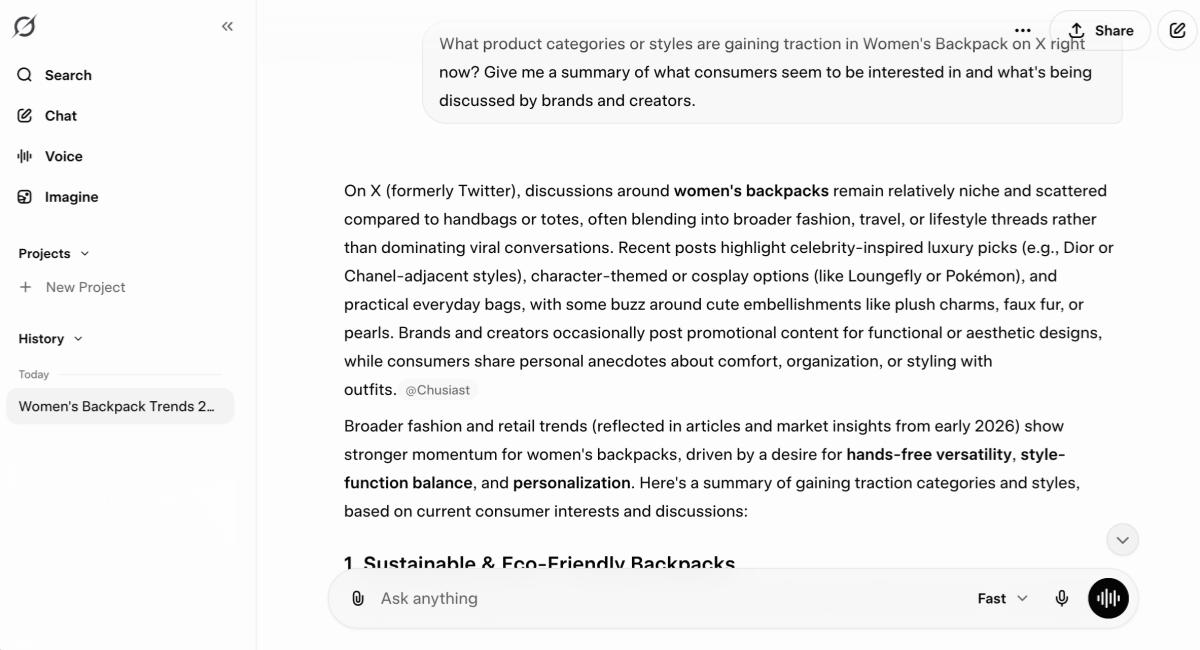
Visual assets — product images, promotional banners, ad creatives — still require a separate tool. AI-native design platforms like Designkit are built to handle this layer specifically for e-commerce contexts, integrating AI generation with e-commerce-specific templates and formats.
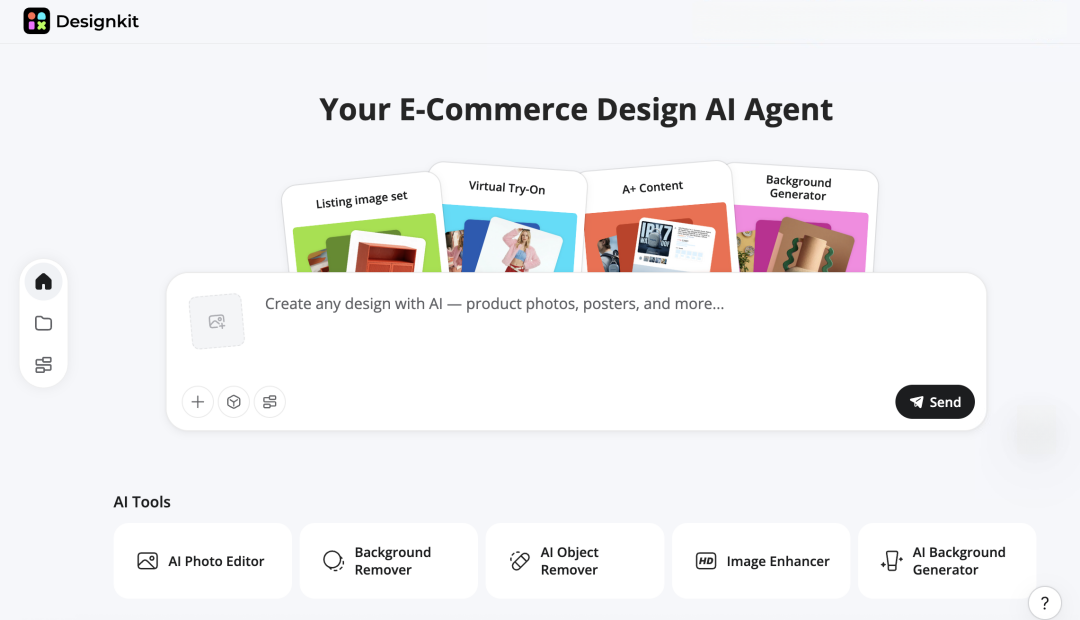
The practical workflow: use your AI chatbot of choice to generate copy, then move into a design-focused AI tool to produce the visual side. This combination covers significantly more of the production workflow than either tool can handle alone.
Conclusion: Grok vs ChatGPT — The Verdict
If you only have time for one takeaway: the question is not which AI is "better" — it is which tool is better for a given task.
Grok's real-time data access makes it the more useful tool when currency and trend-awareness matter. ChatGPT's depth and ecosystem make it the more reliable tool when consistency, complexity, and integration are the priority.
For most users — particularly those in content, research, or e-commerce — the practical answer is not to choose between them but to use each where it performs best. Pair that with specialized tools for the parts of the workflow that generalist AI doesn't fully address (design, data analysis, video production), and you end up with a more efficient and more complete production system.
Both tools will continue to evolve. The users who get the most out of AI in 2026 will be those who build workflows around complementary tools rather than expecting any single product to do everything.
Sources
- xAI Grok model benchmark evaluations — xai.com
- OpenAI GPT-4o model card — openai.com
- OpenAI API pricing — platform.openai.com/pricing
- xAI developer API portal — x.ai/api
- OpenAI safety evaluations — openai.com/safety
- xAI safety documentation — xai.com
Frequently Asked Questions
Is Grok better than ChatGPT?
Is Grok AI free to use?
Yes. Grok offers a free tier accessible through an X (Twitter) account, which includes basic conversational access with daily message limits. The SuperGrok paid plan unlocks higher usage limits, image generation, and advanced reasoning modes.
Can Grok access the internet in real time?
Yes. Grok's connection to the X platform gives it access to real-time public posts and trending data. It can also perform broader web searches. This is one of its primary differentiators from ChatGPT's standard mode.
Which AI is safer and more reliable?
Both OpenAI and xAI maintain content policies and safety filters, though their approaches differ. Neither model should be treated as a primary source for high-stakes factual claims without independent verification.
OpenAI publishes regular model safety evaluations; xAI's safety documentation is available through its official channels.
You May Also Like
How to Use Google Veo 3.1 for Ecommerce Product Video
Nano Banana 2.1 Review: Features, Release Date & What’s New
Remove.bg Shutting Down Dec 1, 2026: What Users Are Saying
Amazon Individual vs Professional Selling Plan

How to Create an Amazon Seller Account: Requirements and Steps
Amazon Product Video Requirements: Specs & Upload
Amazon Brand Registry Requirements: Trademark, Account & Cost

Amazon Global Selling: How to Open Multiple Marketplaces

How to Make an Event on Facebook: Complete Setup Guide (2026)

Amazon Sponsored Brands: What They Are and When to Use Them

Amazon Sponsored Products: How to Launch Your First Campaign

Amazon Vine Program for Sellers: Get Early Product Reviews

7 Best Remove.bg Alternatives in 2026: Free & Paid Tools

Amazon A+ Content Dimensions: Module Image Sizes

Print-On-Demand Designs: Create, Prepare, and Preview Your Work
T-Shirt Design Size Guide: Placement, Dimensions, & DPI

Amazon A+ Content: What It Is and What to Build First

Is Print on Demand Profitable in 2026? Products and Niches

Amazon Brand Registry Application: How to Submit and Pass Review

How to Ship to Amazon FBA: Your First Shipment

What Is Amazon FBA? Should Beginners Use It in 2026

GPT Image 2 Prompts for Product Photos (Copy-Paste Examples)

How to List a Product on Amazon: Materials Checklist for First Listings

How to Get Ungated on Amazon: Restricted Category Approval Steps

Kling vs Veo for Product Video & UGC Ads (2026)

Nano Banana vs Midjourney for Product Photos and Campaign Visuals (2026)

Amazon Backend Keywords: Title, Bullets & Search Terms

How to Sell on Poshmark: A Complete Beginner's Guide
Zeely Reviews 2026: Features, Pricing, Pros, Cons & Alternatives

Instagram Carousel: What It Is, How to Post & Create One

What Is A/B Testing? A Practical Guide to Running Better Experiments

Best Time to Post on Instagram in 2026: Data & Tips

How to Get Verified on Instagram: Complete Guide

TikTok Monetization in 2026: Requirements & Ways to Earn

Instagram Desktop Posting Guide: Upload Posts, Stories & Reels

Nano Banana Prompts: 20+ Examples for Better AI Images

YouTube Shorts Monetization Requirements & Rules 2026

Hair Color Ideas 2026: Trending Shades & Virtual Try On

How to Write an Instagram Bio: Examples, Tips & Ideas

How Much Does YouTube Pay Per View? 1K, 100K & 1M Views

How to Make Money on Snapchat: 7 Ways to Earn

How to Get More Followers on Instagram in 2026

Best Time to Post on TikTok in 2026 for More Views

How to Repost on Instagram in 2026: A Simple Guide

Ideogram AI Review 2026: Features, Pricing & Alternatives

PixVerse AI Review 2026: Is It Worth Using for AI Videos?

Free Mac Photo Editor: 5 Tools Compared for Mac Users

How to Crop a Photo Into a Circle Online (Keep Quality)
Create TikTok Ads From One Photo: An AI Product Launch Kit

How to Make an Image Transparent Online (AI Guide)

Pixlr Background Remover Review 2026: Features, Pricing & Alternatives

How to Fix Overexposed Photos: Recover Highlights Fast

How to Animate a Picture with AI: Easy Step-by-Step Guide

OpenArt AI Review 2026: Features, Pricing & Alternatives

Best AI Headshot Generator: 9 Tools Compared for 2026

Best Stencil Maker Tools 2026: Turn Photos Into Stencils

Pixelbin Watermark Remover Review: Image & Video Results Tested

How to Make a Sticker on iPhone: Easy Step by Step Guide

Best AI Logo Generator in 2026: 10 Tools Compared

How to Turn a Photo Into a Cartoon: A Beginner-Friendly Guide

How to Write a Video Script: Structure, Tips & Examples
Depop vs Poshmark: Which Is Better for Selling in 2026?

Landscape vs Portrait: Key Differences & Best Uses in 2026
How to Create an Amazon Storefront: 4-Step Guide for New Sellers

How to Remove Watermark From Photo: AI, Photoshop & More

How to Sell Books on Amazon in 2026: Beginner Guide

How to Fix Pixelated Photos: Photoshop, AI Tools & Tips

Bing Image Creator: How It Works, Features, Uses & Alternatives

Best Products to Sell on Amazon: 10 Ideas for Beginners

How to Remove People from Photos with AI: A Step-by-Step Guide

What Is B-Roll? Meaning, Examples, and How to Use It

How to Increase Image Resolution: AI, Photoshop & PPI

How to Add Text to a Photo: 8 Tips for Better Results

How to Sell on Amazon in 2026: A Complete Seller Guide

How to Fix Grainy Photos: Easy Ways to Clear Images

How to Make a TikTok Video: A Step-by-Step Guide 2026

How to Make an Instagram Post: Step by Step Creation Guide

Social Media Copywriting: Tips, Examples & Best Practices

Creative Profile Picture Ideas for Every Style and Platform

Evoto AI Review 2026: Features, Pricing, Pros & Cons

Pixlr Photo Editor Review: Features, Pricing & Alternatives

Best AI Image Extender Tools in 2026: Expand Photos with AI

How to Make a Collage on iPhone: Easy Guide for 2026

What Are AI Fruits? The Trend, the Formats, and How to Make One

How to Sharpen an Image in Photoshop (Smart Sharpen and Unsharp Mask)

Seedance 2.5 Review: What Changed in ByteDance's New Model

Best Image Background Remover Tools in 2026: AI Tools Compared

How to Make Transparent Background in Paint: Step-by-Step Guide

How to Resize an Image: Best Methods, Tools & Quality Tips

LTX Studio Review: Features, Pricing & AI Filmmaking Guide

Best AI Image Generator Tools in 2026: Top AI Platforms Compared

Remove.bg Review 2026: Features, Pricing & Is It Worth It?

MiniMax H3: Features, Benchmarks, Pricing, and How to Use It

Luminar Neo Photo Editor Review 2026: AI Features, Price & Pros

How to Post Multiple Photos on Instagram (2026 Guide)

25 Facebook Cover Photo Ideas for Personal & Business Pages

What Is a PFP? Meaning, Examples & How to Create One

Multichannel Marketing Guide: Strategy, Tools & Examples

How to Create Digital Products That Sell in 2026

How to Make a Slideshow for Facebook: Photos, Music & Tips 2026

HeyGen vs Arcads: Which AI Video Tool Wins in 2026?
AI Product Photography: 7 Best Tools for Ecommerce in 2026

Can You Edit an Instagram Post After Posting?

Cyber Monday Marketing Ideas & Strategies (2026 Guide)

Black Friday Marketing Ideas for Ecommerce Brands (2026)

11 Best Canva Alternatives in 2026 for AI Design & Marketing

Instagram Marketing Guide: Strategies, Tips & AI Tools in 2026

8 Best Midjourney Alternatives in 2026: Features, Pricing & Comparison

Influencer Marketing Guide: Strategy, Campaigns & Creator Tips

How to Restore Old Photos: AI Tools, Tips & Best Methods
Arcads AI Review 2026: Features, Pricing, Pros, Cons & Alternatives

Pixelcut AI Review 2026: Features, Pricing, Pros, Cons & Alternatives

What Is a Hero Image? Definition, Examples & Design Tips

How to Apply Watermark to Photos: Methods, Tips & AI Tools

How to Remove a Background in Illustrator: 4 Easy Methods

How to Change Background Color on Instagram Story (Easy Guide)
Pippit AI Review 2026: Features, Pricing, Pros & Cons

8 Best AI Poster Generators in 2026: Create Posters Faster with AI

10 Best AI Image Enhancers in 2026: Tested & Compared

10 Best AI Image Editors in 2026: Features, Pricing & Comparison

7 Best AI Background Changer in 2026: Remove & Replace Photo Backgrounds

Luminar Neo vs Lightroom: Features, Pricing & Comparison 2026

Kittl Review 2026: Is It Worth It? Features & Pricing

15 Best Things to Sell on Etsy in 2026 (Listing Tips Included)

WooCommerce vs Shopify 2026: Pricing, Features & Which Is Better

How to Sell on Facebook Marketplace: Beginner Guide (2026)

How to Use Pinterest for Business: Strategy, Tips & Growth Guide

How to Sell on Etsy in 2026: Setup, Listings & Growth Tips

What Is a Target Audience? Types, Examples & How to Find Yours

How to Make a Blurry Image Clear: 5 AI & Manual Ways

TikTok Marketing Guide 2026: Strategies, Ideas & AI Tools

How to Remove Background on iPhone: 5 Easy Methods (2026)

Photoroom Background Remover Review 2026: Features & Alternatives

How to Remove Background in Canva: A Step-by-Step Guide

How to Remove Background in GIMP: Beginner-Friendly Guide

How to Celebrate National Dog Day 2026: Date & Easy Ideas

Funny Dog Memes to Try: Doge Meaning and 10 Original Ideas

Back to School Checklist 2026: Supplies, Timeline, and Planning

Recraft AI Review 2026: Features, Pricing, Pros, Cons & Alternatives

How to Make an Image Transparent in Google Slides: Opacity & Background Removal

VanceAI Photo Enhancer Review: Features, Pricing & Alternatives in 2026

Vibe Marketing Explained: Strategy, Examples & AI Tools

How to Sell on Depop: Beginner Guide to Getting Your First Sale

What Does Emojify Mean? Text, Photos, & Emoji Art Explained
Back to School Ad: 7 Creative Ideas for Better Campaign Results
Top 7 Back-to-School Sales Ideas to Boost Retail Sales (2026)

Top 8 Online Background Removers for Ecommerce Photos (2026)

How to Remove Background in Photoshop: 7 Easy Methods

6 Best AI Image Upscalers 2026: Tools Tested & Compared

Luma vs Seedance (2026): Ray 3.2 or Seedance 2.0?

15 Simple Self-Care Ideas for Busy Schedules and Daily Life

Celebrate International Cat Day 2026: Date & 10 Fun Ideas

Project Indigo Review: Is It Better Than iPhone Camera?

How to Match Makeup by Undertone: Virtual Lipstick and Foundation Try-On

Chic Outfit Ideas for Every Occasion: 15 Stylish Looks & Tips

How Big Is an 8x10 Photo? Size, Pixels & Frame Guide

How Big Is a 4x6 Photo? Dimensions, Pixels & Printing Tips

Picsart AI Review: Features, Pricing, Pros, Cons & Alternatives

Lovart AI Review: AI Design Agent Features, Pricing & Alternatives

Fotor AI Image Generator Review: Features, Pricing & Alternatives

How to Add Emoji to Photo Online for Free

Online Advertising Guide: Types, Costs & Examples (2026)

Facebook Advertising Guide: Costs, Strategy & Tools 2026

What Are E-commerce Ads? Examples, Strategy & Tools (2026)

Where to Sell Handmade Items Online (2026): Etsy, Amazon, or Shopify?

Shopify vs Amazon (2026): Brand Store or Marketplace FBA?

Amazon Handmade vs Etsy (2026): Which Is Better for Makers?

Etsy vs eBay (2026): Handmade, Vintage, or Secondhand?

Selling on Amazon vs eBay (2026): Fees, Profit & Where to Sell

What Is Brand Awareness? Examples, Strategies & Tools 2026

10 Best Online Selling Platforms (2026): Pick by What You Sell

Shopify vs Etsy (2026): Which Is Better for Handmade Sellers?

Wedding Dress Styles for Every Body Type: A Practical Guide for 2026

Emoji Wallpaper Ideas & How to Make One Online (2026)

YouTube Automation Step-by-Step AI Guide for Beginners

What Is Brand Identity? Examples, Elements & Strategy
Creatify AI Reviews: Features, Pricing & Alternatives (2026)

Minimalist Poster Design: How to Make a Clean Poster (2026)
What Are Satisfying Videos? Types, Tips & How to Make (2026)

How to Find a Product by Image: 7 Methods That Work (2026)

How to Make a Custom Poster That Is Ready to Print

Gemini Omni Review: Real Tests, Pros & Limitations for Video Generation

How to Generate Product Videos from Images with AI (2026 Guide)

Instagram Image Size Guide 2026: Post, Reel, Story & Carousel Specs

AI Marketing Agent: How It Works, Benefits & E-Commerce Examples

Aesthetic Poster Ideas: Find Your Style and Create Printable Art
How to Create a Product Launch Video with AI: A Step-by-Step Guide

LinkedIn Image Size Guide: Profile, Post & Banner Dimensions

YouTube Profile Image Size: Best Dimensions & Safe Area 2026

What Is Personalized Advertising? Examples & How It Works

How to Build a Shopify Store That Actually Converts Visitors
What Is a Brand Video? Types, Examples & How to Create One

How to Create a Complete World Cup Product Listing Image Set

20 FIFA World Cup Merchandise Ideas That Fans Actually Buy
AI Product Demo vs Live Demo: Which Gets More SaaS Sign-Ups?

How to Create Amazon Summer Sale Posters and Banners with AI
Amazon Summer Sale 2026: Listing Design Trends & Product Image Ideas
How to Create AI Product Promotion Videos in Minutes (Step-by-Step)
Best AI Product Video Ad Generators for Ecommerce in 2026

Father's Day Gift Ideas: Personalized Card, Poster and Video

Father's Day Card Ideas: Messages, Printable and Personalized Cards

Amazon Marketing Guide 2026: Strategies, Tips & Tools

Local Advertising: Strategies, Examples & Tools (2026)

What Is Branded Content? Examples, Strategy & Tools 2026

What Is Performance Marketing? Strategies & Examples 2026

Inbound Marketing: Strategies, Examples & Tools (2026)

How to Boost Ecommerce Sales: Proven Strategies That Work
How to Add Video to eBay Listing: Step-by-Step Seller Guide
Ecommerce Video Ads: 7 Strategies That Drive Higher Conversions
7 Best AI Virtual Makeup Try-On Tools for Realistic Results in 2026

AI Virtual Makeup Try-On: Boost Beauty E-Commerce Sales in 2026
Free Online Glasses Try-On Tools: See Yourself in Glasses Instantly

Top Virtual Ring Try-On Tools for Engagement and Wedding Rings in 2026
How to Try Shoes On Virtually: A Step-by-Step Guide
Best Virtual Shoe Try-On Tools for Ecommerce: 2026 Guide
How to Try On Wigs and Bangs Virtually to Find Your Perfect Style
How to Photograph Shoes for Your Ecommerce Store in 2026
Short Form Video Marketing for E-commerce: AI Video Guide
What Is Video Marketing? E-commerce Guide & Strategies 2026
Create Model Outfit Photos Instantly With AI Outfit Generator

Best AI Virtual Try-On Clothes Tools for Any Body Type

How to Edit Amazon Product Photos That Boost Sales Fast

Product Photography Ideas: Creative Tips & Techniques for Better Shots

Product Photography Pricing 2026: Full Cost Guide by Type
Google Veo 4 Explained: Features, AI Video Creation & What’s New

How to Try On Clothes Online with AI for Better Fit & Style
Virtual Nose Ring Try On Online Before Your Piercing
White Background Product Photography Guide & Tips 2026
Product Photography Starter Package: Gear Checklist 2026
How to Try Makeup Online with AI and Virtual Makeup Try-On Apps (2026)
How to Use Virtual Earring Try-On for a Flattering Look in 2026

How to Try On Engagement Rings Online with AI in 2026
Scale Your Jewelry Brand with Virtual Jewelry Try-On Solutions
How to Try Hairstyles on Your Face Online (Step-by-Step Guide)
Best Virtual Hairstyle Try-On Tools Online for Realistic Previews 2026
How to Use a Free AI Hairstyle Generator to Find Your Perfect Look

Virtual Hair Color Try-On Guide for Every Skin Tone (2026)
Virtual Wedding Dress Try-On Online for Brides in 2026
How to Choose the Right Sunglasses for Your Face Shape Online

How Accurate Is Virtual Glasses Try-On? AI vs AR Compared

Best Virtual Try-On Glasses Apps in 2026 (Free & Paid Tools)
How AI Virtual Try-On Is Transforming Eyewear Ecommerce

5 Best Virtual Try-On Glasses Tools for Ecommerce and Consumers 2026
How to Try On Glasses Online with AI in 2026 (Easy Guide)

How to Create Jewelry Photos with AI Models That Drive Sales in 2026
Shopify Product Photography Guide with Tips & Setup
AI-Generated Fashion Models: Technology, Brand Adoption & Trends
How to Batch Generate 100+ AI Clothing Model Photos Fast
7 Best AI Fashion Model Generators for Ecommerce in 2026
Amazon Main Image Requirements: Size, Guidelines & Tips

Shopify Image Size 2026: Complete Guide and Tips for Better Product Display

Studio Product Photography vs AI Product Photography in 2026

7 Product Photography Mistakes That Hurt Ecommerce Sales
AI Clothing Model Photos for E-Commerce: Platform Rules & Best Practices
How AI Virtual Try-On Helps Fashion Brands Boost Sales & Reduce Returns

AI Fashion Models vs Real Models: Which Is Better for Brands?
Best Free AI Fashion Model Generators for Real Product Photos

Virtual Outfit Try-On Guide: Plan Outfits Before You Buy

GPT Image 2 Review: Features, Prompts & E-commerce Use Cases
What Is an AI Clothing Model Generator? Full Guide for Sellers
Change Outfit Colors Online for Outfit Preview with AI Clothes Color Changer

Virtual Try-On Technology in 2026: How It Works & Key Trends
How to Create Amazon Infographics: Boost Sales with Compelling Visuals
10 Best Virtual Try-On Apps & Tools for Online Shopping in 2026
How to Create AI Fashion Models: Complete Step-by-Step Guide

How to Use AI Fashion Models for E-Commerce Product Photos: A Complete 2026 Guide
How to Virtually Try On Clothes Online: A Complete Guide
How to Create Outdoor Product Scenes Without a Photoshoot Using AI
GPT-Image-2 for Ecommerce Product Images: What It Means for Online Stores
Optimize Etsy Images for Mobile: Listing Photos That Convert
Amazon 7-Image Listing Strategy: Boost Sales by Optimizing Every Image

Happy Horse 1.0: The AI Video Model E-Commerce Sellers Need to Know About
Etsy Thumbnail Optimization: Keep Your Product Fully Visible
AI UGC for Ecommerce in 2026: Text-to-Video, Image-to-Video & Reference Replication Guide
The Etsy Thumbnail Formula That Drives More Clicks and Sales
HappyHorse AI Review: Features, Benchmarks & How to Use It

How to Create Pro Amazon Listing Photos Without a Studio

10 High-Converting Lifestyle Product Images for Amazon Listings
How to Automate Your E-commerce Visuals with OpenClaw Workflow

Top 5 AI Tools to Generate Amazon Product Listing Images in 2026
How to Turn One Photo into 10 Etsy Listing Images Fast: Batch Workflow
Etsy Listing Photo Size Guide (2026): Mobile, Desktop & Shop View Specs

Turn White Background Images into Lifestyle Amazon Listings

Fix Etsy Image Cropping: Optimize Listing Photos for Every Device
Amazon Listing Images: Essential Shot List & Optimization Guide

How to Create Lifestyle Product Images Without a Studio
Seedance 3.0 Predictions: Will AI Video Enter the Feature Film Era?
Grok AI vs ChatGPT: Features, Pricing & Best Choice (2026)
How to Use Grok AI: Features, Tips & Best Prompts (2026 Guide)
Sora Is Shutting Down? Best AI Video Alternatives for Creators in 2026
Lifestyle Product Photography Trends 2026: Authentic Looks at Scale
How to Master Lifestyle Product Photography in 2026

Amazon Listing Images Guide 2026: 7-Slot Strategy & Requirements
360 Product Photography Guide 2026: Setup, Shoot and Workflow
Beginner's Guide to Generate Product Photos from Different Angles
AI Product Photography: Create Ecommerce Images Without a Photoshoot
How to Create Realistic AI Product Photos: Step-by-Step Pro Guide
Keep AI Product Images Consistent Across SKUs: Lighting, Color, Background
Seedance 2.0 for Ecommerce: Create AI Product Videos in Minutes
Seedance 2.0 Review: Features, Improvements, Pricing & How It Works (2026)
How to Scale E-commerce with a Product Image Generator

How to Use AI for Spring Product Photography: 2026 Amazon Guide

How to Create a Budget Home Product Photography Setup with AI

How to Achieve Professional Product Photography Standards in 2026

How to Take Product Photos with Phone: Pro Guide for Amazon & AI

Best AI Product Image Generator 2026: Top Tools for Amazon Sales
Amazon Photography Service vs. AI Generator: Best Choice for Sales
What Is Product Photography? Angles, Lighting & Editing Guide
Amazon Spring Sale 2026: Create High-Converting Listing Images (Guide)

AI Agents Transform Amazon Product Photography in 2026
Amazon Photoshoot in 2026: Do You Still Need a Studio?
11 Must-Have Tools for Amazon Product Photography in 2026
2026 Amazon Image Trends Shaping Seller Success and Conversions
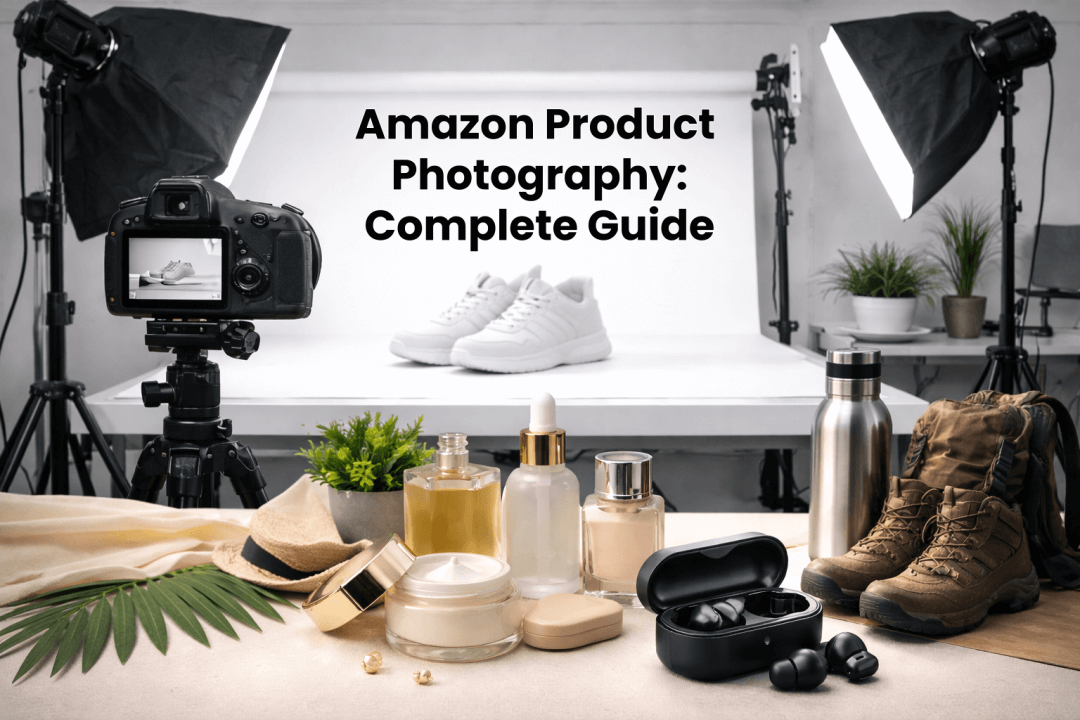
Amazon Product Photography Requirements & Best Practices 2026
Make every product image ready to sell
Designkit is an all-in-one AI platform for ecommerce visuals. Create product photos, AI videos, virtual try-ons, and Amazon listing images in seconds. Generate HD backgrounds, batch edit photos, and scale your brand with studio-quality content.


