
Motion Graphics: What They Are, Types and How They Work
Discover how motion graphics turn ideas into engaging visual stories. Learn the types, uses, design principles, and production process, with practical examples for marketing, branding, and social media.

Motion graphics combine design, movement, typography, imagery, and timing to communicate ideas in a more dynamic way. They are used across advertising, branding, social media, product marketing, presentations, and educational content.
When movement supports a clear message, viewers can follow product benefits, brand cues, and explanations more easily than they can with a static frame alone.
What Are Motion Graphics?
Motion graphics are animated visual elements that combine design and movement to communicate an idea, message, or piece of information. They can use typography, shapes, illustrations, images, icons, transitions, and visual effects to direct attention and make content easier to understand.
A useful motion graphics description is that they sit between graphic design and animation: the design establishes what viewers see, while movement controls how and when those elements appear. They are commonly used in advertising, branding, product marketing, presentations, explainers, and social media.
What Is Motion Graphic Design?
Motion graphic design is the process of applying visual design principles to moving content. It determines how elements such as layout, typography, color, spacing, and hierarchy work together across time.
-
Layout: Positions elements, so the composition remains balanced and easy to follow as scenes change.
-
Typography: Uses font style, size, placement, and movement to emphasize important information.
-
Color: Supports brand identity while creating contrast and guiding attention.
-
Visual hierarchy: Uses size, position, timing, and movement to establish what viewers should notice first.
This makes motion graphic design different from simply adding movement to a static image. The designer must consider both how the visual looks and how it changes over time. For additional creative ideas, businesses can explore different visual approaches before developing a motion concept.
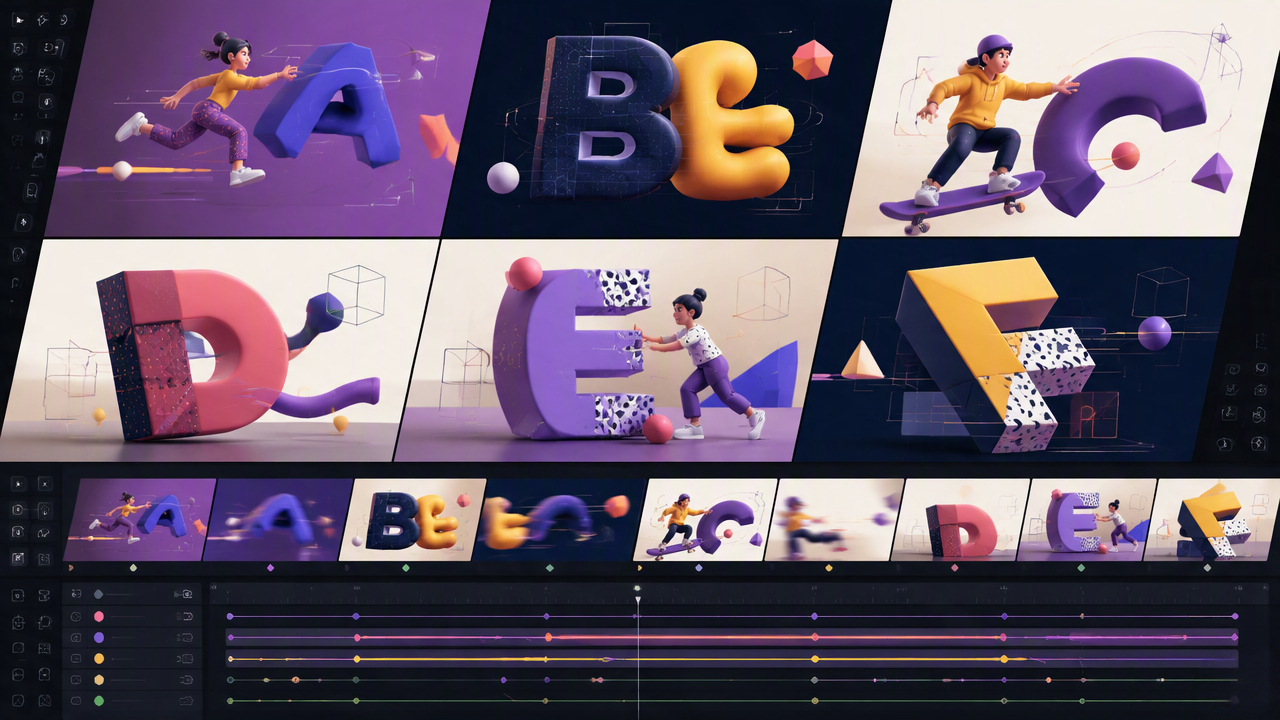
Motion Graphics vs Animation
Motion graphics and animation overlap, but they usually serve different communication purposes.
|
Motion Graphics |
Character/Traditional Animation |
|---|---|
|
Focuses on graphic communication and information |
Often focuses on characters and storytelling |
|
Typography, shapes, icons, and graphics are common |
Character movement and scenes are often central |
|
Frequently used for marketing, branding, and explainers |
Common in entertainment and narrative content |
|
Emphasizes visual systems, timing, and information flow |
Emphasizes performance, acting, and narrative movement |
The distinction is not absolute. A project can combine motion graphics with character animation, especially when a marketing or educational video needs both information and storytelling.
Why Motion Graphics Work
Motion graphics can make complex or important information easier to notice and follow. Their effectiveness comes from using movement to support communication rather than adding effects simply for visual appeal.
-
Capture attention: Movement can direct viewers toward a headline, product feature, offer, or key visual.
-
Improve clarity: Animated text, diagrams, icons, and transitions can reveal information in a logical sequence.
-
Support retention: Combining visual information with timing and movement can make key points easier to follow and remember.
-
Strengthen brand recall: Consistent colors, typography, shapes, and animation styles can create a recognizable visual language.
For marketers looking for motion graphics inspiration, reviewing different applications across advertising, product videos, social content, and brand storytelling can help identify styles that fit a specific audience and communication goal.
Best Tools for Creating Motion Graphics
The best motion graphics tool depends on the type of content, level of animation control, and production workflow. Professional software is better suited to complex animation, while simpler platforms work well for social media and marketing. Designkit can support the process by preparing polished visual assets before they are animated in a dedicated tool.
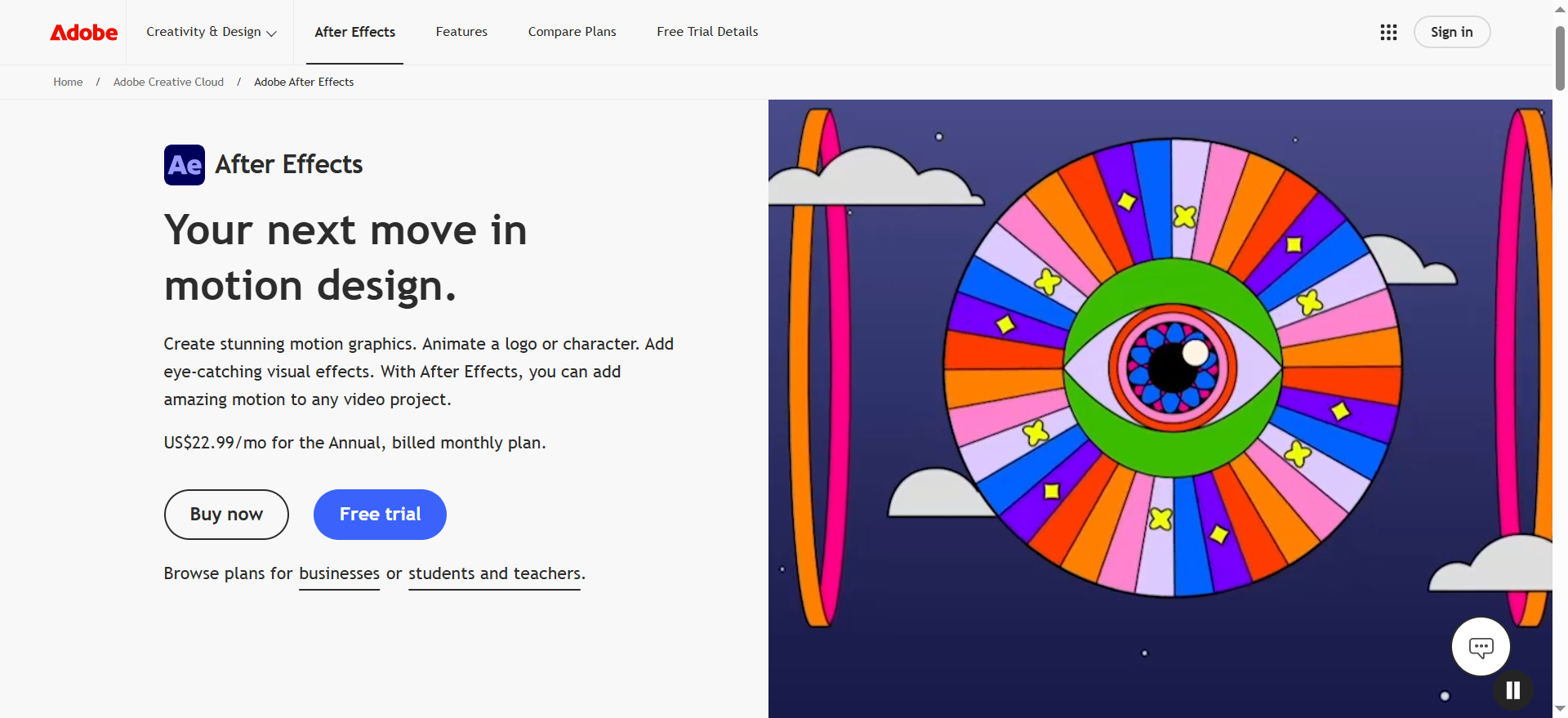
Adobe After Effects
Adobe After Effects is a professional choice for 2D motion graphics, kinetic typography, logo animation, compositing, and visual effects. Its keyframes, layers, masks, and effects provide detailed control over timing and movement, making it suitable for polished brand videos, advertisements, explainers, and complex animated sequences.
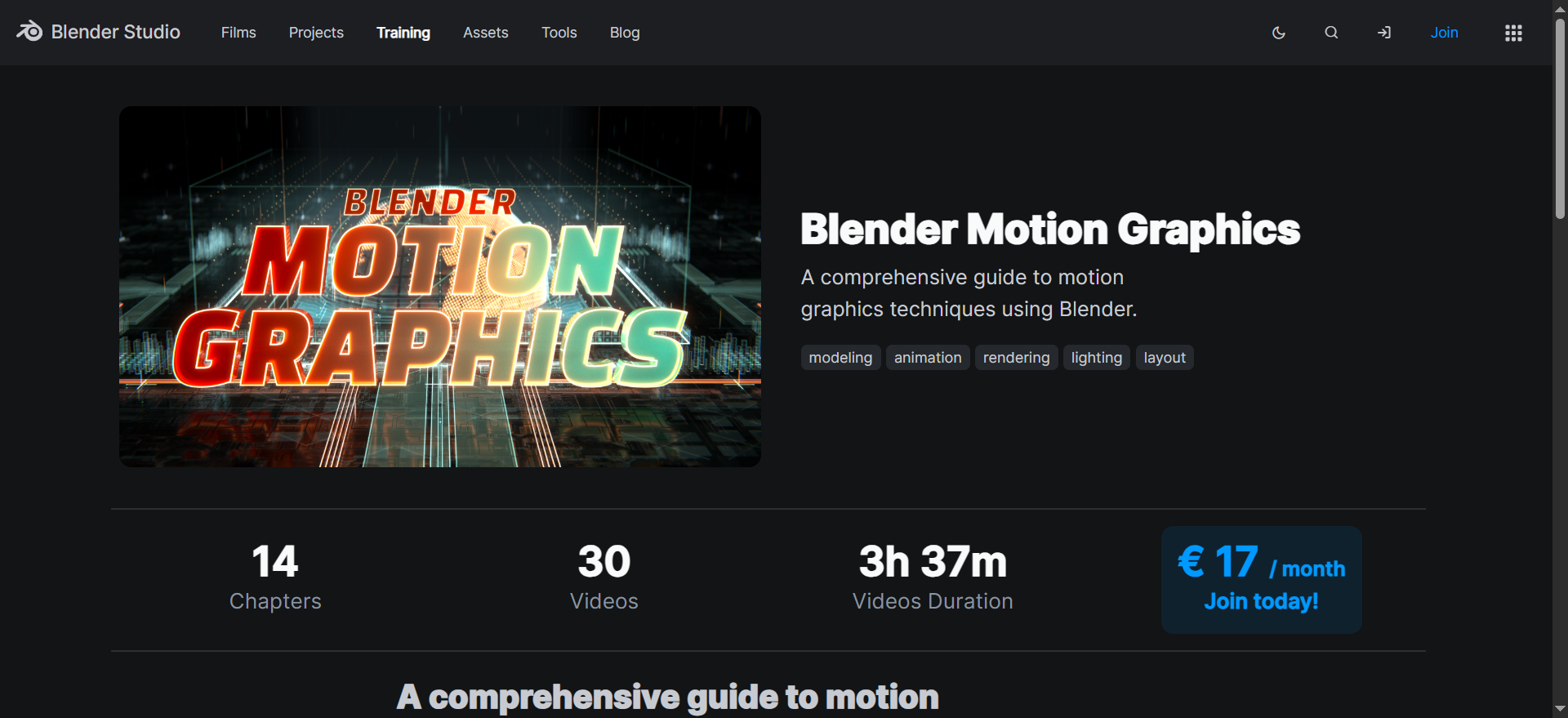
Blender
Blender is a strong option for 3D motion graphics, product animation, simulations, and visual effects. It allows designers to build and animate three-dimensional objects while controlling cameras, lighting, materials, and rendering. It is particularly useful for product demonstrations or visual concepts that require realistic 3D movement.
CapCut
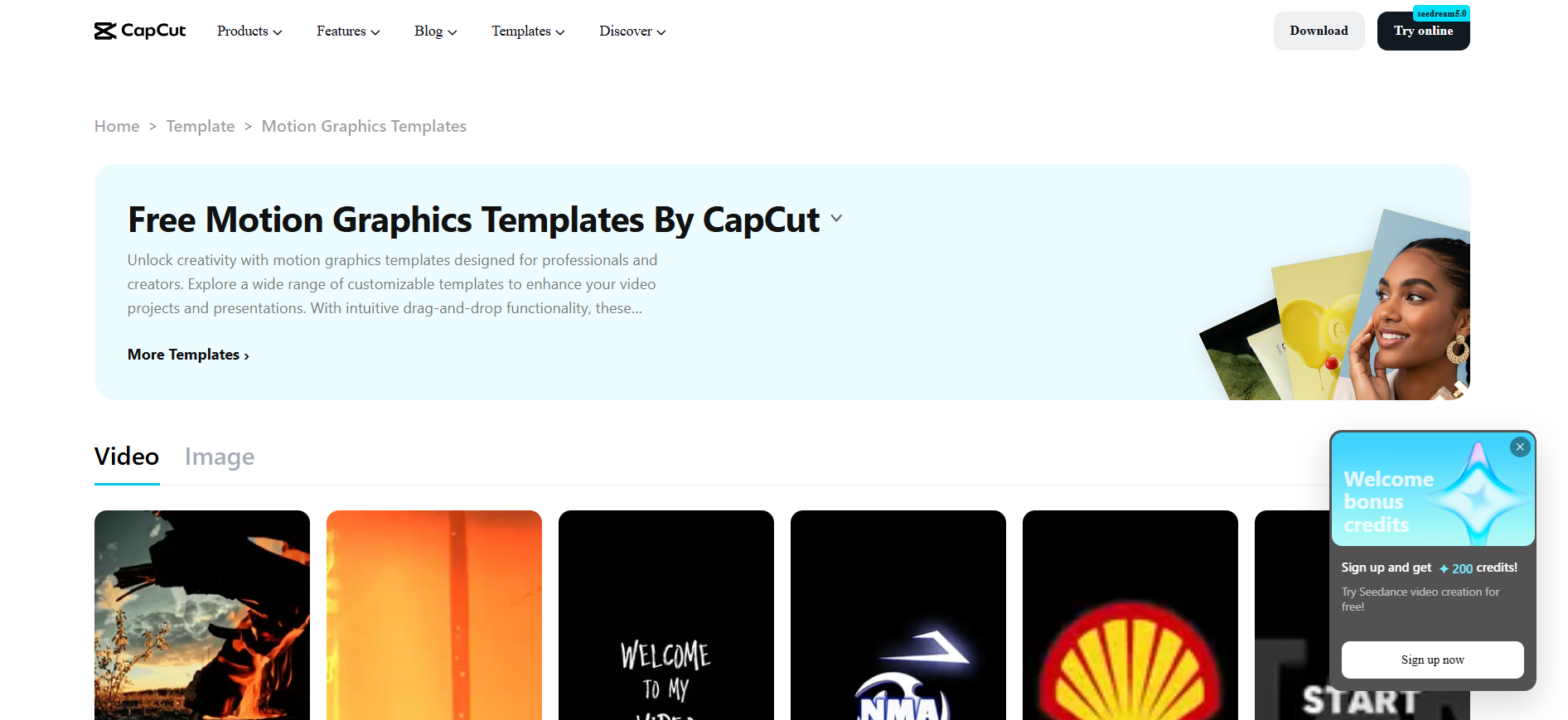
CapCut is useful for creators and marketers producing short motion graphics videos for social platforms. Its accessible editing features support animated text, transitions, effects, templates, and overlays. It works well for promotional content and short form video marketing, where speed and platform-ready editing are important.
Figma
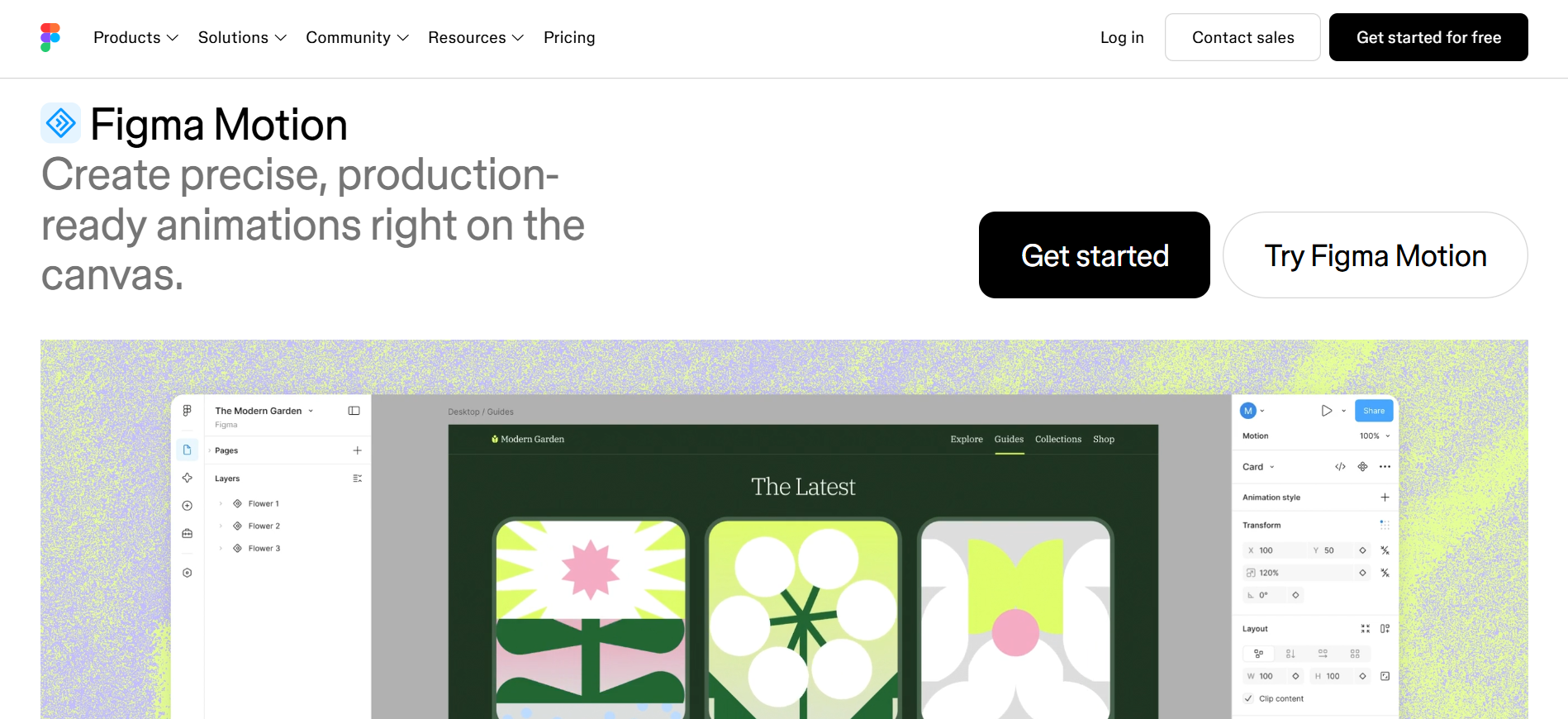
Figma can help designers plan motion concepts, interface animations, storyboards, layouts, and visual systems before moving them into dedicated animation software. It is especially useful for collaborative projects where teams need to establish consistent frames, typography, spacing, and visual direction before production begins.
Designkit
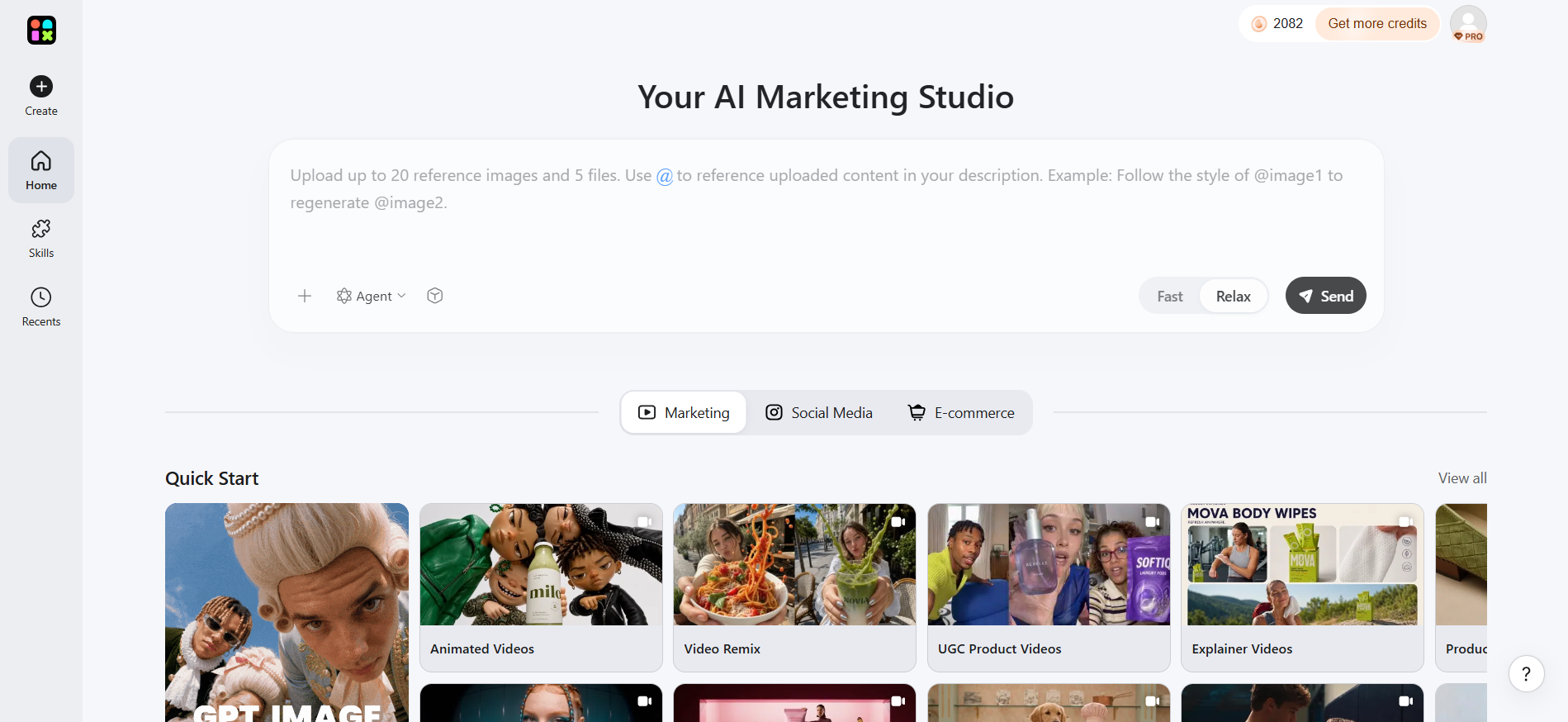
Designkit supports the visual preparation stage rather than replacing dedicated motion graphics software. Teams can develop product visuals, campaign graphics, backgrounds, and branded assets that can later be animated. This can be particularly useful when producing visual content for ecommerce video ads across different product campaigns.
Choosing the Right Motion Graphics Tool
|
Tool |
Best for |
|---|---|
|
Adobe After Effects |
Professional 2D motion graphics and visual effects |
|
Blender |
3D motion graphics and product animation |
|
CapCut |
Social media videos and accessible motion editing |
|
Figma |
Motion planning, UI concepts, and collaborative design |
|
Designkit |
Preparing visual assets for motion workflows |
Types of Motion Graphics and Where They Are Used
Different types of motion graphics suit different communication goals, and businesses usually choose a format based on what viewers need to understand, remember, or do next. The same building blocks show up in advertising, social campaigns, brand films, education, and internal communication. What changes is the job: product proof, brand recognition, explanation, or a quick feed-native claim. Movement helps when it supports that job rather than becoming the message itself.
Kinetic Typography
Kinetic typography animates words, phrases, or headlines to control attention and emphasize key information. It works well for advertisements, social videos, announcements, and short-form content where the message needs to remain understandable without relying heavily on imagery. Strong typography, pacing, and hierarchy are more important than excessive animation effects.
In business and marketing use, kinetic type often carries offers, launch lines, and campaign claims in paid social or short promotional cuts. Because many viewers watch without sound, the animated headline has to land the point on its own. Teams lean on this format when the words are the product of the frame and supporting imagery is secondary.
Logo and Brand Animation
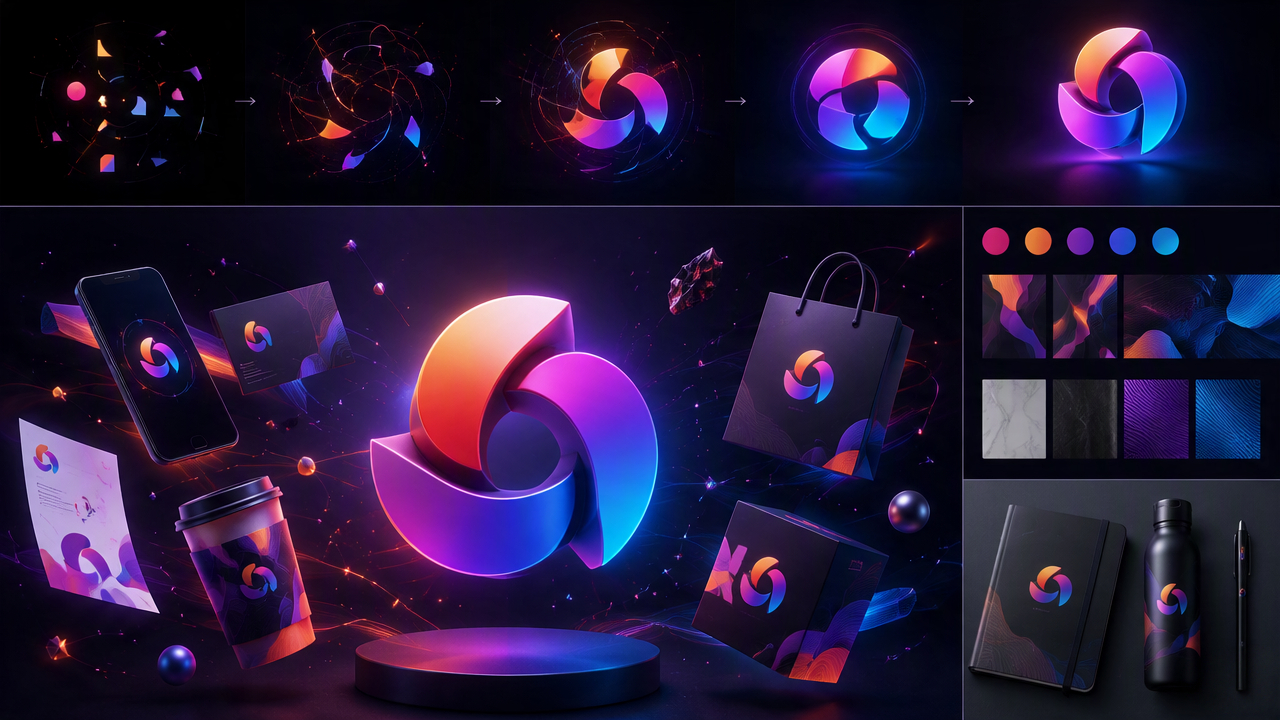
Logo animation adds movement to a brand mark, colors, shapes, or other visual identity elements. It can be used in video intros, advertisements, presentations, and social media content to make branding more memorable. Supporting assets such as an AI logo generator can help prepare visual elements before they are animated in dedicated motion graphics software.
Brand storytelling builds on the same identity system. Motion graphics can communicate a brand story through animated logos, typography, colors, illustrations, and visual transitions. Instead of relying only on static brand assets, businesses can use movement to establish tone, introduce a campaign, or connect different parts of a visual narrative while keeping recognizable brand elements. The animation should stay brief and readable so recognition comes before decoration.
Explainer Motion Graphics
Explainer motion graphics simplify processes, features, instructions, or abstract ideas by combining animated text, icons, illustrations, diagrams, and transitions. They are commonly used in product education, tutorials, presentations, and marketing videos. The goal is to reveal information in a logical sequence so viewers can understand the concept without being overwhelmed.
Educational and onboarding content uses the same approach: break complicated information into smaller visual steps so employees or customers can follow one idea at a time. A product explainer video can provide a practical format when a service or feature set is hard to grasp from a still layout alone. In marketing, explainers earn their place when the barrier to conversion is understanding, not awareness.
Data Visualization
Data visualization turns numbers, comparisons, trends, and statistics into animated charts, graphs, diagrams, or infographics. Motion can reveal information progressively, making changes and relationships easier to follow. This format is useful for business presentations, reports, educational content, and marketing campaigns where complex information needs to be communicated quickly.
The same pattern supports presentations and internal communication. Animated charts, diagrams, headlines, and process visuals can reveal information progressively in training materials, announcements, and internal reports, without turning the piece into entertainment. Employees get the key points in order while the presentation stays aligned with company branding. Animate the insight path, not every decorative detail on the chart.
Product Motion Graphics
Product motion graphics highlight features, benefits, functions, or details through animated product visuals. They can show how a product works, emphasize individual components, or guide attention toward specific selling points. High-quality source imagery is important, so workflows such as product photo editing can help prepare consistent assets before animation.
In product advertising, those sequences become short visual arguments for digital ads and landing pages: benefits, functions, comparisons, or use cases that viewers can grasp quickly. Supporting visuals such as a product video generator can help prepare assets for these campaigns. One capability per beat usually works better than stacking every selling point into a single crowded move.
Social Media Motion Graphics
Social media motion graphics are designed for fast-moving feeds where viewers often decide within seconds whether to keep watching. Animated headlines, product highlights, promotional messages, and branded transitions can make posts more noticeable while keeping the message concise. Assets may also need platform-specific preparation, such as resizing visuals for different placements or formats.
Social campaigns use the same constraints as a production brief. Short sequences introduce offers, highlight features, or reinforce campaign messages while remaining easy to scan on a phone, often with sound off. Kinetic type, product reveals, and brand locks all appear here, but type size, duration, and cropping have to match the placement. If the claim is unreadable in the first seconds, the motion did not do its job.
What Makes Effective Motion Graphic Design?
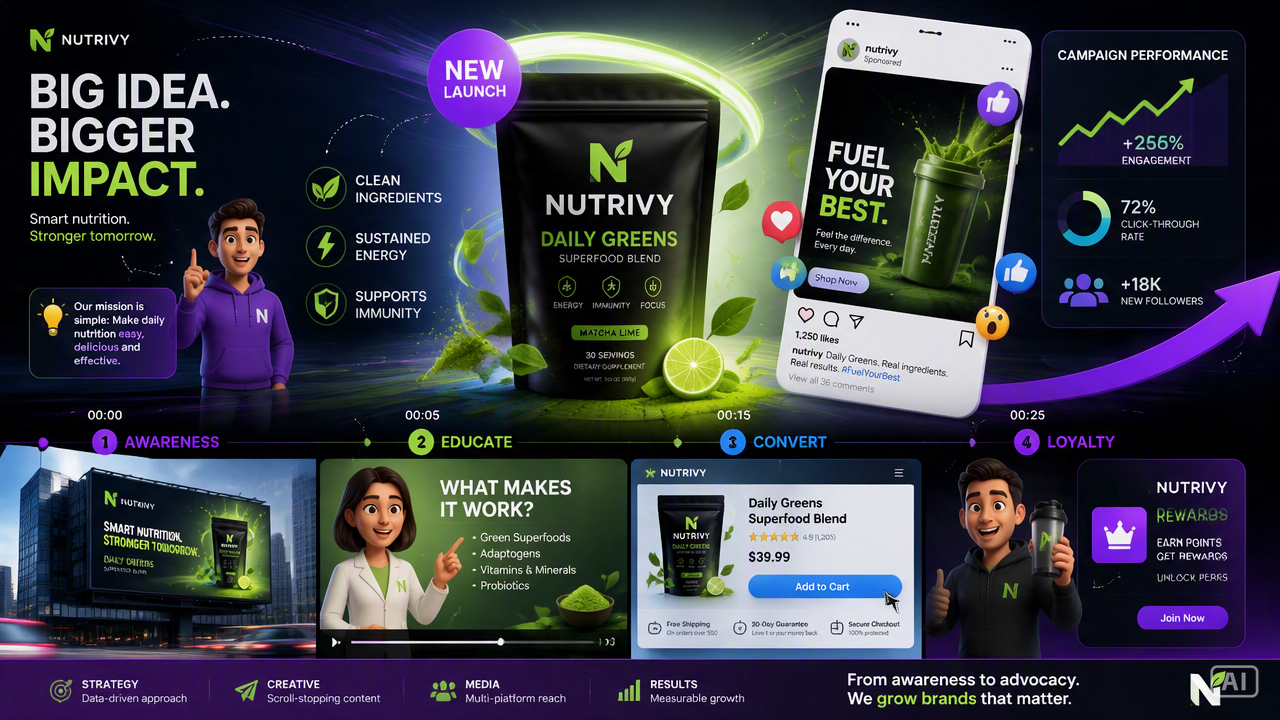
Effective motion graphic design uses movement to support communication. Every animated element should have a purpose, whether that is directing attention, explaining a process, establishing hierarchy, or reinforcing a brand. Clear messaging, controlled pacing, readable typography, and appropriate formatting usually matter more than adding complex effects.
Start With a Clear Message
Define the single idea the audience should understand before planning the animation. A clear message helps determine which text, images, graphics, and movements are necessary. If viewers cannot identify the main point quickly, additional effects are unlikely to improve the communication.
Not every visual element needs to move. Animation should guide attention, explain information, show relationships, or reinforce the message. Adding movement simply because an element can be animated can make the composition distracting and harder to understand. Before animating an element, identify what communication purpose its movement serves.
Build a Strong Visual Hierarchy
Use size, position, contrast, typography, and movement to establish what viewers should notice first and what they should process afterward. A strong hierarchy prevents competing elements from demanding attention simultaneously and makes complex motion graphics easier to follow from beginning to end. When too many layers move at once, the hierarchy collapses, so hold the hero and let supporting pieces arrive after it.
Use Timing and Pacing Intentionally
Timing determines how quickly information appears, changes, and disappears. Give viewers enough time to read important text or understand a visual transition, while avoiding unnecessary pauses. Faster pacing can suit promotional content, whereas educational sequences often benefit from more deliberate movement.
Limit Effects to What Serves the Message
Excessive transitions, zooms, particles, filters, and other effects can compete with the main message. A polished motion graphic usually relies on a limited set of purposeful movements rather than constant visual changes. Keep effects consistent with the design style and remove anything that does not improve clarity, emphasis, or storytelling.
Maintain Brand Consistency
Motion graphics should reflect the same visual identity used across other marketing materials. Consistent colors, typography, imagery, shapes, and graphic treatments help audiences recognize the brand. Tools such as an AI poster generator can also support the preparation of complementary branded campaign visuals.
Motion graphics should feel like an extension of the existing brand rather than a separate visual system. Inconsistent colors, typography, imagery, or graphic styles can weaken recognition across campaigns. Establish core brand elements before production and apply them consistently across the assets, animation, and final marketing placements.
Design for the Viewing Environment
Consider where and how the motion graphic will be viewed before producing it. A social video, digital advertisement, presentation, and product page may require different aspect ratios, text sizes, durations, and levels of detail. Designing for the intended placement improves readability and prevents important information from being lost.
A motion graphic designed for a desktop presentation may not work unchanged on a mobile social feed or digital advertisement. Consider aspect ratio, screen size, text readability, duration, and whether the content will be viewed with sound. Preparing channel-specific assets early helps prevent important information from being cropped or overlooked.
How Does Motion Graphics Production Work?
Motion graphics production turns a communication goal into a planned sequence of visual and animated elements. The workflow generally moves from the creative brief and visual direction to storyboarding, animation, sound, review, and refinement. A structured process helps control the message, timing, brand consistency, and technical requirements before final delivery.
Start With the Creative Brief
Define the audience, objective, key message, platform, duration, and desired action before designing anything. The brief establishes what the motion graphic needs to accomplish and prevents unnecessary visual elements from entering the project. It also provides criteria for evaluating whether the finished animation communicates effectively.
Develop Visual Direction
Establish the visual style, color palette, typography, imagery, composition, and overall tone. This stage creates a consistent design system before animation begins. Existing assets can be refined or supplemented with tools such as an AI image generator when additional visual concepts are needed.
Create the Storyboard
A storyboard maps the sequence of scenes and shows what appears, changes, or moves at each stage. It helps teams evaluate the narrative flow before spending time on detailed animation. For complex projects, each frame can include notes about text, transitions, timing, visual emphasis, and supporting audio.
Animate the Visual Elements
Bring the storyboard to life by animating typography, shapes, illustrations, images, logos, transitions, and other elements. Professional tools such as After Effects or Blender can provide detailed control over timing and movement. Animation should follow the established hierarchy instead of introducing motion that distracts from the message.
Add Sound Where Appropriate
Sound effects, music, narration, or other audio can reinforce transitions and improve the overall viewing experience. Audio should support rather than compete with visual information. For content intended to work without sound, ensure that essential messages remain understandable through on-screen text and visual cues.
Review and Refine
Review the animation for message clarity, pacing, readability, branding, visual consistency, and technical requirements. Check how it appears at the intended size and platform before exporting. Refinement may involve simplifying crowded scenes, adjusting timing, improving transitions, or removing effects that do not contribute to the communication goal.
Motion Graphics Examples and Creative Inspiration
Motion graphics examples can help show how different animation approaches solve specific communication problems. Instead of copying visual effects, study how each example uses typography, composition, timing, and movement to direct attention or explain information. This approach provides useful motion graphics inspiration while keeping the creative direction tied to the intended audience and goal.
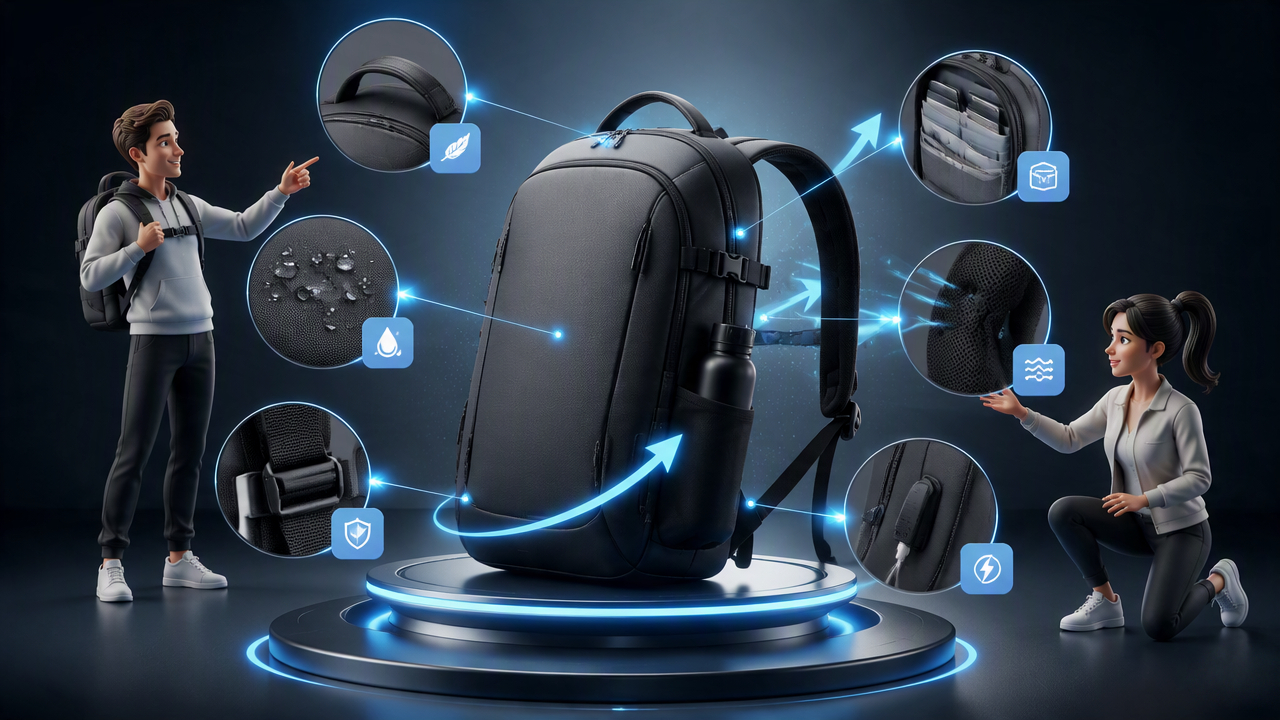
Product Feature Animation
A product feature animation focuses attention on one capability, benefit, or component at a time. Animated callouts, labels, zooms, and transitions can show viewers what matters without requiring a long explanation. This format works particularly well for technology, consumer products, and ecommerce campaigns where visual demonstration can strengthen the message.
Animated Social Promotion
Animated social promotions use movement to communicate offers, launches, announcements, or product highlights within a short viewing window. Bold headlines, product imagery, transitions, and brand elements can make the message easier to notice while keeping information concise. Platform requirements should guide dimensions, pacing, text placement, and duration.
Animated Data Story
An animated data story transforms statistics or comparisons into a sequence of charts, numbers, labels, and visual cues. Rather than displaying every data point simultaneously, motion can reveal the most important information progressively. This approach is useful for reports, presentations, research summaries, business content, and educational communication.
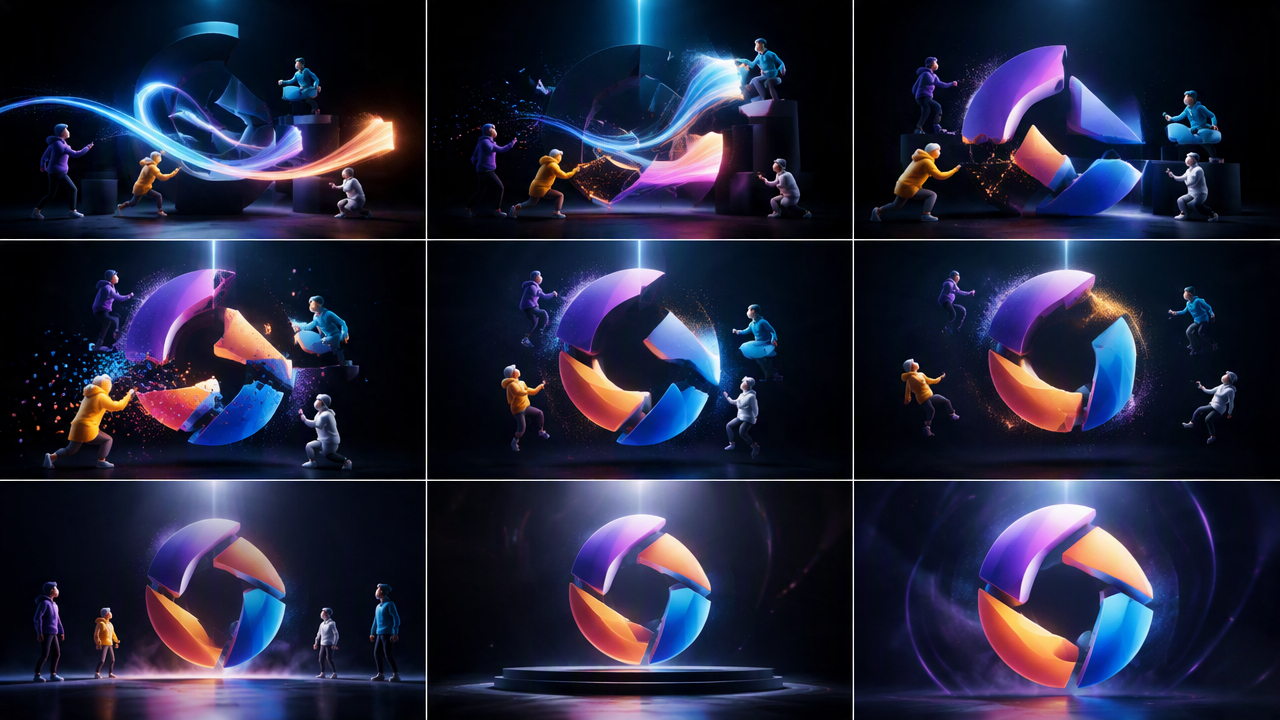
Logo Reveal
A logo reveal introduces a brand mark through controlled movement, transitions, shapes, or visual effects. It can appear at the beginning or end of advertisements, social videos, presentations, and branded content. The animation should remain recognizable and brief, using movement to reinforce the identity rather than making the logo difficult to read.
Explainer Sequence
An explainer sequence presents a concept, process, product, or service through connected scenes that build understanding step by step. Typography, icons, illustrations, diagrams, and transitions can guide viewers through the information in a logical order. The strongest examples prioritize clarity and narrative flow instead of filling every scene with animation effects.
How to Create Motion Graphics With Designkit
Designkit can support the creative-production side of a motion graphics workflow by helping you prepare, edit, generate, and adapt the visual assets used in an animation. It is not a replacement for dedicated motion graphics software, but it can help organize the visual building blocks before they are animated and exported for different channels.
Why Choose Designkit for Motion Graphic Design
Turn Existing Assets Into Motion-Ready Visuals
Start with product photos, campaign graphics, or logos and refine them before animation. AI product photo editing can clean up frames and keep source material more consistent.
Build the Visual Sequence
Motion graphics usually need separate stills, not one finished image. Prepare backgrounds, product frames, and supporting graphics in Designkit, then animate them in dedicated software. A storyboard generator can lock the beat order first.
Create Consistent Creative Variations
When a campaign needs several versions, keep product presentation and branding steady while changing only selected elements. Designkit helps refine those variations for ads and social concepts.
Adapt Motion Graphic Assets for Marketing Channels
The same concept may need different crops for social, ads, and sites. Resize for Instagram (or other placements) before assets enter the timeline so framing problems do not show up late.
Clean and adapt product stills before they hit your motion timeline. Designkit helps teams prepare clearer source frames for ads, social, and brand films. Start with the AI product photo editor.
3 Steps to Build Motion Graphic Assets With Designkit
Step 1: Upload Your Visual Assets
Upload product photos, logos, illustrations, and campaign graphics to Designkit. Choose clean, consistent files that support your motion graphic's message.
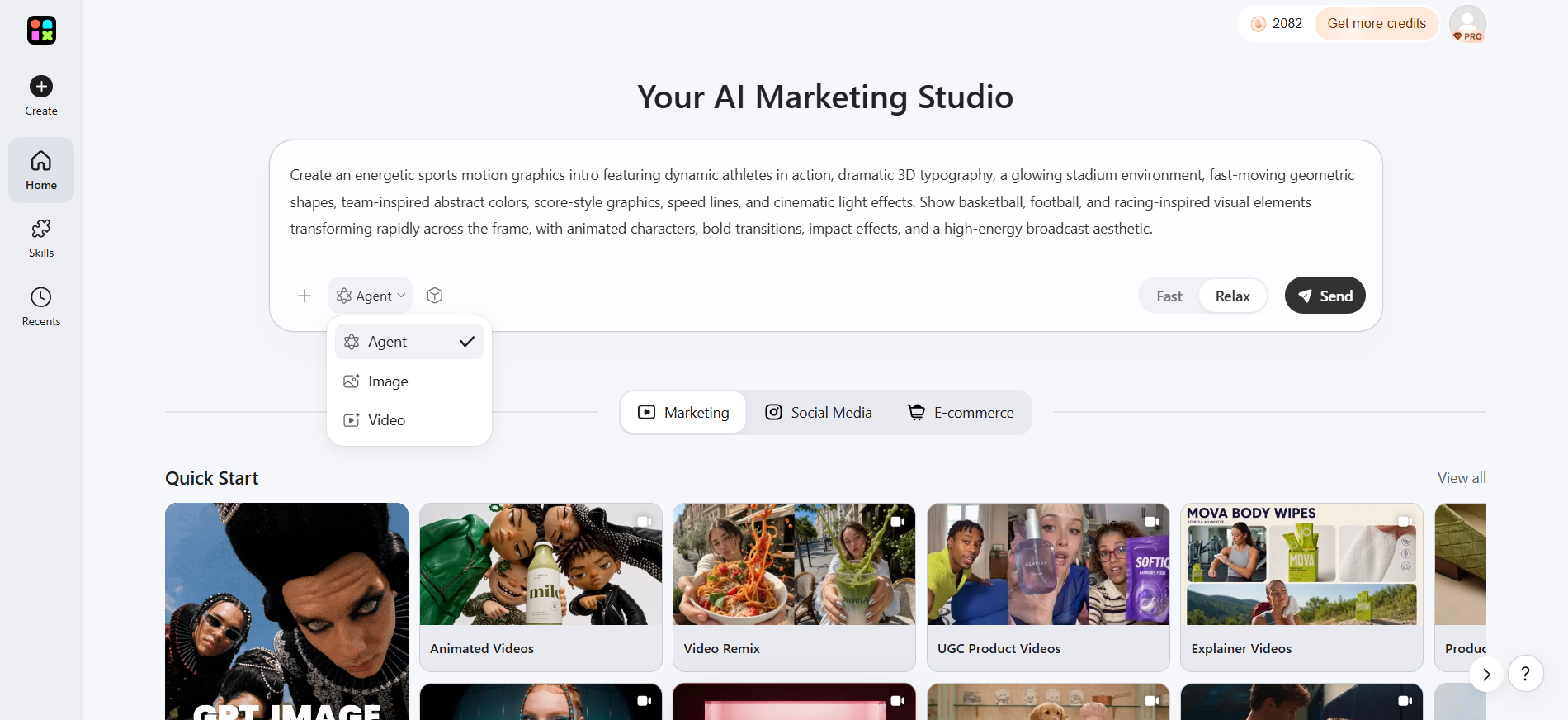
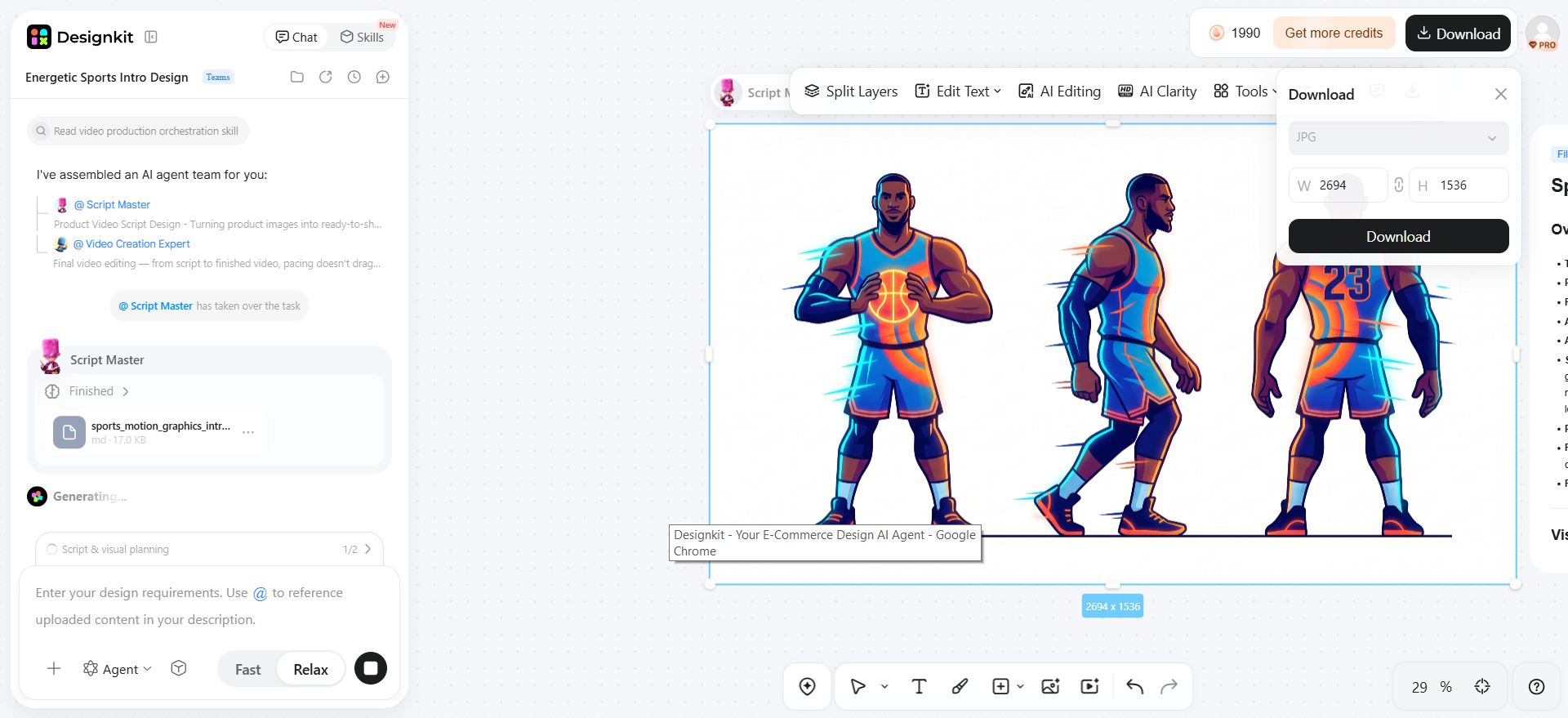
Step 2: Build and Refine the Visual Sequence
Arrange backgrounds, products, text, and brand elements into a clear sequence. Refine cropping, hierarchy, and composition before animating in motion graphics software.
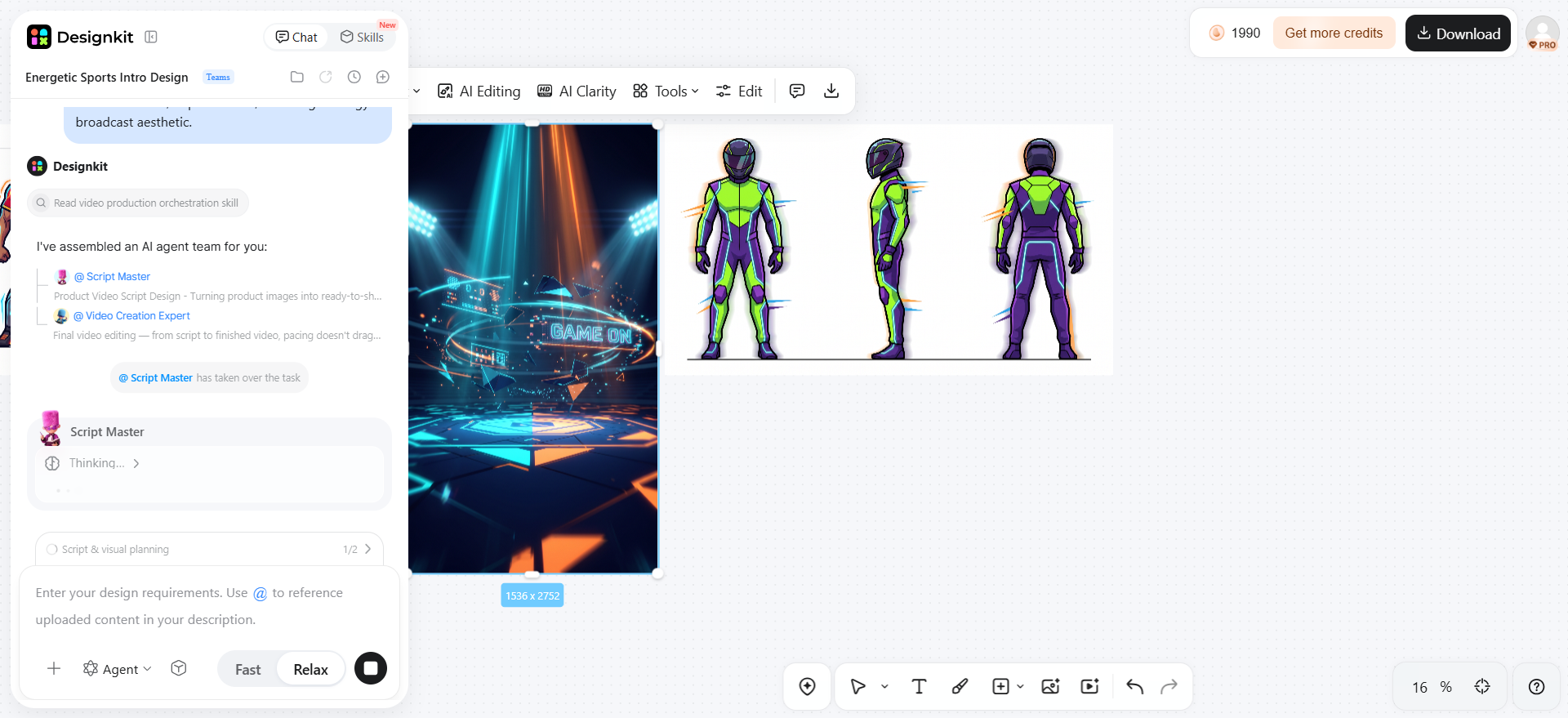
Step 3: Adapt the Creative for Your Channels
Prepare assets for social media, ads, or websites by checking dimensions, aspect ratios, and text readability. Export channel-ready files for animation and final delivery.
Conclusion
Motion graphics combine design and movement to communicate ideas clearly, direct attention, and strengthen visual storytelling. Effective motion starts with a clear message, audience, and purpose, not excessive effects. Whether you're promoting a product, explaining a concept, or building a brand, a structured workflow helps keep content consistent across channels. Designkit can support this process by helping you prepare and adapt polished visual assets for motion-focused marketing, social media, and campaigns.
Frequently Asked Questions
What is the difference between motion graphics and animation?
What are the main types of motion graphics?
Common types include kinetic typography, logo animation, explainer graphics, data visualization, product motion graphics, and social media animations. Designkit can help prepare the visual components behind these formats, including product imagery, backgrounds, logos, and other creative assets for use in the animation workflow.
Where are motion graphics used?
Motion graphics are used in advertising, social media, product marketing, presentations, educational content, branding, websites, and internal communications. Designkit can help businesses prepare the supporting visuals needed across these channels, making it easier to maintain consistent imagery and branding before the assets move into animation software.
How are motion graphics used in advertising?
Motion graphics help advertisements communicate product benefits, offers, features, and brand messages through movement, text, imagery, and visual transitions. Designkit supports the creative-production stage by helping prepare product visuals, campaign graphics, and other assets that can be incorporated into animated advertising content.
What makes good motion graphic design?
Good motion graphic design combines a clear message with strong hierarchy, readable typography, intentional timing, consistent branding, and platform-appropriate formatting. Designkit can support this process by helping refine and prepare the visual assets, while dedicated motion graphics software handles animation, transitions, and timing.
Can businesses use motion graphics for product marketing?
Yes. Businesses can use motion graphics to demonstrate product features, explain benefits, highlight details, introduce launches, and support advertising campaigns. Designkit is particularly useful for preparing product-focused visual assets, helping teams refine product images, generate supporting visuals, and adapt creative materials before animation.
What tools can be used to create motion graphics?
Common motion graphics tools include After Effects, Blender, CapCut, and Figma, depending on the project's complexity and requirements. Designkit complements these tools by supporting the asset-preparation stage, helping teams develop, edit, and adapt visual content before it is brought into dedicated animation software. See the Best Tools for Creating Motion Graphics section above for details.
You May Also Like
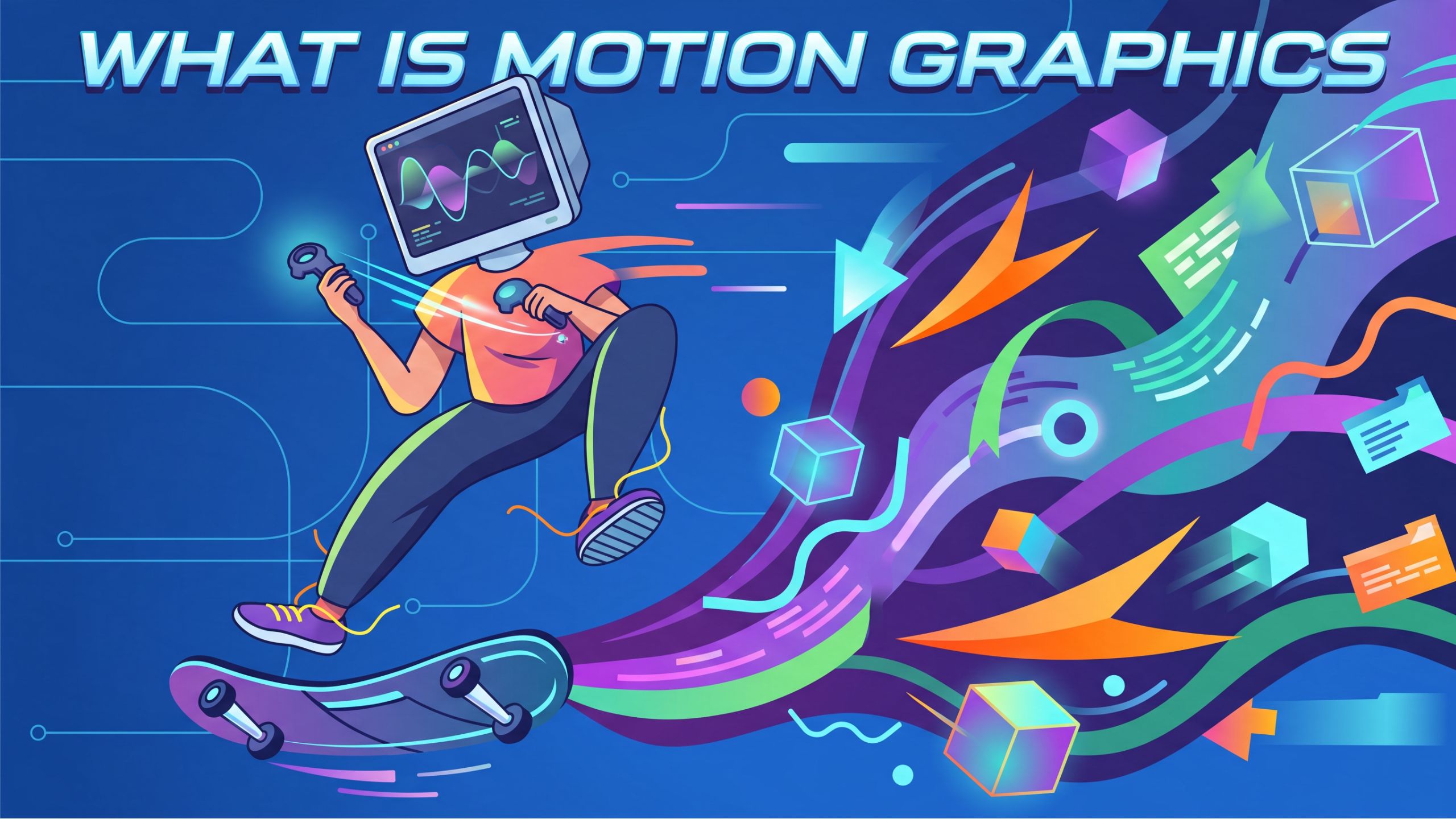
Motion Graphics: Types, Examples and Creation Guide

PixVerse AI Review 2026: Is It Worth Using for AI Videos?

How to Animate a Picture with AI: Easy Step-by-Step Guide

How to Write a Video Script: Structure, Tips & Examples

What Is B-Roll? Meaning, Examples, and How to Use It

How to Make an Instagram Post: Step by Step Creation Guide

How to Make a TikTok Video: A Step-by-Step Guide 2026

Social Media Copywriting: Tips, Examples & Best Practices

What Are AI Fruits? The Trend, the Formats, and How to Make One

LTX Studio Review: Features, Pricing & AI Filmmaking Guide

HeyGen vs Arcads: Which AI Video Tool Wins in 2026?

Arcads AI Review 2026: Features, Pricing, Pros, Cons & Alternatives
Creatify AI Reviews: Features, Pricing & Alternatives (2026)

What Are Satisfying Videos? Types, Tips & How to Make (2026)
What Is a Brand Video? Types, Examples & How to Create One
AI Product Demo vs Live Demo: Which Gets More SaaS Sign-Ups?

Best AI Product Video Ad Generators for Ecommerce in 2026
How to Create AI Product Promotion Videos in Minutes (Step-by-Step)

How to Boost Ecommerce Sales: Proven Strategies That Work
How to Add Video to eBay Listing: Step-by-Step Seller Guide
Short Form Video Marketing for E-commerce: AI Video Guide
What Is Video Marketing? E-commerce Guide & Strategies 2026

How to Generate Product Videos from Images with AI (2026 Guide)

How to Create a Product Launch Video with AI: A Step-by-Step Guide
Turn Ideas Into Motion-Ready Visuals
Create polished visual assets for marketing campaigns, social media, and product promotions. Use Designkit to develop consistent creative content that is ready for motion graphics workflows.


