
AI Explainer Video Maker: Turn Product Images into Avatar Videos
Create explainer videos to introduce your product with our AI explainer video maker. Turn images and ideas into engaging videos with customizable AI avatars.
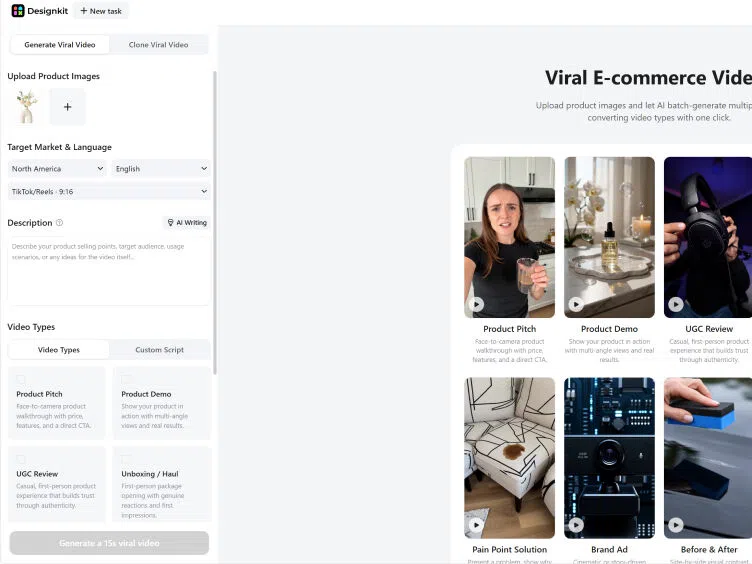
Upload product images and let Al batch-generate multiple high- converting video types with one click.
How to Create AI explainer videos with Designkit in 3 Steps
Upload Your Product Image or Reference Video
Upload a product image or reference video to the Designkit workspace. White background product shots give the cleanest output; a reference video helps the AI match a specific style or tone.
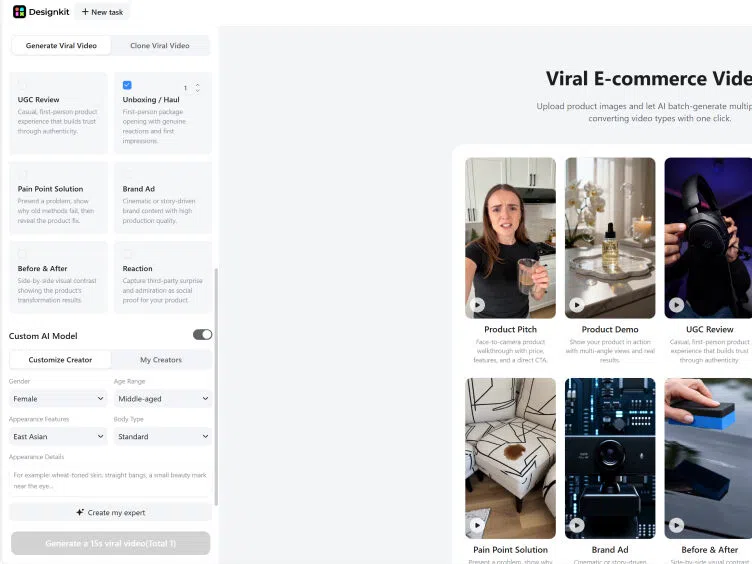
Customize Your Avatar and Set Campaign Details
Choose your target market, language, and platform format. Select and customize your AI avatar's appearance to match your audience. Add product features, benefits, and key messages — or let AI draft them from your product input.
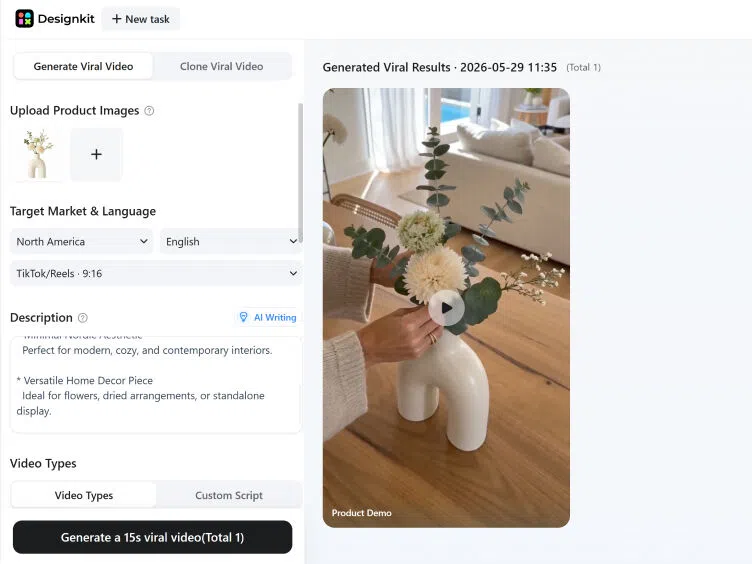
Preview and Export
Preview your explainer video and adjust scenes or captions if needed. Export in 9:16 for TikTok and Reels, 1:1 for Meta, 16:9 for YouTube and Amazon.
What Designkit Can Do for Explainer Video Creation
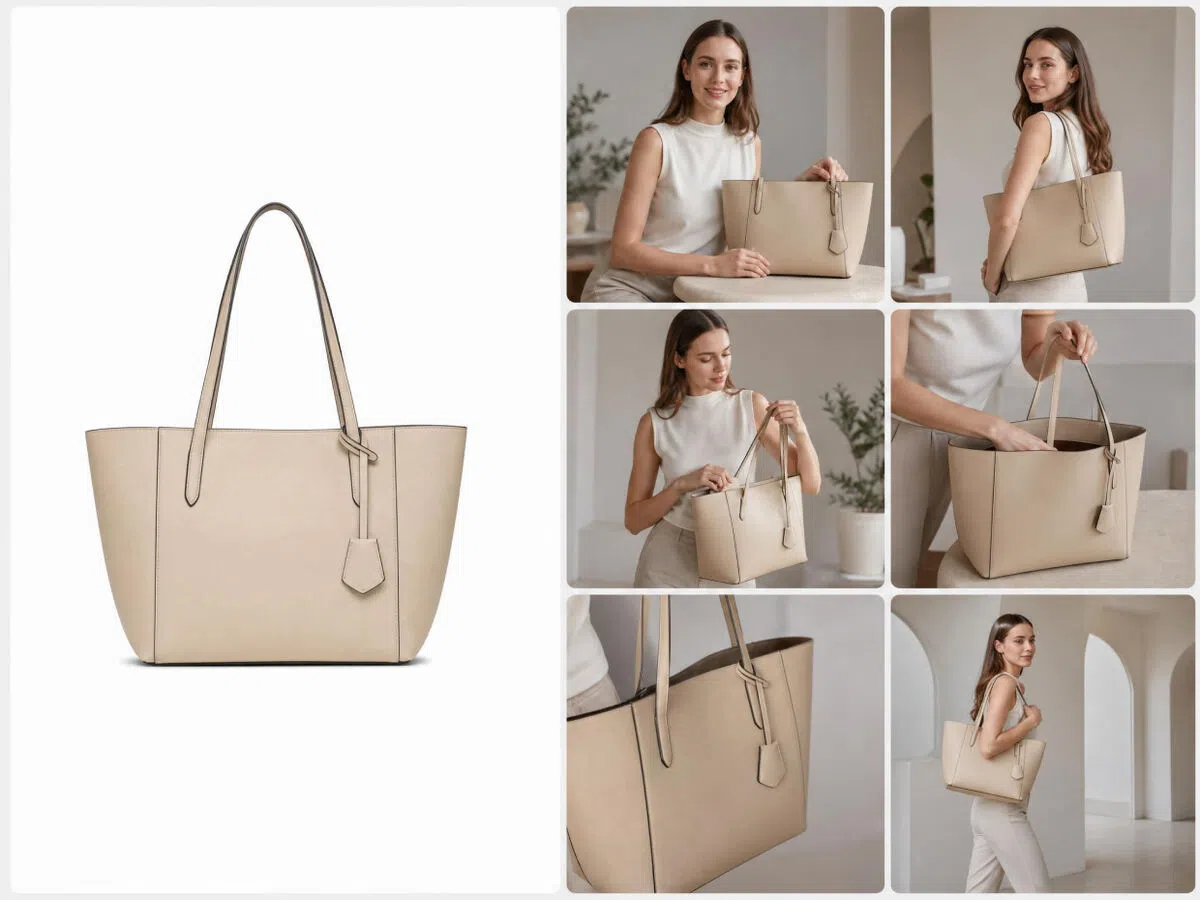
Turn Product Images into Fully Structured Custom Explainer Videos
Upload a product image and Designkit builds a complete explainer: scene by scene, with storytelling flow, transitions, and product-focused messaging. No editing, no script planning needed.

Realistic AI Avatars Make Your Product Story Easy to Understand
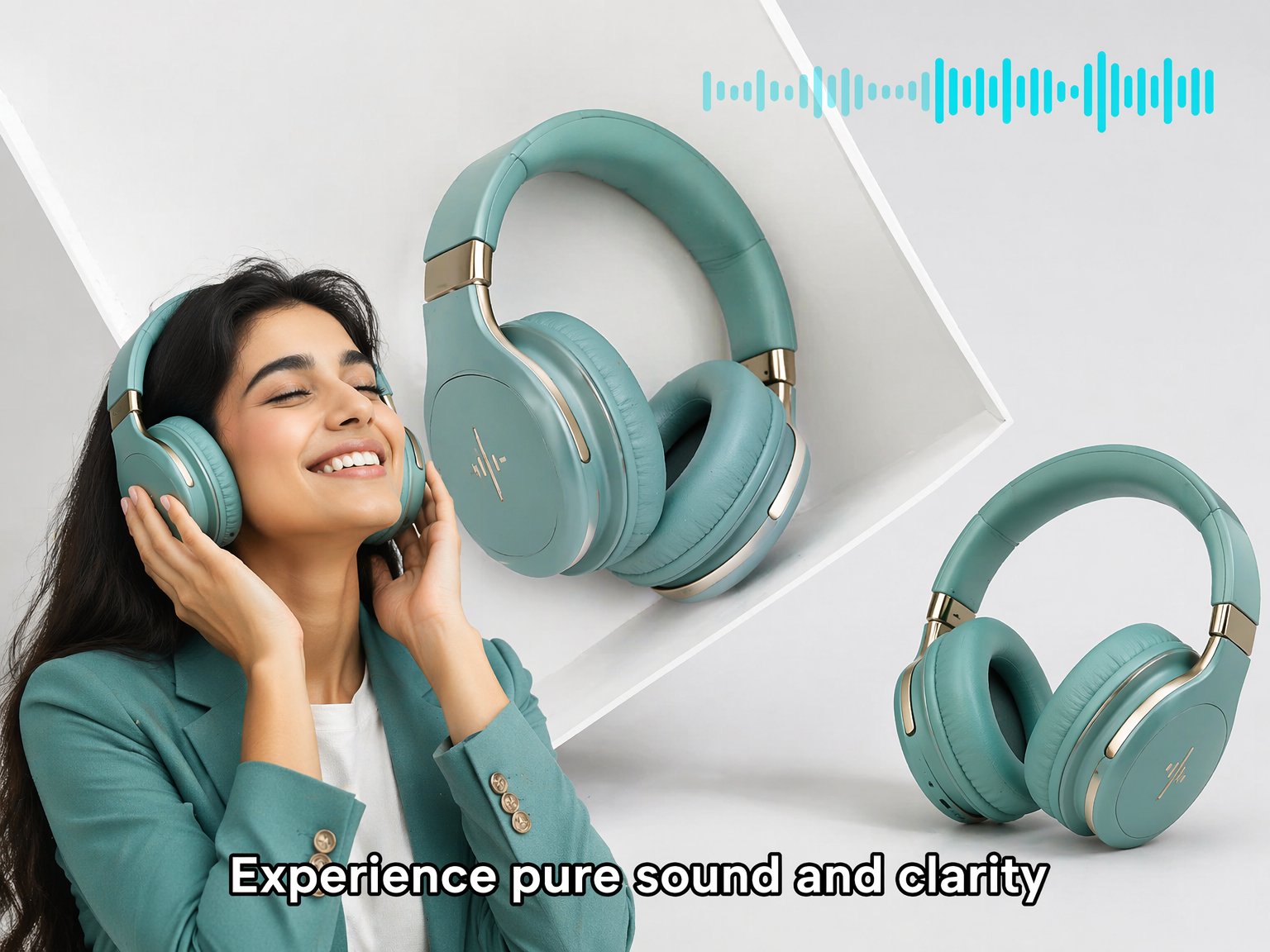
Explaining products becomes more engaging when viewers can connect with a human presence. Designkit adds realistic AI avatars that deliver messages naturally and make product information easier to follow. This helps reduce confusion, build stronger audience trust, and improve overall engagement.
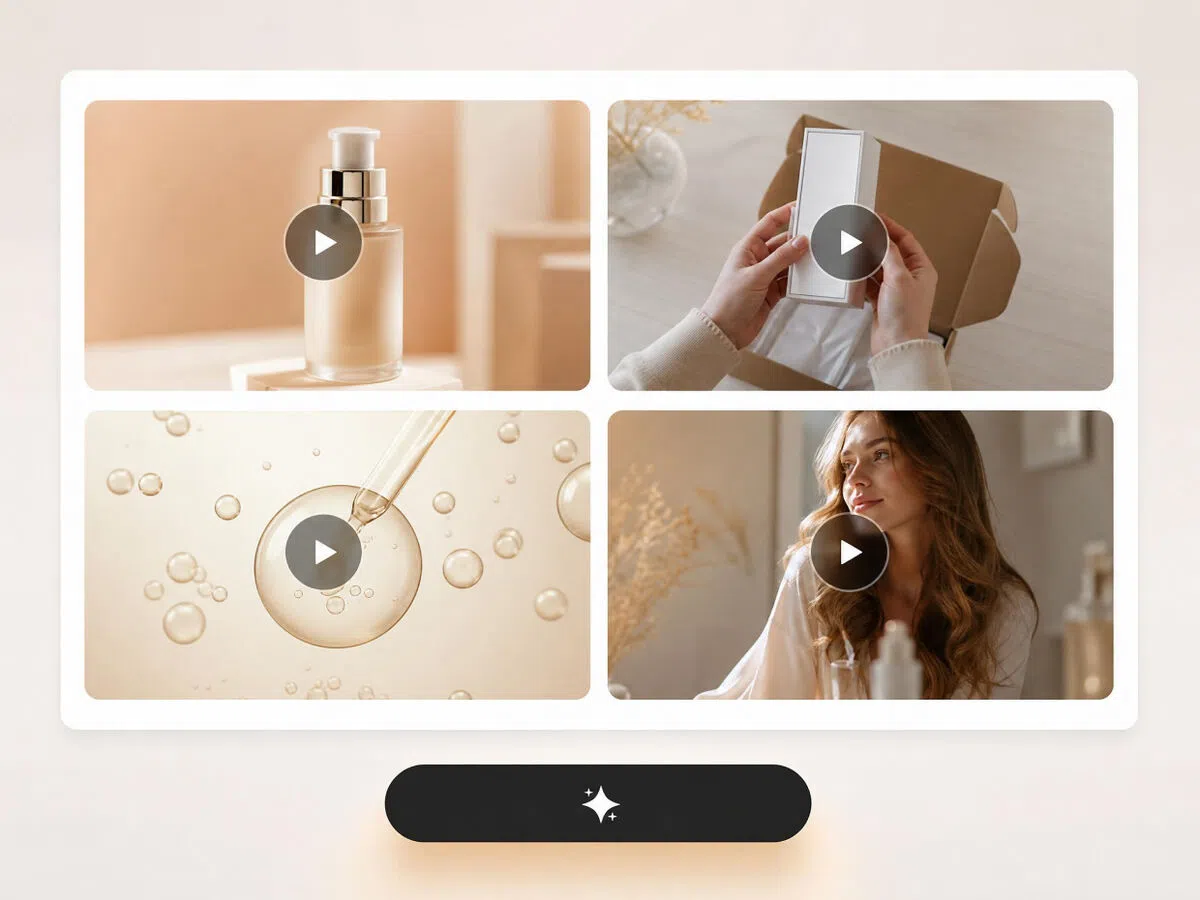
Product Demos, Walkthroughs, Educational Explainers — All Supported
Choose the format that fits your goal: product demo, step-by-step walkthrough, educational explainer, or promotional story. Designkit adapts structure and tone per type, so the output matches what you need — not a generic template.
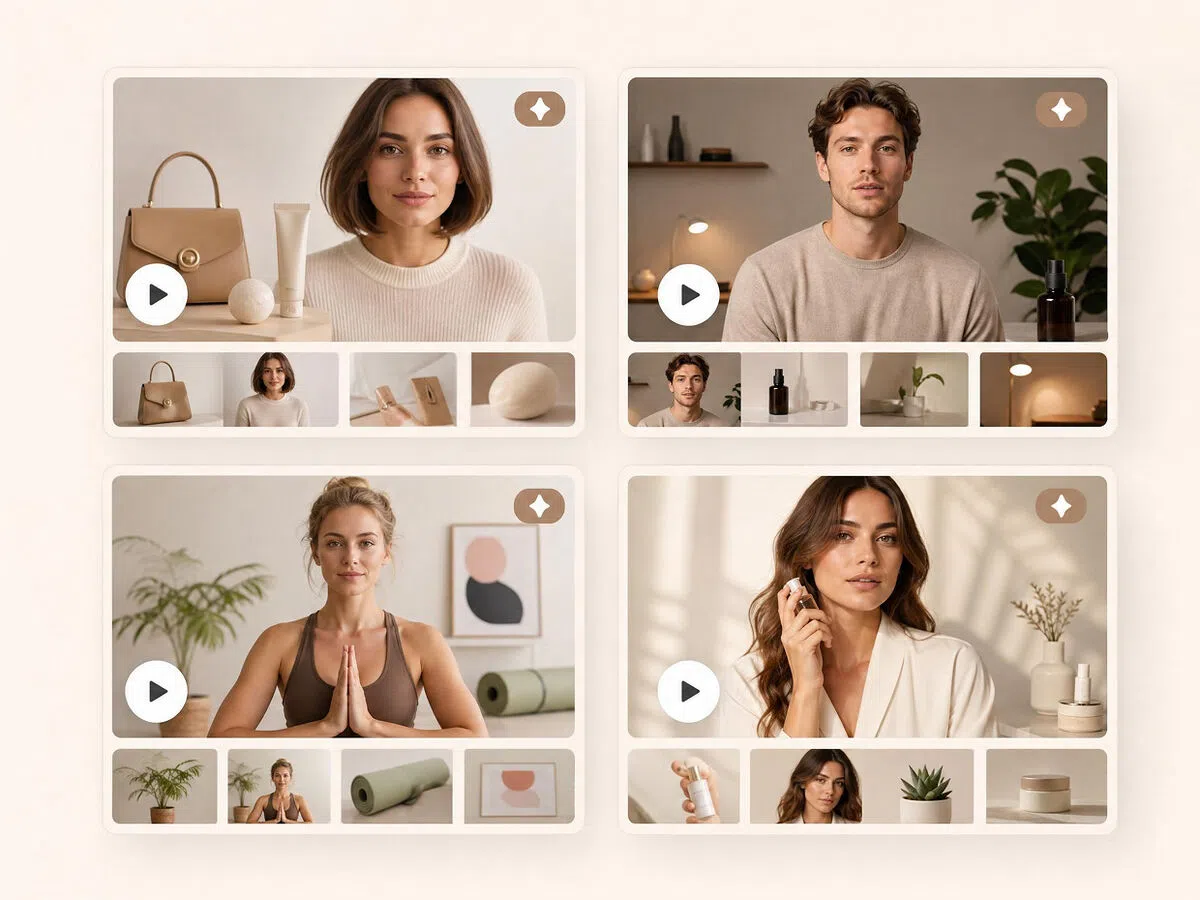
Batch Generate Multiple Versions for Faster A/B Testing
Finding winning creative ideas often requires testing multiple approaches. Designkit generates multiple explainer video versions with different messaging, visuals, and presentation styles at once. This helps marketers compare performance faster and improve campaigns with stronger creative insights.
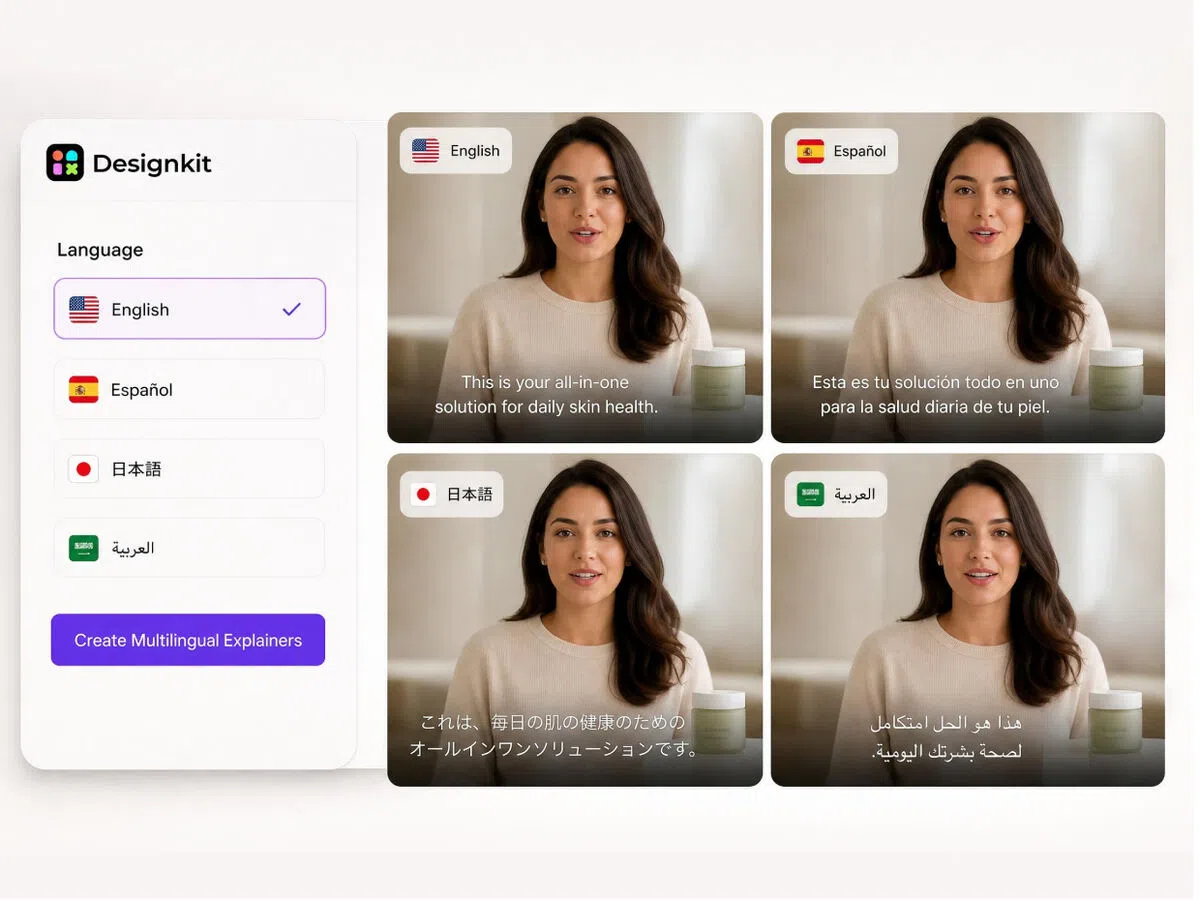
Create Multilingual Explainer Videos Without Re-Recording
Choose your target language and market before generating. Designkit adapts script, captions, and on-screen text accordingly. No re-recording, no separate localization step. One product input, multiple regional versions.
Who Is Designkit's Explainer Video Maker Built For
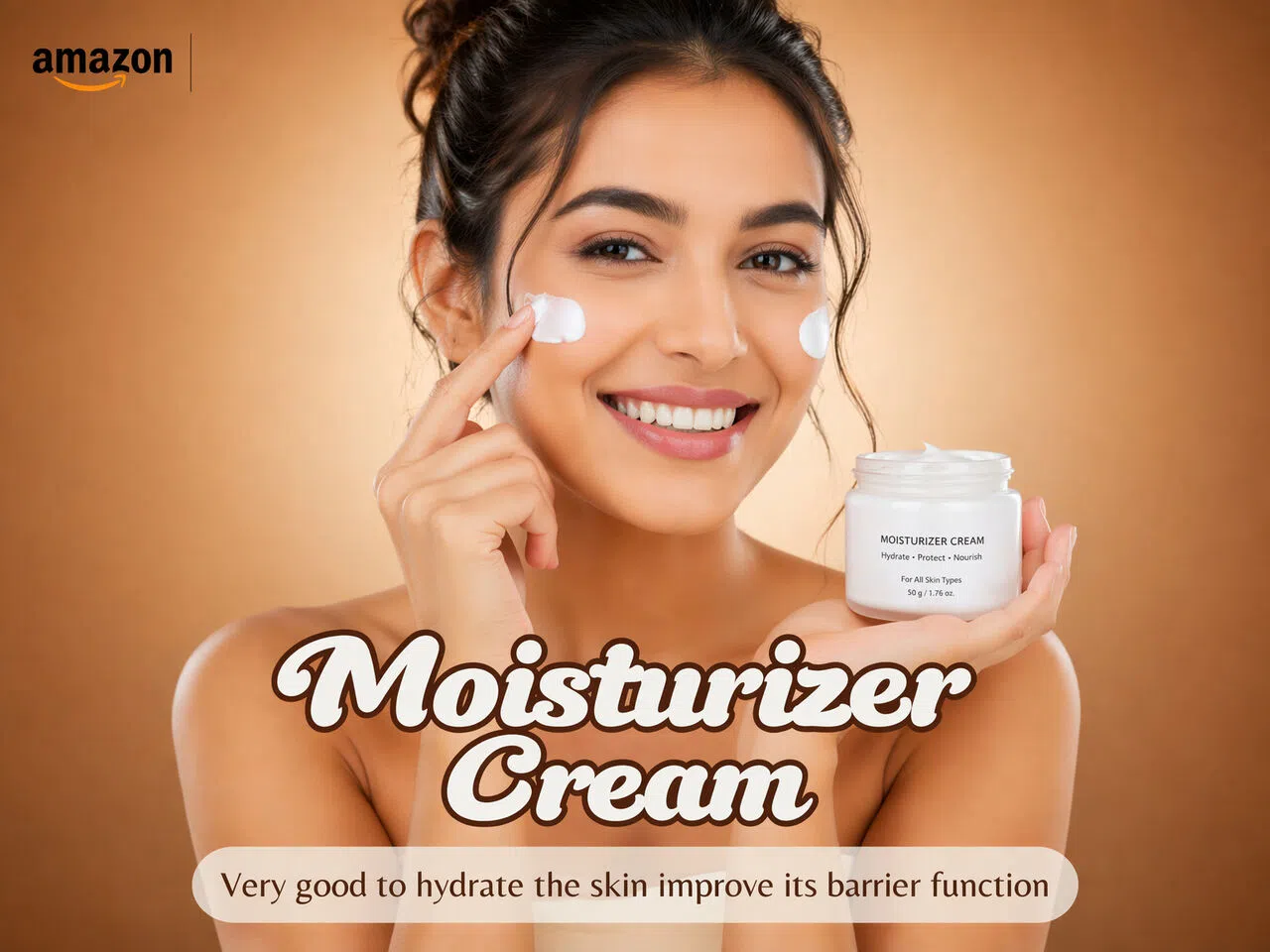
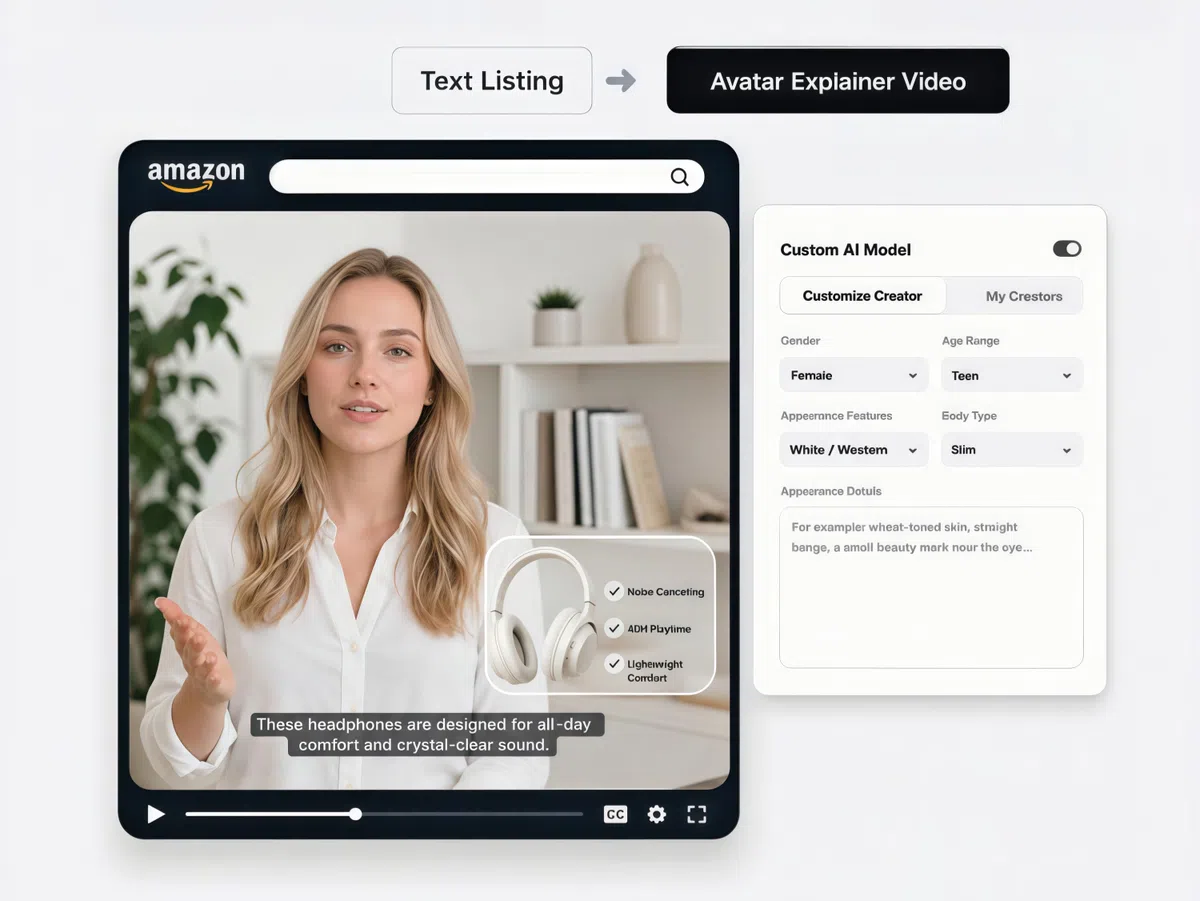
Explainer Videos That Help Amazon Shoppers Decide Faster
Amazon listings with video hold attention longer — but most sellers don't have the budget or crew for a shoot. Upload your product image and Designkit generates a structured demo video with an AI avatar presenting features clearly. Ready for Amazon's video placement, no filming required.
Why choose Designkit for AI Explainer Video creation

Faster Than Any Traditional Video Workflow
Upload a product image and get a finished explainer video in minutes — no briefs, no revisions, no waiting on editors or agencies.

No Skills, No Equipment, No Problem
No editing experience needed. Designkit builds scenes, captions, and transitions automatically. Anyone can produce a polished explainer from day one.

Customize Your AI Avatar to Match Your Brand
Choose your presenter's appearance, tone, and style to match your target audience. The same avatar delivers consistent messaging across your entire product catalog.

AI That Identifies and Scripts Your Product's Key Selling Points
Designkit reads your product input and structures the explanation around features and benefits — not generic filler. Viewers understand the value before they finish watching.

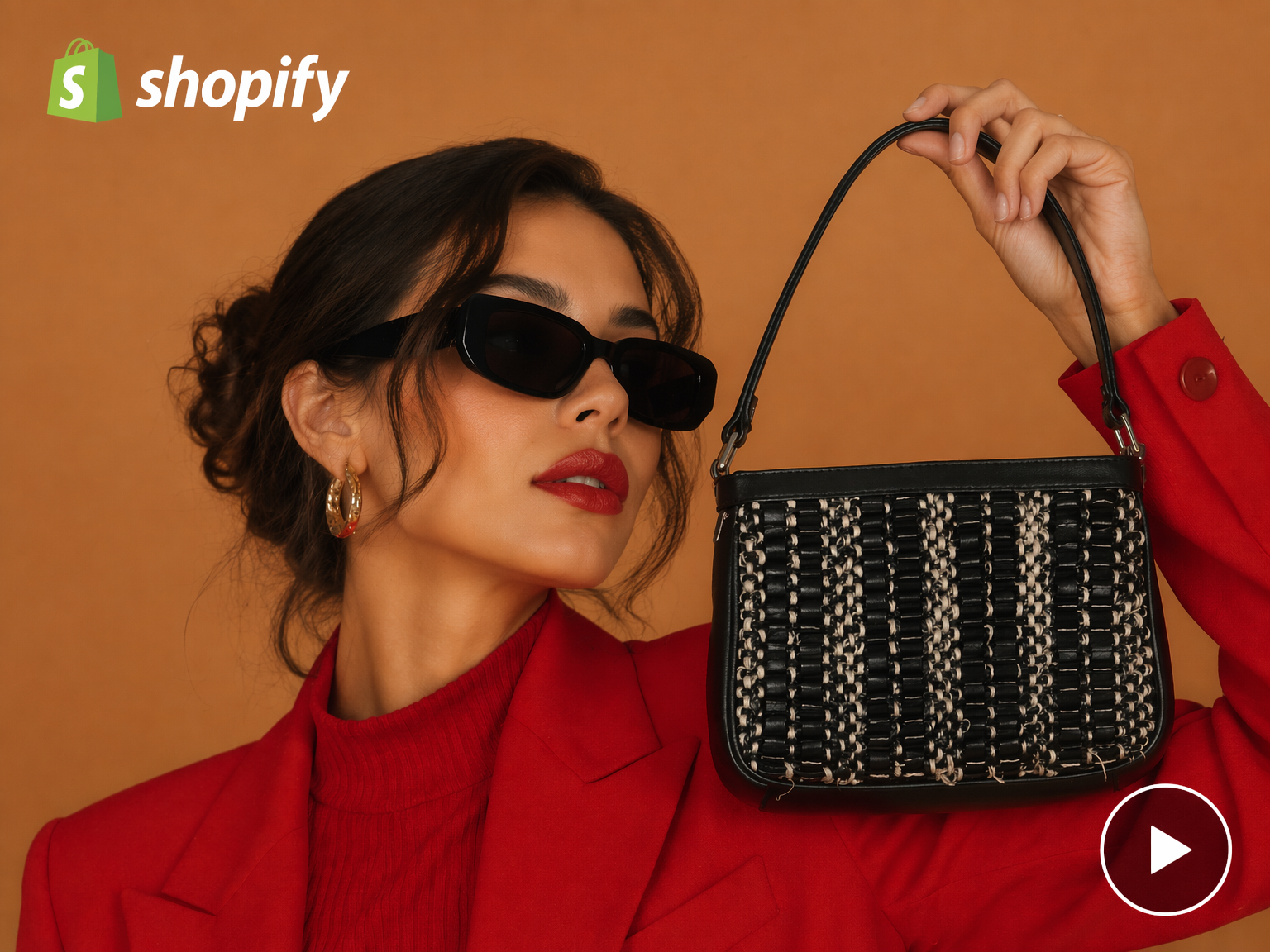
One Platform for Amazon, Shopify, TikTok, and More
Create, format, and export for every major channel in one workflow. No tool-switching, no reformatting per platform.

Multilingual Without Extra Production
Switch language and Designkit adapts script and captions automatically — no re-recording, no separate localization workflow needed.
Frequently Asked Questions
Do AI avatars look realistic enough for product explainer videos?
Why use an AI explainer video maker instead of a production agency?
AI explainer video tools are faster, more affordable, and more scalable than traditional agencies. Designkit removes the need for long production timelines, expensive crews, and manual editing. It enables businesses to create professional explainer videos instantly, giving full control over content creation without relying on external production teams.
Can AI create polished explainer videos without technical skills?
Yes, AI allows anyone to create professional explainer videos without editing experience or technical knowledge. With Designkit, you simply upload product images and the system automatically transforms them into structured, polished videos. It handles scenes, flow, and visuals, helping you produce ready-to-use marketing content in minutes without any manual editing effort required.
What kinds of product and business explainer videos can AI generate?
AI can generate product demos, onboarding explainers, promotional ads, and brand storytelling videos based on different goals. Designkit supports all these formats by adapting video structure and style according to your product inputs, helping you clearly communicate value and create engaging content tailored for different audiences and marketing needs across platforms.
Can I personalize AI avatars for different brand campaigns?
Yes, AI avatars can be fully customized to match your brand tone, style, and audience expectations. Designkit allows adjustments in appearance and presentation, so each explainer video feels authentic and consistent. This personalization helps improve emotional connection, build trust, and ensure your videos align perfectly with different campaign objectives and brand identity.
Which ecommerce and social platforms are supported for export?
AI explainer videos can be exported for major platforms like Shopify, Amazon, TikTok, Instagram Reels, and YouTube Shorts. Designkit automatically optimizes formatting and resolution for each platform, ensuring your videos are ready to publish instantly without any resizing, reformatting, or additional editing required for different channels.
Can I create multiple video variations for testing campaigns?
Yes, AI makes it easy to generate multiple video variations for A/B testing. Designkit allows you to create different versions with varied hooks, visuals, and messaging styles in one workflow. This helps you compare performance, identify winning creatives faster, and optimize campaigns using real engagement data instead of guesswork.
Does AI support multilingual explainer videos for global audiences?
Yes. Select your target language and market before generating — Designkit adapts the script, captions, and on-screen messaging for that region. This helps brands reach international audiences without re-recording or running a separate localization workflow.
Your Product Story, Told by an AI Avatar in Minutes
Designkit turns product images into realistic AI avatar-led explainer videos in minutes. Upload your first product image and see it explained — free to start.

User Reviews of Designkit for Explainer Video Creation
Users appreciate Designkit for quickly creating clear, engaging explainer videos that improve product understanding and boost conversions.
Struggling Conversions Turned Into Sales Growth
My store had decent traffic but weak conversion — visitors would browse and leave without buying. After adding Designkit explainer videos to my key product pages, the drop-off noticeably reduced. Customers started spending more time on product pages, and sales became more consistent week over week.
Missing Video Content Reduced Competitor Gap
Watching competitors dominate with polished listings was honestly discouraging. My products looked flat beside theirs. After using Designkit, shoppers started spending more time on-page, and product performance improved significantly. One product that barely moved before suddenly became one of my better-performing listings.
Fast Product Testing With Better Winning Rate
Product testing used to drain me. I would waste so much time trying to create videos or waiting for help, and still miss opportunities. Designkit made everything faster. I could quickly create explainer videos and test products at speed. That momentum helped me make better decisions and improve my overall conversion results.
Weak Messaging to Clear Communication
Customers kept leaving because product images alone weren't telling enough of the story. Once we switched to Designkit videos, drop-offs reduced, and more users completed purchases. Even our customer support team noticed fewer clarification requests, which made operations smoother.
Consistent Ads With Better Performance
Ad production used to feel chaotic, especially during launch weeks. Designkit made the process more controlled and efficient. Campaign performance improved, and we were able to run more consistent creatives without last-minute stress.
Faster Video Creation Improved Product Understanding
I struggled to explain product benefits in a way customers could quickly understand. After switching to Designkit, product page engagement improved, and customers started making decisions faster. Overall store performance became more stable and predictable.