
PixVerse AI Review: Features, Pricing, Quality & Alternatives
See how PixVerse AI creates videos from prompts and images. Explore its features, quality, pricing, limitations, and alternatives for different creative workflows.

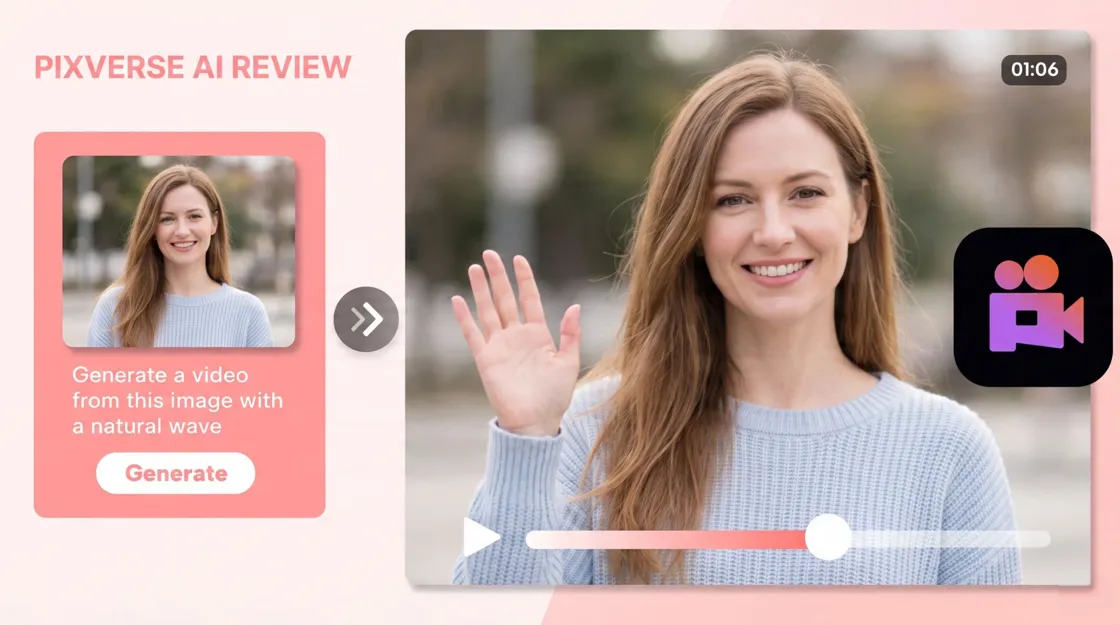
PixVerse AI is an AI video maker that creates short videos using text prompts and photos. It's created for creators who want to animate ideas, create visual effects, and produce short-form entertainment without traditional filming or editing.
In this PixVerse AI review, we look at how PixVerse works, its video quality, creative controls, pricing, strengths, limitations, and alternatives. We also compare it with Designkit for users who need a broader content creation workflow.
Key takeaways
-
PixVerse AI creates short videos from text prompts and image inputs.
-
It supports text-to-video, image-to-video, and creative video effects.
-
Video quality depends on the prompt, source image, motion complexity, and generation settings.
-
PixVerse works well for short-form creative videos, animation, and visual experiments.
-
Free access lets users try the platform, but credits and output restrictions can limit regular use.
-
Higher settings and repeated generations can consume credits quickly.
-
Users who need images, videos, copy, and marketing content in one workflow may want a broader AI content platform.
What is PixVerse AI and how does it work?
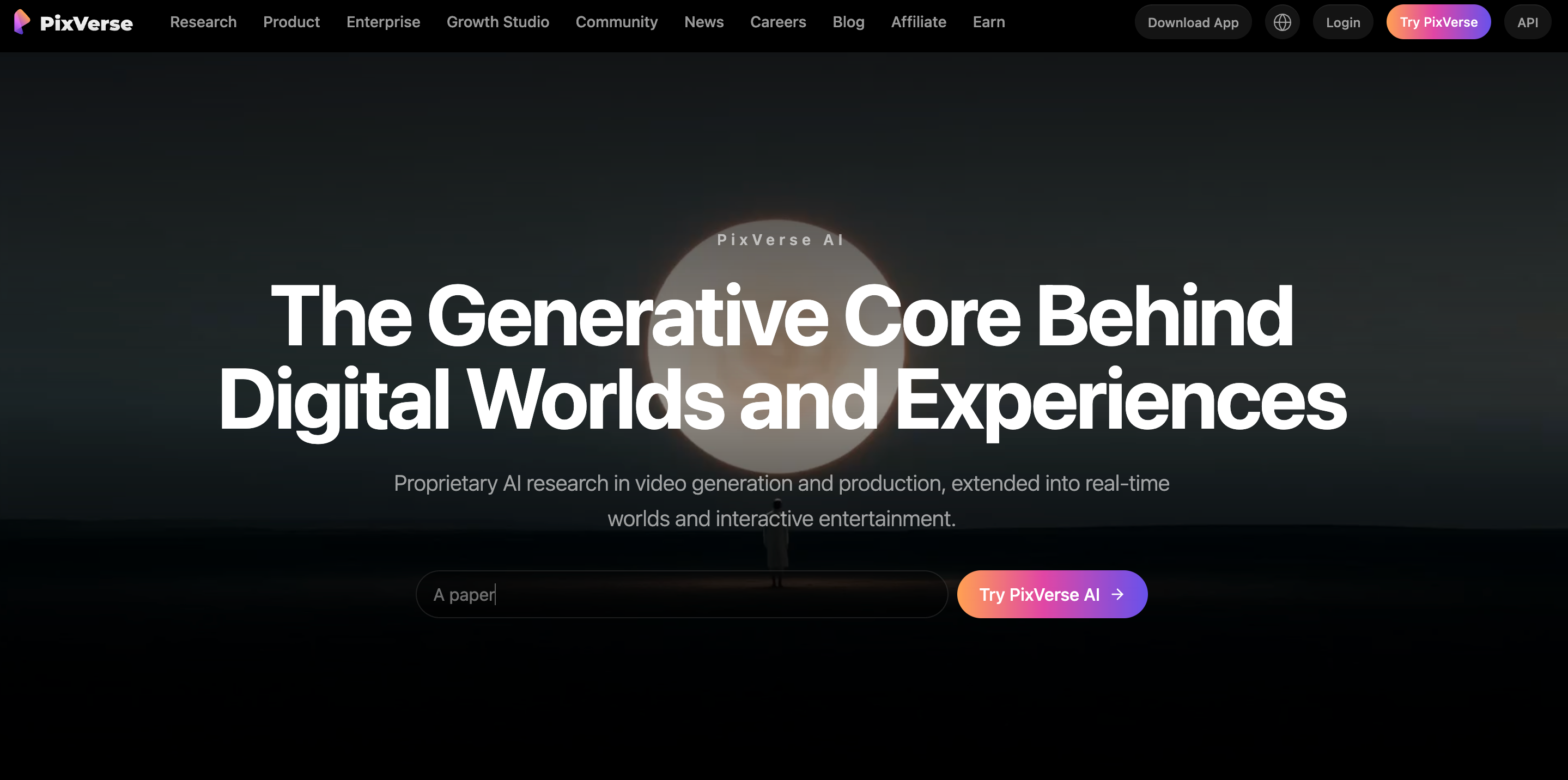
PixVerse AI is an AI video generator that creates short clips from written prompts and images. You can use it to animate a still image, describe a scene from scratch, or experiment with effects and motion without starting with conventional video footage.
What can you create with PixVerse AI?
PixVerse can be used for several types of short-form video content, depending on the generation method and creative controls available.
You can create:
-
Text-driven concept videos: Turn written ideas and descriptions into short visual clips that communicate a specific concept.
-
Animated images: Add movement to still images and transform static visuals into short animated sequences.
-
Character and scene animations: Create short clips featuring animated characters, environments, and scene-based movements.
-
Social media clips: Generate short visual content suited to social platforms and quick-form video formats.
-
Creative visual effects: Experiment with AI-generated effects and stylized movements to create more engaging visuals.
-
Short promotional videos: Create brief promotional clips for products, ideas, campaigns, or other creative projects.
-
Cinematic-style visual experiments: Explore cinematic compositions, camera movements, and visual styles for creative concepts.
-
Motion-based variations of existing images: Generate different movement variations from an existing image while retaining its core visual elements.
The platform is particularly useful when the goal is to turn an idea or static visual into a short moving sequence.
How does PixVerse AI generate videos?
The basic workflow is short, which makes PixVerse suitable for experimenting with different prompts and visual directions.
Step 1: Choose a generation method
Select the type of video you want to create, such as text-to-video or image-to-video. Your choice determines whether you begin with a written description, a reference image, or both.
Step 2: Add your prompt or image
Describe the scene, subject, movement, camera direction, and visual style you want. Choose an image source that clearly illustrates the subject you wish to animate.
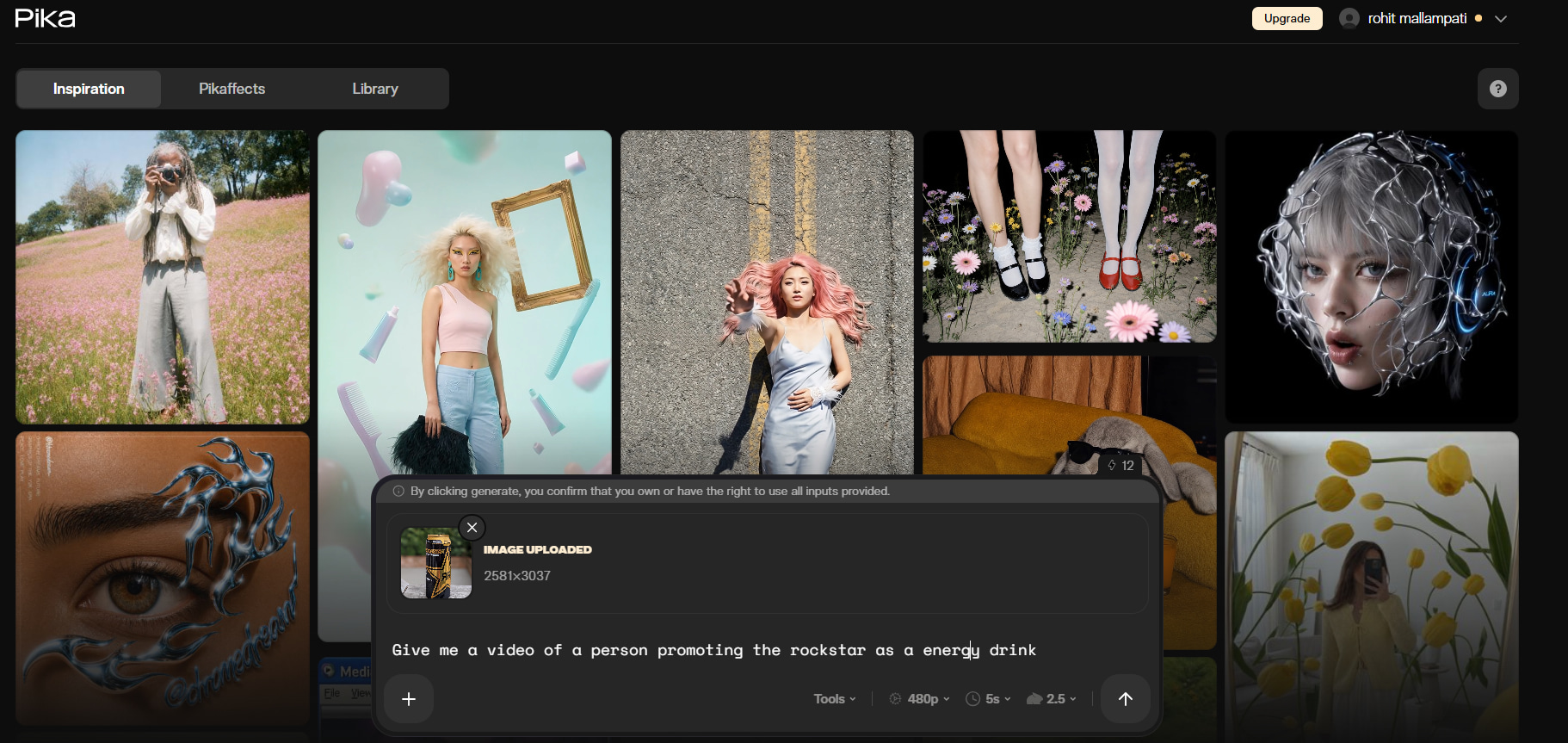
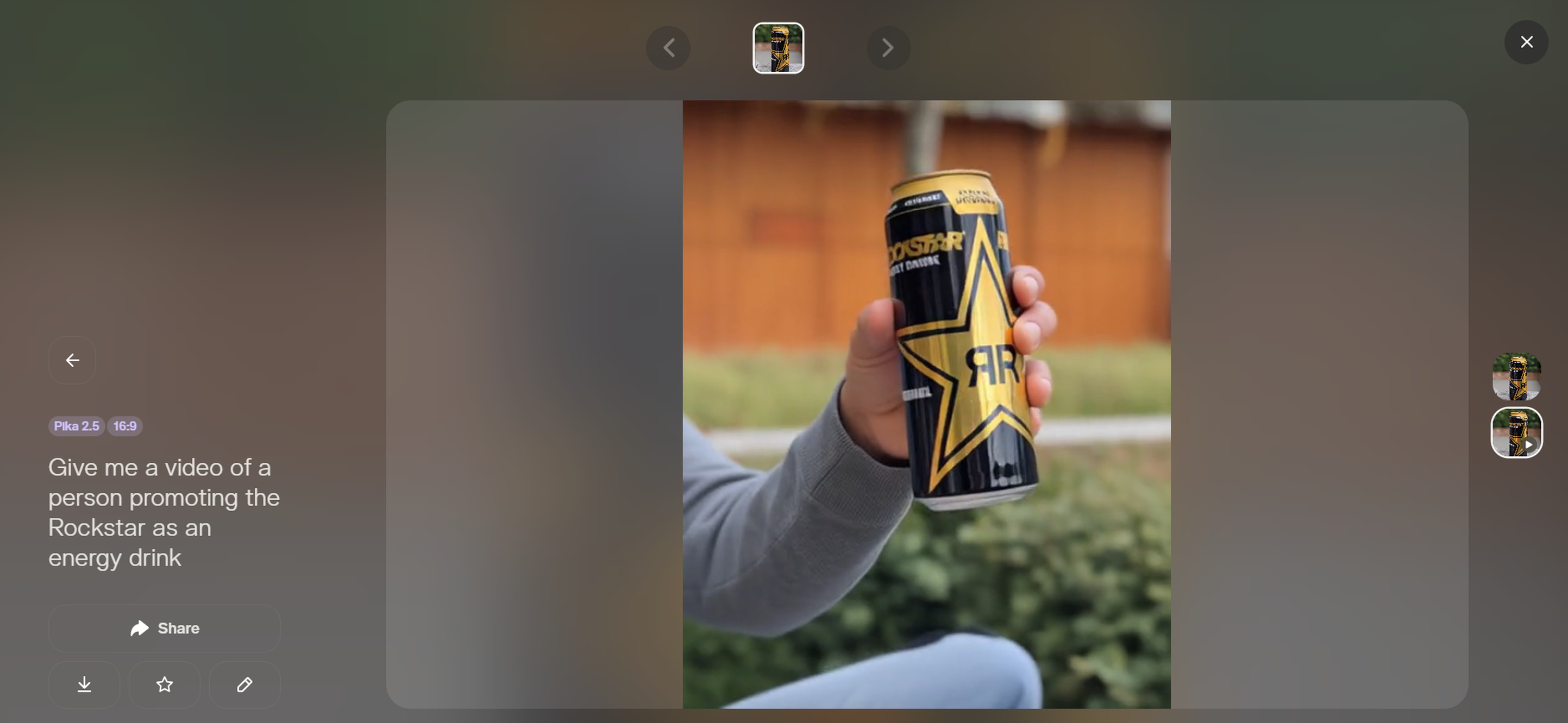
Step 3: Generate and refine
Generate the clip and review the result for motion, subject consistency, and prompt accuracy. If the result misses the intended movement, adjust the prompt or settings and generate another version.
What features does PixVerse AI offer?
PixVerse combines several generation methods and creative controls for users who want more than a basic text-to-video workflow. The available options give creators different ways to control the starting material, motion, and overall appearance of a clip.
Text to video generation
Text-to-video lets you describe a scene without an image that already exists. The prompt can include subject, environment, motion, camera behavior, and visual style. So if you have an idea, but need a first visual concept, this is useful. Not so much for changing existing footage.
Image to video generation
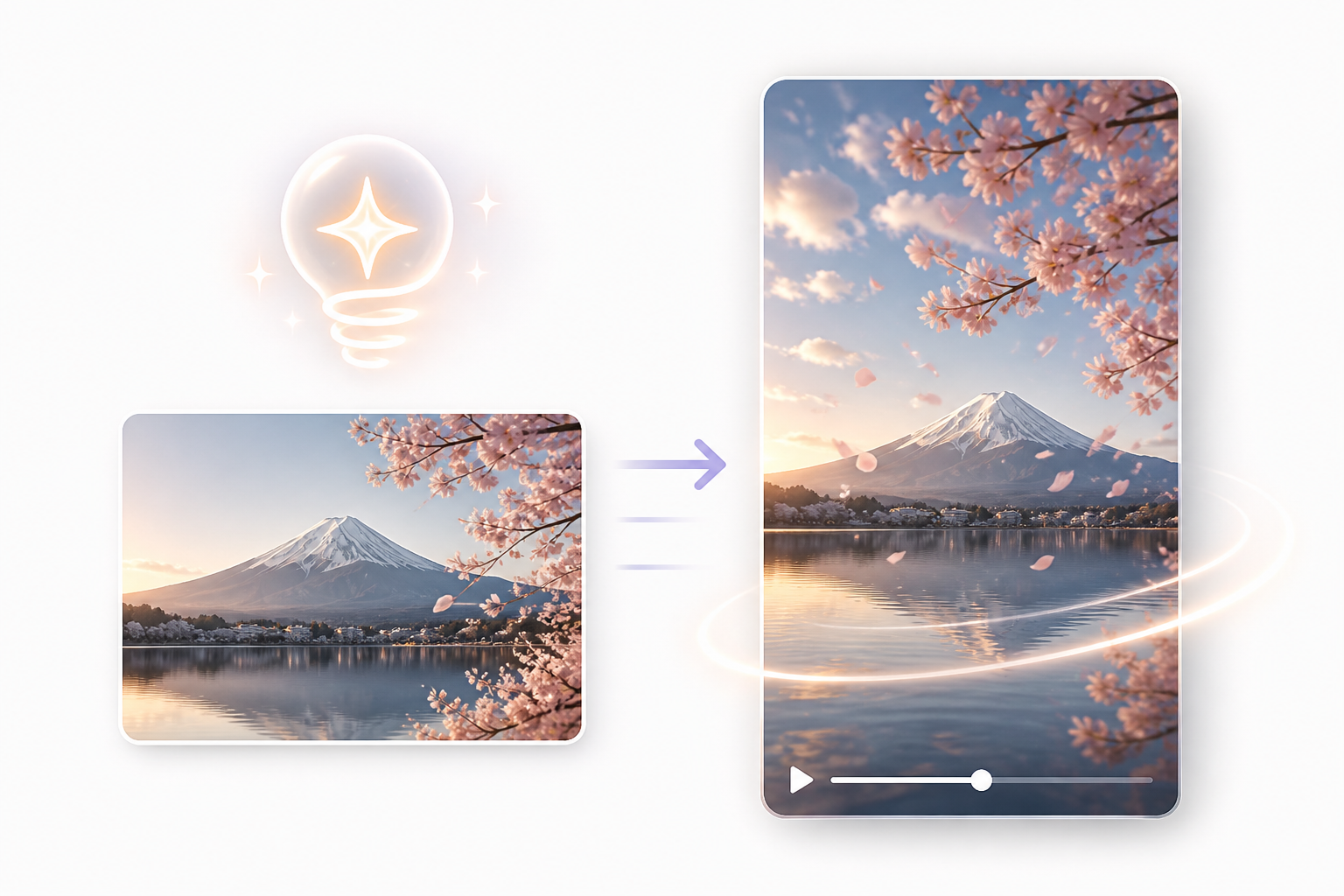
Image-to-video starts with a still image and adds movement to it. This can be useful when you already have a character, product, illustration, or scene that you want to animate. The quality of the starting image matters because the model needs to interpret the subject and determine how it should move.
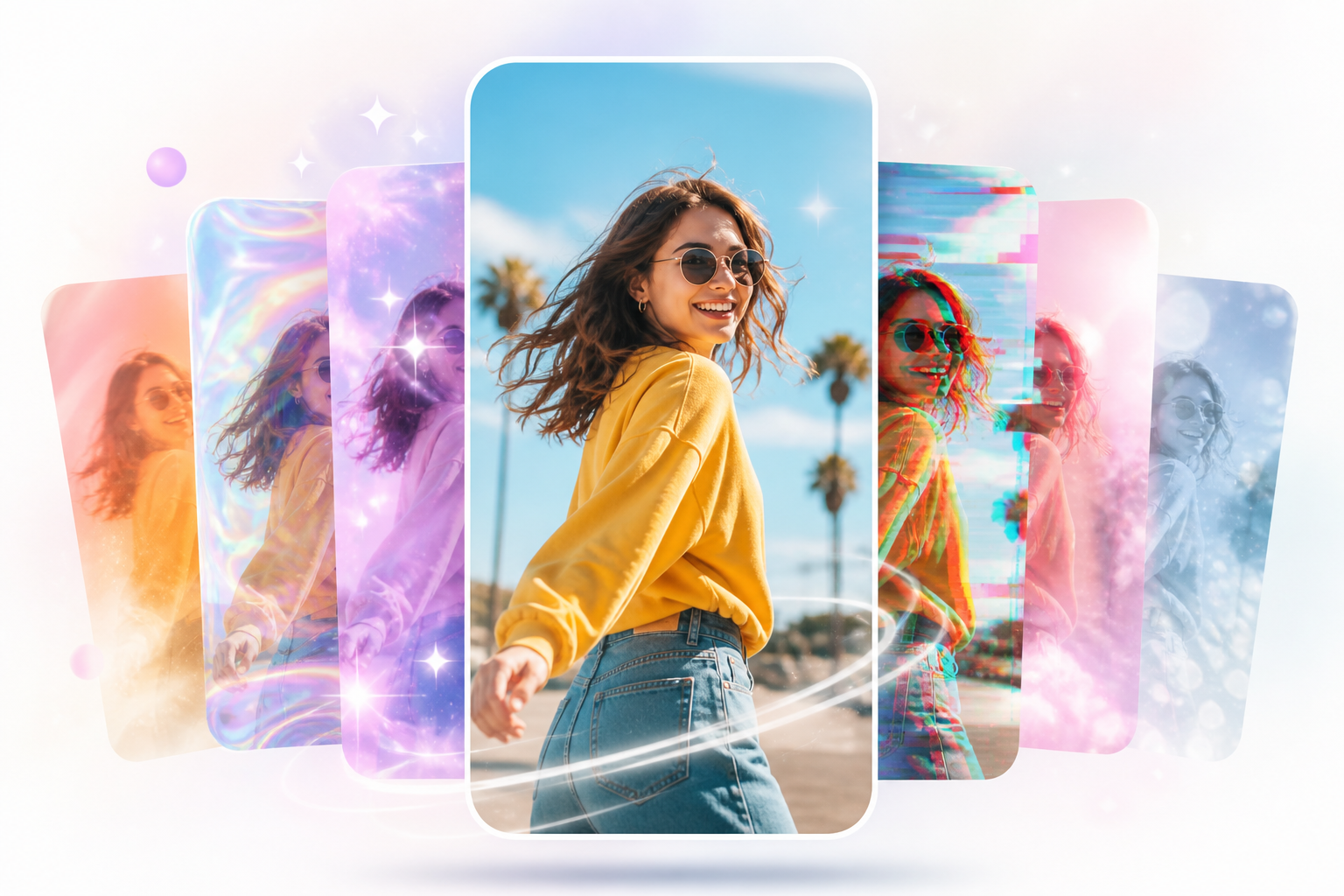
AI video effects and creative styles
PixVerse also offers creative effects and styles to change the look or behavior of generated clips. These options are useful for social content and visual experimentation where the effect itself is part of the creative idea.
Camera movement and motion controls
The motion direction and the ca mera behavior can affect whether a generated video appears static or dynamic. Actions such as moving toward the camera, changing perspective or subject motion can be driven by more specific instructions.
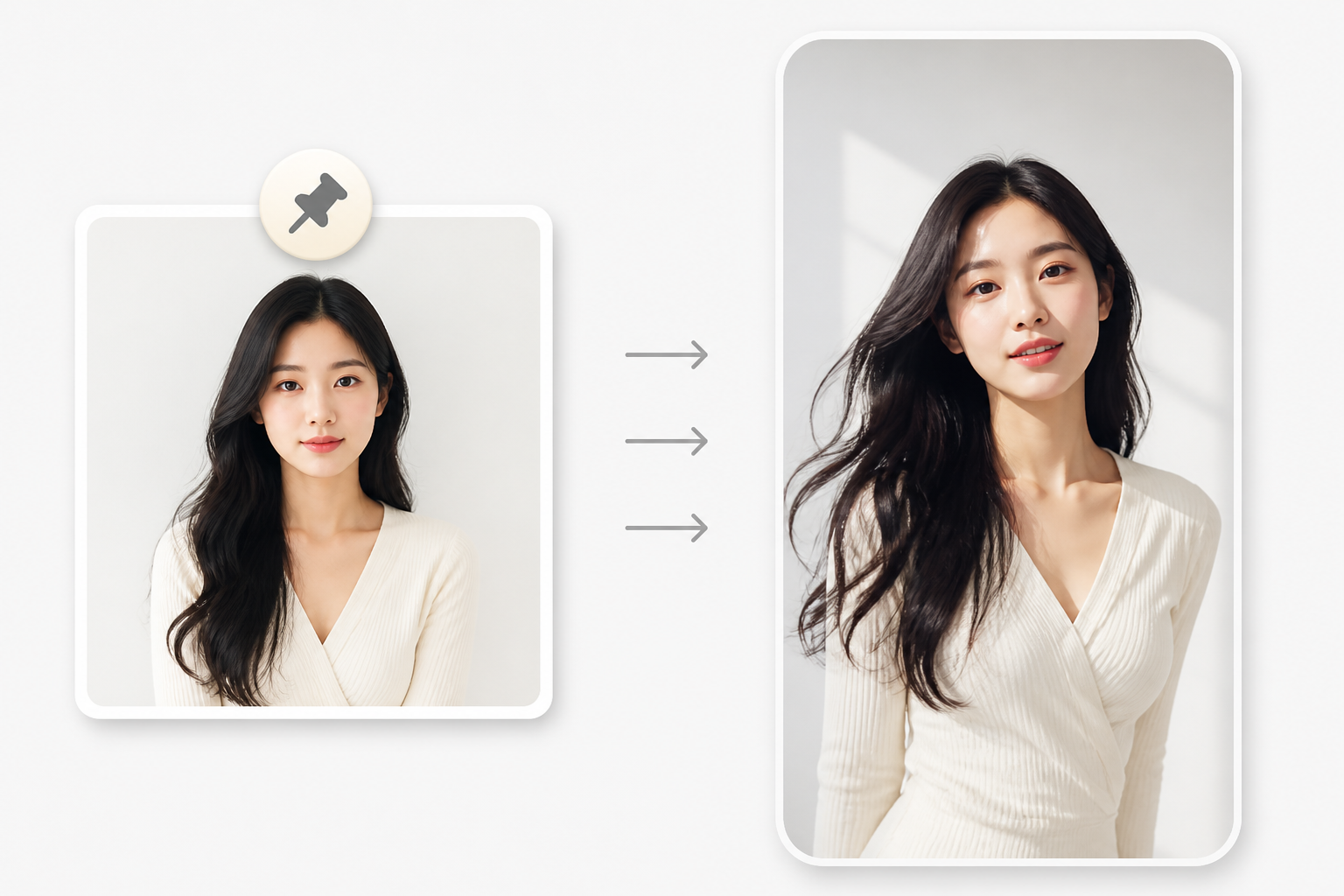
Reference images and visual guidance
Reference images can give the generation process a clearer visual starting point. They can help establish the appearance of a subject or scene before PixVerse generates movement around it.
PixVerse AI review: Video quality and user experience
A good PixVerse AI review has to go beyond the number of generation features. The more important question is how reliably the platform can create usable video clips from prompts and source images, especially when movement or subject consistency becomes more challenging.
How good is PixVerse AI video quality?
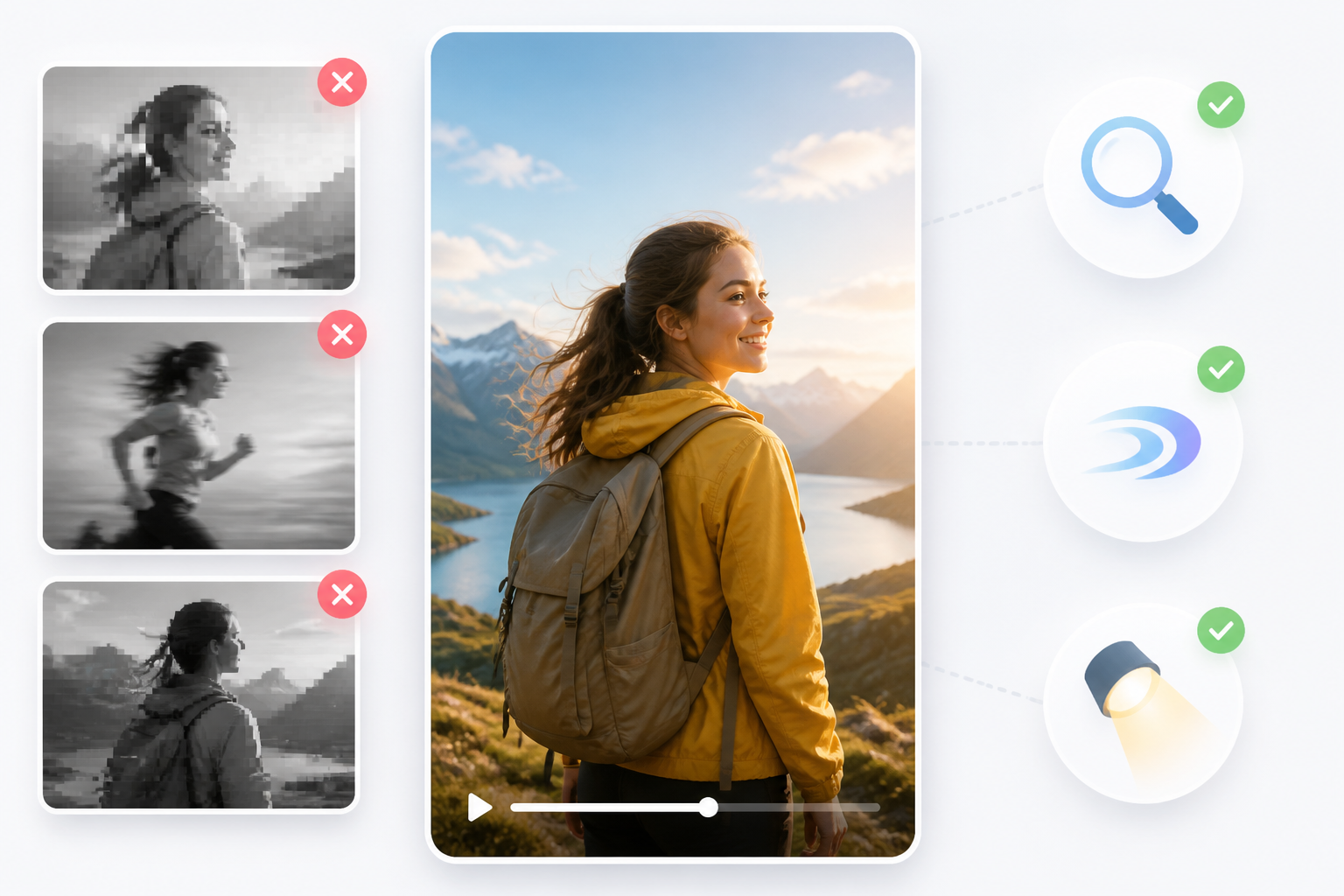
PixVerse can produce visually pleasing short clips, especially when the prompt is a simple scene and movement. When the request has several actions, complicated interactions, or demanding physical motion, results become less predictable.
When evaluating output, look at:
-
Prompt accuracy: Verify that the video matches the subject of the prompt, setting, actions, and visual details.
-
Subject detail: Examine whether people, objects, and other key elements remain clear and consistent throughout the clip.
-
Motion quality: Assess whether movements look natural and match the intended action, especially during fast or complex sequences.
-
Lighting and composition: Check whether the lighting, framing, and arrangement of elements remain visually consistent throughout the video.
-
Realism: Consider how convincingly PixVerse renders people, objects, environments, and physical movement based on the requested style.
-
Scene complexity: Test both simple scenes and more detailed prompts with multiple subjects or actions to see how well PixVerse maintains consistency.
-
Camera movement: Evaluate whether requested pans, zooms, tracking shots, or other camera movements appear smooth and intentional.
-
Artifacts or unwanted changes: Look out for things like warped items, changing faces, inconsistent details, or things that appear and disappear.
A clear prompt with a well-defined subject generally gives the model less room for interpretation.
How consistent are PixVerse AI videos?
Consistency can vary when a video requires subjects to maintain the same appearance during complex movements. Characters, objects, facial details, or backgrounds may change between frames, so users may need several generations for visually consistent results.
Is PixVerse AI easy to use?
PixVerse offers an easy generation workflow. Users choose a way to generate, give an input, describe the output they want, and look at the output. The biggest learning curve is refining prompts for movement, camera direction, timing, and subject behavior.
PixVerse AI pricing: Is it worth paying for?
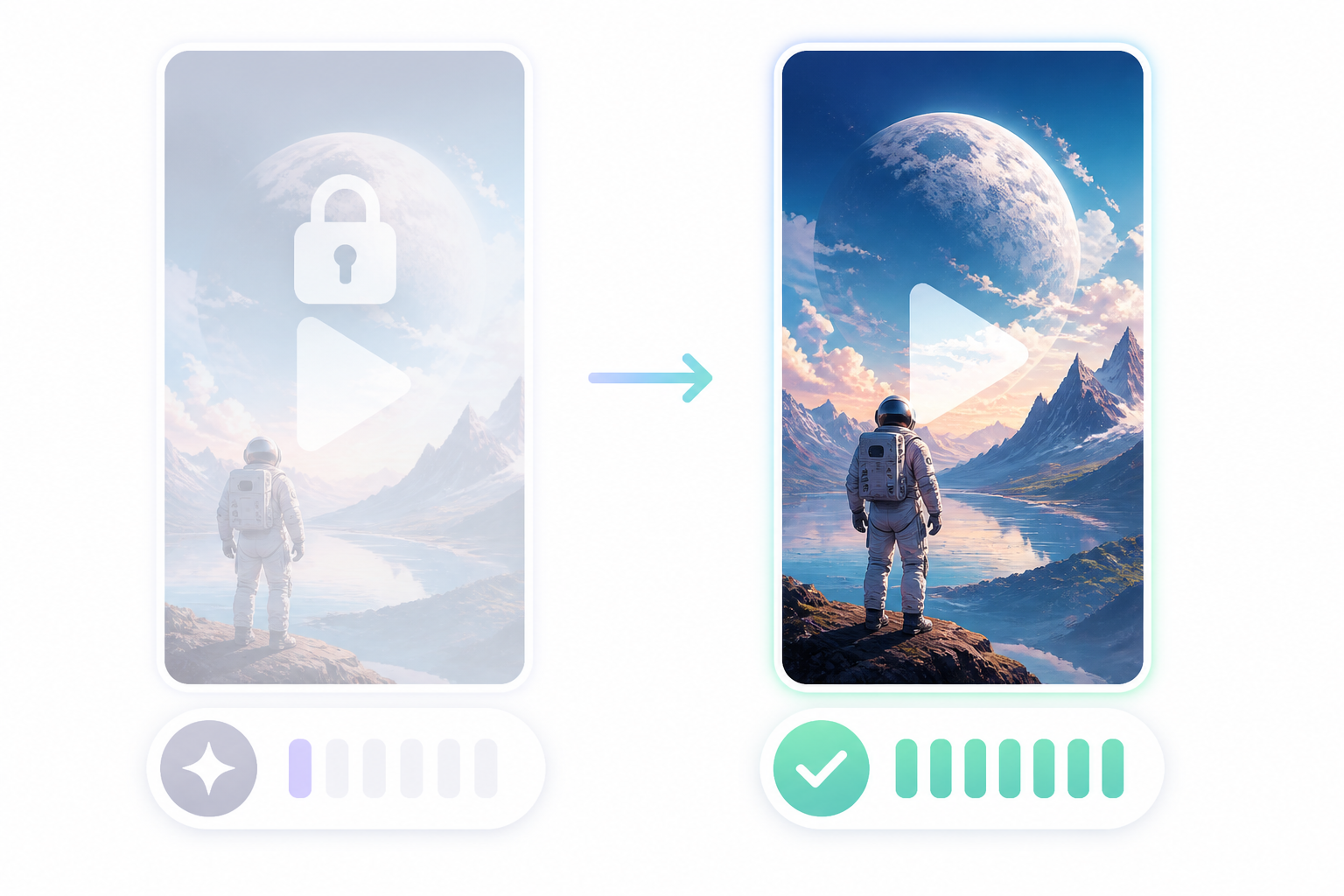
PixVerse uses a credit-based approach, so the value of a plan depends on how often you generate videos and how many attempts each project requires. Free access can help users test the platform, while regular production can require more credits.
Is PixVerse AI free?
PixVerse is free to use, but there are limitations on usage. Check the current plan for available credits, output resolution, watermark rules, and commercial-use restrictions before relying on the free tier for published work. Credits can also disappear in a flash when you retry generations or use settings that use more credits.
PixVerse AI pricing plans
Paid versions usually provide more credits and/or higher quality output or extra features. Which plan to choose depends on how often you make videos and how fast you use up your available credits.
Before choosing a plan, compare:
-
Monthly credit allocation: Check how many credits each plan provides and whether they match your expected video-generation needs.
-
Video generation limits: Compare how many videos you can realistically create, as credit costs can vary by model, duration, resolution, and settings.
-
Output resolution: Check the maximum resolution available on each plan, and whether it suits your intended use, from social clips to higher-quality video assets.
-
Watermark restrictions: Check whether free outputs include a watermark and whether paid plans provide watermark-free downloads for professional use.
-
Commercial-use terms: Review the usage rights for each plan before using generated videos for advertising, client work, or other commercial purposes.
-
Credit consumption for different settings: Higher resolutions, longer videos or more sophisticated models may consume credits faster; compare costs on your typical settings.
-
Whether unused credits reset: Check whether unused credits carry over or reset with the billing cycle so you can choose a plan that matches your generation frequency.
-
How quickly repeated generations consume credits: Retries and repeated generations can use credits quickly, particularly when testing prompts or higher-cost settings.
|
Plan |
Price |
Included Features & Services |
|---|---|---|
|
Basic (Free) |
Free |
90 credits + 60 daily, 720p, watermarked, basic speed. |
|
Standard |
$10.00/month (or $8/mo billed annually) |
1,200 credits/mo + 30 daily, 720p, watermark-free, 3 parallel tasks. |
|
Pro |
$30.00/month (or $24/mo billed annually) |
6,000 credits/mo + 30 daily, 1080p, watermark-free, 5 parallel tasks. |
|
Premium |
$60.00/month (or $48/mo billed annually) |
15,000 credits/mo + 30 daily, 1080p–2K, priority processing, 8 parallel tasks. |
|
Ultra |
$149.00/month |
25,000 credits/mo, 1080p–2K, highest priority, maximum parallel tasks. |
Because PixVerse pricing and plan details can change, verify the current figures on its official pricing page before publication.
Who gets the most value from PixVerse AI?
PixVerse is perfect for creators who are often making short AI videos, playing with visual effects, or need to animate images. It's free to start for casual users, but heavy creators should calculate how many generations they usually need per finished clip.
Best PixVerse AI alternatives in 2026
The best alternative to PixVerse AI depends on the kind of video you want to make. Runway, Kling AI, InVideo AI, Pika, and Designkit all have different approaches to AI video creation, so it's up to you to choose the one that fits your production goals.
Runway
Best for: Advanced AI video generation and broader video production tools.
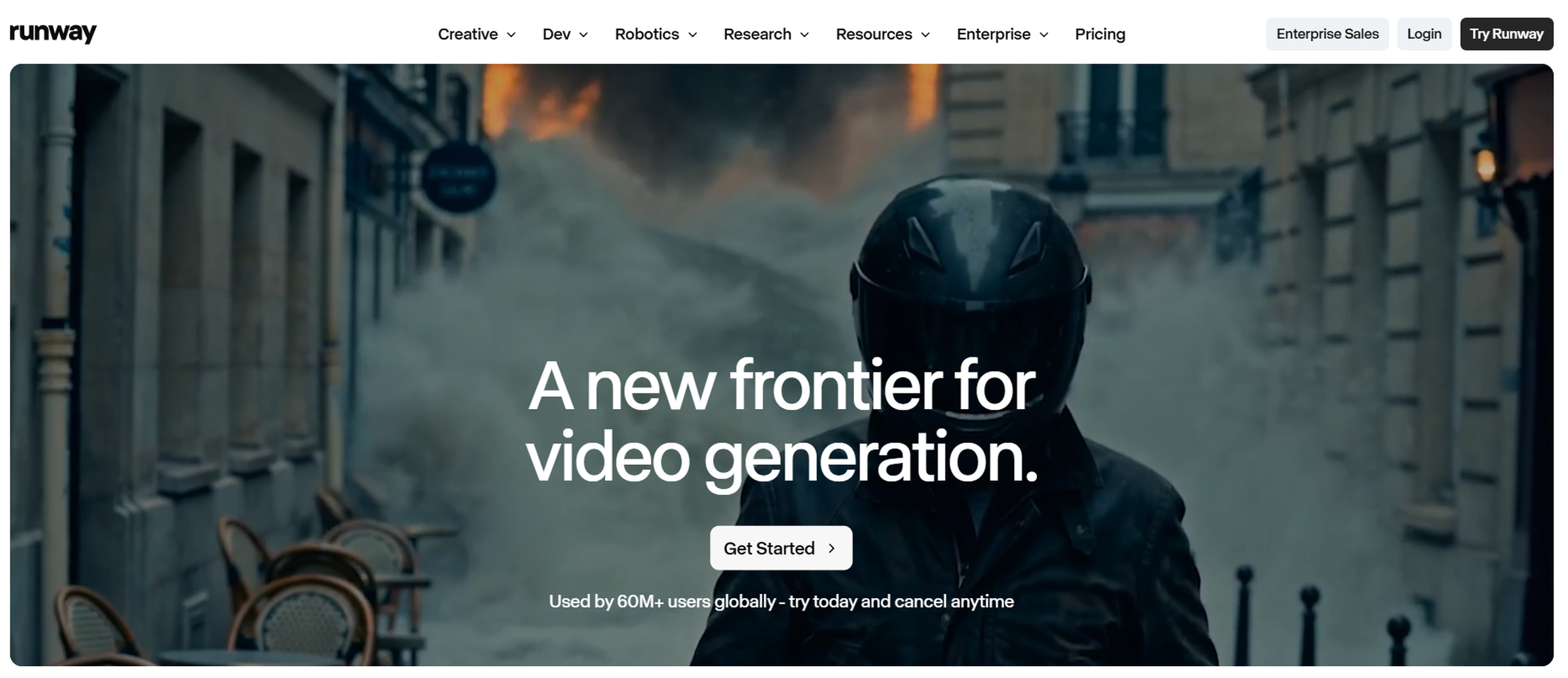
Runway is good for producers who want to have more control over making videos with AI help. For bigger projects, its more features can be helpful, but PixVerse may be easier to use for people who just need quick generations.
Kling AI
Best for: Realistic AI video and detailed motion.
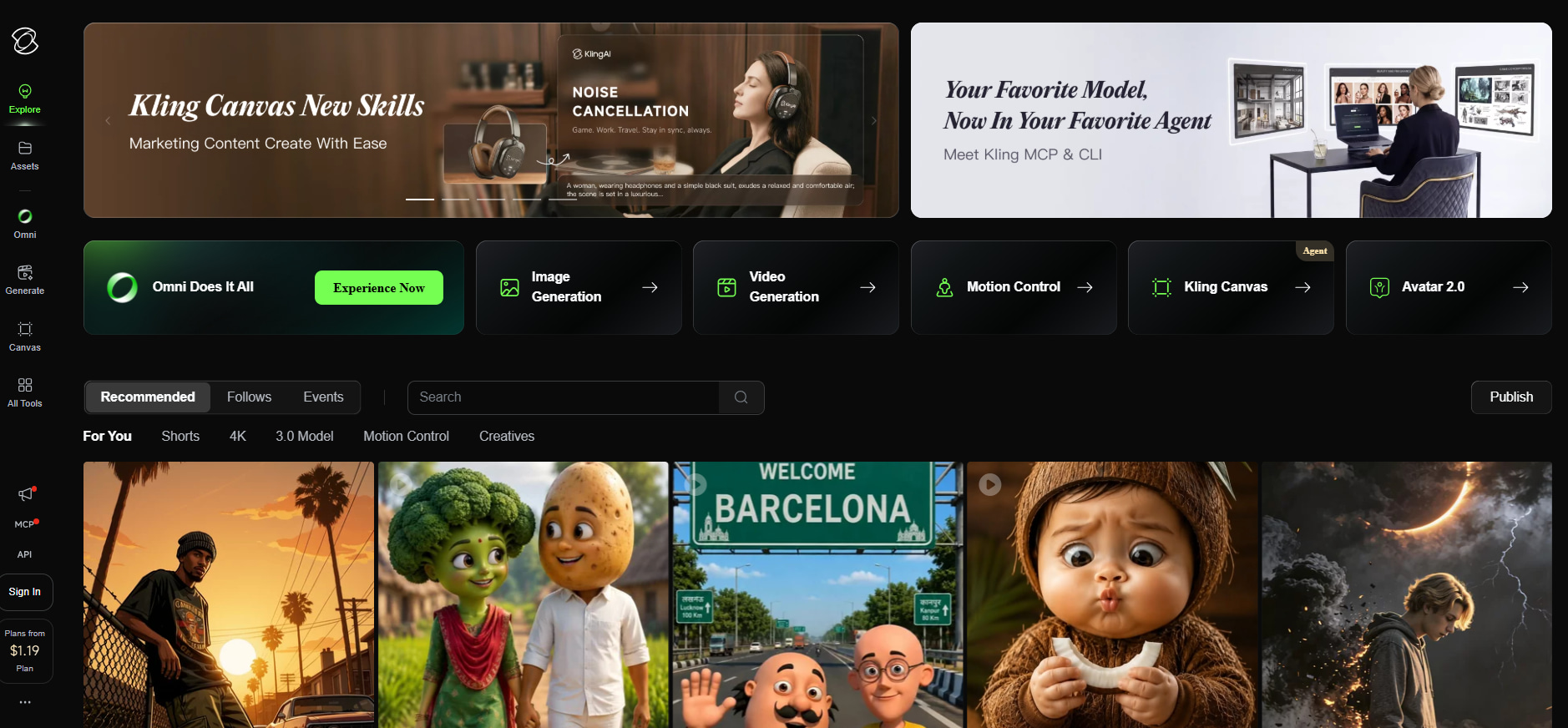
If you want realistic movement and results that look like they belong in a movie, Kling AI is a great choice. Scenes that aren't too simple may still need to be improved right away and may require more than one try.
InVideo AI
Best for: Marketing and social videos created from scripts or prompts.
InVideo AI is primarily about structured video creation, which is helpful for marketers and producers who want a workflow that ties together scripts, visuals, and editing, and not just generating clips.
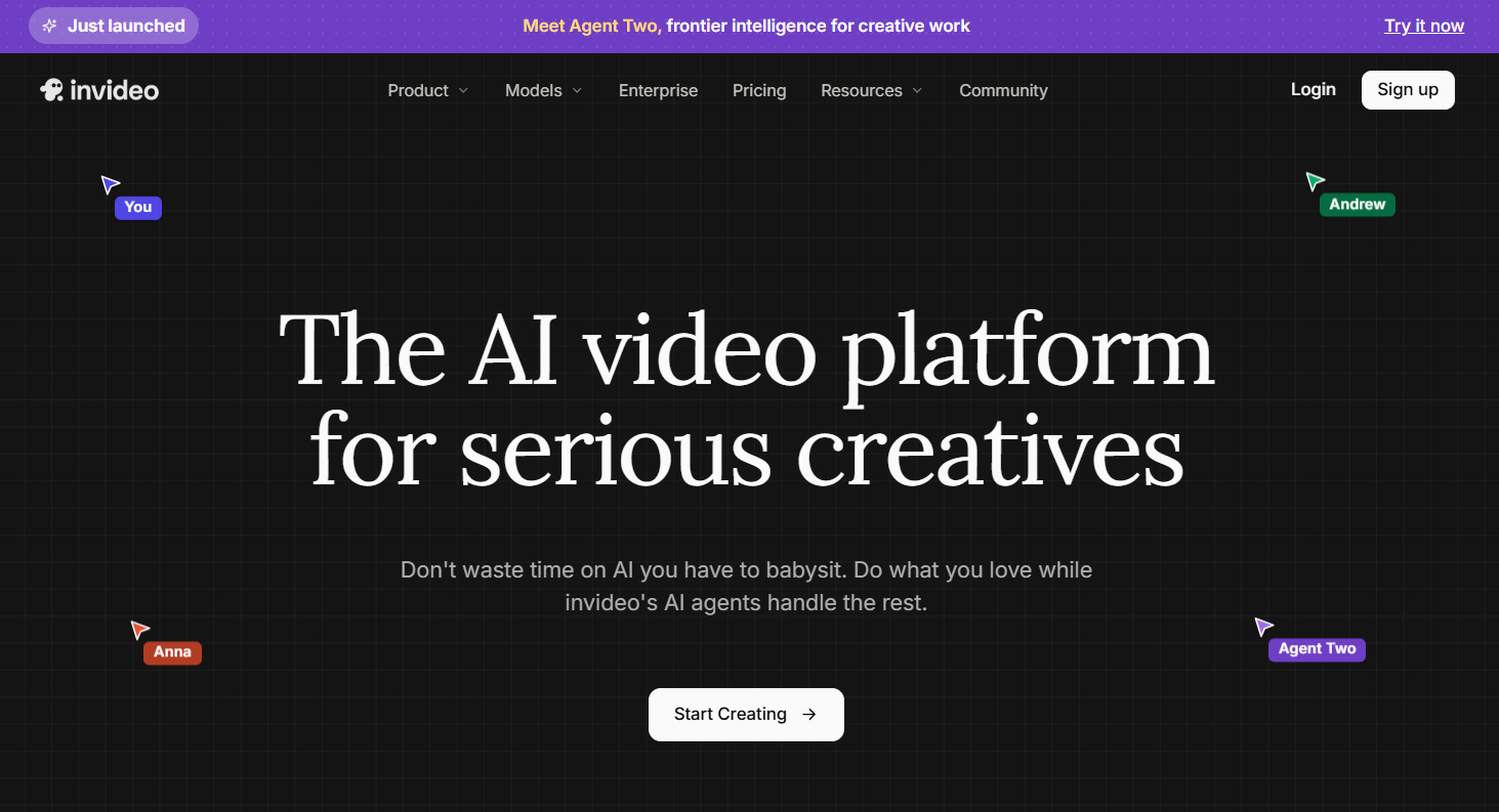
Pika
Best for: Image animation, creative effects, and short-form experiments.
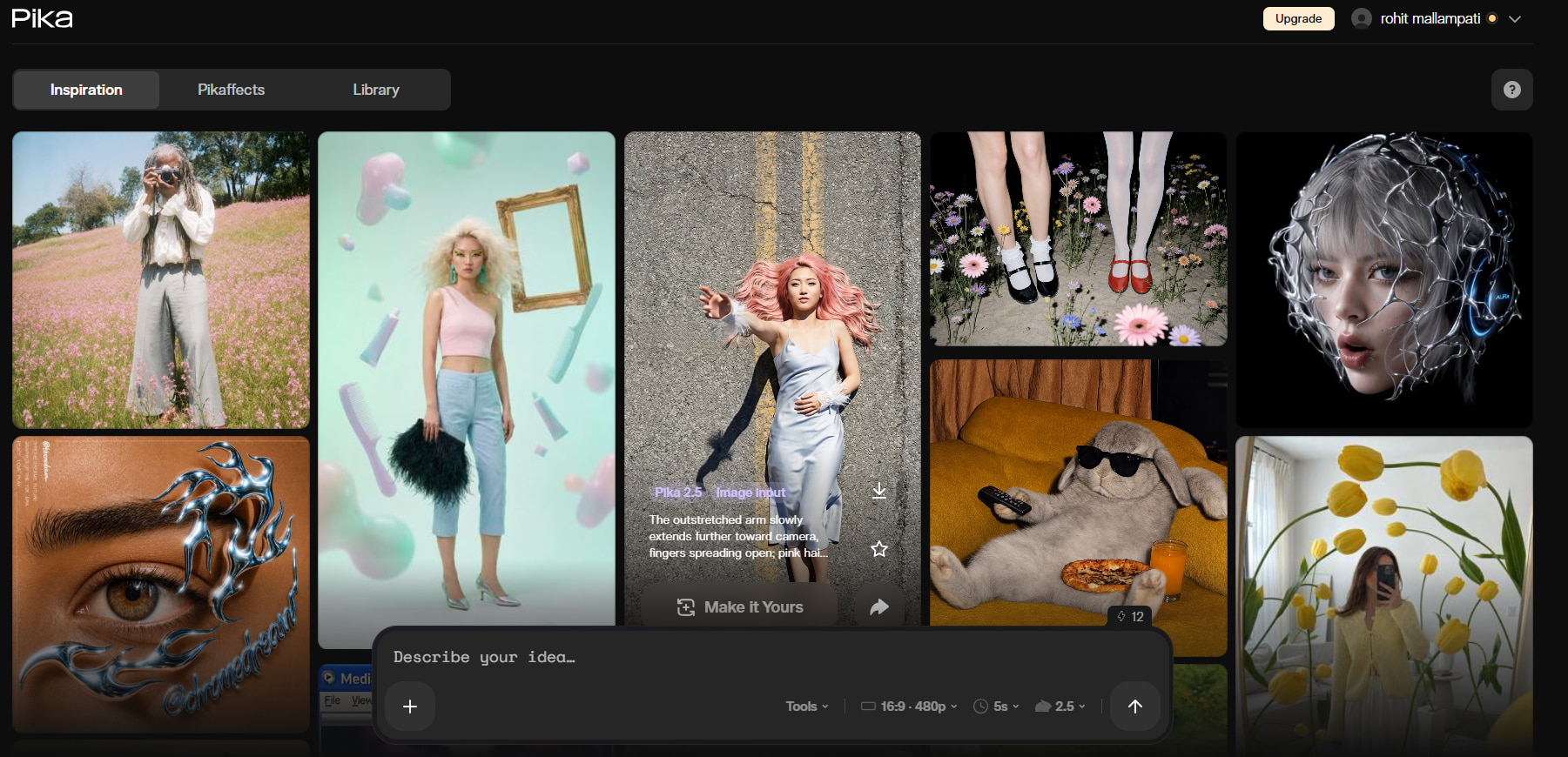
If the main purpose is to animate images or create rapid visual effects, Pika is useful. May not be as well suited to projects with a lot of production restrictions.
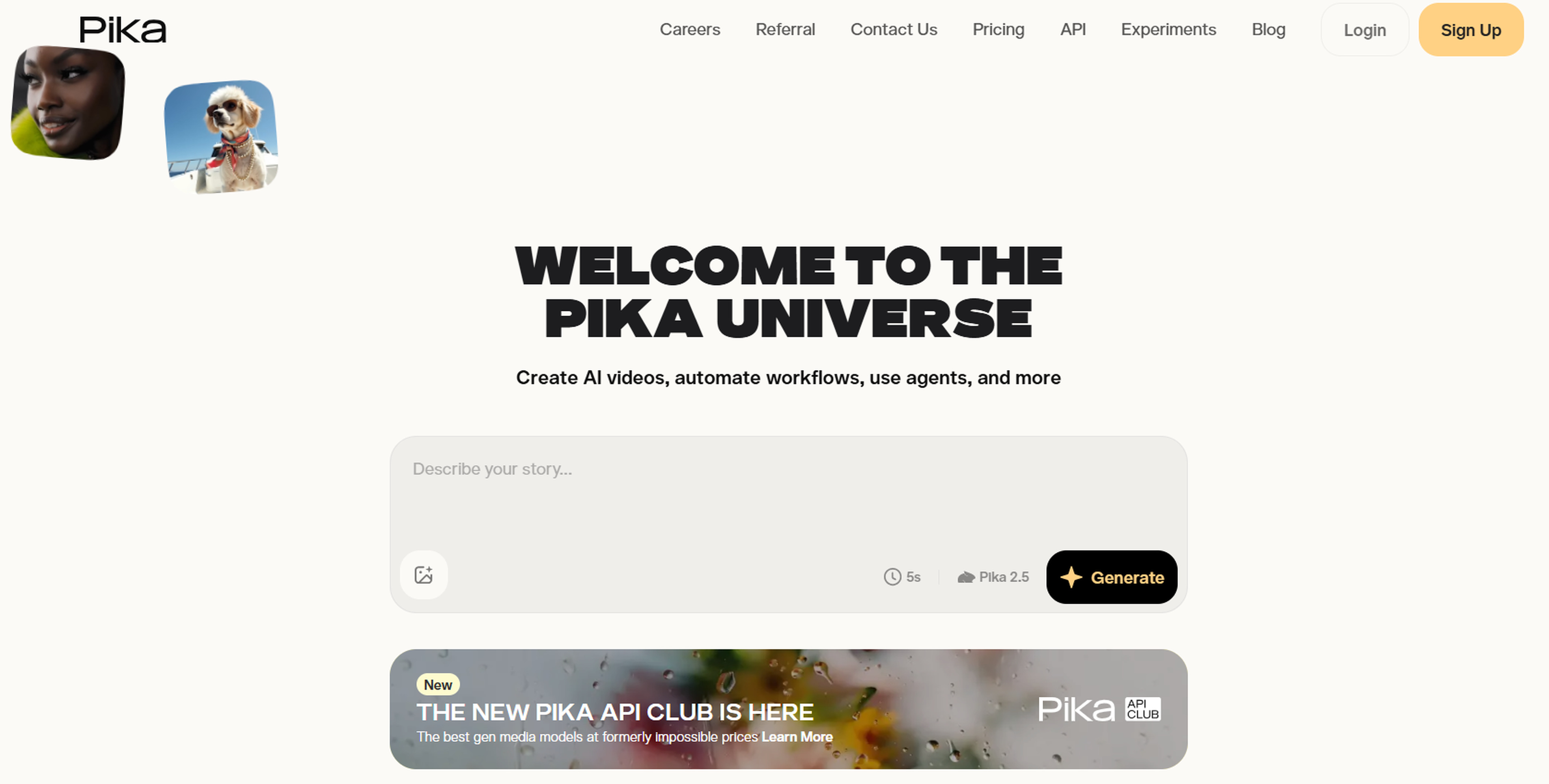
Designkit
Best for: AI-assisted content creation across images, videos, copy, and marketing assets.
Designkit is geared toward consumers who need more than just independent video generation. Its workflow can start with a picture, text, video, script, or URL, then continue to AI generation and content preparation. This is part of Designkit's larger end-to-end design workflow, and not just a picture or video generator.
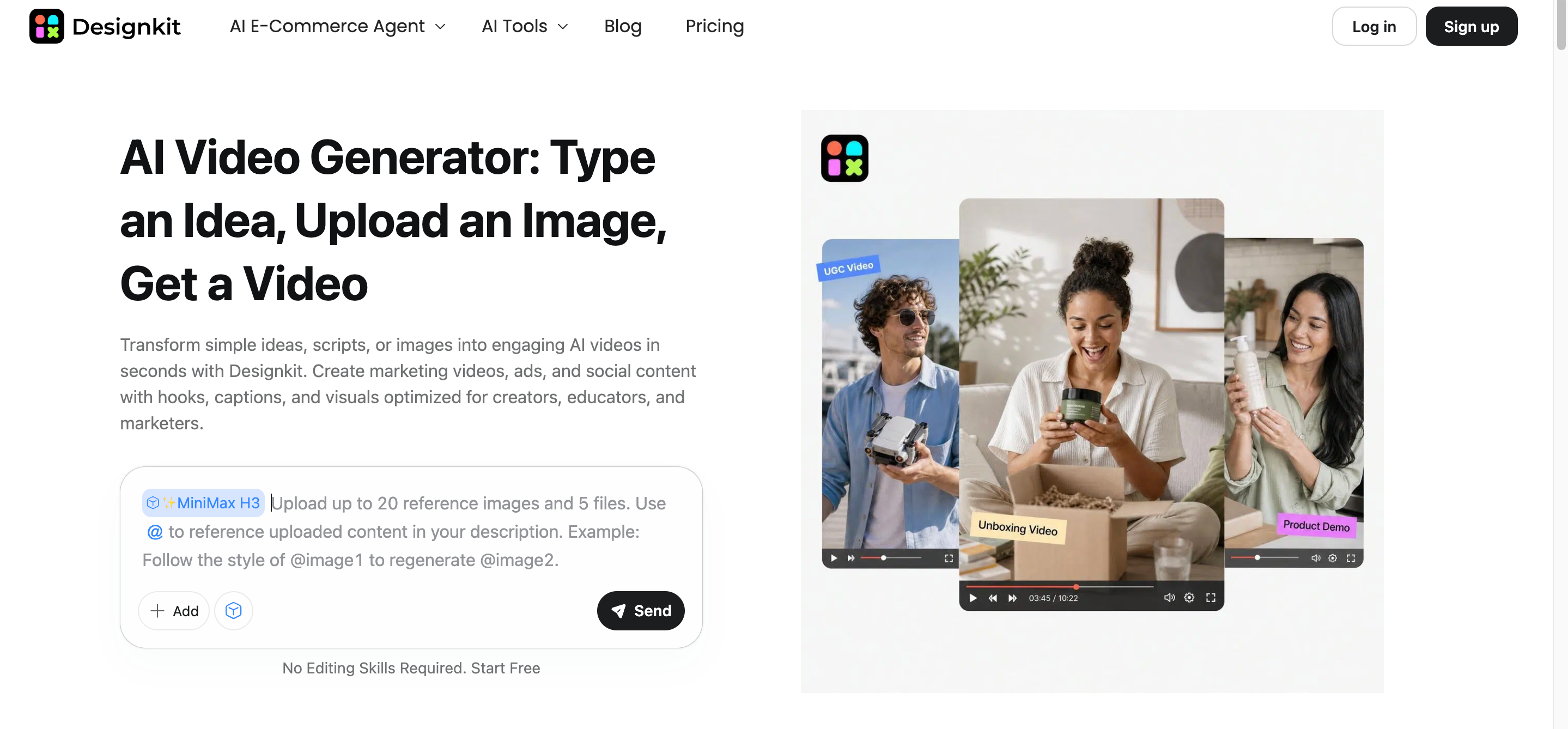
How Designkit works for AI video creation
Designkit supports several starting points, so the workflow can adapt to the type of content you already have.
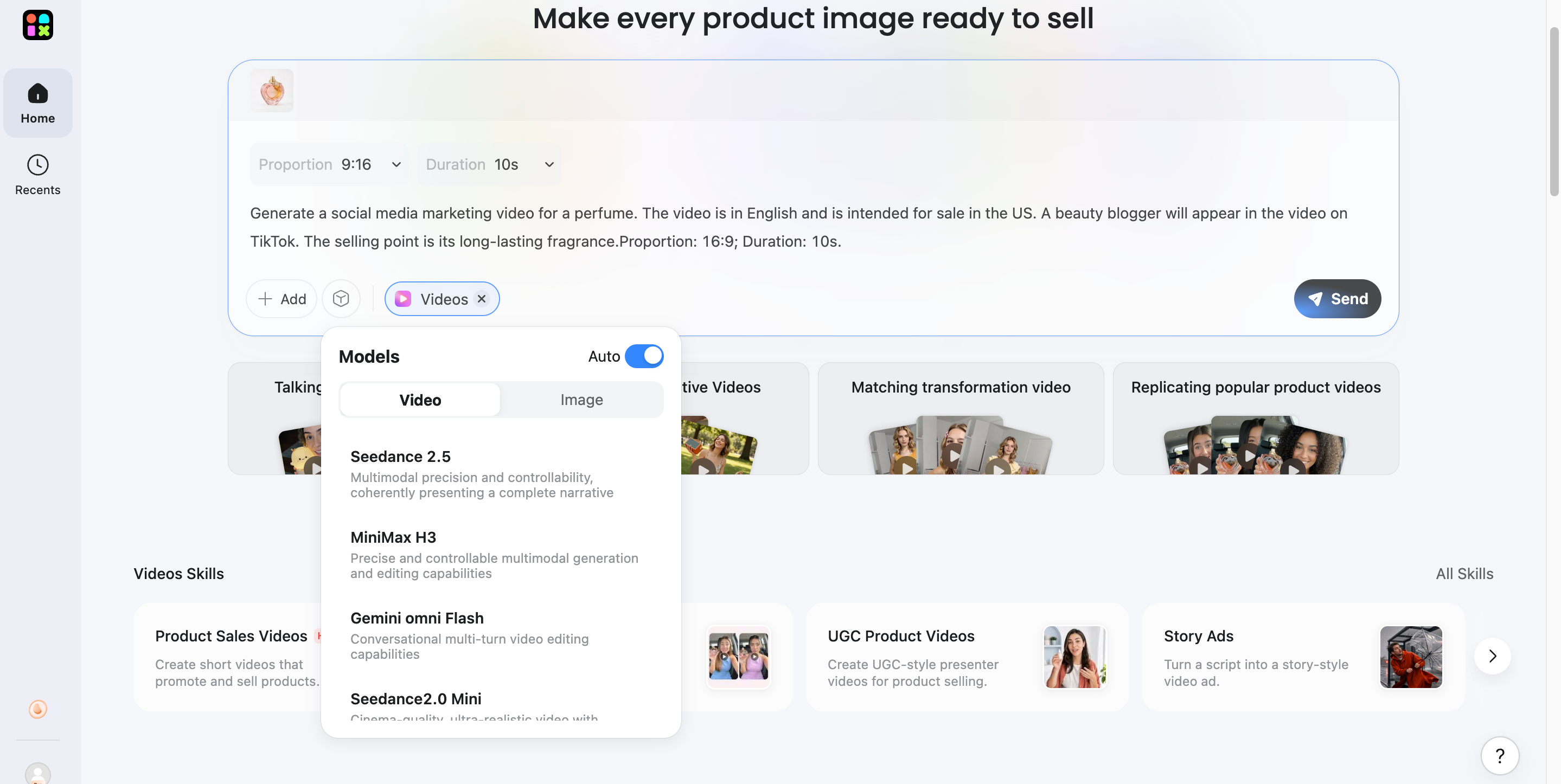
Step 1: Start with text, images, videos, or even URLs
Upload an image, text, video, script, or URL to provide the starting material for your content. Choose the input that best matches what you already have.
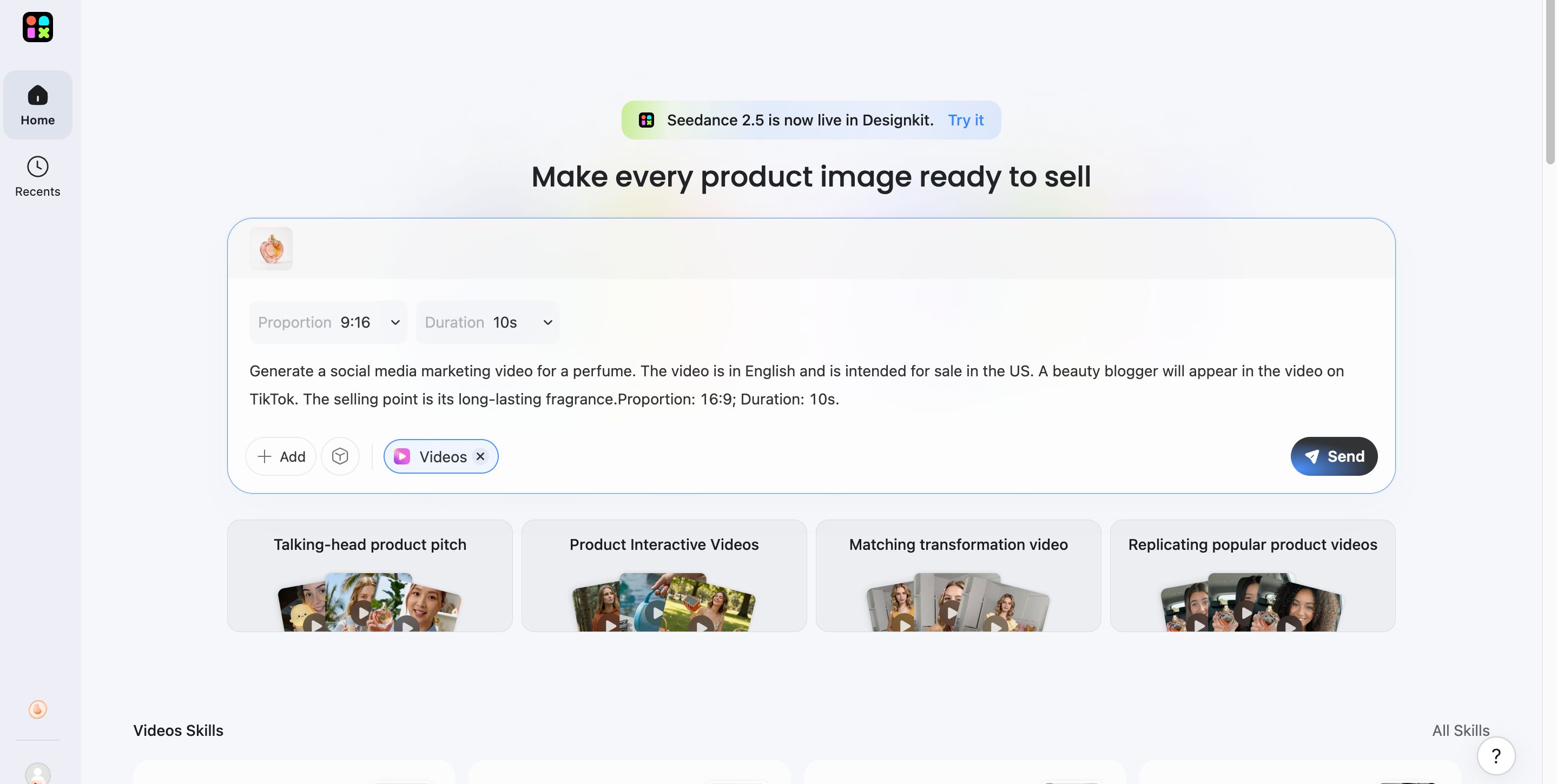
Step 2: Select an AI model and generate content
Choose the appropriate AI model or generation option, then create the video or other content based on your input and creative direction.
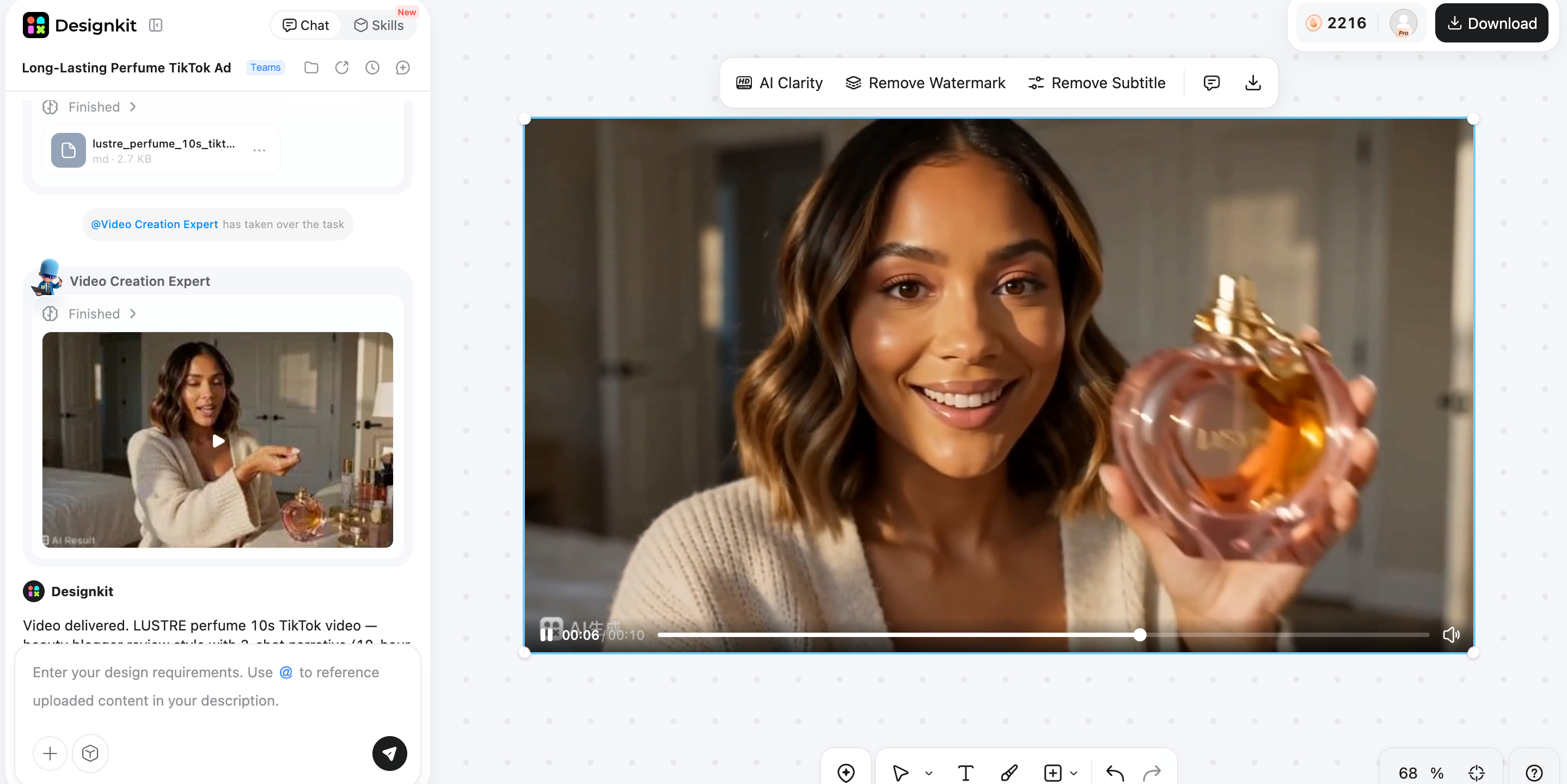
Step 3: Preview and export your video
Review the generated result, make any necessary changes, and export the finished content for the intended channel or campaign.
Why choose Designkit as your video creation assistant?
Designkit is useful when video generation is only one part of the content task. Instead of stopping at a generated clip, the workflow can extend to copy creation, creative variations, and content prepared for different marketing needs.
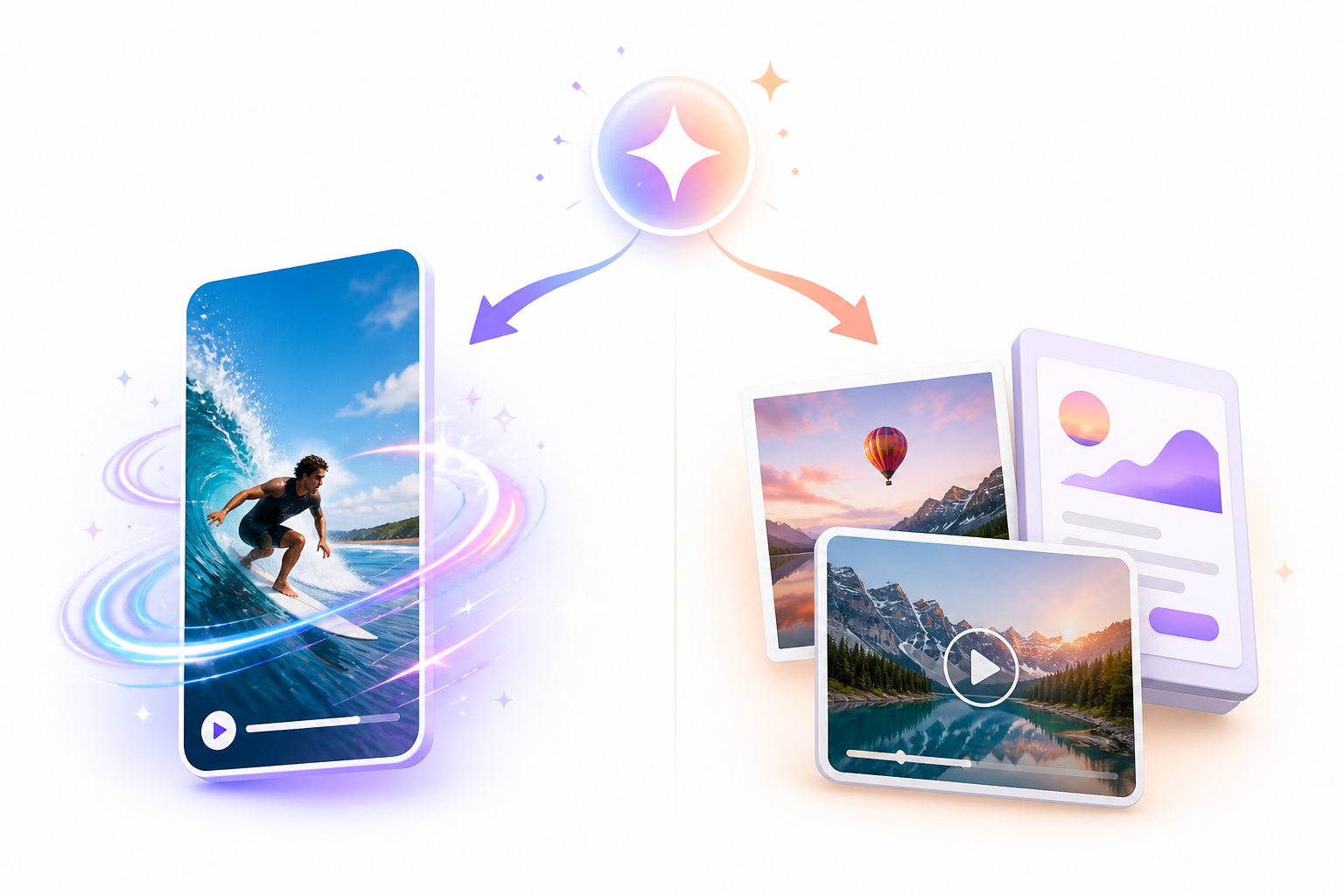
AI video generation from anything
Start with different forms of source material, including text, images, videos, scripts, or URLs, instead of rebuilding the idea from scratch.
Powerful AI video models for different video styles
Different AI video models can support different creative requirements, giving users more options when a particular generation style or result is needed.
Generate social copywriting and videos in one workflow
For social promotions, merging video creation and copywriting can help cut out the need to switch between distinct programs. The wider process of Designkit is oriented toward content creation rather than exclusively video creation.
PixVerse AI vs Des ignkit: Which AI creation platform fits your needs?
PixVerse is primarily focused on AI video generation, while Designkit covers a wider content workflow. The better choice depends on whether you need standalone video experiments or multiple content assets built around the same idea.
|
Feature |
PixVerse AI |
Designkit |
|---|---|---|
|
Main focus |
AI video generation |
AI content creation workflow |
|
Text to video |
Yes |
Yes |
|
Image to video |
Yes |
Yes |
|
Video to video |
Limited/available |
Yes |
|
URL to video |
No |
Yes |
|
Viral video recreation |
Limited |
Yes |
|
AI image generation |
Limited |
Yes |
|
AI photo editing |
Limited |
Yes |
|
AI video scripts |
No |
Yes |
|
Marketing content workflow |
Limited |
Strong |
|
Product visuals |
Limited |
Yes |
|
Best for |
AI video experiments |
Complete content creation |
Choose PixVerse AI if you need a practical tool for creating short AI-generated videos, animating existing images, experimenting with creative effects, and testing text-to-video generation. It is particularly useful for creators producing social media clips, visual experiments, and other short-form content without needing a broader content production workflow.
Choose Designkit if you need a broader content creation workflow that combines AI video generation with AI image creation, scripts and social copy, marketing content, and product visuals. It is better suited to creators, marketers, and businesses producing multiple types of content from one platform.
Final thoughts
PixVerse AI is a good option for creators who wish to turn prompts and photographs into short videos. Its generating tools are great for social content and visual experimentation, but intricate motions might hurt consistency and drive up credit usage. For more general content needs, Designkit provides a more complete alternative for transforming ideas into produced content, mixing video creation with photos, prose, product content, and marketing assets.
Frequently Asked Questions
Can PixVerse AI create videos from images?
Is PixVerse AI free or do I need to pay?
PixVerse AI is free to use but is limited to the free tier in terms of usage and output. Do check the current credit allocation, resolution limits, watermark laws, and commercial use agreements before utilizing it for regular/professional video production.
Why does my PixVerse AI video look different from my prompt?
Generated results can vary when prompts include complicated movements, multiple subjects, or detailed scenes. The model has more elements to interpret, which can lead to changes in subjects, movement, composition, or other visual details.
How can I get better results from PixVerse AI prompts?
Clearly describe the subject, action, environment, camera movement, and visual style. Do not put too many unrelated activities in a single request. If the generated result is not what you had in mind, adjust your prompt.
Can PixVerse AI keep characters consistent between videos?
Characters can be inconsistent, especially when the character does complicated things or spans multiple generations. Reference photographs and lucid descriptions can offer a more consistent visual starting point.
Is PixVerse AI better than Runway or Kling AI?
There is no one optimal choice for all video workflows. PixVerse AI is good for quick creative generations and visual effects. However, Runway and Kling AI might be more suitable for customers who want varying degrees of control, realism, or production capabilities.
Can PixVerse AI make videos for TikTok and Instagram?
Yes. PixVerse AI can be used to create short-form videos for platforms such as TikTok and Instagram. Before publishing, check the generated video's aspect ratio, duration, resolution, and other requirements for the specific platform.
You May Also Like

How to Animate a Picture with AI: Easy Step-by-Step Guide

How to Write a Video Script: Structure, Tips & Examples

What Is B-Roll? Meaning, Examples, and How to Use It

How to Make an Instagram Post: Step by Step Creation Guide

How to Make an Instagram Post: A Step-by-Step Guide

Social Media Copywriting: Tips, Examples & Best Practices

What Are AI Fruits? The Trend, the Formats, and How to Make One

LTX Studio Review: Features, Pricing & AI Filmmaking Guide

HeyGen vs Arcads: Which AI Video Tool Wins in 2026?
Arcads AI Review 2026: Features, Pricing, Pros, Cons & Alternatives
Creatify AI Reviews: Features, Pricing & Alternatives (2026)
What Are Satisfying Videos? Types, Tips & How to Make (2026)
What Is a Brand Video? Types, Examples & How to Create One
AI Product Demo vs Live Demo: Which Gets More SaaS Sign-Ups?
Best AI Product Video Ad Generators for Ecommerce in 2026
How to Create AI Product Promotion Videos in Minutes (Step-by-Step)

How to Boost Ecommerce Sales: Proven Strategies That Work
How to Add Video to eBay Listing: Step-by-Step Seller Guide
Short Form Video Marketing for E-commerce: AI Video Guide
What Is Video Marketing? E-commerce Guide & Strategies 2026

How to Generate Product Videos from Images with AI (2026 Guide)
How to Create a Product Launch Video with AI: A Step-by-Step Guide
Create Videos from Ideas Faster
Turn simple ideas into engaging videos with AI video generation, multiple creative models, and built-in content tools from Designkit.


