
Turn Scripts into Storyboard Panels with AI
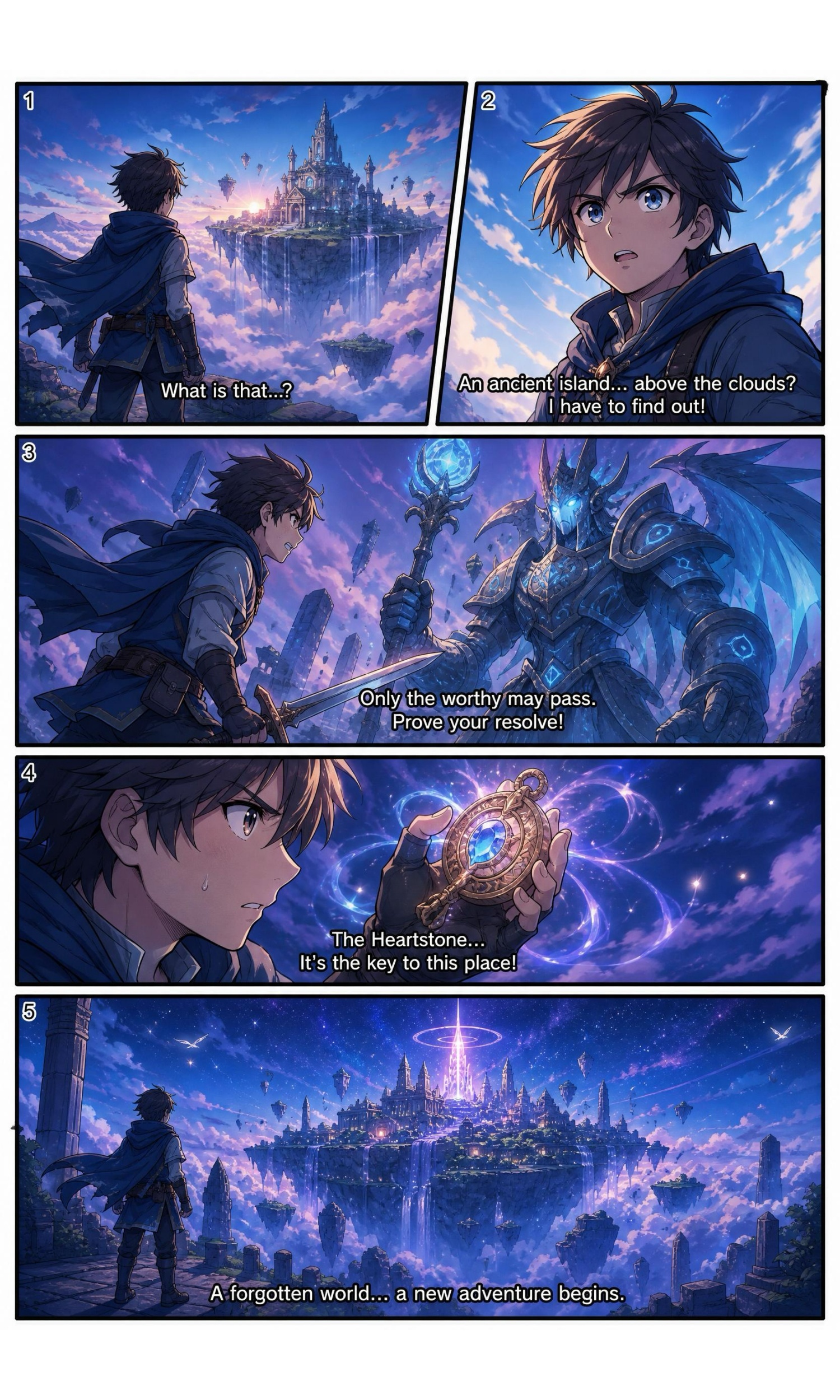
Upload a script or paste scene text. Generate shot-by-shot panels with framing, character placement, and scene flow before filming starts.
AI Image Prompt Templates for Every Style
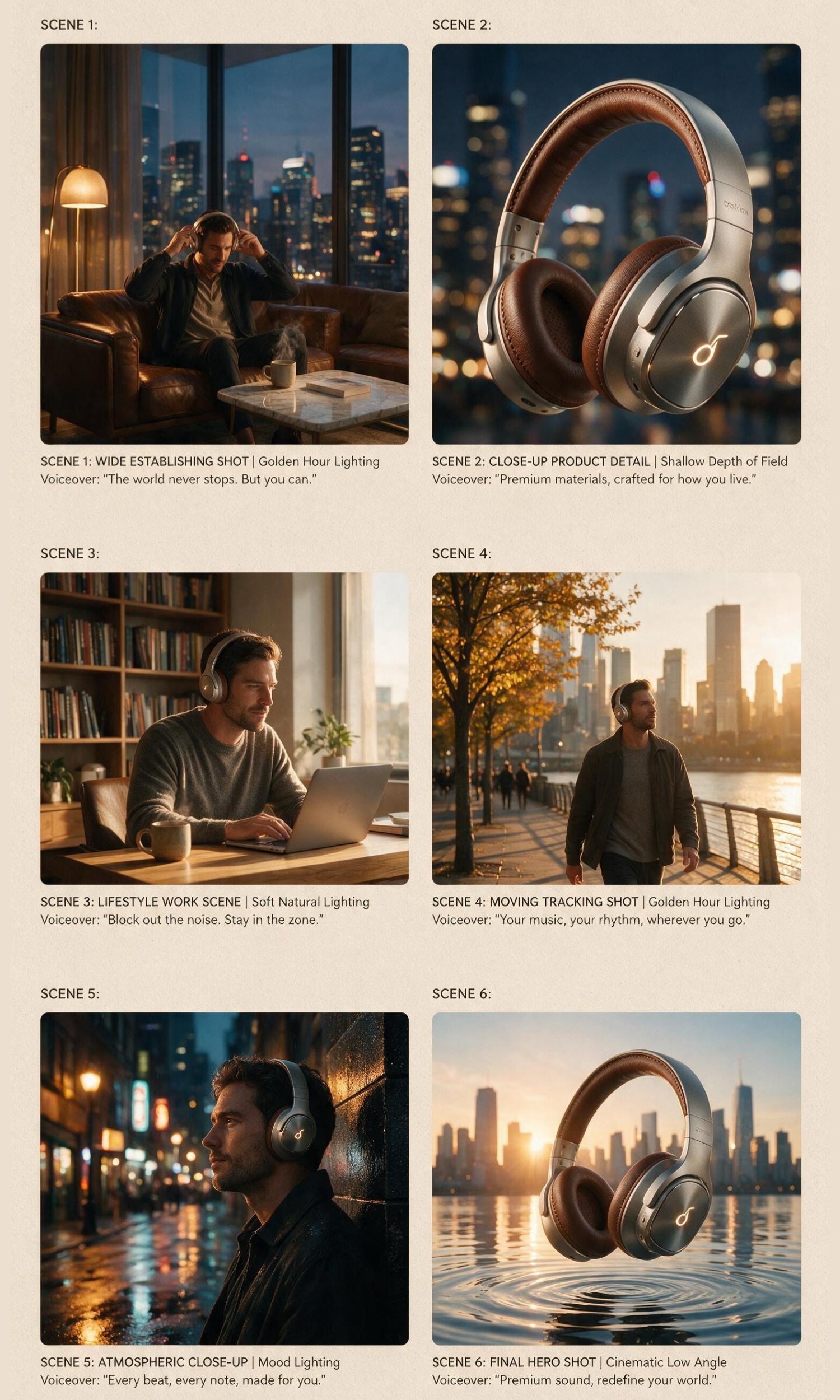
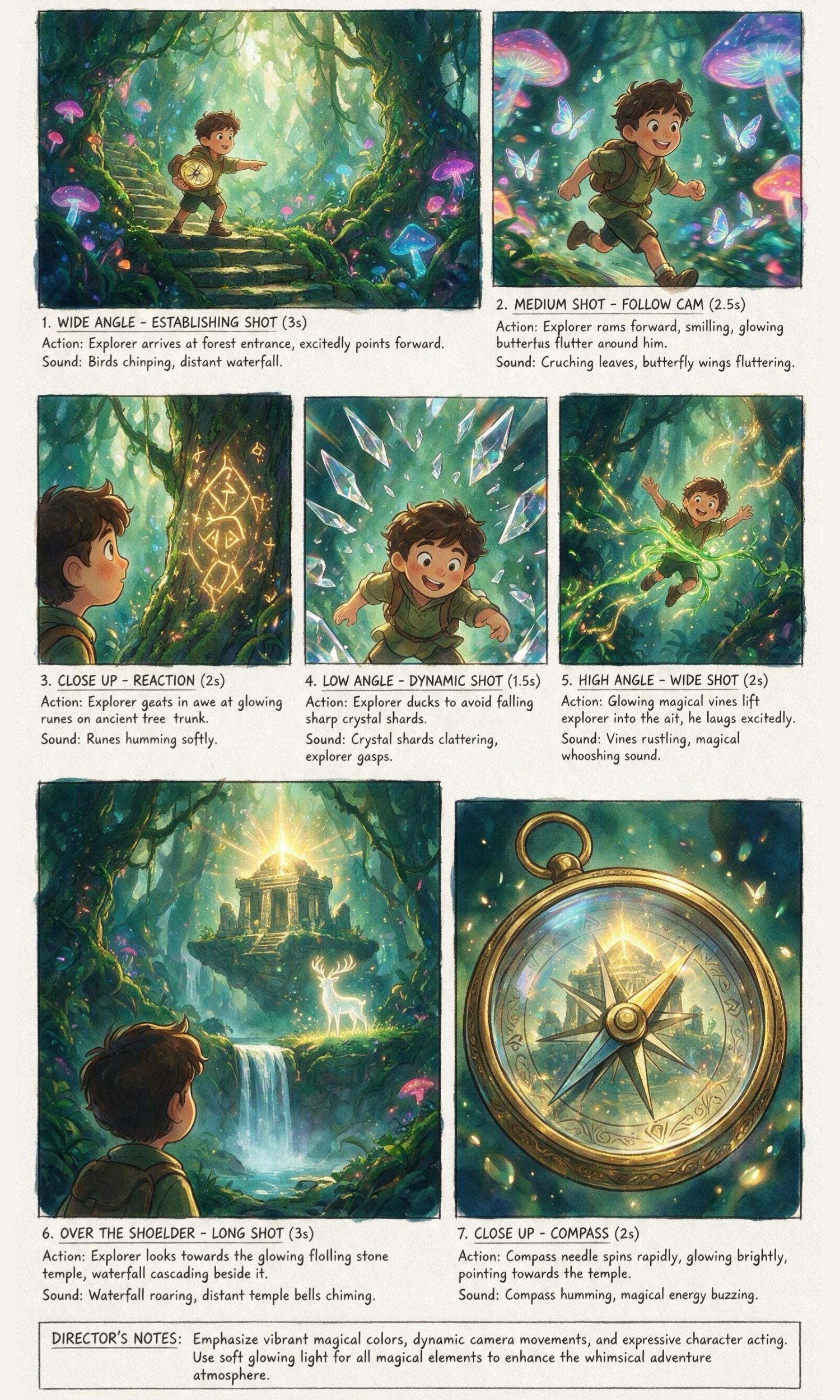
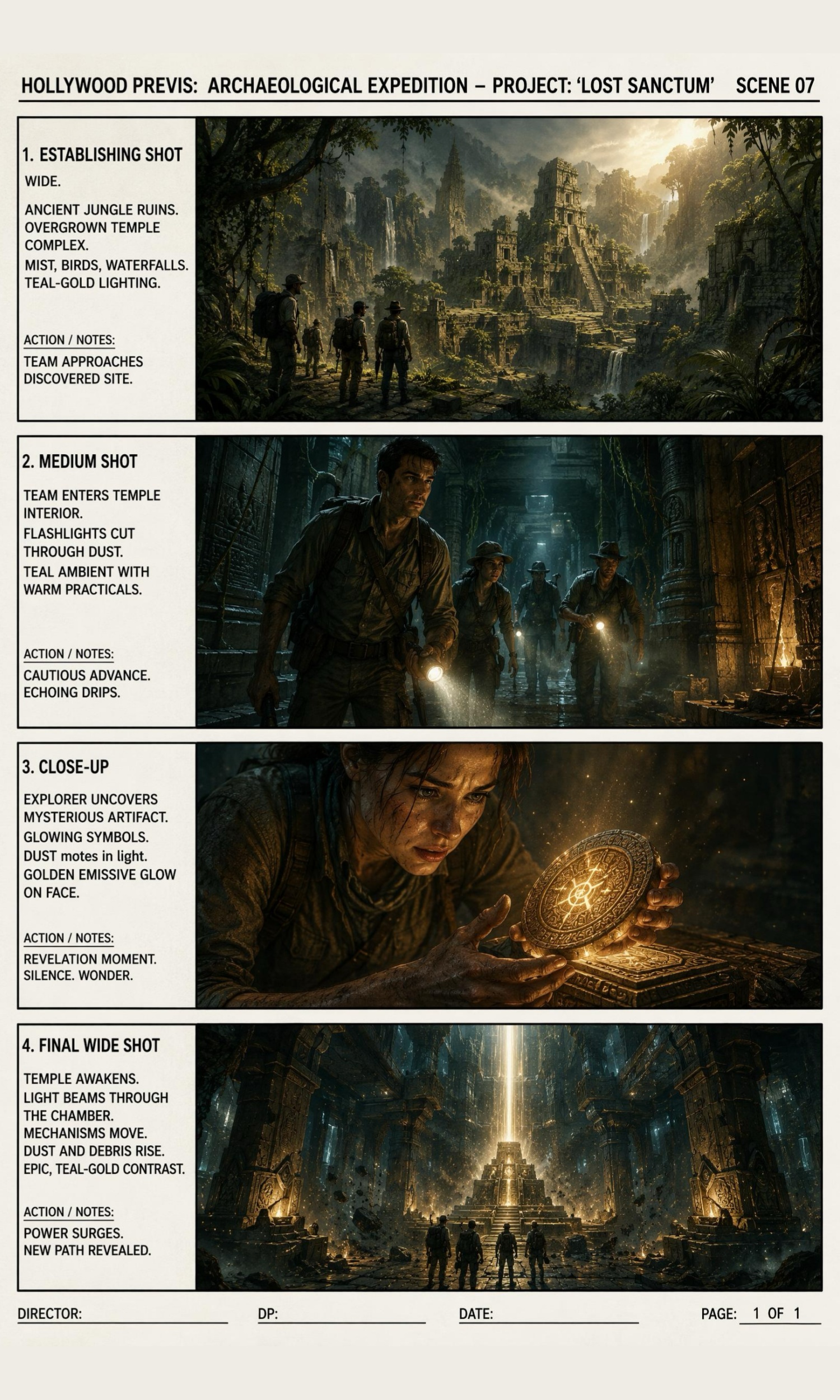
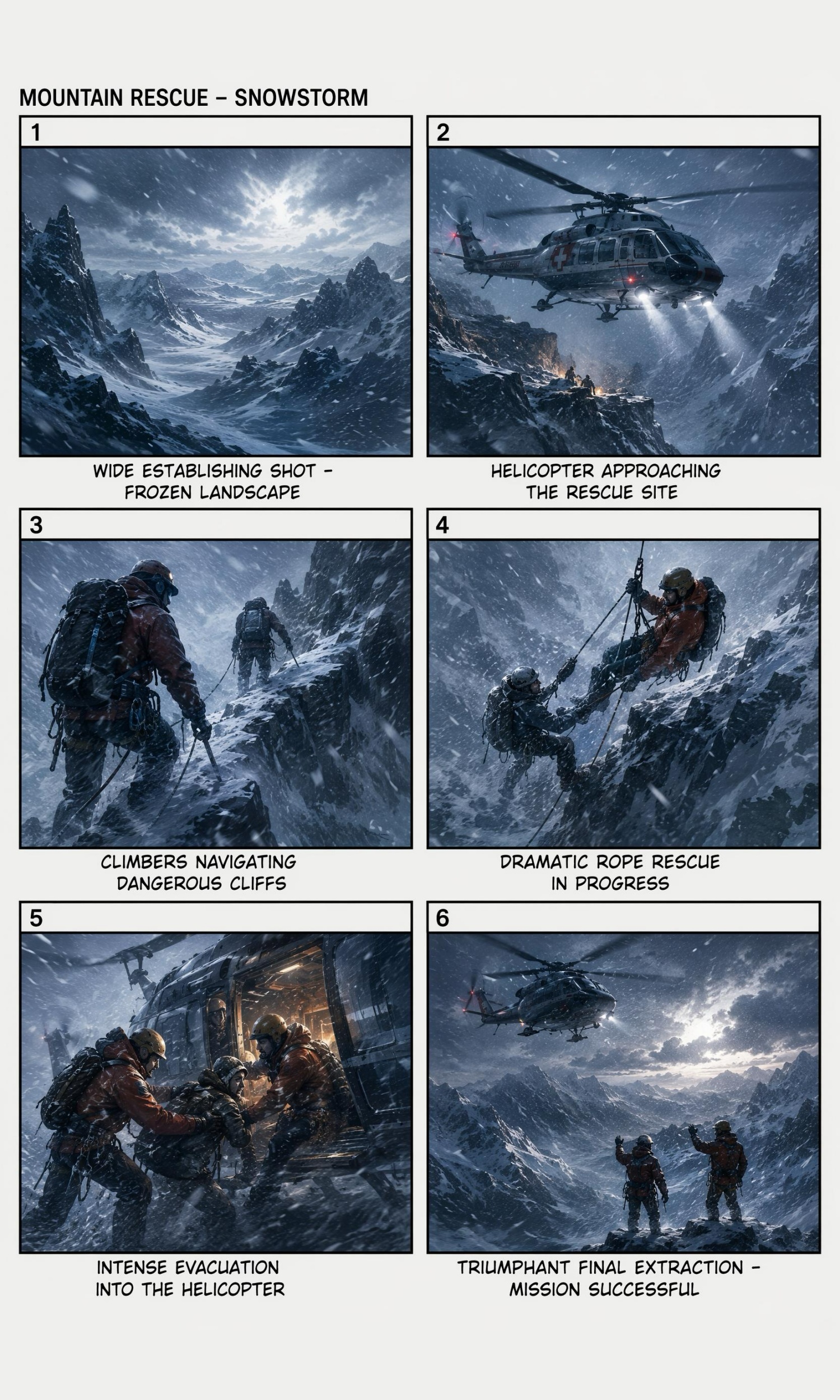
How to Create a Storyboard from a Script
Paste Your Script or Scene
Upload a screenplay, commercial script, lesson plan, game sequence, or simple story outline.
Generate Storyboard Panels
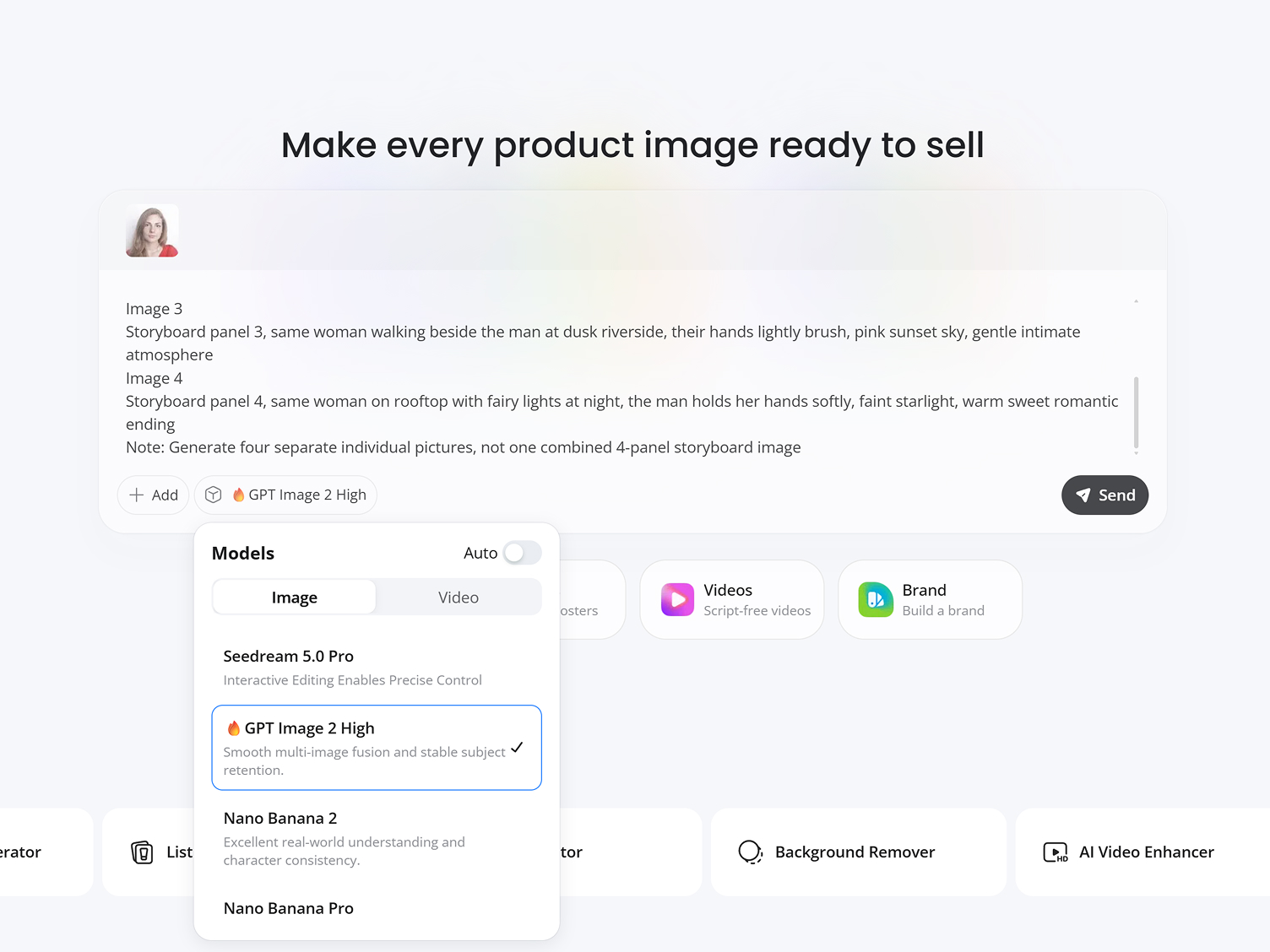
Designkit breaks the script into visual scenes with shot framing, camera angles, and scene progression.
Export Your Storyboard
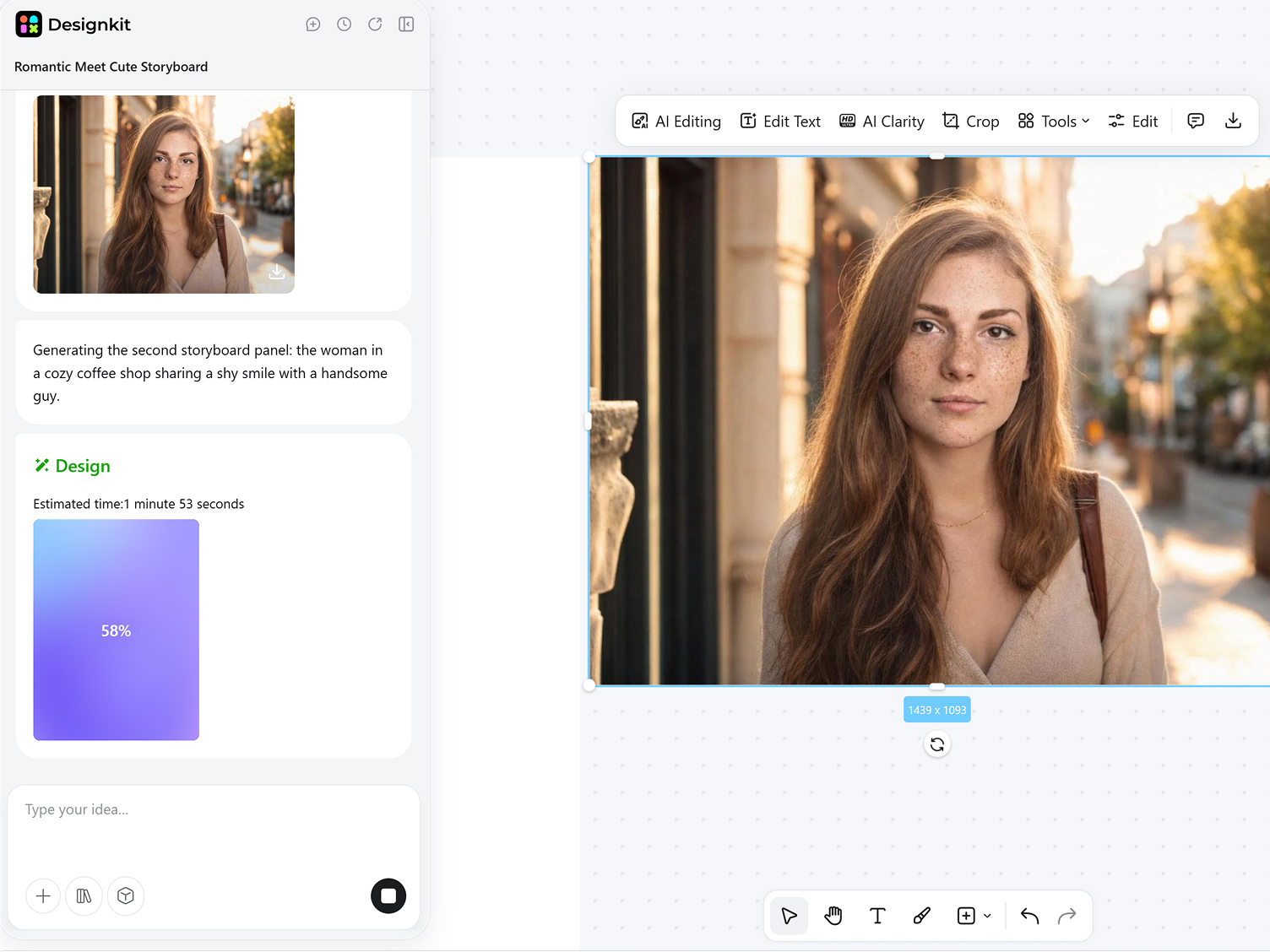
Download panel layouts for production meetings, client reviews, or filming prep.
Everything You Need in an AI Storyboard Generator
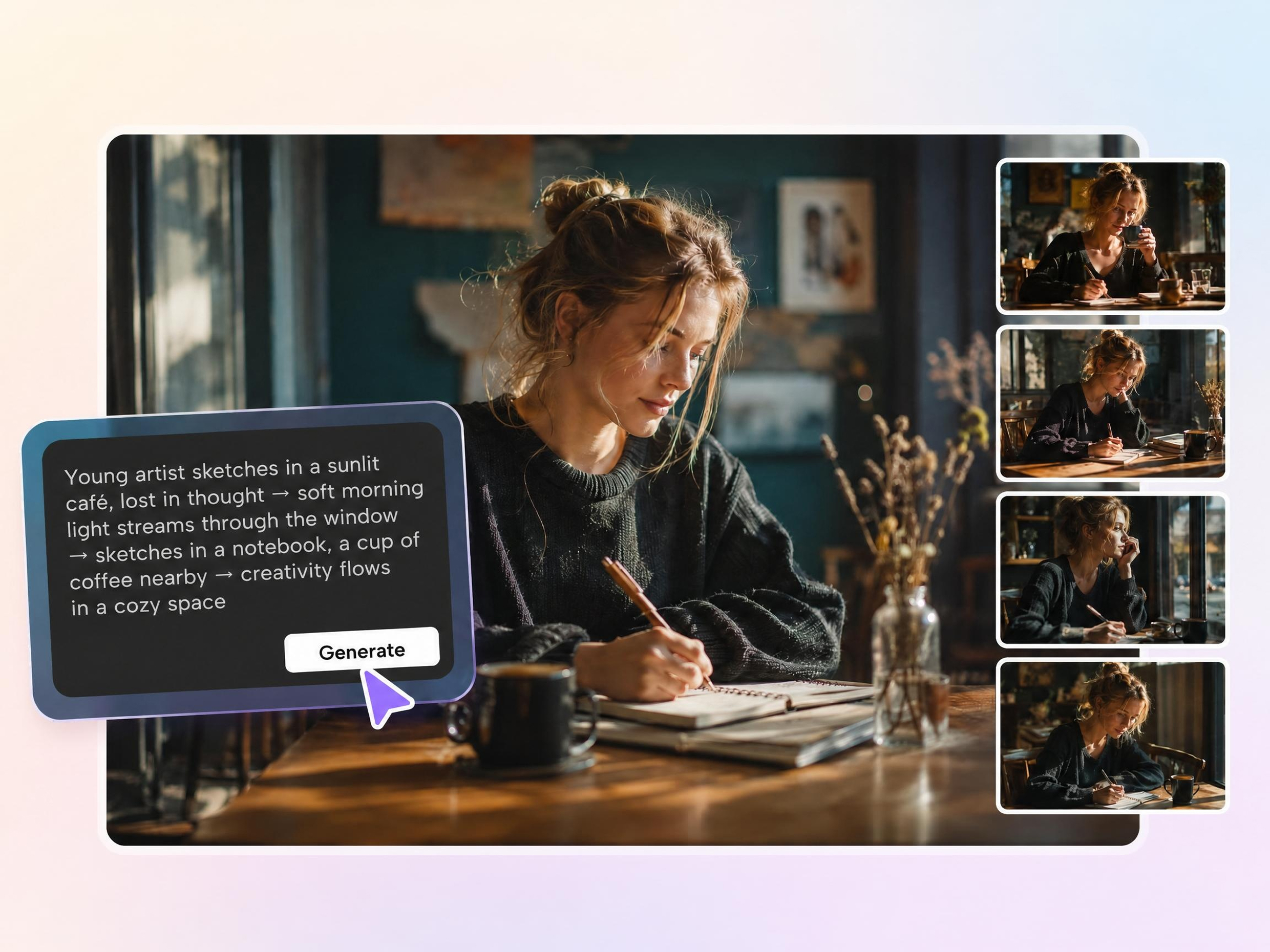
Break Long Scripts into Filmable Shots
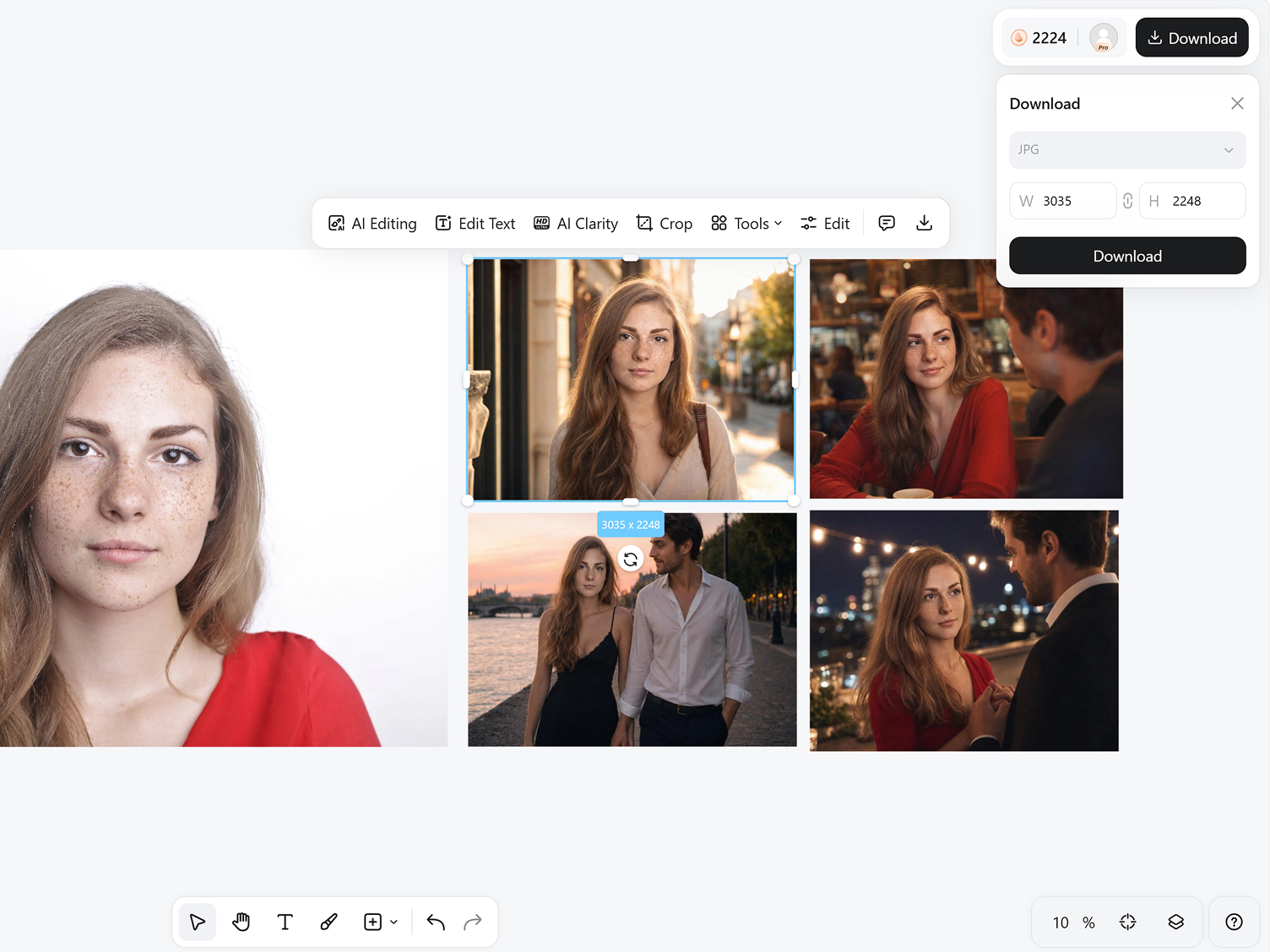
Turn full scripts into organized storyboard panels without manually dividing every scene. Designkit's AI storyboard generator from script automatically separates dialogue and action into logical shot sequences, helping directors and creators review pacing before production begins.
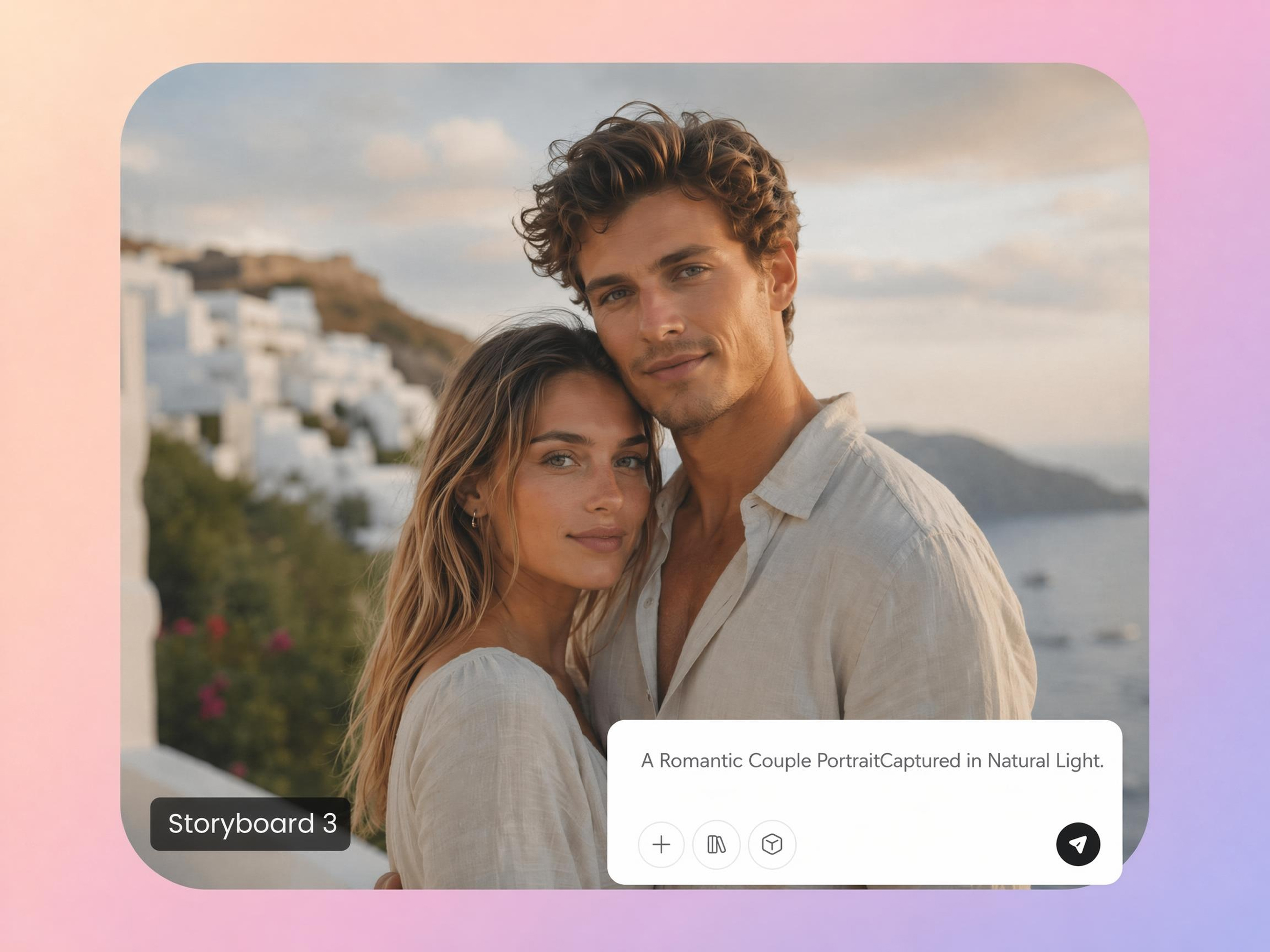
Visualize Camera Framing Before Production
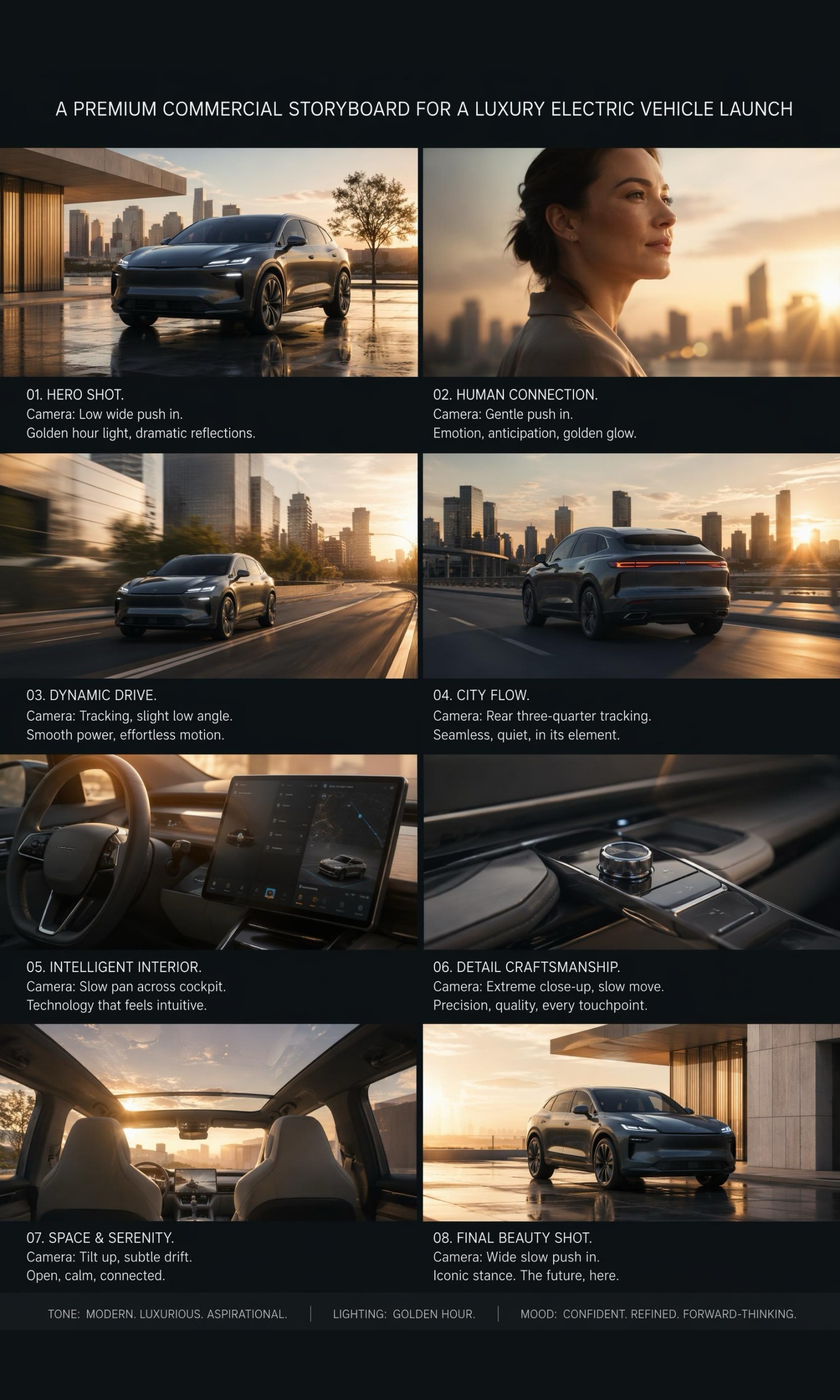
Planning camera angles from text alone often creates confusion during filming. Designkit's AI storyboard visualizes wide shots, closeups, over-the-shoulder views, and cinematic framing, so every scene is easier to communicate before cameras start rolling.
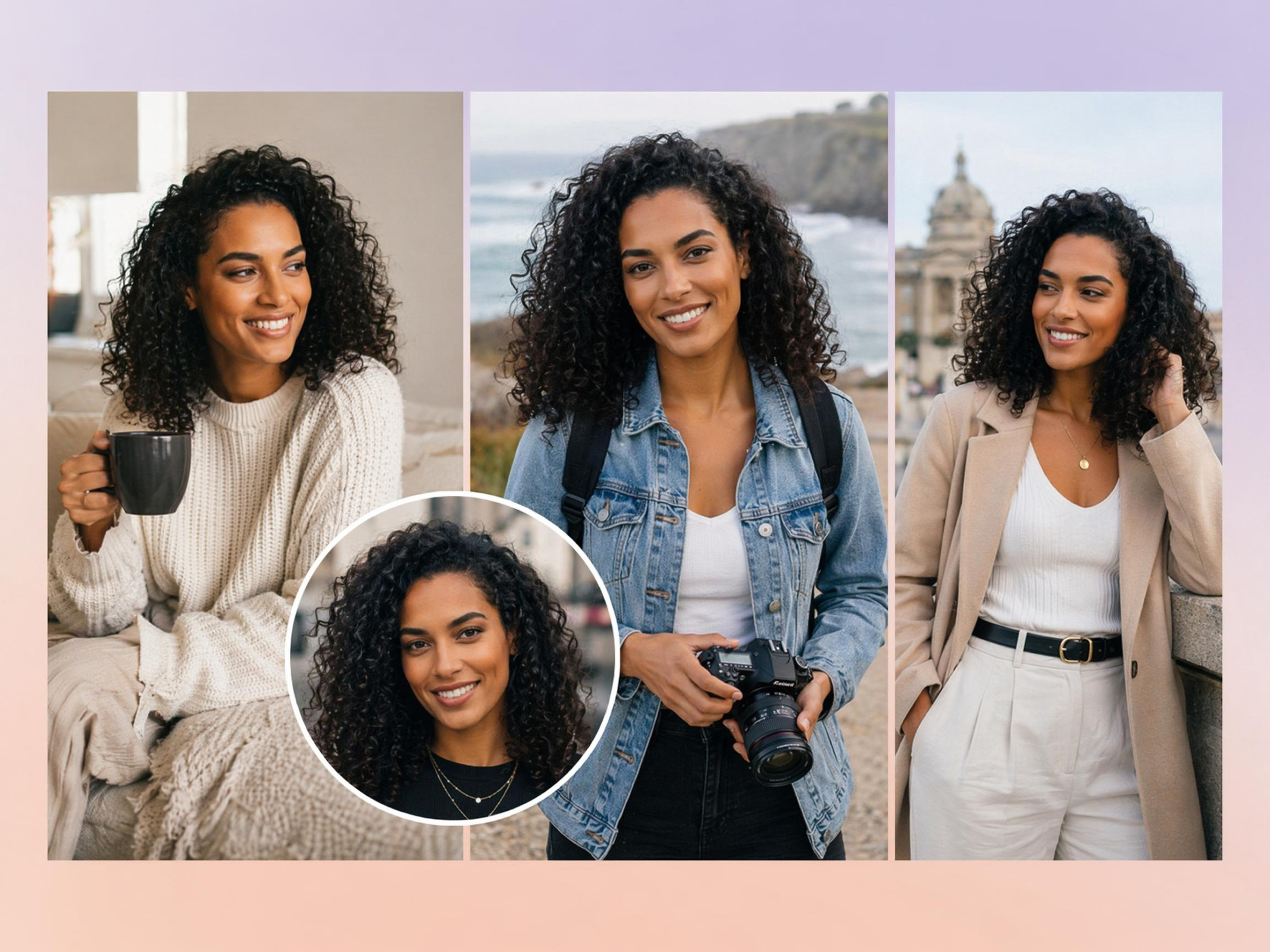
Keep Character Blocking Consistent
Characters can easily change positions between storyboard frames, creating continuity issues. Designkit's storyboard generator maintains character placement, movement, and interactions across connected panels for clearer production planning and scene direction.
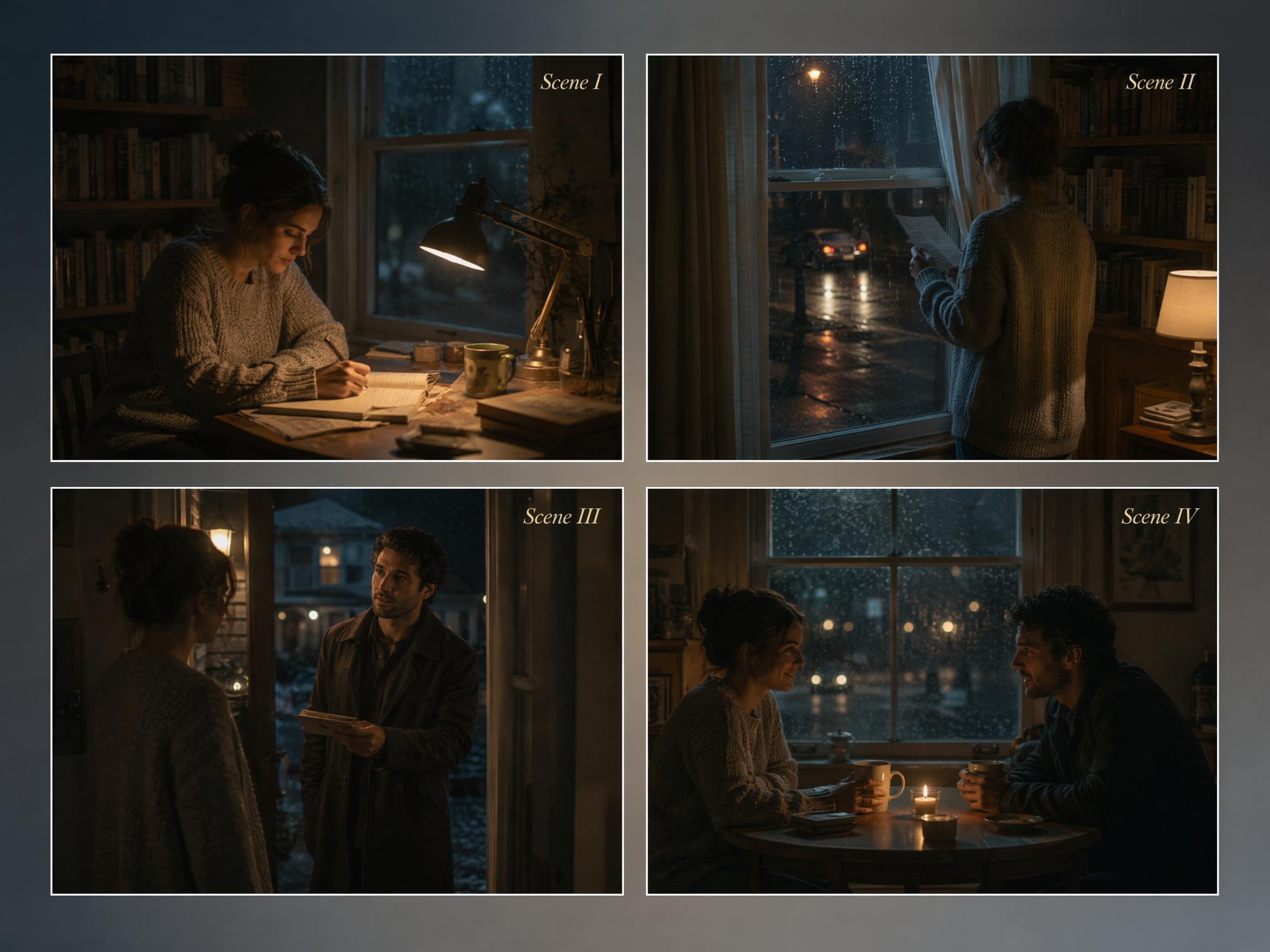
Map Scene Transitions Clearly
Scene changes between locations or timelines are difficult to explain with text alone. Designkit's free AI storyboard generator from script creates visual transitions that help teams understand how every scene connects before filming or animation begins.
Edit Single Panels Without Rebuilding
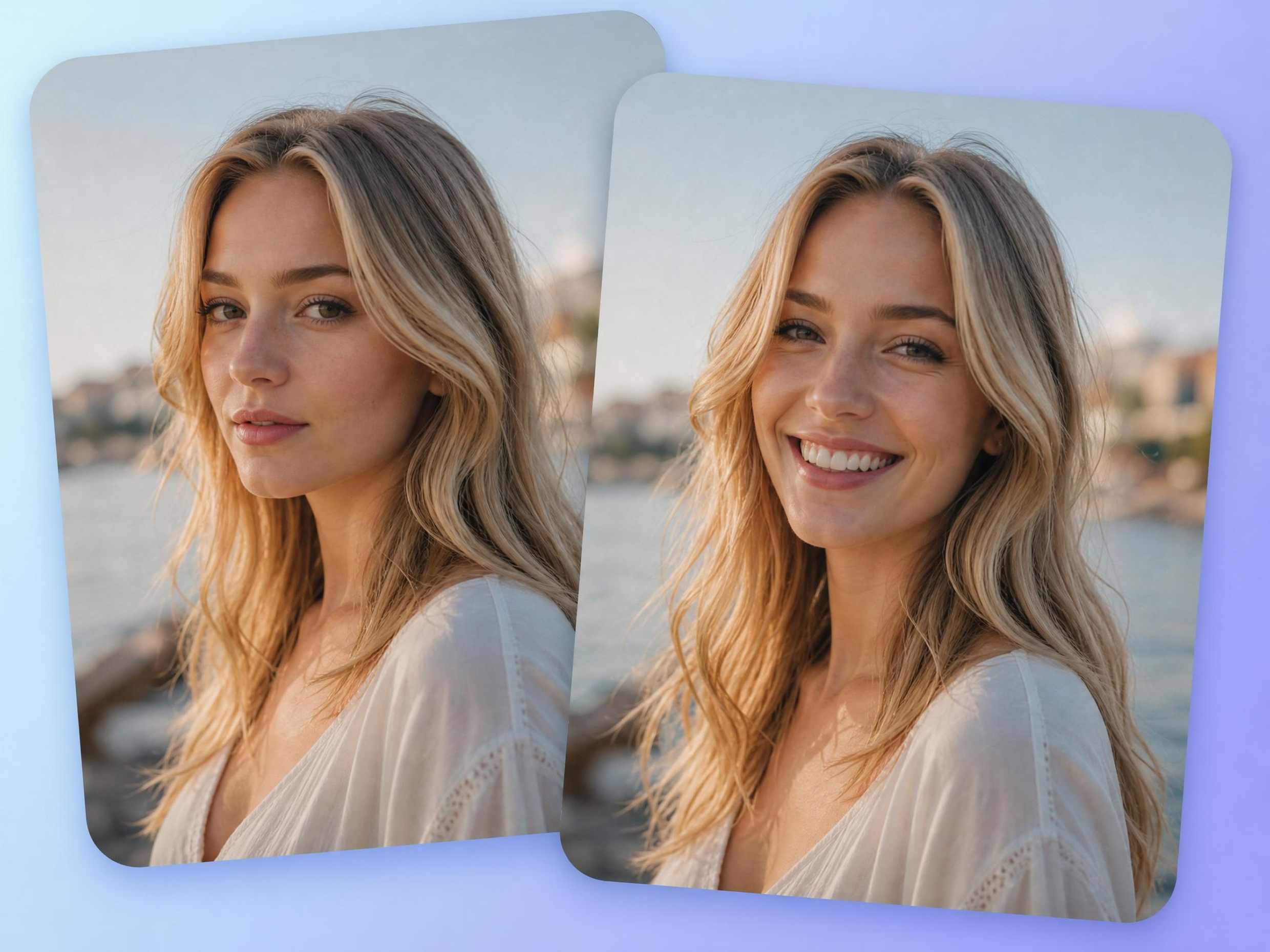
Script revisions shouldn't require recreating an entire storyboard. Designkit's AI photo editor lets you update individual storyboard panels while preserving the rest of the sequence, reducing repetitive work throughout production.
Who Uses an AI Storyboard Generator
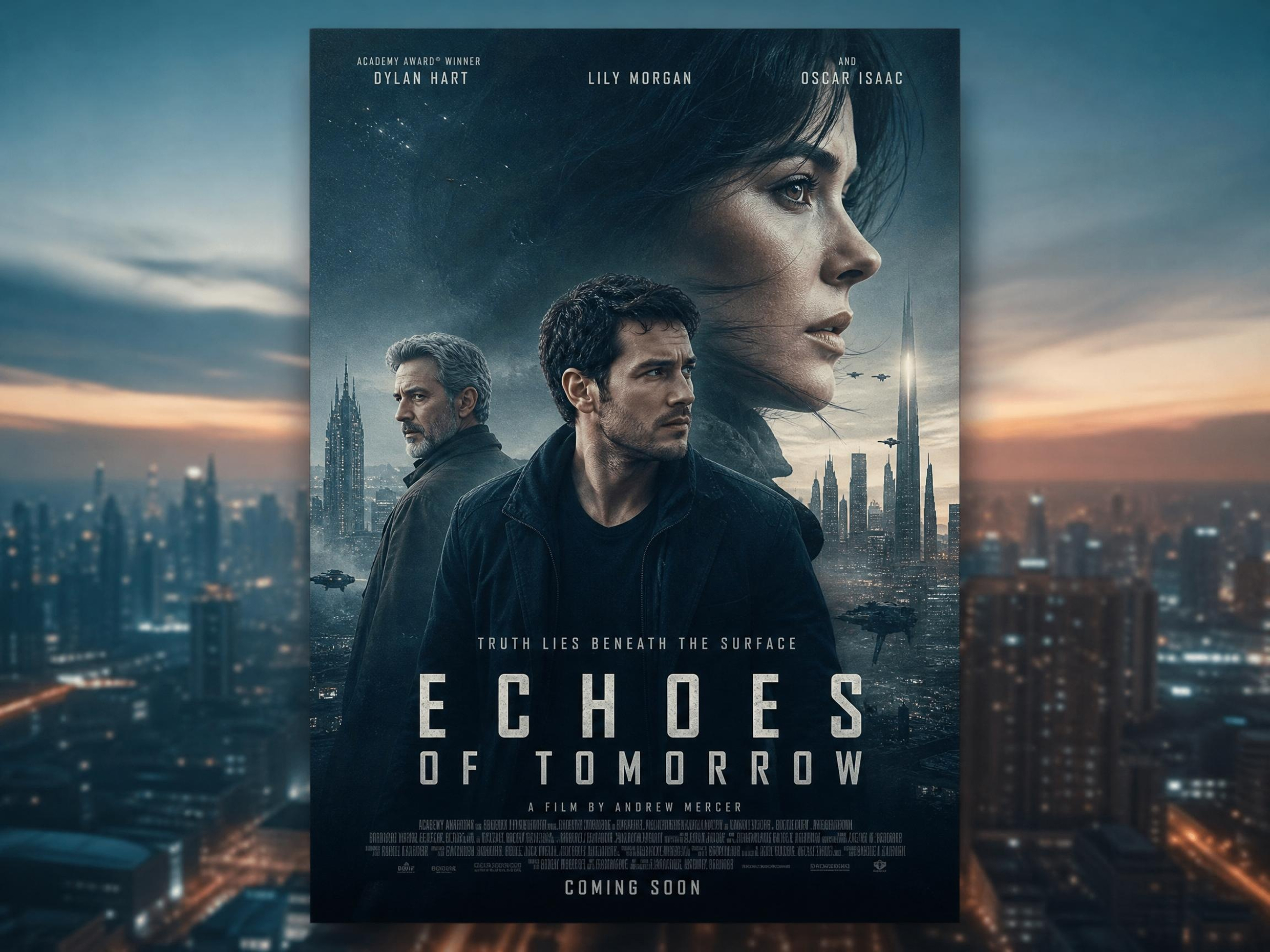
Convert Scripts into Clear Shot Boards for Set Prep
Script pages alone can leave room for different interpretations on set. Designkit's storyboard generator converts written scenes into visual shot boards, helping directors align camera plans, scene flow, and production teams before filming begins.



Why Choose Designkit for AI Storyboard Creation

No Drawing Skills Needed
Turn written ideas into visual scenes without sketching, making AI storyboard creation accessible to any creative team.
Script to Panels in Minutes
Transform scripts into organized sequences with script to storyboard AI, reducing manual planning before production.
Edit and Export in One Workflow
Update storyboard panels and export ready-to-share files without moving between multiple creative tools.

Faster Than Manual Storyboard Art
Replace repetitive sketching with AI storyboard creator workflows that accelerate reviews and creative decision-making.

Ready for Pitches and Production Reviews
Present AI generated storyboards that help clients and production teams understand scenes before filming begins.

Try Multiple Directions from One Script
Use one script to create a storyboard with different visual approaches, helping compare ideas before production.
Unlock More Creative Possibilities

AI Action Figure Generator
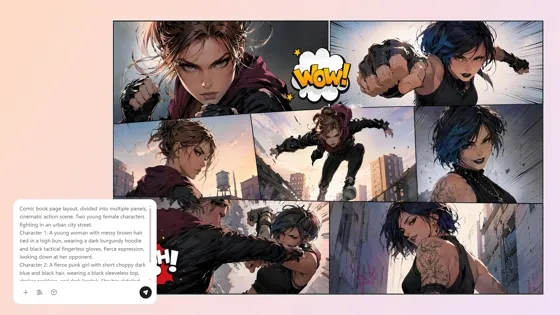
AI Comic Generator
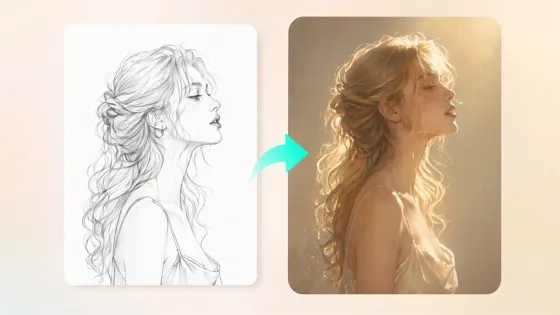
Sketch to Image AI
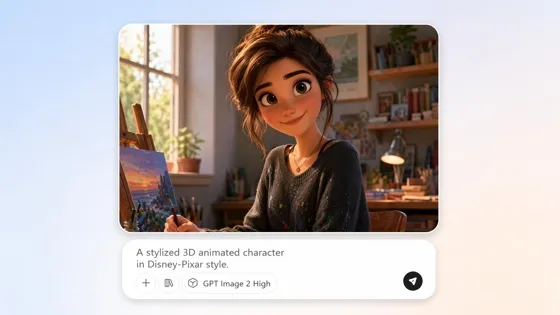
AI Cartoon Character Maker
Frequently Asked Questions
Can I generate storyboards directly from a script?
Can one storyboard include different camera angles?
A single storyboard can include wide shots, close-ups, over-the-shoulder views, tracking shots, and other camera compositions. Designkit creates multiple framing styles throughout the sequence, making it easier to communicate shot planning with directors, editors, clients, or production teams.
Do I need drawing skills to create a storyboard?
You don't need illustration or sketching experience to build a storyboard. Designkit generates storyboard panels from your script or prompts, allowing anyone to visualize scenes without hand drawing. You can focus on storytelling while the platform handles the visual layout.
Can AI turn long scripts into multiple scenes?
Yes. Long scripts can be divided into multiple storyboard scenes based on dialogue, actions, and scene changes. Designkit organizes lengthy scripts into structured sequences, helping you review each section individually without manually separating the screenplay.
Can I storyboard advertisements and social videos?
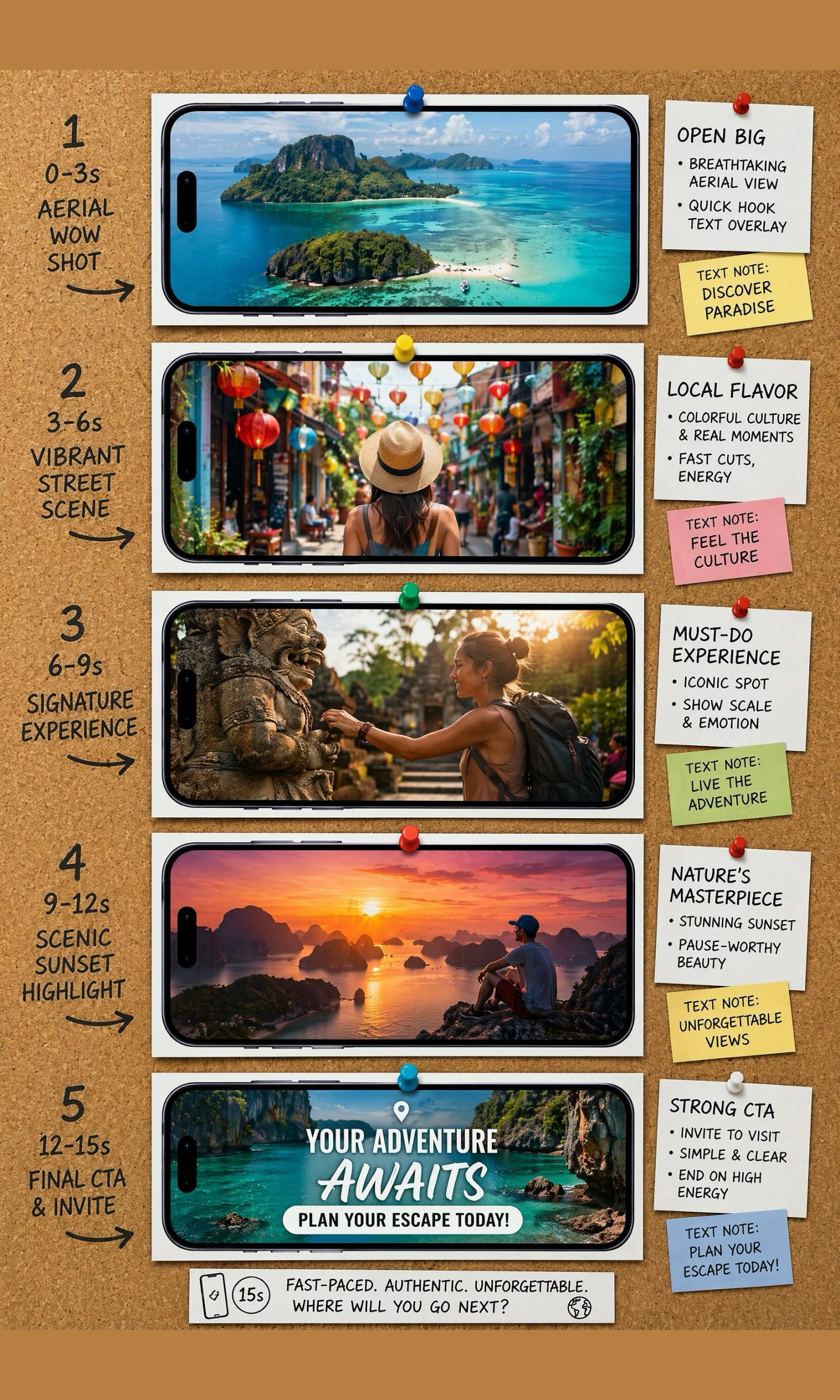
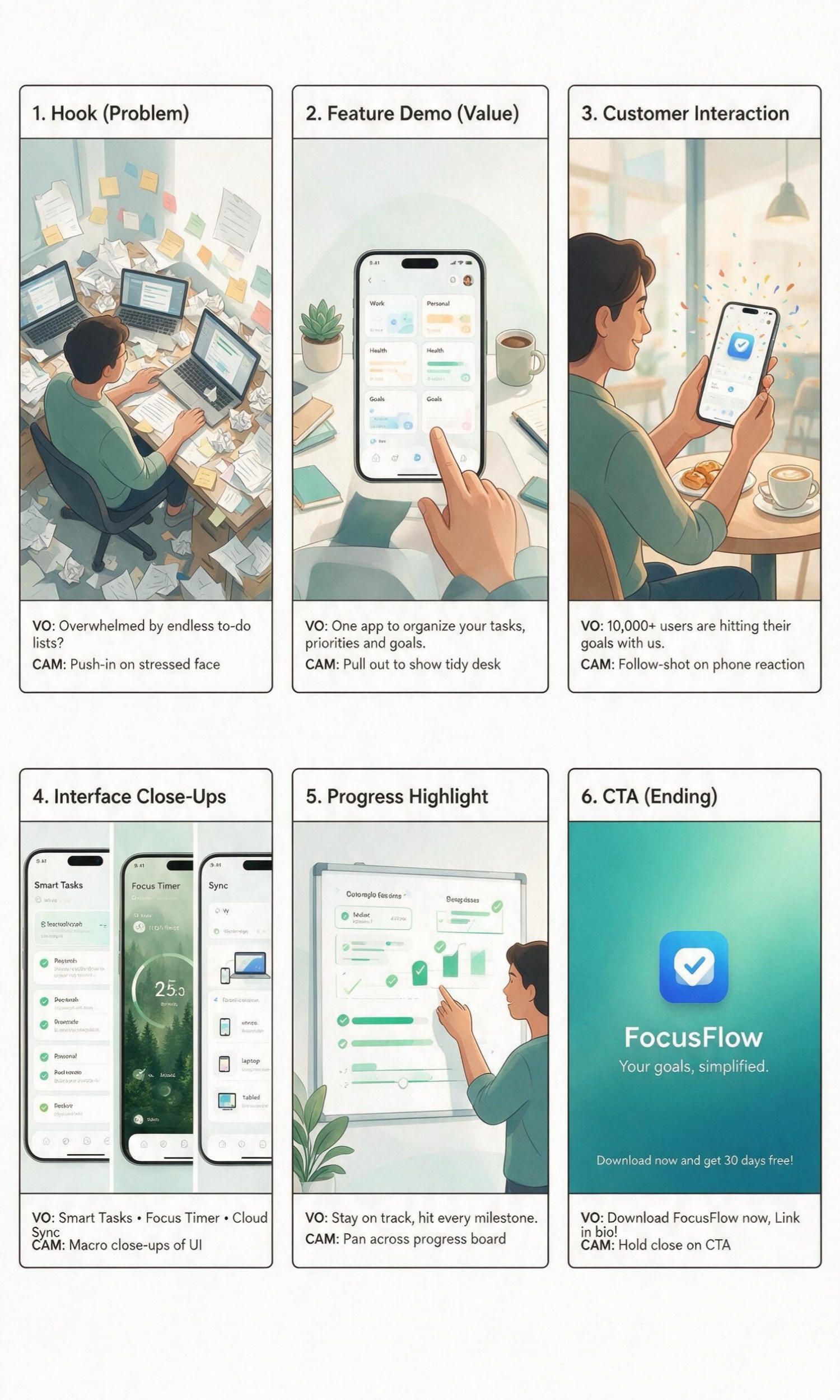
Yes. Storyboards work for commercials, YouTube videos, TikTok content, product demonstrations, explainer videos, and social campaigns. Designkit generates visual shot plans that help creators, agencies, and marketing teams align on concepts before recording or animation starts.
Is it possible to continue editing after creating the storyboard?
You can edit or replace individual storyboard panels after script changes without recreating the entire sequence. Designkit preserves the remaining scenes while allowing targeted updates, making revisions easier throughout production planning.
Is the AI storyboard generator free?
You can start using the storyboard generator at no cost. Designkit offers free access, so you can create and evaluate storyboards before choosing a paid plan. Additional generations or advanced capabilities may require an upgrade depending on your usage.
Start Your Storyboard from a Script
Paste your script, generate shot panels, and download layouts ready for filming, client reviews, or team alignment.



What Users Say About Designkit Storyboard Generator
Real experiences planning productions with AI storyboards
Crew Aligned Before Shoot Day
Our crew interpreted the script differently during pre-production, which often led to delays on set. Designkit turned the screenplay into clear storyboard panels, giving the director, cinematographer, and actors a shared visual plan before filming even began.
Won Client Approval Earlier
Written treatments made it difficult for clients to imagine the final commercial. Designkit helped us present visual storyboards in the first meeting, making feedback more focused and allowing campaign approvals to happen much earlier.
Caught Weak Scenes Before Animation
We previously discovered pacing and transition issues after animation work had already started. Designkit revealed those problems at the storyboard stage, helping our team improve scenes before investing time in expensive production assets.
Recording Felt Less Rushed
Filming tutorials without a visual plan meant missed shots and unnecessary retakes. Designkit organized every scene into storyboard panels, making recording smoother and reducing editing decisions after the shoot.
Improved Game Cinematic Planning
Different teams imagined story moments in different ways, slowing cinematic planning. Designkit created a shared visual reference for writers, artists, and designers, helping everyone align on scene direction before building game assets.