
What Are AI Fruits and How Do You Make Them?
See how AI fruits evolved from surreal ASMR clips into talking characters and serialized dramas, then learn how to create an original AI fruit video.

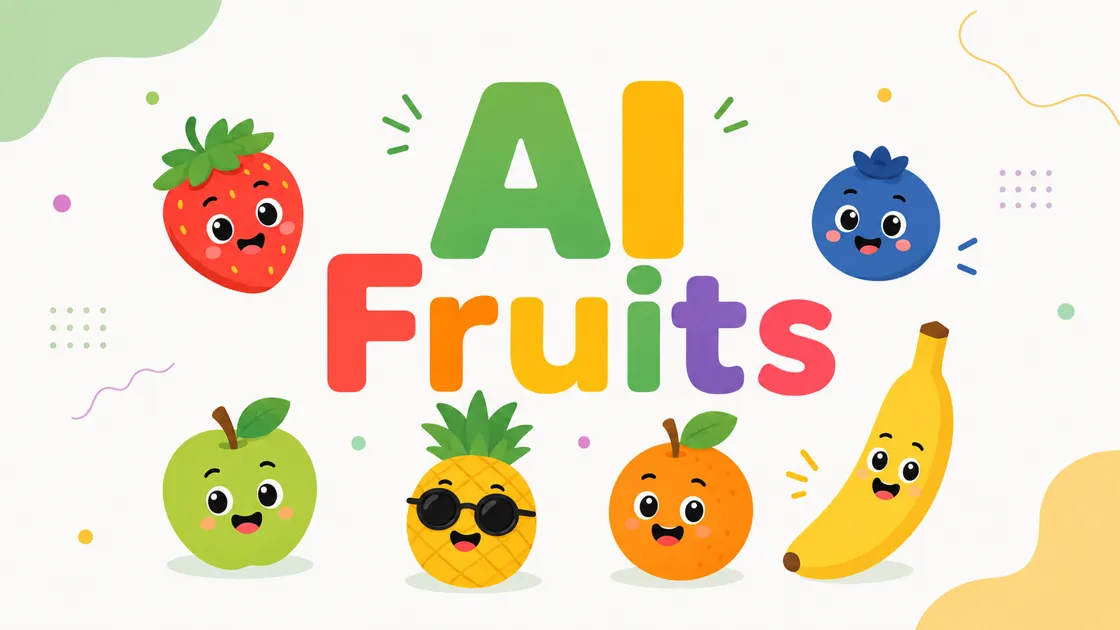
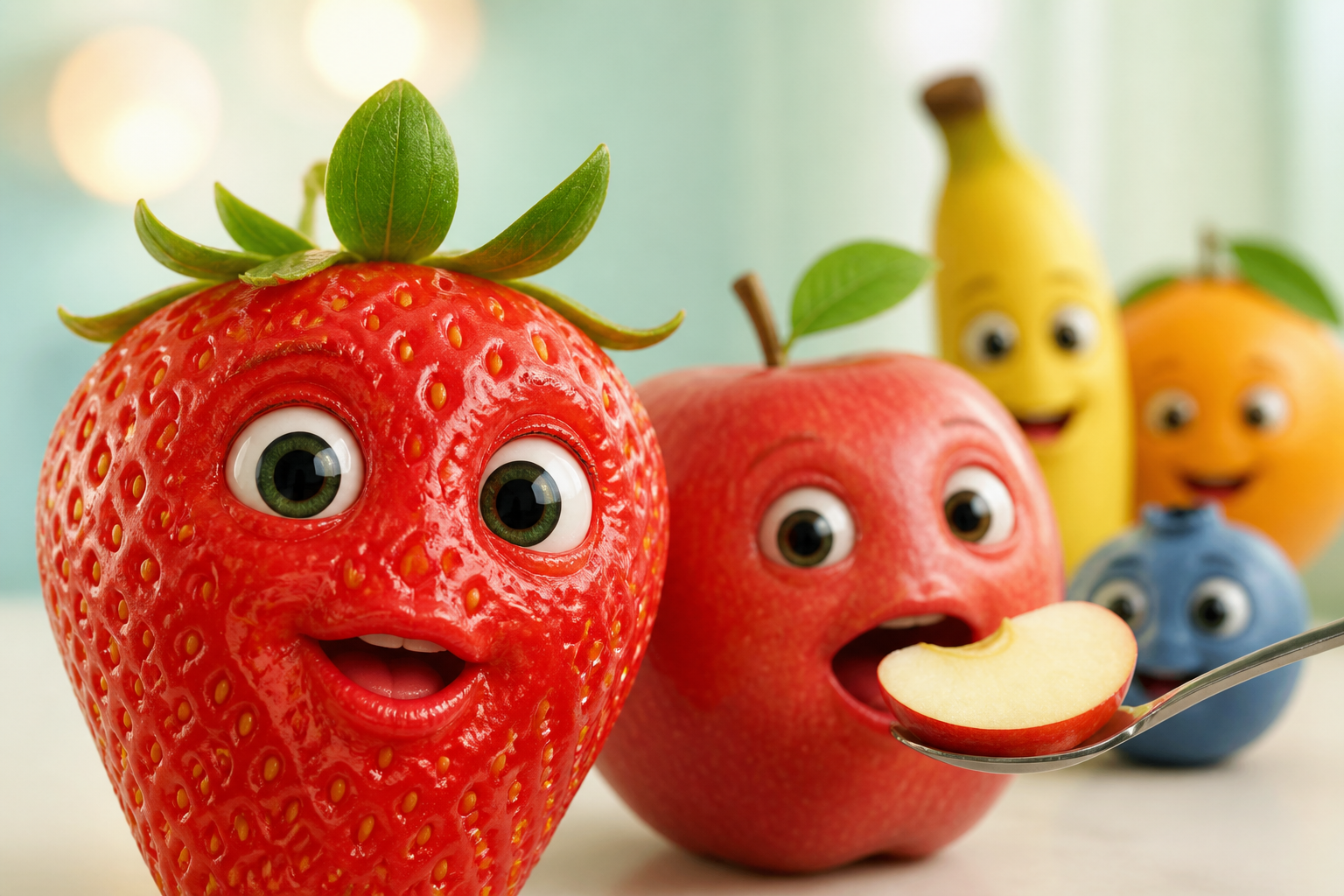
A strawberry speaks directly to the camera while an apple eats a slice of its own body. A colorful cast of fruit characters returns for a brand new episode. Each clip looks completely unique, yet every video relies on the same core trick. Take a recognizable object, add a face, and give it a clear reason to act.
That trick powers the whole AI fruit trend. This guide covers what AI fruits are, how the format developed, and how to make an AI fruit video.
What Are AI Fruits?
AI fruits are AI-generated fruit ch aracters with faces, voices, expressions, or human-like behavior. They appear in short videos ranging from surreal fruit-eating ASMR clips to talking-object comedy and serialized fruit dramas.
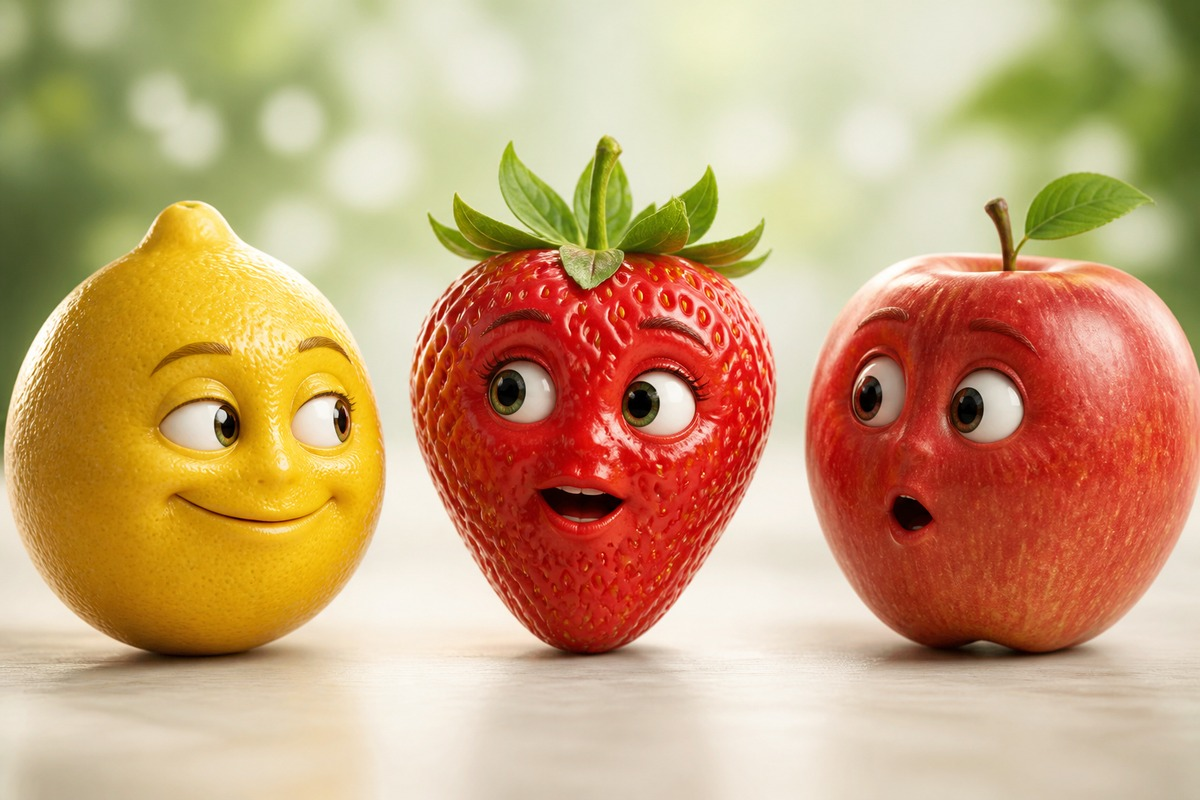
The term can refer to either the fruit character itself or the finished AI-generated image or video featuring it. Unlike ordinary AI food images, AI fruits with faces turn recognizable produce into characters. They are also distinct from fruit-recognition technology, agricultural AI used for farming or sorting, and conventional fruit animation created manually. What separates an AI fruit meme from those neighbors is a recurring set of features:
- A recognizable fruit shape and realistic texture.
- A face integrated into the fruit rather than pasted on top.
- Human-like expression, voice, or behavior, as in any AI talking fruit clip.
- One visually readable action or conflict.
- Short-form framing and deliberate sound.
How the AI Fruit Trend Developed
Those features shaped the AI fruit trend through several overlapping stages, as sensory clips developed into memes, talking characters, and serialized stories.
|
Stage |
Approx. Emergence |
Typical Content |
Format Shift |
Evidence/Example |
|---|---|---|---|---|
|
AI Fruit ASMR |
2025 |
Cutting, feeding, and sensory fruit clips |
Sensory spectacle |
AI ASMR trend |
|
Niche Fruits |
Jul. 2025 |
Fruits with faces eating their own kind |
Character + uncanny action |
Early niche-fruit examples |
|
Fruit Memes |
Aug. 2025 |
Captioned reposts and reactions |
Audience participation |
Caption and remix spread |
|
Talking Fruits |
2025–26 |
Dialogue, jokes, and reactions |
Voice + personality |
Talking-fruit examples |
|
AI Fruit Dramas |
2026 |
Recurring characters and episodes |
Continuity + story |
Fruit Love Island |
The middle phase reached a wider audience. Know Your Meme tracks the fruit self-cannibalism trend to early July 2025, right after Google Veo 3 sparked a fresh wave of AI ASMR content. The clips broke out that August, once creators reuploaded them with captions, turning an AI fruit eating fruit clip into something people could answer.
From Niche Fruits to AI Fruit Drama
Captions gave the fruit a voice and characters gave it a reason to come back. Fruit Love Island, a dating-show parody cast entirely with AI fruit, went viral on TikTok in mid-March 2026. Drawing 10 million views per episode, it proved an AI fruit drama could hold an audience for weeks. Isolated clips gave way to recurring characters, connected episodes, and comment sections arguing about what came next.
Popular Types of AI Fruit Videos
Several formats now exist side by side, from self-eating fruit memes to talking characters and the AI fruit story. The sections below sort the most popular types by what happens on screen.
1. Fruits Eating Themselves
A fruit with a face is fed a slice of the same fruit, and the bite, chewing, and reaction carry the clip. This is the fruit eating fruit AI format in its original form, though fruits eating fruits is what most people search. The action works best when the bite and reaction remain visually simple enough to read immediately.
2. Baby-Faced Fruit Memes
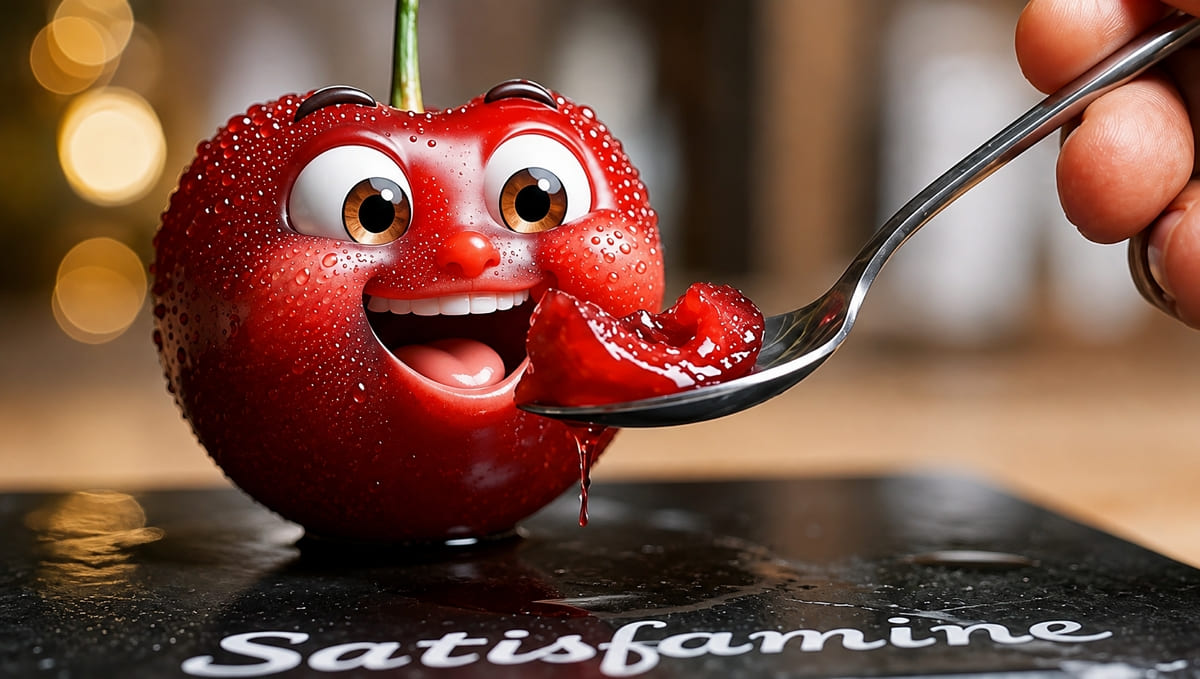
Rounded features, oversized eyes, and an exaggerated reaction define the AI baby fruit meme. The tone sits between cute, absurd, and faintly uncanny.
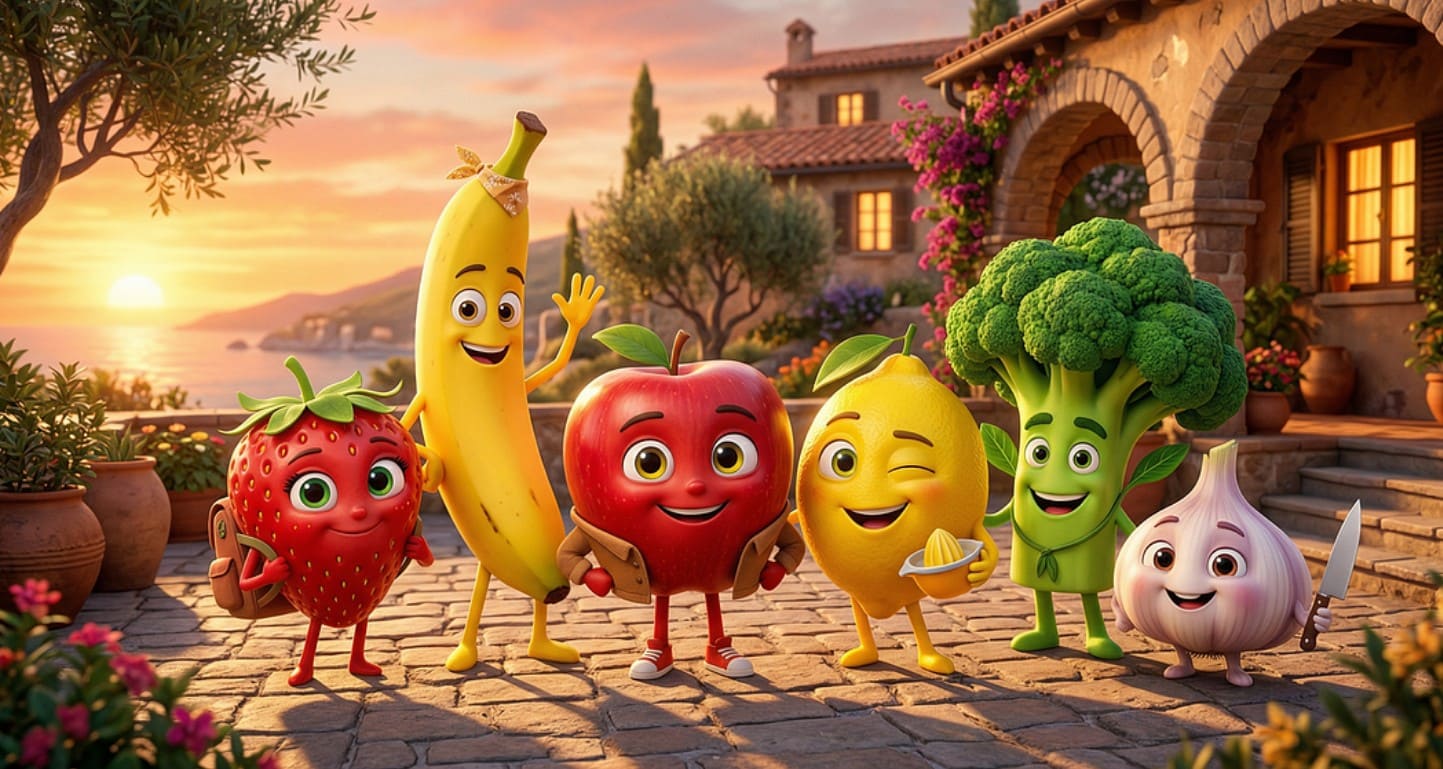
3. Talking Fruit Characters
A talking fruit can address the viewer, react to nearby objects, or deliver a quick joke. Clear dialogue, expressive reactions, and well-timed mouth movement matter more here than realistic texture.
4. AI Fruit ASMR
Sound and surface take priority over personality. Slicing, biting, peeling, and squeezing all give the microphone something to do. Clean sound design matters here because the sensory effect often carries more of the experience than dialogue.
5. Short Fruit Stories
One or two characters move through a conflict or punchline. An AI fruit story works best when one clear conflict or punchline reaches a visible conclusion within the clip.
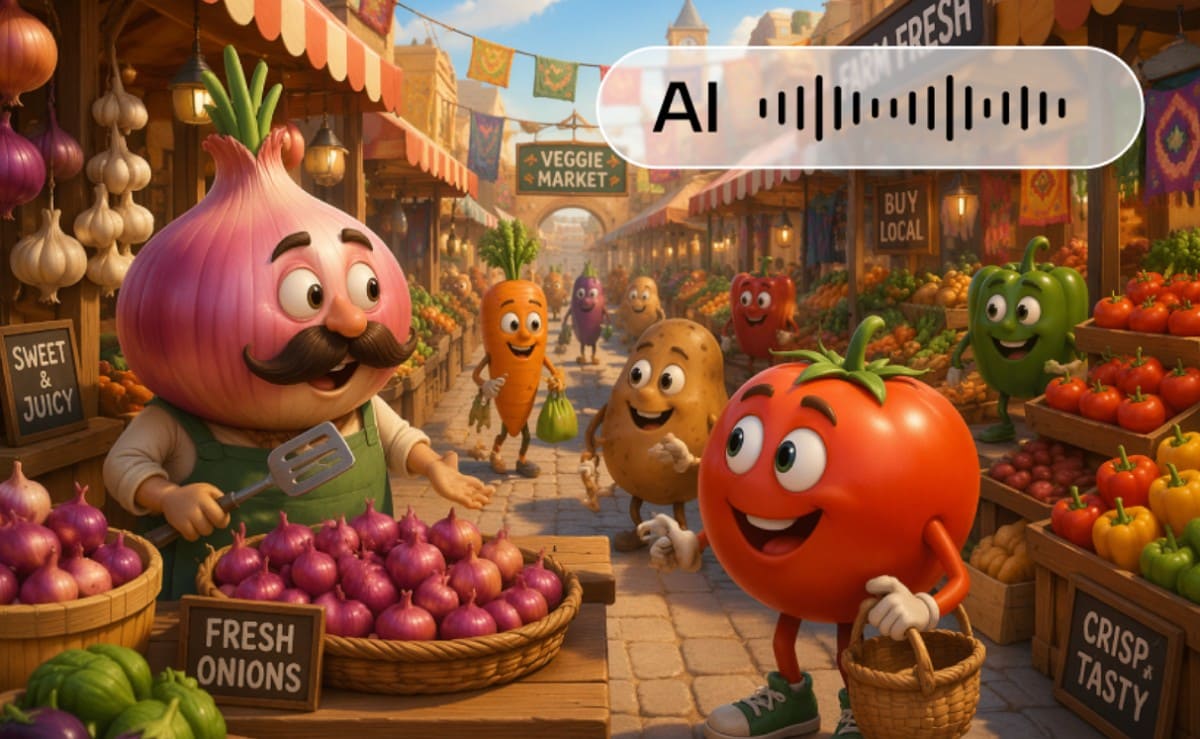
6. Serialized Fruit Dramas
In an AI fruit drama, recurring characters need stable appearance, personality, and relationships so each new episode still feels connected.
Why Did AI Fruit Videos Gain Attention?
Plenty of AI fruit videos still go unnoticed, but the ones that gain attention tend to share these 4 qualities:
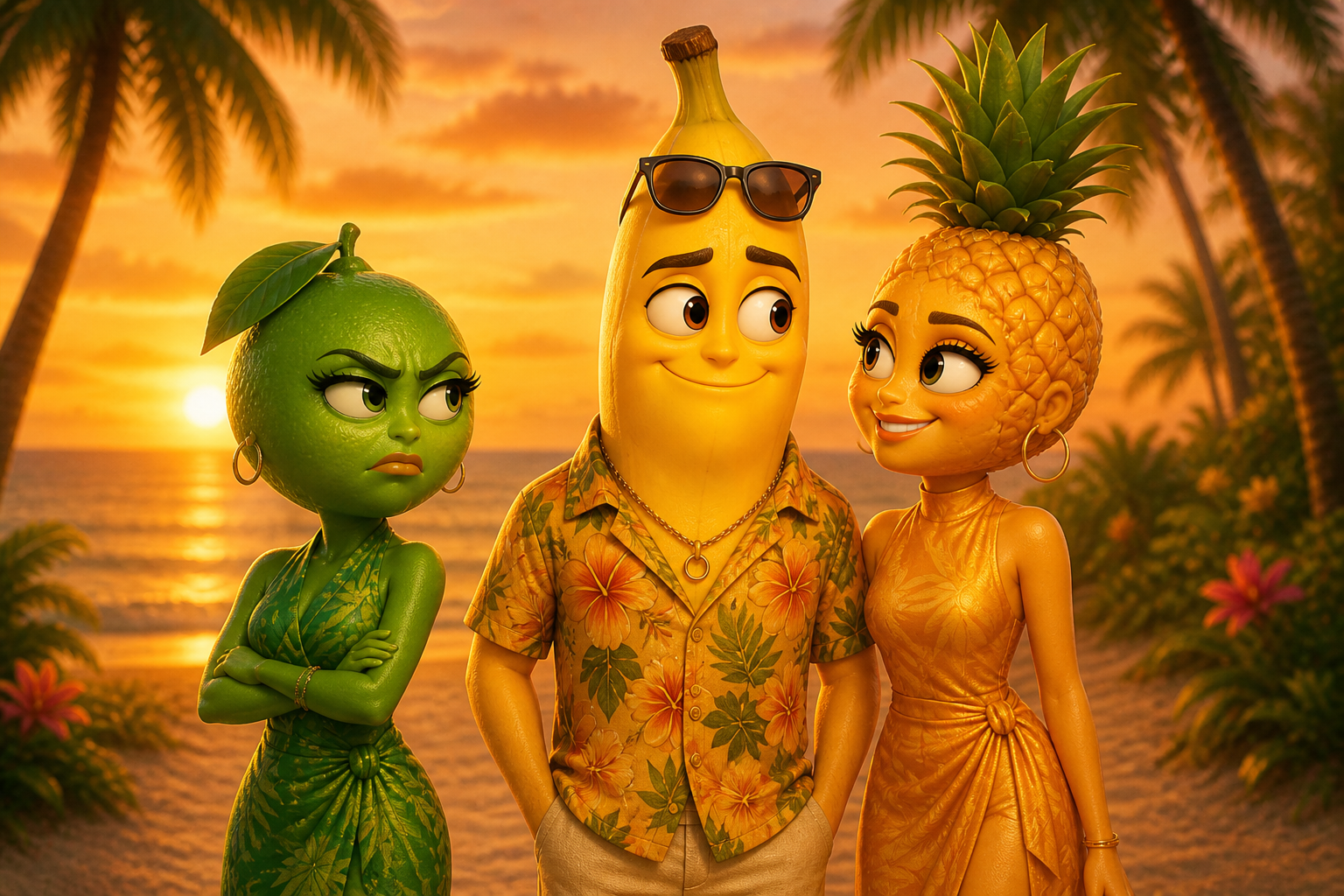
1. The Idea Reads Instantly
A familiar fruit needs little explanation. Adding an unexpected face or behavior creates an immediate visual hook viewers can understand within seconds.
2. Familiar and Uncanny Elements Collide
Realistic fruit textures combined with human expressions create an unusual contrast. The result can feel cute, funny, strange, or slightly unsettling at the same time.
3. The Format Is Easy to Repeat
Creators can change the fruit, action, expression, or setting without losing the core idea. This flexibility makes the format easy to adapt into new variations.
4. Characters Create Reasons to Return
One quick visual trick grabs a viewer just once. Strong character traits and unresolved conflict keep people hooked for more. AI generates the art, but narrative, structure, and timing drive real success.
How to Make an AI Fruit Video
Building a clip comes down to 5 decisions, starting with where it begins. An AI fruit video starts from a written scene or an existing character image. Text-to-video suits a standalone idea, while image-to-video gives the model a firmer reference for face and texture.
Step 1: Choose the Fruit and Action
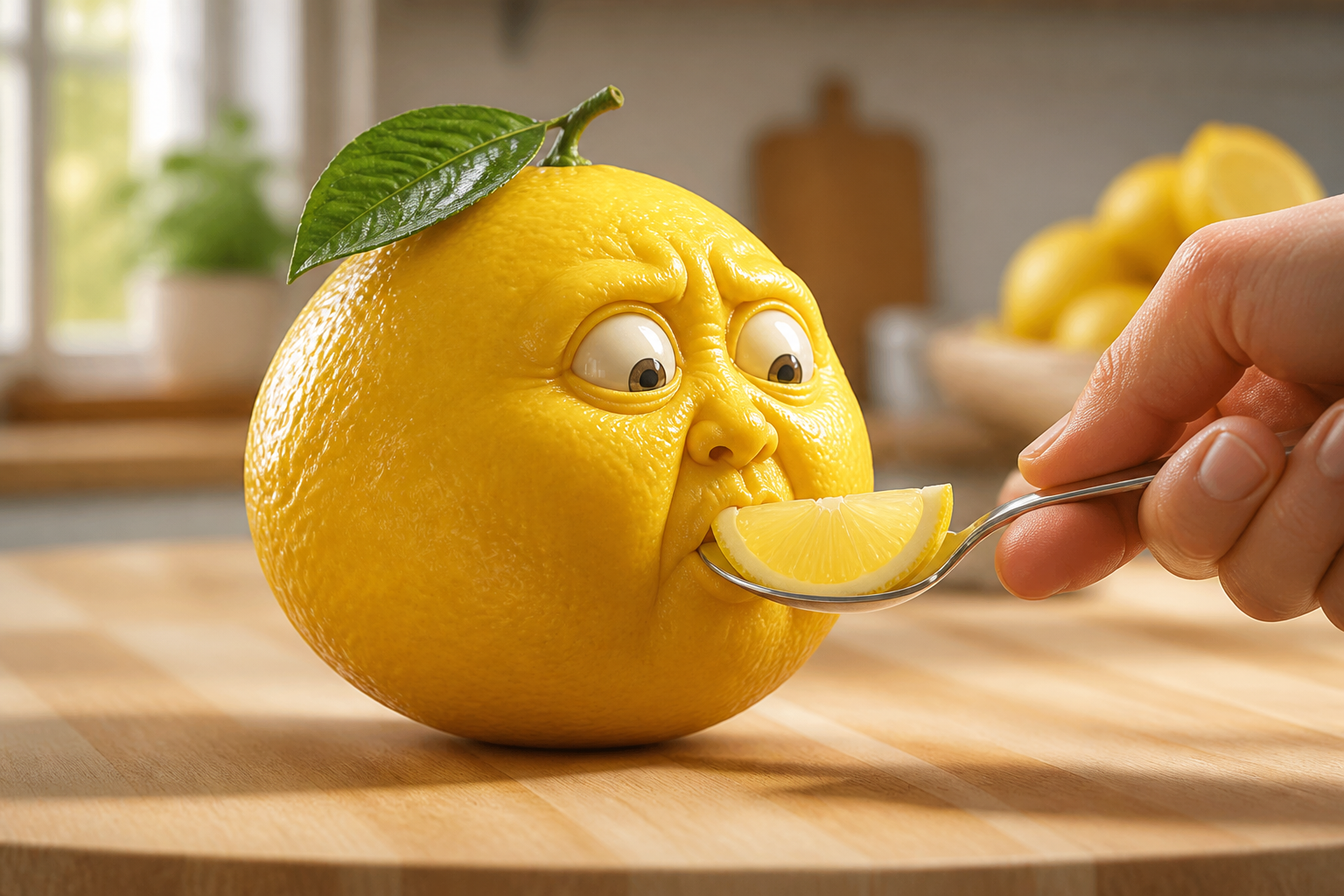
Decide what the viewer should see before writing anything. Options include a fruit eating a piece of itself, a fruit reacting to a taste, a talking fruit delivering a line, or one story moment. Hold the first clip to one fruit and one action. A scene like “a lemon tastes a lemon slice and reacts” is a clearer task than a full story.
Step 2: Prepare the Text or Image Input
With the scene decided, the starting route determines what you write. For text-to-video, cover the fruit's appearance, its face and expression, the main action, the setting, the camera framing, and any dialogue or sound. For image-to-video, start from an image with a visible subject, an unobstructed face, and room to move. The motion instruction covers what changes rather than what is already visible, such as:
The strawberry looks toward the spoon, leans forward, takes one small bite, chews twice, and reacts with surprised wide eyes. Keep the face, leaf shape, background, and camera angle unchanged. Add a soft bite and chewing sound.
Step 3: Generate the AI Fruit Video
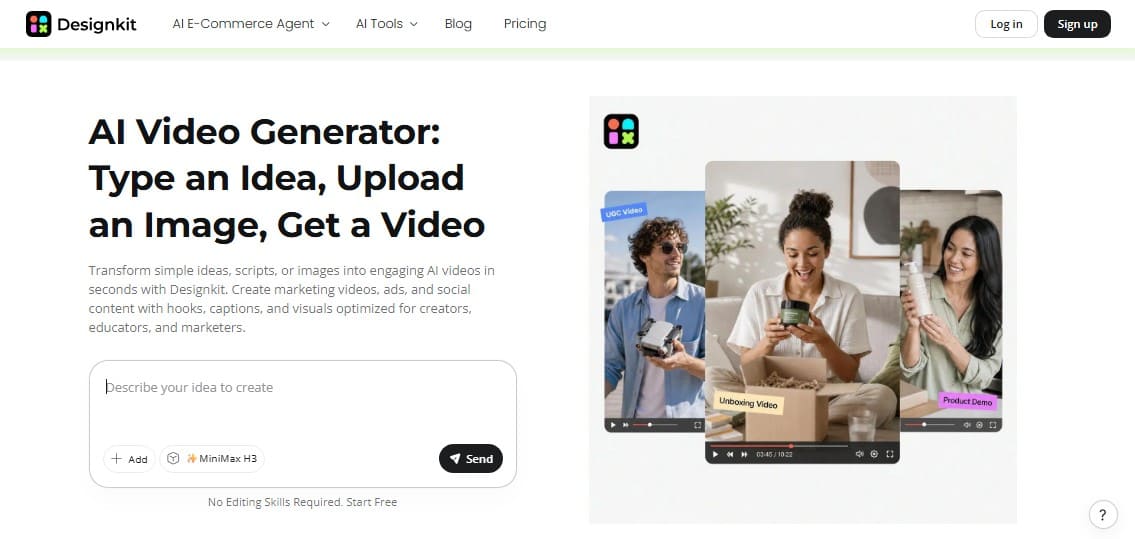
With the input ready, open Designkit's AI Video Generator while you learn how to make AI fruit videos. Enter the scene description for text-to-video, or upload the character image and add a motion instruction for image-to-video. Set the aspect ratio before generating. Use a vertical frame for TikTok, Reels, and Shorts, or choose landscape for longer compilations and widescreen platforms.
Tip: Generate one scene at a time. Separate clips give the model fewer actions to resolve, and a weak scene can be replaced on its own.
Step 4: Review the Result
Check the face, the mouth movement, the shape and texture, and any props. Confirm the action reaches a clear ending and the camera holds steady. When a detail drifts, simplify the instruction or generate again. For a recurring character, reuse the source image and repeat only what must stay fixed.
Step 5: Export and Prepare It for Posting
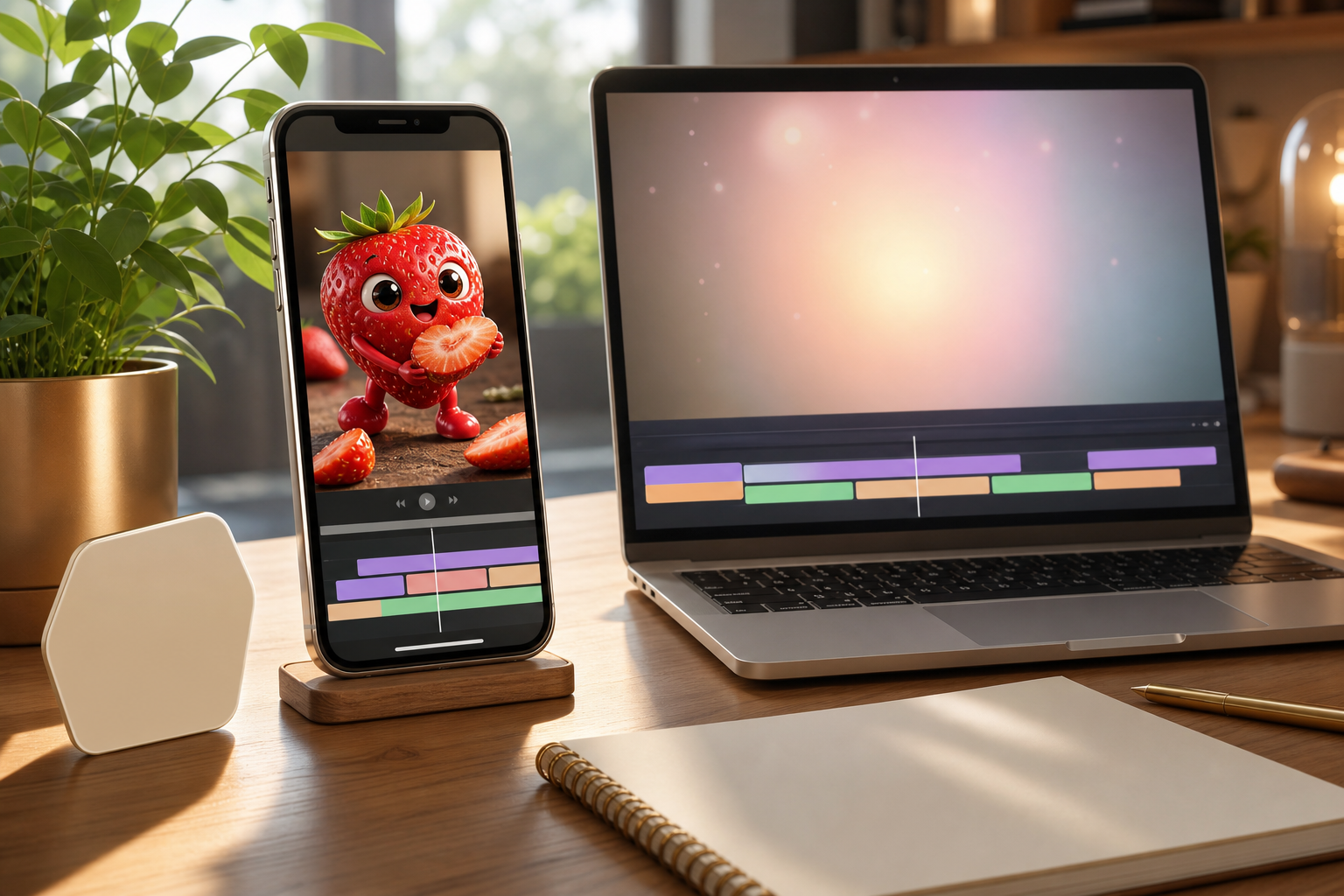
Export once the action and appearance are acceptable for an AI fruits video. Trimming, captioning, sound balancing, and assembly happen afterward in your usual editing workflow. Check the platform's rules before posting.
TikTok asks creators to label realistic AI-generated content, and YouTube requires disclosure for altered or synthetic content that could pass for real. No video is guaranteed to gain traction, since performance depends on the idea, execution, timing, and audience response.
AI Fruit Prompt Formula and Examples
Writing every prompt from scratch can slow down the process, so use a reusable structure to keep each instruction focused:
Fruit Character + Defining Appearance + Action + Expression + Setting + Camera + Sound + Consistency Instruction
A niche fruit AI prompt does not need to be extremely detailed. It only needs to make the subject, action, and intended result visually clear enough for the model to follow.
1. Fruit Eating Fruit Prompt
A shiny red strawberry with a small mouth rests on a counter. A hand presents a strawberry leaf. The strawberry takes a small bite, chews, and frowns. Static close-up, bright morning light, clear crunch sound, continuous shot.
2. Cute AI Fruit Prompt
A tiny banana character with large shiny eyes and small peel arms tilts its head, giggles, and blows a kiss. Cozy wooden desk, slow zoom shot, soft background music.
3. Talking Fruit Prompt
An orange character with a snarky expression makes a quick joke about summer heat. Close-up view, sunny porch backdrop, simple mouth animation, sharp audio.
4. AI Fruit Story Prompt
A cherry walks to a closed fridge door and spots a map. It checks the directions, turns left, and steps toward the dark pantry. Maintain identical cherry shape, red tone, and green stem across every frame.
Note: Use these 4 prompts as flexible guides, since distinct models and repeated attempts create different results every time.
Create an Original Format, Not a Direct Copy
Trends spark ideas, but direct copies cause legal risks. When you create an AI fruit video, build a unique concept instead of a clone. Design fresh characters, invent original names, and write brand-new premises rather than replace a current show's cast. Avoid copied logos, dialogue, audio tracks, and sets.
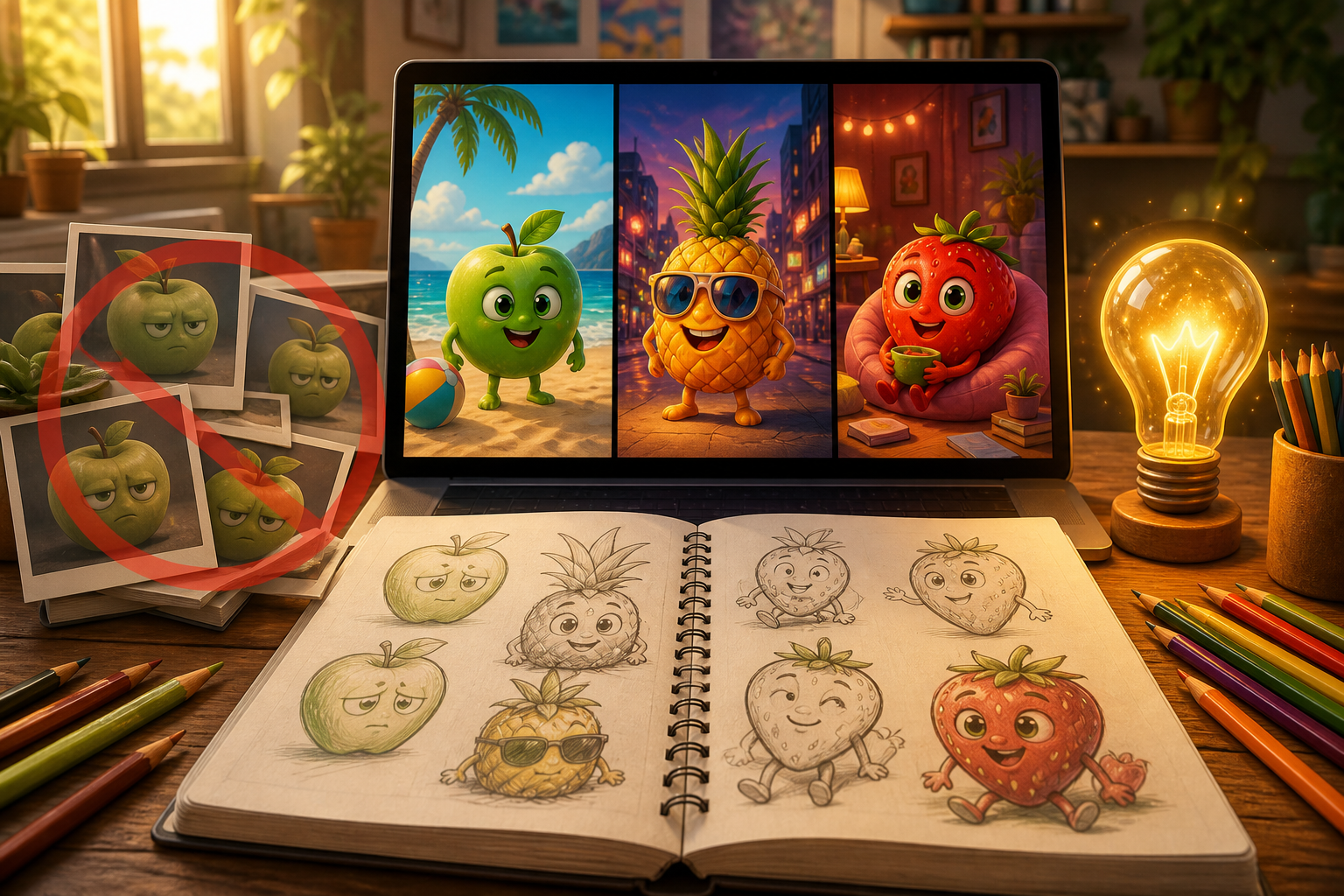
Always check software commercial terms before you monetize content, and follow platform rules for synthetic media labels. Focus on a strong, repeatable story structure instead of mass spam output. A viral AI fruit story trend serves as a launchpad, but your final format must rely on its own distinct identity, character logic, and creative setup.
Make Your Own AI Fruit Video
AI fruits have evolved from surreal internet memes into a creative format for short-form storytelling. Start with one distinctive fruit character and a simple action, then build additional scenes as its appearance and personality become consistent. In Designkit, create or upload your character, bring the scene to life with AI-generated motion, refine the final clip, and prepare it for publishing.
Frequently Asked Questions
What are AI fruits?
What does "niche fruits AI" mean?
The phrase refers to AI-generated fruits with faces eating pieces of their own kind, often with detailed ASMR sound. Know Your Meme dates the format to July 2025, spreading that August through captioned reuploads.
What is Fruit Love Island AI?
It was an AI-generated fruit drama presented as a serialized dating-show parody, which went viral on TikTok in March 2026. Treat it as one example of AI fruits developing into recurring-character storytelling, not a name for the whole format.
How do I make an AI fruit video?
Choose a format, create or select the starting character, then define one scene. Generate it through text-to-video or image-to-video, review the face and action, then prepare the clip after export.
Do I need an AI fruit generator?
No. You can use a dedicated AI fruit generator or a general image and video generation workflow. The important part is having a tool that can create the character, animate the scene, and support any editing needed afterward.
Should I use text-to-video or image-to-video?
Use text-to-video for standalone scenes where the character design can stay flexible. Choose image-to-video when a particular face, texture, or accessory must carry across several clips. A reference image improves continuity without guaranteeing it, so check each result before generating the next scene.
You May Also Like

PixVerse AI Review 2026: Is It Worth Using for AI Videos?

How to Animate a Picture with AI: Easy Step-by-Step Guide

How to Write a Video Script: Structure, Tips & Examples

What Is B-Roll? Meaning, Examples, and How to Use It

How to Make a TikTok Video: A Step-by-Step Guide 2026

How to Make an Instagram Post: Step by Step Creation Guide

Social Media Copywriting: Tips, Examples & Best Practices

What Are AI Fruits? The Trend, the Formats, and How to Make One

LTX Studio Review: Features, Pricing & AI Filmmaking Guide

HeyGen vs Arcads: Which AI Video Tool Wins in 2026?

Arcads AI Review 2026: Features, Pricing, Pros, Cons & Alternatives
Creatify AI Reviews: Features, Pricing & Alternatives (2026)
What Are Satisfying Videos? Types, Tips & How to Make (2026)
How to Generate Product Videos from Images with AI (2026 Guide)
How to Create a Product Launch Video with AI: A Step-by-Step Guide
What Is a Brand Video? Types, Examples & How to Create One
AI Product Demo vs Live Demo: Which Gets More SaaS Sign-Ups?
How to Create AI Product Promotion Videos in Minutes (Step-by-Step)
Best AI Product Video Ad Generators for Ecommerce in 2026

How to Boost Ecommerce Sales: Proven Strategies That Work
How to Add Video to eBay Listing: Step-by-Step Seller Guide
Short Form Video Marketing for E-commerce: AI Video Guide

What Is Video Marketing? E-commerce Guide & Strategies 2026
Bring Your Own AI Fruit Character to Life
Start with one fruit character and a clear action, then use Designkit’s AI Video Generator to create the scene and develop your idea one clip at a time.


