
Which Free and Paid AI Video Generators Are Best in 2026?
AI video generators are moving from short experiments to real creative workflows. Compare the leading free and paid tools by quality, control, pricing, and limits before choosing one for your next video.

TL;DR:
- Choose cinematic generators for creative scenes, image-to-video tools for animating visuals, avatar platforms for presentations, or marketing-focused tools for product promotions.
- Check monthly credits, generation limits, video duration, watermarks, export resolution, and access to premium models before subscribing.
- Generate sample clips to evaluate prompt accuracy, motion realism, visual consistency, and editing requirements.
- Factor in subscription fees, credits consumed, failed generations, and retries to estimate your actual production cost.
- Confirm licensing terms and restrictions before publishing videos in paid campaigns, client projects, or product listings.
- Choose tools that support your required aspect ratios, export formats, editing controls, and production speed.
- Use general-purpose generators for creative experiments and marketing-focused platforms for repeatable e-commerce and promotional content.
Choosing the best AI video generator in 2026 depends on the type of video you want to create, the level of control you need, and your budget.
Some tools specialize in cinematic text-to-video generation, while others focus on animating images, creating AI avatar videos, or producing marketing content.
This guide compares leading free and paid AI video generators by features, pricing, output quality, and practical use cases to help you choose the right tool for your projects.
Best AI Video Generators in 2026 at a Glance
Compare free access, entry-level pricing, and practical limitations to find the right AI video generator for your project. The table below separates tools for cinematic generation, presenter videos, creative effects, and e-commerce marketing. Prices are in USD; plans and regional availability can change, so verify the linked official pricing pages before subscribing.
|
Tool |
Best For |
Free Access |
Starting Price |
Watch-outs |
|---|---|---|---|---|
|
Runway |
Directed generative video and creative control |
125 one-time credits |
Check official website |
Credits can be consumed quickly; advanced generations cost more. Runway |
|
Google Veo |
Realistic scenes and prompt-led video generation |
Google Vids offers 10 free video generations monthly for personal Google accounts, according to Google's April 2026 announcement |
Depends on the access route |
Features differ across Google products and subscriptions; check current availability. blog.google+1 |
|
Pippit AI |
Product promotions and marketing videos |
Free plan with daily credits |
Paid Starter plan; verify current checkout price |
Advanced models, faster generation, and watermark removal require eligible paid access. Pricing & Plans |
|
Kling AI |
Cinematic clips and image-to-video workflows |
Check current free-credit allowance |
Check offiical website |
Complex movement and consistent subjects may require several attempts. |
|
PixVerse |
Text-to-video, image animation, and visual effects |
Basic plan: $0, with 60 initial credits and 30 daily credits listed on its pricing information |
Standard: $10/month |
Free output is limited; resolution, credits, and eligible models vary by plan. PixVerse+1 |
|
Pika |
Stylized clips and creative transformations |
Free access with credit packs rather than a monthly credit allowance |
Starter: $10/month |
The free plan excludes commercial licensing; check usage rights before publishing business content. Pika |
|
HeyGen |
AI presenters, explainers, and localized videos |
3 videos/month, up to 1 minute each, with watermark |
Creator: $29/month |
Longer videos, clean exports, and larger credit allowances require paid access. HeyGen |
|
Synthesia |
Training, instructional, and business videos |
Basic: $0/month, with a limited video allowance |
Starter: $29/month on monthly billing |
Free videos carry a watermark; Advanced avatars and team features depend on the plan. Compare Free and Paid Plans+1 |
|
Luma AI |
Generative video and visual experimentation |
Check current free access |
Listed options include a $9.99 weekly plan or $49.99 monthly plan on its current pricing page |
Credit use depends on model, duration, and settings; compare the cost per usable clip. Luma AI |
|
Designkit |
Product-focused videos and e-commerce creative assets |
Check current free access |
Check official website for current plans |
Confirm available video models, export settings, generation limits, and commercial usage terms before committing. |
The Best AI Video Generators Reviewed: How We Chose These AI Video Generators
The best AI video generator depends on the content you need to produce, the control you want over the result, and how often you plan to generate videos. This review compares tools across text-to-video, image-to-video, cinematic generation, AI avatars, and e-commerce marketing workflows, including their free access, paid plans, and practical limitations.
We selected tools with an identifiable use case, a current access path through a free plan, trial, or paid subscription, and a distinct role in video creation. The comparison covers text-to-video (T2V), image-to-video (I2V), AI avatar videos, and product-focused marketing content. We also considered credit limits, export restrictions, creative controls, and commercial-use terms. These tools are not interchangeable: a strong cinematic generator may be less suitable for a product listing, while an avatar platform may be a better fit for staff training or customer explainers.
1. Runway: Best for Directed Generative Video
Best for: Filmmakers, creative teams, and marketers who need greater control over generated scenes.
Overview: Runway combines generative video tools with creative controls for developing, refining, and editing visual sequences. It suits projects where camera movement, motion, and scene direction matter more than producing a quick template-based promotional video.
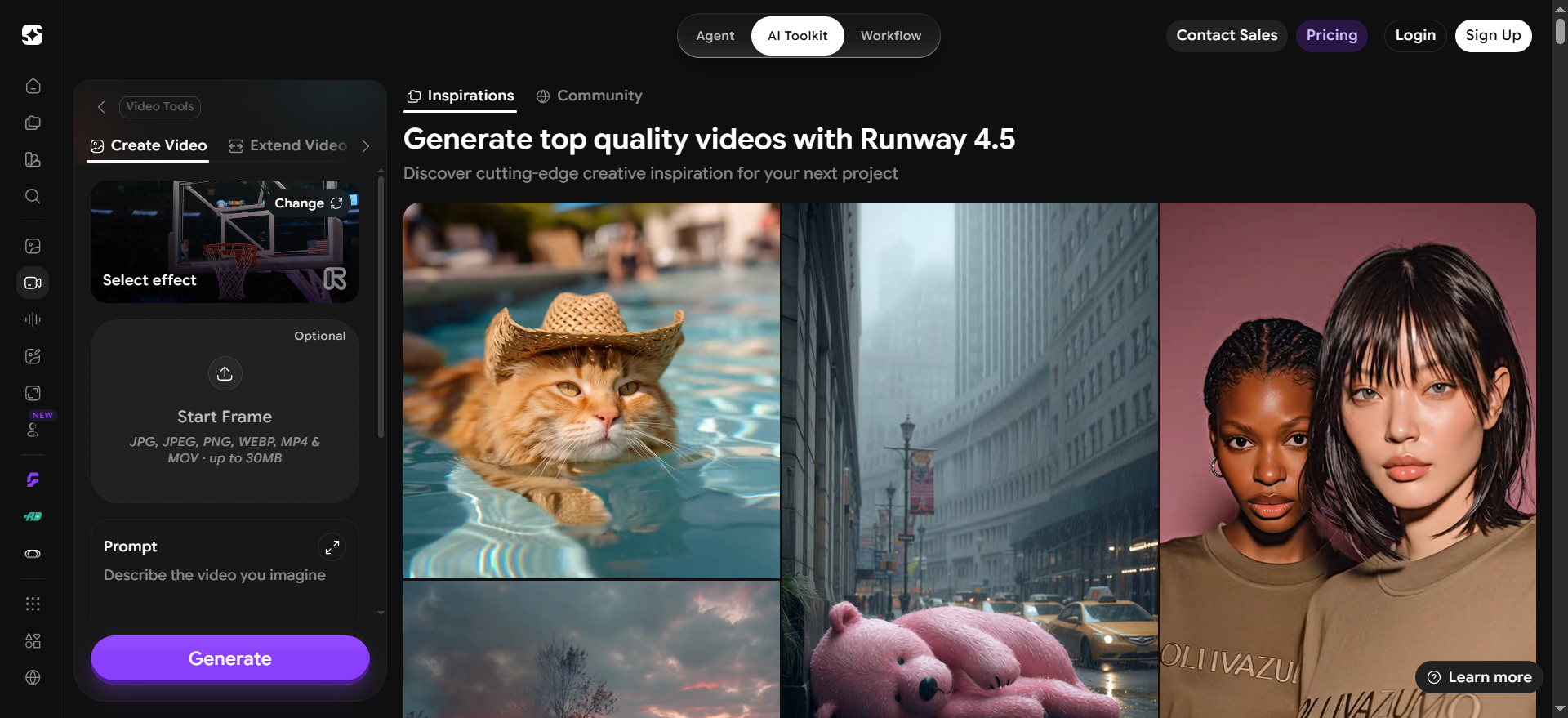
Key features to evaluate:
-
Text-to-video and image-to-video generation
-
Camera and motion controls
-
Tools for refining generated footage
-
Export options and supported video formats
Free access: A limited introductory credit allowance may be available. Check the current plan for eligibility and remaining generation capacity.
Limitations: Repeated generations and complex scenes can consume credits quickly. Results may still need editing to maintain visual continuity across shots.
Verdict: Choose Runway when creative direction is central to the project. For repeatable product listings or presenter-led training, a workflow built specifically for those tasks may be more practical.
2. Google Veo: Best for Prompt-Driven Scene Generation
Best for: Creators who want realistic scenes from written prompts or reference images.
Overview: Google Veo is a generative video model available through eligible Google products. It is suited to creating scenes from descriptions and, where supported, animating visual references. Access, controls, and output options depend on the product through which the model is used.
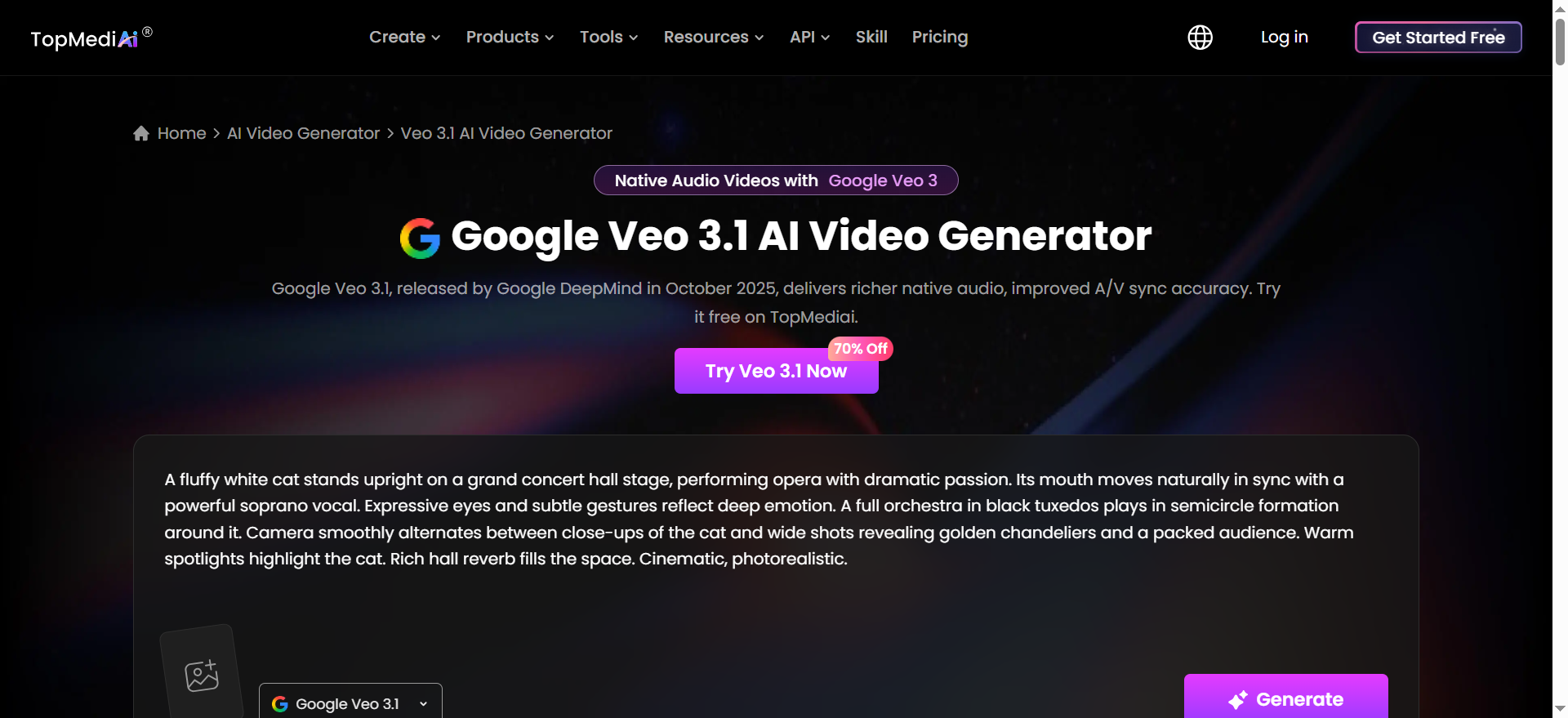
Key features to evaluate:
-
Text-to-video generation
-
Image-to-video capabilities where available
-
Prompt adherence and scene realism
-
Supported duration, resolution, and aspect ratios
Free access: Availability depends on the Google product and account. Some access routes may provide limited free generations, while advanced features may require an eligible subscription.
Limitations: Model availability and generation limits vary across products, regions, and subscription tiers. Realistic output does not guarantee accurate text, product details, or consistent characters across shots.
Verdict: Veo is worth testing for realistic, prompt-led scenes. Verify access and generation limits before choosing it for a recurring production schedule.
3. Pippit AI: Best for Marketing Videos and Product Promotion
Best for: E-commerce sellers, social media managers, and marketing teams producing promotional content.
Overview: Pippit AI focuses on marketing-oriented content creation rather than cinematic experimentation alone. Its value lies in helping users turn creative inputs and product-related assets into content for promotional and social channels.
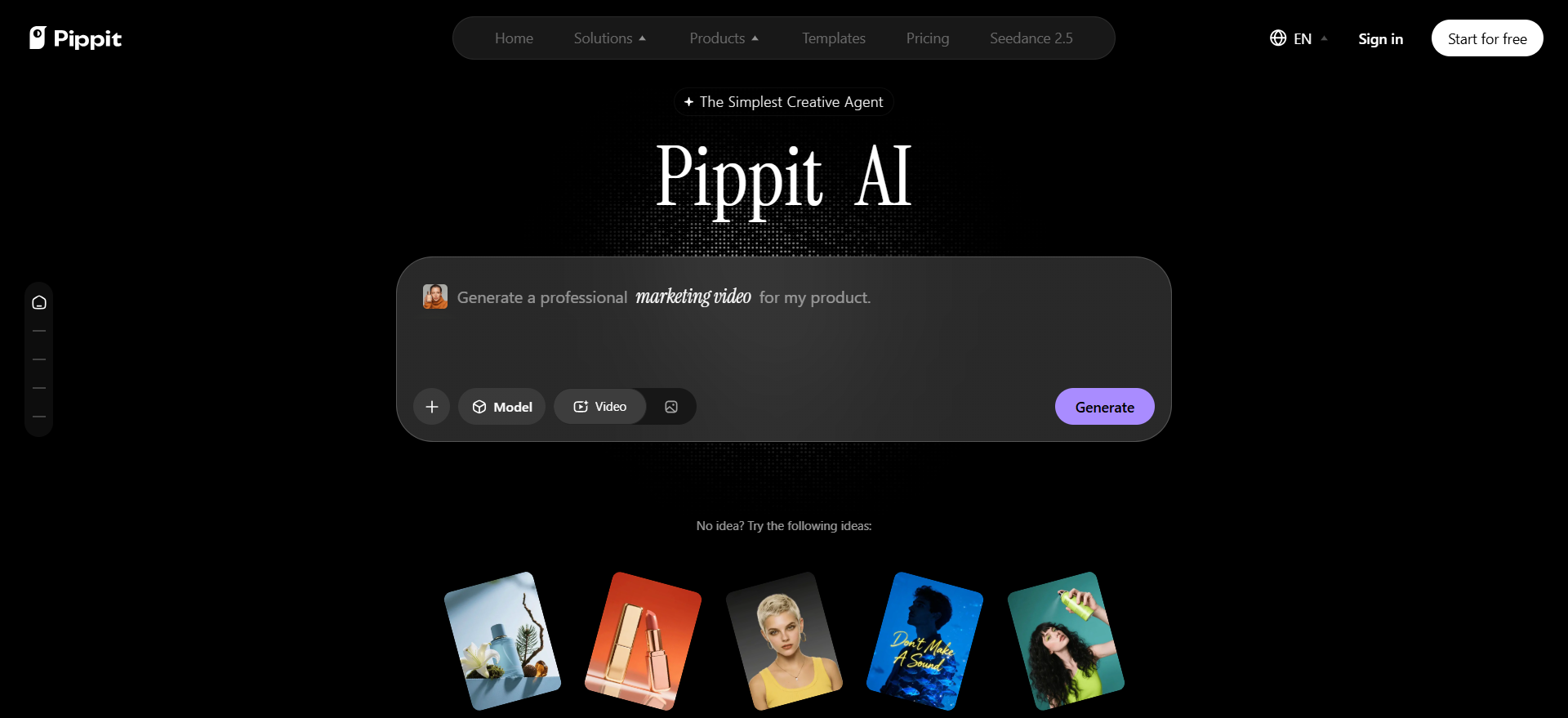
Key features to evaluate:
-
AI-assisted marketing video creation
-
Product-focused promotional workflows
-
Creative assets for social media campaigns
-
Available generation models and editing tools
Free access: A free plan with a limited credit allowance may be available. Confirm the current daily credits and which features they cover.
Limitations: Credit allowances, model access, export options, and advanced features depend on the plan. Check whether the workflow supports the exact product visuals and output formats your campaign requires.
Verdict: Pippit is a relevant option for marketers who need promotional content rather than a general-purpose cinematic generator. Compare it with Designkit if product imagery and e-commerce creative assets are also part of your workflow.
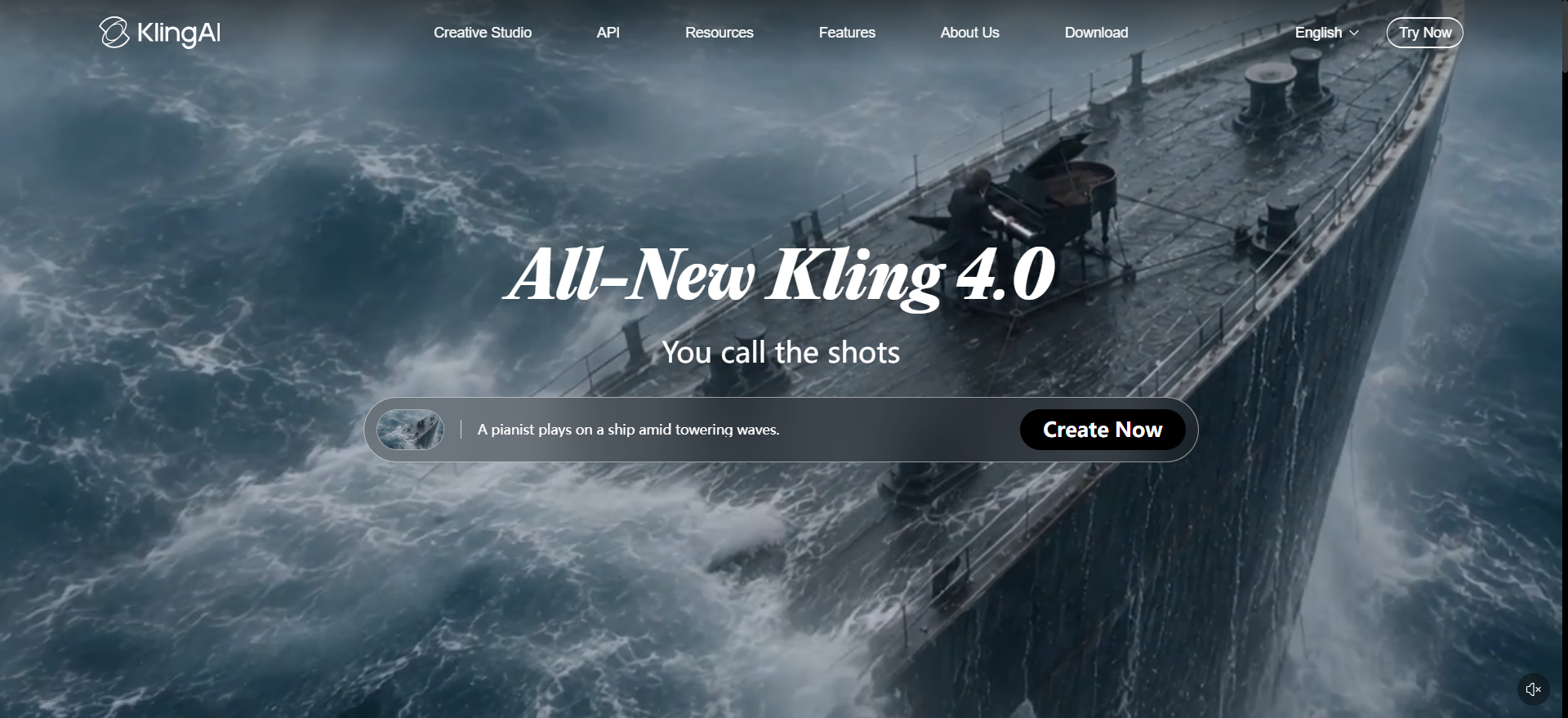
4. Kling AI: Best for Image-to-Video and Cinematic Motion
Best for: Creators animating still images or developing scenes with noticeable subject movement.
Overview: Kling AI is a generative video platform used for text-to-video and image-to-video workflows. It can be useful when you already have a visual reference and want to add movement without rebuilding the entire scene from scratch.
Key features to evaluate:
-
Text-to-video and image-to-video generation
-
Motion and subject continuity
-
Reference-image support where available
-
Video duration and generation settings
Free access: Free credits may be available, depending on the current plan and account.
Limitations: Complex movement can introduce distortions or changes to the subject. Longer sequences and repeated attempts may increase credit consumption.
Verdict: Kling is worth considering for image animation and cinematic motion. Test it with your own reference images to see whether the output preserves the details that matter.
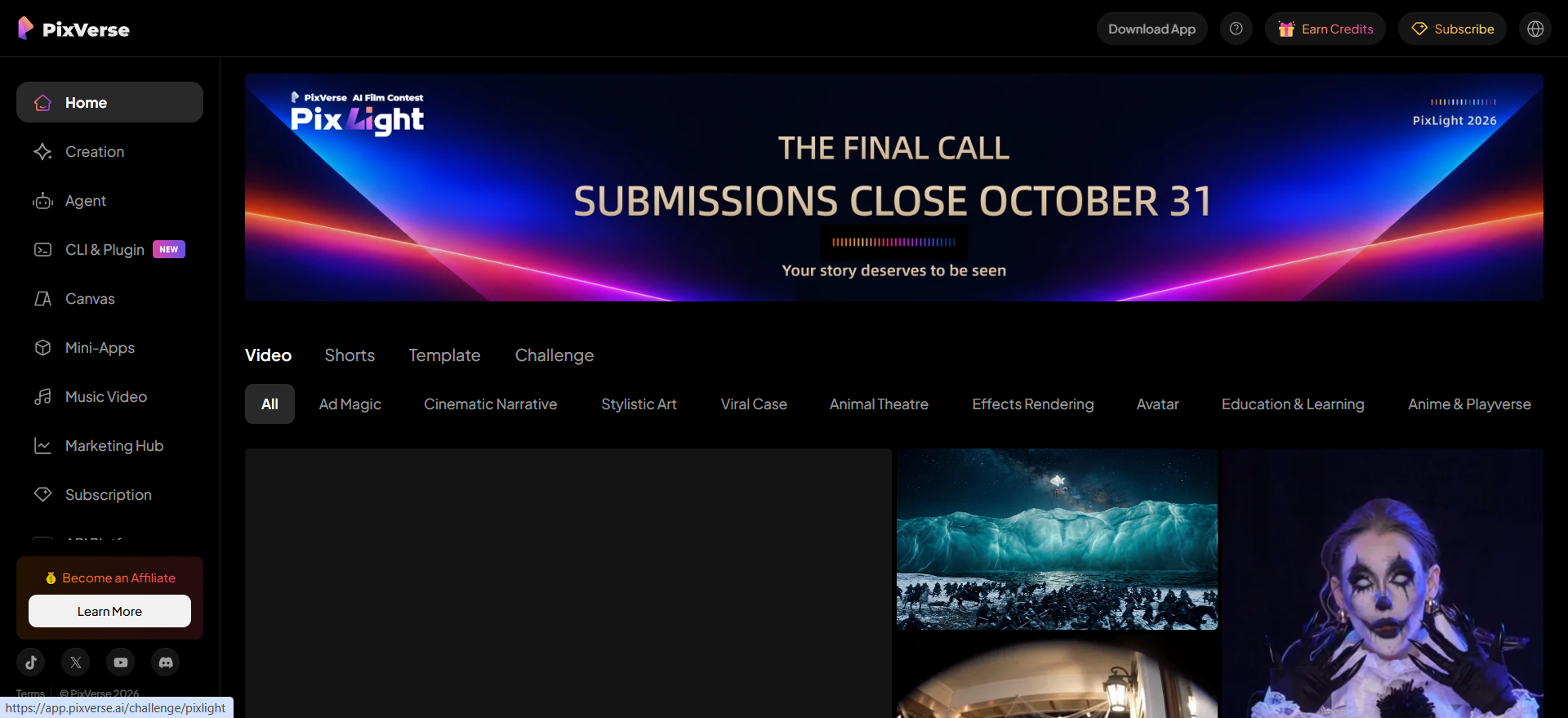
5. PixVerse: Best for Online Video Generation and Creative Effects
Best for: Beginners and social creators who want to experiment with generated clips and visual effects.
Overview: PixVerse offers an online workflow for generating videos from prompts or images, with creative effects that can help turn simple concepts into short visual content.
Key features to evaluate:
-
Text-to-video and image-to-video
-
Creative effects and transformations
-
Available generation models
-
Resolution and export options
Free access: The platform offers introductory and recurring free credits. Check the current allowance and whether credits reset daily or monthly.
Limitations: Free access may restrict output quantity, resolution, or model selection. Effects can also change the appearance of a subject, so review the result before using it in branded content.
Verdict: PixVerse suits creators who want to test different visual styles without immediately committing to a paid plan. It may be less suitable when strict product accuracy is essential.
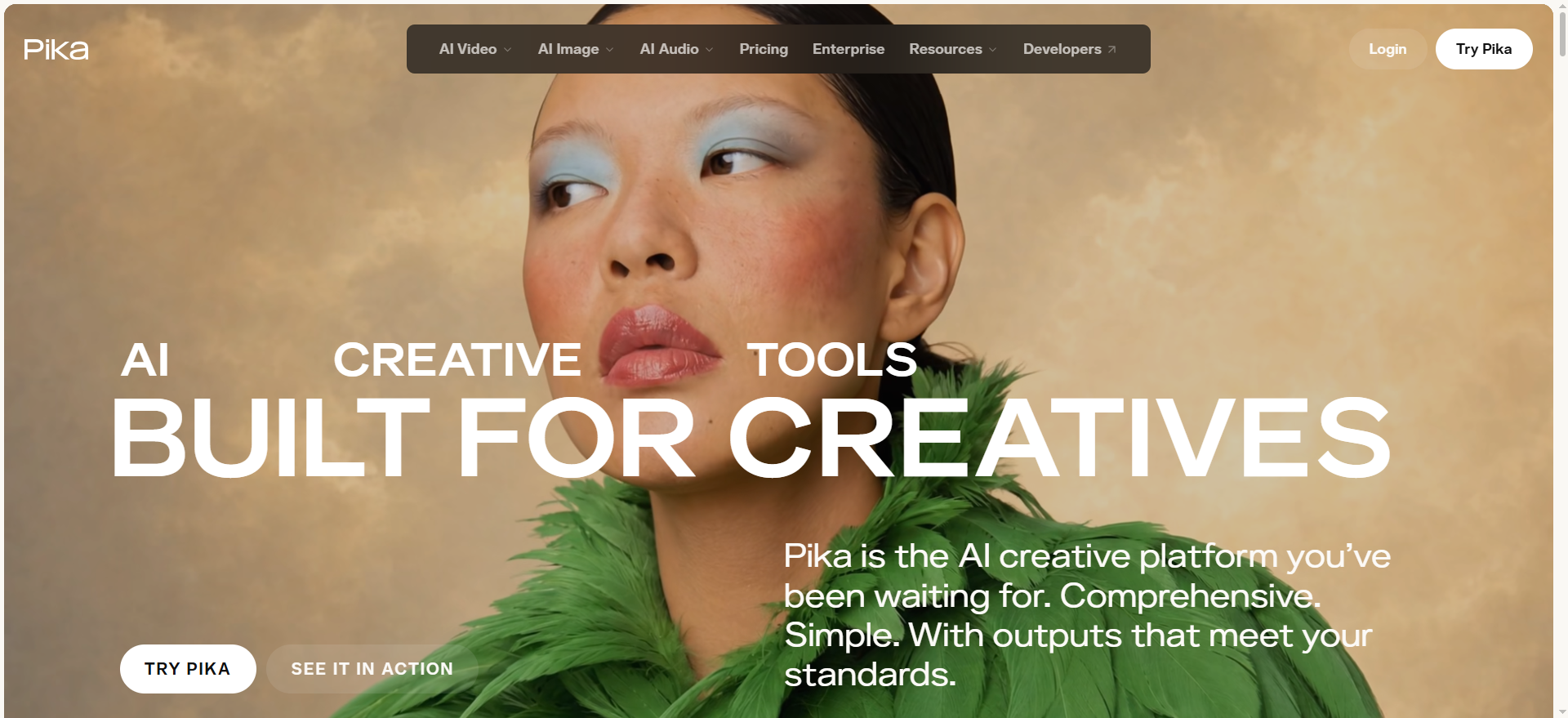
6. Pika: Best for Stylized Short-Form Videos
Best for: Social creators who want short clips with distinctive effects or creative transformations.
Overview: Pika focuses on accessible generative video and visual effects. It is useful for turning an idea or image into a short, attention-grabbing clip for social posts and creative experiments.
Key features to evaluate:
-
Text-to-video and image-to-video
-
Stylized transformations and effects
-
Short-form clip creation
-
Available output and editing controls
Free access: Limited free access may be available, but the allowance and credit structure can change.
Limitations: Free usage may not include recurring monthly credits or all premium features. Creative effects may be unsuitable for projects that require realistic product representation.
Verdict: Choose Pika for short, stylized content where visual impact matters more than precise product details or extended storytelling.
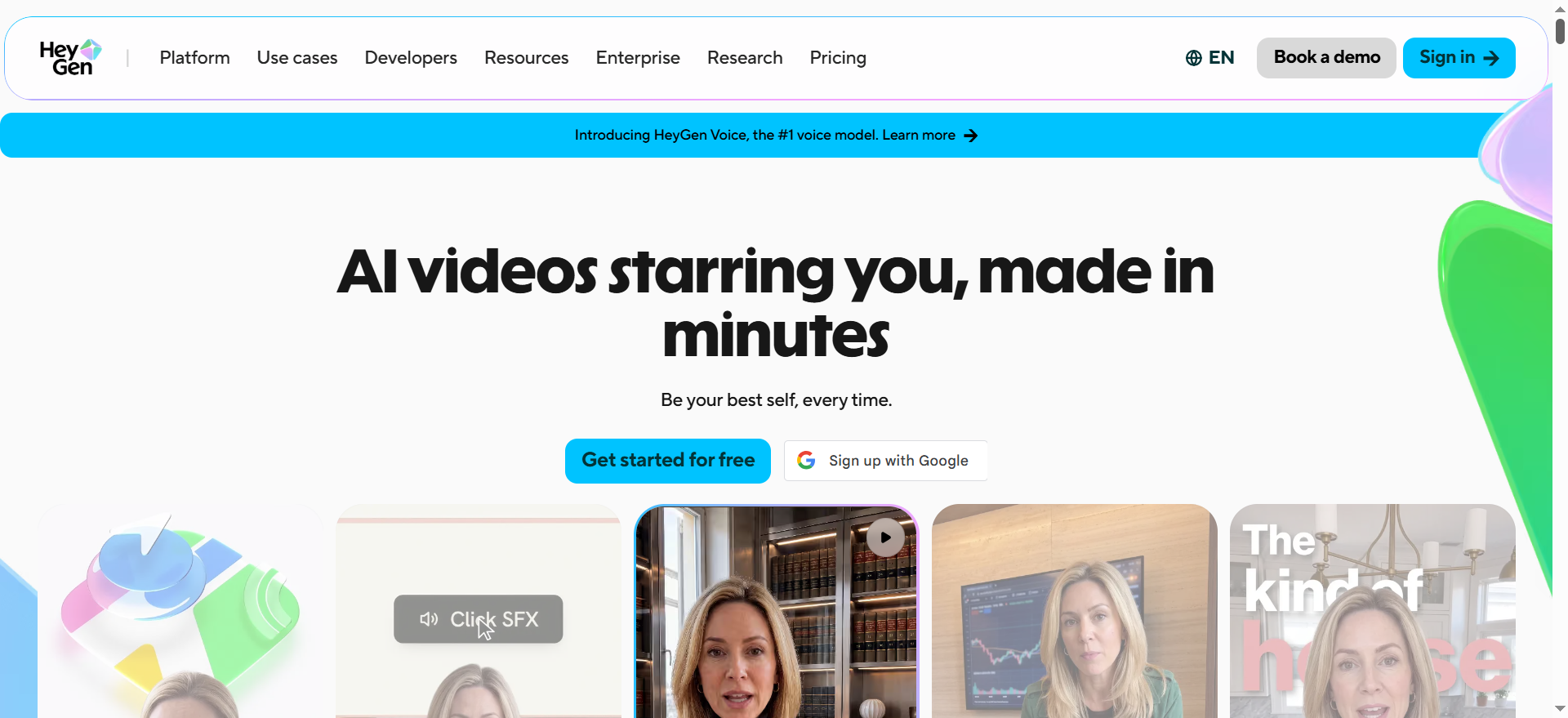
7. HeyGen: Best for AI Avatar and Presenter Videos
Best for: Businesses producing explainers, product introductions, training videos, and localized presentations.
Overview: HeyGen specializes in presenter-led videos featuring AI avatars and generated speech. Instead of creating a cinematic scene from scratch, users typically prepare a script, select a presenter, configure the voice, and generate a talking-head video.
Key features to evaluate:
-
AI avatars and presenter options
-
Script-to-video generation
-
Voice and language support
-
Video translation and localization
-
Export and sharing options
Free access: A limited free plan offers a small number of videos per month. Check the current duration, watermark, and export restrictions.
Limitations: Avatar realism, pronunciation, gestures, and lip synchronization can vary. Premium plans may be necessary for longer videos, higher usage, and advanced customization.
Verdict: HeyGen is a strong candidate when a person needs to explain a product or process on screen. For cinematic storytelling or animated product scenes, a generative video tool may be a better match.
8. Synthesia: Best for Training and Business Communication
Best for: HR teams, educators, and businesses producing repeatable instructional videos.
Overview: Synthesia focuses on structured, presenter-led video creation. Users can develop a script, select an avatar and template, and generate videos for onboarding, training, internal communication, and educational content.
Key features to evaluate:
-
AI presenters and script-based generation
-
Business video templates
-
Multilingual voice and language support
-
Team collaboration and content management
-
Available export and sharing controls
Free access: A limited free plan may be available, with restrictions on video minutes or features.
Limitations: Avatar and video allowances vary by subscription. The format is designed primarily for communication and instruction, not cinematic scenes or realistic product demonstrations.
Verdict: Synthesia is worth considering for organizations that need consistent instructional videos at scale. Creators seeking expressive scenes or product-focused visuals should compare it with other categories of tools.
9. Luma AI: Best for Generative Visual Experimentation
Best for: Creators exploring realistic motion, imaginative scenes, and image-based video generation.
Overview: Luma AI offers generative media tools for developing video concepts from prompts and visual references. Its suitability depends on the current model, available controls, and the type of scene you want to produce.
Key features to evaluate:
-
Text-to-video and image-to-video options
-
Scene and motion generation
-
Supported reference inputs
-
Available duration and output settings
Free access: Access and trial options depend on the current product and plan. Check the available generation allowance before starting a project.
Limitations: Generation costs can vary by model and settings. Complex scenes may require multiple attempts, and visual consistency across separate clips may need additional editing.
Verdict: Luma AI is a useful option to test for creative visual development. Compare actual output quality and the cost of usable clips before relying on it for recurring campaigns.
10. Designkit: Best for Product Videos and E-Commerce Creative Workflows
Best for: E-commerce sellers and marketing teams creating product-focused visuals for listings, advertisements, and social campaigns.
Overview: Designkit takes a broader visual-content approach, combining product-focused creative workflows with image editing and video generation capabilities available through its current tools. Its relevance is not limited to generating a cinematic clip: sellers may also need product imagery, background adjustments, and reusable assets for multiple marketing placements.
Key features to evaluate:
-
Available AI video generation models and workflows
-
Product focused visual creation and editing
-
Image to video options, where supported
-
Creative assets for e-commerce and marketing
-
Export settings and compatibility with campaign formats
Free access: Check the current account allowance and whether video generation uses separate credits from image-generation tools. Image credits should not be treated as proof of free video access.
Limitations: Available models, video-generation limits, export options, and commercial usage rights should be verified before committing to a plan. Review generated product details carefully to catch changes to packaging, labels, colors, or other important features.
Verdict: Designkit is worth evaluating when video is one part of a wider e-commerce design workflow. Sellers who need only cinematic text to video generation may prefer a specialist generator, while teams creating product visuals across listings and marketing channels may benefit from a broader toolset.
How to Choose the Best AI Video Generator for Your Project
The best AI video generator depends on what you need to create, how much editing control you want, and how many usable videos you expect to produce. A tool that creates realistic scenes from text may not be the best choice for animating product photos or making presenter-led tutorials. Before choosing among the best AI video generators in 2026, match the generation method to your project, then compare output quality, retries, pricing, export options, and commercial usage rights.
|
Your Main Goal |
Generator Type to Prioritize |
What to Evaluate |
|---|---|---|
|
Create a scene from a written prompt |
Text-to-video |
Prompt adherence, scene quality, motion |
|
Animate a product image or illustration |
Image-to-video |
Subject preservation, motion control |
|
Make a presenter-led explainer |
AI avatar generator |
Speech, lip-sync, language support |
|
Create product promotion videos |
Product-video workflow |
Product accuracy, visual direction, reuse |
|
Produce short social clips |
Short-form video generator |
Vertical output, pacing, export options |
|
Build training or instructional videos |
Script and avatar workflow |
Narration, structure, editing |
|
Experiment without paying |
Generator with a verified free tier |
Credits, watermarks, resolution, restrictions |
Best AI Video Generator for Text-to-Video
Text-to-video tools such as Runway and Google Veo turn written prompts into video scenes. They suit concept previews, storytelling, and campaign visuals. Compare how accurately each tool follows your instructions, handles movement, and maintains scene consistency. If you need a specific shot, test several prompts before deciding which generator fits your workflow.
Best AI Video Generator for Image-to-Video
Image-to-video tools such as Kling AI and Luma AI animate existing photos and illustrations. They can help bring product concepts, campaign images, and creative assets to life. Check whether the subject keeps its original shape, color, and details during movement. For e-commerce videos, product accuracy matters more than dramatic motion that changes the item's appearance.
Best AI Video Generator for AI Avatars
AI avatar generators such as HeyGen and Synthesia are useful for training videos, product explainers, and business presentations. Before choosing one, compare voice quality, lip-sync accuracy, language options, avatar customization, and available export settings. If you create videos regularly, also check generation limits and subscription costs to ensure the tool fits your publishing schedule.
Best AI Video Generator for Marketing and Product Videos
For marketing content, compare tools such as Pippit and Designkit based on the workflow you need. Look for ways to develop promotional visuals from existing assets, adapt content for different channels, and refine videos for campaigns. E-commerce sellers should also review product consistency, supported formats, and editing options. Confirm each platform's current features before committing to a paid plan.
Best Free AI Video Generator for Beginners
A free AI video generator lets beginners test ideas before paying for a subscription. However, free access may include limited credits, watermarks, restricted downloads, or limits on commercial use. Compare what each plan actually allows rather than choosing by credit count alone. Generate a short test video and check its quality, editing requirements, and export restrictions before upgrading.
How to Compare AI Video Generators Beyond the Demo
A polished demo does not guarantee that an AI video generator will produce usable results consistently. Compare shortlisted tools using the same prompt and, where relevant, the same reference image. Track how many attempts it takes to get an acceptable clip, how many credits each attempt consumes, and how much editing the final result needs. These factors reveal the actual cost of producing videos for your project.
What to Evaluate Before Choosing a Tool
|
Evaluation Factor |
What to Check |
Why It Matters |
|---|---|---|
|
Cost per usable video |
Credits consumed across all attempts, subscription cost, and usable outputs |
Reveals the actual production cost rather than the advertised price |
|
Retry rate |
Number of generations needed to get an acceptable result |
Frequent retries can exhaust credits and slow production |
|
Output quality |
Visual details, realism, artifacts, and suitability for the intended use |
Determines whether the result is ready to publish or needs further work |
|
Prompt accuracy |
Whether the video follows the brief, including actions, subjects, and scene details |
Reduces wasted generations caused by incorrect outputs |
|
Motion and consistency |
Subject movement, scene continuity, and preservation of important details |
Helps prevent distracting errors across the clip |
|
Editing and control |
Available refinement tools and ability to correct unwanted results |
Determines how much extra work is needed after generation |
|
Export and usage rights |
Resolution, file format, watermark rules, and commercial licensing |
Ensures the final video meets publishing and business requirements |
Calculate the Cost Per Usable Video
Subscription prices alone do not show how economical a tool is. A cheaper plan can cost more in practice if it requires repeated generations to produce one acceptable clip.
Track these costs for each platform:
-
Credits per attempt: Record the credits consumed by each generation.
-
Retries per usable clip: Count every attempt needed to get an acceptable result.
-
Editing time: Include the time spent correcting errors or refining the video.
-
Monthly output: Estimate how many videos you can finish within the plan's allowance.
-
Additional charges: Include extra credits, upgrades, or paid editing features.
For example, if a generator uses 20 credits per attempt and takes three attempts to produce one usable video, the clip costs 60 credits before any additional editing expenses.
Test Video Quality and Prompt Accuracy
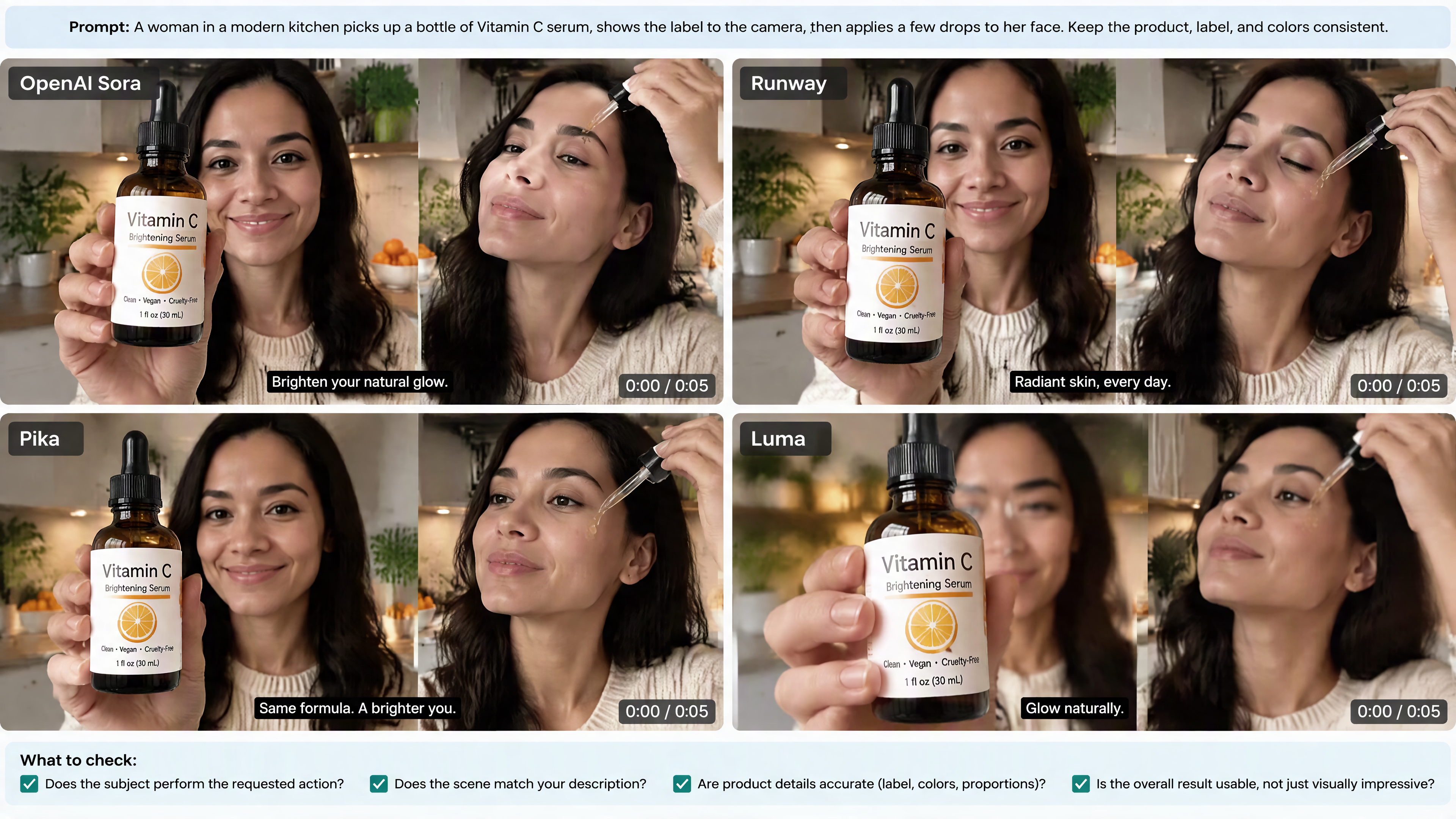
Use the same brief across shortlisted tools to compare how well they follow instructions. Check whether the subject performs the requested action, the scene matches your description, and important visual details remain intact.
For product videos, inspect packaging, labels, colors, proportions, and other identifying features. A visually impressive result may still be unsuitable if the generated product differs from the actual item.
Check Motion and Subject Consistency
Review the entire clip rather than judging only its opening frame. Look for distorted movement, changing facial features, inconsistent clothing, flickering details, and unexpected scene changes.
If you are animating a reference image, check whether the original subject remains recognizable throughout the video. For e-commerce content, prioritize product accuracy over dramatic movement.
Compare Editing Controls and Export Quality
Check whether you can refine a result without regenerating the entire clip. Available controls may include adjusting prompts, changing reference inputs, regenerating sections, or editing the output, depending on the platform.
Before choosing a tool, confirm that it supports your destination's required aspect ratio, resolution, file format, and watermark requirements. Also verify commercial usage rights if you plan to publish videos in advertisements, product listings, or client campaigns.
Run a Simple Comparison Test
Test two or three tools with the same prompt and, where supported, the same reference image. Use a small, repeatable test before paying for a longer subscription.
|
Test Factor |
What to Record |
|---|---|
|
Cost |
Credits consumed by each attempt and total credits per usable video |
|
Retries |
Number of attempts needed to obtain an acceptable result |
|
Prompt accuracy |
Whether the output followed the brief |
|
Visual quality |
Whether details, movement, and scene composition were usable |
|
Consistency |
Whether the subject and important details remained stable |
|
Editing |
Time and effort required to correct errors |
|
Export |
Whether the final file met your publishing requirements |
Keep the results so you can compare tools using the same criteria later. Prioritize the generator that produces acceptable videos consistently with fewer retries and a manageable cost per finished clip, rather than the one with the most impressive demo.
Designkit: A Worthy AI Video Generator for Marketing in 2026
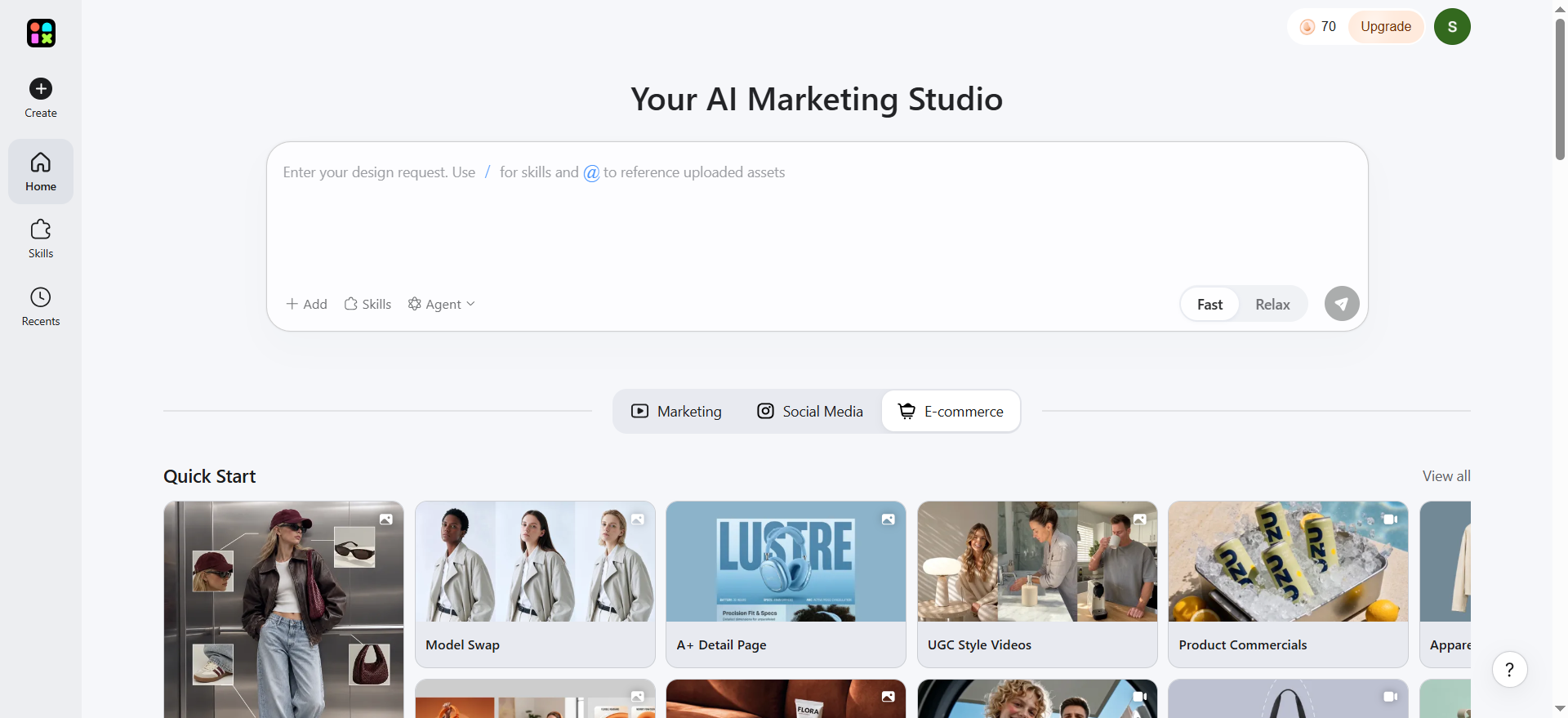
Designkit is worth evaluating if your video workflow extends beyond generating clips to preparing product visuals for e-commerce listings, social media, and digital advertising. Rather than positioning it solely as a cinematic video generator, assess its value through the broader creative workflow: developing product-focused assets, refining visuals, and adapting content for different marketing placements. Check the current video-generation features, available models, and plan limits before choosing it for production.
If Your Main Goal Is Product Video
For e-commerce sellers and marketing teams, a usable product video needs more than attractive motion. The product should remain recognizable, important details should stay accurate, and the final asset should fit its intended placement.
Designkit's broader visual workflow may be useful for:
-
Preparing product visuals: Start with existing product photos and develop assets for promotional campaigns.
-
Refining creative details: Use available image-editing tools to adjust backgrounds and improve the surrounding visual presentation.
-
Creating campaign variations: Explore different visual directions for seasonal promotions, product launches, and social media content.
-
Adapting marketing assets: Prepare visuals for product listings, social posts, and digital advertising formats.
-
Reusing creative work: Refine existing assets for recurring campaigns instead of rebuilding every visual from scratch.
3 Steps to Creating a Video With Designkit's AI Video Generator
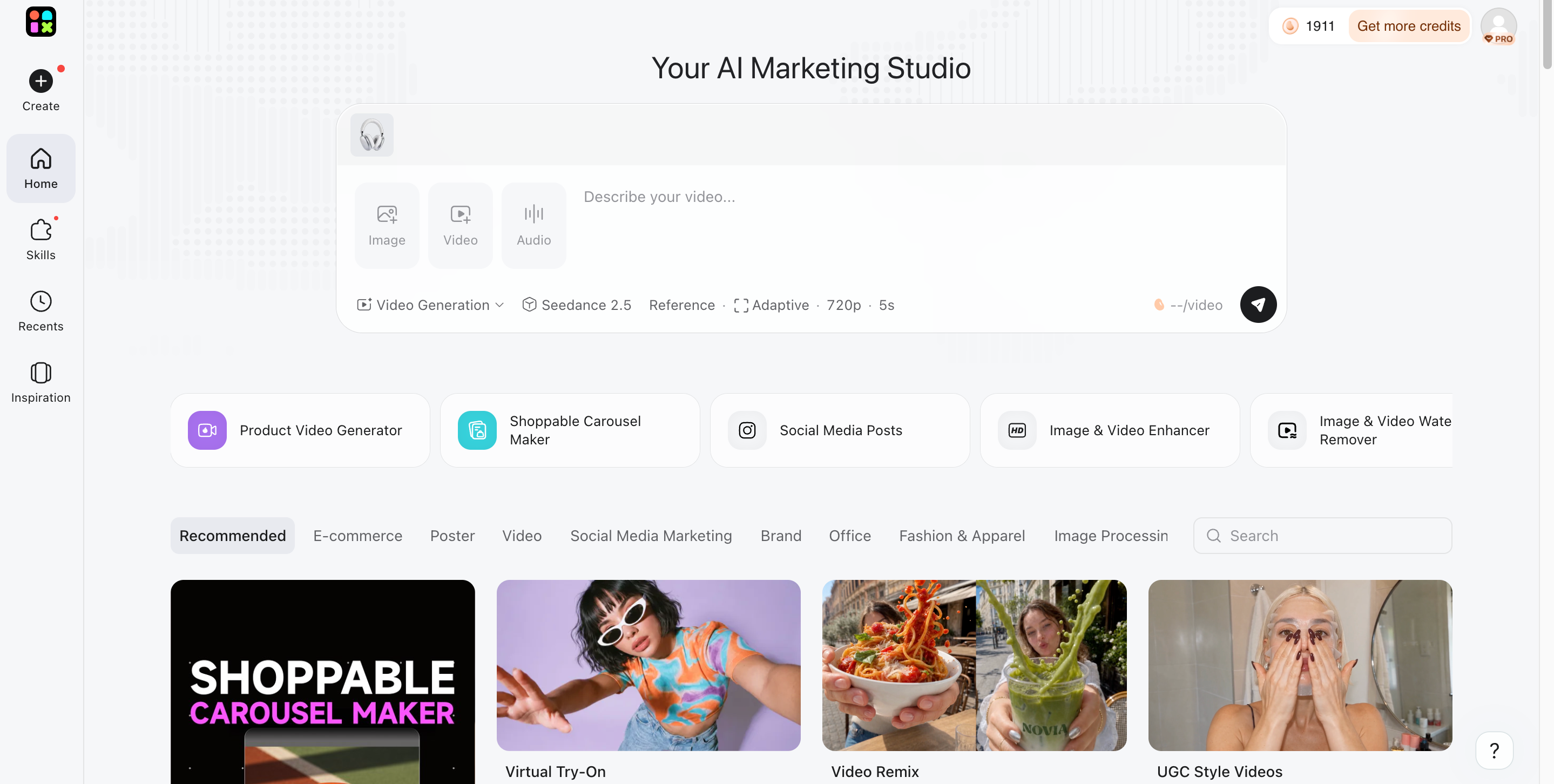
Step 1: Upload Your Reference Files
Upload an image, audio clip, or video to guide the generation. Use product photos, visual references, voice recordings, or existing footage to help shape the result.
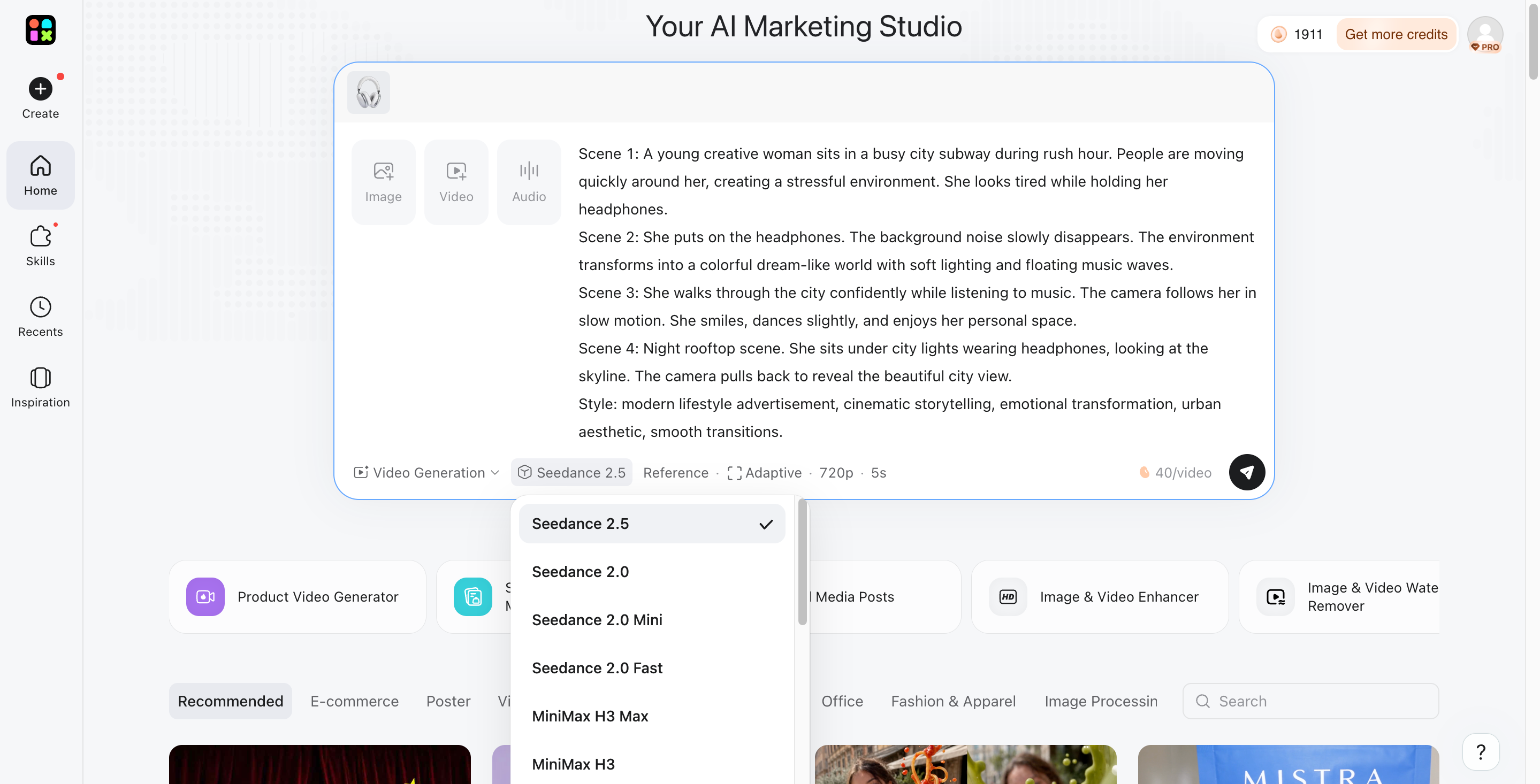
Step 2: Write Your Prompt and Choose a Model
Describe the video you want to create, including the subject, scene, movement, style, and duration. Select an AI model that matches your goal, whether you need realistic scenes, image animation, or marketing content.
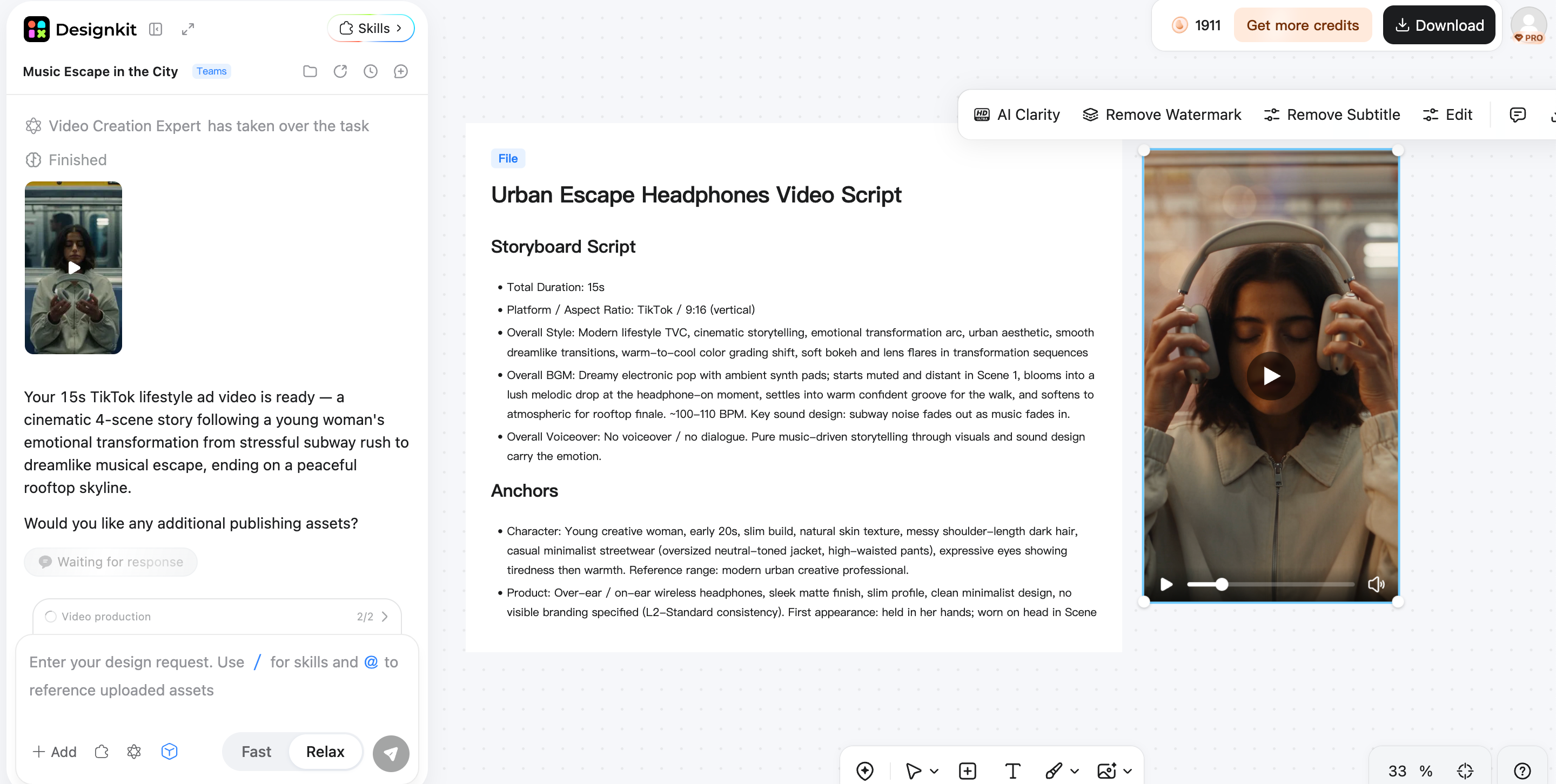
Step 3: Generate and Download Your Video
Review your prompt and uploaded references, then click Send to generate the video. Preview the result, refine it if needed, and download the final video when you're satisfied with the output.
Conclusion
The best AI video generator depends on what you want to create, from prompt-based scenes and animated images to avatar presentations and product promotions. Compare output quality, editing options, free limits, and pricing before choosing a tool. For e-commerce sellers and marketers, the right workflow should also help turn existing product images into useful campaign content without adding unnecessary production steps. Designkit is worth exploring if you want to create and refine marketing visuals in one place. Try Designkit with your own product images or creative ideas to see whether its available tools fit your video content needs.
Frequently Asked Questions
What should I look for when choosing an AI video generator?
Can I generate videos from text prompts using AI?
Yes, text-to-video tools can turn written descriptions into scenes by interpreting details such as subjects, settings, movement, and style. Results vary depending on the prompt and model. Designkit offers AI video generation options to explore creative concepts, helping marketers test visual directions before using them in promotional content.
Can AI turn product photos into videos?
Image-to-video tools can animate product photos with movement and scene changes, making static visuals more engaging. Review the output carefully to ensure product colors, shapes, labels, and packaging remain accurate. Designkit supports visual creation and editing workflows that can help e-commerce sellers prepare marketing assets from product imagery.
Can I create videos for TikTok, Instagram Reels, and YouTube Shorts with AI?
AI tools can help create short-form videos for TikTok, Instagram Reels, and YouTube Shorts. Before exporting, check the aspect ratio, duration, resolution, and platform requirements. Designkit can support broader social media content workflows, helping marketers develop visuals for campaigns and prepare creative assets for different publishing needs.
What makes Designkit different from other AI video generators?
Designkit brings video creation together with image design and editing tools, making it useful for teams that produce more than video alone. Instead of focusing only on generated clips, you can explore a broader visual workflow for product promotions and social campaigns. Its value depends on the specific tools available for your project and current plan.
You May Also Like

Best AI Video Generators in 2026: Free and Paid Tools Compared
Motion Graphics: Types, Examples and Creation Guide

PixVerse AI Review 2026: Is It Worth Using for AI Videos?

How to Animate a Picture with AI: Easy Step-by-Step Guide

How to Write a Video Script: Structure, Tips & Examples

What Is B-Roll? Meaning, Examples, and How to Use It

How to Make a TikTok Video: A Step-by-Step Guide 2026

How to Make an Instagram Post: Step by Step Creation Guide

Social Media Copywriting: Tips, Examples & Best Practices

What Are AI Fruits? The Trend, the Formats, and How to Make One

LTX Studio Review: Features, Pricing & AI Filmmaking Guide

HeyGen vs Arcads: Which AI Video Tool Wins in 2026?

Arcads AI Review 2026: Features, Pricing, Pros, Cons & Alternatives
Creatify AI Reviews: Features, Pricing & Alternatives (2026)

What Are Satisfying Videos? Types, Tips & How to Make (2026)

How to Generate Product Videos from Images with AI (2026 Guide)

How to Create a Product Launch Video with AI: A Step-by-Step Guide
What Is a Brand Video? Types, Examples & How to Create One
AI Product Demo vs Live Demo: Which Gets More SaaS Sign-Ups?
How to Create AI Product Promotion Videos in Minutes (Step-by-Step)

Best AI Product Video Ad Generators for Ecommerce in 2026

How to Boost Ecommerce Sales: Proven Strategies That Work
How to Add Video to eBay Listing: Step-by-Step Seller Guide
Short Form Video Marketing for E-commerce: AI Video Guide

What Is Video Marketing? E-commerce Guide & Strategies 2026
Create Visual Content with Designkit
Explore AI-powered workflows for product visuals, campaigns, and more. Start creating with Designkit today.