
Seedream 5.0 Review for Ecommerce Product Images
If you sell online, you need to know whether Seedream 5.0 can make product photos worth publishing. Read this review before you use it on a live listing.


If you sell online, you have probably seen Seedream 5.0 next to other AI image tools and wondered whether it can make listing photos you are willing to publish. This review stays on that job: what the model is, what kind of product stills it can help with, and when it is enough for your store. For a broader ecommerce stills workflow with another image model, see our GPT Image 2 ecommerce product images guide.
What Seedream 5.0 Is
Seedream 5.0 is an AI image model for stills. You give it a written description, a product photo, or both, and it returns a picture. You can also ask it to change one part of a photo, such as the background, instead of regenerating everything.
Seedream is not Seedance. Seedance makes video. If you need a product photo, a lifestyle still, or a sale graphic, you want Seedream.
In many tools the 5.0 line shows up as Seedream 5.0 Pro or Seedream 5.0 Lite. Seedream 5.0 Pro is usually the stronger pick when layout control and local edits matter. Seedream 5.0 Lite is often aimed at faster or higher-volume runs. If you only see “Seedream 5.0,” run one test on your own SKU and judge from the result, not from the label alone.
What Seedream 5.0 Can Do for Product Images
The real question is simple: can Seedream 5.0 produce product stills you can publish?
Seedream 5.0 helps most when you start from a real product photo. Do not invent the product from text alone if that image will sell the SKU. Let the model build the scene around the real item.
Lifestyle and secondary product stills
Seedream 5.0 is often a strong fit for lifestyle frames: the product on a table, in a room, or in a simple everyday setting. These secondary images help shoppers picture the item in use. Independent reviews frequently praise its photoreal scenes and people in frame, which is why lifestyle work is usually the first place sellers feel the model is useful.

Short promo graphics
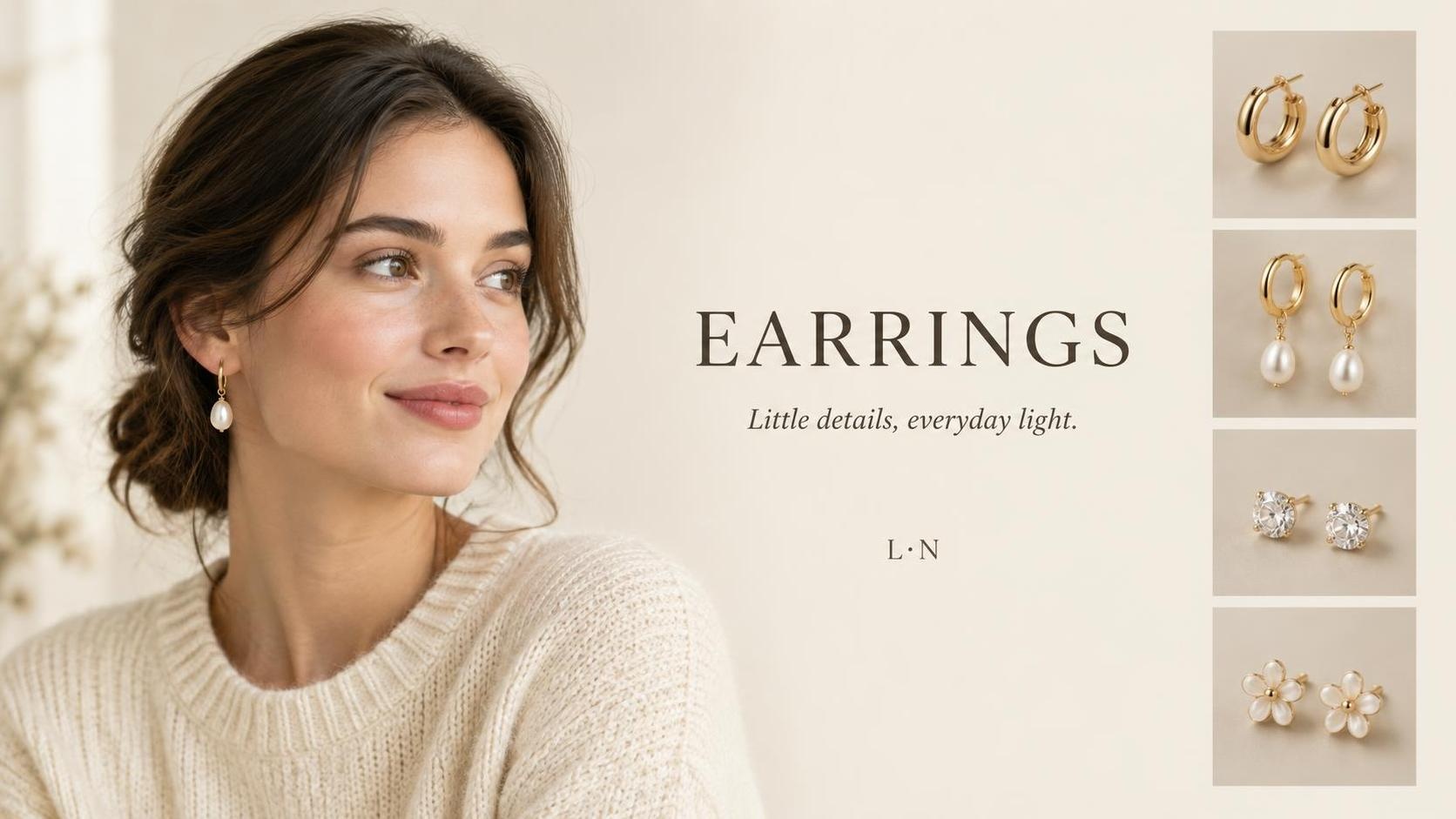
Seedream 5.0 can also build short sale cards and social stills with a few readable words on the image. Keep the copy short. Proofread every letter before the frame goes live. Long sentences drawn onto the image still fail more often than short headlines.
Background and material edits
Seedream 5.0 can change a background or material while trying to leave the product alone. That is useful for seasonal variants and simple SKU refreshes. You still need a side-by-side check: an edit meant for the backdrop can nudge nearby details, and label spelling can drift.

Seedream 5.0 is not a free pass on fidelity. Product outline and tiny parts that matter to buyers can still shift. Official Seedream 5.0 Pro notes also say finer text and pixel-level edit consistency still have room to improve. Before you publish, put the Seedream 5.0 result next to your source photo.
| Image job | Can Seedream 5.0 help? | What to watch |
|---|---|---|
| White-background main image | Sometimes | Only if the product still matches the real item after QA |
| Lifestyle or secondary image | Often yes | Stronger when mood matters more than exact geometry |
| Sale graphic with short text | Often yes | Keep the words short and proofread them |
| Background or material swap | Often yes, with QA | Confirm unchanged areas really stayed unchanged |
What Changed From Seedream 4.x
If you used Seedream 4.0 or Seedream 4.5, or you still see those names in search, this section is the upgrade story for product stills. Seedream 4.0 and Seedream 4.5 could already draft product scenes. Seedream 5.0 is the newer generation to judge for new ecommerce work.
Seedream 5.0 layouts and short text
Seedream 4.0 and Seedream 4.5 can already put a product into a lifestyle scene. Where they often fall short for sellers is control: short on-image words look loose or uneven, and the frame fills with extra props that compete with the SKU.
Seedream 5.0 is usually stronger on the same job when you need a short headline that stays sharp and a layout that keeps the product easy to read. Think cleaner hierarchy and tighter spacing, not a busier collage. The background around the product also tends to stay calmer. You still need to proofread every letter before a listing goes live. Long sentences drawn onto the image remain risky on Seedream 5.0 as well.

Seedream 5.0 local edits
Seedream 5.0 is usually better than Seedream 4.x at marking a region and changing that area, such as a backdrop or fabric look, instead of redrawing the whole picture every time. That helps variant work. Seedream 5.0 is still not perfect when you need “change only this one tiny part,” so keep the before and after side by side.
Which Seedream version to start with
For new ecommerce projects, start with Seedream 5.0 when your tool offers it. Keep Seedream 4.0 or Seedream 4.5 only if a proven workflow is already locked there and you have not retested Seedream 5.0 yet.
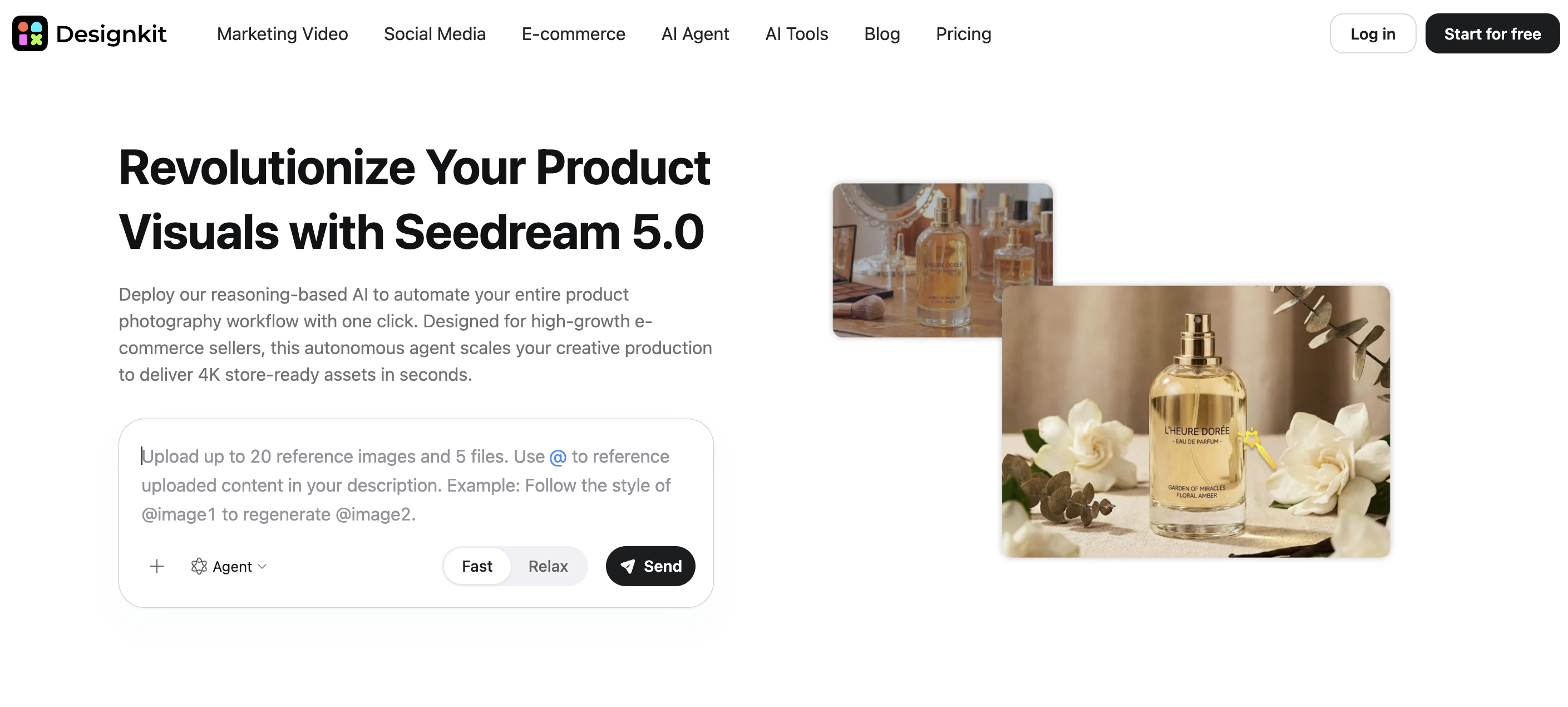
Ready to start with Seedream 5.0 after this review? Open Designkit, run one real product photo, and keep only frames that match the item.
When Seedream 5.0 Fits
Use Seedream 5.0 when you need lifestyle product stills, short promo graphics, or a local edit around a real product photo, and you can afford a quick fidelity check. Export size limits differ by platform, so confirm the options in the tool you use before you plan large print or ultra-wide banners.
Choose another image model when the main listing image must match the shipped item with almost no drift, or when a tiny edit must leave everything else untouched. Many teams keep a stricter product-fidelity model such as GPT Image for those cases, and use a storytelling model such as Nano Banana for explanatory frames. See our GPT Image 2 review and Nano Banana 2.1 review if you are comparing options.
Conclusion
Seedream 5.0 is built for stills, not video. For ecommerce, it is strongest on lifestyle product shots and short promo frames when you start from a real product photo. Check shape and labels before you publish. Use it where mood and short copy matter most, and switch when the listing must match the item exactly.
Frequently Asked Questions
What is the difference between Seedream 5.0 and Seedream 5.0 Pro?
How is Seedream different from SeedEdit?
Seedream can create a new still and also edit regions of an image. SeedEdit is a separate model for instruction-based edits to an existing photo. Use Seedream for a new scene or poster concept. Use SeedEdit when the photo is already right and you only want a controlled change.
What about Seedream 5.0 Lite?
Seedream 5.0 Lite is in the same 5.0 generation and is often aimed at faster or higher-volume runs. Some platforms also give it different size options. If both Seedream 5.0 Pro and Seedream 5.0 Lite appear, run the same product photo once on each and keep the one that protects your SKU better for that job.
What image size should I use for store listings?
Use the size options in the tool you generate with, then crop for the channel. Do not assume one export covers every marketplace requirement.
Can I use one Seedream look across my whole catalog?
Start with one hero product until Seedream 5.0 results pass a side-by-side check. Then reuse the same reference style on more SKUs and spot-check for shape or label drift. If consistency fails early, limit Seedream 5.0 to secondary images.
Can I use Seedream images on Amazon or Shopify?
Marketplaces care that the image matches what you ship. Treat AI stills like any other retouched photo. Check current rules for your category, keep a real product photo for critical details, and do not invent packaging claims the item does not have.
You May Also Like
Kling Motion Control: When to Use It for Product Clips (2026)
Seedance vs Kling: Which AI Video Model Fits Product Clips?
Seedream vs GPT Image: Which Fits Ecommerce Product Photos? (2026)

Seedream 5.0 AI Review for Ecommerce Product Images
How to Use Google Veo 3.1 for Ecommerce Product Video

Nano Banana 2.1 Review: Features, Release Date & What’s New

How to List a Product on Amazon: Materials Checklist for First Listings

GPT Image 2 Prompts for Product Photos (Copy-Paste Examples)

Nano Banana vs Midjourney for Product Photos and Campaign Visuals (2026)

Kling vs Veo for Product Video & UGC Ads (2026)

Seedance 2.5 Review: What Changed in ByteDance's New Model

MiniMax H3: Features, Benchmarks, Pricing, and How to Use It

Luma vs Seedance (2026): Ray 3.2 or Seedance 2.0?

Gemini Omni Review: Real Tests, Pros & Limitations for Video Generation

GPT Image 2 Review: Features, Prompts & E-commerce Use Cases

Happy Horse 1.0: The AI Video Model E-Commerce Sellers Need to Know About

AI UGC for Ecommerce in 2026: Text-to-Video, Image-to-Video & Reference Replication Guide

HappyHorse AI Review: Features, Benchmarks & How to Use It
Seedance 3.0 Predictions: Will AI Video Enter the Feature Film Era?
Grok AI vs ChatGPT: Features, Pricing & Best Choice (2026)

How to Use Grok AI: Features, Tips & Best Prompts (2026 Guide)
Sora Is Shutting Down? Best AI Video Alternatives for Creators in 2026
Seedance 2.0 for Ecommerce: Create AI Product Videos in Minutes
Seedance 2.0 Review: Features, Improvements, Pricing & How It Works (2026)
Test Seedream 5.0 On Designkit
Finished this Seedream 5.0 review? Open Designkit, run one real product photo, and keep only frames that match the item.


