
Seedance 2.5 Review: ByteDance's Biggest Changes
See what Seedance 2.5 changes in generation length, reference control, editing, and cost, with early test results compared against Seedance 2.0.

ByteDance launched Seedance 2.5 on July 31, 2026, and the pitch is not simply a sharper picture. The model is built to carry a developed sequence rather than stop at one short, attractive clip. A single generation now runs up to 30 seconds and accepts up to 50 image, video, and audio references.
Extension and editing controls are more precise. Those are substantial claims for anyone running a ByteDance AI video generator in production. This review sets the official statements against the early third-party testing available.
What Is Seedance 2.5?
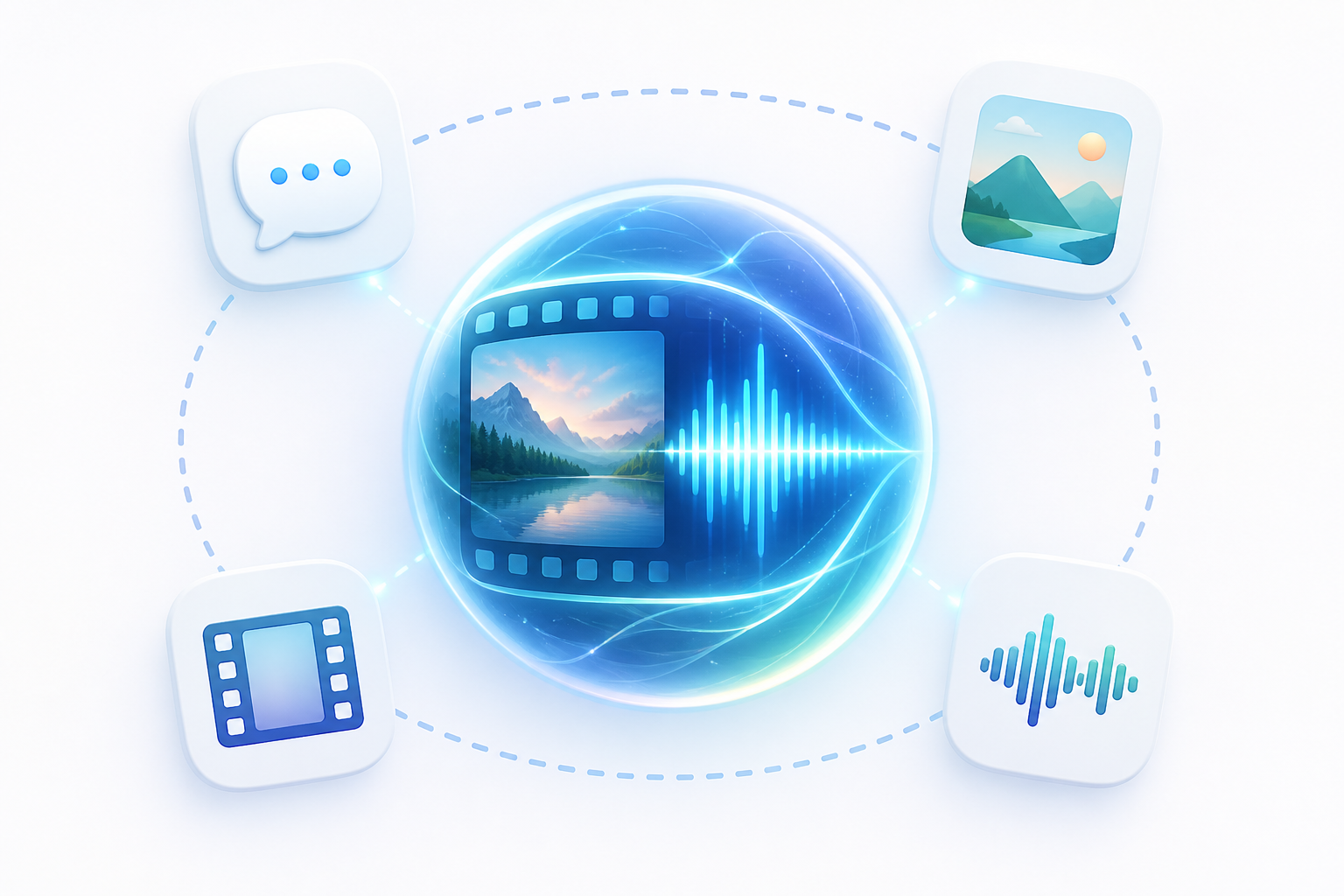
Seedance 2.5 is ByteDance's joint audio-video generation model, which means picture and sound are produced together rather than in separate stages. It builds on the unified multimodal architecture introduced with Seedance 2.0, and the progression reads as two steps. Seedance 2.0 established a shared interpretation of text, image, video, and audio inputs. Seedance 2.5 extends that foundation through longer generation, larger reference sets, continued sequences, and more targeted editing.
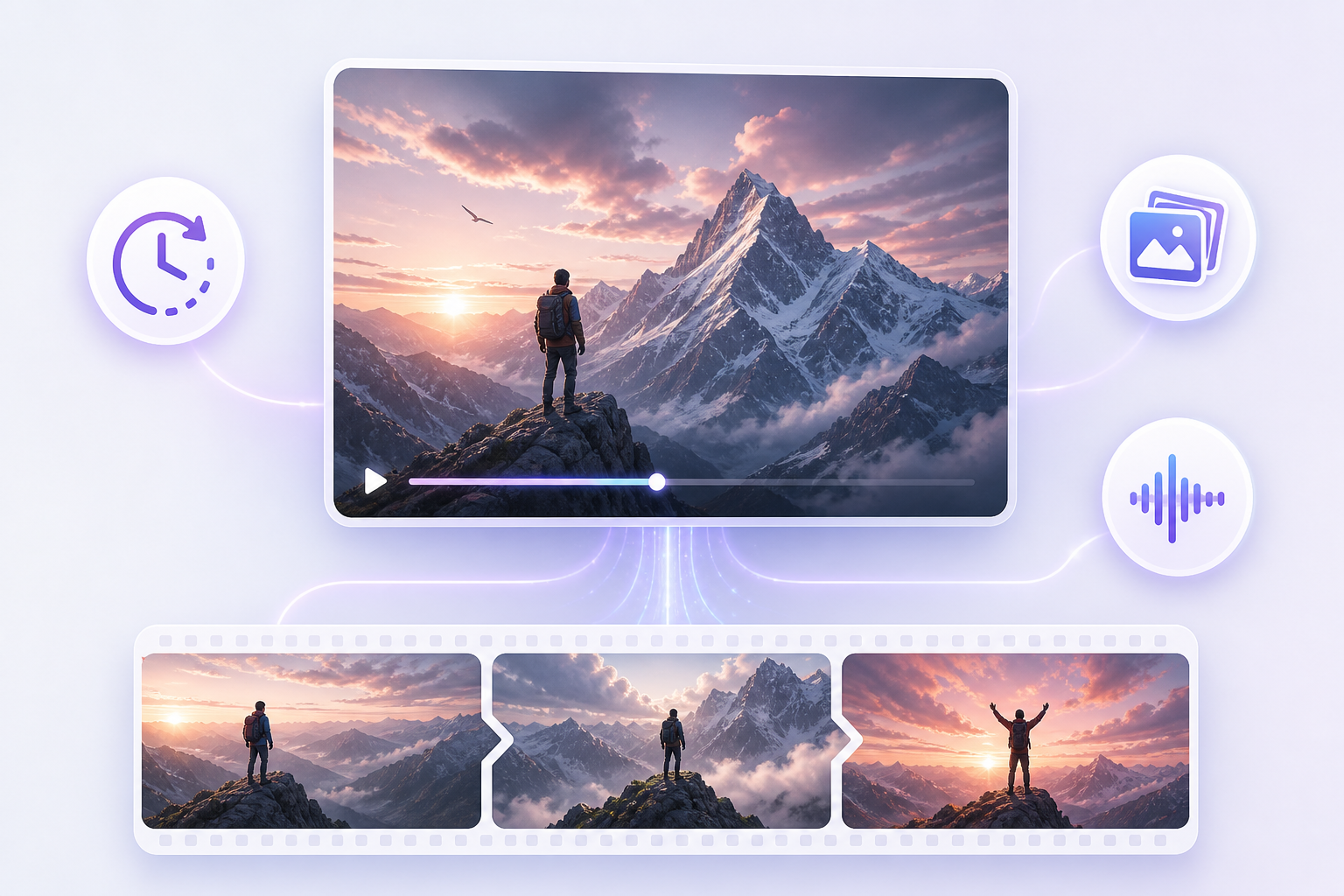
ByteDance frames the shift as a move from generating a clip toward completing a creative work. At launch, the model rolled out on Jimeng AI, Doubao Pro, and other platforms, with API access described as coming soon through BytePlus ModelArk. Availability, regional restrictions, and platform limits are all still moving, so check what your own account actually offers.
What Is New in Seedance 2.5?
The upgrade touches 3 stages of production rather than one. It changes how you build a longer sequence, control its content, and correct individual parts.
Generate a 30-Second Story in One Pass
This Seedance 2.5 review states that it doubles the maximum single generation from 15 seconds to 30. Duration is the headline, though the reason it matters sits elsewhere in the release. Inside that window, the model can organize several connected shots so a story moves through setup, development, a turning point, and resolution.
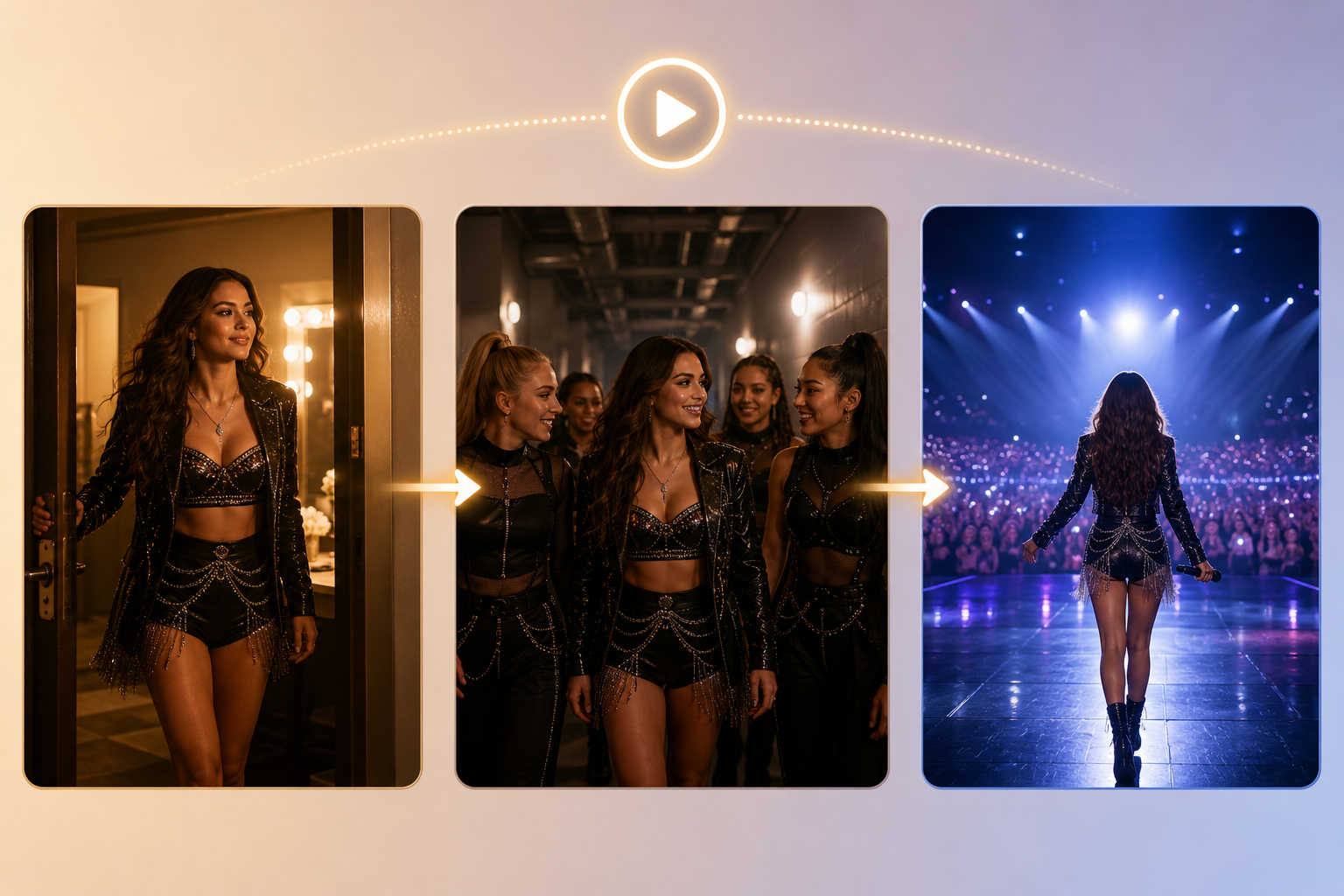
ByteDance's own example follows a singer out of a dressing room, along a backstage corridor where she mee ts her dancers, and onto the stage. Fewer separately generated clips should mean fewer visible transitions and less repeated setup work. That is not a guarantee that every 30-second output will hold together as a story.
Continue the Story Across Multiple Generations
Length in one pass is a different question from length overall. Multi-round extension appends new shots to an existing output. ByteDance says the model holds main characters, environments, and narrative pacing steady across those rounds. Its extension demo also asks for visual style and sound effects to carry over.
Rather than generating each clip separately and repairing the joins by hand, you continue from what exists. ByteDance demonstrates multi-minute work assembled this way, but independent long-form testing remains thin. Treat that consistency as an official capability claim rather than a settled result.
Guide the Result with Up to 50 References
Extension handles what comes next, while references handle what appears. A single generation accepts up to 30 images, 10 video clips, and 10 audio clips, for a maximum of 50 files. File count is not the real advance. Different materials can steer different production elements, so a creator no longer has to describe everything through text alone.
What matters in Seedance 2.5 features is whether the model identifies the intended role of each reference and applies it to the correct part of the sequence. ByteDance demonstrates this with a concert scene that assigns separate images to the venue, individual performers, the choir, and the audience.
Direct Motion, Camera Work, and Spatial Layout
References can carry structure as well as appearance. Seedance 2.5 expands motion references, creative references, and clay renders, which are textureless 3D scenes used as a blocking guide. A rough 3D pass can fix subject positions, movement paths, camera angles, and blocking before the model applies the requested look.
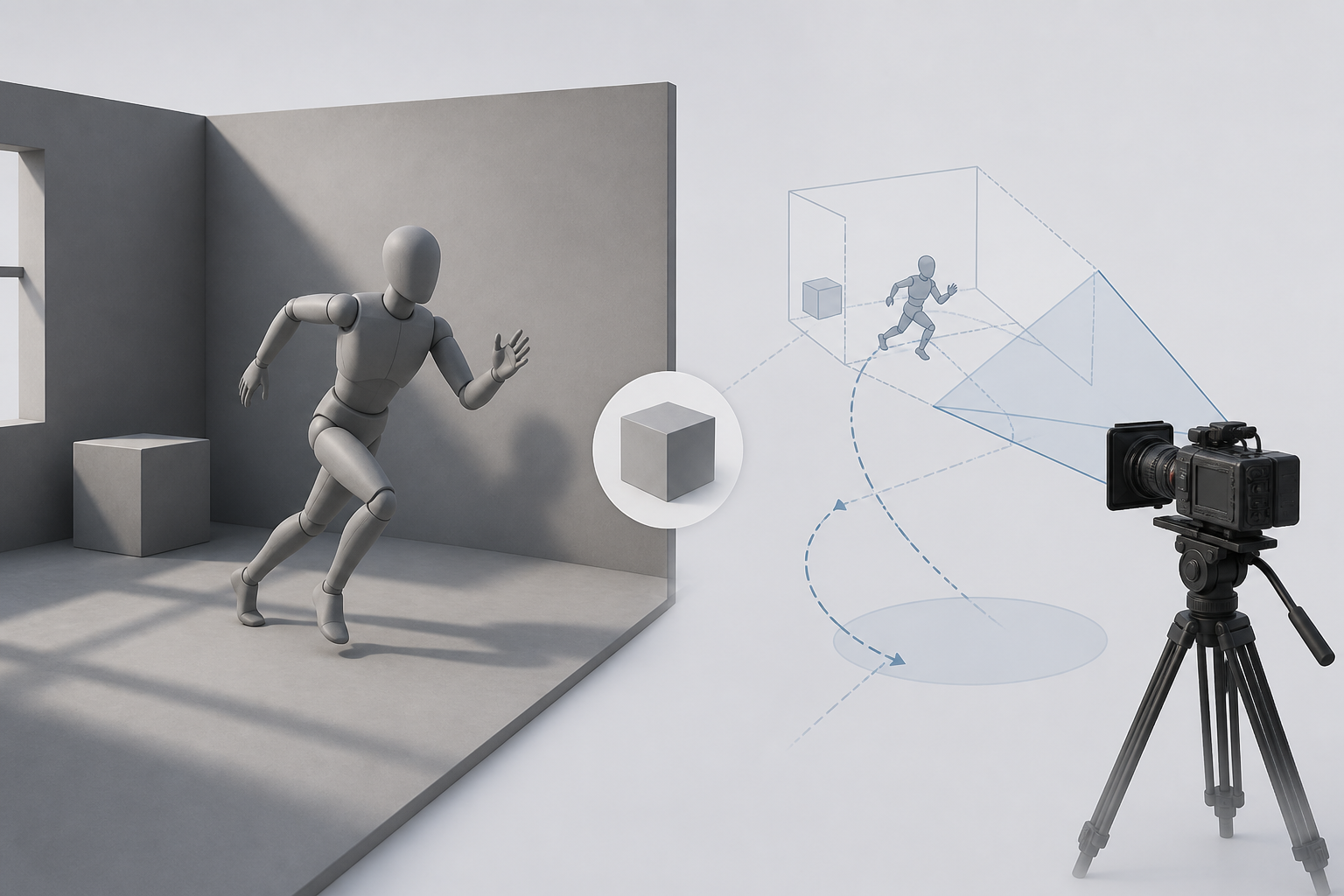
ByteDance says the model reads spatial relationships from the render and generates lighting that follows source direction, color temperature, intensity, and shadow. It is a visual way to direct shots that text struggles to specify, though it is not a replacement for professional previsualization.
Edit Specific Moments Instead of Starting Again
Direction sets up the shot, and timestamp control decides what happens once it exists. It works in two places. During generation, prompts assign actions, camera moves, or pacing to specific time ranges. After generation, you can target a character, action, or plot detail inside part of an existing video, with continuity held either side of the change.
ByteDance also highlights camera-perspective editing, reference-based editing, and green-screen transformation. The green-screen case illustrates the ambition best. Rather than only swapping the background, the model attempts to adapt the subject's clothing movement, gait, and lighting response to the new environment. None of this amounts to frame-perfect editing.
Reduce Common Signs of AI Generation
Control is one problem, and looking generated is another. ByteDance reports work on object textures, skin and eye detail, lighting, and color saturation, plus fewer unintended subtitles and less uncontrolled background music. The model keeps the native joint audio-video generation introduced with Seedance 2.0, so sound and picture still come from the same architecture.
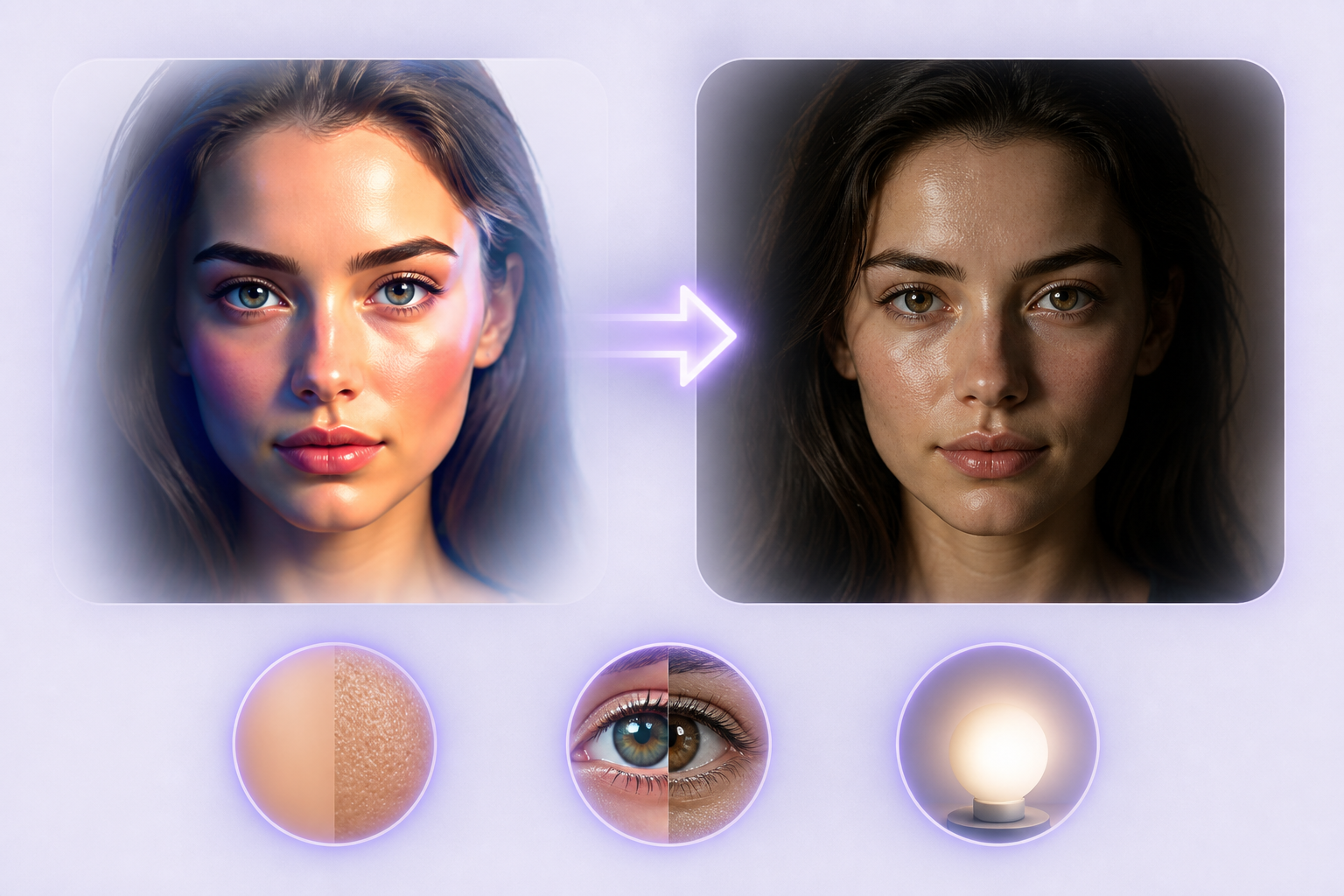
That claim is harder to check than the visual ones. The only structured comparison available removed audio fr om its review entirely, so it cannot show how much native sound generation improved over the previous version.
What Did Independent Testing Find?
On the Artificial Analysis video leaderboards, ByteDance's ranked entry was still Seedance 2.0 rather than 2.5 when checked on August 10, 2026. The closest available evidence is a three-scenario comparison published by PiAPI on August 4, which reads as directional rather than conclusive. The method is worth knowing before the results:
- One text-to-video prompt, one single-image character animation, and one start-and-end-frame product transformation.
- One output from each model per scenario.
- All 6 videos are roughly 8 seconds long.
- Audio excluded from the review.
Better Cinematic Movement and Character Stability
Seedance 2.5 won 2 of the 3 scenarios. Both models generated the paper-airplane test at 1280×720. There, 2.5 produced stronger depth and lighting, and its camera movement gave the flight more momentum. The airplane also stayed easier to follow.
In the rainy-street character test, 2.5 held the character's appearance, clothing, and surroundings more consistently, and the closing expression looked more natural. That character consistency pair was not resolution-matched, so sharpness was excluded from the verdict. On this small sample, the clearest case for Seedance 2.5 is cinematic presentation and character-led scenes.
Structured Motion Did Not Always Improve
The desk-lamp transformation went the other way. Seedance 2.0 produced clearer, more mechanically readable hinge movement, while 2.5 changed position more abruptly and showed greater product and framing drift.
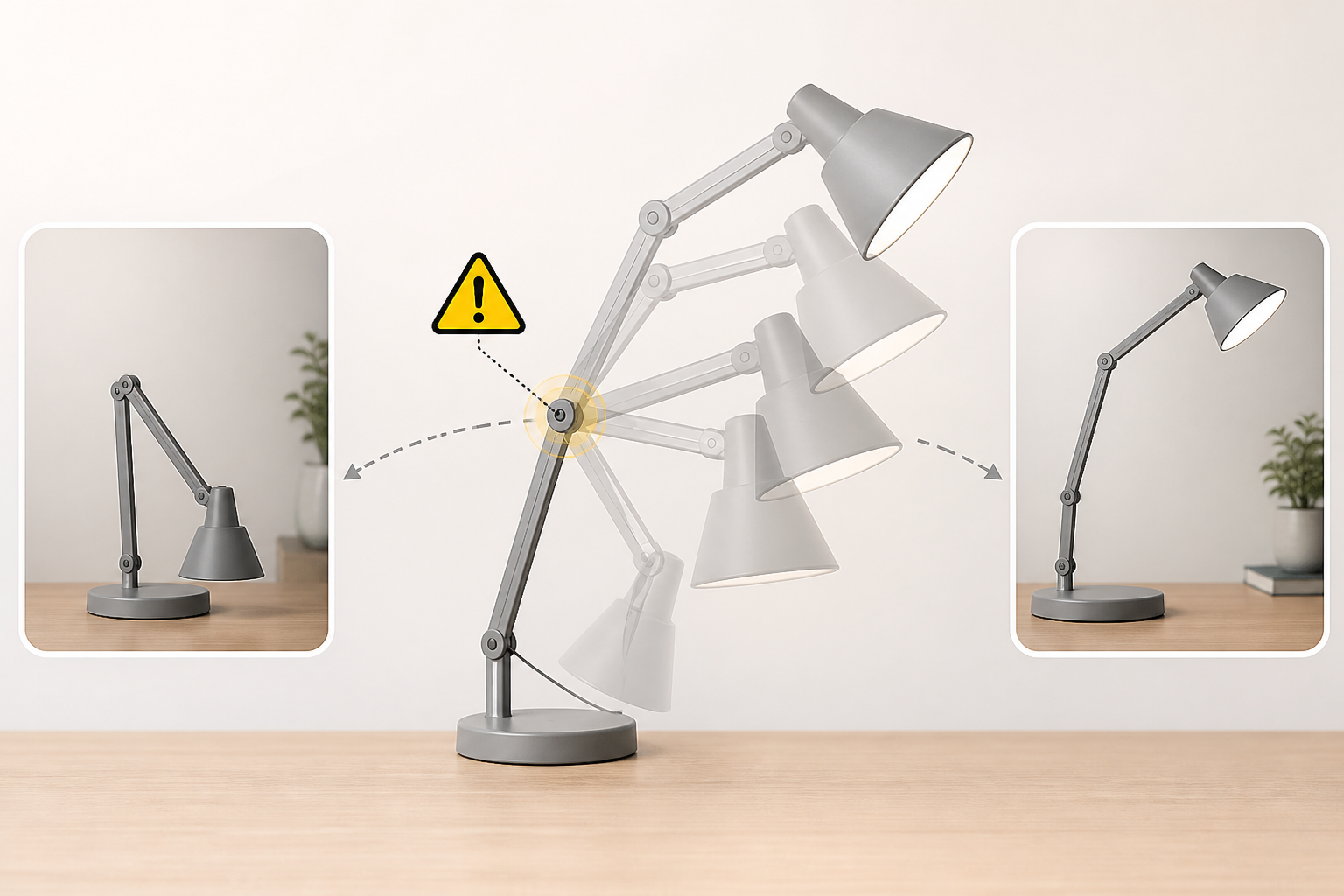
That result carries its own caveat, because the supplied start and end images depicted noticeably different lamp design s. Some morphing was unavoidable for both models. Across the comparison, the limits are real: one sample per scenario, no 30-second output, no audio, no repeated extensions, and no large multi-reference task.
Seedance 2.5 vs Seedance 2.0
The key differences between Seedance 2.5 vs Seedance 2.0 come down to generation length, creative control, and cost.
|
Comparison |
Seedance 2.0 |
Seedance 2.5 |
|---|---|---|
|
Release Date |
Feb. 12, 2026 |
July 31, 2026 |
|
Single-Generation Length |
Up to 15 seconds |
Up to 30 seconds |
|
Reference Capacity |
Lower reference ceiling |
Up to 30 images, 10 videos, and 10 audio clips |
|
Image References |
Up to 9 |
Up to 30 |
|
Video References |
Up to 3 |
Up to 10 |
|
Audio References |
Up to 3 |
Up to 10 |
|
Total Media References |
Up to 15 |
Up to 50 |
|
Longer Sequences |
Shorter generation and extension workflow |
Multi-round extension with continuity controls |
|
Scene Direction |
Multimodal reference generation |
Expanded motion and 3D clay-render guidance |
|
Clay/3D Spatial Guidance |
No equivalent feature highlighted |
Expanded clay-render guidance |
|
Editing |
Existing multimodal editing controls |
More precise timestamp and targeted editing |
|
Early Test Strength |
Structured mechanical movement |
Cinematic movement and character consistency |
|
Character Consistency Test |
Weaker in PiAPI sample |
Stronger |
|
PiAPI 720p Price |
$0.20 per output second |
$0.60 per output second |
|
Best Fit Based On Current Evidence |
Cheap iteration / mechanical-simple work |
Narrative, character and reference-heavy final shots |
Note: At the documented PiAPI rates, an 8-second 720p clip costs $4.80 with Seedance 2.5 versus $1.60 with Seedance 2.0. That makes Seedance 2.5 three times more expensive per generated second. These figures come from PiAPI’s August 4, 2026 pricing, not ByteDance’s standard rates. The higher cost also does not imply three times better output quality.
Where Seedance 2.5 Still Falls Short
A fair review has to name what the upgrade does not fix and review the given limitations after you have the idea of its multimodal video references:
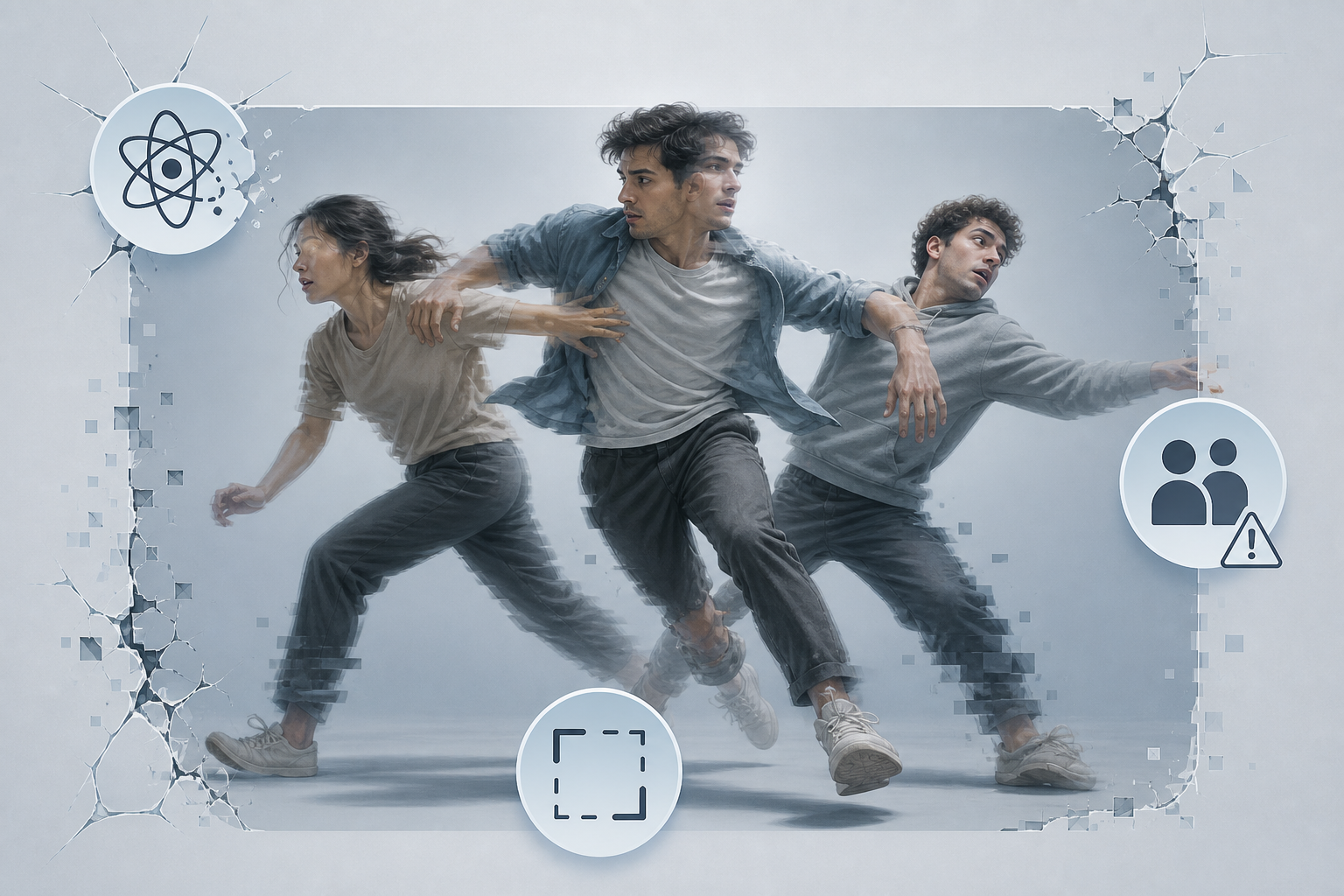
- ByteDance admits complex action physics still has flaws.
- Scenes with multiple active subjects can become unstable.
- PiAPI tests revealed product and frame shifts across conversions.
- Longer clips accumulate more identity, object, and motion errors.
- Fifty reference inputs do not ensure correct detail use.
- Higher PiAPI rates make deep trials far more expensive.
Third-party tests omit 30-second stability, audio, extensions, and max references.
Native 4K output and a 20% gain in prompt adherence appear on several third-party pages. Neither is confirmed in ByteDance's launch announcement, which publishes no resolution figure at all. Treat both as unverified rather than as specifications, and check what your own platform actually delivers.
Who Should Use Seedance 2.5?
The decision is a production question rather than a version question, and this table explains the usage for Seedance 2.5:
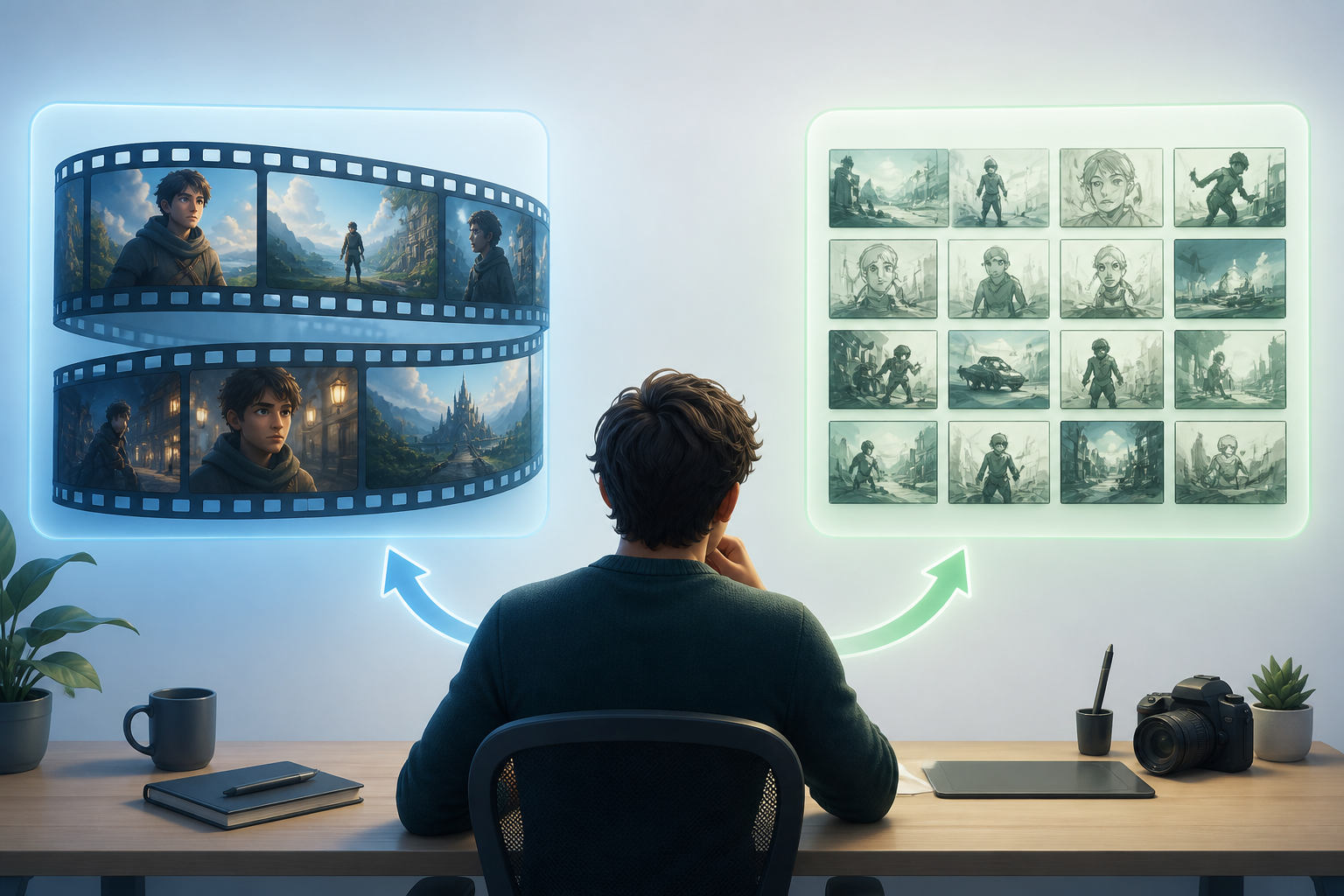
Choose Seedance 2.5 When
- The video requires a connected narrative, not an isolated shot.
- Character identity must remain consistent across a longer sequence.
- Multiple reference files must direct a single final output.
- Timing, shot blocking, and camera motion shape the brief.
- High quality in final frames outweighs total draft count.
Keep Seedance 2.0 in the Workflow When
- The project demands multiple low-cost style variations.
- The planned action stays basic or mechanically simple.
- Editors will construct the final video from separate clips.
- Low attempt cost matters more than extra cinematic control.
Seedance 2.0 is not a legacy option. Checked on August 10, 2026, it still led the Artificial Analysis image-to-video leaderboard among models generated with audio. That board is decided by blind viewer votes. Drafting on 2.0 and finishing on 2.5 remains a reasonable position.
How to Access Seedance 2.5
As per the Seedance 2.5 review, deciding which version fits is easier than getting hold of it. Access depends on which layer you mean. ByteDance rolled Seedance 2.5 out first through Jimeng AI and Doubao Pro, and its official model page covers the positioning. The launch announcement listed BytePlus ModelArk API access as coming soon.

First-party availability has arrived in stages since then, so a published rate card is not a callable endpoint. Several third-party gateways already expose Seedance 2.5 routes. Verify the model inside your own workspace before committing to a schedule, since access, restrictions, duration limits, and pricing can change.
Where Designkit Fits in AI Video Production
Model choice represents just one step in the workflow. Teams must still build source assets, run concept tests, and scale variations across platforms. This core effort remains constant across every video generator. Designkit is a separate AI content creation option for developing video materials and the visual assets around them. It covers the surrounding production work, turning brand images and product shots a team already owns into video content and campaign visuals.

It is not an official Seedance platform, and it does not provide Seedance-specific controls or replace the native audio generation or workflow described above. For teams producing campaign material from their own assets, it works as its own route rather than a layer over someone else's model.
Create AI Videos with Designkit
Conclusion
Seedance 2.5 is a real upgrade for longer, character-led, and reference-heavy video work. The early comparison supports stronger cinematic movement and character stability, though a three-test sample does not establish universal superiority. Much of what ByteDance claims has simply not been tested independently yet.
The practical verdict is therefore narrower than the launch coverage suggests. Seedance 2.5 earns its cost on controlled narrative work and selected final shots. Seedance 2.0 remains the more economical choice for heavy experimentation. To bridge these generative tools with overall brand production, Designkit helps teams transform existing assets into complete, launch-ready visual campaigns.
Frequently Asked Questions
What is Seedance 2.5?
How long can Seedance 2.5 videos be?
The confirmed limit is 30 seconds in a single generation, double the 15 seconds of Seedance 2.0. Multiple rounds of extension continue a sequence beyond that, though long-form consistency still needs broader testing.
How many references can Seedance 2.5 use?
ByteDance gives the official limits as 30 images, 10 video clips, and 10 audio clips per generation. Supplying all 50 files does not guarantee the model applies every detail correctly.
Can Seedance 2.5 generate audio?
Yes, it uses a unified audio-video generation architecture, so sound and picture come from the same pass. How much native audio improved over Seedance 2.0 is unestablished, because the available comparison excluded sound.
Is Seedance 2.5 better than Seedance 2.0?
It performed better in the cinematic and character-led tests, while Seedance 2.0 cost a third as much through PiAPI and won the mechanical-motion test. The upgrade suits final shots more than high-volume experimentation.
Does Seedance 2.5 support 4K video?
Some third-party platforms advertise 4K, but ByteDance's launch announcement does not confirm native 4K and publishes no resolution figure. Check what your access platform offers.
You May Also Like

MiniMax H3: Features, Benchmarks, Pricing, and How to Use It

Luma vs Seedance (2026): Ray 3.2 or Seedance 2.0?

Gemini Omni Review: Real Tests, Pros & Limitations for Video Generation

GPT Image 2 Review: Features, Prompts & E-commerce Use Cases

Happy Horse 1.0: The AI Video Model E-Commerce Sellers Need to Know About
AI UGC for Ecommerce in 2026: Text-to-Video, Image-to-Video & Reference Replication Guide

HappyHorse AI Review: Features, Benchmarks & How to Use It
Seedance 3.0 Predictions: Will AI Video Enter the Feature Film Era?
Grok AI vs ChatGPT: Features, Pricing & Best Choice (2026)

How to Use Grok AI: Features, Tips & Best Prompts (2026 Guide)
Sora Is Shutting Down? Best AI Video Alternatives for Creators in 2026
Seedance 2.0 for Ecommerce: Create AI Product Videos in Minutes
Seedance 2.0 Review: Features, Improvements, Pricing & How It Works (2026)
Create Your Next AI Video with Designkit
Use your existing images and product assets to create video content in Designkit, with a separate workflow suited to everyday brand production.
