
How to Make Ecommerce Product Videos with Google Veo 3.1
Learn what Google Veo 3.1 is good for in ecommerce product video, what limits and costs to expect, and how image-to-video fits a short clip.

If you searched for Veo 3.1, you probably want a short product video from a photo you already have, for ads, social, or your product page. Google Veo 3.1 can turn that photo into motion and add sound in the same pass. This guide covers what it is good for, what limits to plan around, what a render can cost, and how to use it for ecommerce image-to-video.
What Veo 3.1 Can Do for Your Product Videos
Veo 3.1 is Google’s current Veo model for short videos with sound. For your product videos, focus on these points.
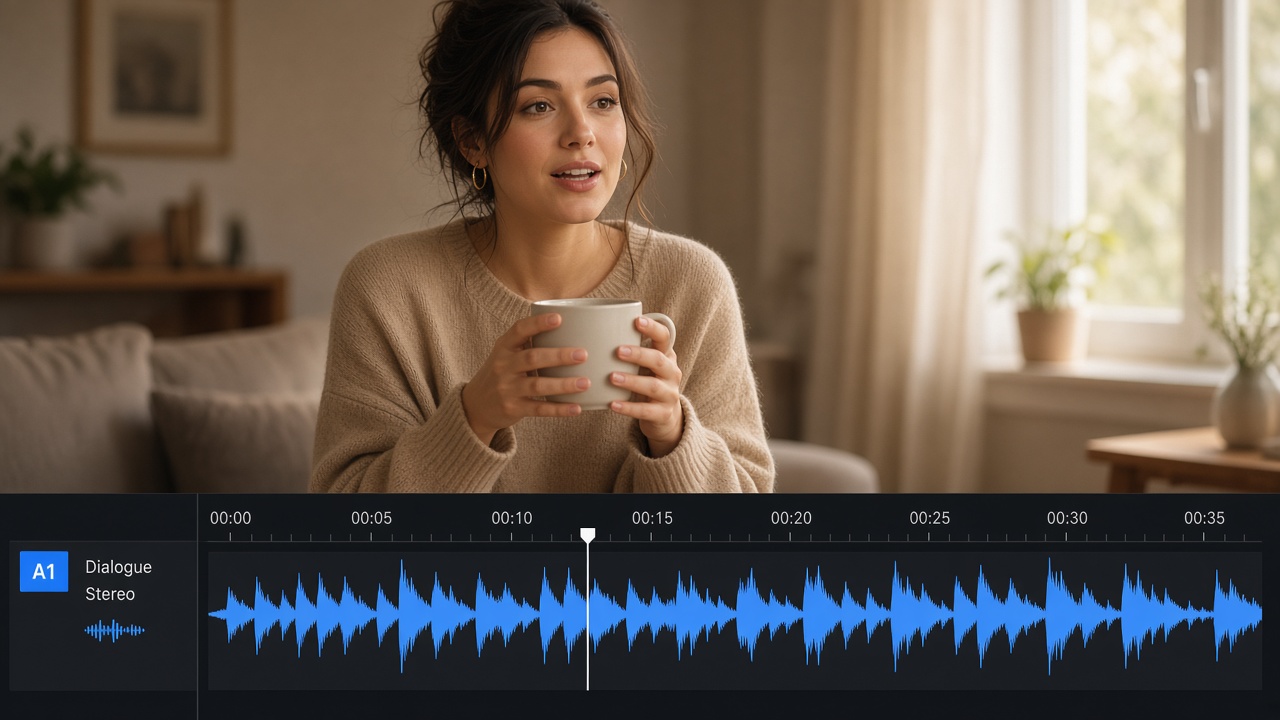
Sound comes with the video
Veo can create speech and background sound while it builds the picture. That helps when you want someone holding your product and saying one short line. You do not always need a separate voice recording.
It can start from your product photo
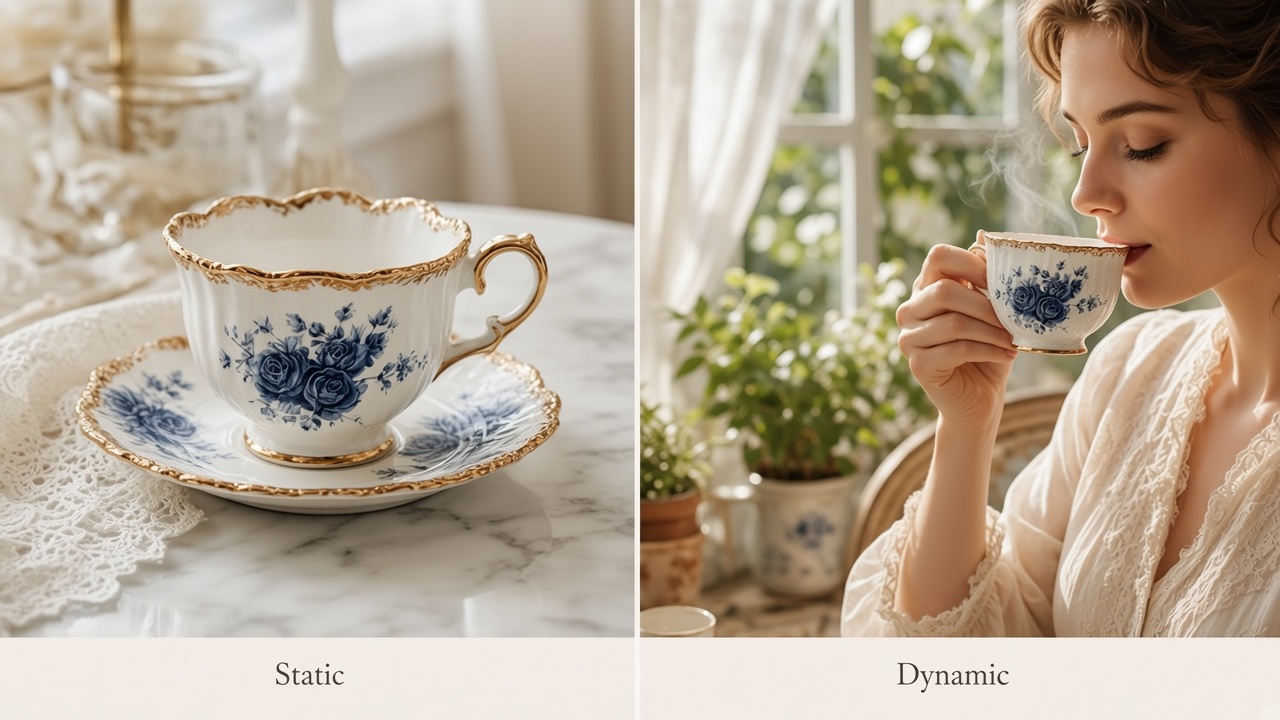
Upload a clear product photo. Veo can turn that still image into motion. Soft marketplace screenshots often fail. Use a sharp photo where the label is easy to read.
Each render is short
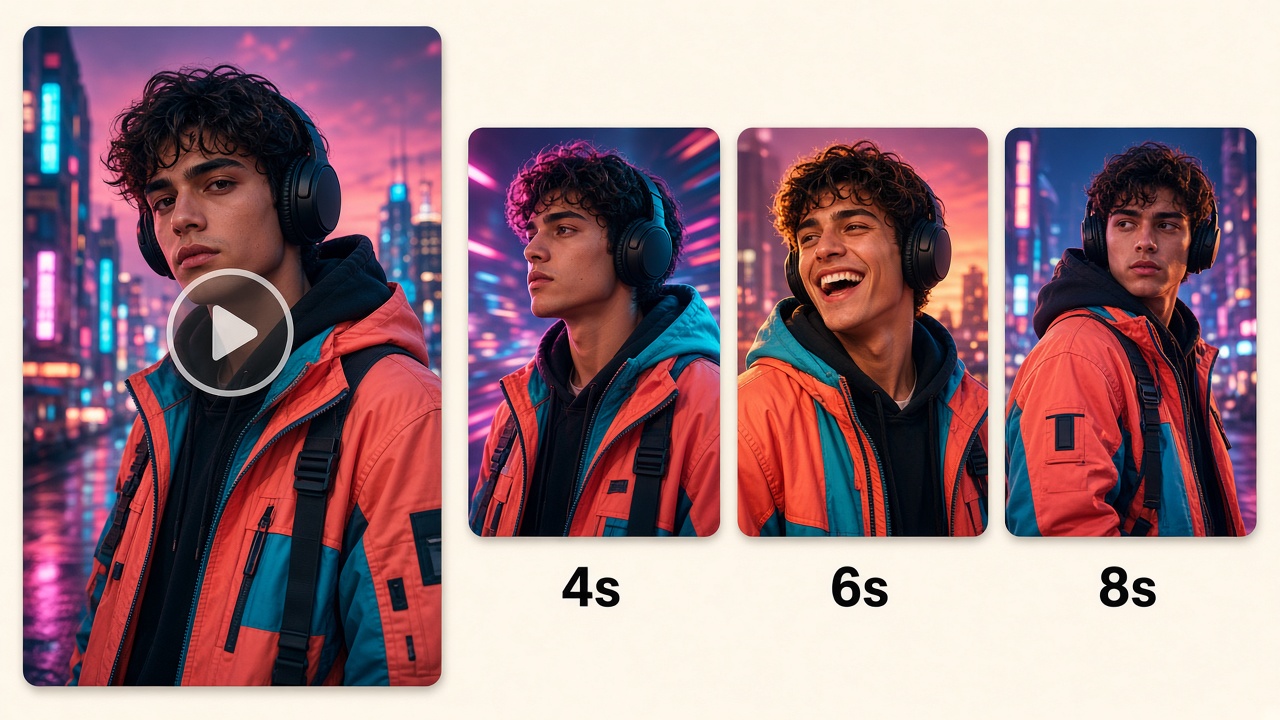
One pass is usually a few seconds, not a full commercial. You choose the length in the tool before you generate. Write for one simple shot. Do not paste a long ad script into one short render.
Best for lifestyle and talking videos
Use Veo when you want a natural room scene, soft light, or on-camera speech. If you only need silent product spins across a huge catalog, another model may fit better. We compare that choice in Kling vs Veo.

Veo 3.1 Length, Audio, and Export Limits
Keep these limits in mind before you promise a format to a client or media buyer.
| Topic | What you should expect |
|---|---|
| Length | Google tools often use 4, 6, or 8 seconds per render. Confirm the length options in the tool you use before you write the prompt. |
| Audio | Veo 3.1 can create sound with the video. Turn audio on when you want speech or ambient sound in the same pass. |
| Quality | Common exports include 720p and 1080p. Pick 1080p when the video will run as an ad. |
| Shape | Use 9:16 for TikTok and Reels. Use 16:9 for website and YouTube. Square (1:1) works for some feeds. |
| Longer videos | Make another short render, or extend and edit later. Do not force a long script into one short pass. |
| Tiny label text | Small packaging text can warp. If legal text must stay perfect, add a clean end frame in edit. |
Ignore posts that promise one-click 10 or 20 minute Veo films as a normal store workflow. Your unit of work is one short video you would actually post.
Veo 3.1 Pricing Before You Make More
Count the cost of the video you keep, including failed tries.
On Gemini and Google Cloud list pricing, directional Veo 3.1 rates are about $0.10 per second on Fast at 720p with audio, $0.12 per second on Fast at 1080p with audio, and $0.40 per second on Standard at 720p or 1080p with audio. Those match the Veo figures in our Kling comparison. Third-party tools may package usage differently, so check the price on your screen before a large batch.
| Example | Rough math |
|---|---|
| 8s Fast 1080p with audio | 8 × $0.12 ≈ $0.96 before retries |
| 8s Standard 1080p with audio | 8 × $0.40 = $3.20 before retries |
| Three paid tries to get one good 8s Standard video | Closer to 3 × $3.20 if each success is charged |
Make one good video for your main product first. Then copy the same method to more products.
How to Use Veo 3.1 for Ecommerce Image to Video
Most ecommerce searches for Veo are really about image to video: start from a photo you already have, keep the product stable, and get a short clip with sound when you need it.
Where you can run Veo 3.1
Google offers Veo 3.1 in products such as Gemini and Flow, and through Google APIs. Availability and controls differ by product, so always confirm the model name on screen before you generate. If you use Designkit for ecommerce creatives, you can also start from our workspace and check which video models are available on your account.

What makes a good product input
Use a sharp still where the product shape and label are easy to read. Soft marketplace screenshots and busy collage exports usually fail. Match the prompt to a few seconds: name the place, the light, and one camera move. Keep any spoken line short if you want audio.
What to check before you scale
On the first keep, check product match, usable motion, and clean sound. Change one variable at a time if you retry. Once the look is stable, reuse the same photo quality and prompt style across more products instead of rewriting everything from scratch.
Conclusion
Veo 3.1 helps you turn product photos into short videos with sound, especially for lifestyle scenes and talking ads. Learn the fit, limits, and cost first, then use image to video with a clear still and a short prompt. For later Veo naming rumors, see our Veo 4 review.
Frequently Asked Questions
Where can I access Veo 3.1?
How long can Veo 3 or Veo 3.1 videos be?
Google tools often use 4, 6, or 8 seconds per render. Keep the prompt matched to that length, and extend or edit later if you need a longer cut.
Does Veo 3.1 support image to video?
Yes. Upload a clear still as the reference, then generate from your photo and prompt.
How much does Veo 3.1 cost?
Directional Google list rates are about $0.10/sec Fast 720p with audio, $0.12/sec Fast 1080p with audio, and $0.40/sec Standard at 720p or 1080p with audio. Packaged tools may price differently. Check the price on your screen before large batches.
Is Veo 3.1 better than Kling for ecommerce?
Use Veo when speech or a lifestyle scene matters. Use a motion-first model more often for silent catalog volume. See the comparison linked in the strengths section above.
You May Also Like
How to Use Google Veo 3.1 for Ecommerce Product Video
Nano Banana 2.1 Review: Features, Release Date & What’s New

GPT Image 2 Prompts for Product Photos (Copy-Paste Examples)

How to List a Product on Amazon: Materials Checklist for First Listings

Kling vs Veo for Product Video & UGC Ads (2026)

Nano Banana vs Midjourney for Product Photos and Campaign Visuals (2026)

Seedance 2.5 Review: What Changed in ByteDance's New Model

MiniMax H3: Features, Benchmarks, Pricing, and How to Use It

Luma vs Seedance (2026): Ray 3.2 or Seedance 2.0?

Gemini Omni Review: Real Tests, Pros & Limitations for Video Generation

GPT Image 2 Review: Features, Prompts & E-commerce Use Cases

Happy Horse 1.0: The AI Video Model E-Commerce Sellers Need to Know About
AI UGC for Ecommerce in 2026: Text-to-Video, Image-to-Video & Reference Replication Guide

HappyHorse AI Review: Features, Benchmarks & How to Use It
Seedance 3.0 Predictions: Will AI Video Enter the Feature Film Era?
Grok AI vs ChatGPT: Features, Pricing & Best Choice (2026)

How to Use Grok AI: Features, Tips & Best Prompts (2026 Guide)
Sora Is Shutting Down? Best AI Video Alternatives for Creators in 2026
Seedance 2.0 for Ecommerce: Create AI Product Videos in Minutes
Seedance 2.0 Review: Features, Improvements, Pricing & How It Works (2026)
Build Product Creatives in Designkit
If you need ecommerce stills and short video ideas in one place, start in Designkit and keep each brief short so you can judge quality before you scale.


