
Google Veo 4: What It Means for the Future of AI Video Creation
Explore Veo 4’s potential for generating cinematic videos with native audio, richer scene control, and faster creative workflows.

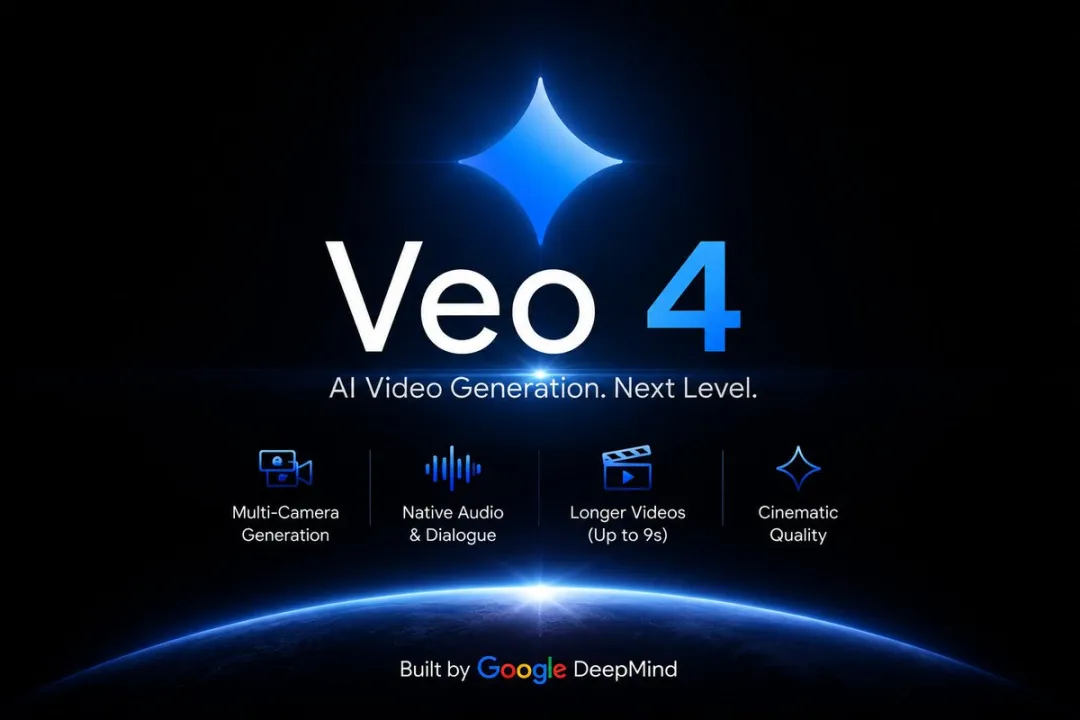
AI video tools are evolving quickly, but most still focus on the same promise: turning a prompt into a short visual clip. That's useful — but it's only part of what creators actually need. The next step isn't just better-looking output. It's better storytelling, better structure, and a workflow that feels closer to real production.
That's why Veo 4 has started attracting attention. Based on recent reports and industry discussion, it appears to represent a broader shift in how AI video models may work. Instead of generating isolated moments, the focus seems to be moving toward scene consistency, camera variation, synchronized audio, and more complete creative control.
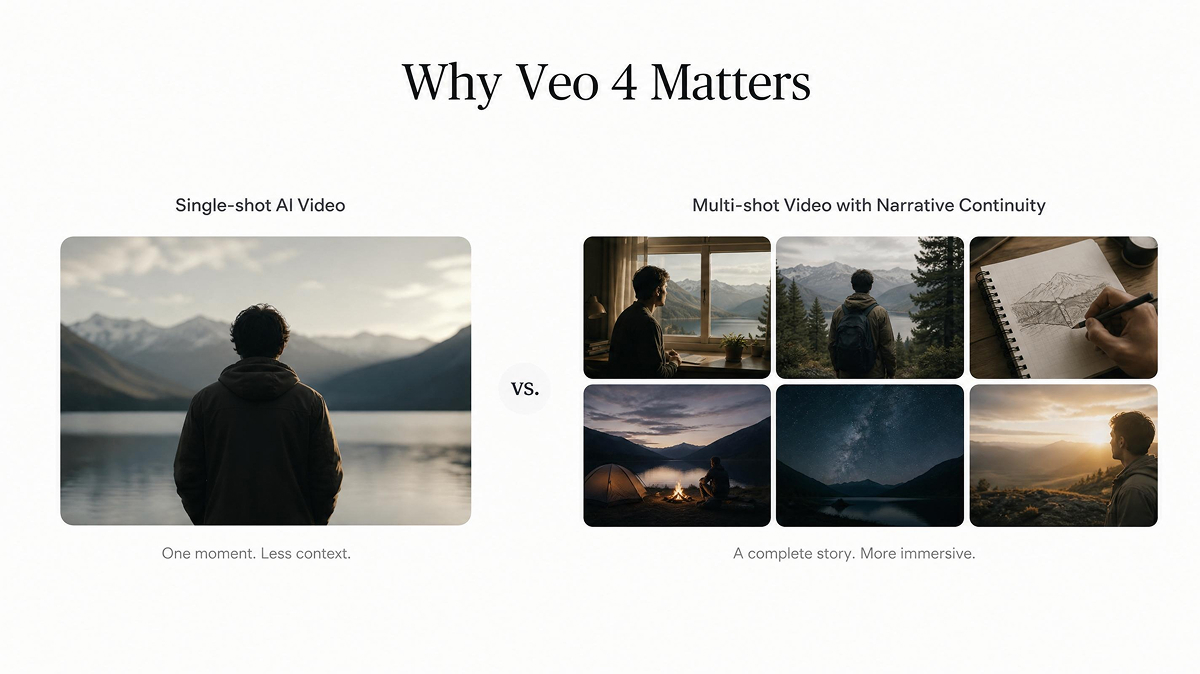
Why Veo 4 Matters
The biggest limitation of many AI video tools today isn't image quality — it's usability. A clip can look impressive, but still be hard to turn into a final asset if it lacks continuity, sound design, or a sense of narrative structure.
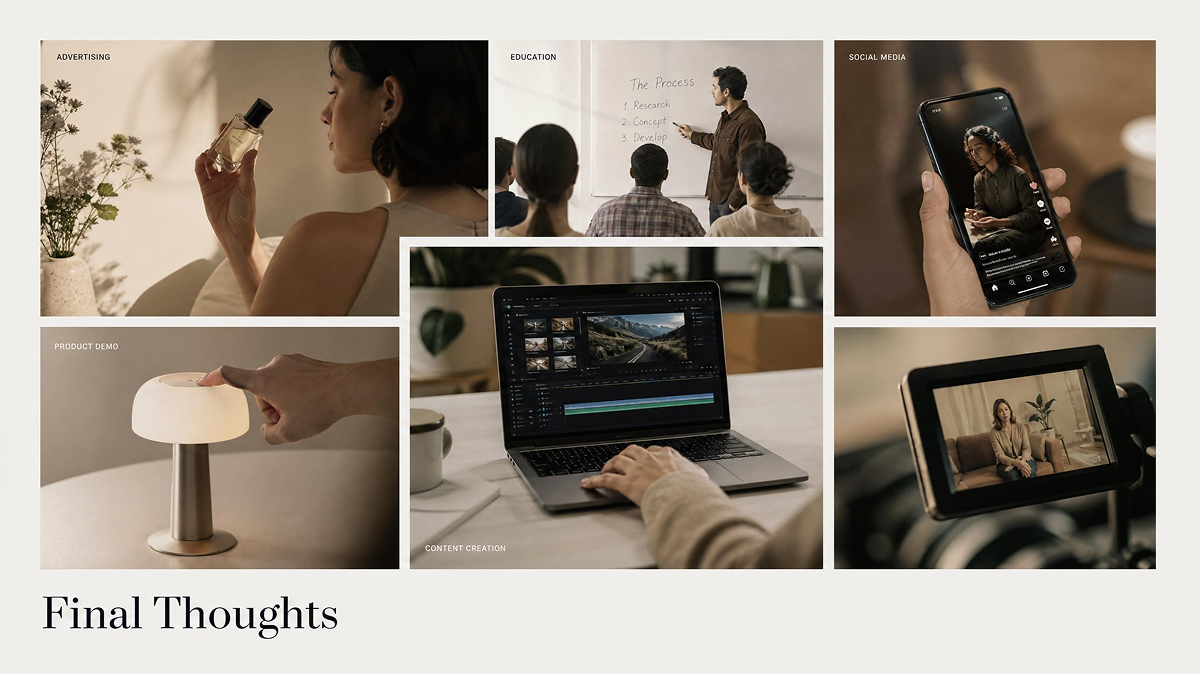
Veo 4 matters because it points to a more practical direction. If a model can generate a scene from multiple angles, preserve visual coherence, and pair video with native audio, it becomes more useful for real-world content creation. That includes ads, product storytelling, social media, education, and short-form branded content.
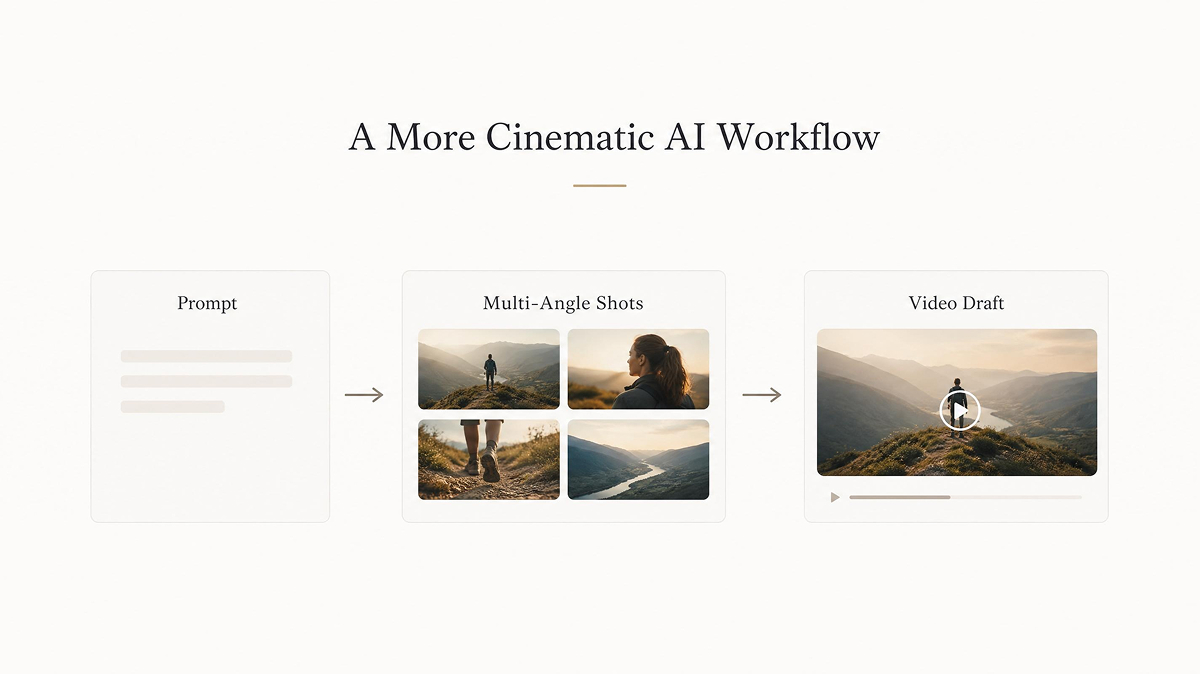
A More Cinematic AI Workflow

One of the most interesting ideas associated with Veo 4 is multi-angle generation. This suggests a move away from treating each output as a single standalone shot. Instead, AI video could begin to reflect how scenes are actually built — with different perspectives supporting the same moment.
That kind of capability would make AI video feel more cinematic and more intentional. It also reduces the need for creators to manually assemble disconnected clips into something that resembles a story. In practice, this could help teams move faster from concept to draft while keeping higher creative quality.
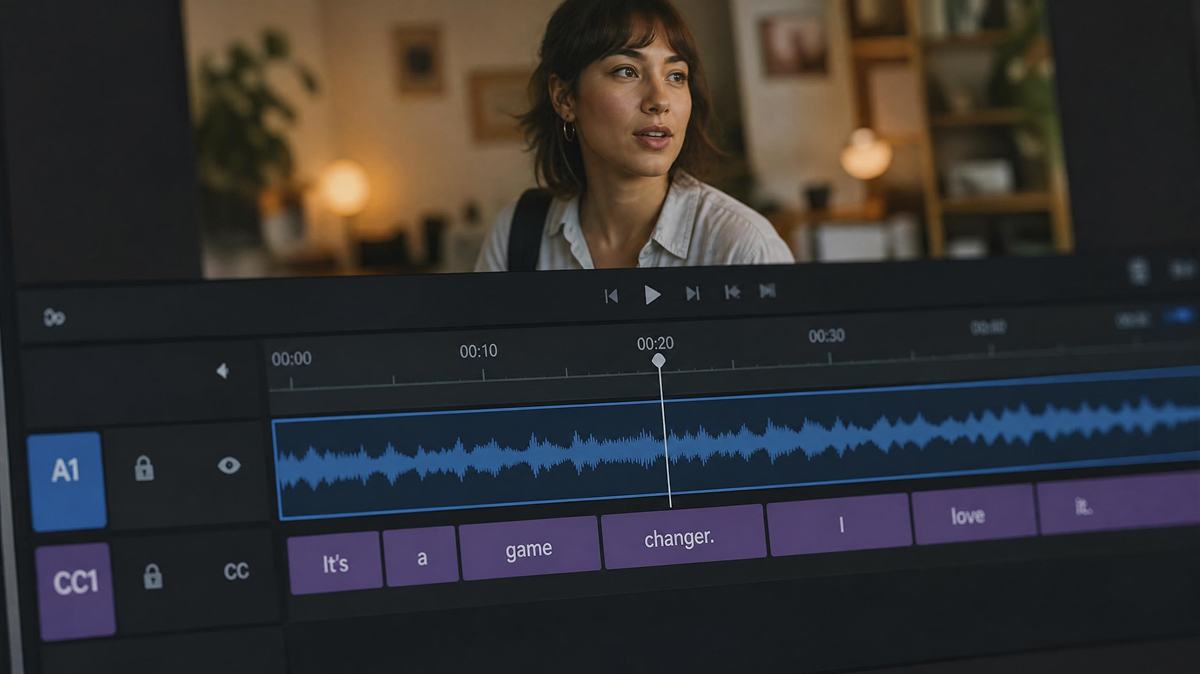
Native Audio Changes the Experience
When video generation includes synced dialogue, ambient sound, or contextual music, the result feels much closer to finished content. This is a major improvement over workflows where visuals are generated first and sound must be added separately later.
For creators, this means less tool switching and fewer steps between ideation and delivery. For product teams and marketers, it means faster testing and more complete prototypes. Audio isn't just an add-on — it's part of what makes video feel usable.
What Makes Veo 4 Interesting for Teams
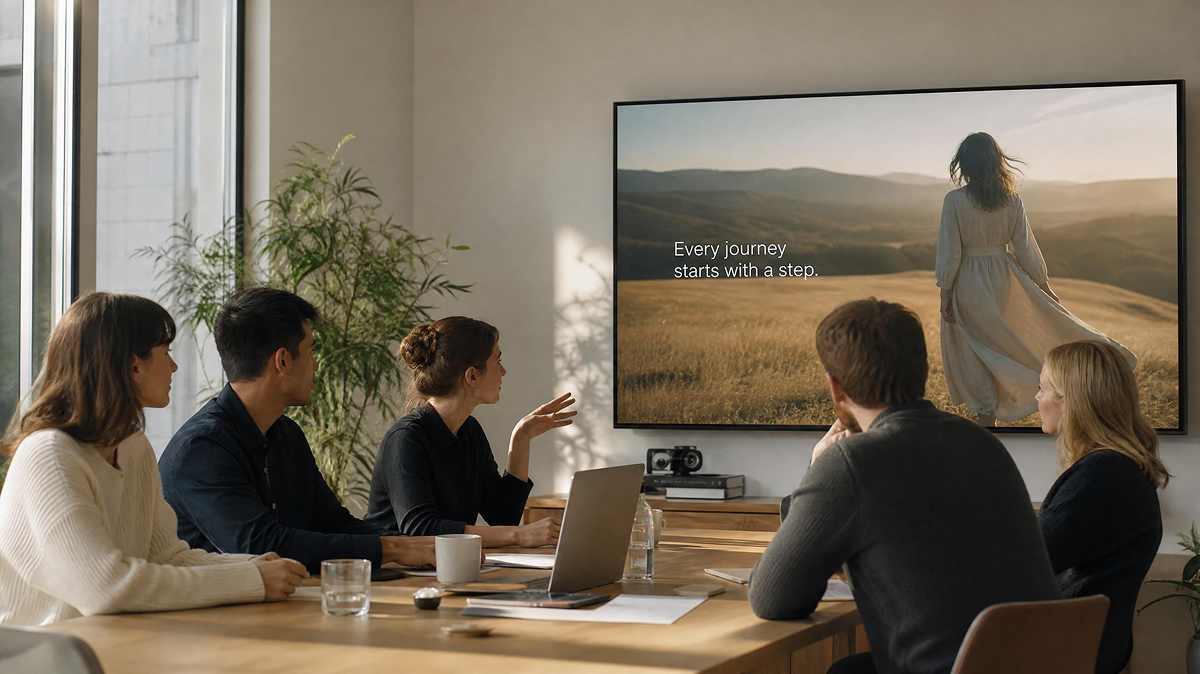
Veo 4 is especially relevant for teams that need speed without losing creative direction:
- Marketing teams can explore more creative variations in less time.
- Designers can visualize concepts more quickly before committing to production.
- Content creators can test visual styles, tone, and pacing without a full production cycle.
That's where AI video is becoming most valuable: not only as a showcase technology, but as a practical content system. The stronger the model becomes at coherence, timing, and controllability, the more useful it becomes across production environments.
Final Thoughts
Veo 4 is interesting because it represents more than another model iteration. It reflects a larger change in expectations around AI video. Users are no longer satisfied with short, impressive demos alone — they want outputs that are structured, flexible, and closer to publishable content.
If that's the direction Veo 4 is moving in, it could become an important step forward for creators, brands, and teams that want AI video to fit into real workflows rather than sit outside them.
You May Also Like
Kling Motion Control: When to Use It for Product Clips (2026)
Seedance vs Kling: Which AI Video Model Fits Product Clips?
Seedream vs GPT Image: Which Fits Ecommerce Product Photos? (2026)
Seedream 5.0 AI Review for Ecommerce Product Images
How to Use Google Veo 3.1 for Ecommerce Product Video
Nano Banana 2.1 Review: Features, Release Date & What’s New

GPT Image 2 Prompts for Product Photos (Copy-Paste Examples)

How to List a Product on Amazon: Materials Checklist for First Listings

Kling vs Veo for Product Video & UGC Ads (2026)

Nano Banana vs Midjourney for Product Photos and Campaign Visuals (2026)

Seedance 2.5 Review: What Changed in ByteDance's New Model

MiniMax H3: Features, Benchmarks, Pricing, and How to Use It

Luma vs Seedance (2026): Ray 3.2 or Seedance 2.0?

Gemini Omni Review: Real Tests, Pros & Limitations for Video Generation

GPT Image 2 Review: Features, Prompts & E-commerce Use Cases

Happy Horse 1.0: The AI Video Model E-Commerce Sellers Need to Know About
AI UGC for Ecommerce in 2026: Text-to-Video, Image-to-Video & Reference Replication Guide
HappyHorse AI Review: Features, Benchmarks & How to Use It
Seedance 3.0 Predictions: Will AI Video Enter the Feature Film Era?
Grok AI vs ChatGPT: Features, Pricing & Best Choice (2026)
How to Use Grok AI: Features, Tips & Best Prompts (2026 Guide)
Sora Is Shutting Down? Best AI Video Alternatives for Creators in 2026
Seedance 2.0 for Ecommerce: Create AI Product Videos in Minutes
Seedance 2.0 Review: Features, Improvements, Pricing & How It Works (2026)
Turn Ideas Into High-Converting AI Videos Faster
Inspired by the future of AI video generation? Create product videos, marketing creatives, and social content in minutes with Designkit AI.


