
AI Flyer Maker for Fast Print-Ready Flyers
Turn campaign details, product photos, or creative ideas into professional flyer designs. Create flyers with layouts, visuals, and messaging ready for print, social media, and digital campaigns.
How to Create an AI Flyer in 3 Steps
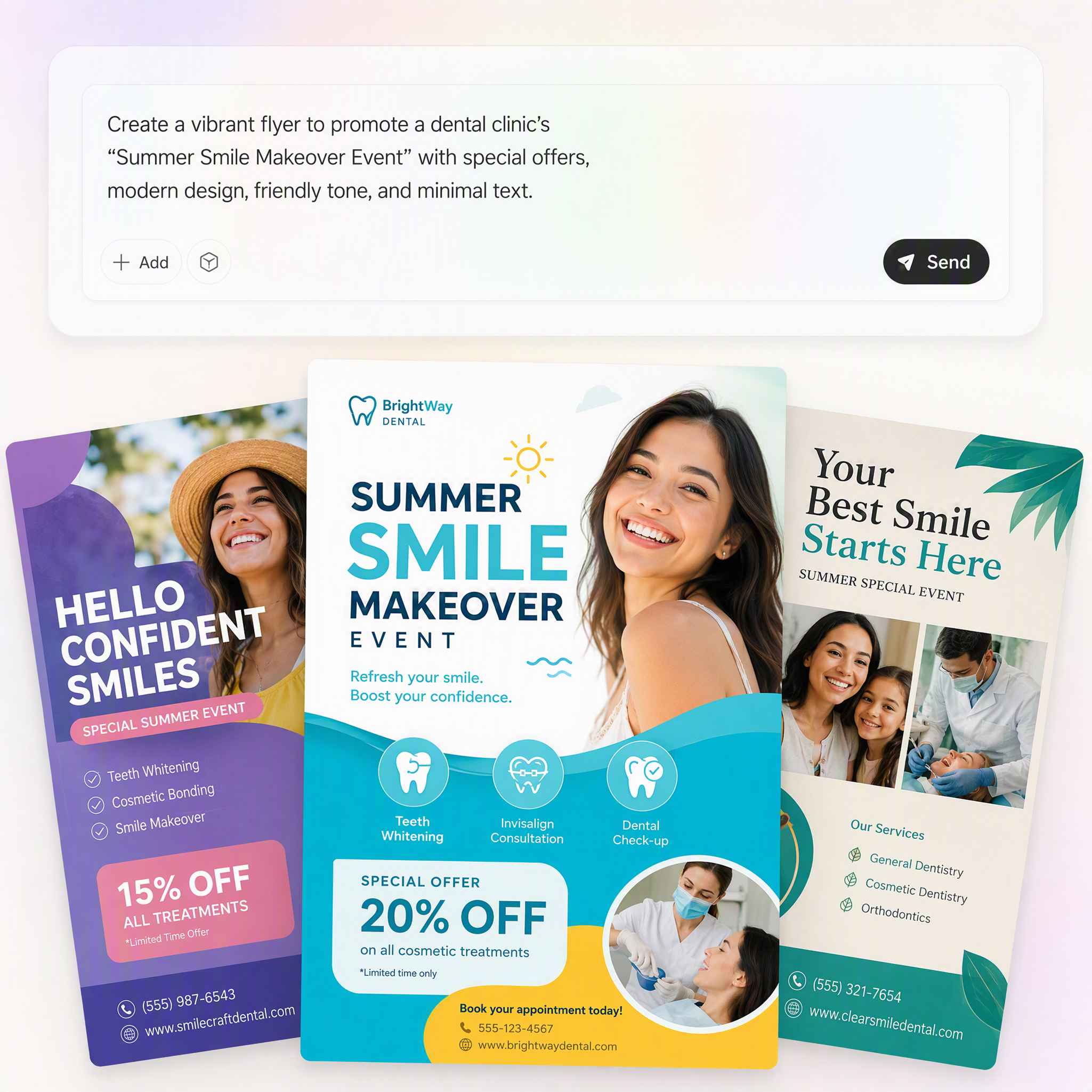
Describe Your Flyer Idea
Enter your campaign goal, product details, event information, or promotional message. You can also upload product images, logos, or brand assets to guide your flyer design.
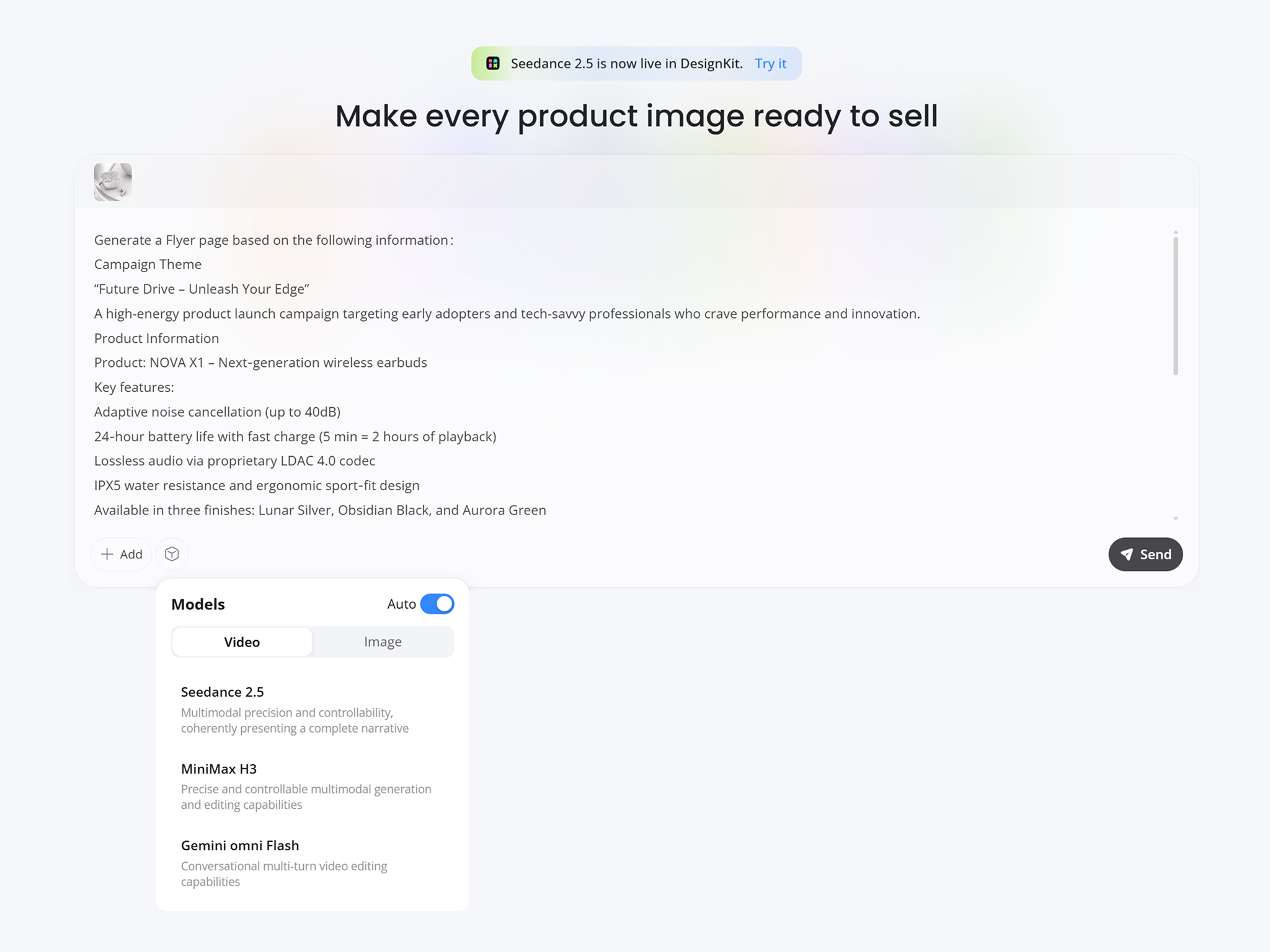
Generate Your Flyer Design
Designkit transforms your input into a complete flyer layout with structured sections, visual elements, typography, and marketing-focused composition. Adjust the design direction based on your audience and campaign needs.
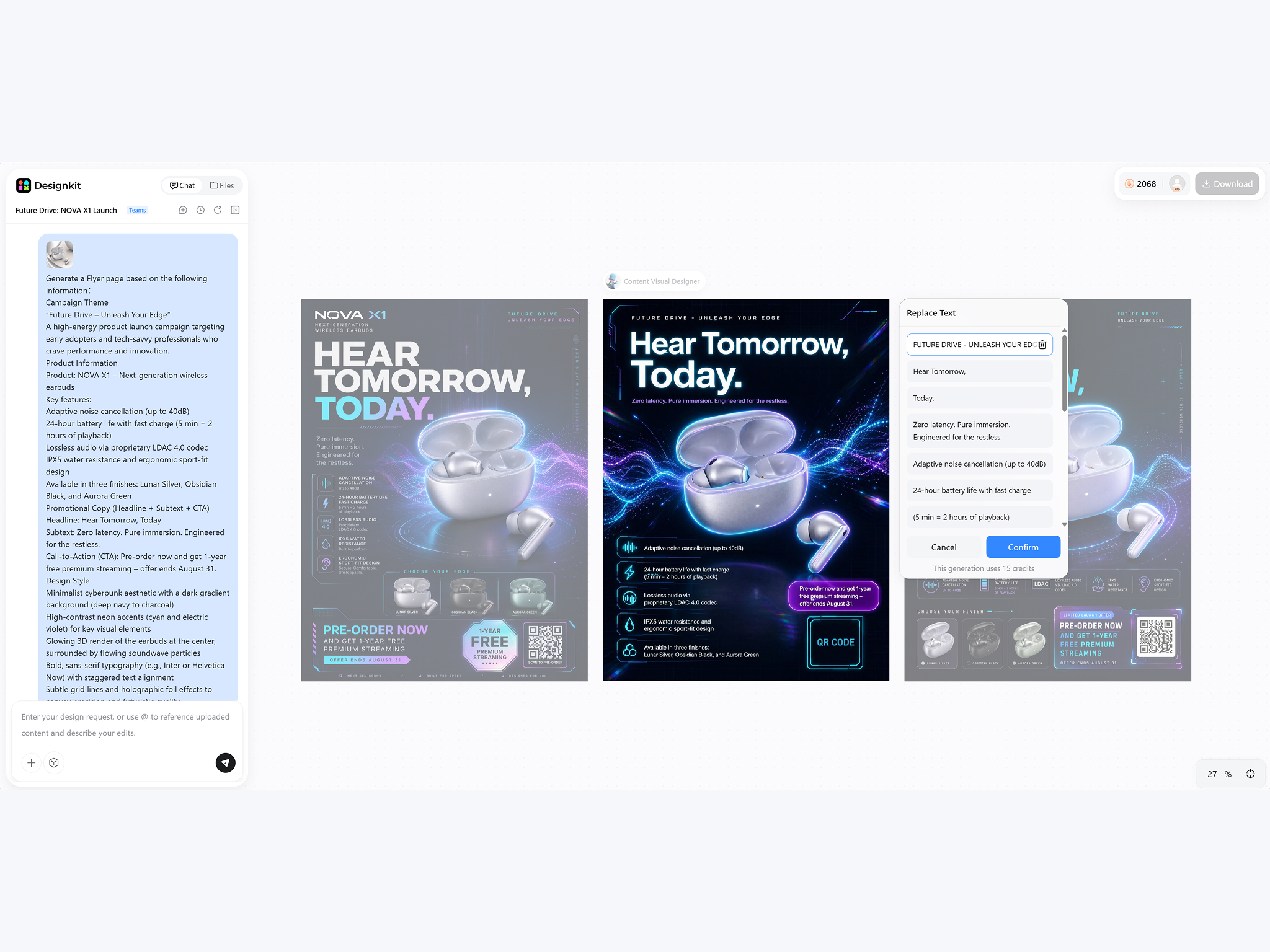
Customize and Share
Edit text, images, colors, fonts, and branding details until the flyer matches your campaign. Export your final design for printing, social media, email marketing, or digital distribution.
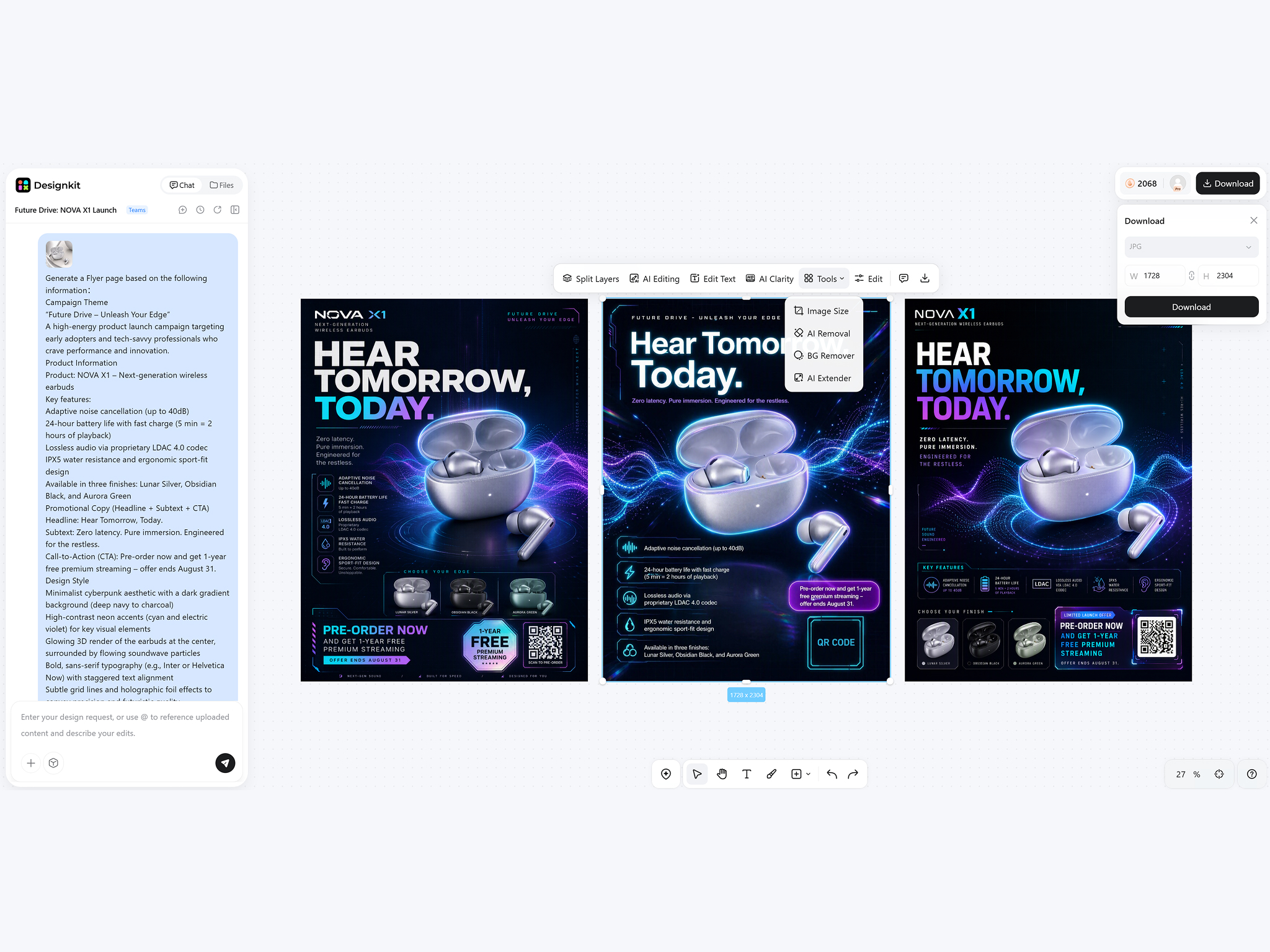
What Makes Designkit AI Flyer Maker Different
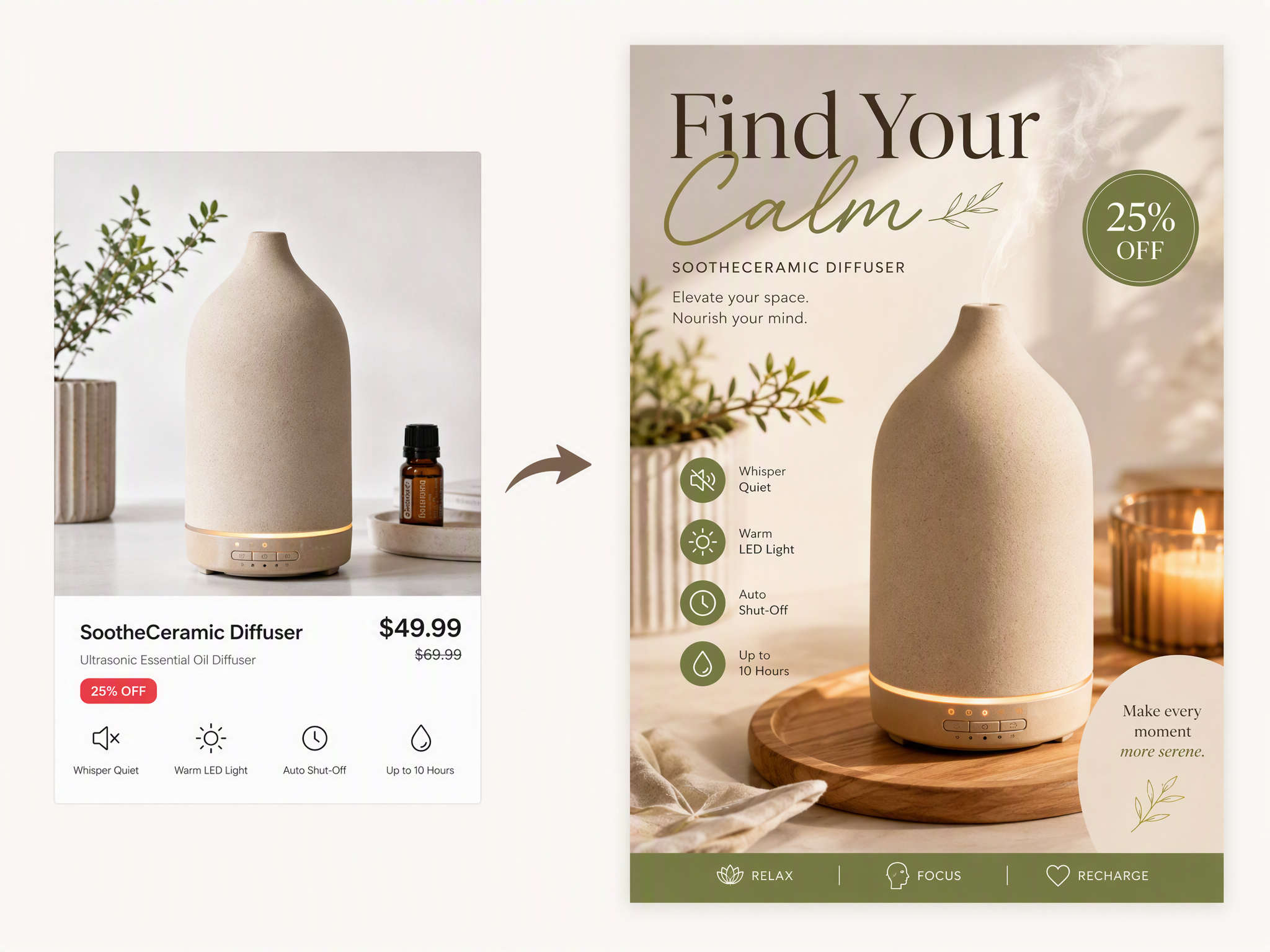
Turn Product Photos Into Ready-to-Sell Marketing Flyers
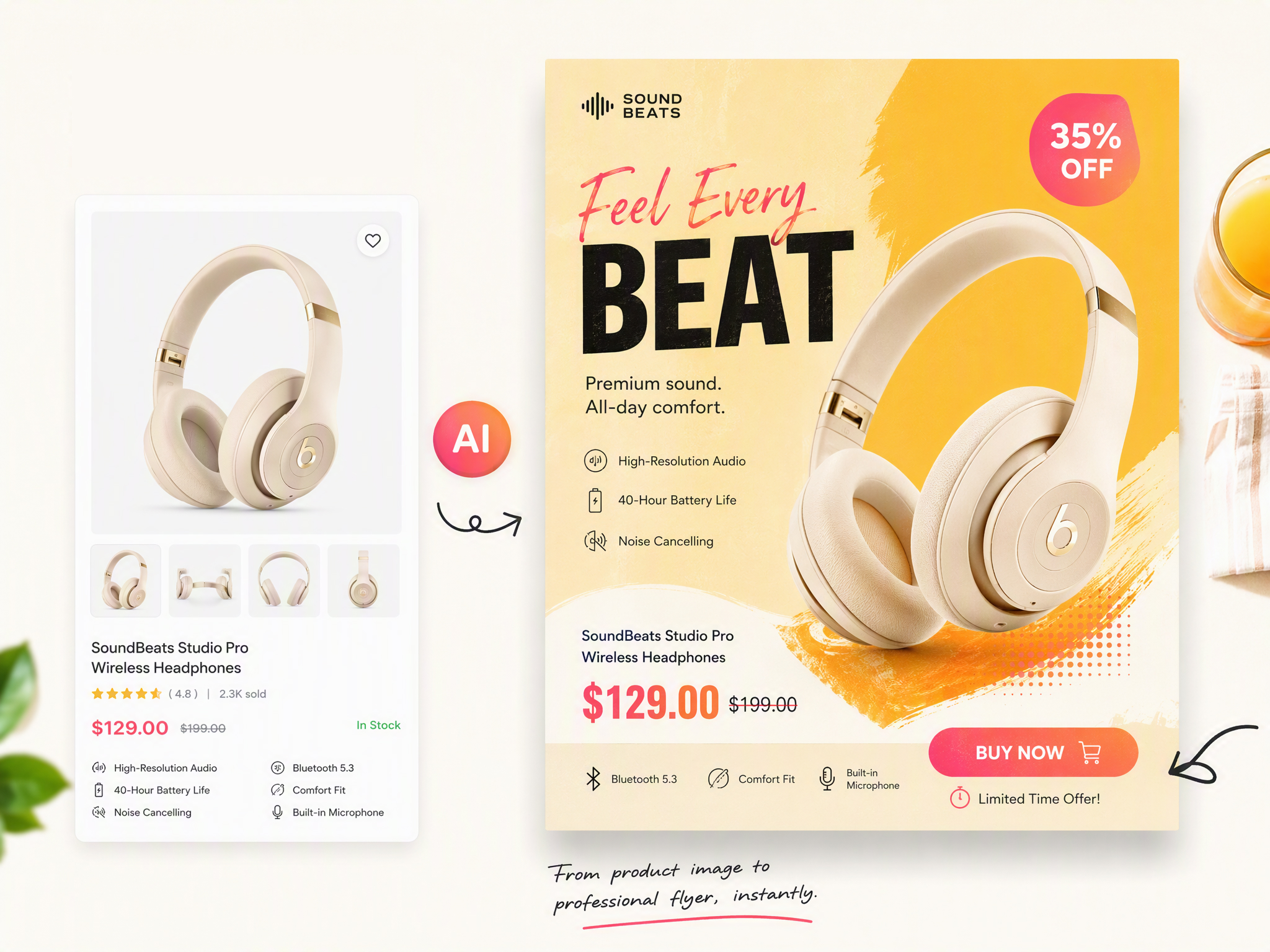
Product photos can become complete marketing materials with AI-generated layouts, headlines, pricing sections, and promotional elements. Designkit's image to image AI helps ecommerce brands transform existing product assets into flyers for launches, sales, and seasonal campaigns.
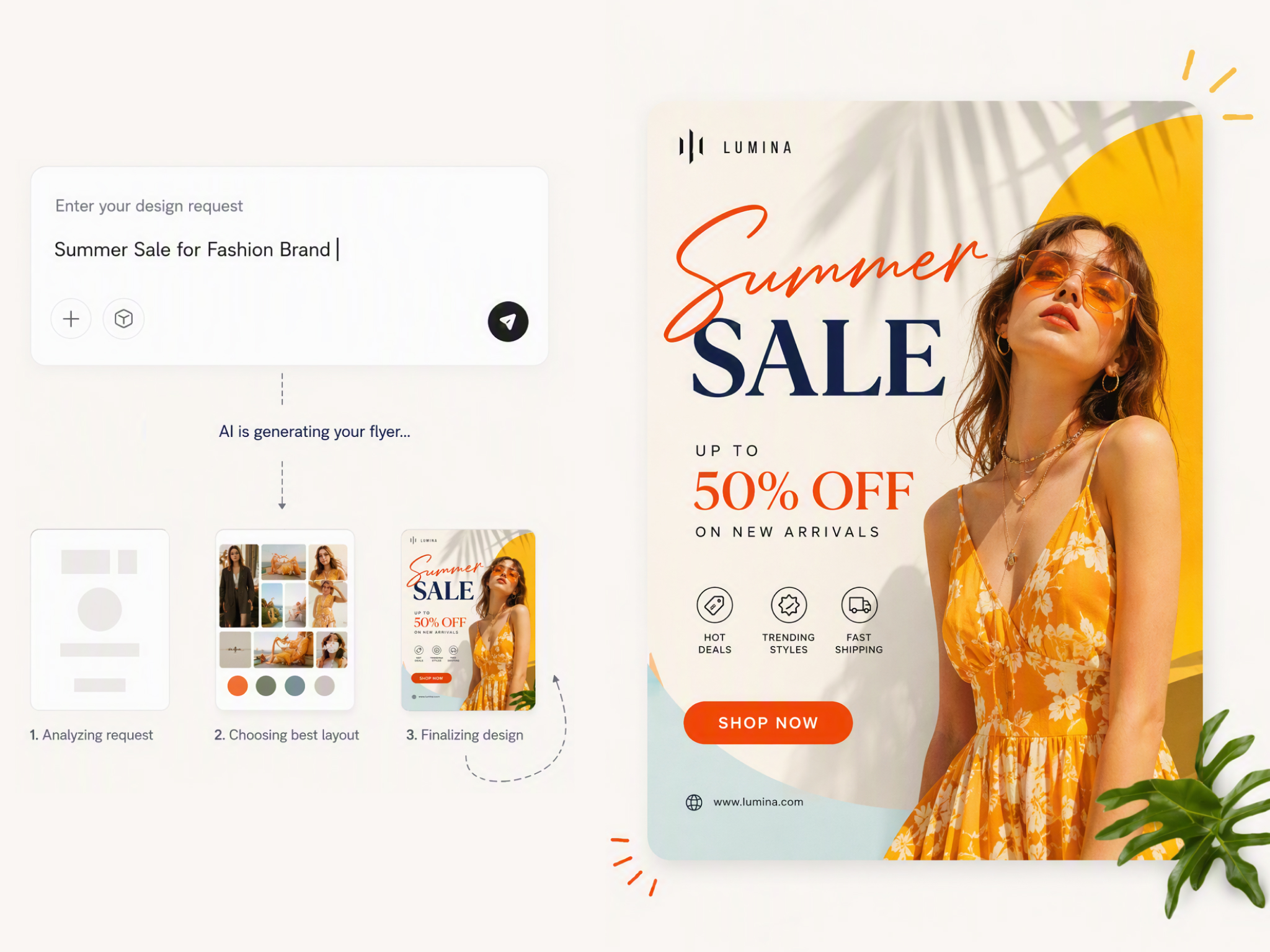
Generate Complete Flyers From Text Ideas
Describe your event, business, or promotion, and Designkit creates a complete flyer concept with structured layouts, visuals, and messaging. The AI flyer generator from text helps turn rough ideas into ready-to-edit designs.
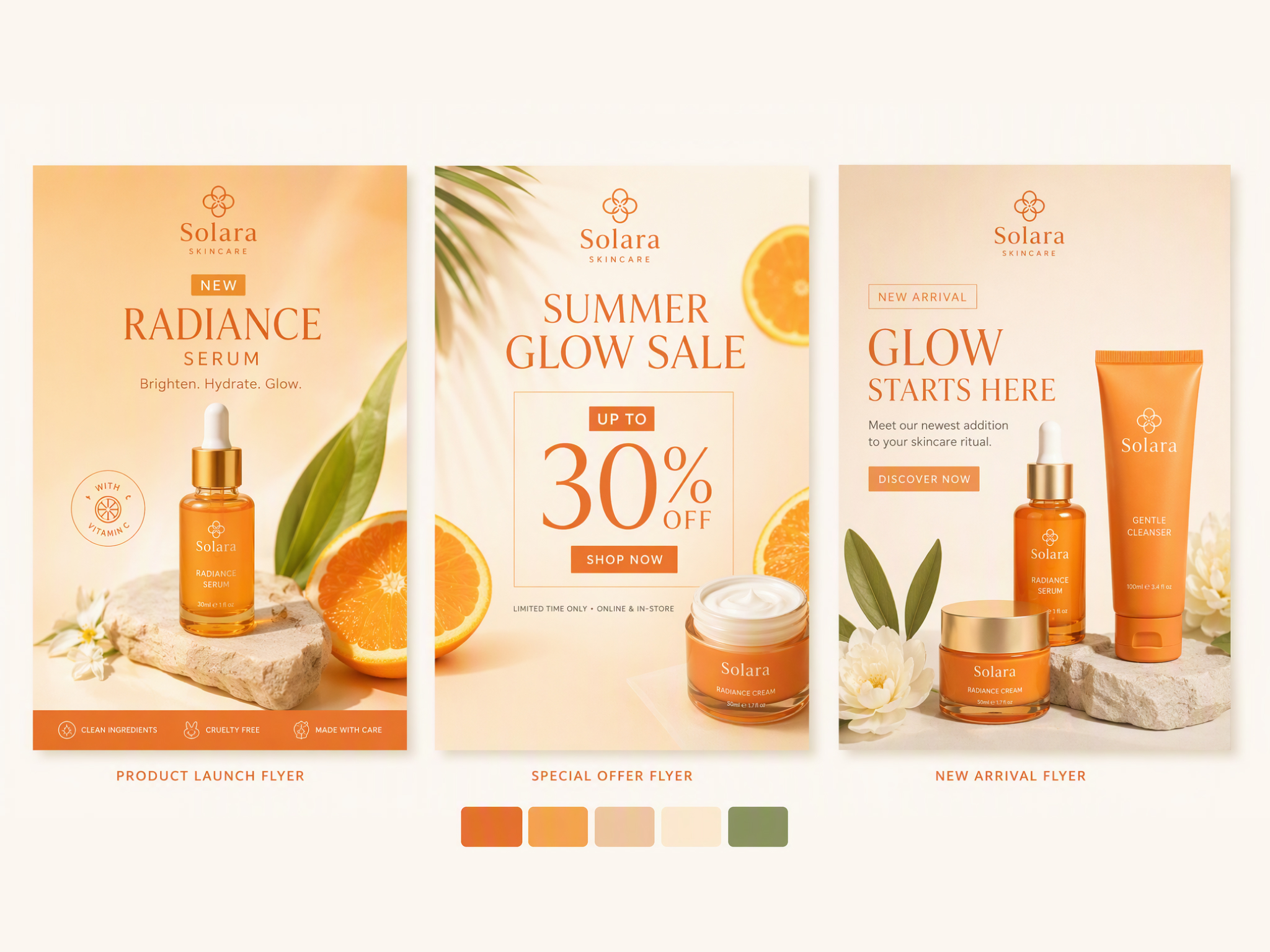
Maintain Brand Consistency Across Every Campaign
From product promotions to event announcements, every flyer can follow the same brand direction. Apply consistent logos, colors, fonts, and visual styles to maintain a recognizable identity across marketing materials.
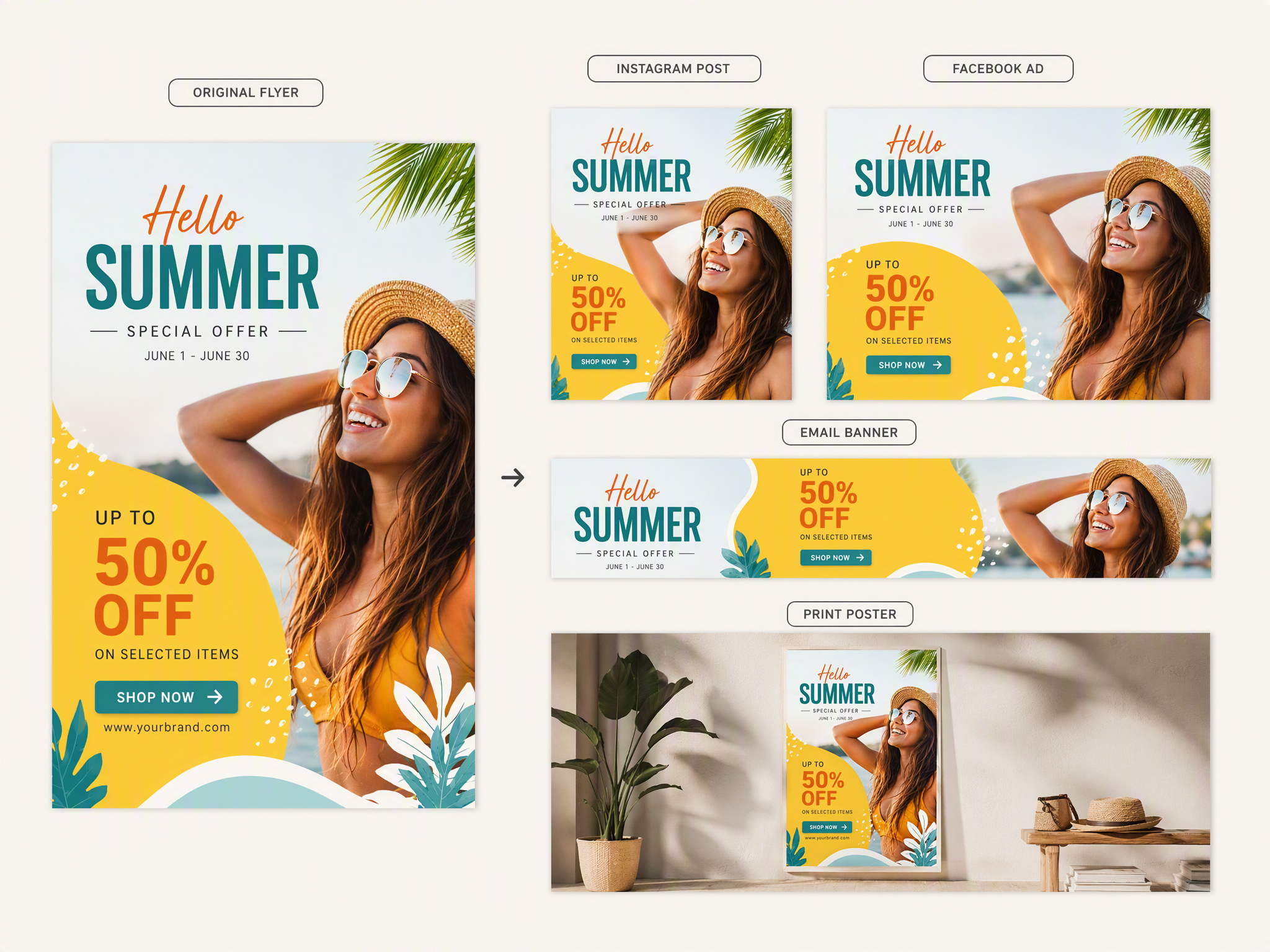
Adapt One Flyer for Multiple Marketing Channels
A single campaign may need versions for social media, emails, posters, and printed handouts. Designkit helps adapt flyer designs for different channels while keeping important information and visual balance intact.
Who Uses Designkit's AI Flyer Maker
Promote Products and Services Without Outsourcing Every Flyer
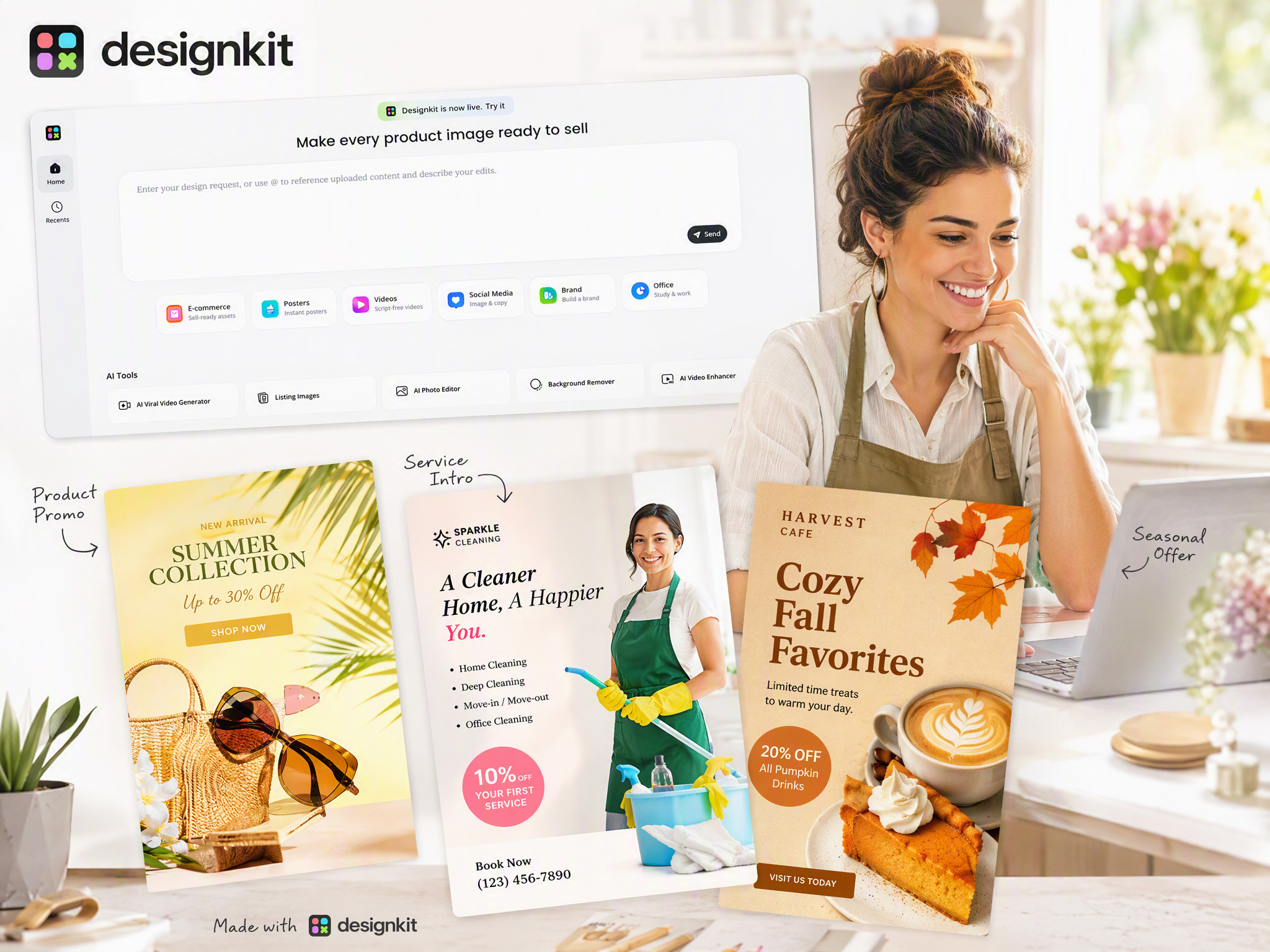
Small businesses often need new flyers for seasonal offers, product launches, and local promotions. Instead of hiring a designer for every update, create branded flyers from product information, promotional messages, and images with Designkit.
Why Businesses and Marketers Choose Designkit
Replace Repetitive Designer Requests With AI Creation
Traditional flyer production often involves sending requirements back and forth with designers, especially when campaigns need frequent updates. Designkit allows teams to generate and revise flyers directly from their ideas, reducing dependency on external design support.

Create Campaign Materials Without Starting From Templates
Many flyer tools rely on fixed templates that require users to fit their content into predefined structures. Designkit generates layouts based on your campaign goal, product details, or event information, giving each flyer a more customized direction.
Combine Copy, Visuals, and Layout in One Workflow
Creating a flyer usually requires switching between writing tools, image resources, and design software. Designkit brings content generation, AI visuals, and layout creation together, helping users complete the full flyer workflow in one place.
Weekly Promo Updates Without Full Redesigns
Sales, menu specials, and launch offers change often. Reuse your brand direction and campaign structure to create fresh flyer variations for each update, instead of rebuilding every piece from scratch.
Skip Extra Photoshoots for Promo Flyers
You do not need a new shoot for every campaign. Upload product or food photos you already use for listings and social posts, then generate flyer layouts around those assets for launches, sales, and limited-time offers.
Start Free With Signup Credits
Try the AI flyer maker with signup credits and explore different layouts, styles, and marketing concepts before choosing a plan that fits your workflow.
Unlock More Creative Possibilities
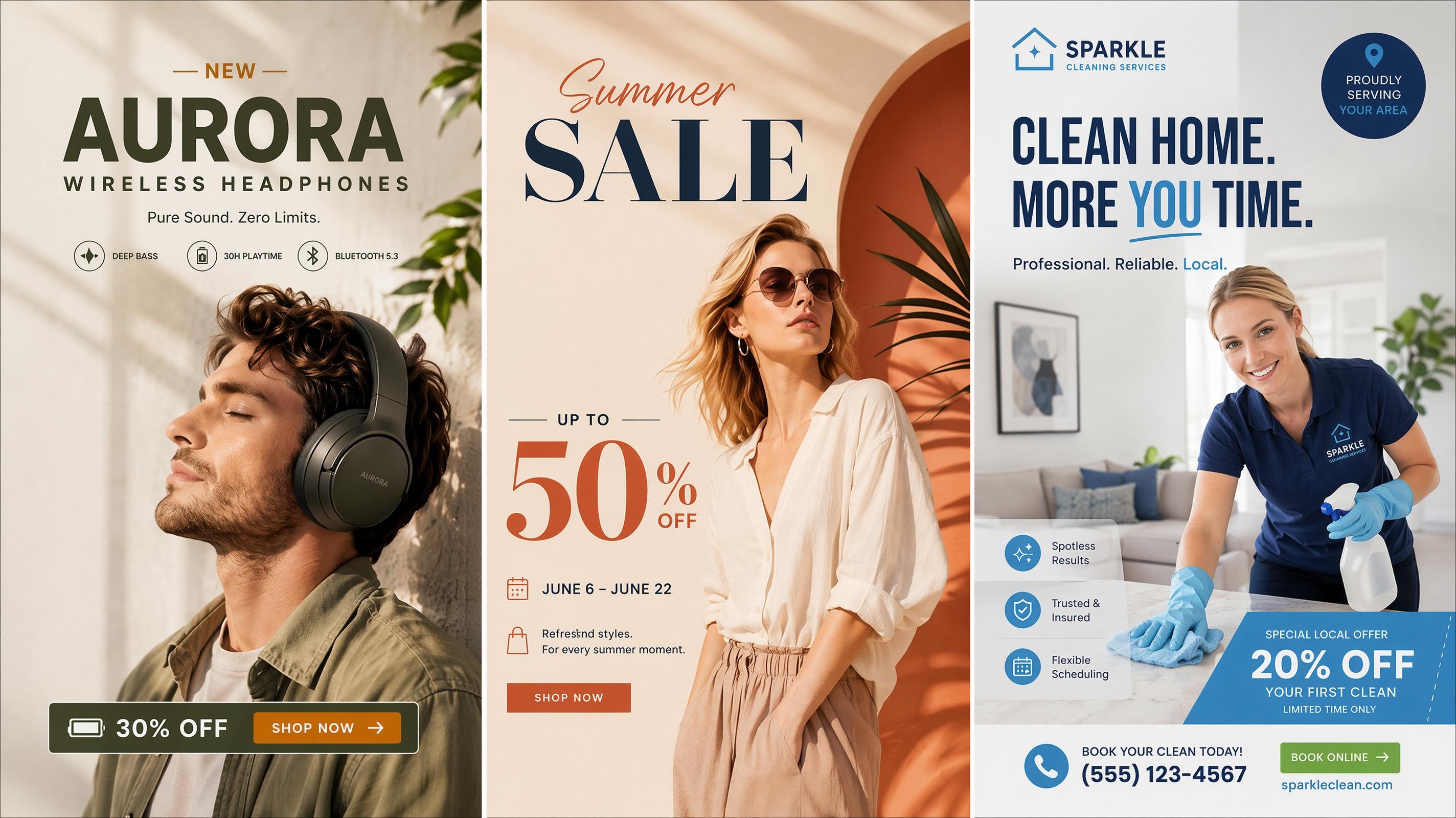
AI Advertisement Poster Generator: Create Clear Ad Layouts
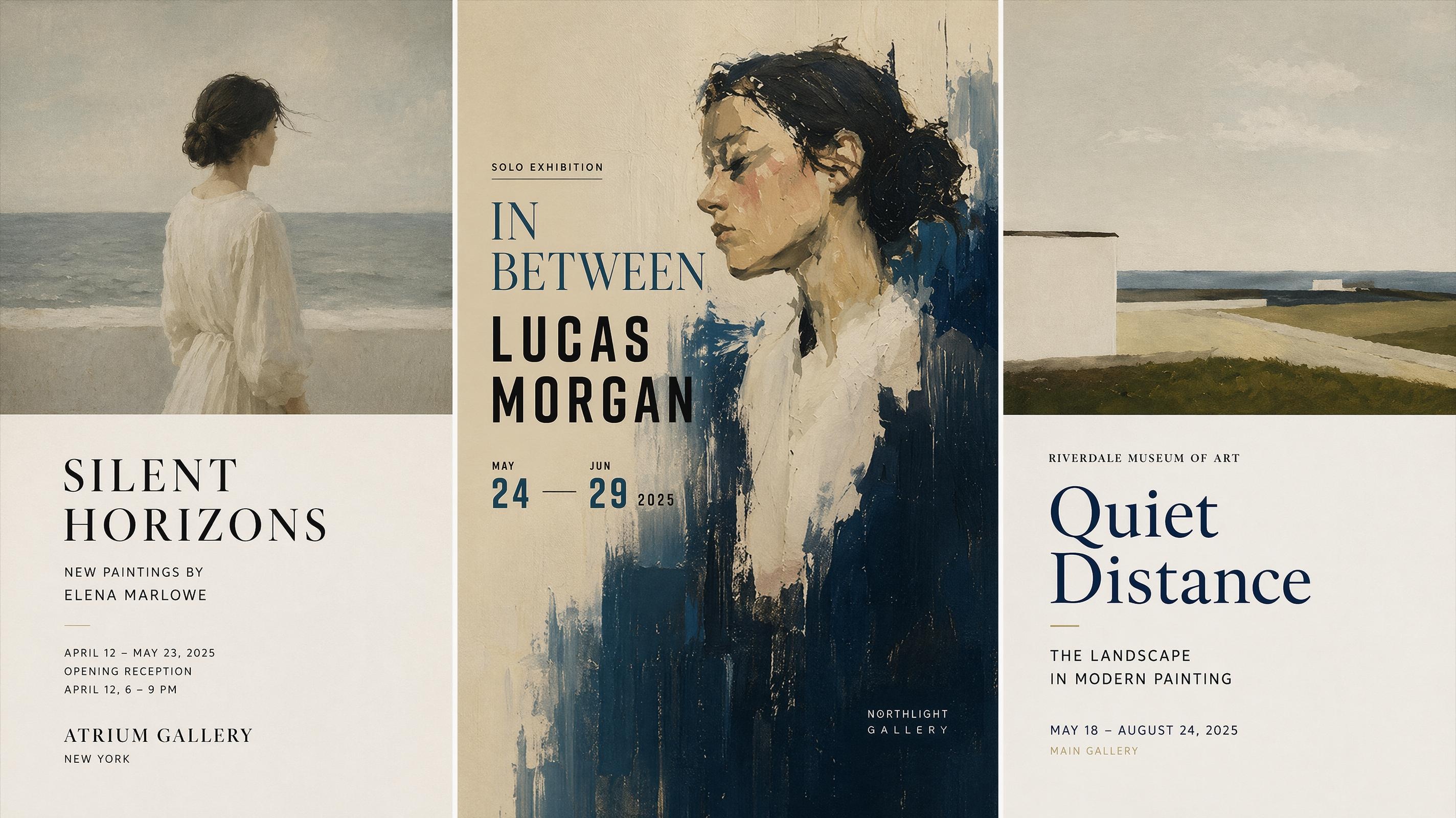
AI Art Poster Generator: Create Gallery Posters
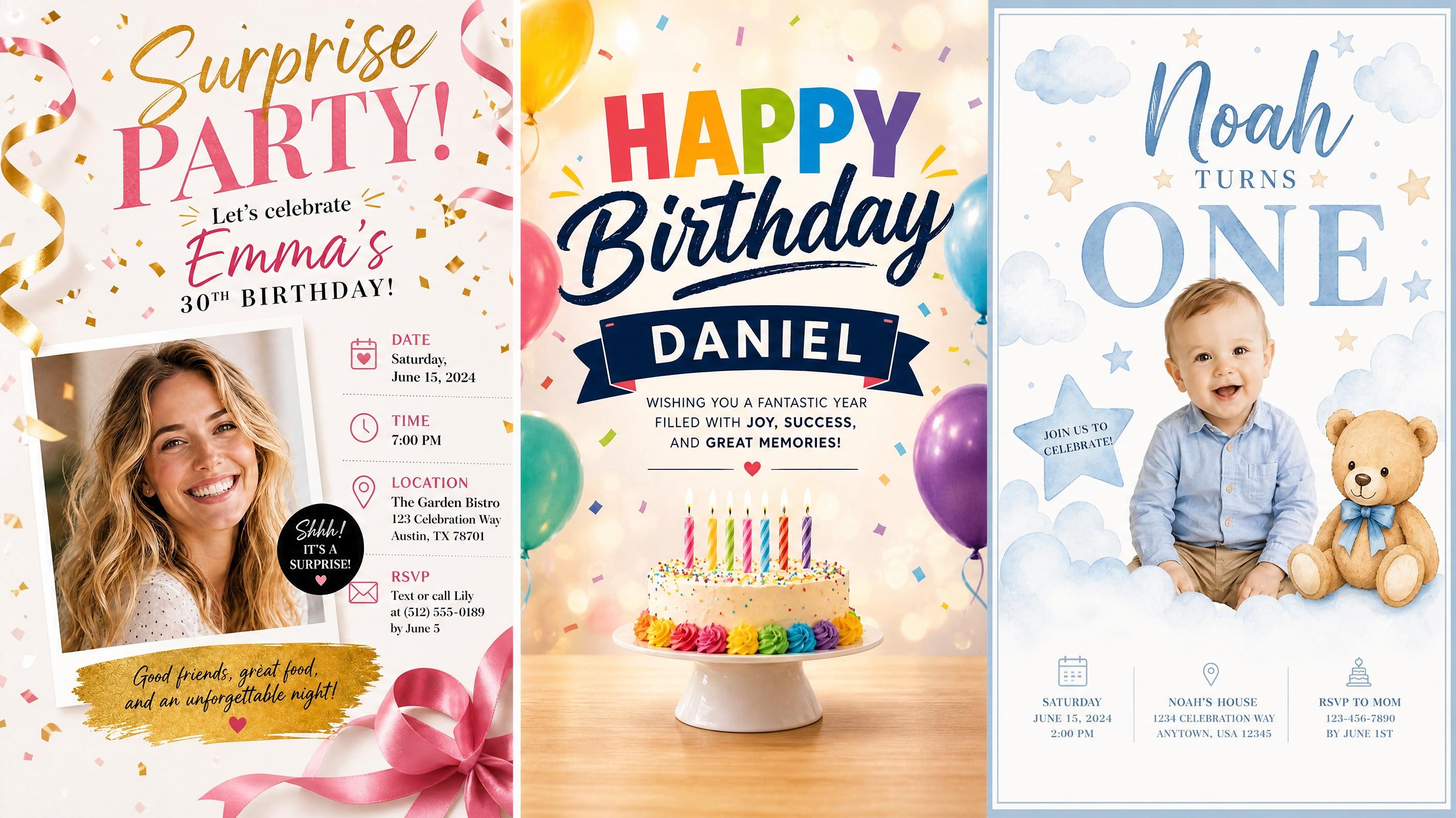
AI Birthday Poster Generator Online for Print and Social
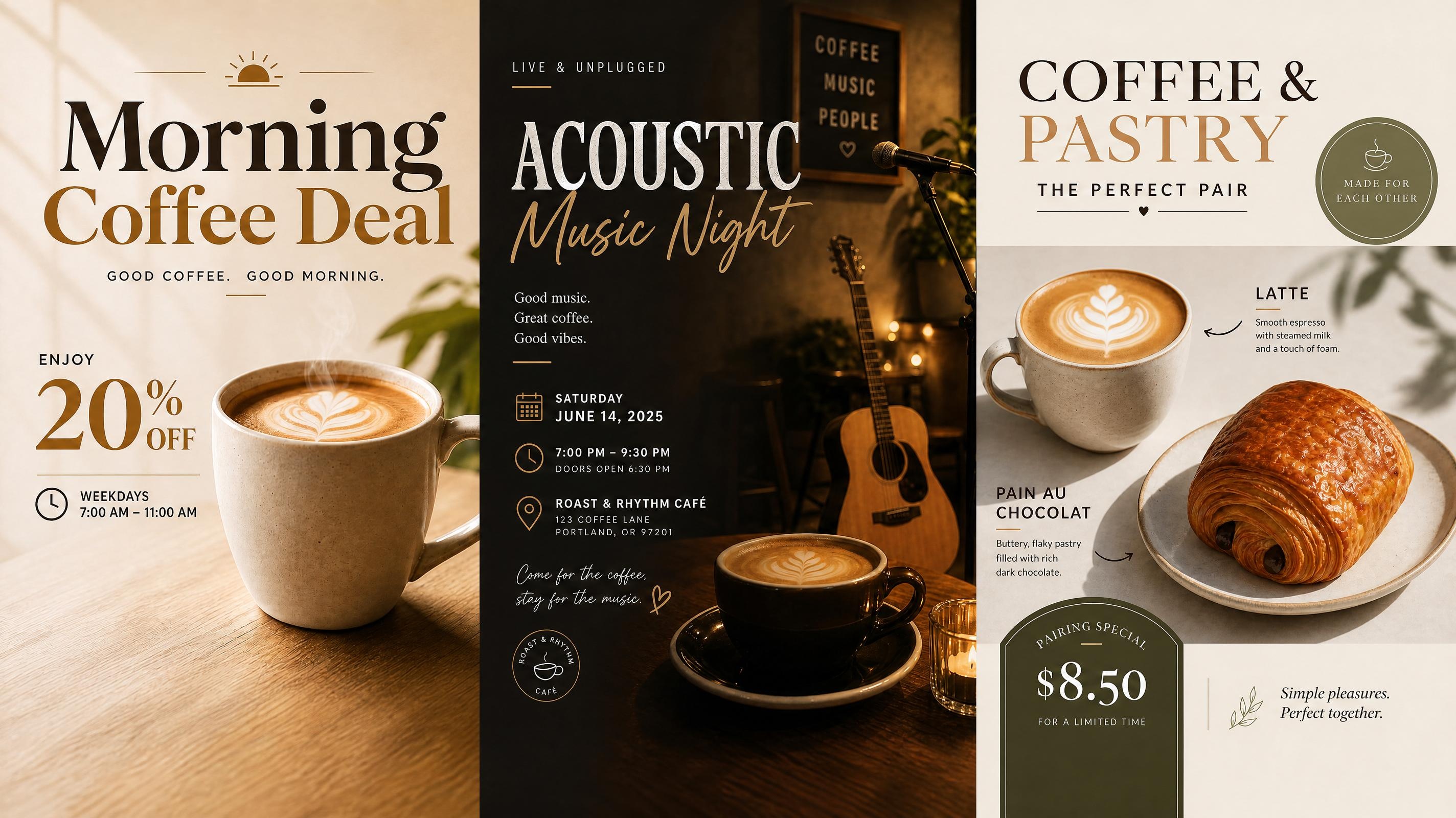
AI Cafe Poster Generator: Menus, Offers, Events
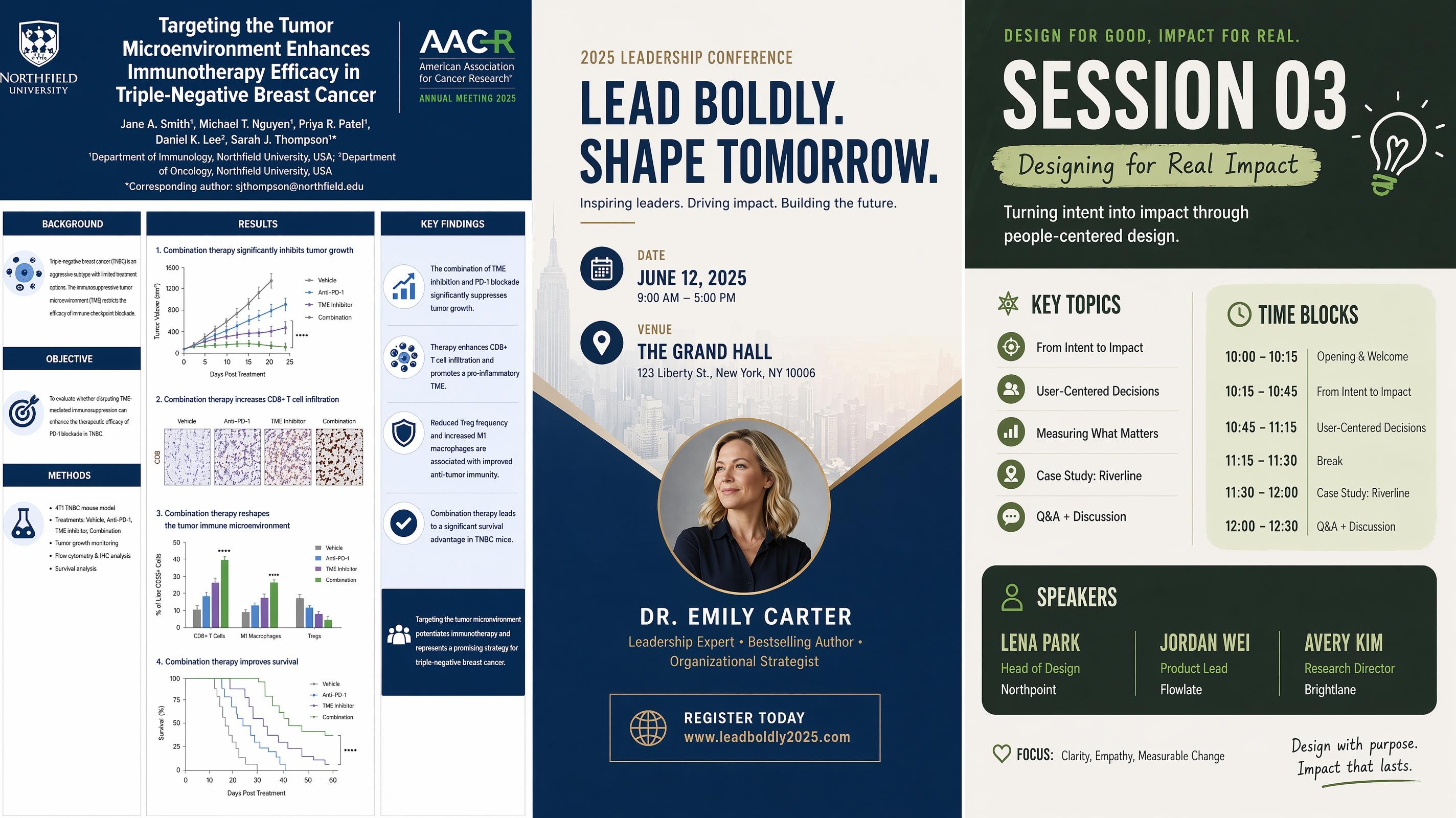
AI Conference Poster Generator for Research and Events
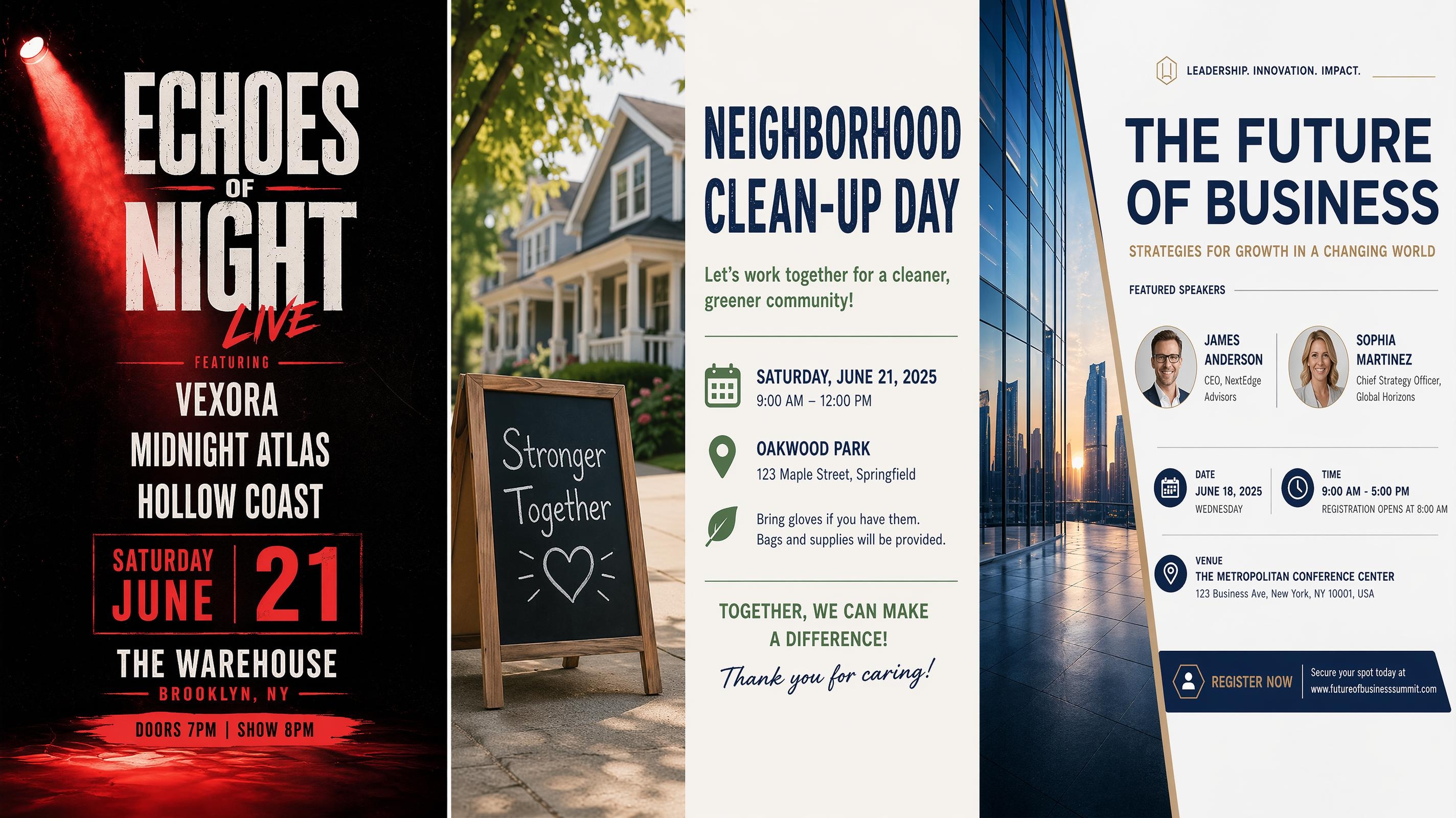
AI Event Poster Generator for Promotion and Print
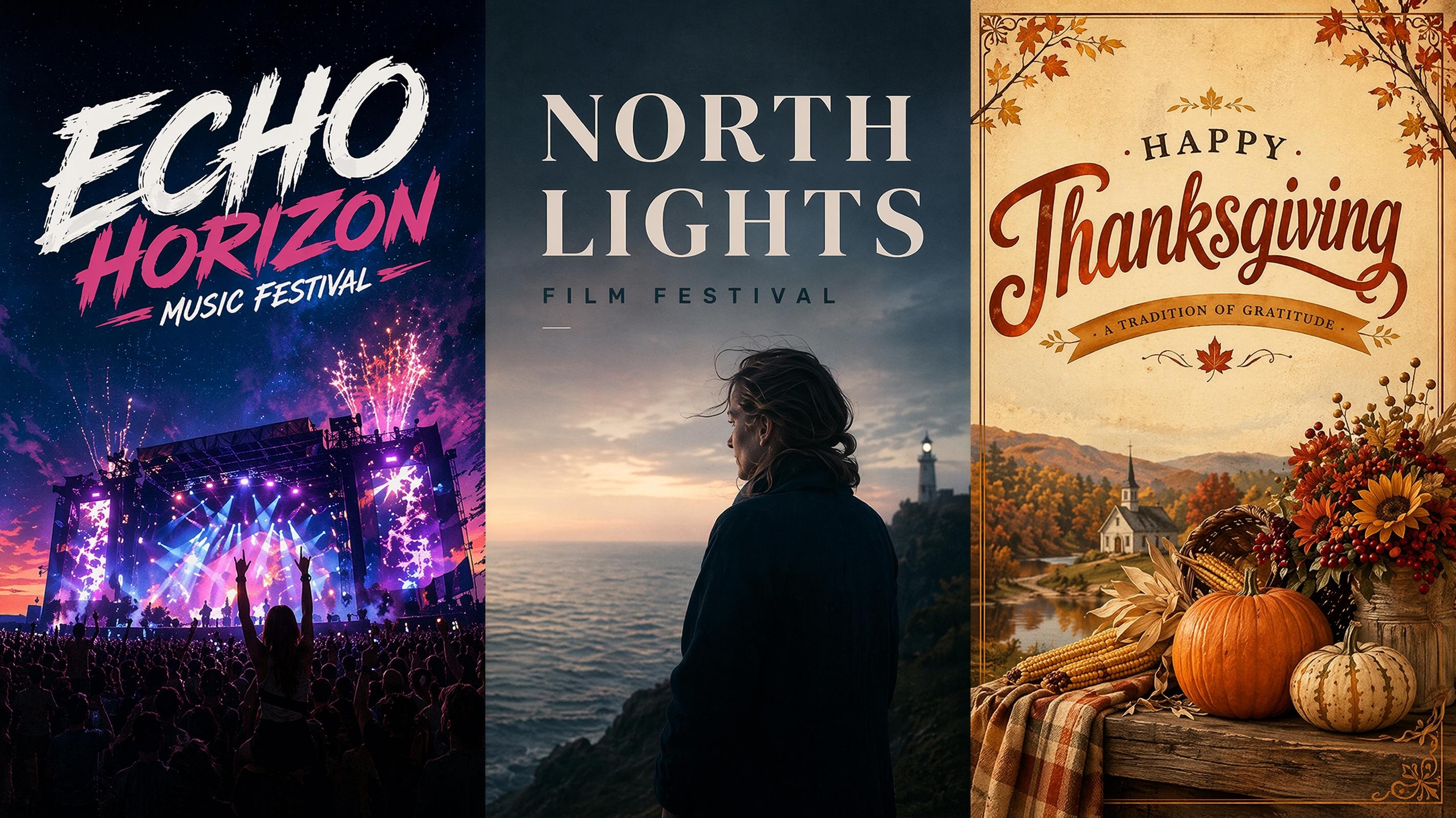
AI Festival Poster Generator: Create Posters for Any Festival
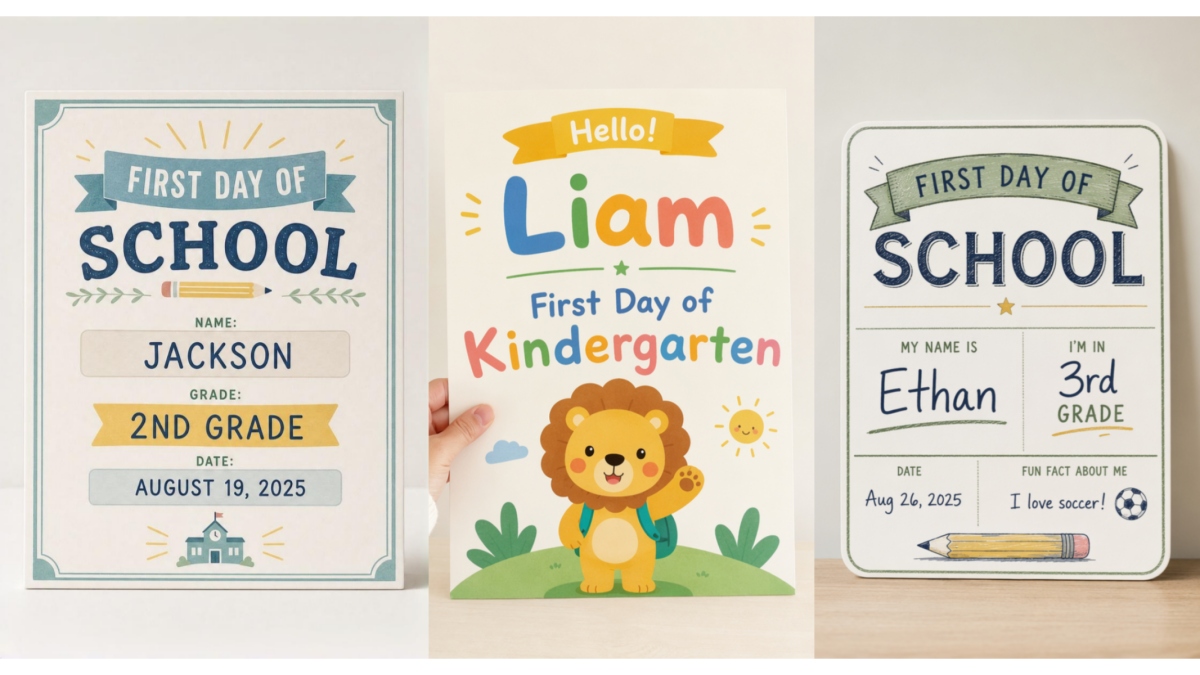
Printable First Day of School Sign Maker
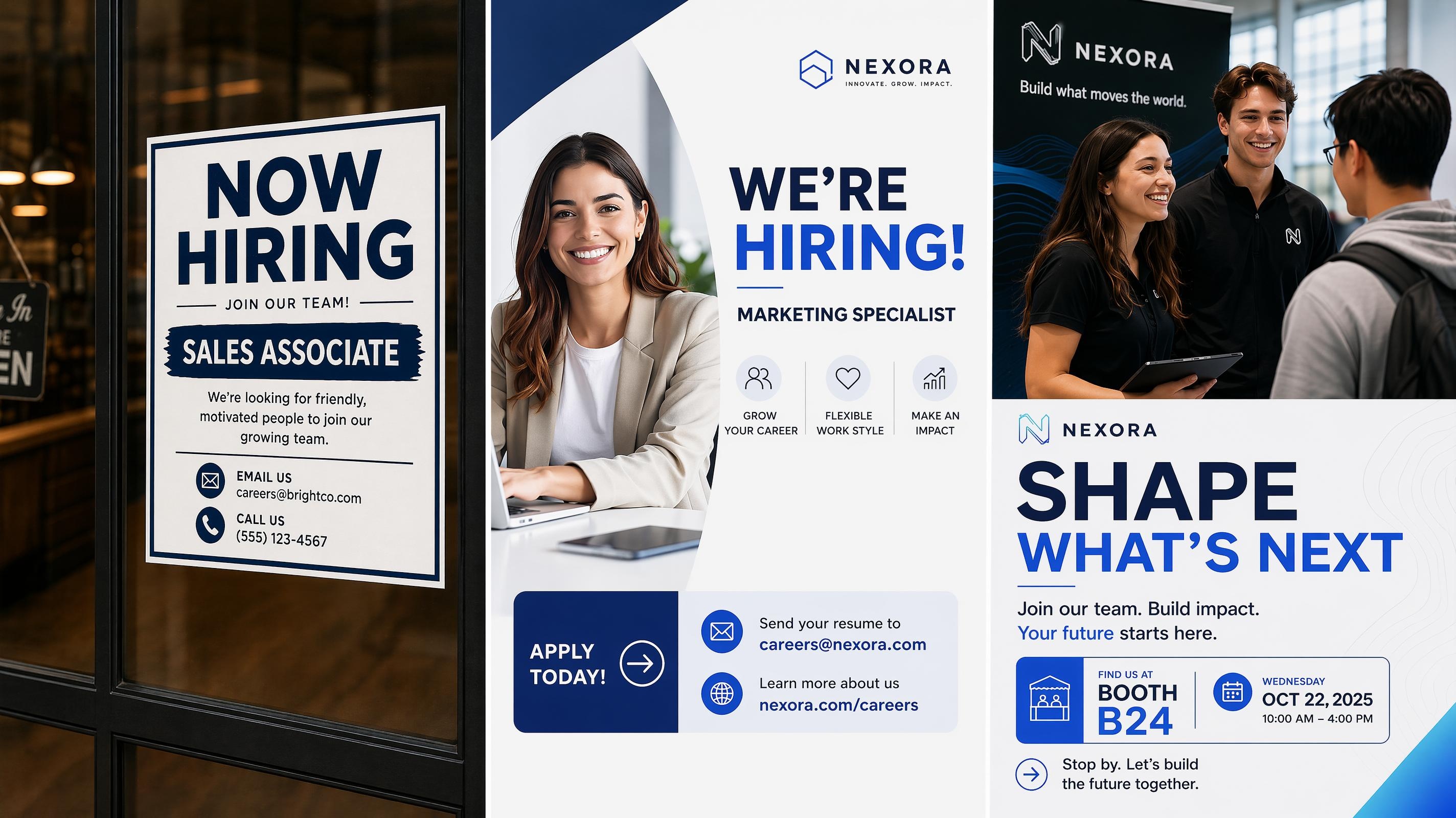
AI Recruitment Poster Generator: Make Hiring Posters Fast
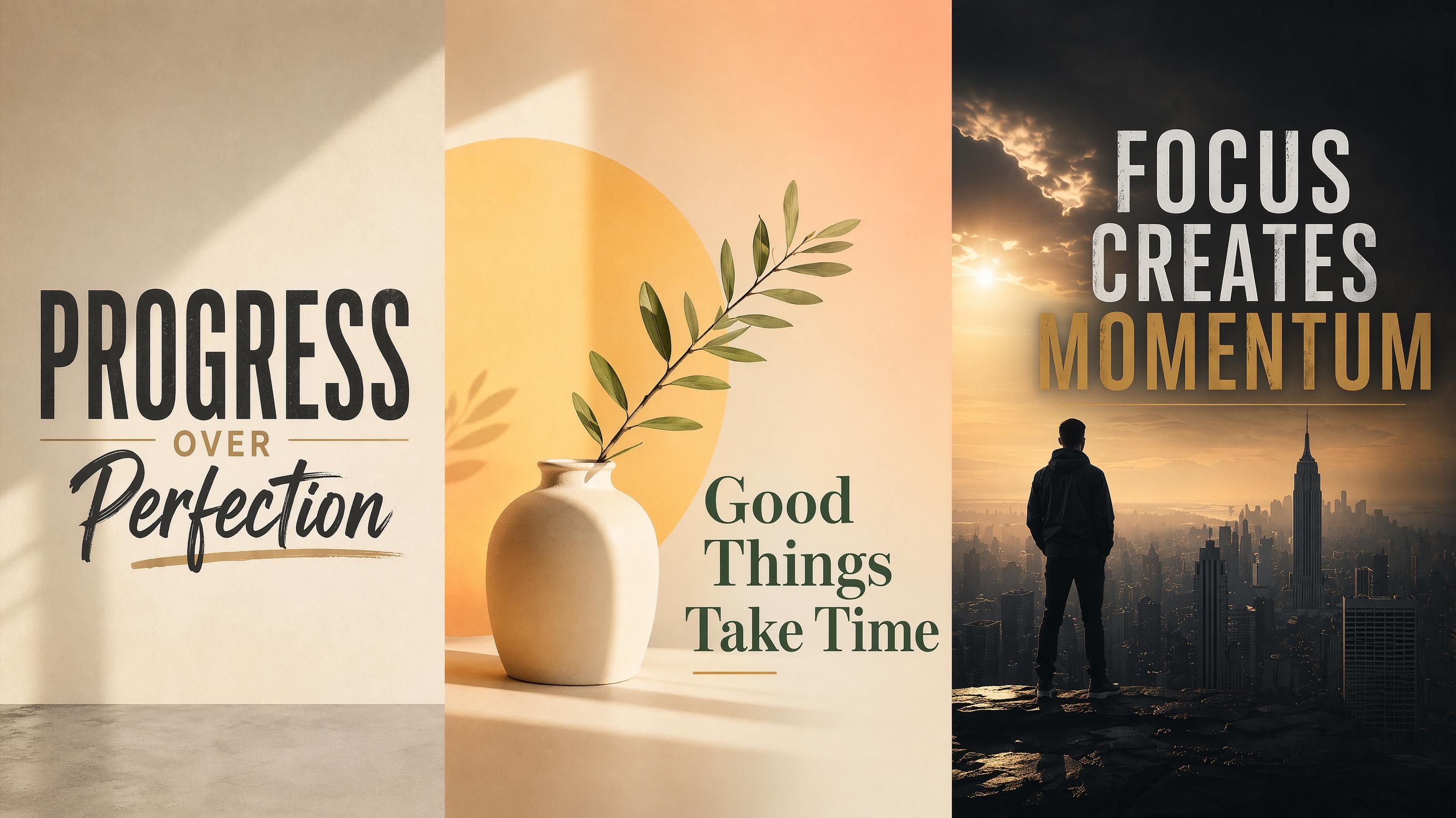
AI Motivational Poster Generator: Create Custom Quote Posters
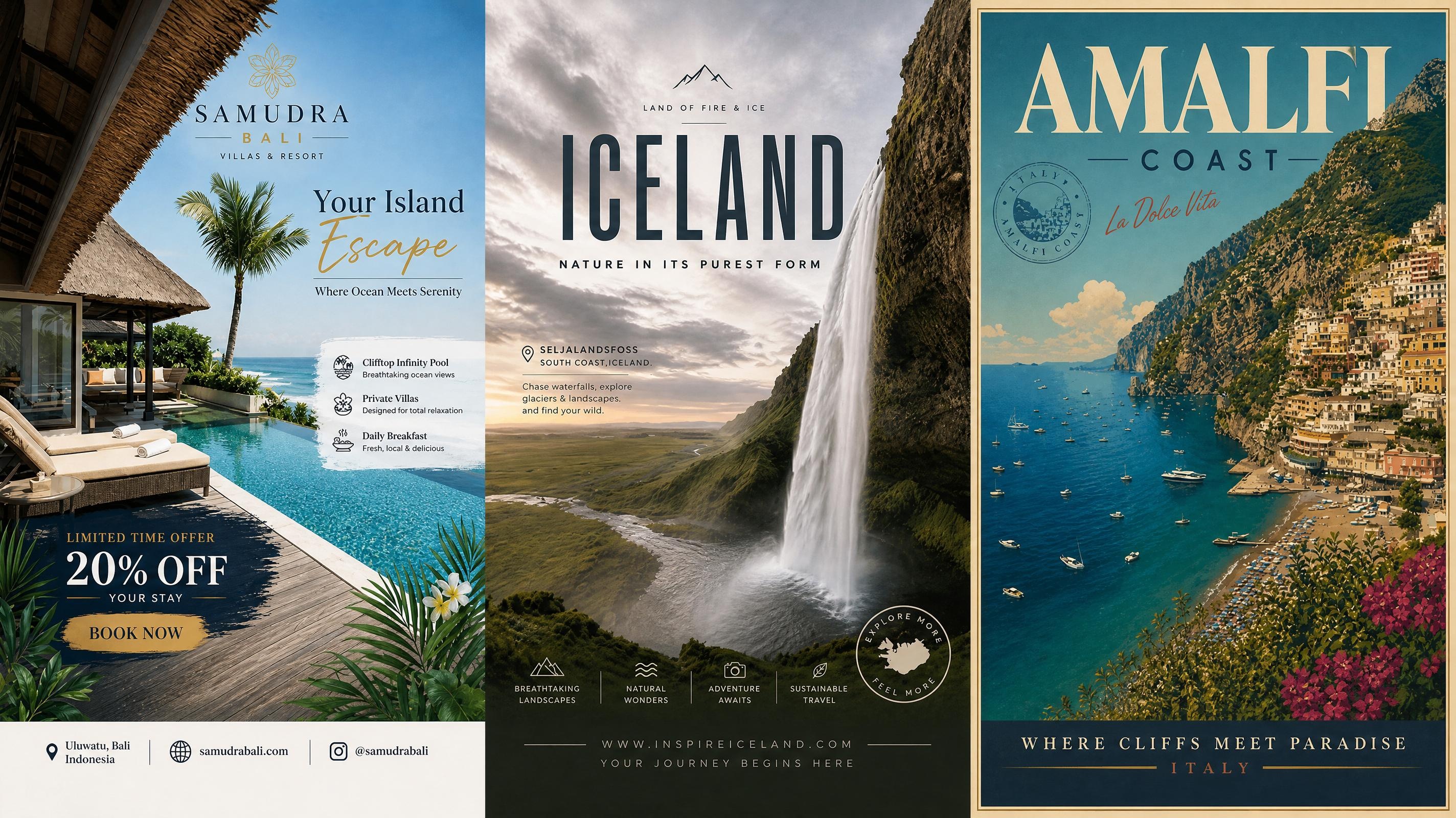
AI Travel Poster Generator for Tourism and Vacation Ads
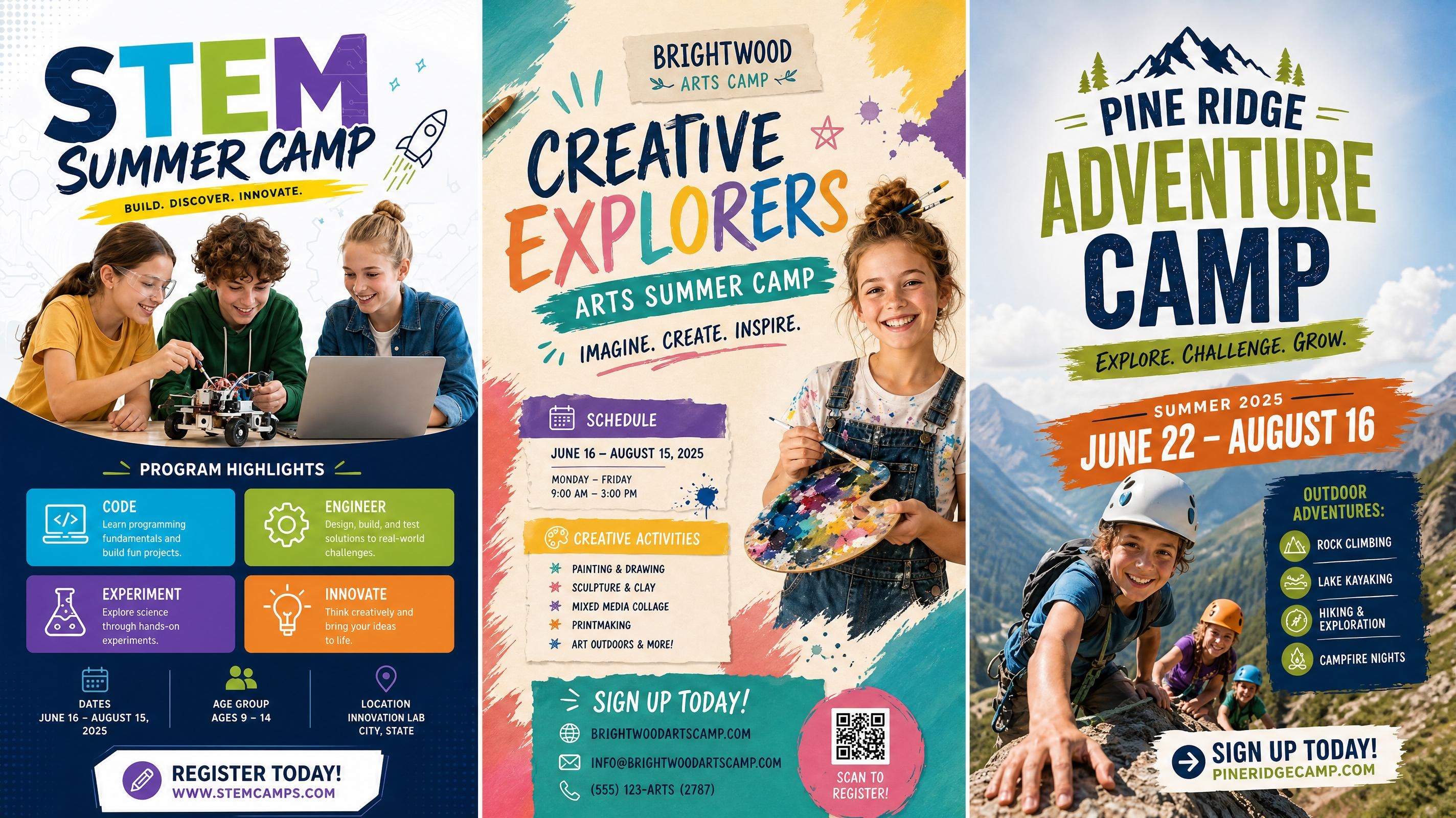
AI Summer Camp Poster Generator: Design Camp Flyers Fast
Frequently Asked Questions
How does an AI Flyer maker work?
How can I create a Flyer from text?
Describe your business, event, product, or promotion, and Designkit's AI flyer generator from text creates a customized flyer concept. You can adjust the layout, images, colors, and messaging before exporting the final design.
Can I upload my own logo and product images?
Sure. Upload logos, product images, and other brand assets to Designkit for branded visual Flyers with AI-generated designs
Can AI create flyers from product photos?
Yes. Upload your product photos, and Designkit can transform them into promotional flyer designs with marketing layouts, visuals, and supporting content. This helps ecommerce brands create campaign materials from existing product assets.
Is there a free AI Flyer maker?
Yes. Designkit offers signup credits that allow new users to try AI-powered flyer creation. You can explore layouts, generate flyer concepts, and test different designs before upgrading.
Can I create flyers online without design experience?
Yes. An online flyer maker like Designkit allows users to create flyers directly in the browser without advanced graphic design skills. Enter your idea, customize the generated design, and export the finished flyer.
What types of flyers can I create with AI?
With Designkit, you can create business flyers, event flyers, restaurant promotions, product launch flyers, marketing flyers, educational materials, community announcements, and many other designs.
Turn Ideas Into Flyers That Get Noticed
Create personalized Flyers for promotions, events, restaurants, and marketing campaigns using text prompts or product photos. Start for free with signup credits. Publish designs in minutes.

What Users Create With Designkit's AI Flyer Maker
Businesses, marketers, creators, and organizations use Designkit to create flyers for promotions, events, and customer communication.
Launch Product Promotions Without Extra Design Support
I needed promotional flyers for a new product launch but didn't want to spend days coordinating with a designer. Designkit turned my product details into a complete flyer layout, and I only adjusted a few brand details before sharing it with customers.
Organize Event Information More Clearly
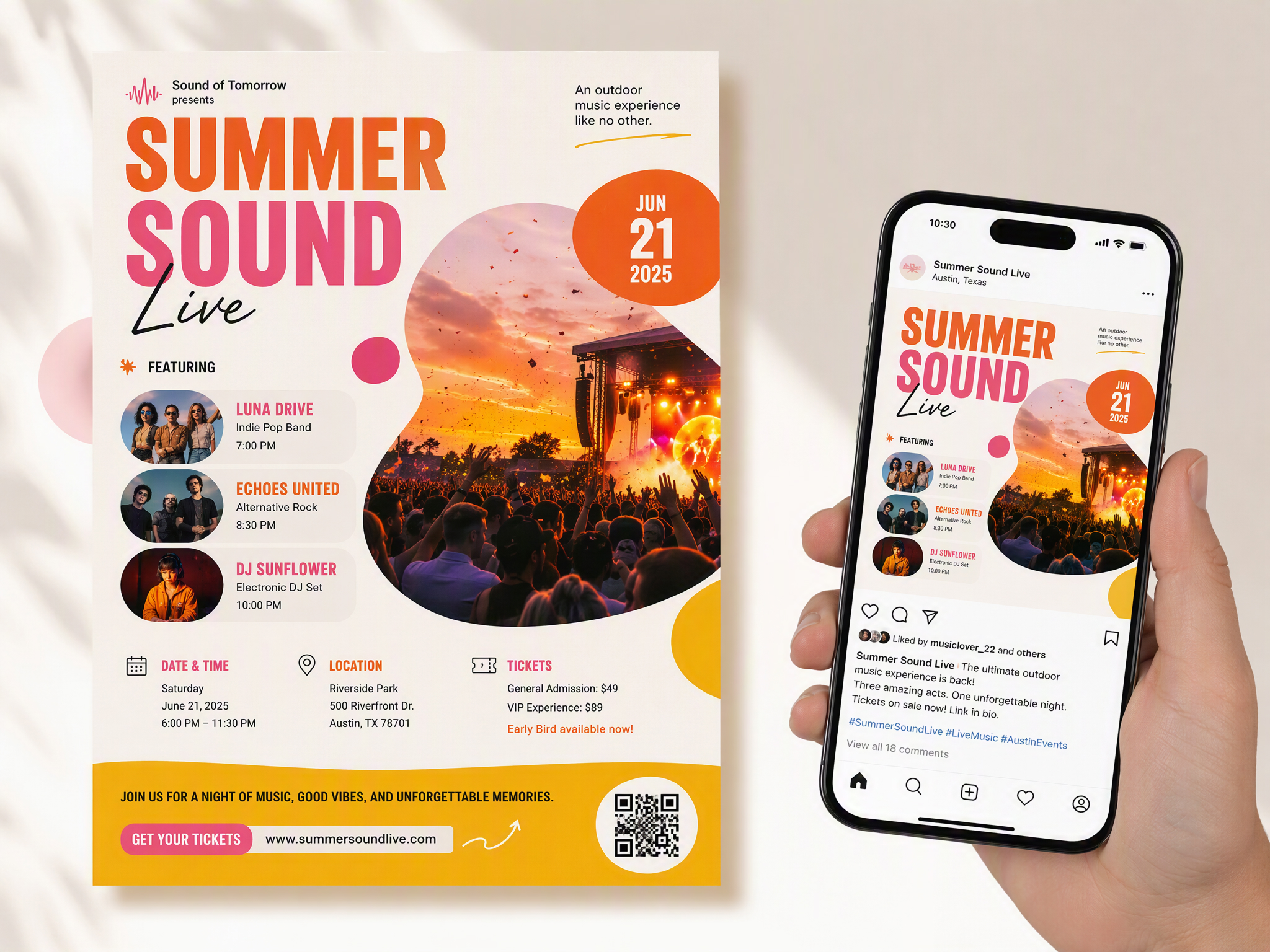
Our event included schedules, speakers, and registration information that needed a clear structure. Designkit helped me create a flyer that presented everything in a way attendees could understand quickly.
Create Restaurant Promotions Consistently
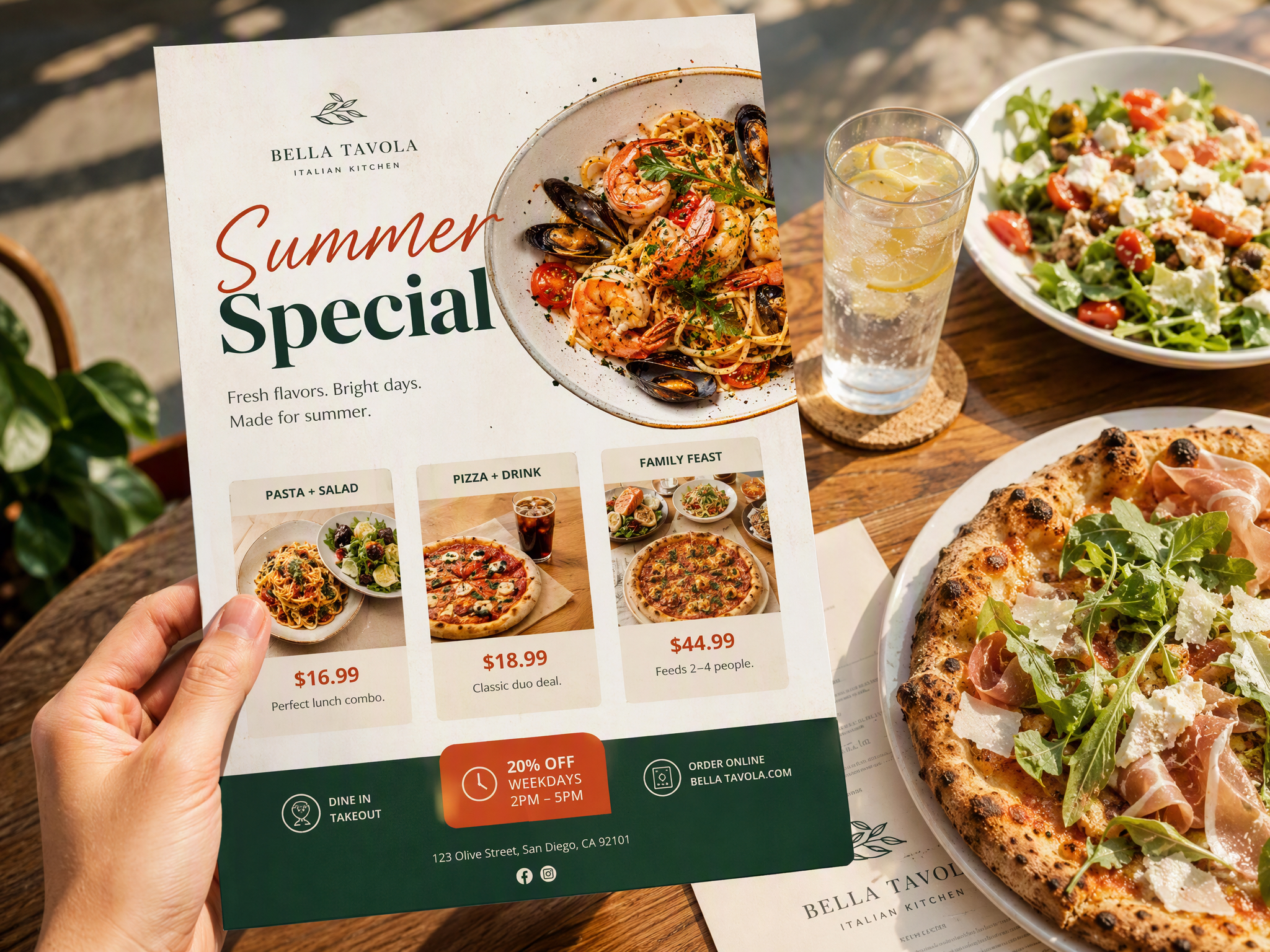
We create new promotions every month, from seasonal menus to special offers. Designkit helps us maintain the same brand style while creating different flyers for each campaign.
Prepare Marketing Materials for Multiple Channels
I use product images for different campaigns throughout the year. Designkit helps turn those images into promotional flyers that work for social media and customer promotions.
Design Community Materials Without Professional Tools
Creating school announcements used to require help from someone with design experience. Designkit helped us create clear flyers for workshops, activities, and community updates. FAQs