
Generate Art Posters with Gallery-Style Layouts
Upload your artwork, add exhibition text, and generate an art poster with balanced image space and clear text areas.
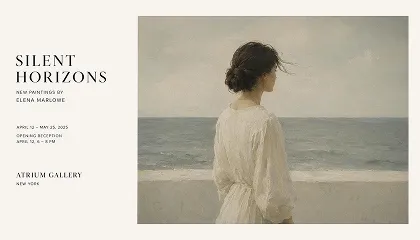
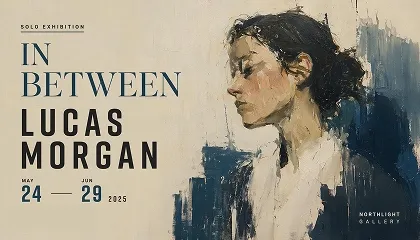
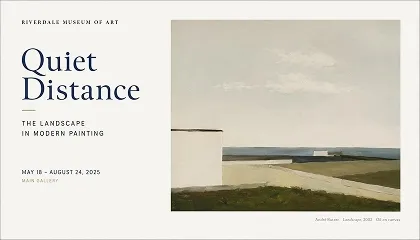
Generate Art Posters from Artwork and Text
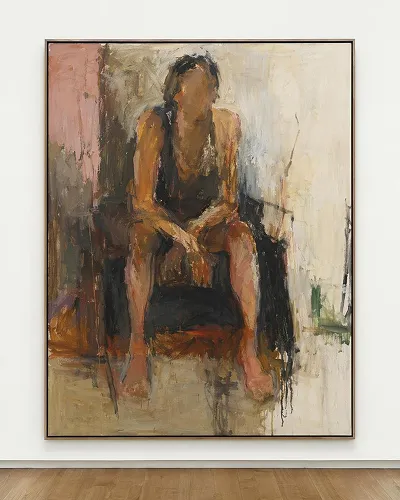
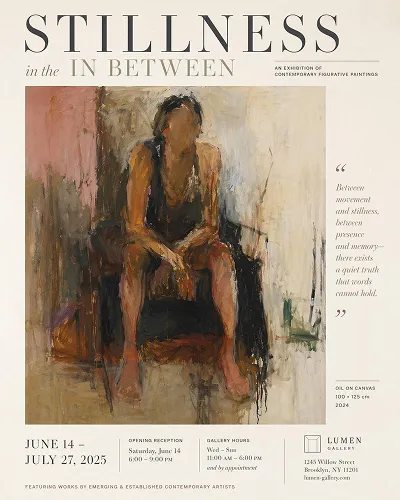
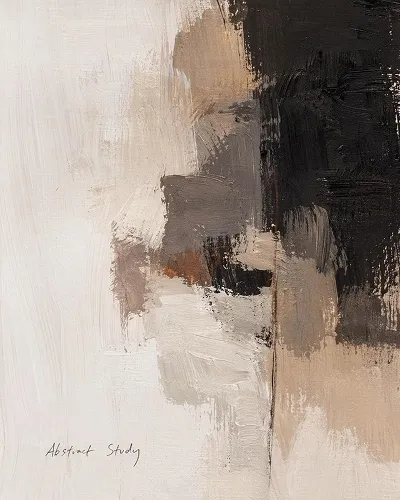
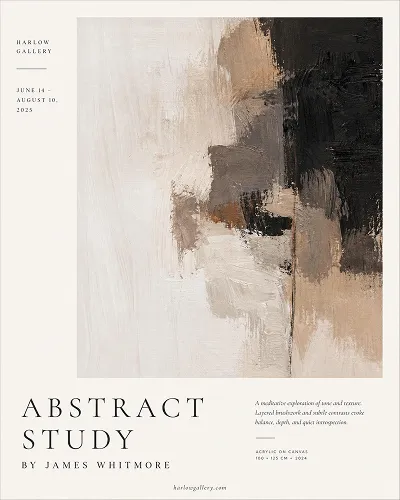
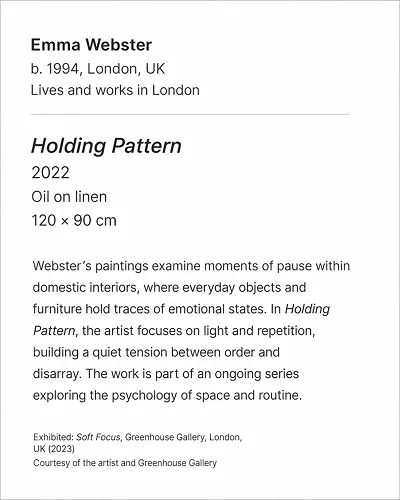
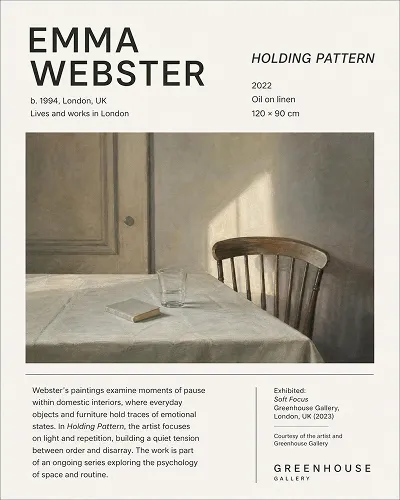
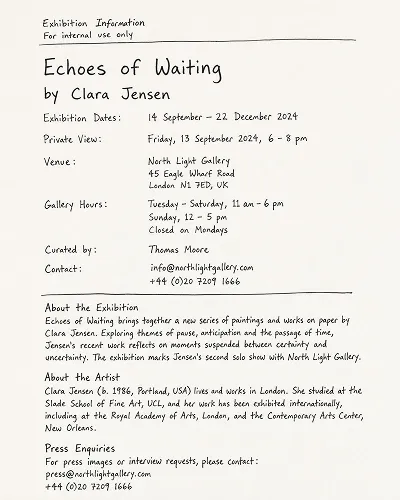
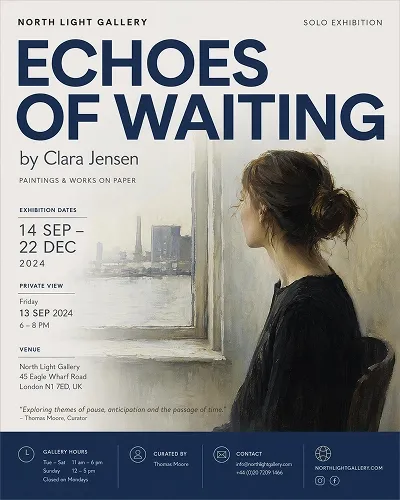
Create Art Posters with Different Visual Moods
Select a style path, add your artwork details, then open the workspace to refine the poster.
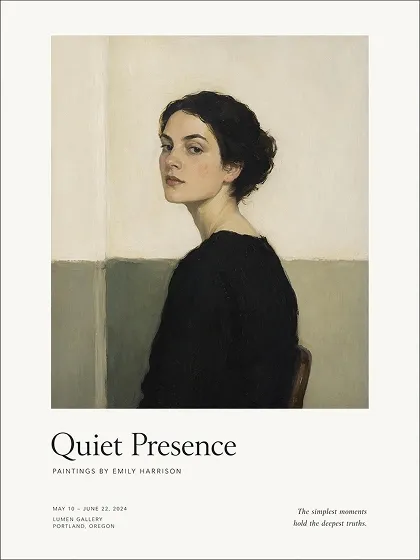
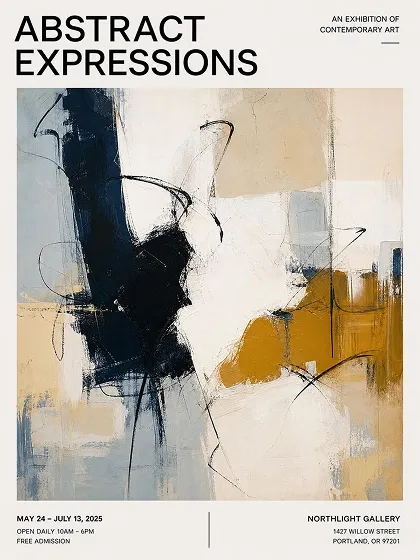
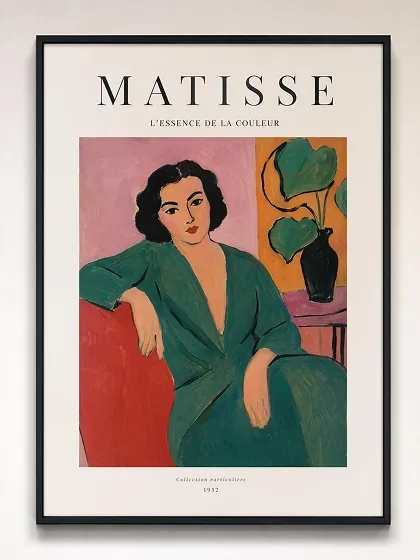
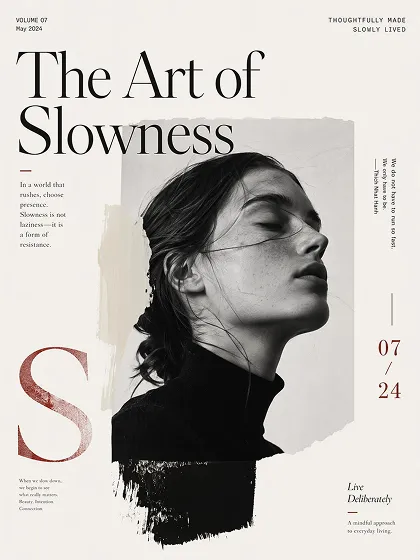
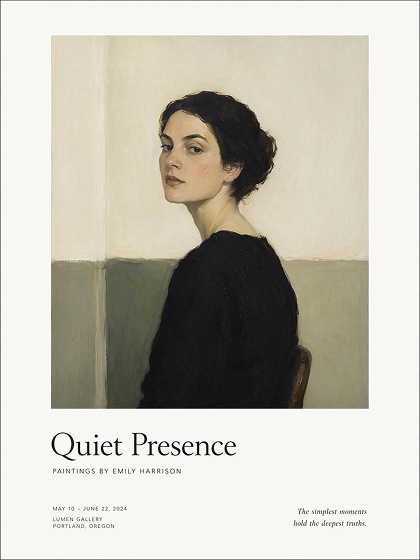 Gallery Art
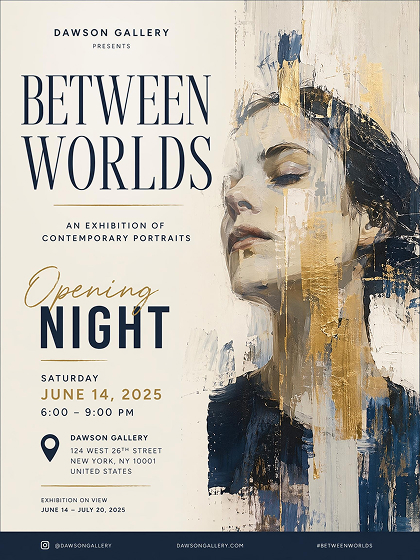 Exhibition Poster
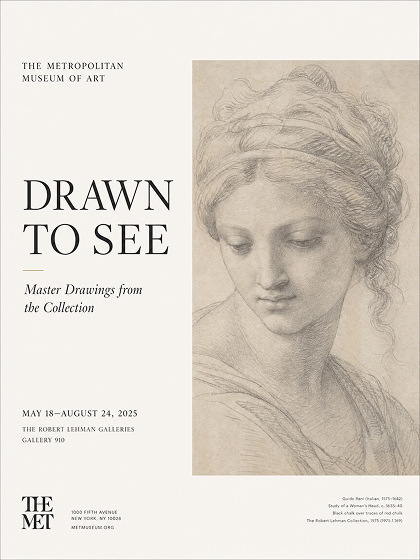 Museum Poster
How to Make an Art Poster With AI
Choose an Art Poster Style
Pick a gallery, exhibition, or museum style so the generator starts with matching image space, margins, and title hierarchy.
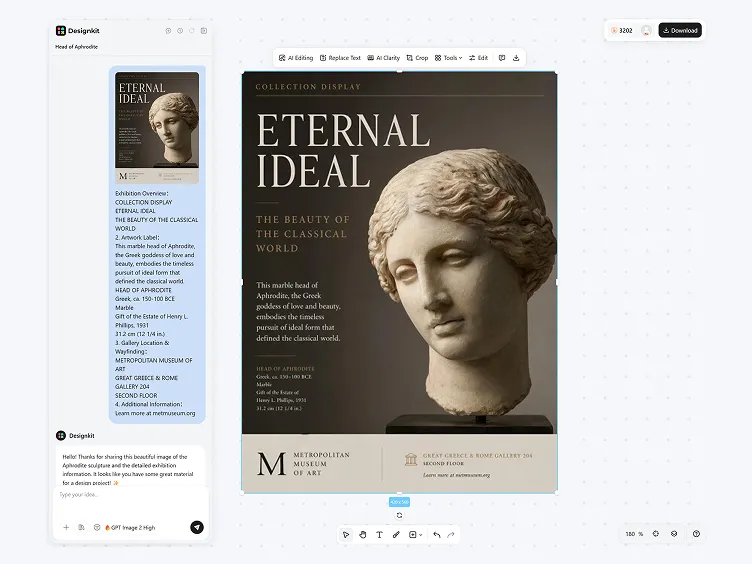
Add Artwork and Text Details
Add the artwork, main wording, and tone notes; the AI reads visual cues and organizes the poster around the strongest focal point.
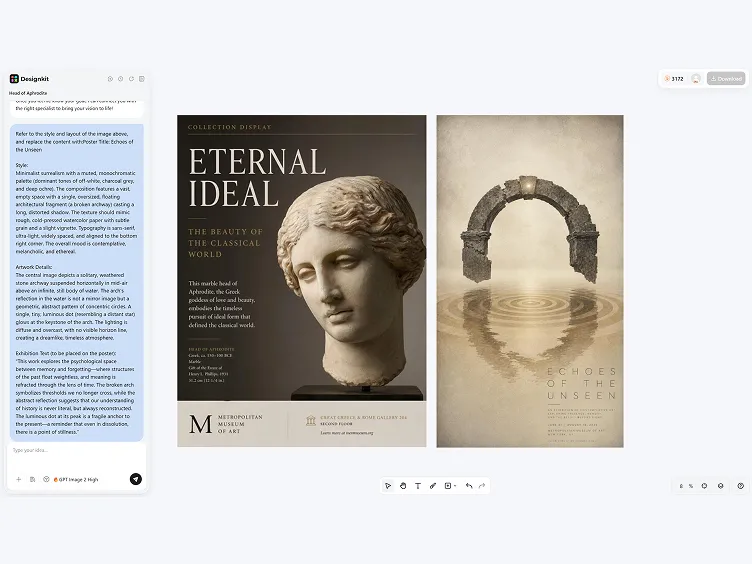
Generate, Edit, and Export
Review generated versions, refine text and spacing in the workspace, then export PNG files in print and digital sizes.
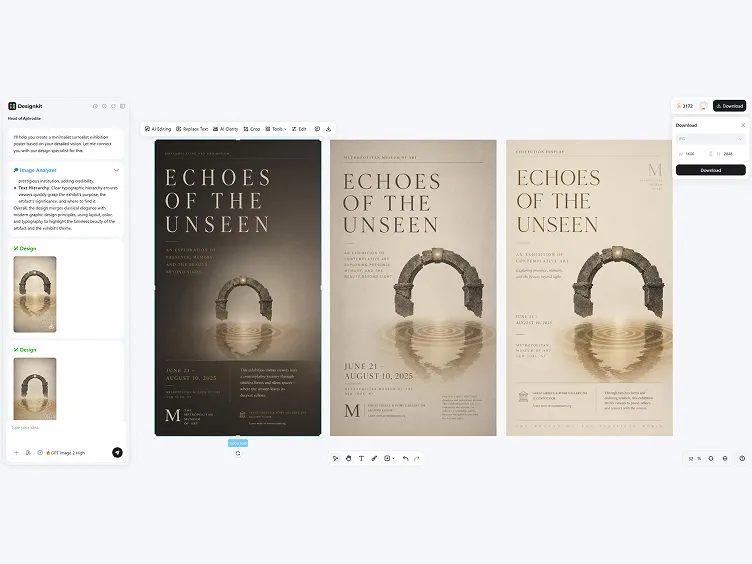
Make Art Posters with Stronger Layout Logic
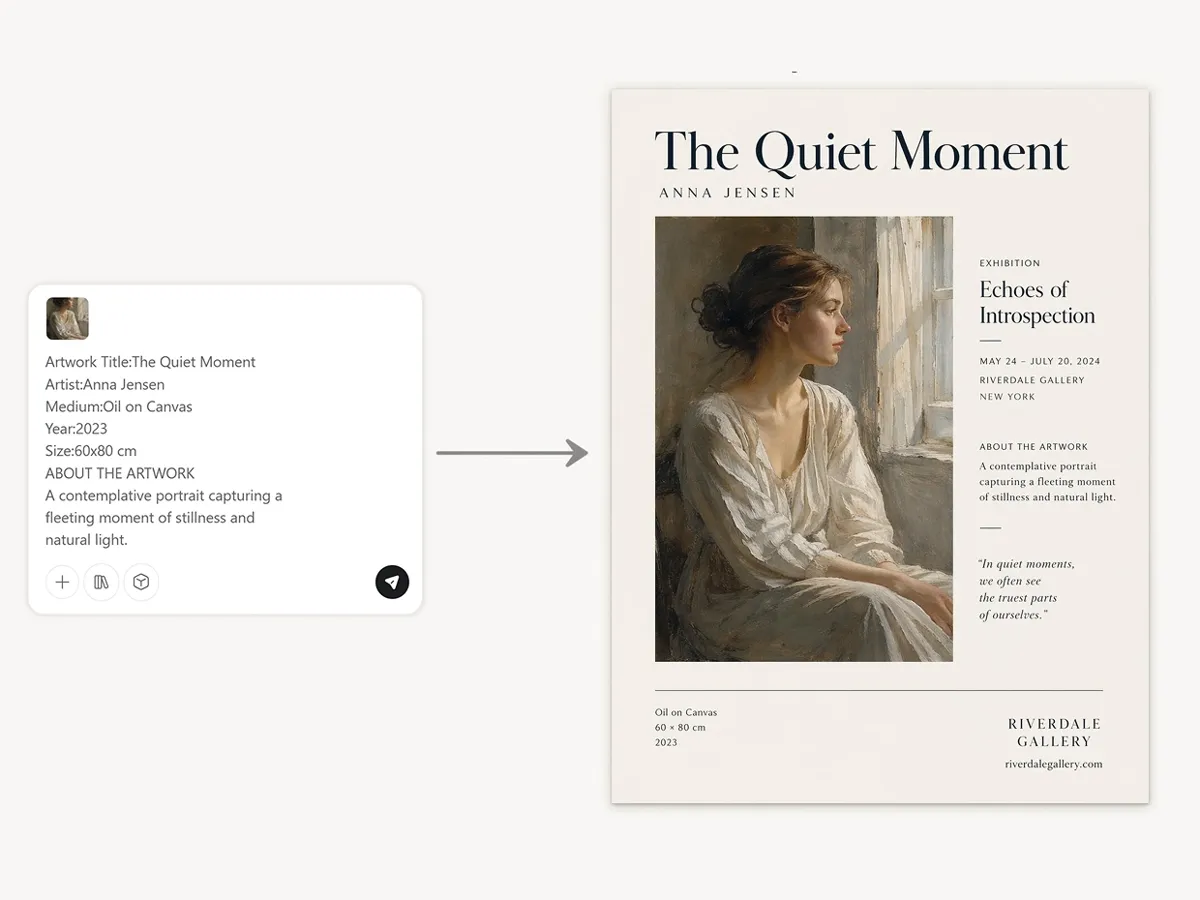
Generate Layouts Around the Artwork
Designkit detects the artwork’s focal area, dominant tones, and composition flow, then plans the poster around that structure. The generated layout gives the image room to lead while keeping the main message in a clear order.
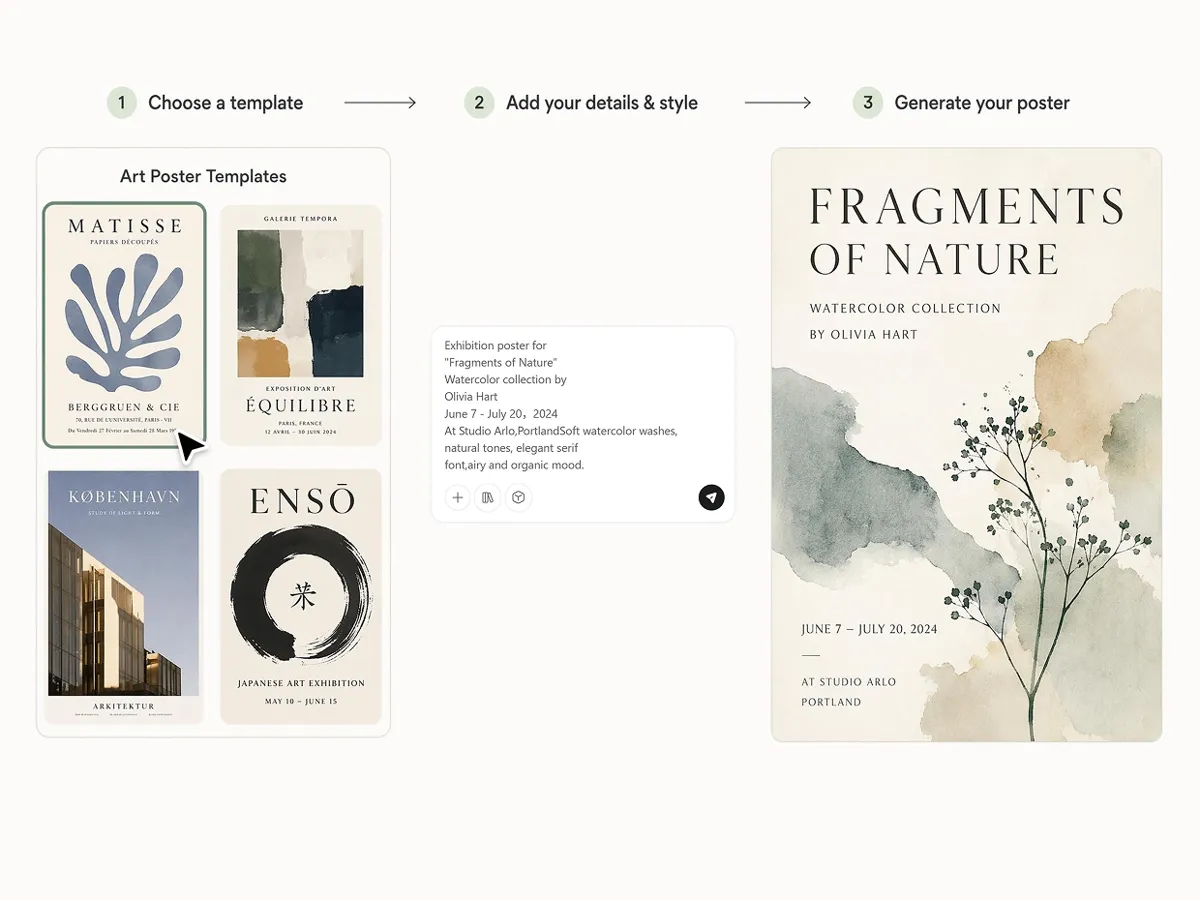
Match the Poster Style to the Artwork
AI reads color cues, surface texture, and mood from the artwork, then shapes a poster style that feels connected to the piece. The result can feel quiet, editorial, or expressive based on the artwork itself.
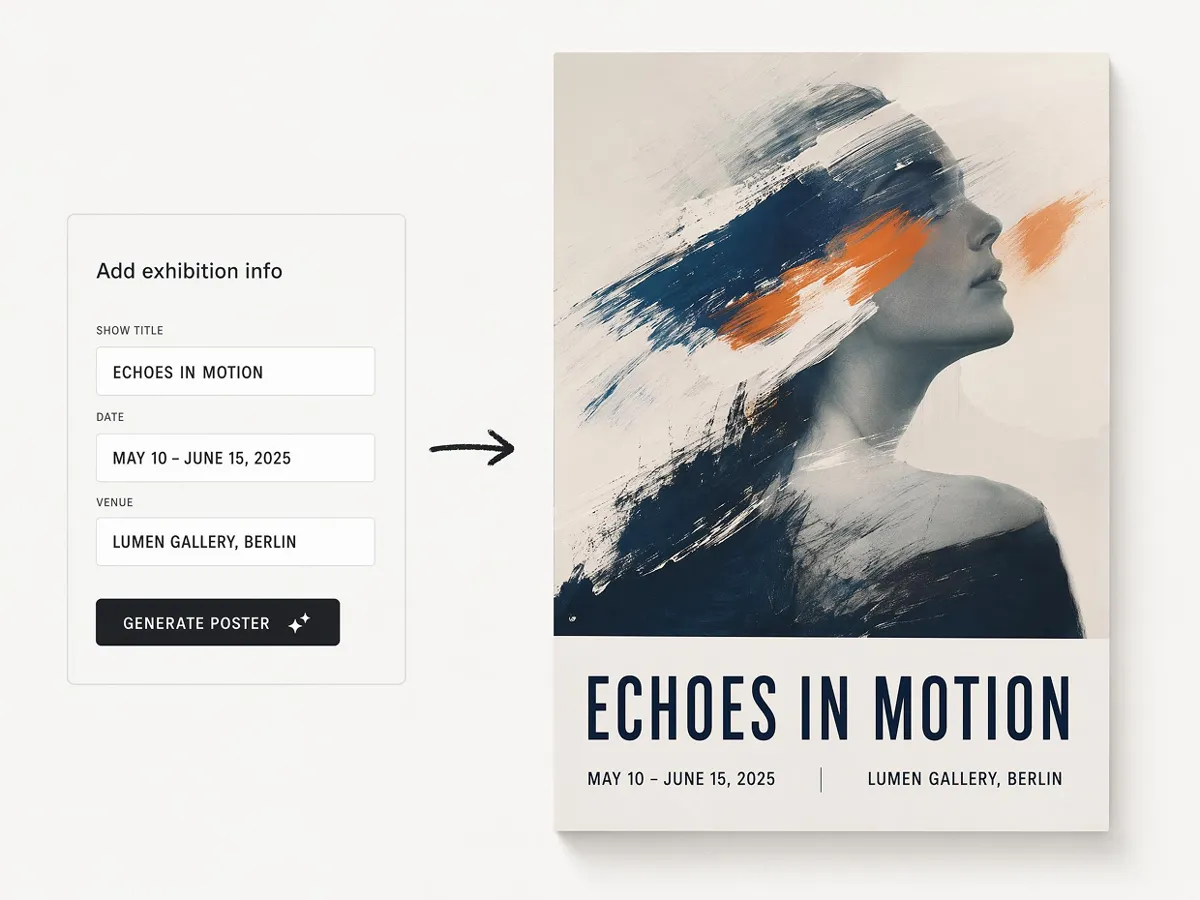
Add Your Exhibition Details to the Poster
Include the show title, dates, and venue, and Designkit works them into the poster alongside the artwork. The details sit where they read clearly, so visitors get the essentials without pulling attention from the piece.
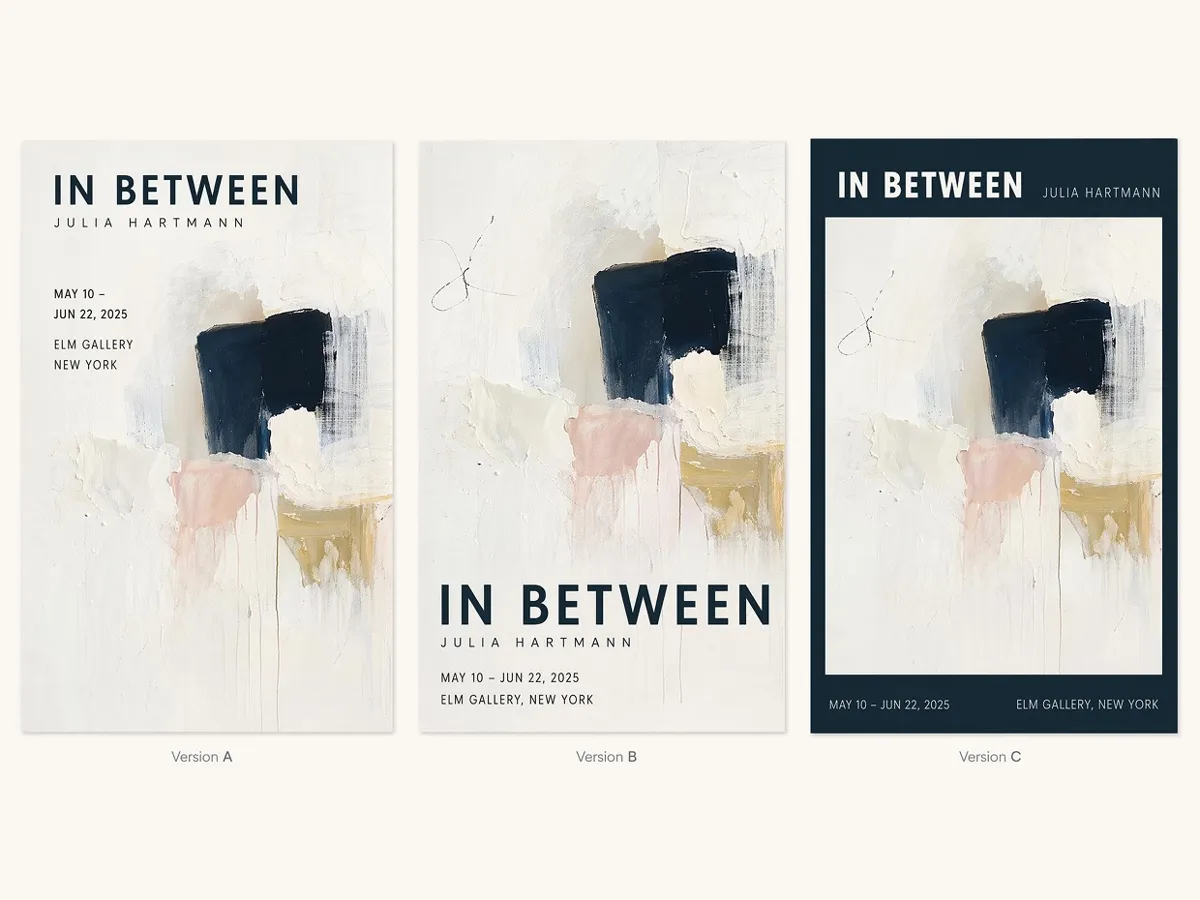
Compare Consistent Poster Versions
The model generates alternate compositions from the same brief while keeping the artwork mood and layout logic consistent. Each version gives a different poster direction, but the series still feels connected.
Poster Types You Can Create with Designkit
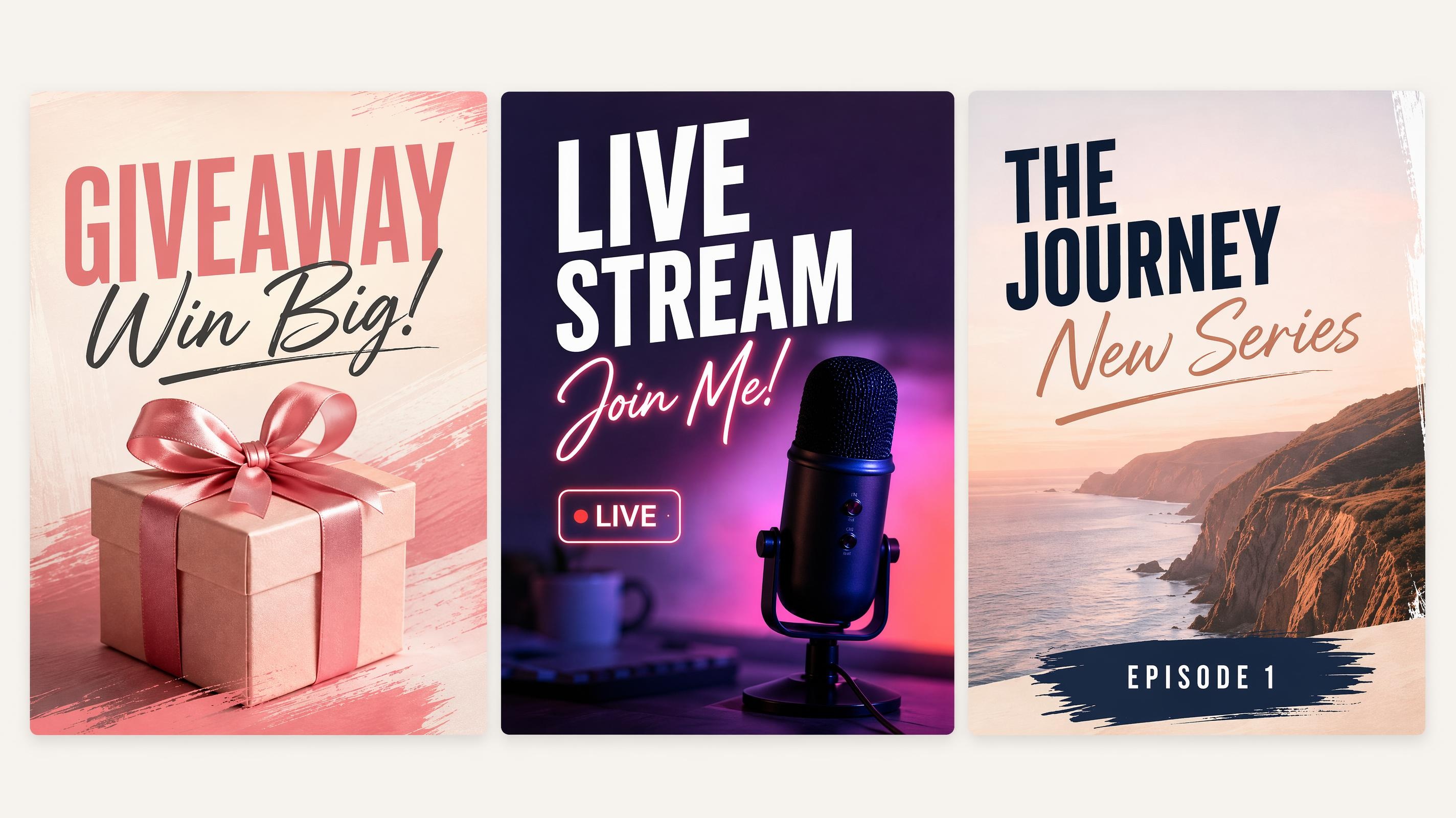
Social Media Poster
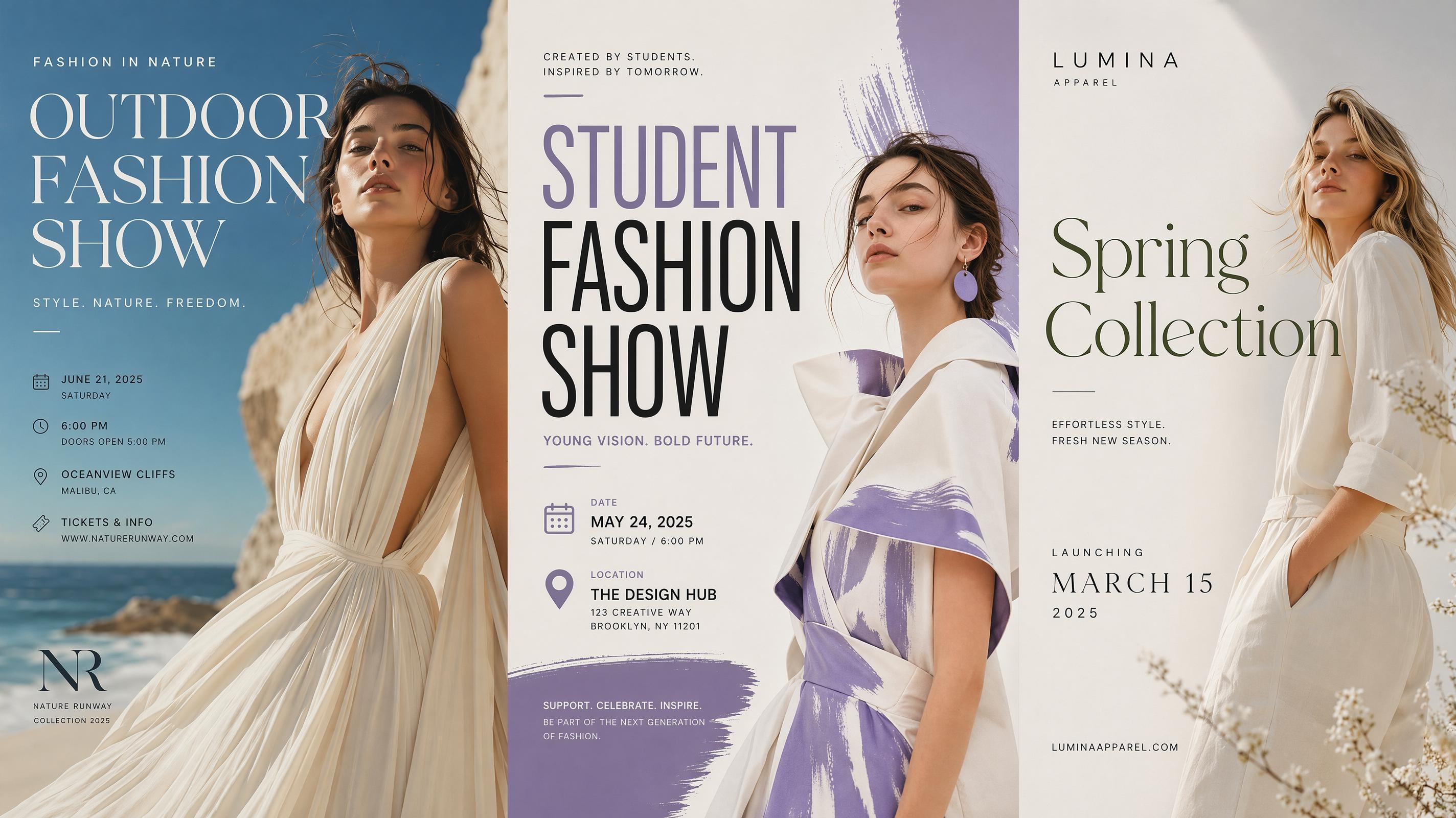
Fashion Poster
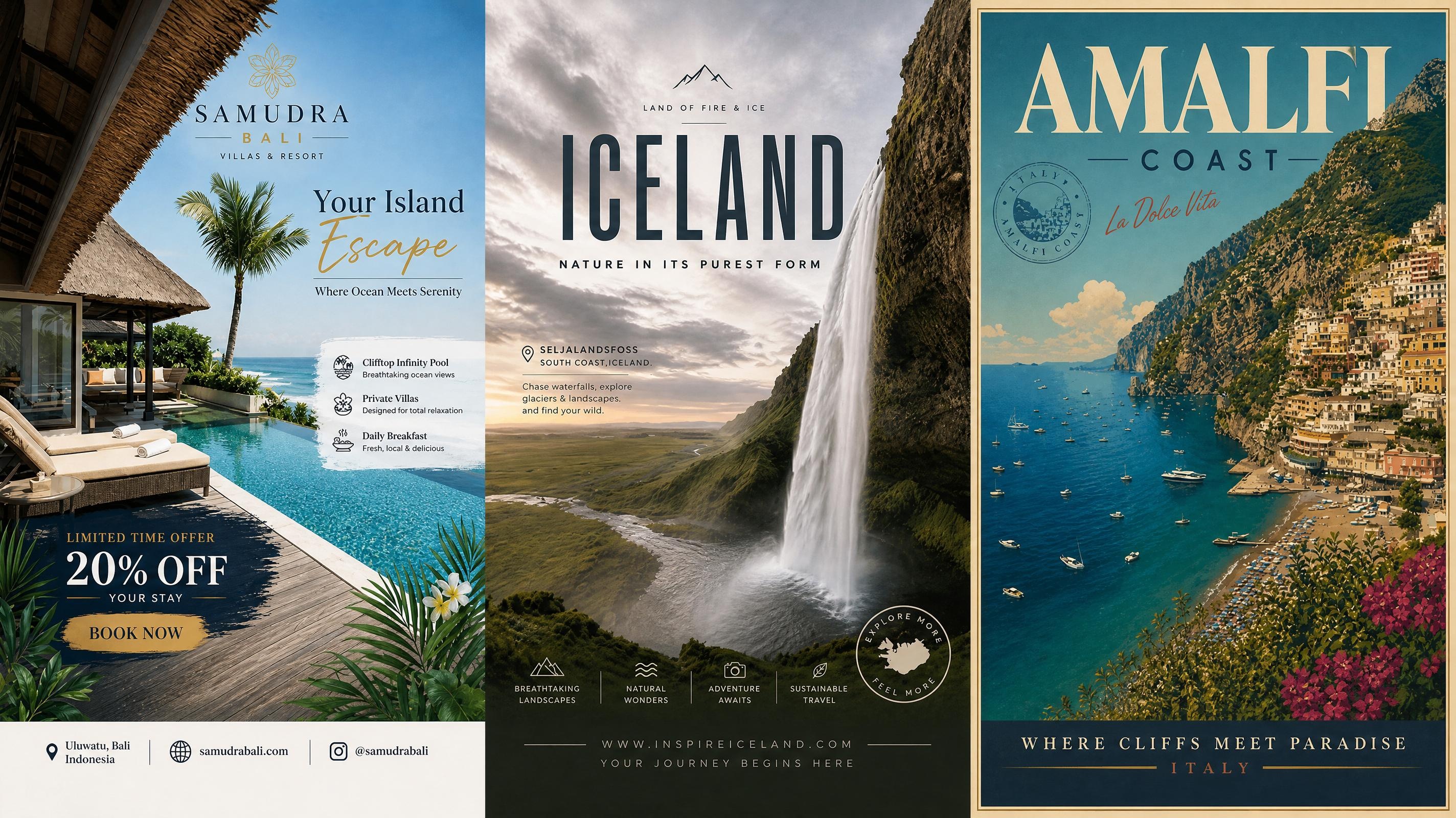
Travel Poster
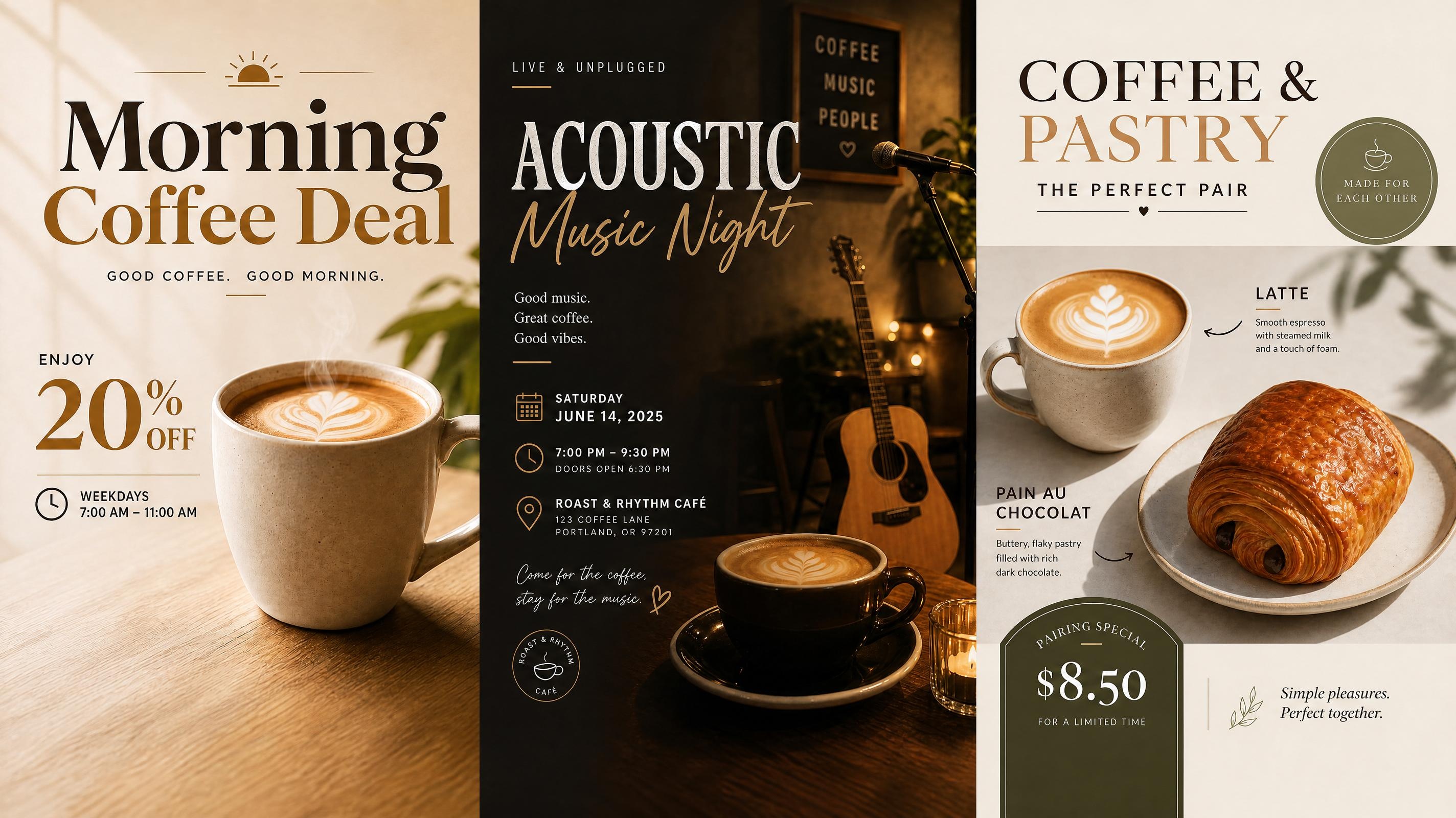
Cafe Poster
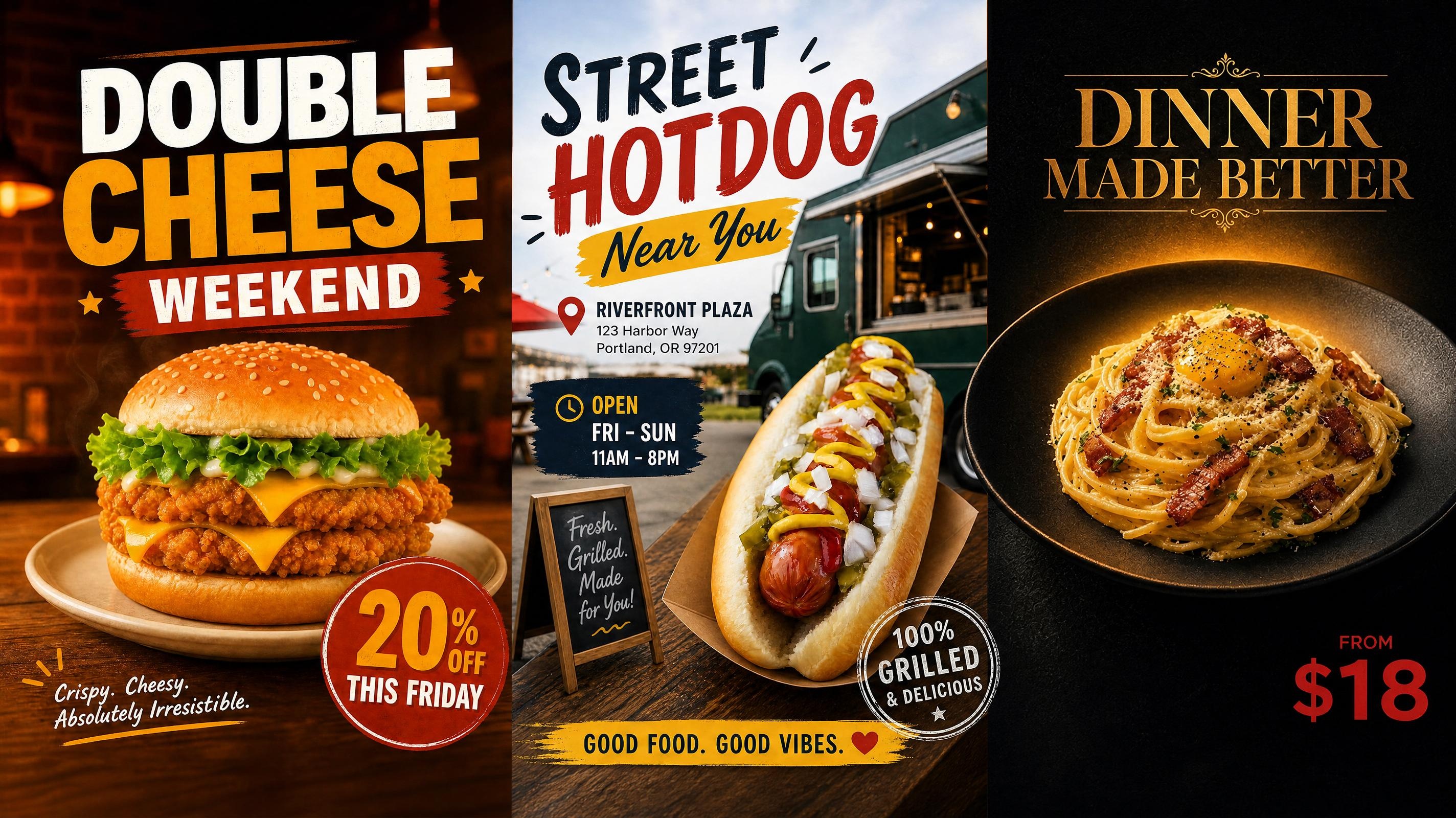
Food Poster
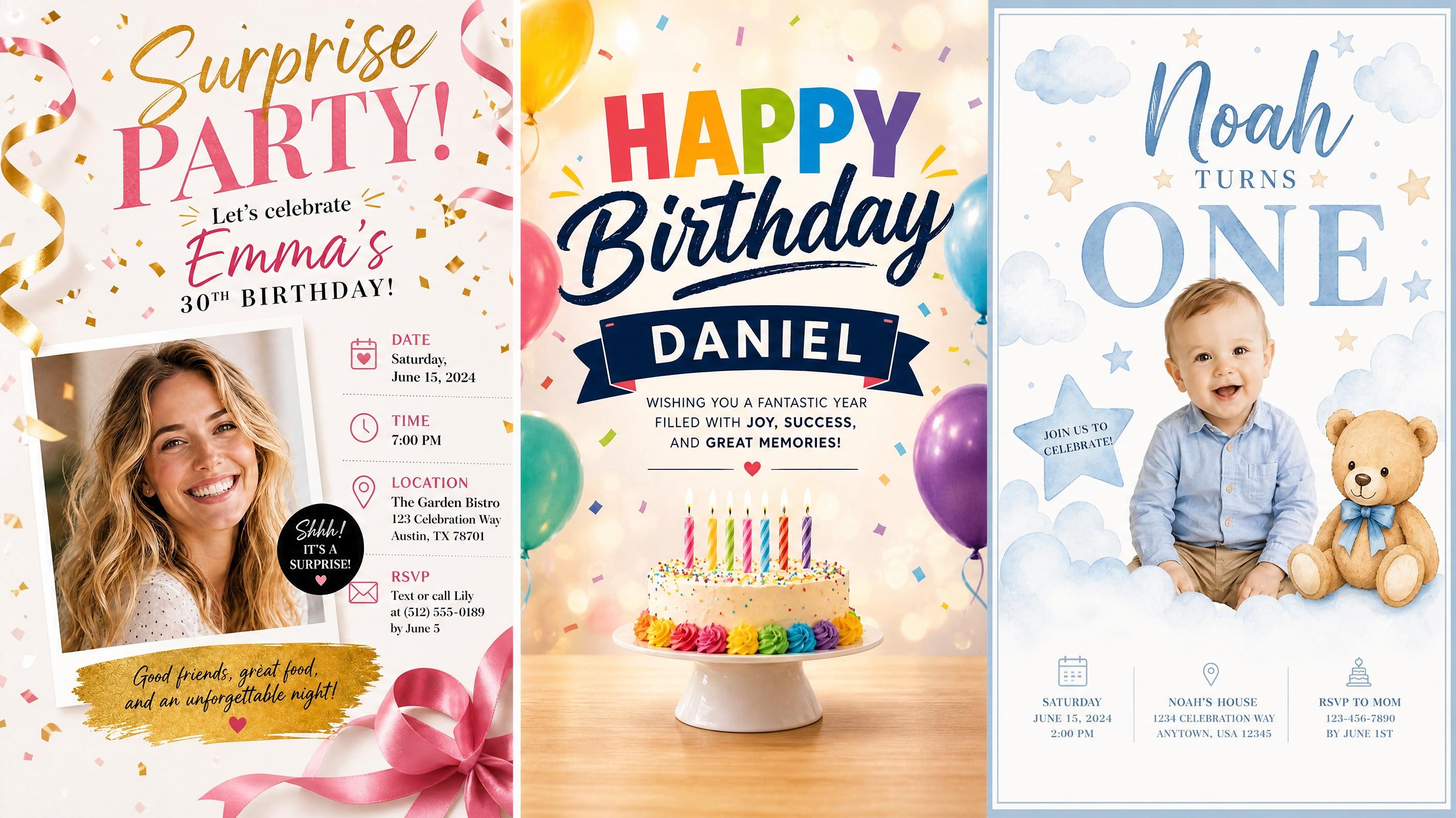
Birthday Poster
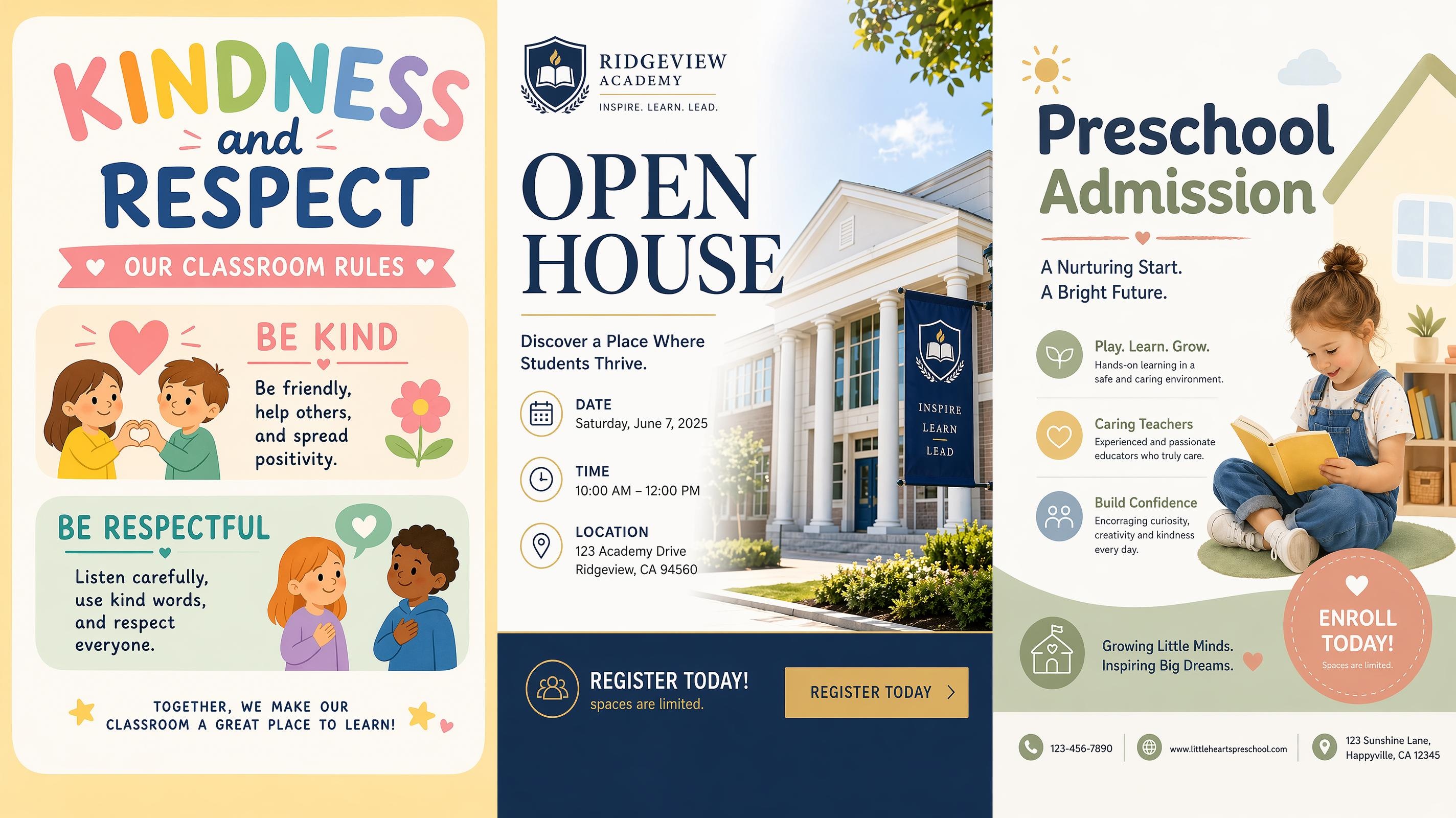
School Poster
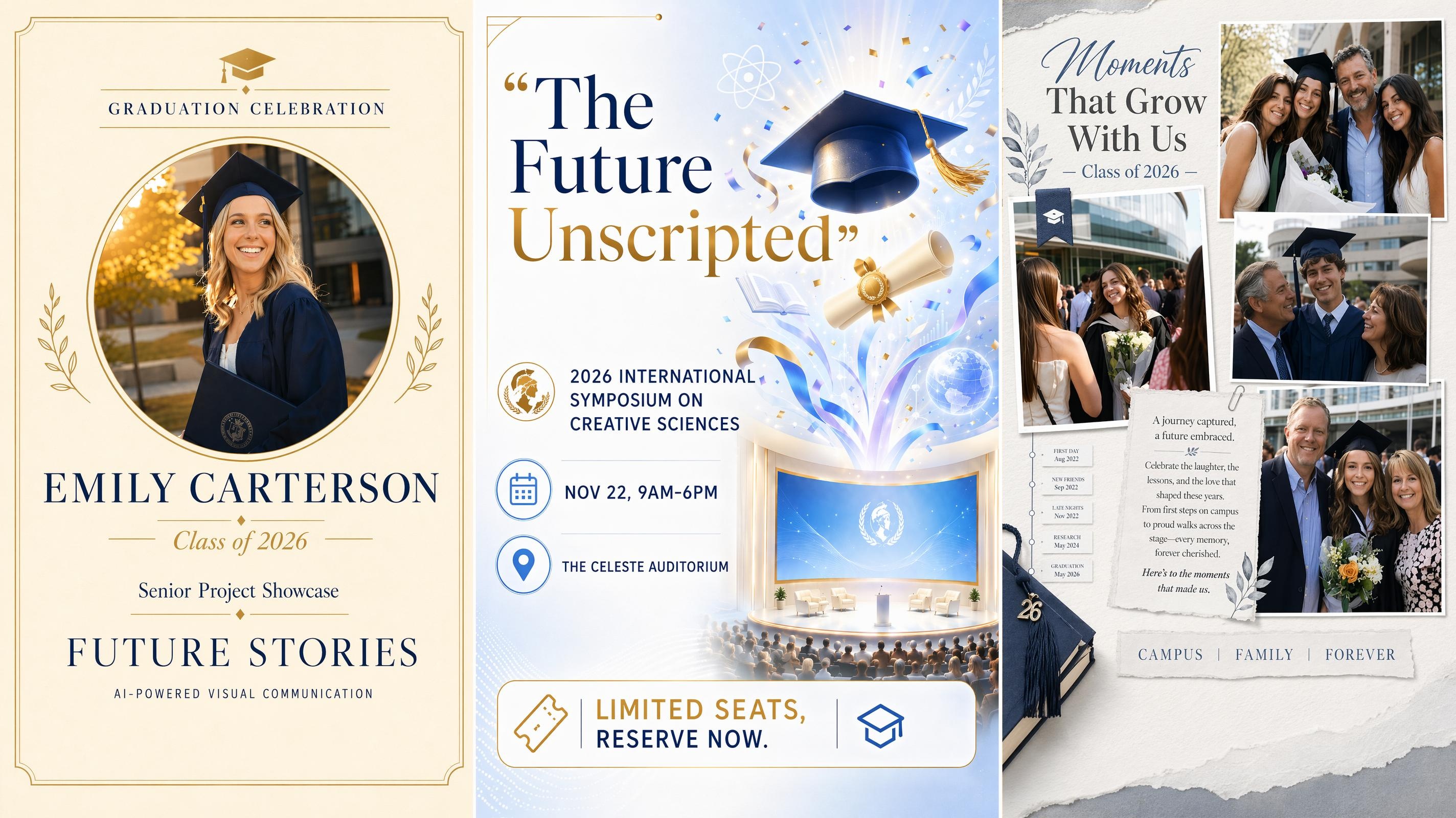
Graduation Poster
Frequently Asked Questions
What is an art poster generator?
Can I make an exhibition poster?
Yes. Add the exhibition title, key details, and style notes, and the generator can shape a cleaner art exhibition poster with stronger image space, text hierarchy, and gallery tone.
Can I upload my own artwork?
Yes. Upload the artwork as the main image or use it as a reference. The generator reads color, texture, and composition, then builds a layout that keeps the artwork central.
What should I write in the prompt?
Include the poster purpose, main wording, and preferred style. You can also mention the mood if it matters. The generator uses those signals to decide image placement, type scale, and spacing.
Will the art poster look like a real design?
Yes, when the inputs are clear. A strong artwork image, concise text, and a style choice that fits the piece give the generator enough to work with. You can refine the layout further in the workspace before exporting.
What file format can I export the art poster in?
Art posters can be exported as PNG. Before downloading, review the layout at the intended display size to make sure the image, text, and spacing all look right at full scale.
Create an Art Poster That Does Justice to the Work
Start with a style, generate editable poster versions, and export a design that fits your artwork. Free to start.



What Art Teams Say About Designkit
Artists, galleries, and arts teams use Designkit to shape posters from artwork, text, and style notes.
Open Studio Prep Took Half the Time
I used to spend most of the day before an open studio just getting the poster layout to look right. Now I add the artwork, write a short mood note, and have several versions to compare within the same session. I spend the rest of the time on the work itself.
Exhibition Details Are Easier to Arrange
For small shows, the artwork usually looked fine but the event text felt squeezed in. The generated layouts helped us give the image room and place the artist name, date, and venue in a cleaner order. It saved a lot of back-and-forth before printing.
Program Materials Felt Like a Matched Set
We needed the same exhibition to appear on wall posters, printed programs, and a folded handout. Each size needed different spacing, but the artwork and tone had to stay connected. Starting from one generated layout made it much easier to keep everything looking like it belonged together.
Client Options Are Faster to Compare
When I design a poster for an art fair booth, clients want to see more than one direction. I can generate several versions from the same brief and show how the artwork reads with different type scale and spacing. The review process moves much more smoothly now.
Digital and Print Versions Stay Connected
We promote each exhibition online before the wall posters go up, and the two formats used to drift apart. Now I can keep the same artwork direction, then adjust the size for posting and printing. The campaign feels more consistent across the whole run.