
Create Advertisement Posters That Lead with the Offer
Choose an ad poster style and add your campaign message. Designkit organizes the headline, image, and action text into an editable advertisement poster.
Shape Campaign Details into Advertisement Posters
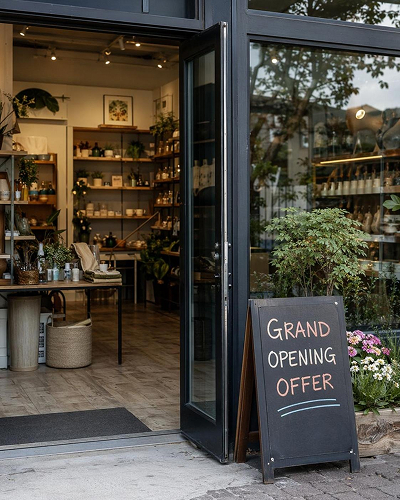
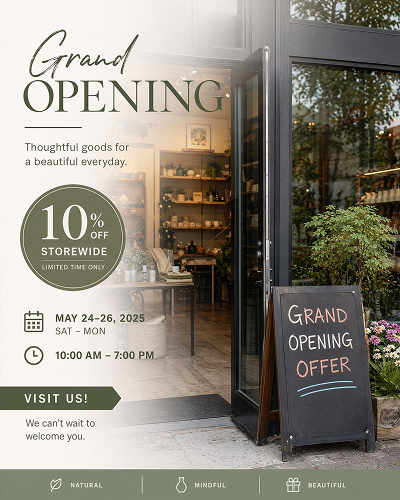
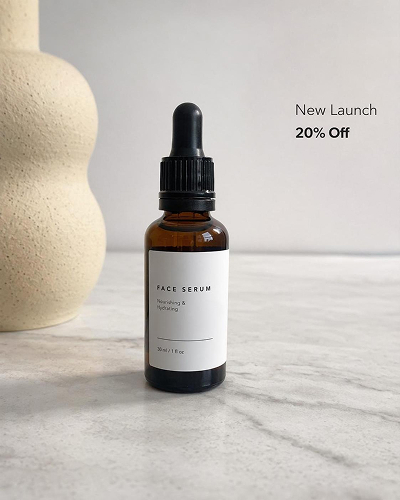
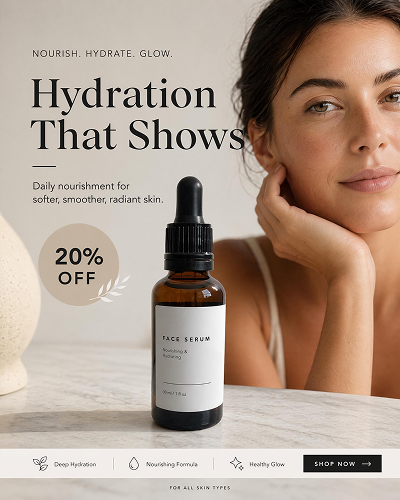
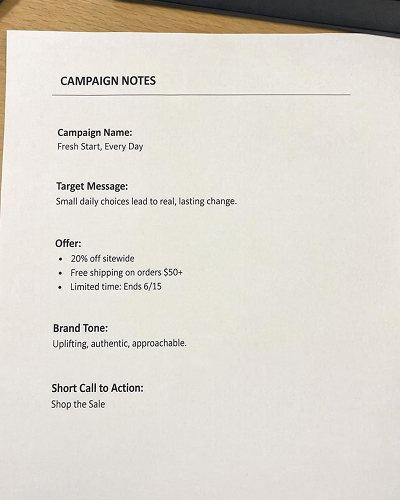
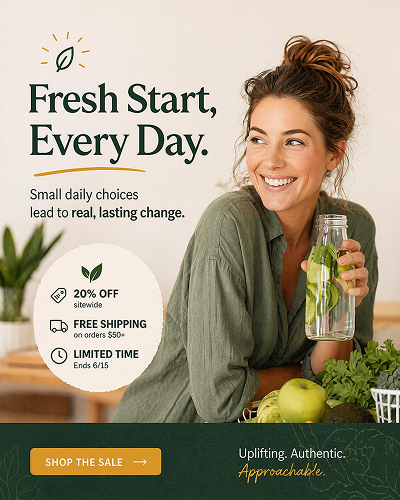
Choose an Ad Poster Style and Generate Your Own
Start with a style that fits your offer, then customize the generated advertisement poster in the workspace.
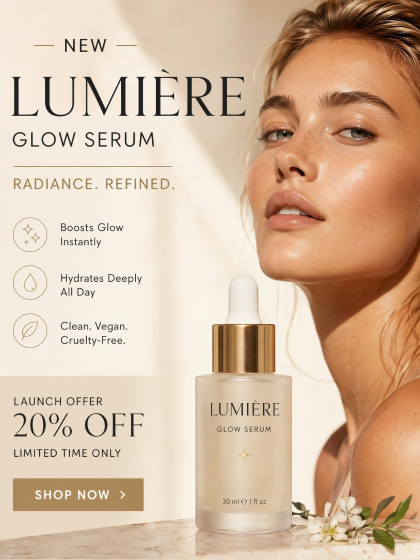
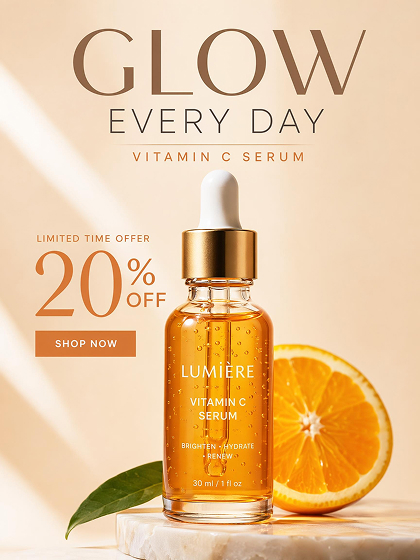
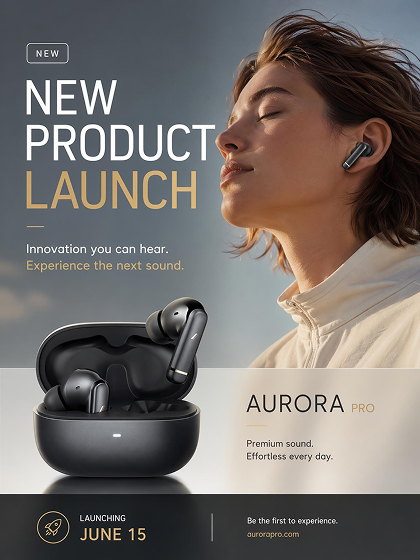
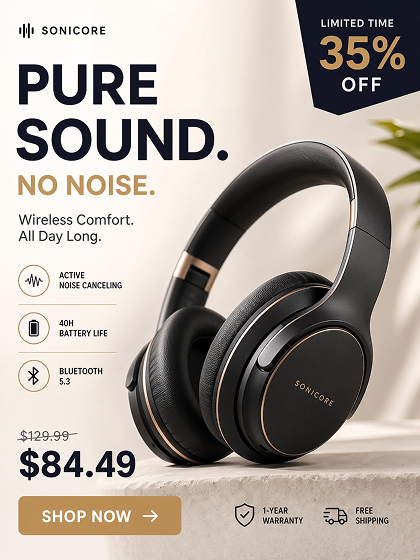
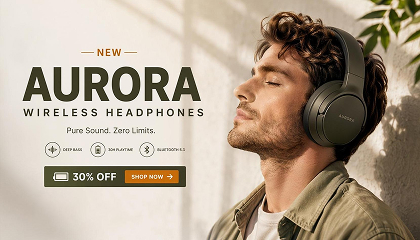
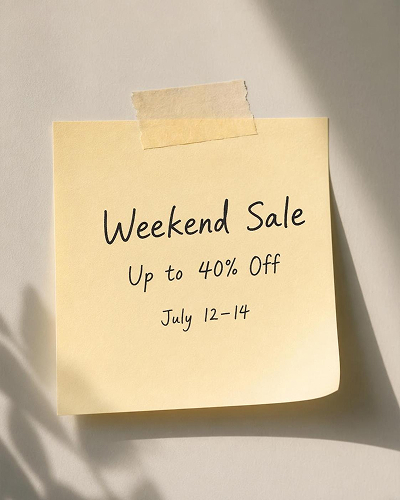
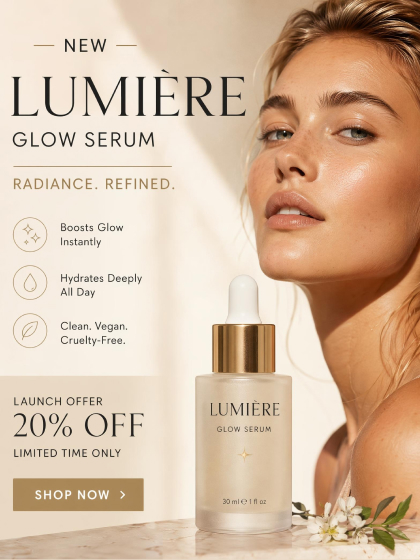 Product Ad Poster
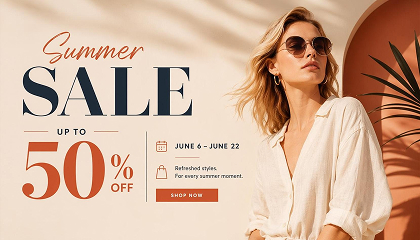
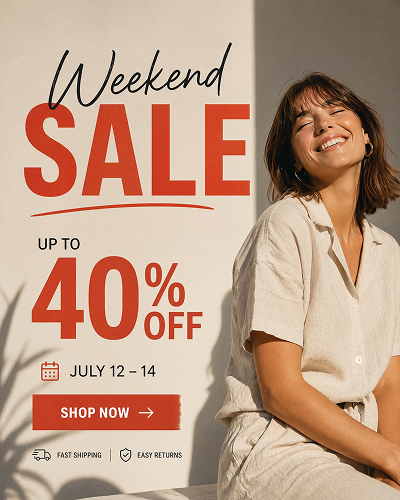
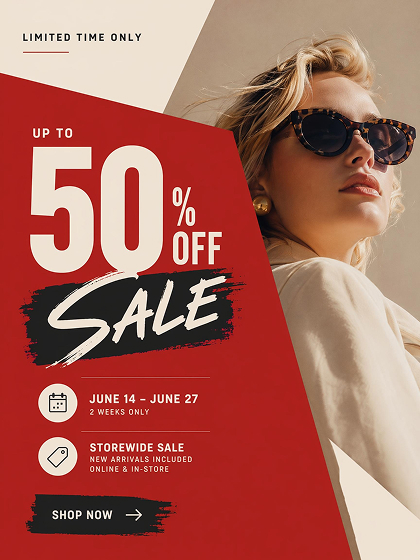 Sale Promotion Poster
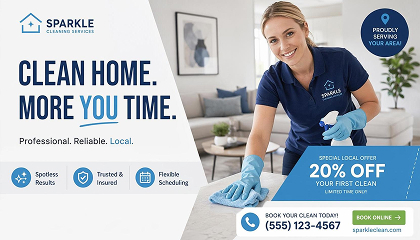
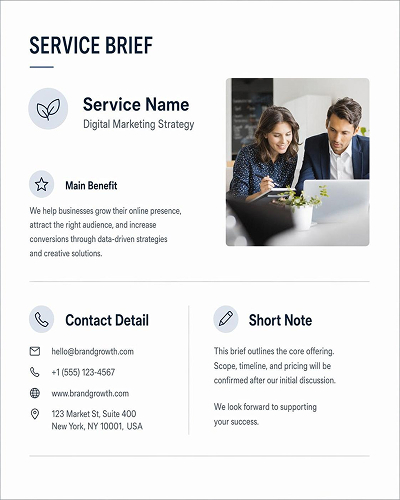
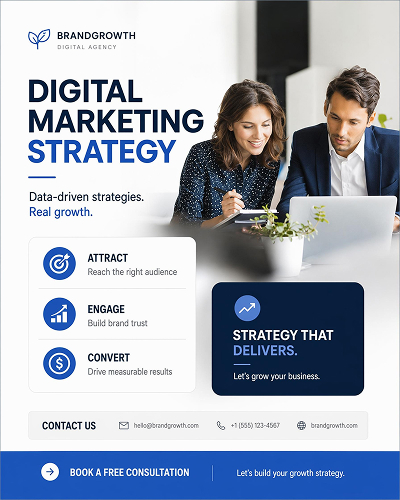
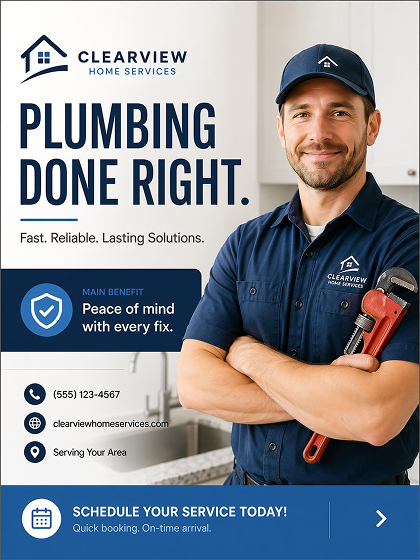 Service Ad Poster
How to Make an Advertisement Poster With AI
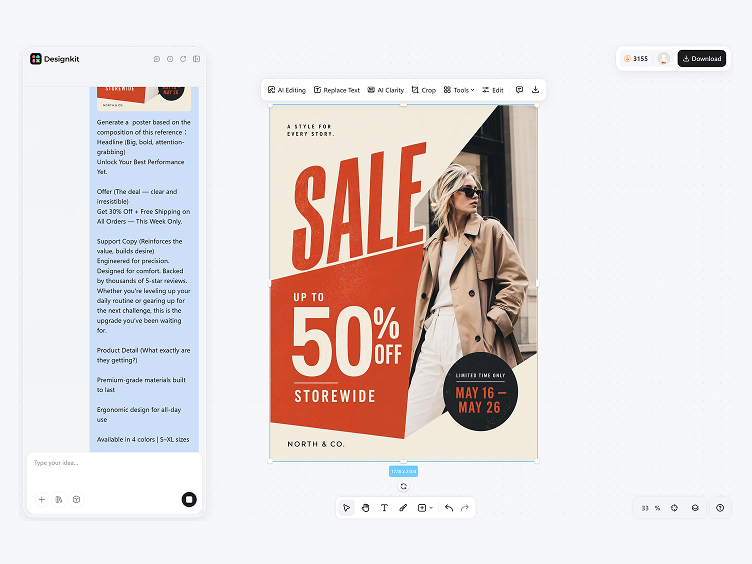
Choose a Poster Style
Select an ad poster style that matches your campaign goal, so the first layout starts with the right image area and text hierarchy.
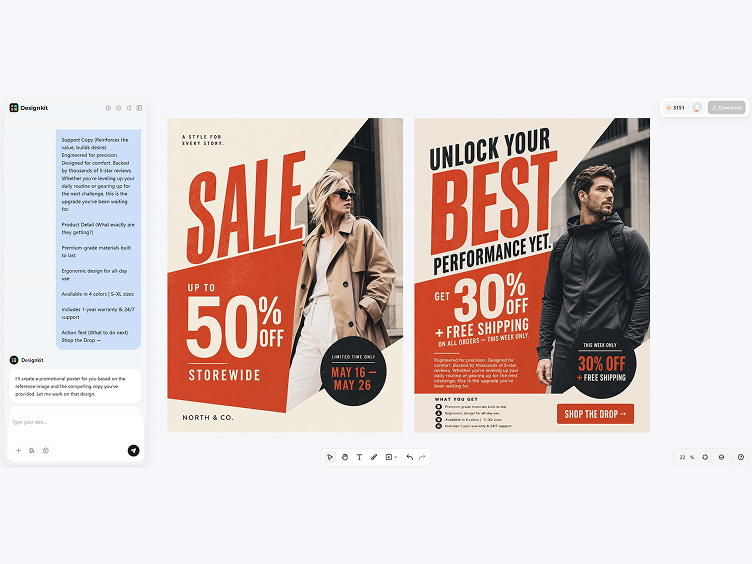
Add the Campaign Message
Enter the headline, offer, support copy, and action text. The AI sorts the information by priority and places it inside the layout.
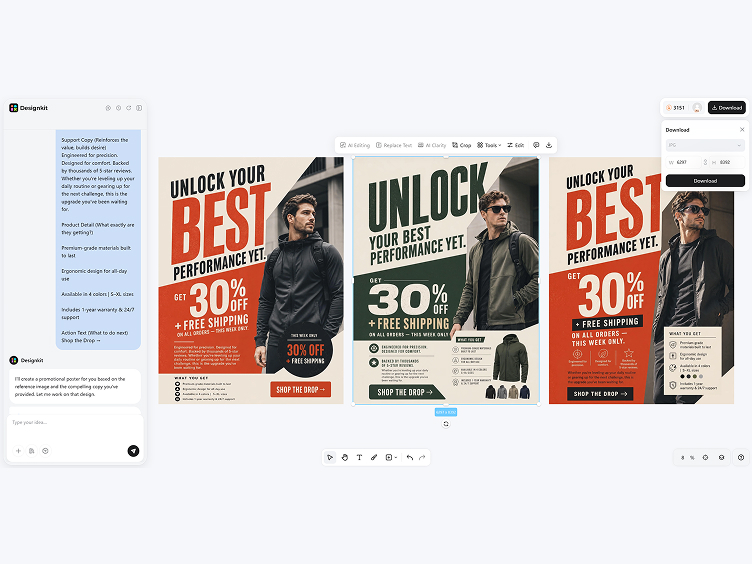
Generate, Edit and Export
Preview generated options, adjust wording and spacing in the workspace, then download the finished advertisement poster as a PNG image for your promotion.
Create Ad Posters with Better Message Control
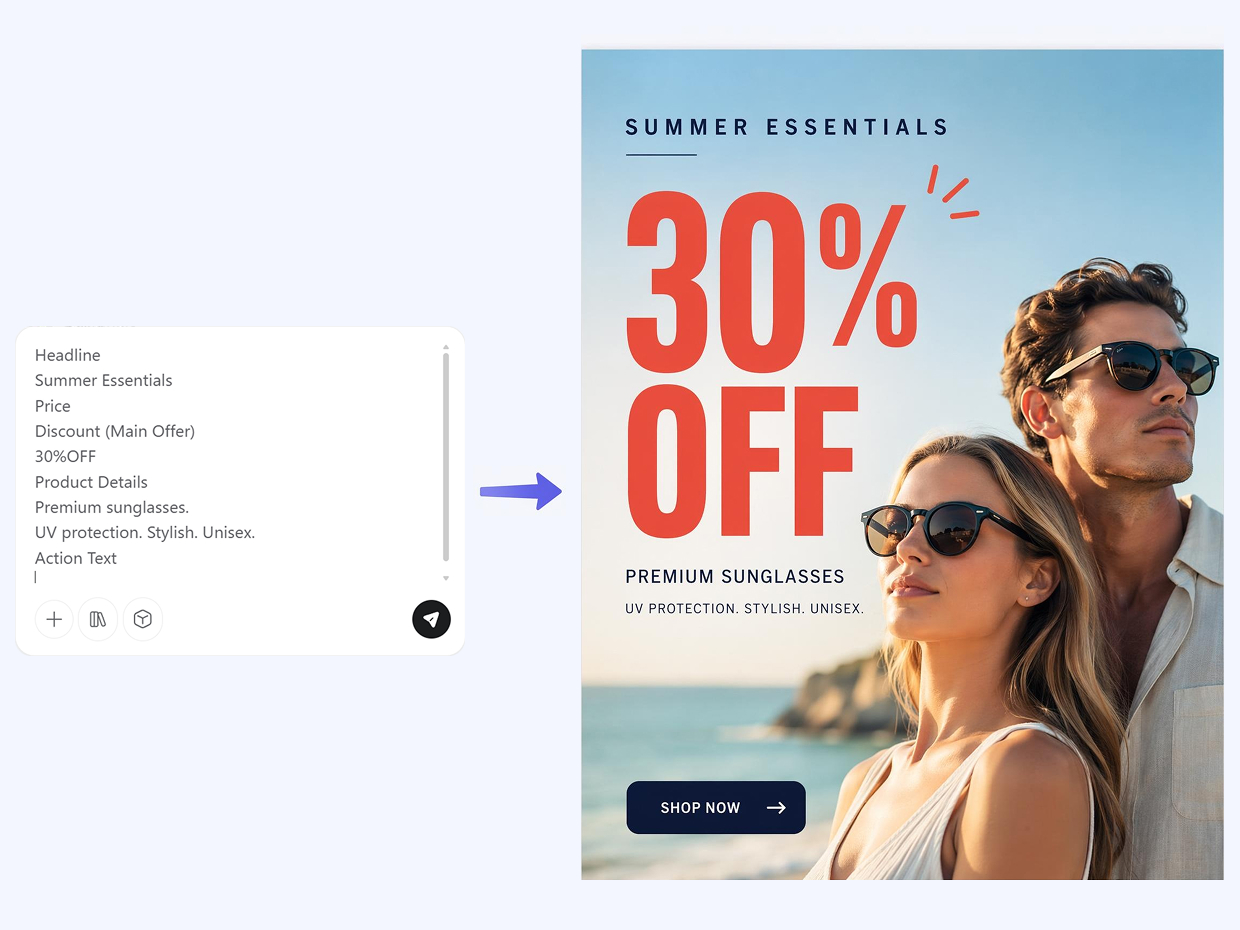
Put the Offer First
The AI reads your ad copy, identifies the main offer, and gives it the strongest position in the poster. It separates price, product details, and action text into supporting areas, so the message is easy to scan instead of competing line by line.
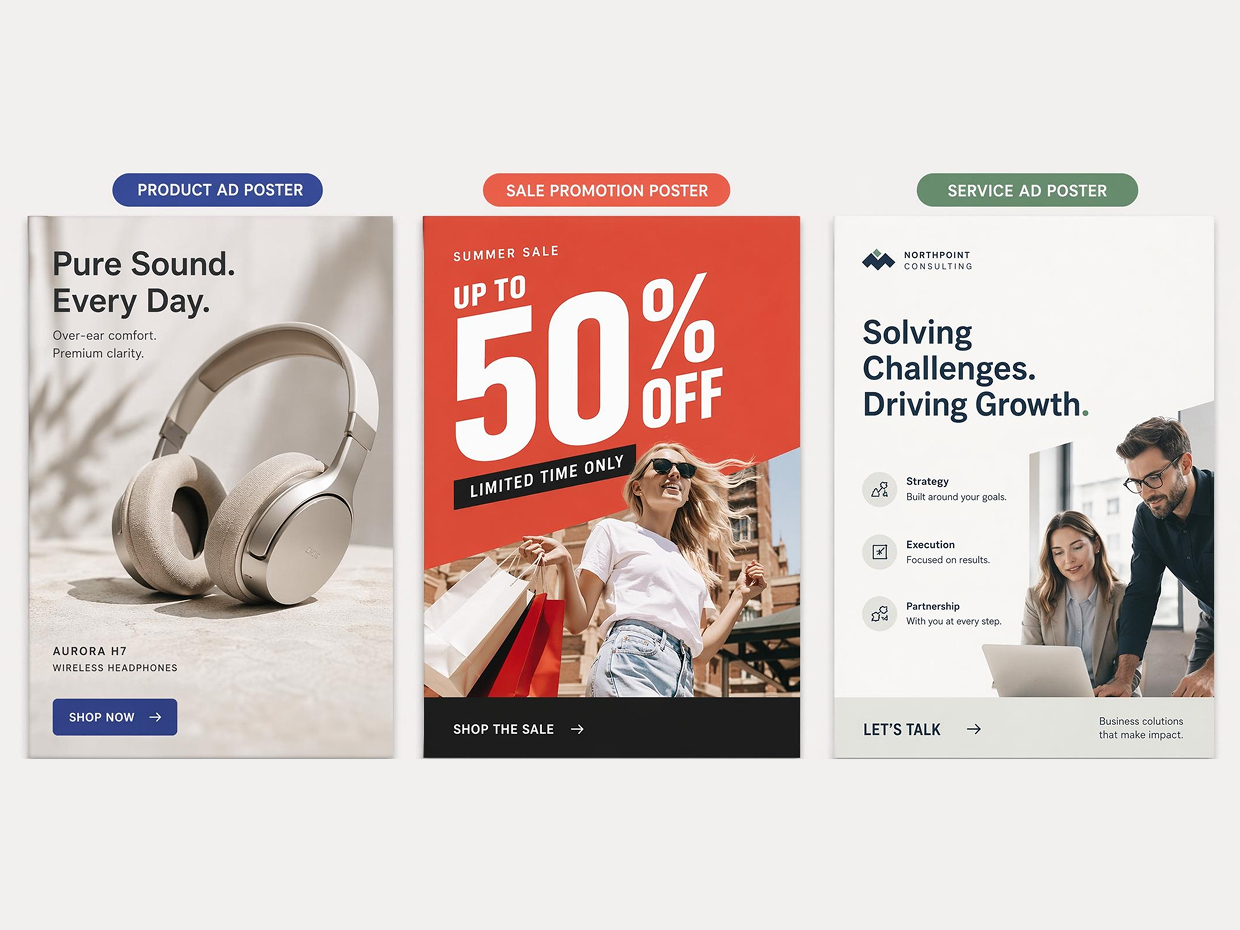
Shape the Layout by Ad Type
A product ad, sale promotion, and service ad need different poster structures. Designkit uses the style you choose to guide image space, headline scale, copy order, and action placement, so the final layout fits the advertising message.
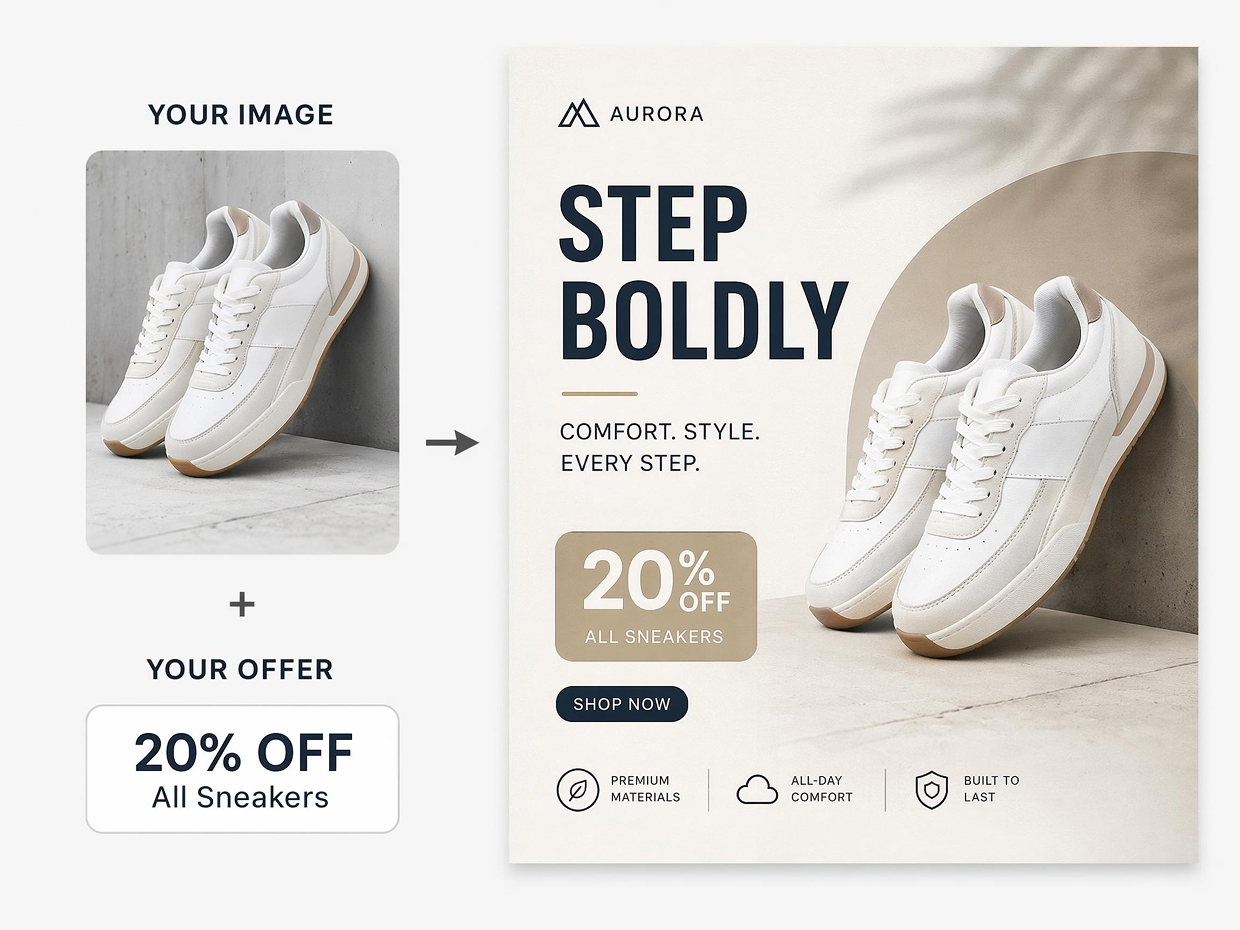
Place Images Around the Message
The AI positions uploaded photos with the headline and offer in mind. It adjusts crop, scale, and open space so the image supports the advertisement poster’s main message while key text stays readable and connected to the campaign.
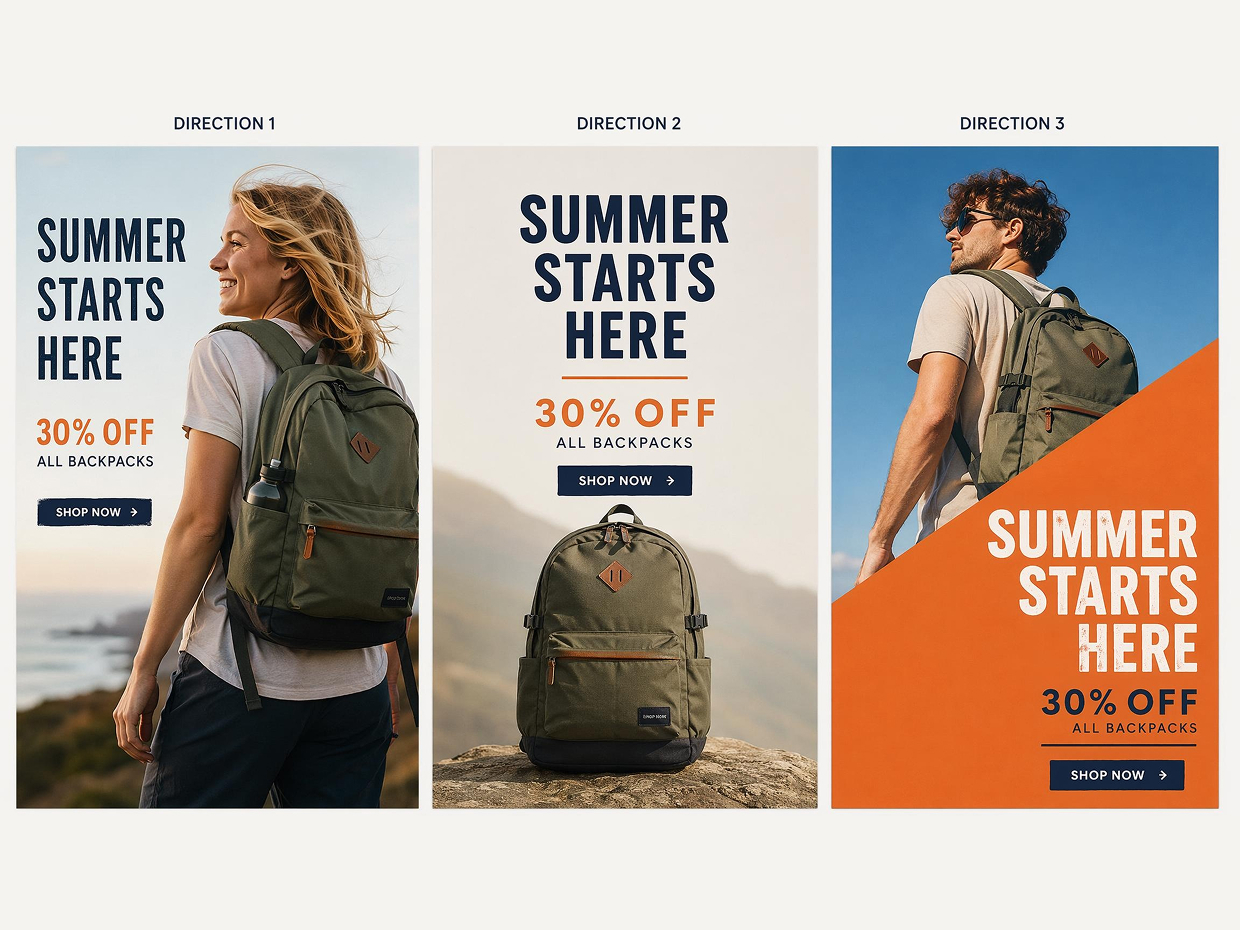
Compare Ad Poster Directions
Generate multiple advertising poster directions from one campaign brief. Compare product-led, promotional, and cleaner marketing poster layouts with different image emphasis, spacing, and color mood before editing your final design.
Poster Types You Can Create with Designkit
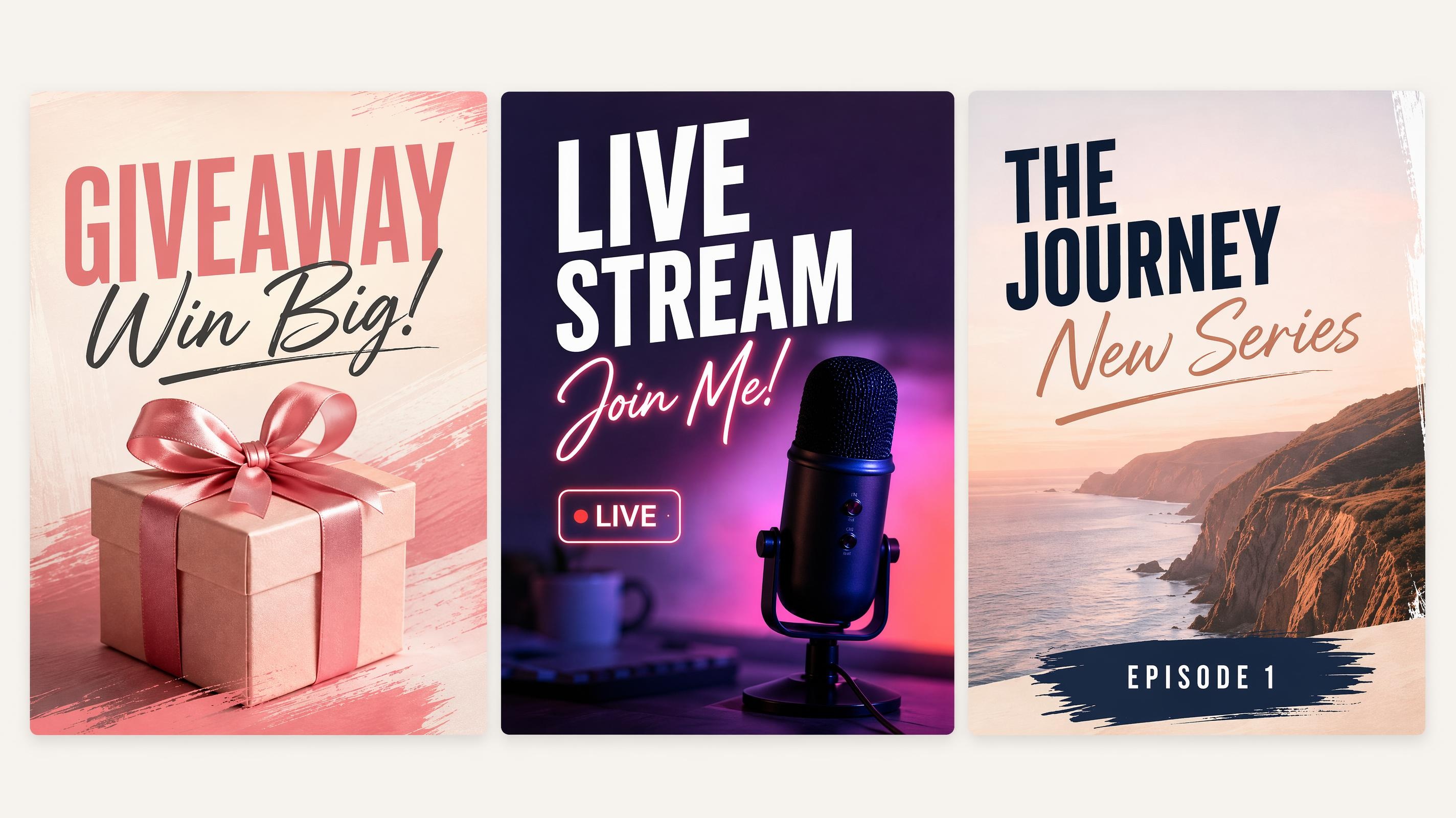
Social Media Poster
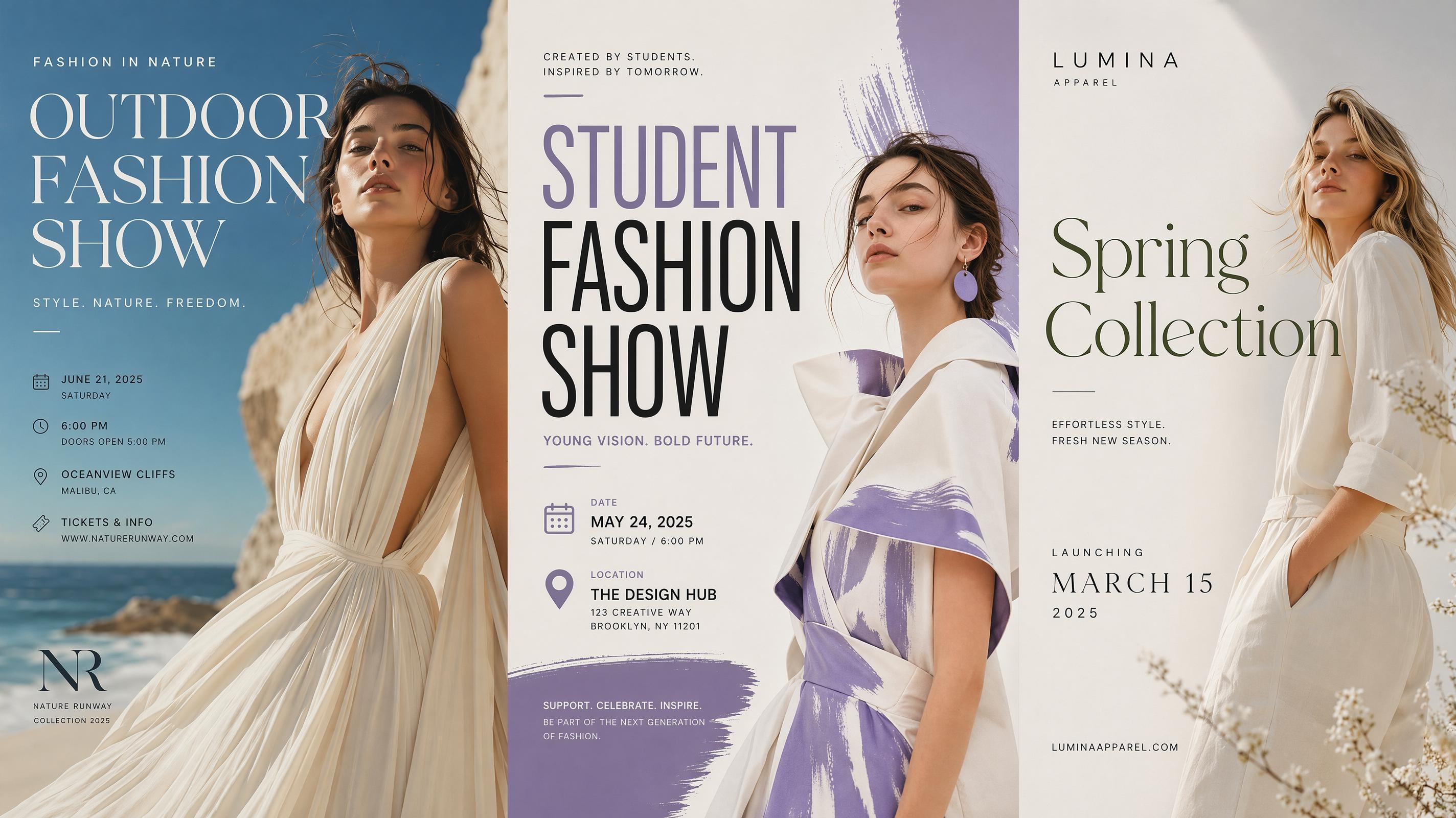
Fashion Poster
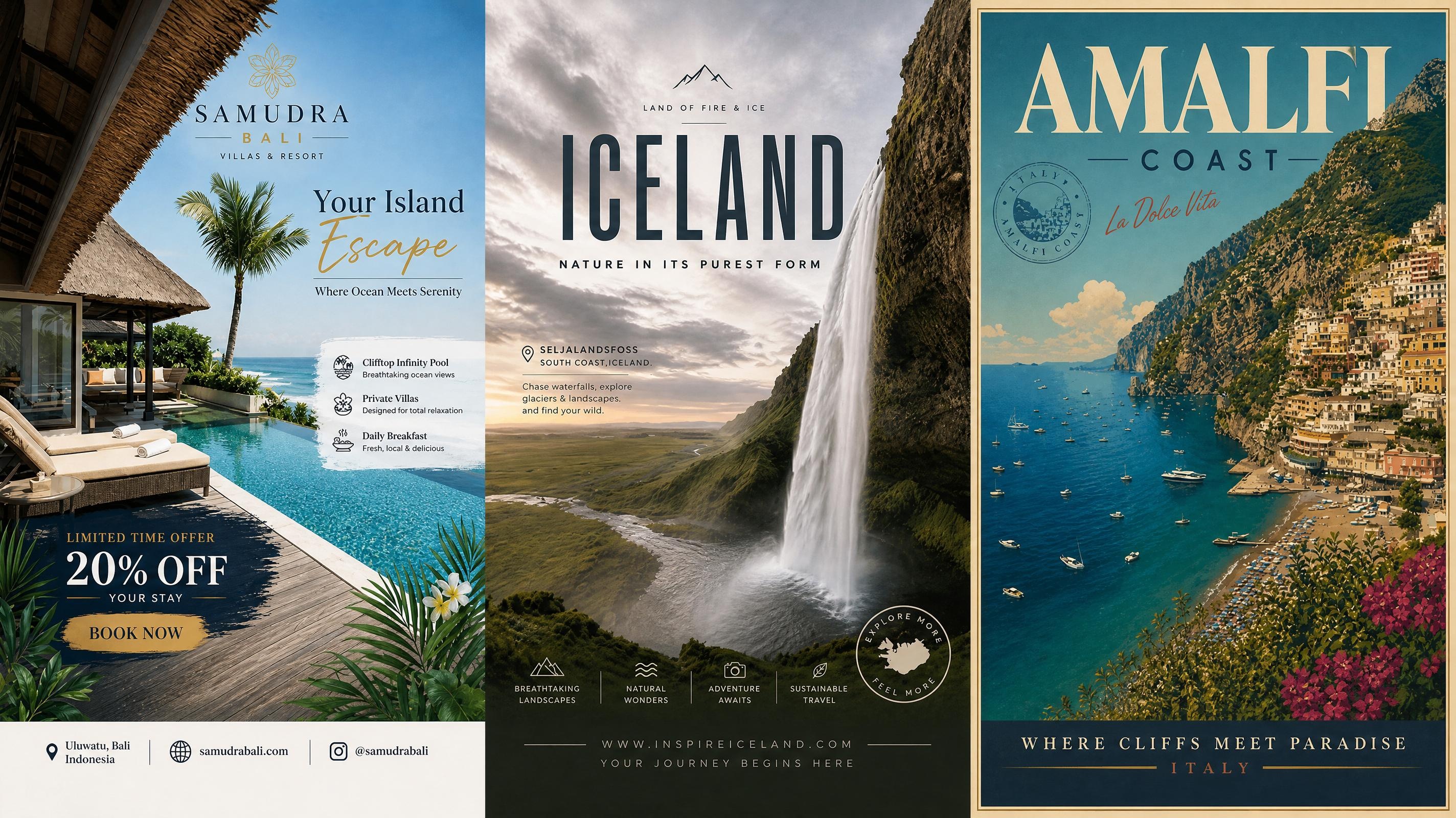
Travel Poster
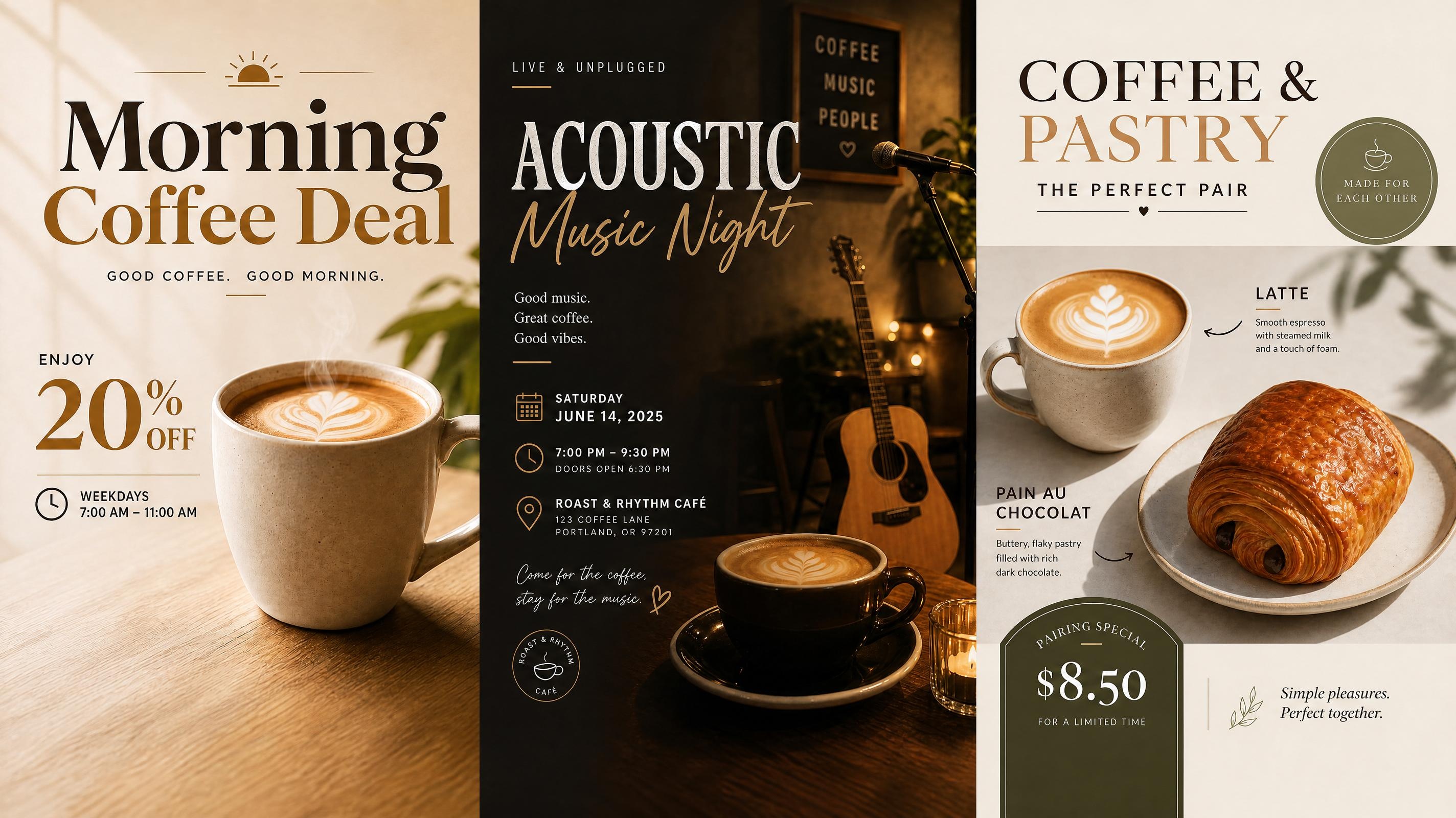
Cafe Poster
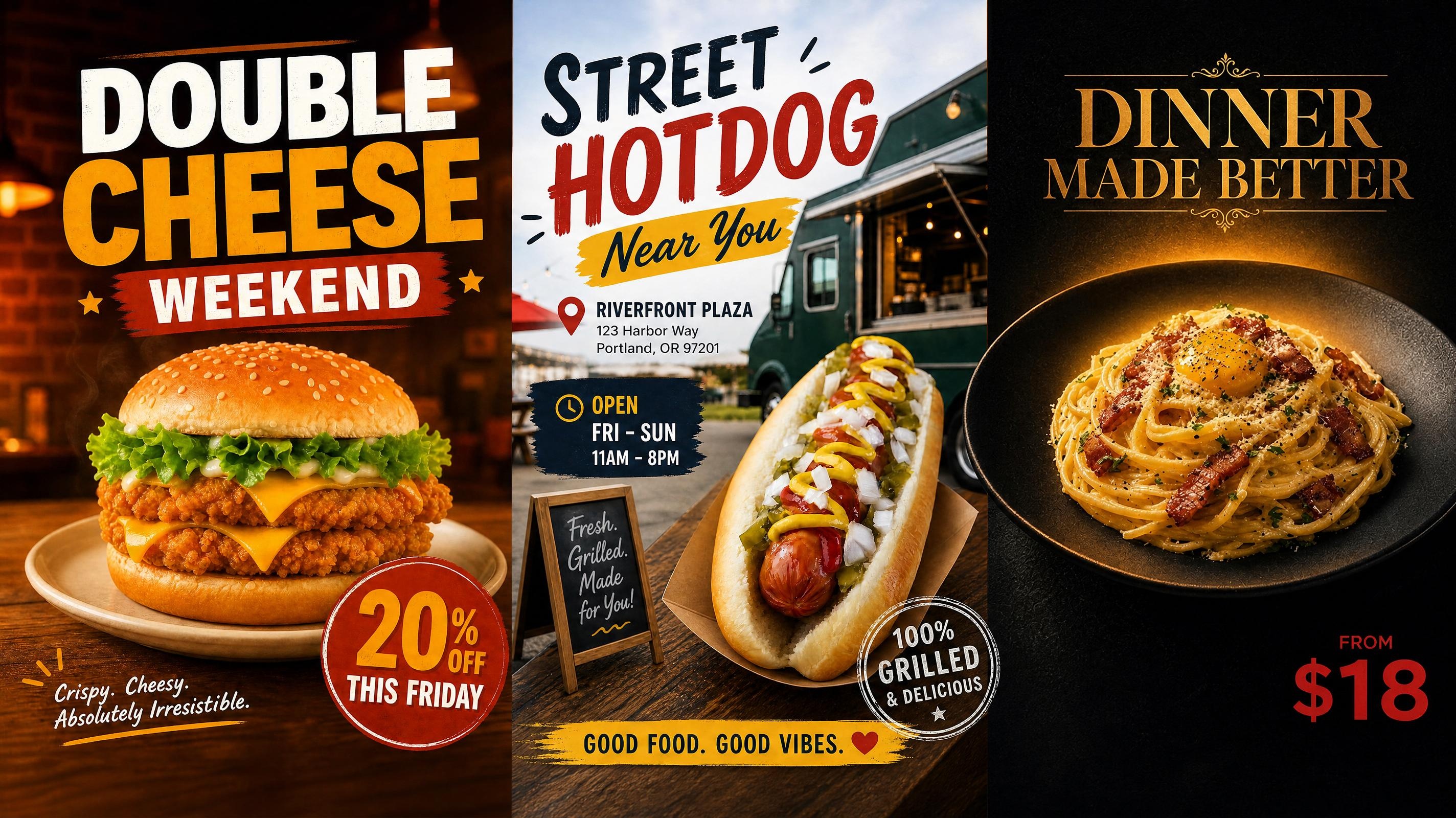
Food Poster
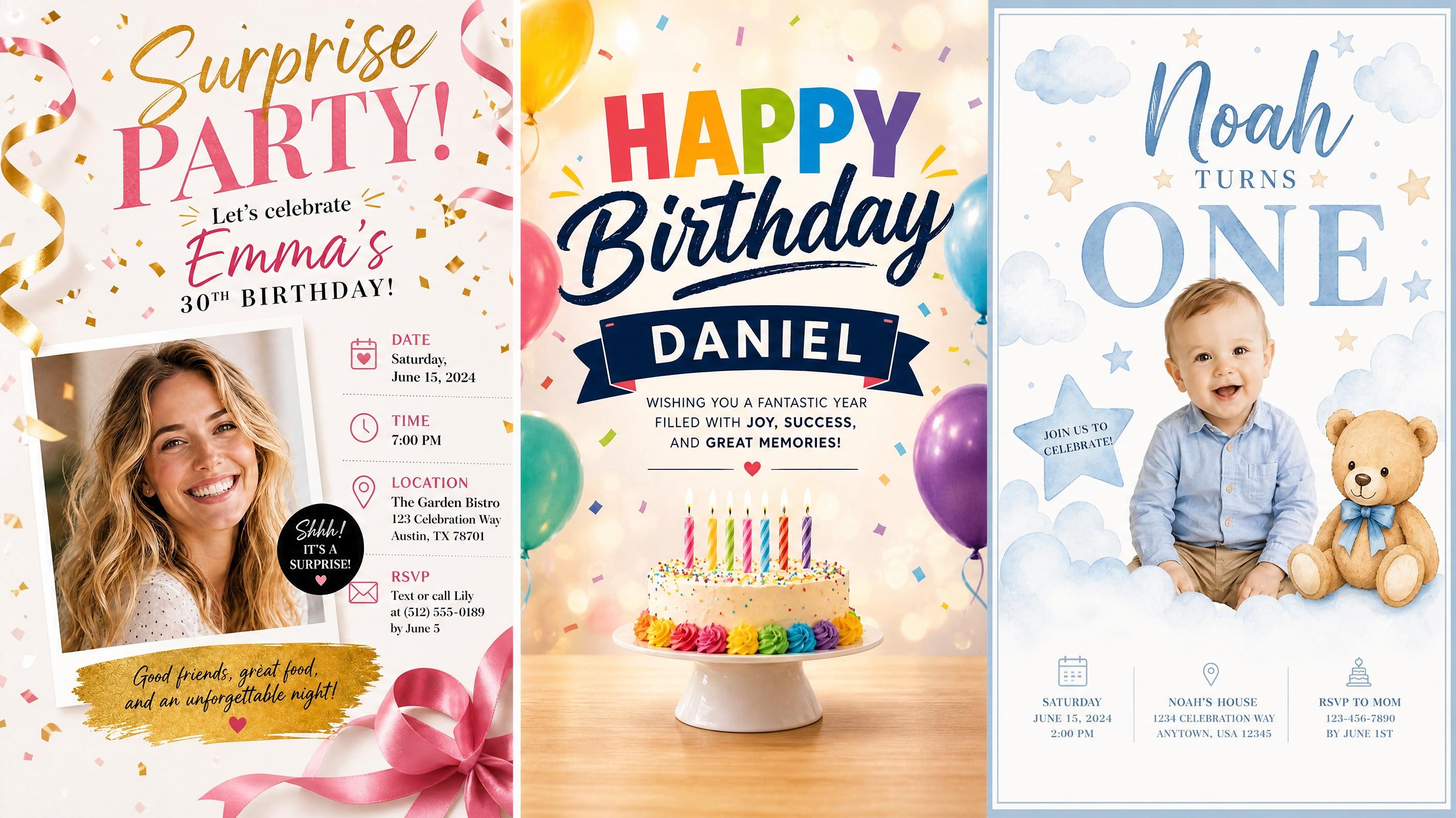
Birthday Poster
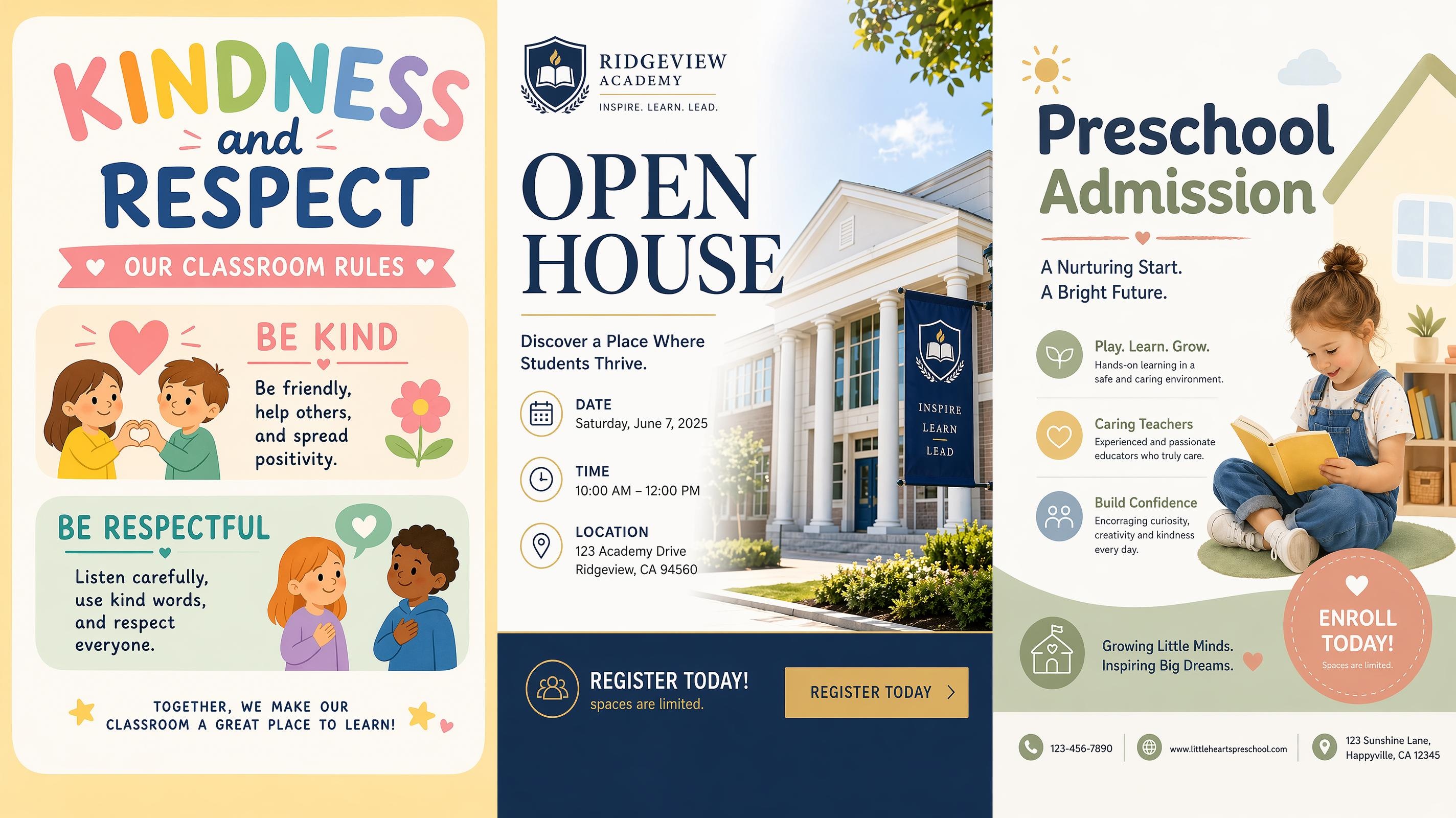
School Poster
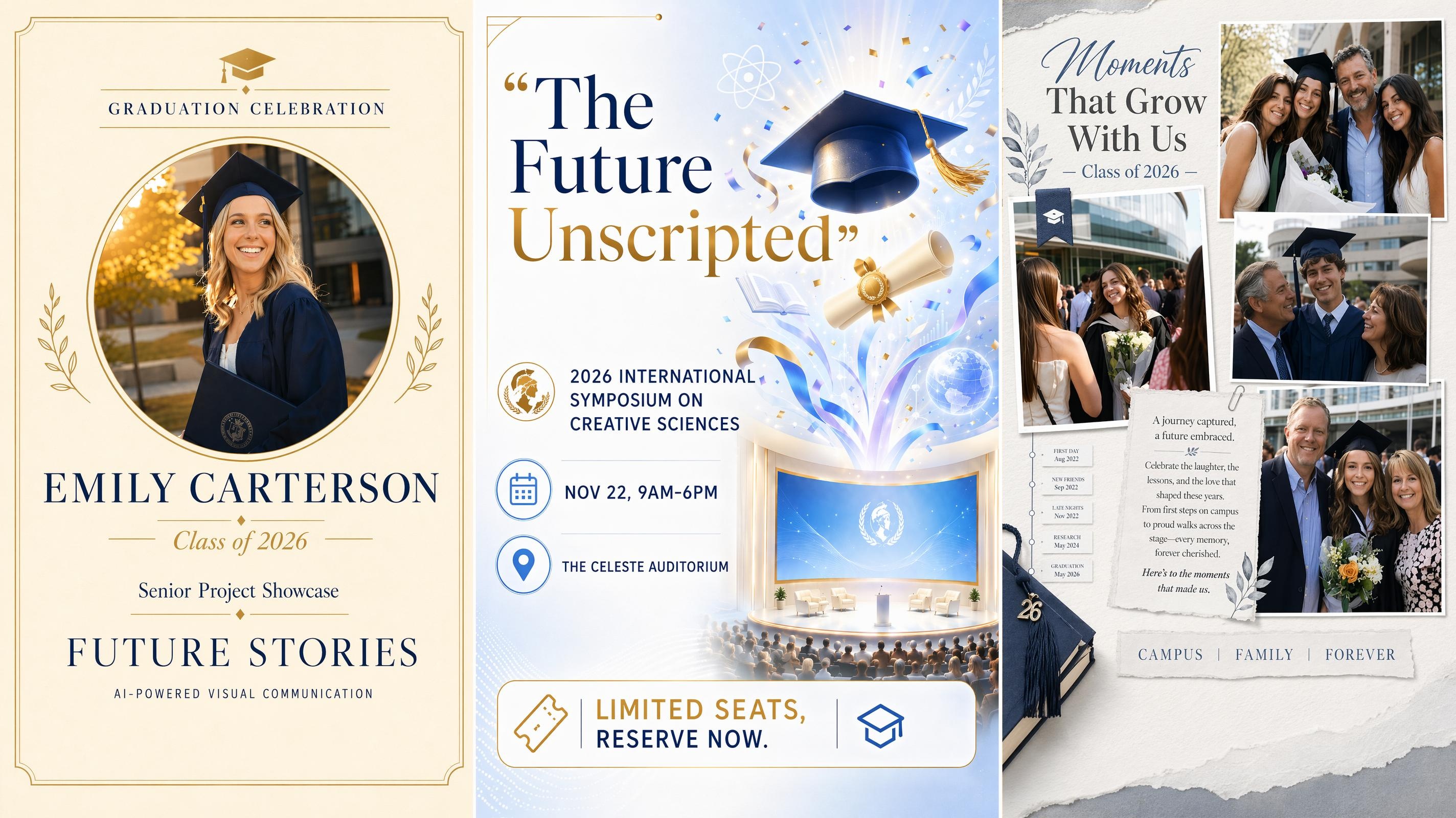
Graduation Poster
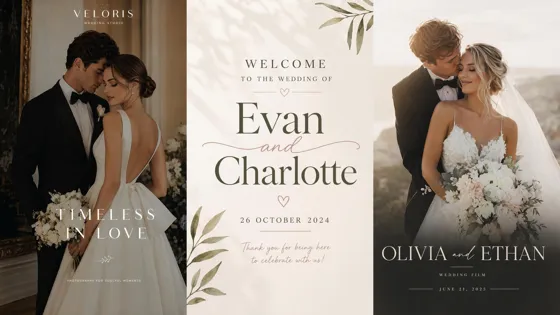
Wedding Poster
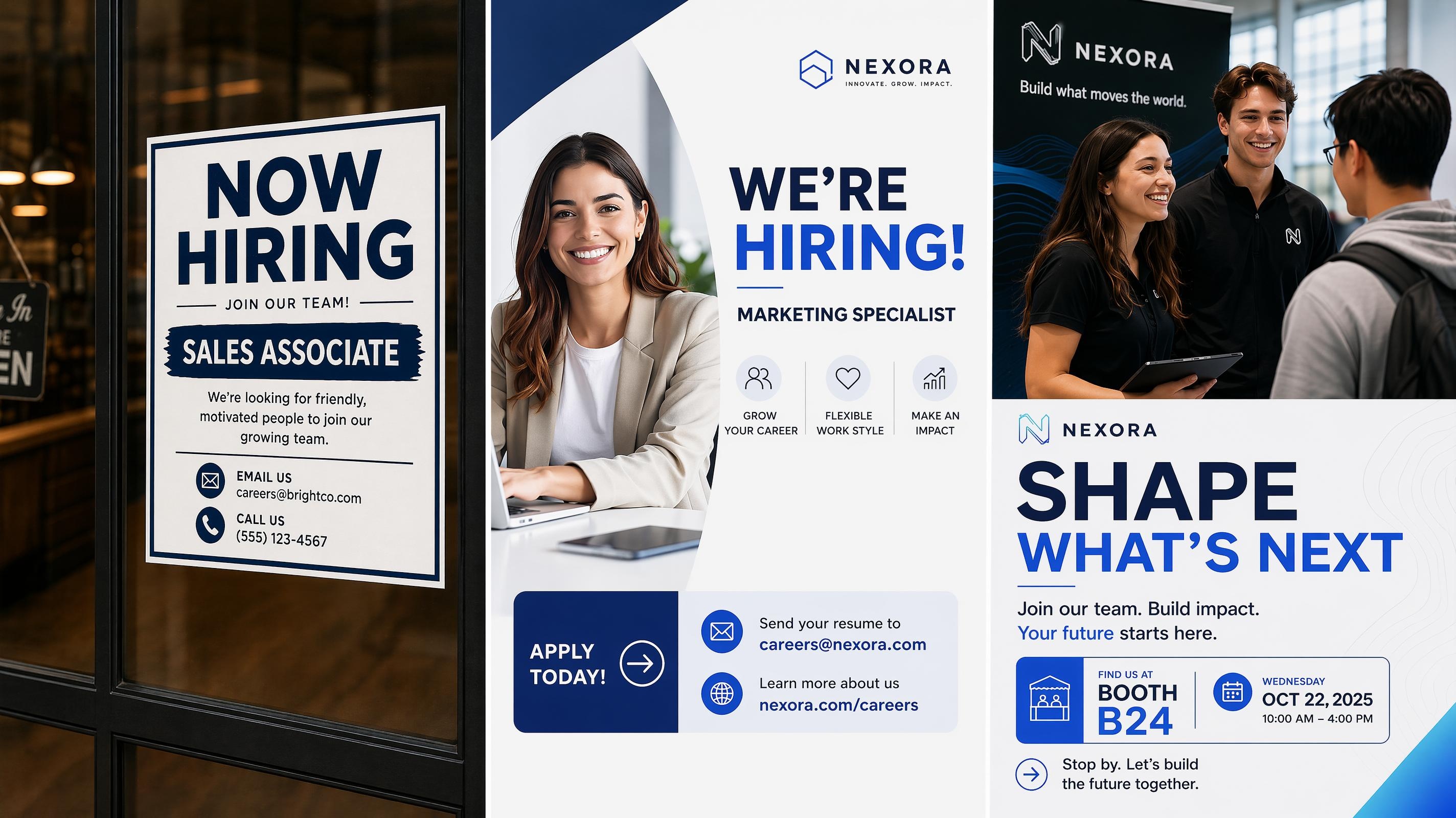
Recruitment Poster
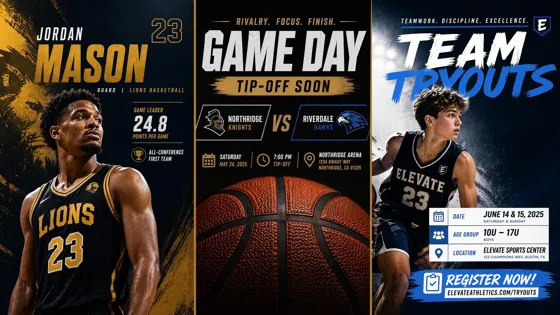
Sport Poster
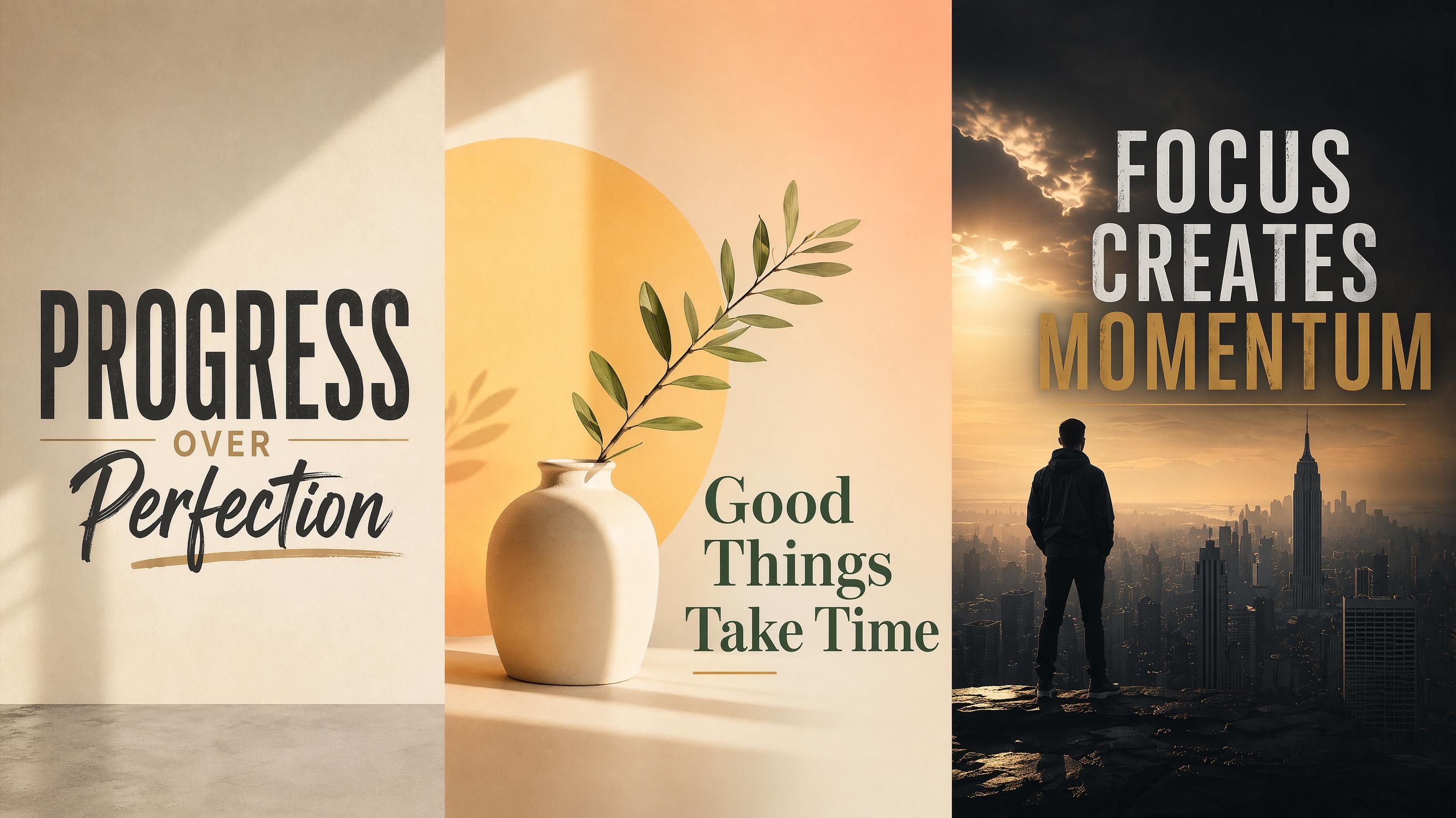
Motivational Poster
Frequently Asked Questions
What is an advertisement poster?
How do I make an advertisement poster in Designkit?
Choose an advertisement poster style in the workspace, add your offer details, and let the AI organize the text and image placement inside that structure. You can edit wording, scale, spacing, and layout after generation.
What should I include in an ad poster?
Add the main offer, key details, and action message. A product photo, logo, or campaign image can make the ad poster feel more specific, but the layout should still keep the selling message easy to read.
Can I create a product advertisement poster?
Yes. Upload a product photo and add pricing, offer details, or a launch message. The AI balances the product image with the sales message so the final poster feels like a polished product advertisement poster.
Can I make promotional posters or marketing posters too?
Yes. The same workflow works for advertisement posters, promotional posters, and marketing posters. Choose the style closest to your campaign goal, add the message, and adjust the generated layout in the workspace.
What sizes can I use for advertising posters?
You can choose common poster ratios for online sharing or printed display, then download the finished design as an image file. Use vertical, square, or landscape formats based on where the ad will appear.
Prepare Your Next Ad Poster Layout
Start with an ad poster style, add the campaign details, and create a PNG poster layout where the offer, image, and action message work together.



What Marketers Say About Advertisement Posters
Teams use Designkit to shape campaign offers, product photos, and ad copy into editable poster layouts.
The offer finally felt like the center of the poster
I had the discount, product name, and a short line of copy, but my drafts always looked like everything was fighting for attention. Starting with an ad poster style helped the offer sit in the right place first. I still edited the wording, but the structure felt much closer to a real promotion.
Client feedback got easier to handle
For smaller campaign requests, we need to show a direction before spending too much design time. I add the brief, generate a few poster options, and use them to discuss headline size, image focus, and the main action. Feedback is much easier when people can react to a real layout.
The product image no longer takes over everything
I uploaded a simple product photo with a launch message, and the layout gave the image space without burying the offer. That helped a lot because our product shots are nice, but the poster still needs to say what is new and why people should care.
Small promotions take less setup
We run short promotions all the time, and starting each poster from scratch used to slow everything down. Now I add the offer, choose a style, and get a layout that is close enough to edit. It saves the design work for the parts that actually need judgment.
I can compare directions before choosing one
I usually do not know at the start if the ad should feel bold, clean, or more product-focused. Generating a few poster directions from one brief gives me something real to compare. Then I can choose the strongest version and polish the final details.