
Generate Festival Posters That Match the Vibe
Choose a festival poster style, add event details, and generate editable designs for online promotion and print.
Generate Festival Posters from Event Details
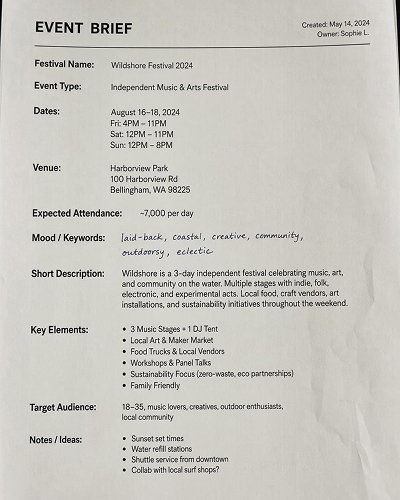
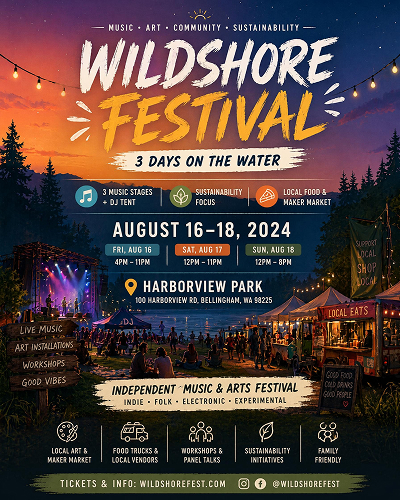
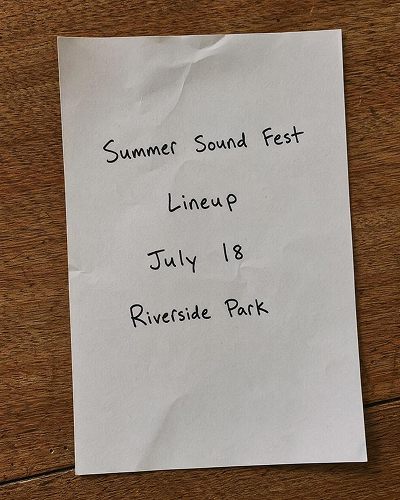
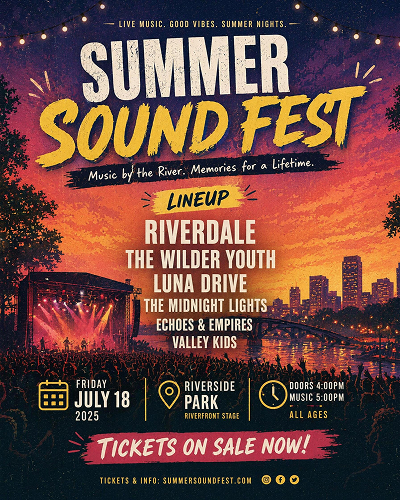
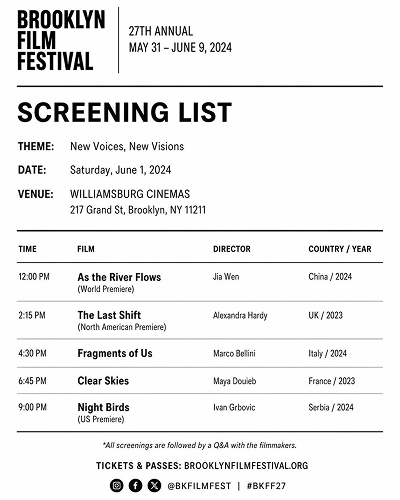
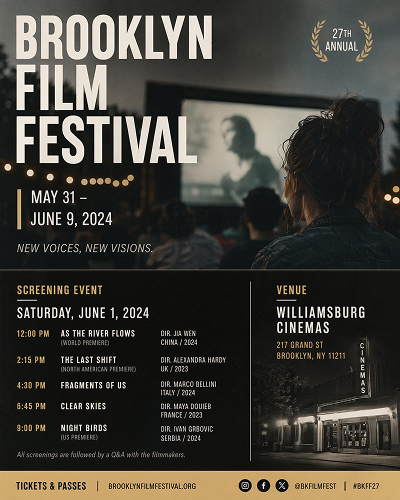
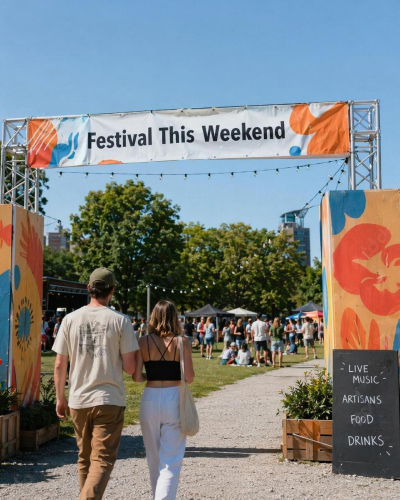
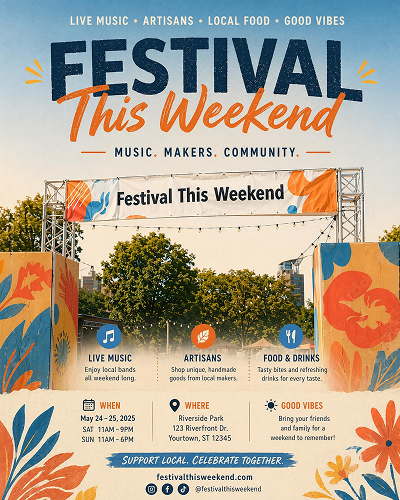
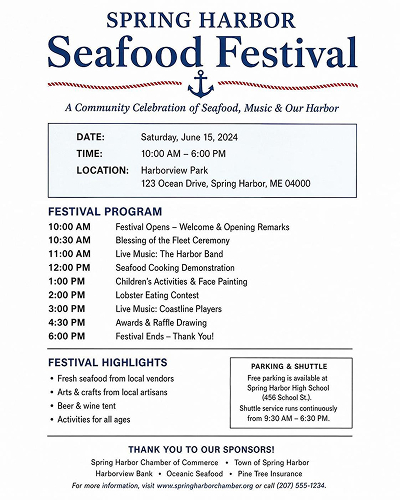
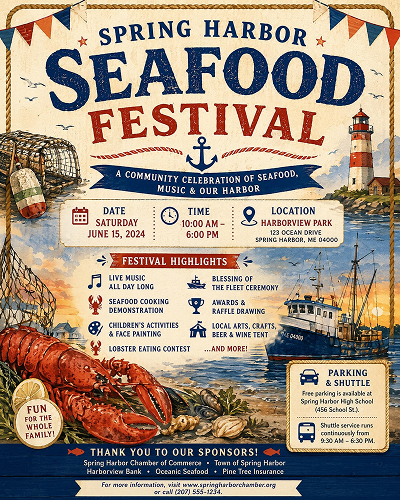
Pick a Festival Poster Style and Generate Your Own
Start from a style close to your event, then use AI to create poster versions with matching layout and typography.
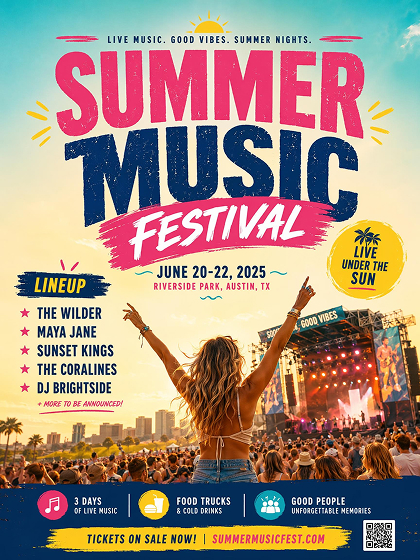
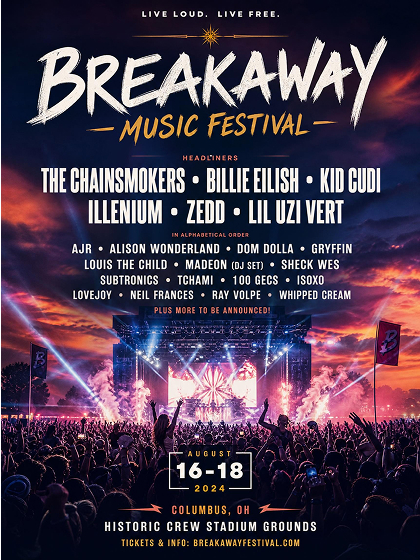
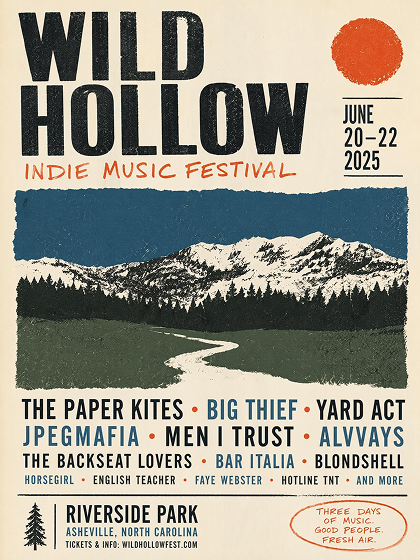
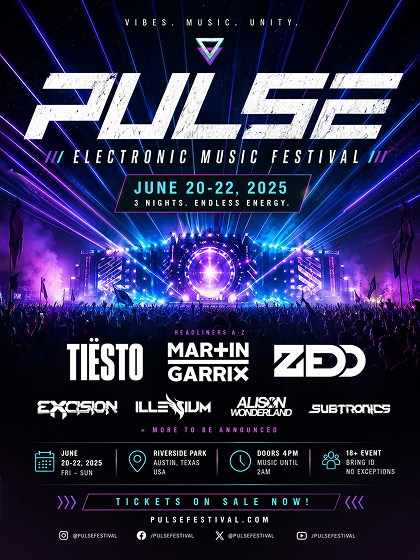
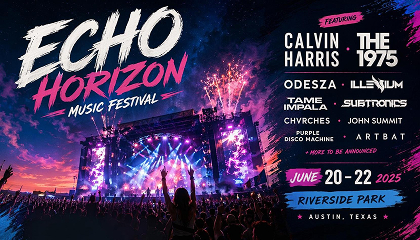
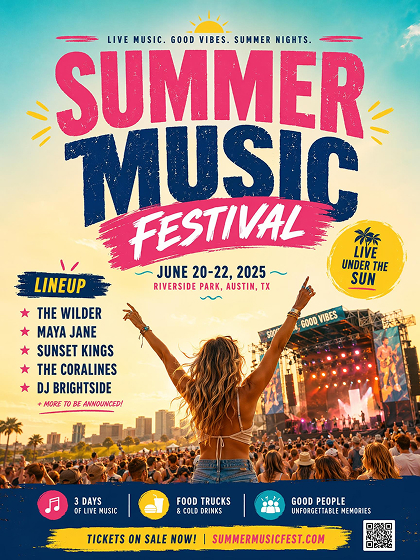 Music Festival
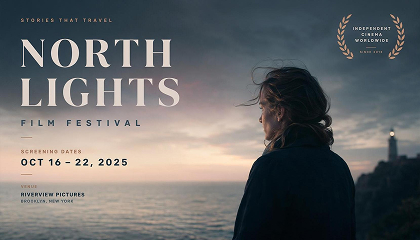
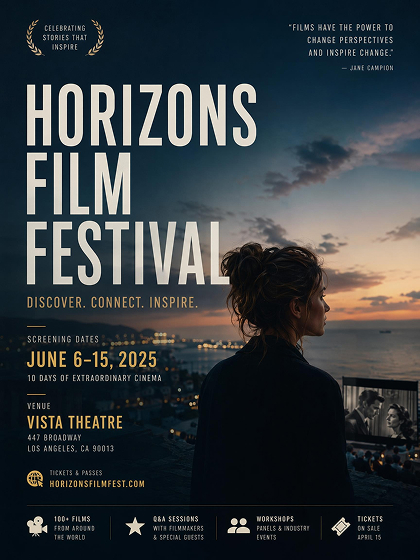 Film Festival
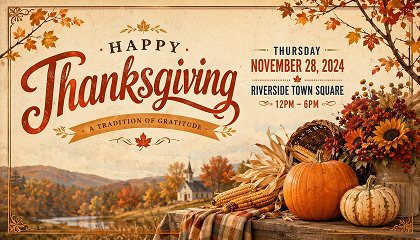
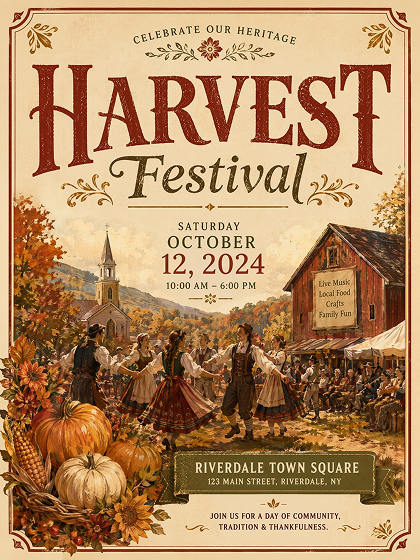 Traditional Festival
How to Make a Festival Poster with AI
Choose a Festival Poster
Pick a music, film, or traditional festival poster as your starting point. Designkit uses that choice to guide the layout, color mood, typography, and overall poster structure.
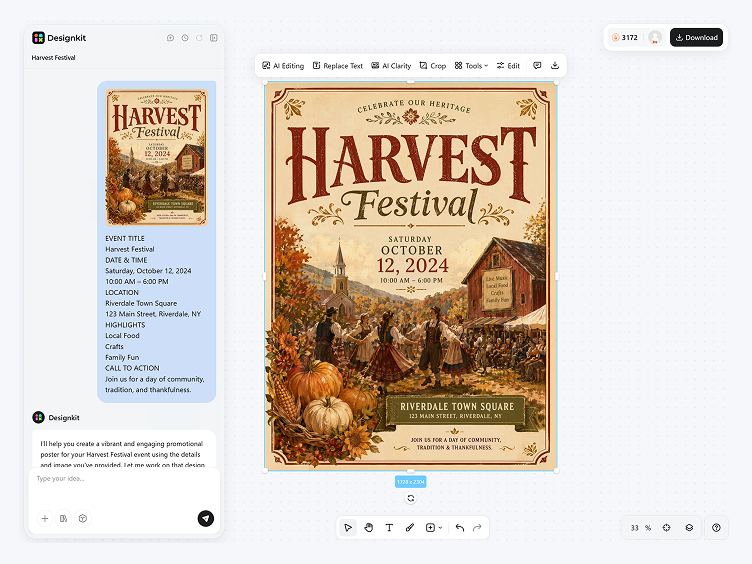
Add Event Details and Text
Enter the festival name, date, venue, lineup, or screening details. AI organizes the text into readable hierarchy and poster composition.
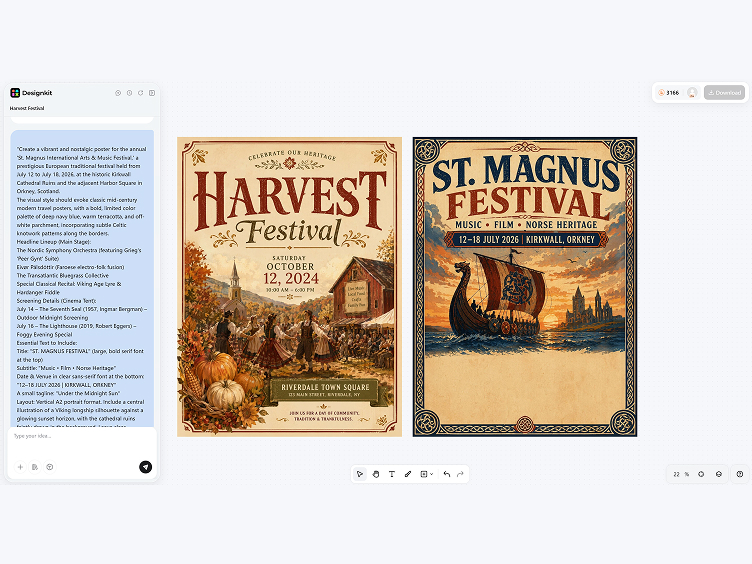
Generate, Edit, and Export
Review multiple festival poster versions, refine the wording or layout, then export as PNG for social sharing or print.
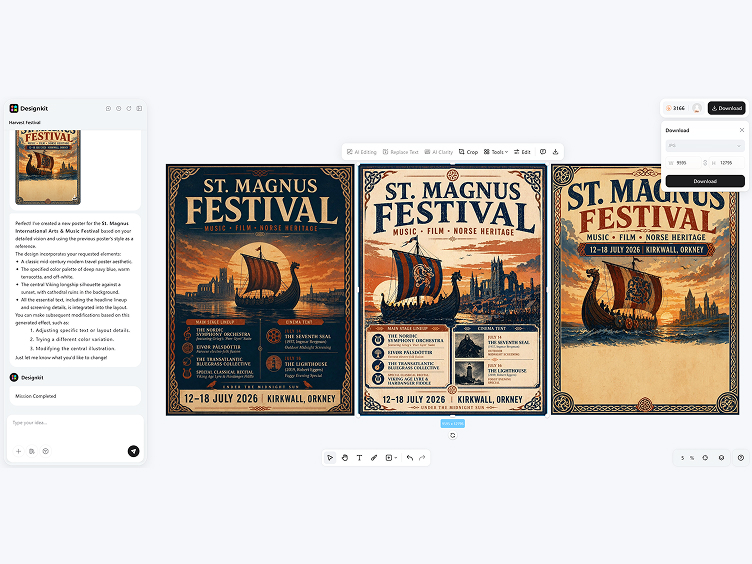
Create Festival Posters with Clear Event Style
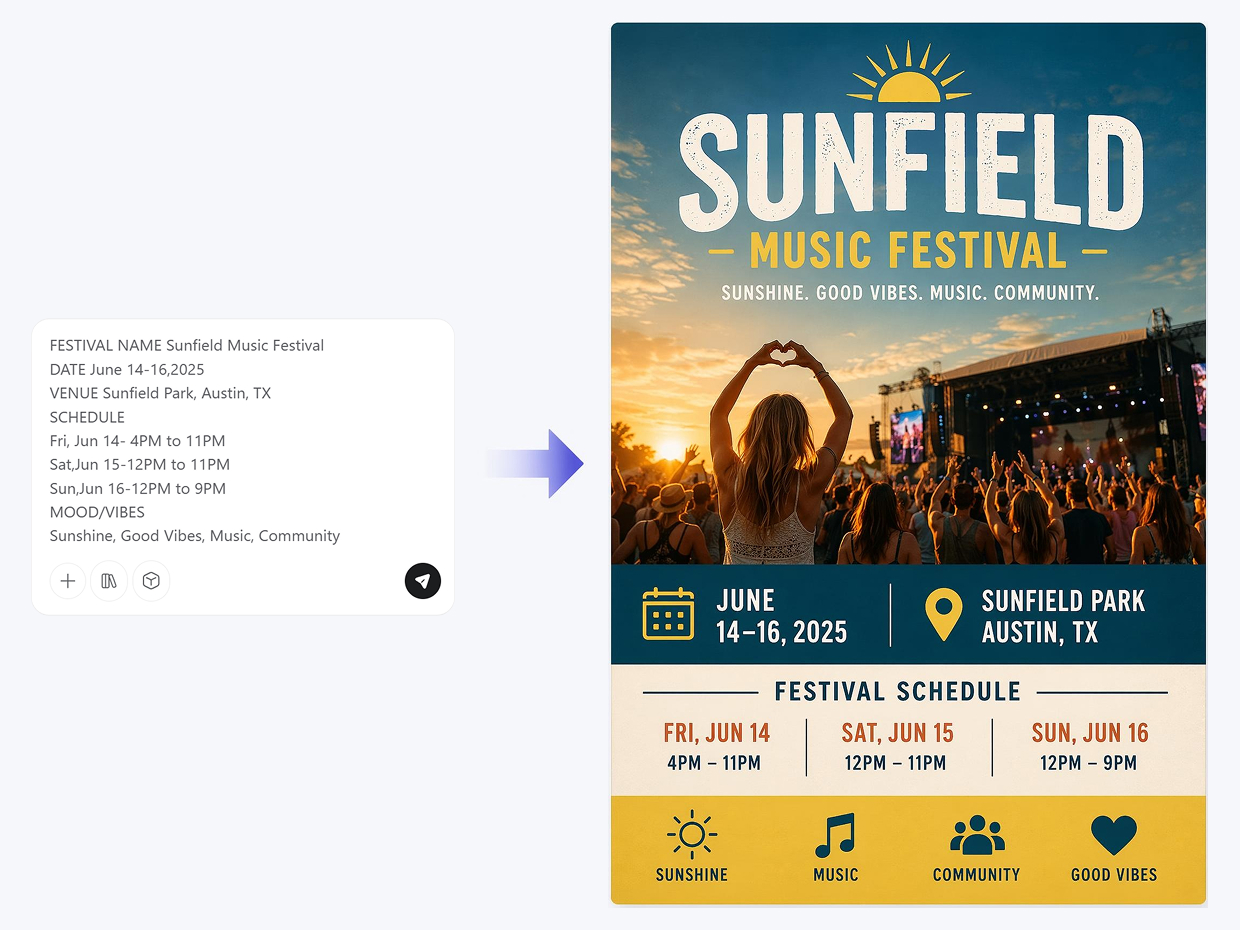
Generate Posters Around Your Event Details
Add the festival name, schedule, and a few mood words, and Designkit generates a poster with the title, key details, and spacing already in place. The important information stays easy to find without dulling the visual energy.
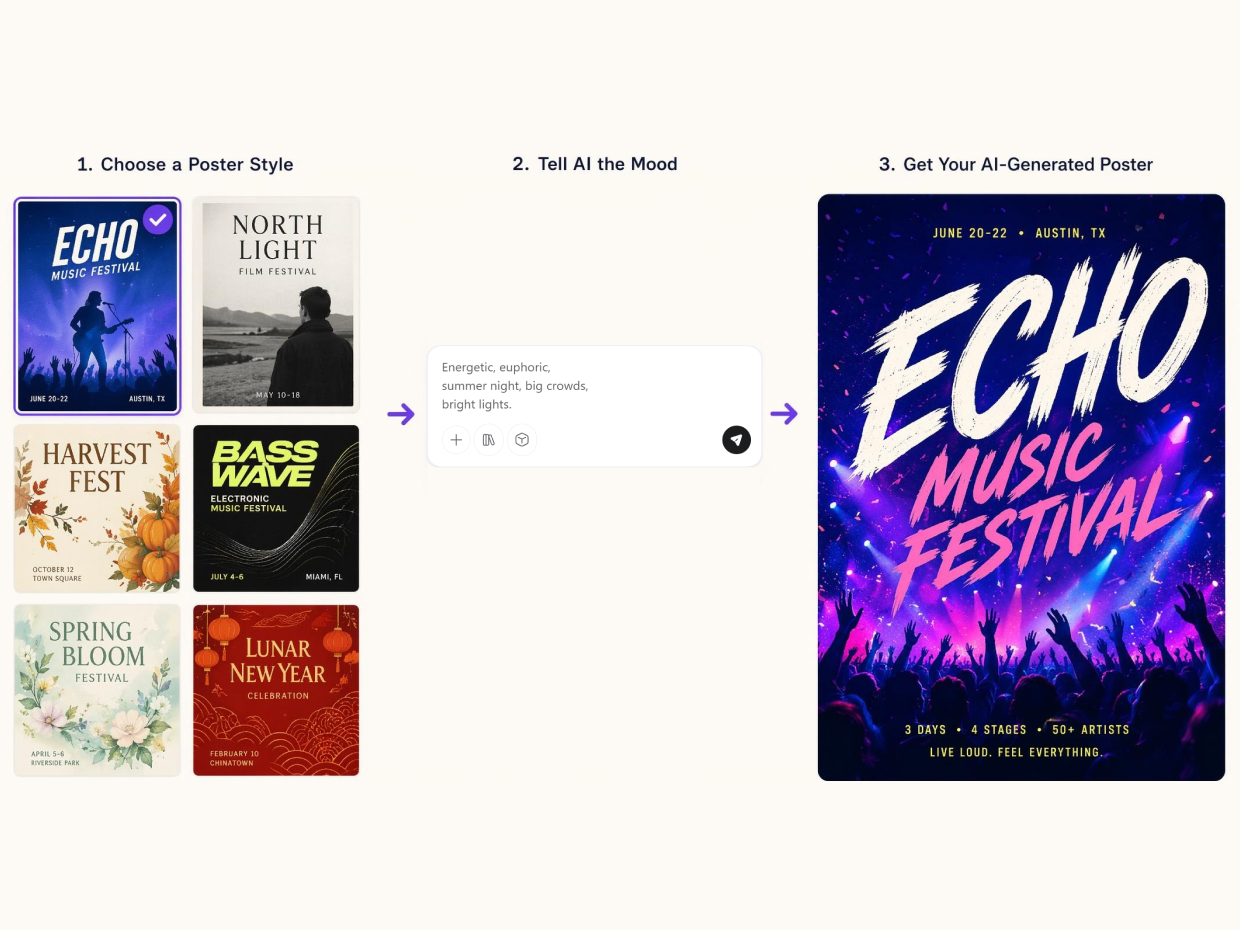
Match Typography to the Festival Mood
Festival posters rely on type as much as imagery. Designkit uses the chosen style and prompt details to adjust font weight, scale, contrast, and spacing, so the poster can feel energetic, cinematic, or refined while staying readable.
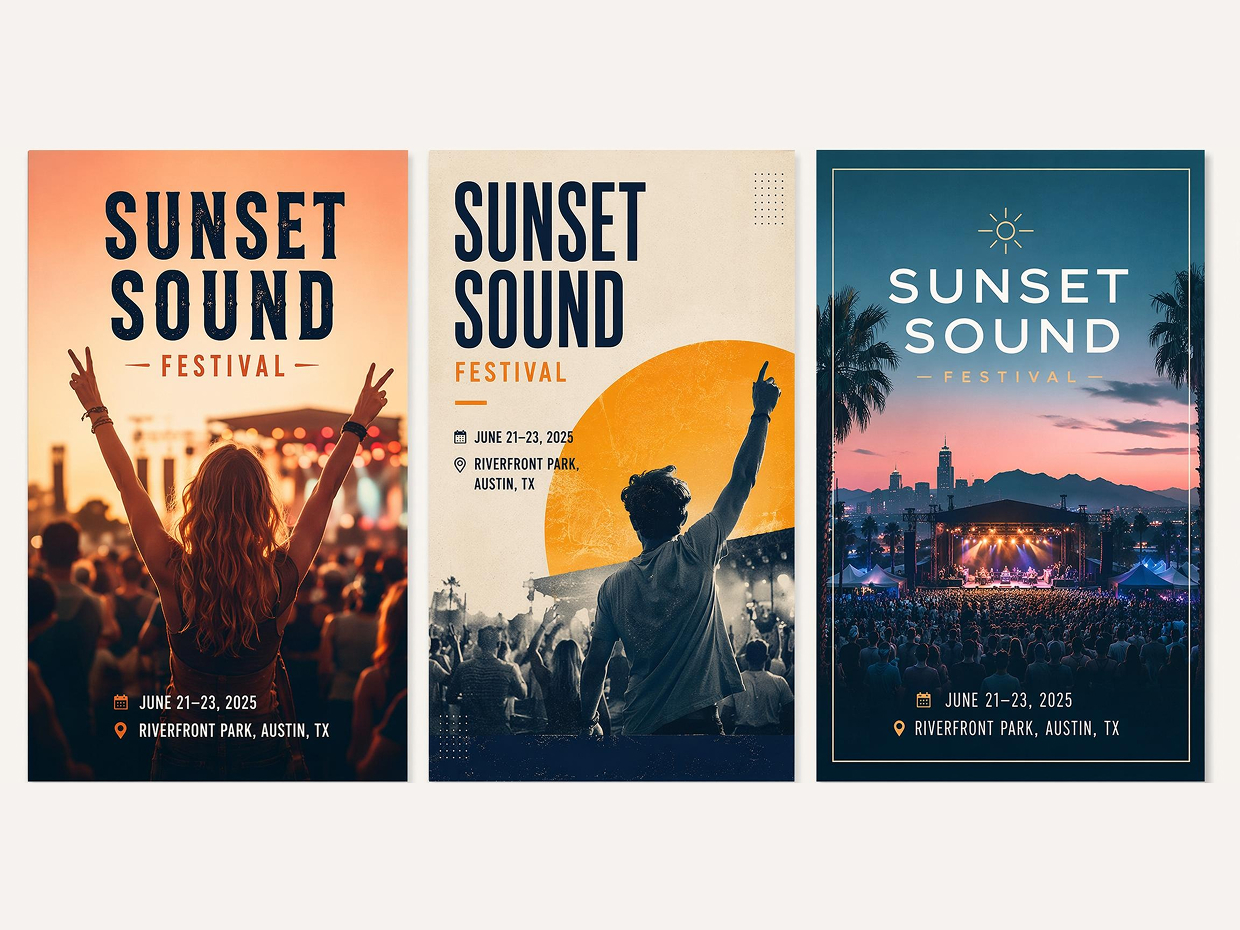
Generate Variations for One Event
Use the same festival details to create different poster directions. Designkit changes composition, image treatment, color mood, and text placement while keeping the event information consistent, so you can compare options before editing.
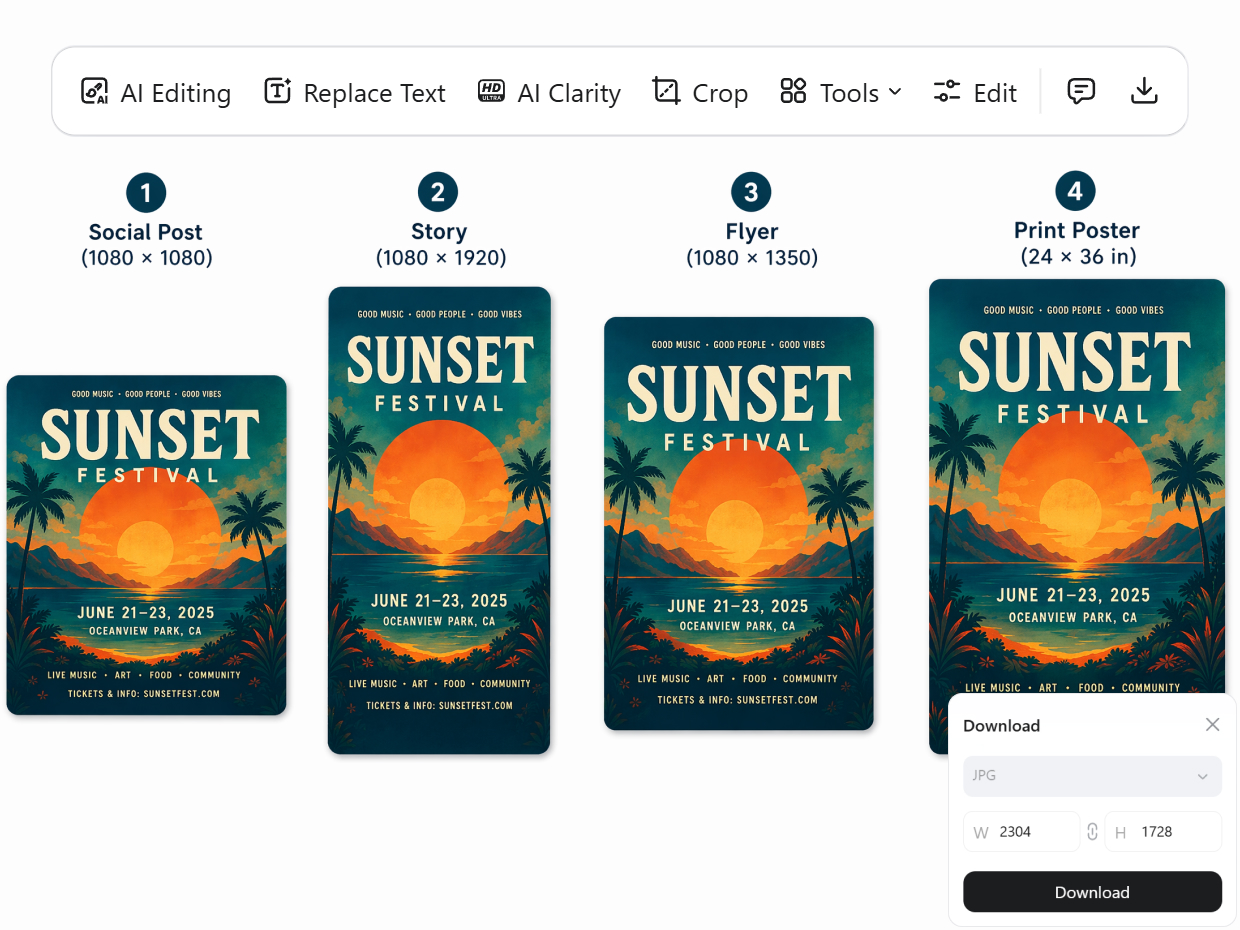
Adapt Posters for Social and Print
After generation, the poster layout can be adjusted for different formats. Designkit keeps the main message and visual style connected while you resize or rebalance the composition for online promotion, flyers, or printed display.
Poster Types You Can Create with Designkit
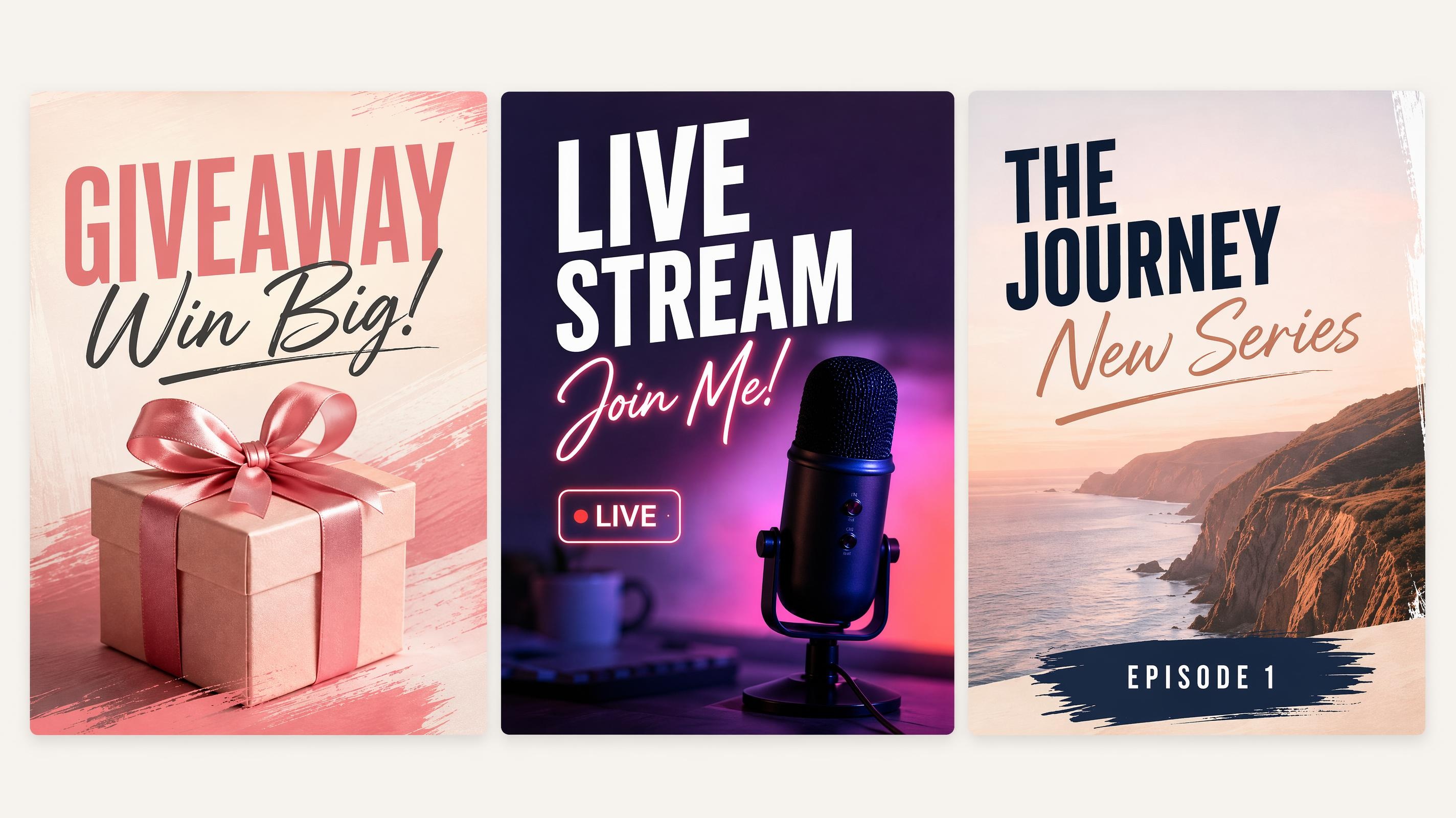
Social Media Poster
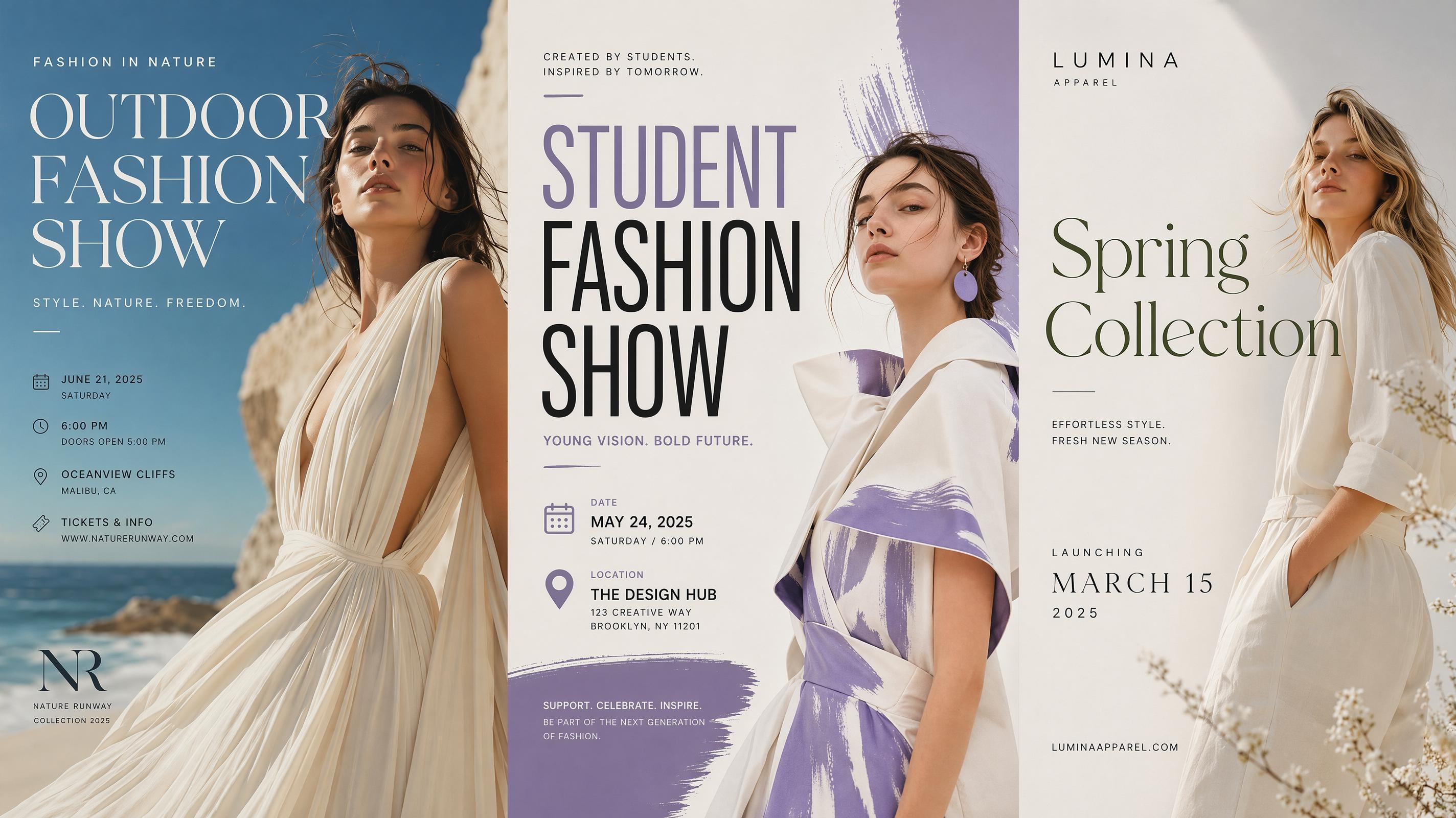
Fashion Poster
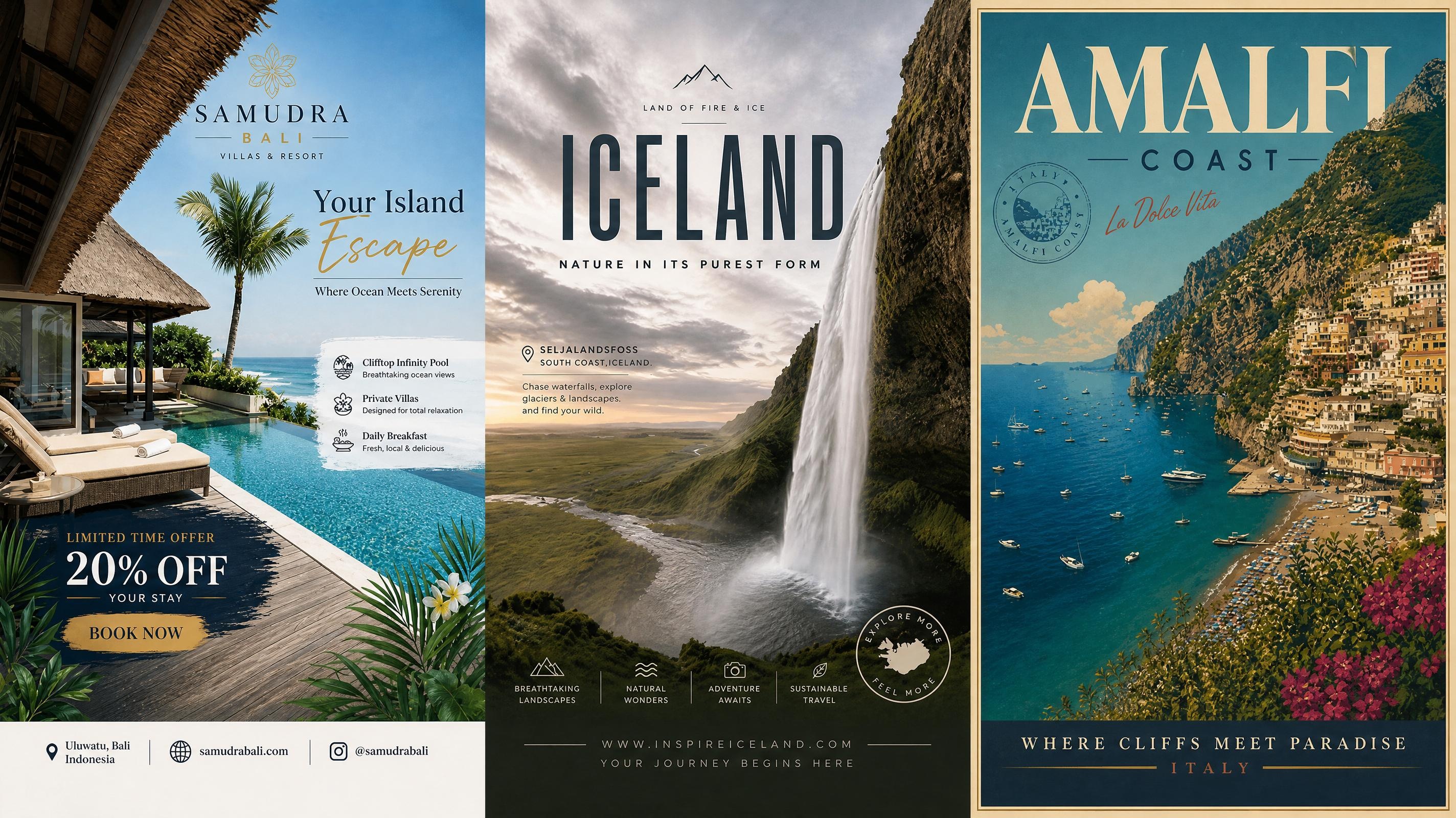
Travel Poster
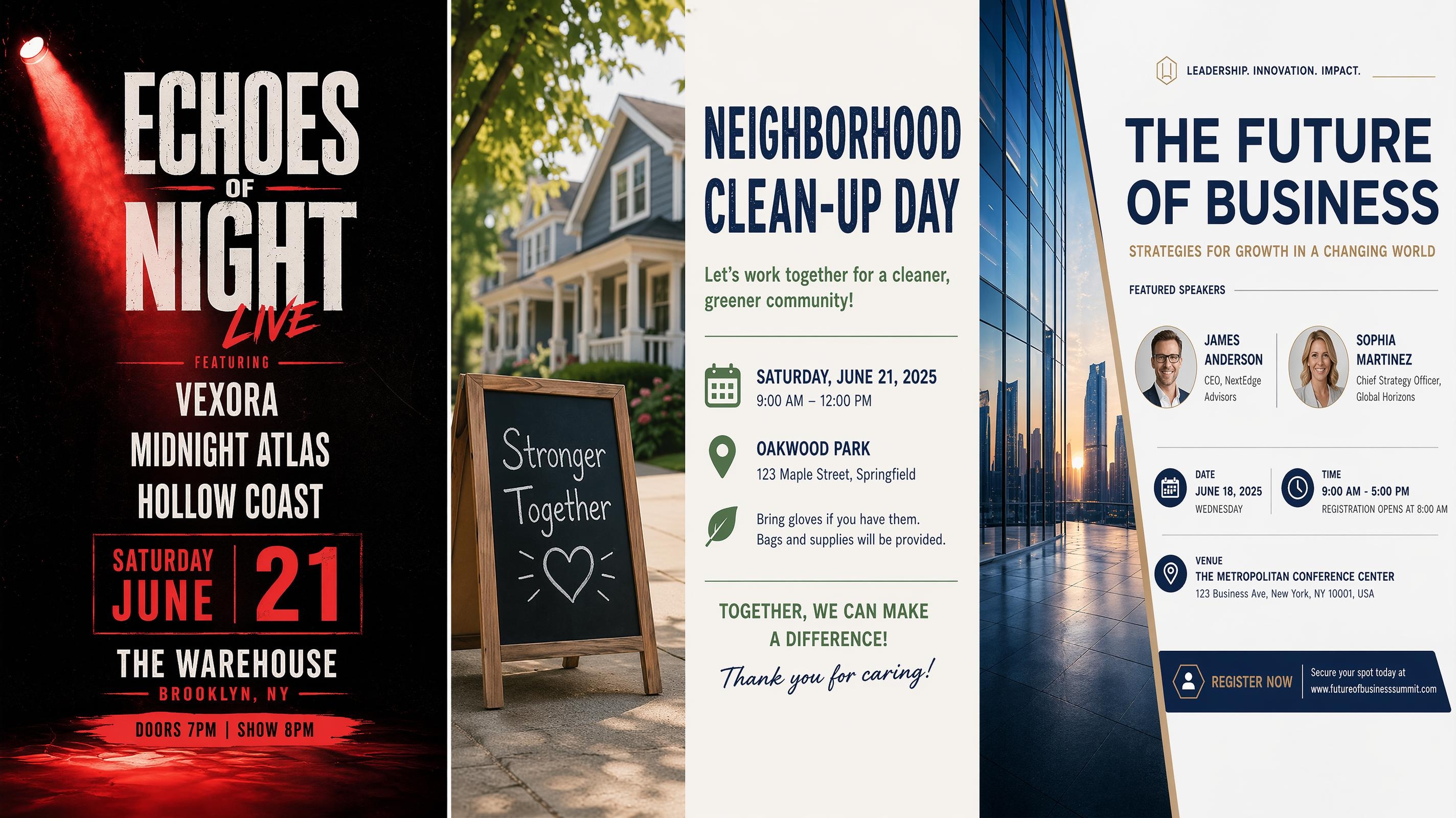
Event Poster
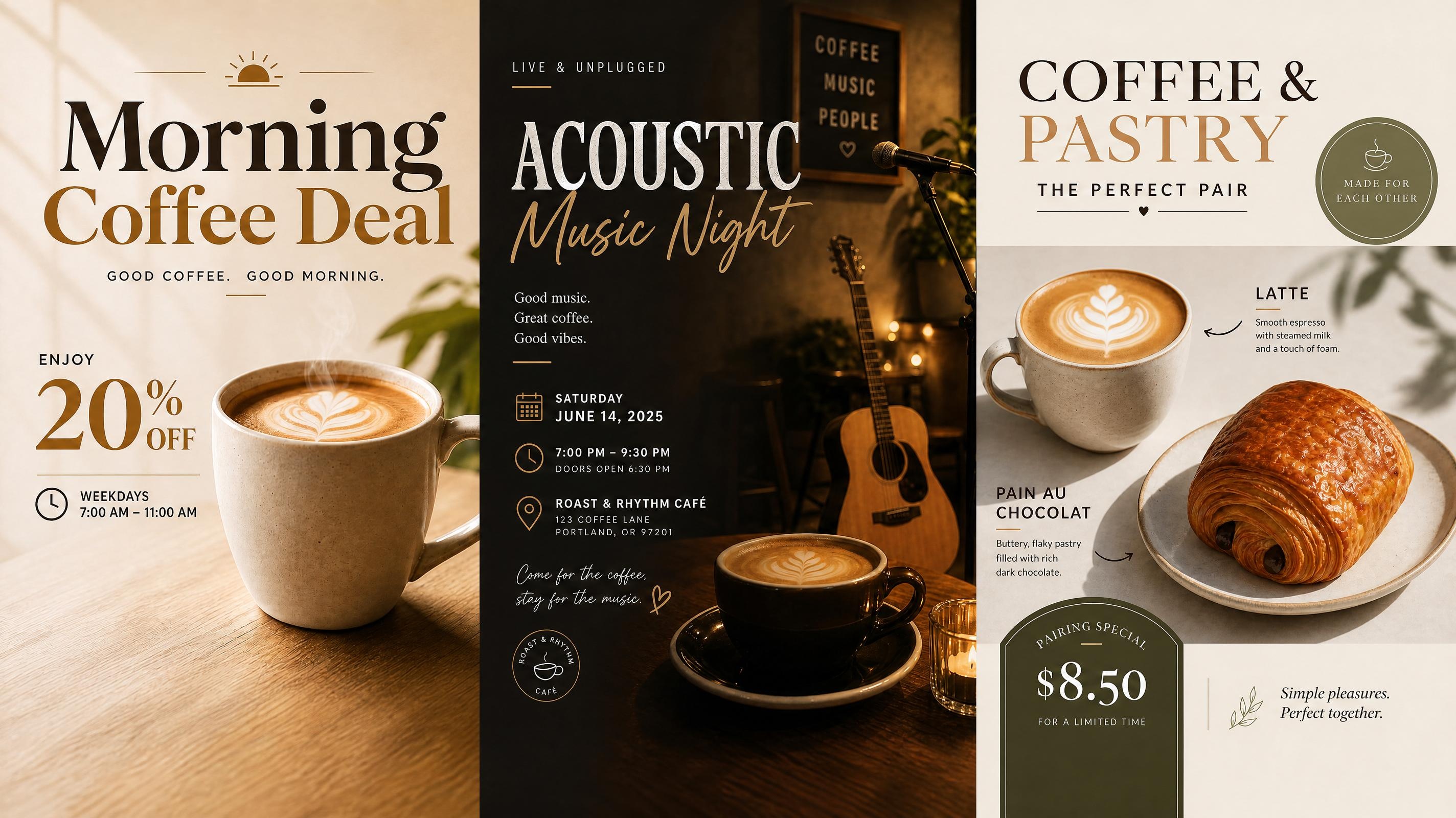
Cafe Poster
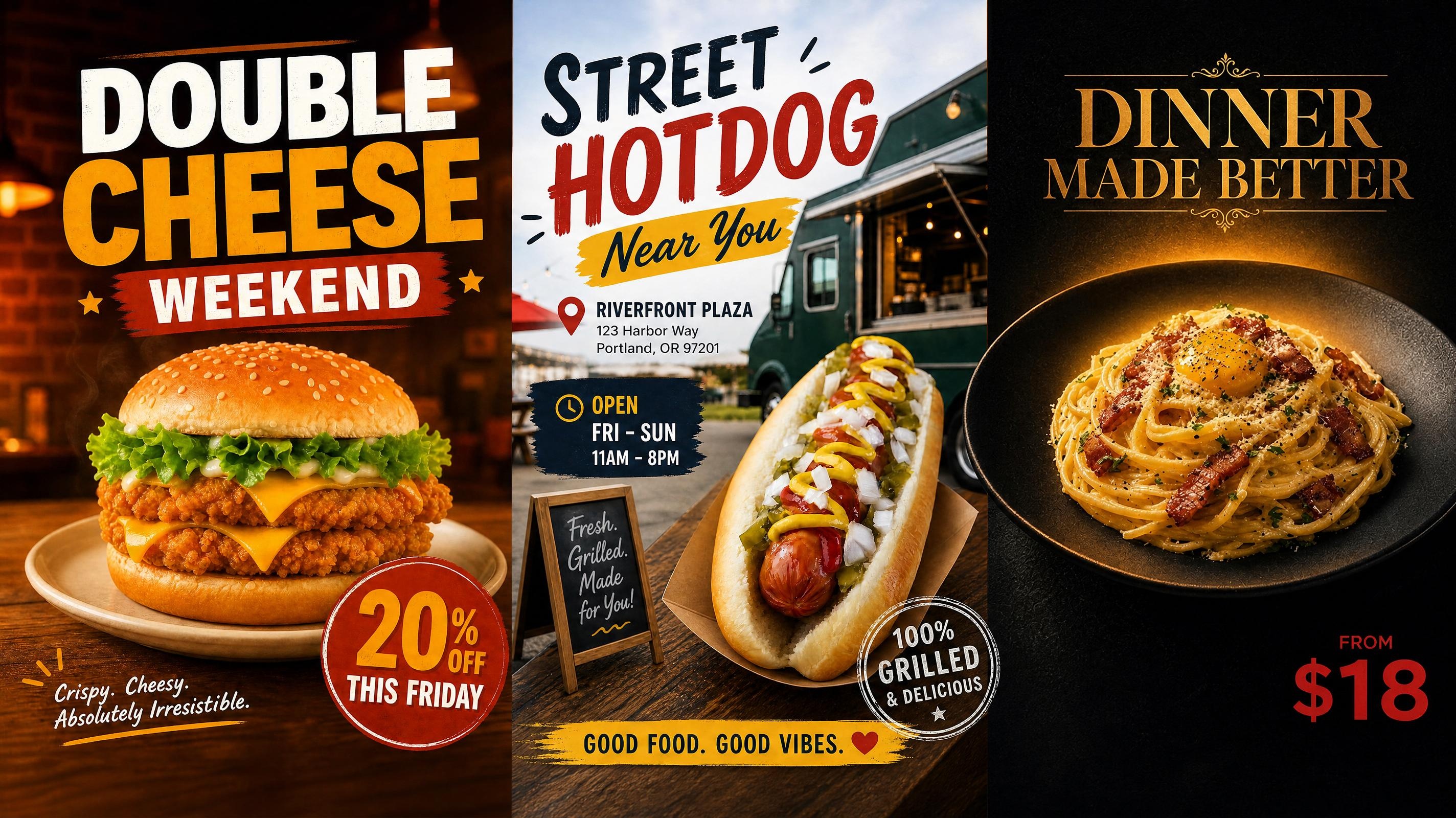
Food Poster
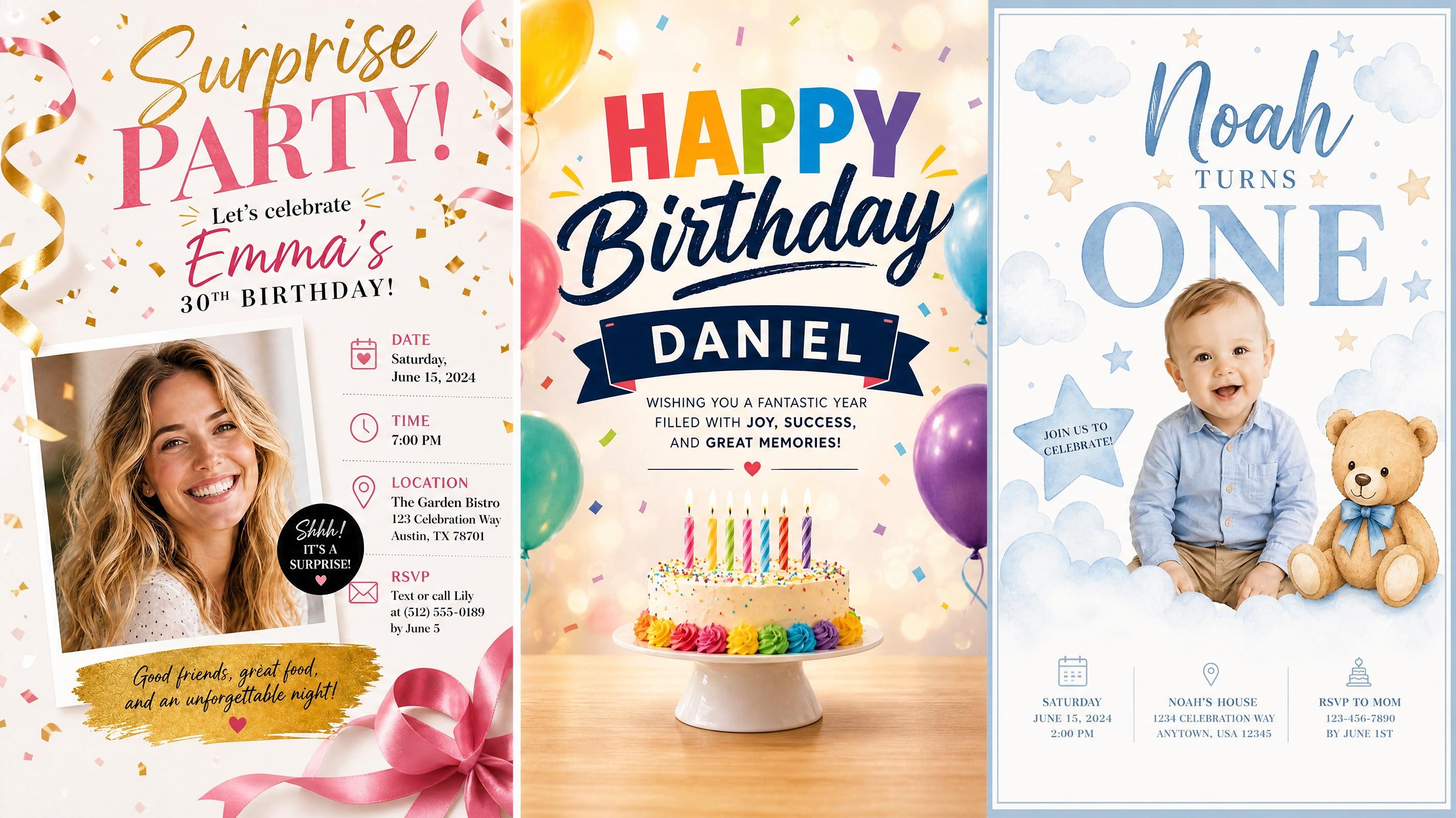
Birthday Poster
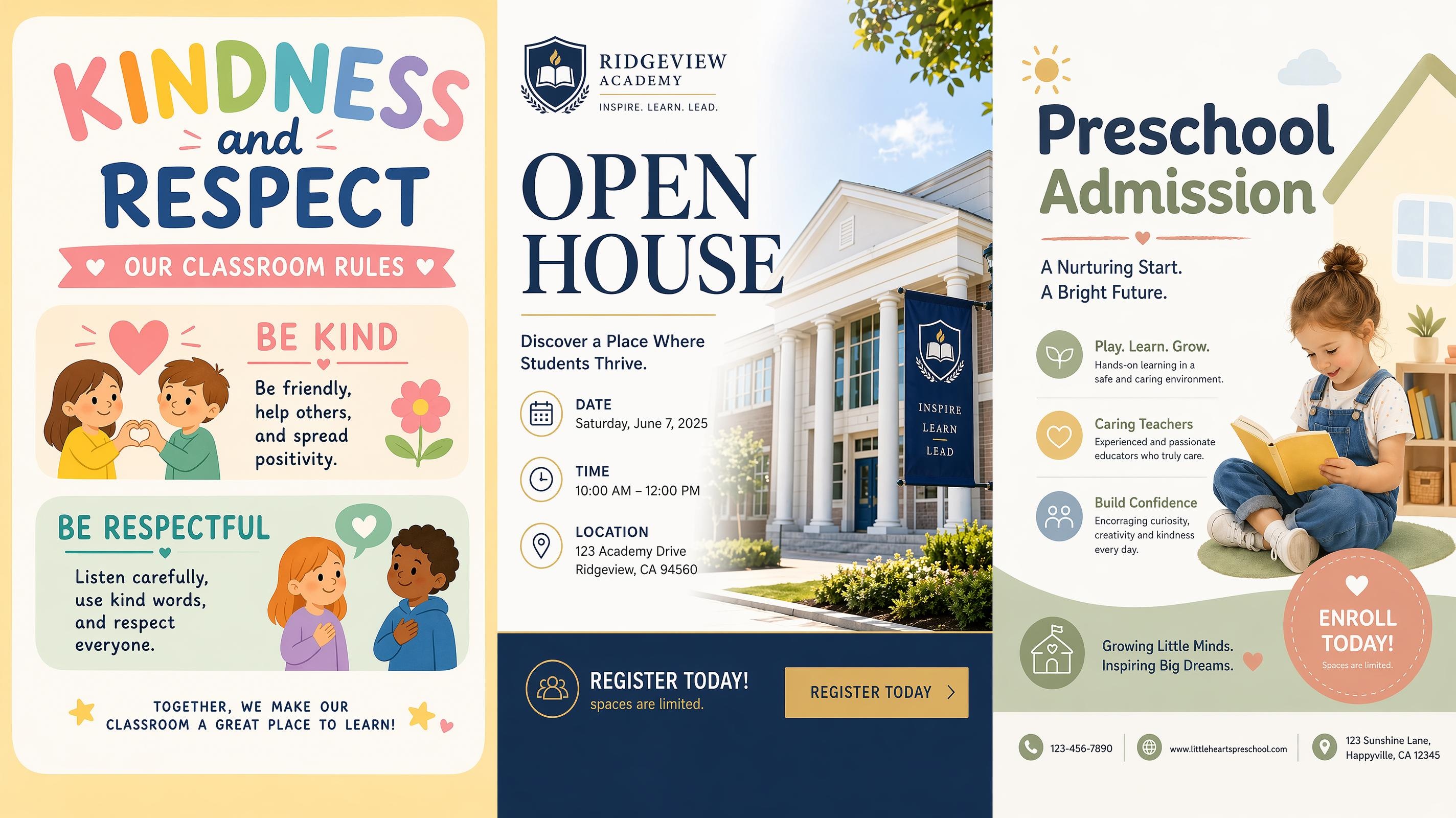
School Poster
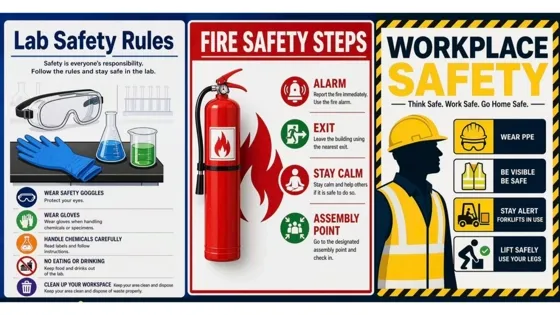
Safety Poster
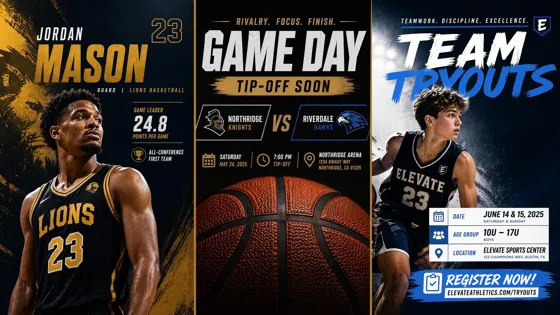
Sport Poster
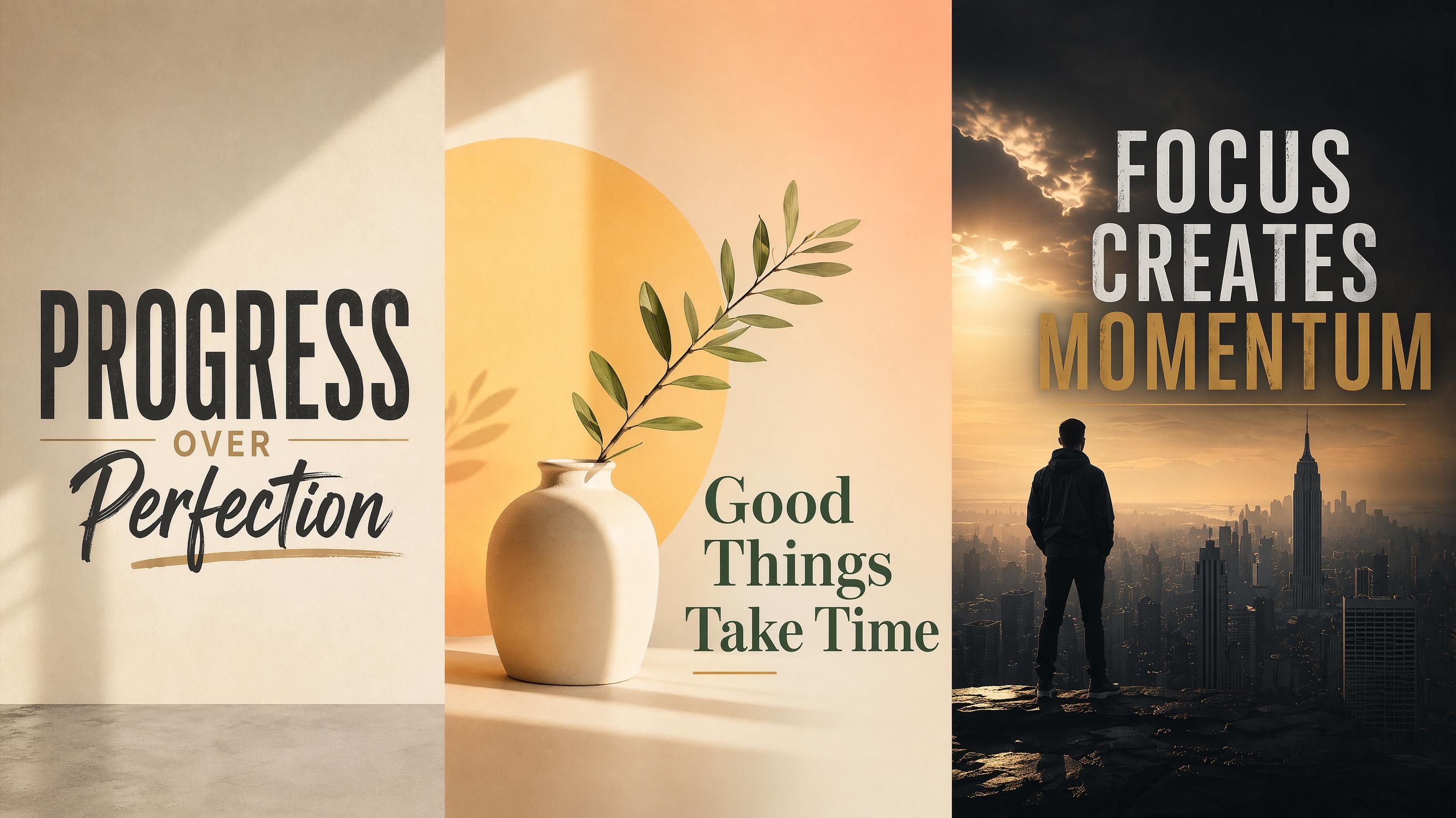
Motivational Poster
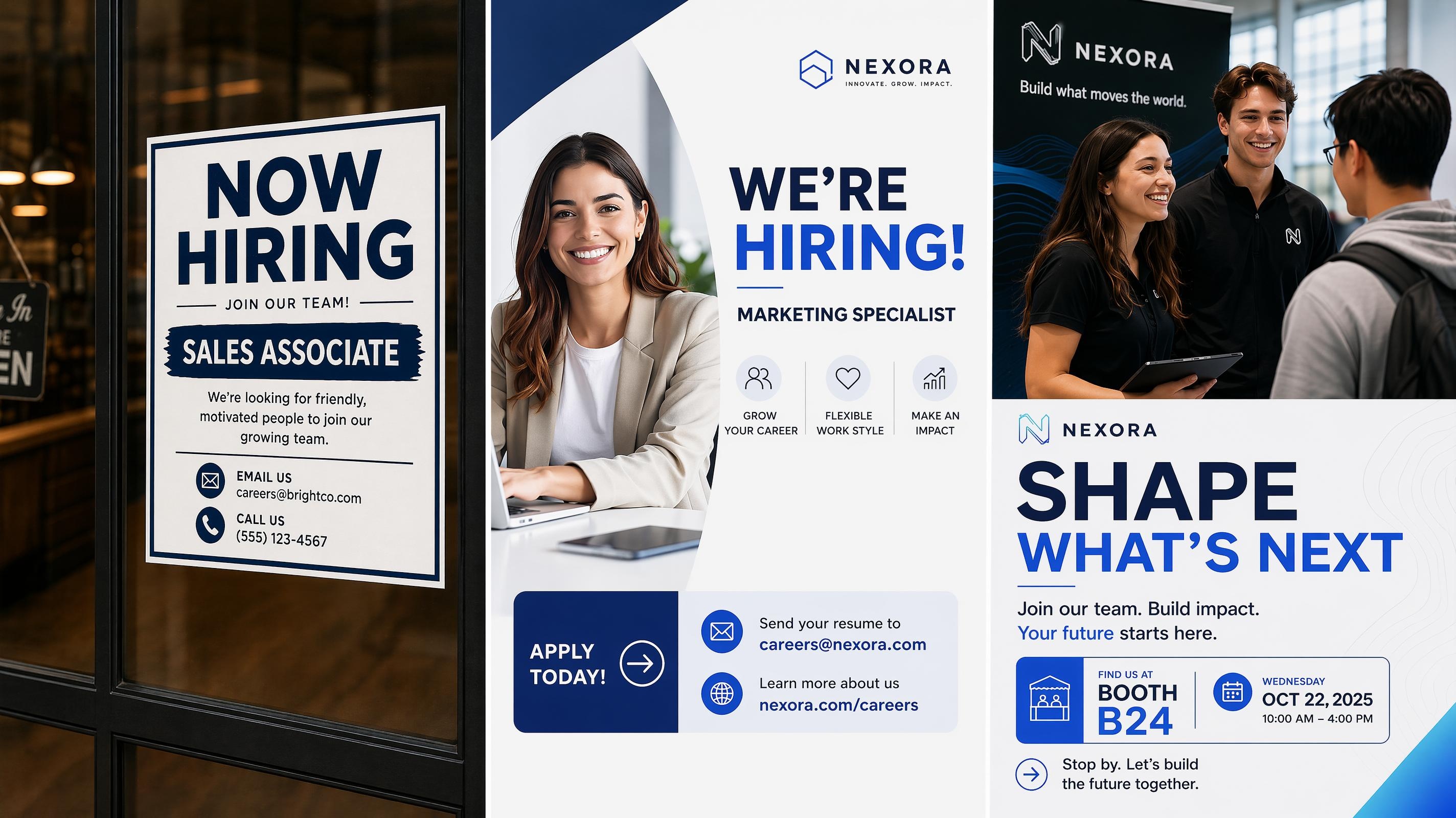
Recruitment Poster
Frequently Asked Questions
What is a festival poster generator?
Can I make different types of festival posters, like music or film?
Yes. You can choose a style that fits your event type, whether that is a music festival with lineup details, a film festival with a cinematic mood, or a cultural celebration with a warmer visual feel. Add the event name, date, venue, and relevant details, then generate poster options you can edit before export.
What should I include in a festival poster prompt?
Include the festival name, event type, date, location, main text, and the style you want. For example, mention a music festival lineup, a film screening theme, or a jazz event mood. Clear details help the AI organize the poster more accurately.
Can I edit the poster after it is generated?
Yes. After generation, you can adjust text, layout, visual balance, and other design details in Designkit. The first result can work as a starting point, and you can refine the poster until the information and style feel right.
What file formats can I export my festival poster in?
Festival posters can be exported as PNG or PDF. PNG works well for social media and digital sharing, while PDF is better suited for print. After generation, review the layout at the intended display size before exporting.
Start Your Festival Poster in Designkit
Choose a style, add your event details, and generate a festival poster you can edit and download free.



What Event Planners Say About Designkit
Event Planners use Designkit to make festival posters, flyers, and event graphics with clearer structure and stronger style.
The Lineup Finally Looked Organized
Our music festival poster had too many names, and every draft felt crowded. With Designkit, we entered the lineup, date, and venue, then chose a stronger style direction. The generated versions gave us a much cleaner hierarchy before we made final edits.
Saved the Budget on a Short-Run Event
We had a small screening series and could not justify hiring a designer for a one-time run. I entered the program details and a mood direction, and the generated layouts already looked considered enough to use. We made small text changes and had something worth printing.
Traditional Event Details Looked Clearer
Our cultural festival poster had to include the event name, date, location, and a few ceremony details, but the first version felt plain. Designkit helped organize the text and gave the poster a warmer festive look that still felt respectful.
Social Posts Took Less Reworking
We usually rebuilt festival flyers from scratch every time the copy changed. With Designkit, I could update the text and generate a new version without redoing the whole layout. Each round of changes took much less time to get to something postable.
Good Enough to Use Without a Designer
I usually hand off event visuals to someone else because I never know where to start. This time I chose a style, typed in the details, and the first few versions already looked like real event posters. I made a few text changes and the final one was ready to post.