
Generate Birthday Posters from Names, Themes, and Photos
A birthday name, theme, or photo is all you need. Get a finished poster for print, invitations, party signs, or social in seconds.
Generate Birthday Posters from a Prompt or Photo
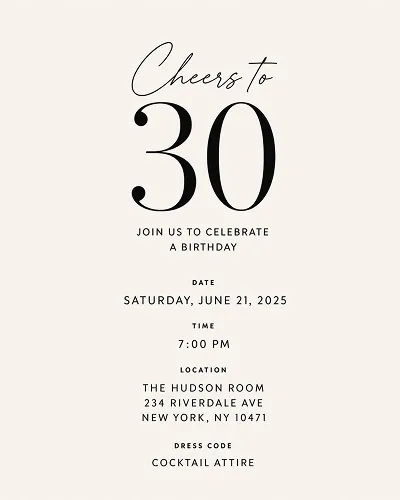
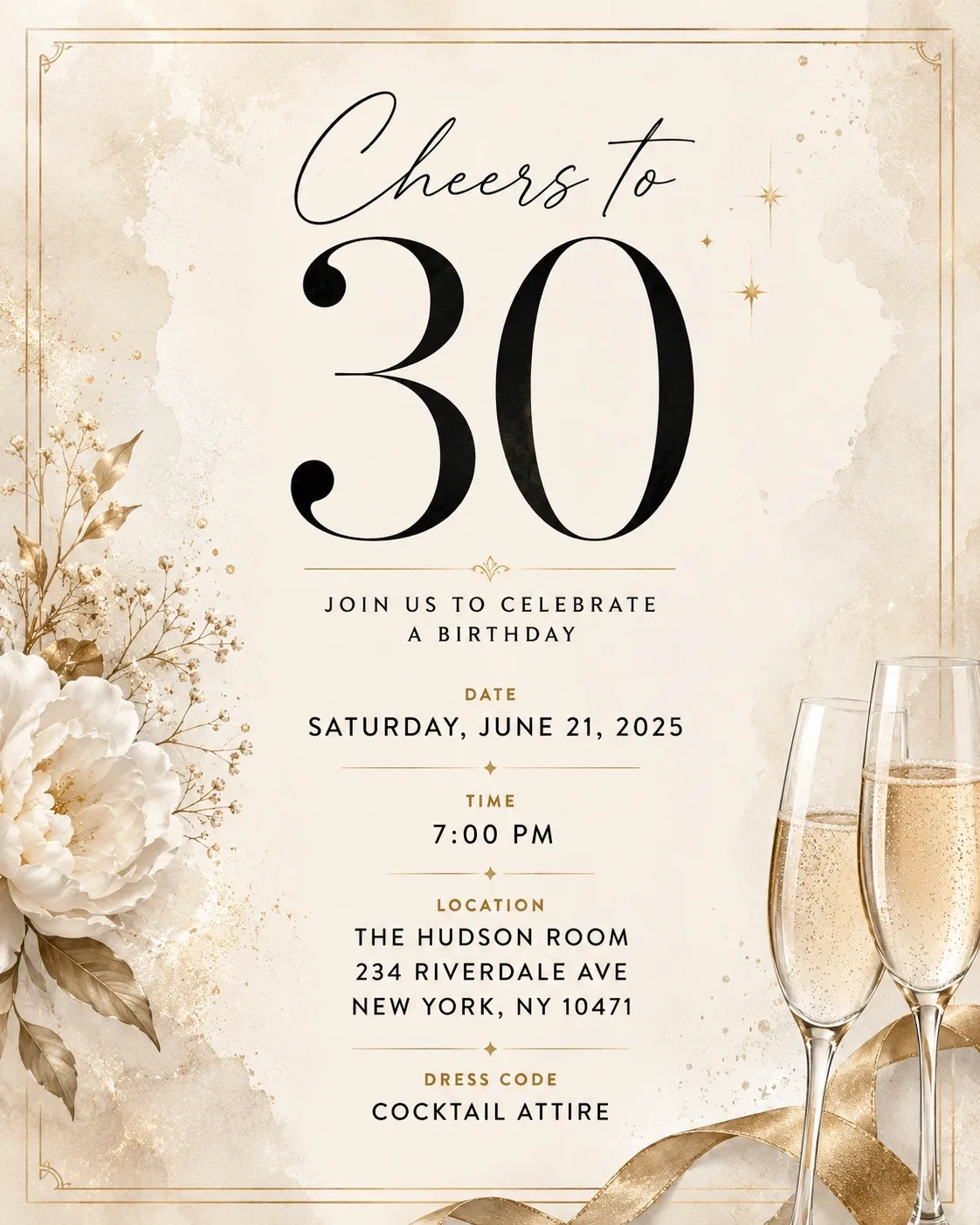
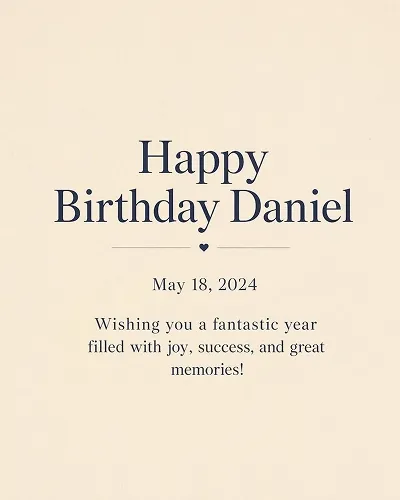
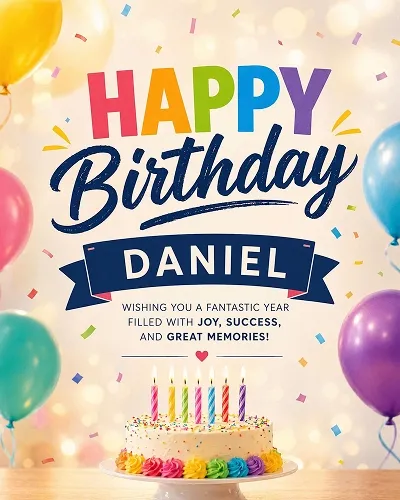
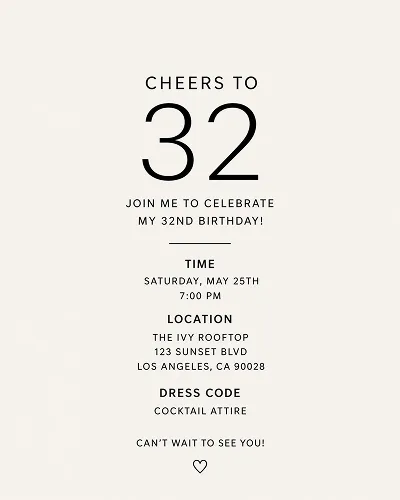
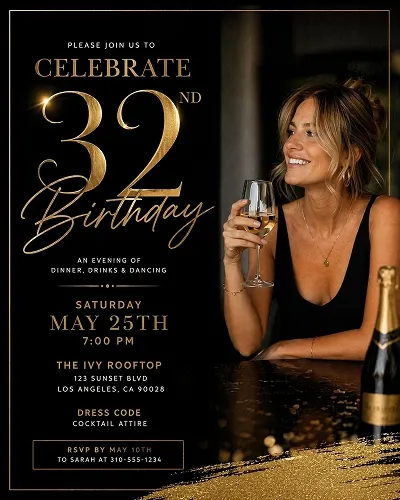
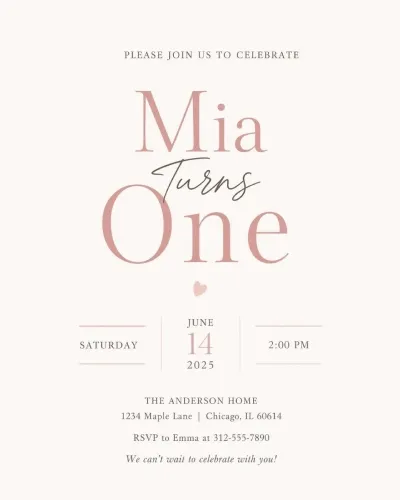
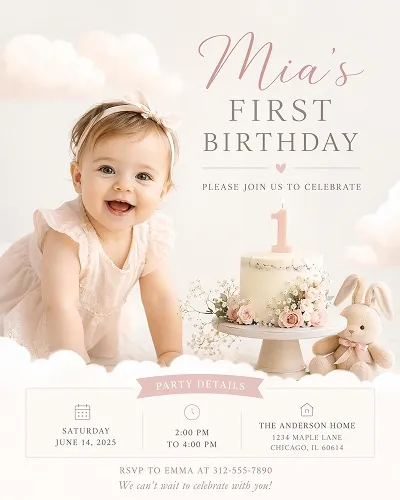
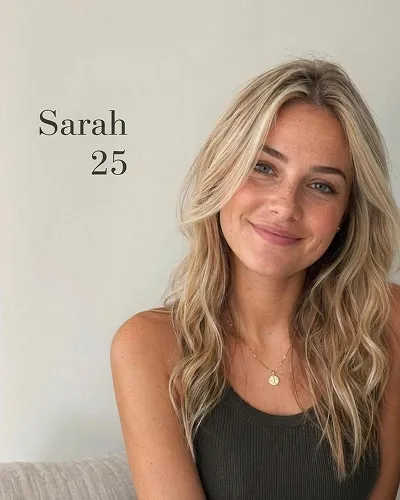
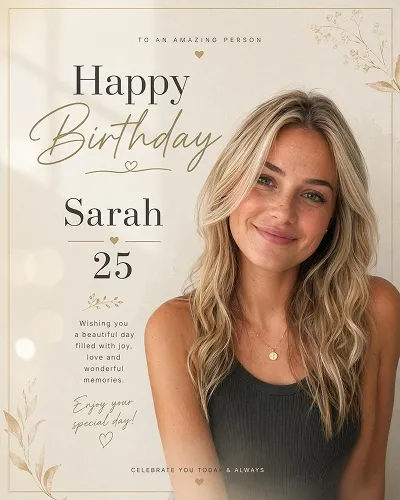
Choose a Birthday Poster Style and Generate Similar Designs
Pick a birthday poster style you like, then generate similar designs and open the workspace to adjust text, layout, and export size.
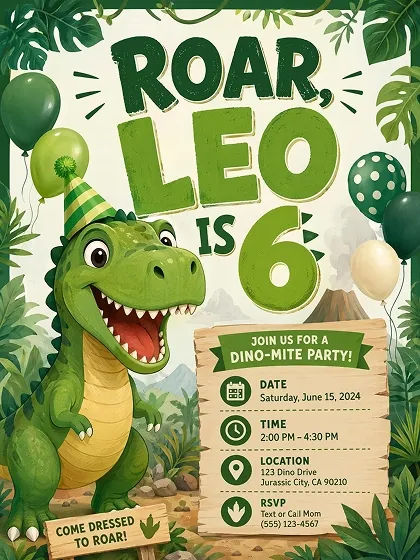
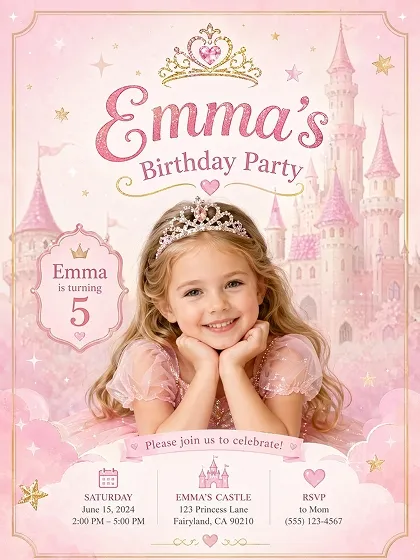
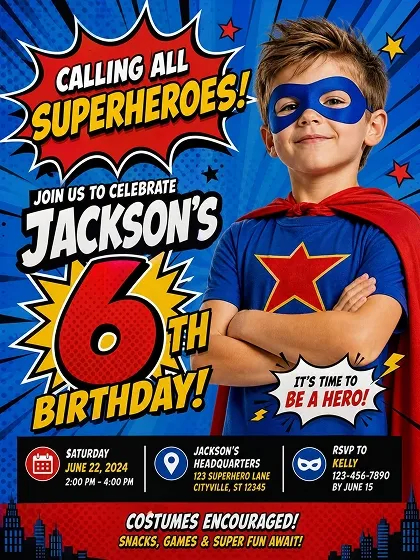
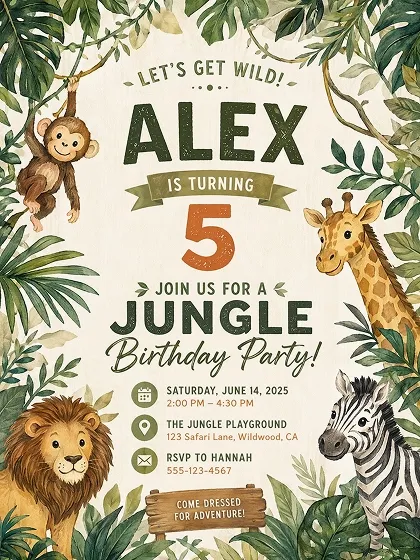
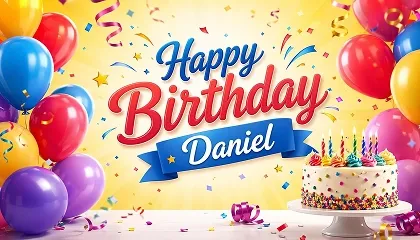
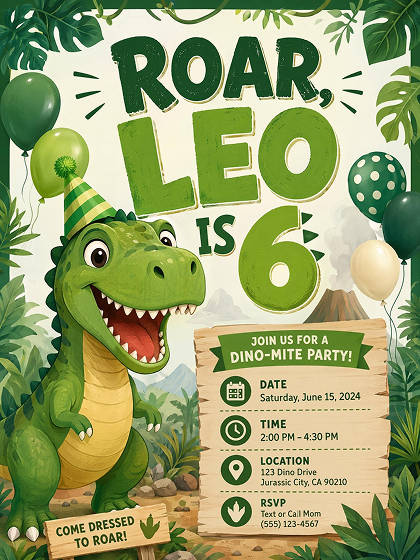 Kids Birthday
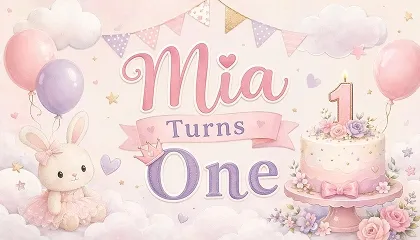
 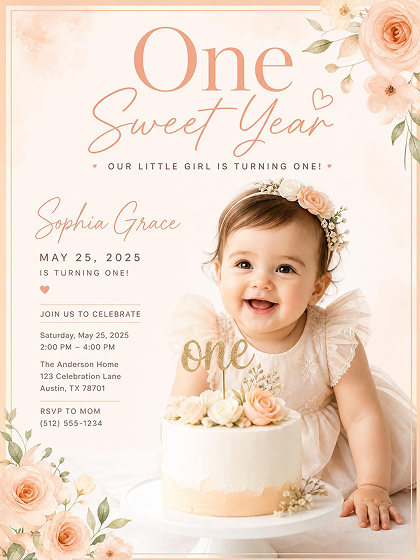 First Birthday
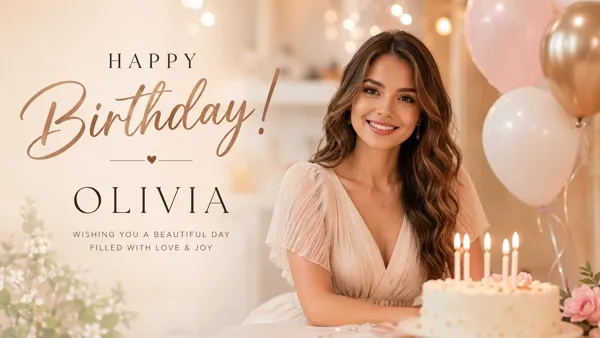
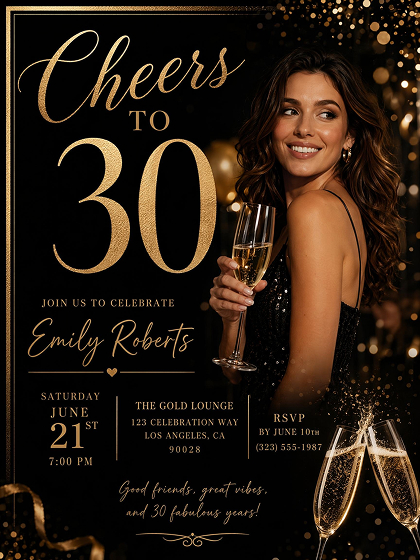 Adult Birthday
How to Make a Birthday Poster With AI
Describe Your Birthday Details
Enter a name, age, theme, date, or message. Upload a photo to build the poster around a real portrait or party image. A few words are enough to start.
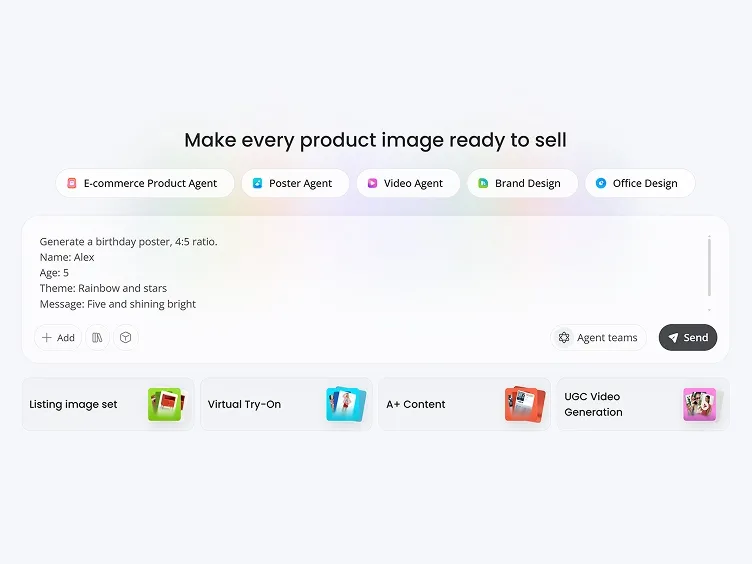
Let AI Build the Poster Structure
Choose a birthday poster style, theme, or format, and let AI generate a complete poster with coordinated colors, typography, decorations, and layout elements ready for editing.
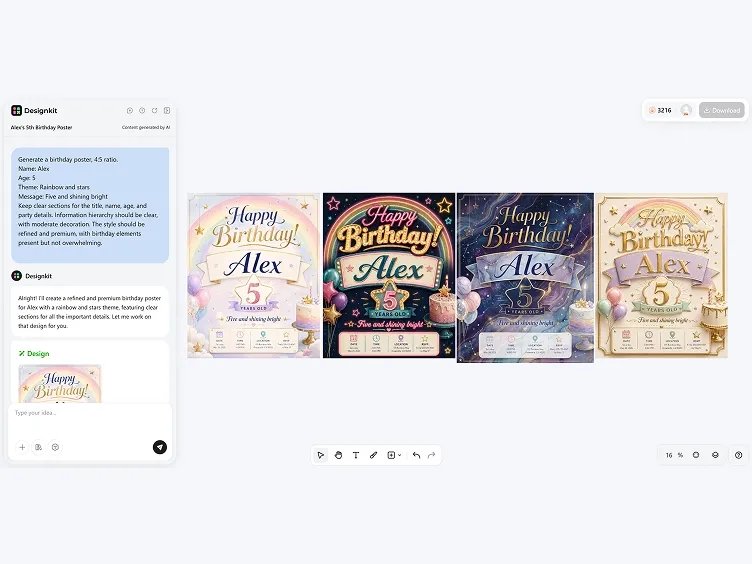
Edit and Export
Modify the wording or arrangement, then export in your preferred format. Choose from print layouts, square Instagram posts, vertical stories, or invitation-ready sizes.
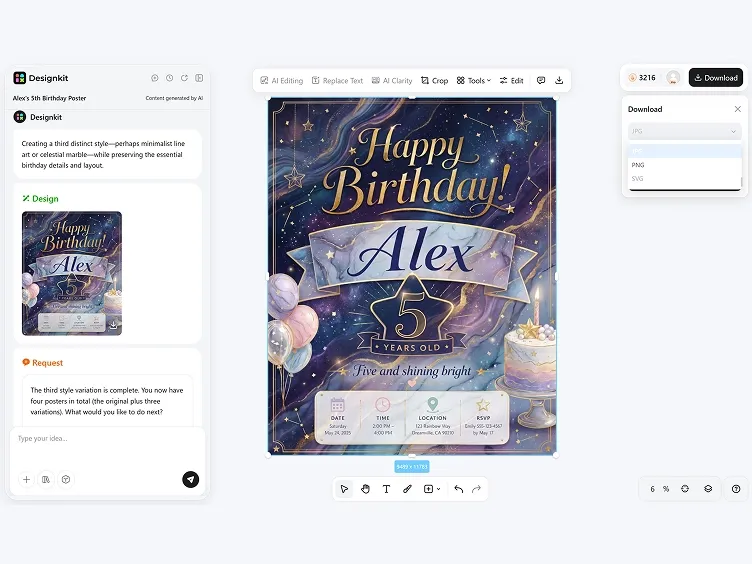
From Party Idea to Finished Birthday Poster
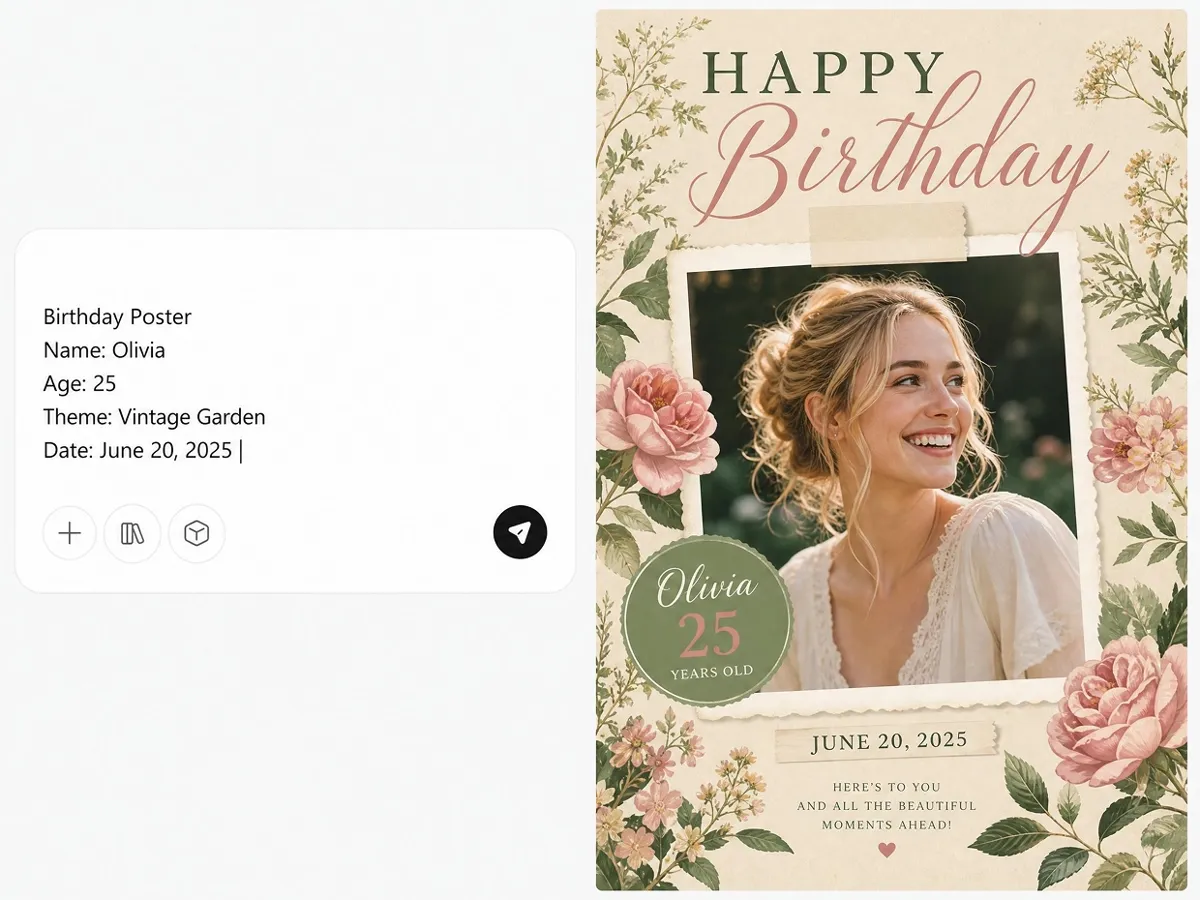
Generate Birthday Party Posters Instantly
Enter a birthday theme, name, age, photo, or short message. Designkit turns the input into a structured birthday poster with headline placement, visual hierarchy, and party details already organized.
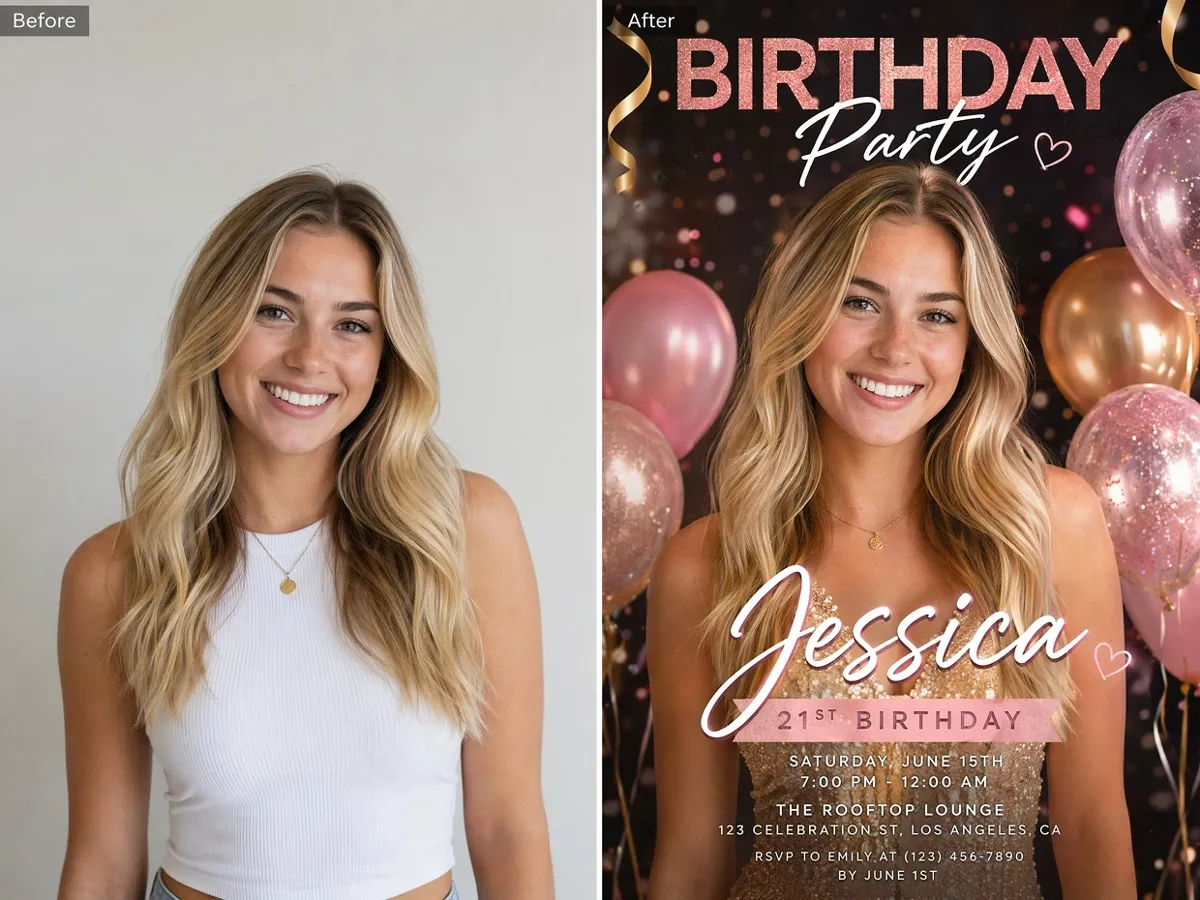
Turn Birthday Photos into Personalized Posters
Upload a baby portrait, family photo, cake smash image, or party picture. The poster can place the photo into a cleaner, more personalized birthday design instead of leaving it as plain text over an image.
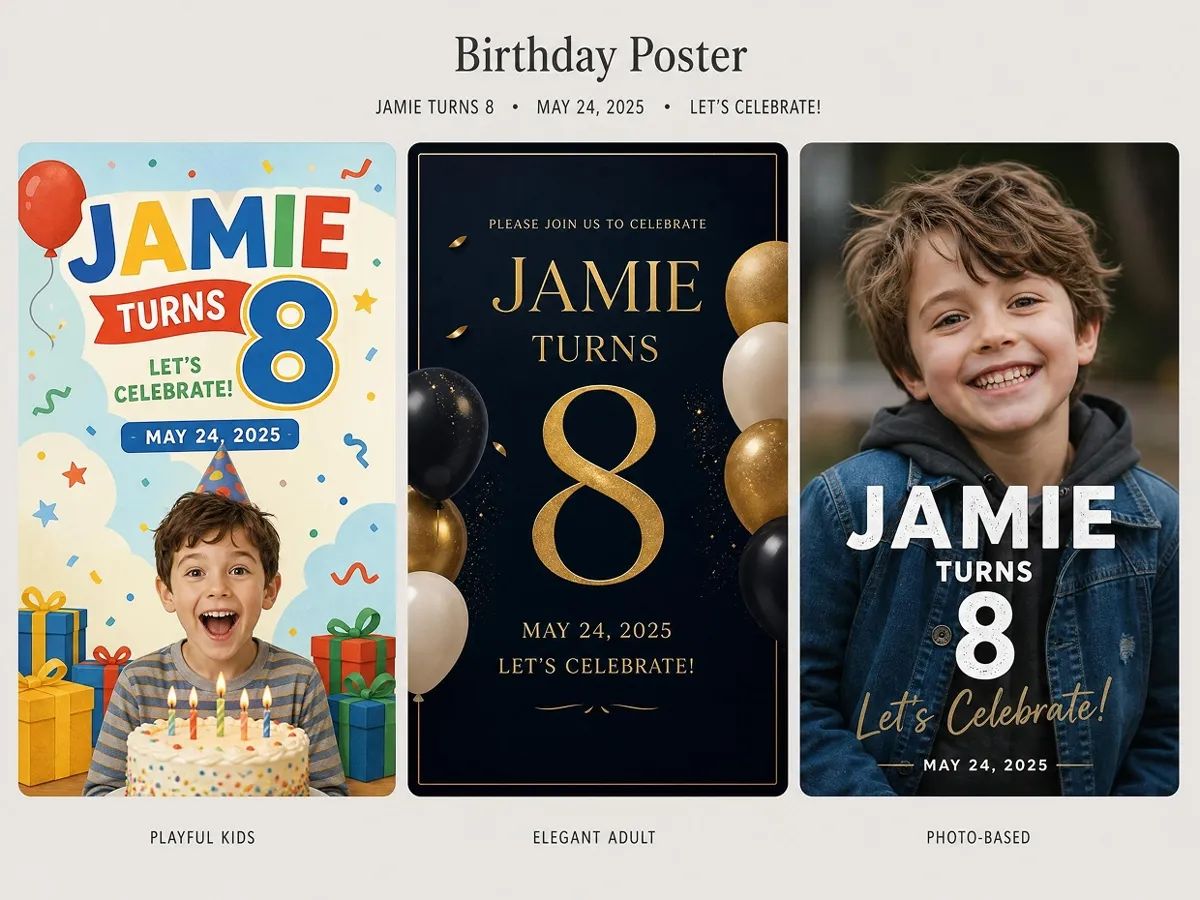
Generate Birthday Poster Styles to Compare
Generate several birthday poster directions from the same details. Compare playful, elegant, photo-based, printable, or social-ready versions before choosing one to edit. This helps you quickly find the style that best matches your celebration.
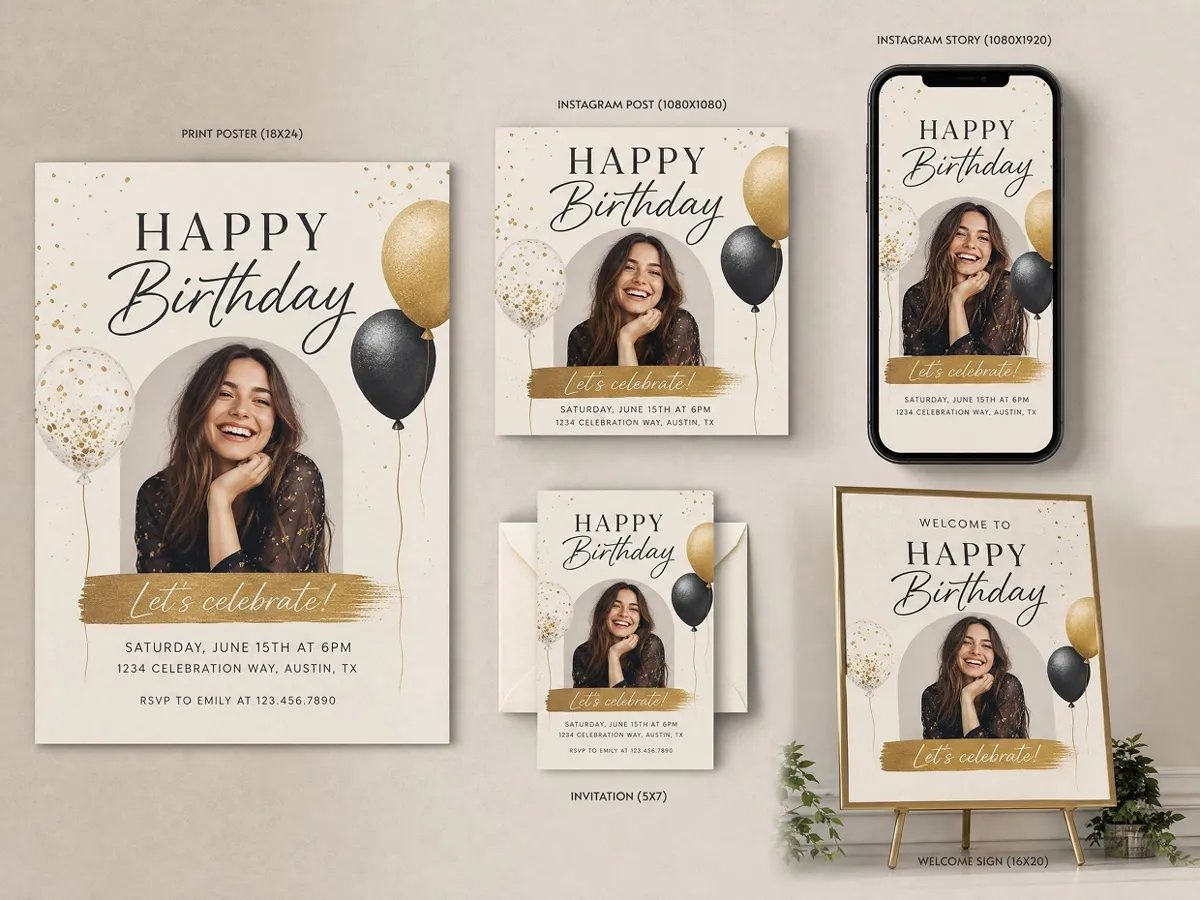
Format Birthday Posters for Print and Sharing
Create one poster direction, then resize it for print and digital sharing. The same birthday style can carry across invitations, welcome signs, social posts, and event displays, so every format still feels consistent and polished.
Poster Types You Can Create with Designkit
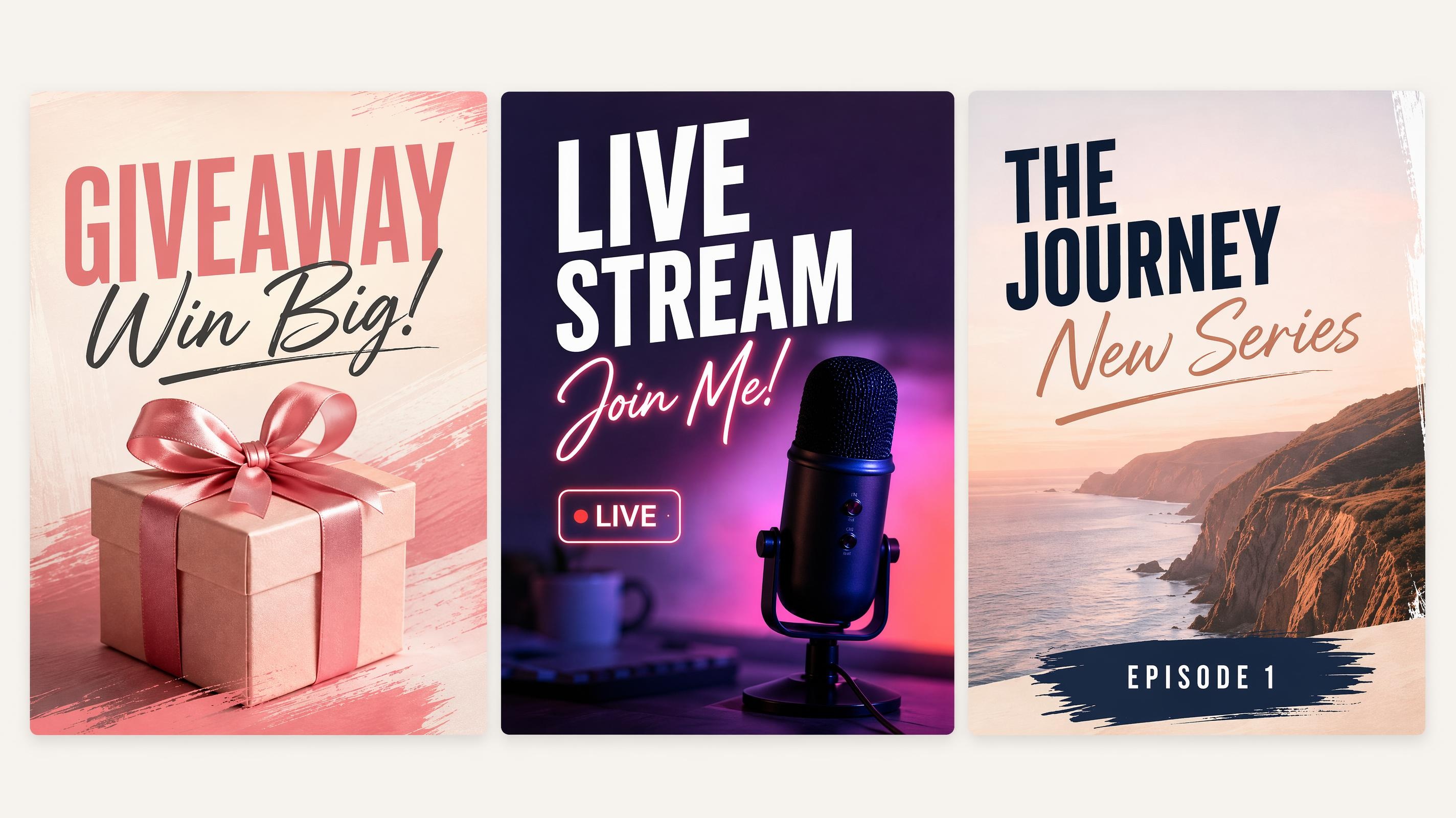
Social Media Poster
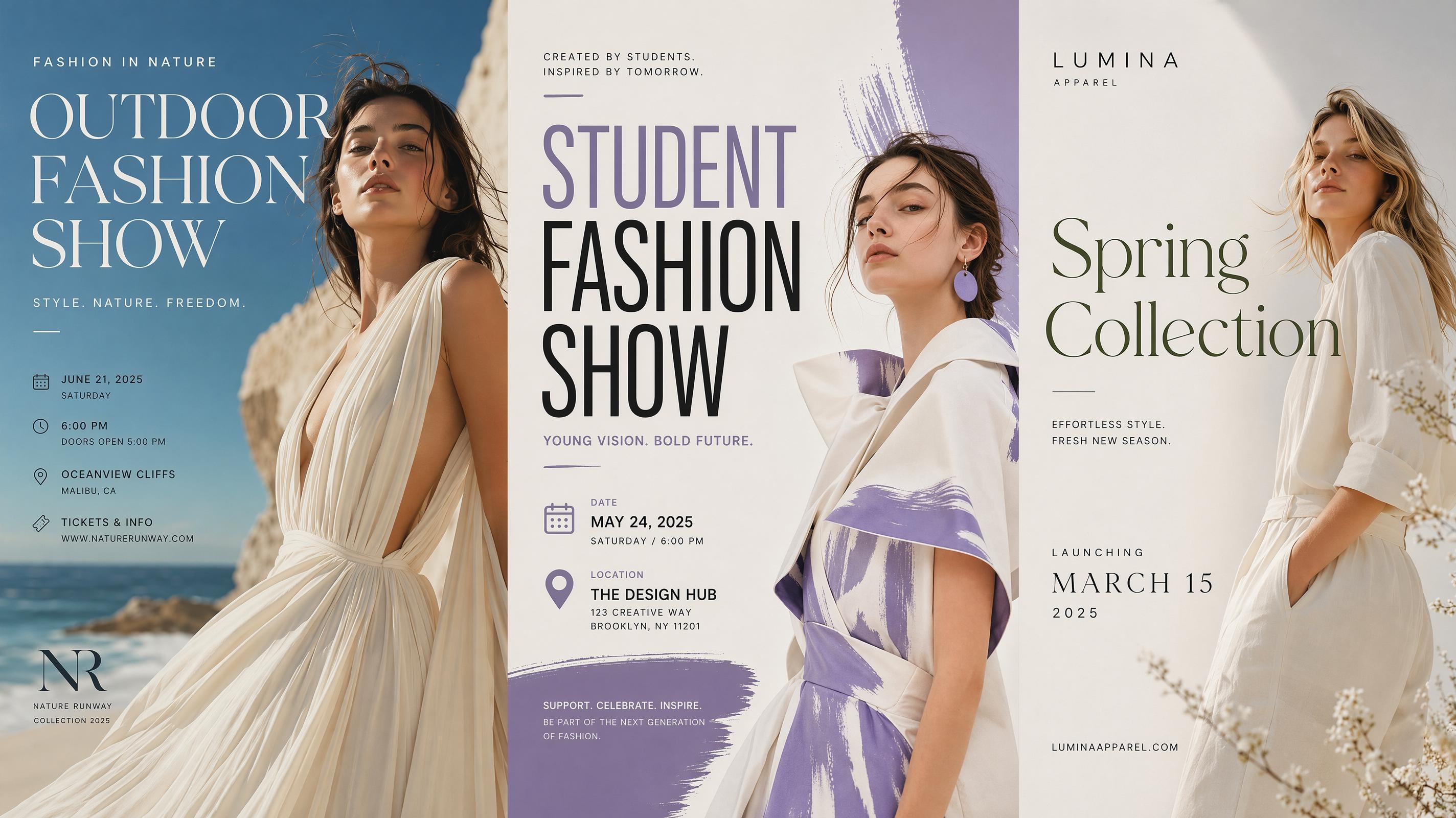
Fashion Poster
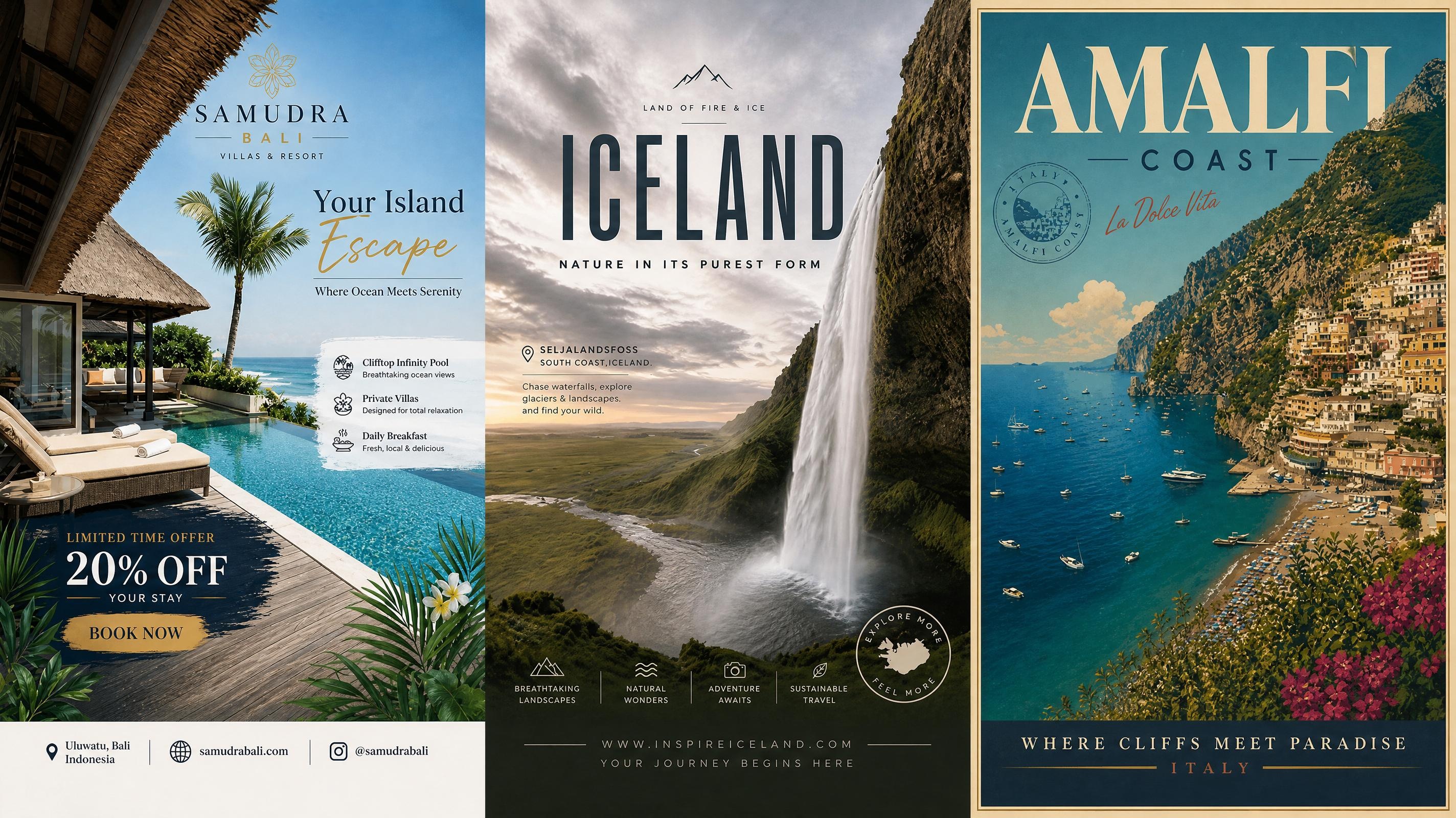
Travel Poster
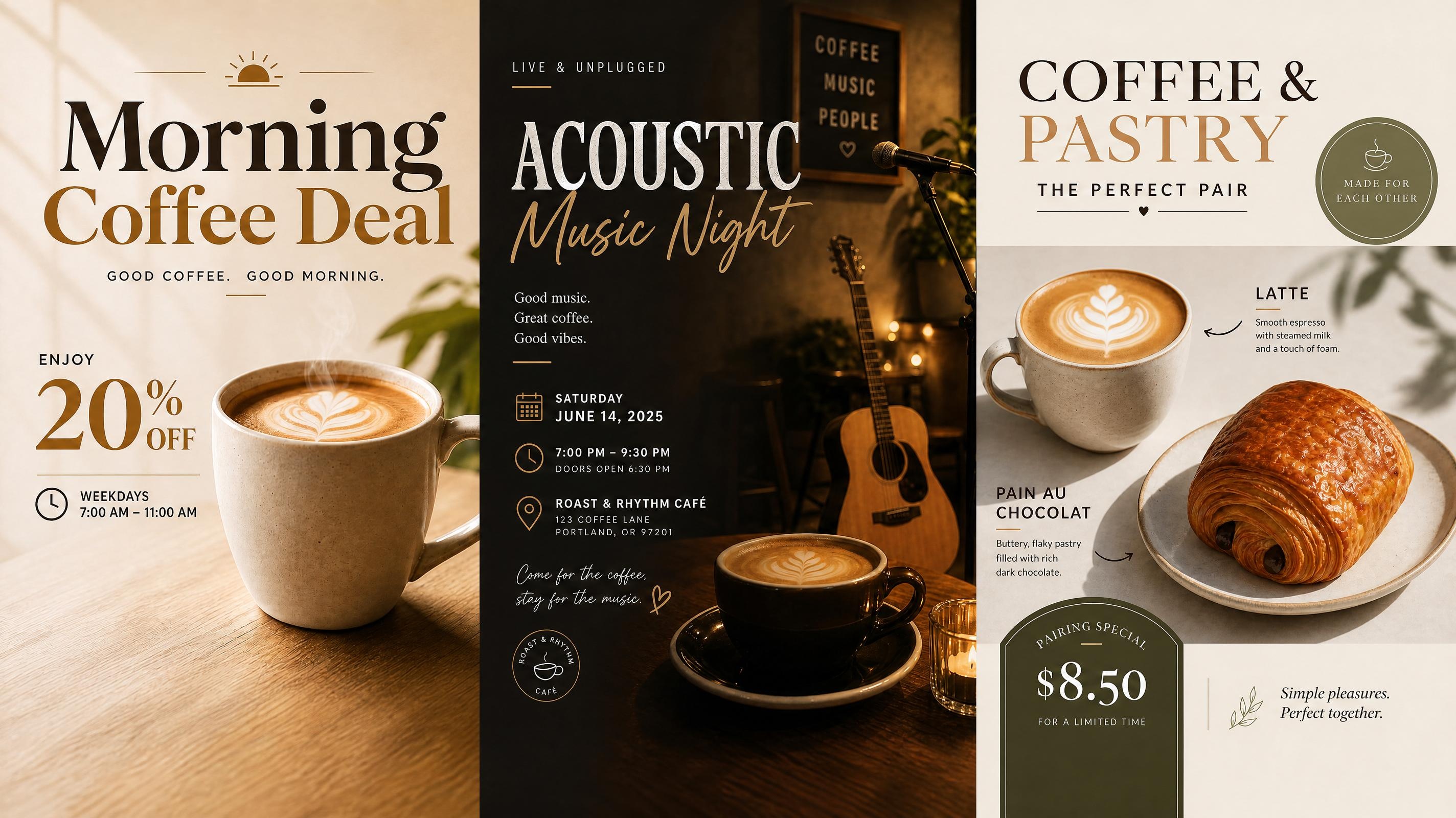
Cafe Poster
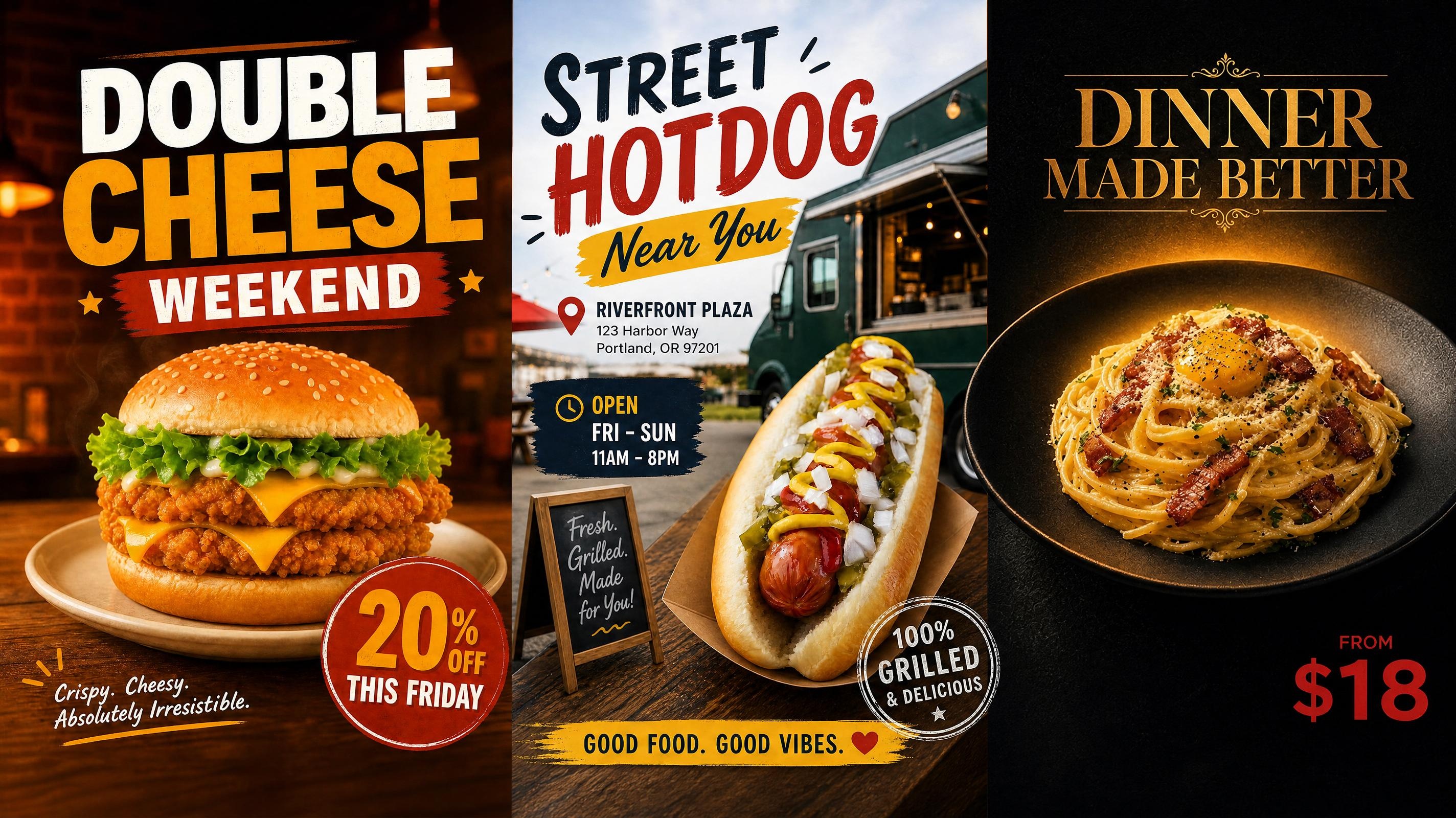
Food Poster
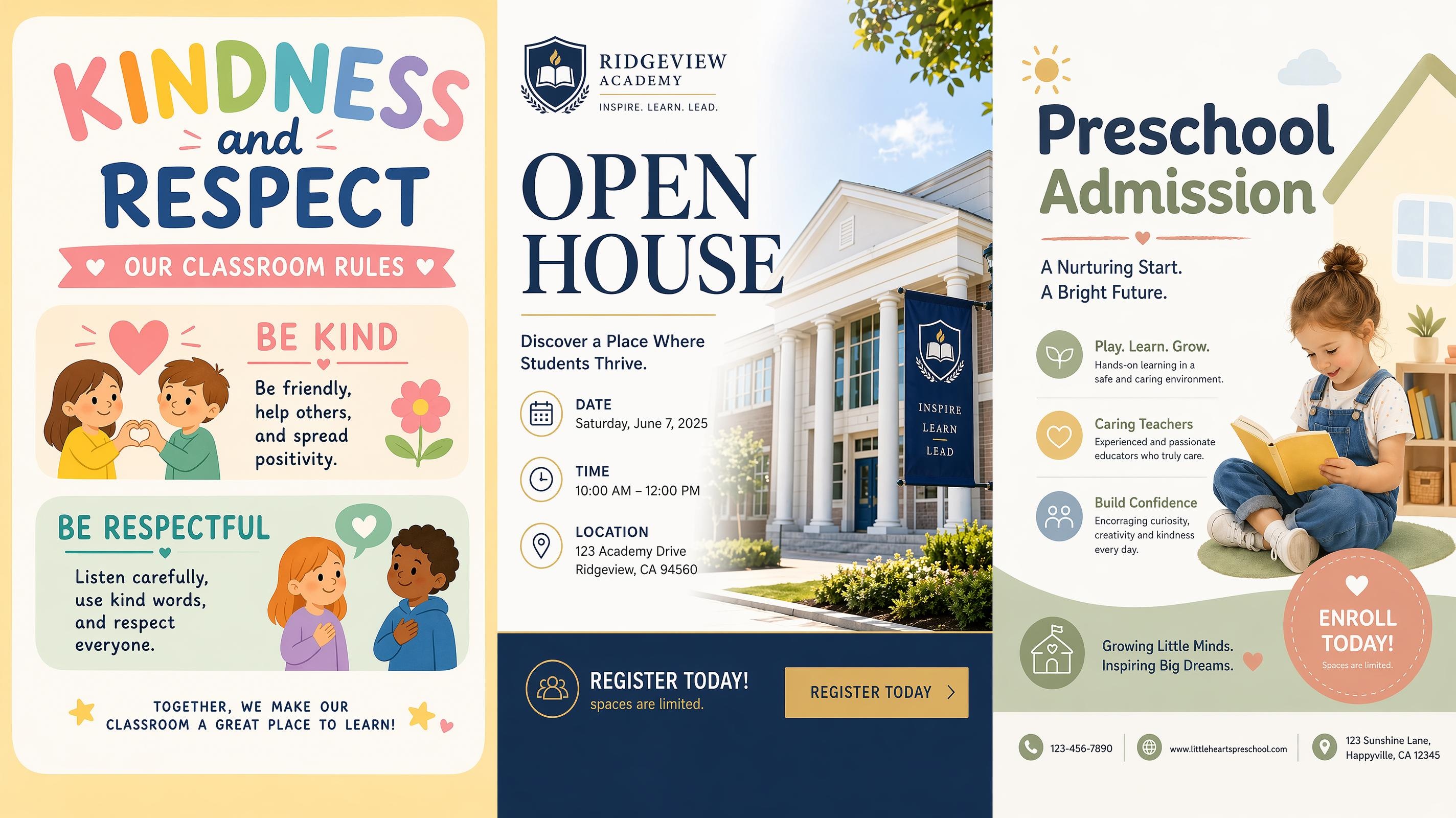
School Poster
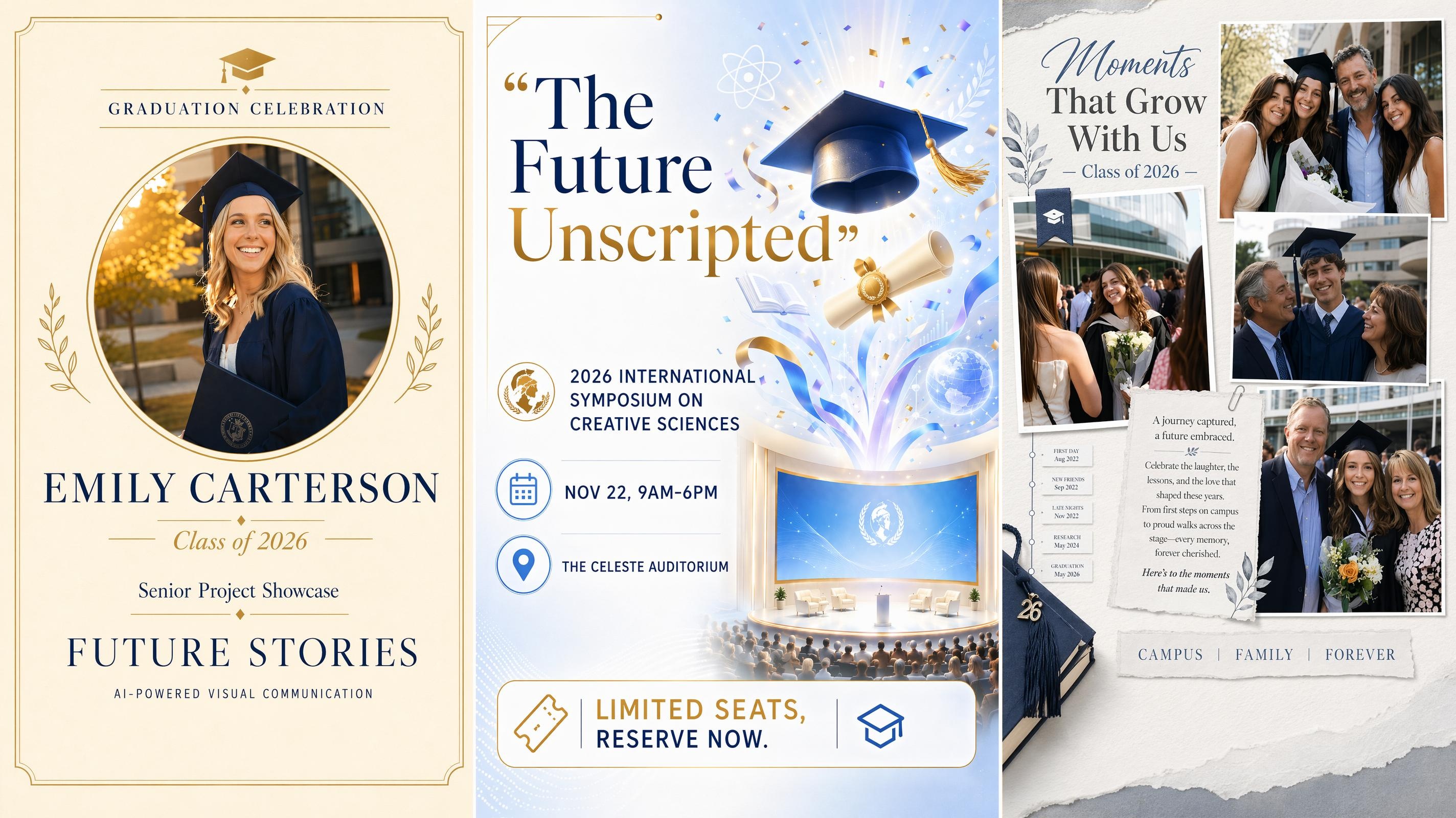
Graduation Poster
Frequently Asked Questions
What is a birthday poster generator?
Can I make a happy birthday poster with a photo?
Yes. Upload a portrait, family photo, baby photo, or party image, then describe the poster style you want. The photo can be placed into a complete birthday poster design with text, decorations, and layout structure.
How do I add a personal photo to my birthday poster?
Upload a portrait, baby photo, cake smash image, or party picture when you start. Describe the poster style you want, and the photo will be placed into a complete design with text, decorations, and layout structure already built around it.
What sizes and formats can I export?
Poster designs can be exported for standard print sizes, square Instagram posts, vertical story formats, invitation images, and custom party signs. You can adjust the format before downloading the final design.
Is the birthday poster generator free to start?
Yes. You can start creating birthday poster designs for free. After generating a poster, you can review the result, make edits, and export the version that fits your party or sharing format.
Do I need design experience?
No. Start with birthday details and a short style description. The layout, text hierarchy, color direction, and decorative elements are generated for you, then you can edit the result before exporting.
Make Your Birthday Poster Before the Party
Start free with your party details, then personalize, resize, and share a birthday poster before the celebration.

What Party Planners Say About Designkit
Loved by parents, party planners, teachers, and creators alike. See how Designkit helps bring birthday poster ideas to life for every occasion.
Ready for the First Birthday Table
I tried making my daughter’s first birthday sign in a basic editing app, but it never looked finished. This time I added her name, age, and floral theme, and the poster was ready for the party table.
Helped Us Choose the Party Theme
We had three birthday ideas and no clear direction. Seeing poster versions for each theme made it much easier to choose the final look before buying decorations.
Better Than a Plain Invitation Image
I used to send birthday details as a basic text graphic. This gave me a proper birthday party poster with the date, venue, and mood all in one design.
Worked for Posts and Stories
I made a happy birthday poster for Instagram, then resized it for stories. It looked much more polished than the quick designs I usually make on my phone.
Useful for Classroom Birthdays
I make birthday posters for classroom boards every month. Adding each child’s name and favorite theme gave me a polished direction much faster than starting from a blank design.