

Create Motivational Posters with Quotes and Ideas
Add a quote, theme, or reference image, then generate a motivational poster with balanced text, mood, and layout.
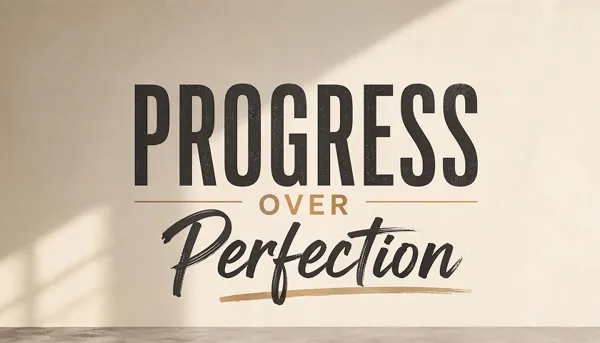
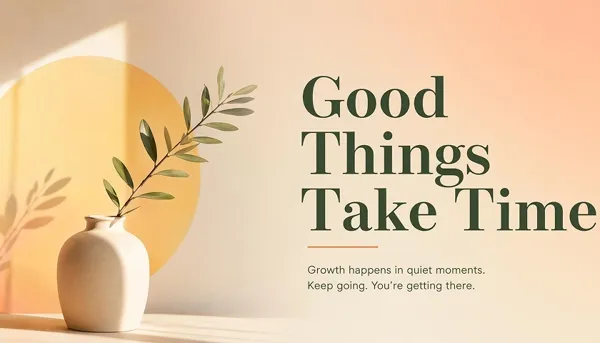
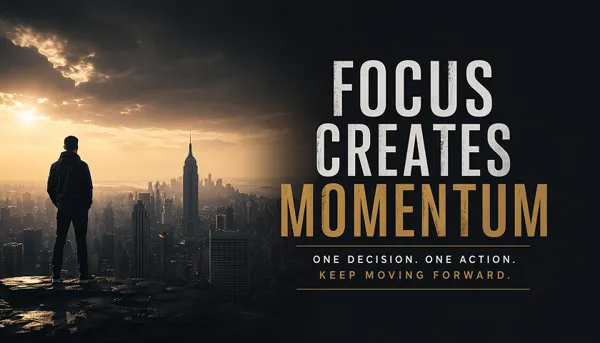
Make Quotes and Ideas Look Like Finished Posters
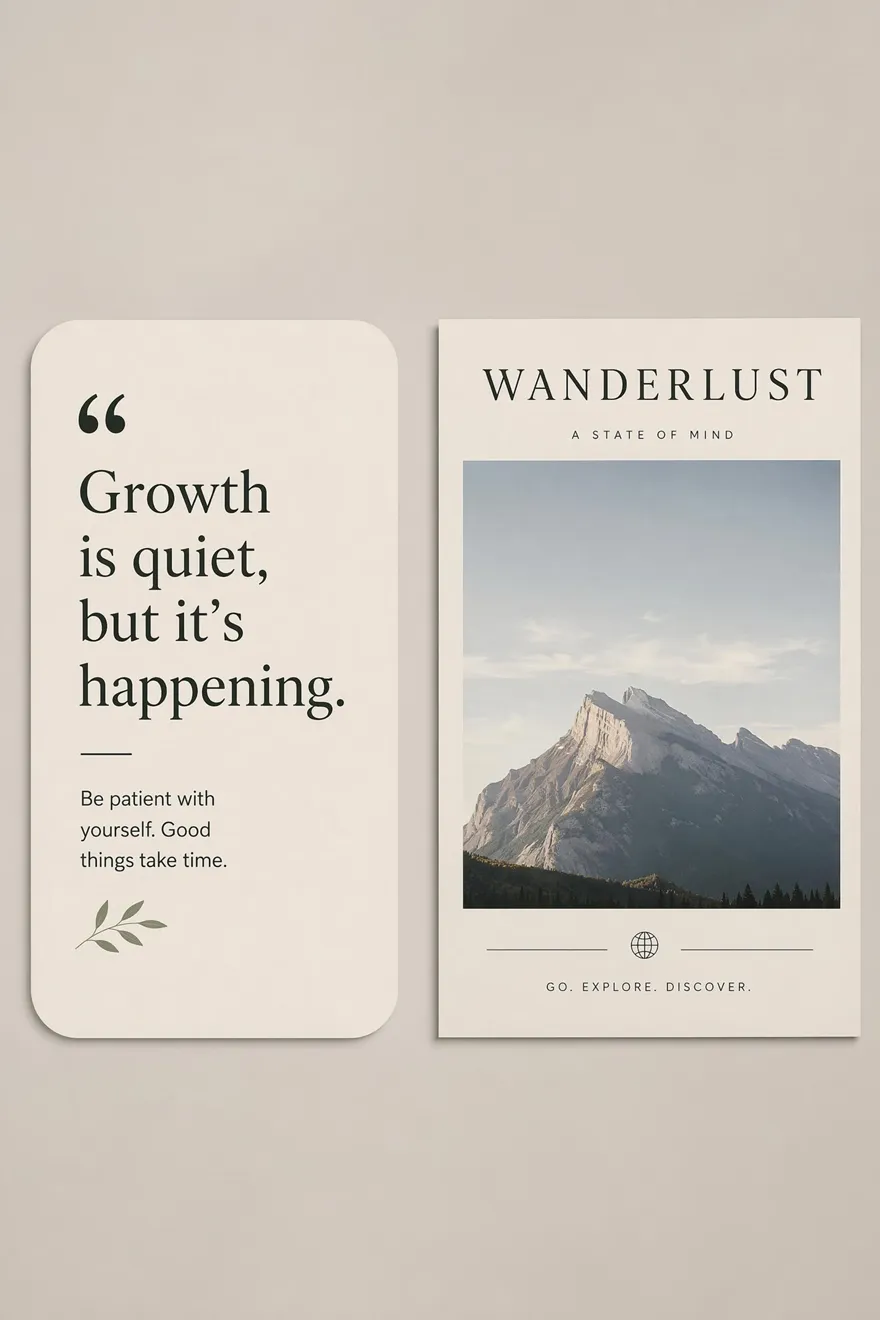
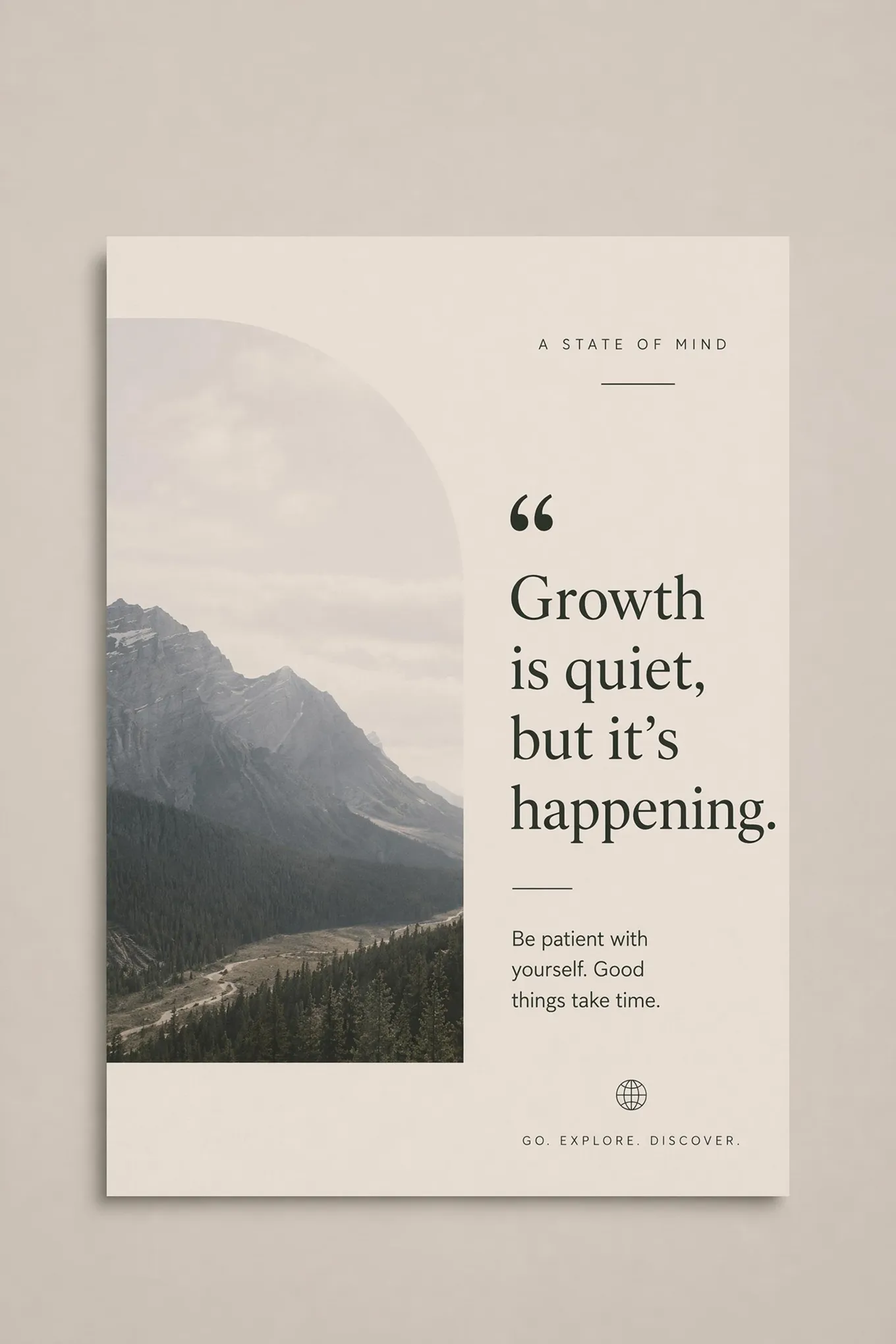
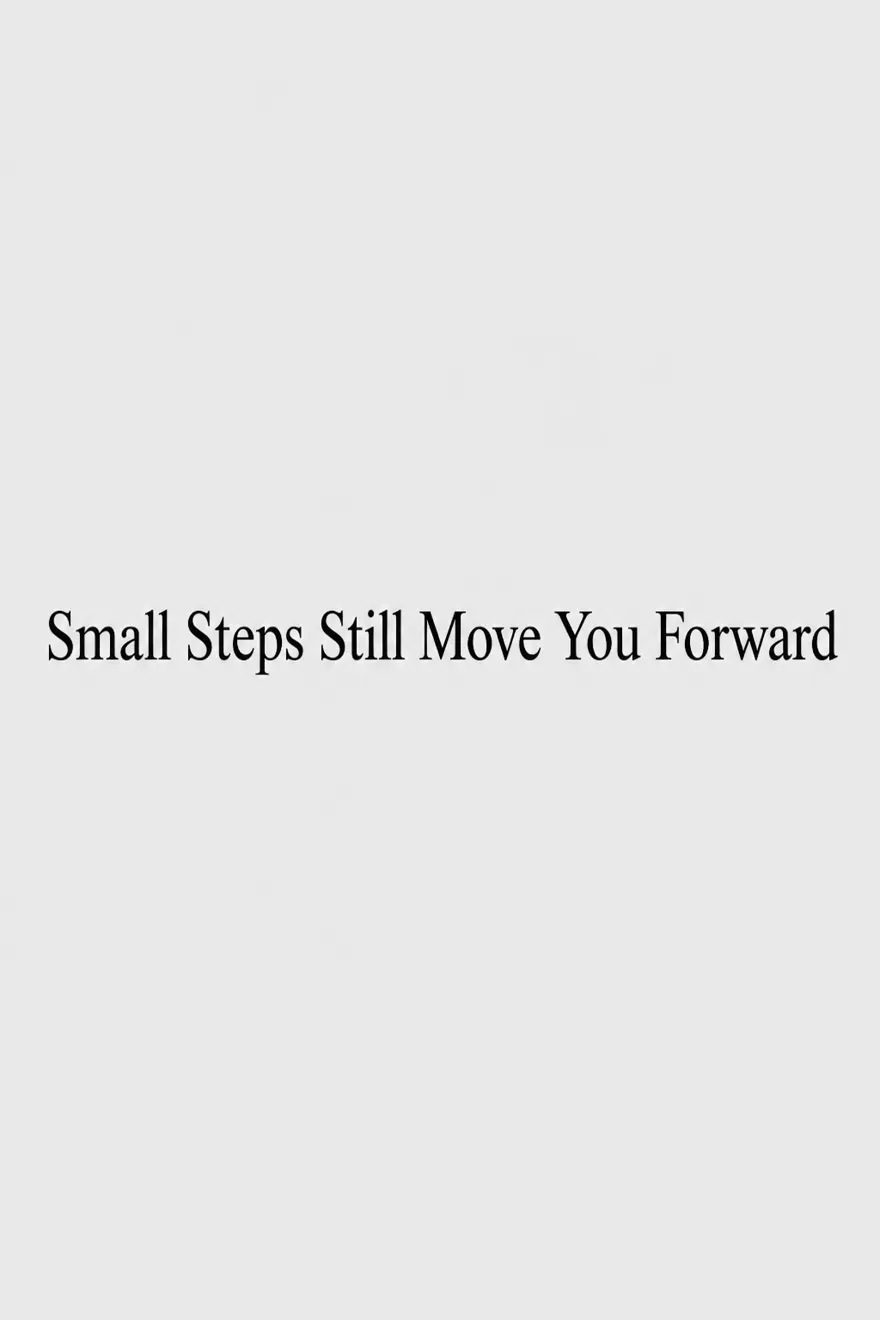
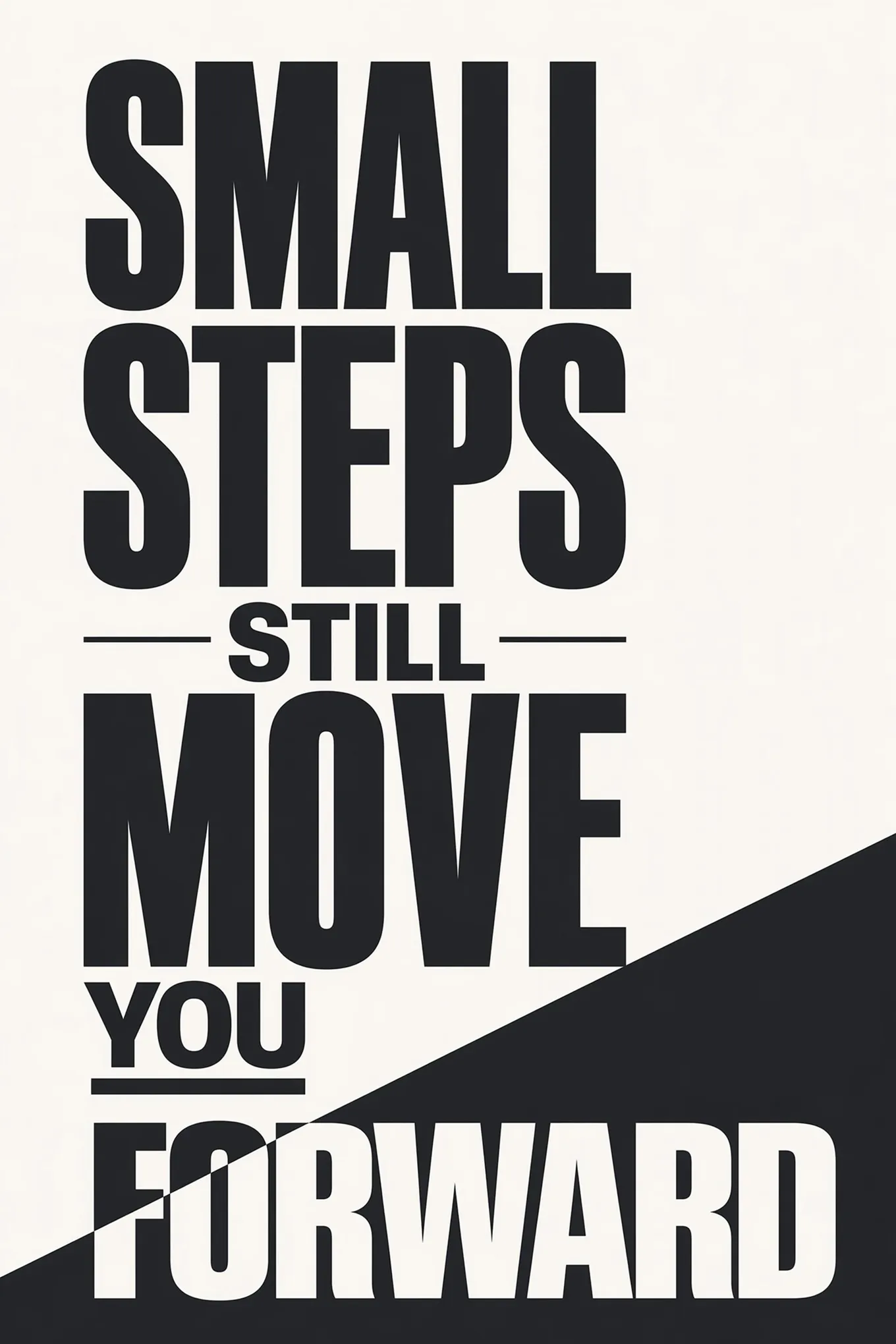
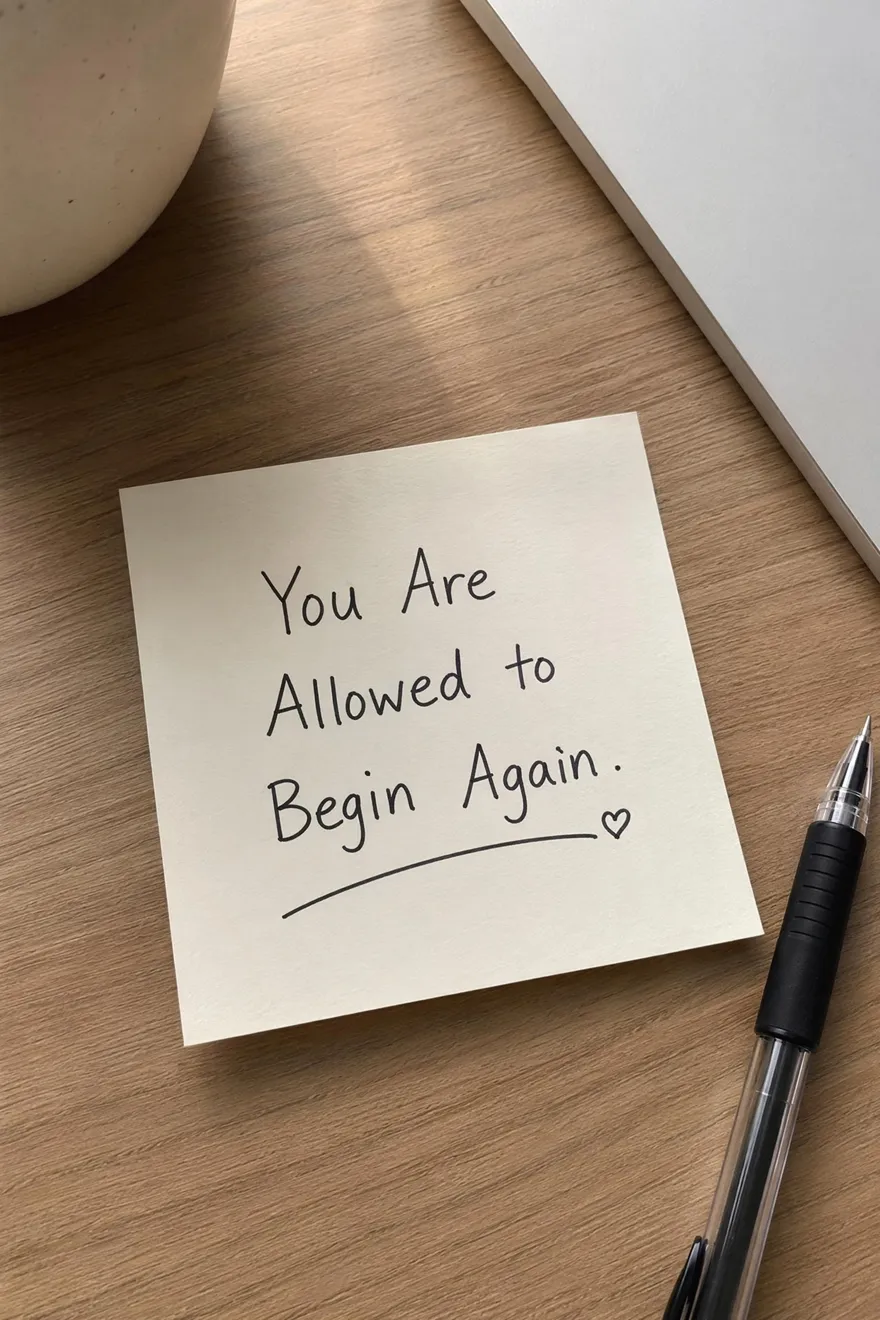
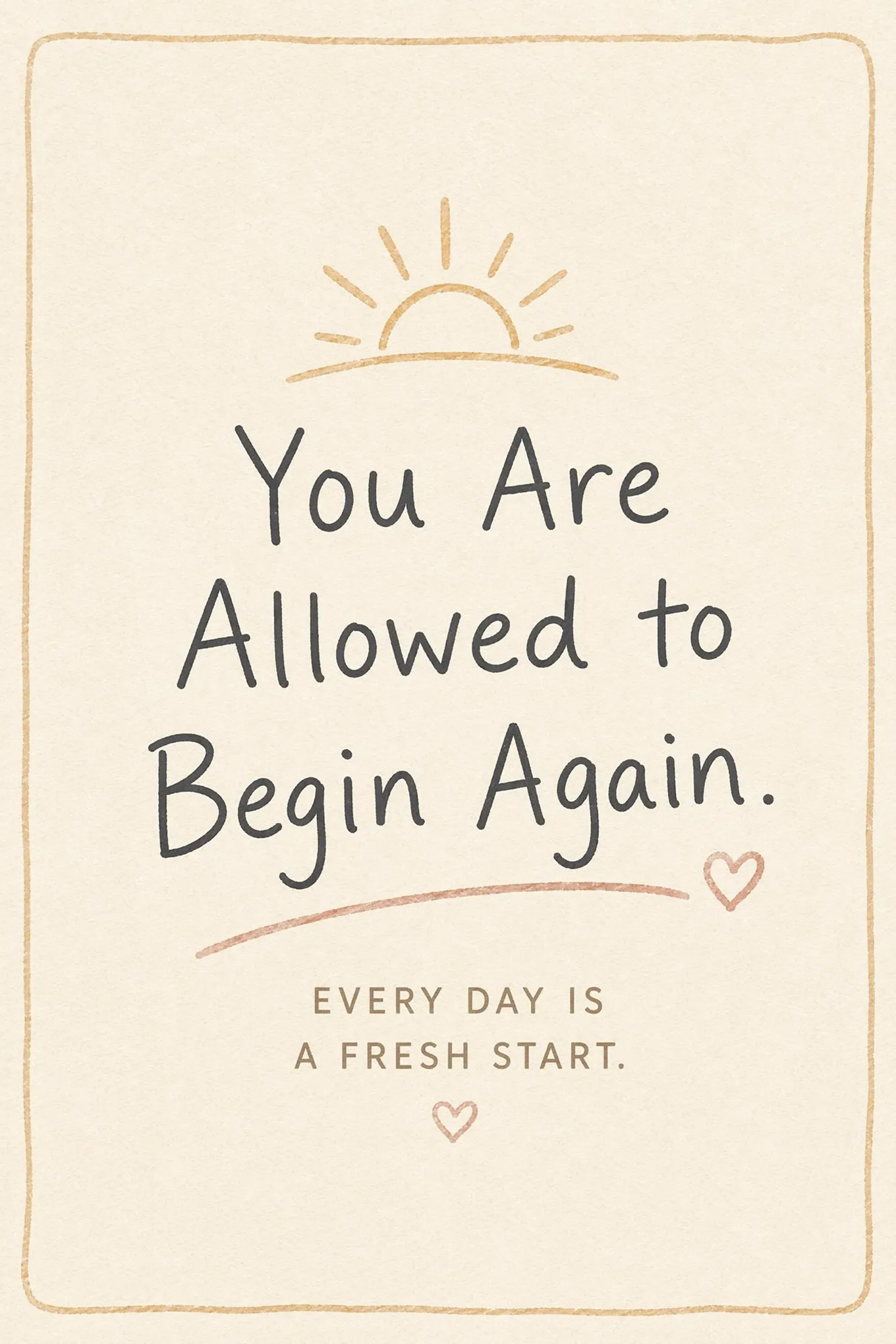

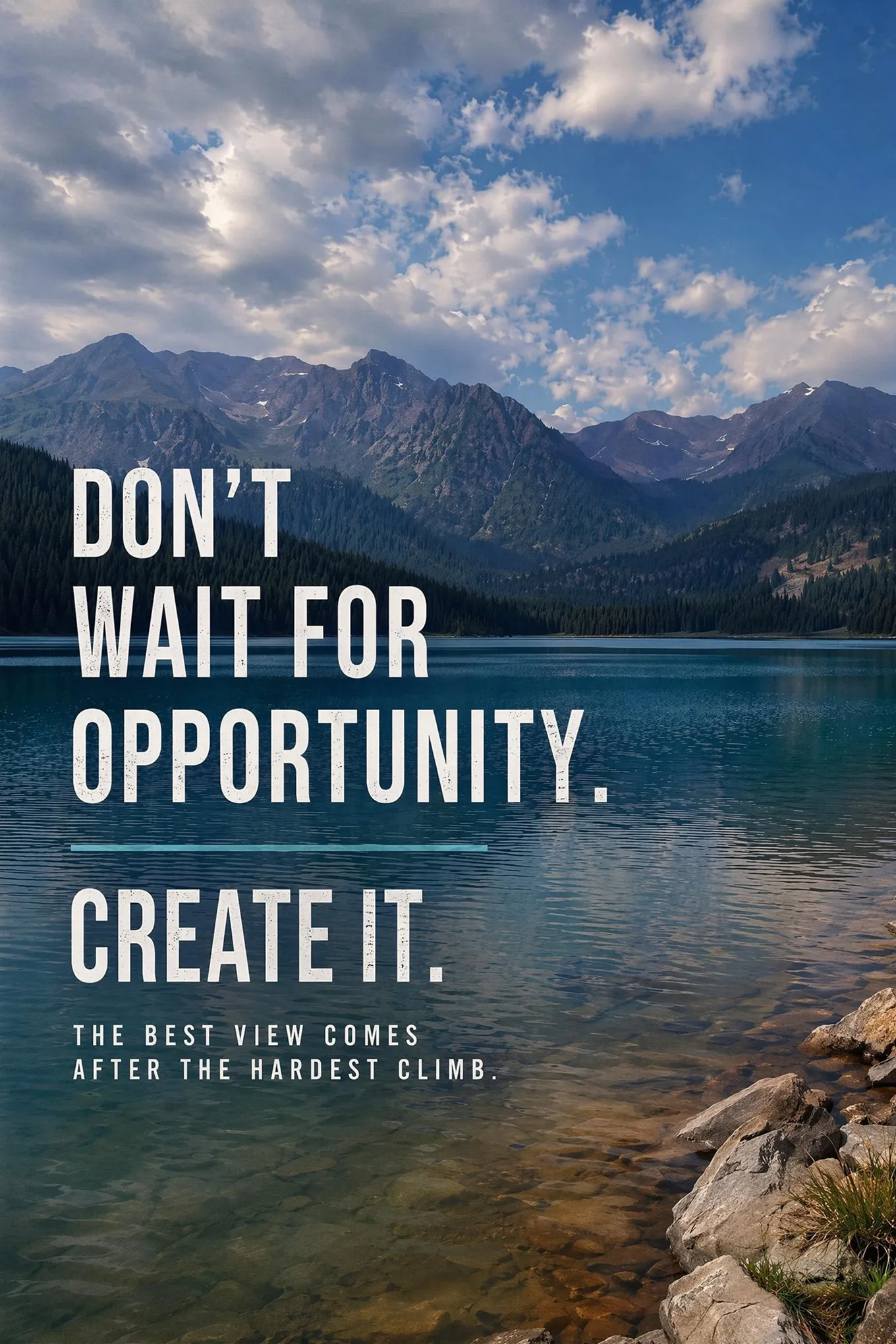
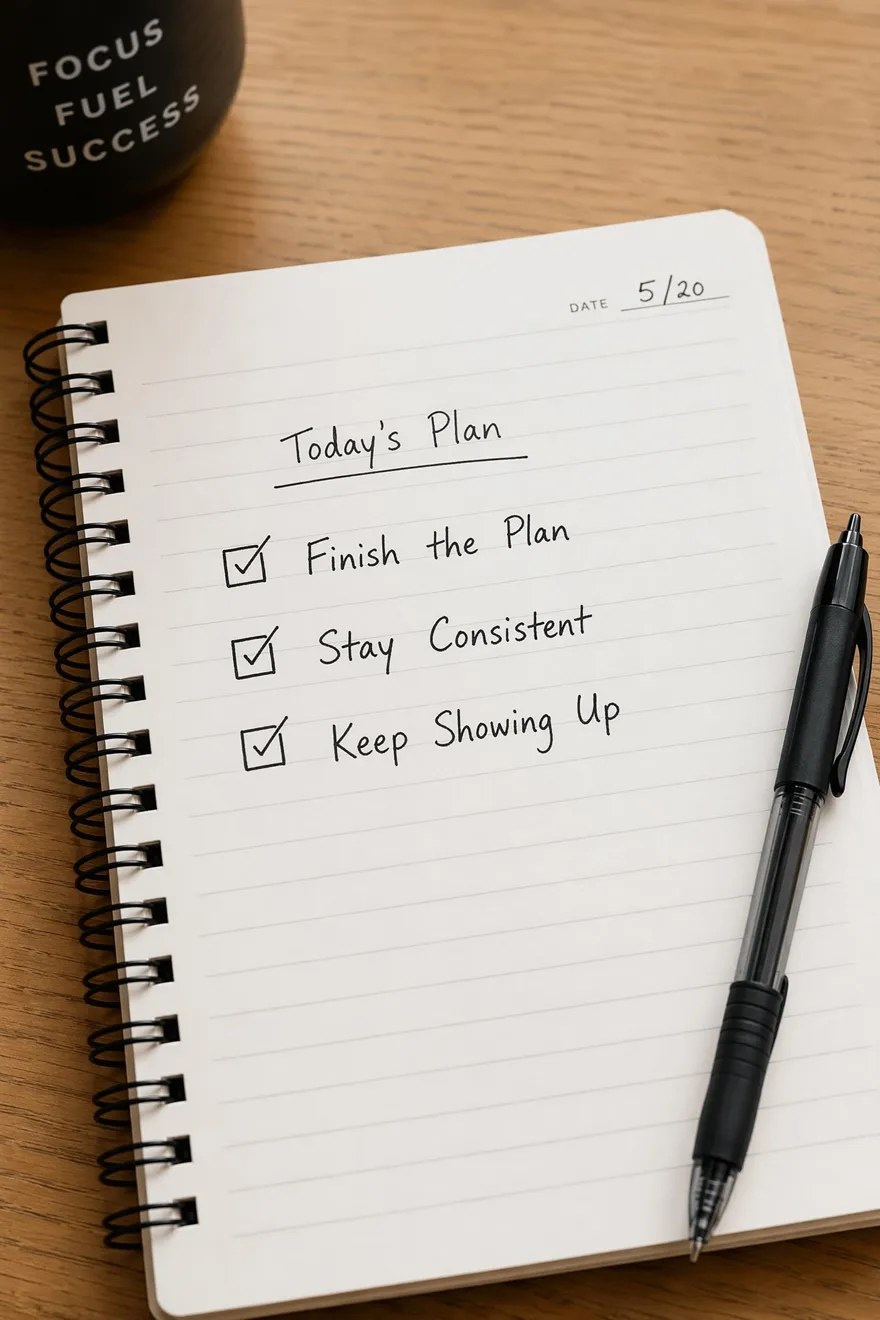
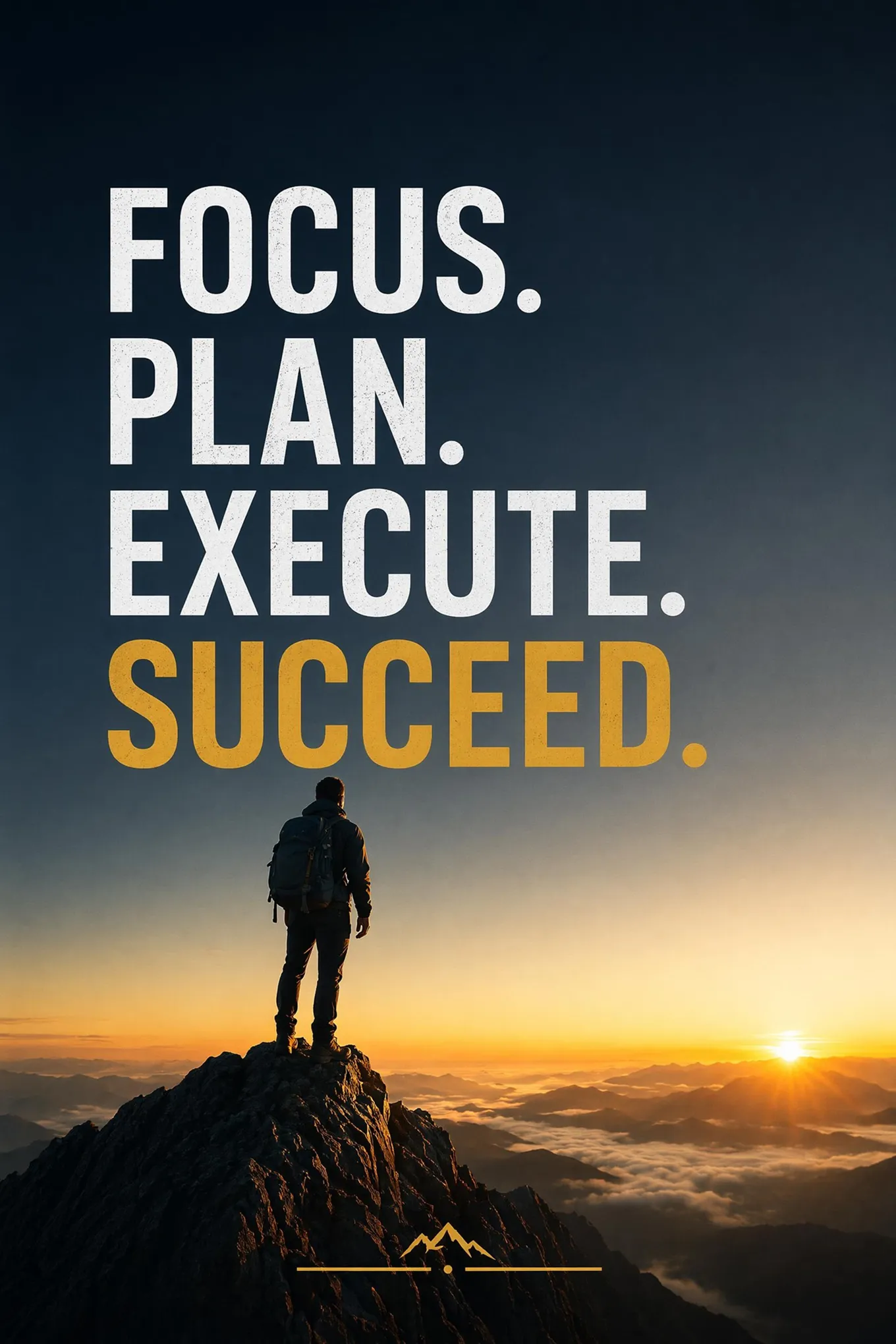
Choose a Motivational Poster Style and Generate Your Own
Select a poster style, add your own message, and generate a similar design directly in the workspace.
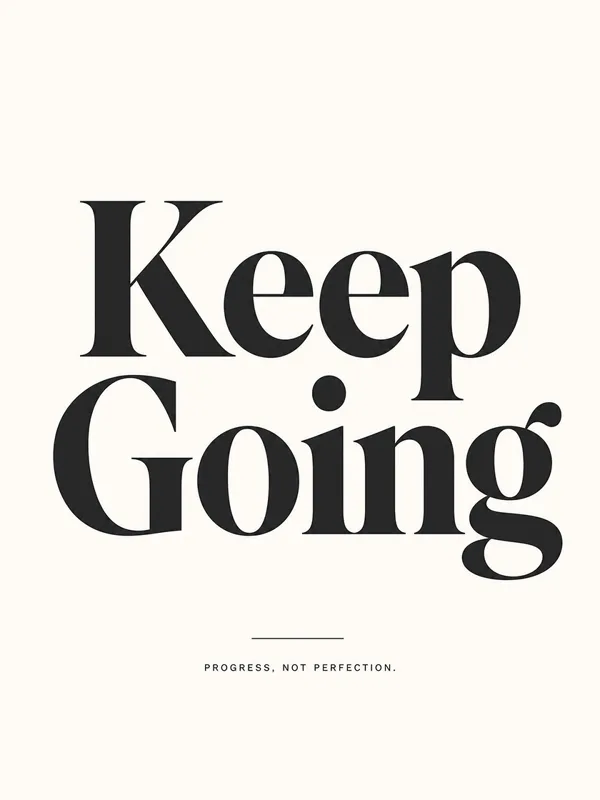
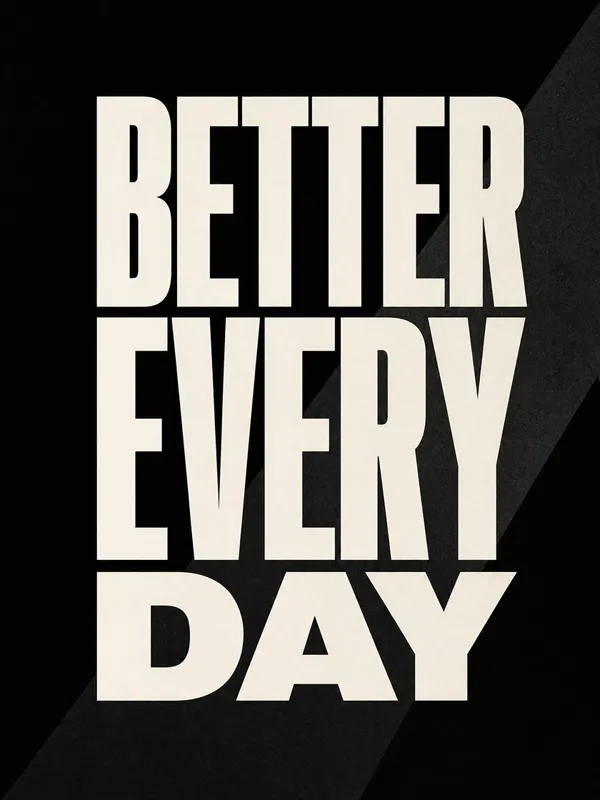
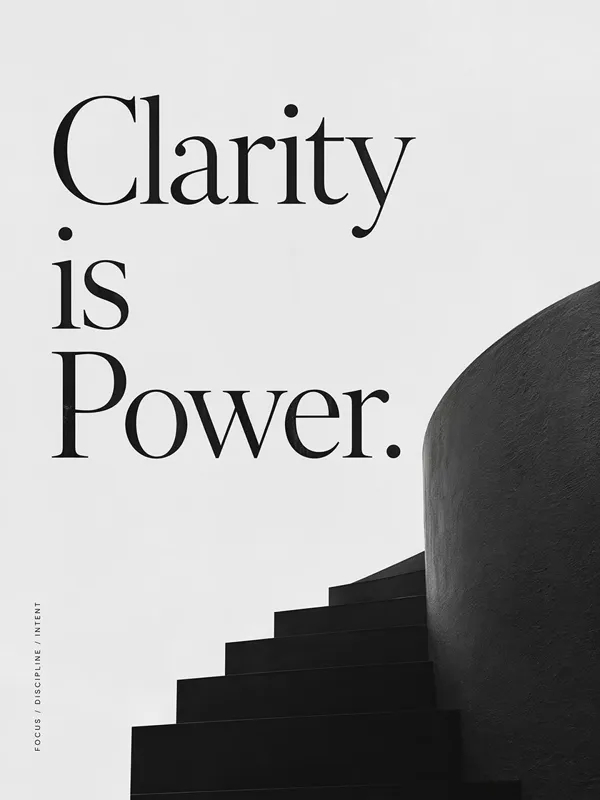
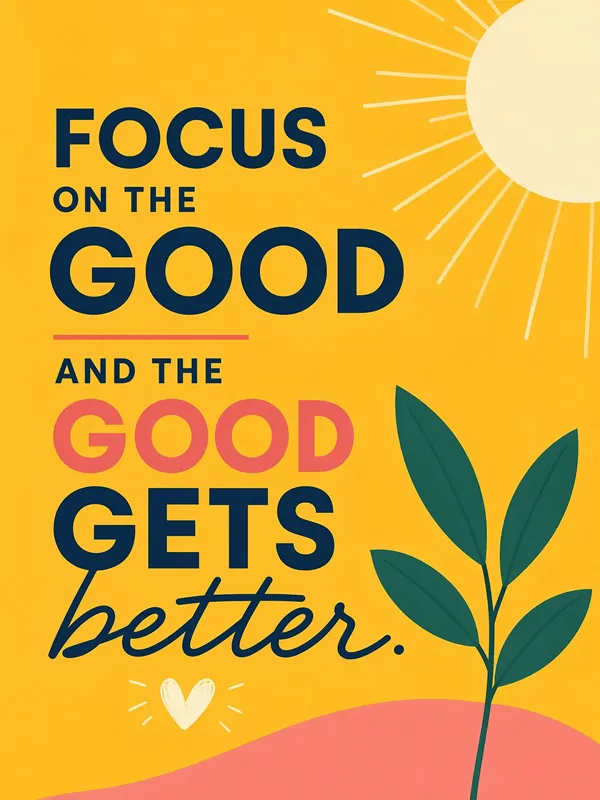
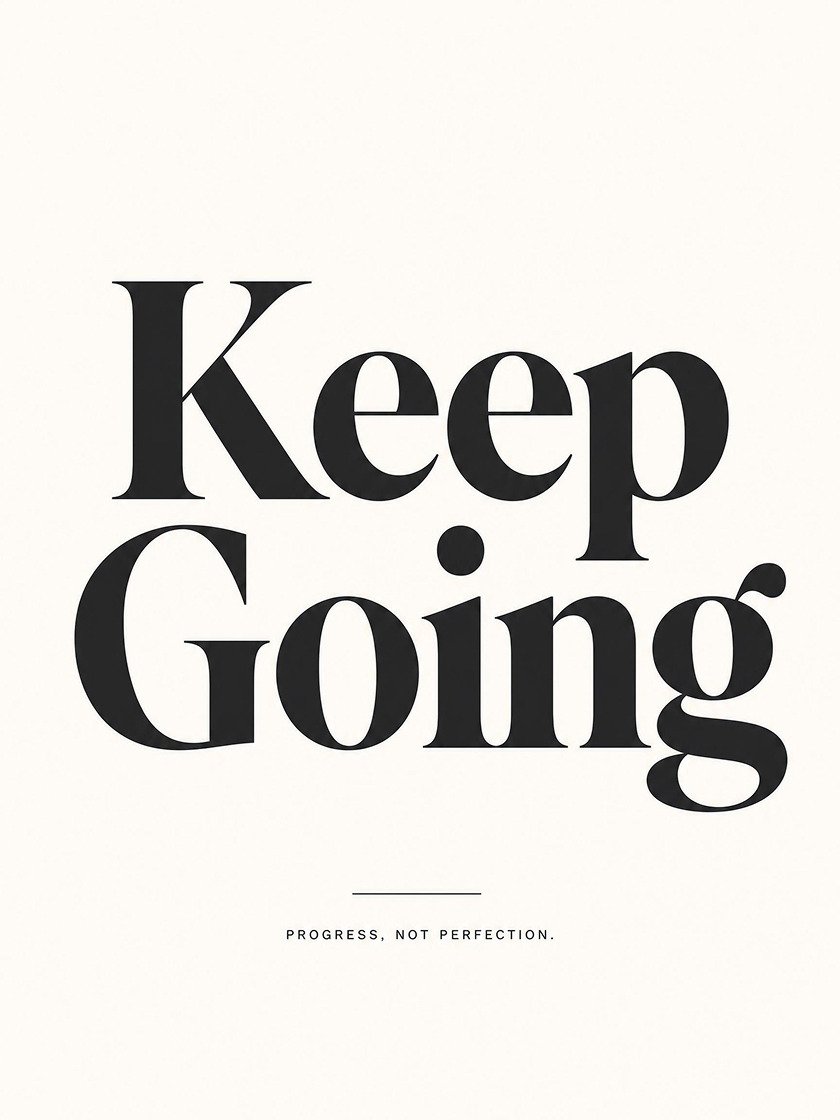 Quote Poster
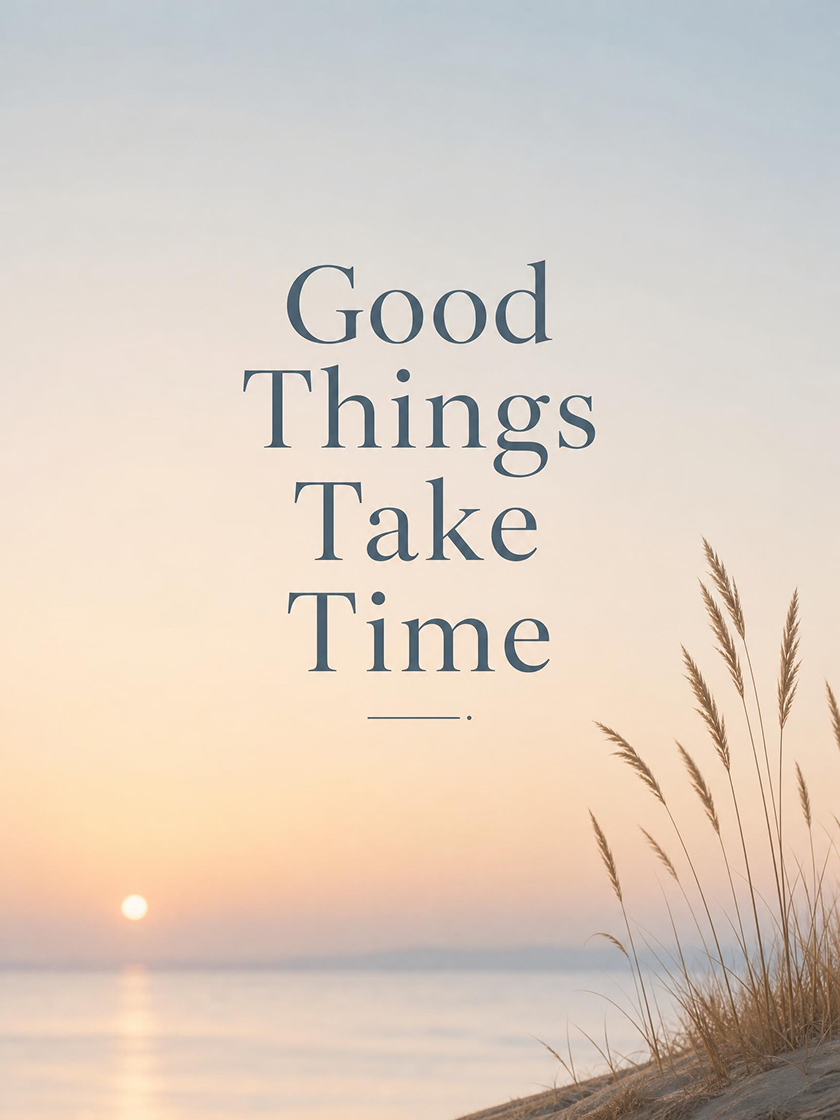 Positive Poster
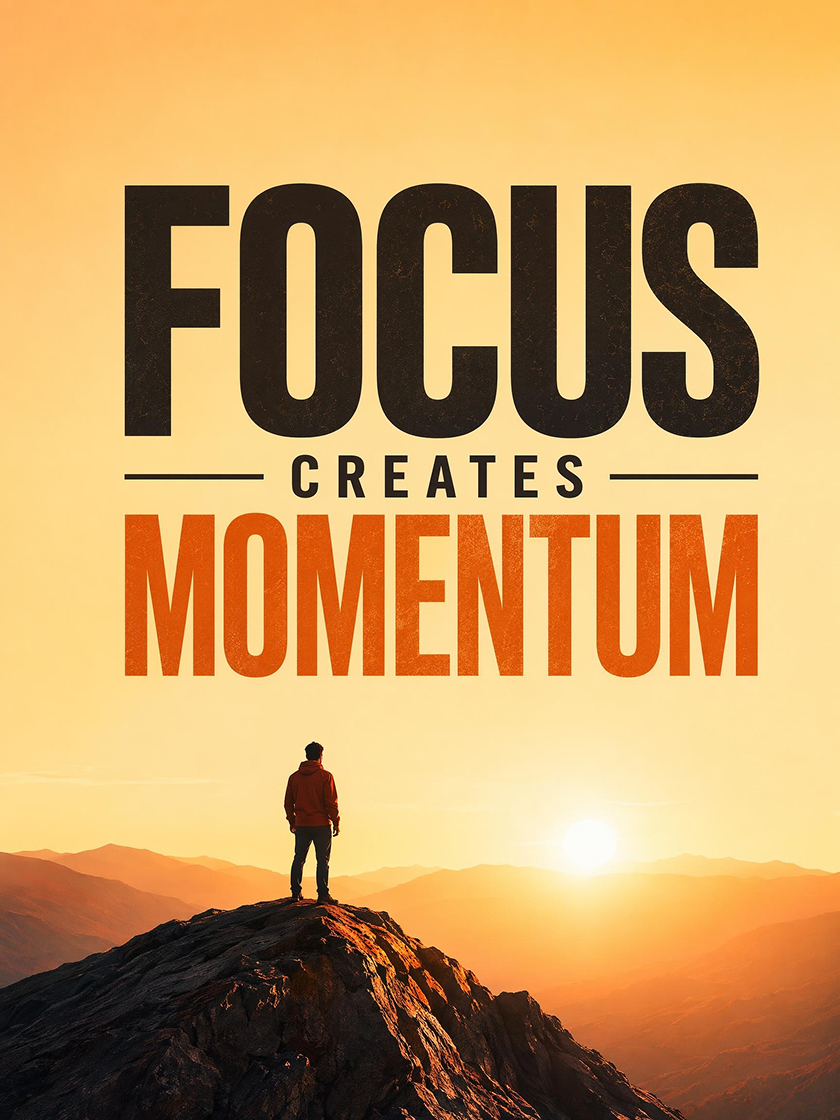 Success Poster
How to Make a Motivational Poster With AI
Add Your Message
Write a quote, theme, or short idea so the generator can shape the poster around the intended mood and meaning.
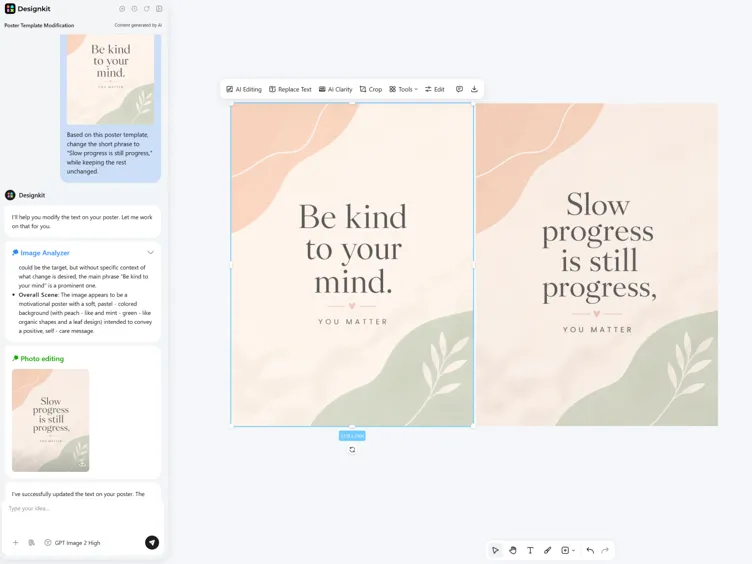
Add Style Details
Describe the typography, colors, background, and format you want, so the generator has a clear direction before it builds your first versions.
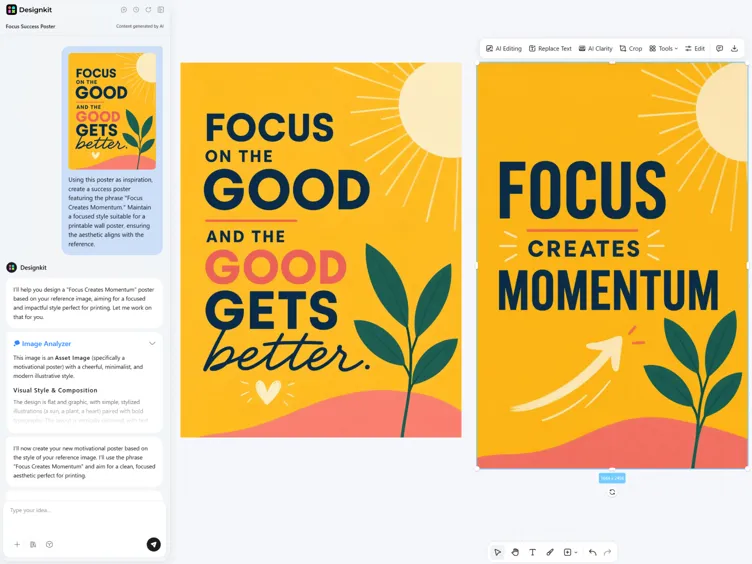
Generate, Edit and Export
Review generated versions, adjust wording or layout, and export as PDF for print or PNG for social and digital sharing.
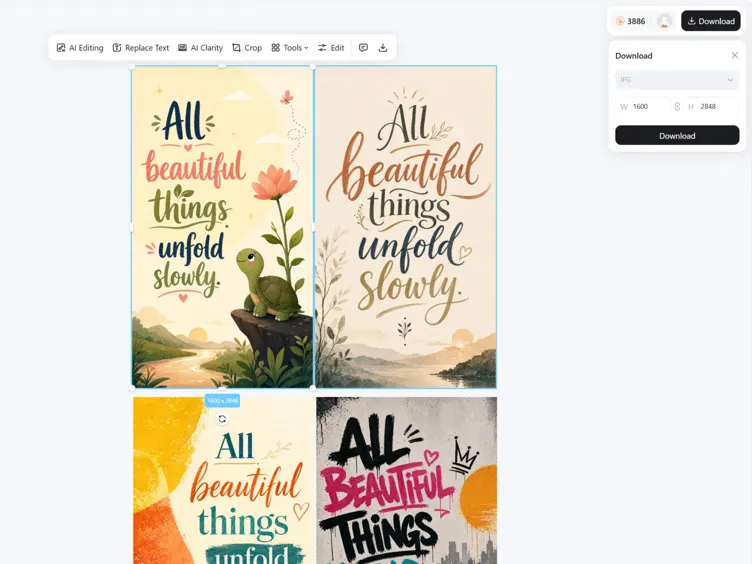
Create Quote Posters with Editable AI Designs
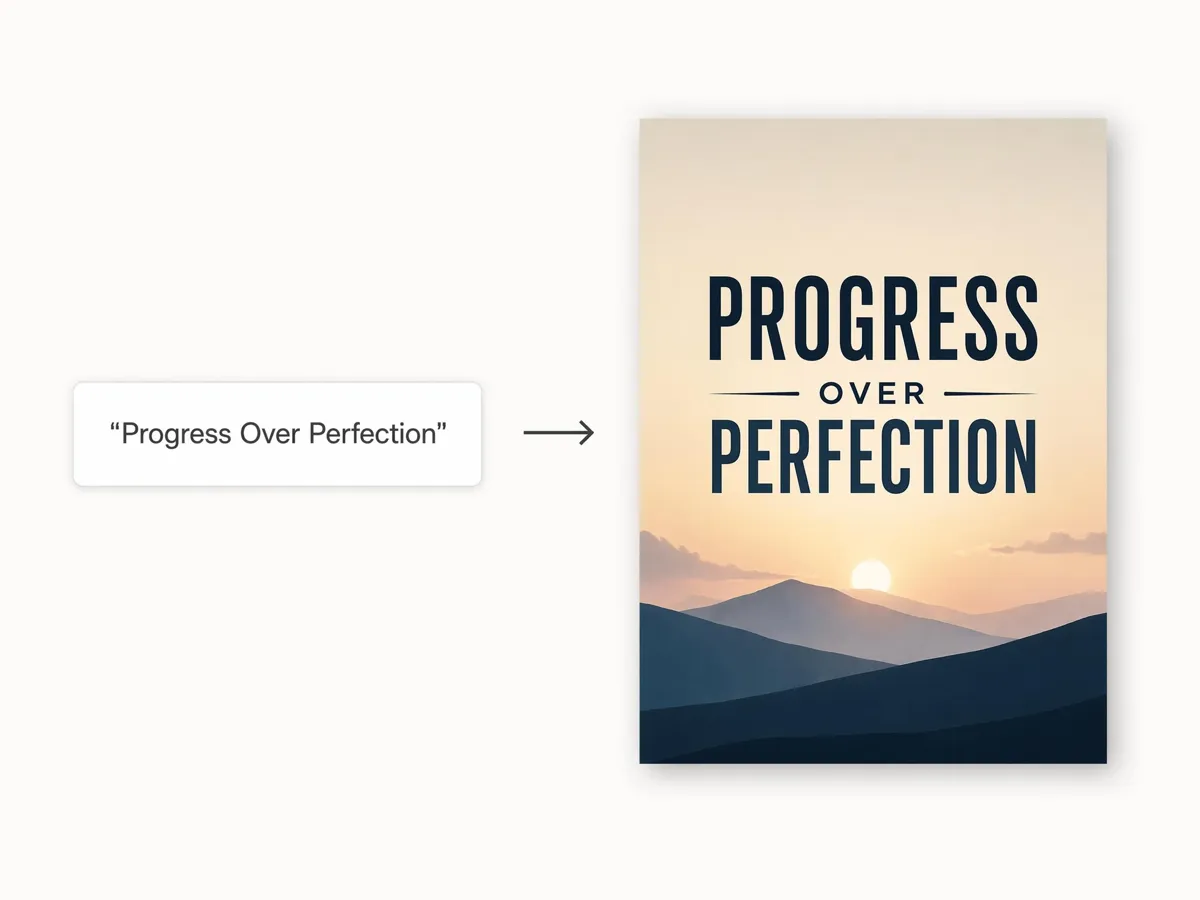
Turn a Quote Into a Finished Poster
Add a quote or short line, and Designkit builds a complete motivational poster around it. The message is treated as the center of the design, so the result feels intentional instead of looking like plain text placed on a background.
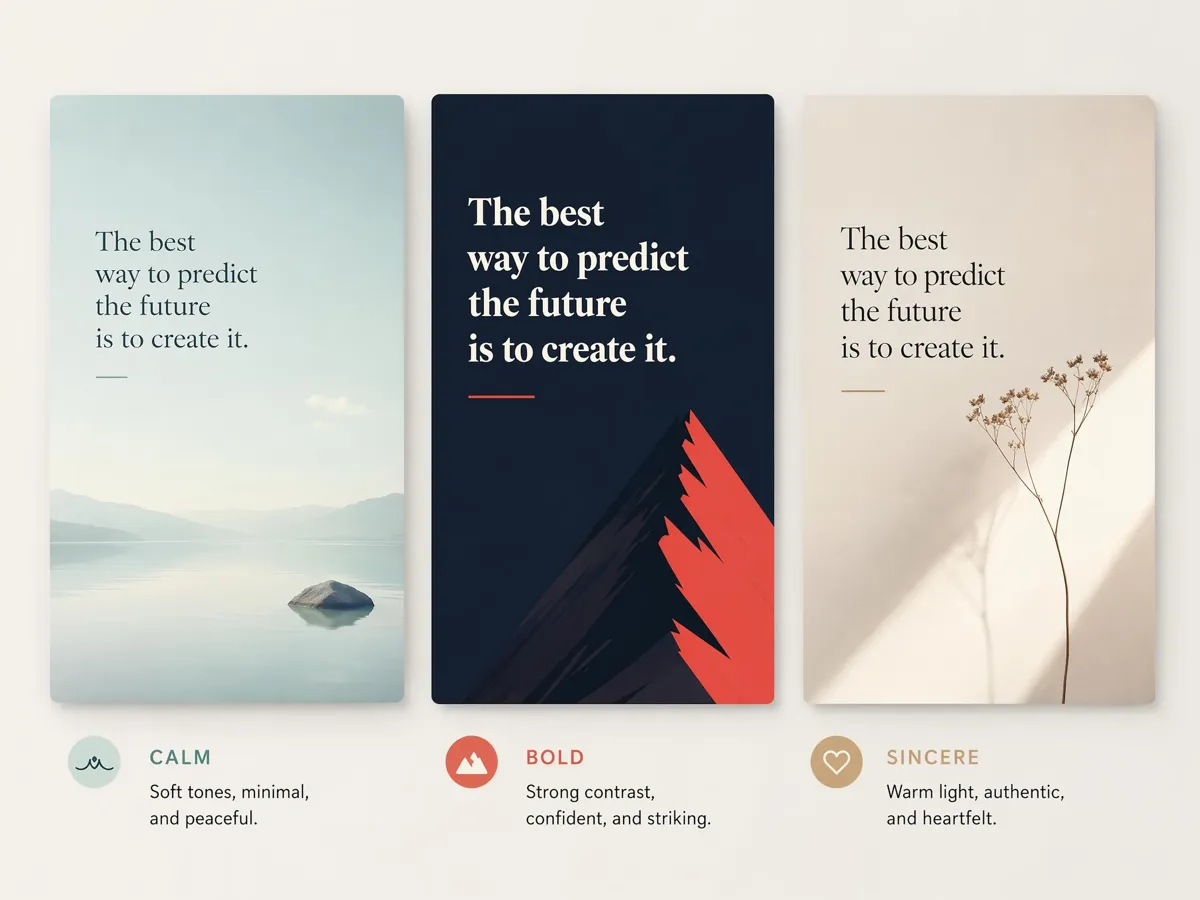
Match the Mood, Not Just the Words
Tell Designkit the feeling you're after, whether calm, bold, or uplifting, and it picks fonts, colors, and a background that carry that mood. Every visual choice is matched to the emotion you want to land, so the look reinforces the message instead of working against it.
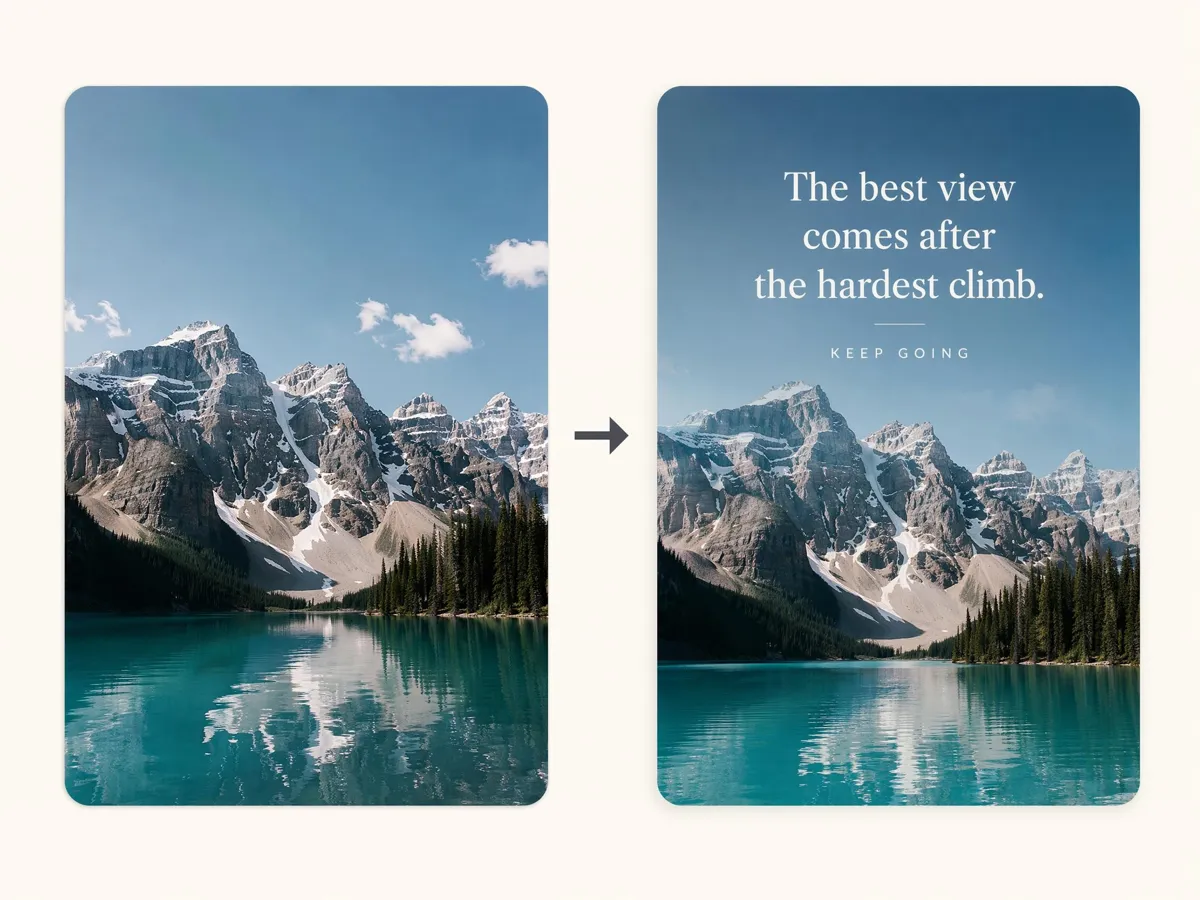
Put Your Quote on Your Own Photo
Upload a background image and add the quote you want to use. Designkit turns the photo into a motivational poster by placing the message into the scene with a finished poster treatment, while keeping the original image as part of the design.
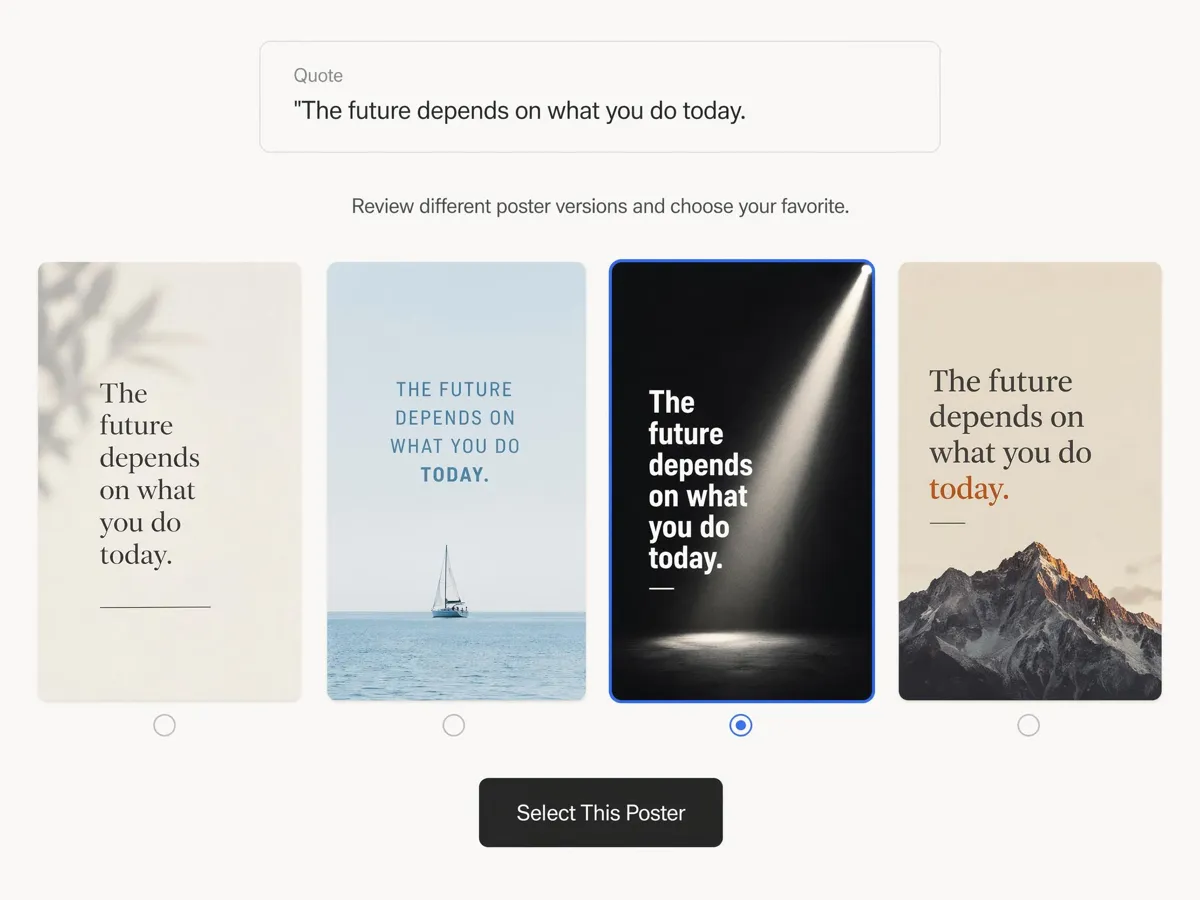
Compare Versions Before You Pick One
Generate several takes from the same quote and review how each version presents the message. You can compare different poster directions first, then choose the one that feels closest before editing or exporting the final motivational poster.
Poster Types You Can Create with Designkit
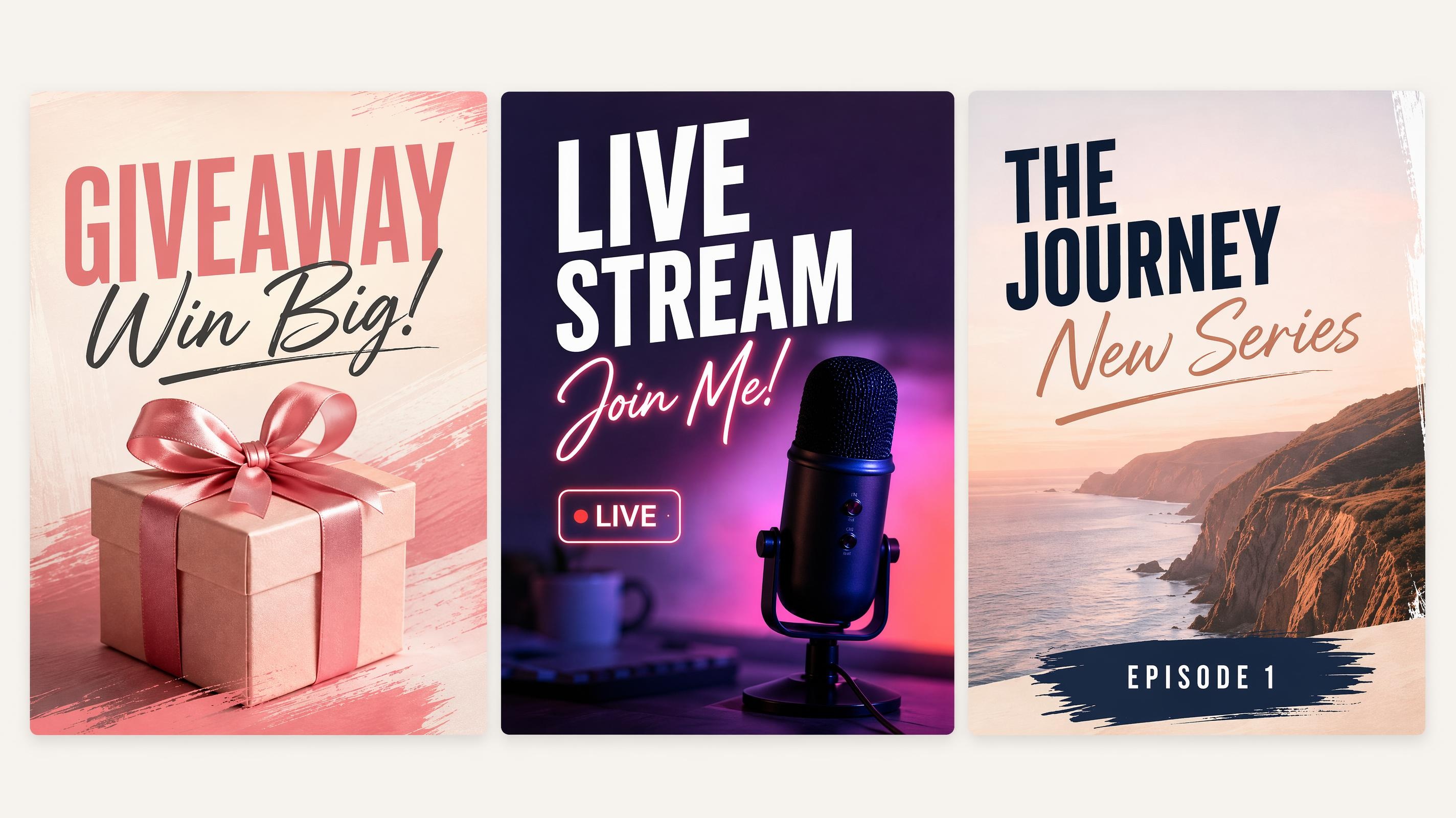
Social Media Poster
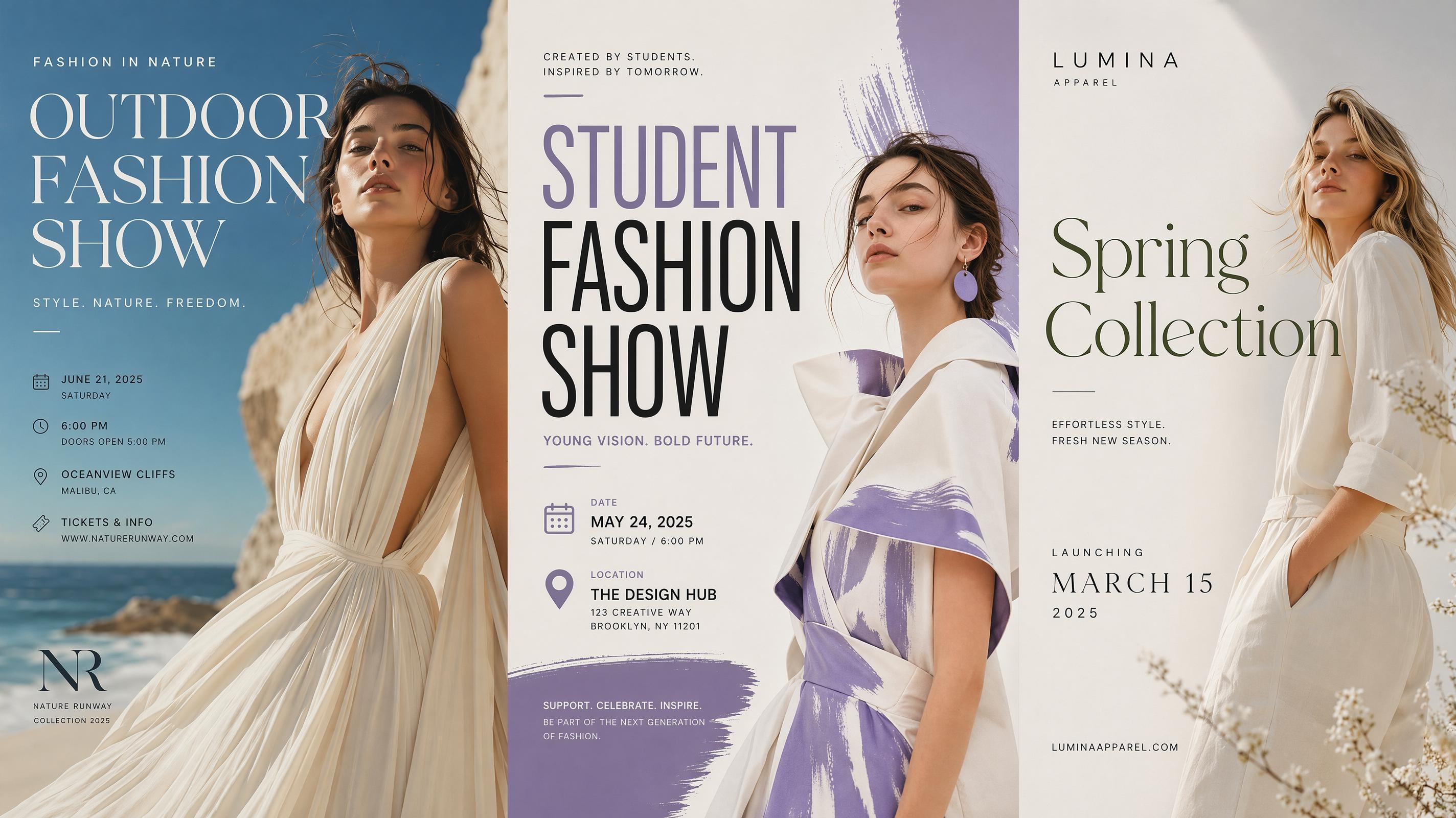
Fashion Poster
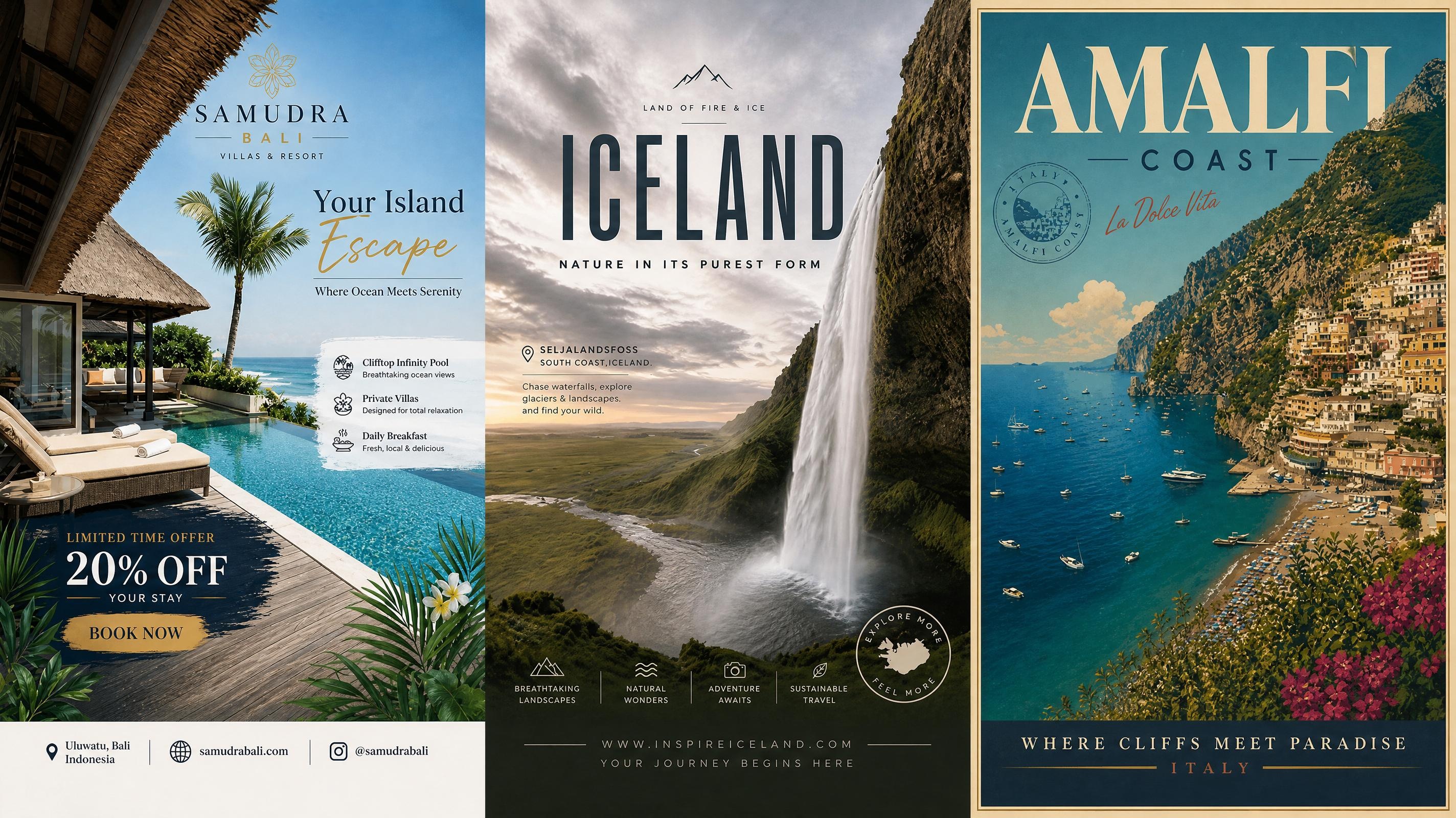
Travel Poster
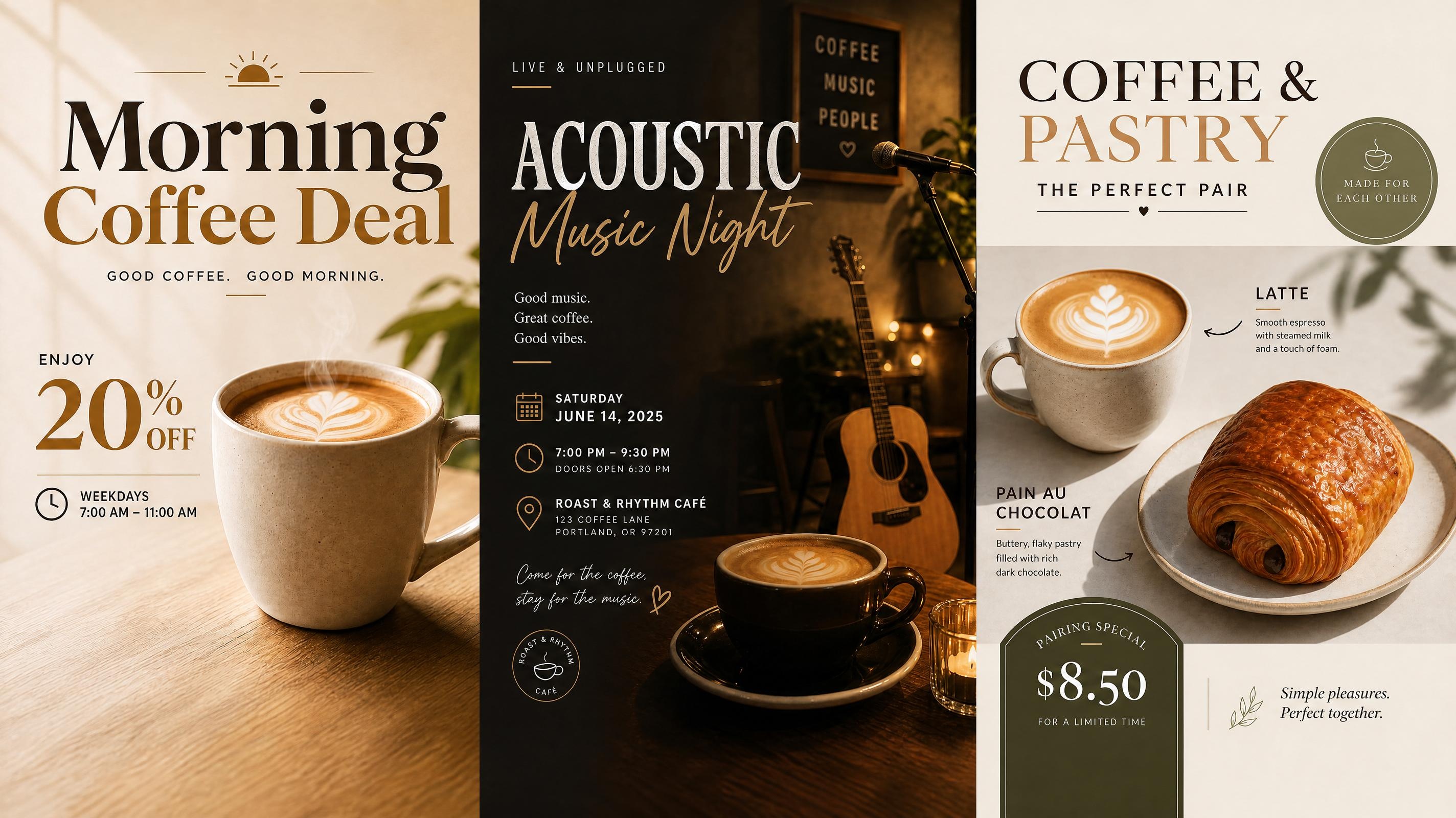
Cafe Poster
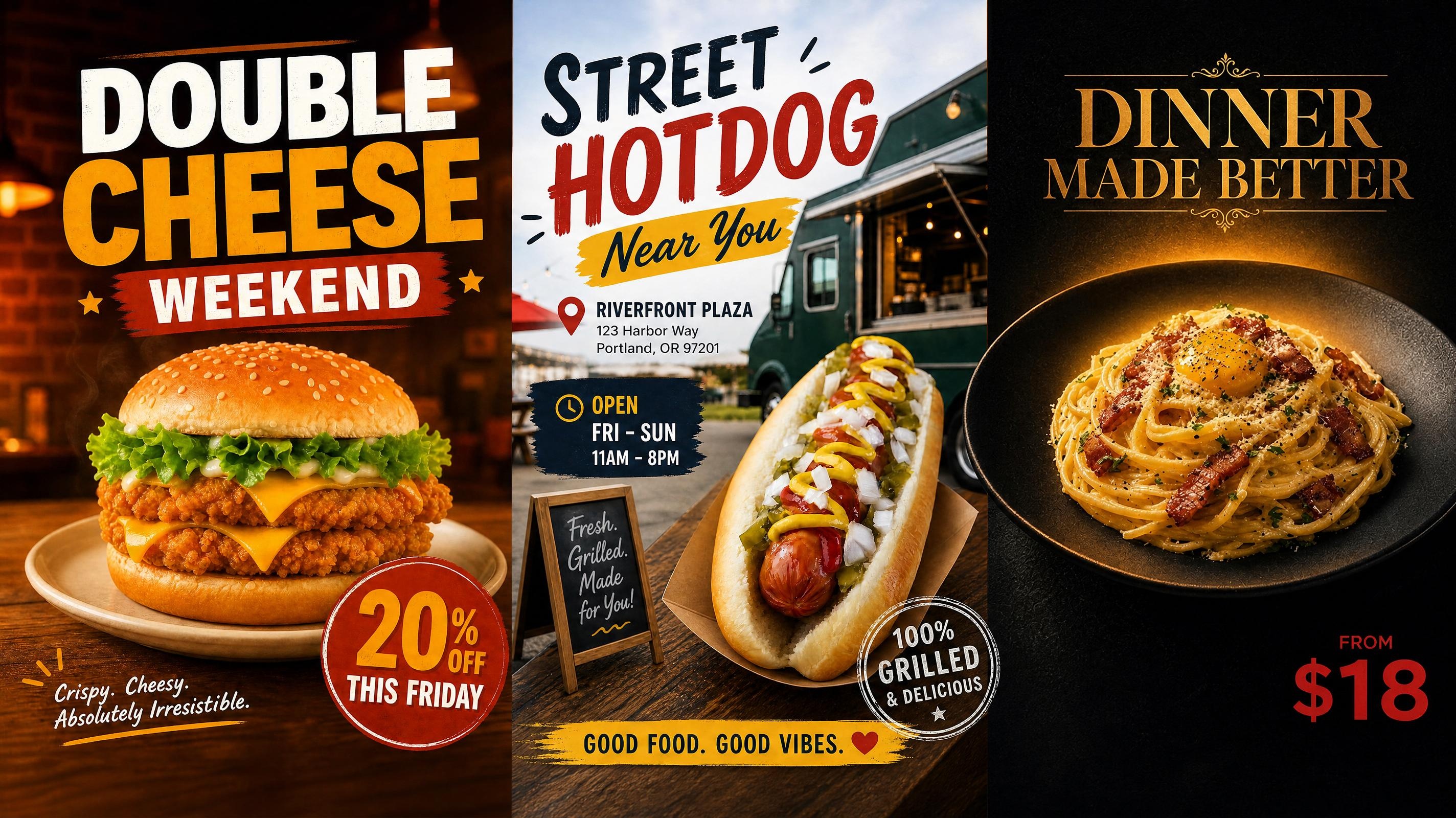
Food Poster
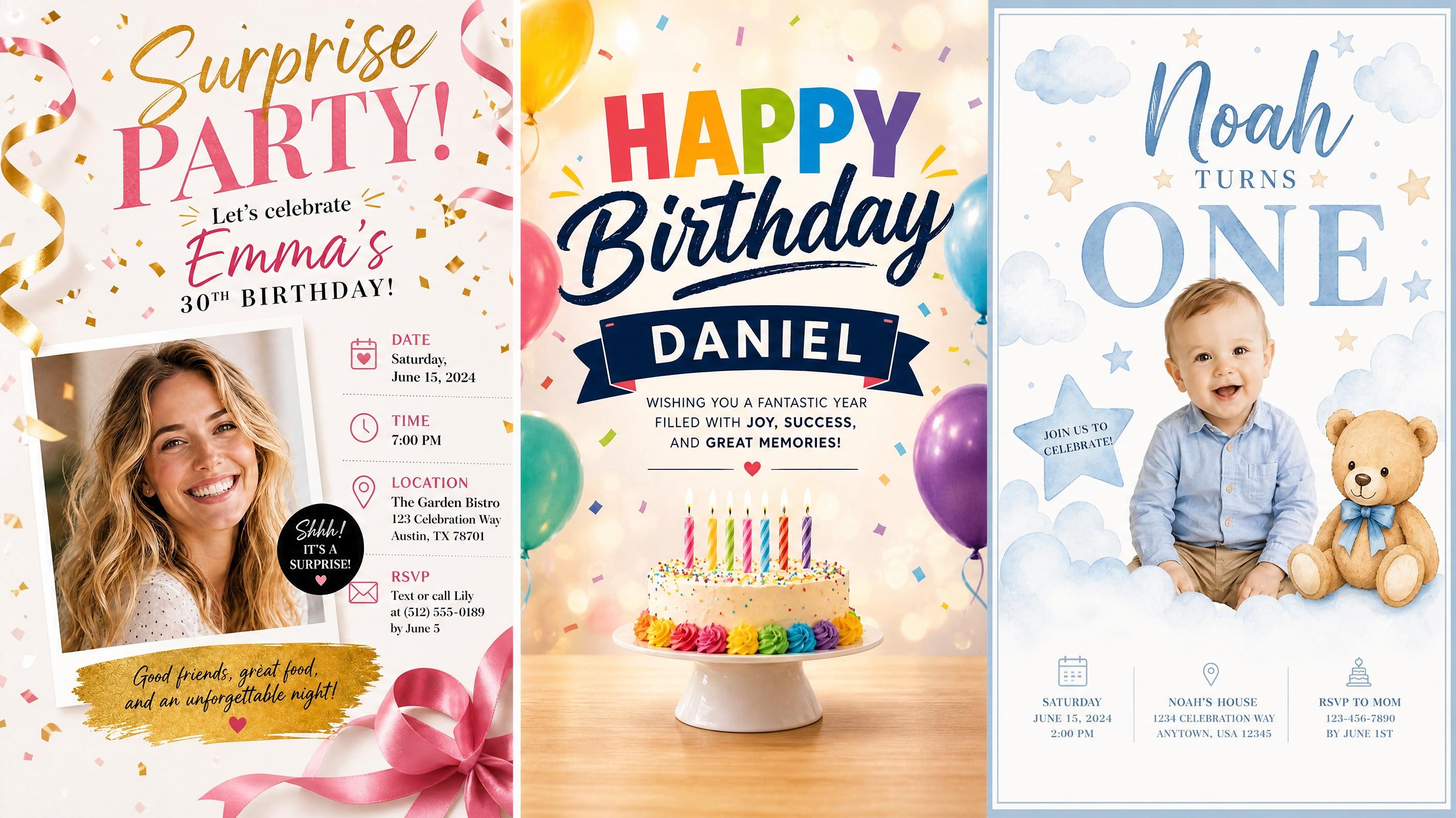
Birthday Poster
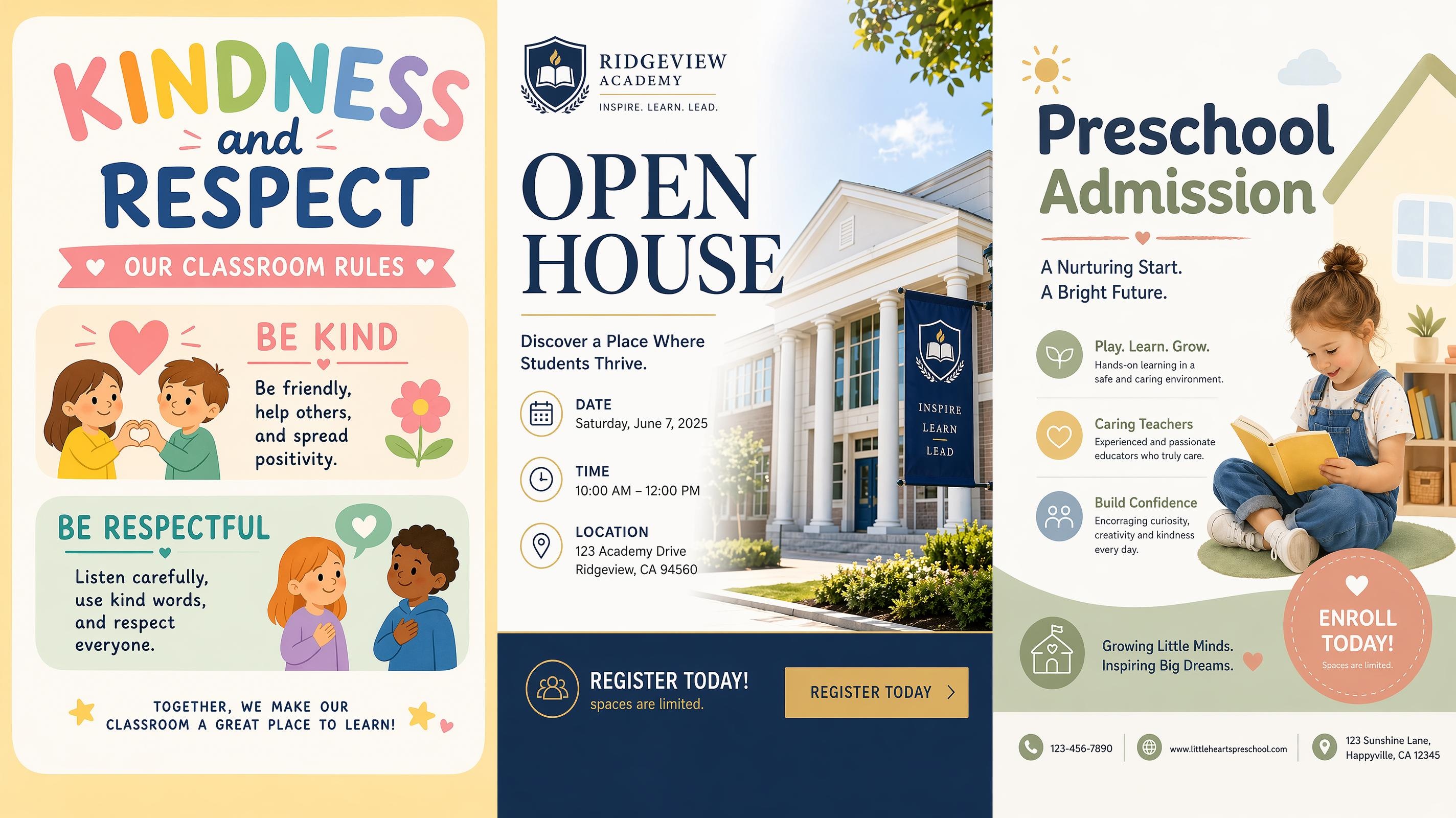
School Poster
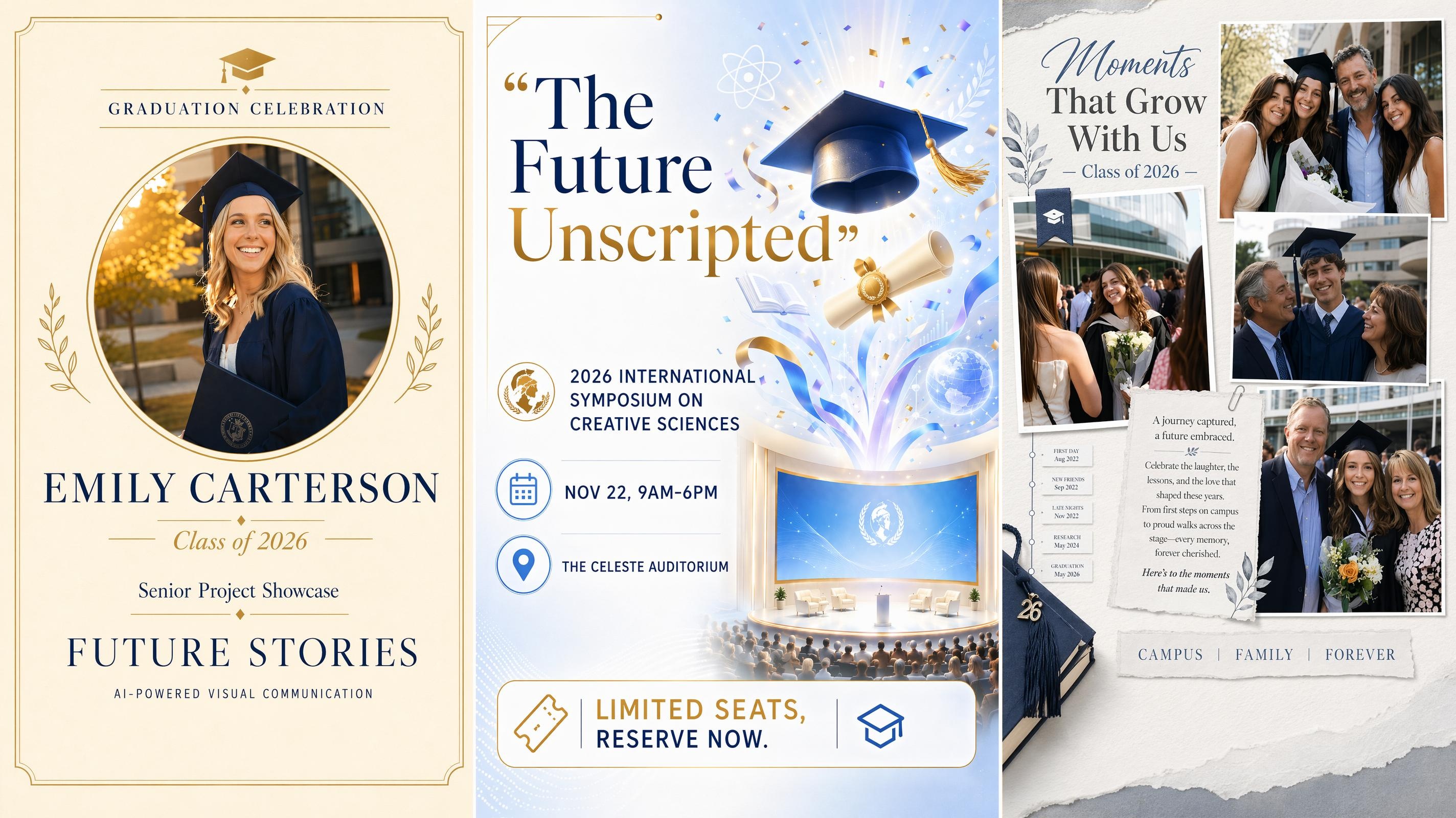
Graduation Poster
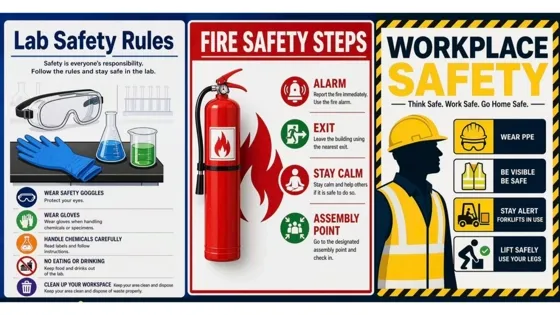
Safety Poster
Frequently Asked Questions
What is a motivational poster generator?
How do I make a motivational poster with Designkit?
Start by adding a short message, quote, or poster idea. Then choose a style such as Quote Poster, Positive Poster, or Success Poster. After generation, review the poster versions, edit the wording or layout, and export the design.
Can I create posters from motivational quotes?
Yes. Short quotes work especially well because the generator can give the text more visual focus. You can use your own quote, rewrite the tone in the prompt, or ask for a style such as bold, calm, modern, or inspirational.
What can I use motivational posters for?
Motivational posters can be used for personal spaces, classrooms, offices, events, social posts, and printed displays. For best results, keep the message short and tell the generator where the poster will be used in the prompt.
Can I edit the poster after it is generated?
Yes. You can refine the message, adjust visual details, and generate another version when the first result is close but not final. This makes it easier to keep the same idea while improving the layout or tone.
What output formats work for motivational posters?
Motivational posters can be exported for digital sharing or print use, depending on the final design size. Square and vertical formats work well for social platforms, while portrait poster layouts are better for printed display.
Create Your Motivational Poster Today
Your message is ready to become a poster. Start free, compare versions, and export the one that fits. No design experience needed.



What Creators Say About Designkit
See how different creators use Designkit to shape motivational messages into finished posters.
The Quote Finally Looked Designed
I had the sentence already, but my first version looked like text on a background. After generating a few poster options, the spacing and type felt much more intentional. I only changed a few words before sharing the final version with my group.
Our Wall Posters Feel More Consistent
We wanted encouraging posters that matched the same tone across different rooms. Designkit gave us several versions with similar colors and cleaner layouts, so the final set looked connected instead of feeling like separate files made at different times.
Social Posts Took Less Guesswork
I used to spend too much time deciding where the quote should sit and which background made sense. Now I start with the message, generate a few poster styles, and choose the version that feels right before making small edits for the post.
The Poster Matched the Event Tone
The message was simple, but I needed it to feel sincere rather than dramatic. Using the style options helped me keep the design warm and focused. The poster looked polished enough to print and still worked as a digital announcement.
Classroom Posters Stopped Looking Generic
I wanted something to put on the wall that students would notice. Writing out the theme and asking for a calm, focused style gave me a result that looked intentional rather than pulled from a template. Several students asked where the poster came from.