
Create a Personalized First Day of School Sign
Enter the student’s details and describe the style you want to generate a printable sign for the first-day photo.
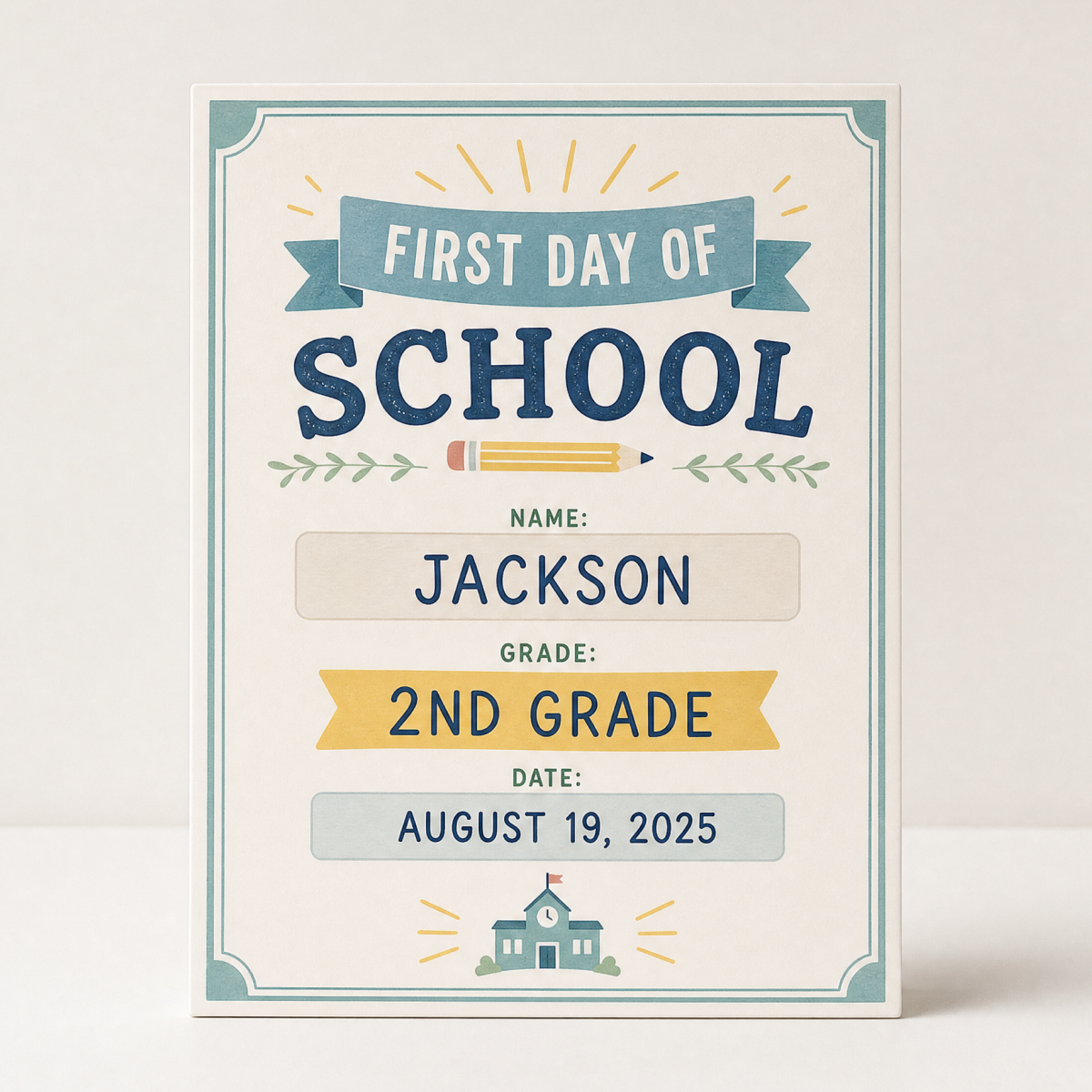
How to Make a First Day of School Sign
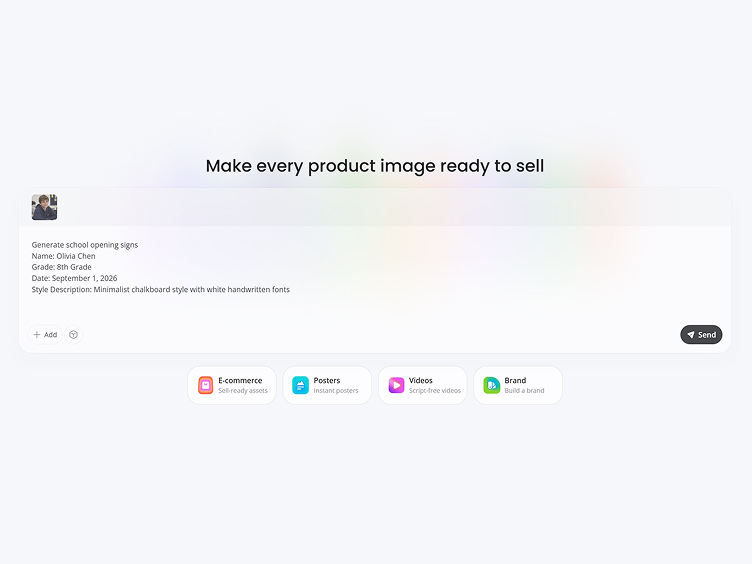
Upload a Photo and Enter the Details
Upload the student’s photo, then enter their name, grade, date, and other exact wording. Describe the colors, graphics, and overall style you want.
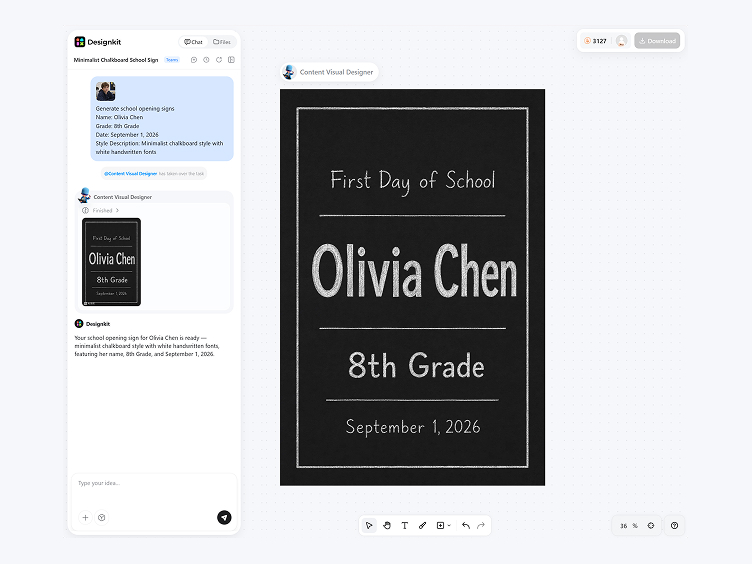
Generate the School Sign
Designkit combines the uploaded photo, student details, and style description to generate complete first day of school sign options.
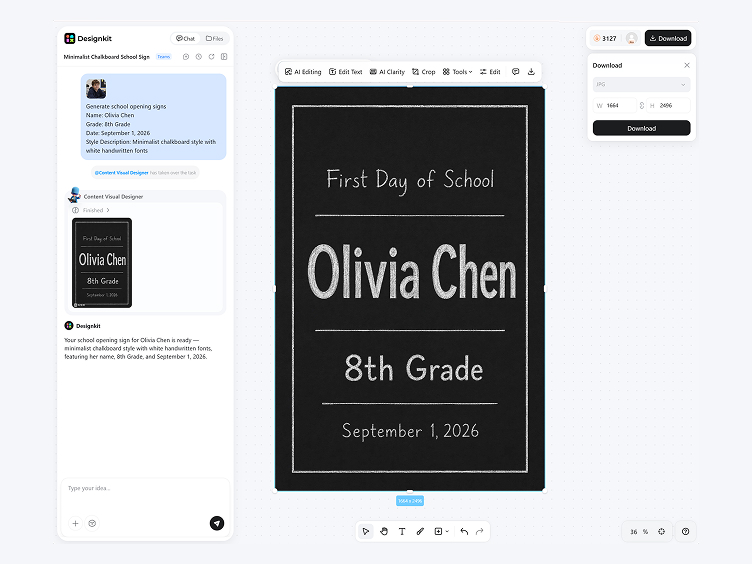
Refine and Download
Select a result, correct any wording, and adjust the visual details. Download the finished sign when it is ready to print.
Printable First Day of School Sign Ideas
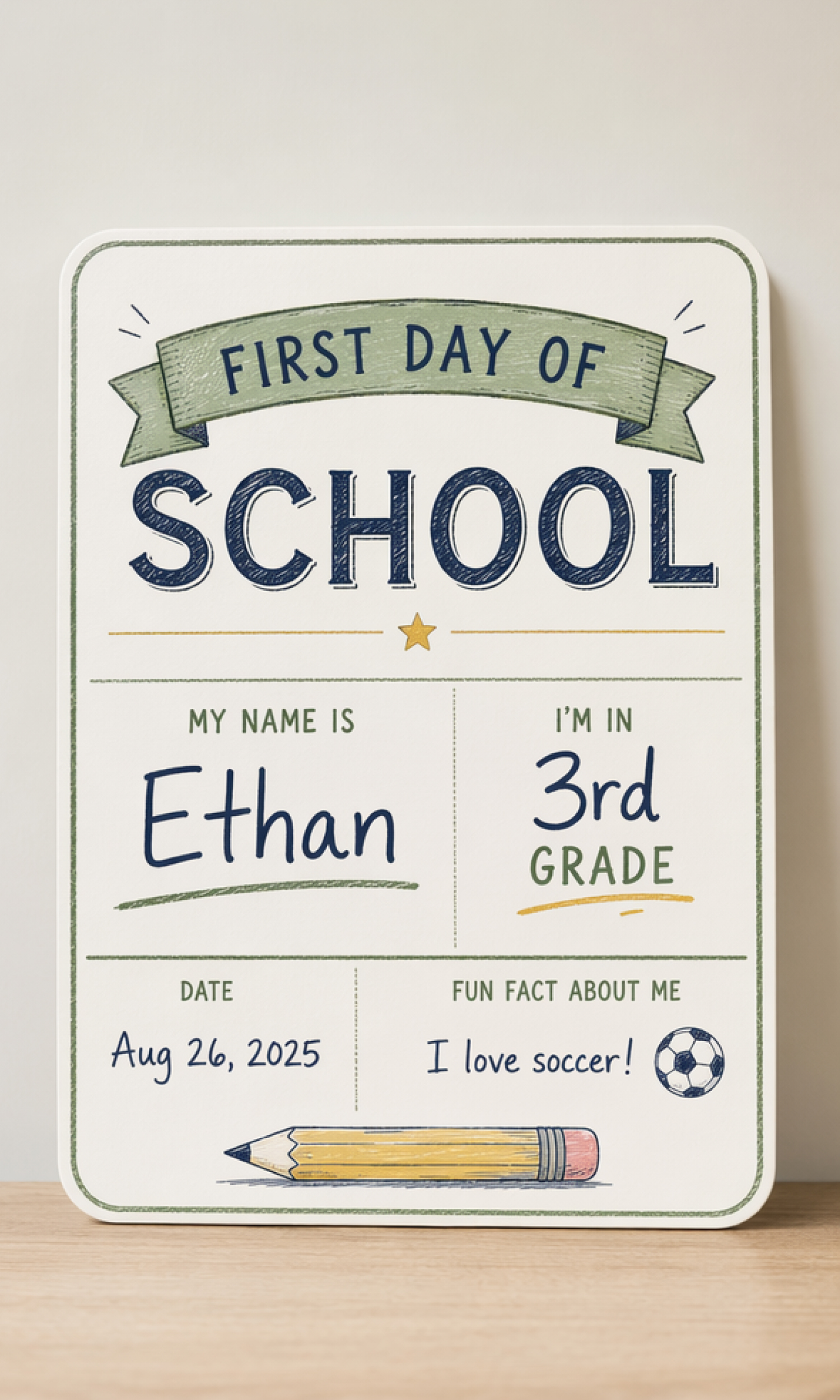
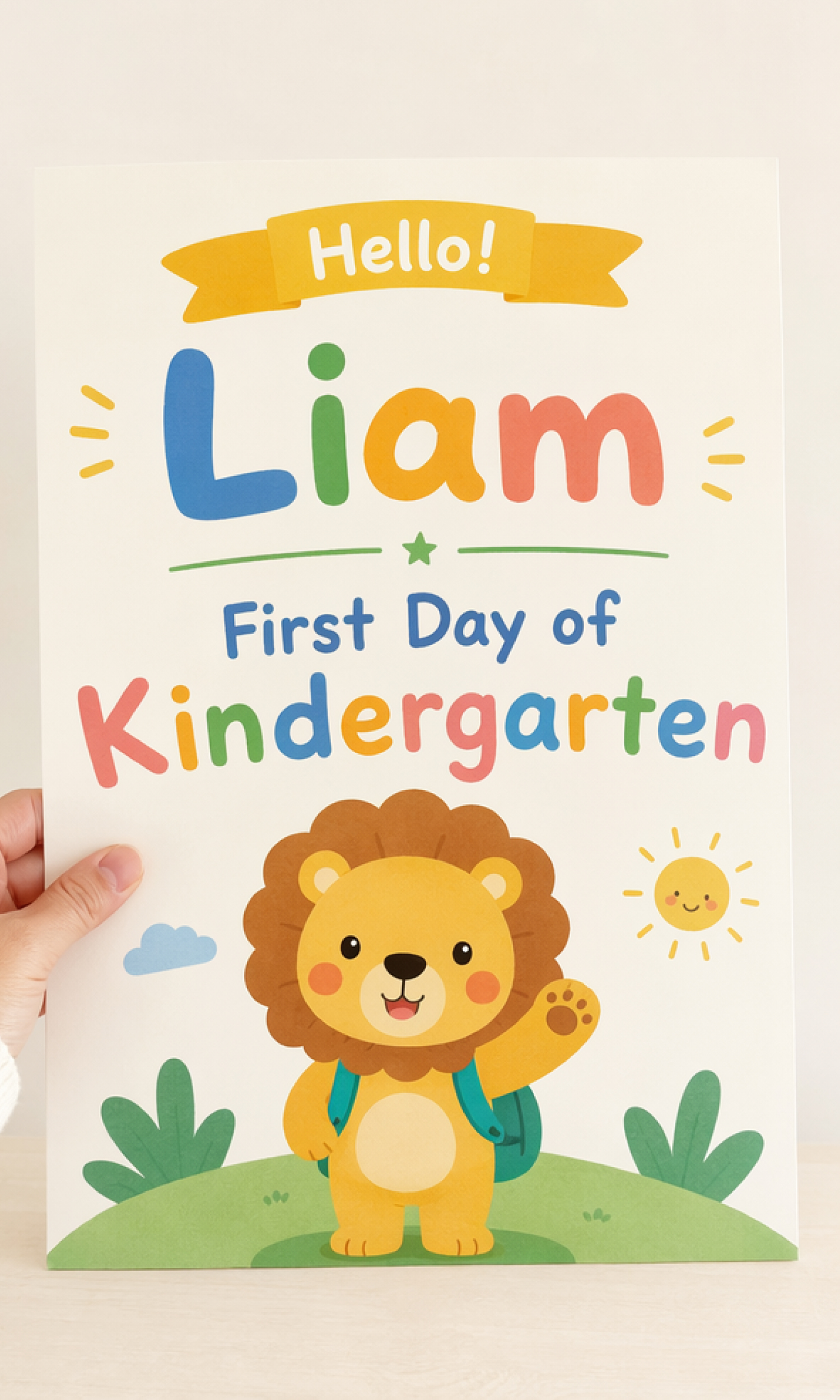
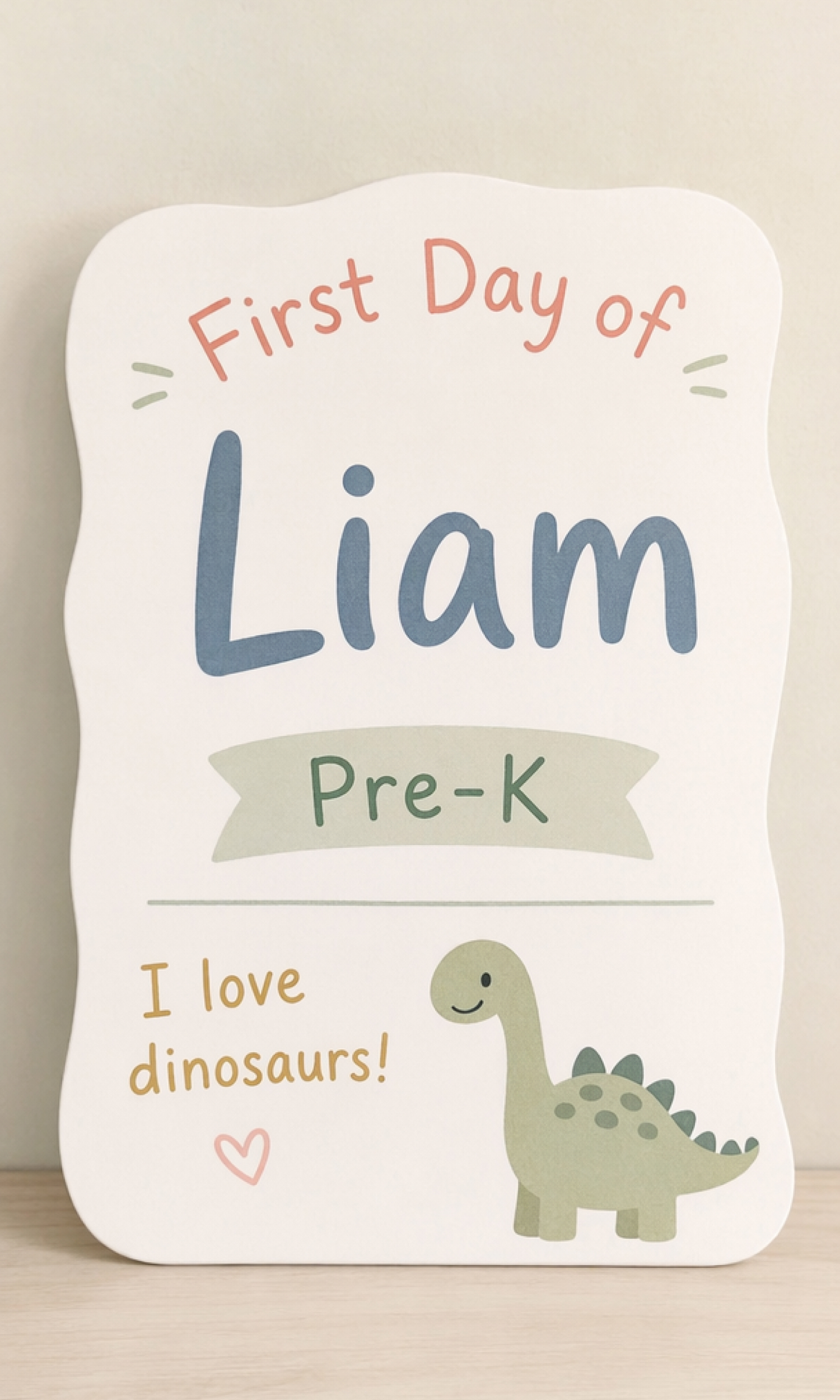
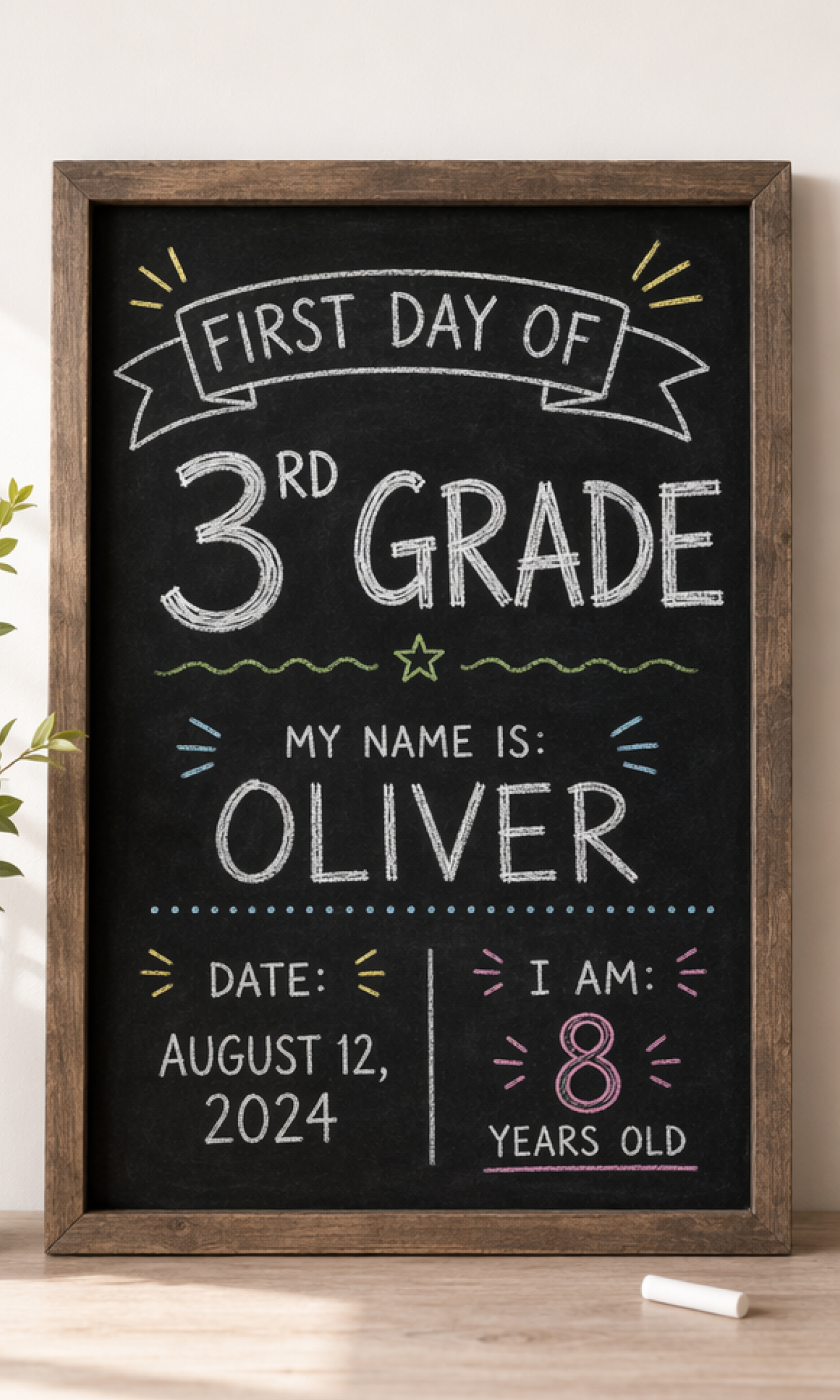
Shape Every Part of Your First-Day Sign
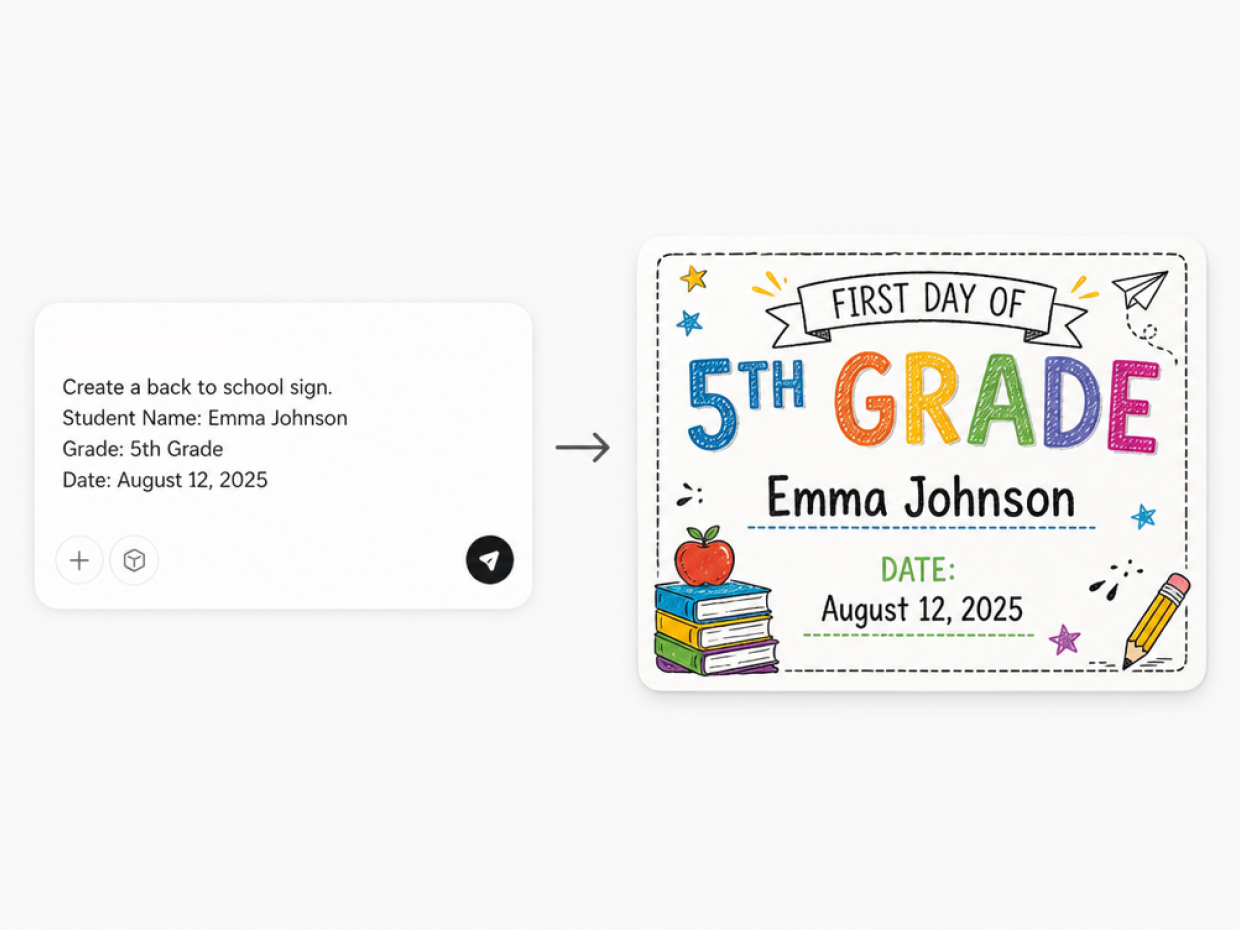
Create a Sign from Student Details
Start with the exact information you want the sign to display. Based on your input, Designkit builds a complete first day of school sign with a clear content structure, so you do not need to position and organize each element manually.
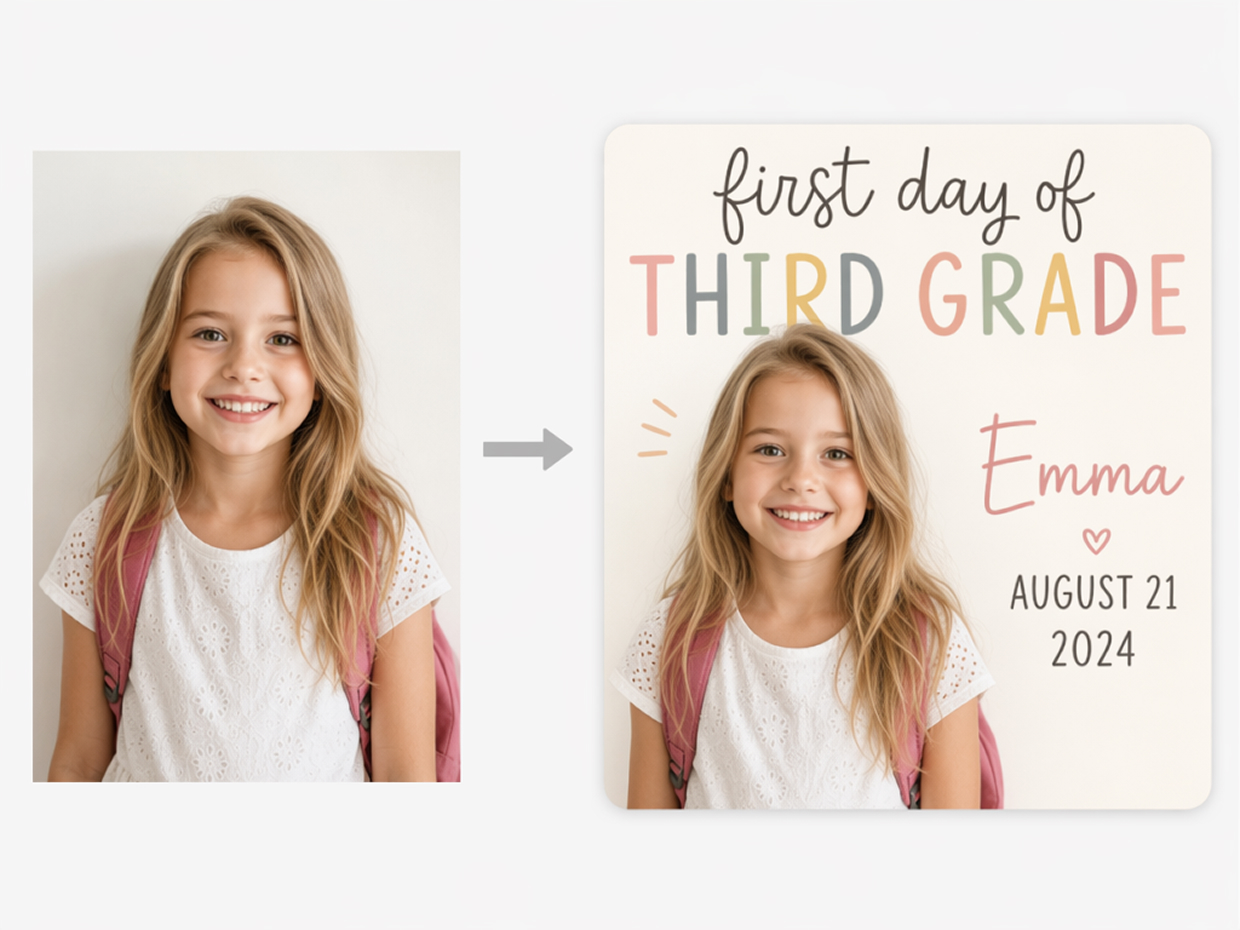
Include a Student Photo in the Design
A student photo can become part of the composition from the beginning rather than being added as a separate element later. Designkit integrates the uploaded image into the sign while maintaining a clear focal point and a balanced overall layout.
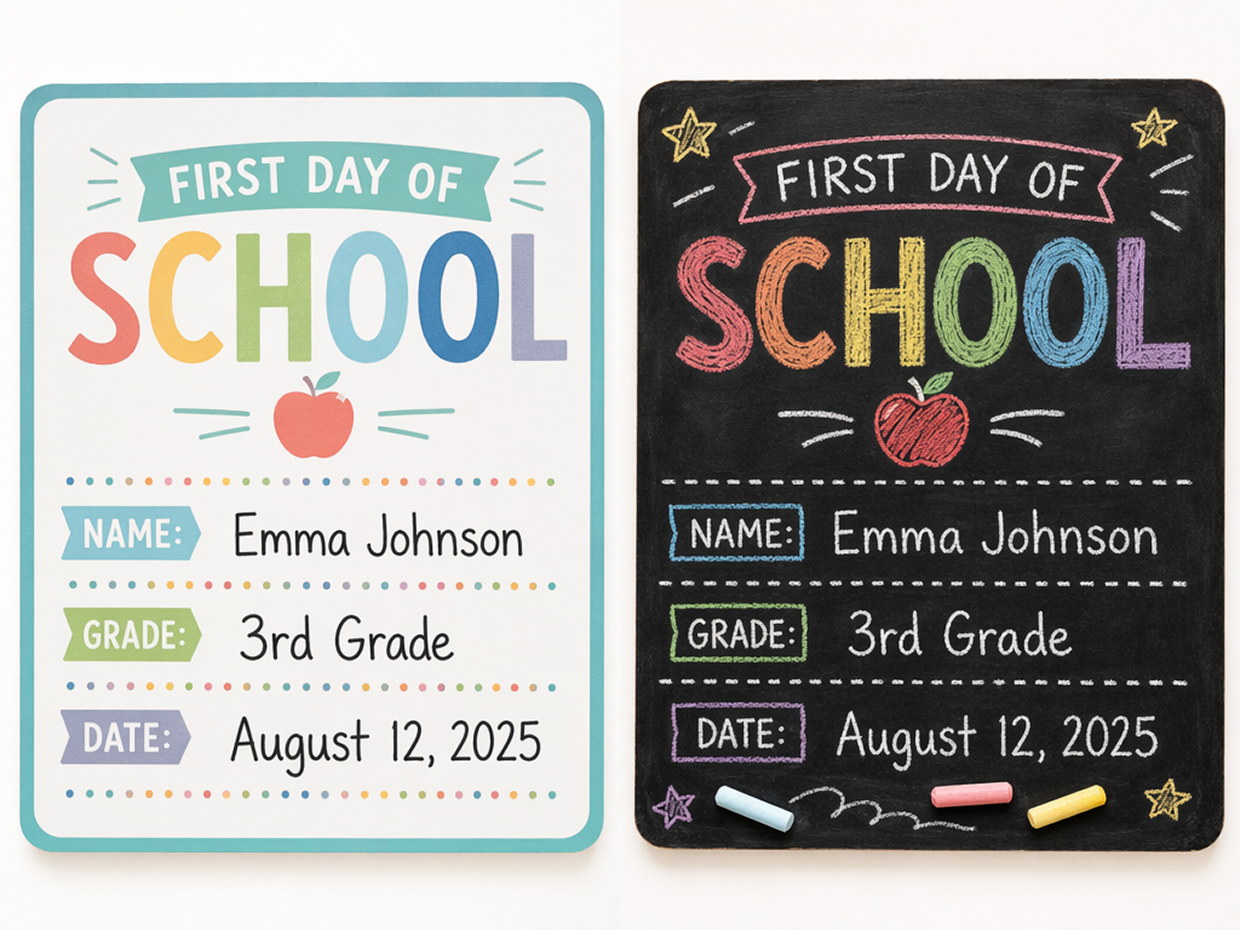
Direct the Look Through Your Prompt
The prompt gives you control over the finished sign’s overall look and mood. Designkit applies your description across the full composition, creating a cohesive result that reflects the student and fits naturally into a first-day photo.
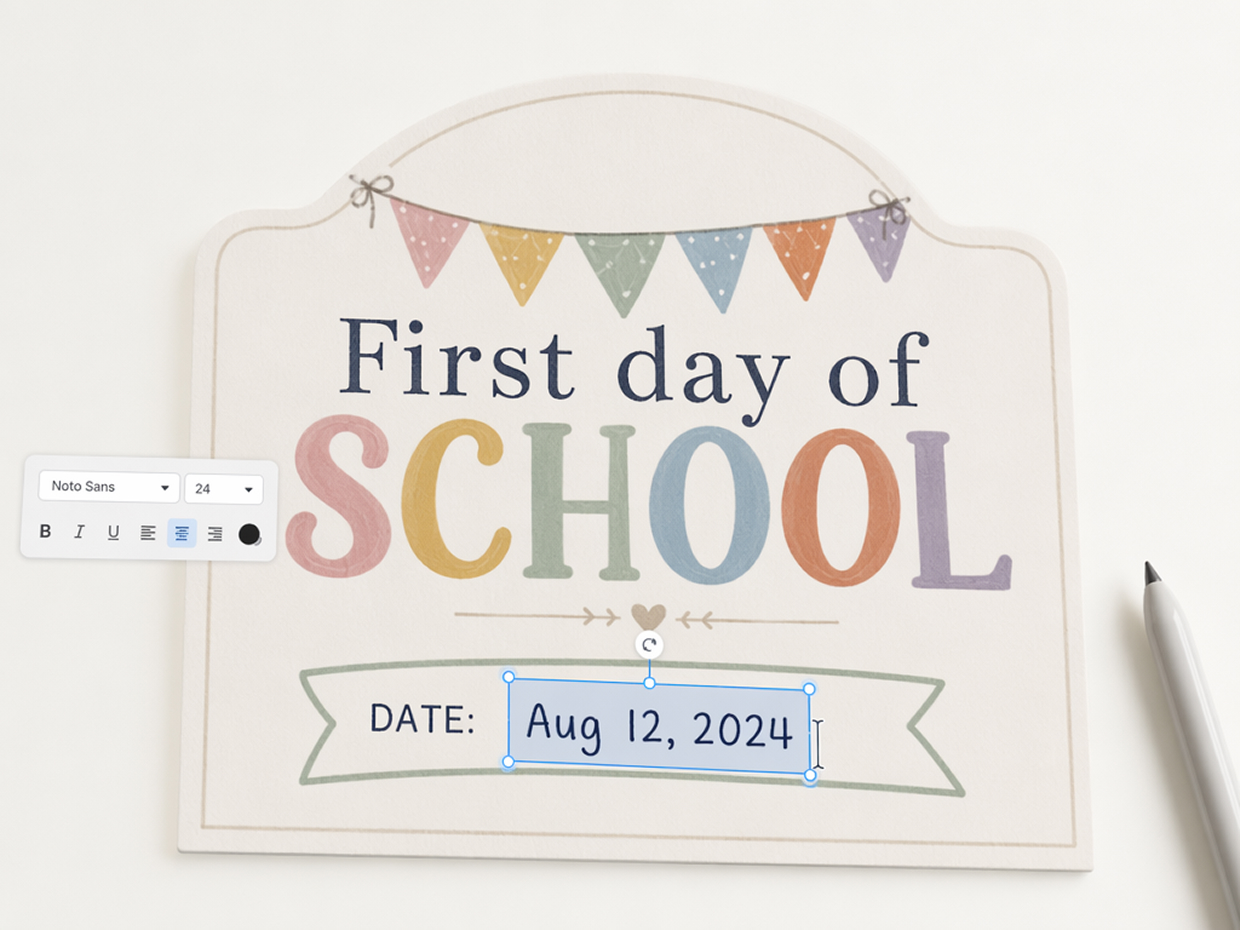
Refine the Generated Result
Once you have selected a result, review the wording and presentation before downloading it. Individual details can be corrected or adjusted while the main composition remains consistent, helping the finished sign stay aligned with your original request.
Create First-Day Signs for Home, School, and Beyond
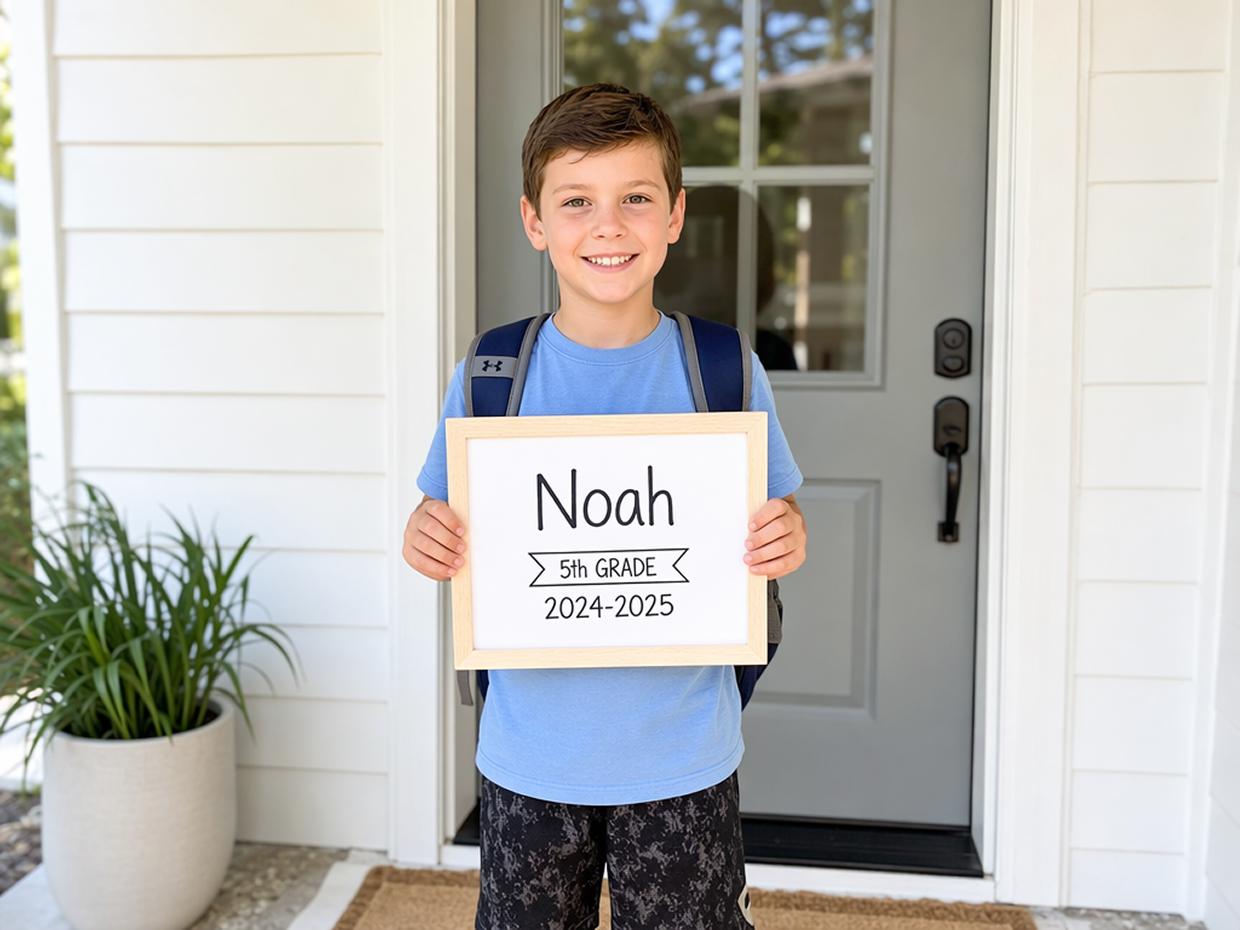
Capture the Details of a New School Year
Create a printable sign for the annual first-day photo and record what makes the new school year meaningful. Add the student’s name, grade, date, and a personal detail, then describe a visual style that reflects their personality and looks natural beside them in the finished photo.
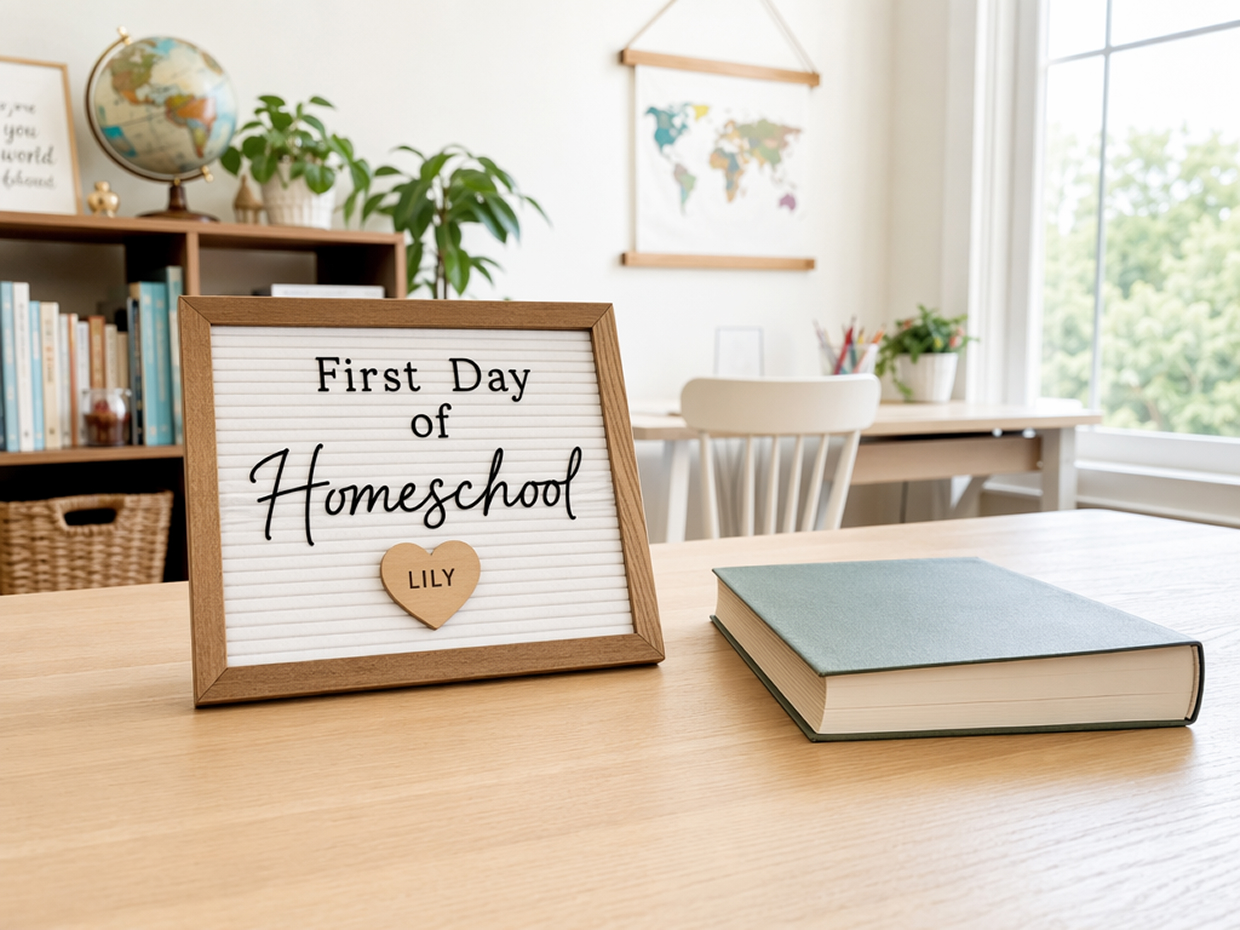
Why Choose Designkit for First-Day Signs?

Start with an Idea Instead of a Finished Layout
Describe the details and style you want, and Designkit creates a complete sign concept. Refine the result to fit your first-day photo.

Carry a Familiar Tradition into a New Grade
Reuse a familiar palette, lettering style, or theme each year while updating the grade and personal details. The signs stay connected without looking identical.

Prepare Individual Signs with a Shared Theme
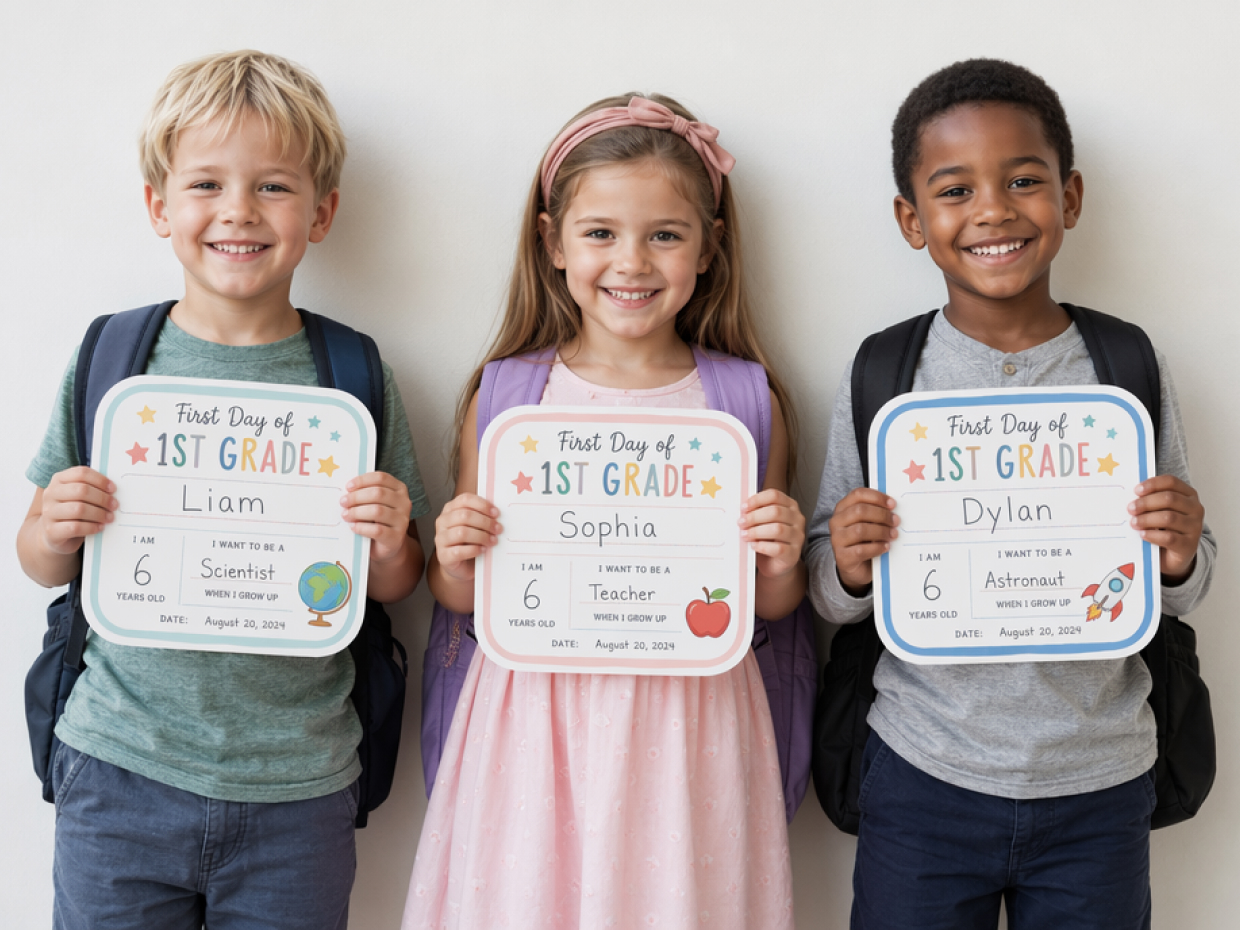
Keep the same style description across signs for siblings or a student group. Change the personal details while maintaining a coordinated look.
Unlock More Creative Possibilities
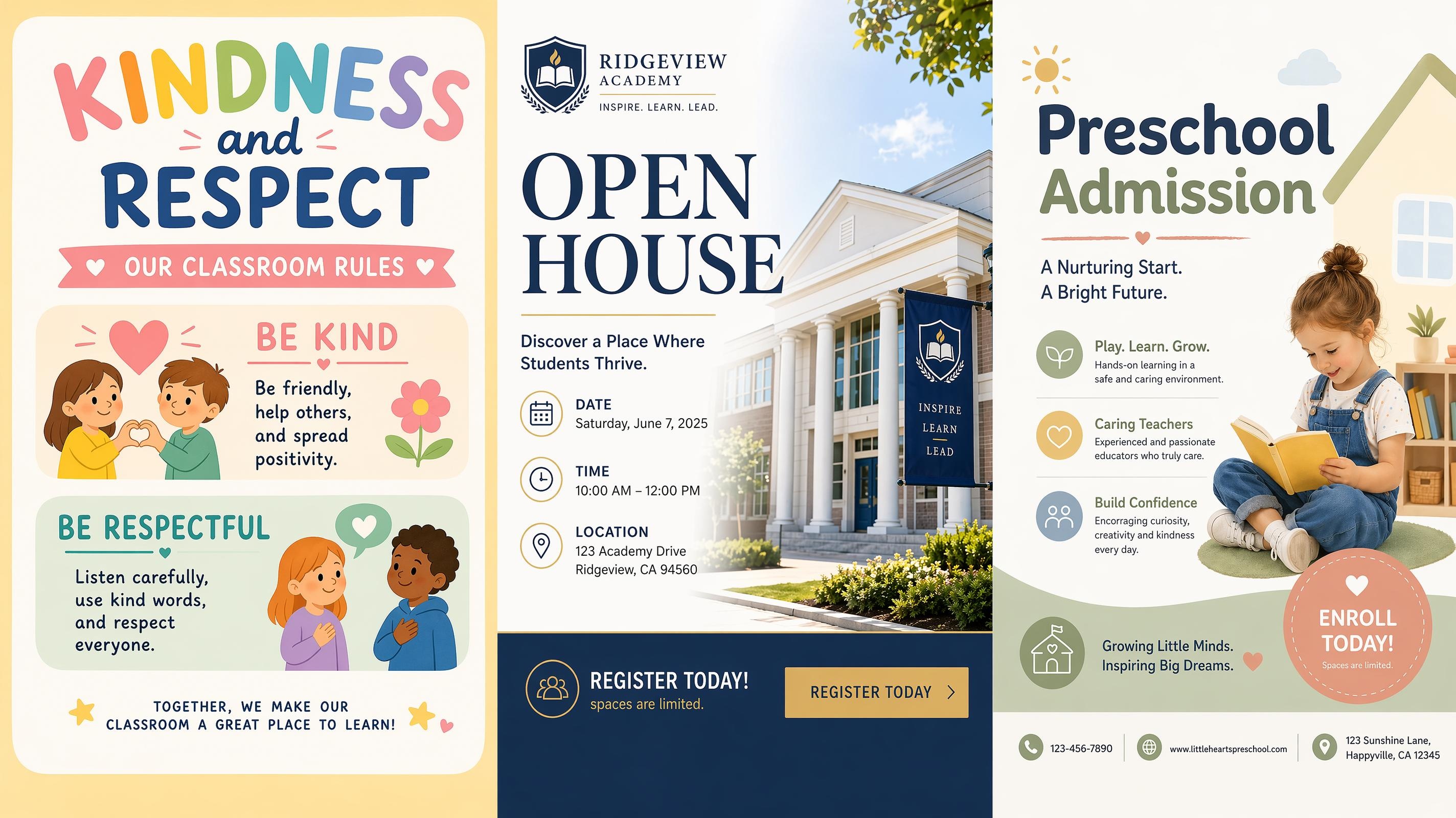
AI School Poster Generator

AI Event Poster Generator

AI Festival Poster Generator

AI Safety Poster Generator
What information can I include on a first day of school sign?
Can I make signs for preschool, kindergarten, or first grade?
Yes. Adapt the wording to make a first day of preschool sign, first day of kindergarten sign, first day of 1st grade sign, or another grade-specific design. The theme can also be adjusted to suit the student’s age and school stage.
Can I upload a student photo for the sign?
Yes. Upload a photo with your creative input so Designkit can incorporate it into the generated composition. Choose an image with a clearly visible subject and enough surrounding space to support the sign information.
Do I need a first day of school sign template?
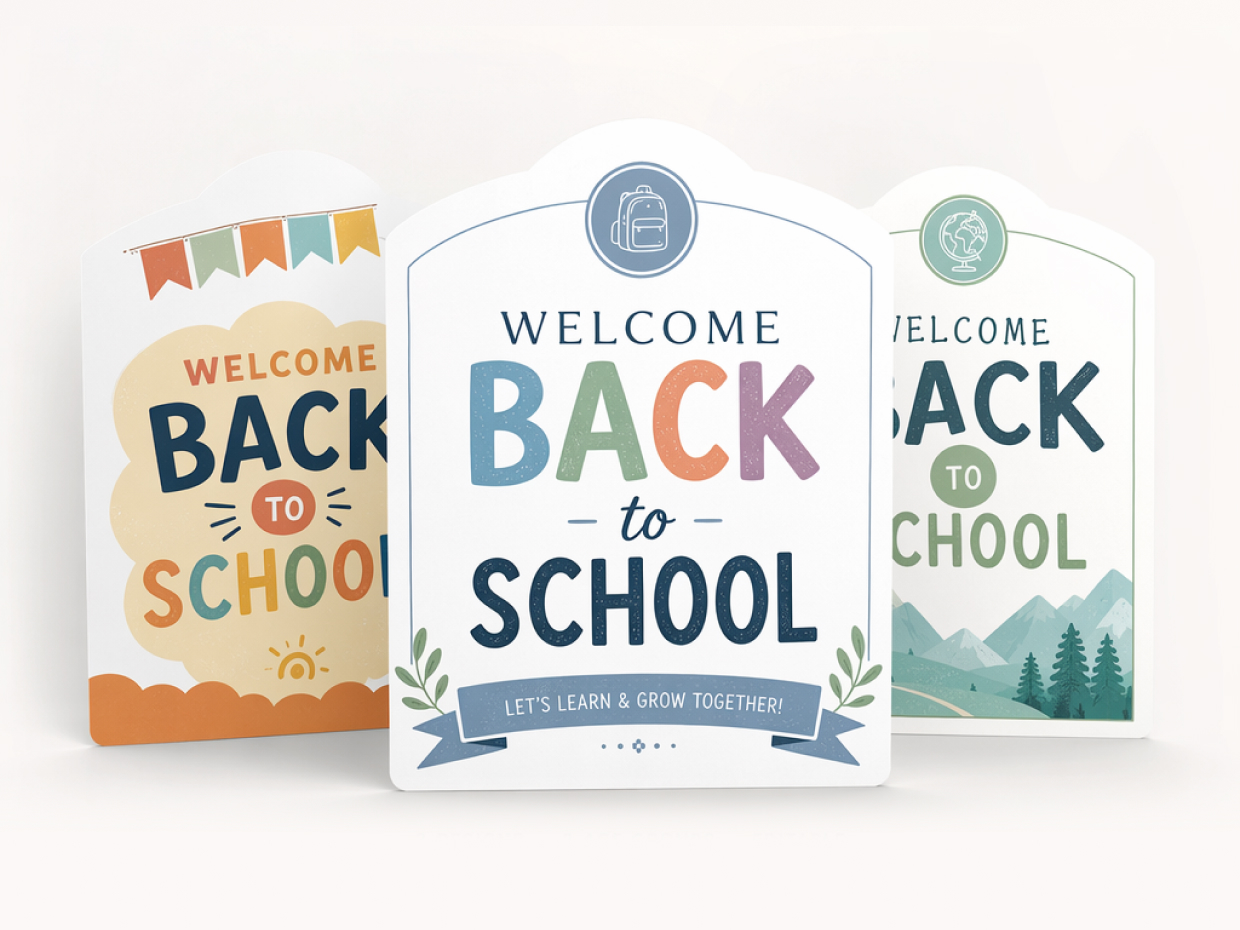
No fixed template is required. Describe the information and appearance you want, and Designkit generates a complete design from your prompt. You can then refine the selected result instead of rebuilding a standard back to school sign template.
How should I describe the sign I want?
State the exact wording first, then describe the intended appearance and photo setting. Clear instructions help Designkit interpret both the school milestone and the overall creative direction without relying on a long or highly technical prompt.
How can I prepare the completed sign for printing and photos?
Download the finished design and print it using settings that suit your preferred paper size. Before the final photo, check the spelling, text contrast, and printed result under the lighting you plan to use.
Create a Sign for Their Next School Milestone
Add the new grade and the details that define this school year, then make a printable sign for the first-day photo.

What Families and Educators Say About Designkit
Families and educators use Designkit to add more personality and lasting context to first-day school photos.
He Felt Involved in the Final Design
My son wanted to have a say in how his sign looked, and reviewing the generated directions gave him an easy way to participate. By the time we took the photo, the sign felt like something he had helped prepare rather than a prop handed to him.
The Personal Details Made Each Photo More Meaningful
My students’ signs included small details that reflected their interests at the start of the year. Those details gave each portrait more personality and made the finished photos feel like individual school memories rather than a standard class set.
Each Sibling’s Sign Felt Distinct
I made signs for three children starting different grades, but I did not want them to look like minor variations of one design. Giving each sign its own character made the individual photos more expressive while still working well together in our family album.
Younger Students Settled into the Photo Faster
The signs gave younger students something natural to hold and focus on during their portraits. That small detail made the setup feel less formal, helped the children settle into position, and allowed me to capture more relaxed first-day expressions.
The Photo Area Felt More Personal to Families
We prepared personalized signs for the school’s first-day photo area, giving each family a more meaningful way to record the milestone. The finished portraits felt specific to the students while still fitting naturally within the same school photo setup.