

Create Conference Posters with Clear Research Structure
Choose a conference poster, add research or event details, and get an editable layout with clear sections.
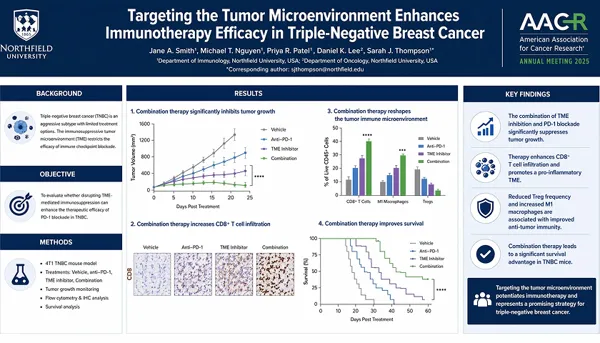
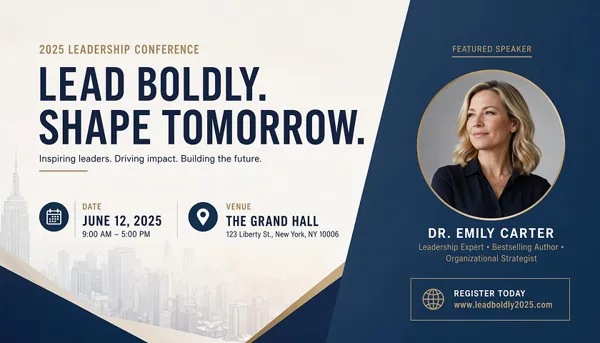
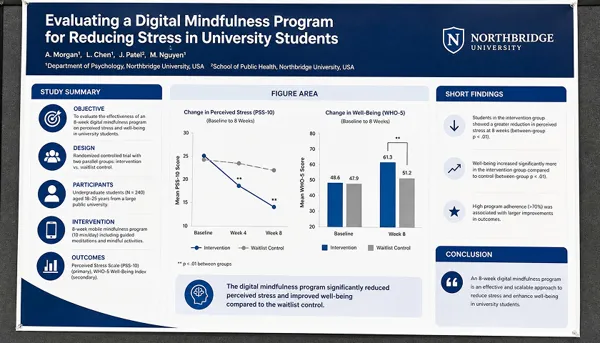
Shape Research Notes into a Conference Poster Layout
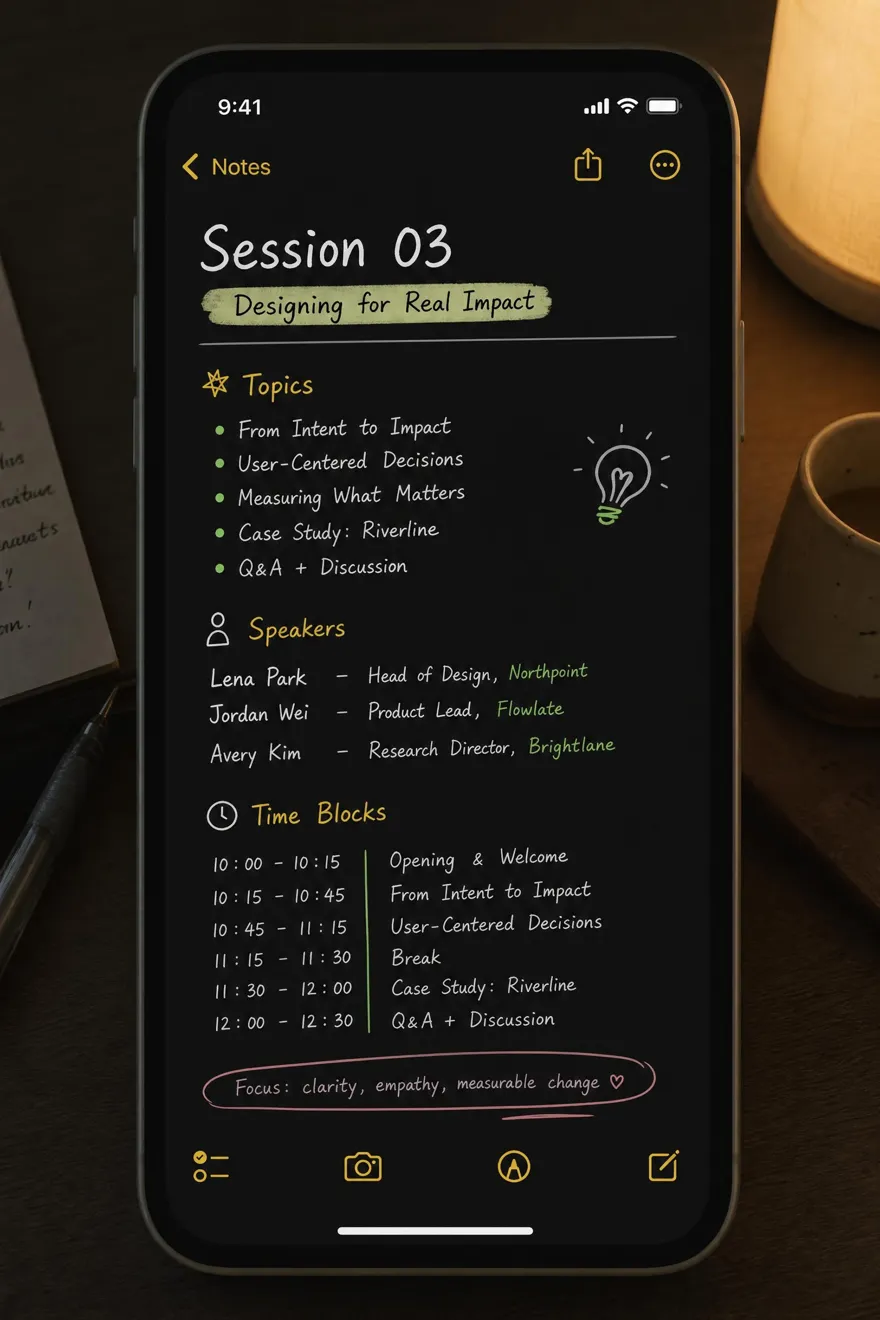
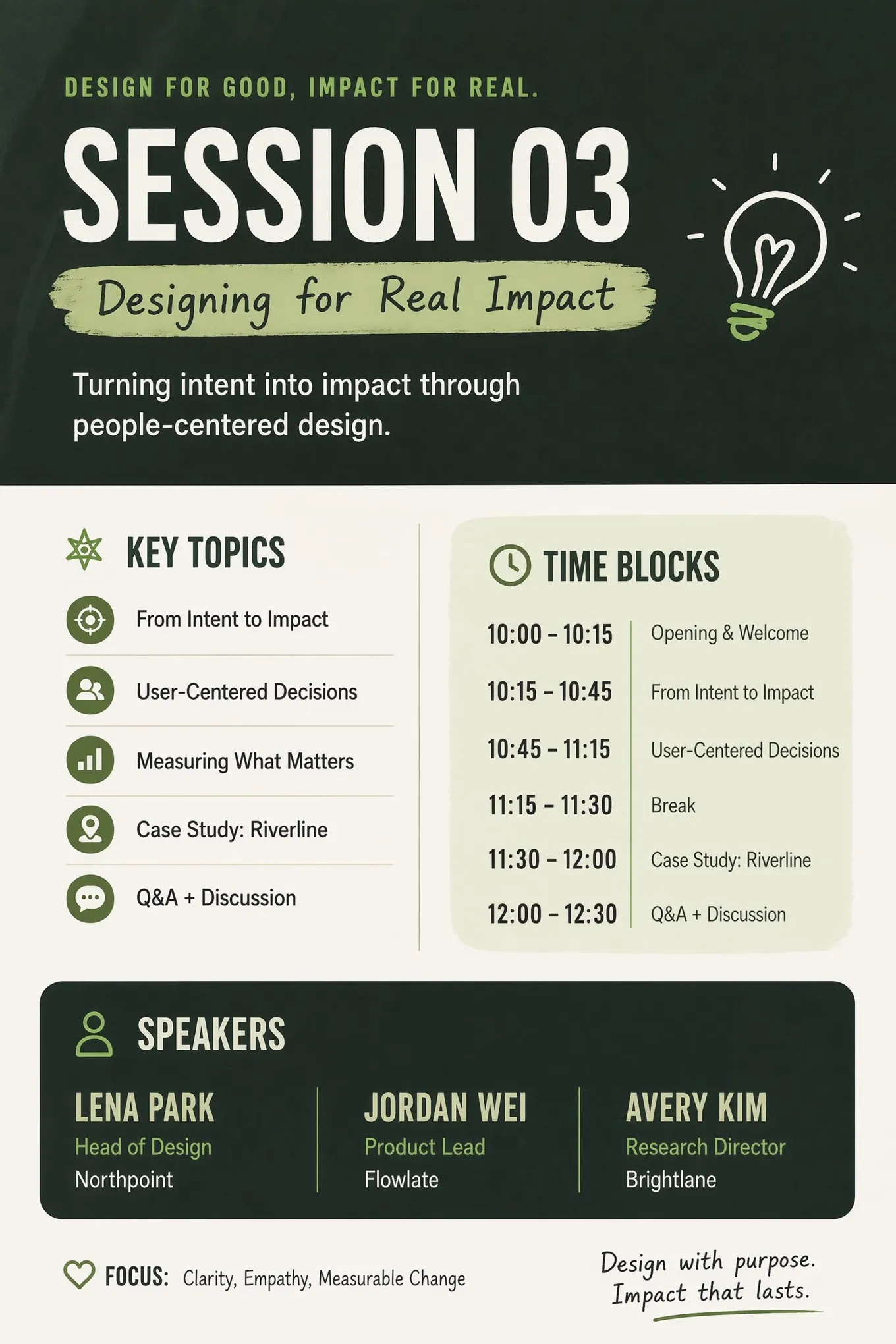
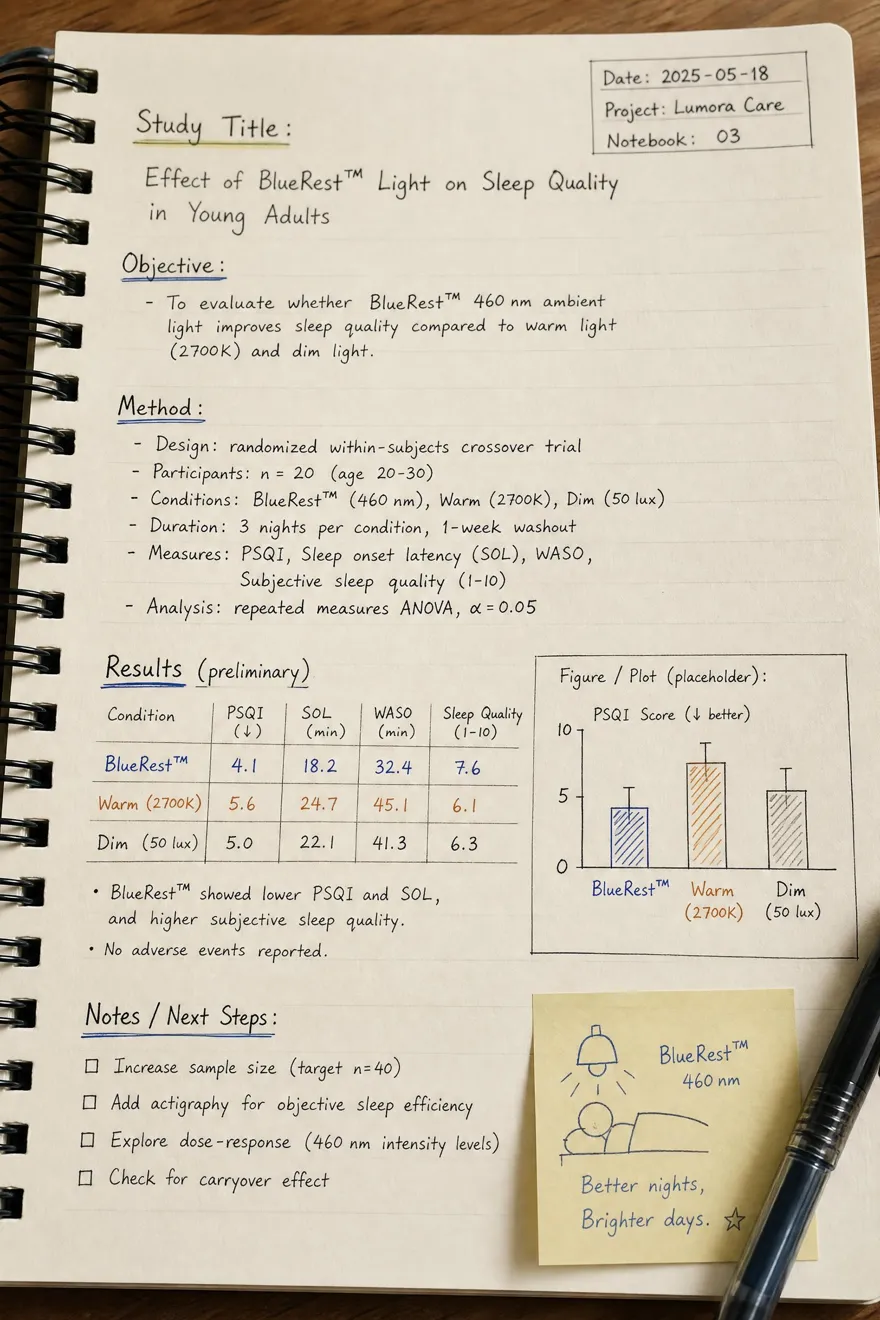
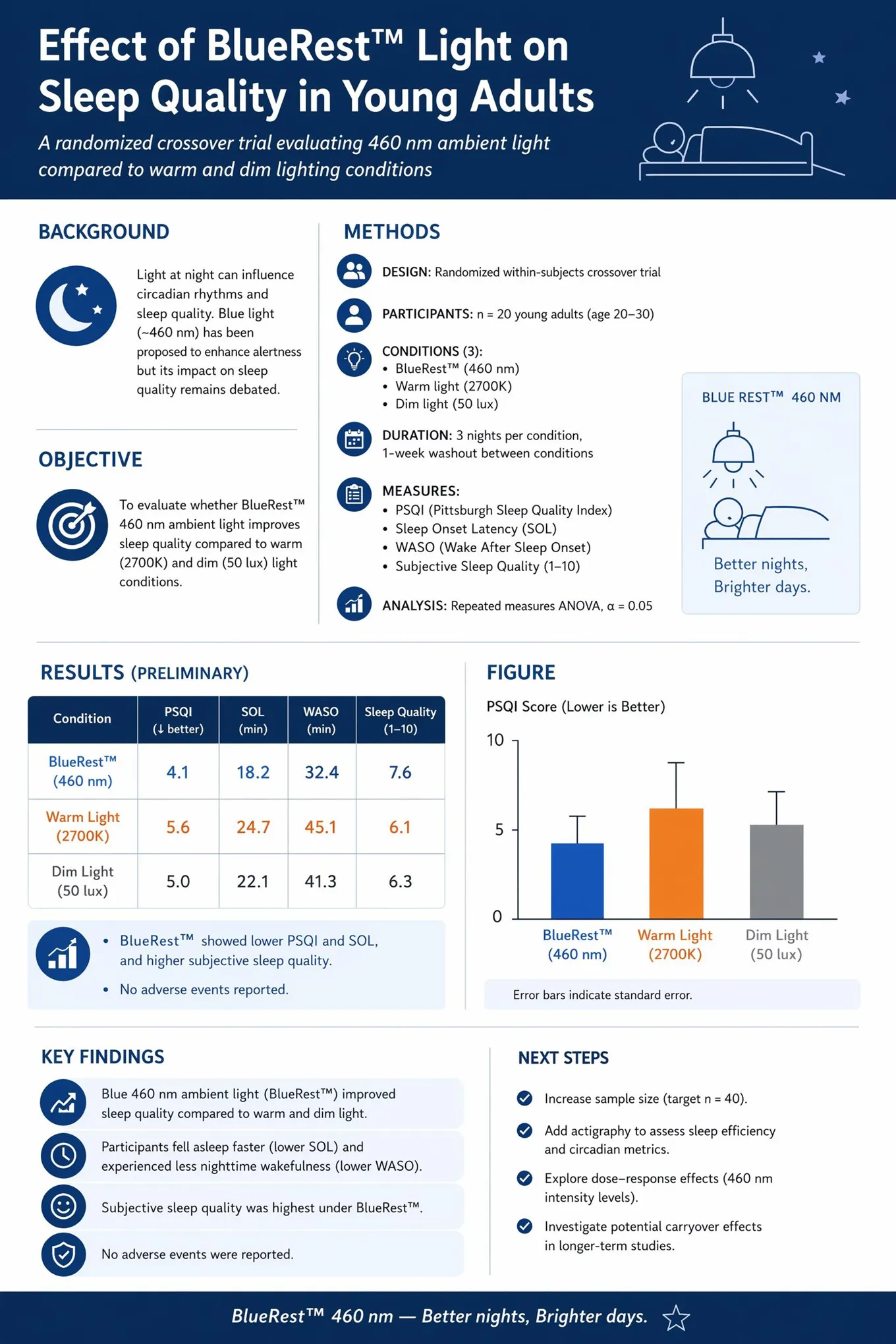
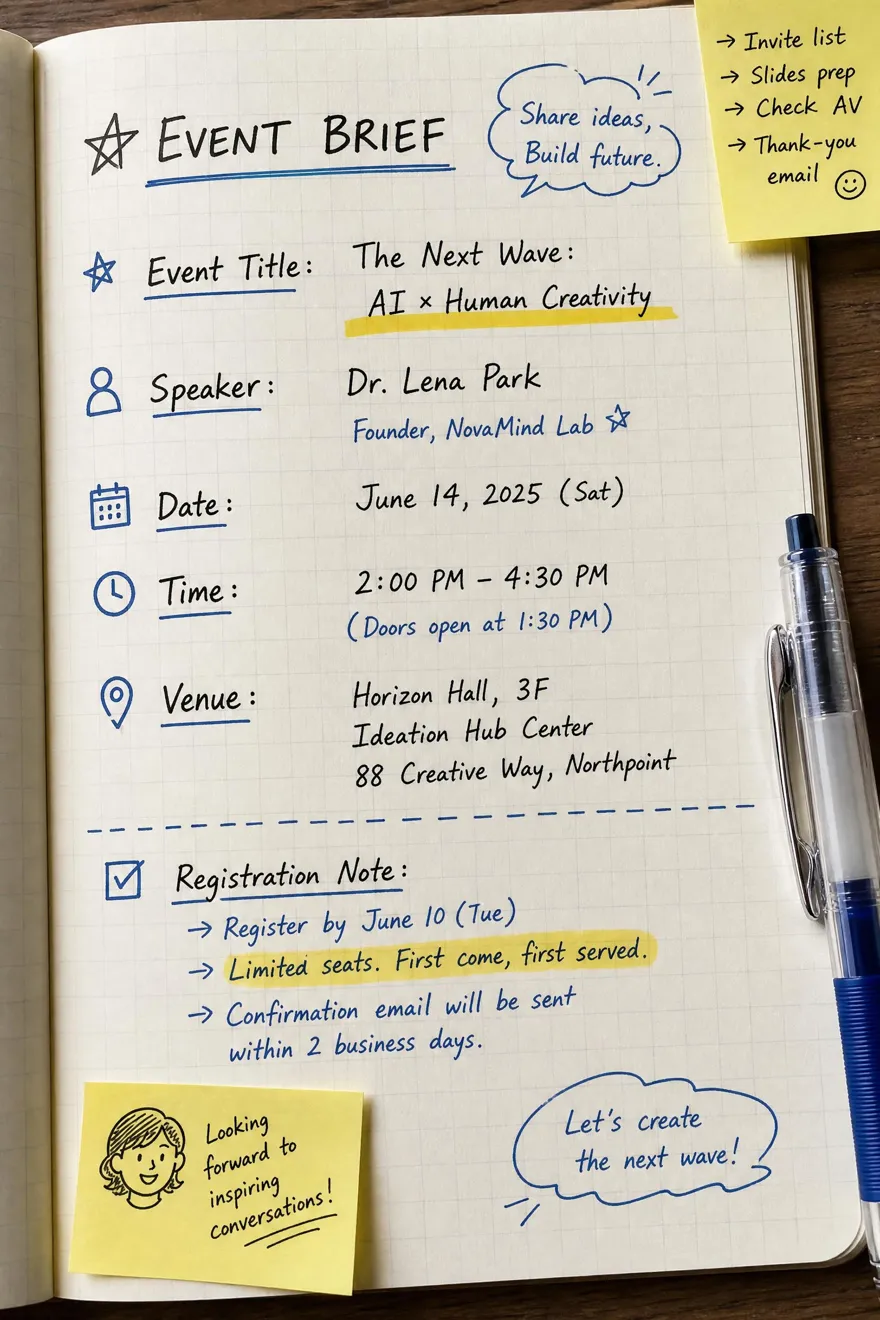
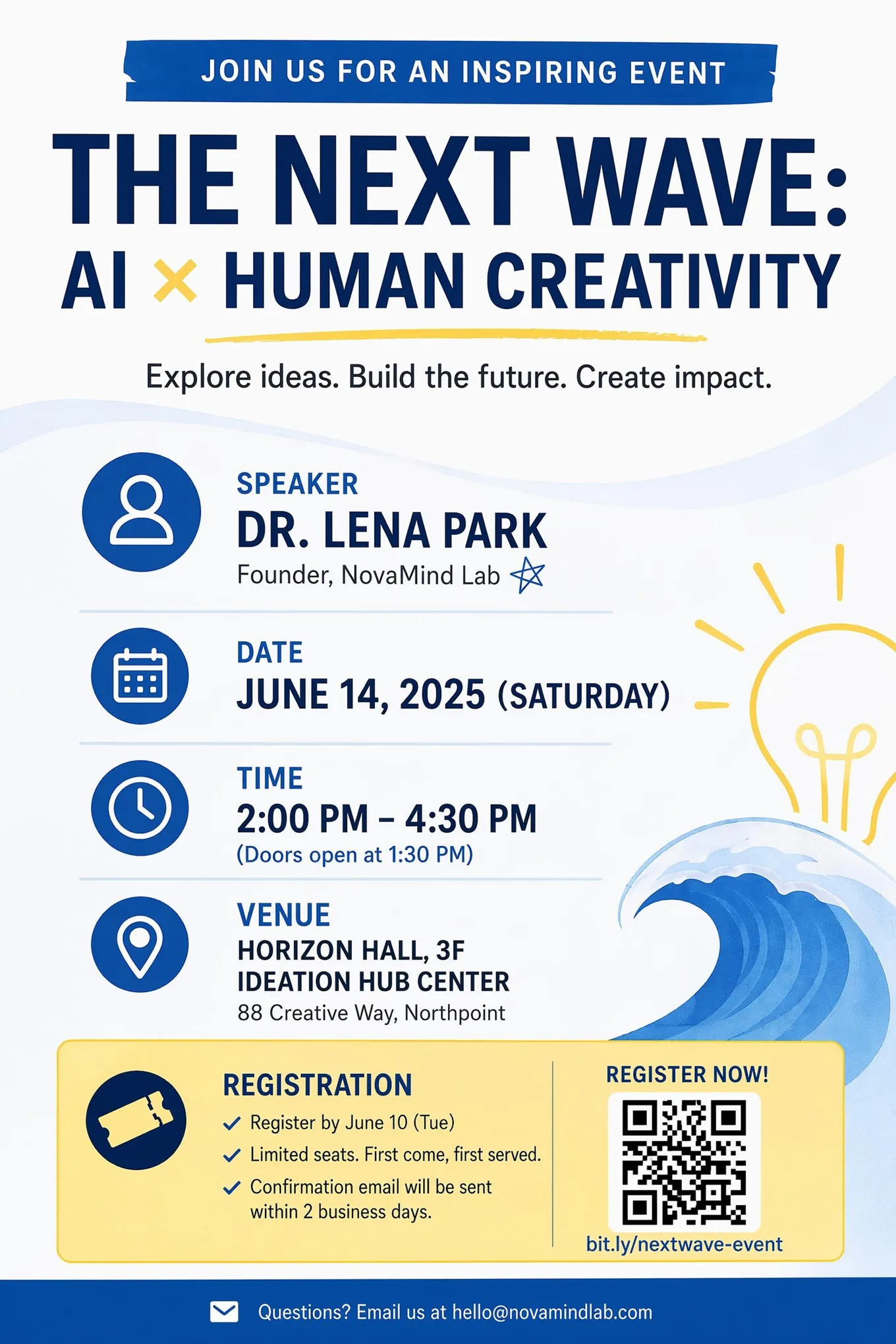
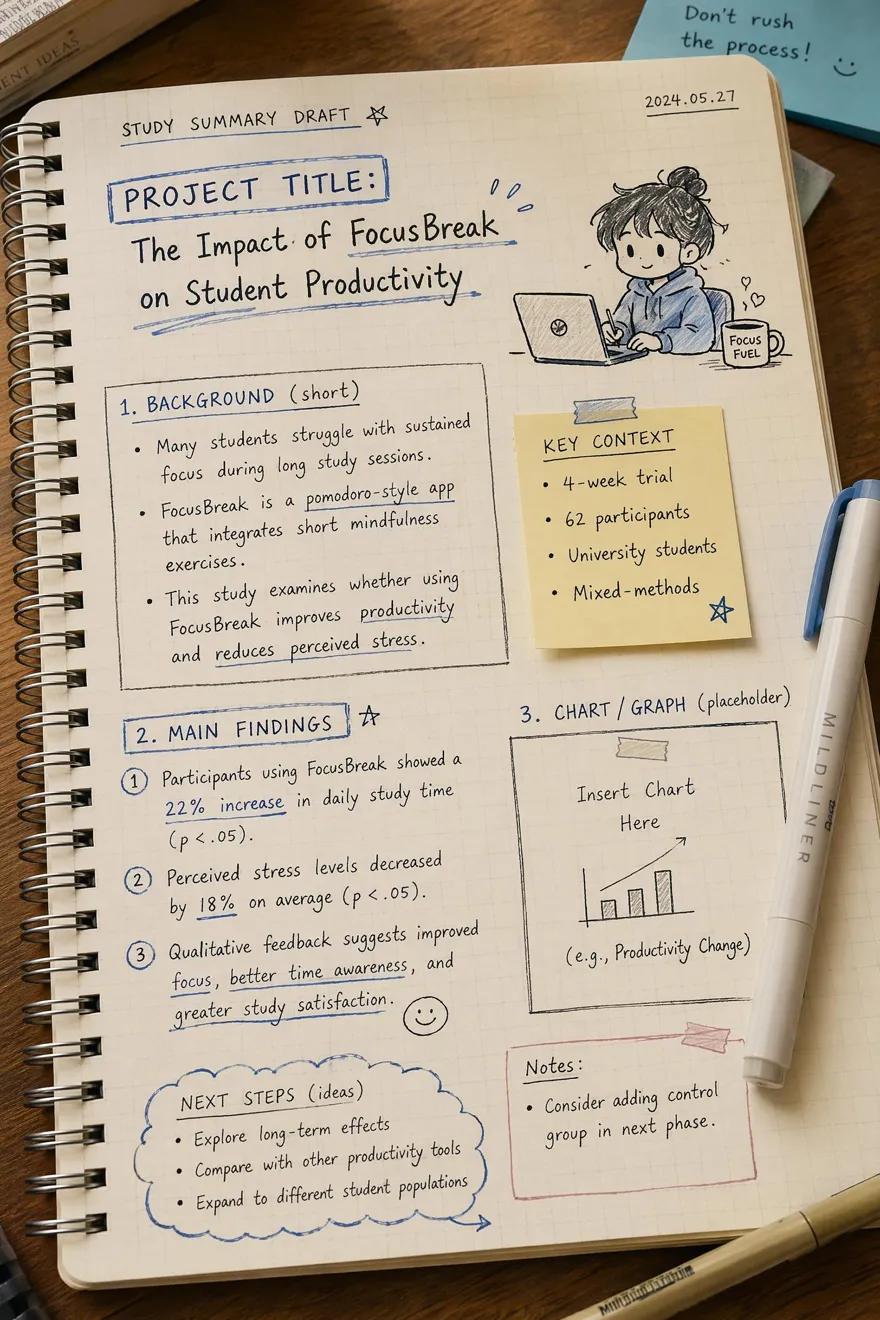
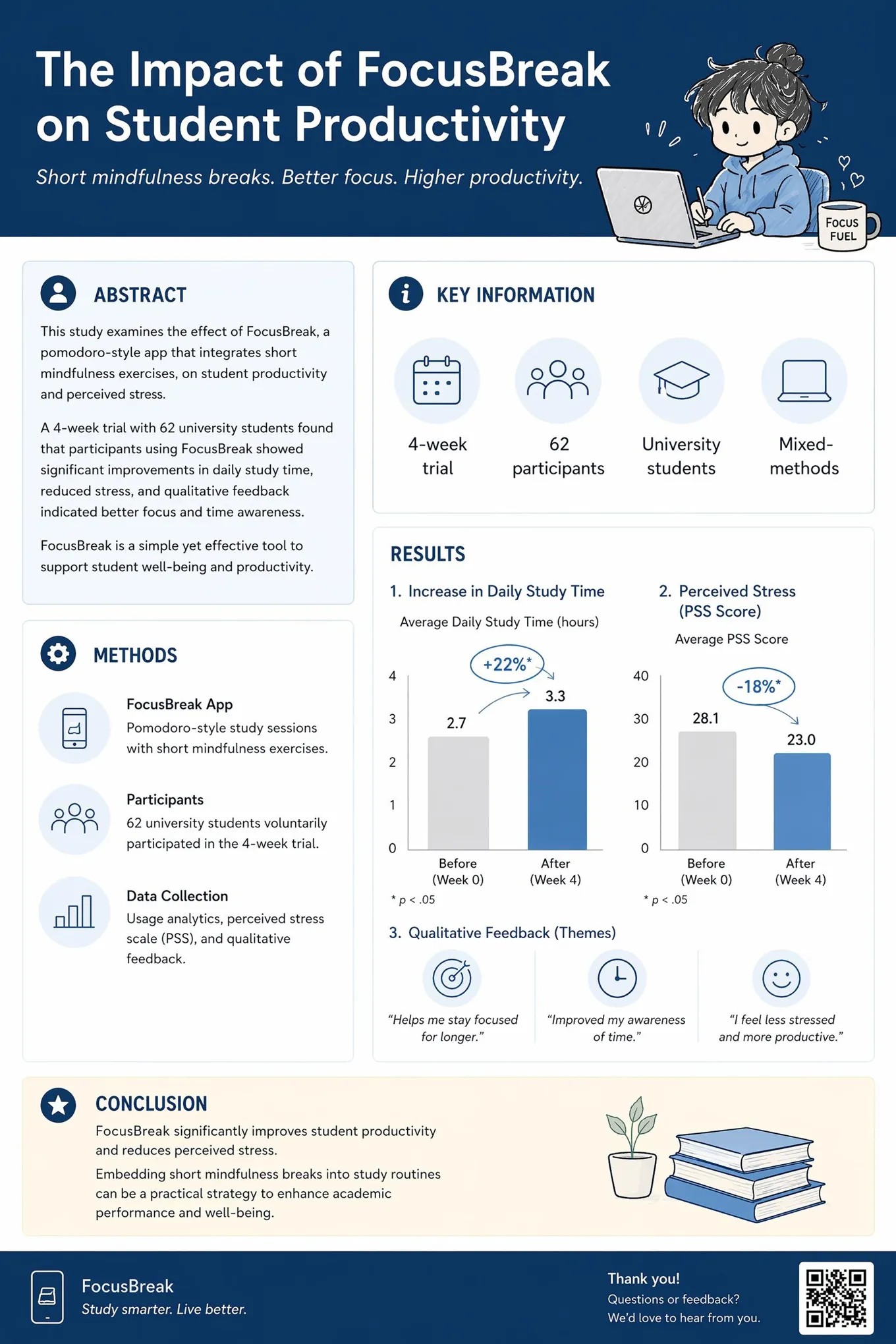
Choose the Right Structure for Your Conference Poster
Pick a poster type, then edit the same layout structure inside the workspace.
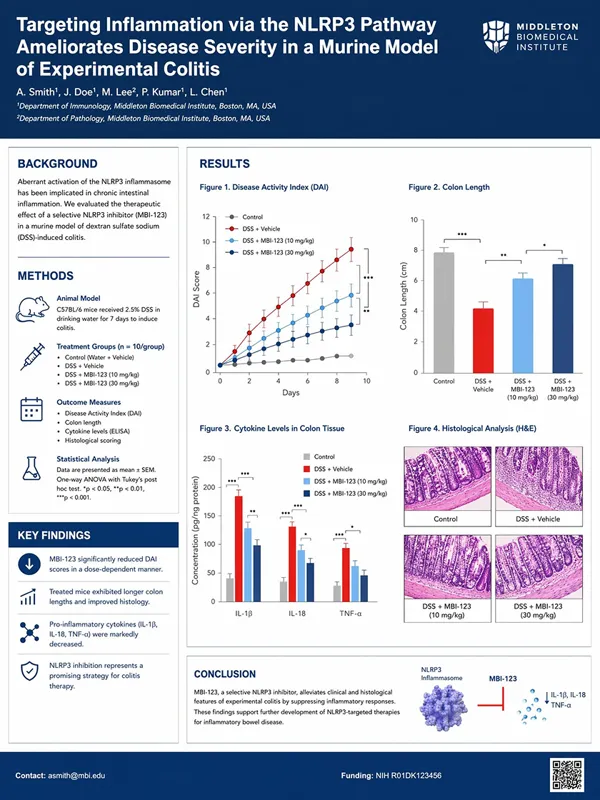
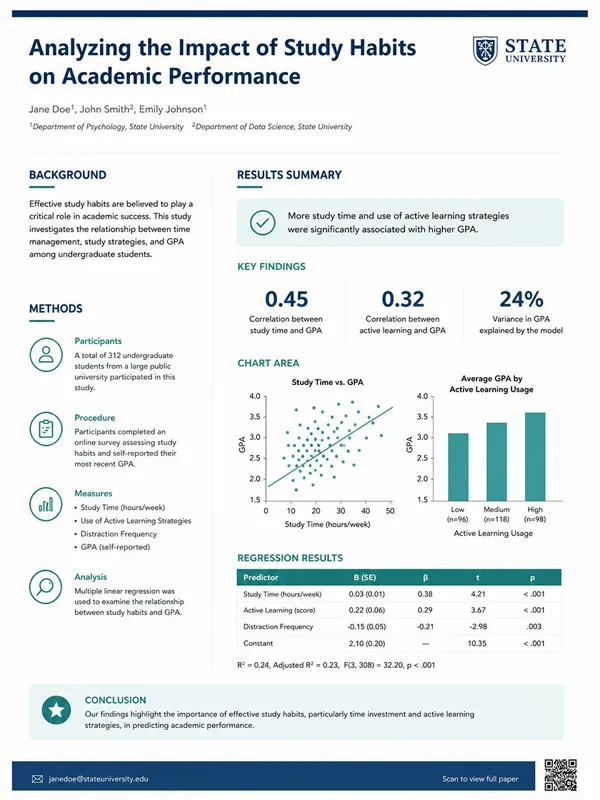
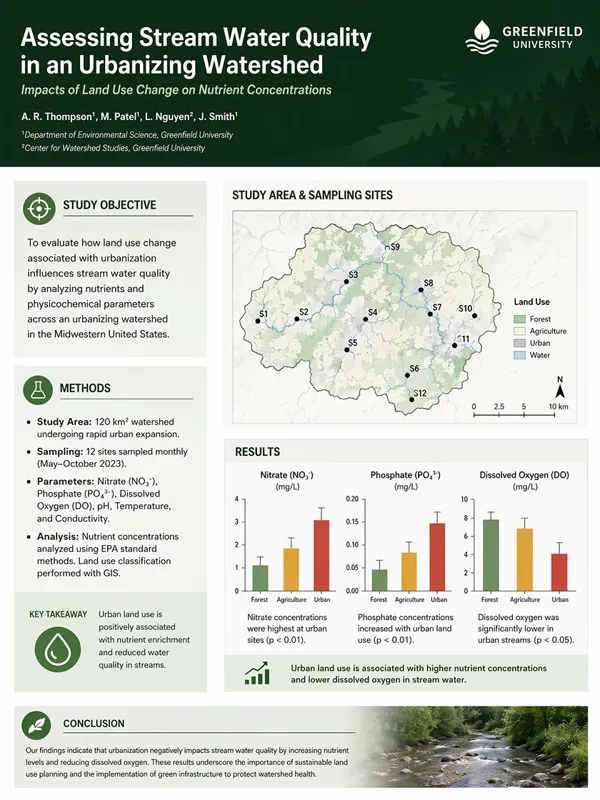
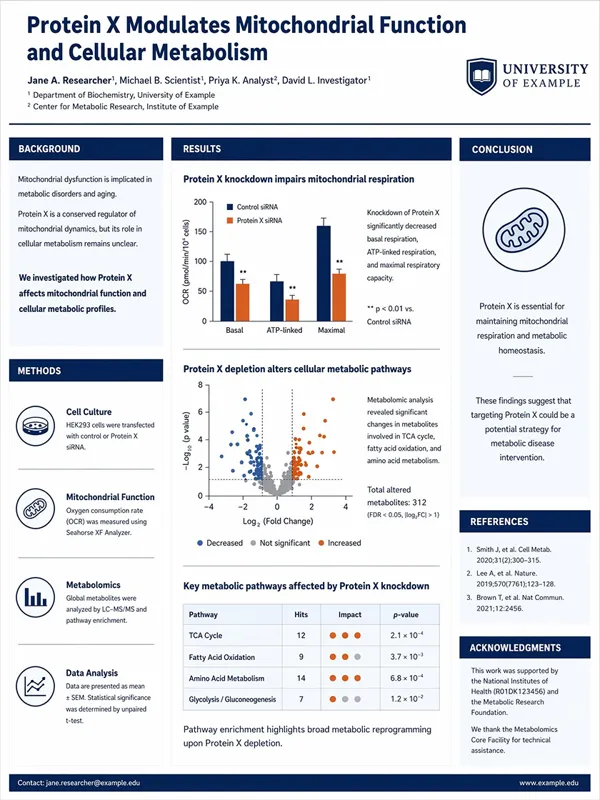
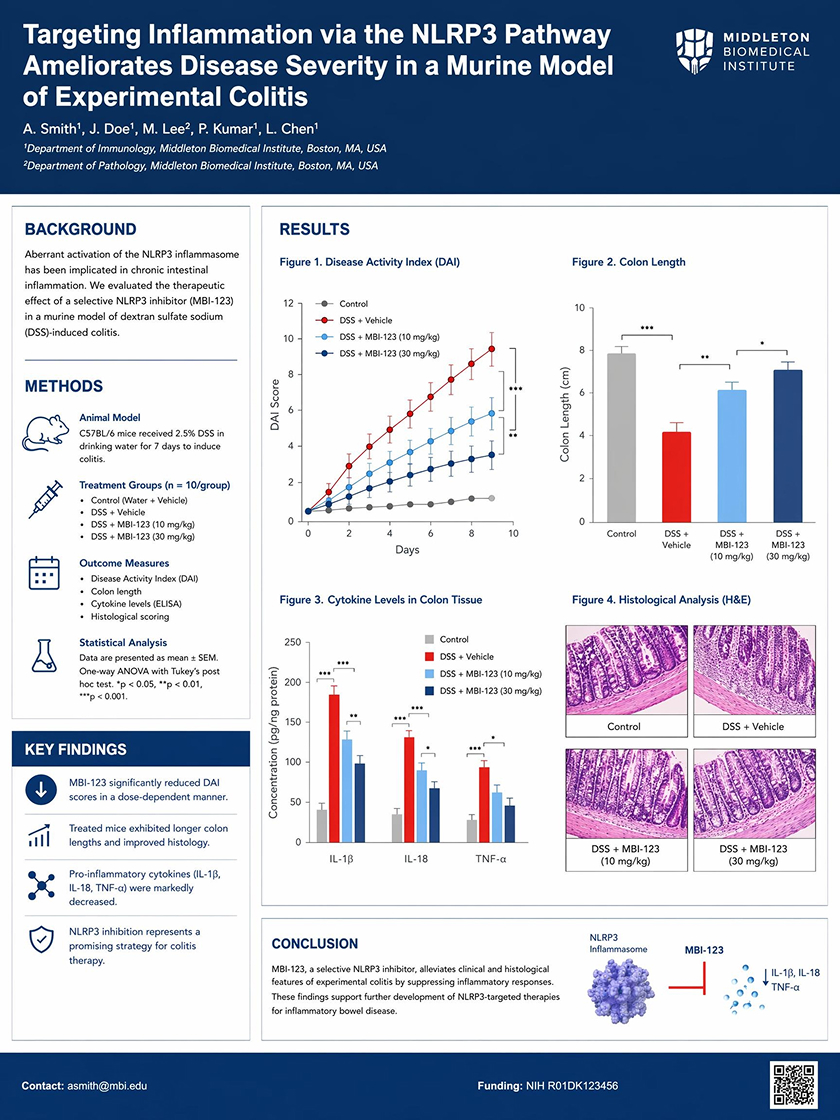 Scientific Poster
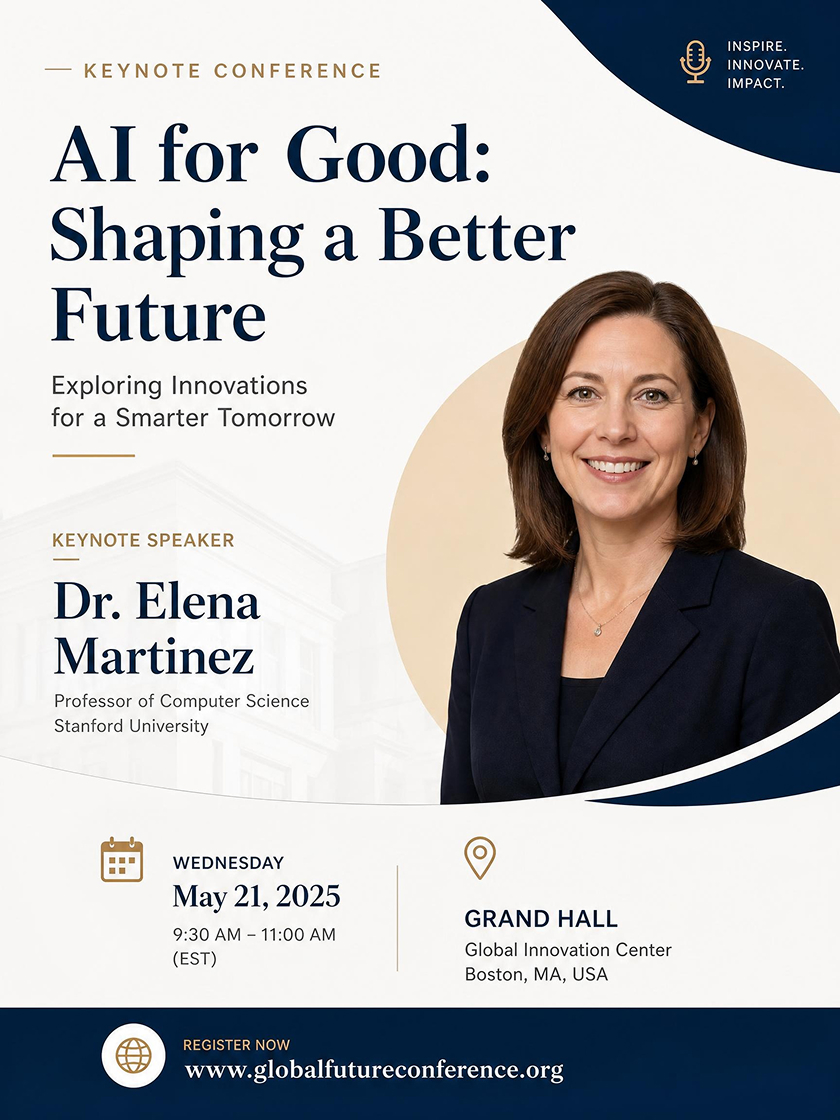 Conference Flyer
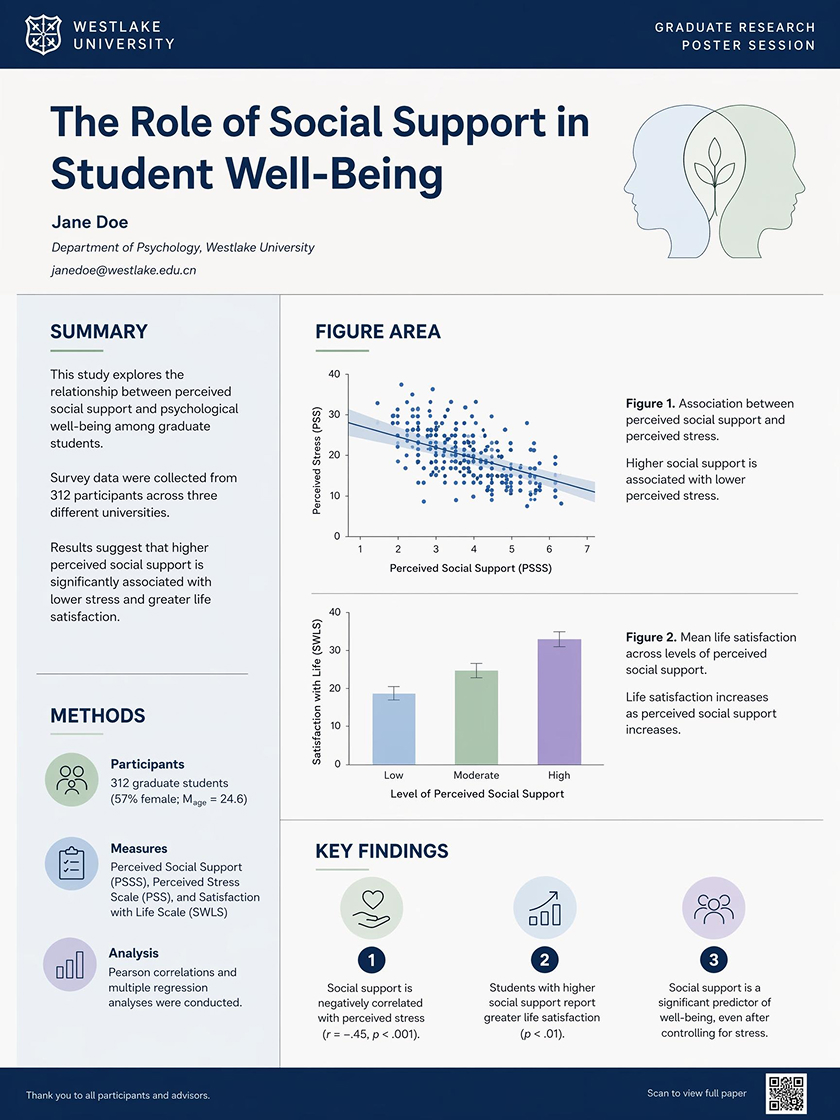 Poster Presentation
How to Make a Conference Poster With AI
Choose a Conference Poster Style
Pick a layout built for your poster type. The poster layout gives the model a section structure before your details are added.
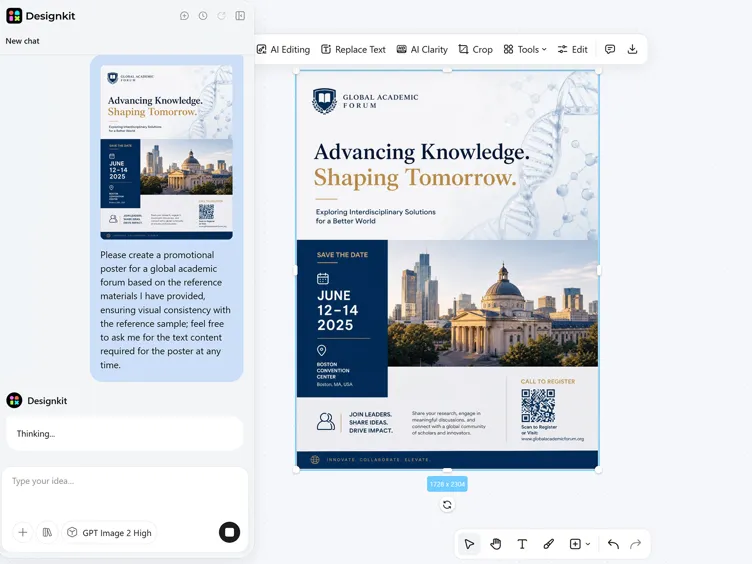
Add Your Poster Details
Add the title plus research or event details; the model maps them into section blocks, headline levels, and supporting text areas.
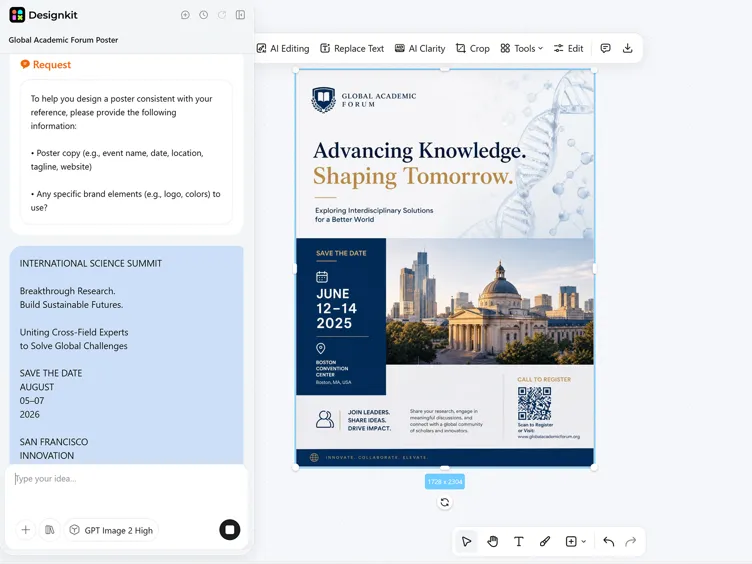
Generate, Edit, and Export
Review the generated poster, adjust copy and spacing in the workspace, then save the finished design for sharing or print.
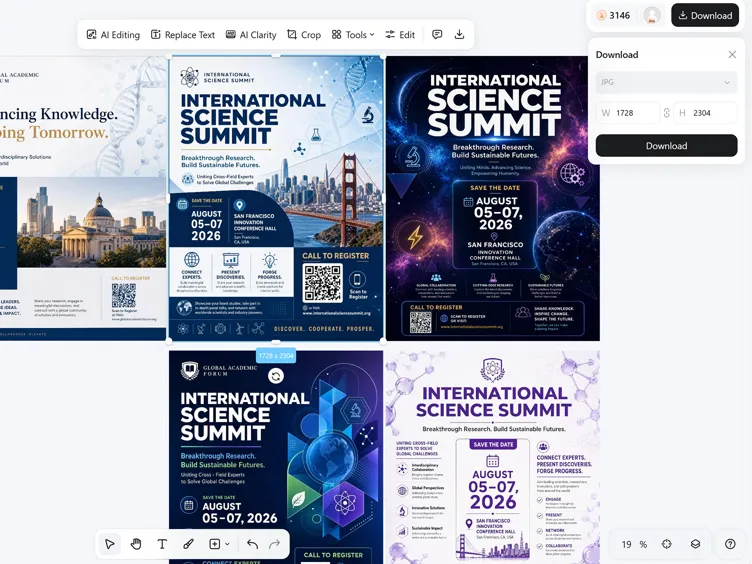
Structure Conference Details into a Readable Poster
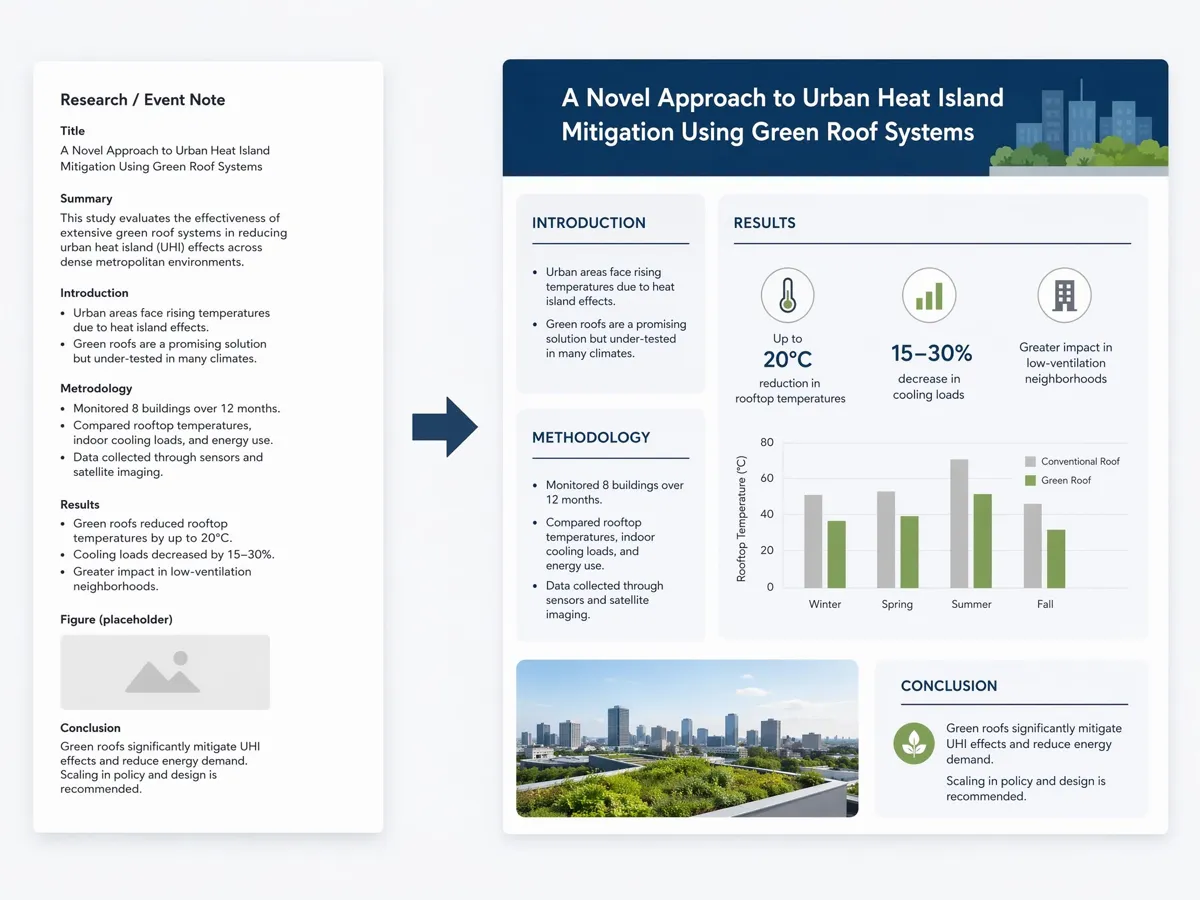
Map Long Details into Poster Sections
Designkit groups research notes or event copy by content type, then places each part into a clear poster section. The model separates headings, body text, and visual anchors so dense information stays easier to scan.
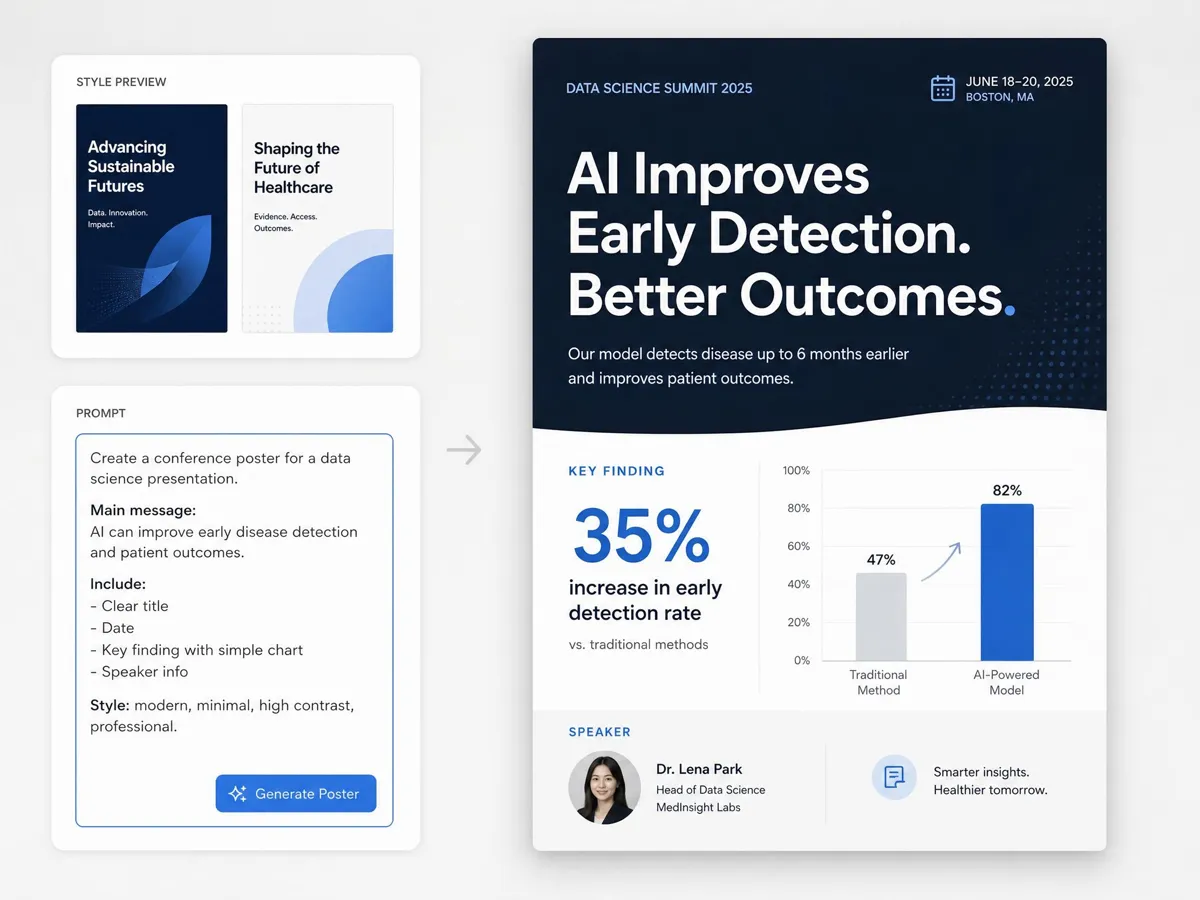
Put the Most Important Information First
Layout generation places large headings, supporting paragraphs, and image areas with clear proportion. Important information stays visible first, and smaller details sit in secondary areas that do not crowd the poster.
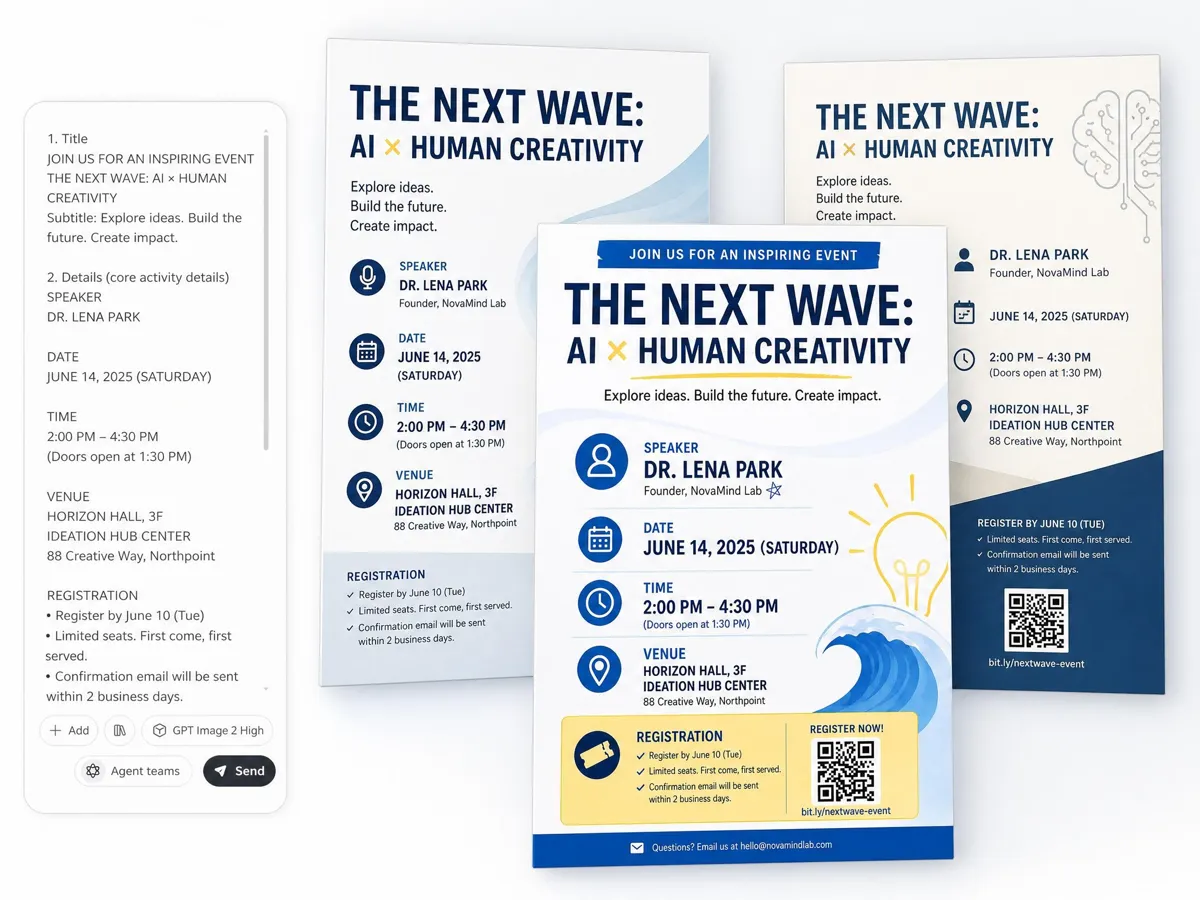
Switch Layouts for Different Poster Types
Poster style selection sets the section order and content hierarchy before generation starts. Each poster type loads a different structure, so the first draft already follows the right balance between title, sections, and supporting details.
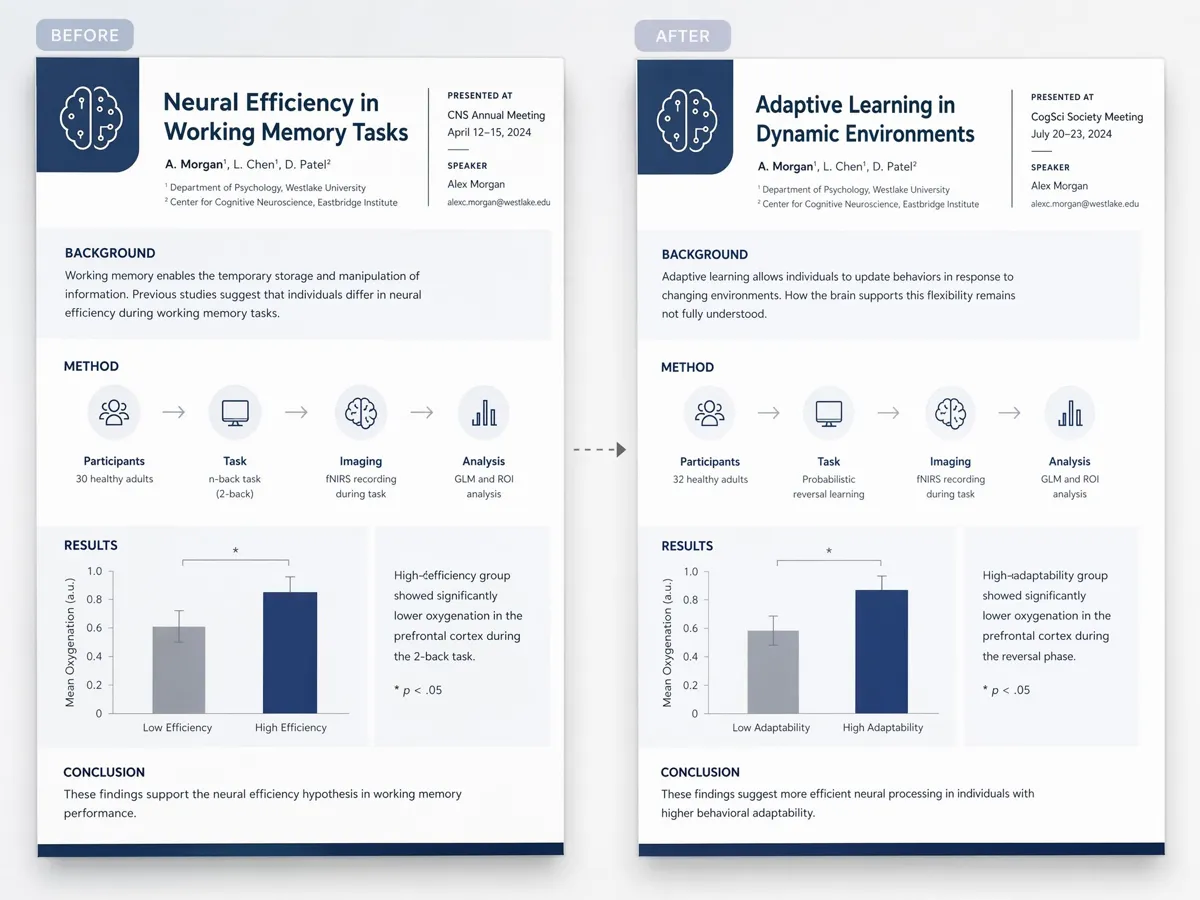
Keep Revisions Aligned with the Same Structure
After the first version, edits keep the original template structure in place. You can shorten a section, change a headline, or adjust spacing while the layout stays balanced and text hierarchy remains consistent.
Poster Types You Can Create with Designkit

Social Media Poster
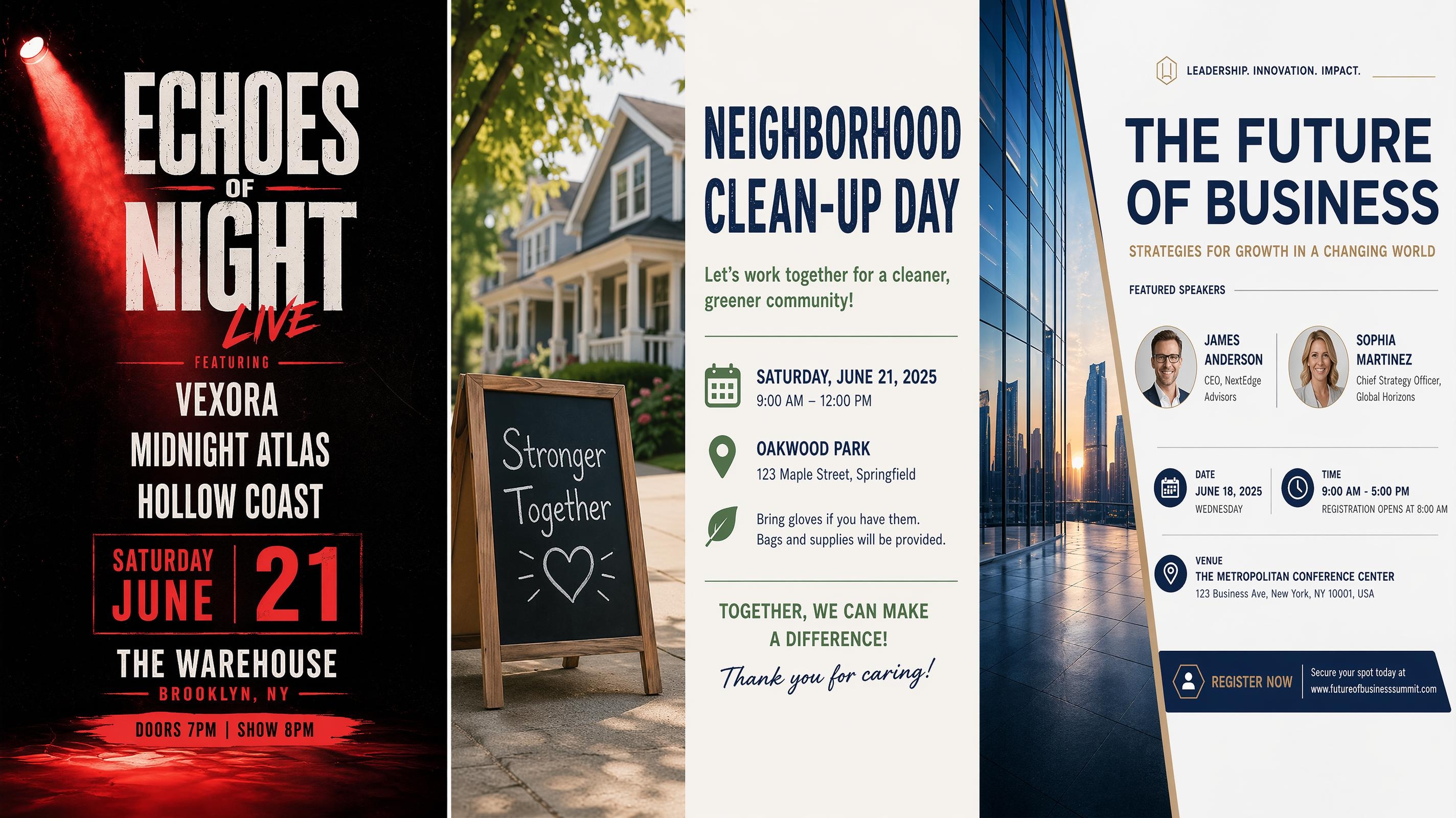
Event Poster
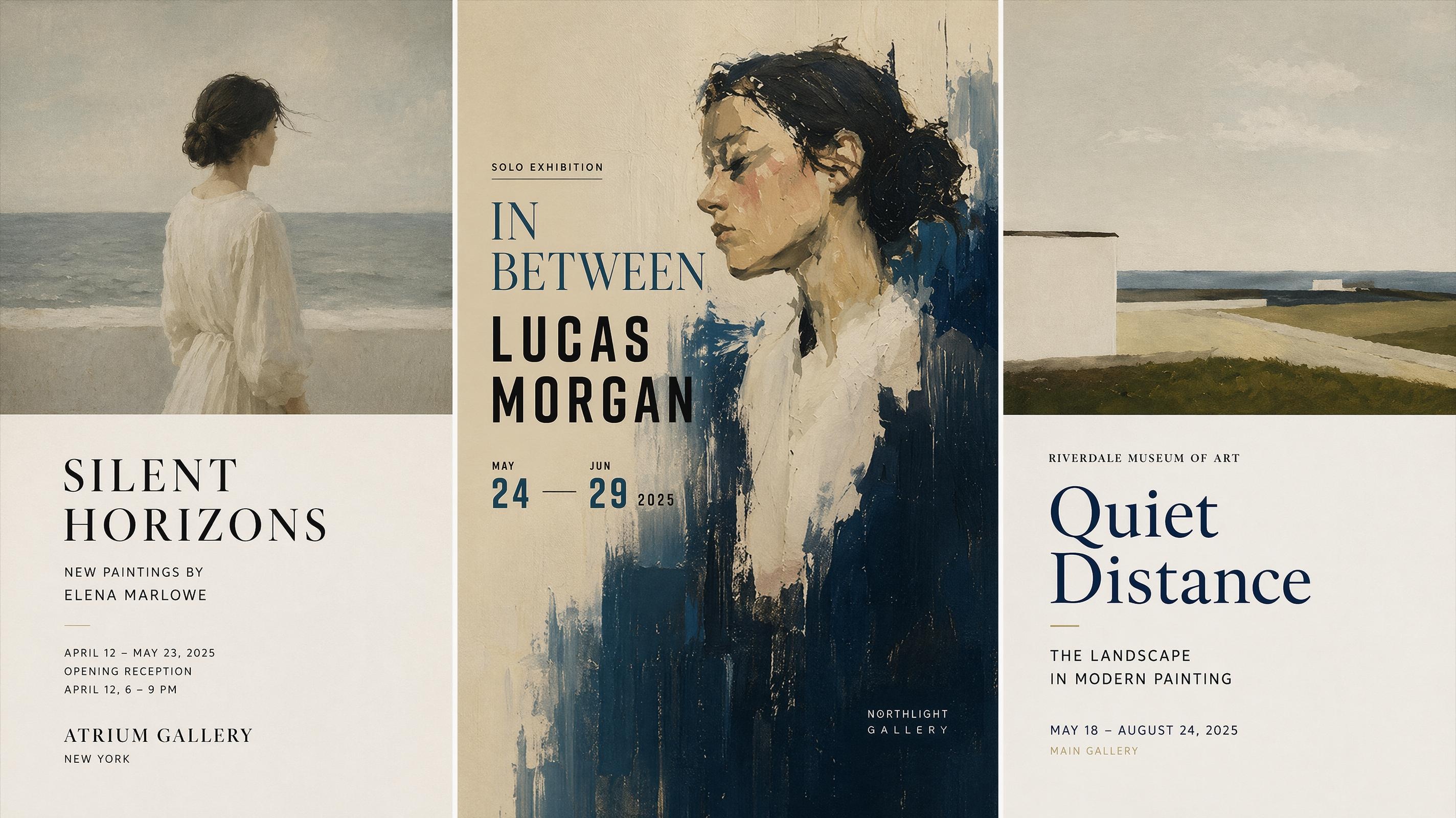
Art Poster
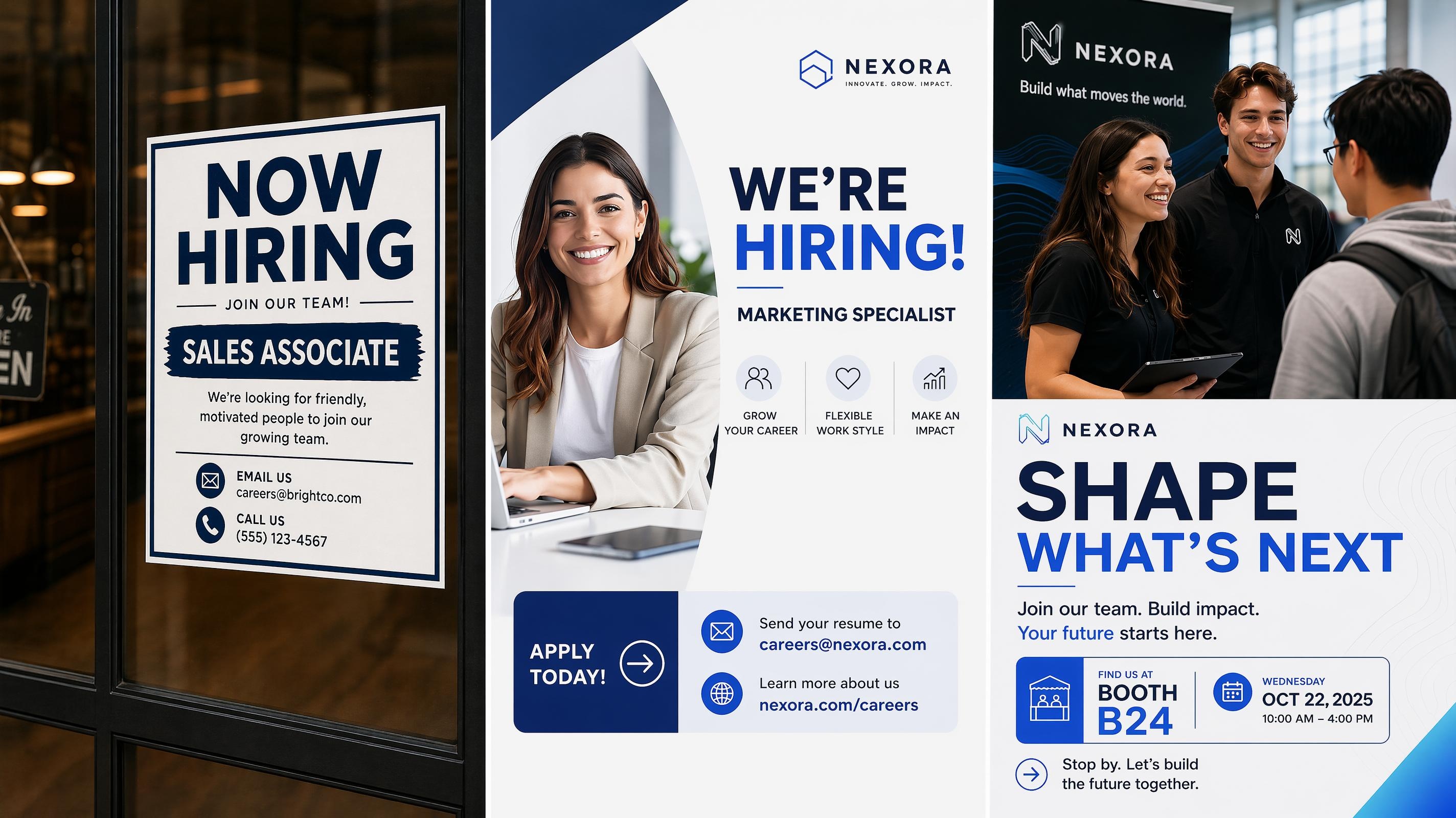
Recruitment Poster
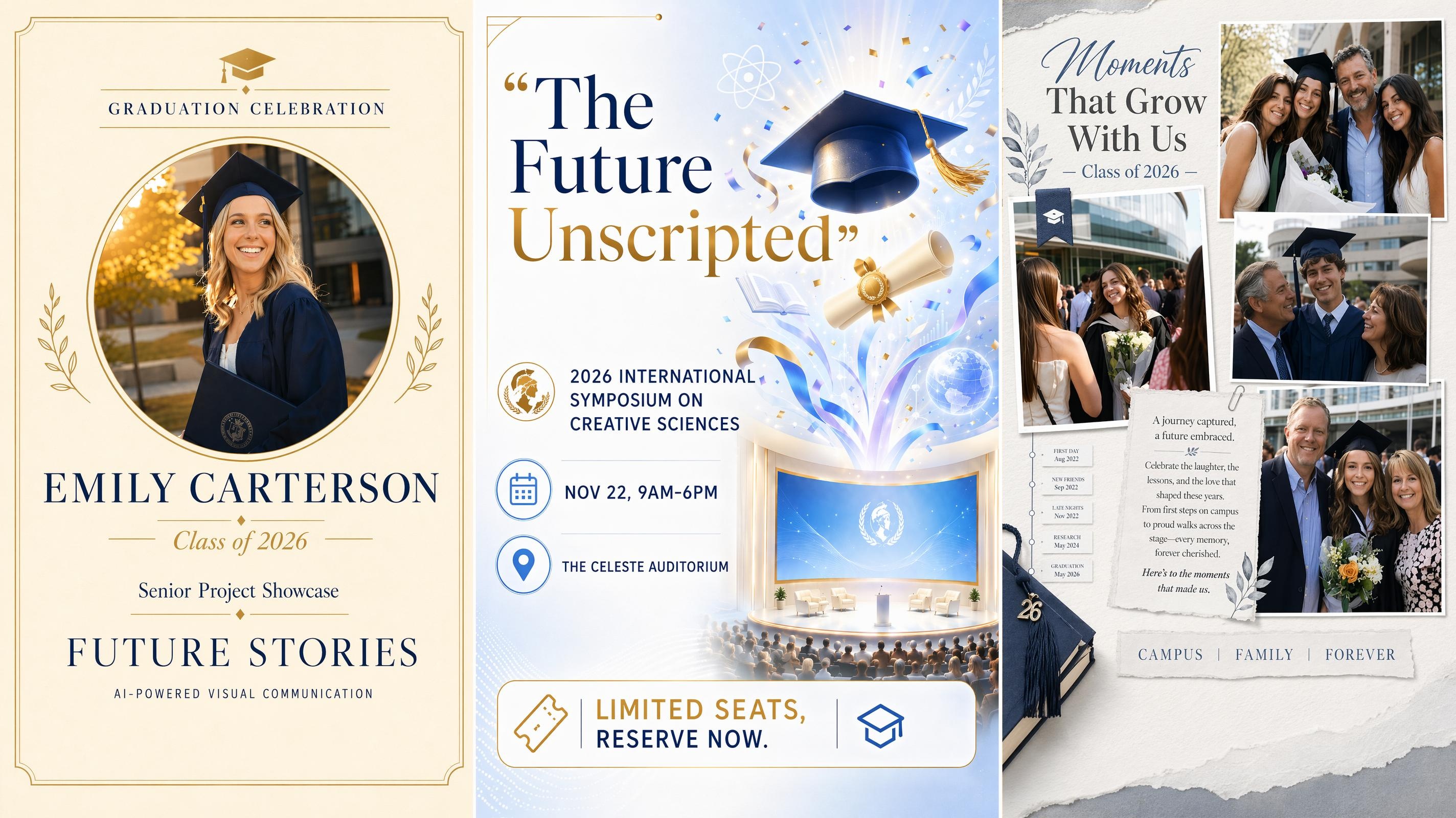
Graduation Poster
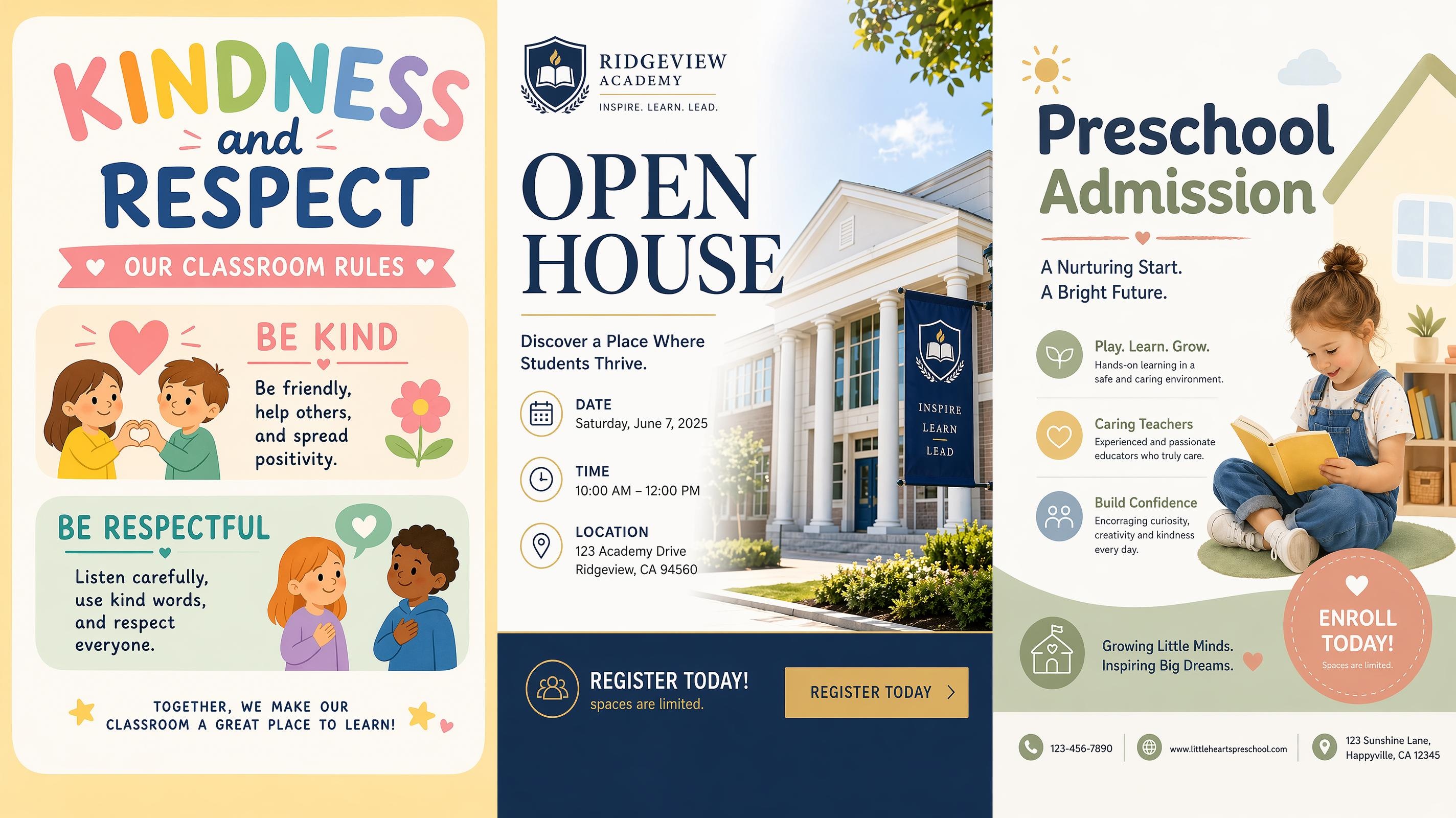
School Poster
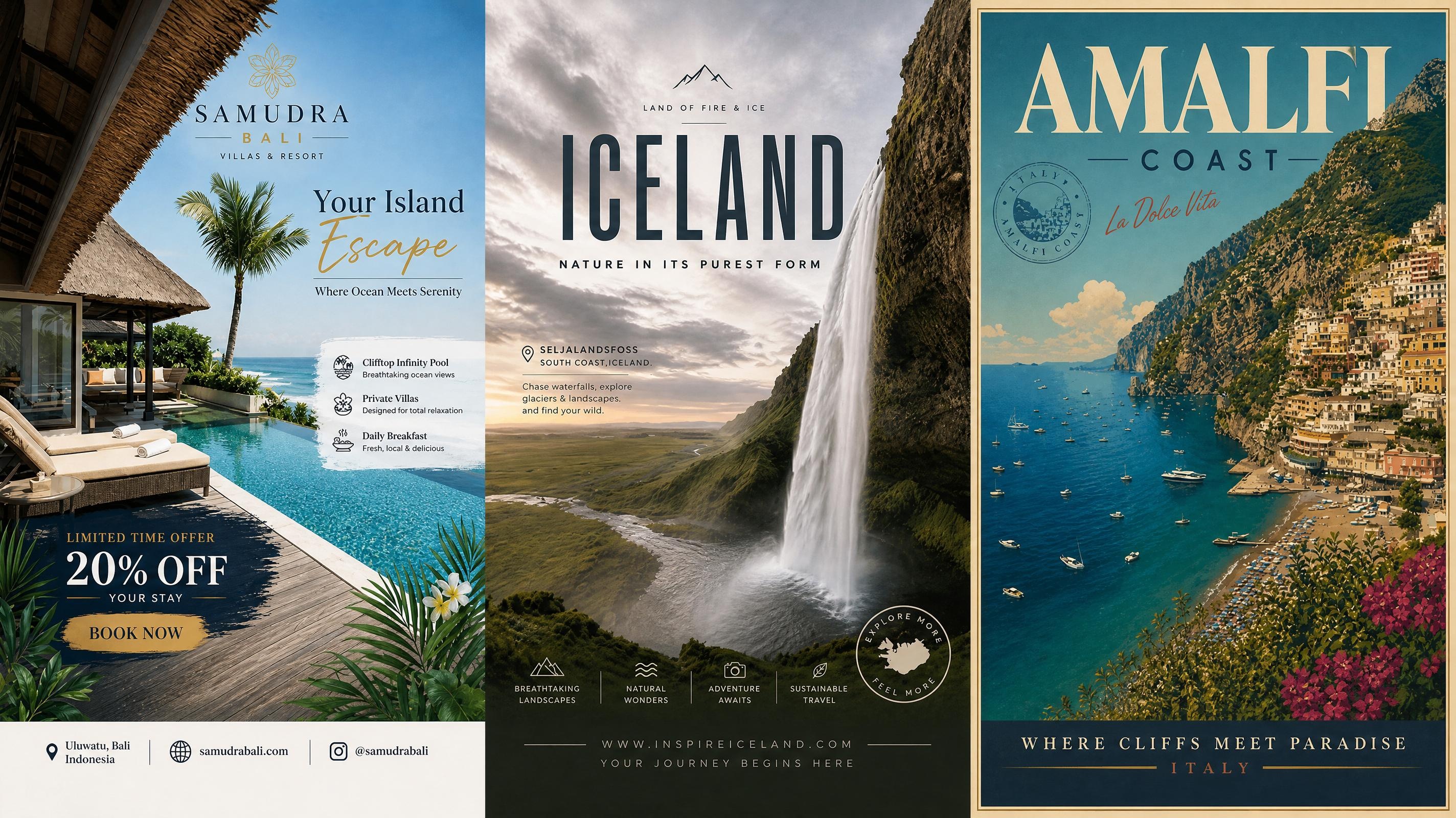
Travel Poster
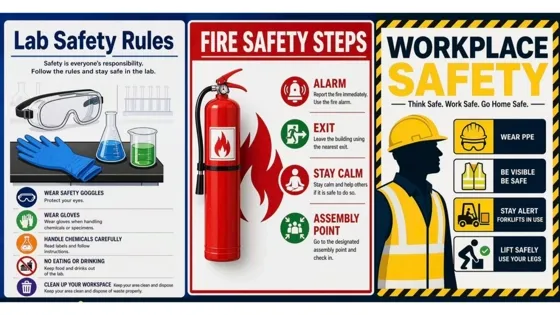
Safety Poster
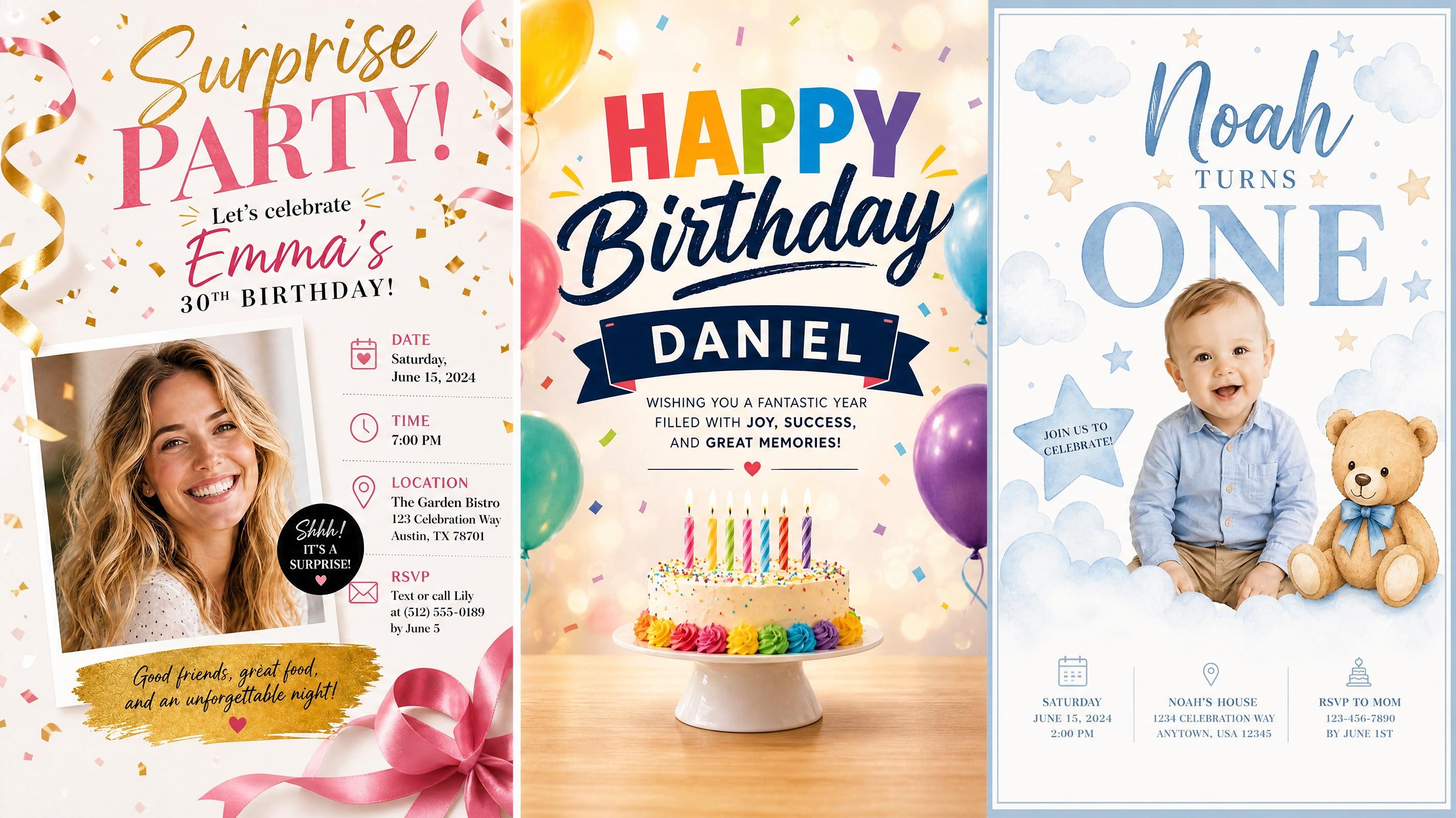
Birthday Poster
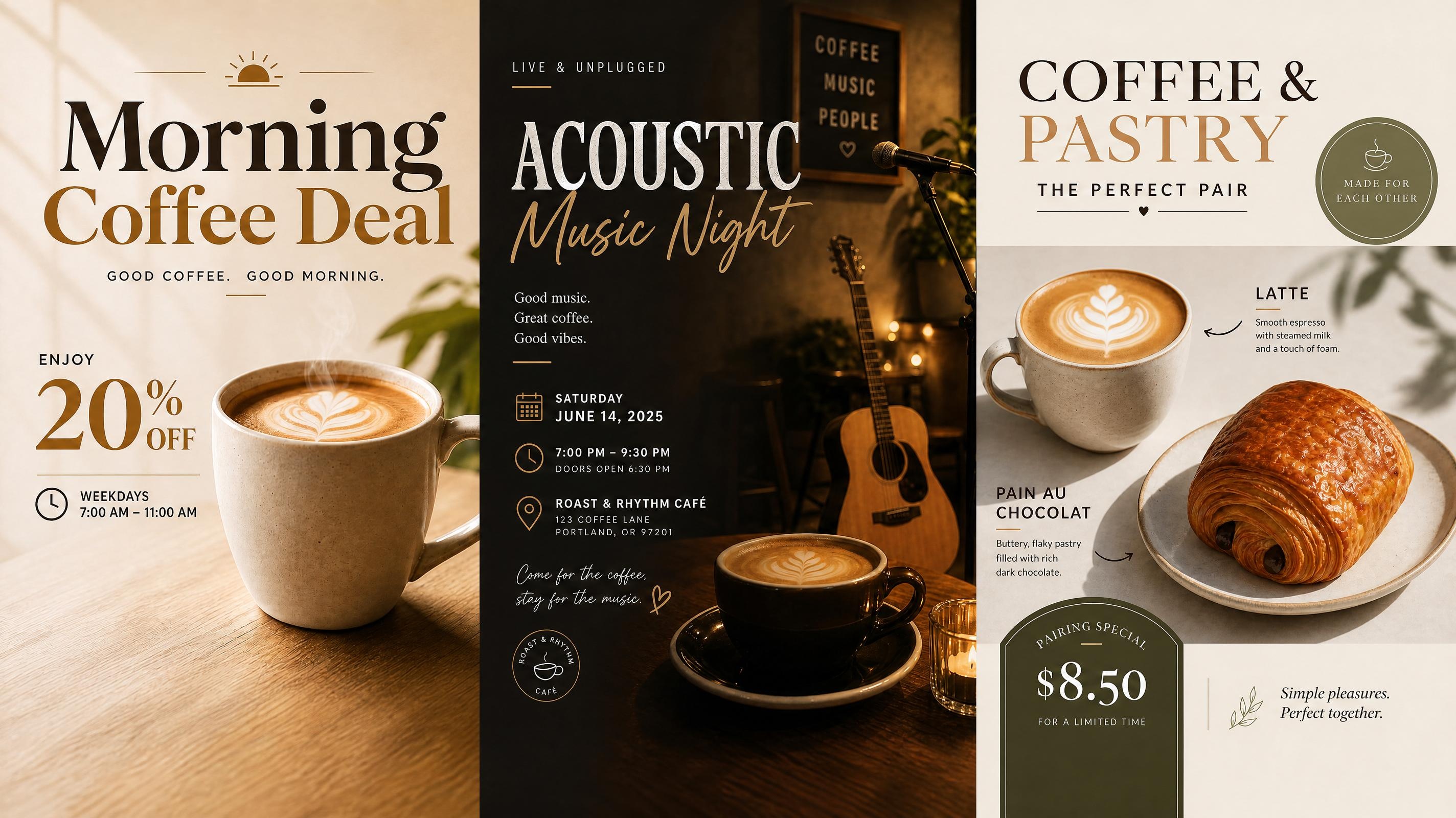
Cafe Poster
Wedding Poster
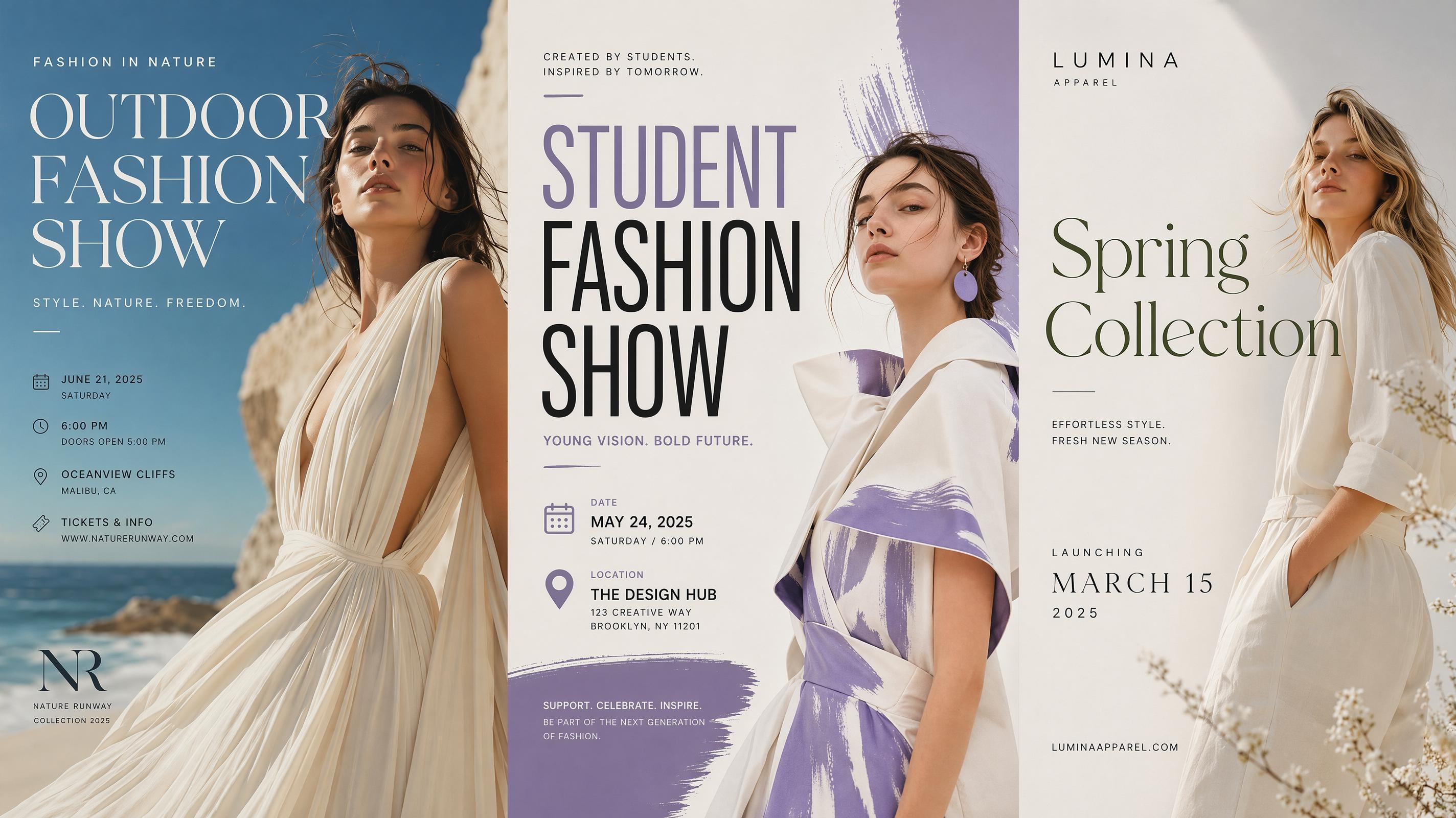
Fashion Poster
Frequently Asked Questions
What is a conference poster generator?
Can I make a scientific conference poster?
Yes. Choose the Scientific Poster option and add your study title, research sections, figures, and key findings. Longer source content may be summarized during generation, so review important wording before using the final poster.
Can I create a conference flyer?
Yes. Choose the Conference Flyer option for event promotion. It gives priority to the main topic, speaker information, time, location, and signup details so the poster stays easy to scan.
Can I prepare a poster presentation for a conference?
Yes. The Poster Presentation option is built for summarizing a project or study in a visual layout. Add your main message, supporting points, and figures, then refine the hierarchy in the workspace.
What details should I prepare before starting?
Prepare the poster title, key copy, and any images or figures you want to include. A structured outline gives the generator a clearer base, but you can also start from short notes and edit the result later.
Can I edit the conference poster design after generation?
Yes. You can change text, replace images, adjust spacing, and refine the layout after the first version is generated. This is useful when the agenda, speaker details, or research wording changes before the conference.
Get Your Conference Poster Ready to Present
Choose a layout, add your content, and refine a conference poster that makes the main information easy to follow.



What Conference Teams Say About Designkit
Teams use Designkit to structure dense content, polish layouts, and keep conference materials easier to read.
Our Session Posters Finally Look Related
We had several posters for the same conference track, and they used to feel like separate projects. Starting from one template helped us keep the title area, section spacing, and image placement consistent across the whole set.
The Research Sections Were Easier to Arrange
My draft had too much text and a few charts that felt hard to place. Designkit gave me a cleaner scientific conference poster layout, so I could see which parts needed shorter wording before sending it for review.
The Flyer Was Clearer for Attendees
We needed a conference flyer that showed the topic, speaker, time, and location without looking packed. The template gave us a strong starting structure, and the final poster was much easier to scan on a phone.
The Whole Team Could Work on the Same File
Our organizing team needed to update speaker details and session times close to the event. Instead of passing files back and forth, we worked from the same poster draft and kept the layout intact through each round of changes. It saved a lot of confusion in the final week.
Our Poster Presentation Looked More Polished
I was preparing a conference poster presentation and needed the summary, figures, and key findings to feel organized. The generated layout helped me spot clutter quickly and clean up the final version.