
Create Summer Camp Posters Parents Actually Read
Start with a summer camp poster and add program details. The layout keeps dates and signup info easy to read.
Generate Summer Camp Posters from Camp Details
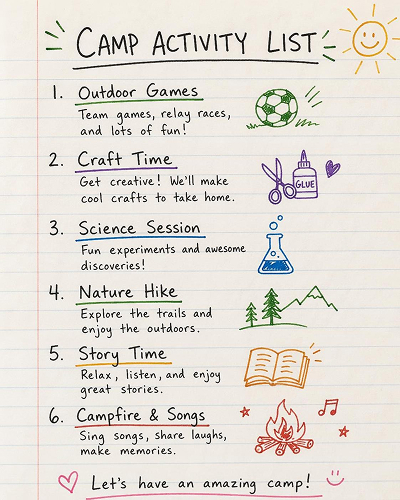
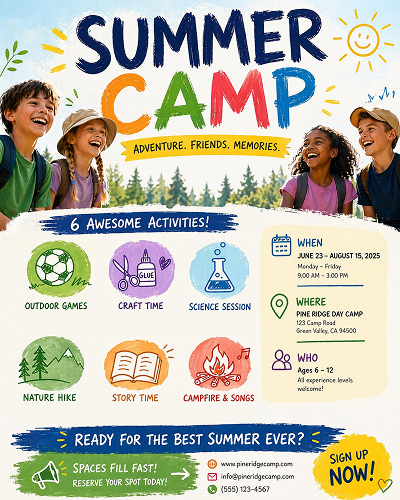
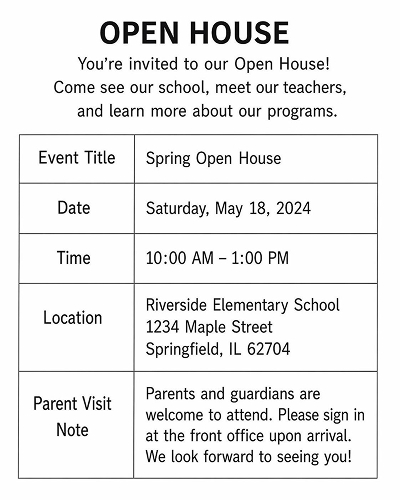
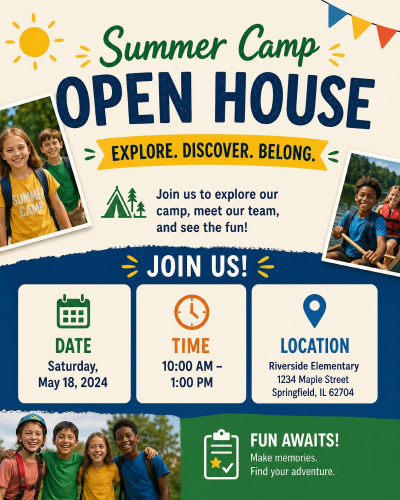
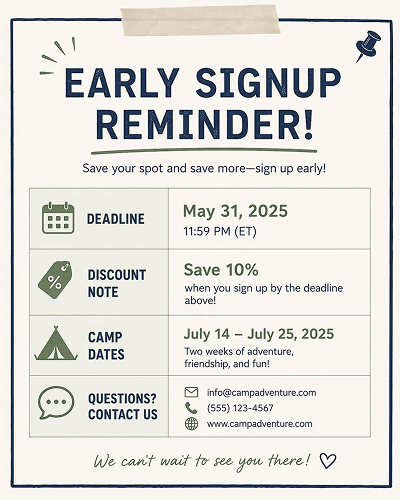
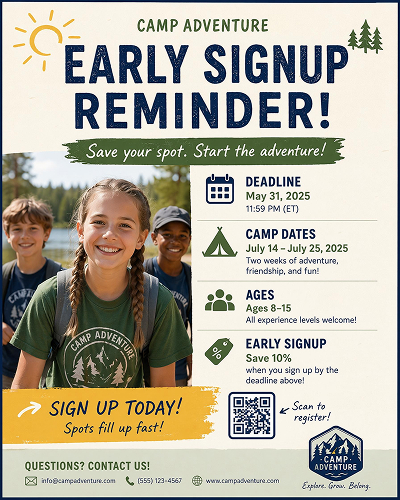
Start with a Summer Camp Poster Style And Personalize It
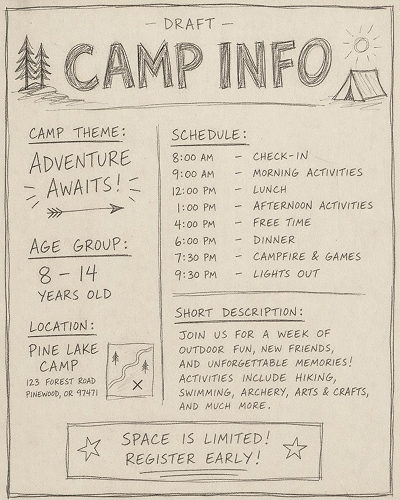
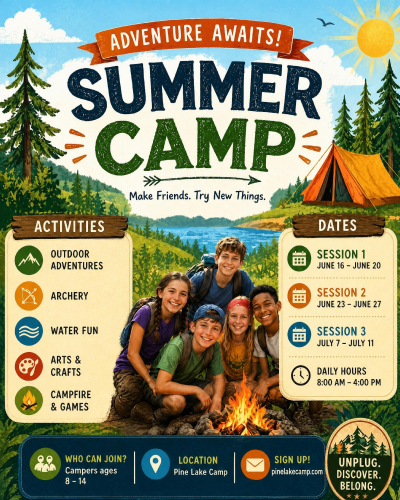
Pick a poster style that matches the camp theme, then open it in the workspace.
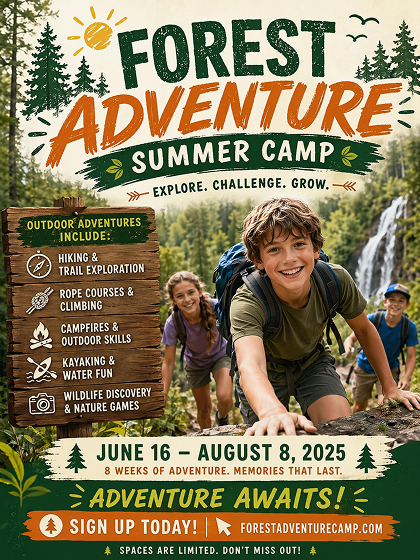
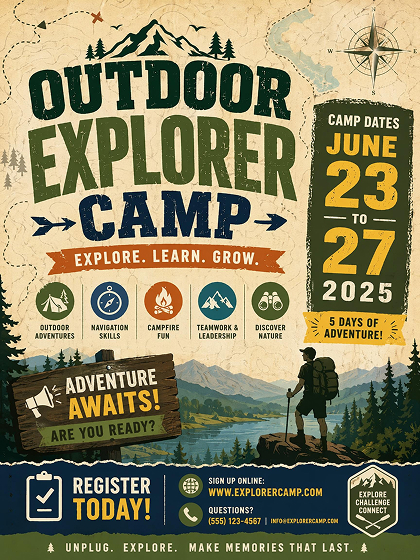
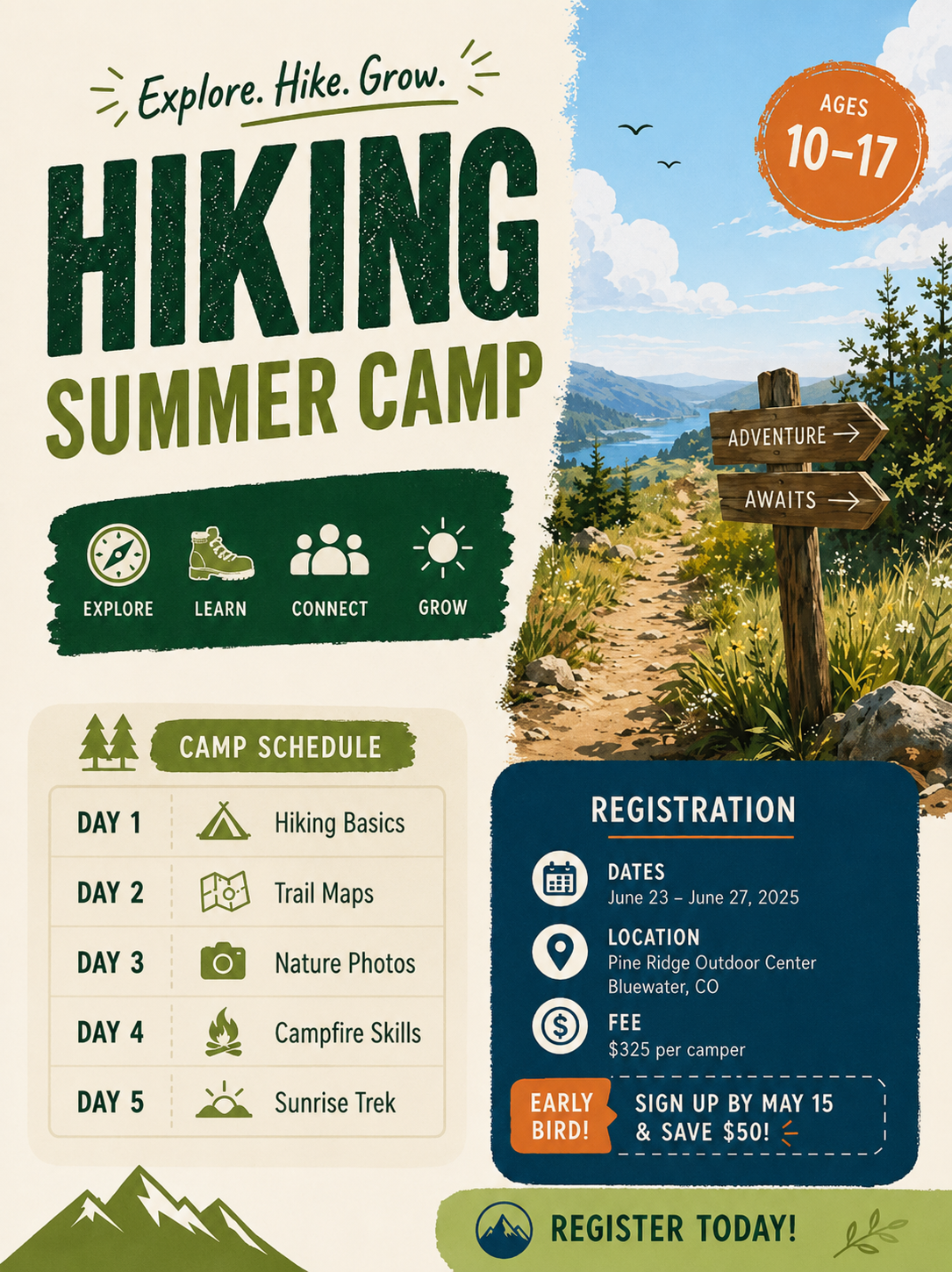
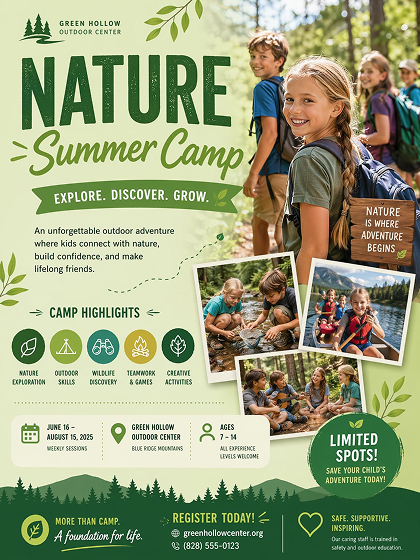
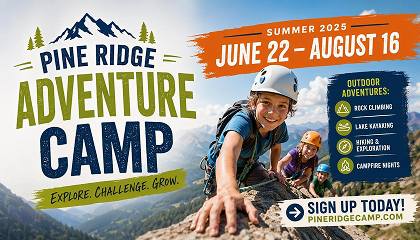
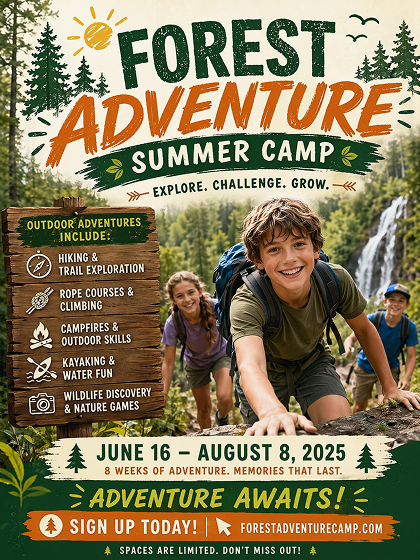 Adventure Camp
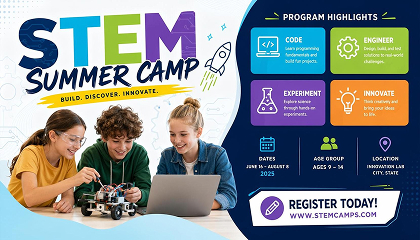
 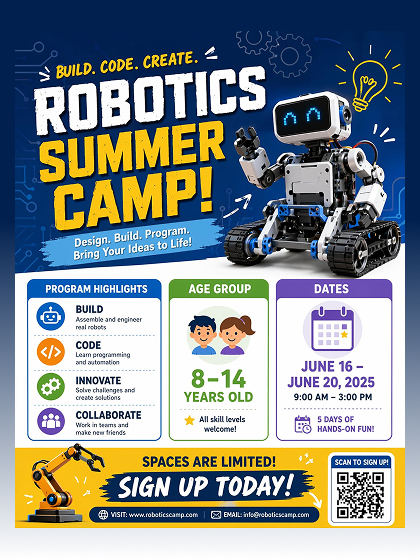 STEM Camp
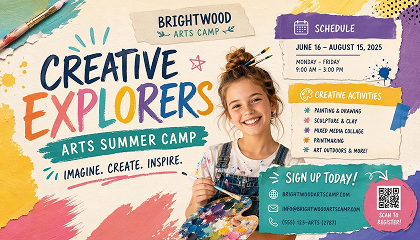
 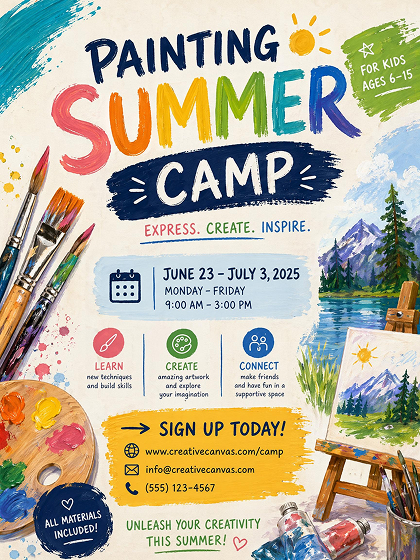 Arts Camp
How to Make a Summer Camp Poster With AI
Choose a Camp Poster Style
Enter the camp name, schedule, location, and registration copy. The generator places each piece of information into its own section so nothing gets buried in the layout.
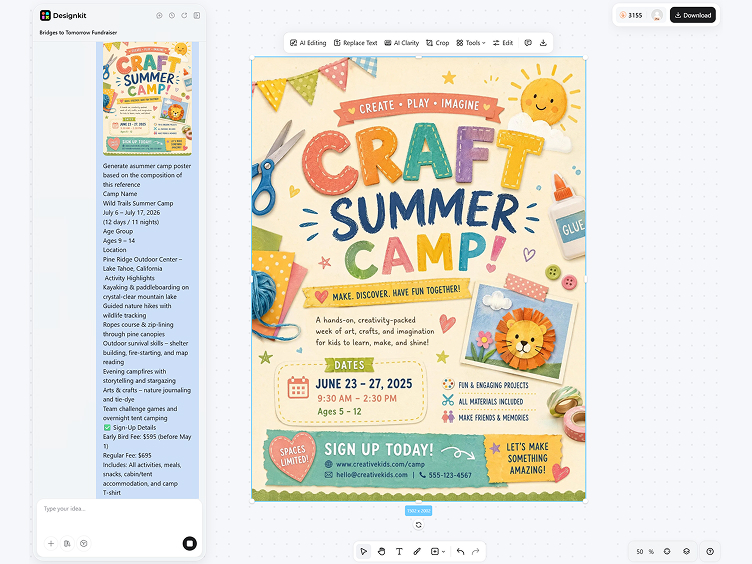
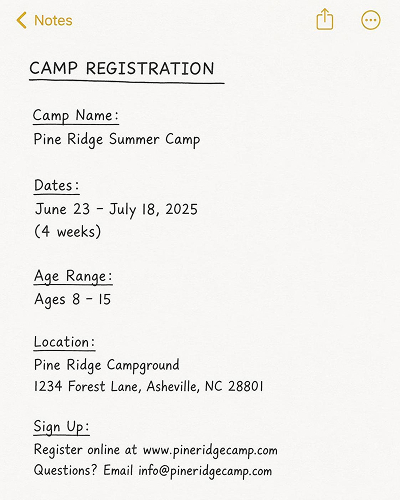
Add Camp Details
Enter the camp name, schedule, location, and registration copy. The generator reads each detail as a separate text block.
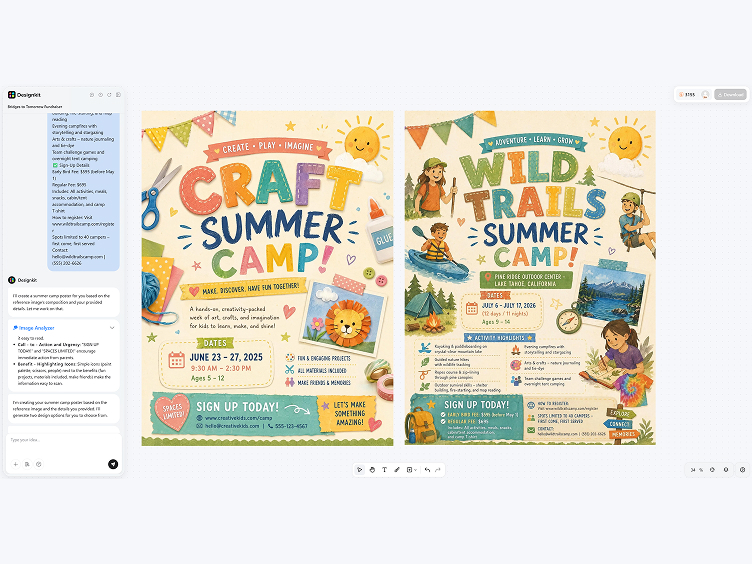
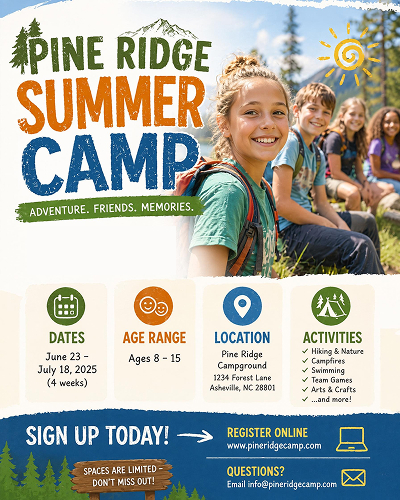
Generate, Edit, and Export
Review generated versions, adjust wording or spacing in the editor, and save the finished poster as a PNG.
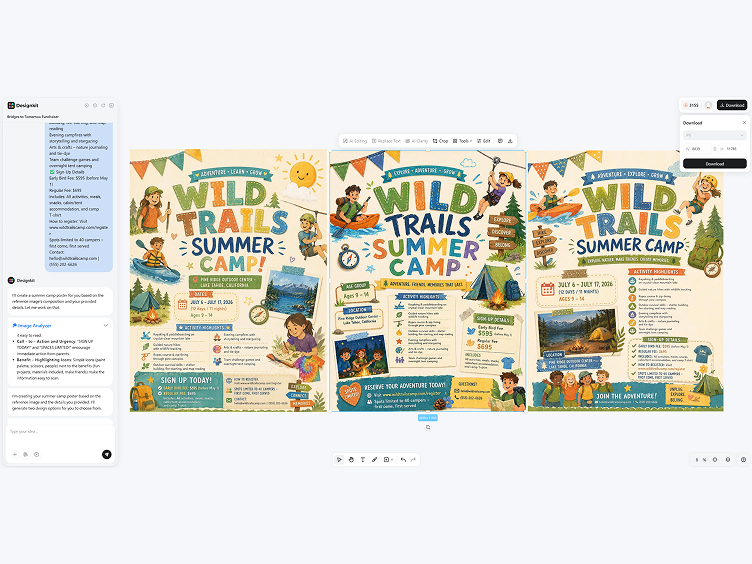
Make Summer Camp Posters Clear and Playful
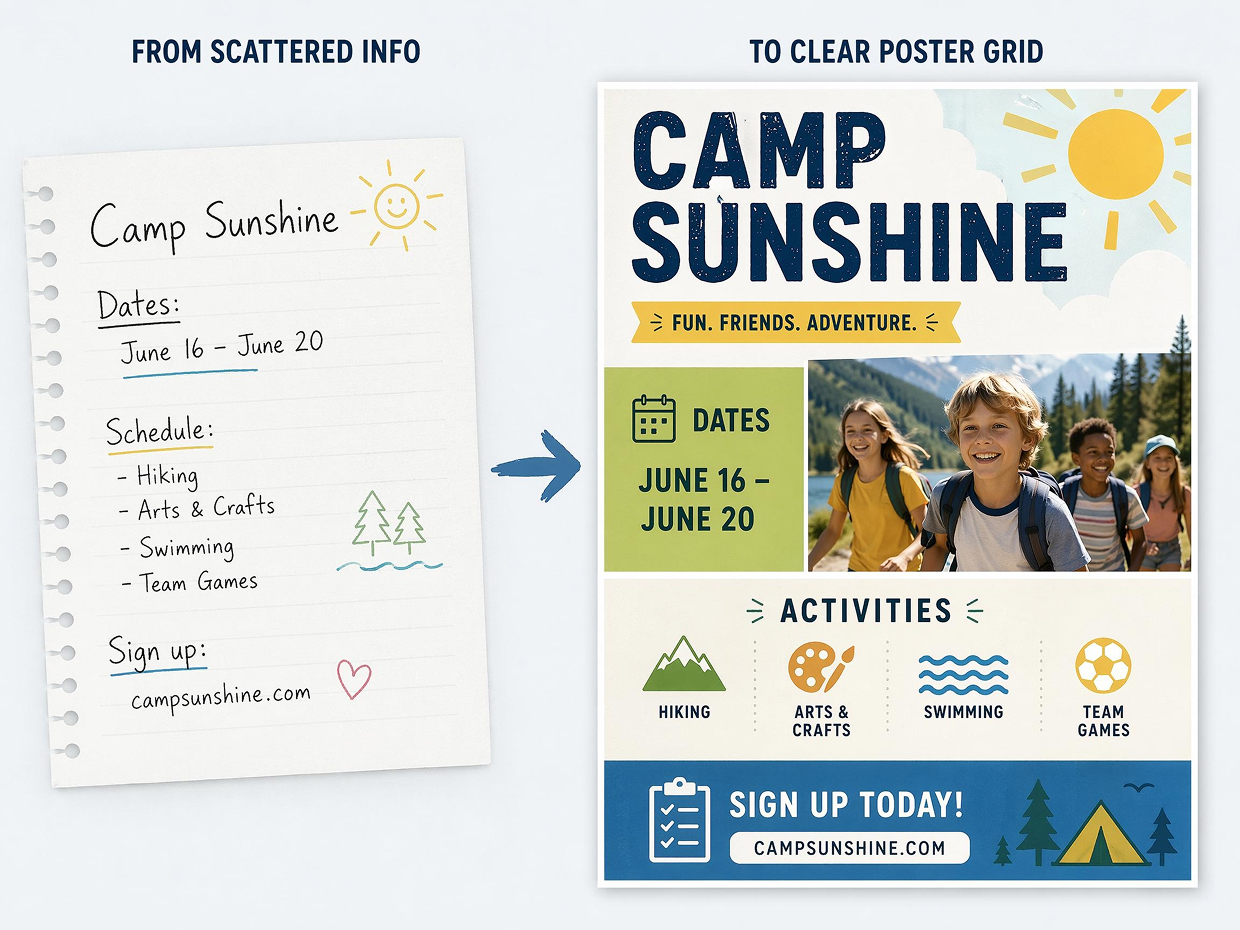
Place Camp Details in the Right Zones
Structure-aware generation reads the camp name, schedule, and signup copy as separate content blocks. It places each block into a stable poster grid, so the main message stays visible and smaller details stay organized.
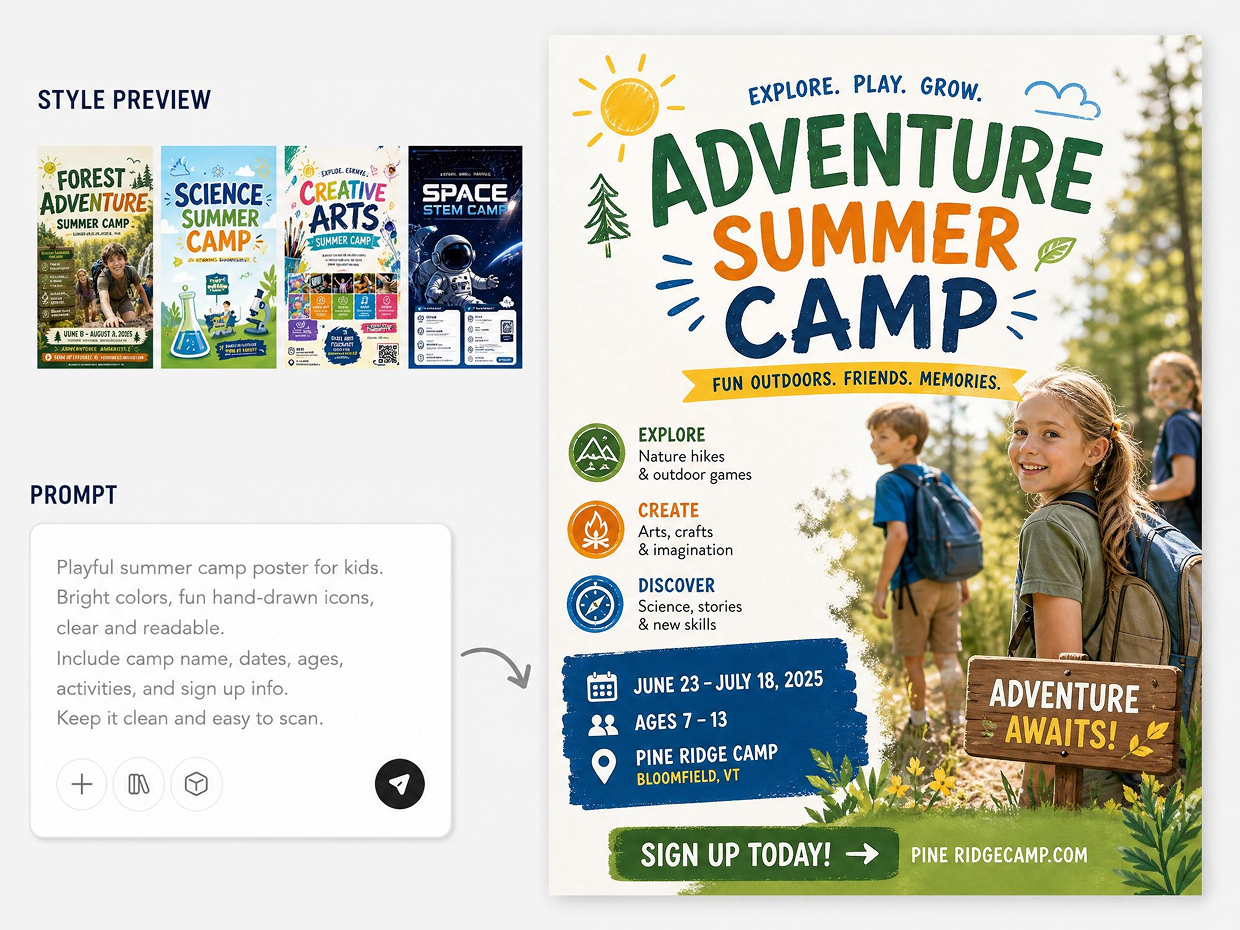
Balance Playful Style with Readability
Enter the camp name, schedule, location, and registration copy. The generator places each piece of information into its own section so nothing gets buried in the layout. Color, icons, and spacing are adjusted around the message hierarchy.
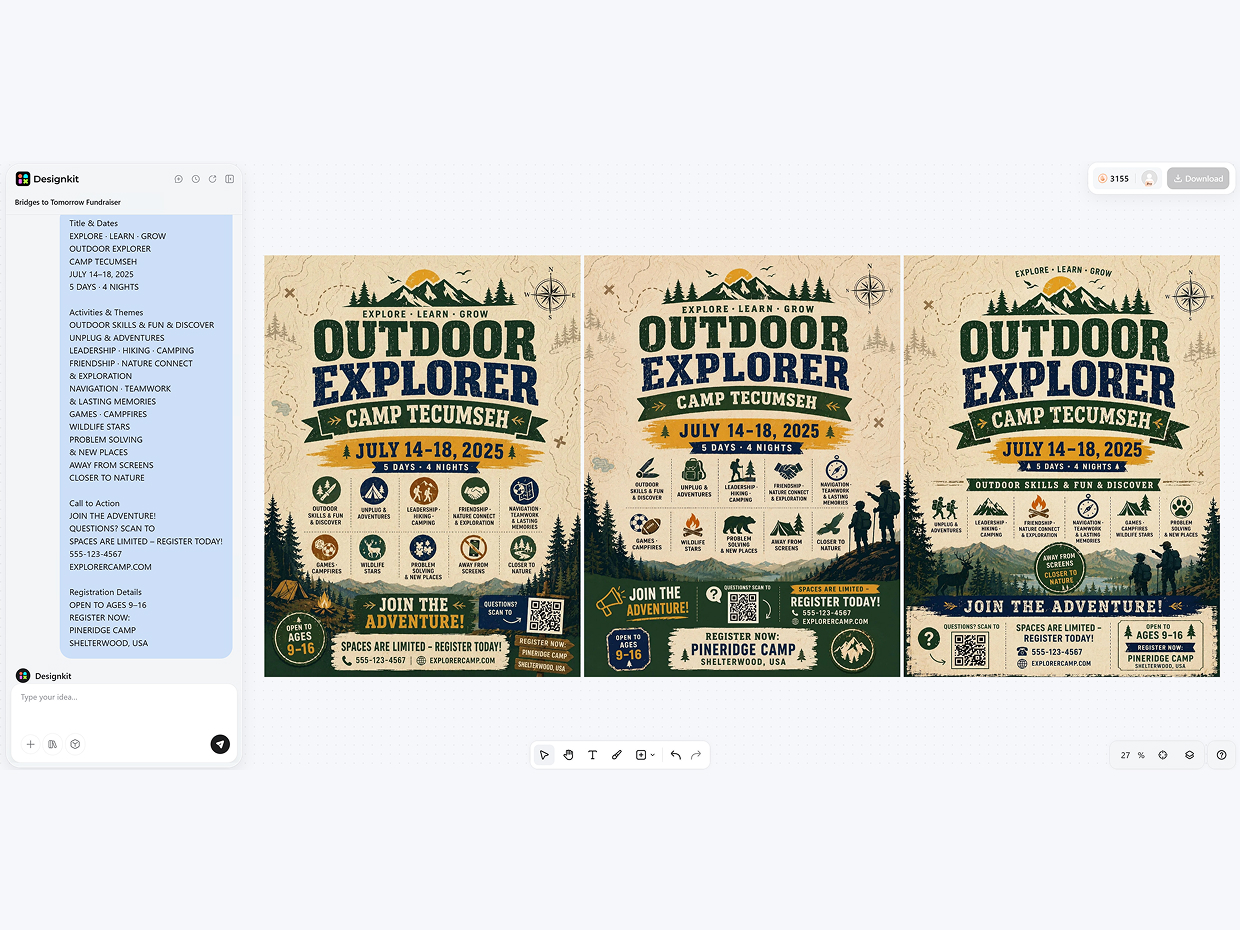
Generate Variations from One Camp Brief
One template can produce several poster directions using the same core details. The model changes composition, background mood, and text scale while keeping the camp information consistent across versions.
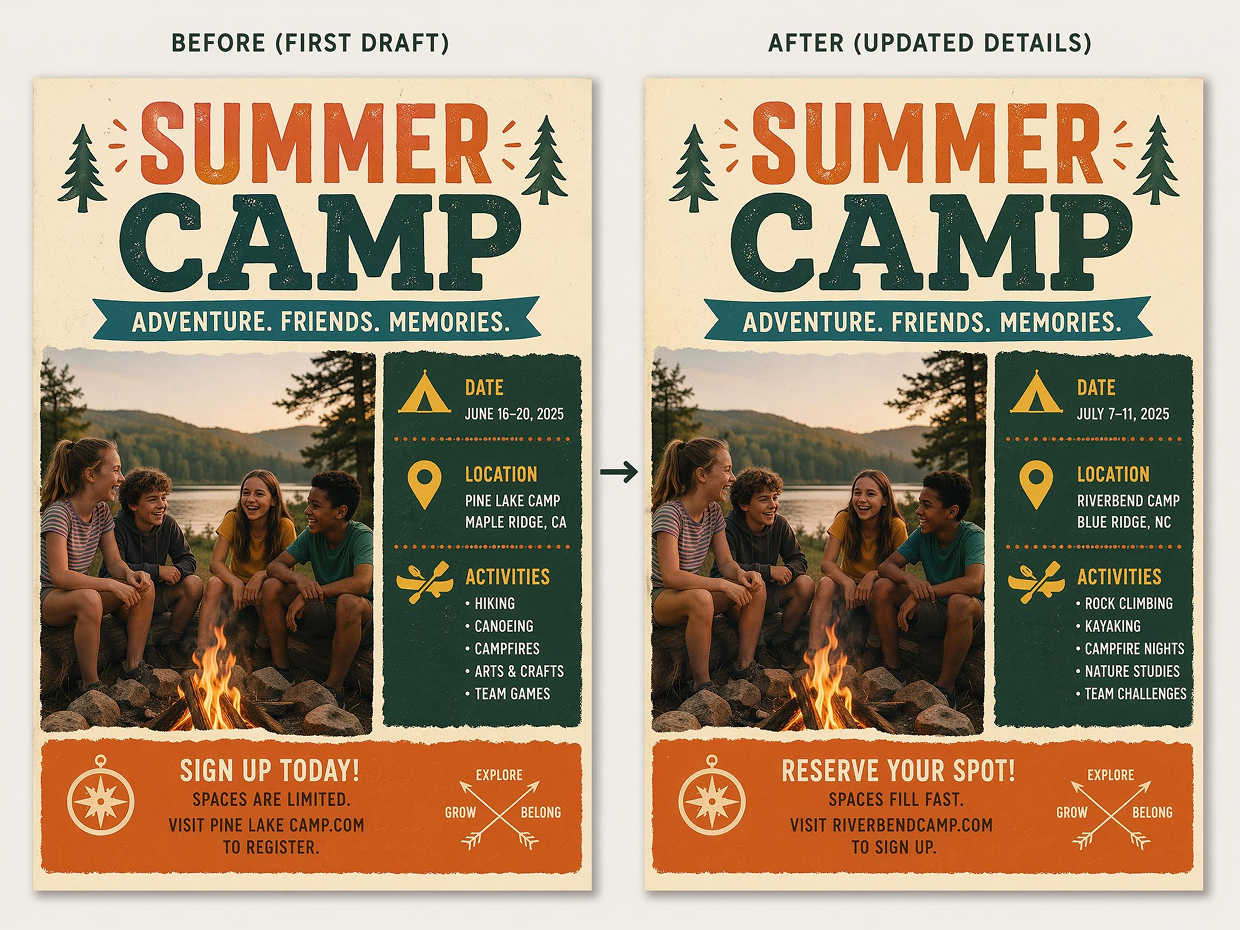
Edit Any Detail After the First Draft
Editable layers give you the flexibility to refine a headline, update a date block, or tweak a callout after generation. Because the poster preserves its spacing system, you can make last-minute changes without breaking the design or disrupting the visual balance.canva+1
Poster Types You Can Create with Designkit
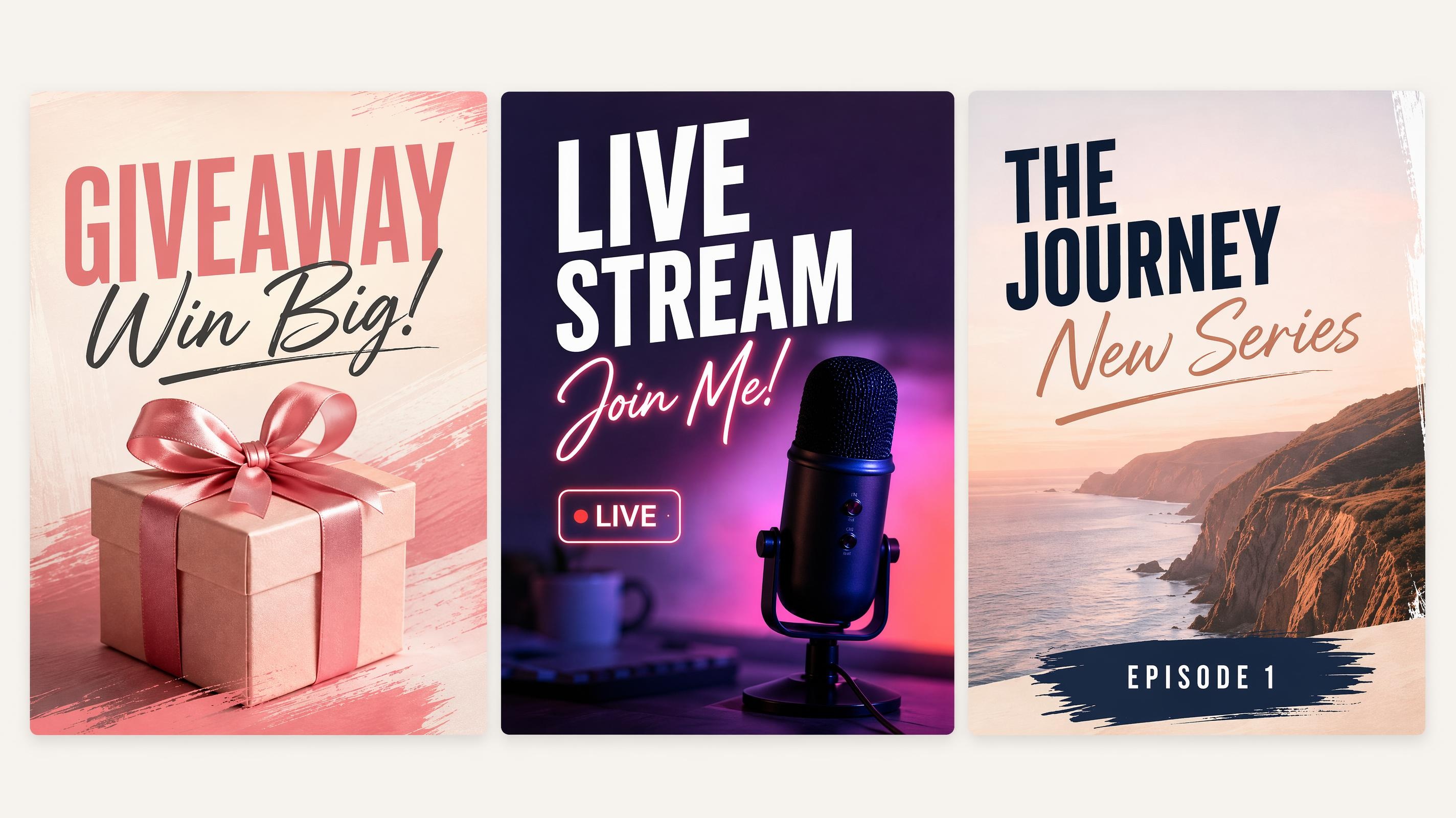
Social Media Poster
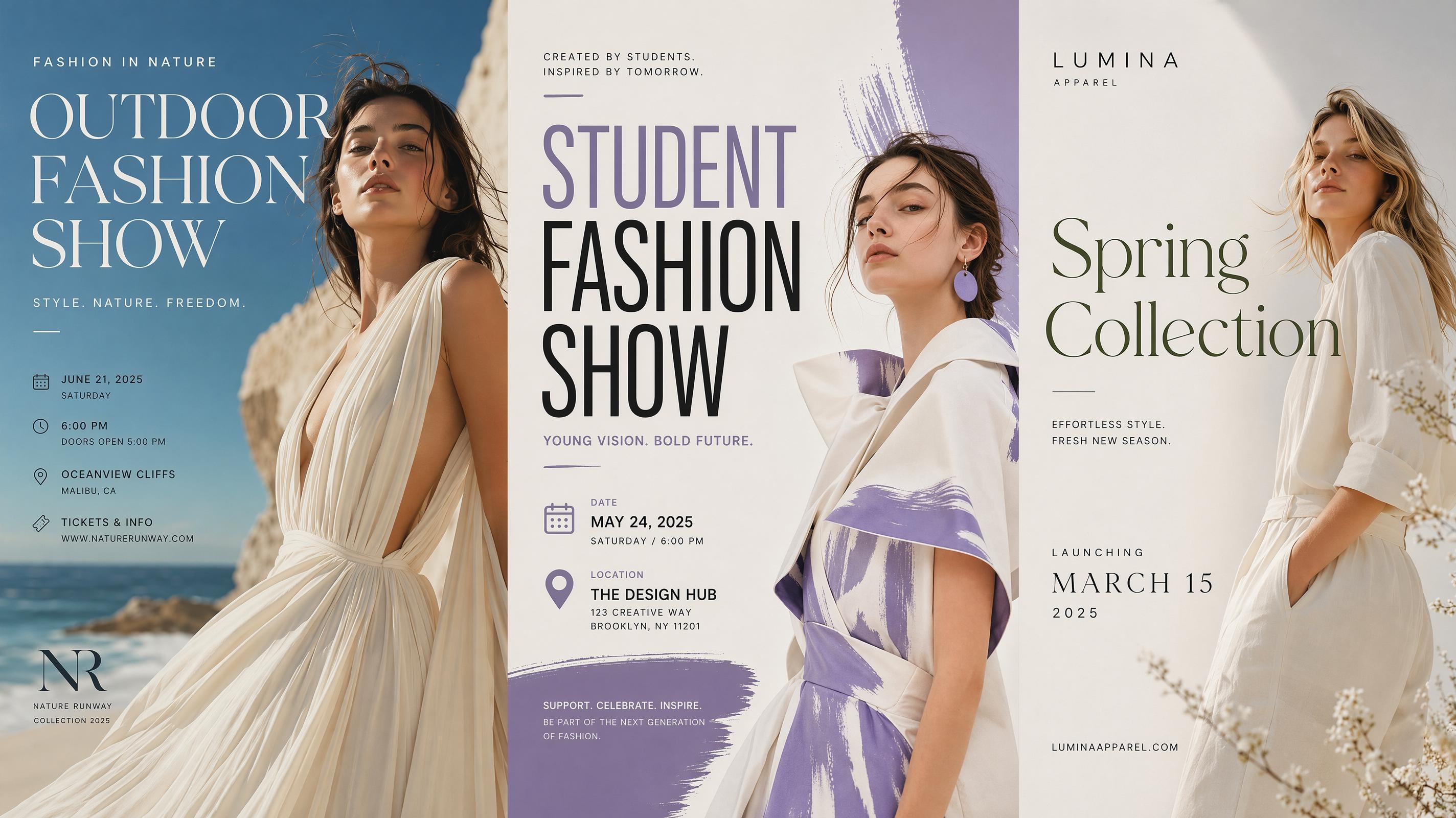
Fashion Poster
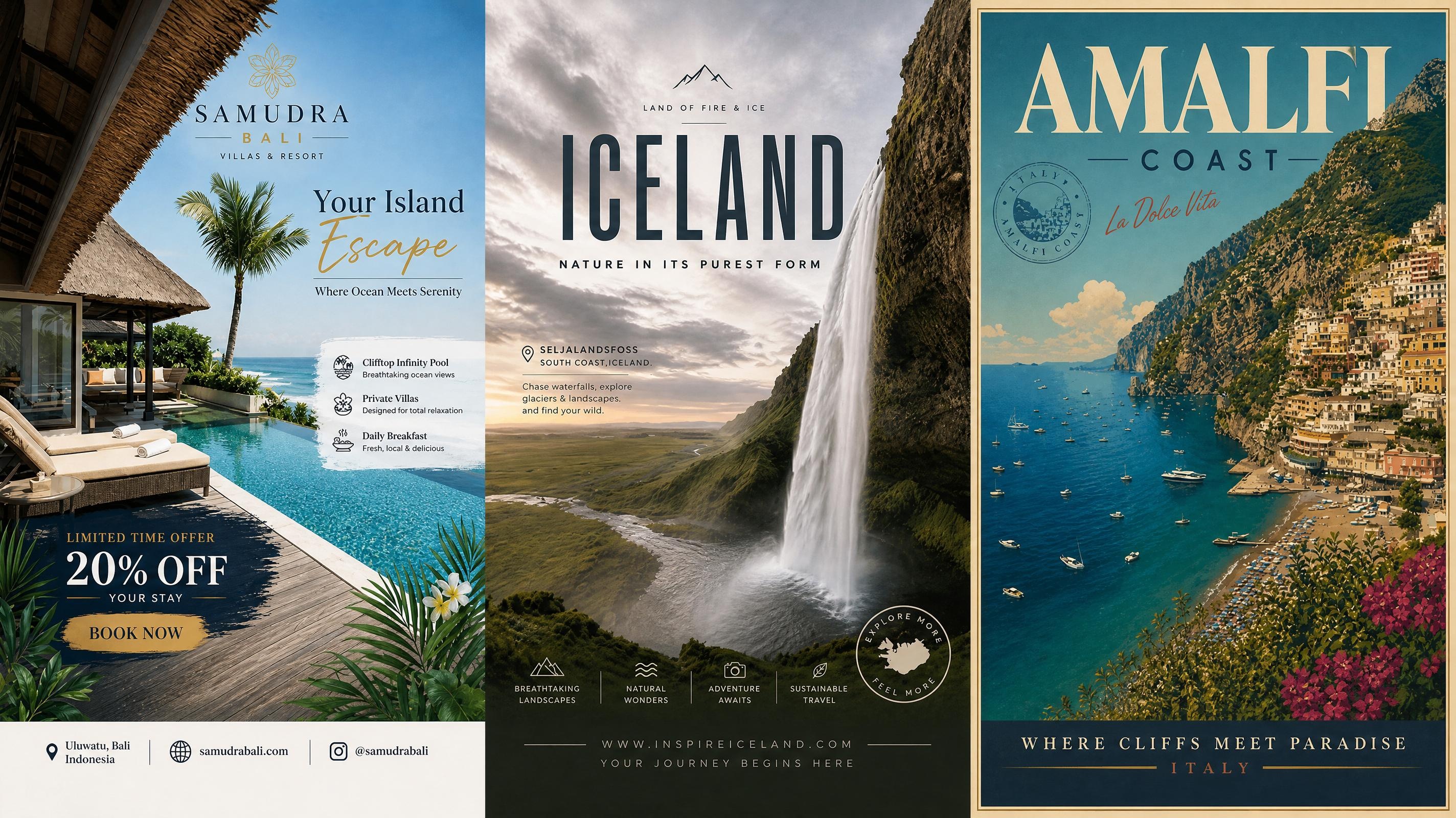
Travel Poster
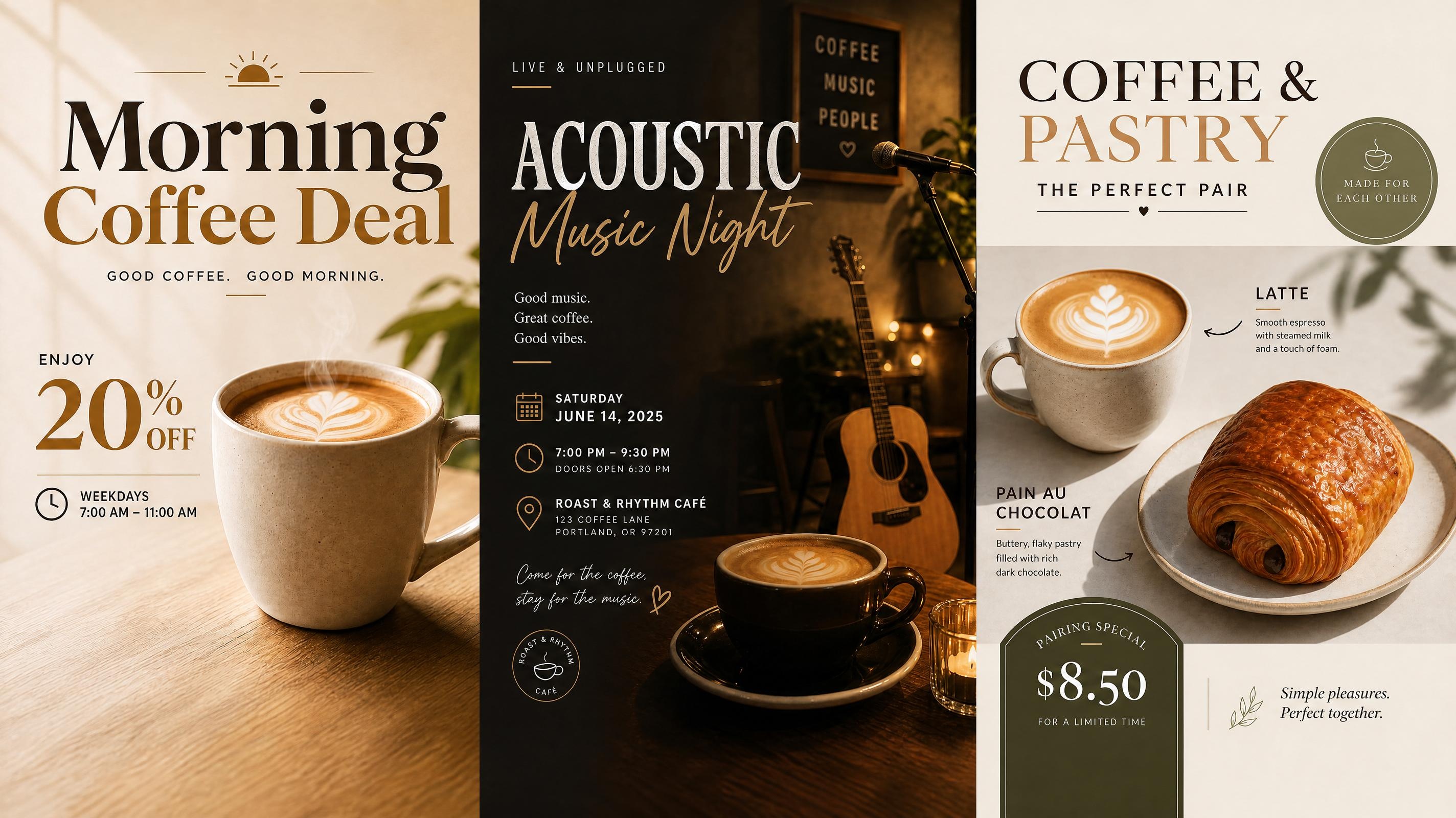
Cafe Poster
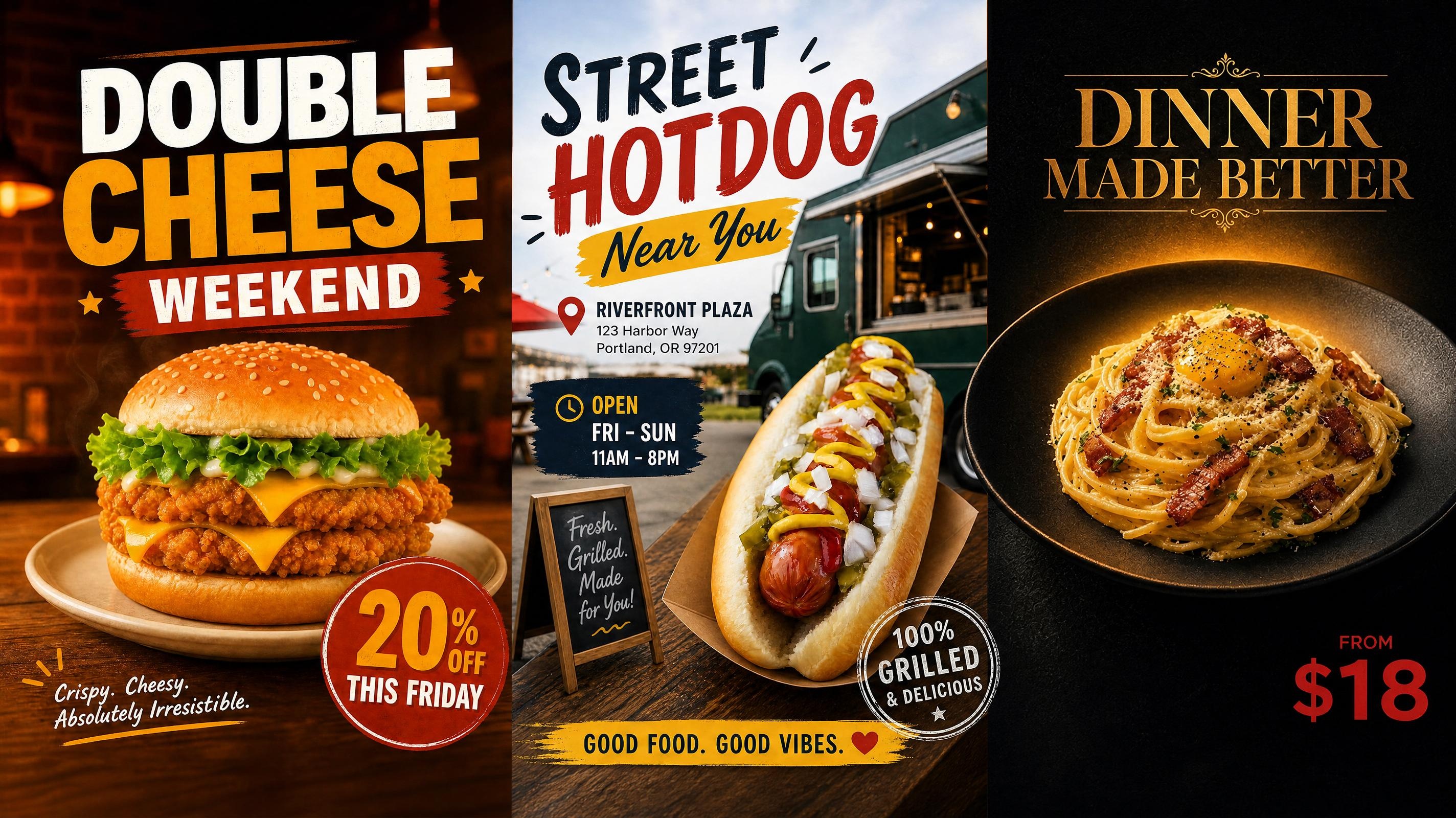
Food Poster
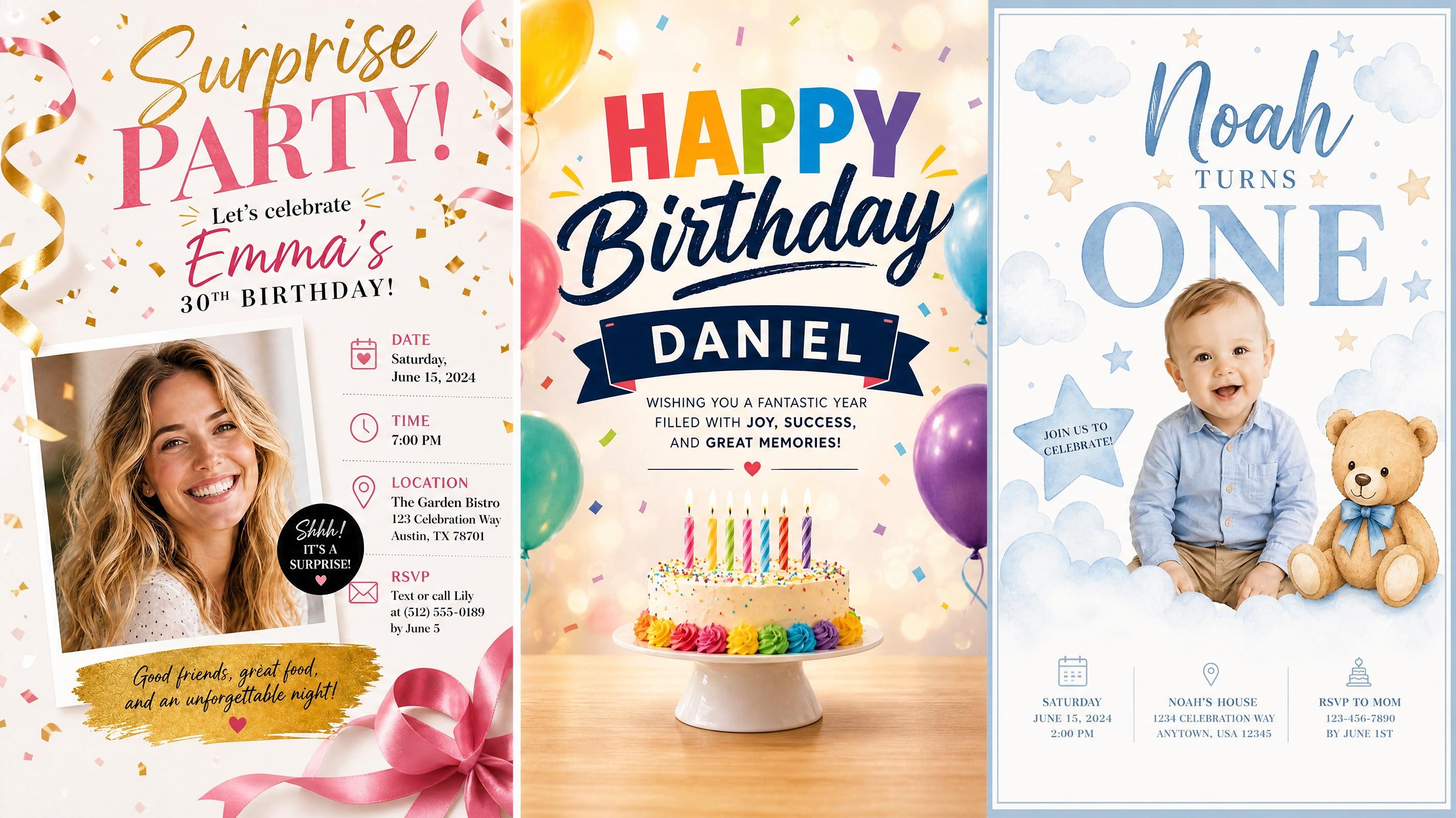
Birthday Poster
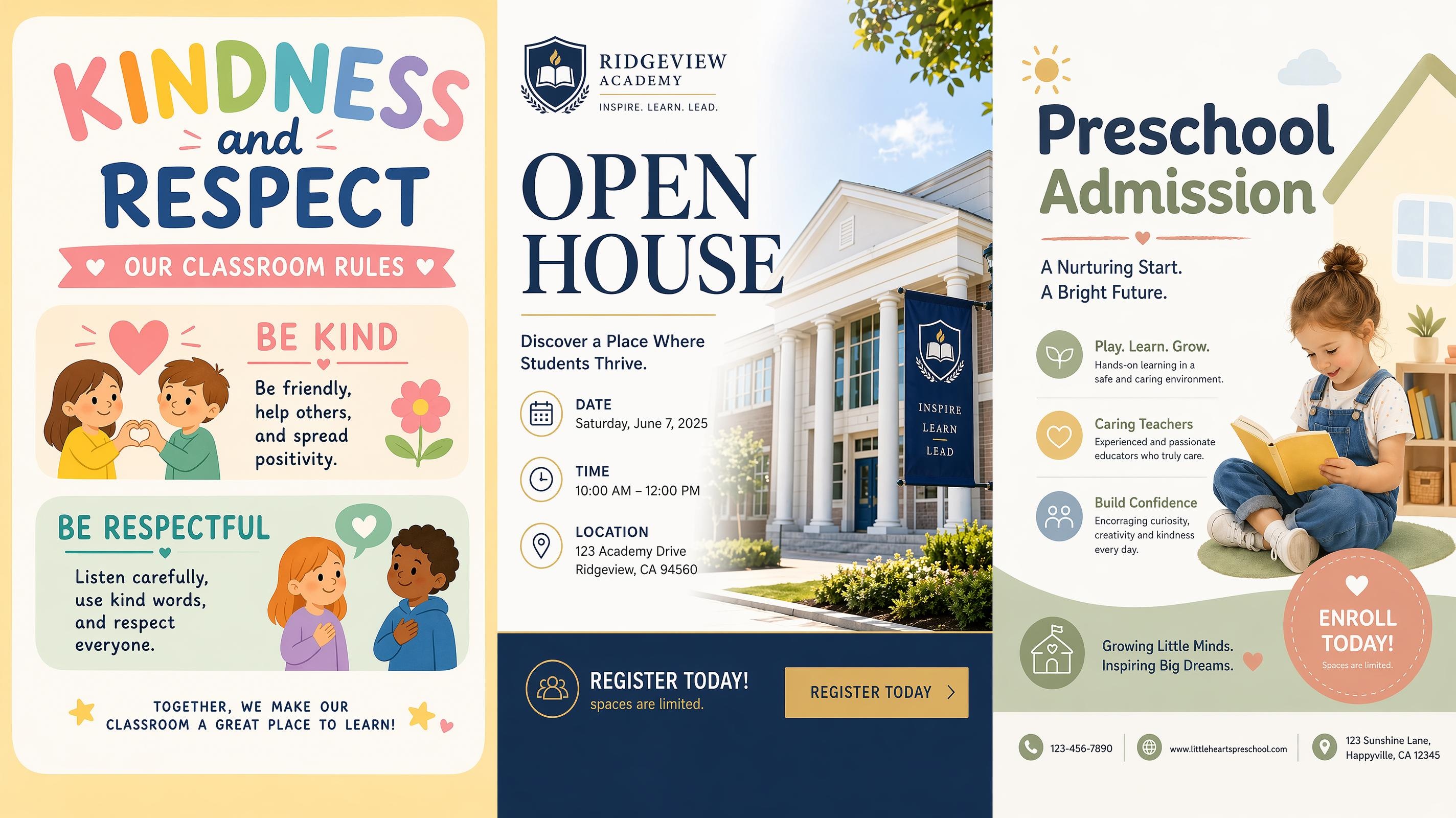
School Poster
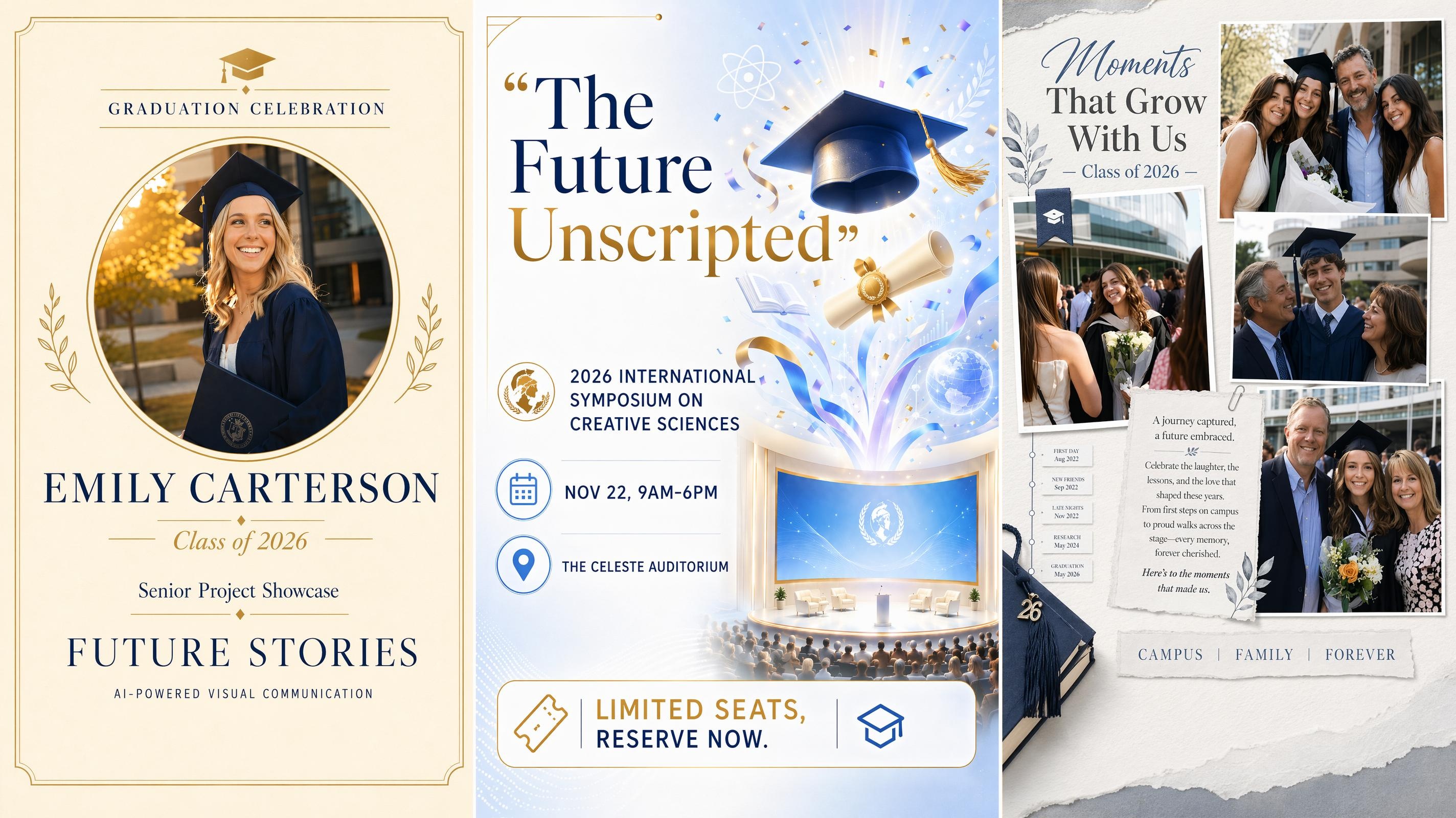
Graduation Poster
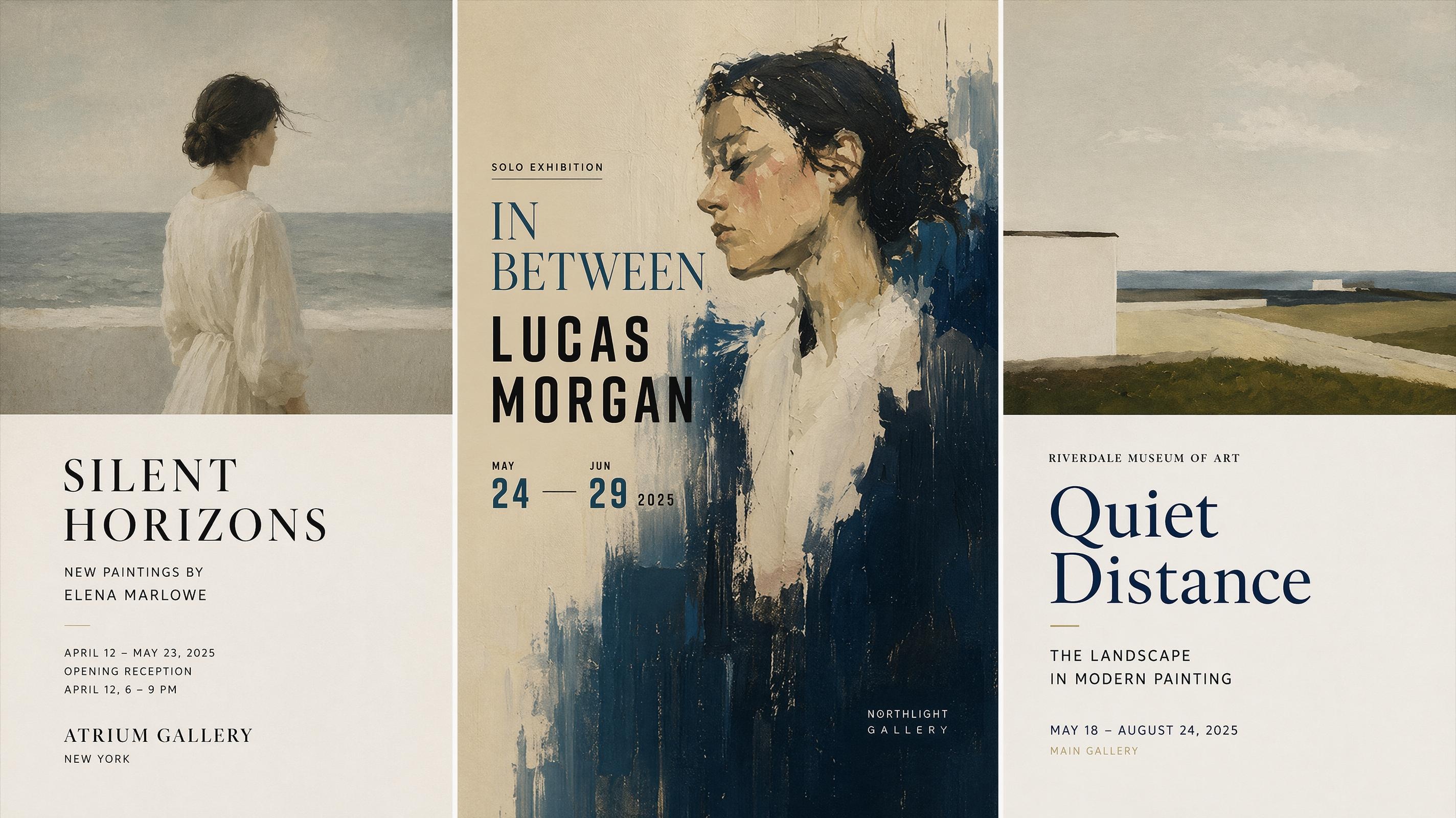
Art Poster Generator
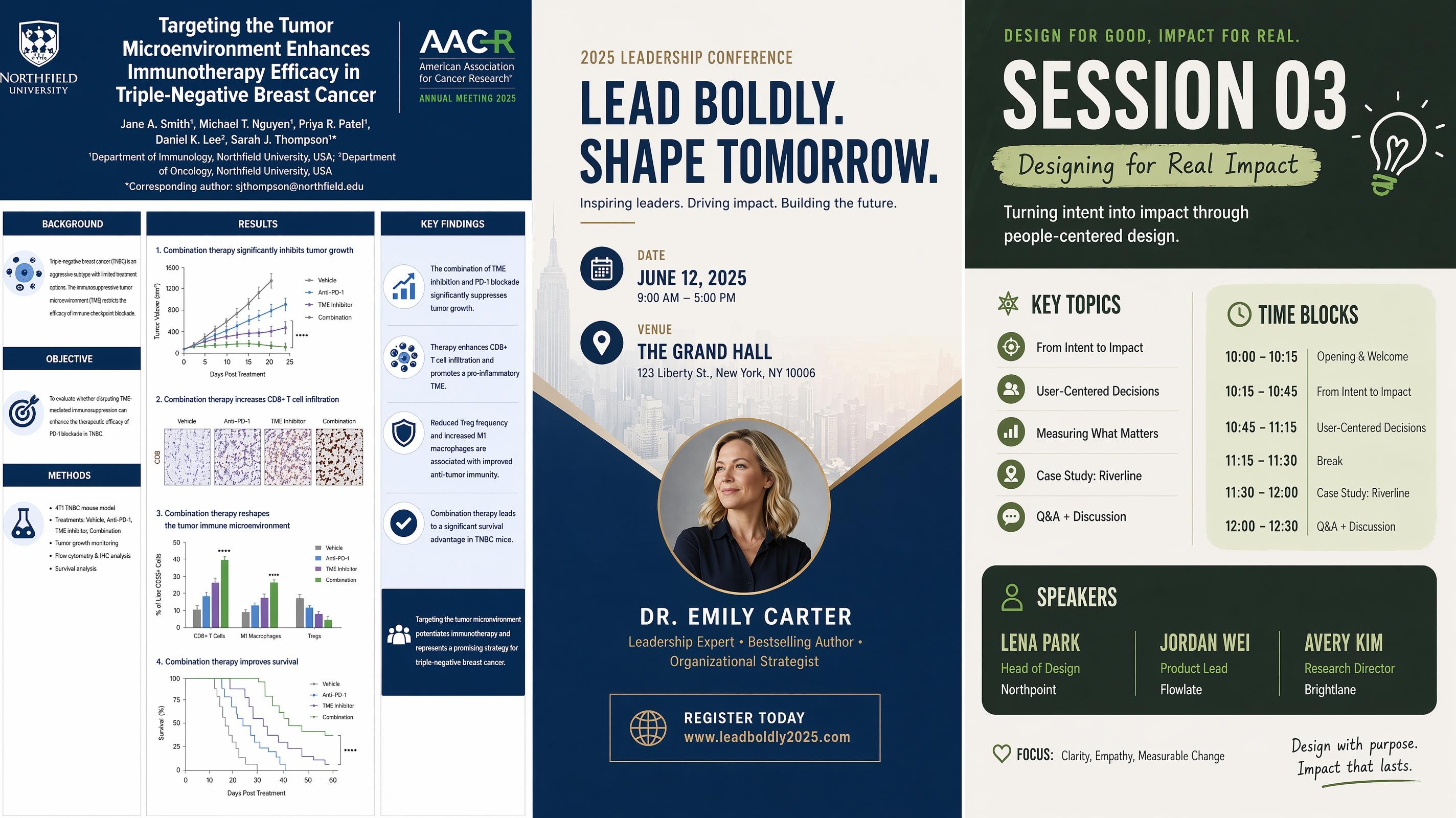
Conference Poster
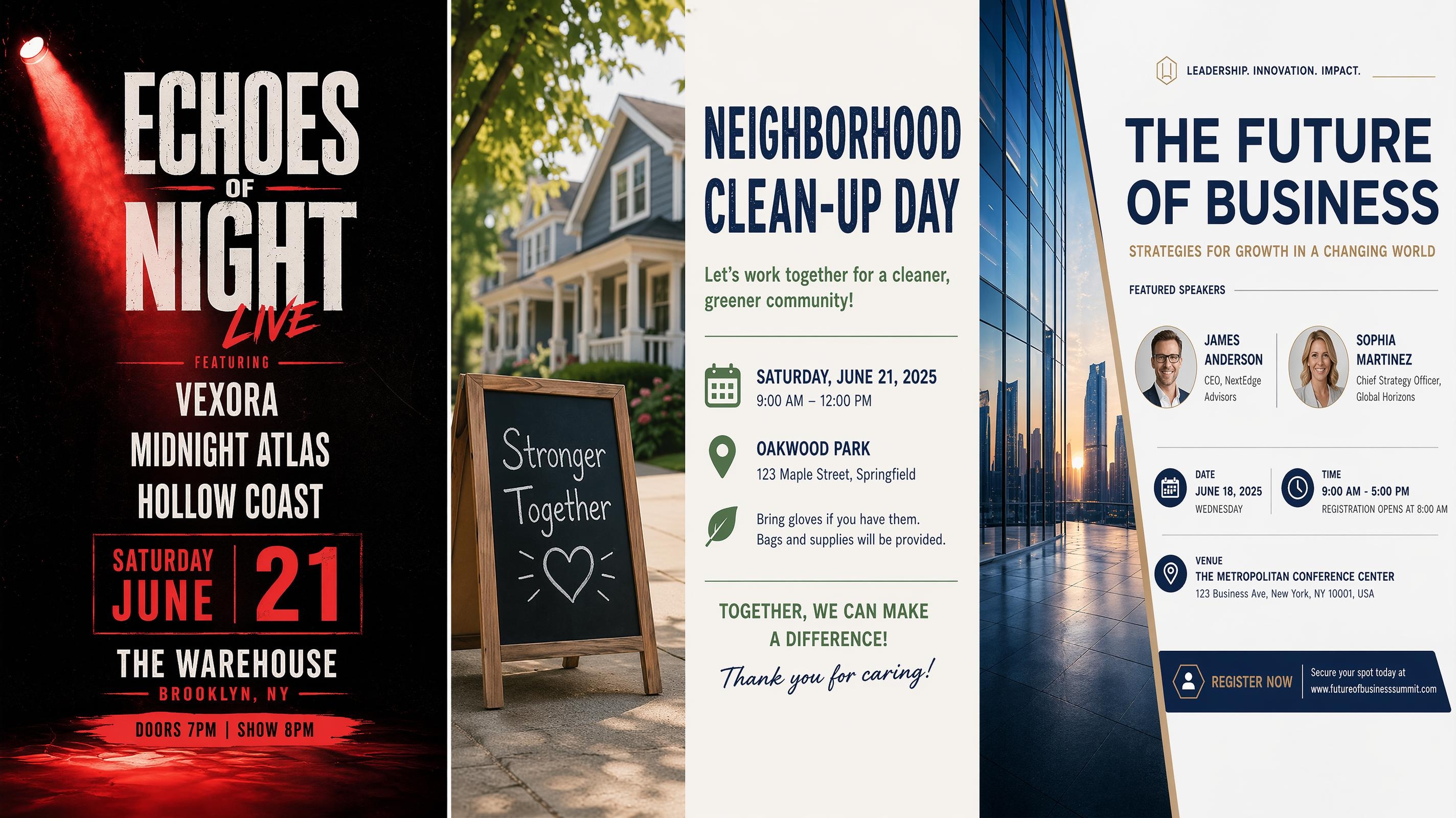
Event Poster
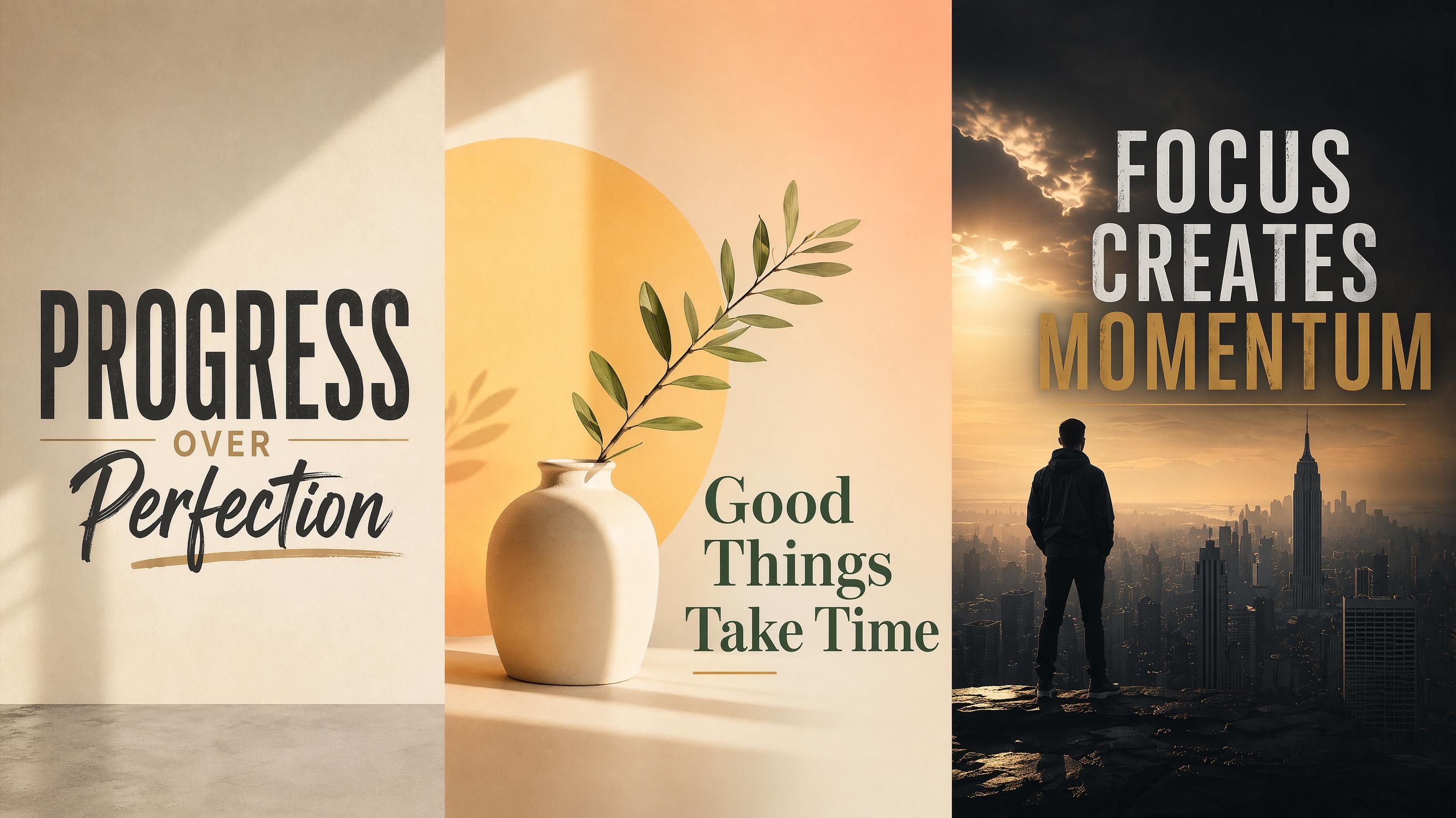
Motivational Poster
Frequently Asked Questions
What is a summer camp poster generator?
Can I use an existing poster style as a starting point?
Yes. Choose a poster style such as Adventure Camp, STEM Camp, or Arts Camp. The starting design gives your poster a clear structure, and your camp details replace the sample wording inside the layout.
What details should I add to the poster?
Add the camp name, dates, age range, location, and one clear signup line. Include activity details only when they help parents understand the program quickly.
Will the poster look like a real camp flyer?
Yes. The generator creates poster-style layouts with image space, headline hierarchy, and organized text blocks. After generation, edit the wording and spacing so the final design matches your camp tone.
Can I make a poster for print and social sharing?
Yes. Choose a suitable poster size before generation and adjust the layout in the editor. Save as PNG for online sharing, or use a high-resolution image for print materials.
Can I use the poster for my camp promotion?
Yes. Use the finished design for your own camp promotion. Make sure uploaded photos, logos, and any third-party graphics are materials you have permission to use.
Make a Camp Poster Families Can Read at a Glance
Add your camp dates, activities, and signup details to a clear poster layout made for parent-facing announcements.

What Camp Organizers Say About Designkit
Camp teams use Designkit to prepare clearer posters for seasonal programs and registration updates.
Registration Posters Took Less Back-and-Forth
We had the camp dates, age range, and sign-up copy ready, but the layout always took the longest. Starting from a template gave us a clean structure, and the edits were simple enough for our team to finish before the next parent email.
Parents Could Read the Details Faster
The new poster made the registration window and location much easier to spot. We posted it in the lobby and shared the same design online, and families asked fewer basic questions before signing up.
The Theme Finally Matched the Program
Our arts camp needed something playful, but not messy. Designkit gave us a poster that felt creative and still kept the schedule clear. I only changed a few words before sharing it with families.
Last-Minute Changes Were Easier
Camp details changed twice after the first announcement. I edited the date block and sign-up line instead of rebuilding the whole poster, and the spacing still looked intentional after each update.
The Set Looked More Consistent
We made a few posters for different camp sessions, and they finally looked like they belonged together. Keeping the same template style helped our summer program feel more organized across all the announcements.