
Create Recruitment Posters That Get Noticed
Enter the job title, hiring details, and poster style to generate a recruitment poster that looks clear, organized, and ready to share.
Generate Recruitment Posters from Hiring Details
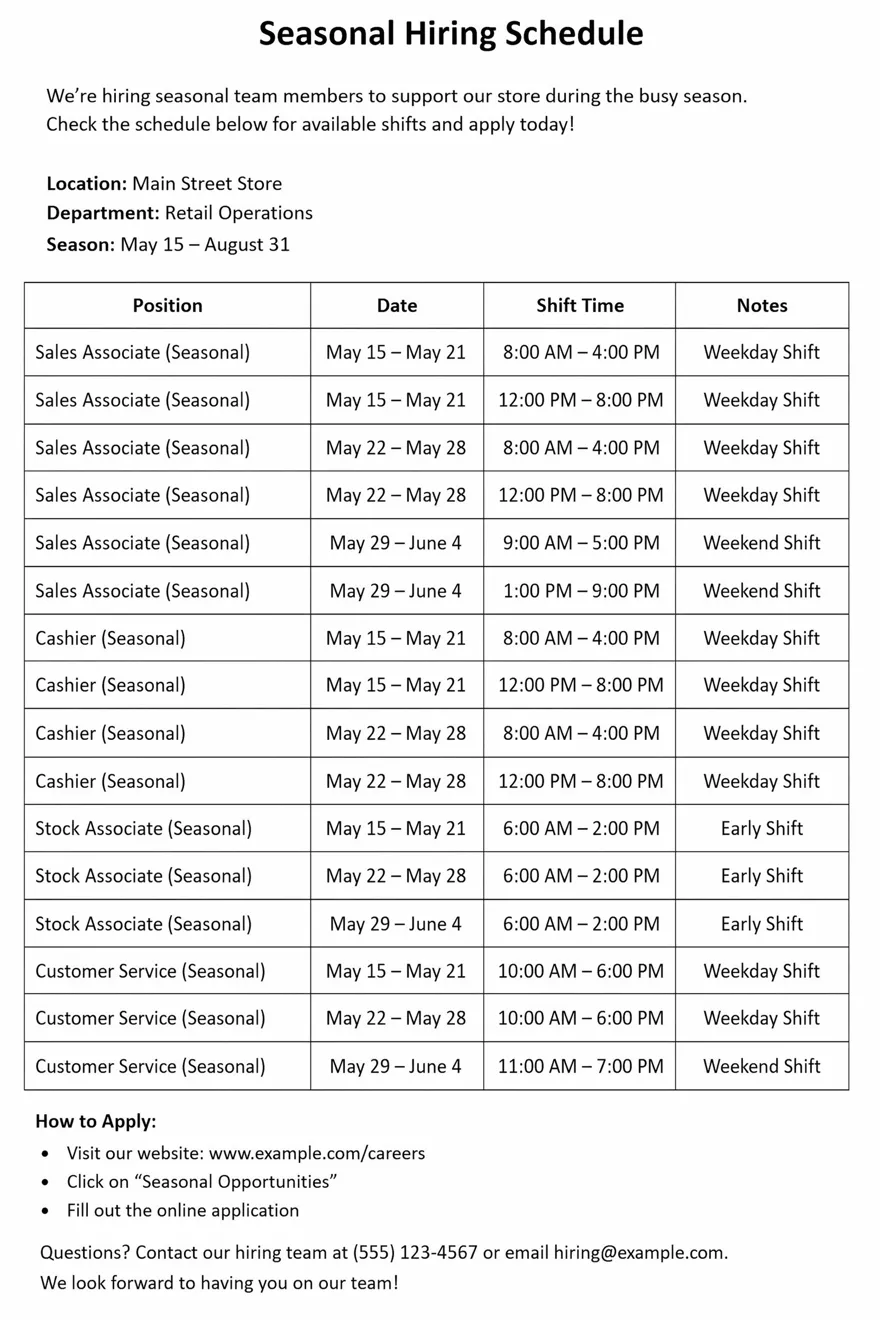
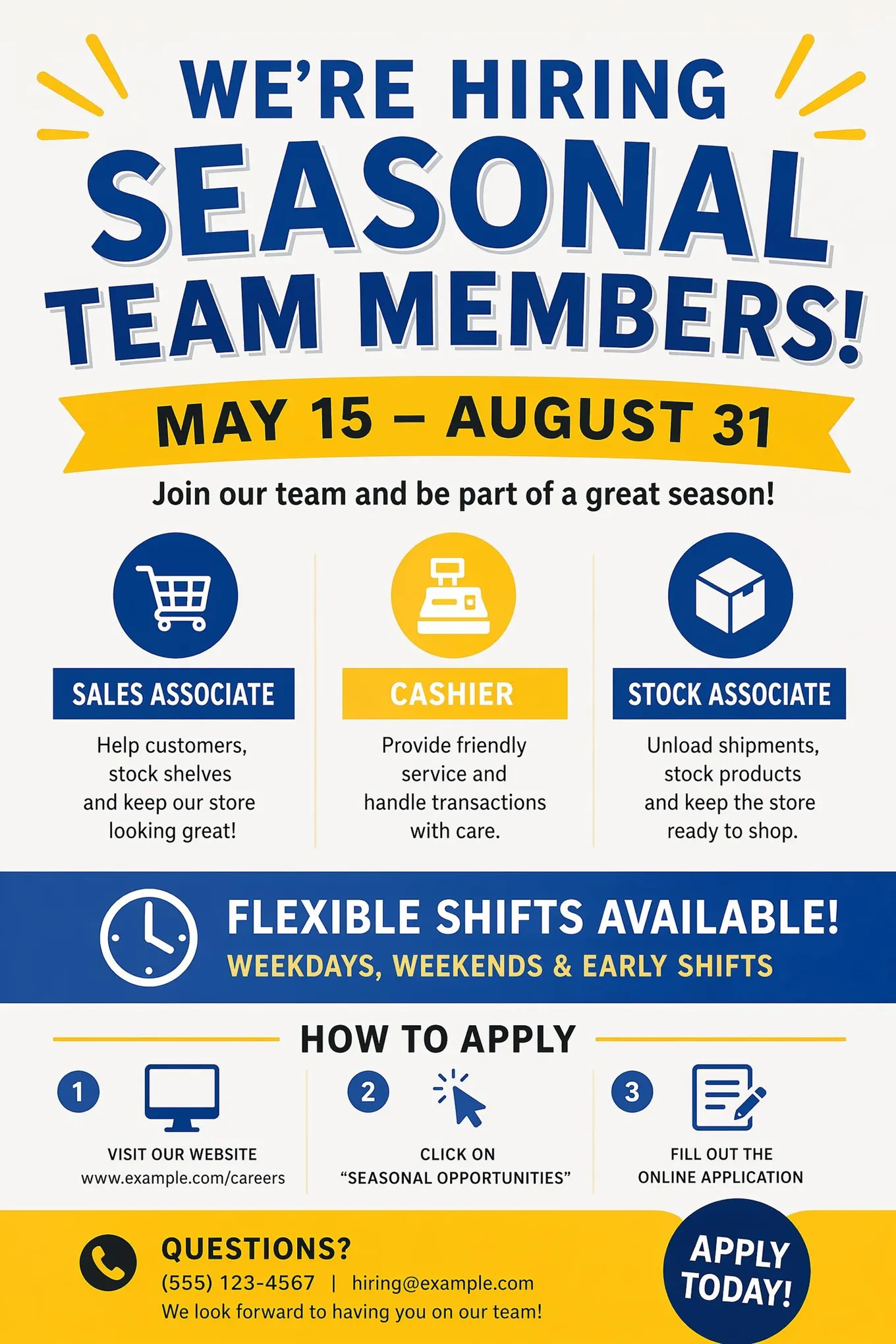
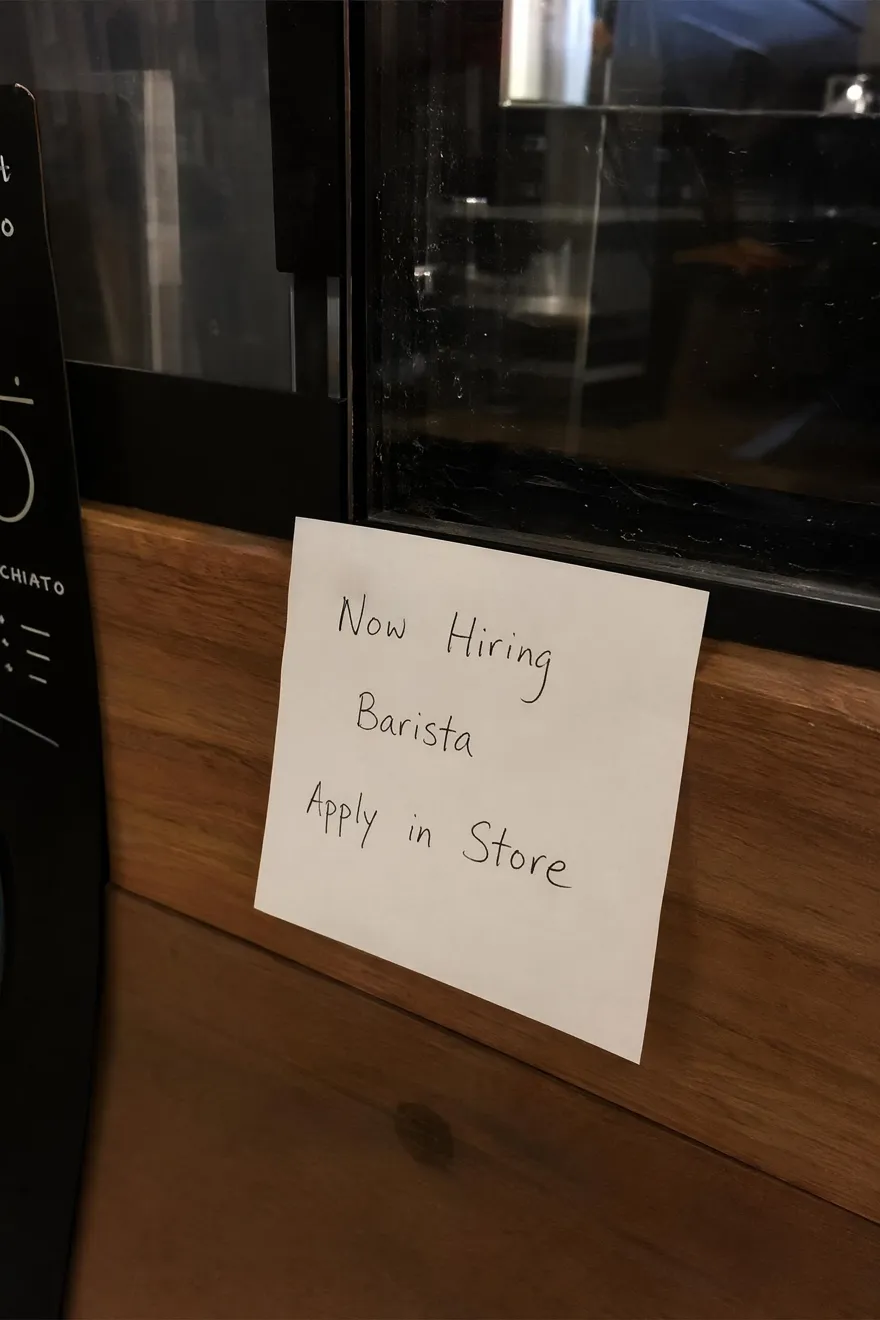
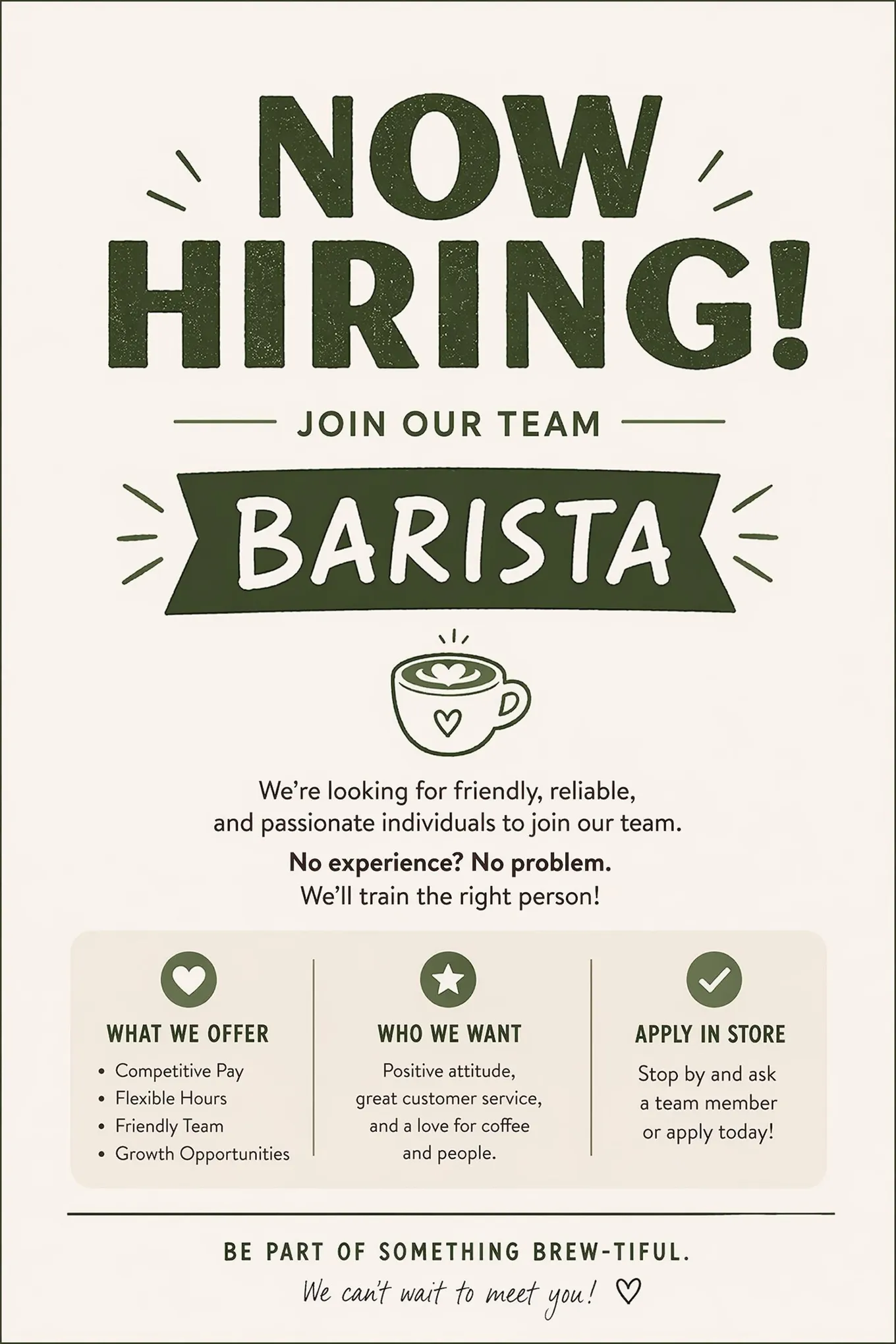
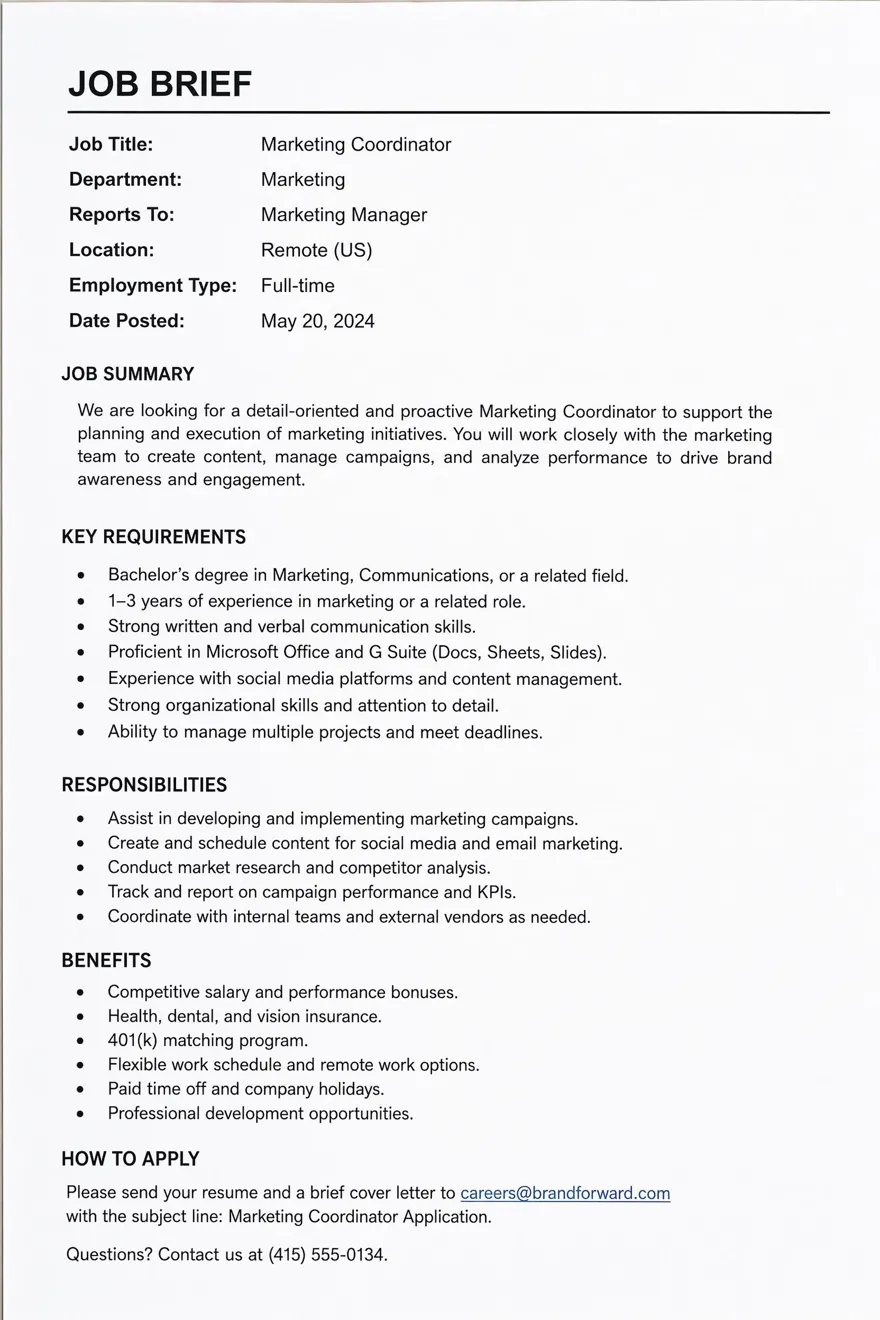
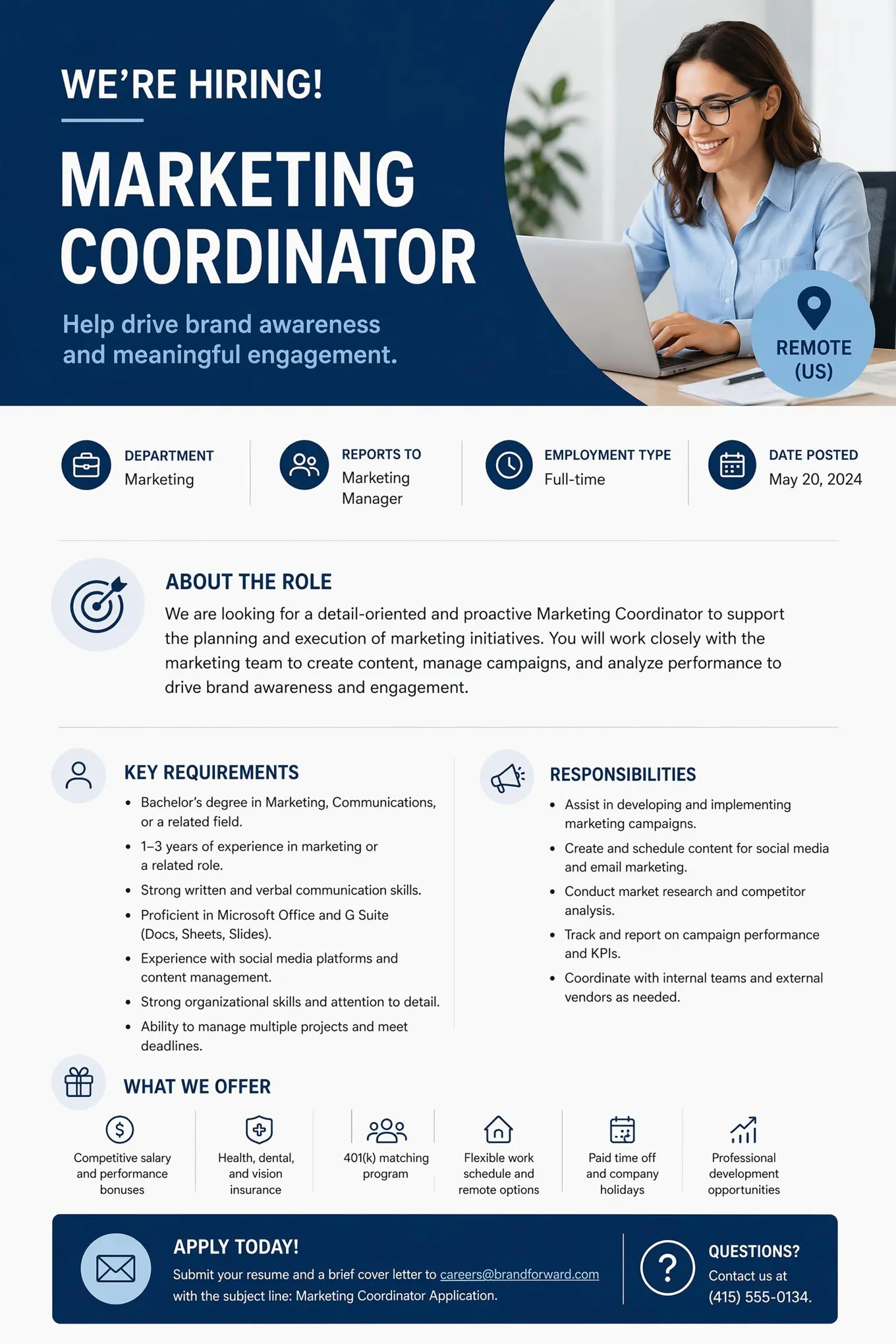
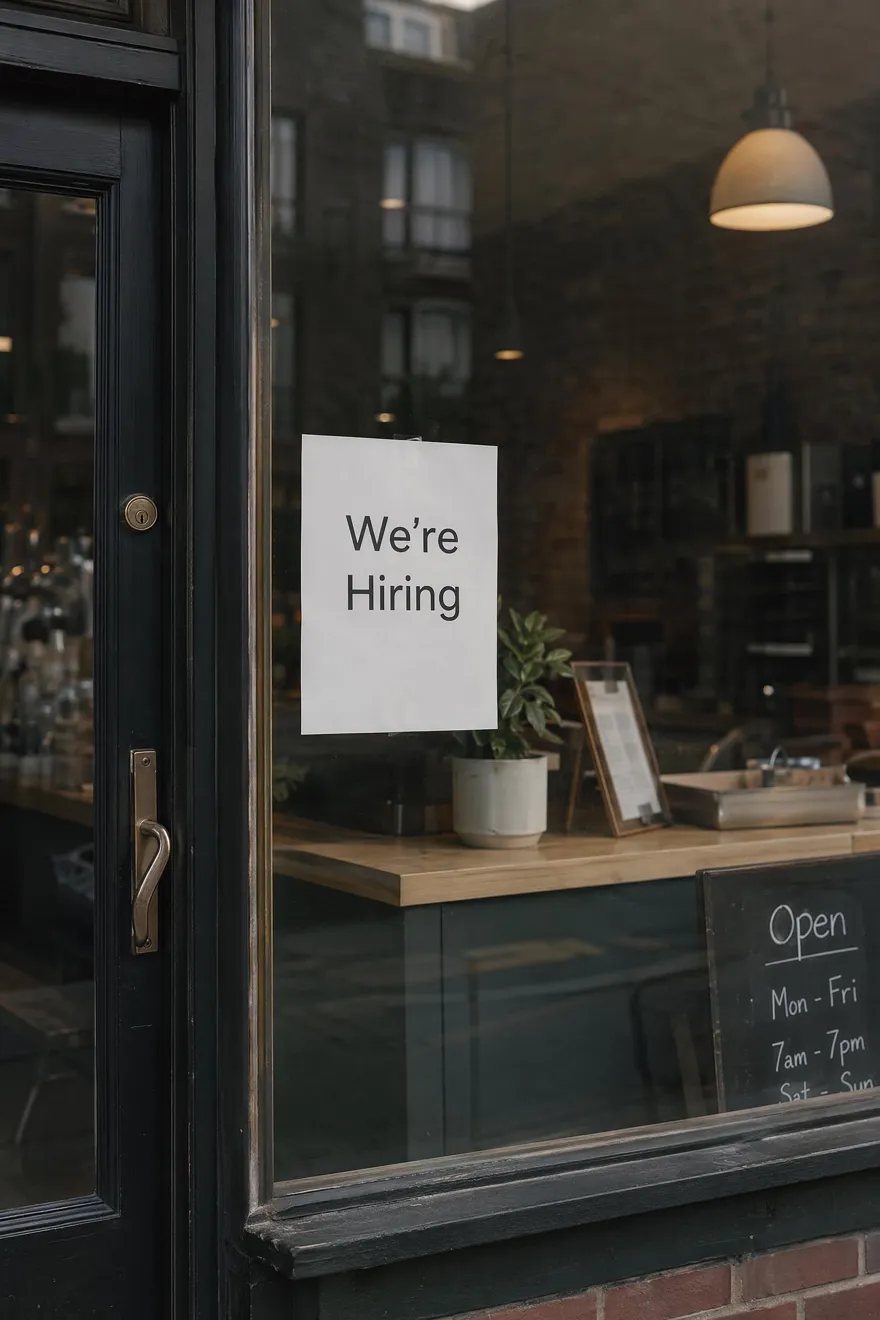
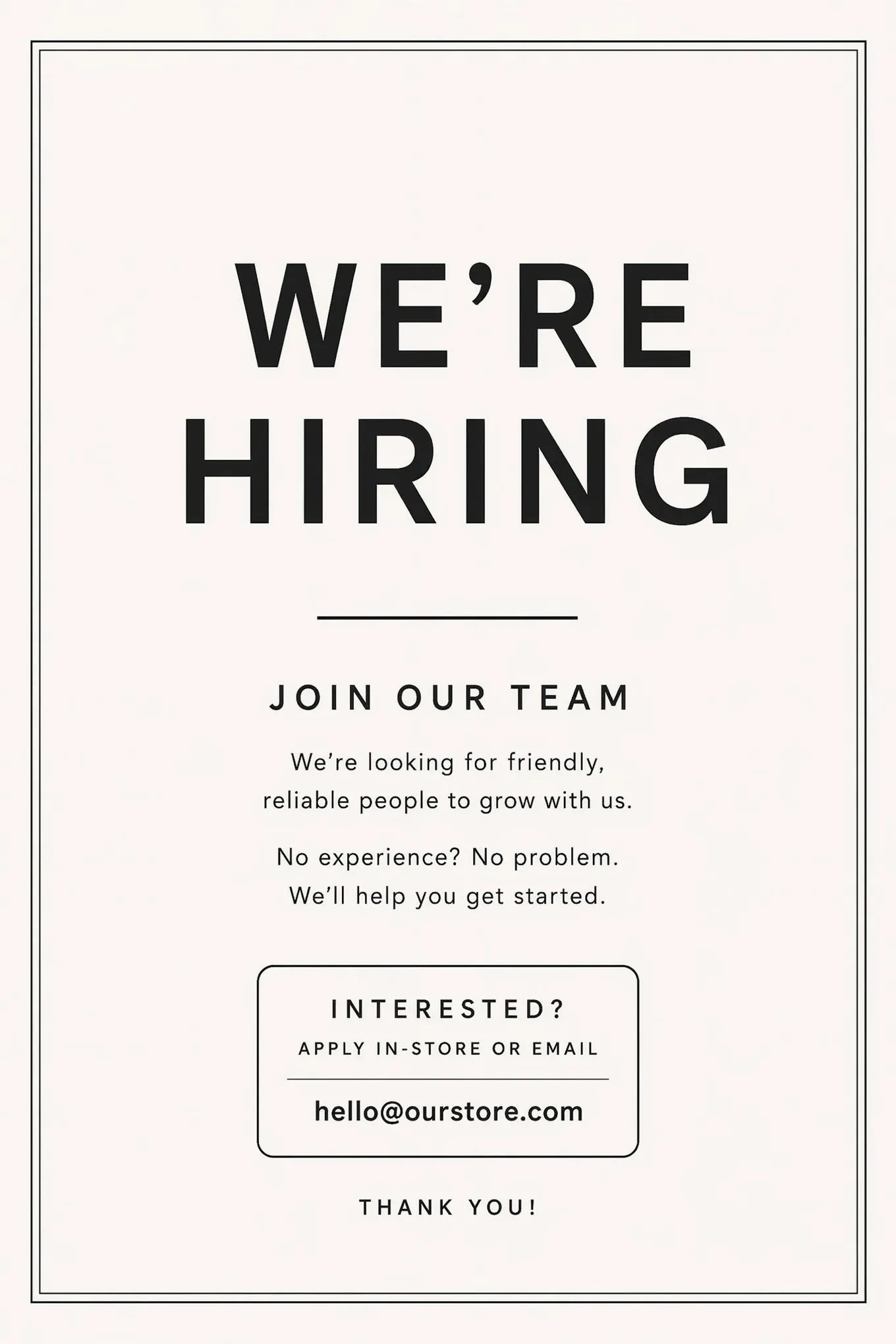
Choose a Hiring Poster Style and Customize It
Start with a poster style, then update the job details, wording, colors, and layout before generating your own version.
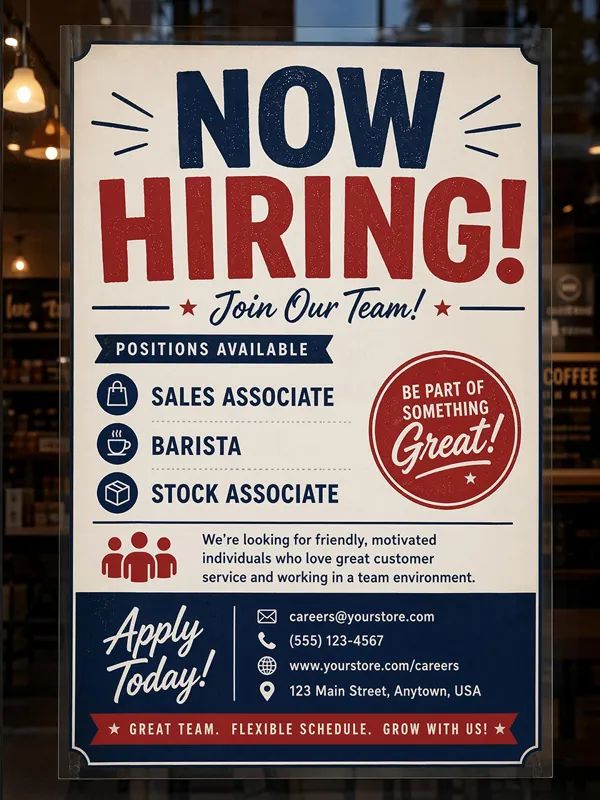
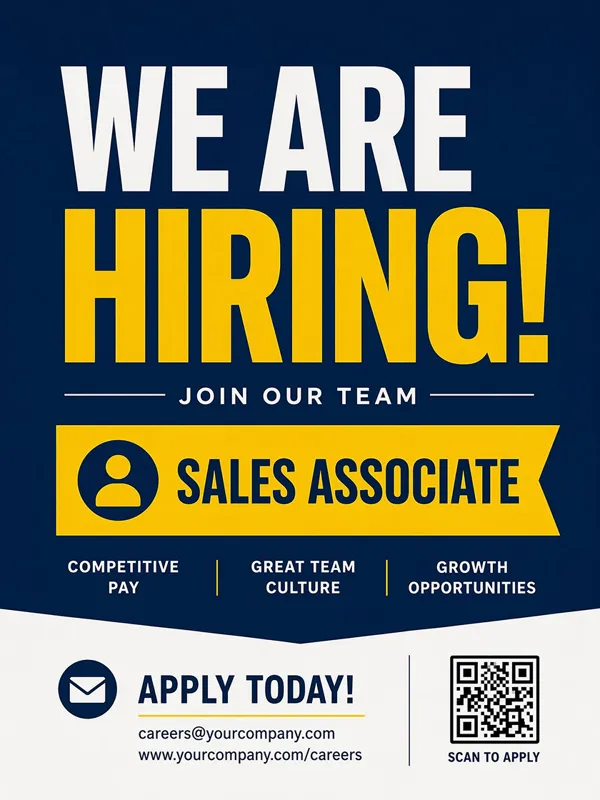
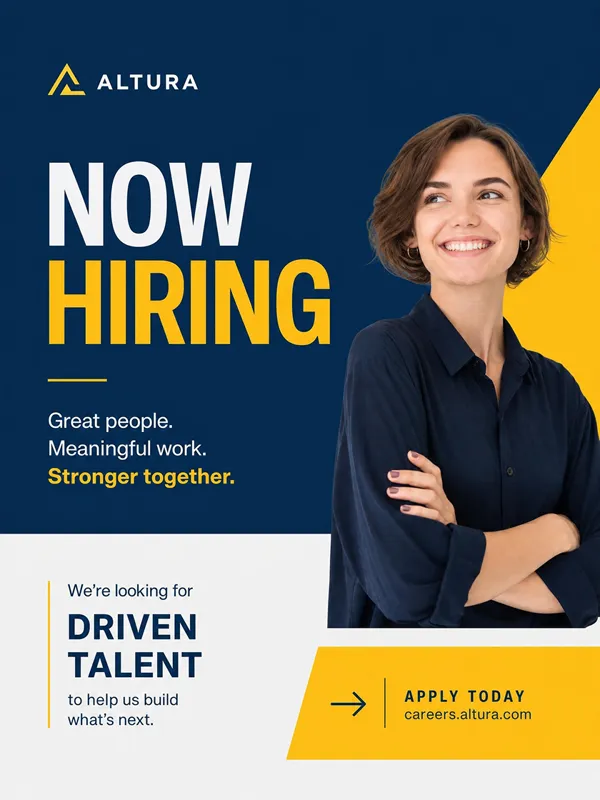
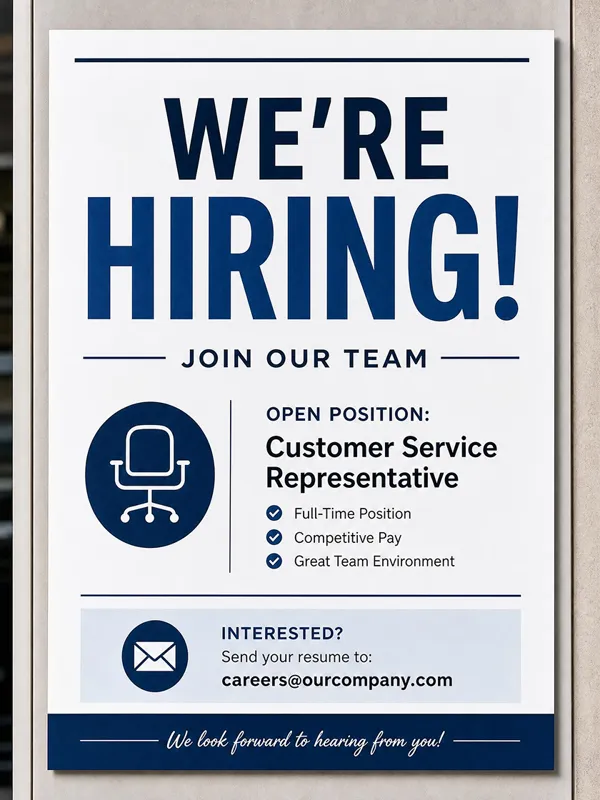
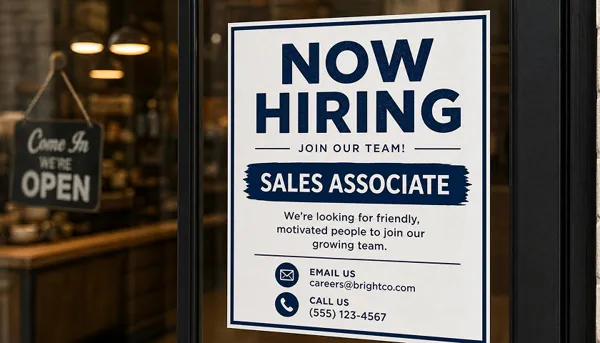
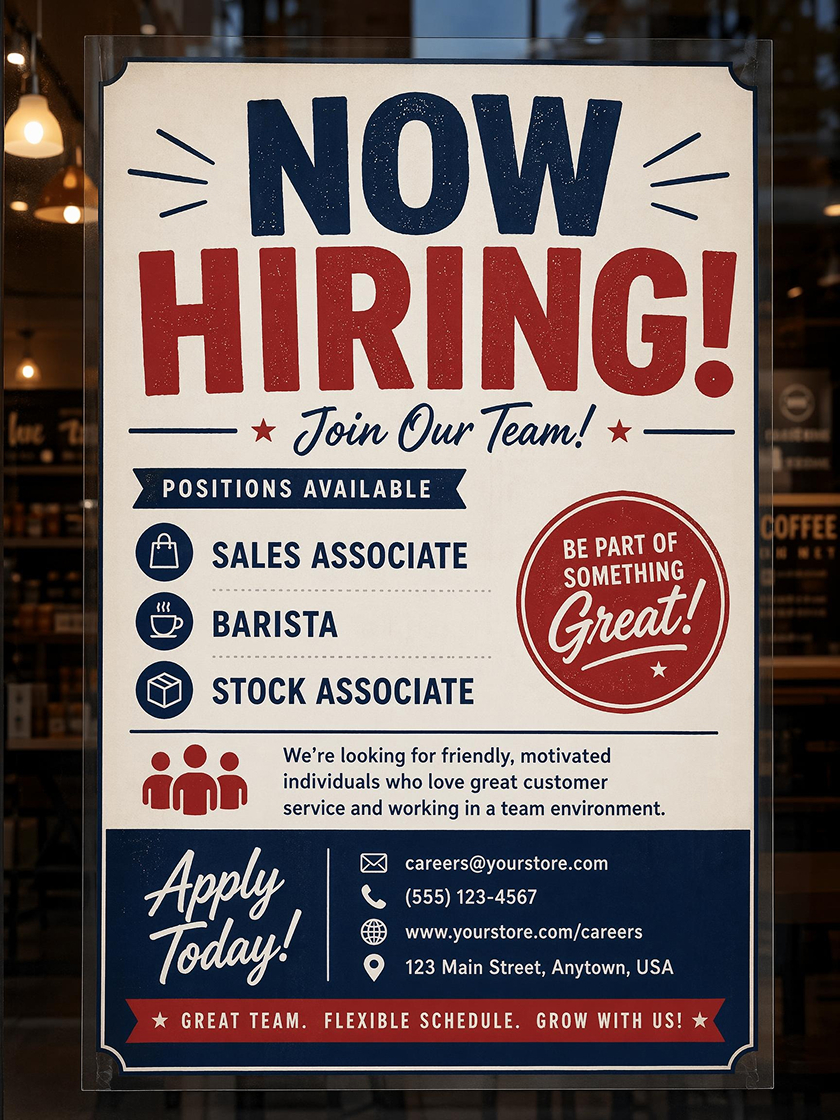 Now Hiring Sign
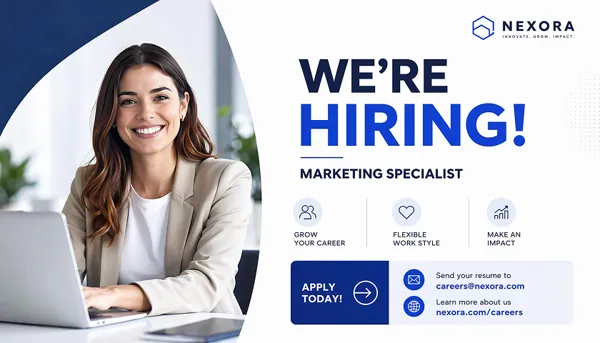
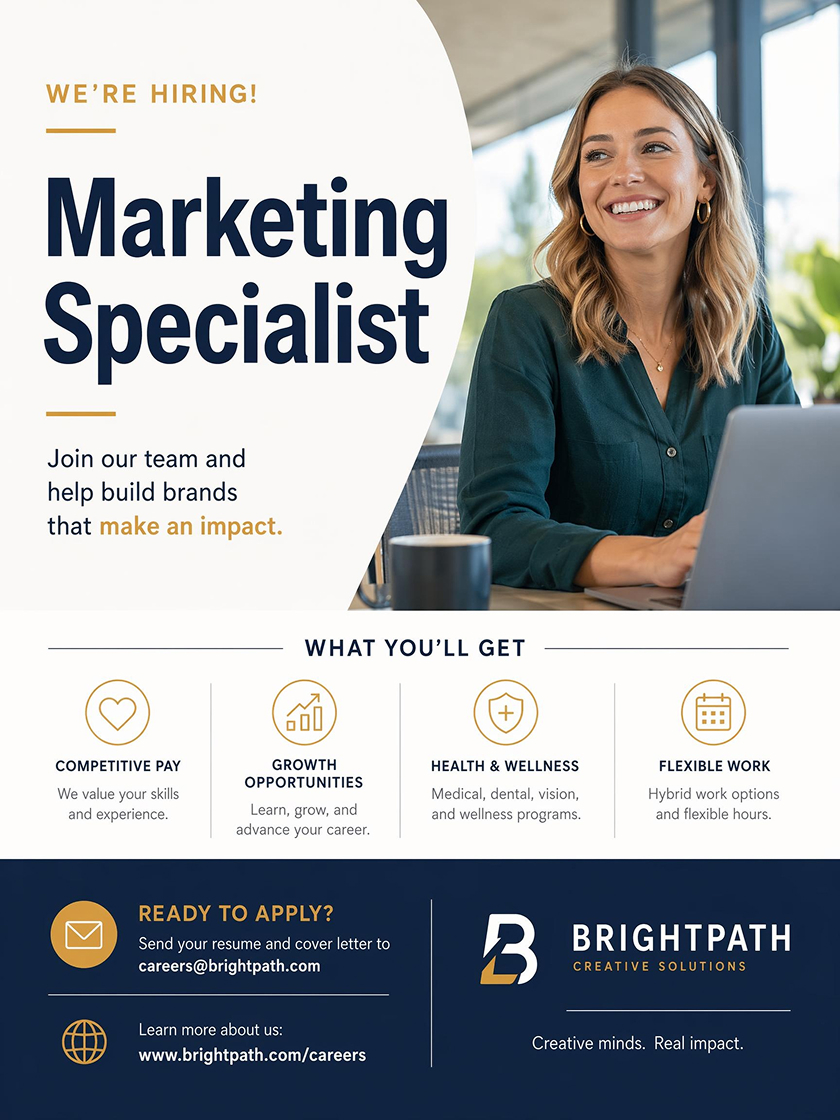 Recruitment Flyer
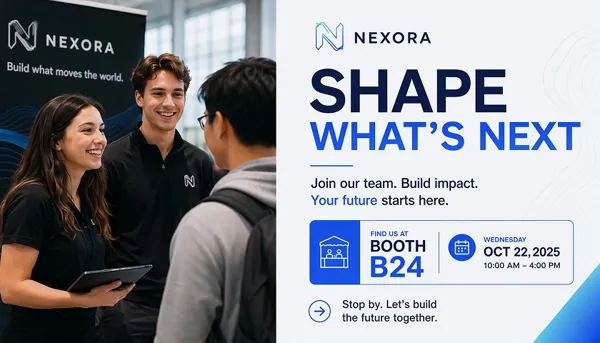
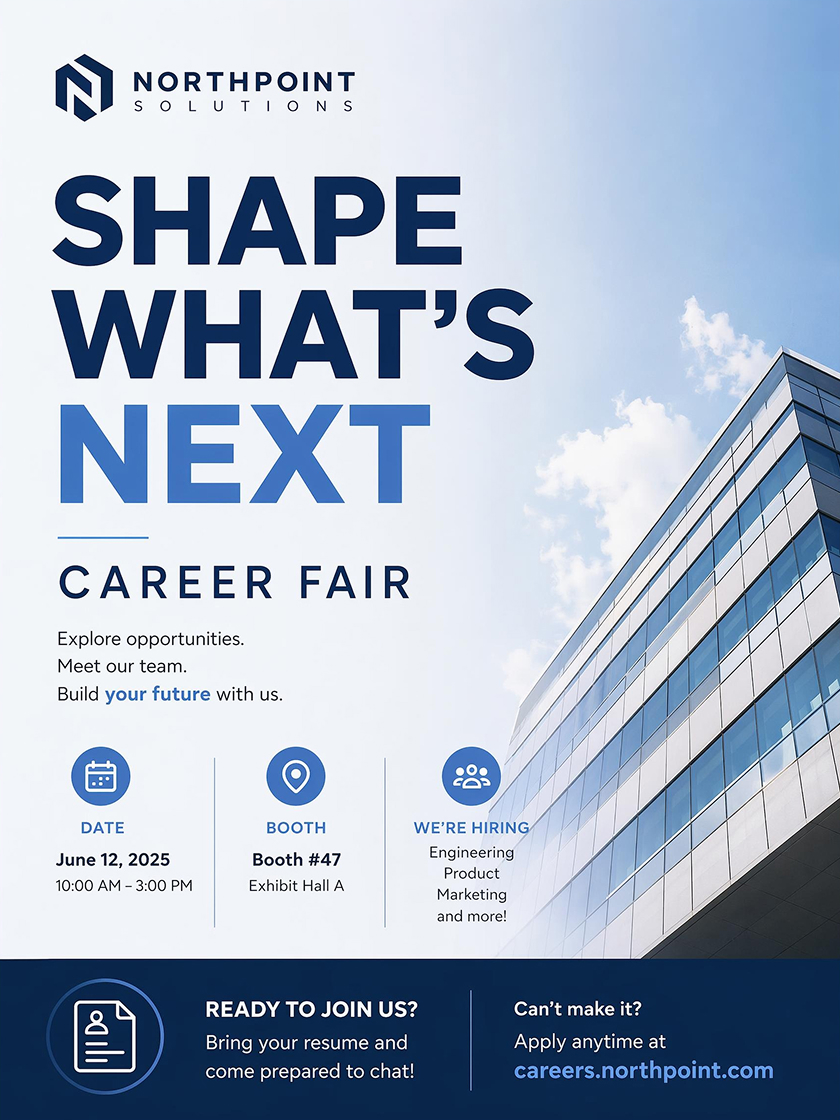 Career Fair Poster
How to Make a Recruitment Poster With AI
Choose a Hiring Poster Style
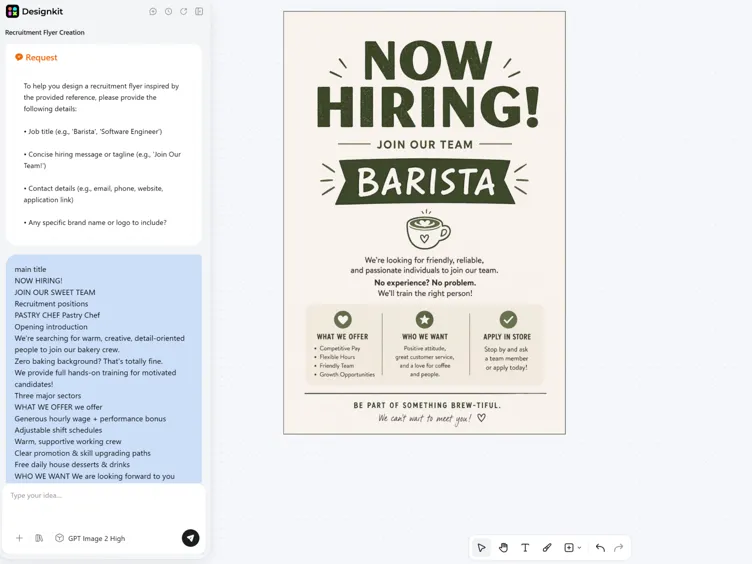
Select a recruitment poster style and Designkit sets up a layout with space for the headline, role details, and response step before you add the specifics.
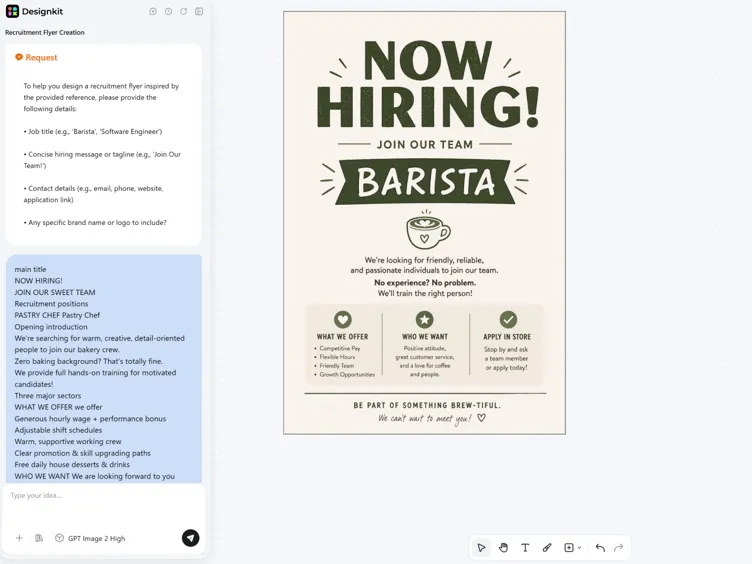
Add Job Details
Enter the job title, hiring message, contact method, and style. AI organizes the content into a clear structure with stronger text hierarchy.
Generate, Edit and Export
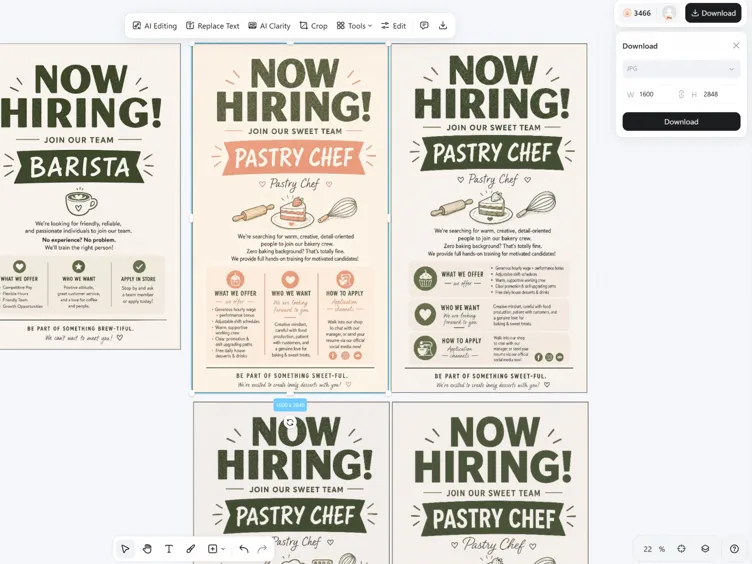
Compare poster versions, adjust the wording or layout, then export as PNG for social sharing, or on-site display.
Recruitment Poster Features for Faster Hiring Design
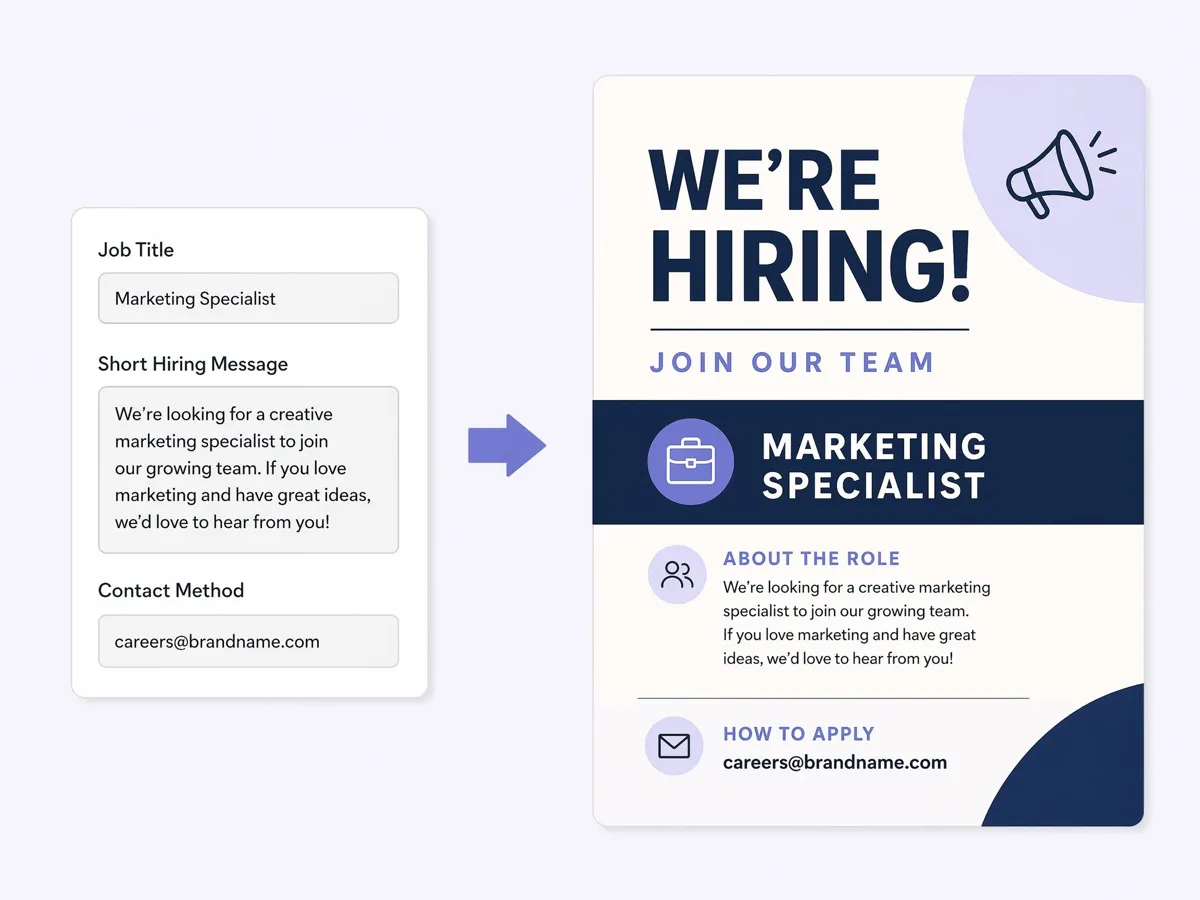
Shape Hiring Details into Clear Sections
Designkit reads the hiring message and builds a poster structure around it. The role title, supporting details, and response step are placed into clear sections, so the layout feels intentional instead of like loose text on a page.
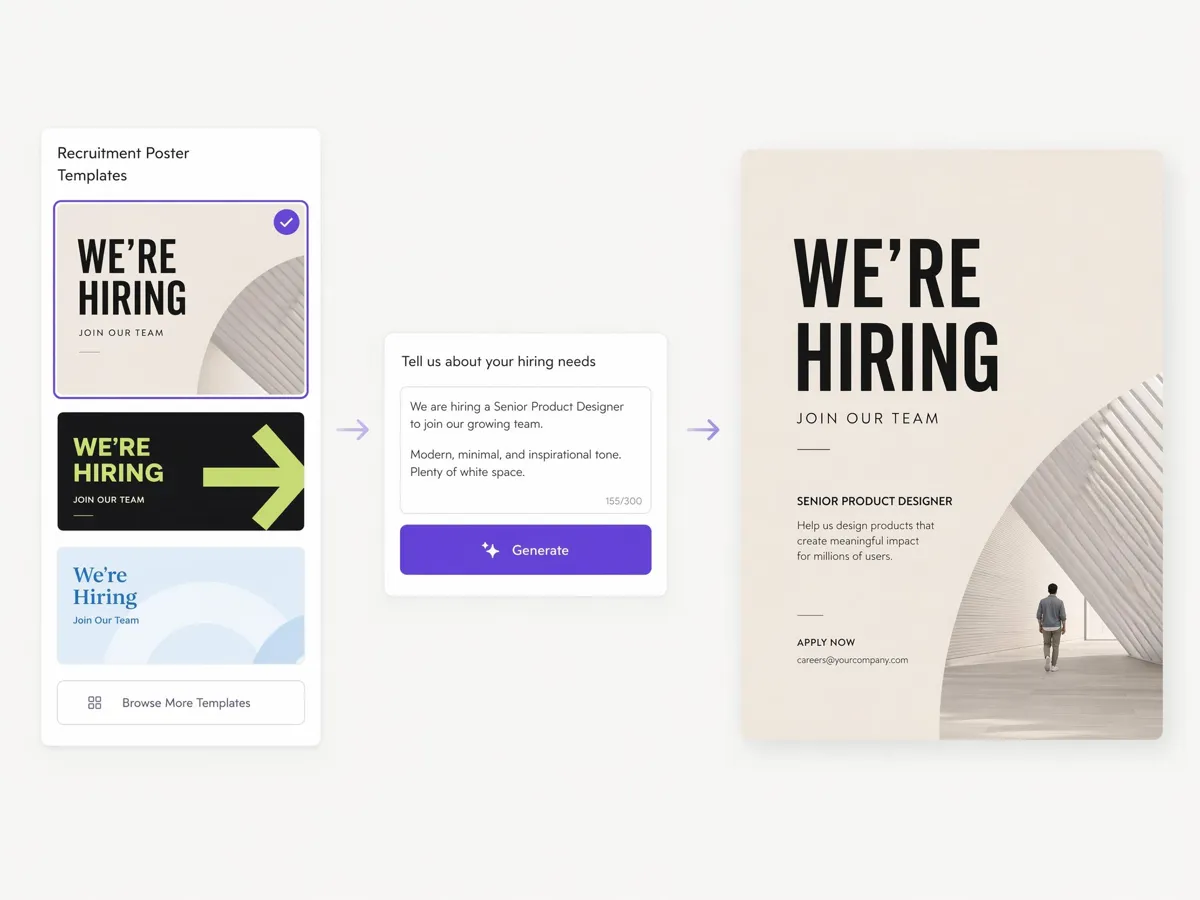
Match the Poster Style to the Hiring Context
A now hiring sign outside a store needs a different visual weight than a career fair poster or a digital recruitment flyer. Designkit adjusts the layout, font scale, and spacing based on the style you choose, so the hiring message fits where it will actually appear.
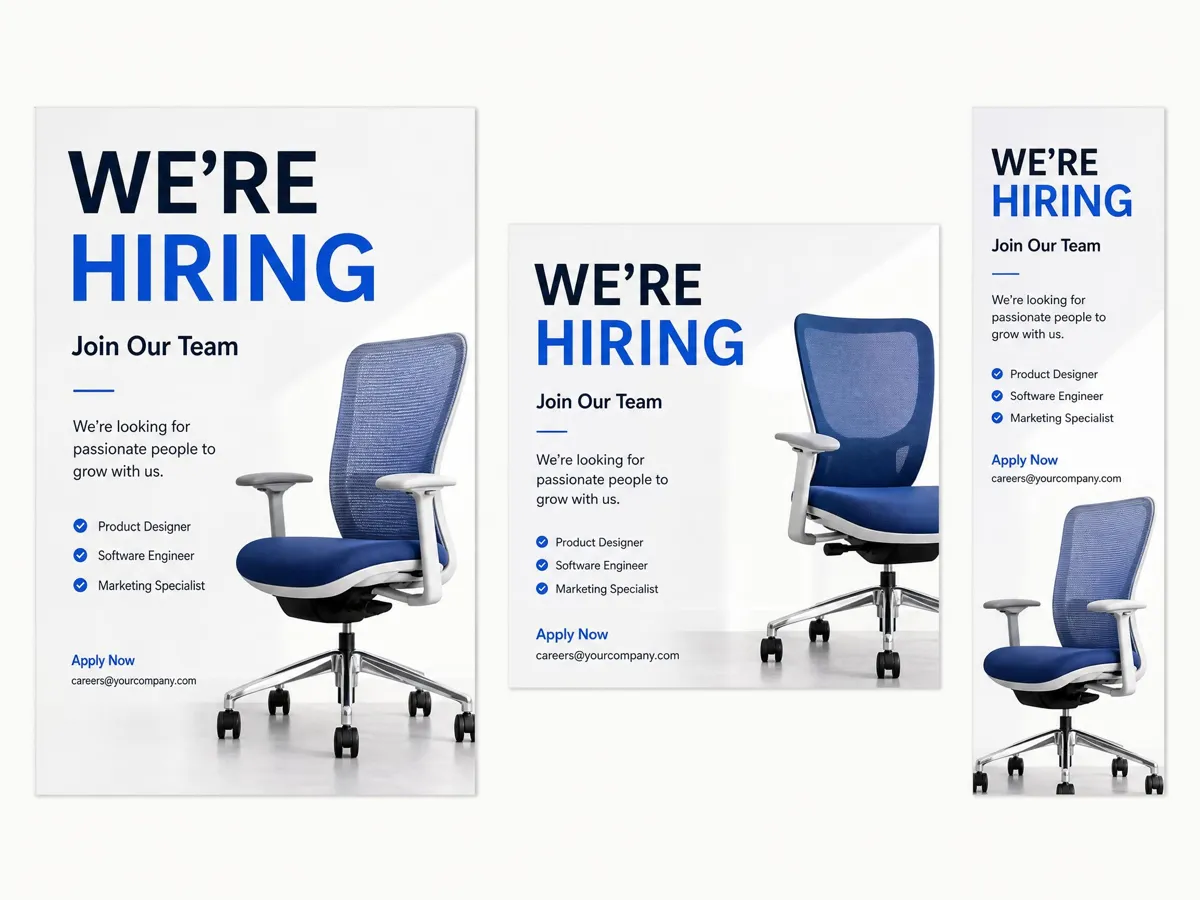
Keep the Message Consistent Across Formats
One hiring message can be adapted into different poster formats while keeping the same core wording. Designkit changes the layout around the content, so each version fits its placement without changing the message.
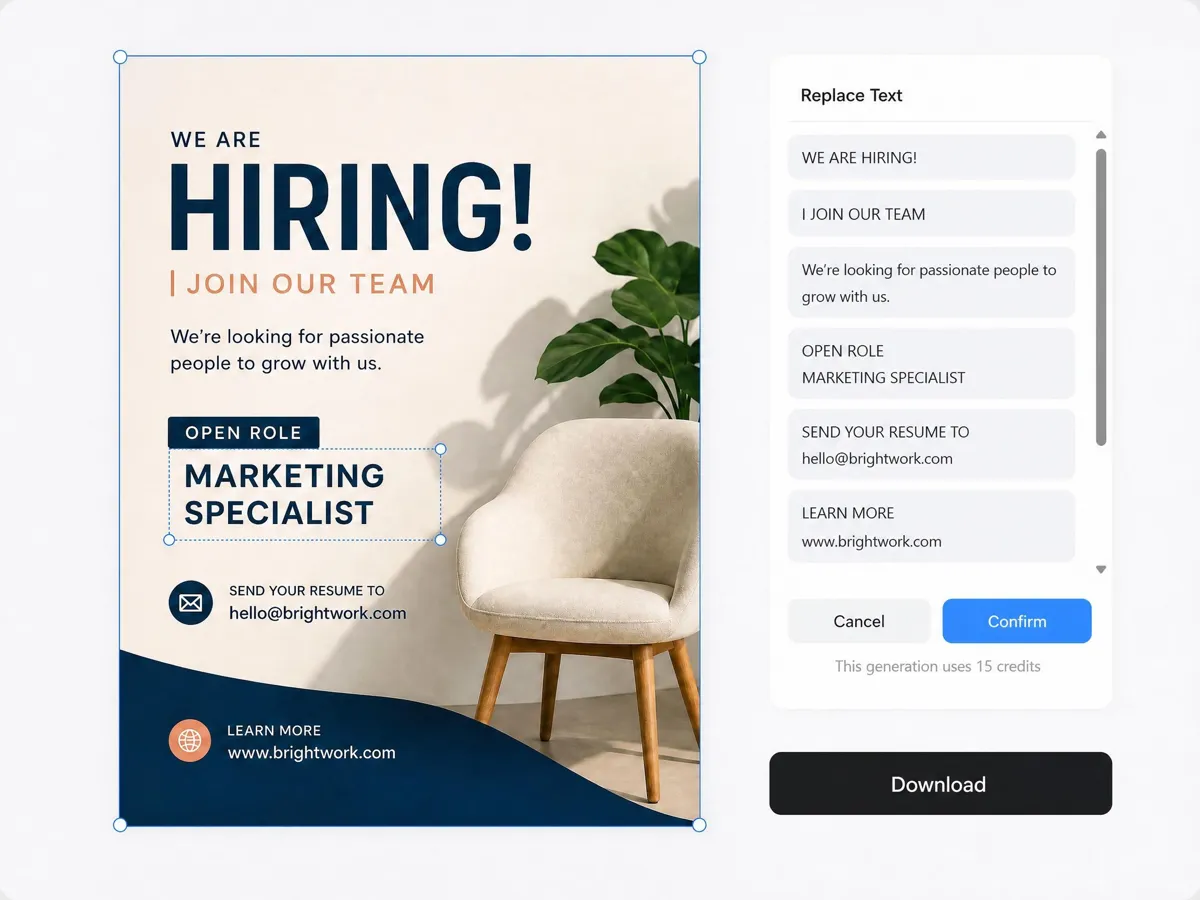
Refine the Poster Without Rebuilding It
After the first design is generated, you can revise the hiring information directly inside the poster. The layout stays aligned as you update the role, contact details, or wording, so edits fit the original structure without starting over.
Poster Types You Can Create with Designkit
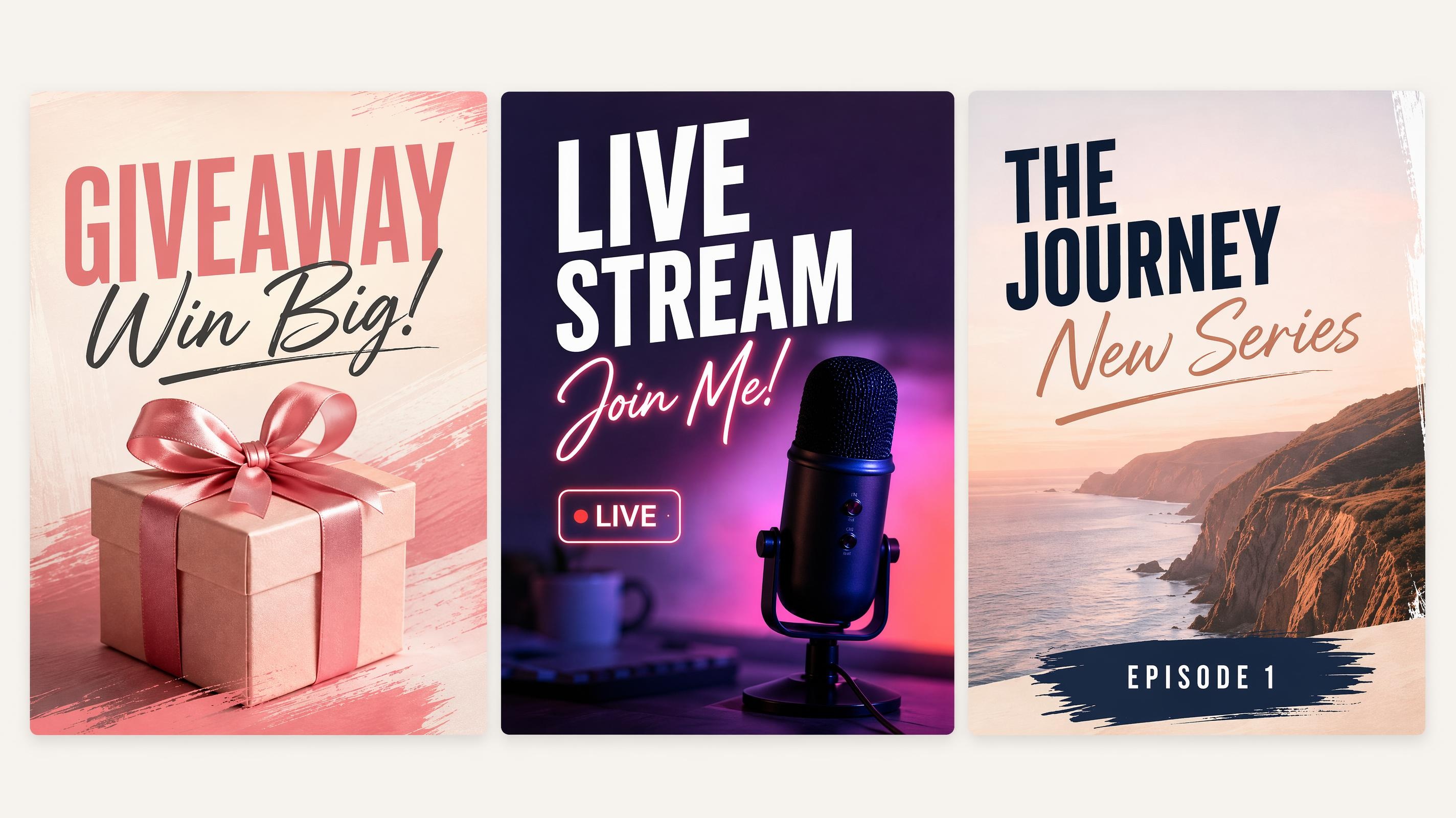
Social Media Poster
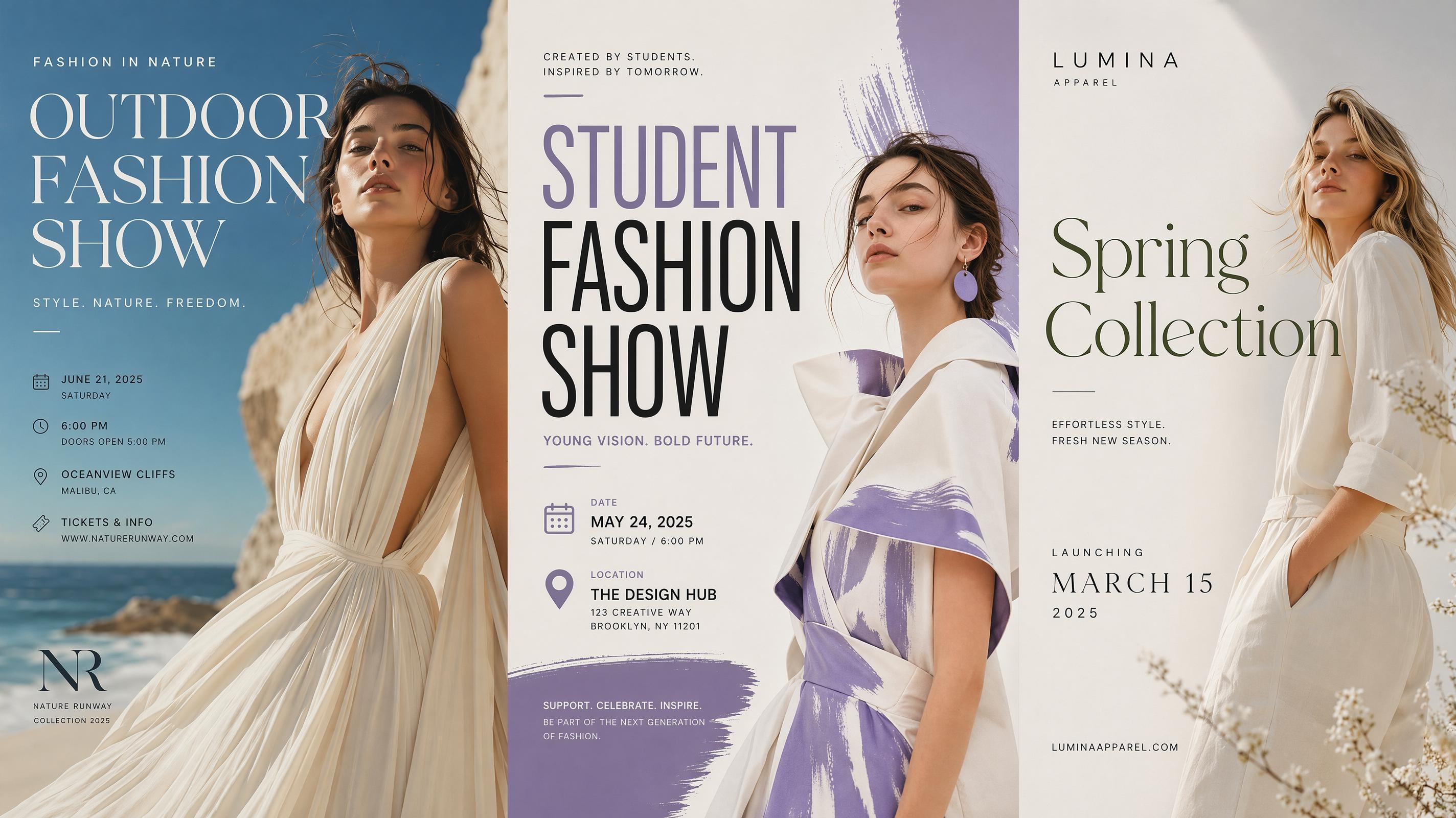
Fashion Poster
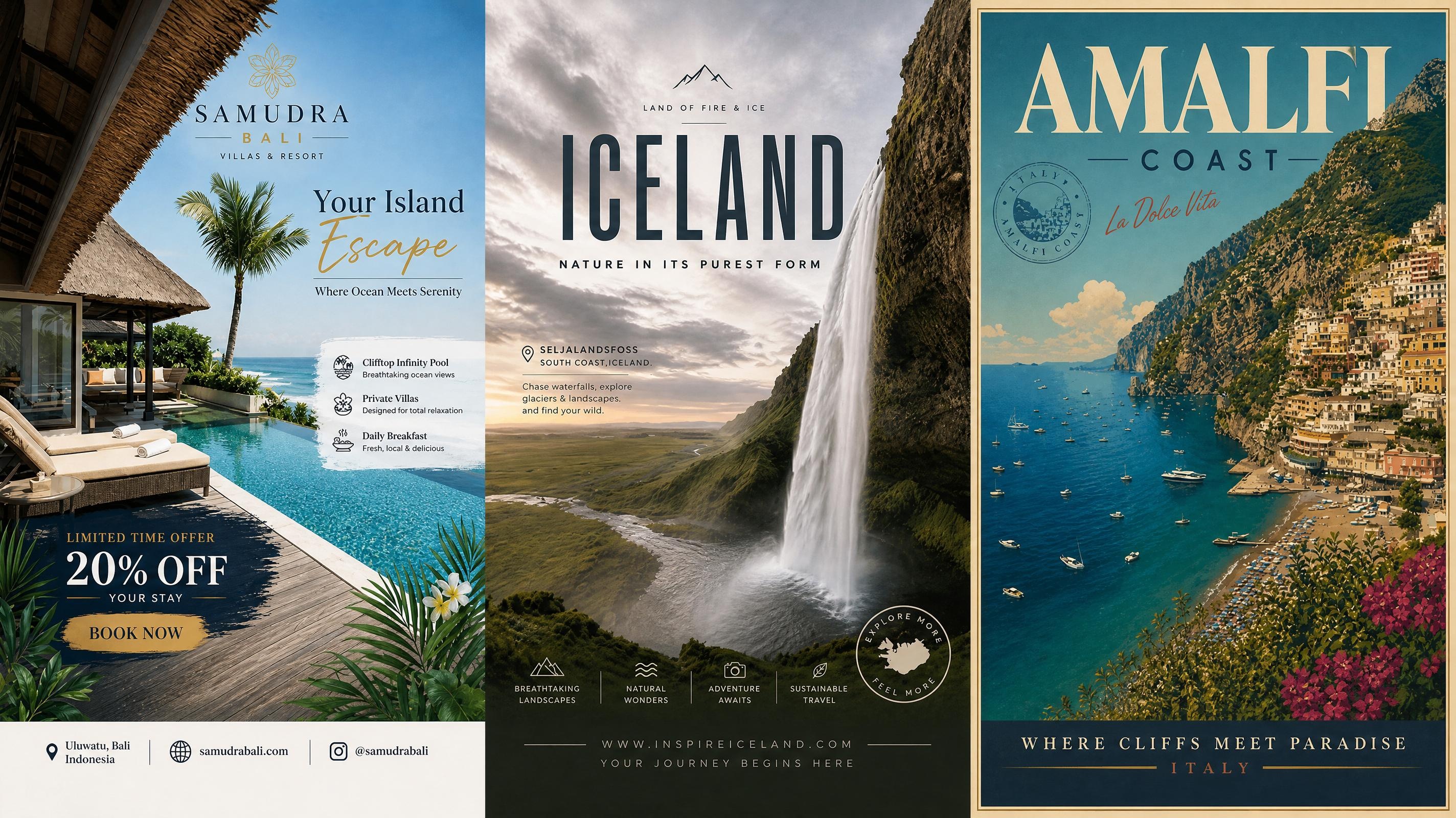
Travel Poster
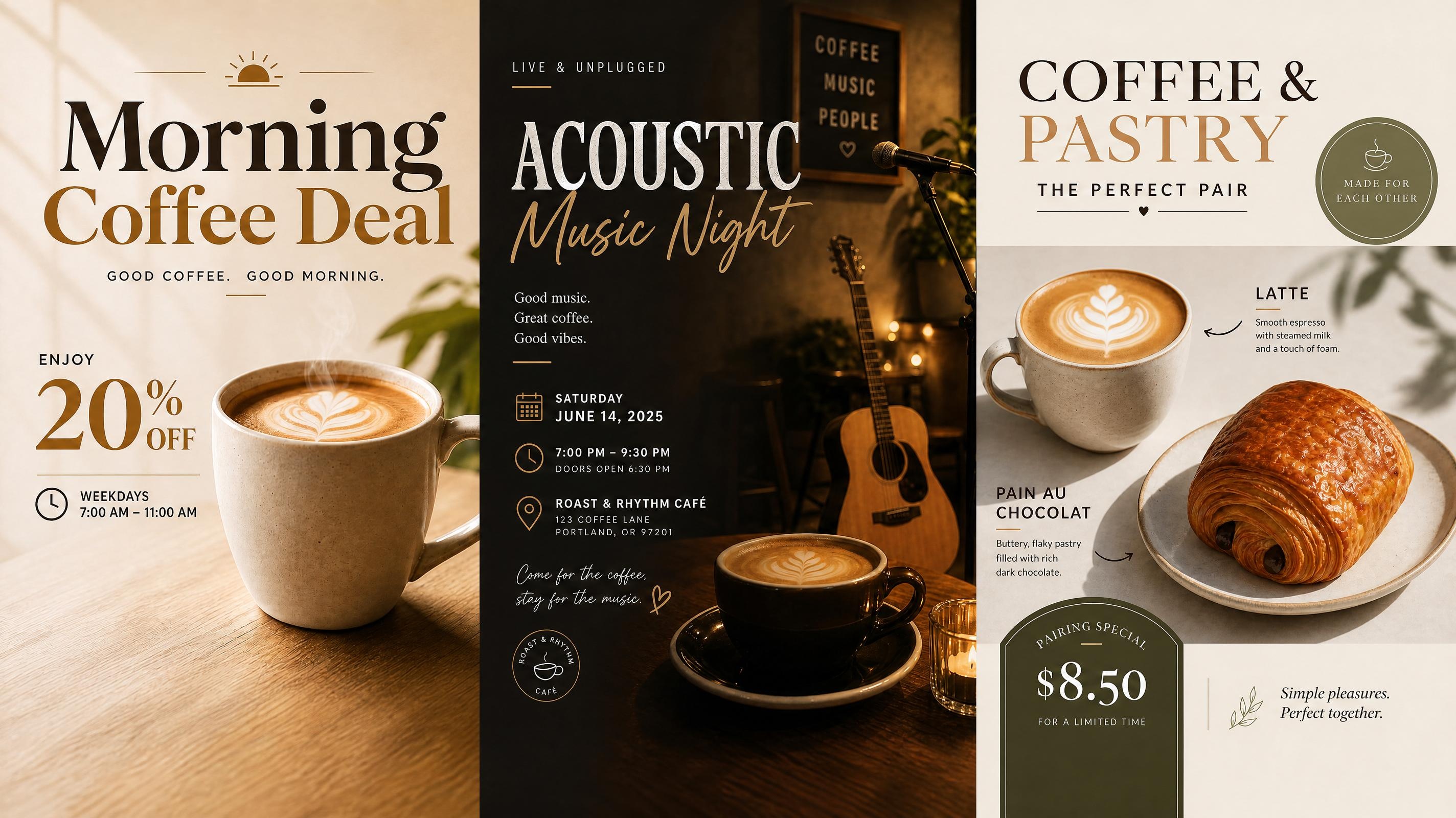
Cafe Poster
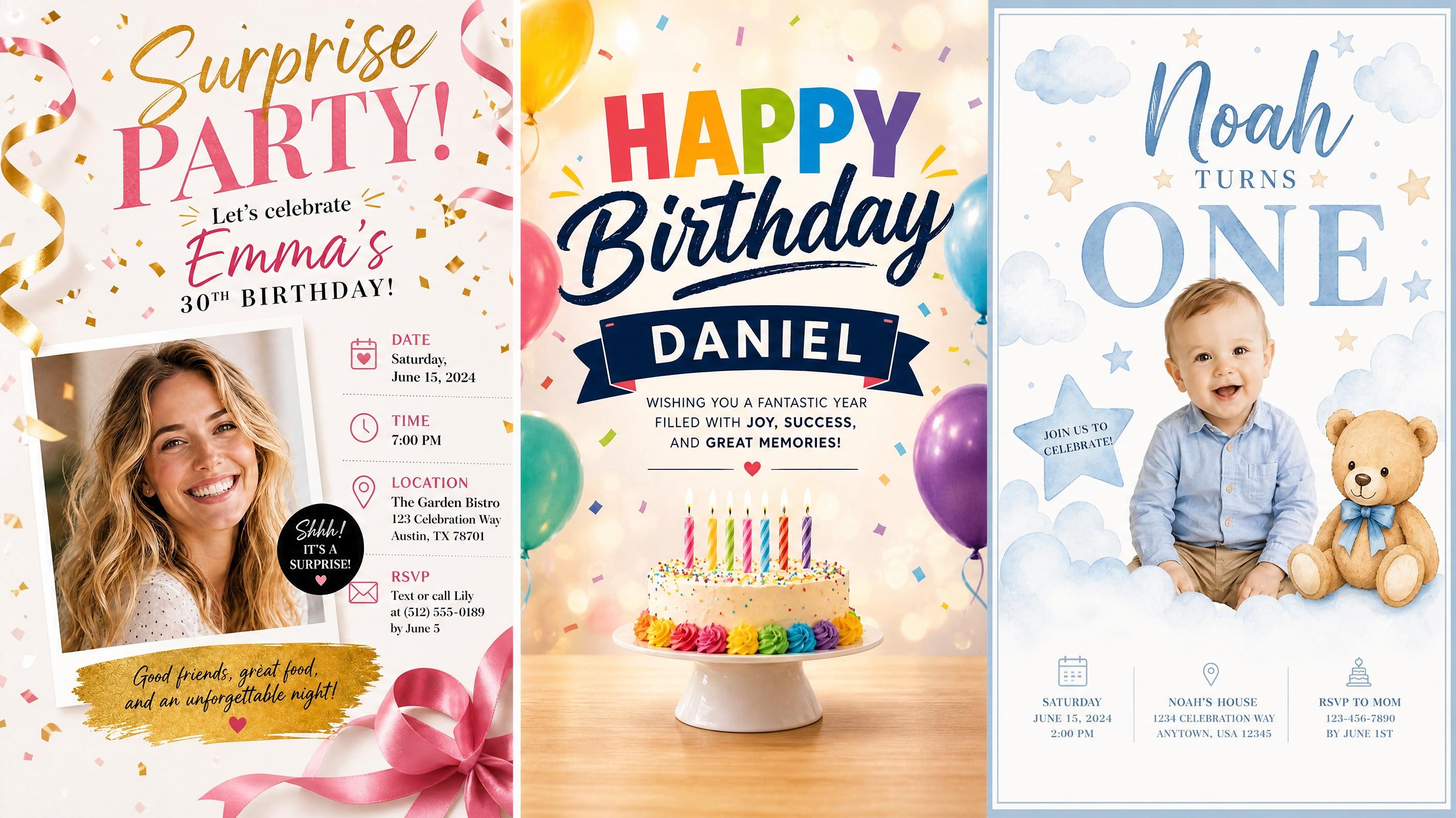
Birthday Poster
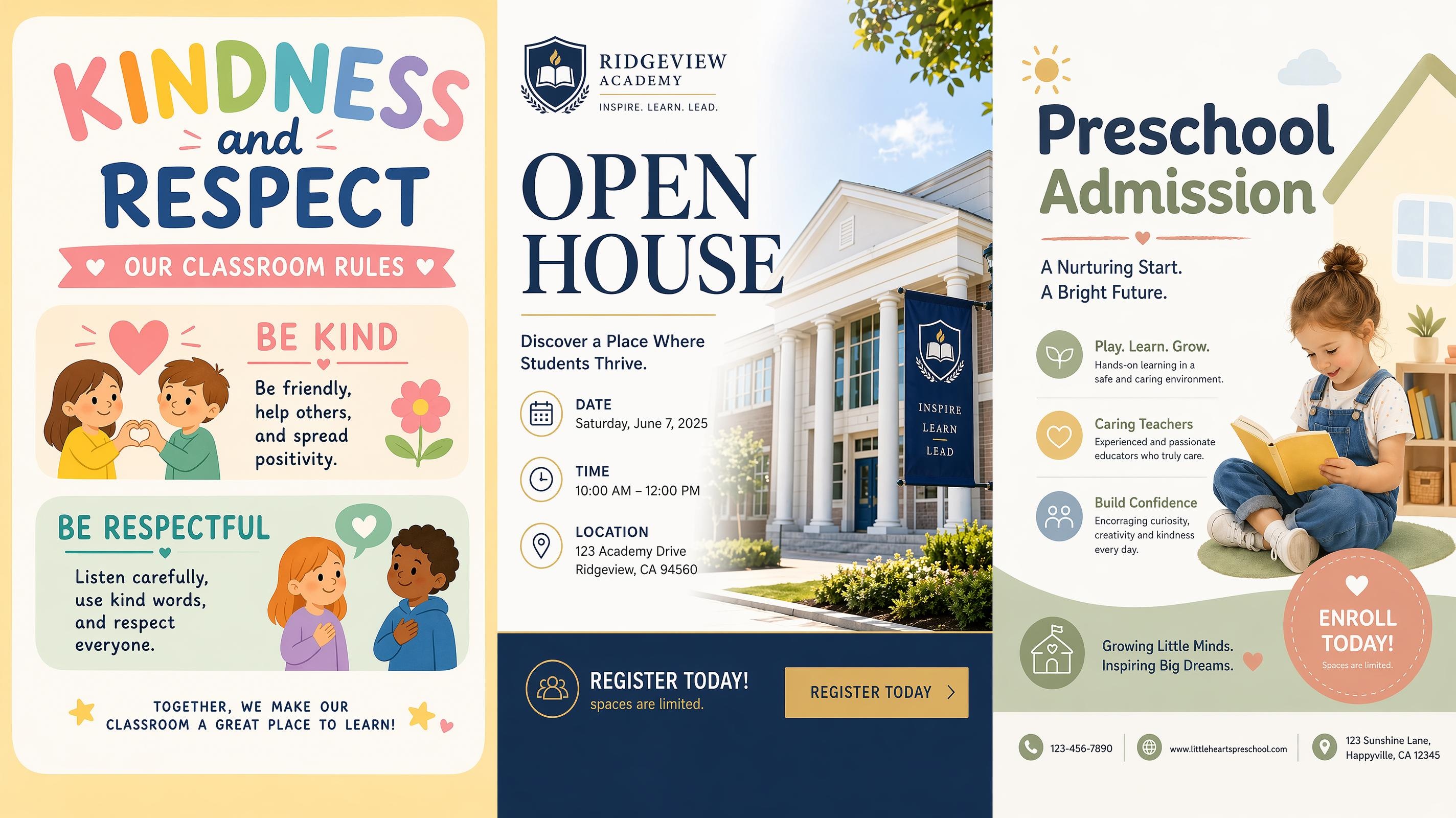
School Poster
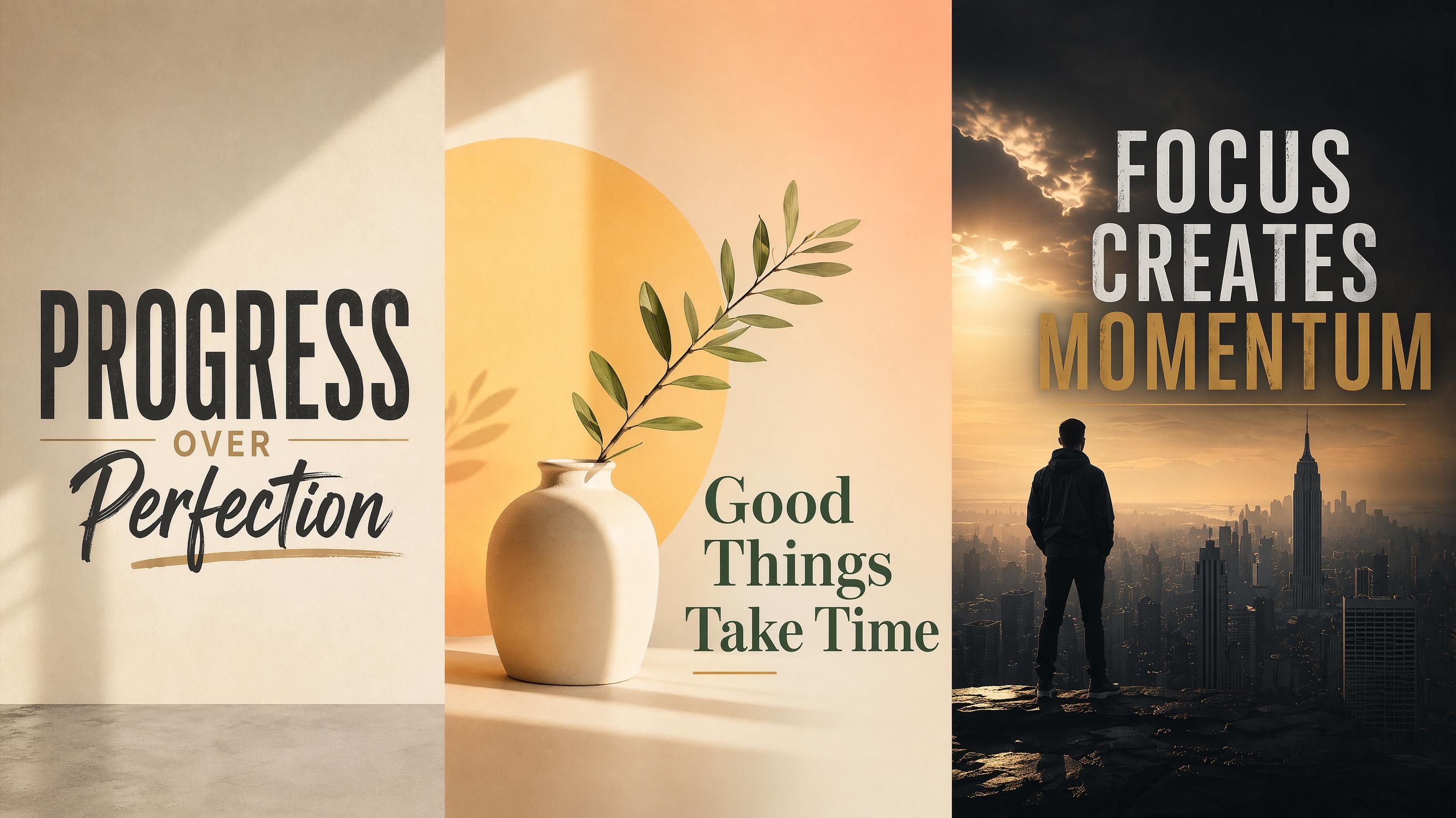
Motivational Poster
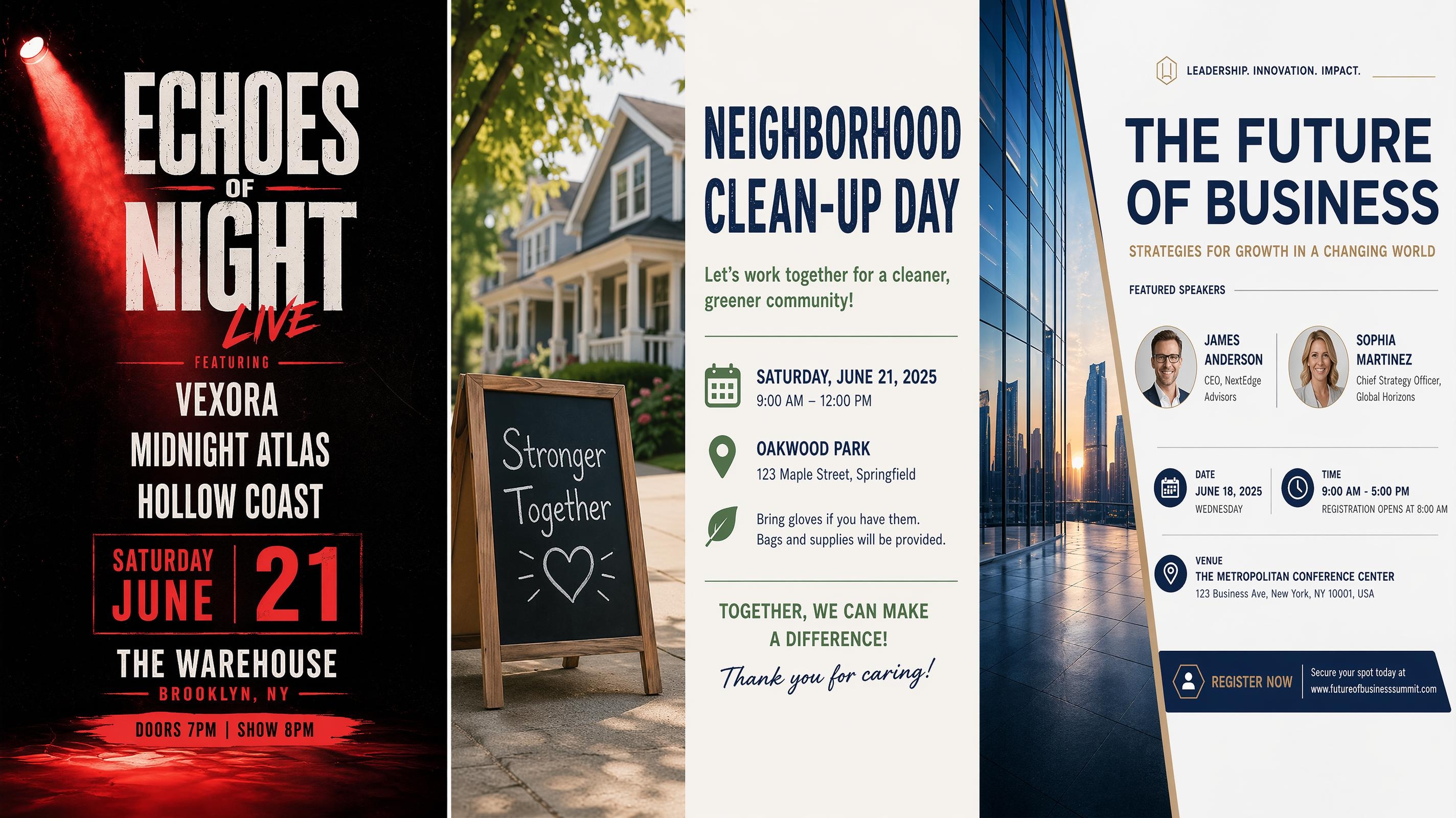
Event Poster Generator
Frequently Asked Questions
What is a recruitment poster?
What should I include in a recruitment poster?
Include the job title, hiring message, company name, and application method. Add extra details only when they help the viewer act faster, such as location, schedule, event date, or a short benefit.
Can I make different types of recruitment posters, like now hiring signs or flyers?
Yes. You can choose a format that fits how the poster will be used. Now hiring signs work well with a bold headline and simple contact details. Recruitment flyers can include more role information for handouts or online sharing. Career fair posters can cover booth details and multiple open roles. Each format uses the same hiring details with a layout suited to its placement.
Can I edit the poster after it is generated?
Yes. The generated poster is editable. You can revise the text, change the layout, adjust colors, move elements, and update contact details before exporting the final version.
What file formats can I export my recruitment poster in?
Recruitment posters can be exported as PNG or JPG. PNG works well for digital sharing and social posts, while PNG is better suited for print. Before exporting, check the layout at the intended display size to make sure the text and spacing are clear.
Create a Recruitment Poster That's Ready to Print or Share
Start with your hiring message, generate poster options, and download the finished design free.



What Hiring Teams Say About Designkit
See how teams use Designkit to create clearer hiring posters with less manual layout work.
Our Hiring Sign Looked More Finished
We only had a short hiring note at first, but the generated poster made it look much more organized. The job title stood out, the contact details were easy to find, and the final sign felt polished enough to put near the entrance.
Recruitment Flyers Took Less Time
I used to spend too long adjusting text boxes just to make a hiring flyer feel balanced. Designkit gave me several layouts from the same job details, so I could pick one, edit the wording, and send it for review much faster.
Career Fair Posters Felt More Consistent
For campus hiring events, we need posters that look connected to our company materials but still explain the role clearly. The generated layout helped keep the logo, booth details, and hiring message in the right order.
Seasonal Hiring Updates Became Easier
Our hiring details change a lot during busy periods, and rebuilding posters each time was slow. Now I update the role, date, or contact method, generate a new version, and the layout comes out looking consistent with what we used before. Much less back and forth.
Role Updates No Longer Slowed Us Down
We post for the same few roles on a rotation, and rewriting the layout each time was eating into the week. Now I update the job title and contact details, generate a new version, and it is ready to review in the same session. The whole thing takes a fraction of the time it used to.