
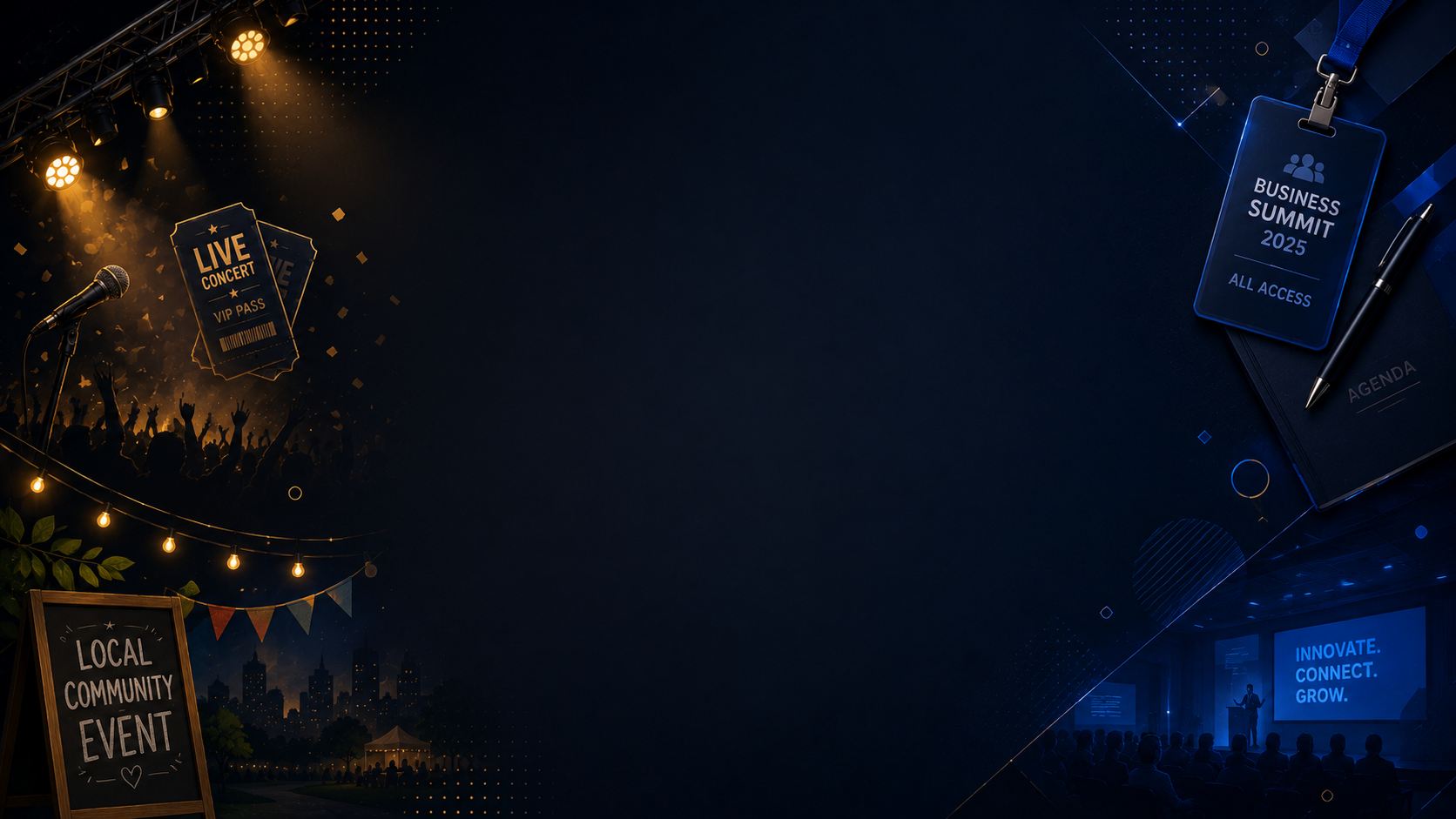
Generate Event Posters from Titles, Dates, and Venues
Add your event name, key details, and poster style to generate an event poster for promotion and print.
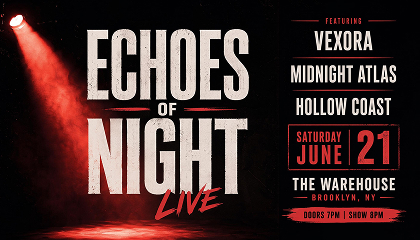
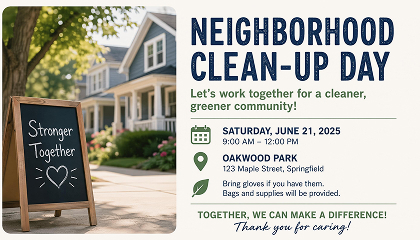
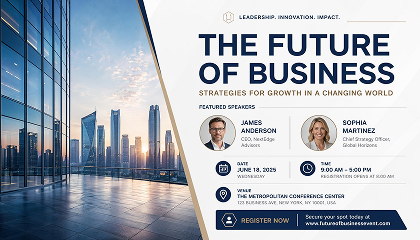
Generate Event Posters from Photos and Details
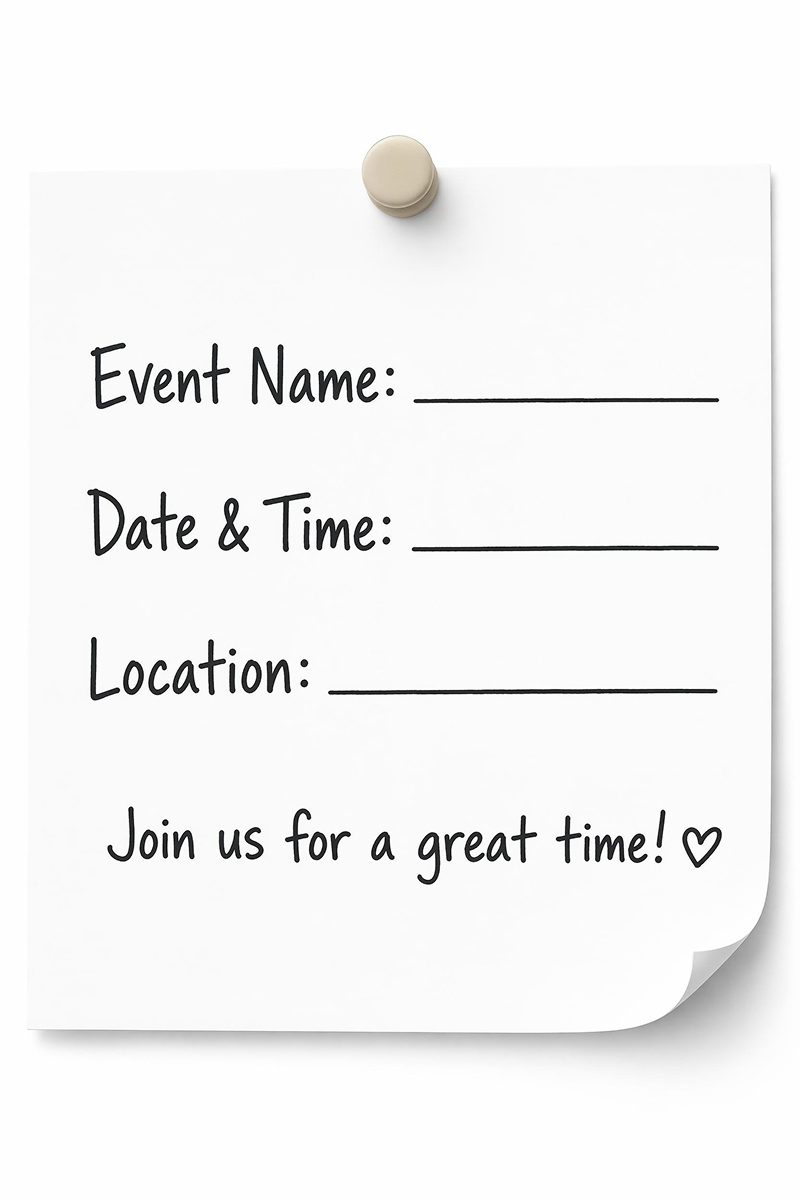
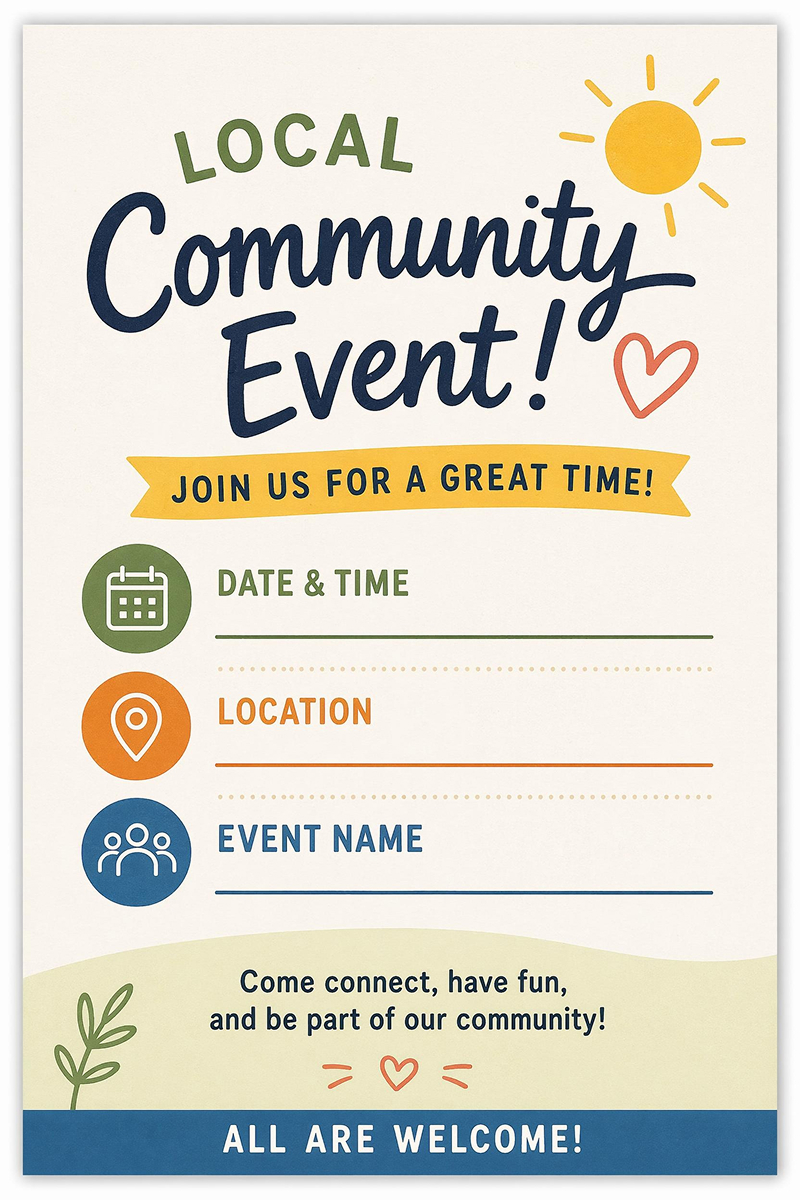

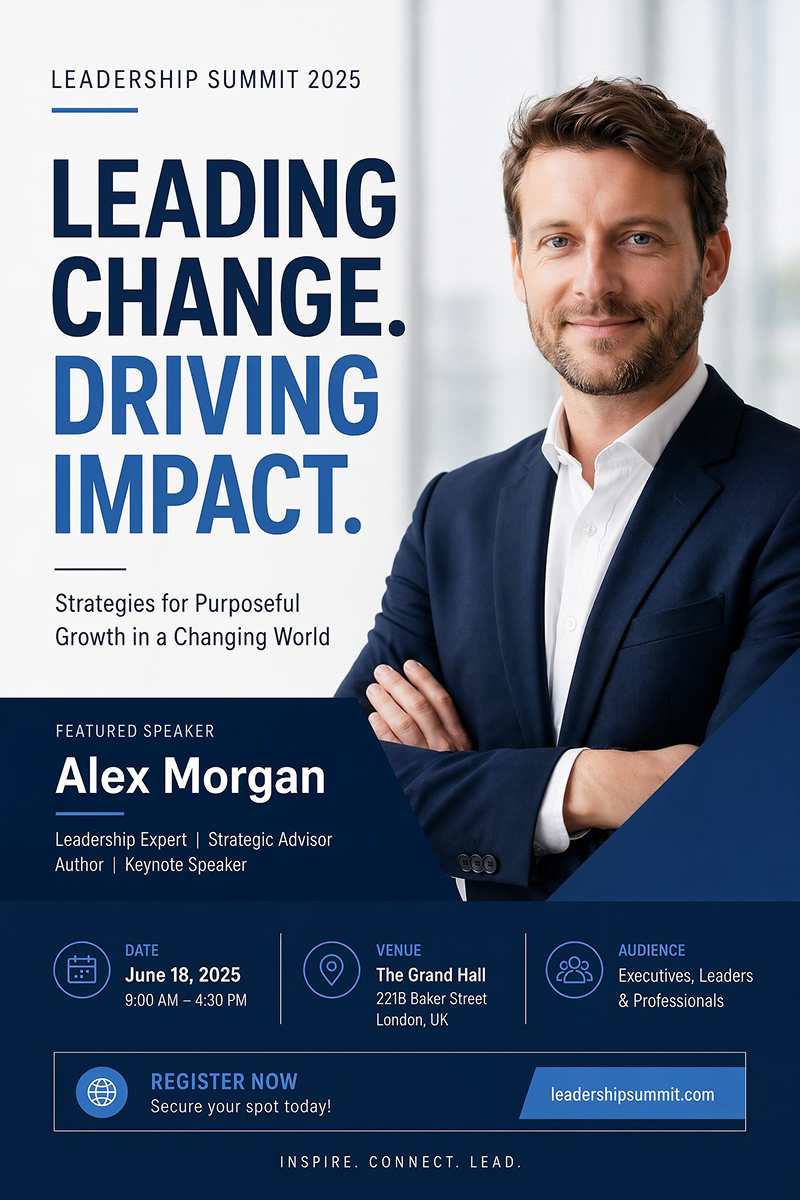
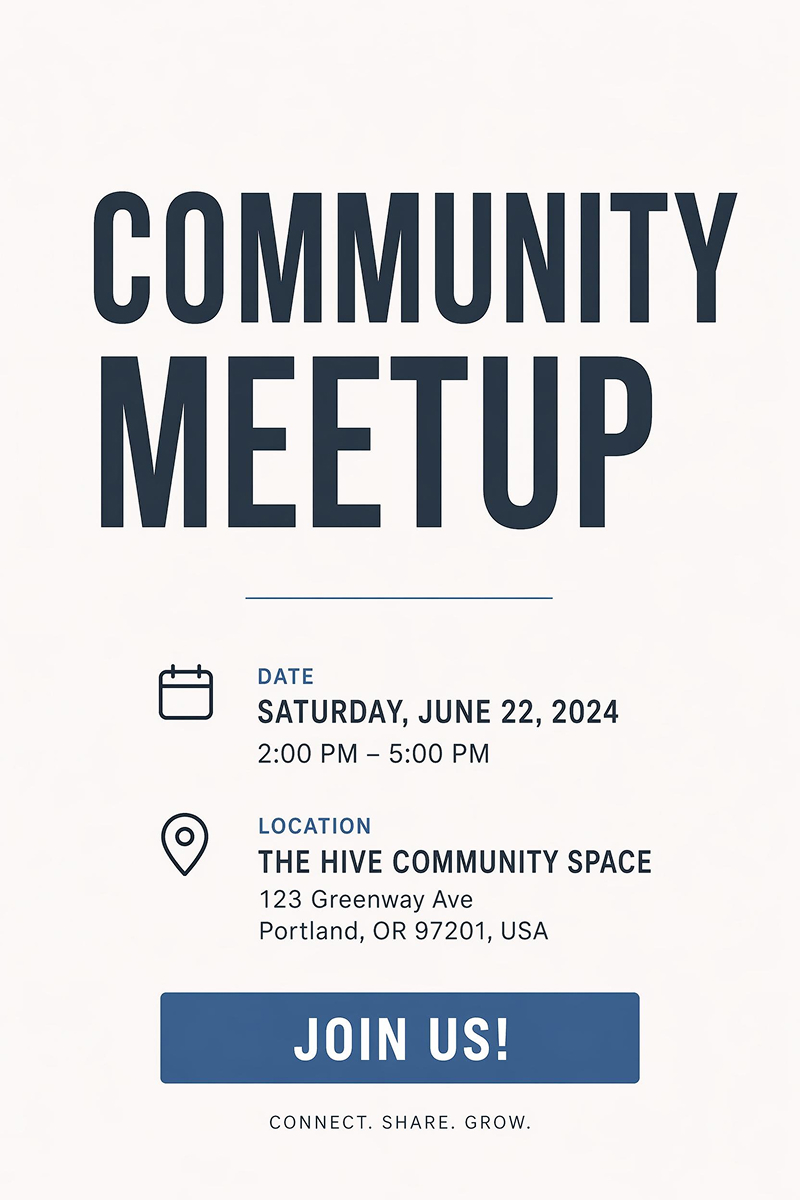
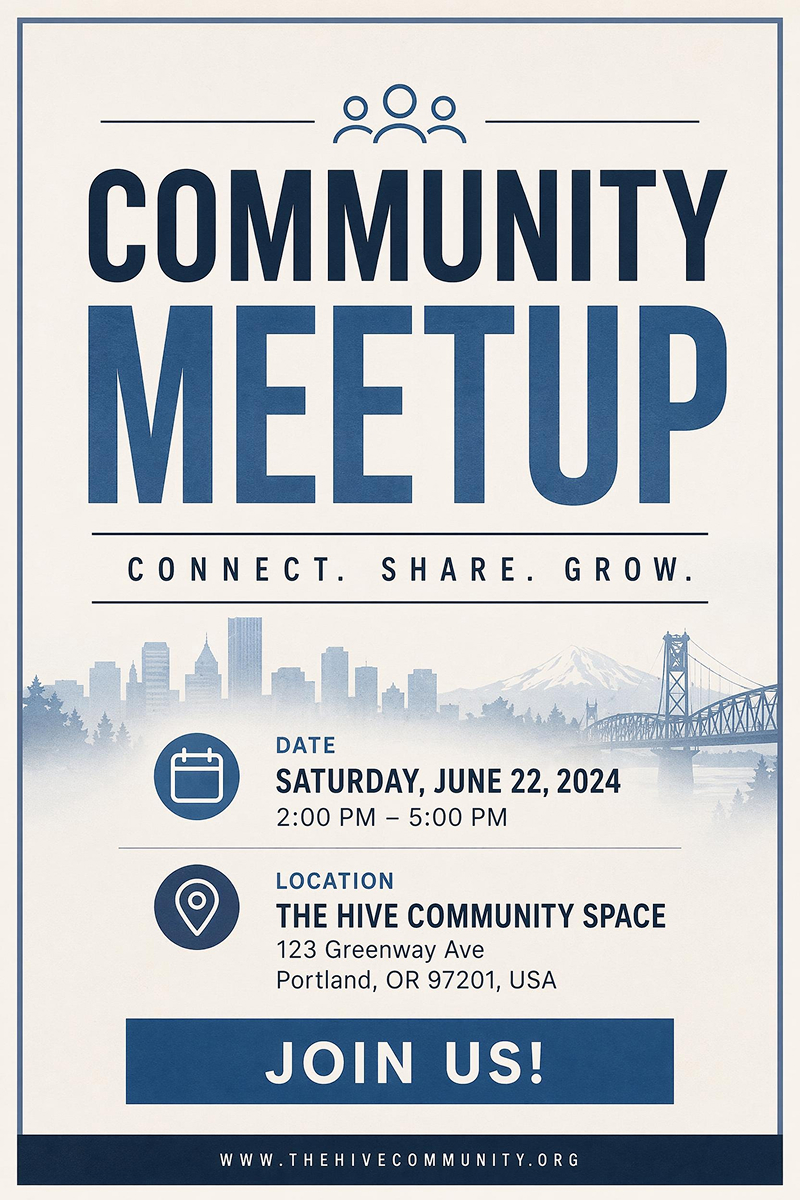
Choose an Event Poster Style and Generate Yours
Pick a style direction, add your event details, and generate a poster with matching layout and typography.
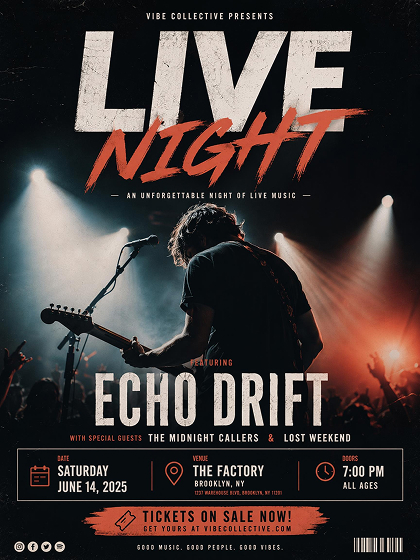
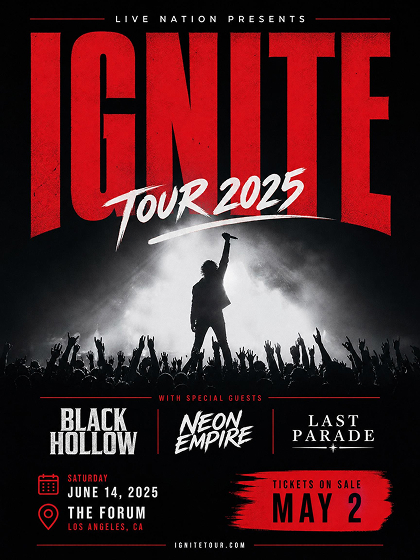
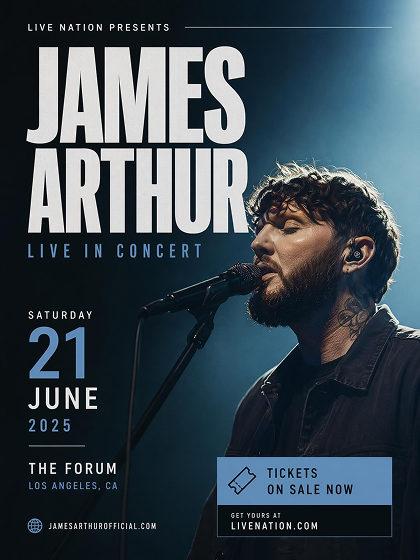
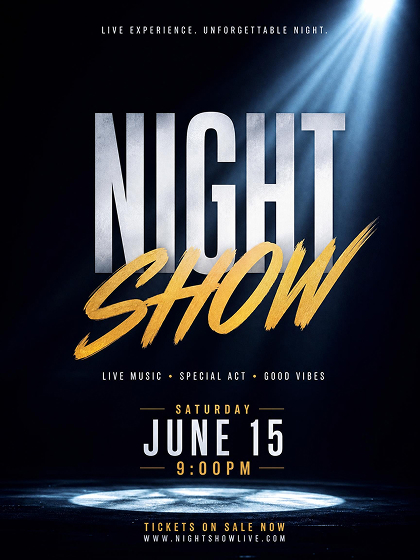
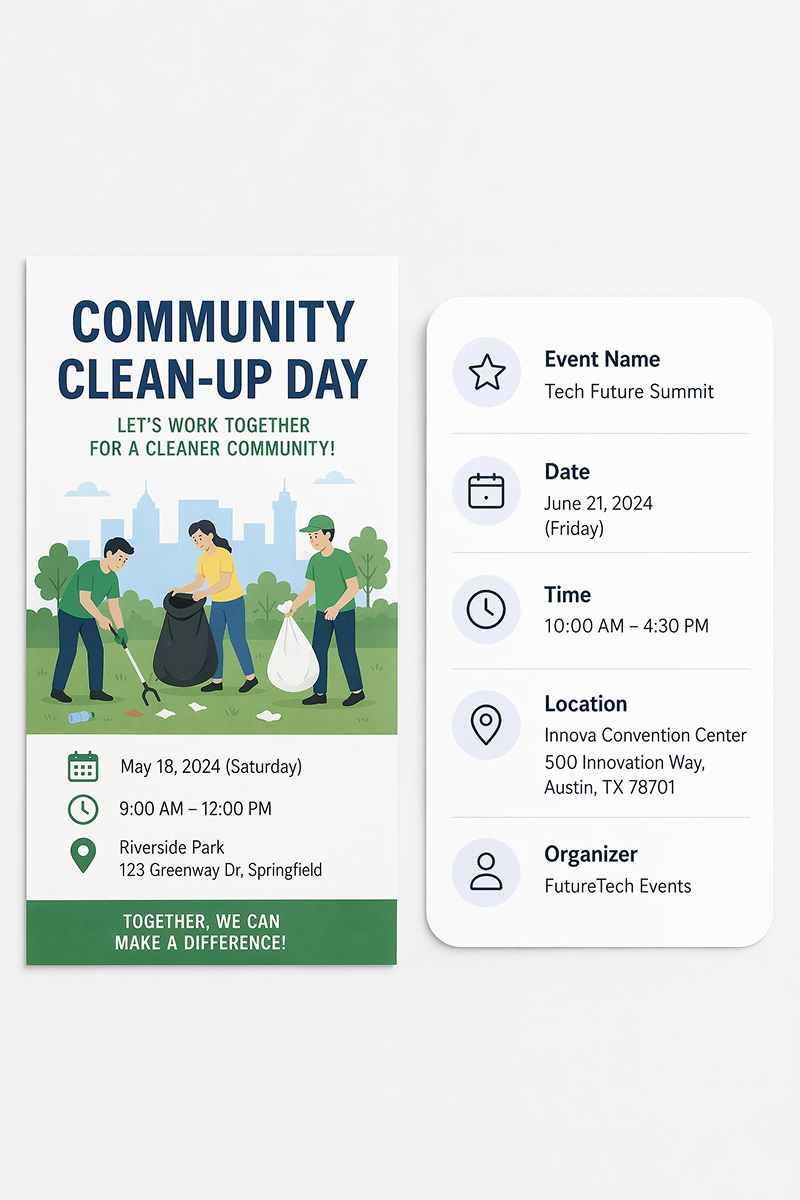
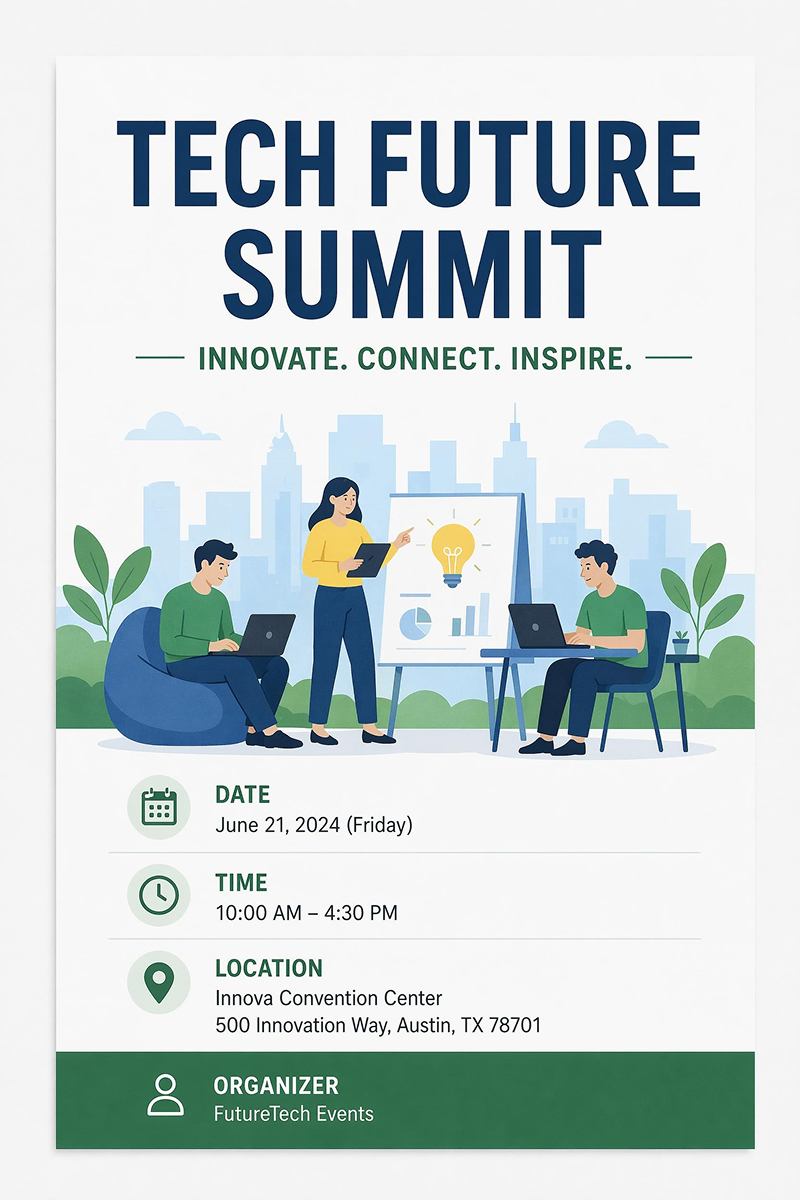
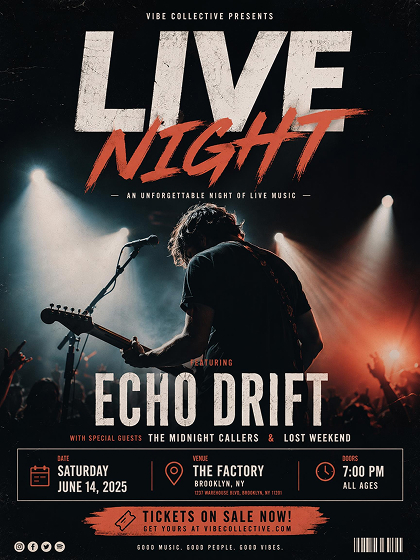 Music Event
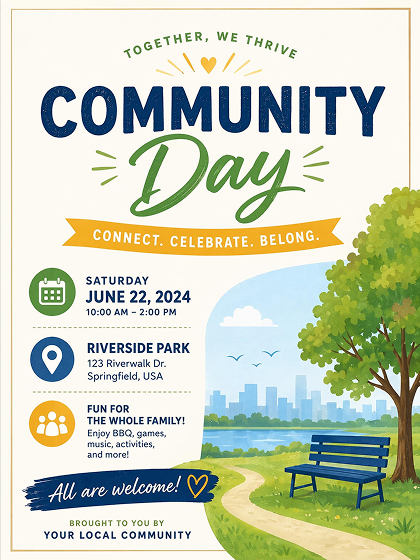 Local Event
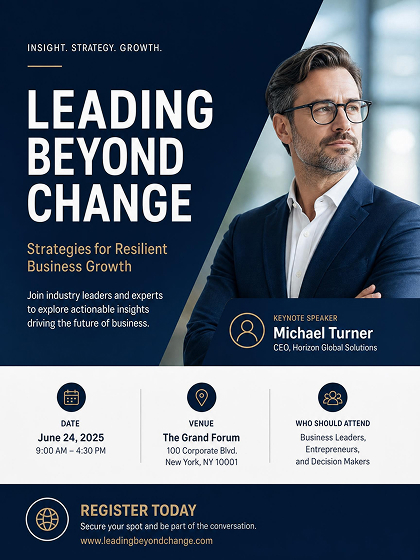 Business Event
How to Design an Event Poster with AI
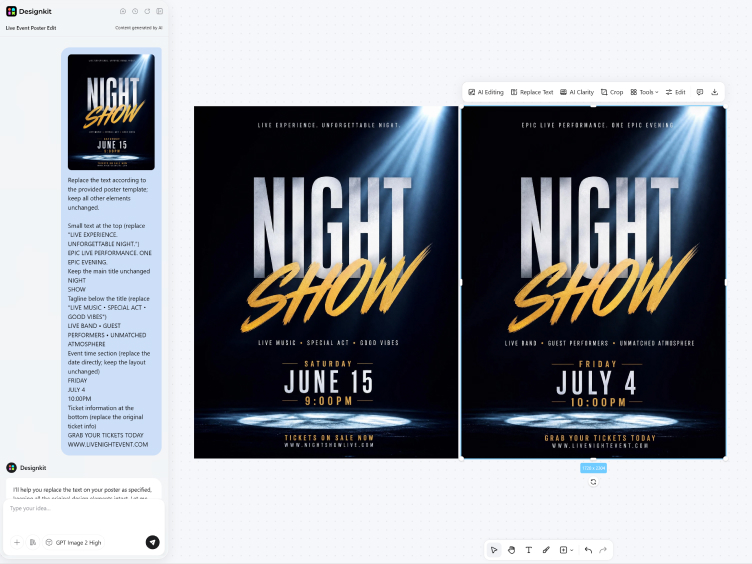
Add Event Details
Paste the event name, date, and venue details so the generator can organize the main message before design starts.
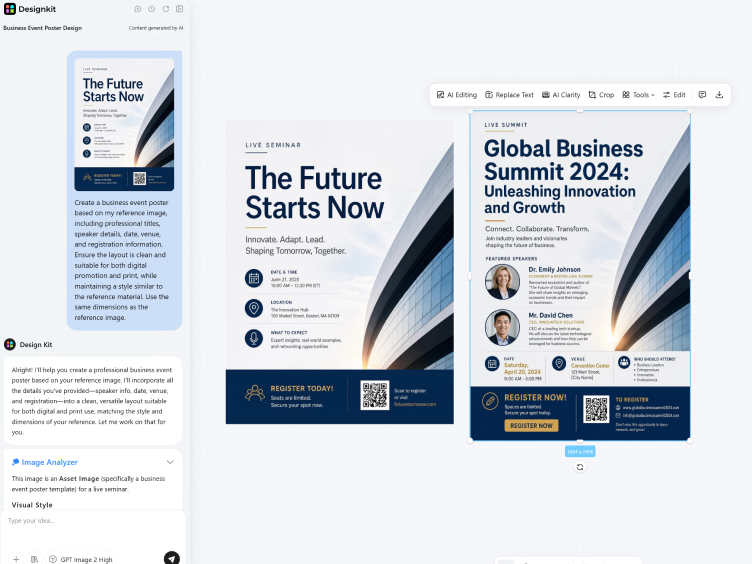
Choose a Poster Style
Pick a sample style or upload a reference image. AI follows the color mood and type direction to generate versions that fit your event.
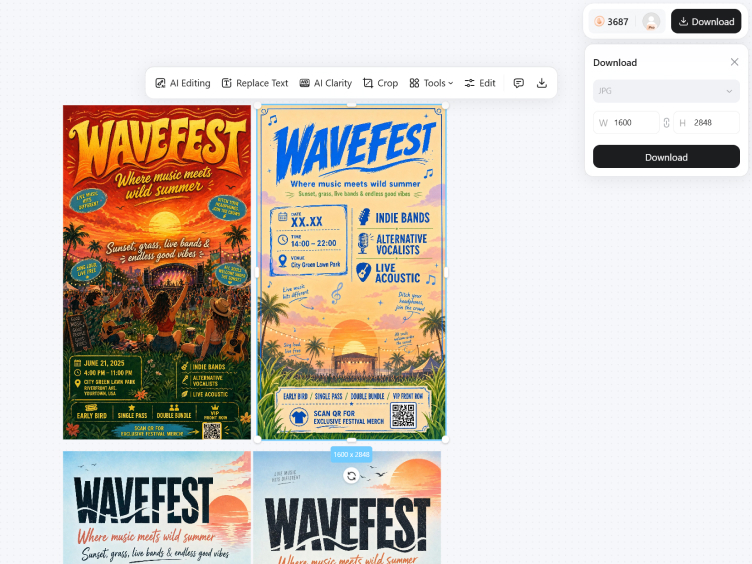
Generate, Edit, Export
Review generated versions, adjust the wording or layout, and export as JPG or PNG for social posting and promotion.
Create Event Posters with Clear Information Flow
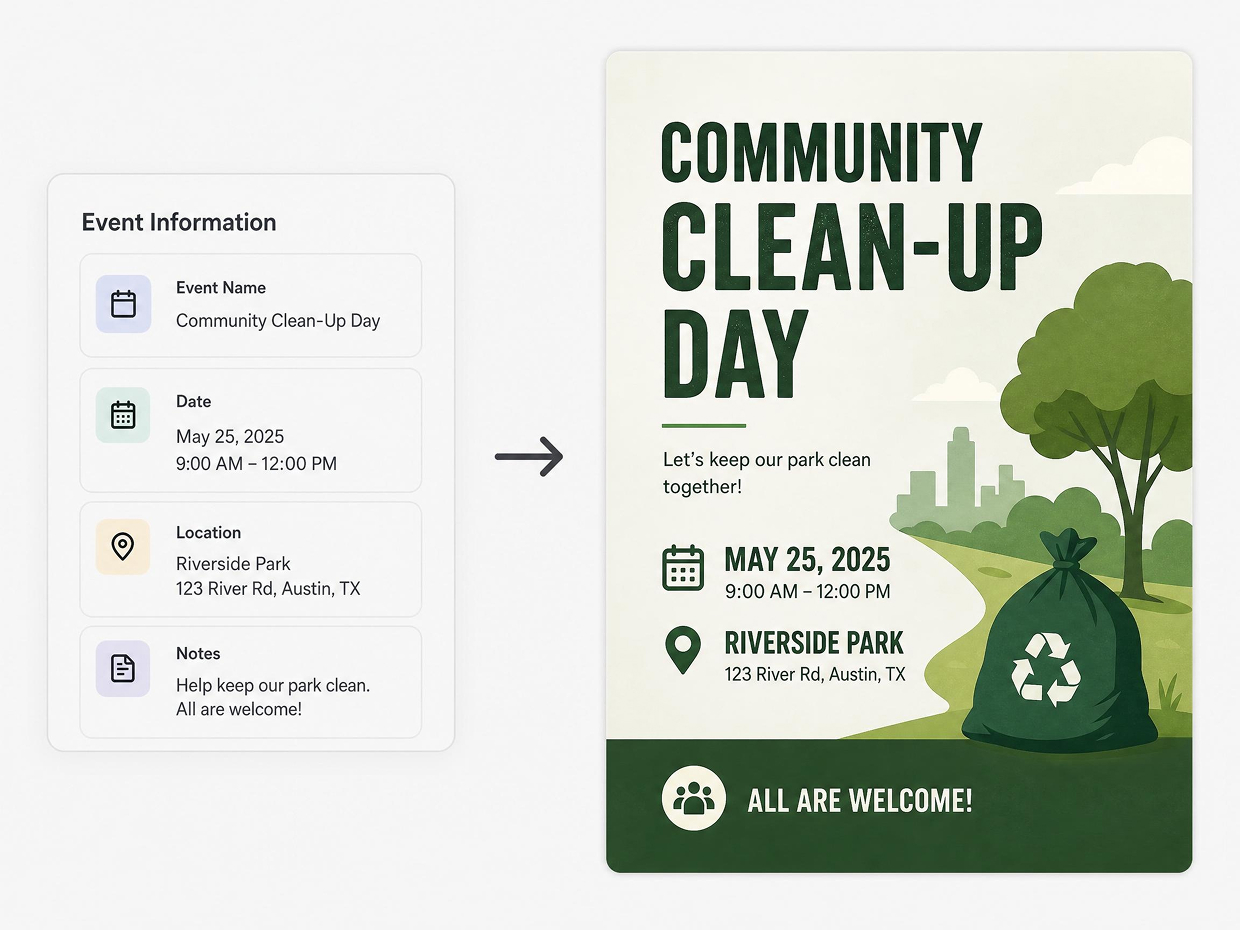
Arrange Event Details into a Poster Design
AI reads the event name, date, location, and short notes as separate information layers, then maps them into a readable poster design. The title gets stronger visual weight, while supporting details are placed where viewers can scan them without losing the main event message.
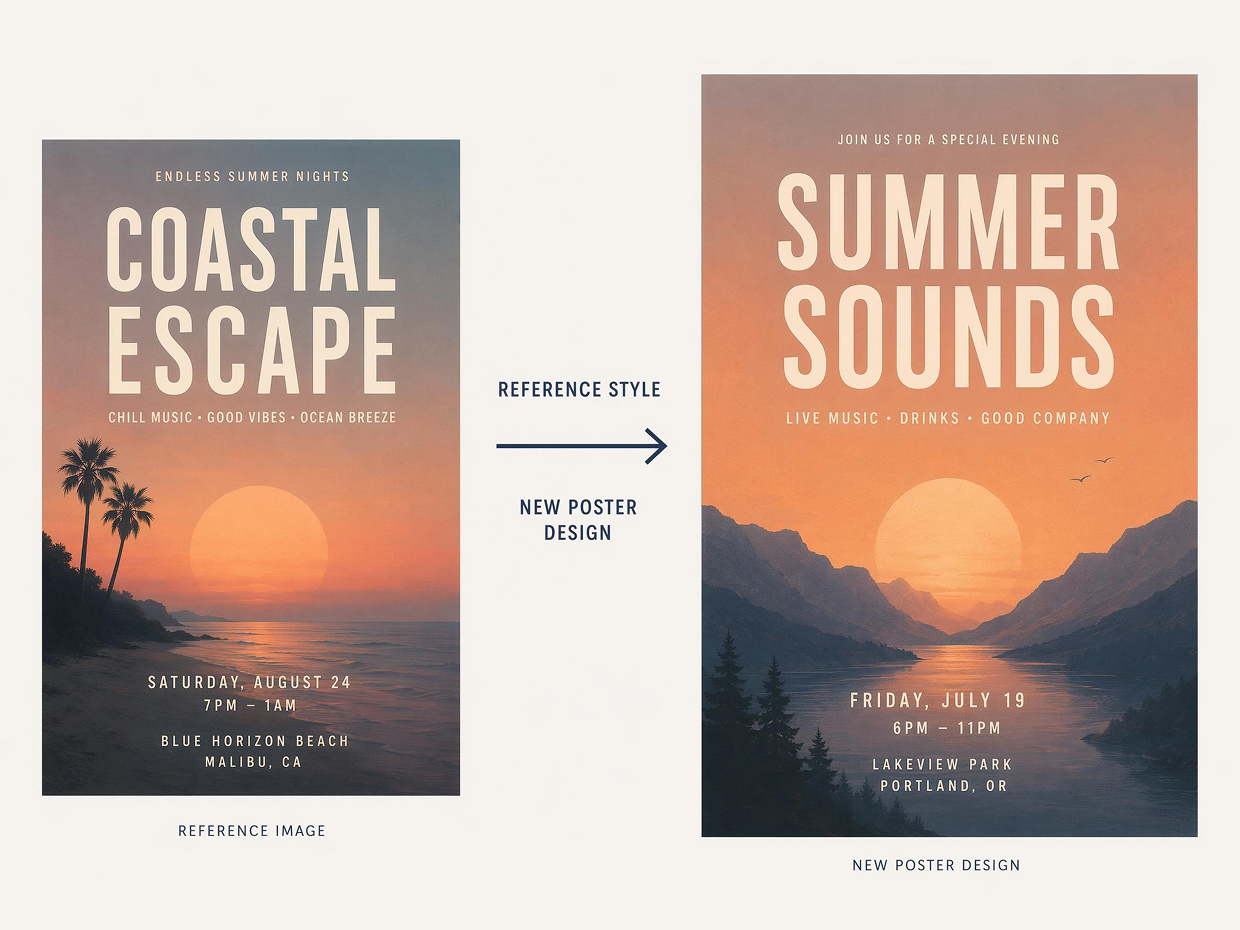
Apply Reference Style to New Poster Designs
A reference image can guide the poster’s color mood, background feel, and overall composition. Instead of copying the image directly, the generation rebuilds the design around your event information so the final poster feels styled and readable.
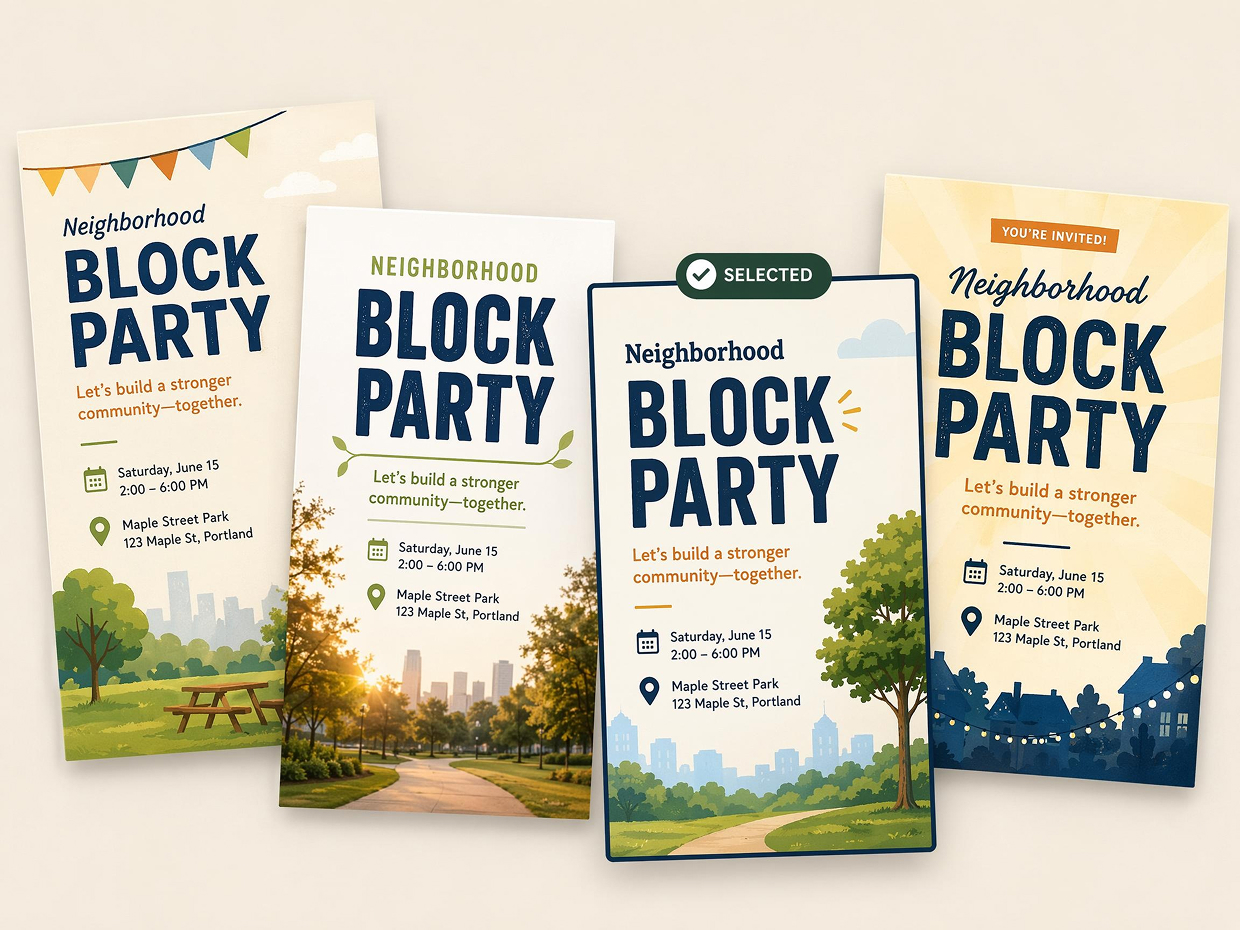
Create Multiple Poster Versions to Compare
Use one event brief to generate alternate poster versions with different title scale, image placement, background style, and information balance. Comparing these options helps you choose a direction before polishing the final event poster design.
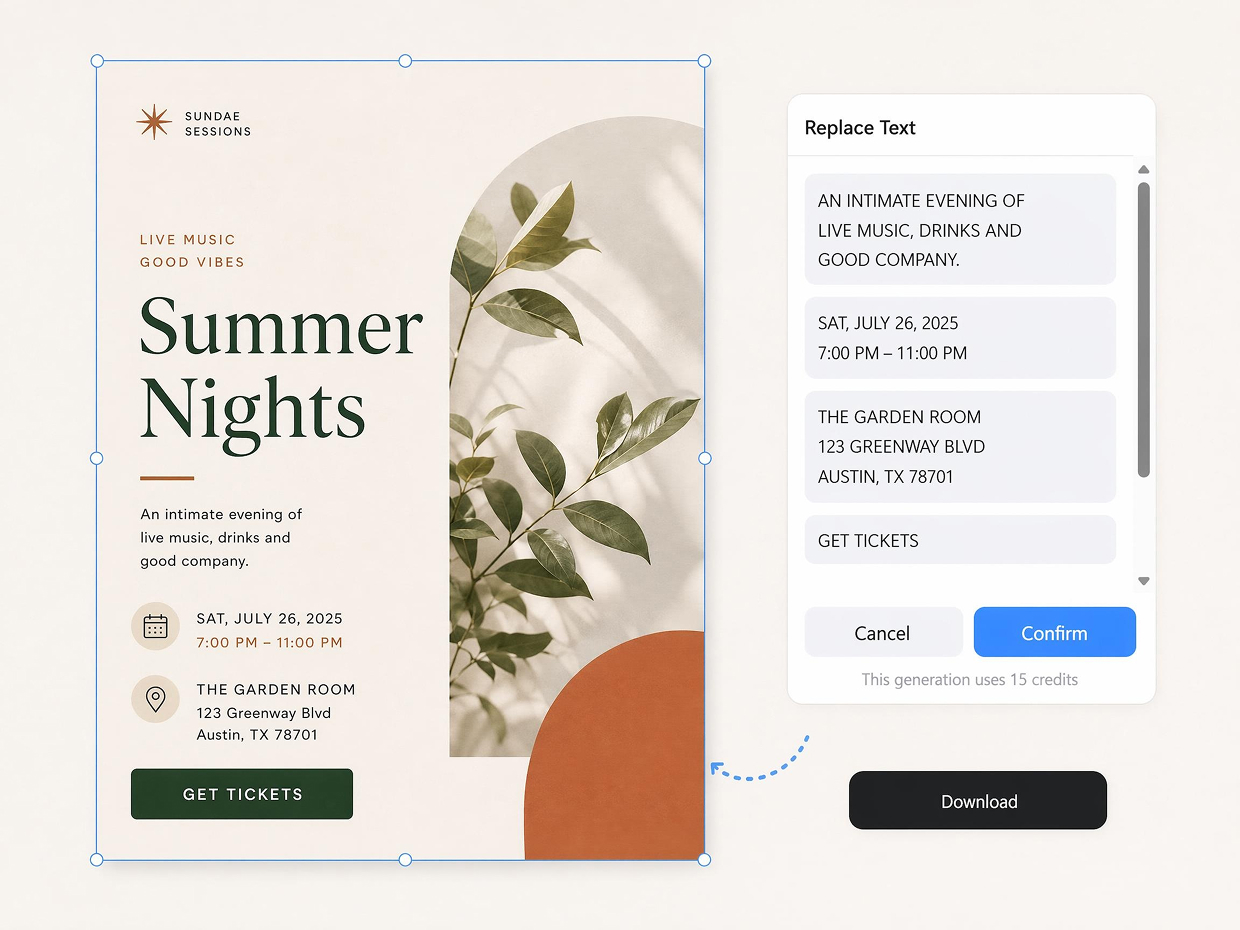
Refine Generated Posters Without Starting Over
After the first result, text and layout edits can be made on top of the generated design. When an event time, CTA, or venue line changes, the poster can be adjusted while keeping the original style, spacing, and visual structure intact.
Poster Types You Can Create with Designkit
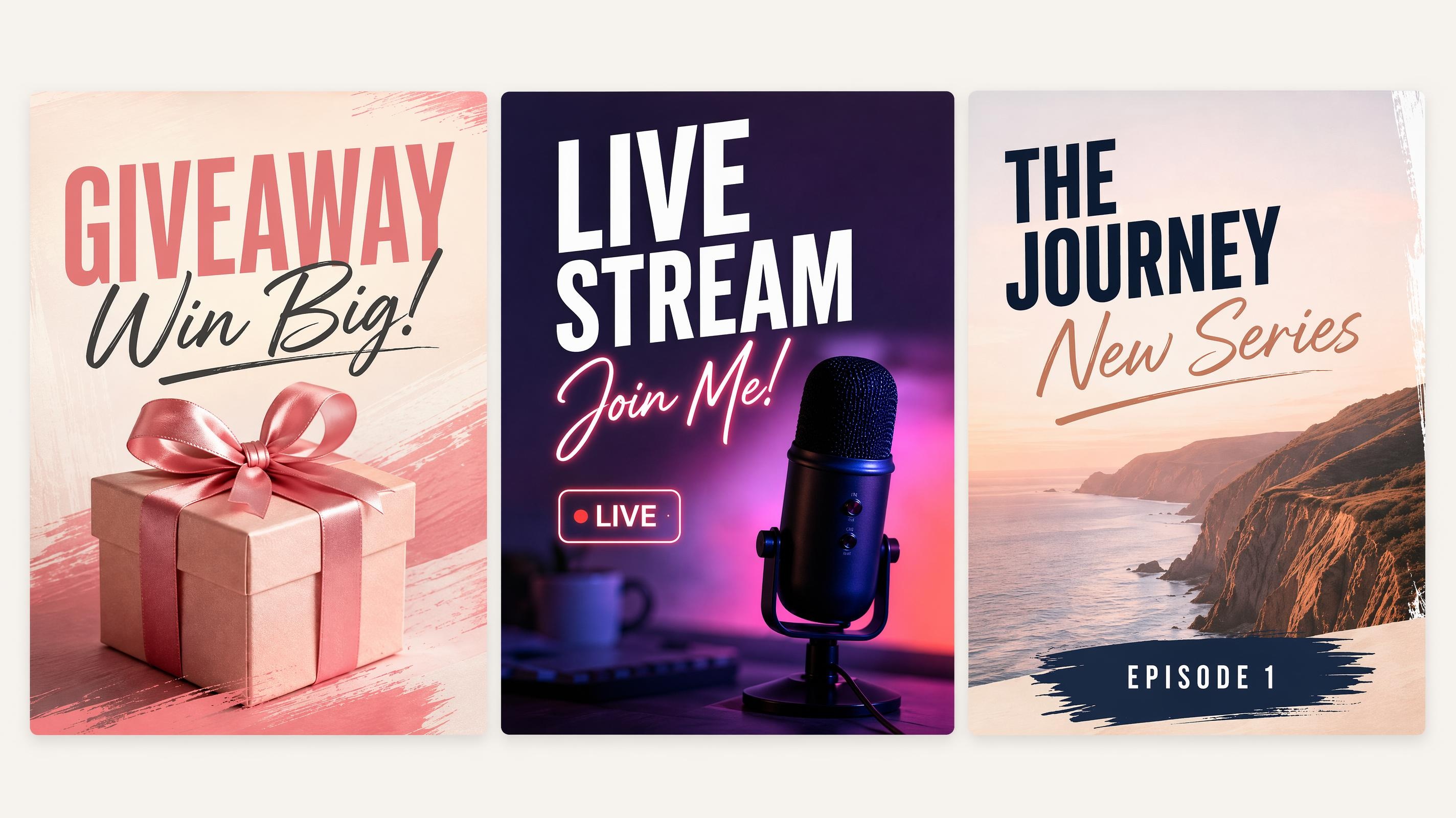
Social Media Poster
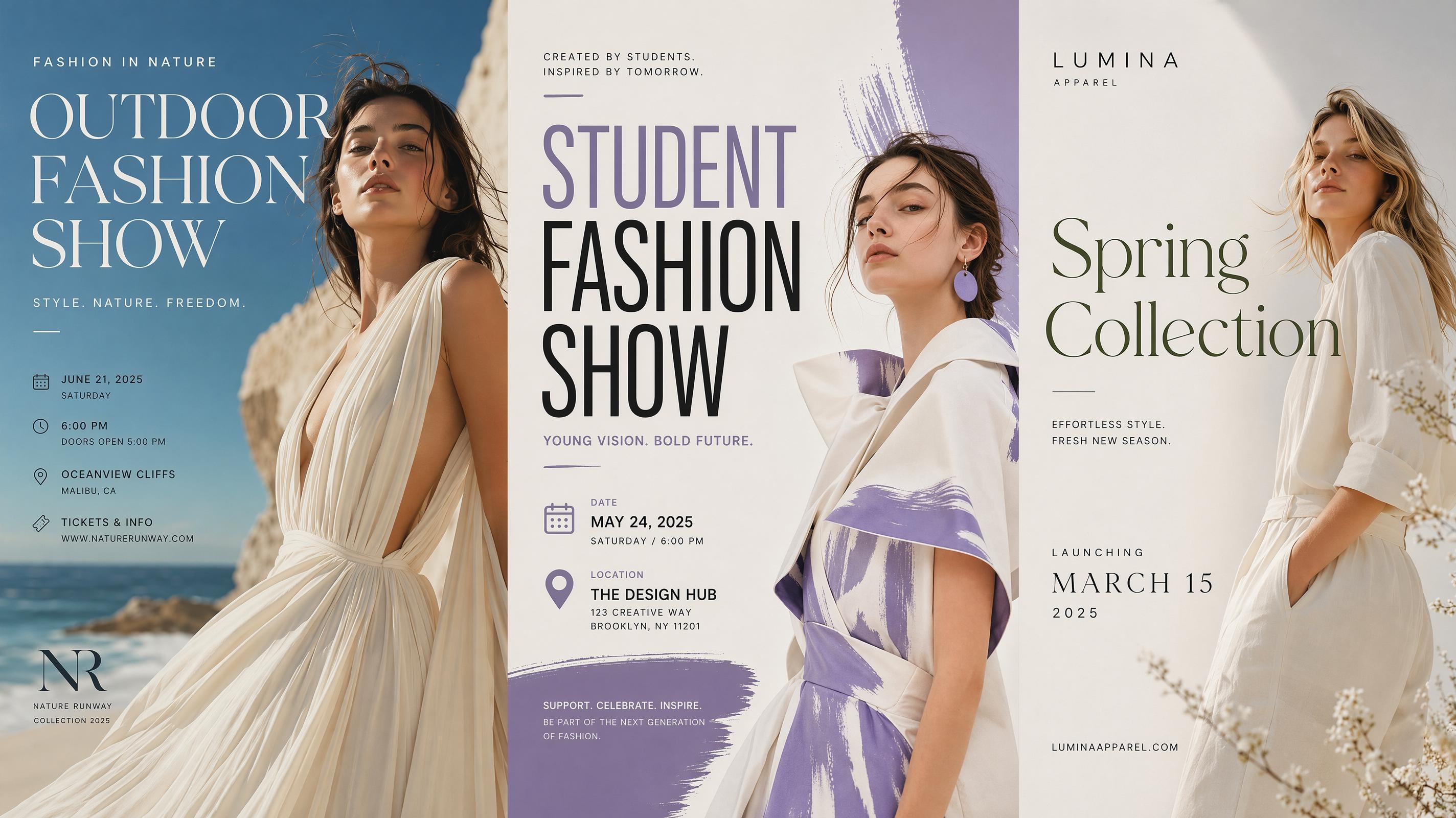
Fashion Poster
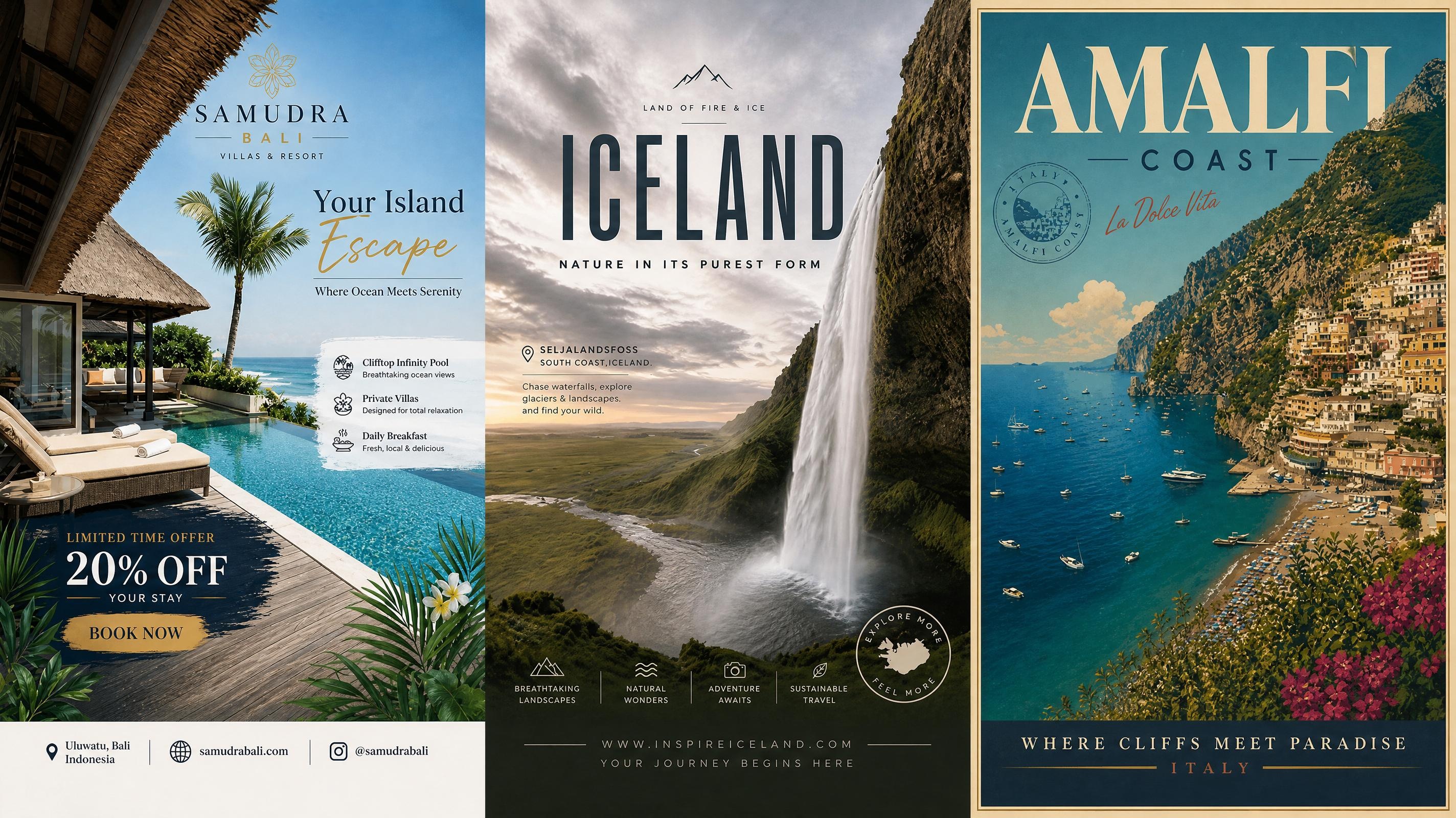
Travel Poster
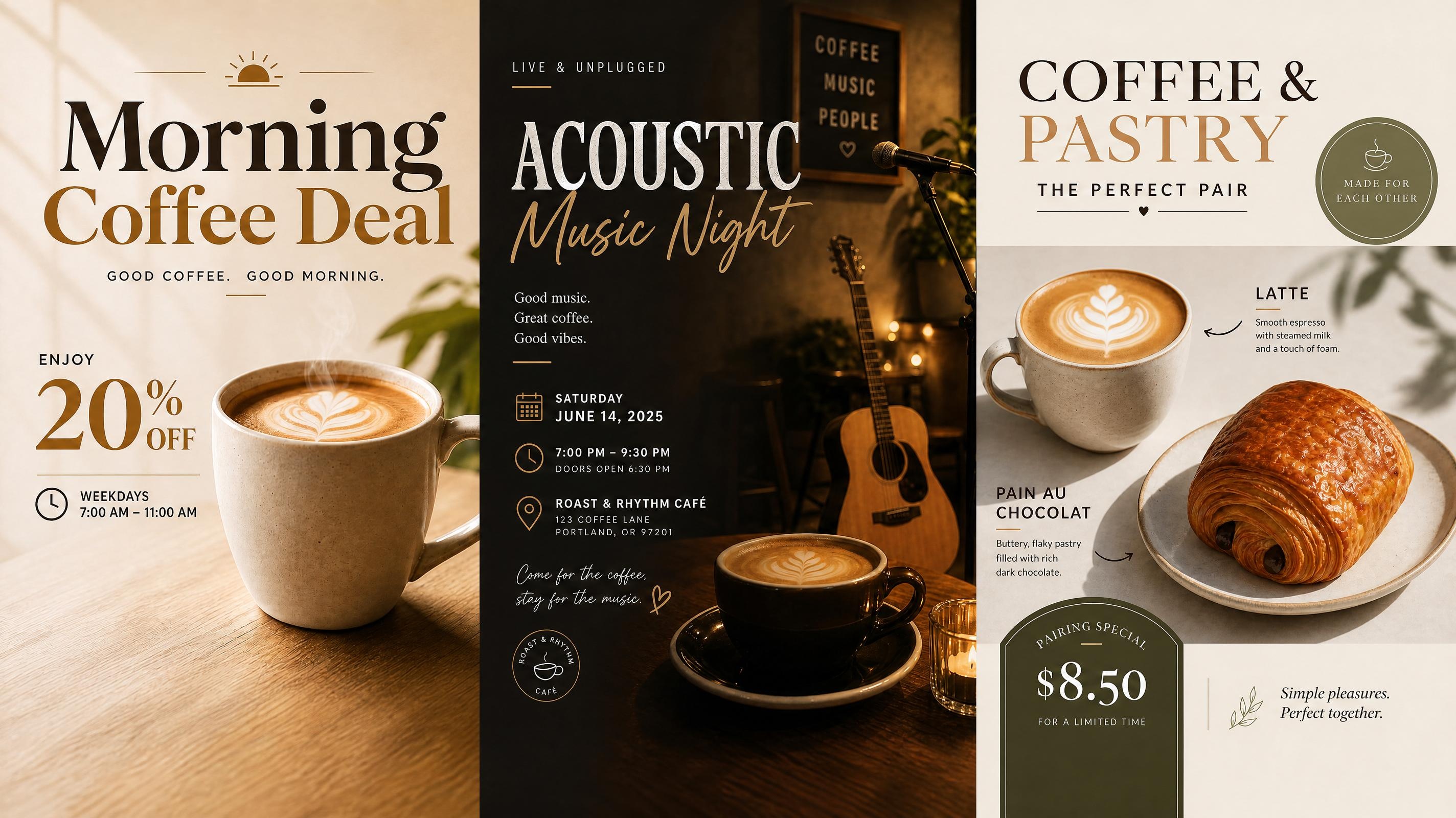
Cafe Poster
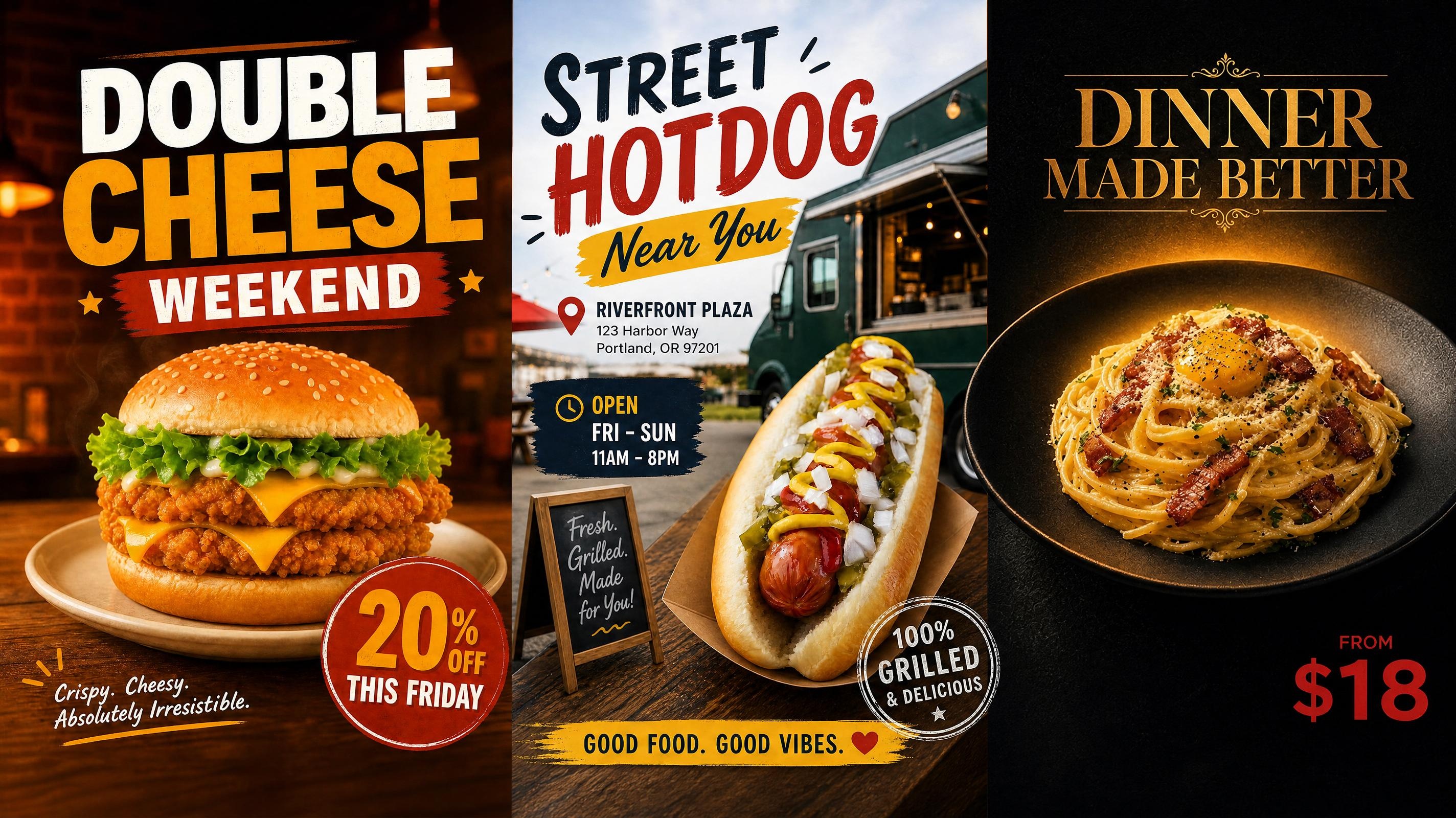
Food Poster
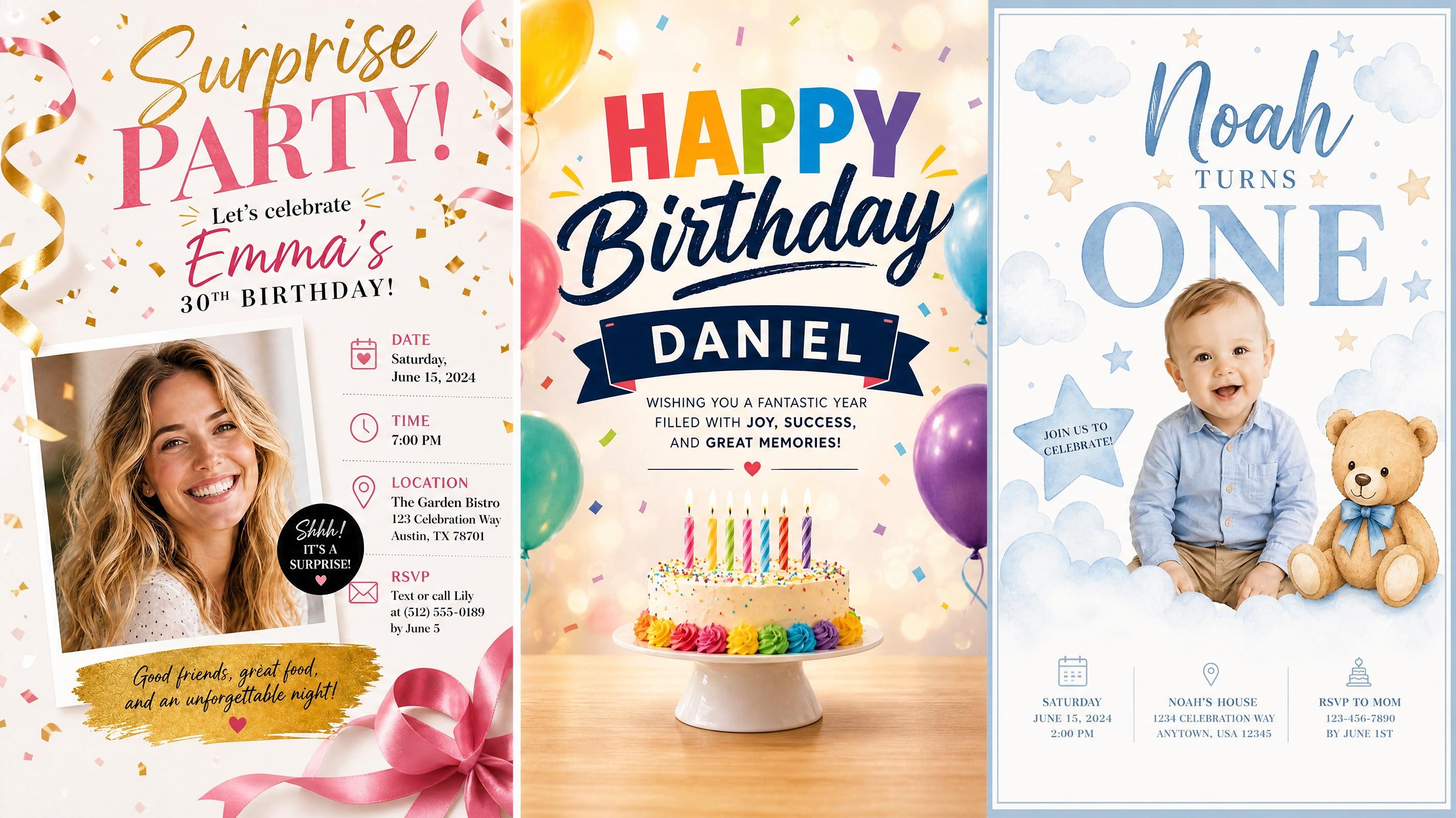
Birthday Poster
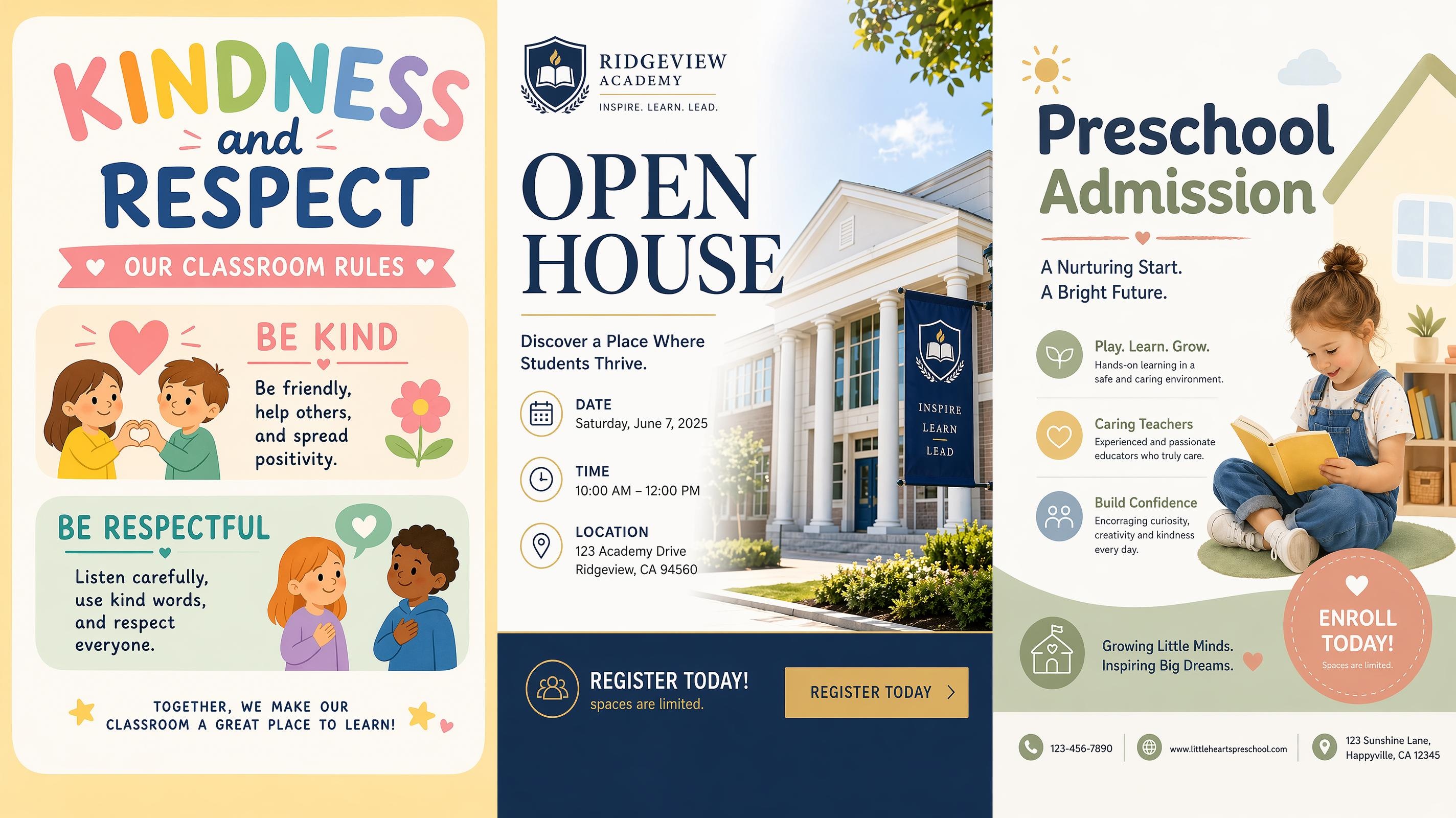
School Poster
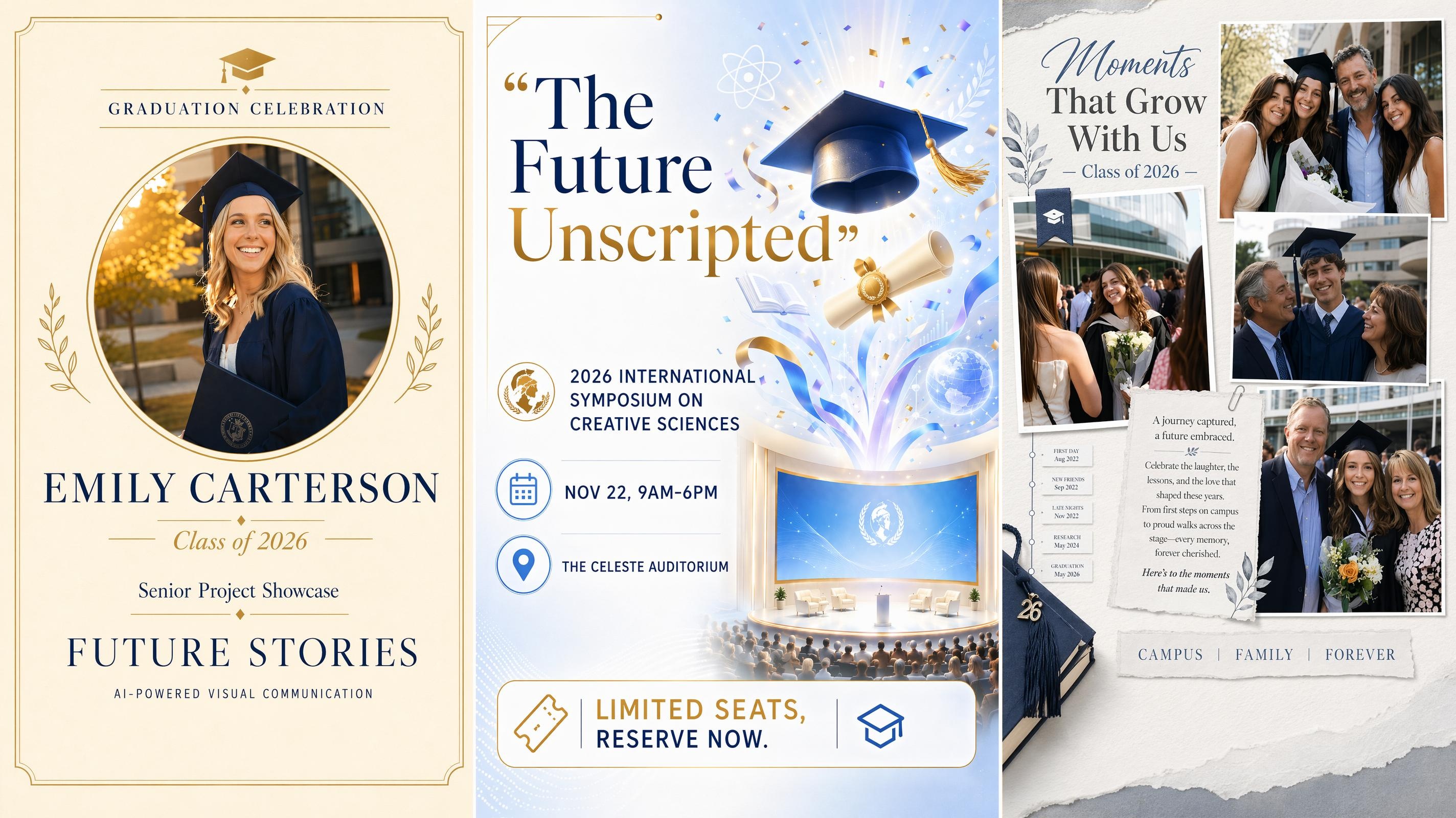
Graduation Poster
Safety Poster
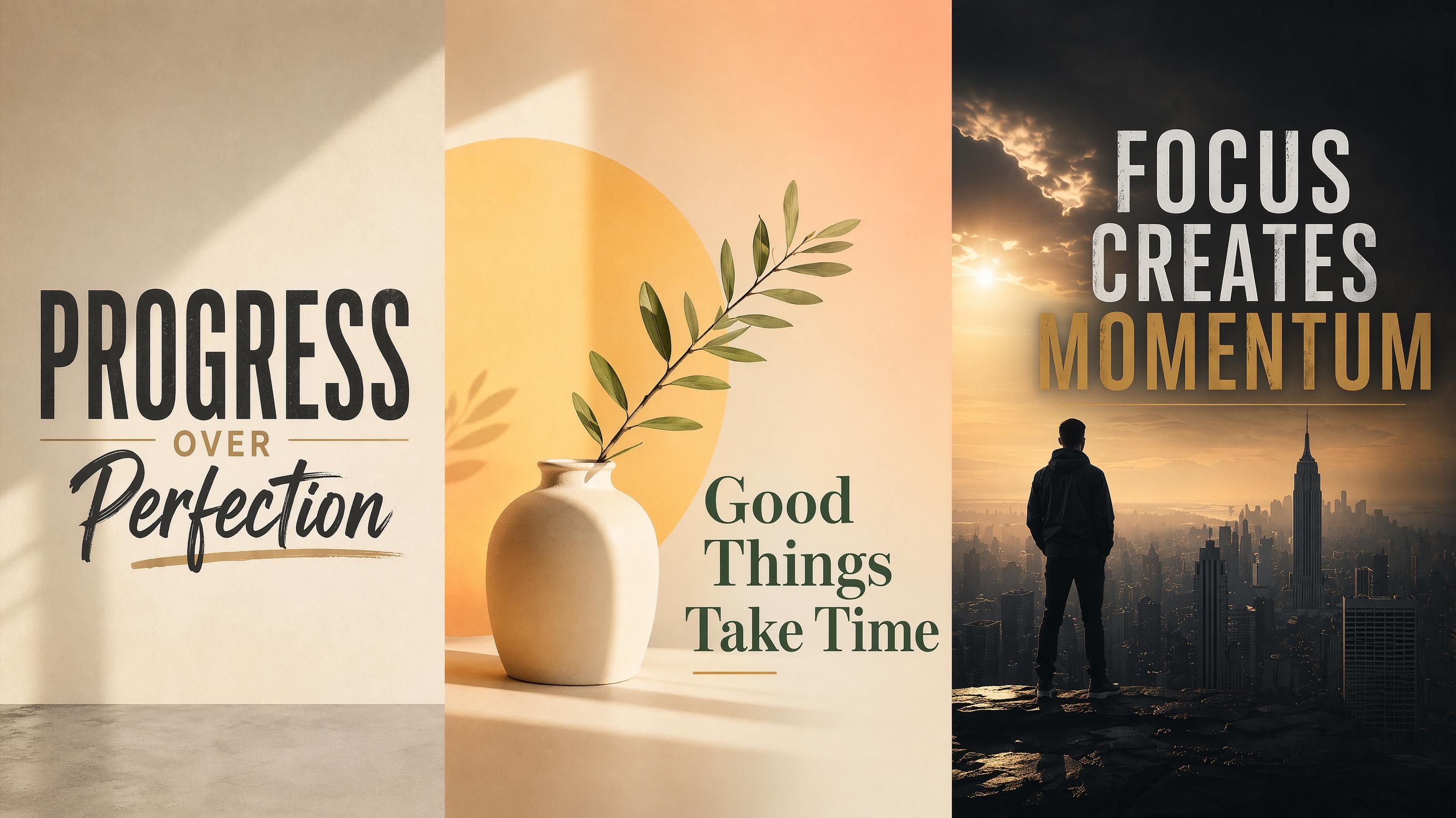
Motivational Poster
Frequently Asked Questions
What is an event poster generator?
How do I design an event poster with AI?
Start by adding the event name, key details, and a short style note. After generation, review the poster versions, edit the wording or layout, and export the final design for digital promotion or print.
Can I use a reference image for my event poster design?
Yes. A venue photo, mood reference, or existing brand image can guide the generated design. The final poster can follow the feeling of the reference while rebuilding the layout around readable event information.
What should an event poster include?
A strong event poster usually needs a clear title, date, location, and action note. Extra details can be added when needed, but the main message should stay easy to read at first glance.
Can I create a music event poster or concert poster?
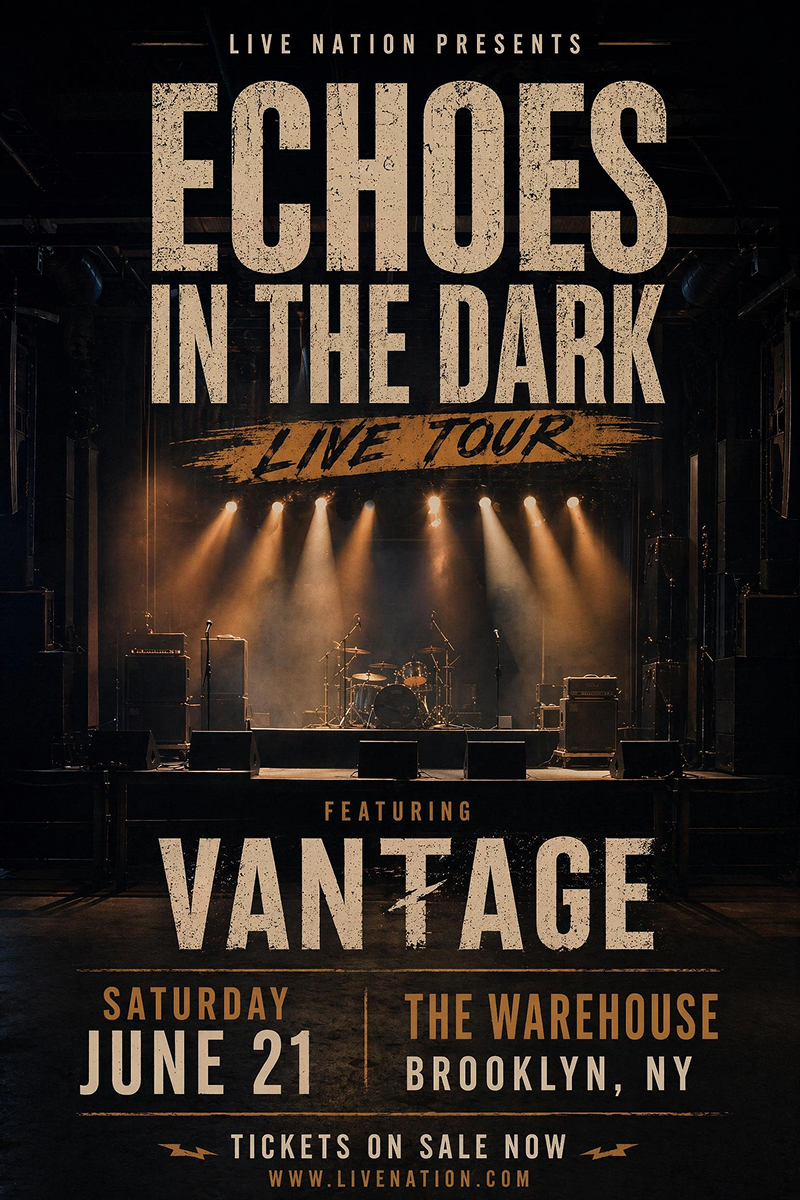
Yes. You can generate a music event poster by adding the performer name, show date, venue, and ticket note. The design can use bolder type, stronger contrast, and a more energetic poster style.
Can I export event posters for online sharing and print?
Yes. Export event posters as high-resolution PNG files for print materials, social posting, and digital promotion. Adjust the dimensions before exporting to match the final use, such as vertical stories, square feed posts, or printed flyers.
Create Your Event Poster in Minutes
Start free with your event details and get a promotion-ready poster you can edit before sharing or printing. No design experience needed.



What Event Organizers Say About Designkit
From creators who need event posters that are quick to update and easy to share.
The Poster Finally Matched the Event
I started with a short event note and a venue photo, and the generated poster already had the right mood. I still changed a few words, but the first version gave me a layout that felt planned instead of patched together at the last minute.
Concert Updates Took Less Back-and-Forth
Lineup changes used to make our poster process messy because every edit affected the whole design. With Designkit, I could generate a fresh music event poster, adjust the date block, and keep the same overall style for promotion.
My Workshop Page Looked More Professional
I had the topic and time ready, but my own draft looked too plain. The generated version gave the workshop a clearer structure, with the title, speaker detail, and registration note placed in a way people could scan quickly.
One Brief Gave Us Better Poster Options
We needed a poster direction before sending anything to the team. I entered the event details once and compared several versions with different image placement and title treatment, which made the final choice much easier to explain.
Last-Minute Detail Changes Were Easier
Our event time changed after the first poster was ready, which usually means rebuilding the design or asking someone else to fix it. This time I updated the wording, regenerated a version in the same style, and still had a poster that looked consistent with the original plan.