
Create Custom AI Wallpapers From Text or Images
Turn text prompts or photos into personalized wallpapers for desktops, laptops, tablets, and phones. Designkit creates unique AI backgrounds.
How to Create AI Wallpapers in 3 Steps
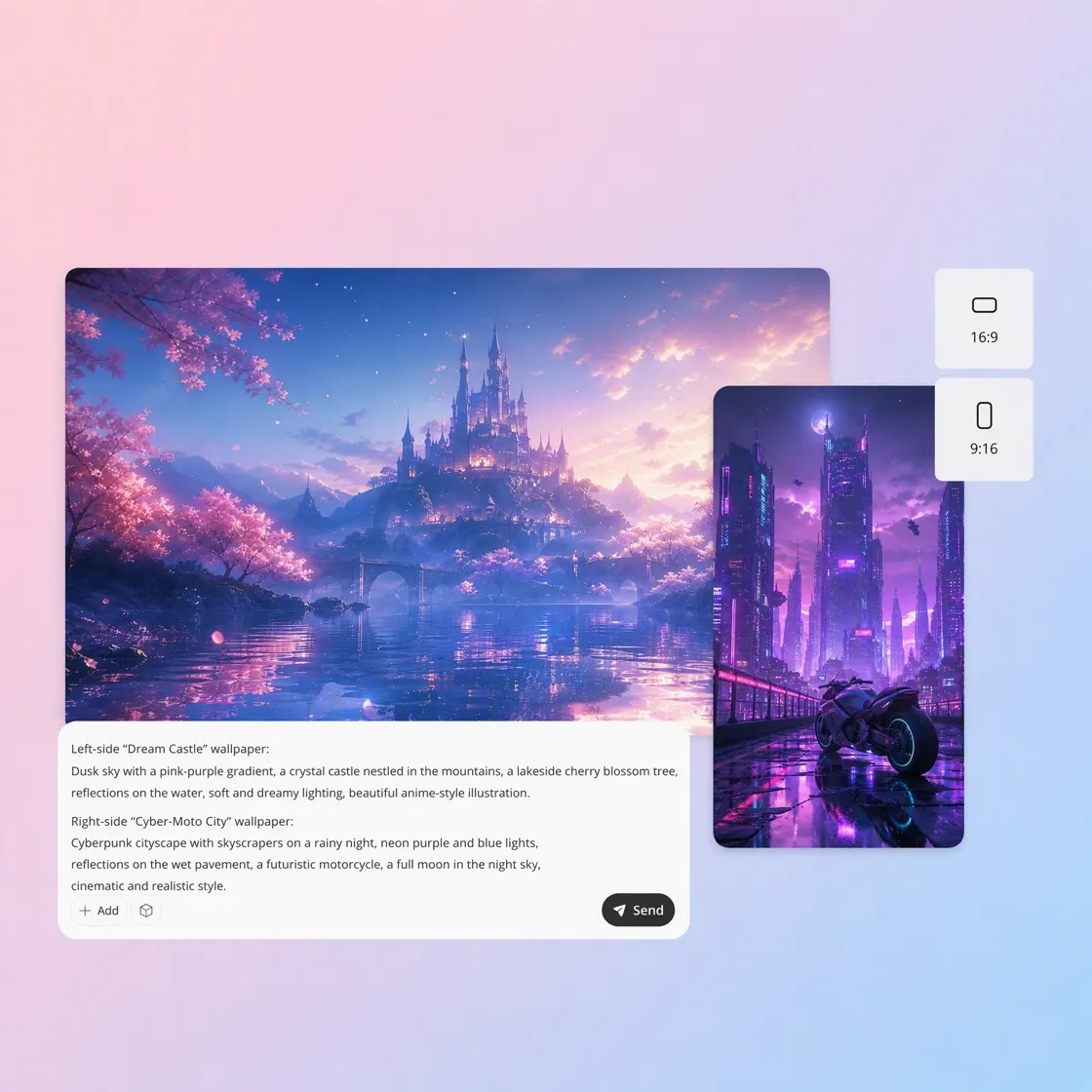
Describe Your Wallpaper Idea
Describe your scene, colors, mood or style in a text prompt or upload up to three reference images to guide the overall wallpaper design.
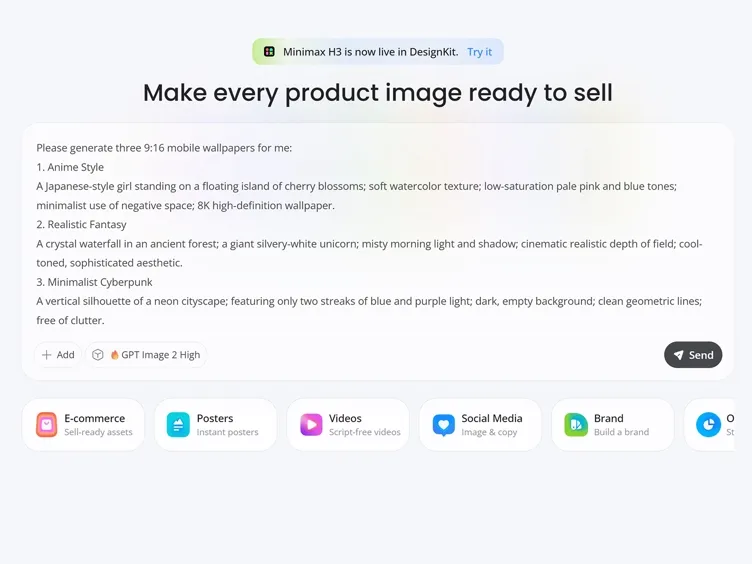
Customize Your Wallpaper Style
Personalize your wallpaper by setting styles, themes, colors, screen size and creative details with simple text prompts.
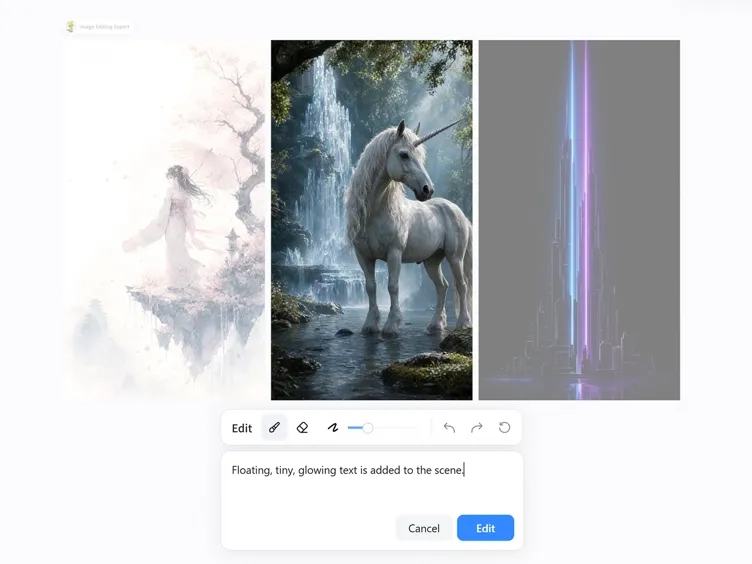
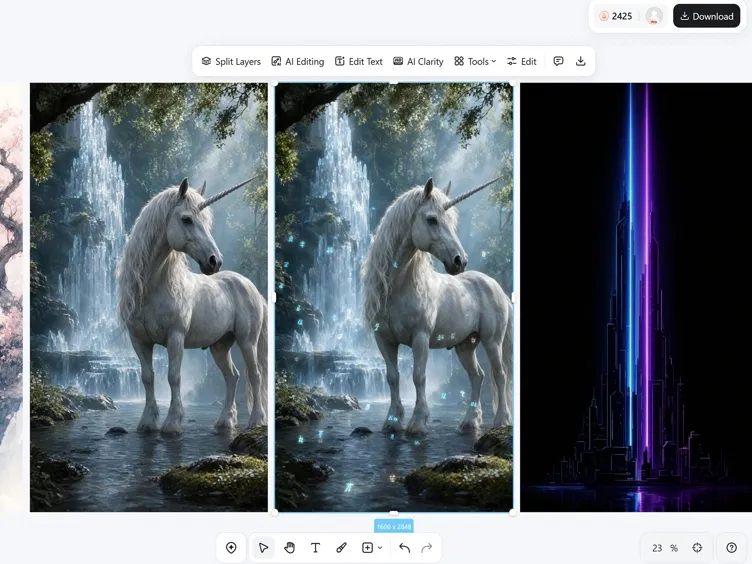
Generate, Compare, and Download
Choose your favorite design from a variety of wallpaper options and download it in high resolution for desktop or mobile devices.
What You Can Create With Designkit AI Wallpaper Generator
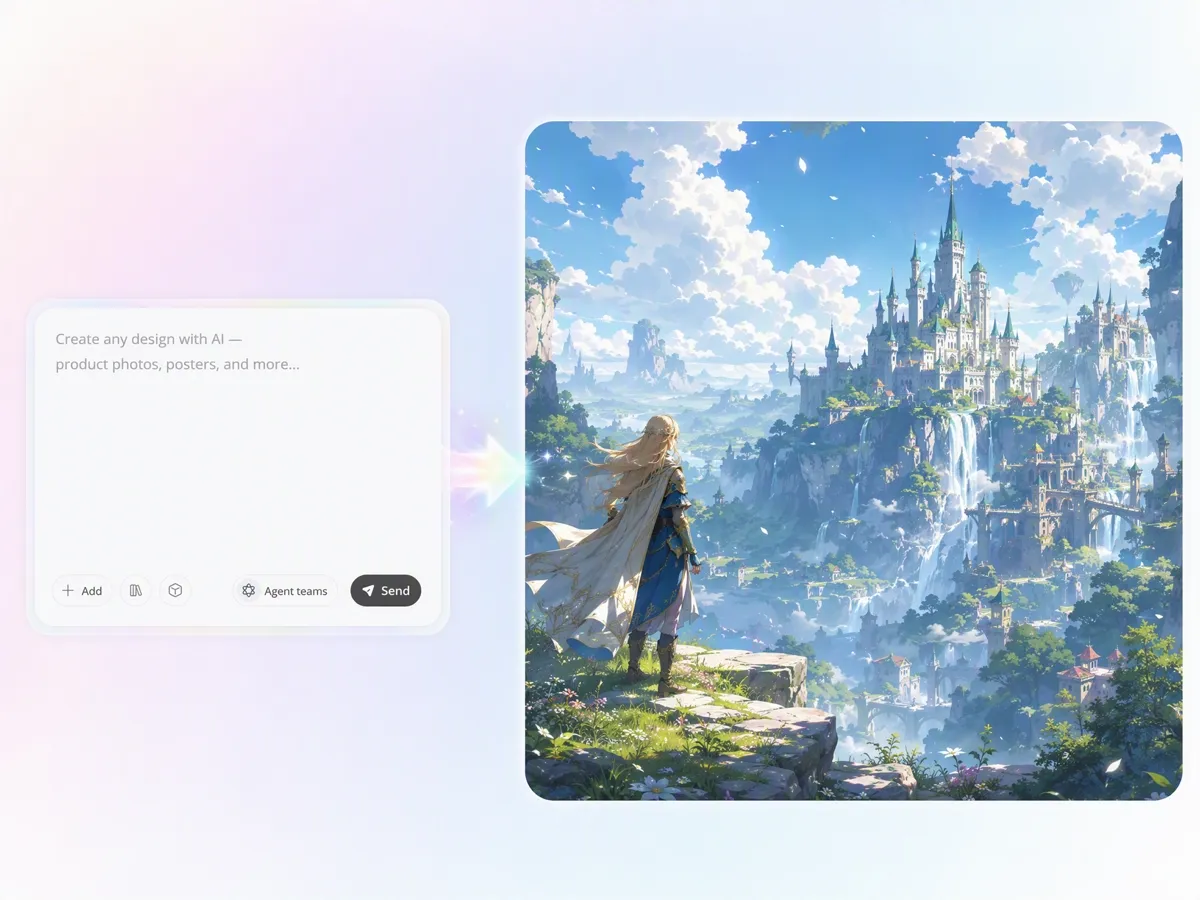
Turn Text Ideas Into Original AI Wallpapers
Describe any scene, atmosphere, or visual concept, and Designkit's text to image AI transforms your words into custom wallpapers. Create desktop backgrounds, phone wallpapers, and digital artwork without searching through generic wallpaper libraries.
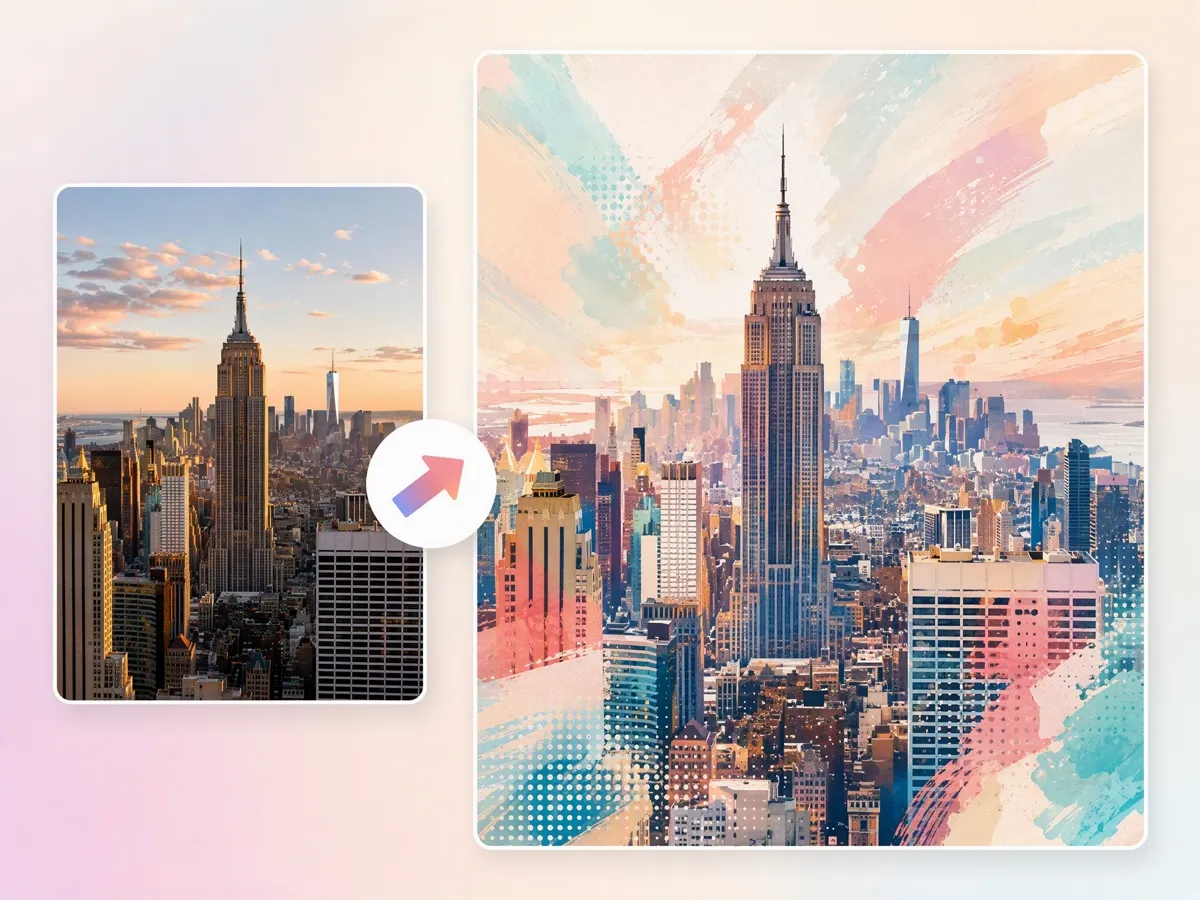
Transform Personal Photos Into Unique Wallpapers
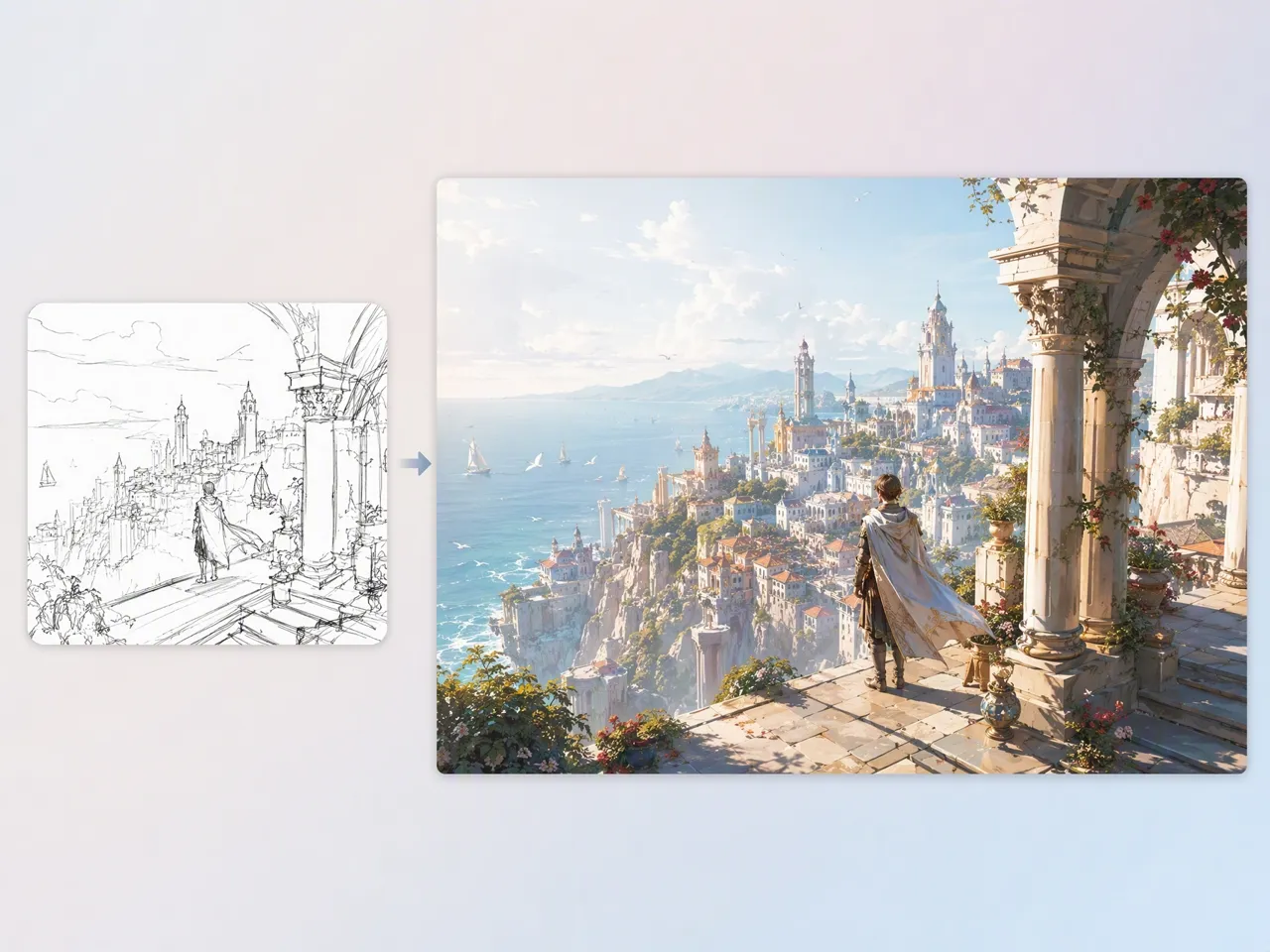
Upload portraits, travel photos, pet images, or personal memories and turn them into customized wallpaper designs. Designkit's image to image AI preserves important visual elements while applying new artistic styles, making every background more personal than standard downloads.
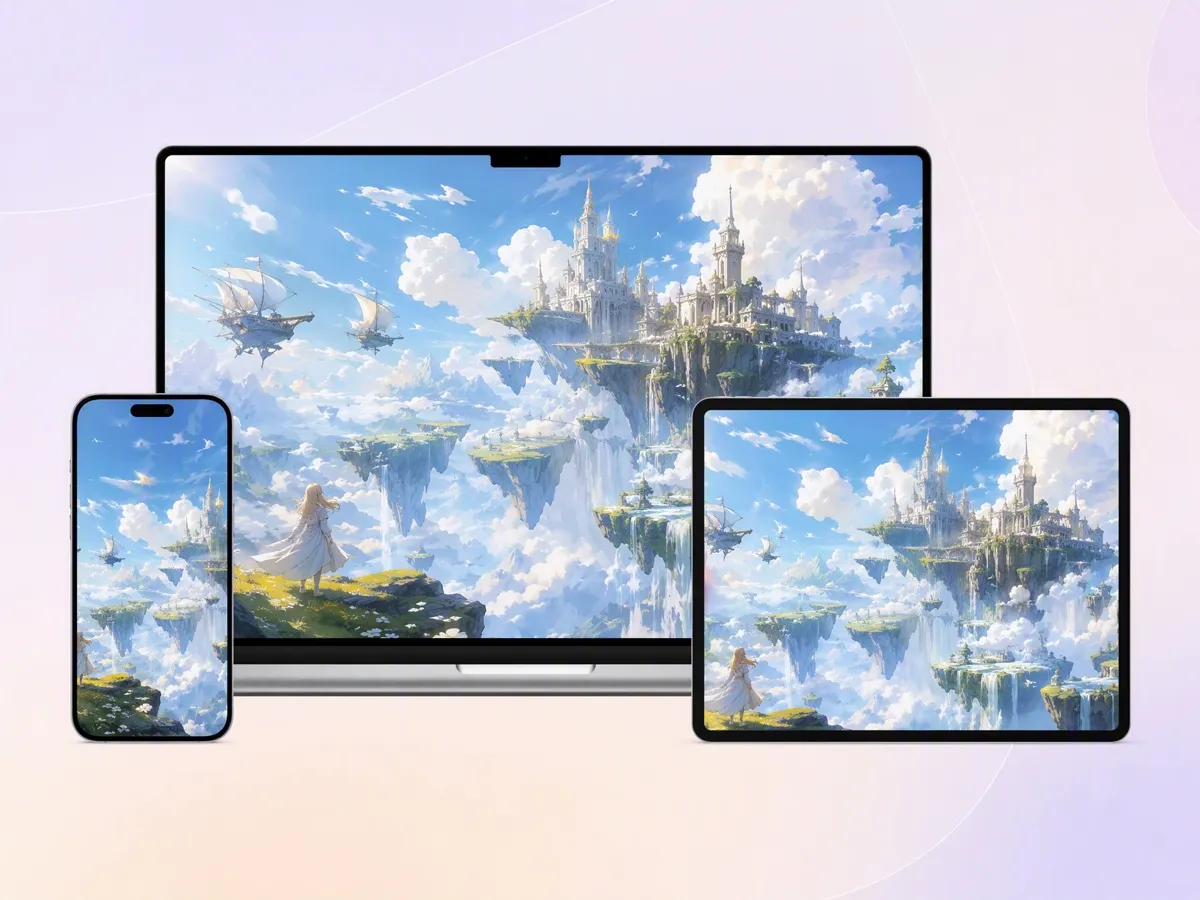
Generate Wallpapers for Every Device Screen
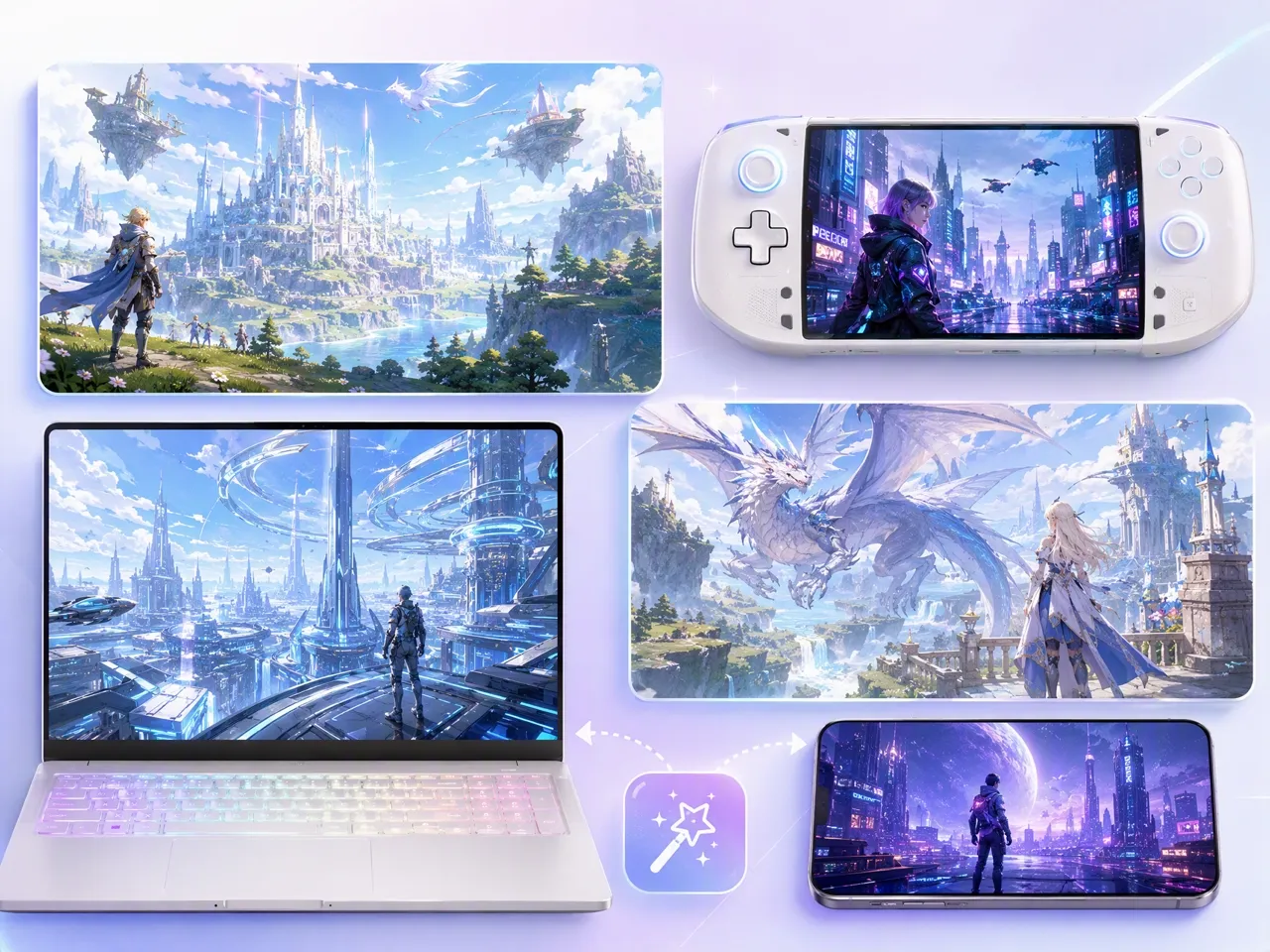
Create wallpapers designed for desktops, laptops, tablets, and mobile devices with different aspect ratios. Use the AI image extender to expand artwork naturally and keep important details visible across different screen sizes.
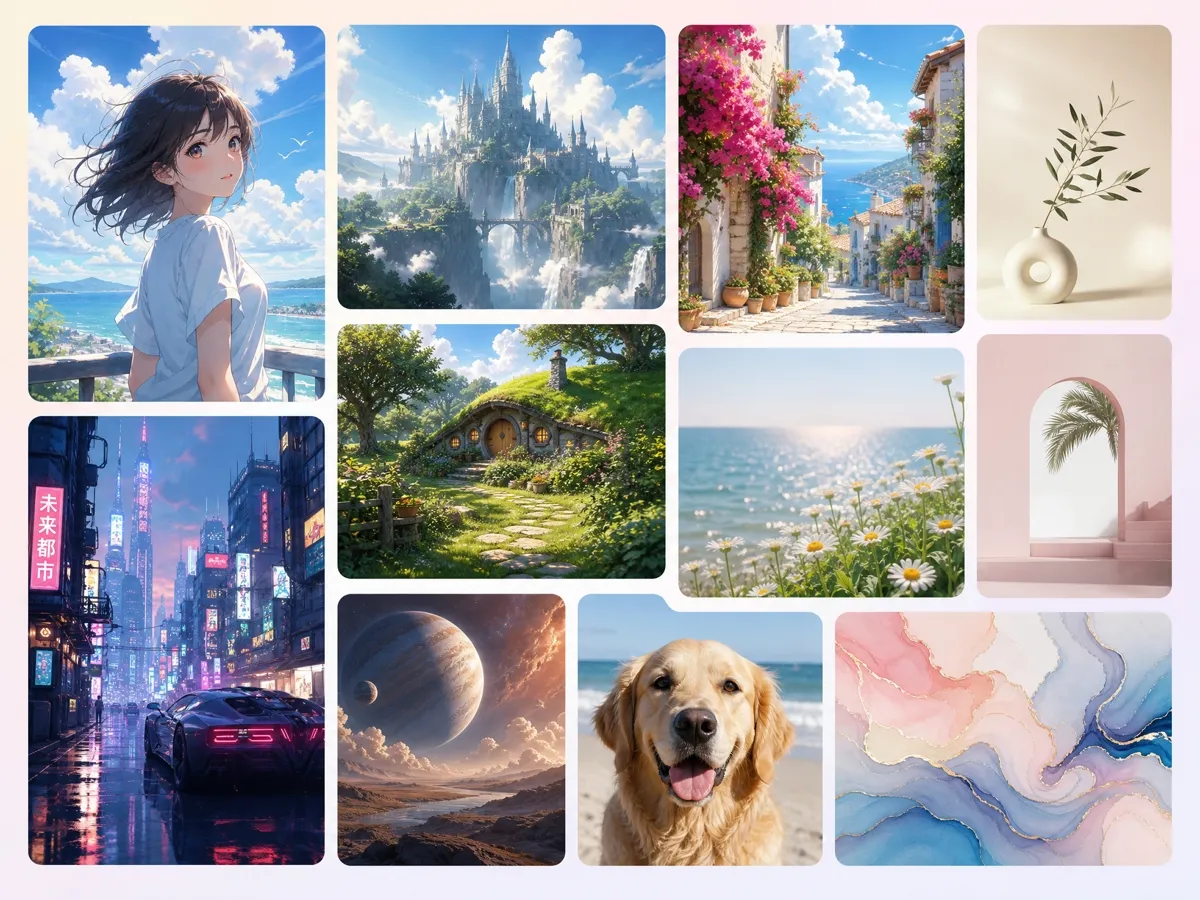
Explore Unlimited Wallpaper Styles With AI
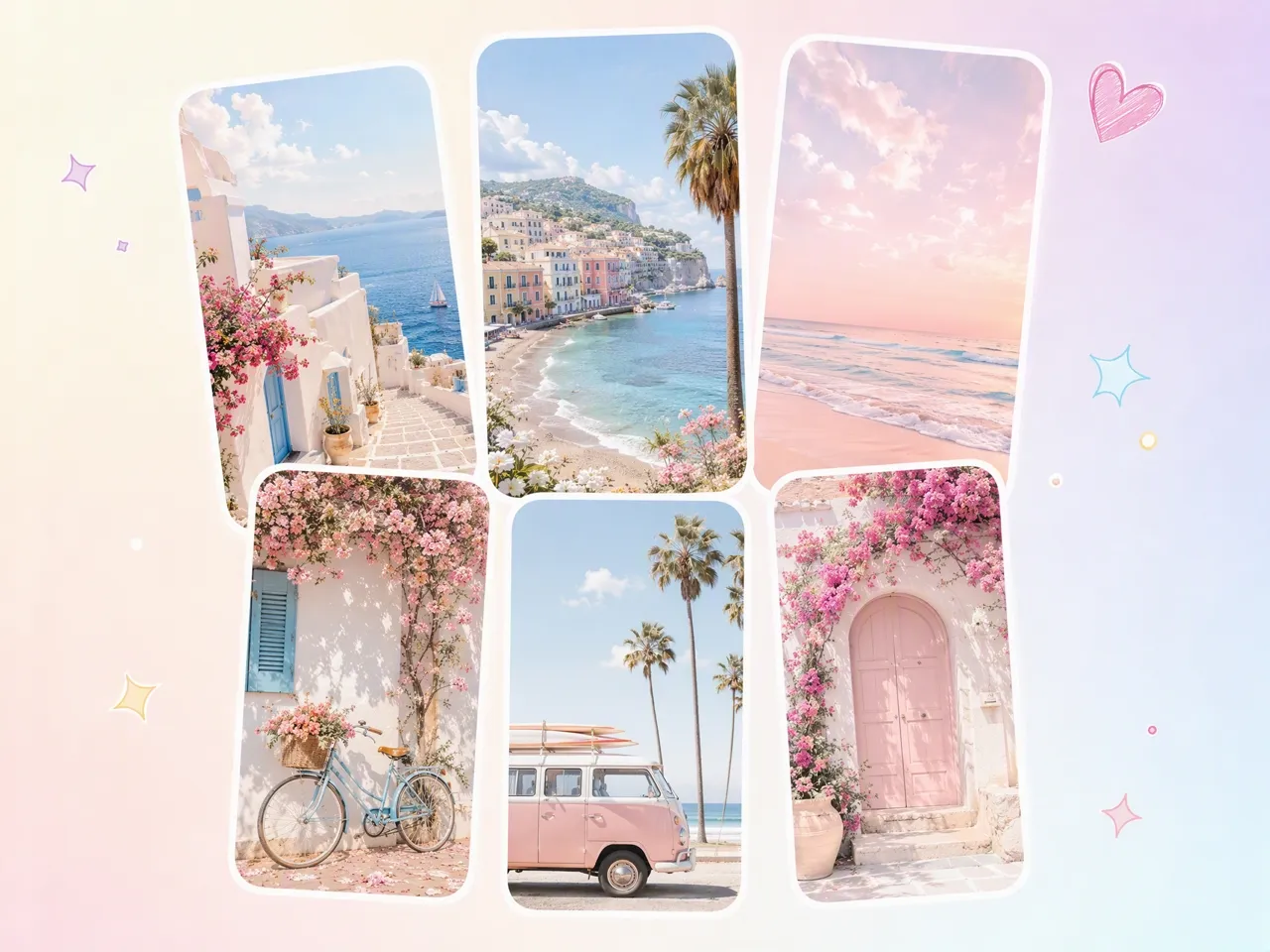
Create minimalist, anime, fantasy, gaming, cyberpunk, realistic, or aesthetic wallpapers using different AI styles. Experiment with creative directions that match your personality, interests, or digital setup.
AI Wallpaper Creation for Every Creative Lifestyle
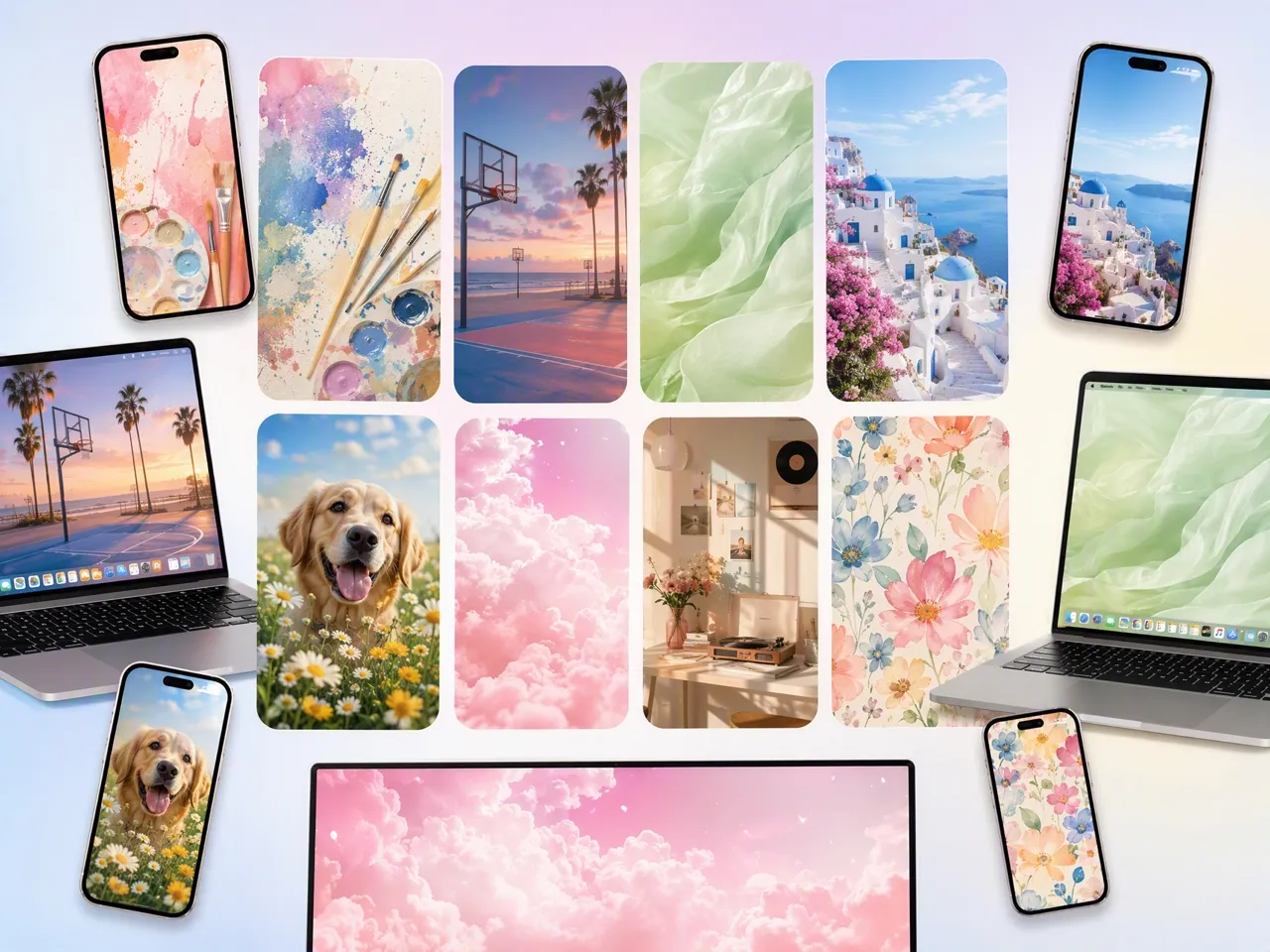
Create Wallpapers That Reflect Your Personality
Replace generic backgrounds with wallpapers inspired by your favorite colors, hobbies, memories, and interests. Use the free wallpaper maker to create unique designs for your phone, laptop, or tablet.
Why Choose Designkit for AI Wallpaper Creation

Skip Endless Wallpaper Browsing
Traditional wallpaper websites offer limited choices that may not match your style or screen. Designkit helps you generate backgrounds based on your own ideas, interests, and visual preferences.

Create Without Professional Design Skills
Designing custom wallpapers manually requires graphic software knowledge and editing experience. Designkit allows anyone to create personalized wallpapers using simple descriptions or images.

Start Creating With Free Signup Credits
Try Designkit's free AI wallpaper generator with signup credits. Explore different wallpaper styles and create personalized backgrounds before upgrading.
Explore more Al tools
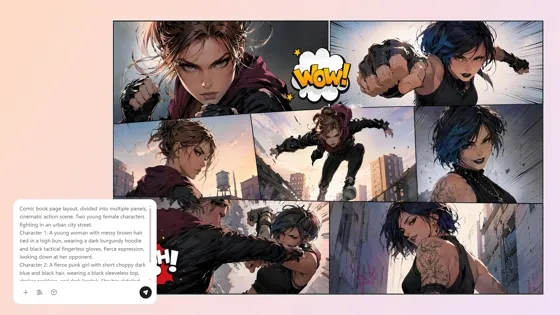
AI Comic Generator: Create Comics from Text or Photos
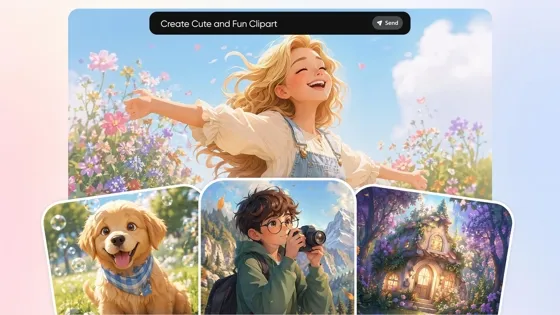
AI Clipart Generator: Make Custom Clipart From Text or Photos
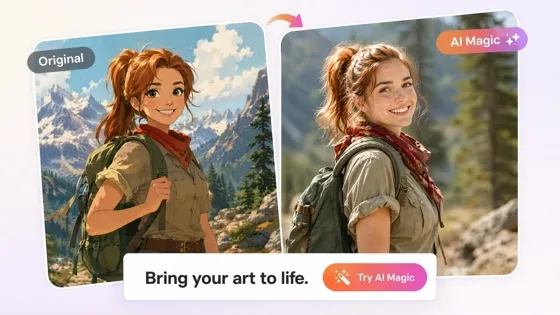
Cartoon to Realistic AI: Bring Cartoon Character into Real Life
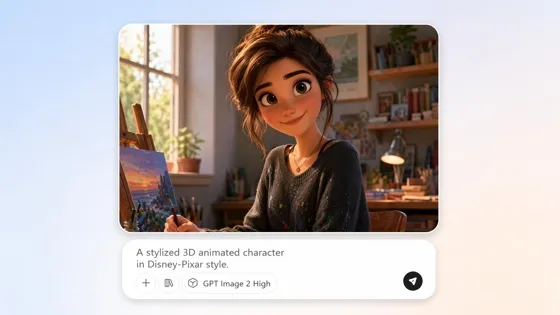
AI Cartoon Character Maker: Create Custom Cartoon Characters
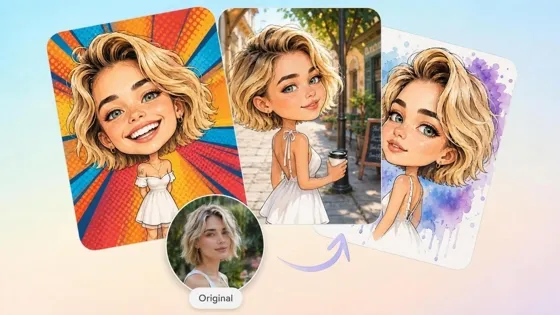
AI Caricature Generator: Turn Photos into Funny Caricatures
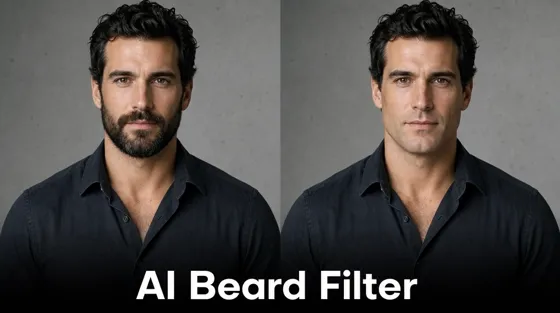
Beard Filter: Add or Remove Facial Hair
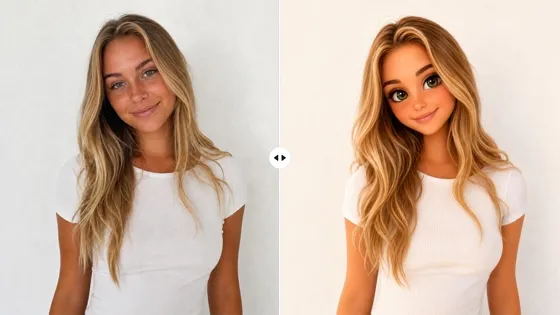
AI Barbie Doll Generator: Turn Photos Into Barbie Box Trends
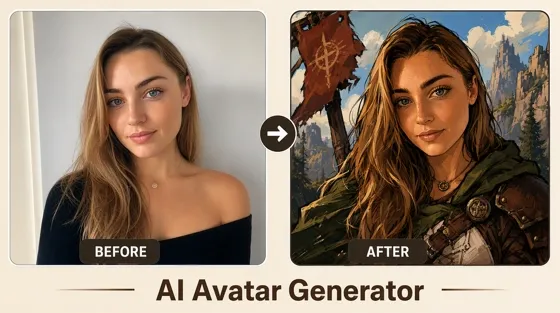
AI Avatar Generator: Create Avatars from Photos
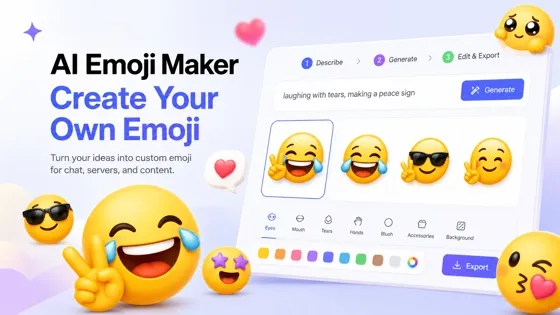
Emoji Maker: Create Custom Emoji From a Prompt
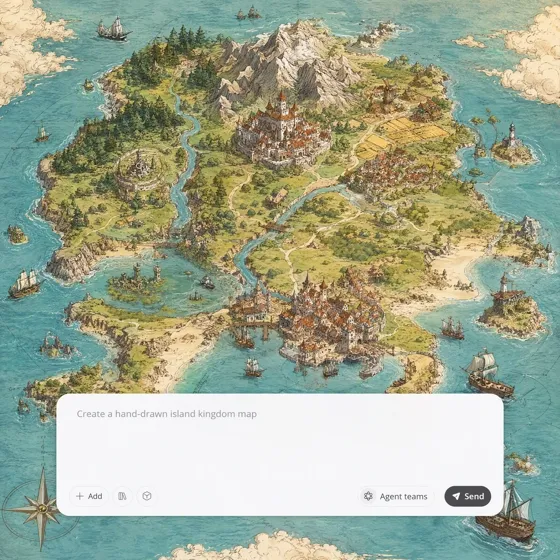
Fantasy Map Generator: AI Maps for Novels and Campaigns
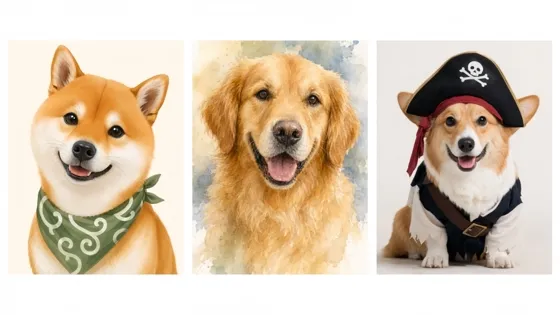
AI Pet Portrait Generator from Photo
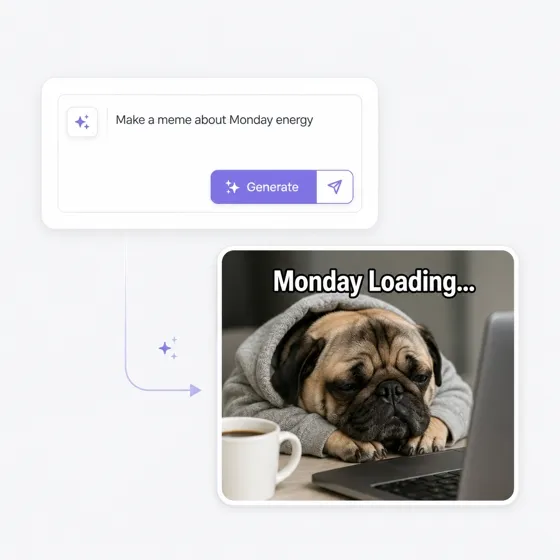
AI Meme Generator from Text or Your Photo
Frequently Asked Questions
What is an AI wallpaper generator?
Can I create wallpapers from text prompts?
Yes. Describe your idea, colors, mood, or preferred style, and the AI wallpaper generator from text creates original wallpapers based on your prompt. Review different variations before downloading the design that best fits your device.
Can I turn a photo into wallpaper?
Yes. You can turn a portrait, landscape, pet photo, or any other image into a personalized wallpaper. With Designkit, simply upload your photo to create custom wallpapers while preserving the main subject and overall composition.
Can I create wallpapers for both desktop and mobile devices?
Yes. You can create wallpapers for desktops, laptops, tablets, and mobile devices in different screen sizes and orientations. Designkit automatically adapts your design for different displays, allowing you to preview each version before downloading the best fit.
Can I generate 4K wallpaper?
Yes. You can generate 4K wallpapers for desktops, laptops, tablets, and high-resolution mobile devices. With Designkit, create wallpapers from text prompts or photos, then download the design that best matches your screen and preferred style.
Is the AI wallpaper generator free to use?
Yes. You can try an AI wallpaper generator for free with signup credits. Designkit lets new users create multiple wallpaper variations, compare different styles, and download their favorite designs before upgrading.
Can I create wallpapers online without installing software?
Yes. You can create wallpapers online without installing any software. Generate wallpapers from text prompts or photos directly in your browser with Designkit, then preview different versions and download the one that best fits your device.
Can I use AI-generated wallpapers commercially?
Yes. Images created on eligible paid plans can generally be used for commercial projects, including digital products, marketing materials, and promotional content. Please review the latest licensing terms before publishing.
Create Wallpapers That Match Your Style
Start free with signup credits, generate a few wallpaper options from a prompt or photo, and download the one that fits your screen.

What Users Say About Designkit AI Wallpaper Generator
Students, professionals, gamers, artists, and creators use Designkit to create personalized wallpapers for every device.
Make Matching Wallpapers for All Devices
I wanted my laptop and phone wallpapers to feel connected. Designkit created matching versions from one idea without needing to redesign everything separately.
Turn Travel Photos Into Artwork
My travel photos usually stayed in my camera roll. Designkit transformed them into artistic wallpapers while keeping the memories recognizable.
Explored New Creative Styles
I often explore different visual directions before starting new artwork. Creating several wallpaper concepts from one prompt helped me compare styles faster and choose stronger ideas for illustration projects.
Designed Wallpapers for My Community
Creating exclusive downloads for my followers used to take hours. Designkit helped me generate themed wallpaper collections more efficiently, giving my audience fresh content for every campaign or seasonal release.