
AI Avatar Generator for Characters That Still Look Like You
Start with one portrait and describe the character you have in mind. Designkit generates a static avatar shaped around your face and idea.
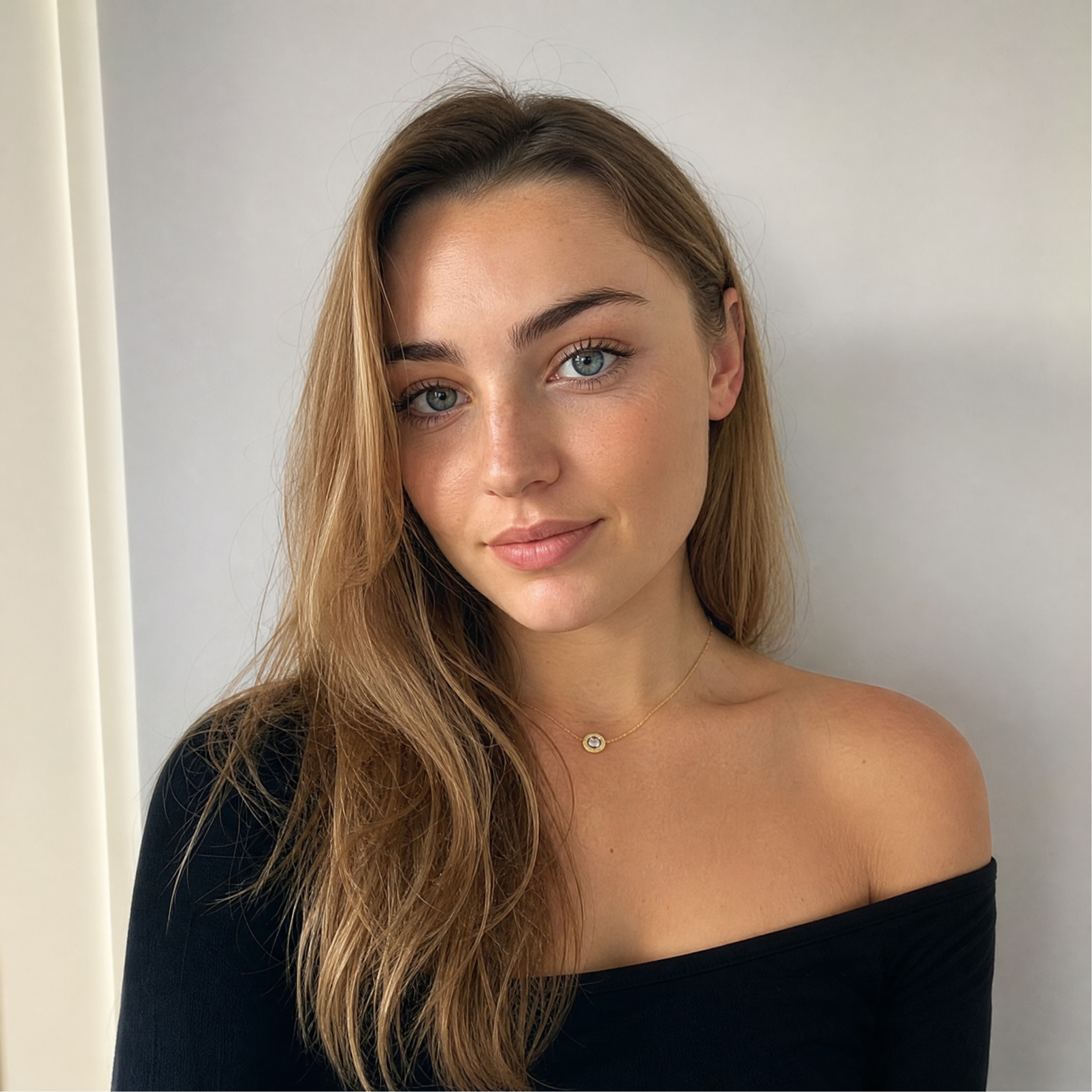
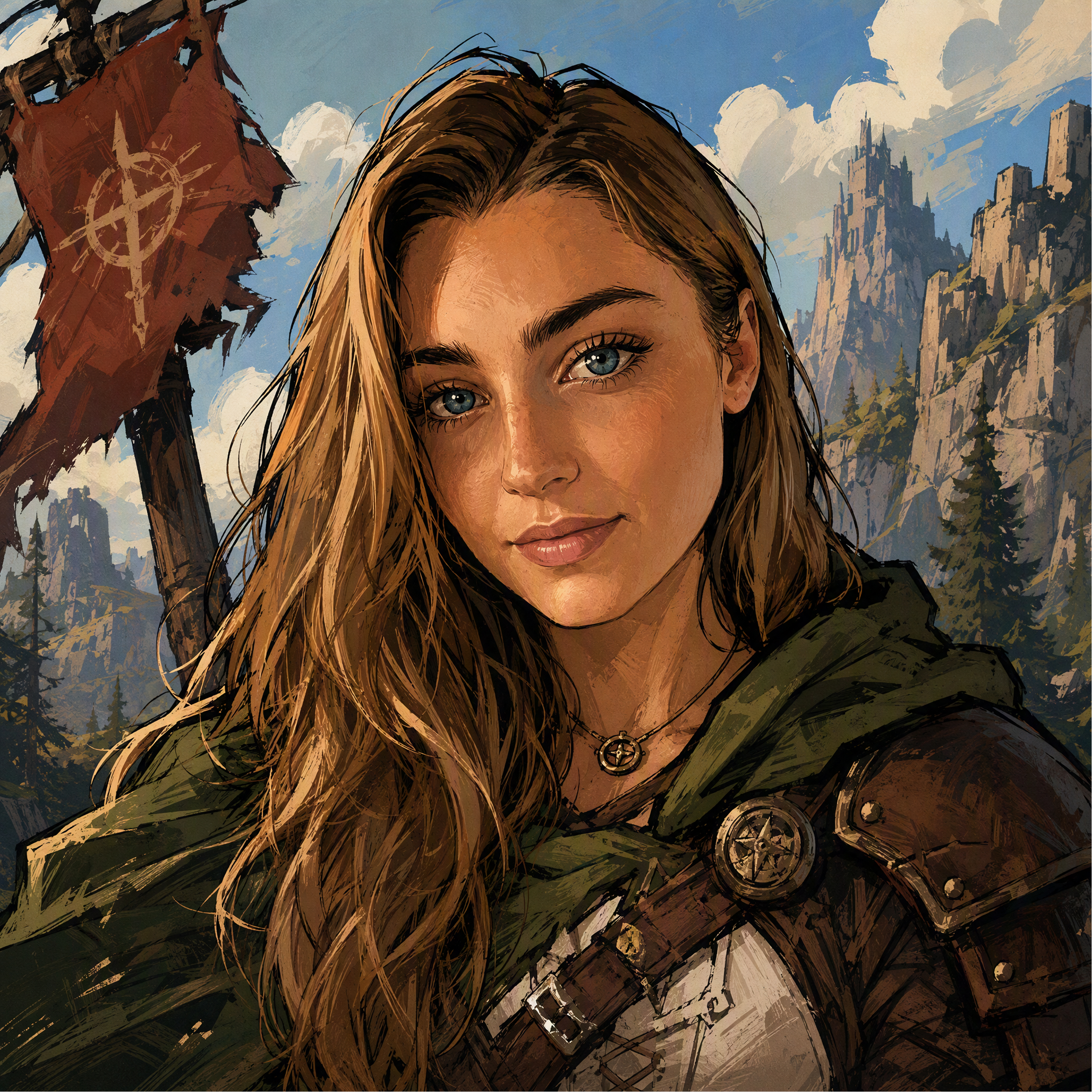
See Your Photo Become a Personal Avatar
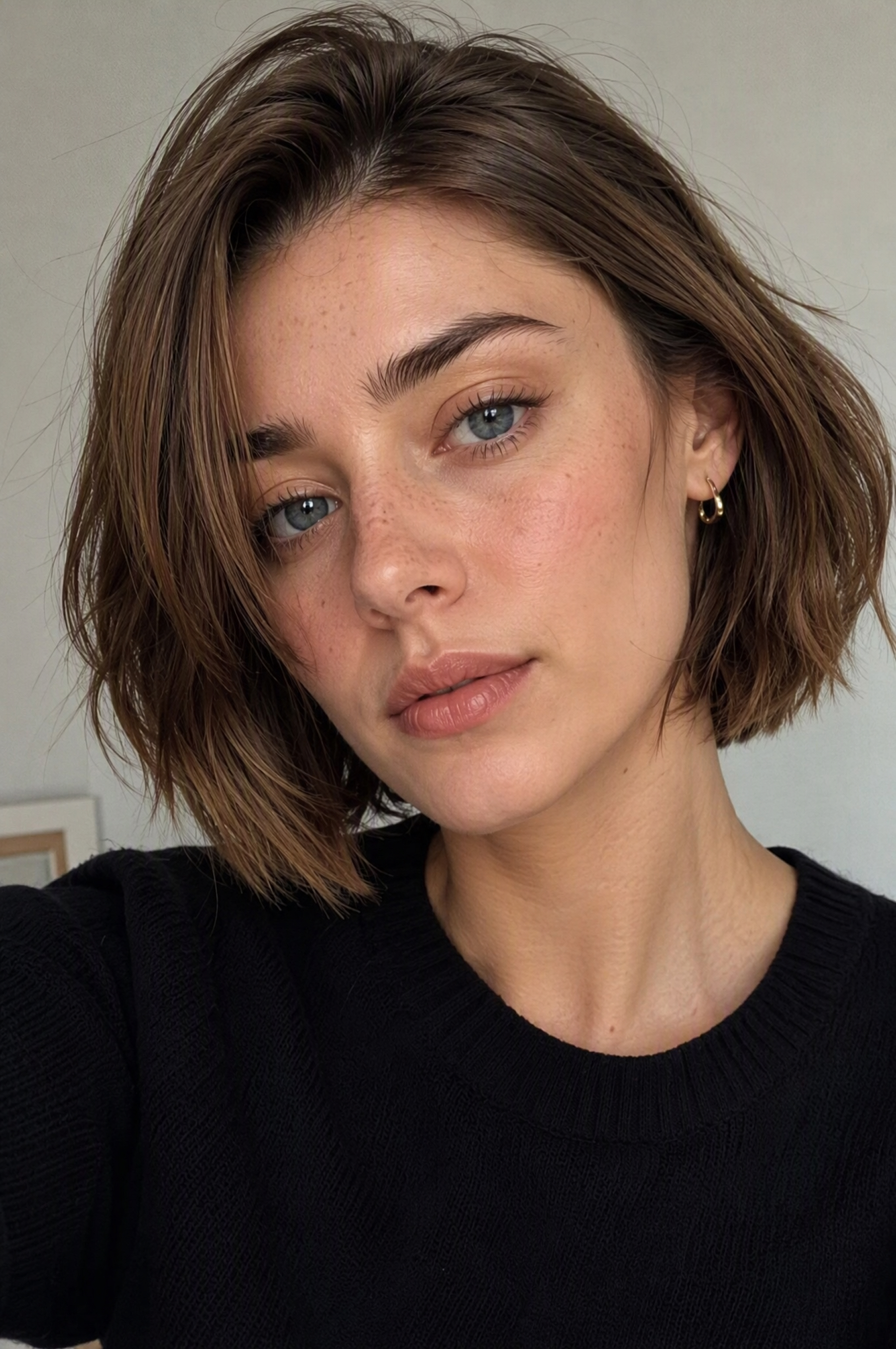
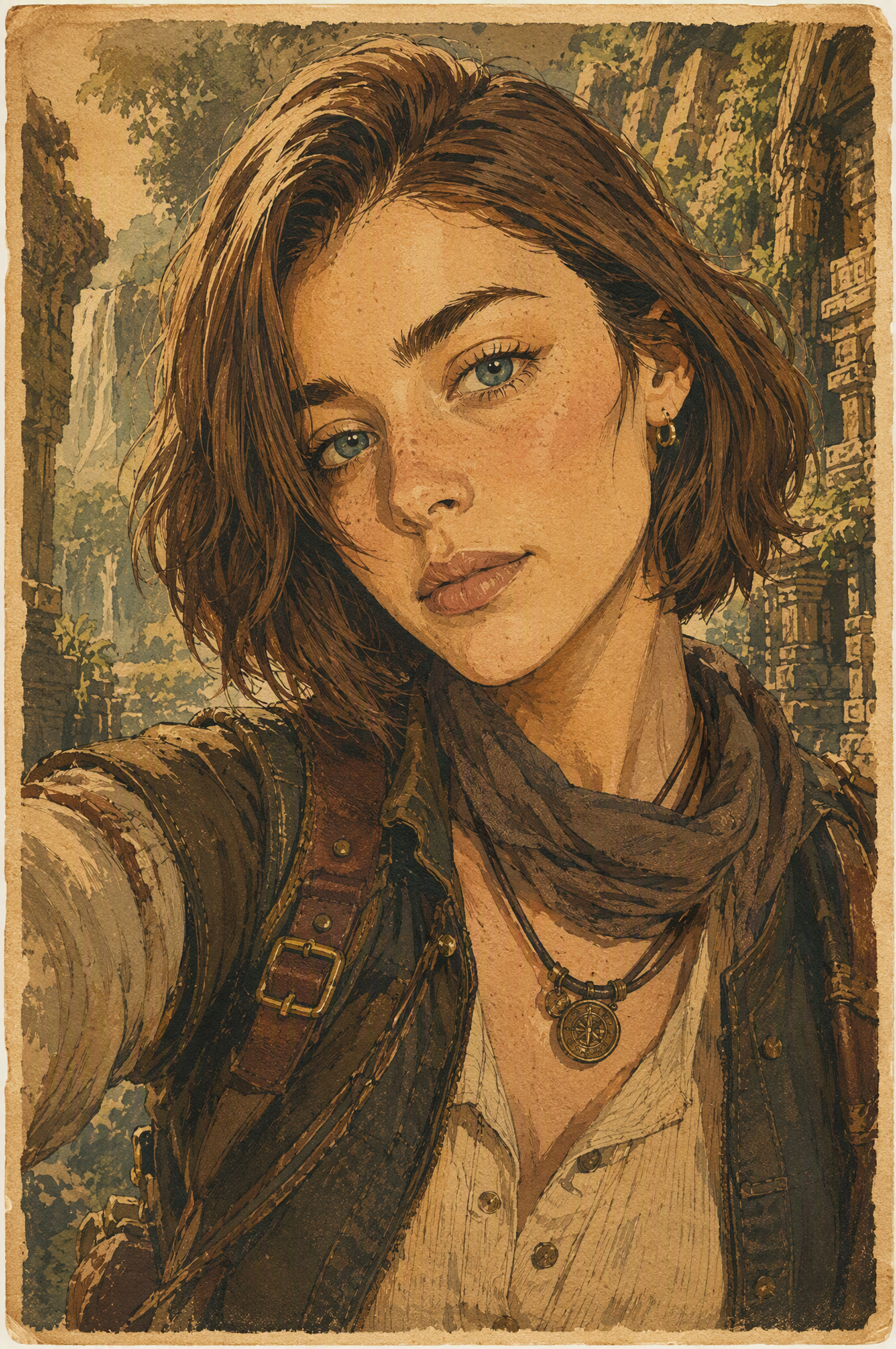
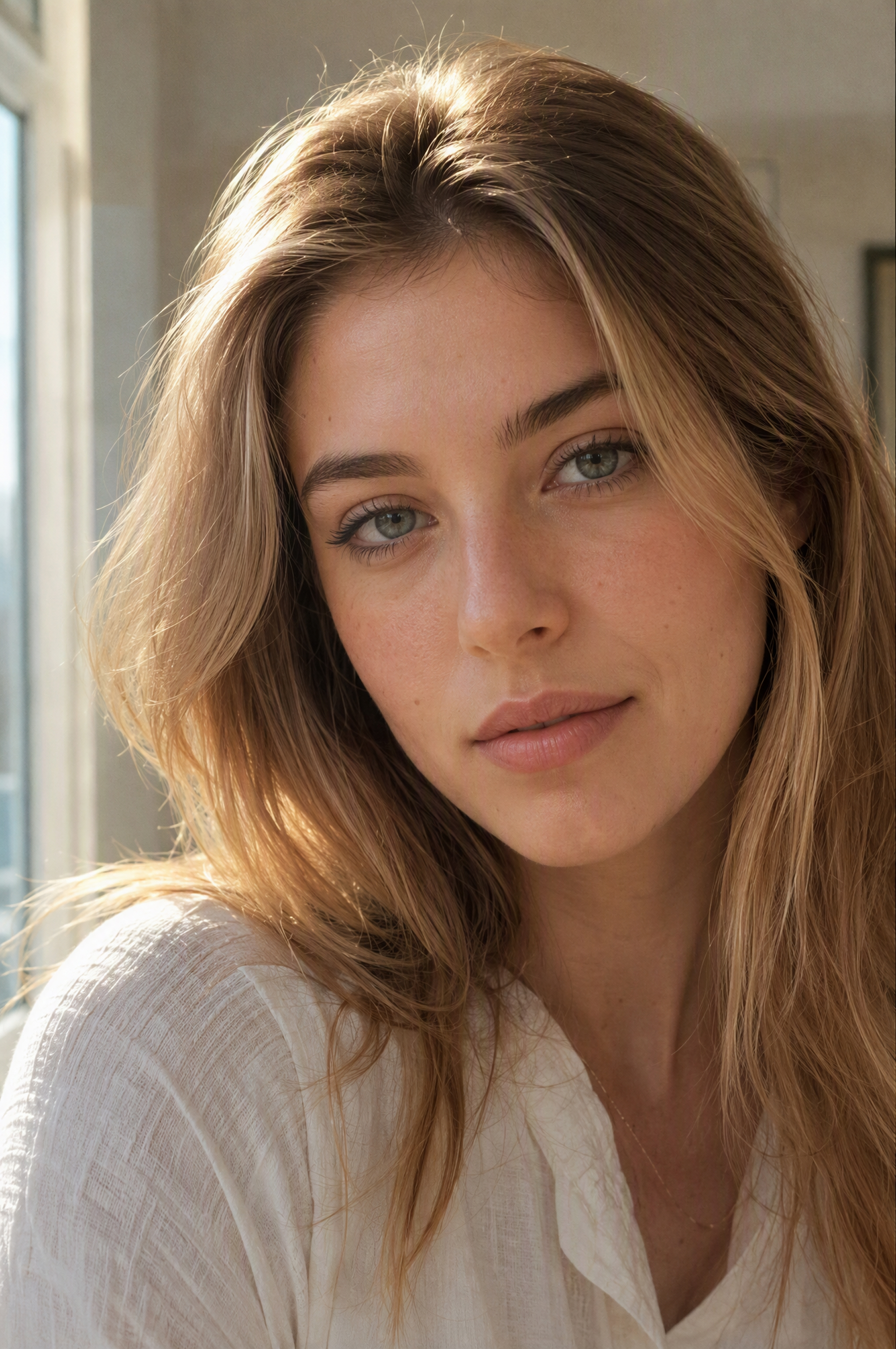
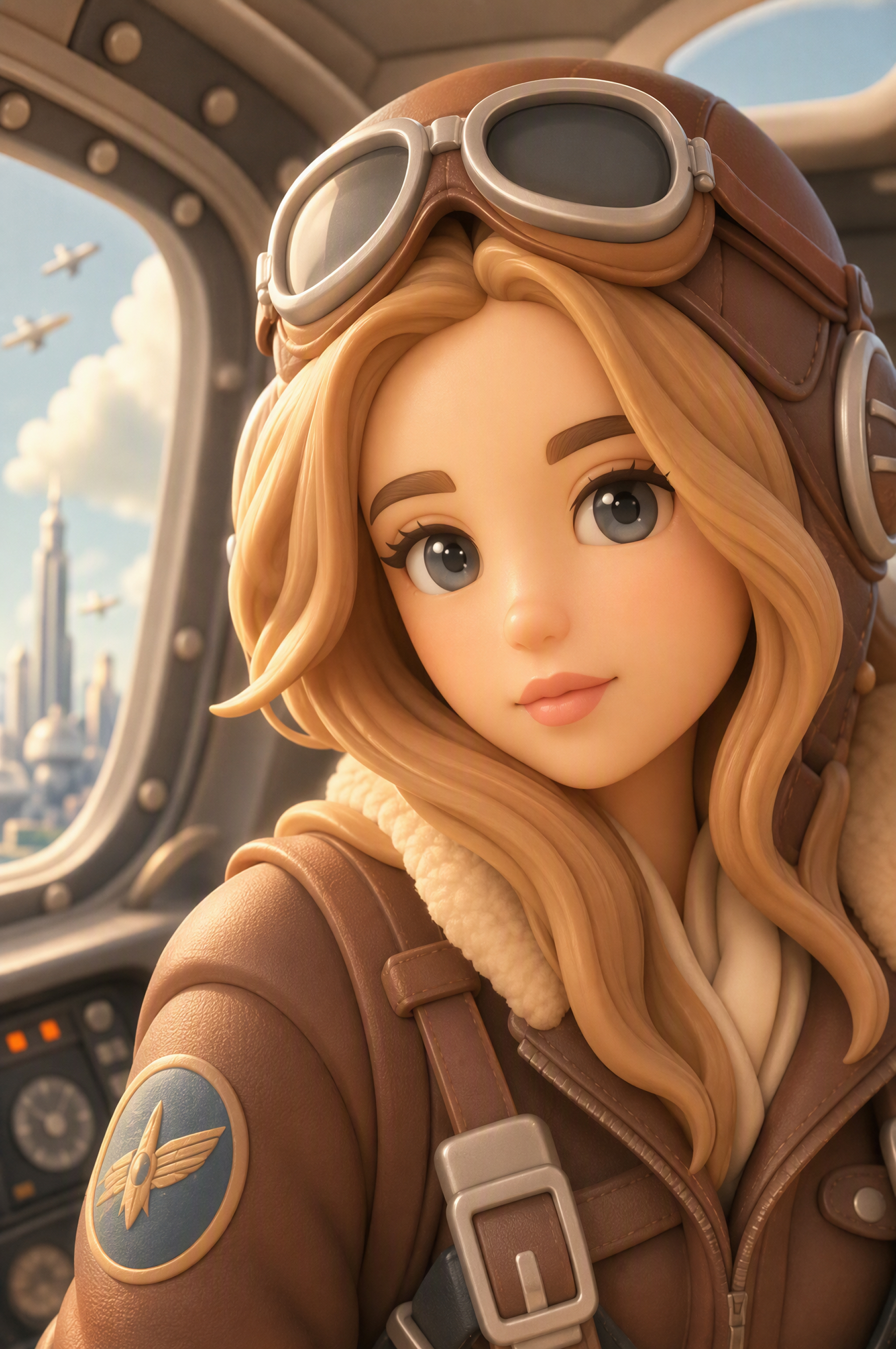
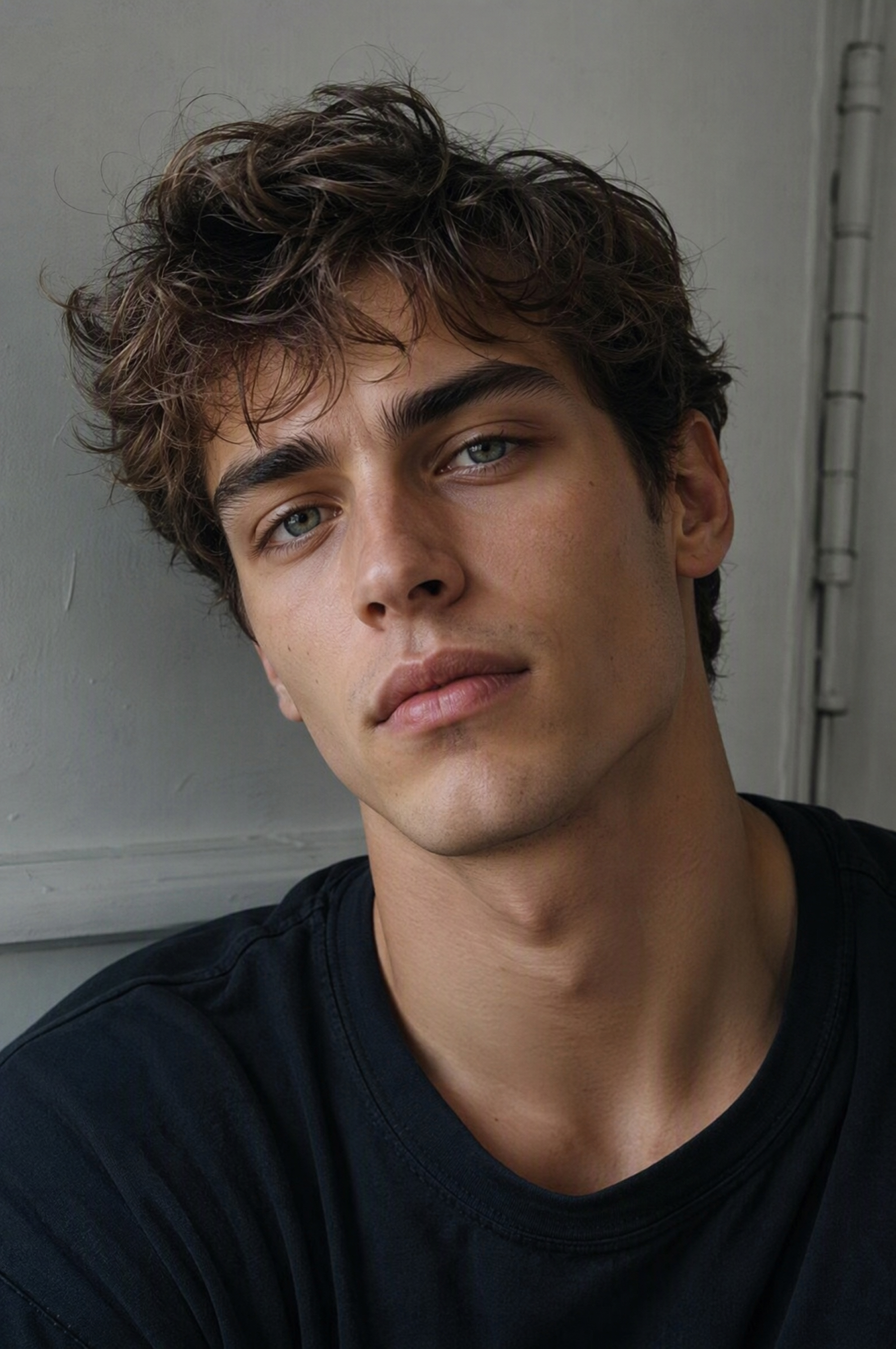
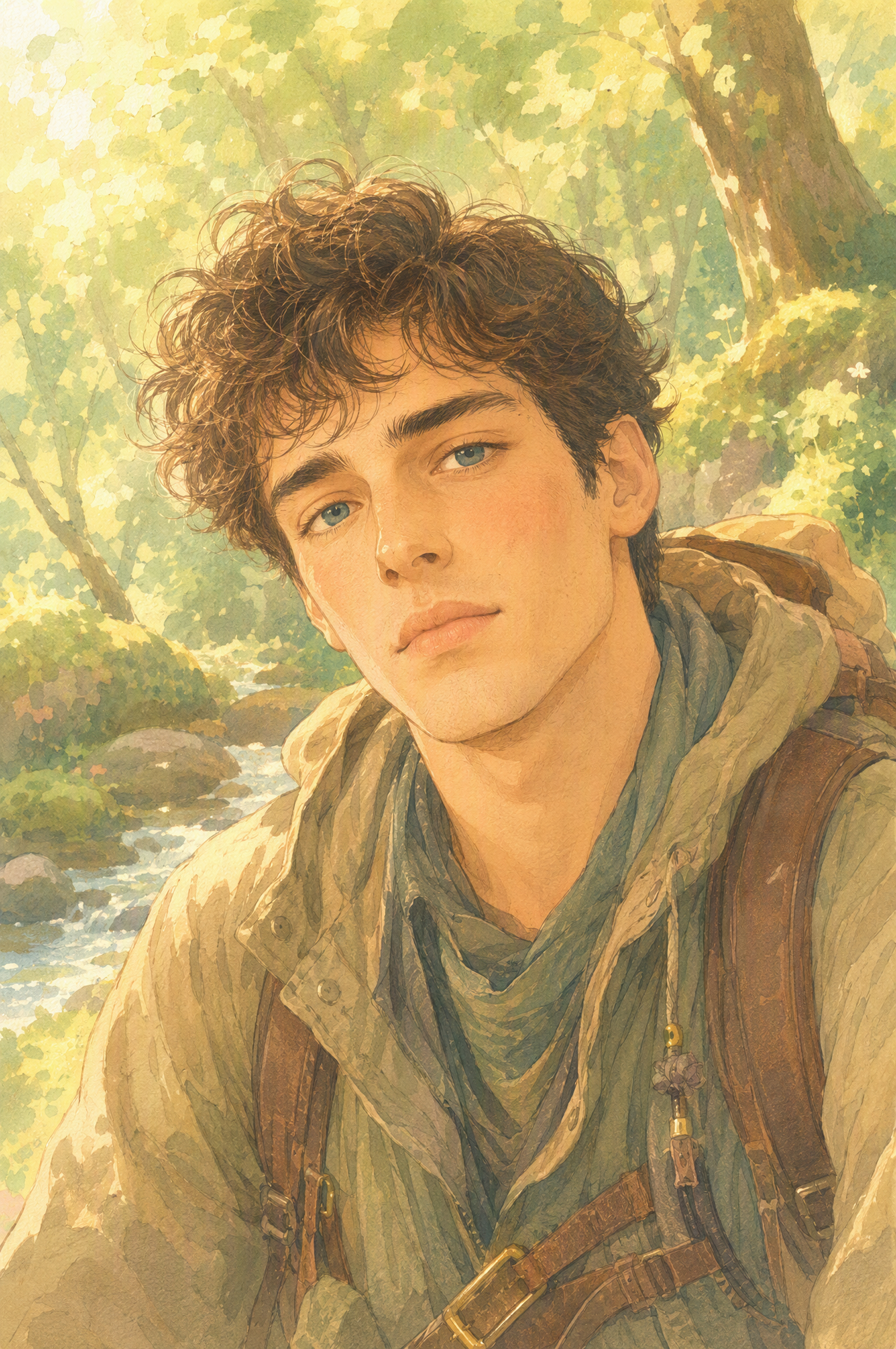
Find the Right Style for Your Avatar
Choose an example you like, upload your portrait, and describe the character details you want in your own version.
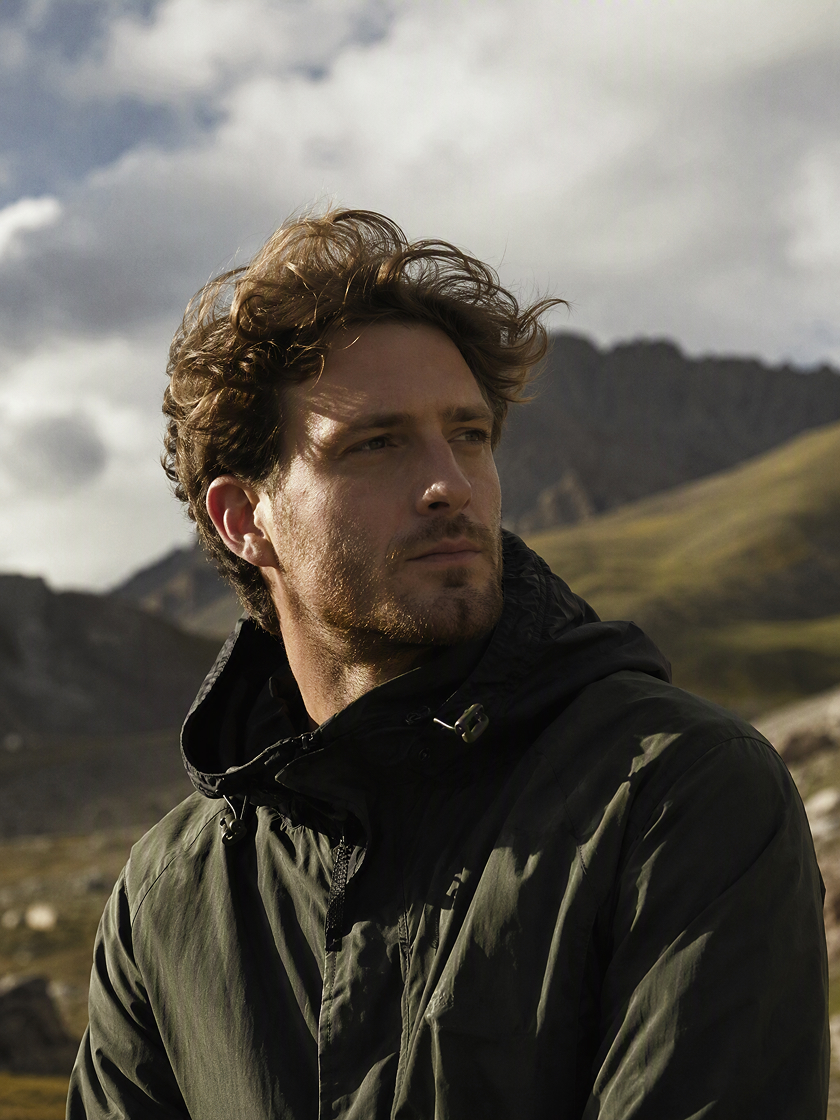
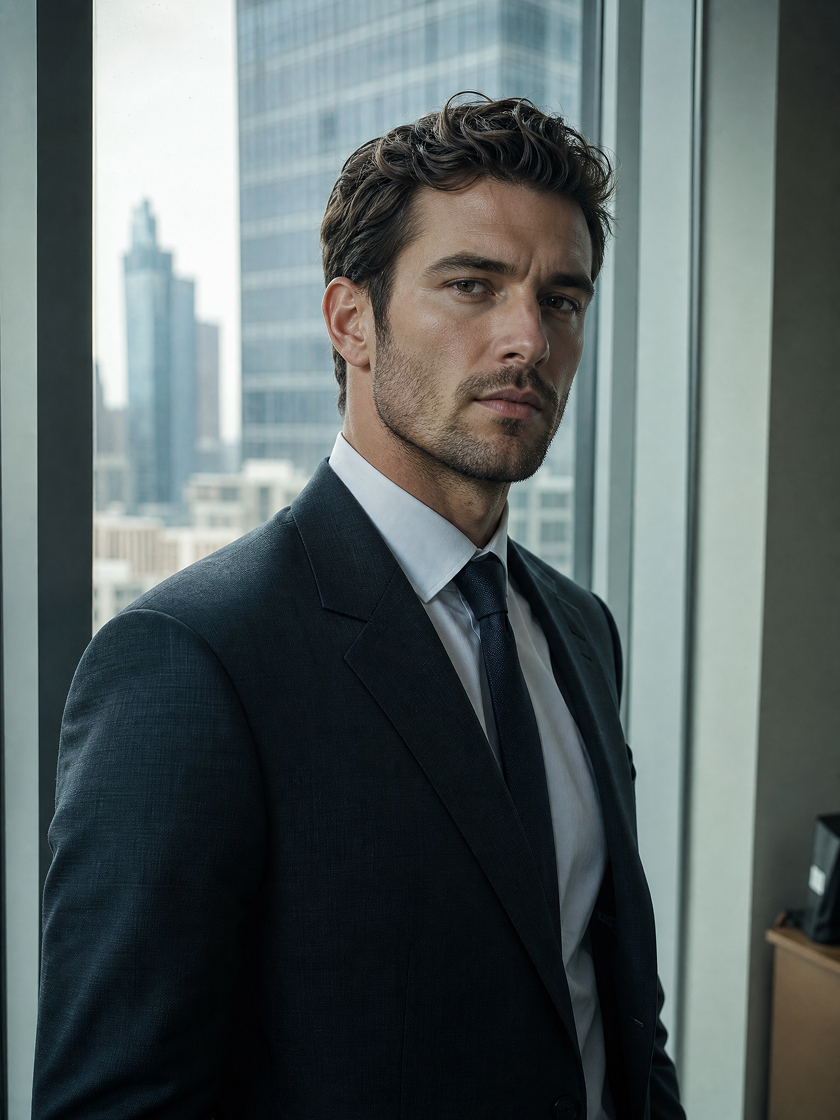
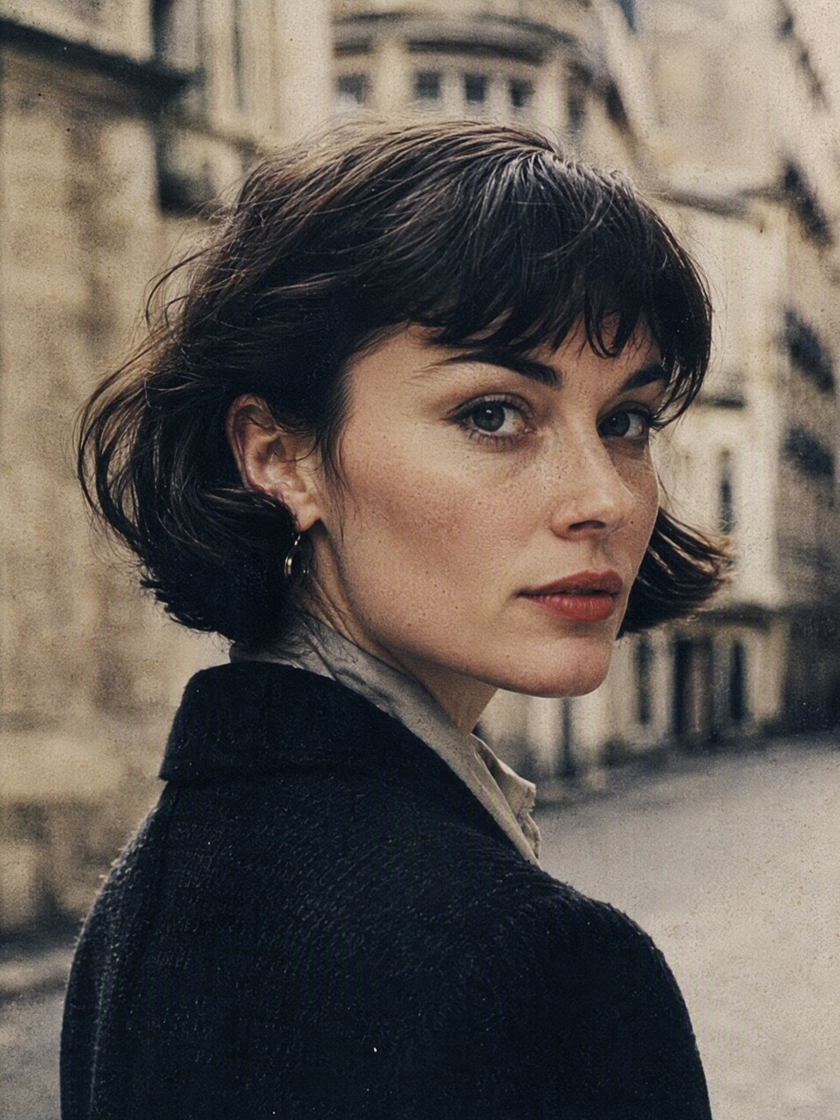
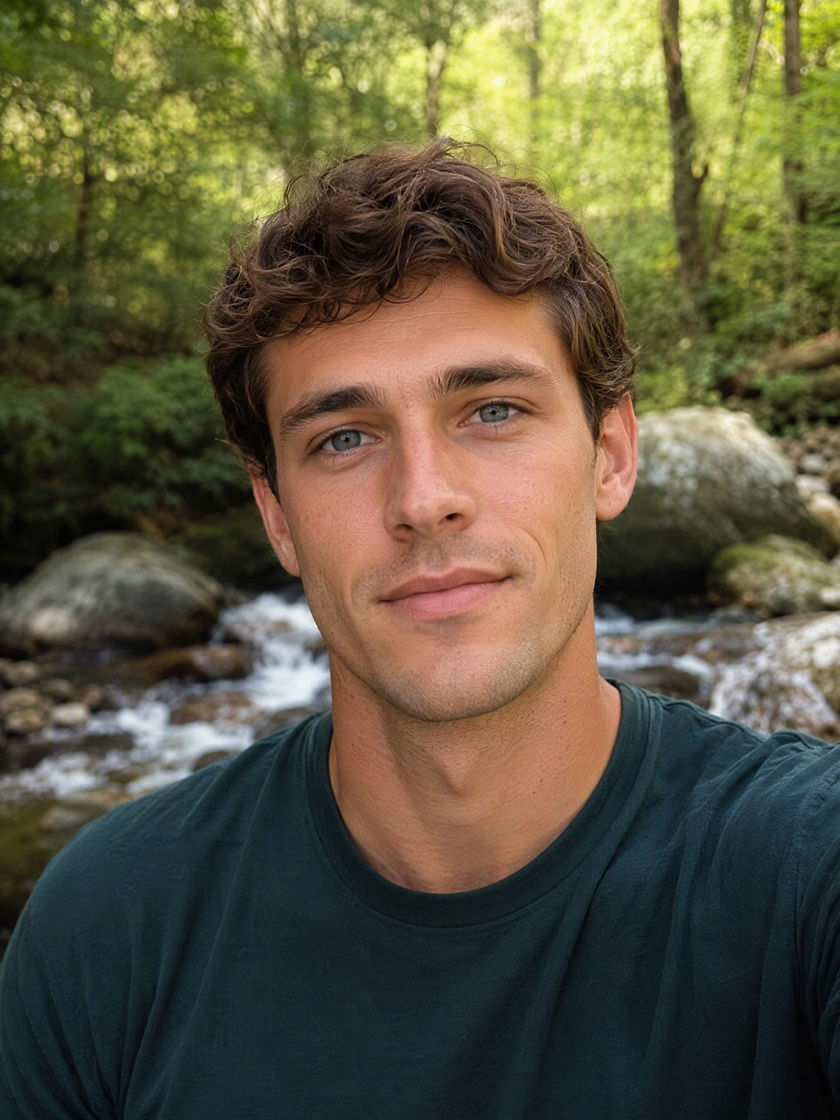
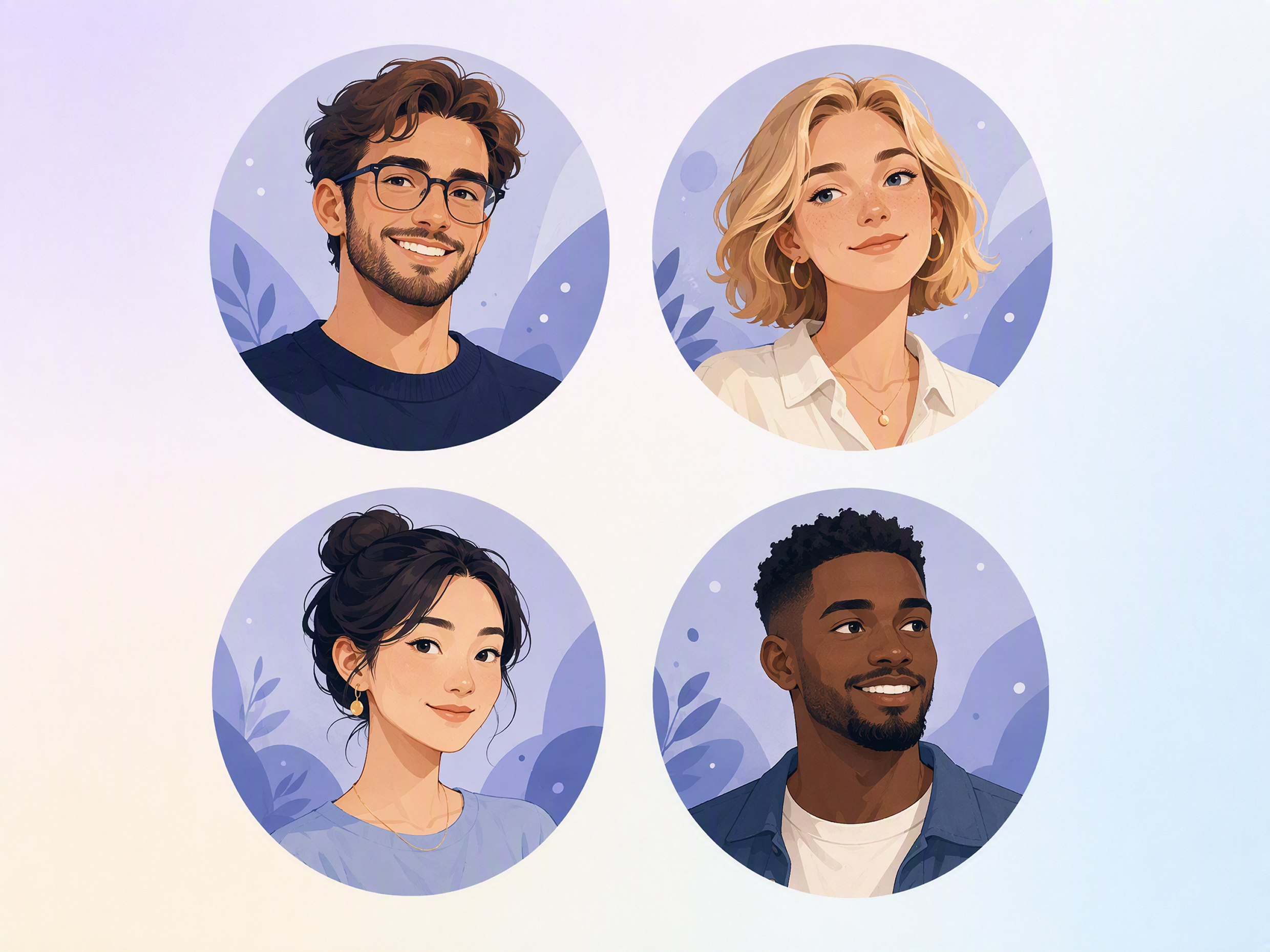
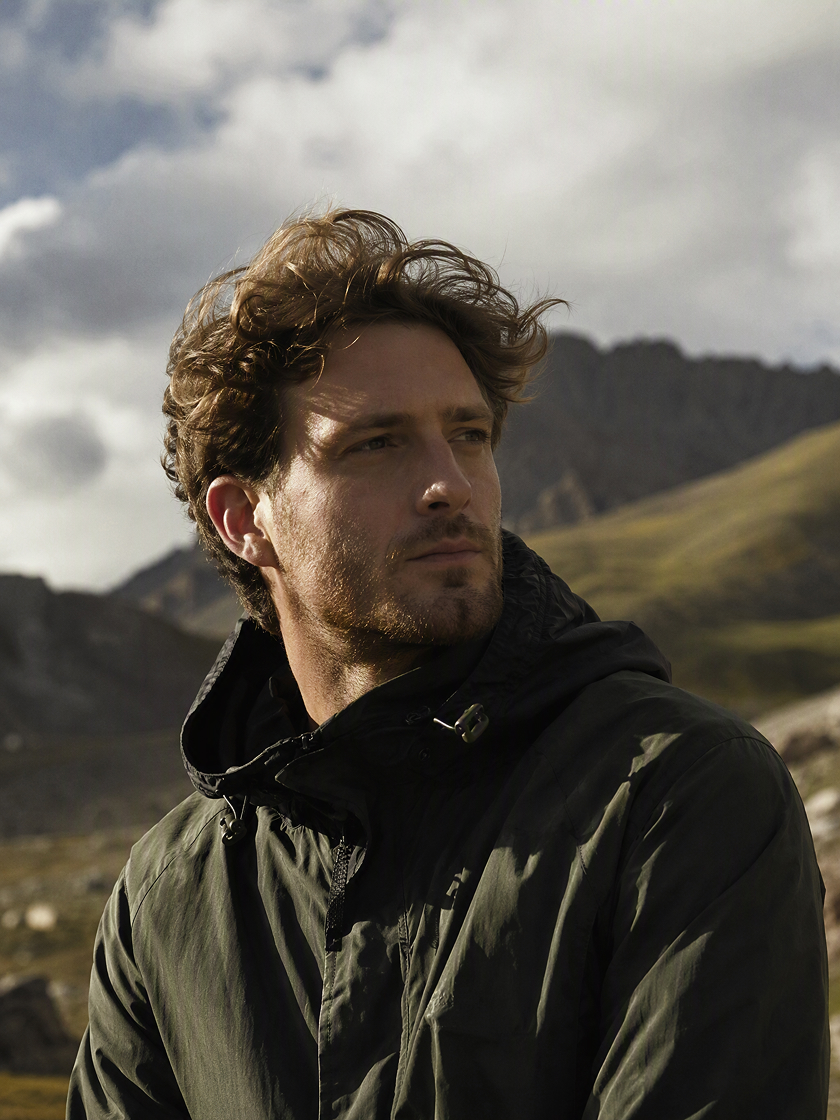 Realistic Avatars
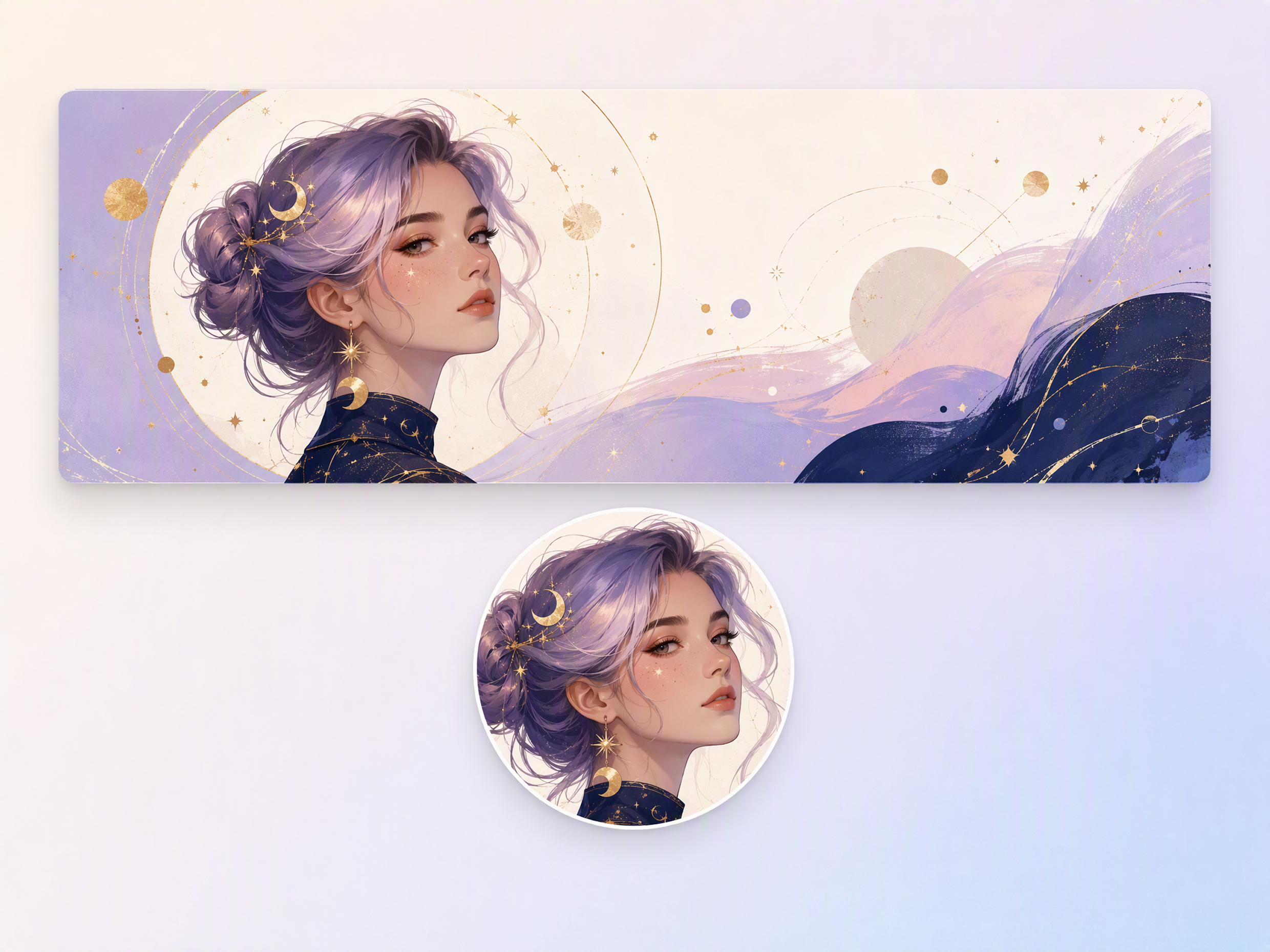
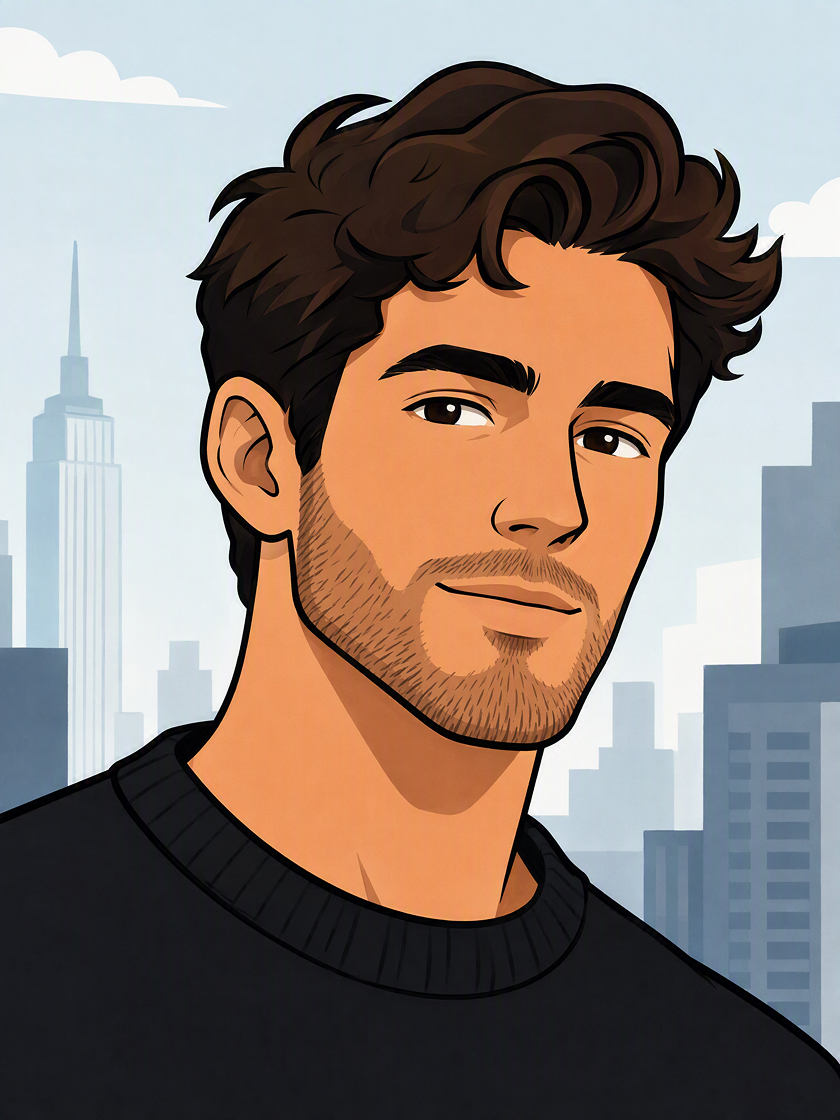 Illustrated Avatars
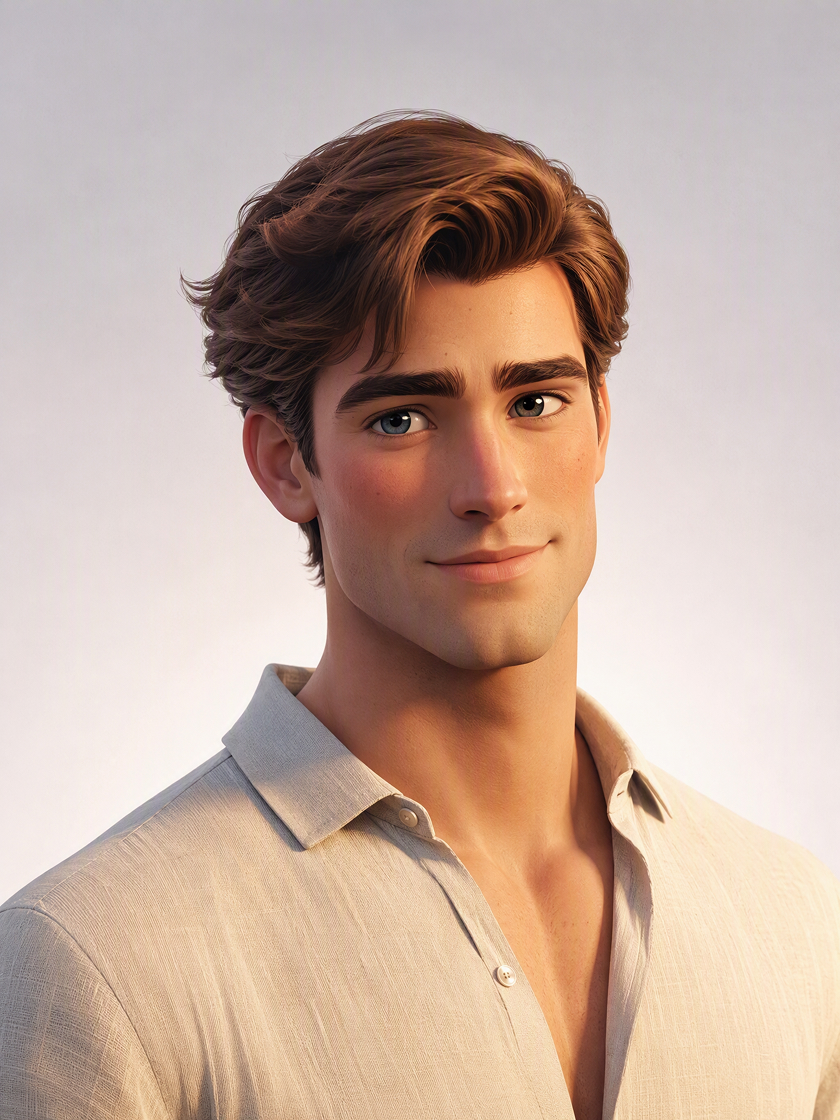 3D Avatars
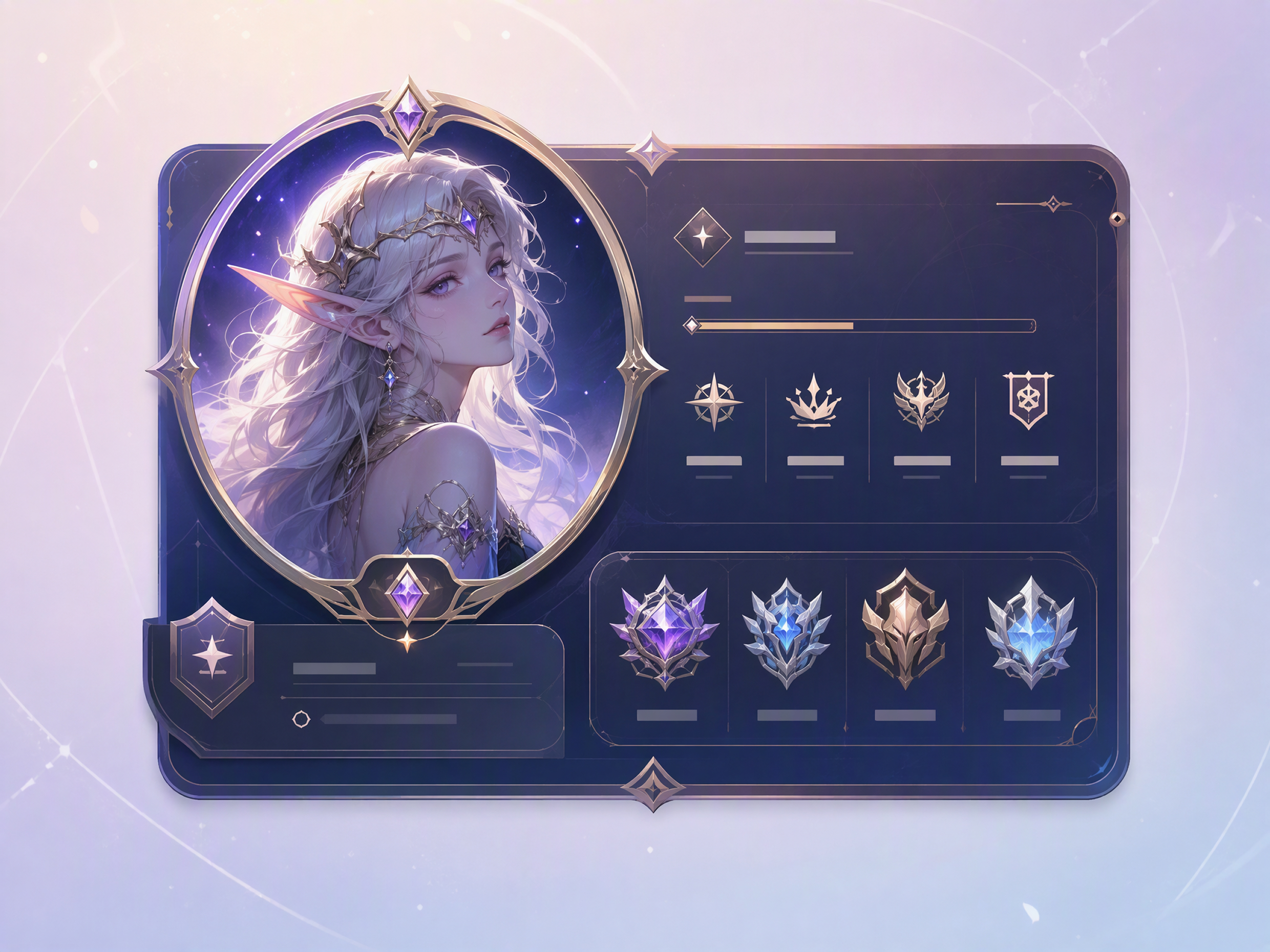
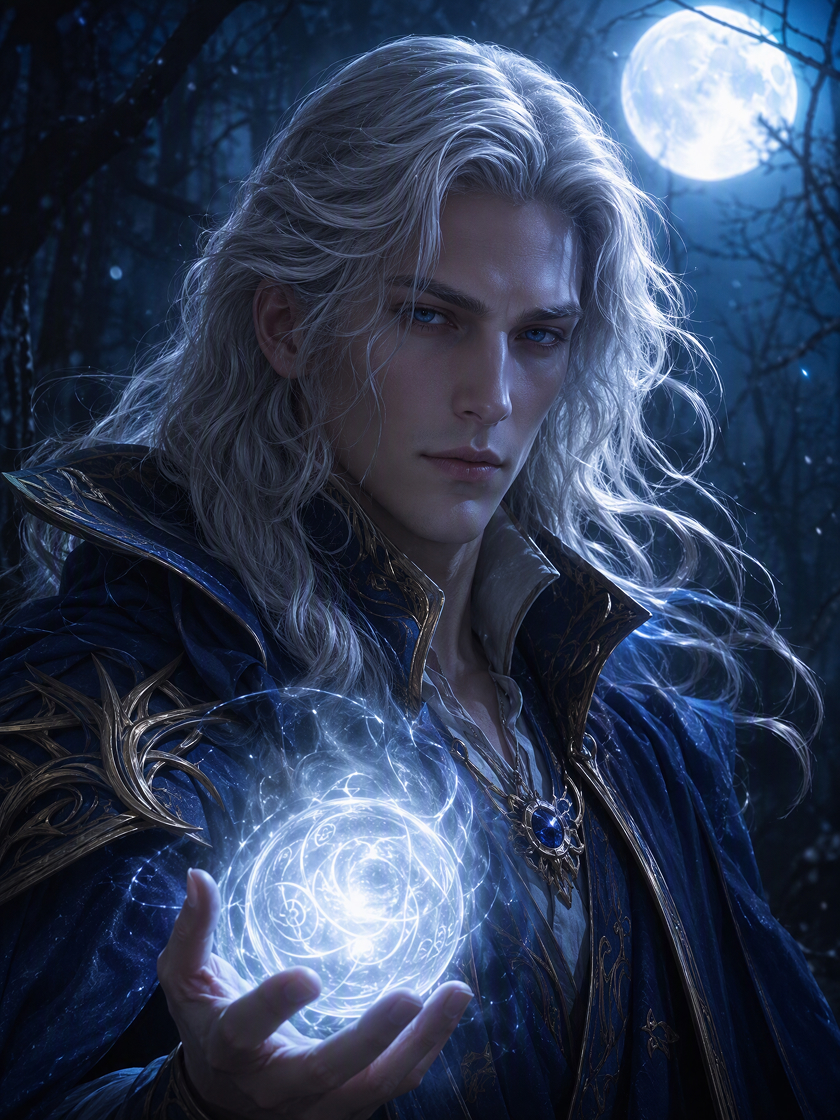 Fantasy Avatars
How to Make a Photo Avatar in 3 Steps with Designkit
Upload a Portrait
Choose a clear photo that shows the face, expression, and defining features you want the avatar to retain.
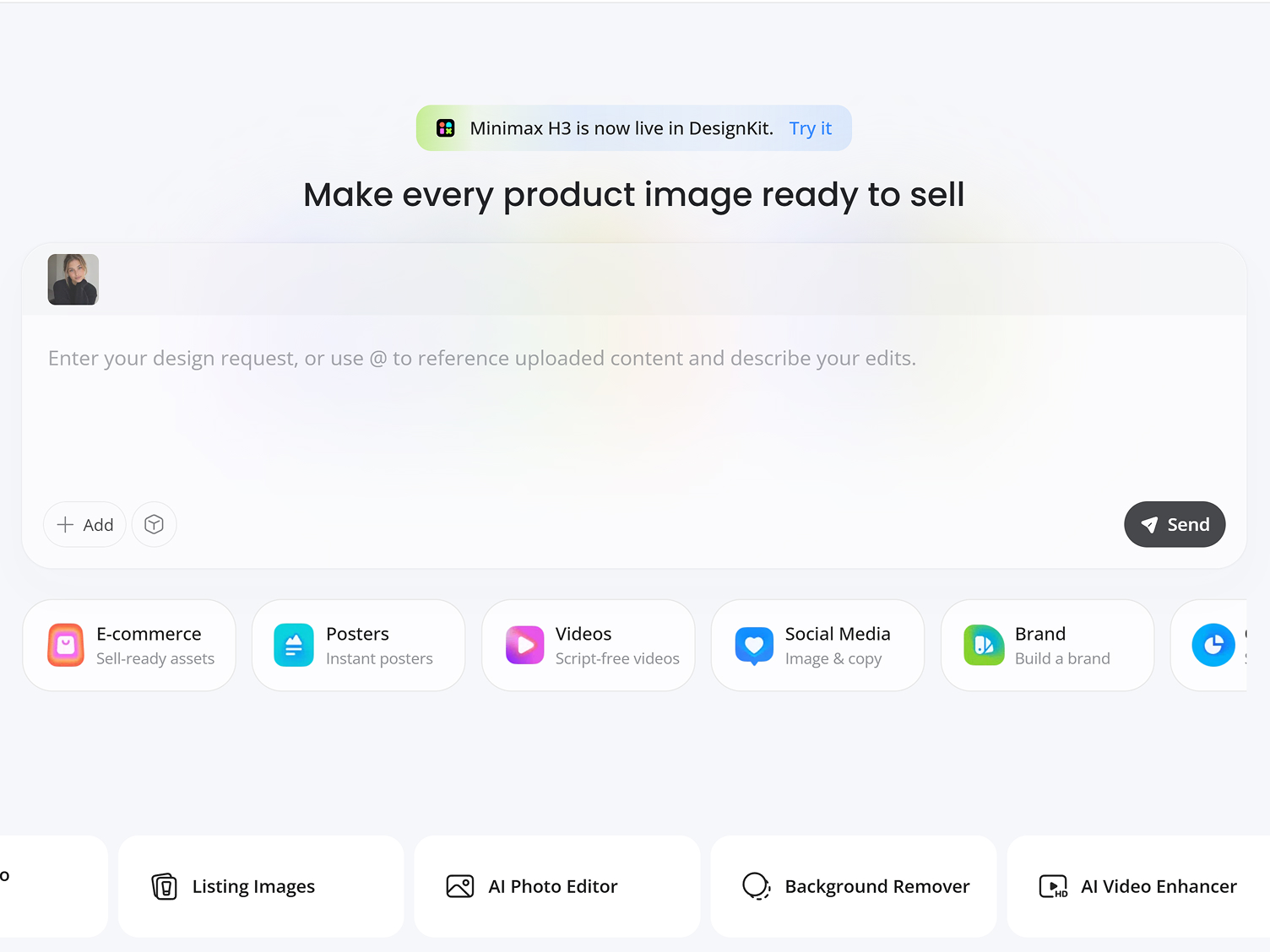
Describe the Character
Use natural language to guide the avatar’s artistic style, clothing, setting, and overall mood.
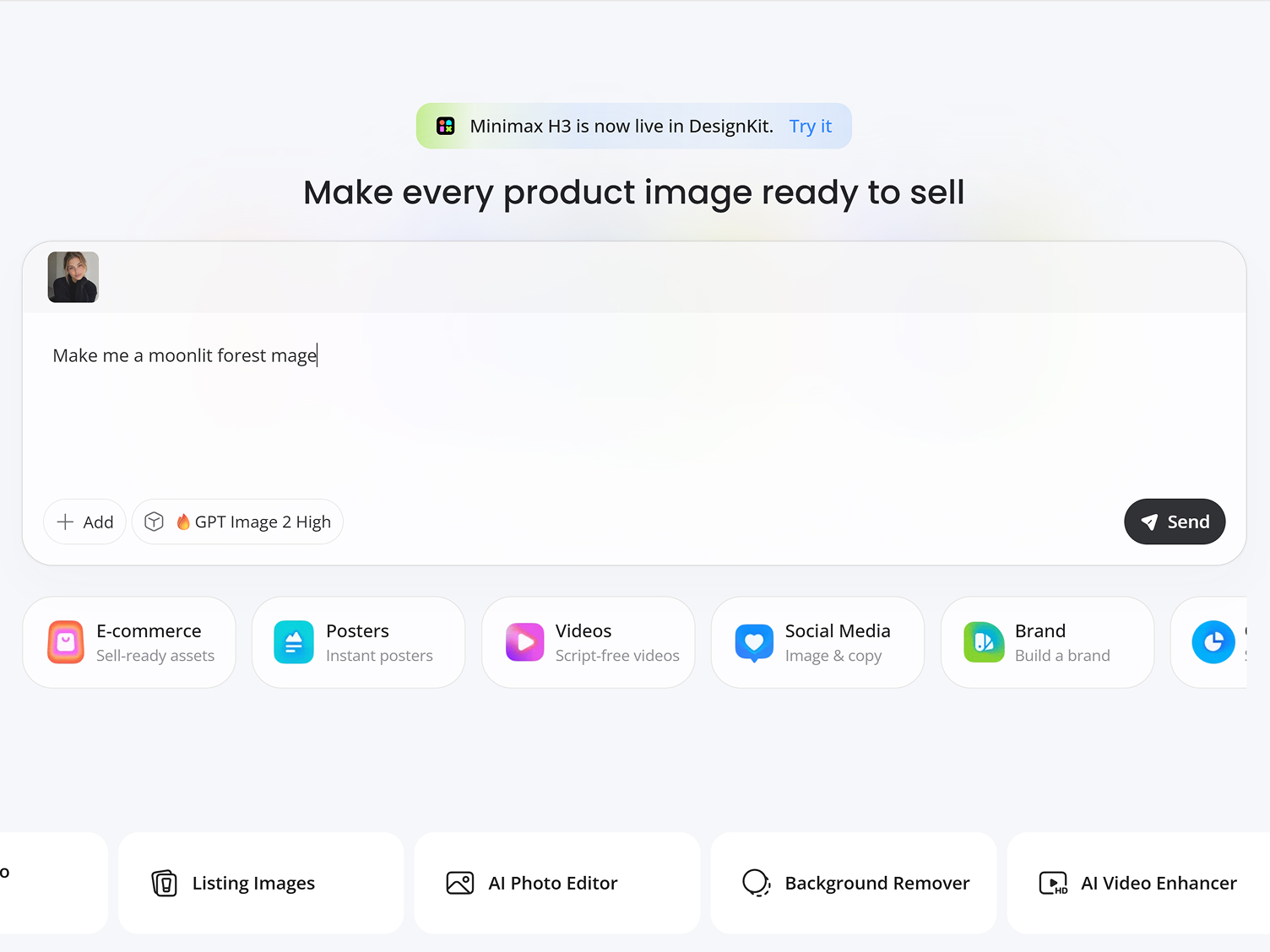
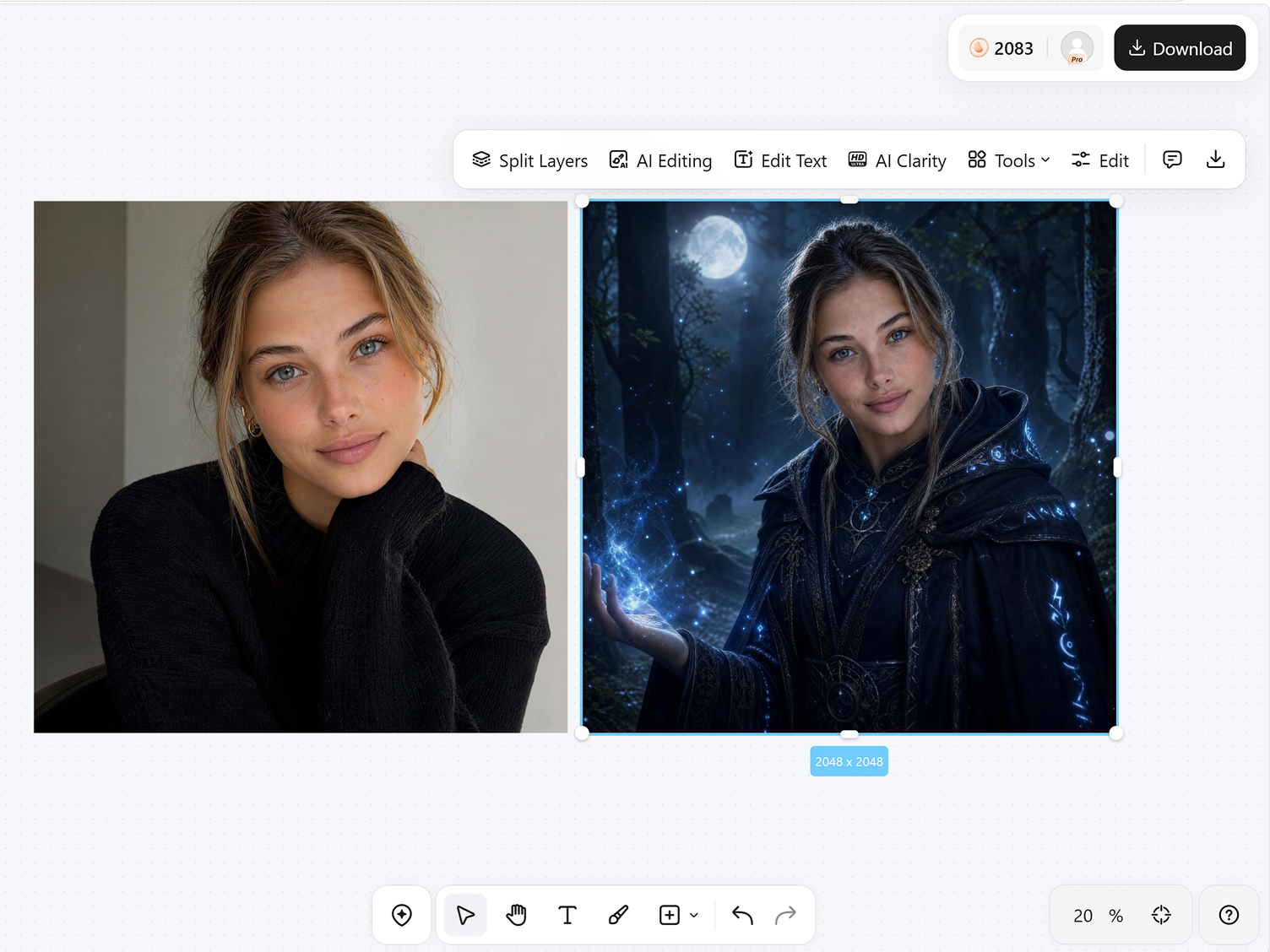
Generate and Download
Review the generated avatar, revise the instruction if a detail feels wrong, and download the version you prefer.
Go Further Than Applying an Avatar Filter
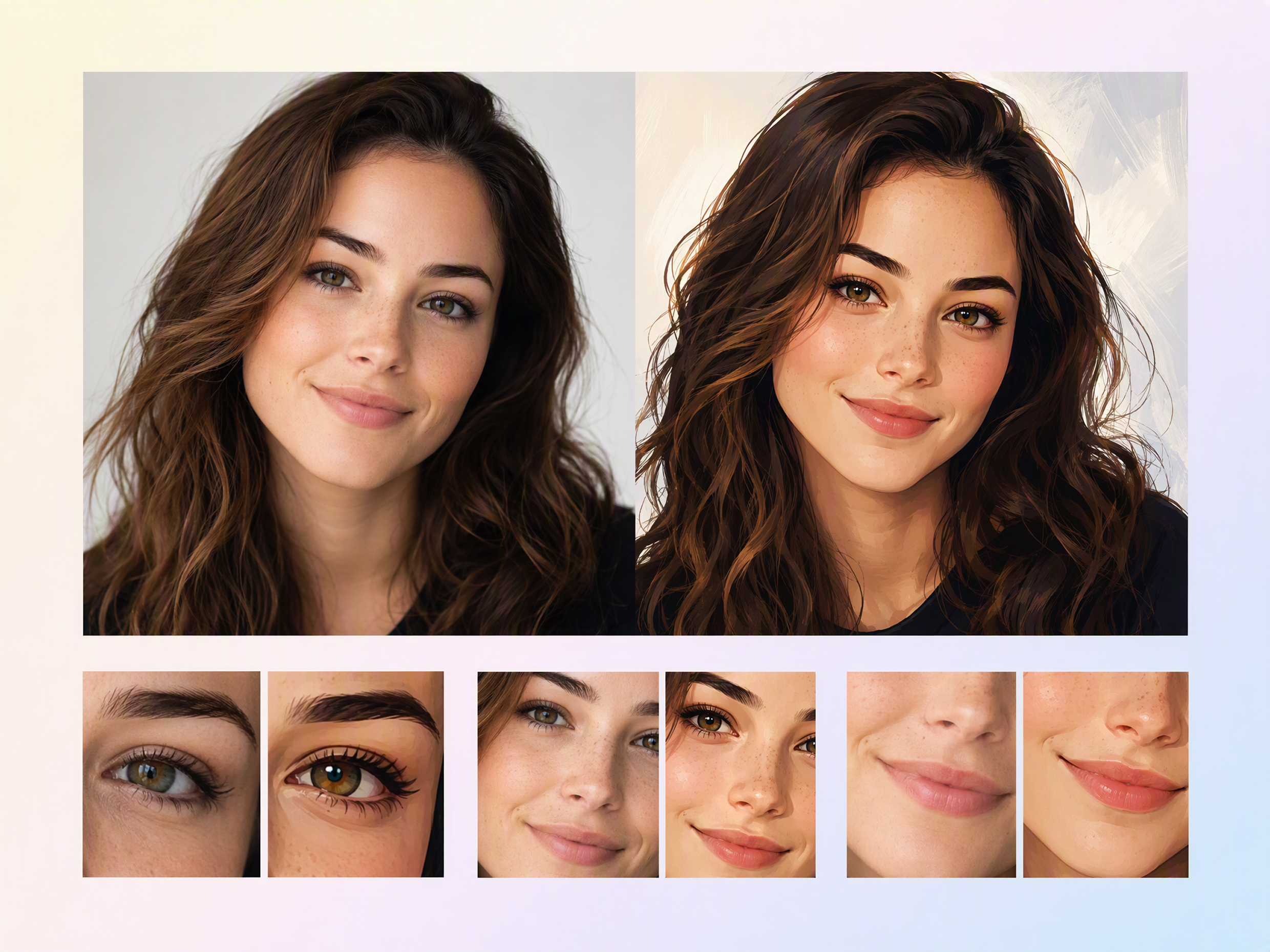
Keep the Face Behind the Style
Carry the subject’s defining features through a major artistic change. The source portrait guides the facial structure and expression, so the result feels like a stylized version of the same person rather than a generic character.
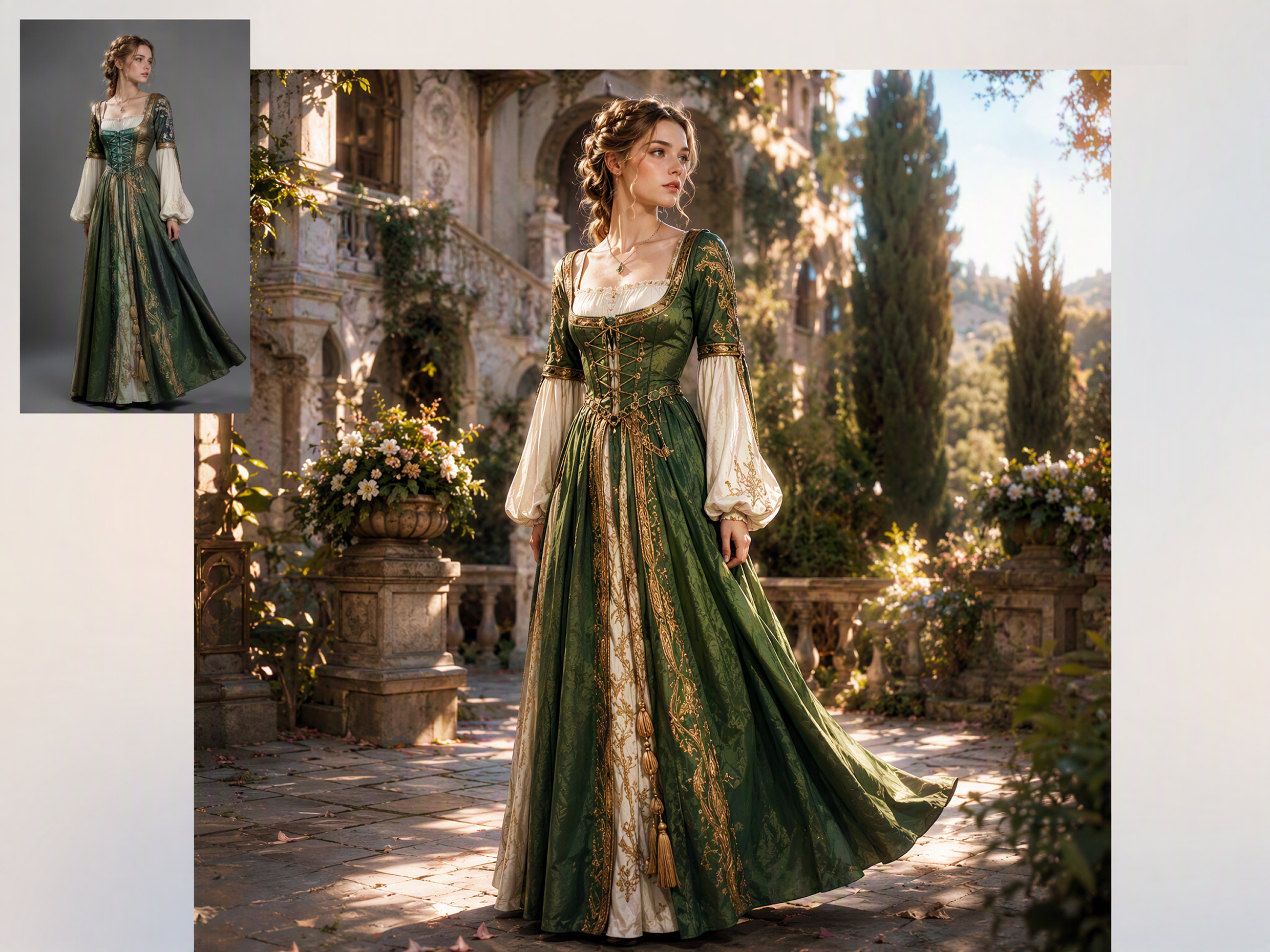
Rebuild the Portrait as One Scene
Create one connected character image instead of placing an effect over the face. The clothing, lighting, background, and artistic treatment are regenerated together, allowing the complete portrait to follow the same idea.
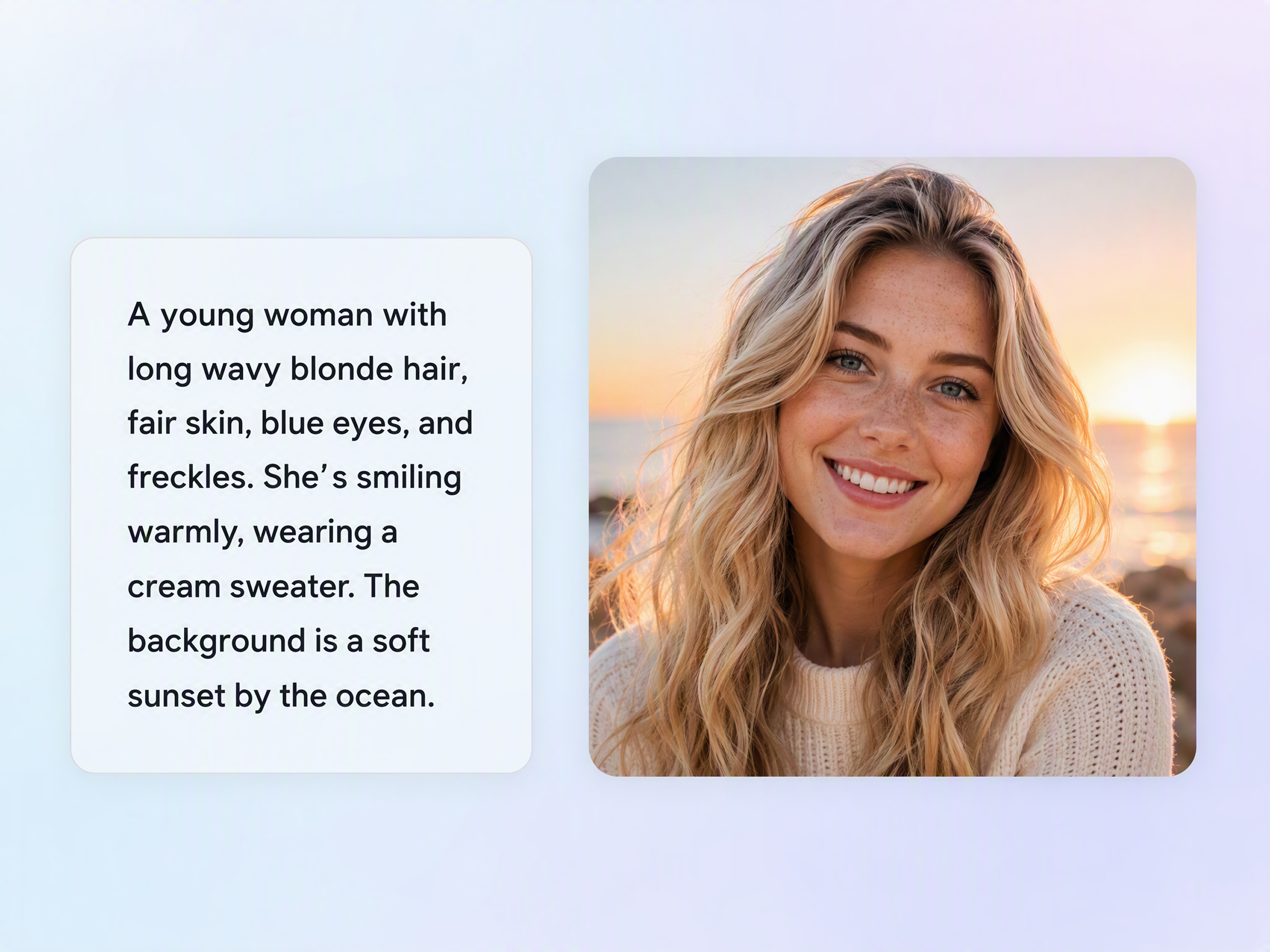
Looks That Go Beyond Fixed Presets
Move past the closest option in a fixed style list. Describe the tone, art style, and character idea in your own words, so the finished avatar can follow a specific concept rather than a broad preset category.
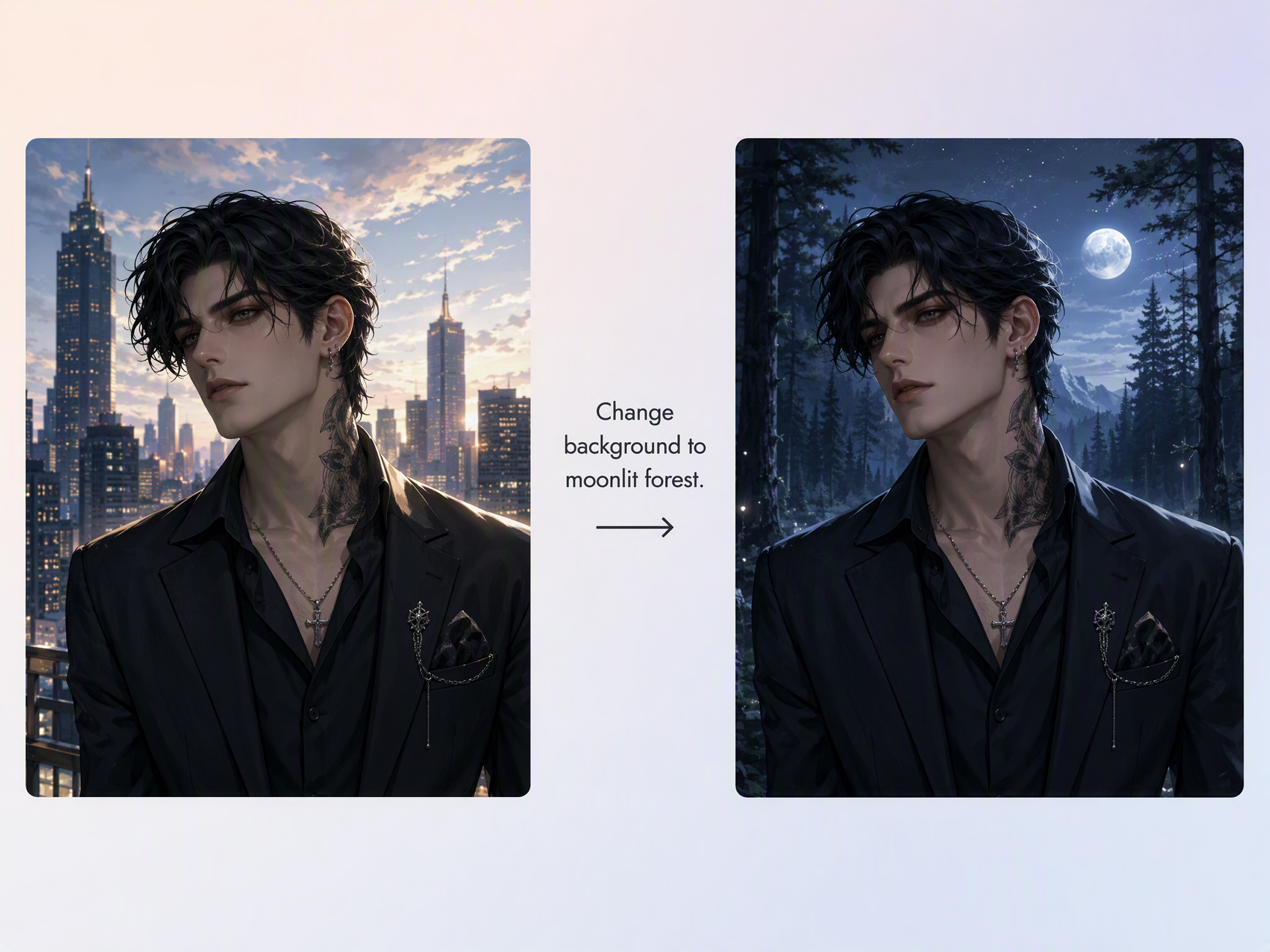
Redirect the Next Version with One Note
Change the instruction when one choice weakens an otherwise promising result. Ask for a different mood, outfit, or setting, then generate a new version that follows the corrected direction instead of starting the concept again.
AI Avatars for the People Behind Online Accounts
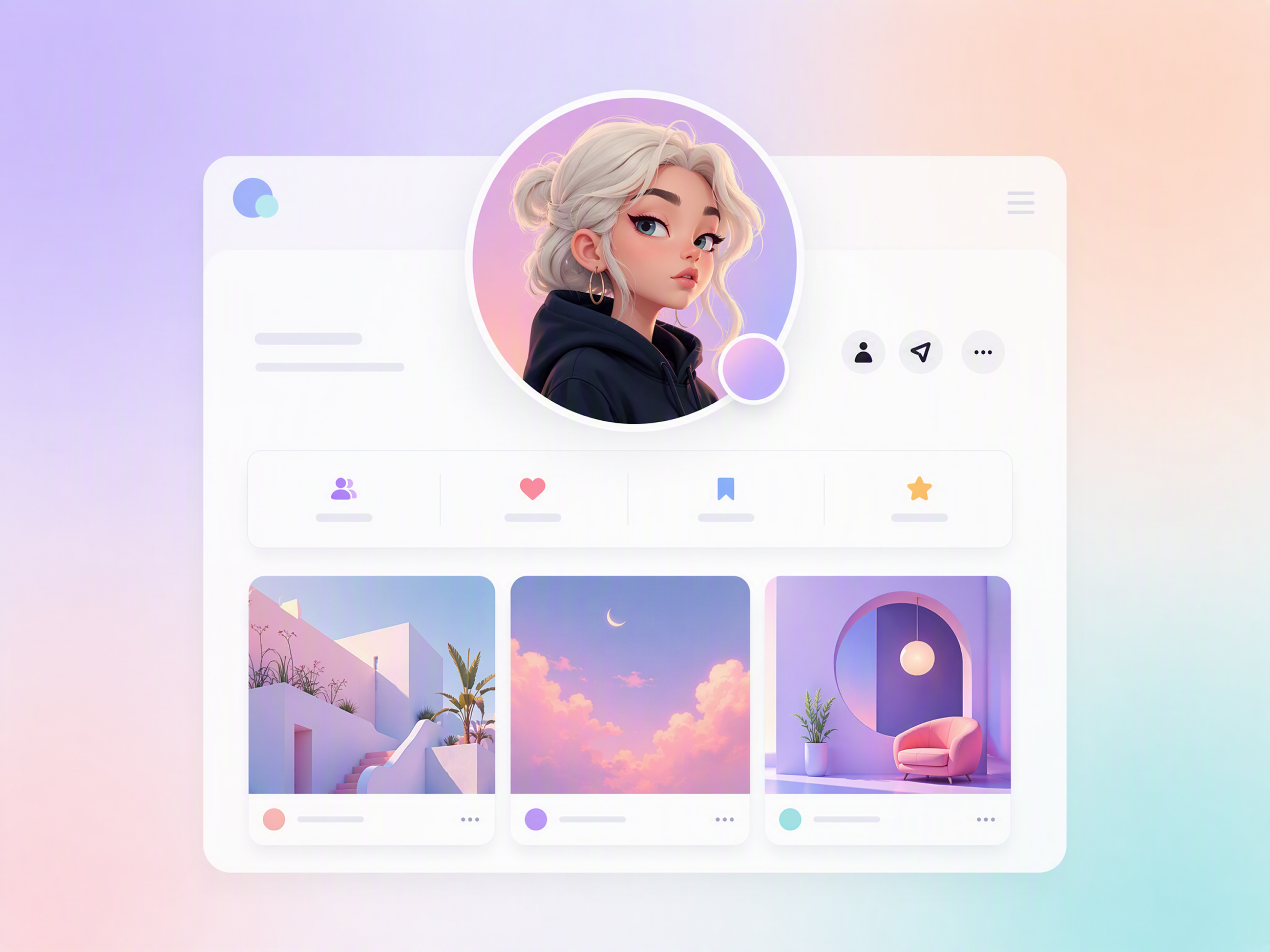
Make a Familiar Profile More Expressive
Give a familiar account more personality than a standard headshot. A stylized avatar lets friends and followers recognize the person behind the profile while supporting the tone they want to express.
Why Choose Designkit for AI Avatar Creation?
Start from One Clear Portrait
Photo-set services can require several matching selfies before generation begins. Designkit starts from one clear portrait and one style brief.
Skip Picking Facial Parts One by One
Manual avatar builders make users assemble a face by selecting separate eyes, hair, and features. Designkit interprets the complete portrait and instruction together.
Carry the Avatar into a Larger Project
Single-purpose avatar generators end once the image is created. Designkit keeps the selected result in the same workspace, so it can continue into the rest of the project.
Unlock More Creative Possibilities
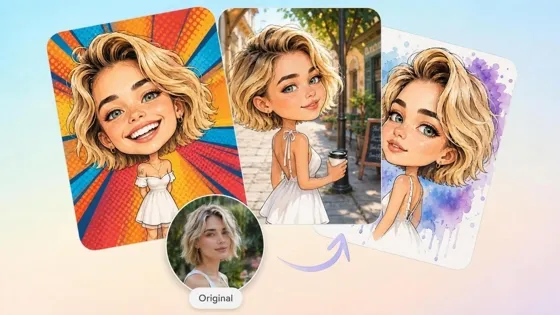
AI Caricature Generator: Turn Photos into Funny Caricatures
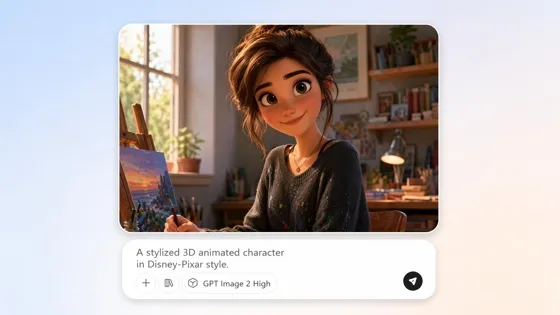
AI Cartoon Character Maker: Create Custom Cartoon Characters
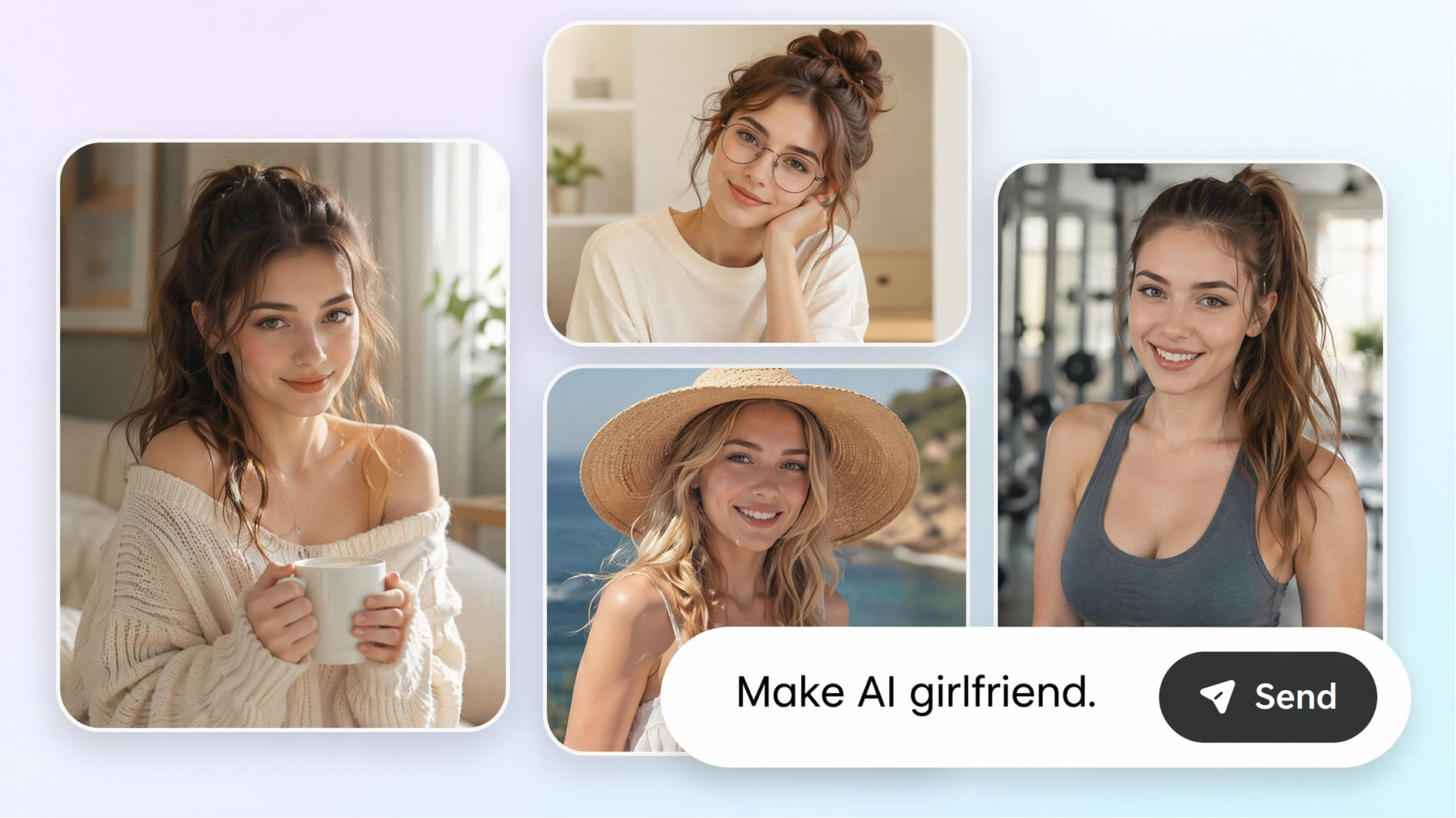
AI Girlfriend Generator: Create Your Dreamy Girl from Photo & Text
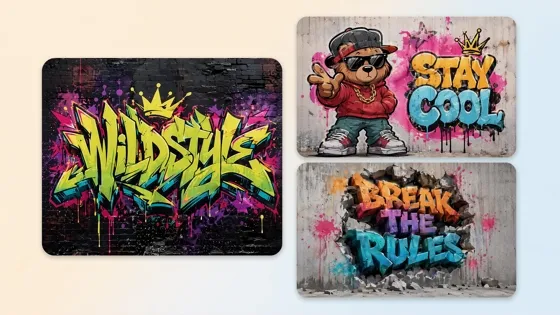
AI Graffiti Generator: Turn Names and Text Into Street Art
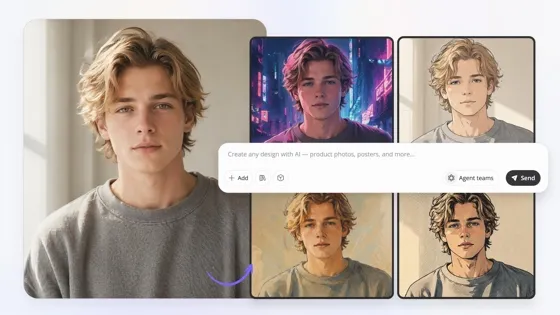
Image to Image AI: Transform Images into New Styles Online
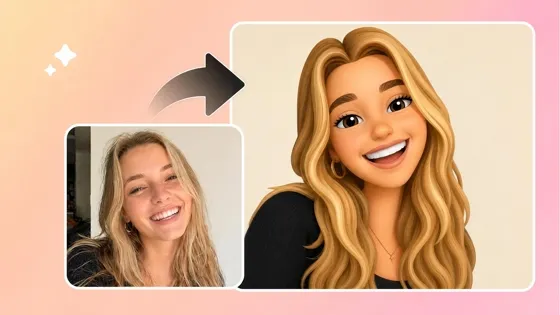
Image to Emoji Converter: Create Custom Emojis from Photos
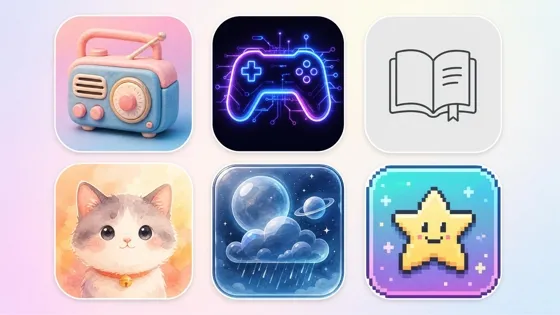
AI Icon Generator: Make Custom Icon Sets Online
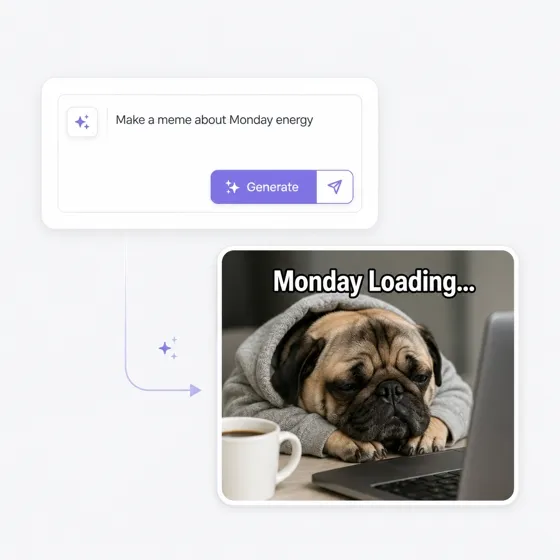
AI Meme Generator from Text or Your Photo
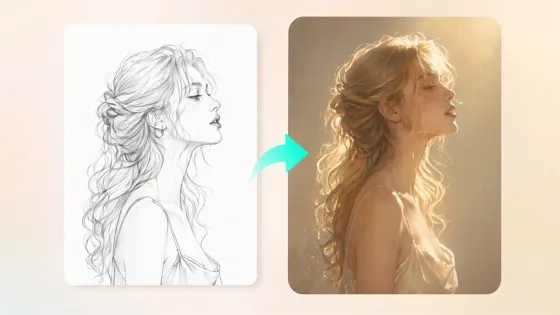
Sketch to Image AI: Turn Drawings into Realistic Images
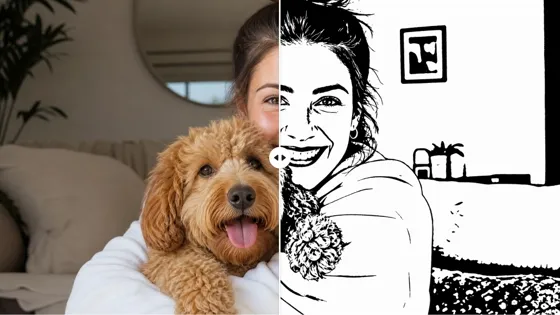
AI Stencil Maker: Turn Photos into Printable Stencils
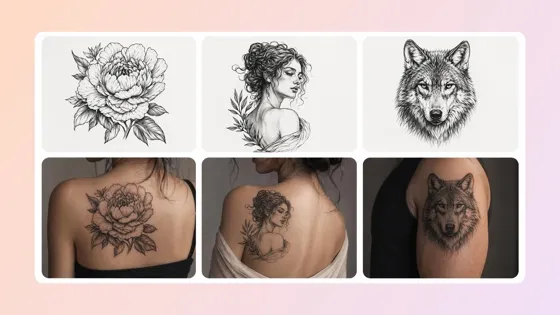
AI Tattoo Generator: Design Tattoos and Try Them On Free
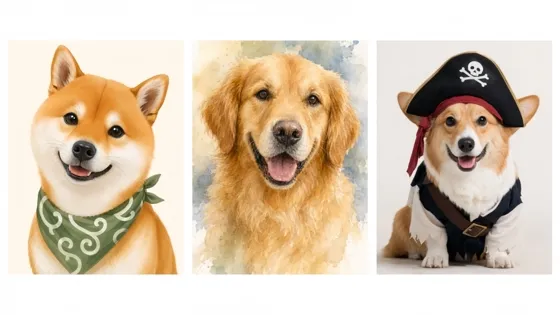
AI Pet Portrait Generator from Photo
Frequently Asked Questions
What is an AI avatar generator?
How do I create an avatar from a photo?
Upload a clear portrait, describe the avatar style you want, and generate the result. The photo supplies the recognizable identity, while the instruction guides the appearance of the finished image.
Will the AI avatar still look like the original person?
The uploaded portrait serves as the visual basis for the avatar. A sharp, well-lit photo with an unobstructed face provides clearer identity details to retain. Results can vary, so revise the instruction or generate another version if an important feature changes too much.
What photo should I use for an AI avatar?
Choose a clear portrait in which the face is visible and not heavily obscured by shadows, accessories, or other objects. A straightforward source image gives the generator stronger facial information to retain during the transformation.
Does this AI avatar generator create talking avatars?
No. This page generates static avatar images from photos. It does not add speech, lip movement, voice, or animation. Designkit’s video-generation tools use a separate workflow.
Can I try the AI avatar generator for free?
Yes. New users can use the available free credits to generate an avatar before deciding if they need additional credits or a paid plan.
Give Your Next Profile a Character of Its Own
Use free credits to generate a static avatar from one portrait and find a character style that fits your online identity.

What Online Creators Say About Designkit for AI Avatars
See how personalized avatars found a practical place in public profiles, creative decisions, and team pages.
Comfortable on a Public Profile
I did not want a close-up photo on a public account, but a generic icon felt too anonymous. The avatar gave me enough distance to feel comfortable using it while still letting regular members recognize who was speaking.
A Direction I Could Use
I knew the energy I wanted for the stream, but the character only existed as a loose idea. Seeing it as an avatar helped me settle on a channel direction I could carry into the rest of the graphics.
Feedback Became Specific
Feedback on our new profile image stayed vague when we were only discussing styles. Once I shared an avatar draft, everyone could point to the exact choices that worked, and the next round of comments became much more useful.
The Image Matched the Voice
The newsletter had a distinct voice, but my ordinary headshot made the account feel detached from the writing. The avatar added some of that personality to the profile and made the two feel like parts of the same publication.
One Team, Distinct Faces
Our team photos came from different places and looked pieced together on the directory. Giving each person an avatar with a related treatment made the page feel connected while keeping every contributor visibly distinct.