
Turn Any Idea Into Clean, Ready-to-Use Clipart
Turn a text prompt or a photo into clean clipart you can drop straight into a worksheet, sticker, or slide. Generate a matching set in one style, with a transparent background.
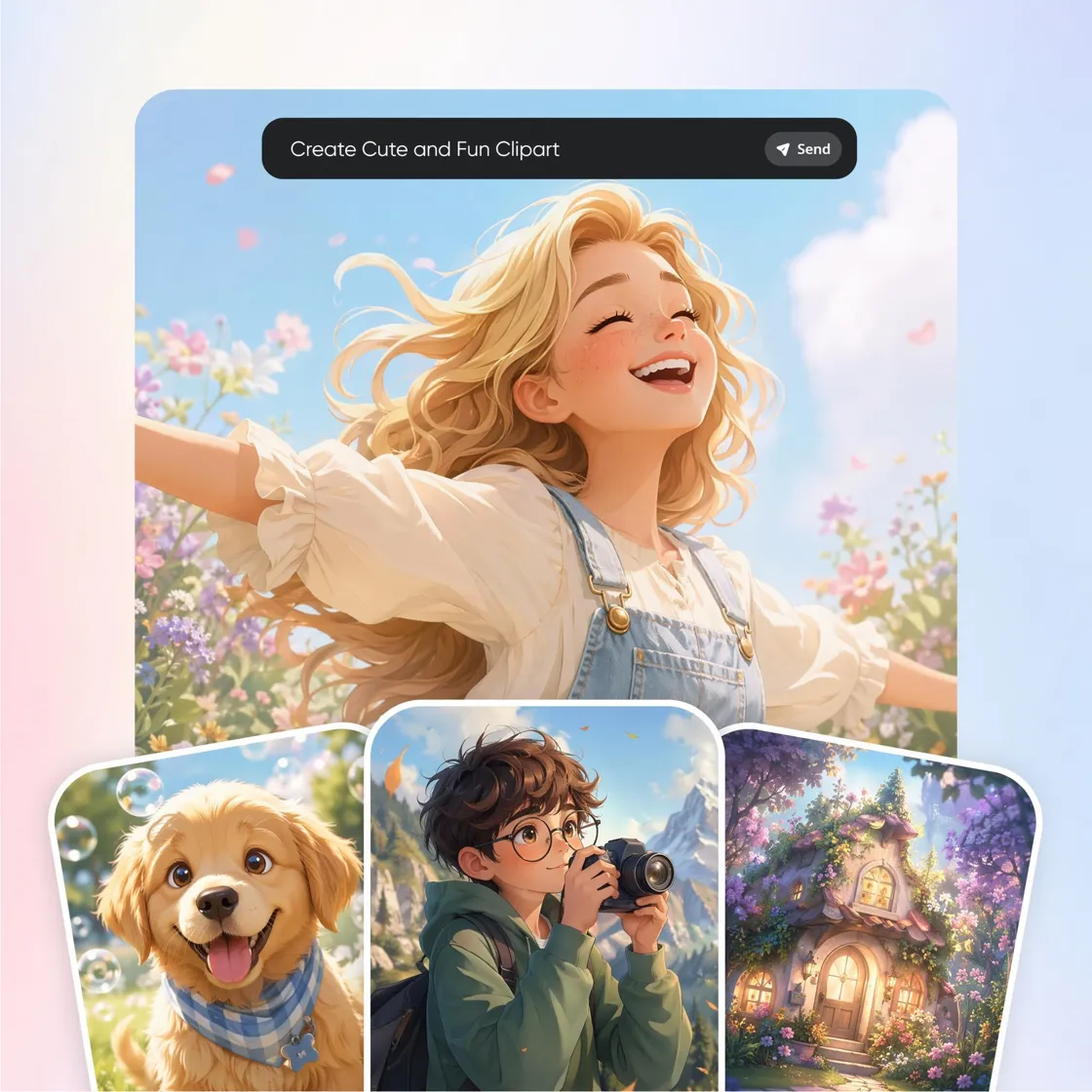
Your Shortcut to Endless Clipart Designs
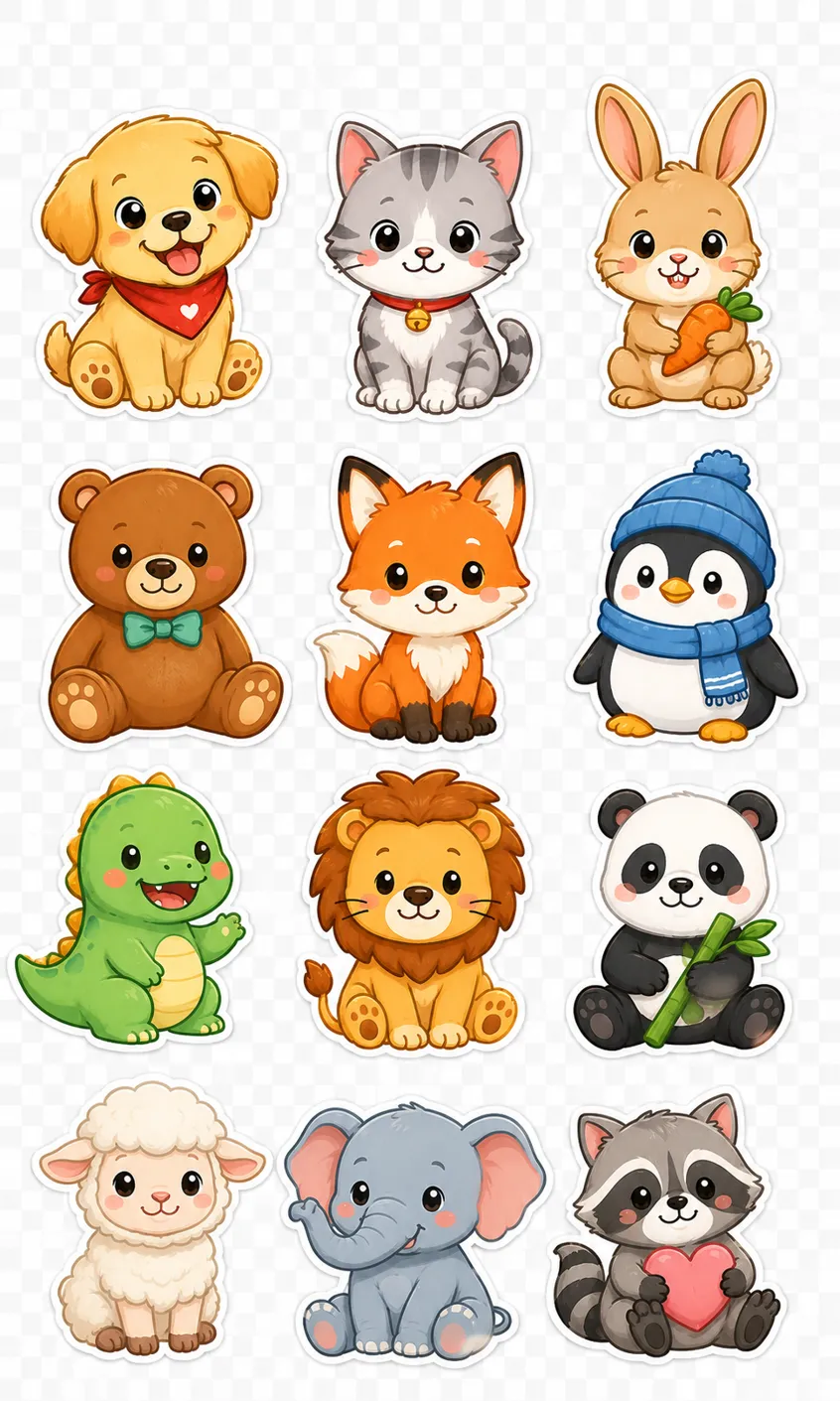
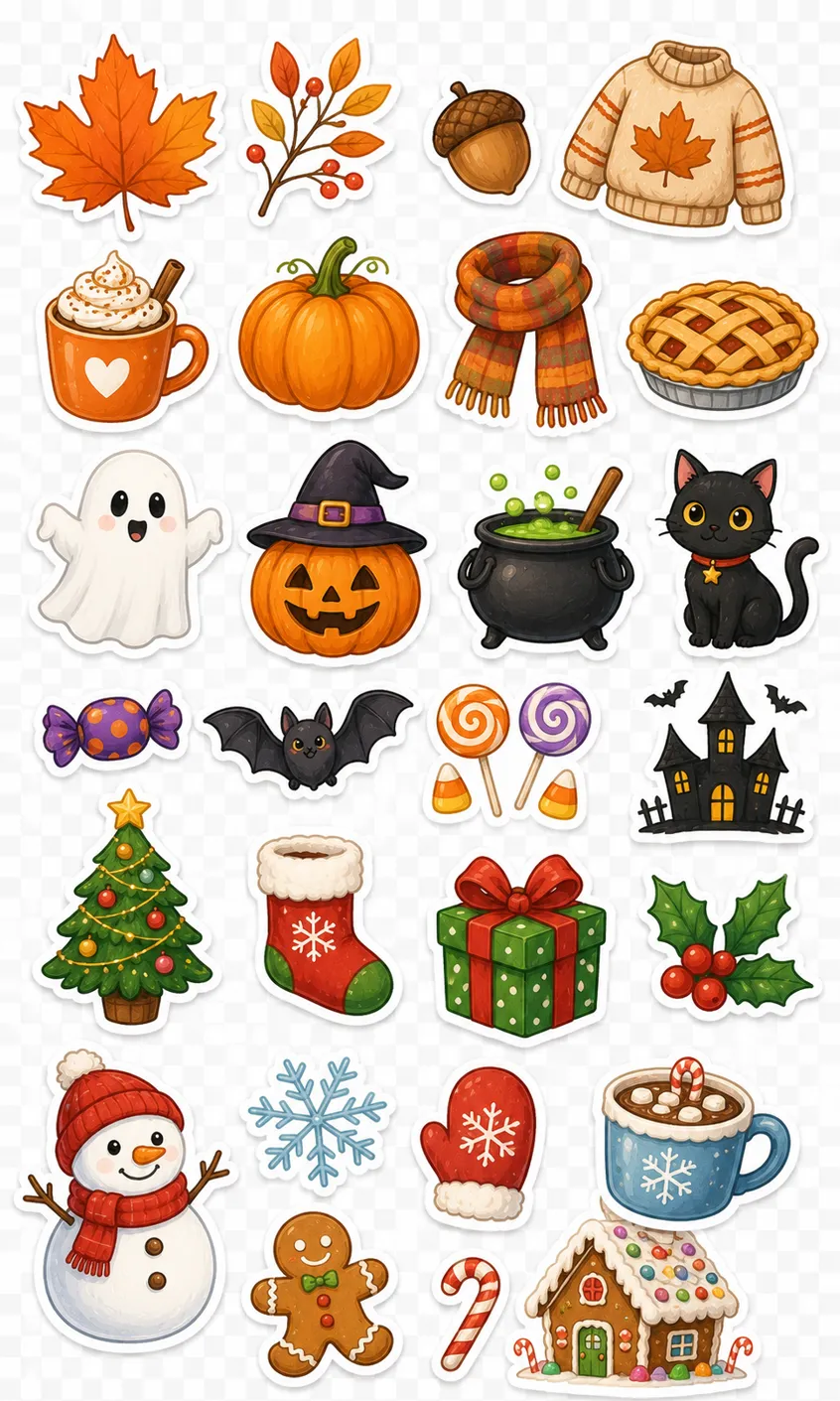
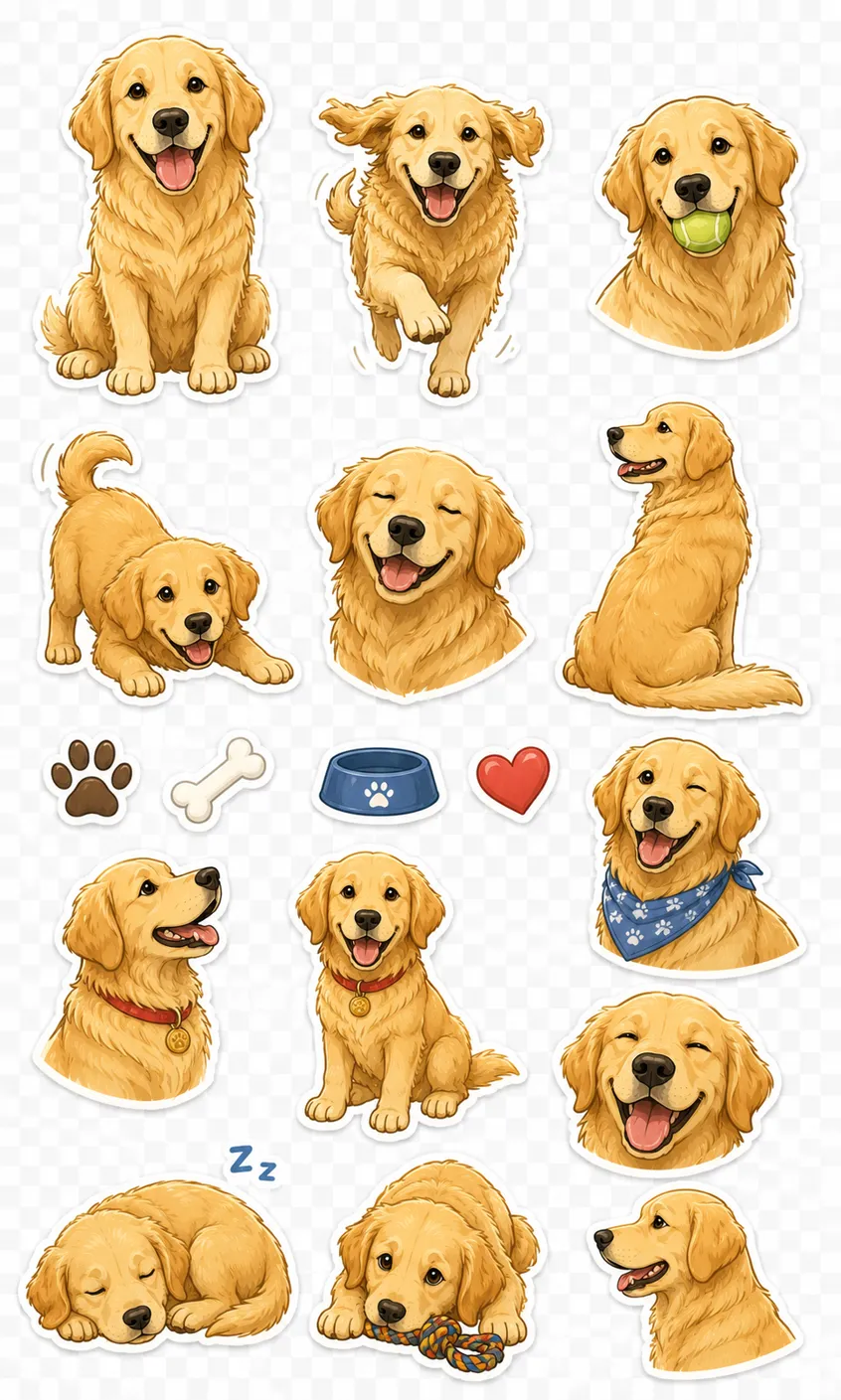
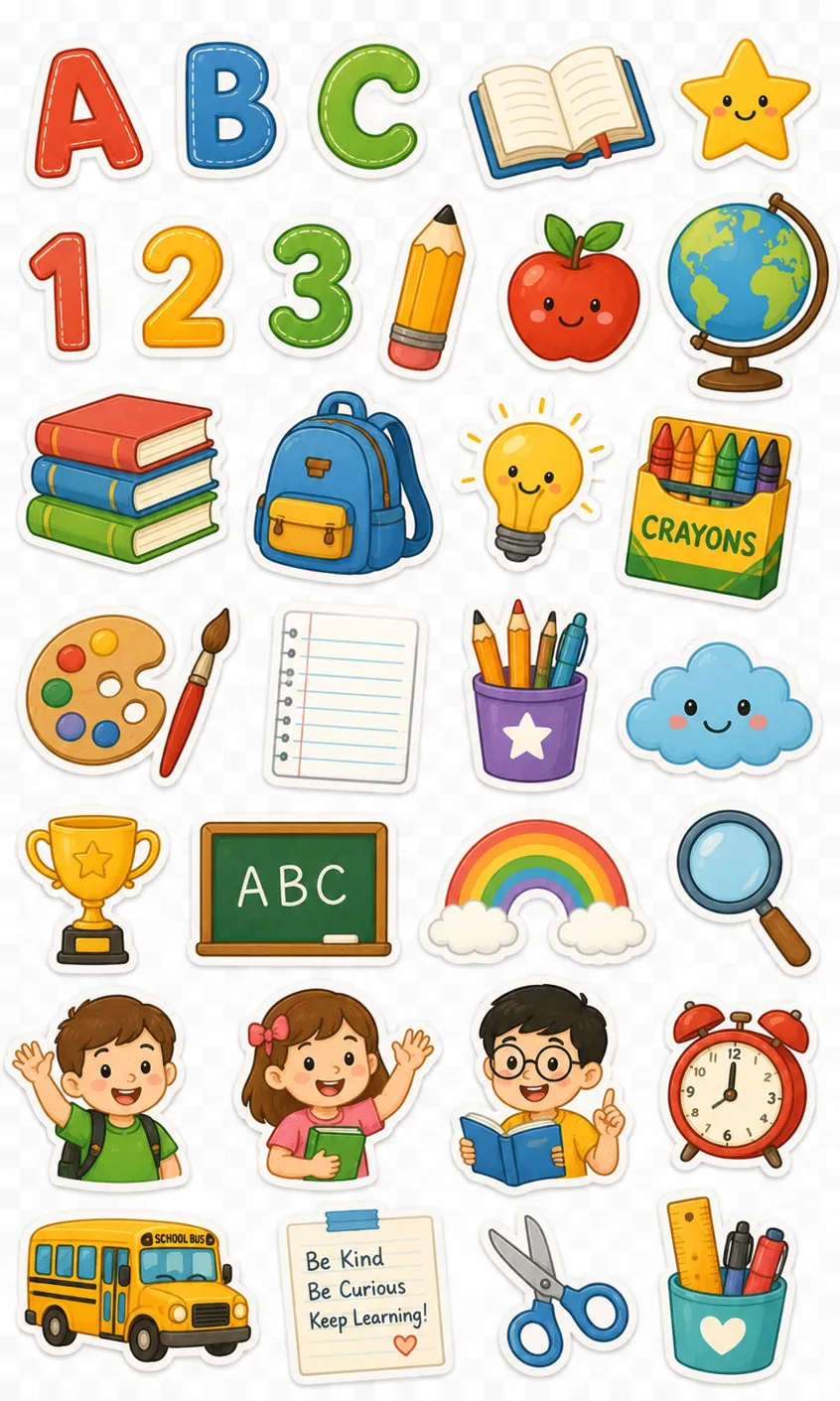
How to Create AI Clipart in 3 Steps with Designkit
Enter a Prompt or Upload an Image
Describe the clipart you want, or upload a photo or logo to base it on, and pick a style.
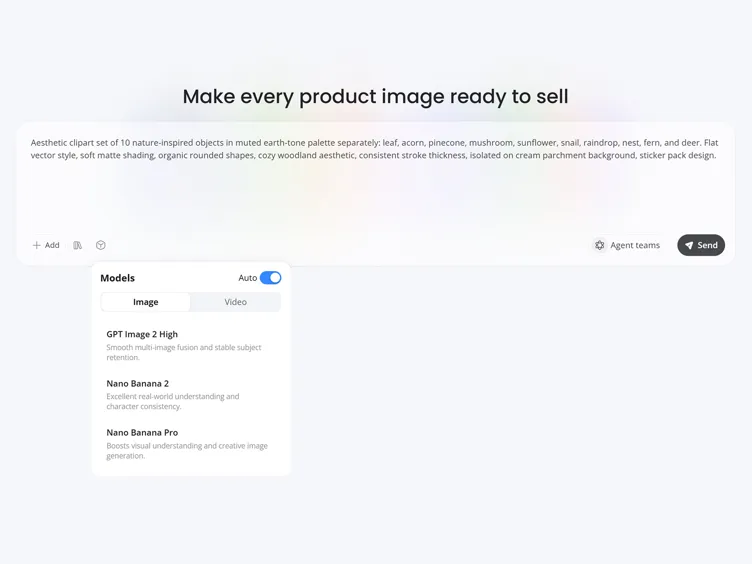
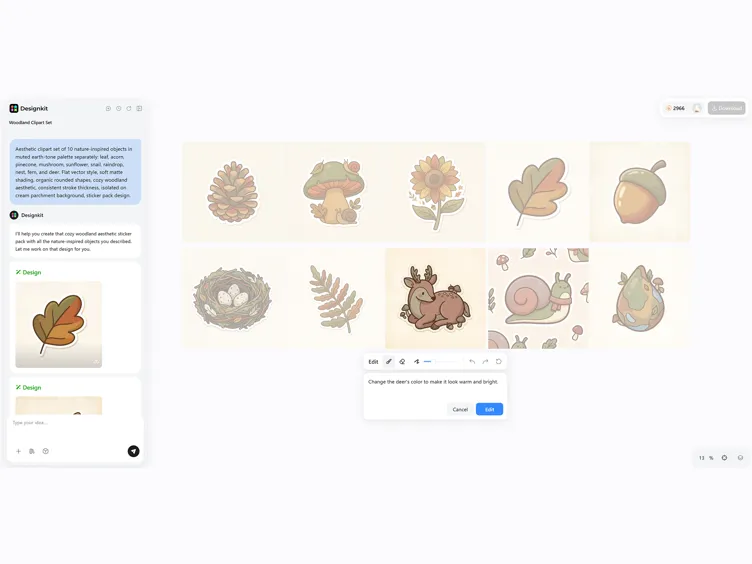
Create Your Clipart
Designkit generates clipart options. Choose an AI model and adjust the prompt to change the style, color, or subject.
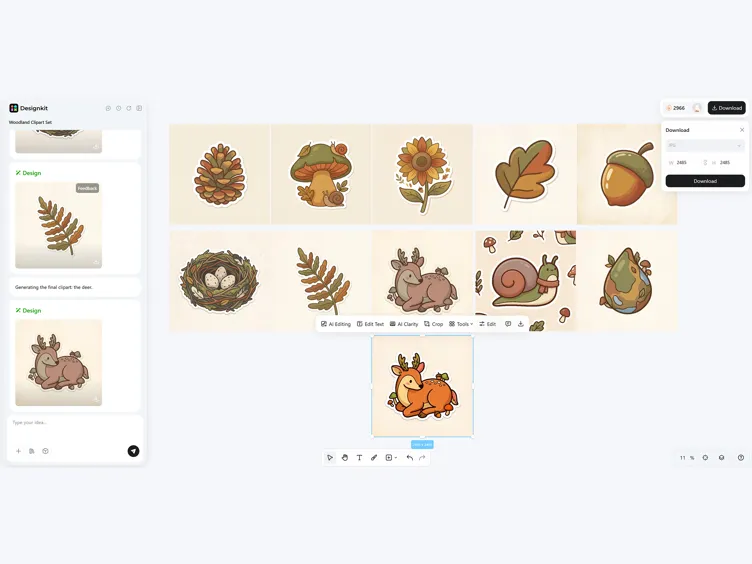
Download Your Clipart
Preview the result and download it as a PNG with a transparent background, ready for digital content, print, or presentations.
What Makes Designkit Ideal for AI Clipart Generation
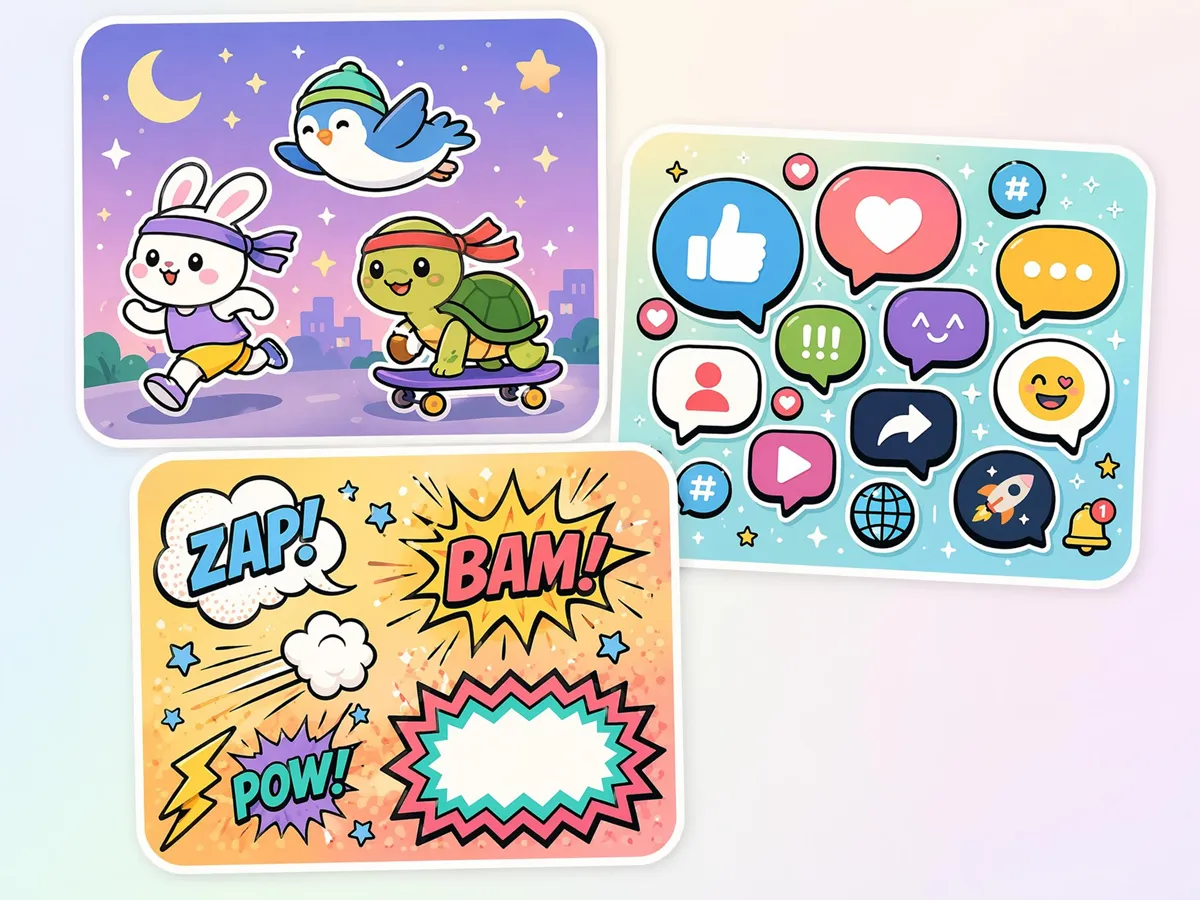
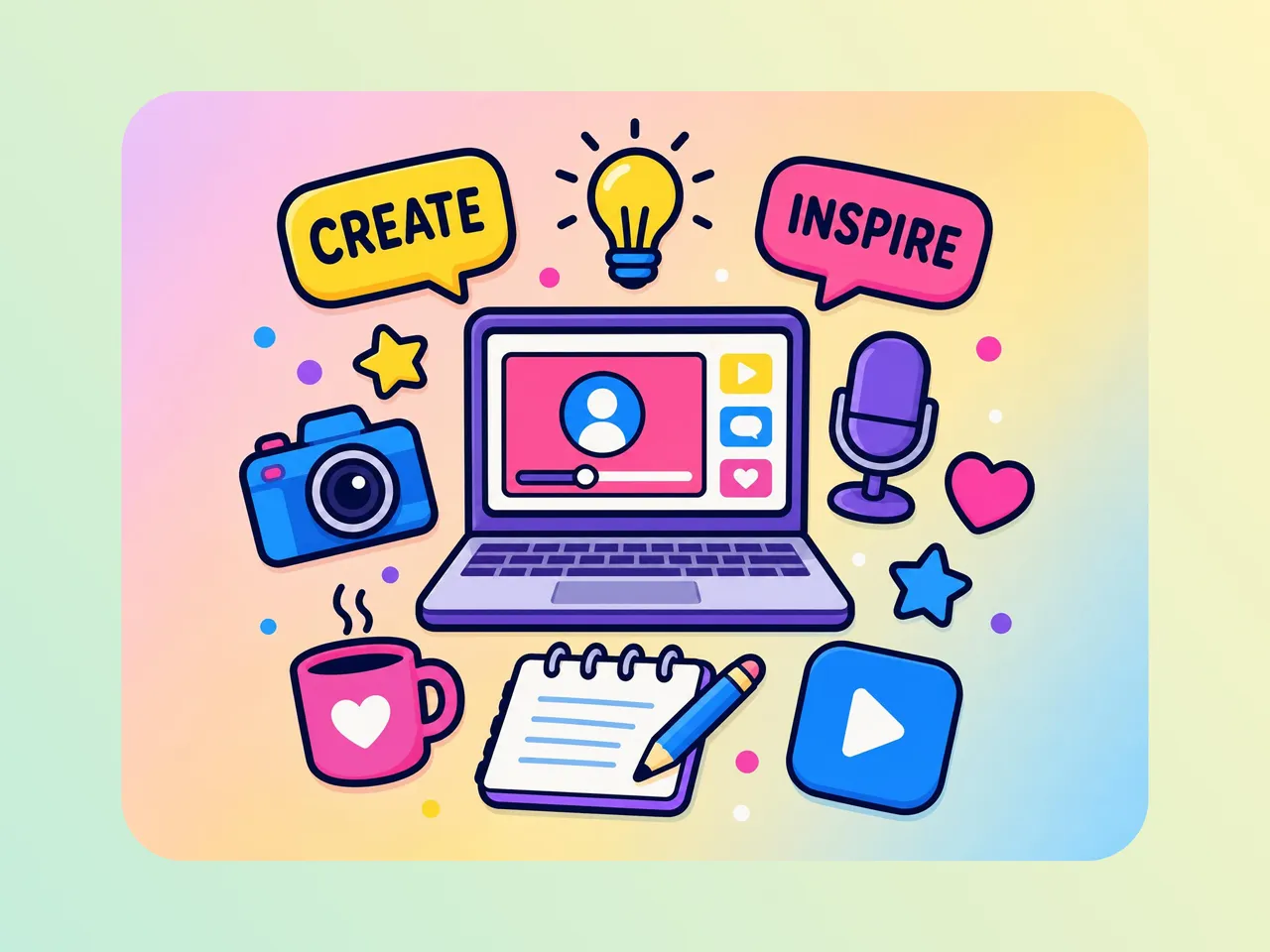
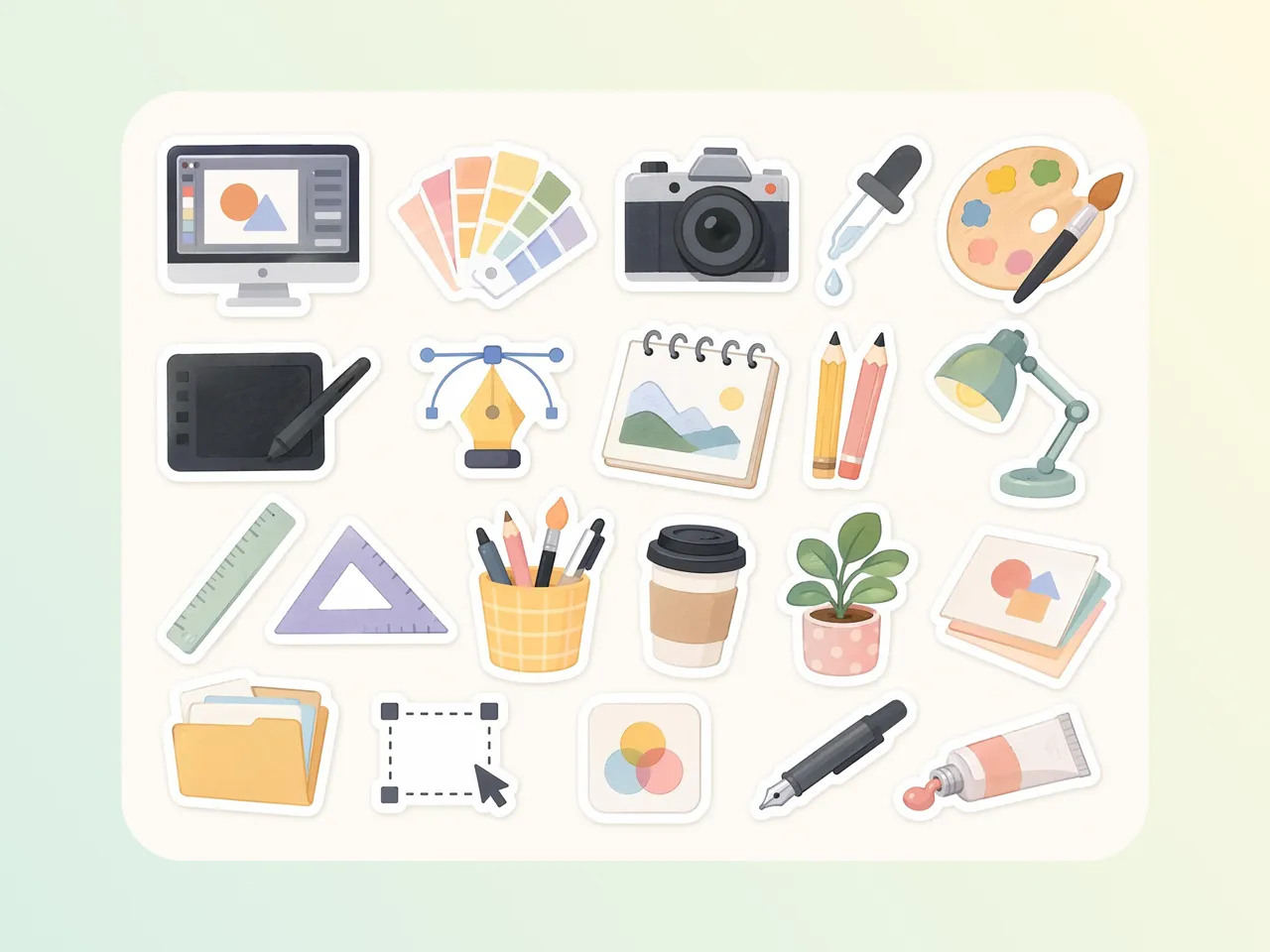
Generate a Matching Clipart Set
When projects need multiple visuals, inconsistent styles often break the design flow across worksheets, presentations, or branding materials. Designkit helps maintain a unified visual direction while generating related assets together using a clip art maker workflow.
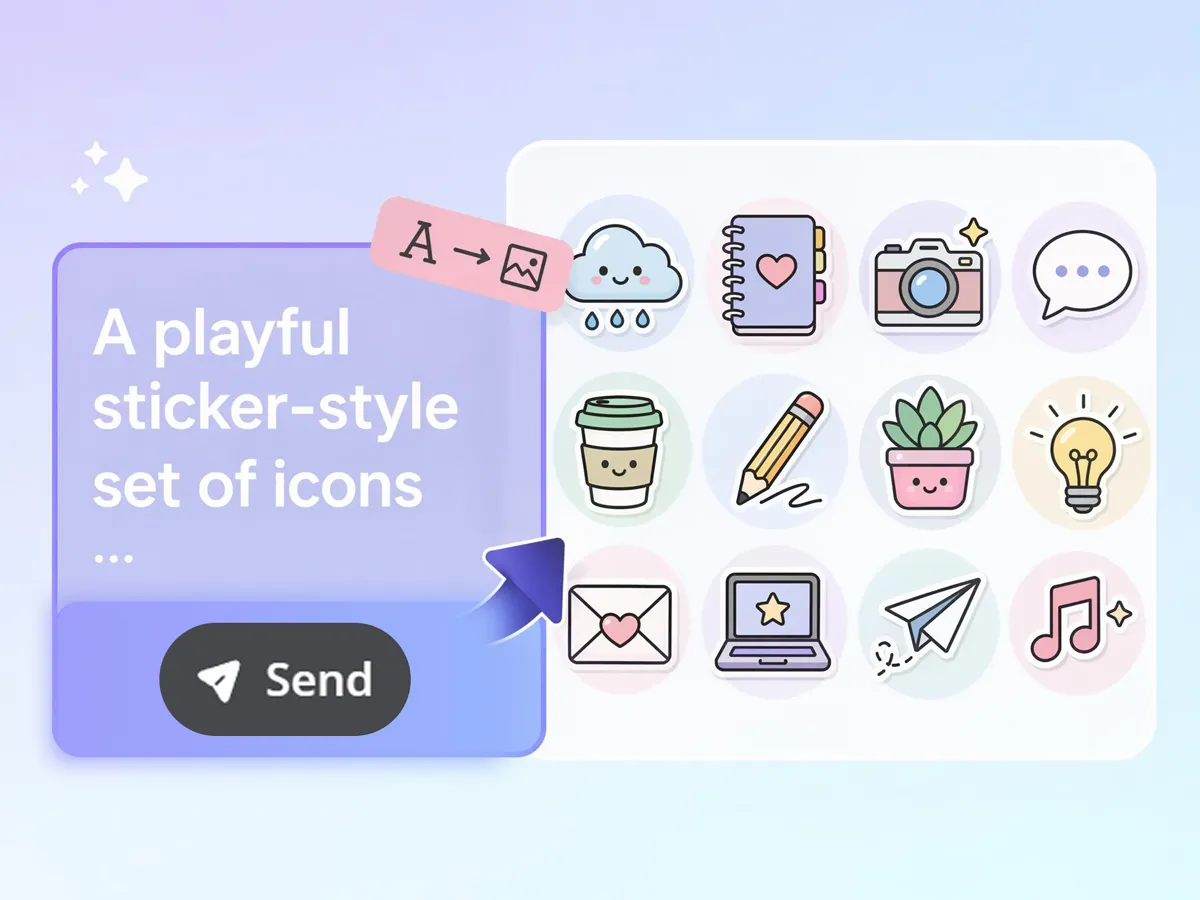
Turn a Text Prompt Into Clipart
Designing clipart manually from ideas can slow down content creation for education, marketing, and design work. Instead of drawing each element, Designkit converts descriptions into usable visuals, supporting workflows like how to create a clipart without illustration tools.
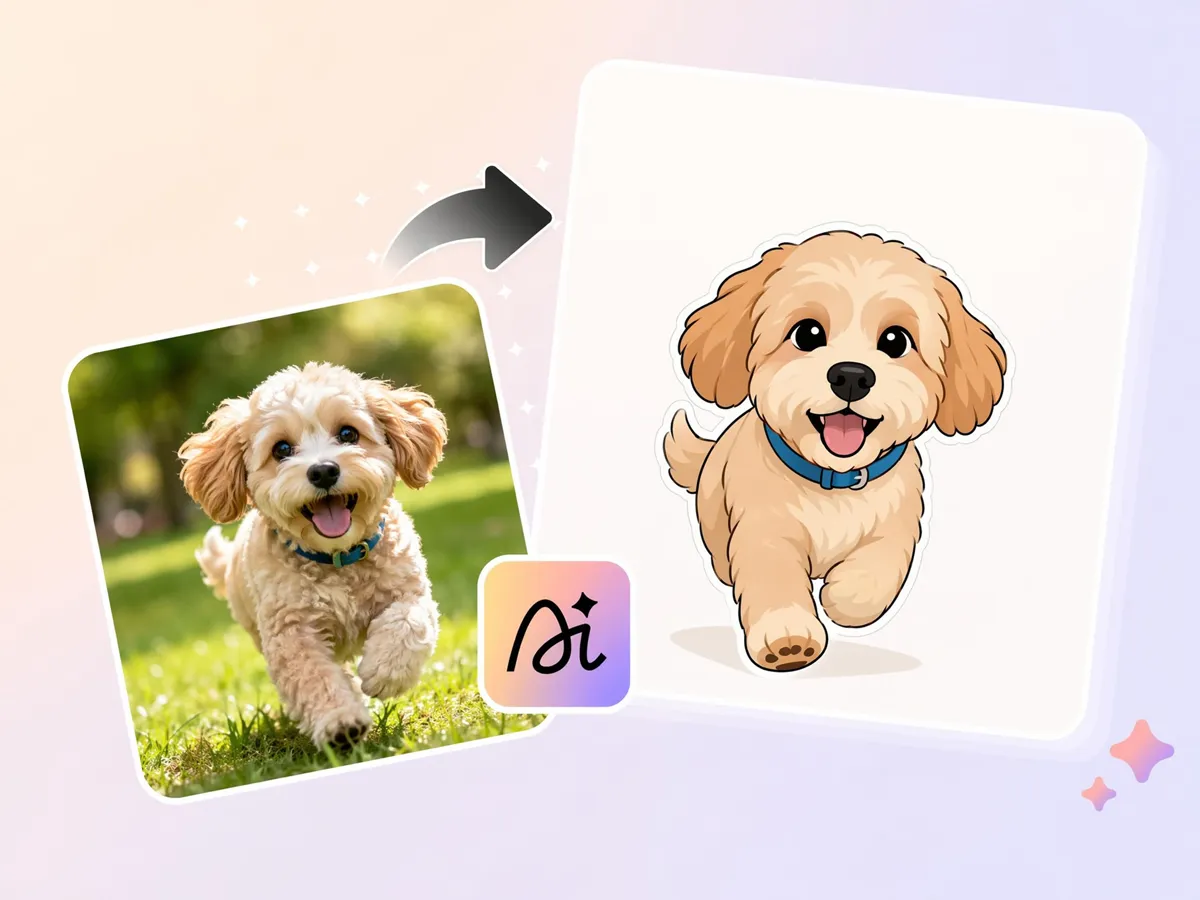
Turn a Photo Into Clipart
Converting real images into simplified illustrations is often time-consuming with traditional editing tools. Designkit transforms photos into stylized clipart, making it easier to repurpose visuals for educational sheets, stickers, and digital content using make picture into clipart workflows.
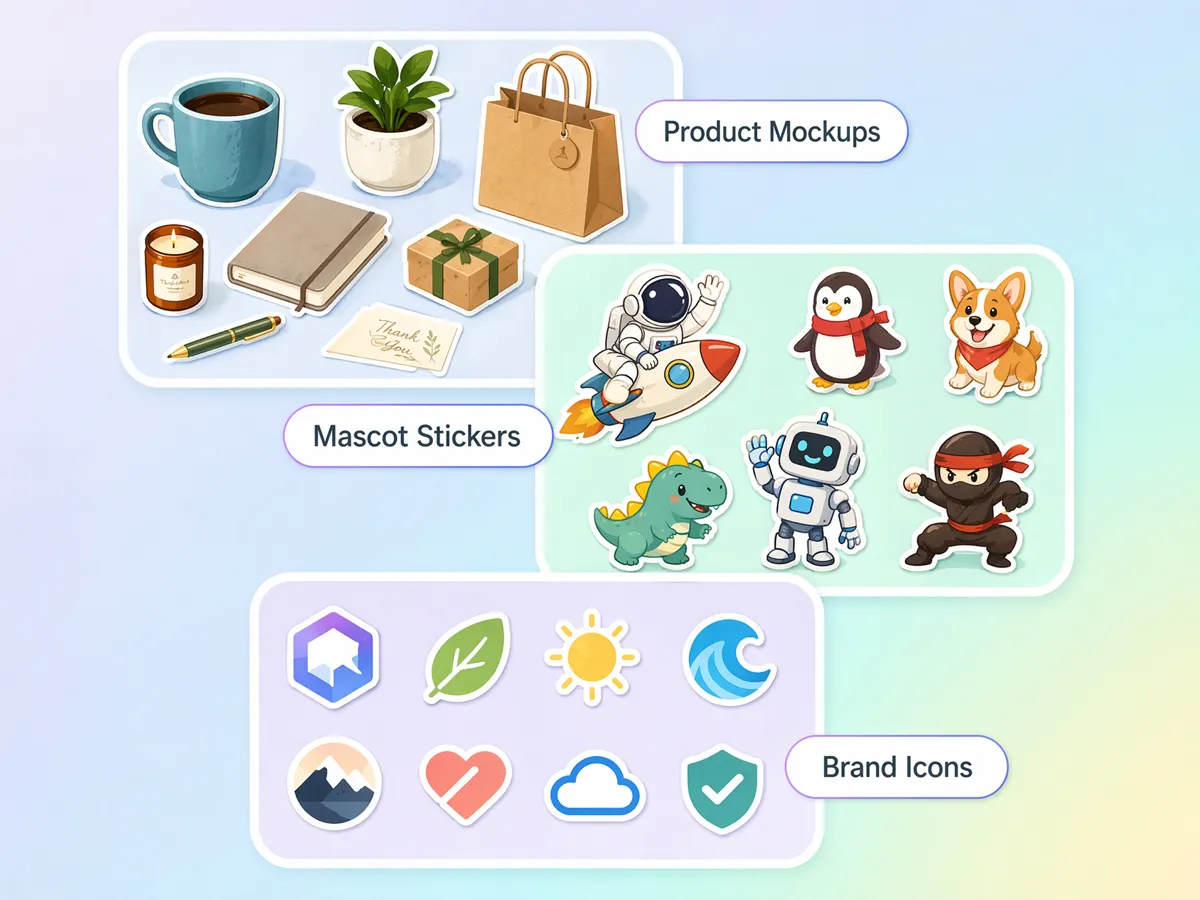
Make Clipart for Any Industry
Different industries need themed visuals for teaching, marketing, product guides, and presentations, but sourcing matching icons is difficult. Designkit generates tailored clipart variations suitable for multiple use cases, including turn photo into clip art needs.
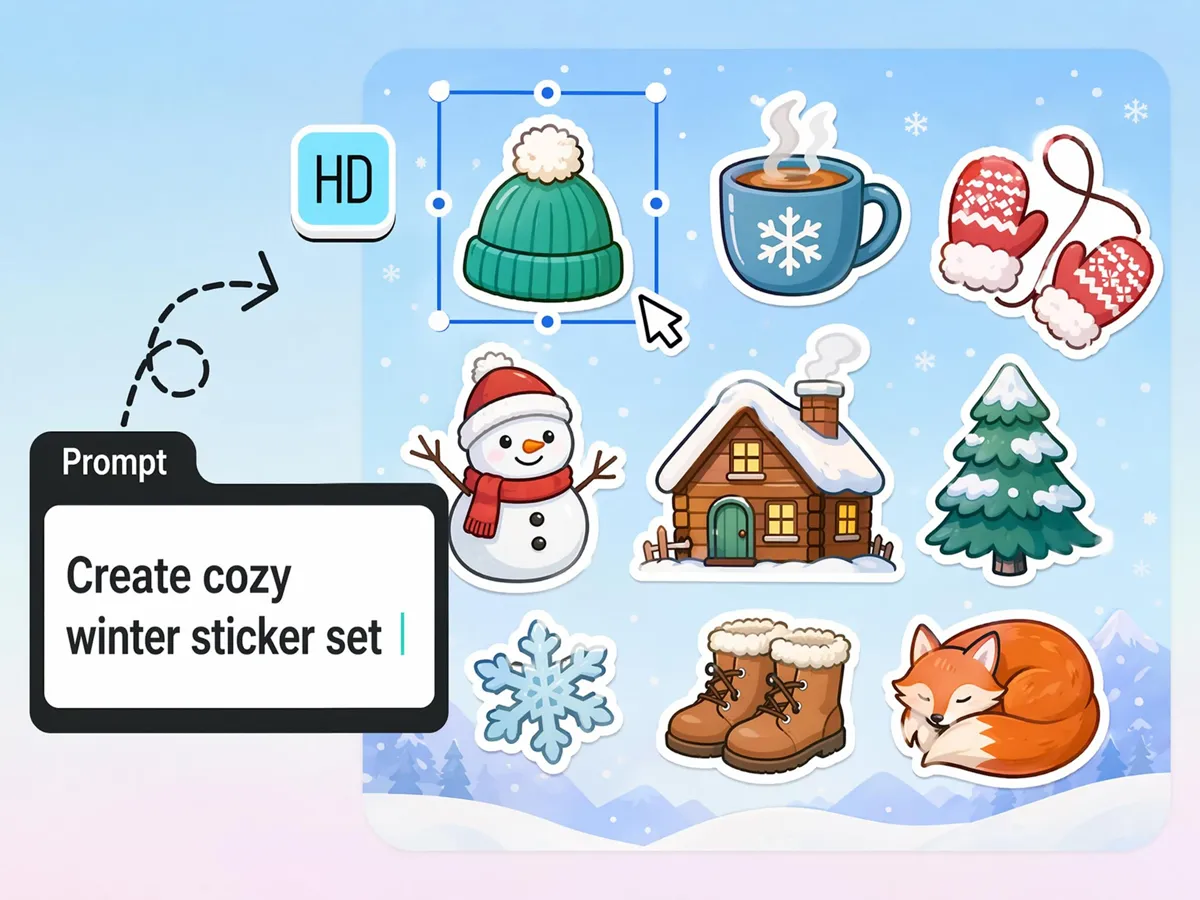
Rework the Result With a New Prompt
Re-editing clipart normally requires restarting the design process, slowing iteration cycles. Designkit allows quick refinement through simple prompt changes, enabling faster adjustments for style, color, and subject using images to clipart AI workflows.
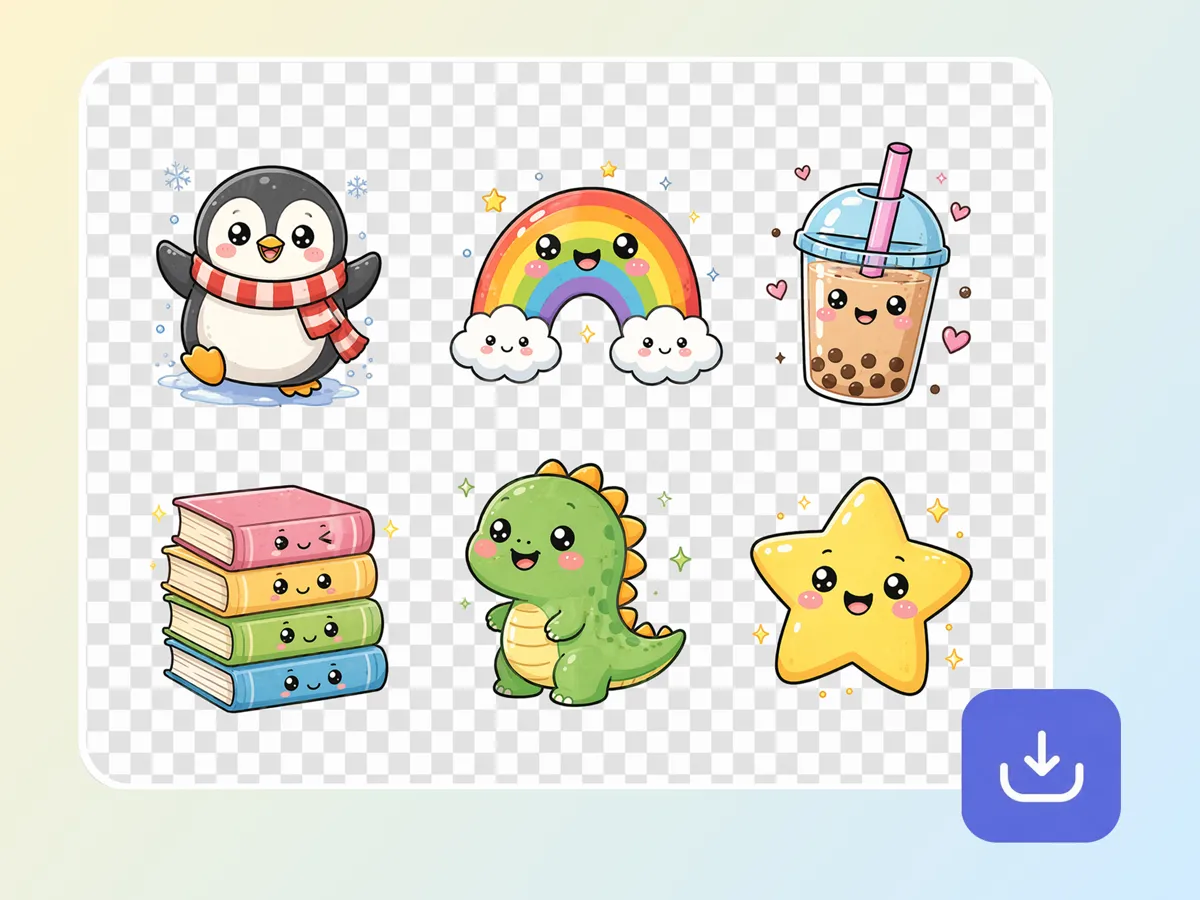
Download With a Transparent Background
Many clipart assets fail in real use because backgrounds need manual removal before placing them into slides, worksheets, or product materials. Designkit exports ready-to-use assets designed for clean integration across formats.
Built for Creators, Sellers, and Educators Who Need Fast Visual Content
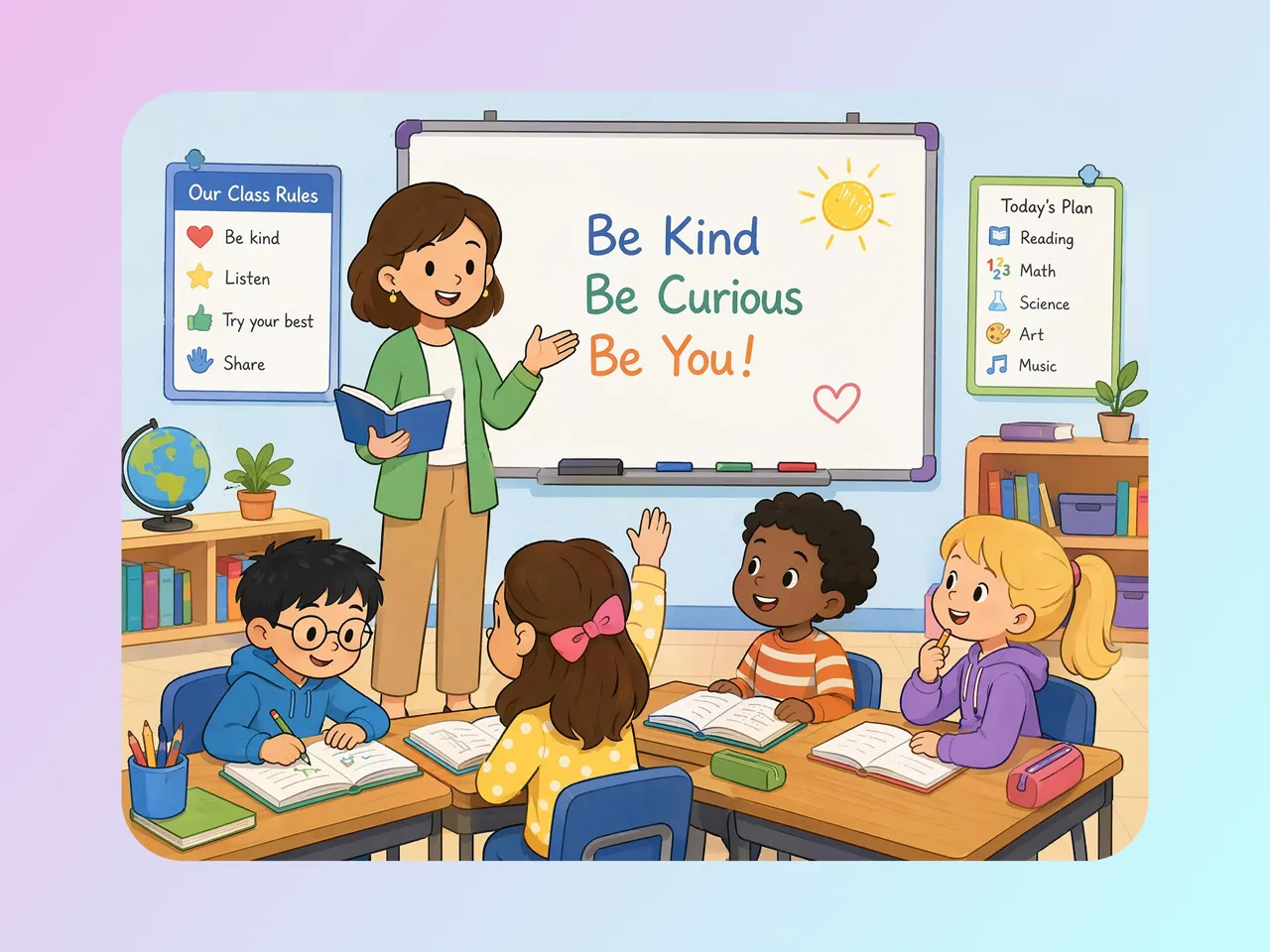
Create Educational Clipart for Lessons and Worksheets
Finding age-appropriate visuals for specific lesson topics often takes longer than creating the lesson itself. Designkit helps teachers generate custom classroom graphics, diagrams, and activities with an AI clipart generator, reducing time spent searching through stock libraries.

Why Choose Designkit's AI Clipart Generator
No Design Skills Needed
Describe an idea or upload a photo and get clean clipart back, with no drawing tablet or design software.

Transparent Background, Ready to Use
Drop clipart straight onto worksheets, stickers, and slides without cleaning up a white box.

Several AI Models in One Place
Switch between AI models to match the clipart style your project needs.

Flexible for Every Industry and Project
Create clipart for education, marketing, publishing, e-commerce, crafts, presentations, social media, and professional design projects.
Consistent Visual Quality at Scale
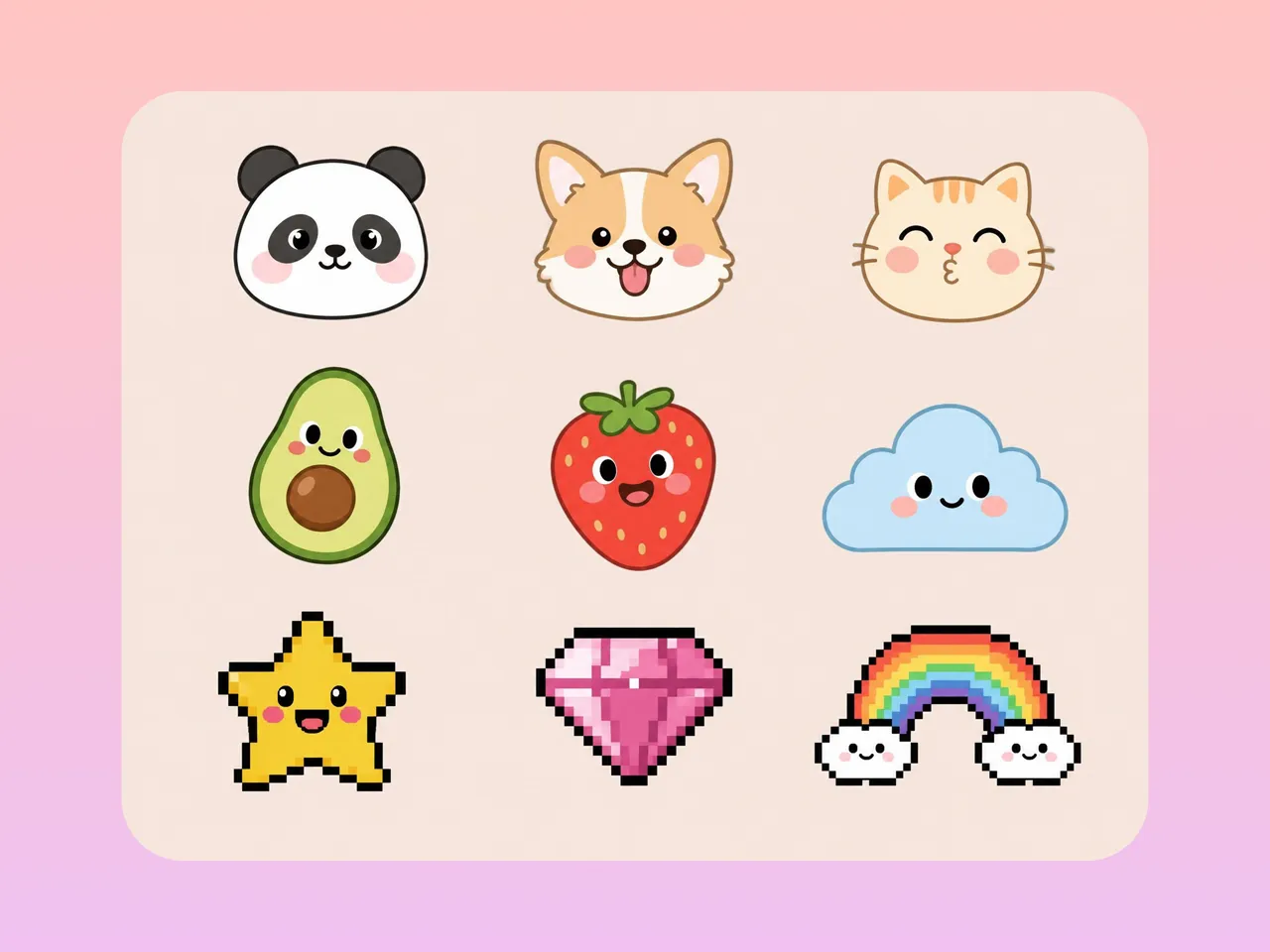
Generate large collections of matching clipart assets while maintaining a unified style across entire projects and content libraries.
From Idea to Finished Clipart in Minutes
Generate usable clipart from a prompt or photo instead of illustrating by hand.
Unlock More Creative Possibilities
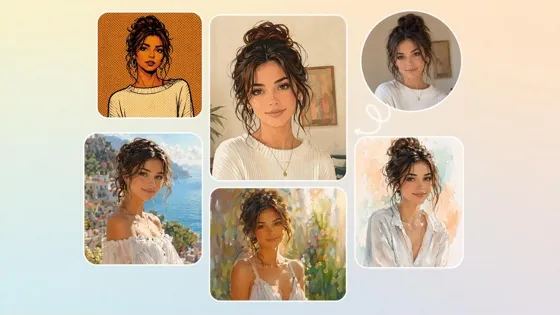
AI Filter
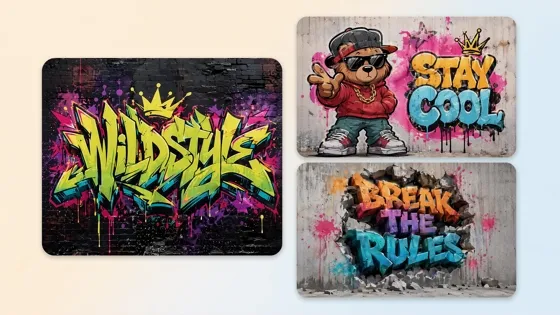
AI Graffiti Generator
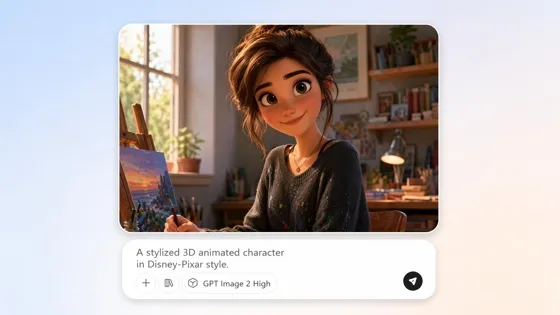
AI Cartoon Character Maker
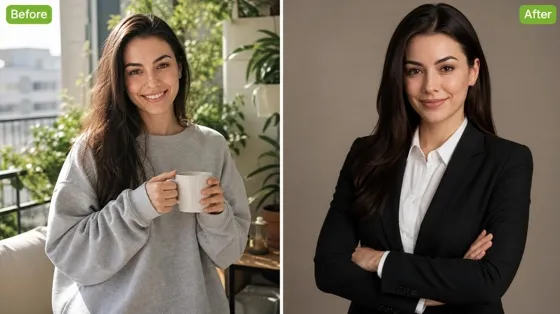
AI Headshot Generator
Frequently Asked Questions
How do I create clipart from a text description?
Can I turn a photo or logo into clipart without tracing it by hand?
Yes. You can upload an existing image and convert it into a clipart-style graphic automatically. Designkit uses image to clipart AI workflows to simplify shapes, reinterpret details, and create illustration-style assets without manual tracing. This is useful for logos, product photos, sketches, and reference images that need a cleaner visual style.
What's the difference between text-to-clipart and image-to-clipart?
Text-to-clipart starts with a written idea, while image-to-clipart starts with an uploaded image. Designkit supports both workflows, allowing you to either generate visuals from scratch or transform existing artwork. If you're wondering how to create a clipart asset from an idea, text prompts work best. If you already have a reference image, image conversion is often faster.
Can I download clipart with a transparent background for stickers and worksheets?
Yes. Transparent backgrounds allow clipart to be placed directly onto worksheets, presentations, stickers, merchandise, and digital content without additional editing. Designkit exports clipart without unwanted white boxes, making it easier to reuse assets across different projects and layouts immediately after generation.
Can I generate a themed clipart set instead of one image at a time?
Yes. Designkit can generate groups of related illustrations that follow the same theme, color direction, and visual style. Instead of creating assets individually, you can build matching sets for educational materials, product collections, marketing campaigns, or content libraries. This helps maintain visual continuity across larger projects.
Do the results look clean and professional enough to use as is?
In most cases, yes. Generated clipart is designed for real-world uses such as presentations, worksheets, blogs, social graphics, and printable products. Designkit creates ready-to-use illustrations that often require little or no additional editing. You can also regenerate or refine results if a project requires a specific visual direction.
Can I choose which AI model generates my clipart?
Different models may produce different artistic styles, levels of detail, or creative interpretations. Designkit allows you to experiment with multiple generation approaches and compare outputs. This flexibility helps users find a look that fits educational content, branding materials, illustrations, or commercial projects more closely.
Do I need any design experience to use it?
No. You can create usable clipart by typing a simple description of what you want, and Designkit turns it into an image automatically. The clipart maker handles the generation process, so you do not need drawing, tracing, or editing skills. If you want, you can still refine the result with a new prompt.
Turn Your Ideas Into Custom Clipart
Describe an idea or upload a photo and get your first clipart back for free. Pick a model, generate a matching set, and download it with a transparent background.



What Users Say About Making Clipart With Designkit
See how professionals, educators, and creators generate custom clipart faster with AI.
Creating Educational Resources Faster
I constantly need visual materials for lessons and worksheets. Designkit helps me create custom clipart for classroom activities within minutes instead of searching through stock libraries. My students respond much better to personalized visuals.
Building Marketing Graphics Without Designers
We needed custom illustrations for social media, presentations, and website content. Designkit allowed us to generate professional clipart that matched our branding without outsourcing design work. It significantly reduced content production costs.
Scaling Printable Product Designs
I create sticker packs and printable products for multiple marketplaces. Designkit helps me generate entire collections of themed clipart much faster than traditional illustration workflows, allowing me to launch new products more frequently.
Cutting Slide Preparation Time
Creating lesson slides used to involve manually removing white backgrounds from every illustration. With Designkit, I generated clipart with transparent backgrounds already applied. Preparing worksheets and presentation decks now takes about 40% less time, especially when building multi-page teaching materials.
Publishing Blog Content Without Design Software
Blogger I needed original illustrations for tutorials and blog posts, but didn't have design experience or editing tools. Using text prompts, I created custom clipart that matched each article topic. What used to require stock image searches now takes a few minutes, helping me publish content more regularly.
Keeping Visual Assets Aligned Across Projects
Our website, sales deck, and onboarding materials were using icons from different sources, which made everything feel disconnected. Designkit helped us generate a matching set of clipart for multiple business materials. We replaced more than 80 existing graphics while keeping the same visual style throughout.