
Create Custom Pet Portraits from Your Photos
Upload one clear photo and create artwork that keeps the face, coat, and expression you recognize.
See Your Pet Photo Reimagined as Art
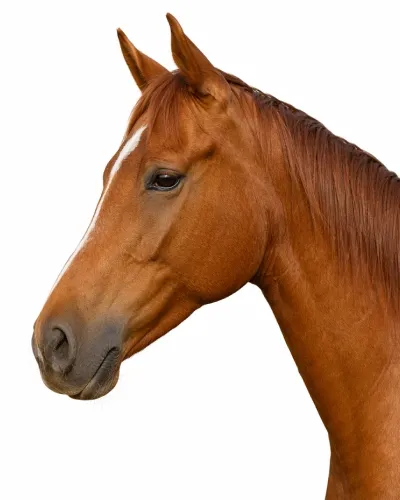
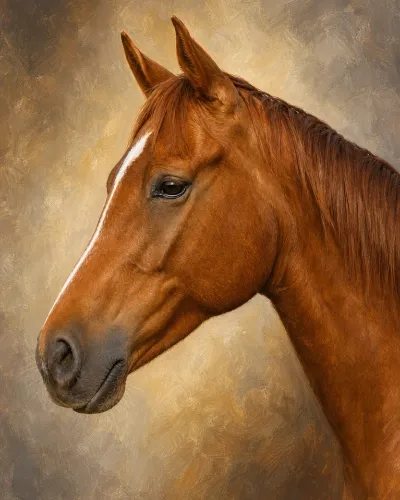
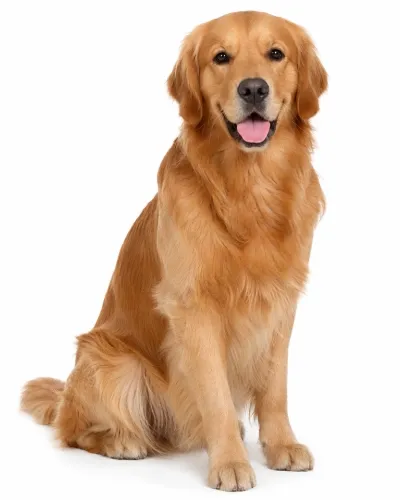
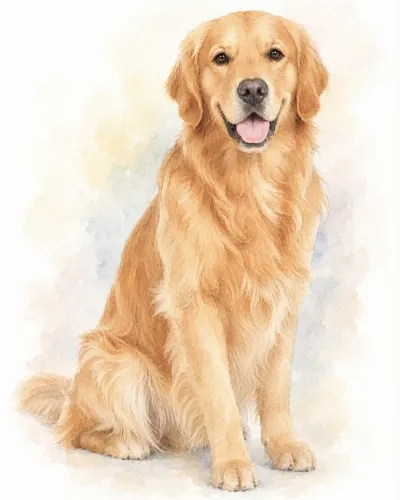
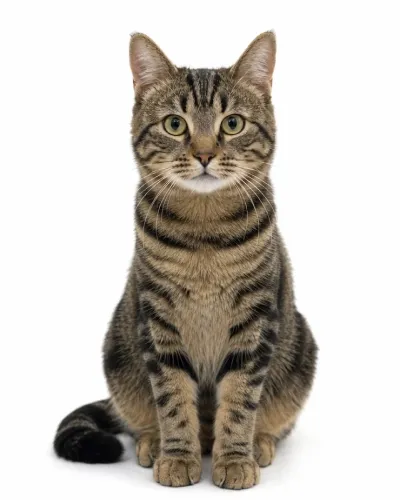
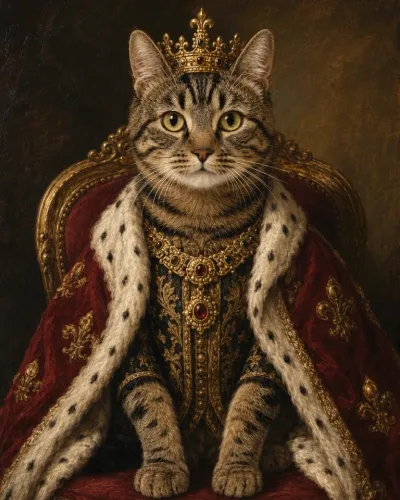
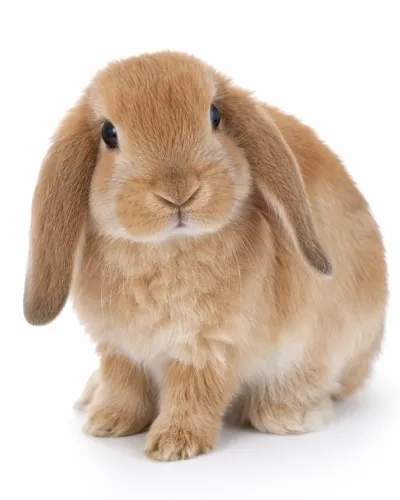
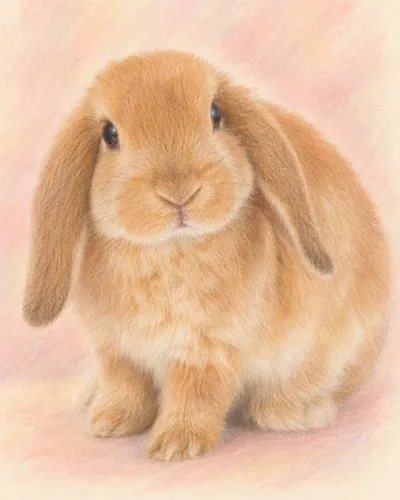
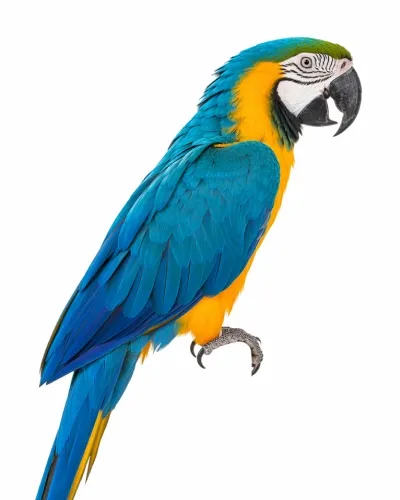
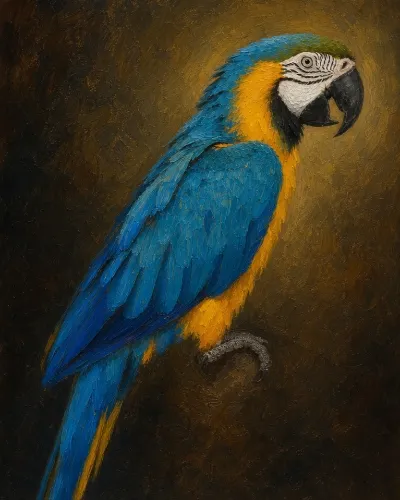
Find a Pet Portrait Style You Love
Browse finished examples and choose an artistic treatment that suits your pet and the portrait you want to create.
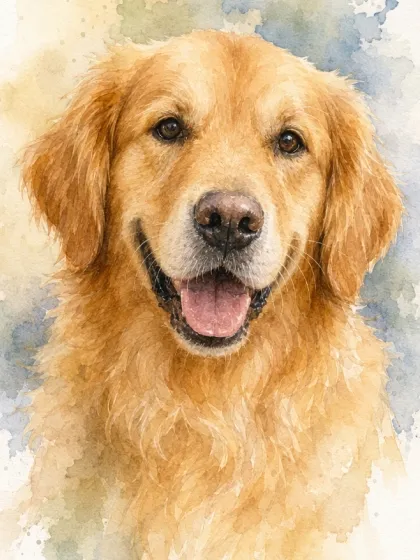
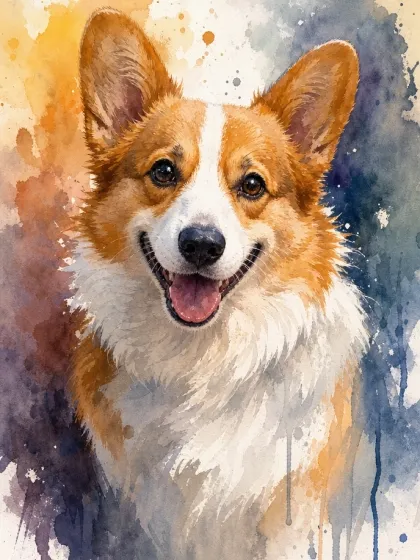
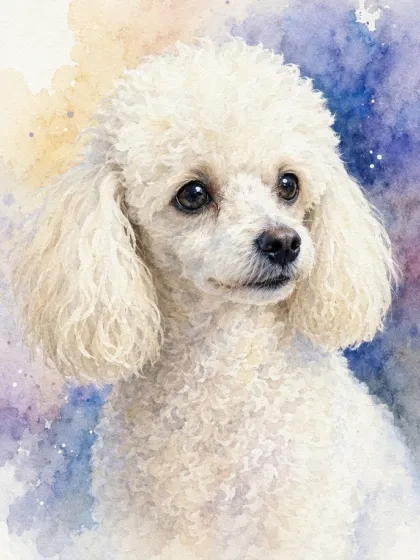
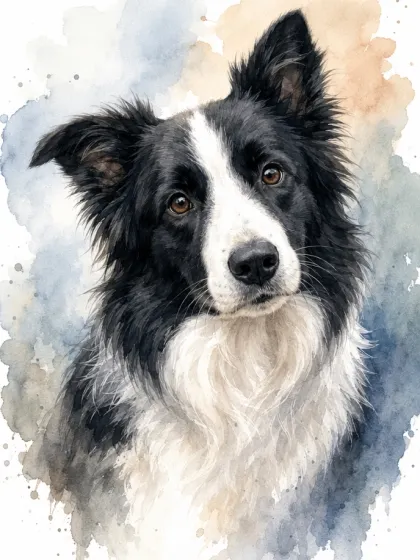
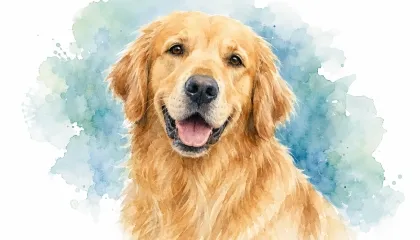
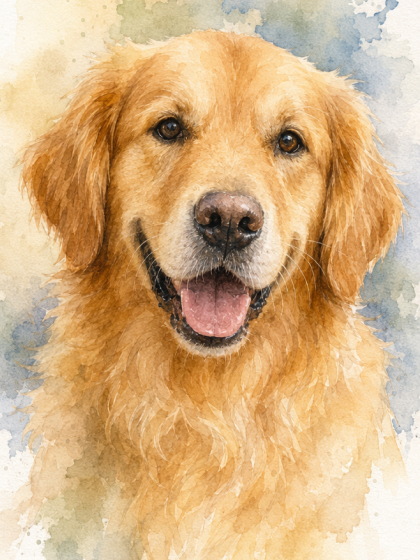 Watercolor Dog Portrait
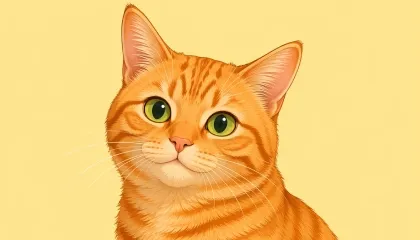
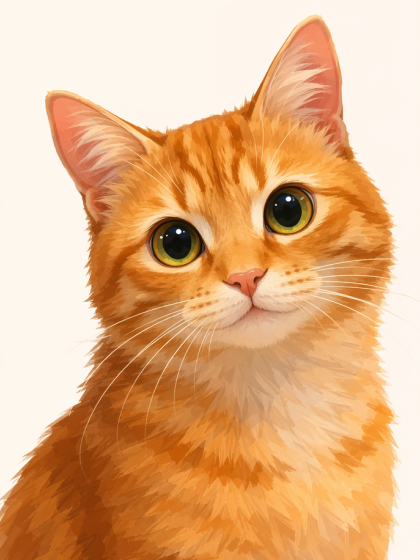 Cartoon Pet Portrait
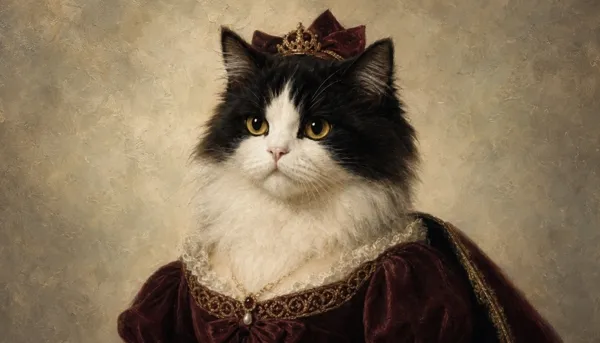
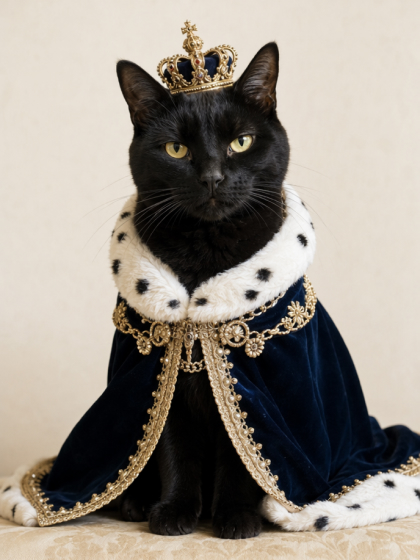 Funny Pet Portrait
How to Create a Pet Portrait With AI
Upload a Pet Photo
Upload a clear, well-lit photo showing your pet’s face, coat, markings, and expression.
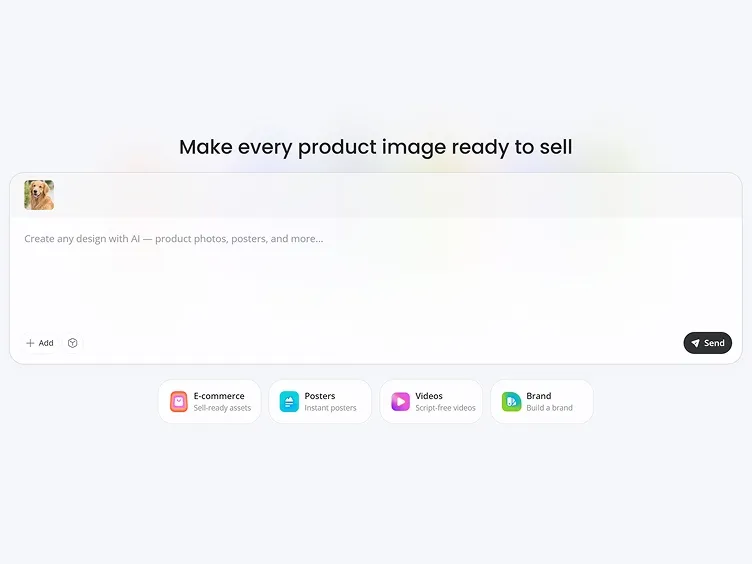
Describe Your Portrait
Describe the style, background, colors, and mood you want. Designkit combines your photo and prompt to create the portrait.

Generate and Download
Review the result and refine your prompt if needed. Choose your preferred version and download it.
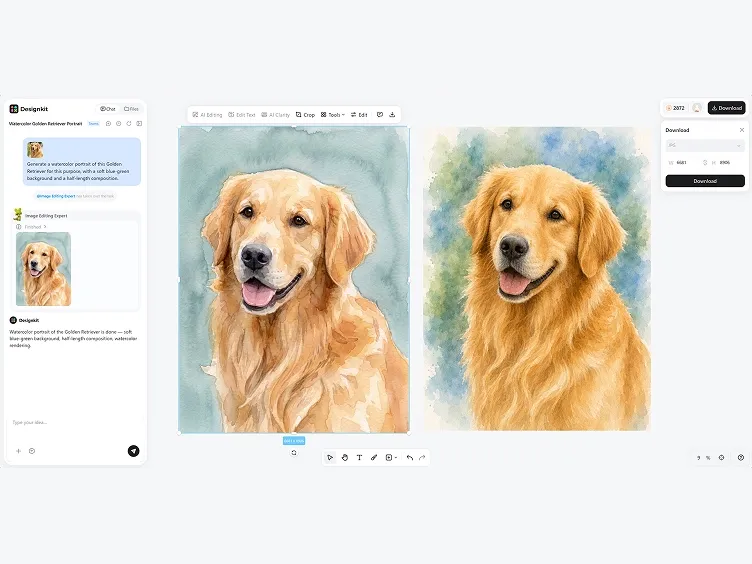
Creative Control for Every Pet Portrait
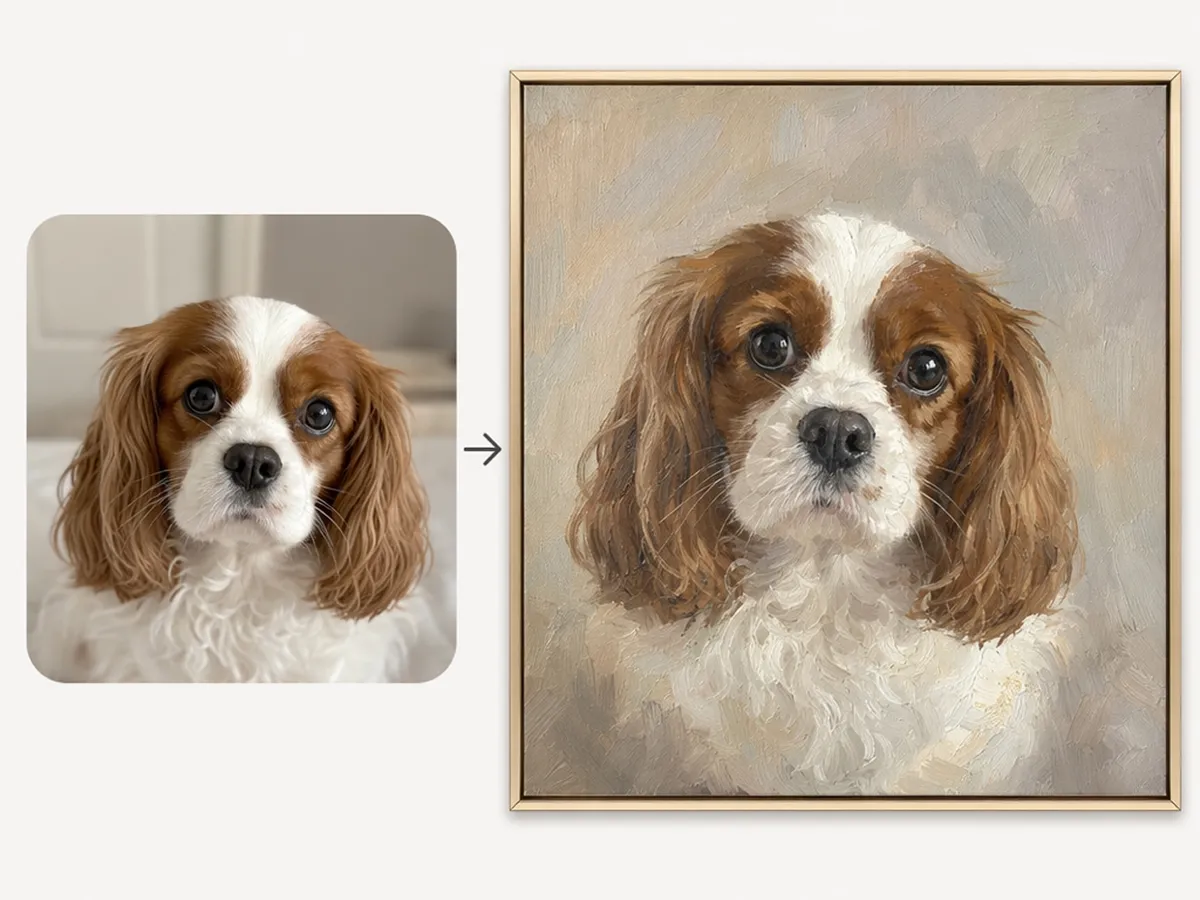
Keep Their Familiar Features
Use your pet photo to guide the facial structure, coat patterns, coloring, and expression in the finished artwork. These recognizable details carry into the chosen artistic treatment, helping the result feel specific to your pet instead of resembling a generic animal portrait.
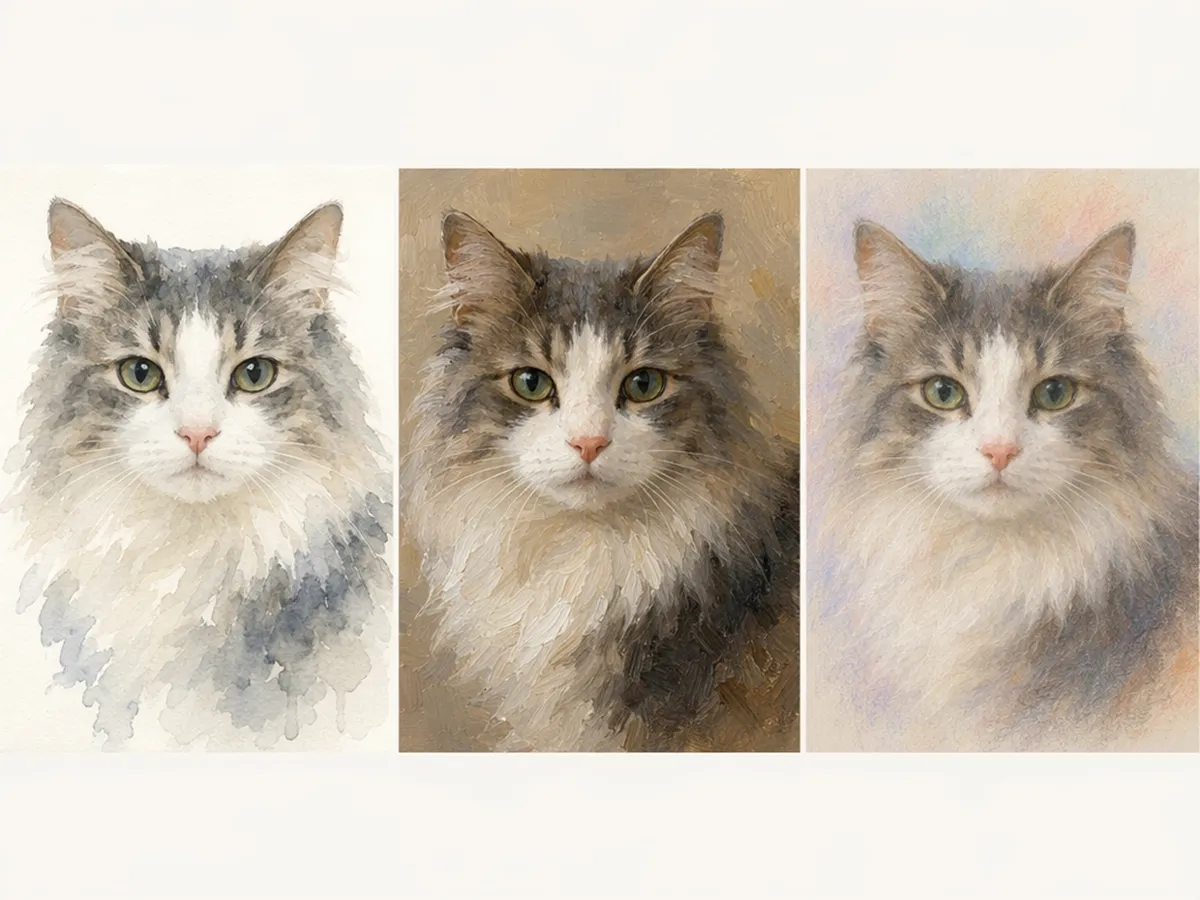
Compare Different Artistic Styles
Reimagine the same photo as a watercolor pet portrait, classic painting, soft pastel piece, or royal artwork. Compare how each interpretation changes the texture and overall mood while allowing your pet to remain clearly recognizable at the center of the composition.
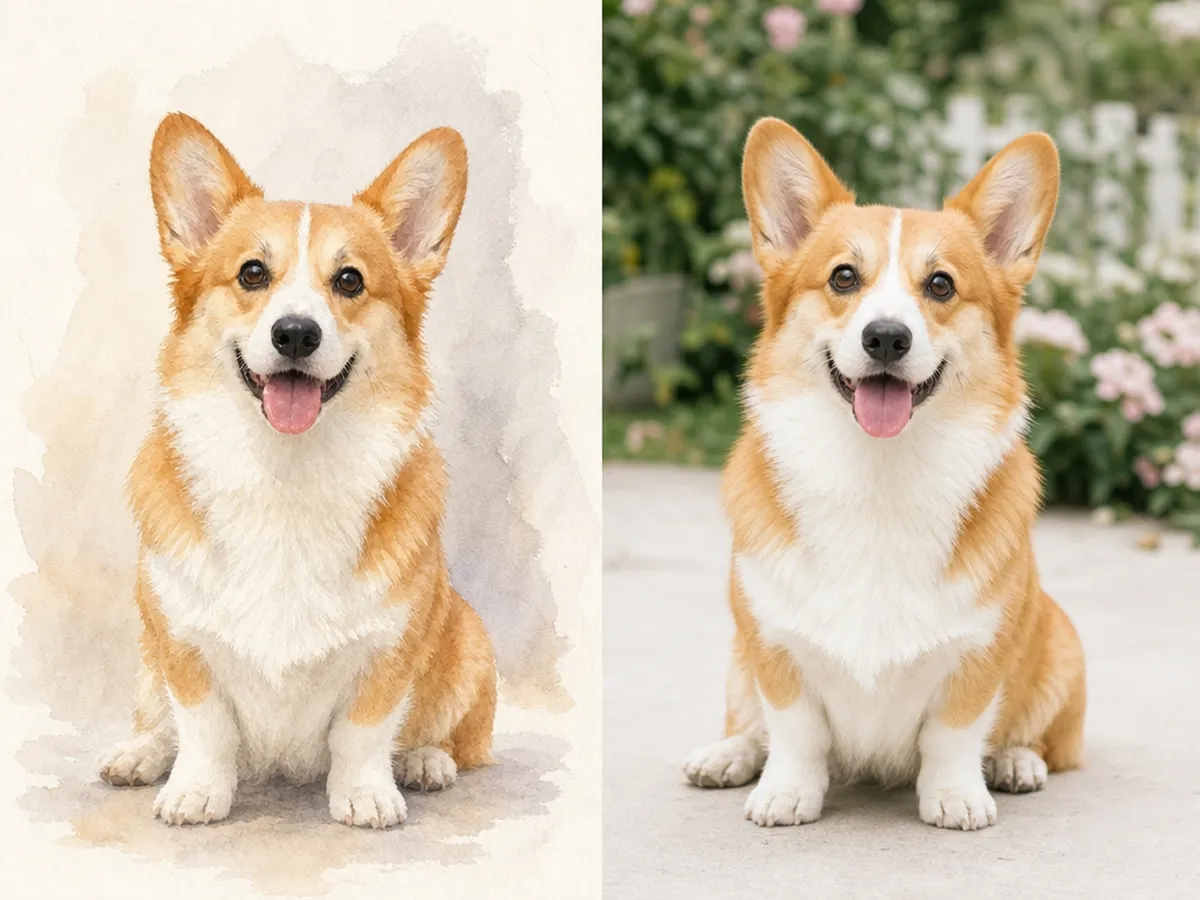
Personalize the Portrait Setting
Describe a background that complements your pet and the atmosphere you want the artwork to convey. Create a quiet studio composition or introduce a more imaginative setting while maintaining a clear focal point around the animal.
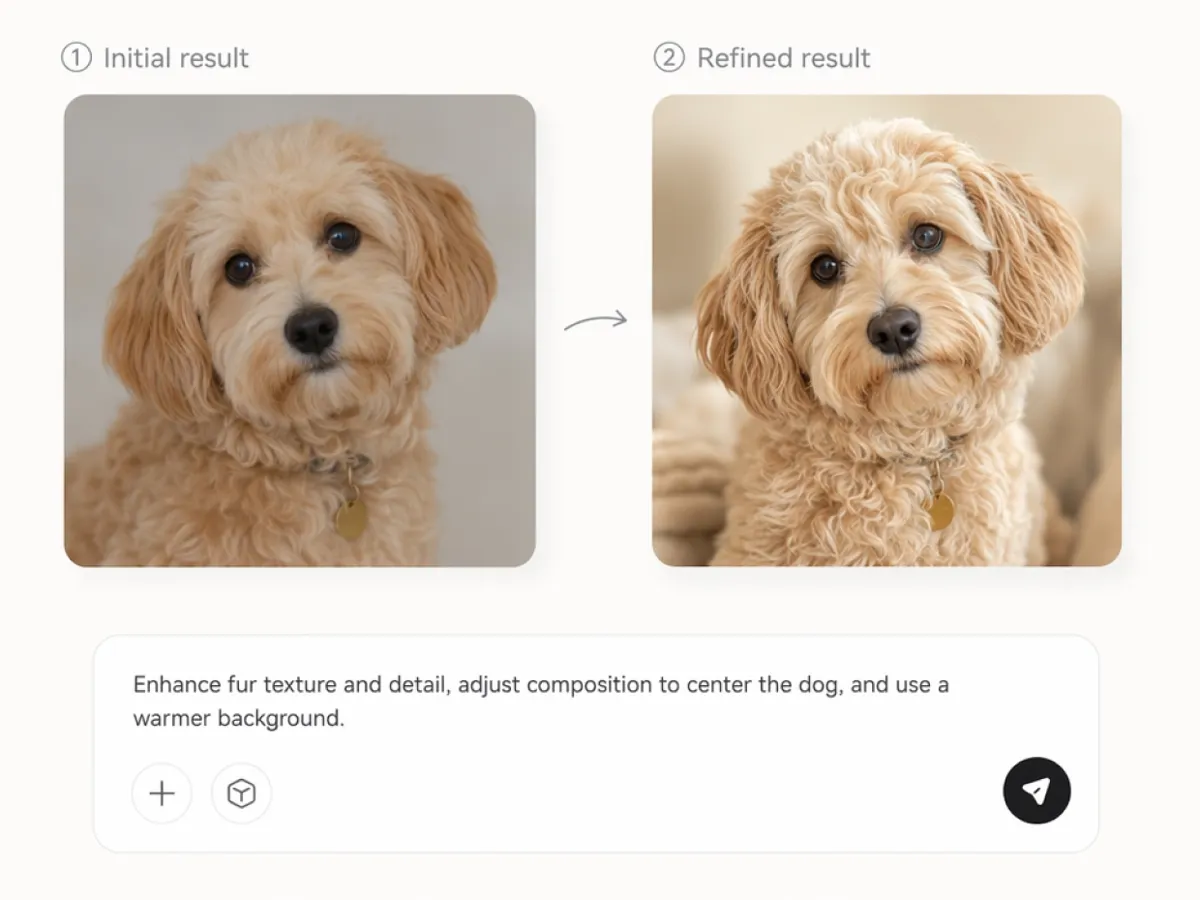
Refine the Version You Prefer
Generate additional versions when you want to adjust the framing, color balance, expression, or level of detail. Review how these changes affect the portrait and continue refining until you find the interpretation that best matches your original idea.
Image Types You Can Create with Designkit
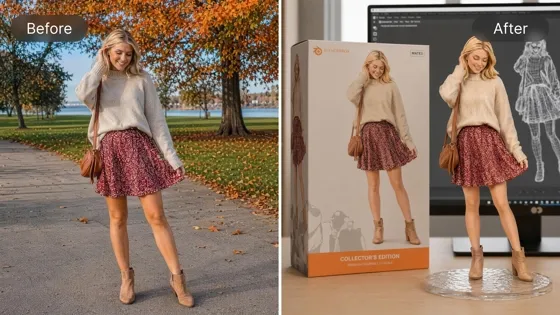
AI Action Figure Generator: Create Toy Figures in Any Style
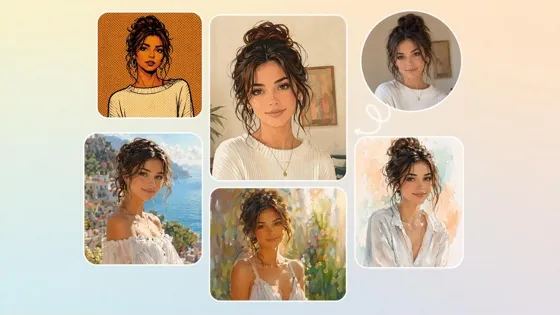
AI Filter: Turn Photos Into Art Styles with AI Effects
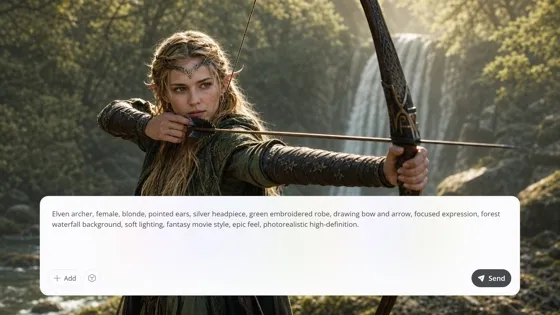
AI Art Generator: Create Art From Text, Photos, and References
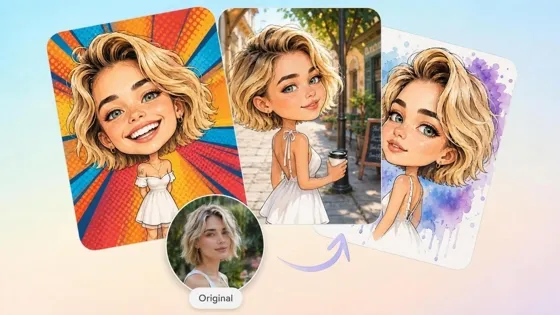
AI Caricature Generator: Turn Photos into Funny Caricatures
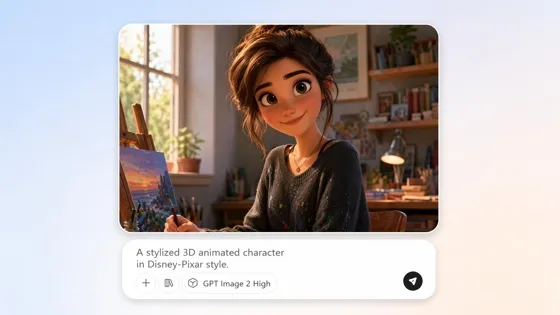
AI Cartoon Character Maker: Create Custom Cartoon Characters
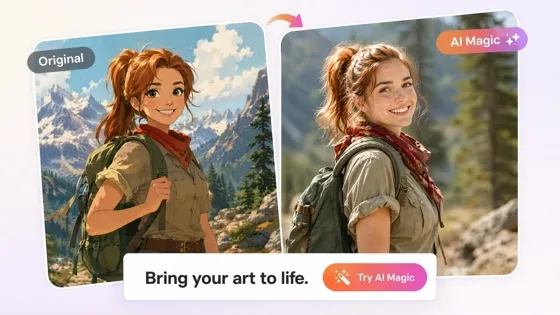
Cartoon to Realistic AI: Bring Cartoon Character into Real Life
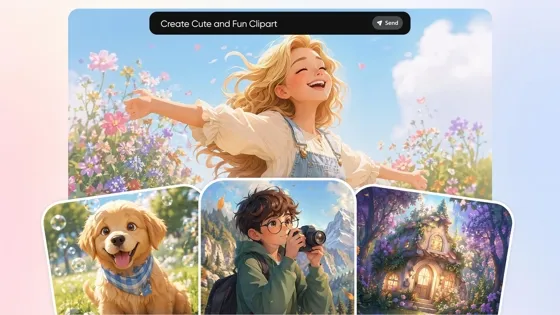
AI Clipart Generator: Make Custom Clipart From Text or Photos
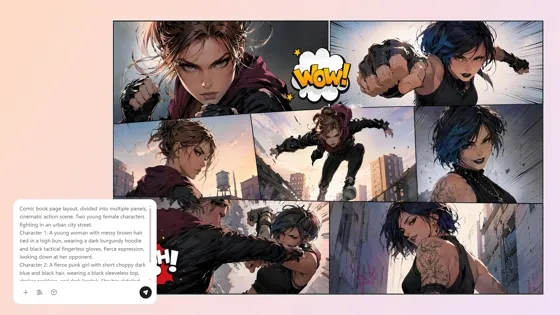
AI Comic Generator: Create Comics from Text or Photos
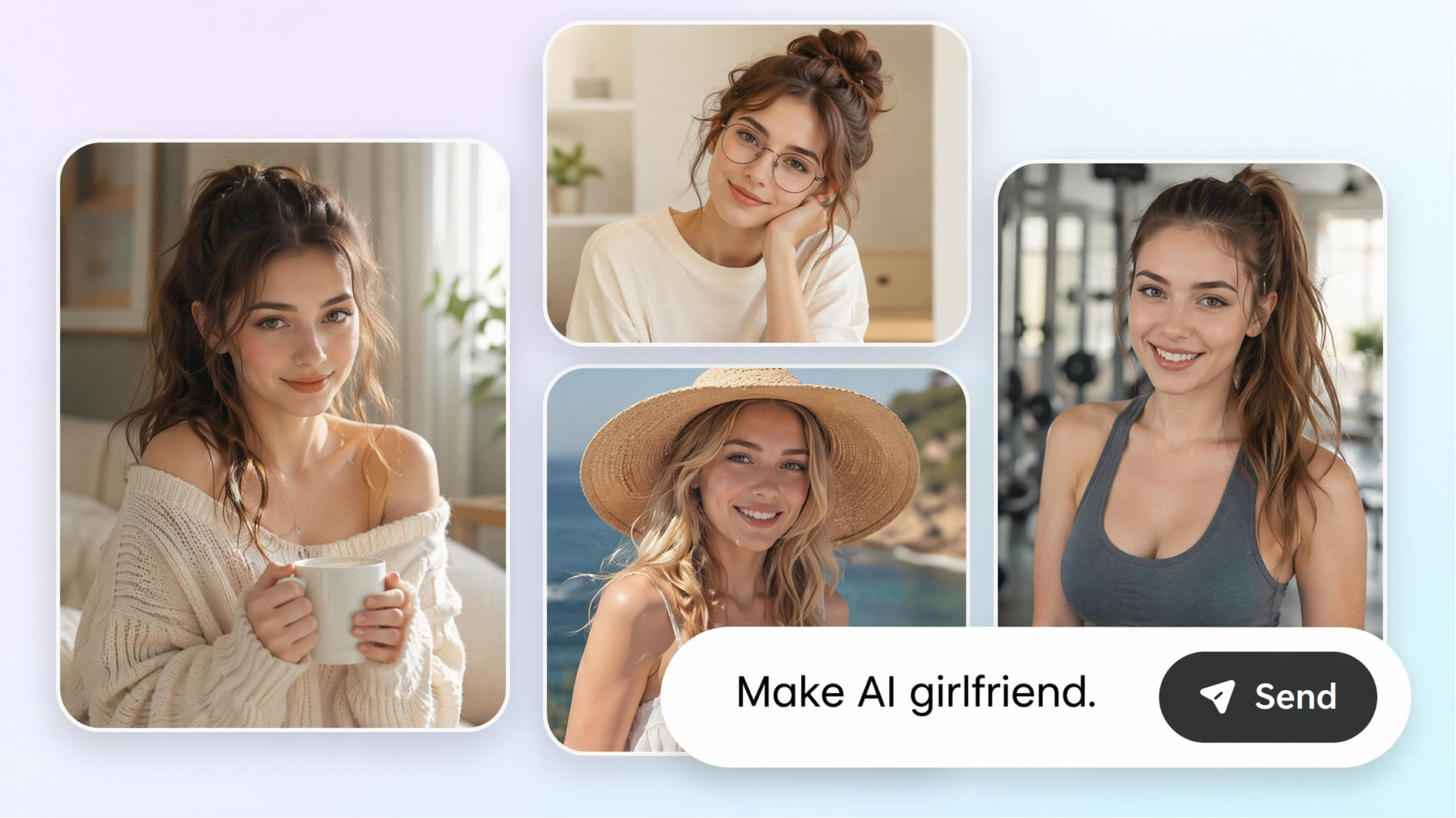
AI Girlfriend Generator: Create Your Dreamy Girl from Photo & Text
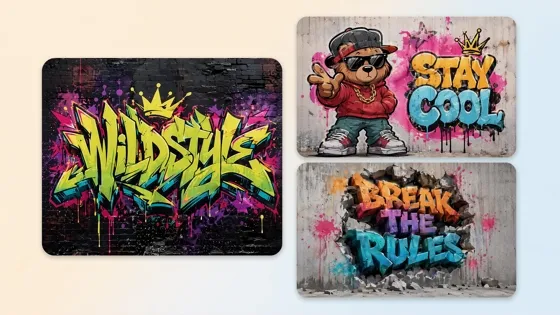
AI Graffiti Generator: Turn Names and Text Into Street Art

AI Icon Generator: Make Custom Icon Sets Online
Frequently Asked Questions
What is an AI pet portrait generator?
How do I create a pet portrait from a photo?
Upload a clear pet photo, choose or describe the artistic style you want, and generate the portrait. Compare the available versions, refine your instructions if needed, and download the result that best matches your idea.
Will the finished portrait still look like my pet?
A clear reference photo helps preserve recognizable traits such as facial structure, coloring, coat markings, and expression. Review each generated version and try another interpretation if an important detail changes in the first result.
What photo should I use for a custom pet portrait?
Choose a sharp, well-lit image where your pet’s face and defining markings are clearly visible. A close, unobstructed photo usually provides a stronger reference than one taken in poor lighting or from a distant angle.
Can I create custom dog and cat portraits?
Yes. You can create a custom dog portrait, custom cat portrait, or personalized artwork based on another pet. Each result is guided by the breed traits, coloring, markings, and expression visible in the uploaded photo.
Can I create different pet portrait styles from one photo?
Yes. You can reinterpret the same image as a watercolor pet portrait, royal pet portrait, classic painting, soft pastel artwork, or memorial piece. Comparing several styles helps you find the treatment that suits your pet and intended mood.
Can I print the portrait or use it as a gift or memorial?
Yes. Download the finished portrait for a personal print, customized gift, or memorial keepsake. Before ordering a larger poster or canvas, check that the image dimensions are suitable for the intended display size.
Make More of a Favorite Pet Photo
Upload a favorite photo and try Designkit free. Shape it into a personalized pet portrait with a finish that suits the image.

What Pet Owners Say About Designkit
See how people use meaningful pet photos to create personal artwork for display, gifting, remembrance, and community profiles.
A Phone Photo Became Something I Could Display
I had a casual phone photo of my dog that I loved, but the lighting and background made it difficult to display. The finished portrait gave it a much more polished look while keeping his familiar expression and white chest marking. I finally printed it and placed it on my desk.
The Gift Felt Specific to Her Cat
I created a portrait from my sister’s cat photo for her birthday. She immediately recognized that slightly annoyed expression her cat always makes, which made us both laugh. The colors also suited her apartment, so the result felt like a genuinely personal gift rather than a general cat print.
The Colors Worked with My Apartment
I wanted a cat portrait for a quiet corner of my apartment, but anything too bright or decorative would have looked out of place. I compared several versions and chose one with softer colors and a simpler background. Once framed, it blended naturally with the rest of the room.
It Gave Our Favorite Photo a New Place
We had one favorite picture of our old dog, although it was never a particularly polished image. The memorial portrait preserved the gentle expression everyone remembered while giving the photo a calmer, more finished quality. It now feels appropriate to display with the other family pictures in our home.
It Brought More Attention to the Rescue Post
I made a painted portrait for a rescue dog who had been waiting a long time for adoption. It gave his profile a more distinctive lead image while keeping his real markings and friendly expression recognizable. More people stopped to read the post, which helped us introduce his personality more effectively.