
Turn Cartoons and Anime into Realistic Photos
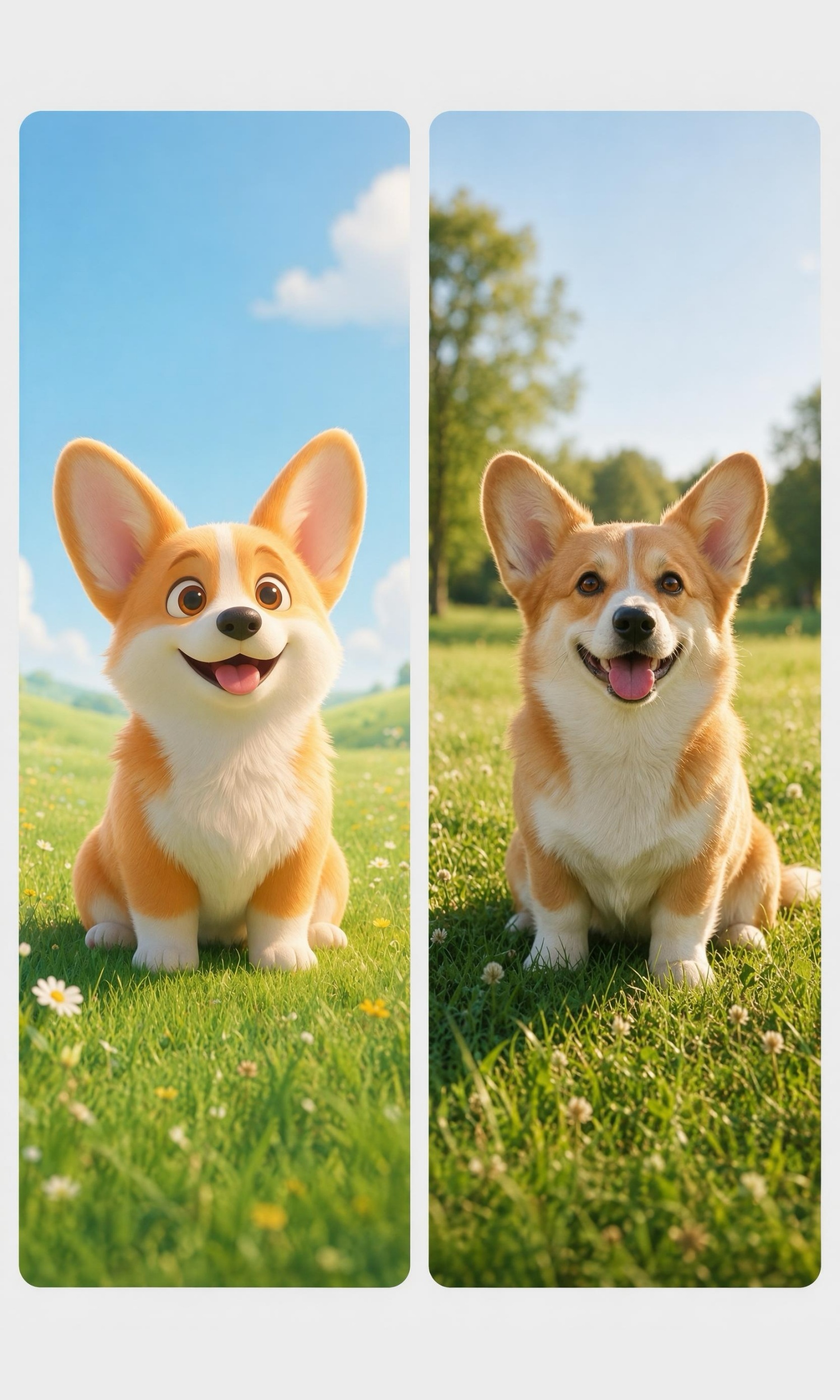
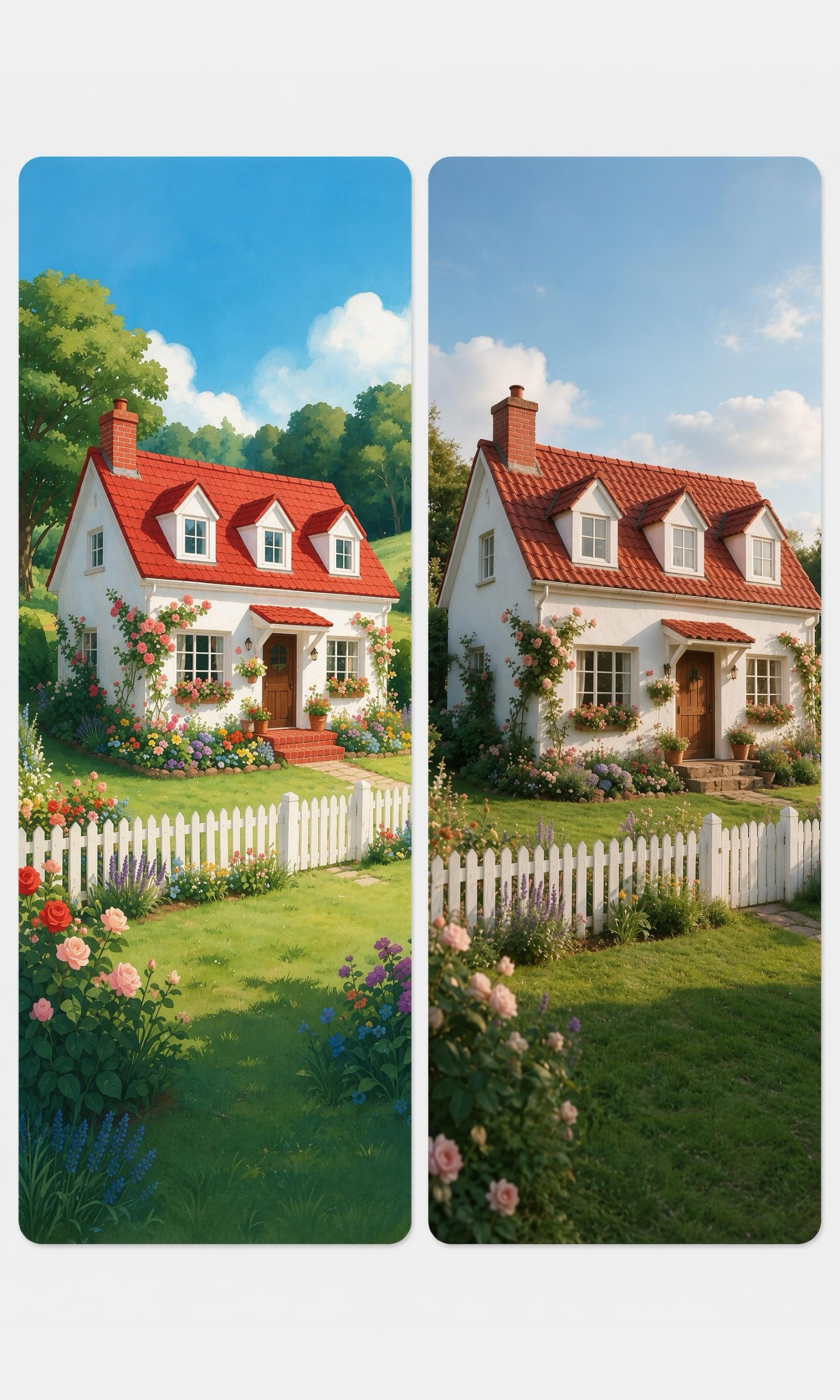
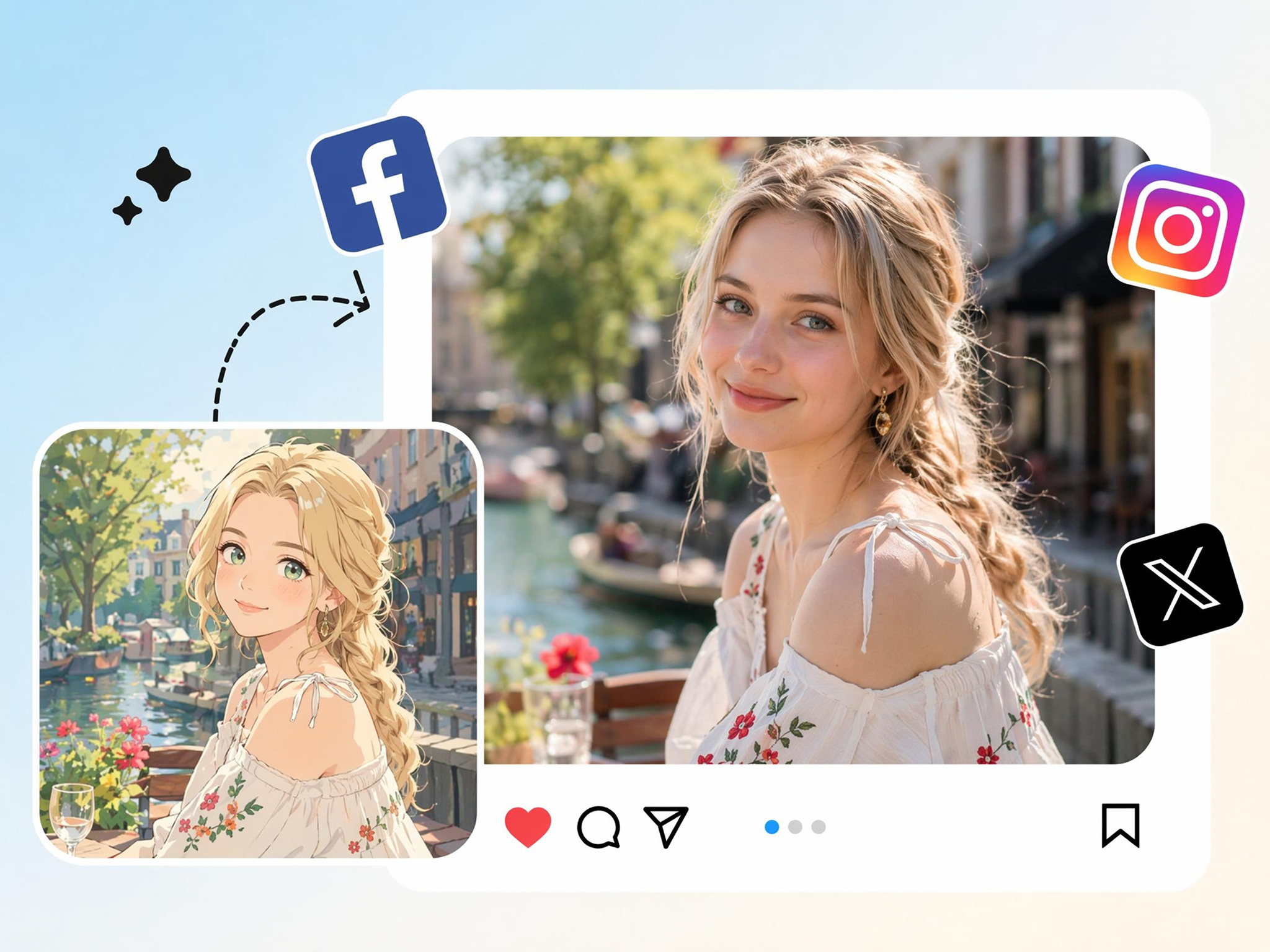
Transform cartoons, anime, comics, and illustrated characters into believable real-life portraits while preserving their signature appearance, personality, and visual identity.
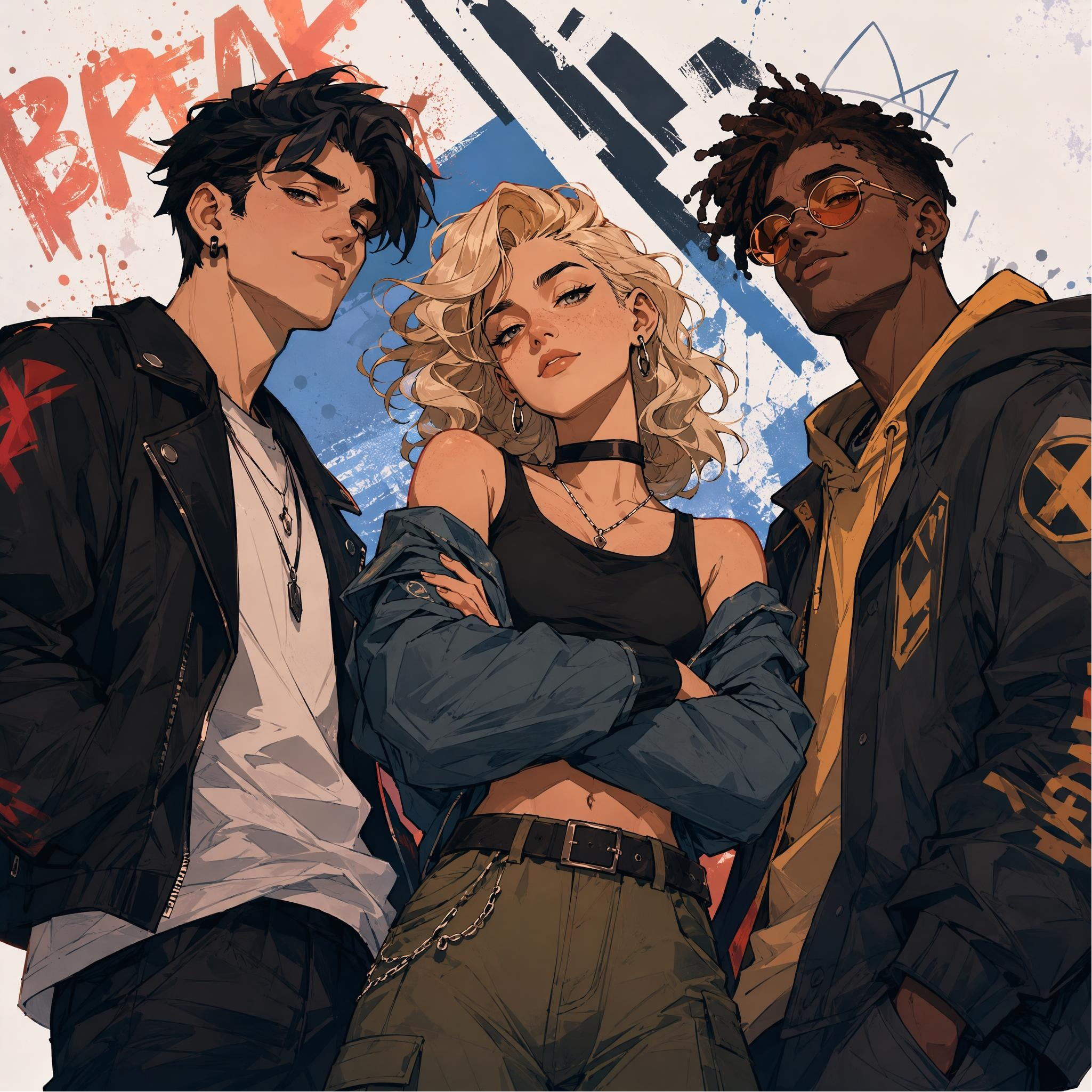
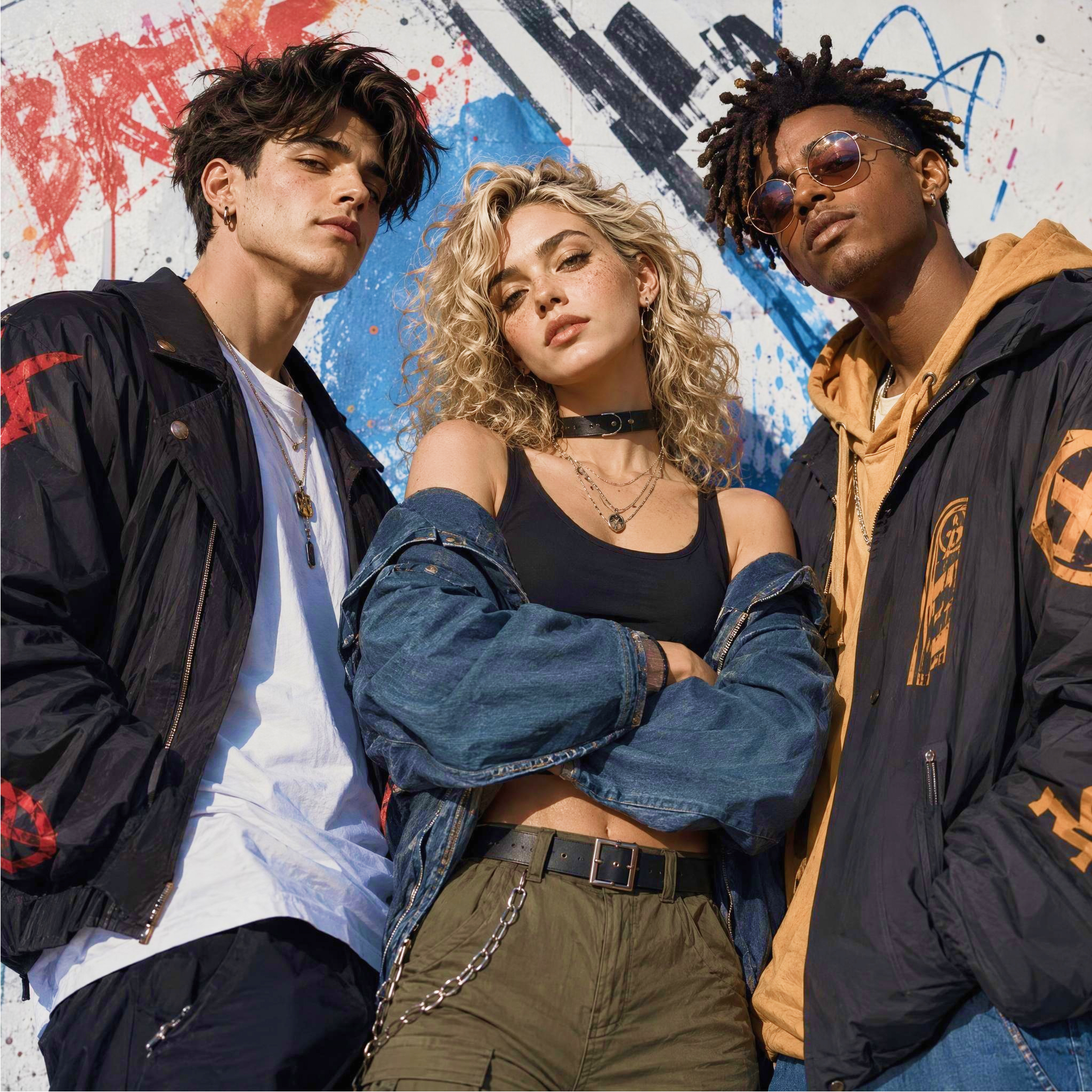
AI Image Prompt Templates for Every Style
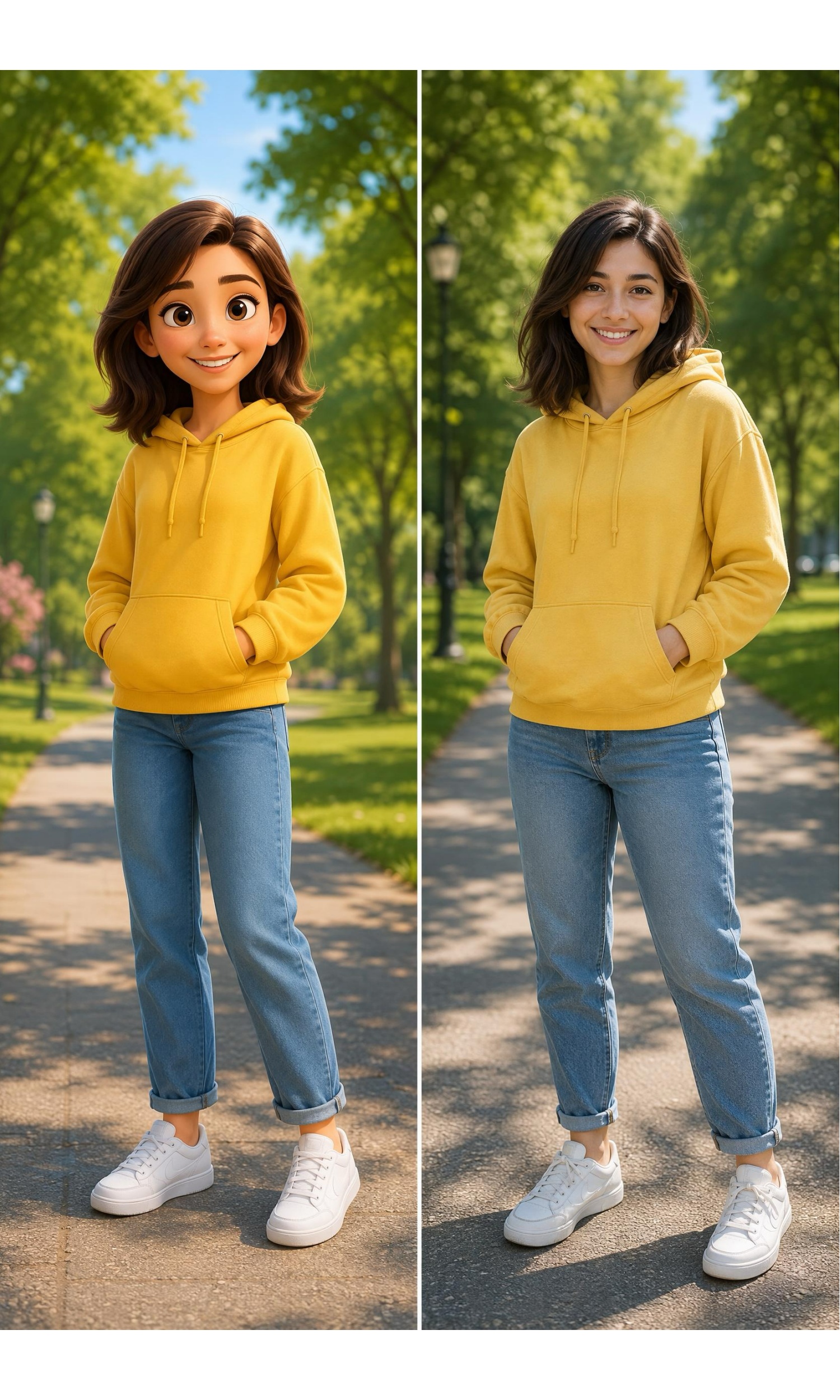
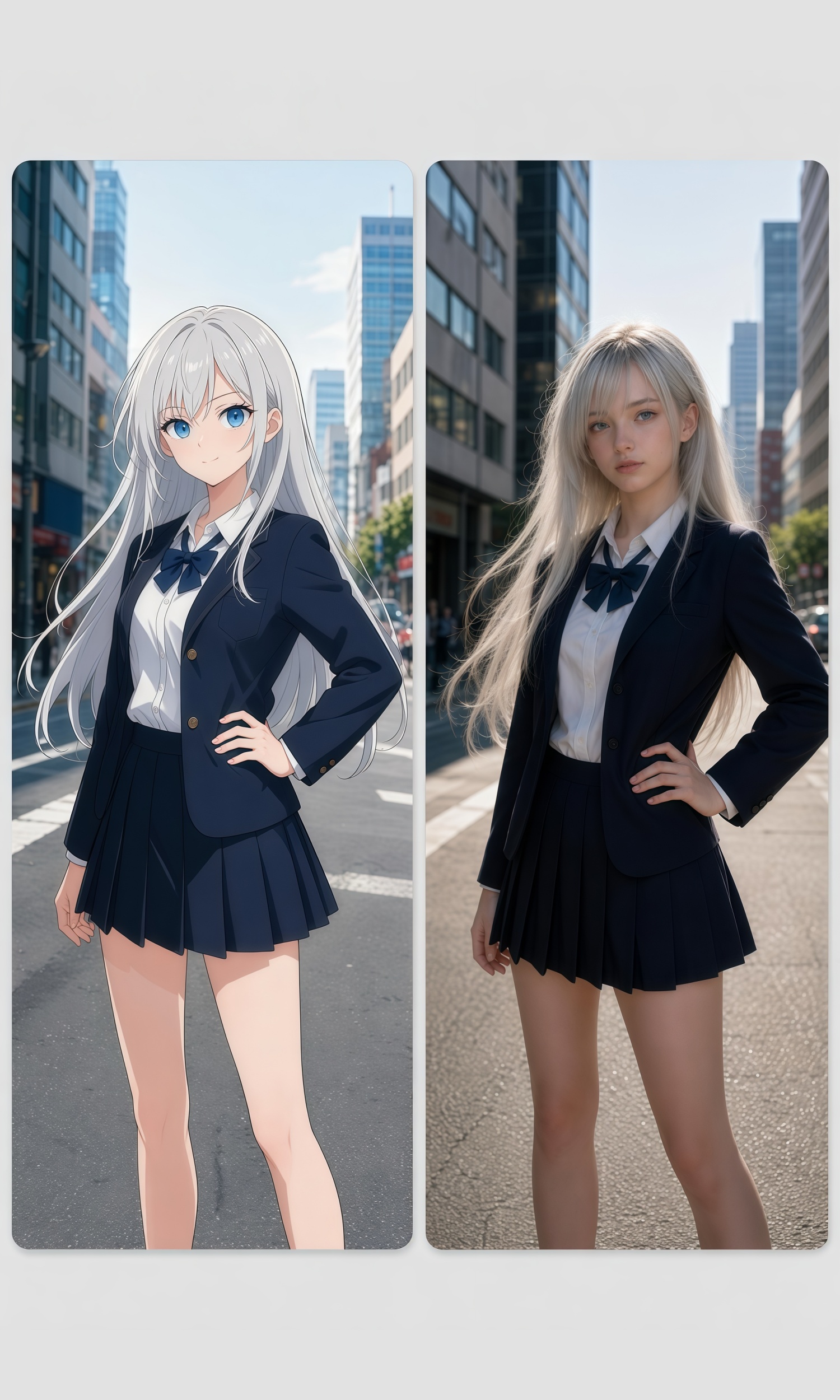
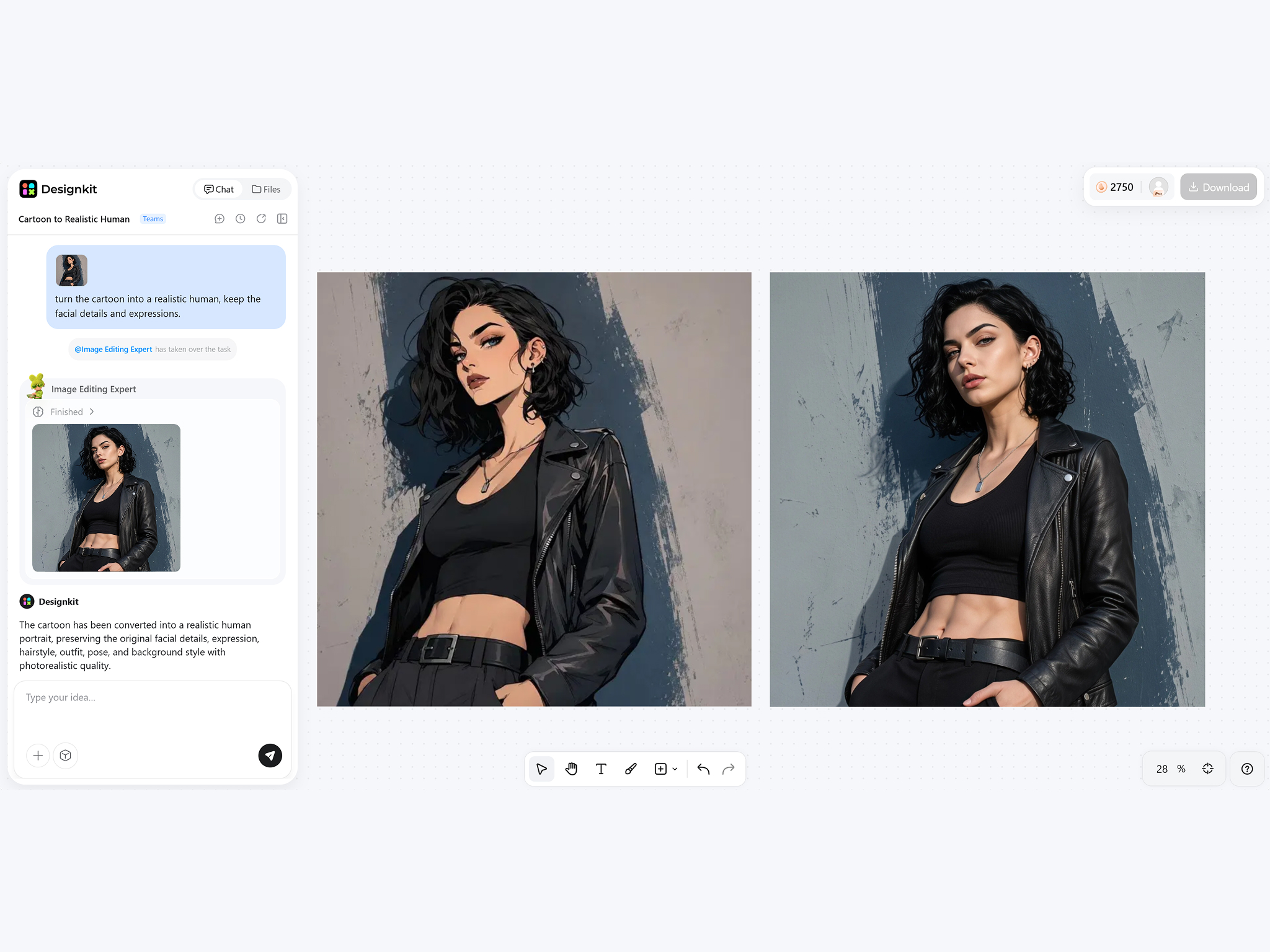
How to Turn a Cartoon into a Realistic Image
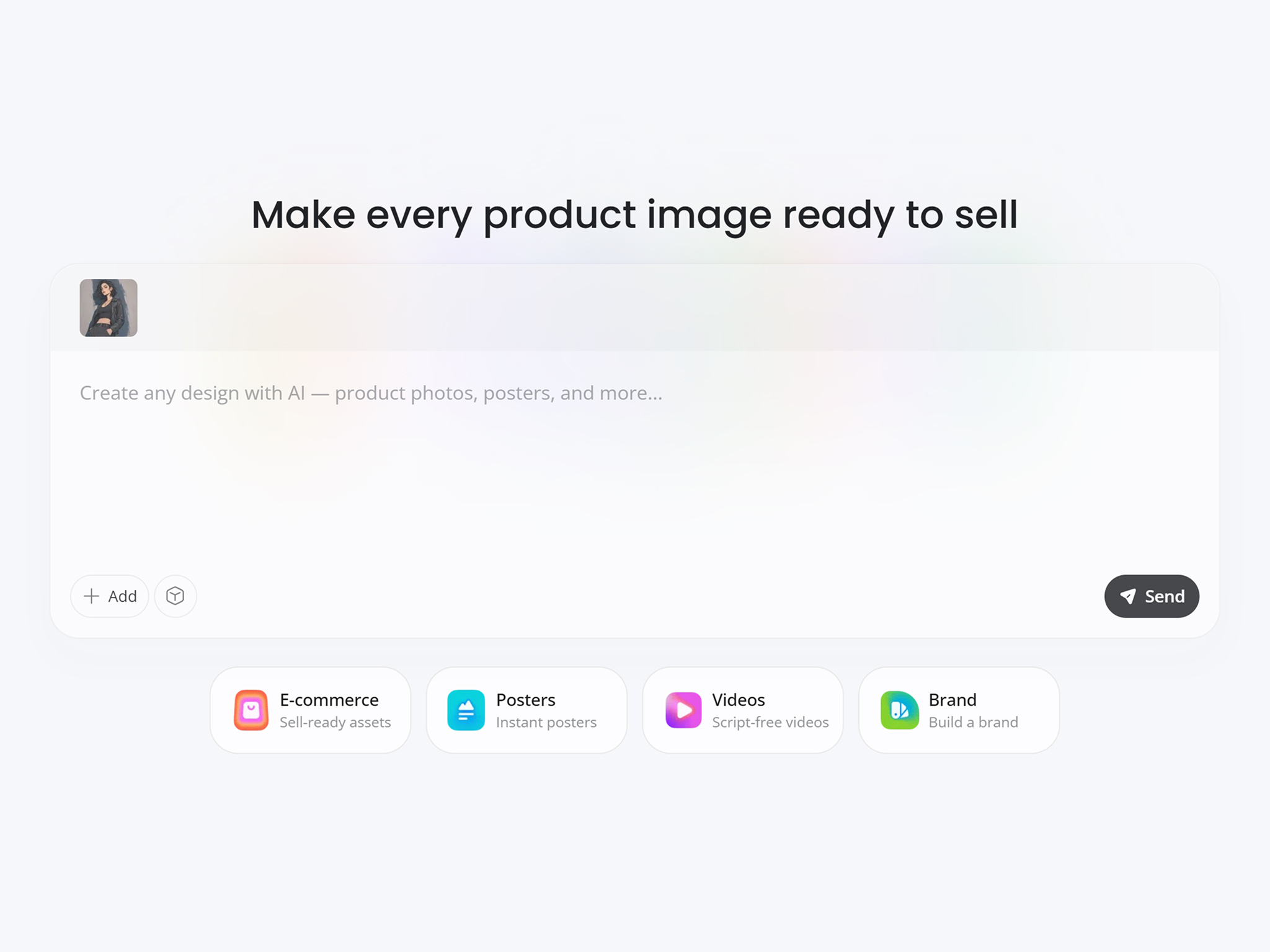
Upload Your Cartoon Image
Upload a cartoon, anime frame, comic panel, mascot, or illustrated character.
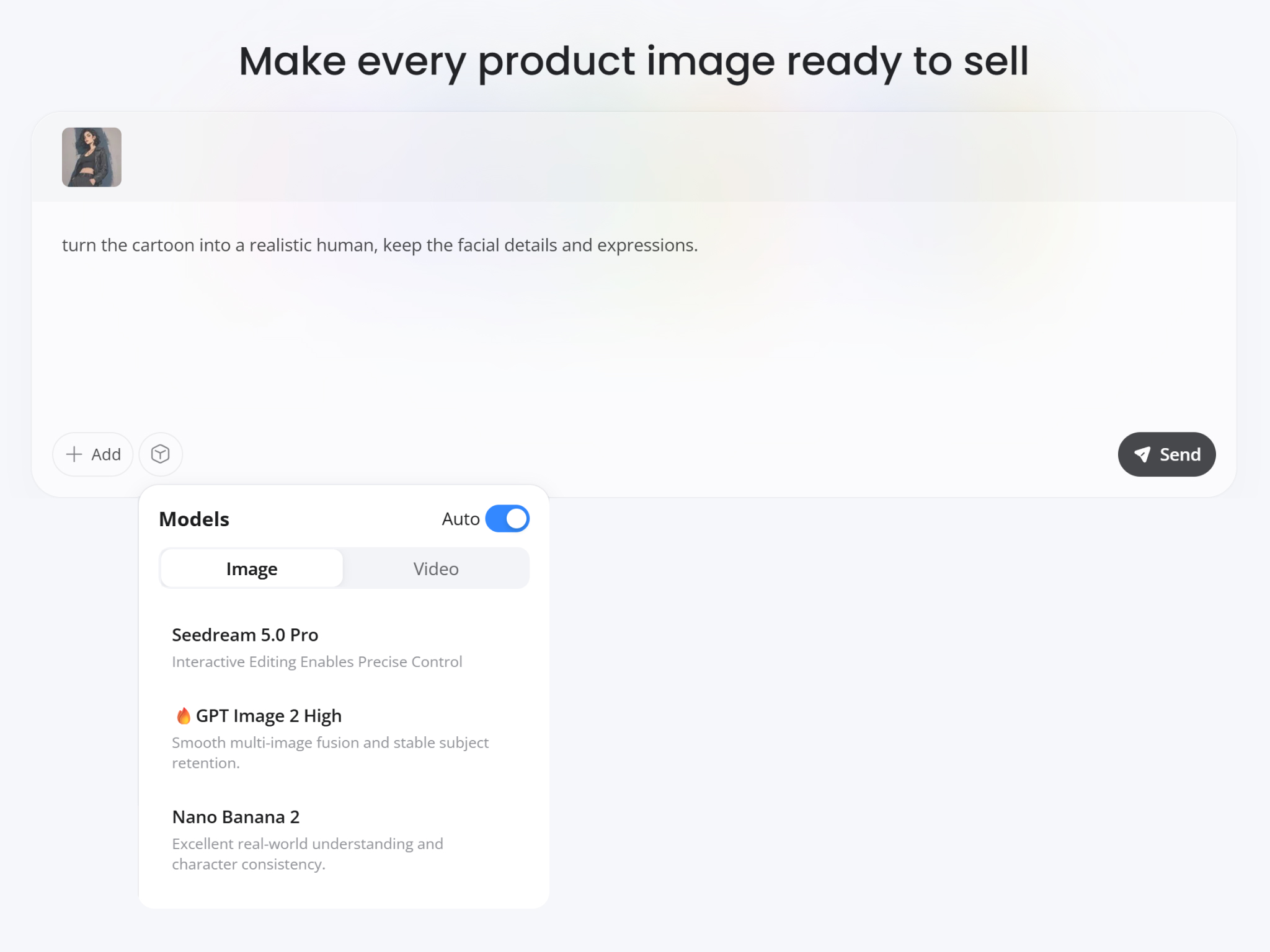
Generate the Realistic Version
Designkit interprets artistic features, facial proportions, clothing, and colors to create a believable real-world version.
Save Your Realistic Portrait
Download the transformed image in high resolution for creative projects, storytelling, presentations, or sharing.
What Makes Designkit Ideal for Cartoon to Realistic Transformations
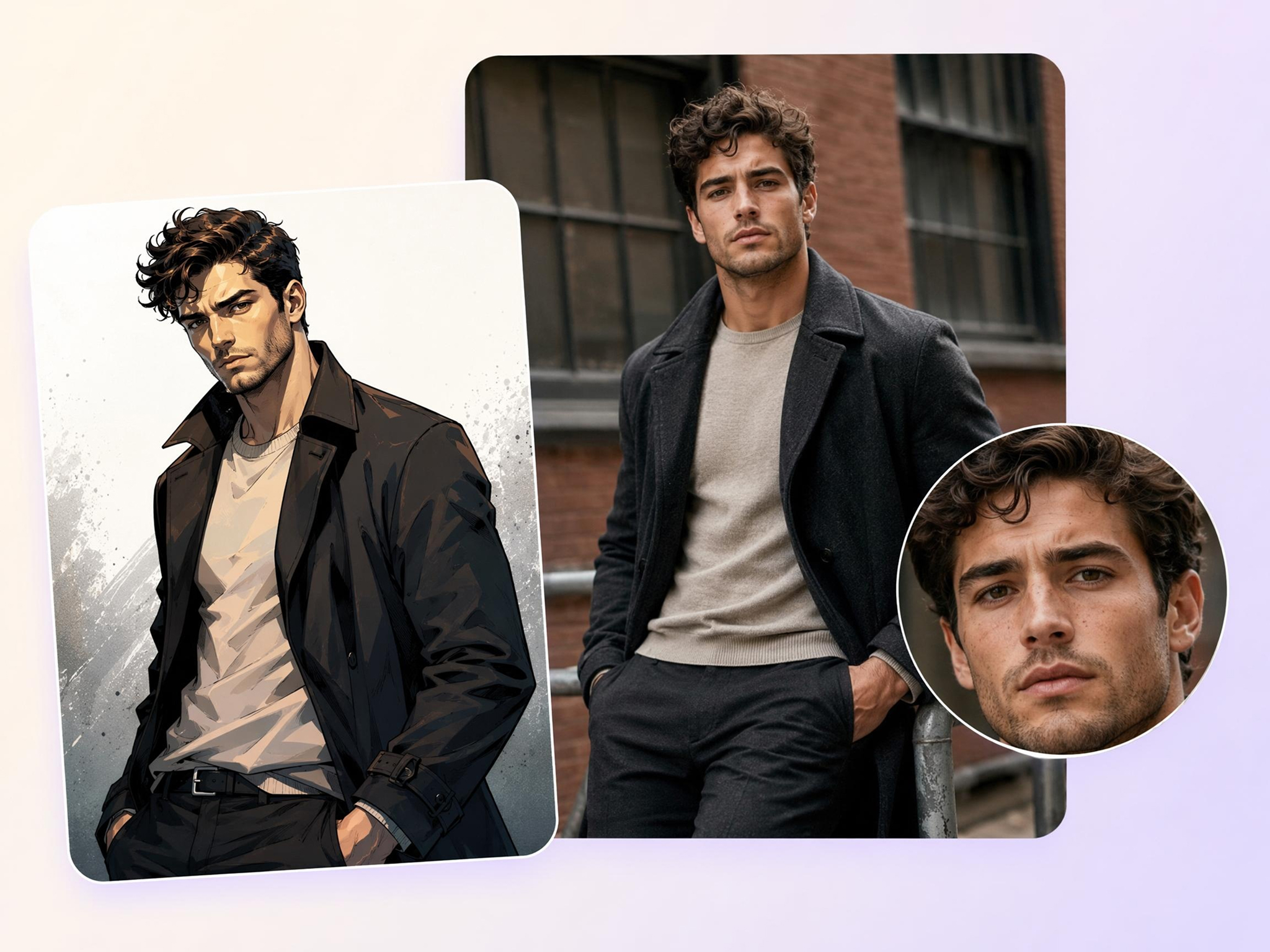
Keep Characters Recognizable
Many AI conversions change facial features so much that the original character no longer feels familiar. Designkit's cartoon to realistic AI preserves hairstyles, outfits, facial expressions, and defining details while transforming stylized artwork into realistic portraits that still look like the original.
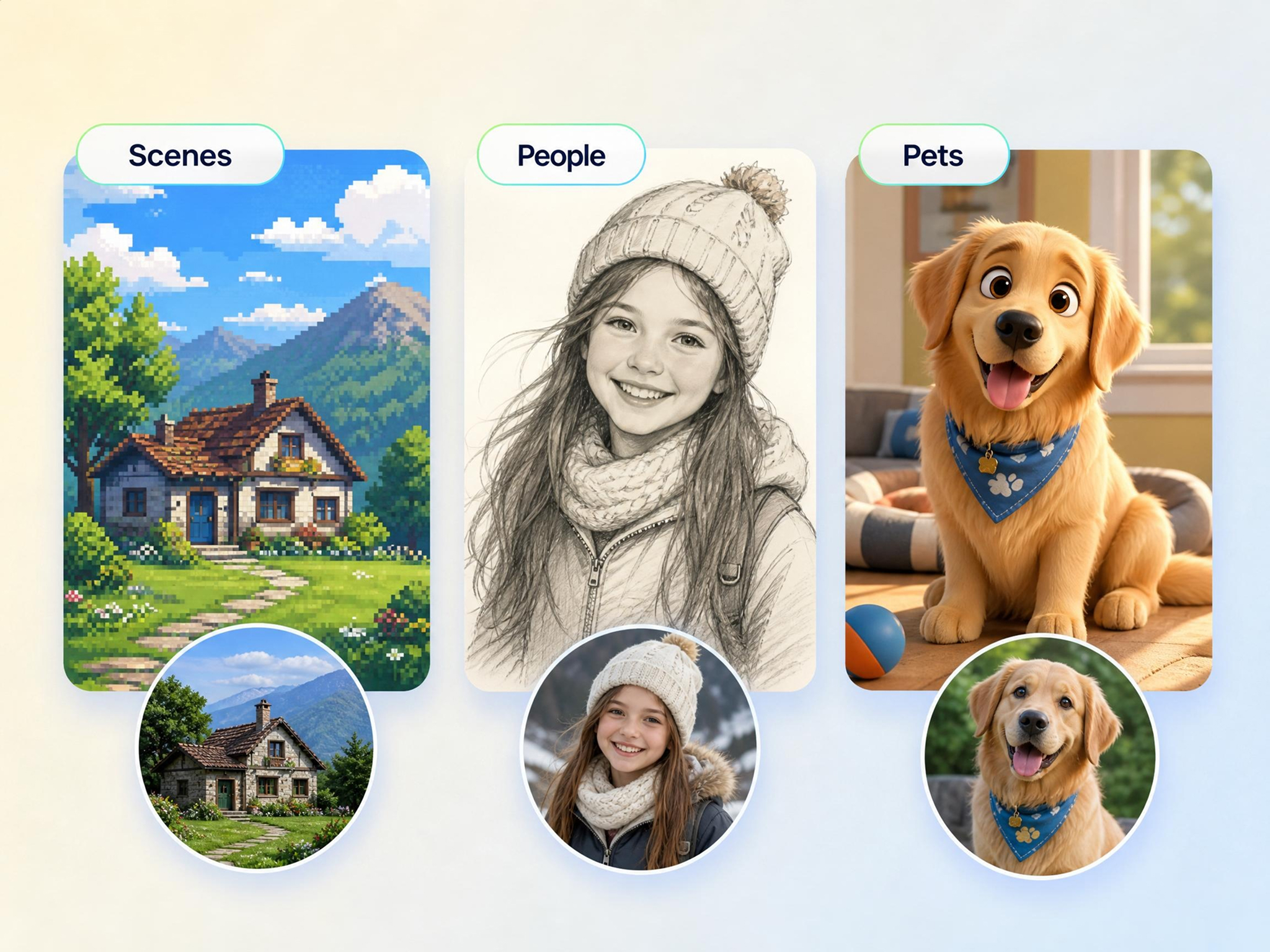
Works on People, Pets, and Scenes
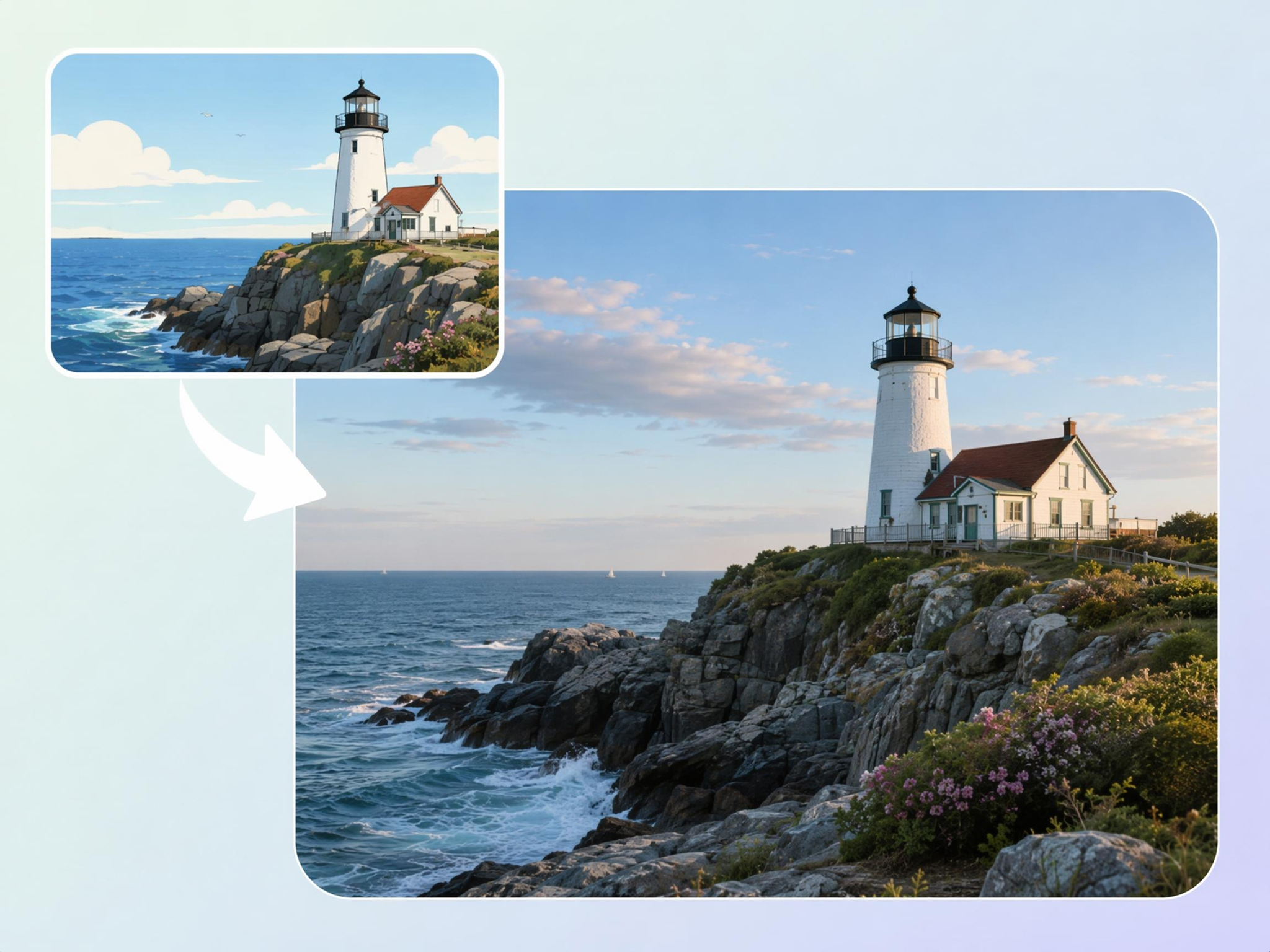
Finding separate tools for portraits, pets, landscapes, and objects slows down creative work. Designkit's image to image AI lets you turn cartoon images into realistic photos from one upload, making it easy to transform different subjects without changing workflows or starting over.
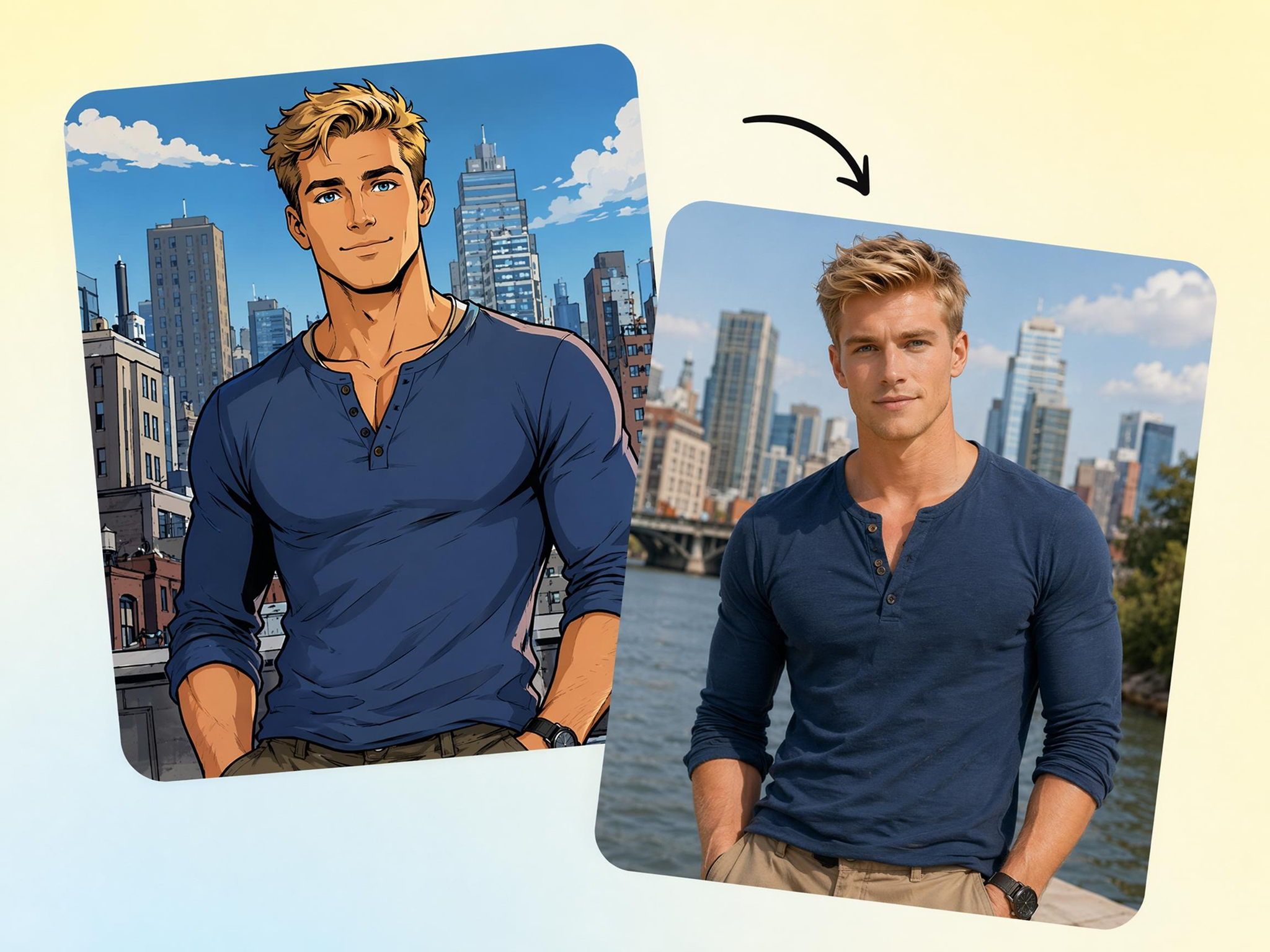
Support Anime, Manga, and Western Cartoon Styles
Artists often work with multiple illustration styles, but many converters support only one format. Designkit turn cartoon to realistic AI transforms anime, manga, comic books, 3D cartoons, and line art into lifelike images using a single editing experience.
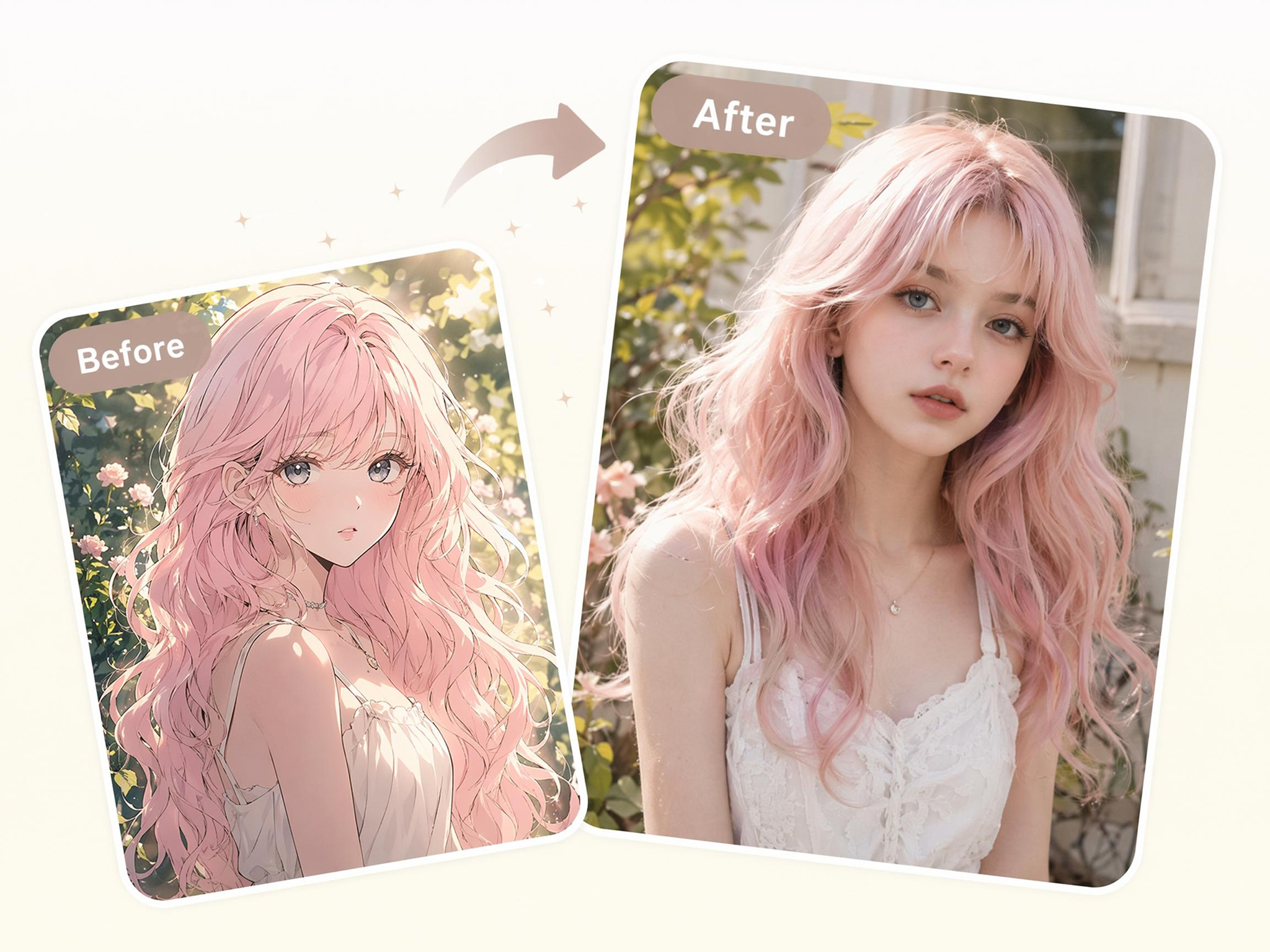
Add Real Skin, Hair, and Lighting Texture
Flat colors and simple shading can make transformed images look artificial. Designkit adds natural-looking skin texture, detailed hair strands, and realistic lighting to generate realistic cartoon characters with greater depth while preserving the original artwork.
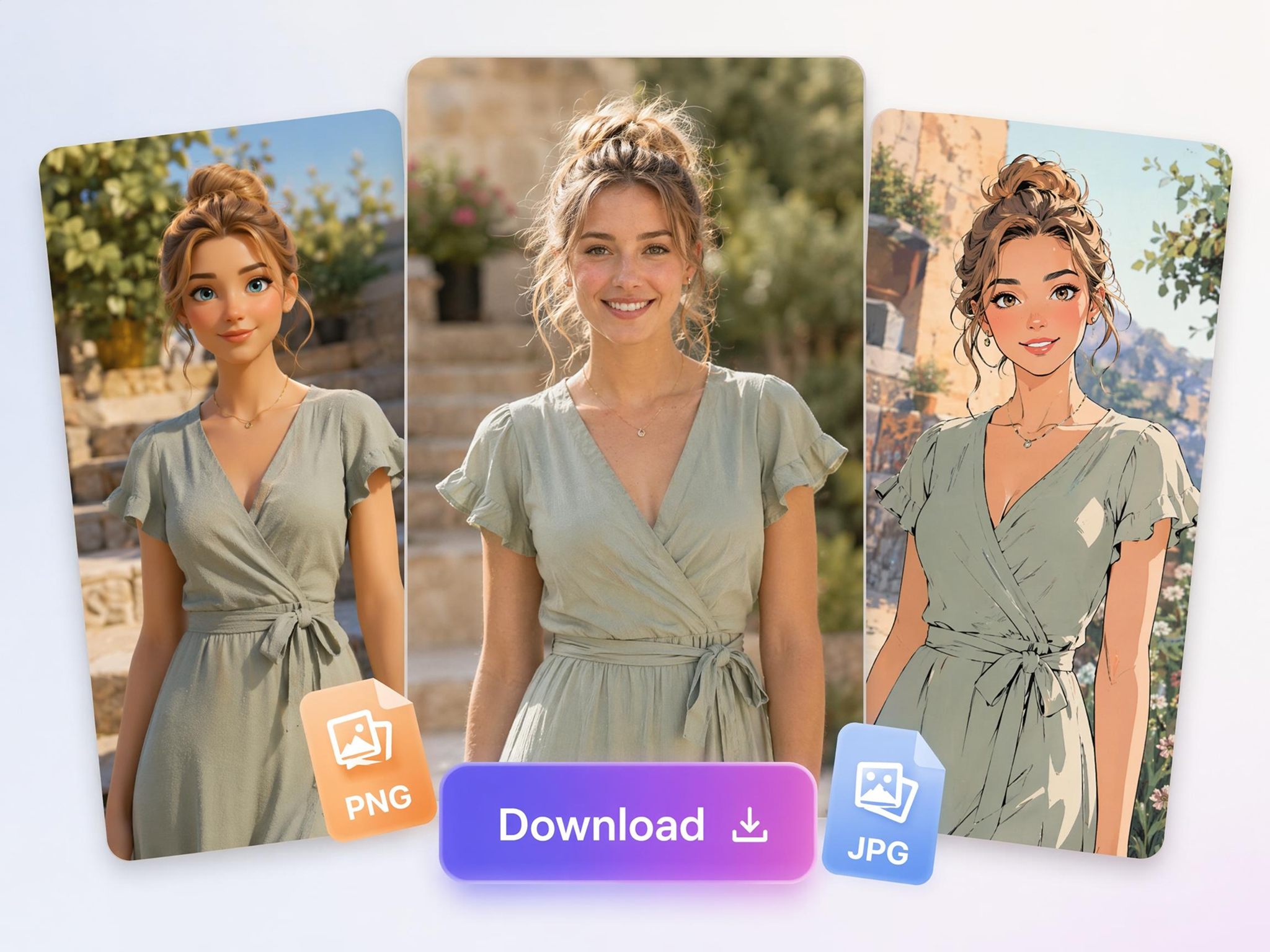
Edit and Download in One Workflow
Moving files between different editing apps increases production time and interrupts creativity. Designkit lets you replace backgrounds, improve image resolution, make final adjustments, and export high-quality PNG files from one streamlined workspace.
Who Uses a Cartoon to Realistic Converter
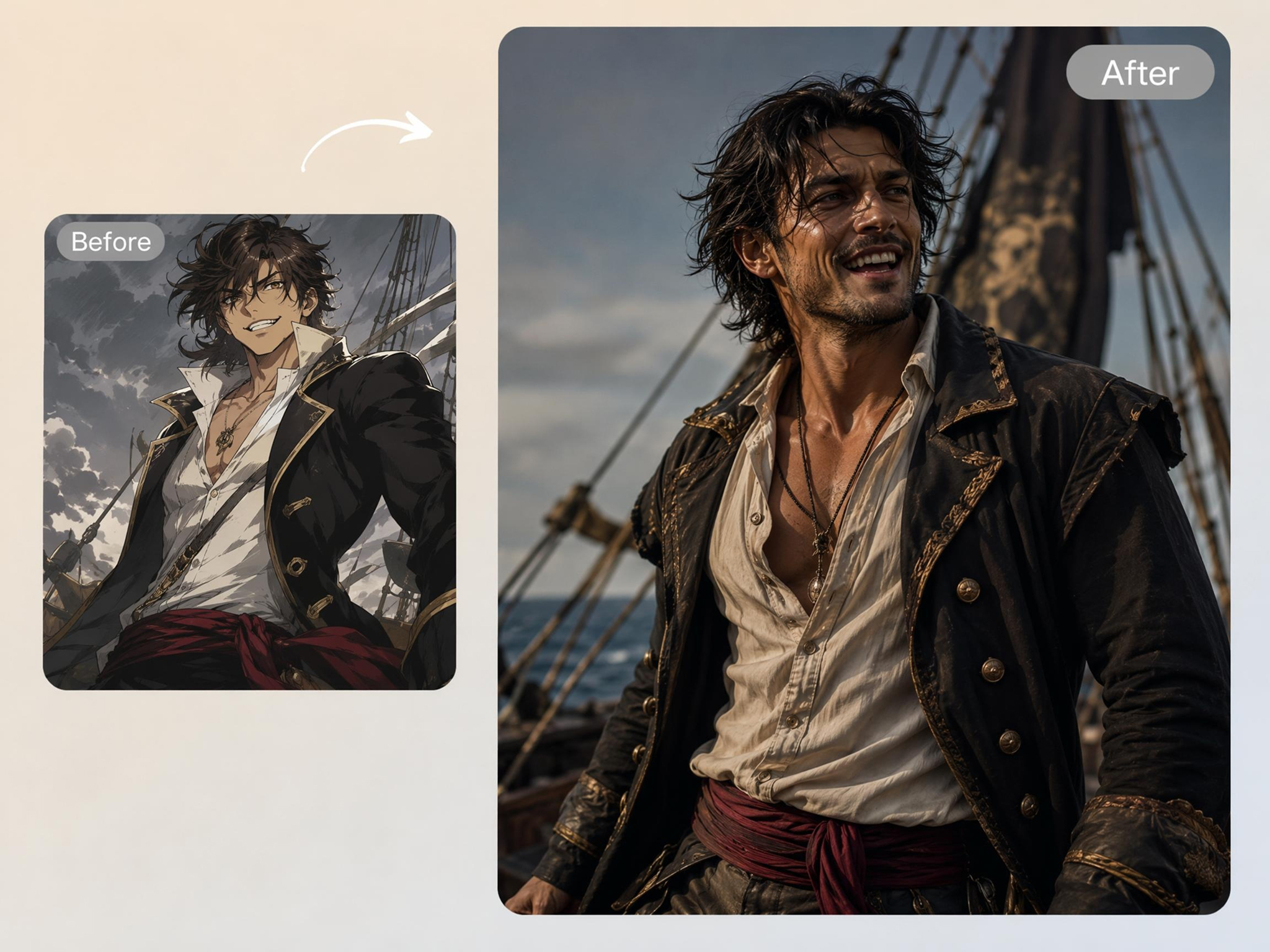
See Anime Characters as Real People
Fan art often leaves you wondering how a favorite character would look in real life. Designkit's anime to realistic AI transforms anime artwork into lifelike portraits while preserving signature hairstyles, expressions, outfits, and recognizable character details.
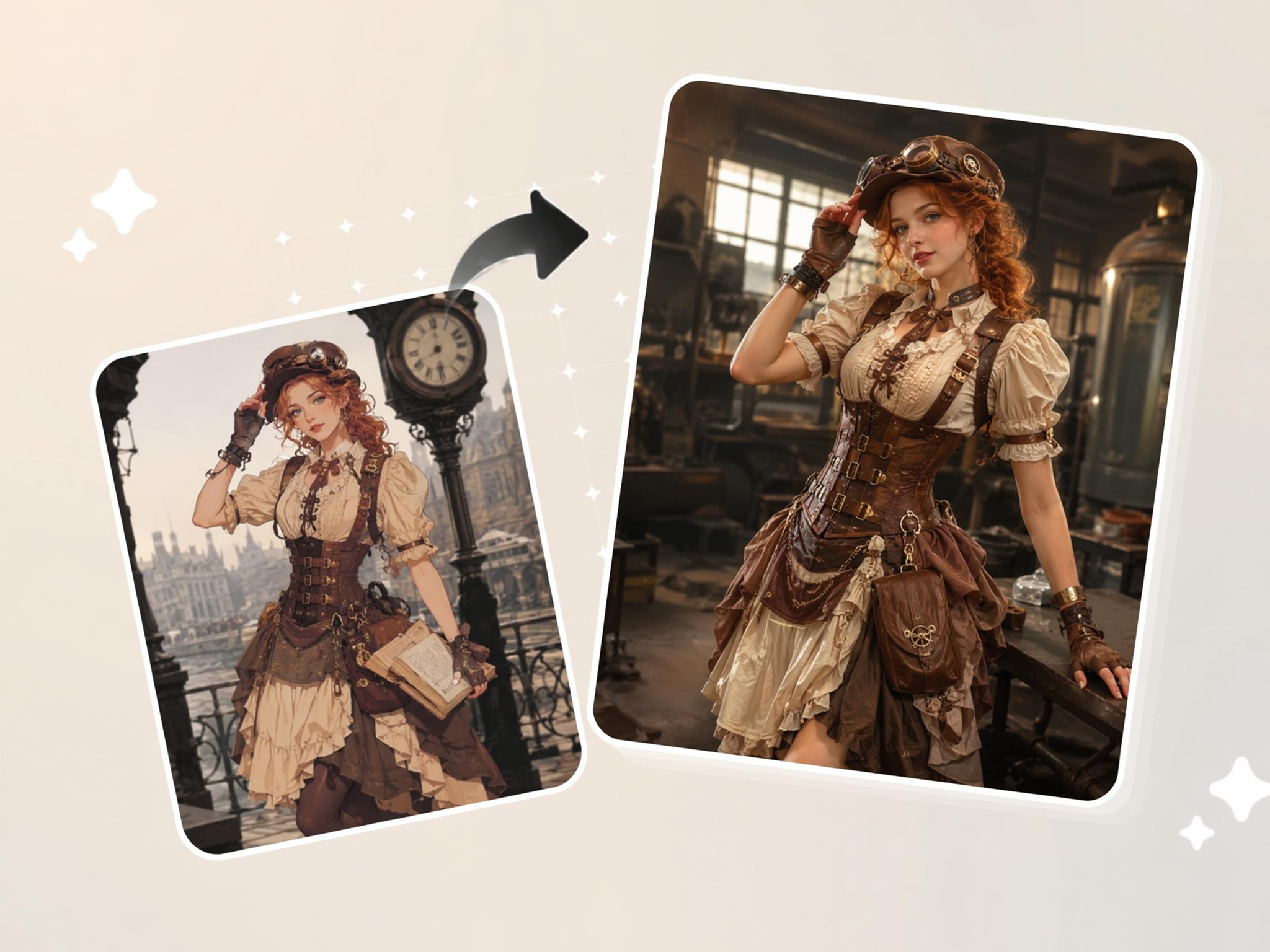
Why Choose Designkit for Cartoon-to-Realistic AI
No Photoshop or 3D Skills Needed
Skip hours of manual editing and transform cartoon artwork into realistic portraits directly from a browser.
One Click Style Conversion
Produce lifelike versions of anime, manga, and cartoons without writing detailed prompts or rebuilding images.
Edit and Export in One Place
Complete transformation, refinement, and export in one workflow, reducing file transfers between multiple apps.
Faster Than Manual Photo Compositing
Generate realistic character concepts in minutes instead of spending hours combining layers and photo assets.
Adapt to Diverse Illustration Traditions
Handle anime, comics, cartoons, mascots, and children's art in one workflow without switching tools or rebuilding prompts by hand.
Clear Results for Social and Concept Work
Create high-resolution visuals suitable for social sharing, story concepts, presentations, and creative planning.
Unlock More Creative Possibilities
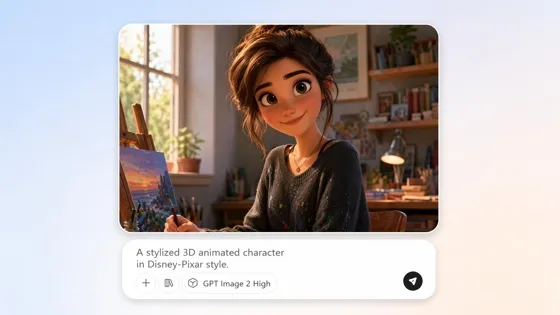
AI Cartoon Character Maker
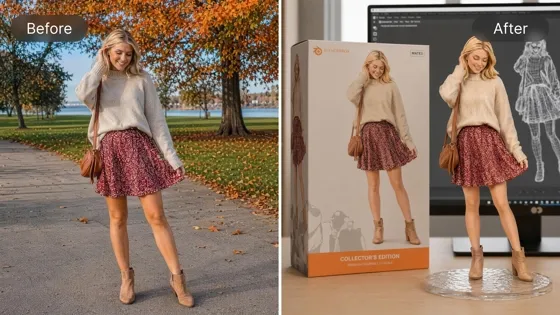
AI Action Figure Generator
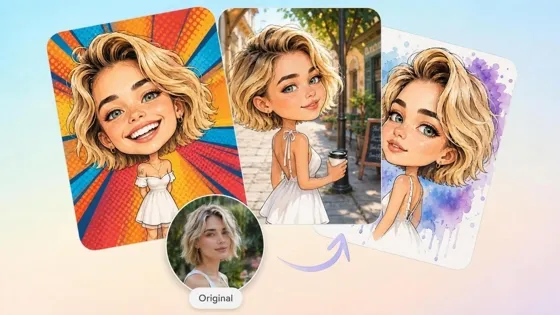
AI Caricature Generator
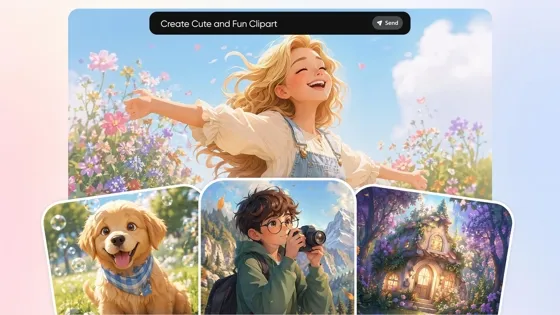
AI Clipart Generator
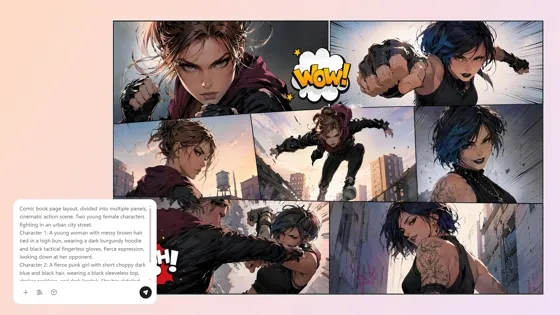
AI Comic Generator
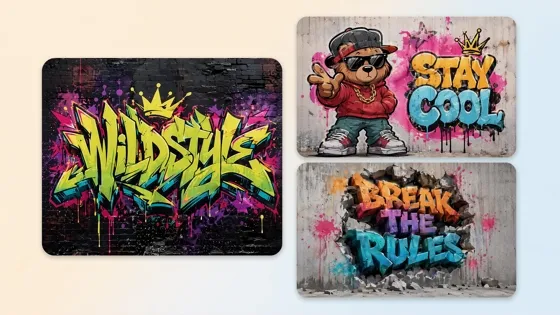
AI Graffiti Generator
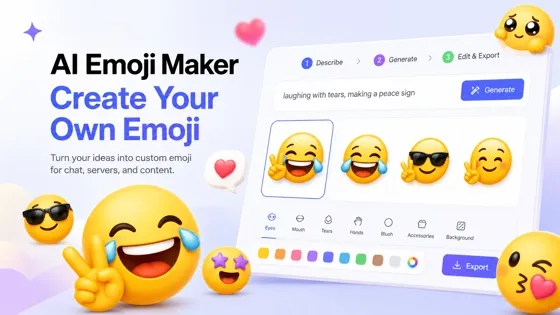
Emoji Maker
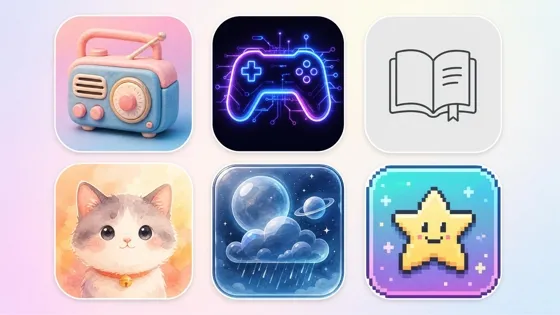
AI Icon Generator
Frequently Asked Questions
Can AI turn anime into a realistic photo?
Will the result still look like the original character?
The goal is to preserve the character's recognizable appearance while making it look more realistic. Designkit keeps important details such as hairstyles, clothing, facial expressions, and color schemes, helping the final portrait stay faithful to the original artwork rather than creating a completely different character.
Does it work on pets and scenes, not just people?
Yes. Cartoon animals, landscapes, vehicles, buildings, and everyday objects can also be transformed into realistic images. Designkit analyzes the uploaded illustration and recreates it with lifelike textures, lighting, and depth, making it suitable for much more than character portraits.
Can I transform several characters from the same series?
You can generate realistic versions of multiple characters while keeping a similar visual style across the entire cast. Designkit allows you to upload different illustrations individually and create matching realistic portraits, making it useful for fan projects, stories, presentations, and creative collections.
Does it work with hand-drawn illustrations?
Yes. Hand-drawn sketches, digital drawings, comics, and colored illustrations can all be used as source images. Designkit interprets the artwork and converts it into a realistic image while retaining the major design elements, even if the original drawing is simple or highly stylized.
Can I edit the result after generating?
You can refine the generated image instead of starting from scratch. Designkit lets you replace backgrounds, improve image quality, regenerate different versions, and make additional adjustments, helping you reach the look you want without repeating the entire process.
Can I use the image on Instagram or TikTok?
You can download high-resolution images suitable for Instagram posts, TikTok content, profile pictures, and other social platforms. Designkit exports HD files that are ready to share, making it simple to publish transformation posts without additional editing.
Is the cartoon to realistic tool free?
You can start using the tool without paying upfront. Designkit offers free access, so you can test cartoon-to-realistic transformations before deciding whether you need more generations or advanced features. Additional usage may require a paid plan depending on your generation volume.
Turn Your Cartoon into a Realistic Photo
Upload any cartoon or anime artwork to Designkit and discover realistic character interpretations ready for storytelling, concept design, or creative inspiration.



What Users Say About Designkit Cartoon-to-Realistic AI
Real experiences turning illustrated characters into believable people
Finally Saw My OC as a Real Person
I had imagined my original character for years but couldn't picture her realistically. Designkit preserved the hairstyle, expression, and personality while making her look like a real person. My readers immediately recognized the character and loved seeing a new interpretation.
Made My Pitch Much Clearer
Explaining how animated characters would translate into live action was always difficult. Designkit generated realistic character references that helped producers visualize the cast much faster, making creative discussions more productive from the start.
Brought My Novel Characters Closer
My readers often asked what the characters would look like beyond my descriptions. Designkit transformed my illustrations into realistic portraits that matched the personalities I had written, giving me visuals I could confidently share alongside my stories.
Faster Team Character Reviews
Our team used to spend hours discussing how stylized characters should appear in a realistic setting. Designkit generated multiple believable concepts in one session, helping us compare ideas visually and reach decisions much sooner.
My Best Performing Transformation Post
I shared a cartoon-to-realistic transformation on social media, and it became one of my highest-performing posts. The realistic result sparked conversations, increased shares, and gave me a content format that my audience wanted to see again.