
Turn Ideas into AI Comics with Consistent Characters
Create comic strips, web comics, manga-inspired pages, and visual stories from text prompts or photos. Generate connected scenes with matching characters and downloadable comic layouts.
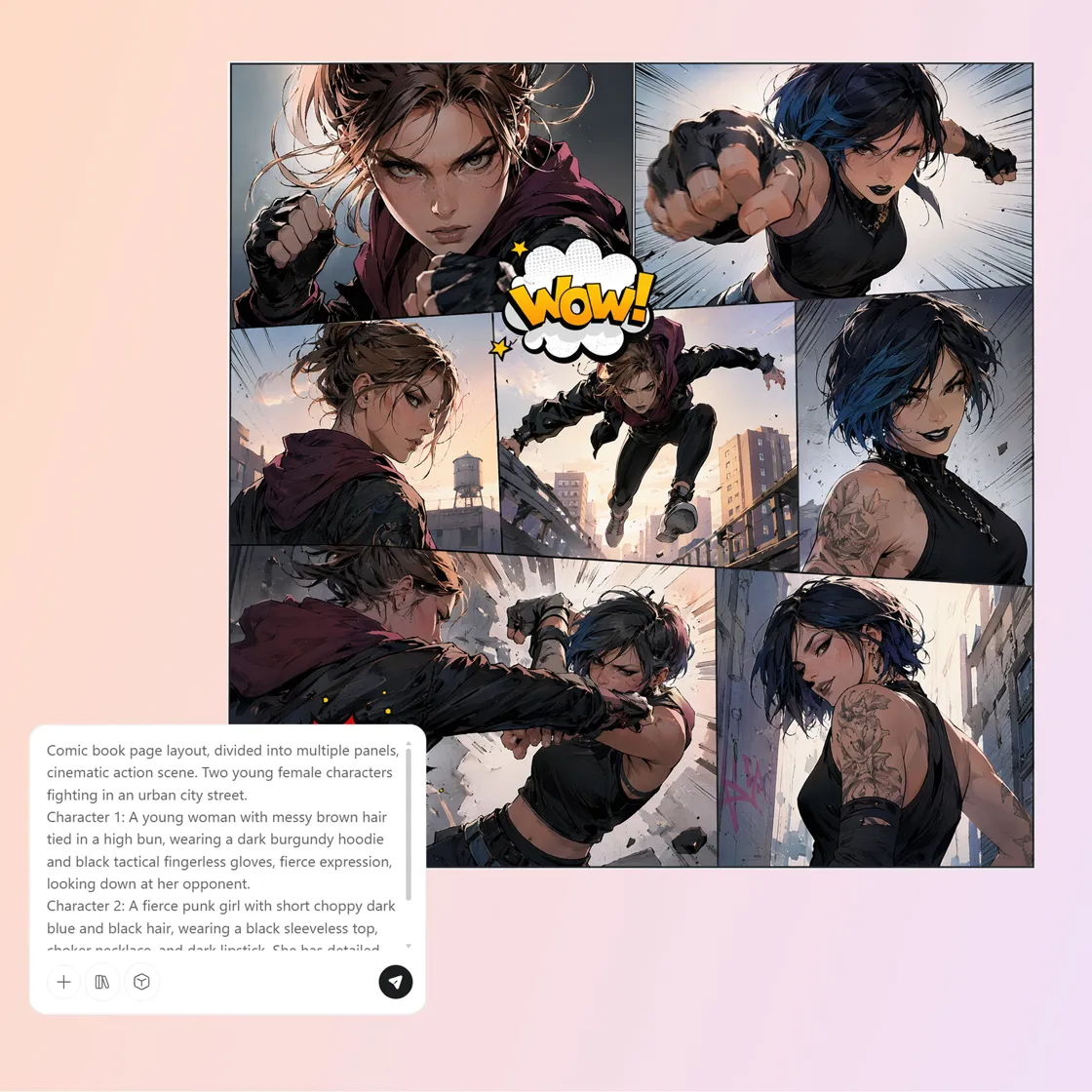
From a Single Idea to a Complete Comic World in Seconds
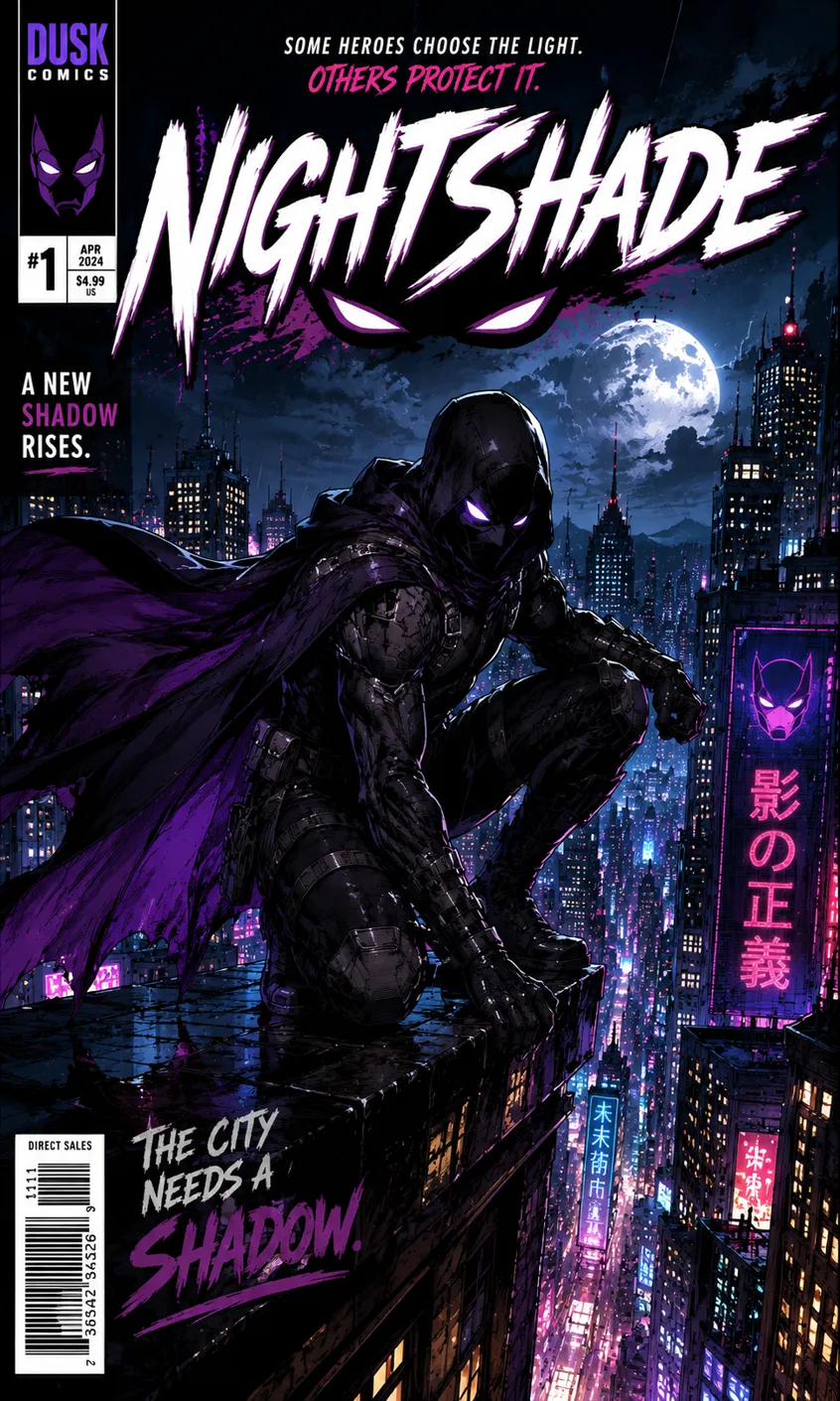
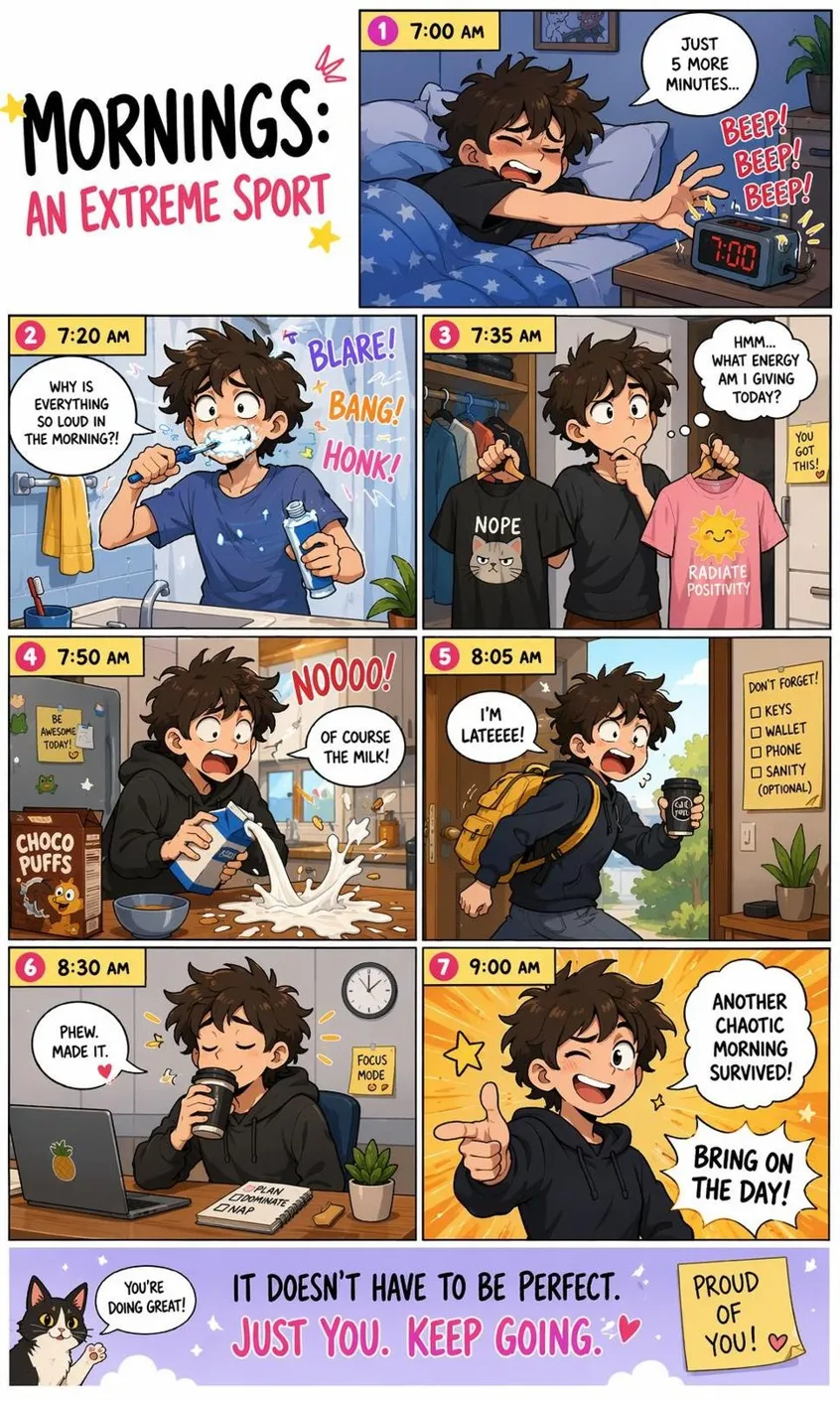
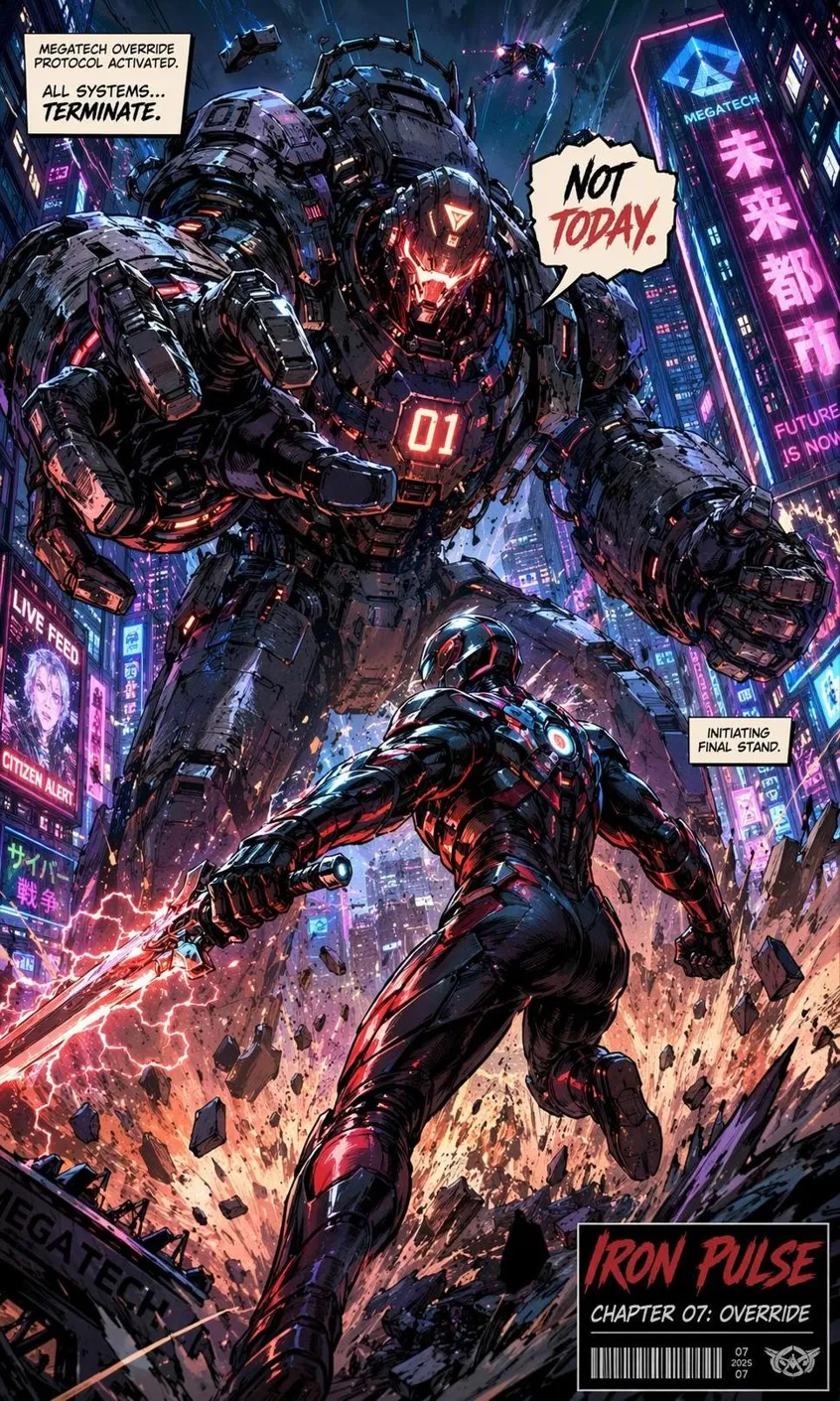
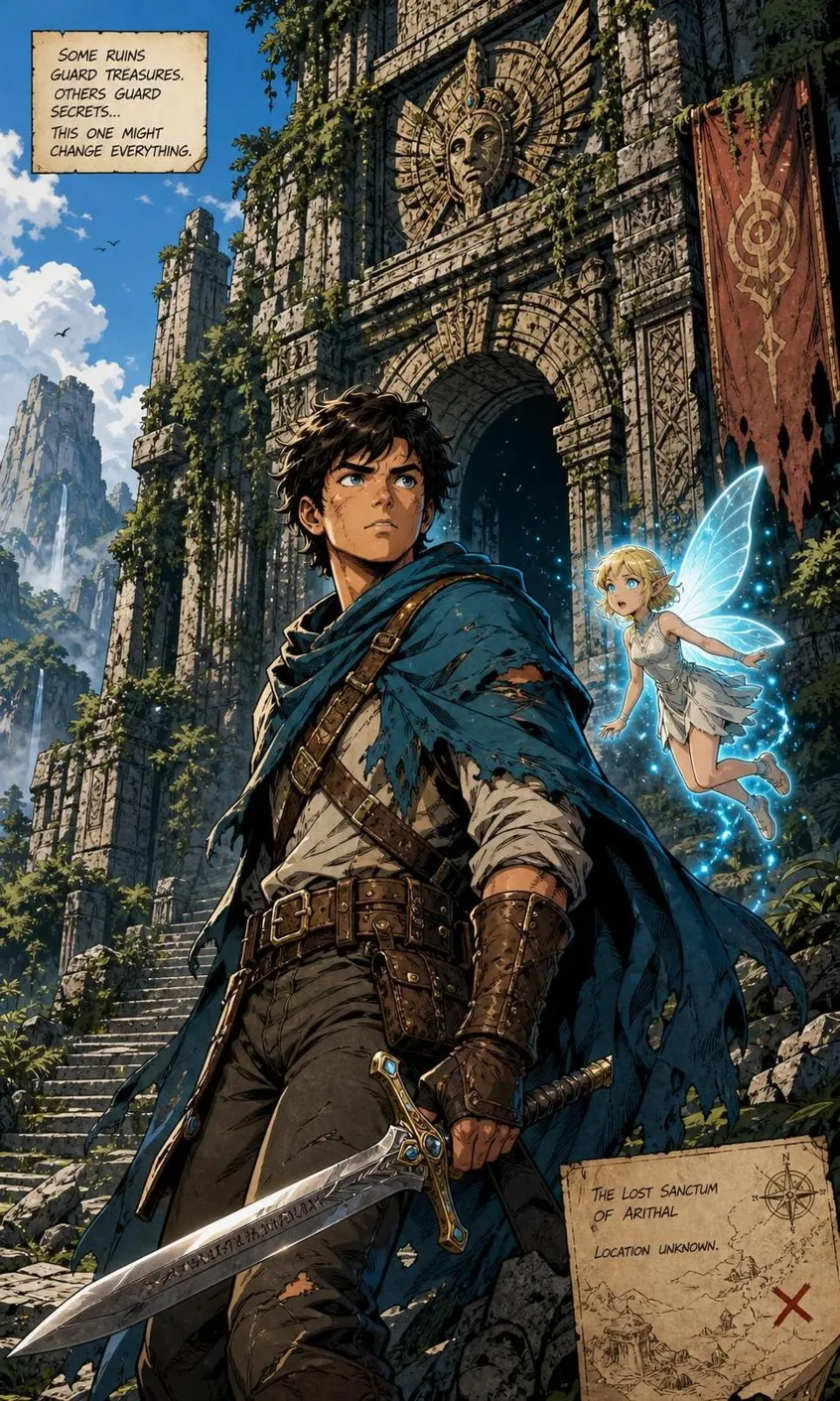
How to Create AI Comics in 3 Steps
Add Your Story or Character Photos
Type a script, scene notes, or dialogue. You can also upload reference photos to define how characters should look.
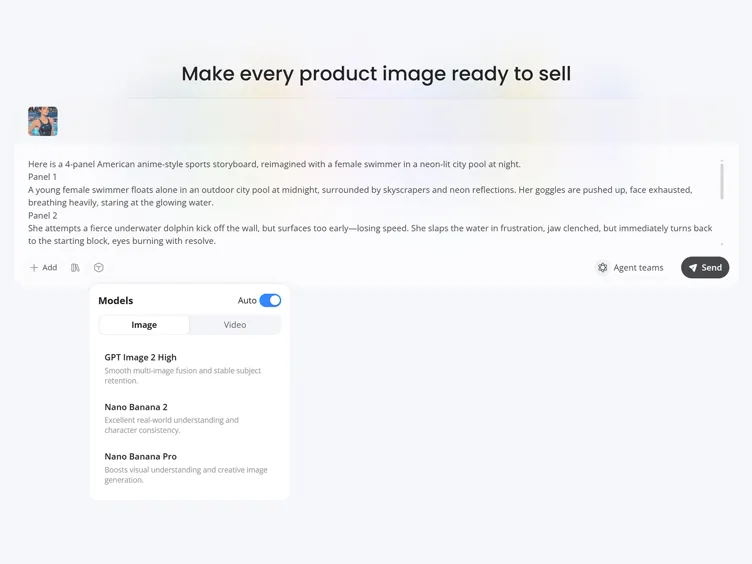
Generate Comic Panels
Designkit creates connected comic scenes with matching characters, expressions, backgrounds, and speech-ready layouts.
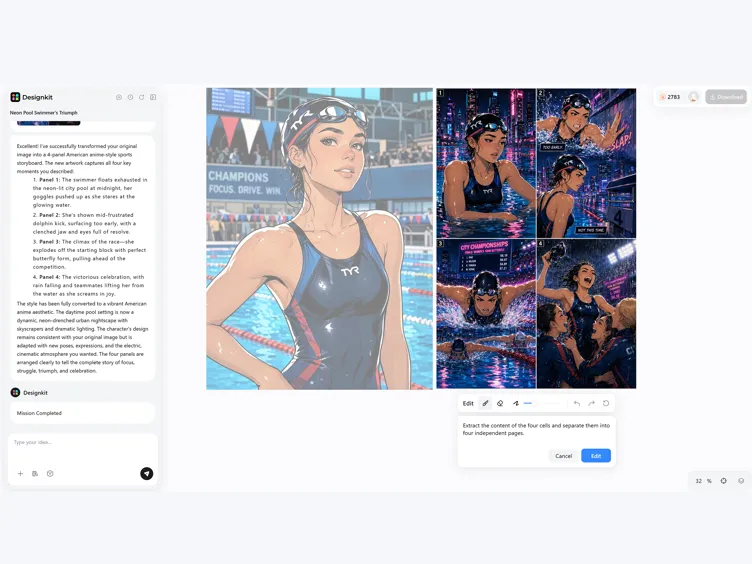
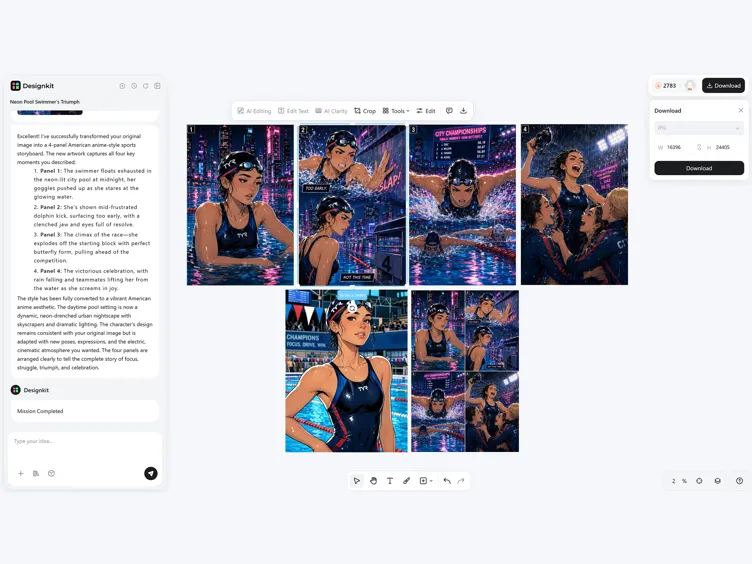
Review Panels and Download
Check connected panels, adjust details with editing tools, and export high resolution pages for sharing or printing.
What Makes Designkit Ideal for AI Comic Generation
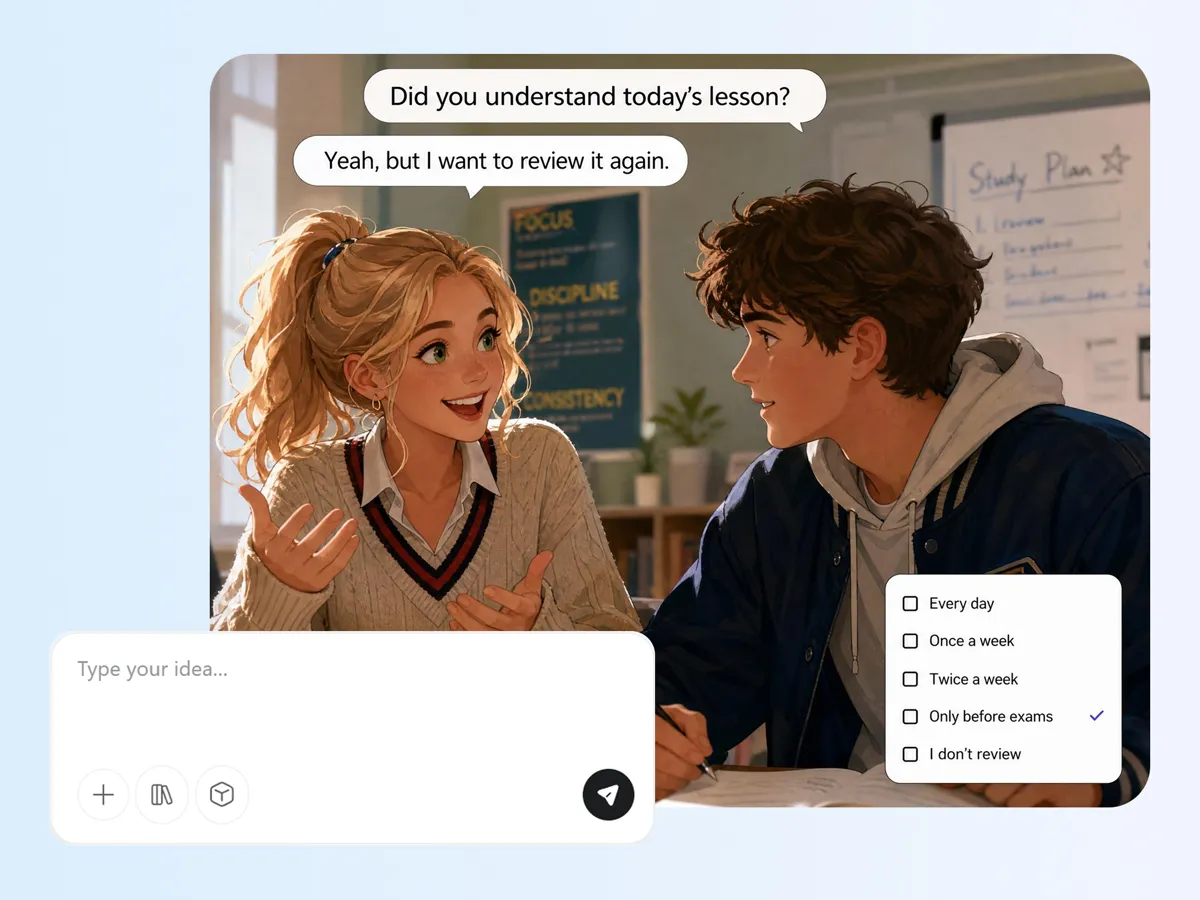
Turn Scripts into Comic Panels
Turn a story idea into connected comic pages instead of creating one image at a time. Designkit's AI comic generator from text converts prompts or scripts into sequential panels with a clear narrative, reducing manual layout work.
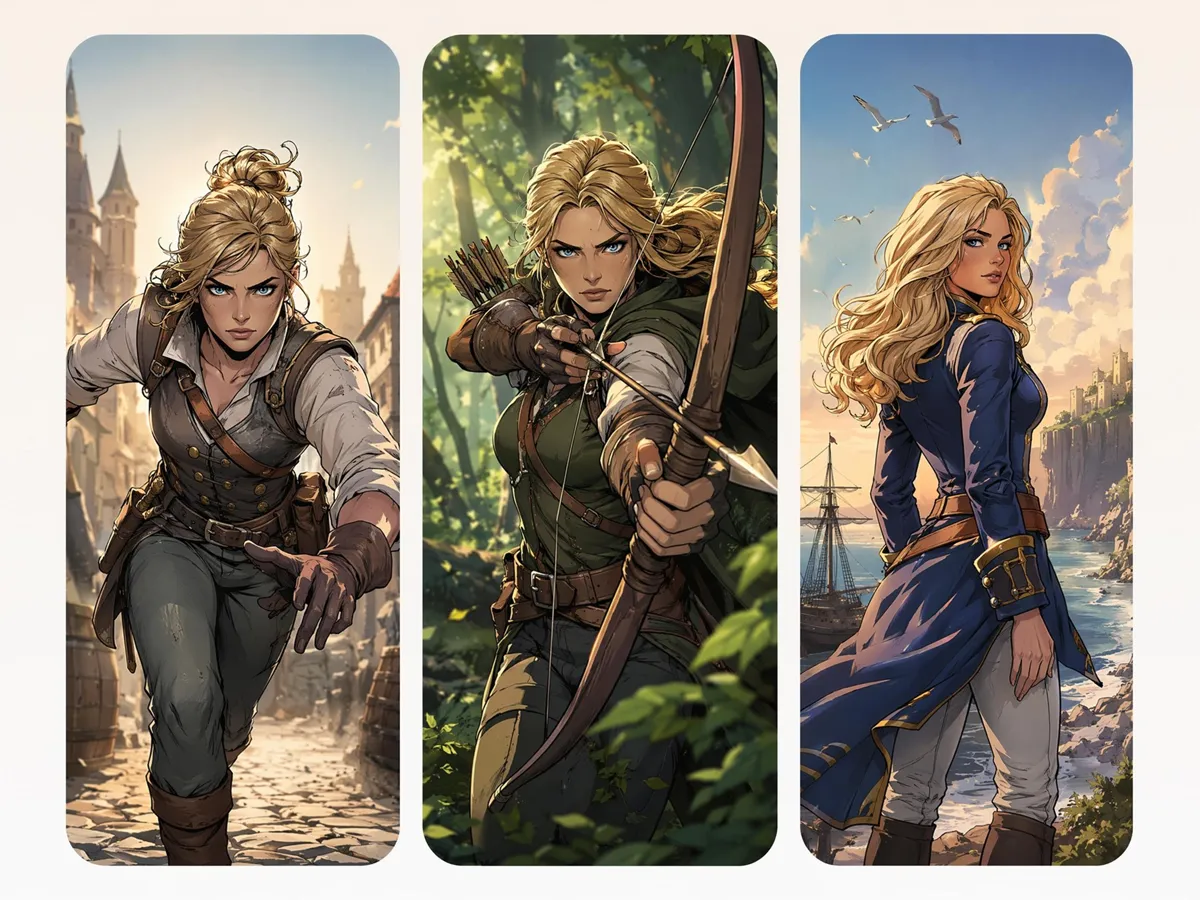
Keep Characters Consistent Across Pages
Characters that change appearance between panels can disrupt the story. Designkit's AI comic generator helps maintain the same face, outfit, and visual style across pages, creating a smoother reading experience.
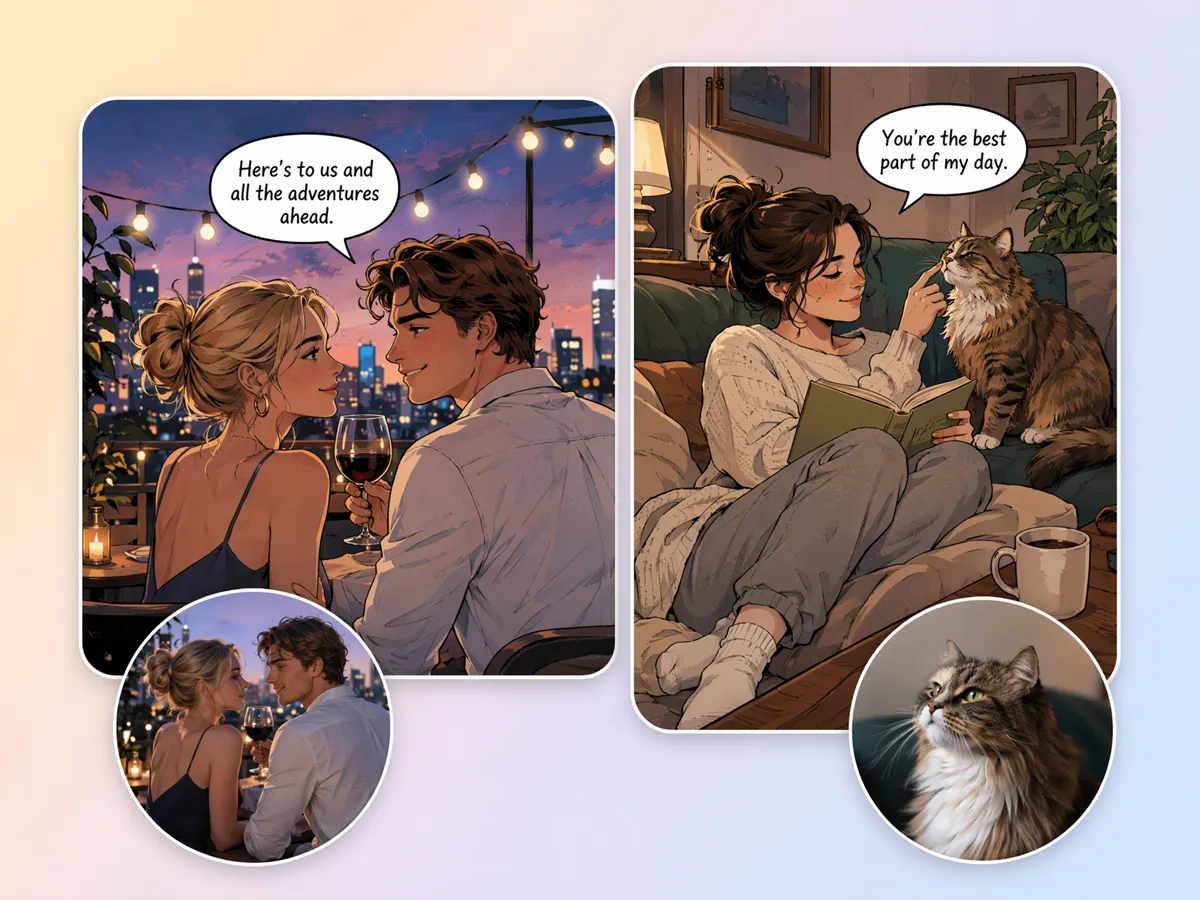
Build Comics from Reference Photos
Convert portraits, selfies, or sketches into illustrated comic characters without drawing them from scratch. Designkit's AI comic generator from photo preserves recognizable features while adapting them into comic artwork.
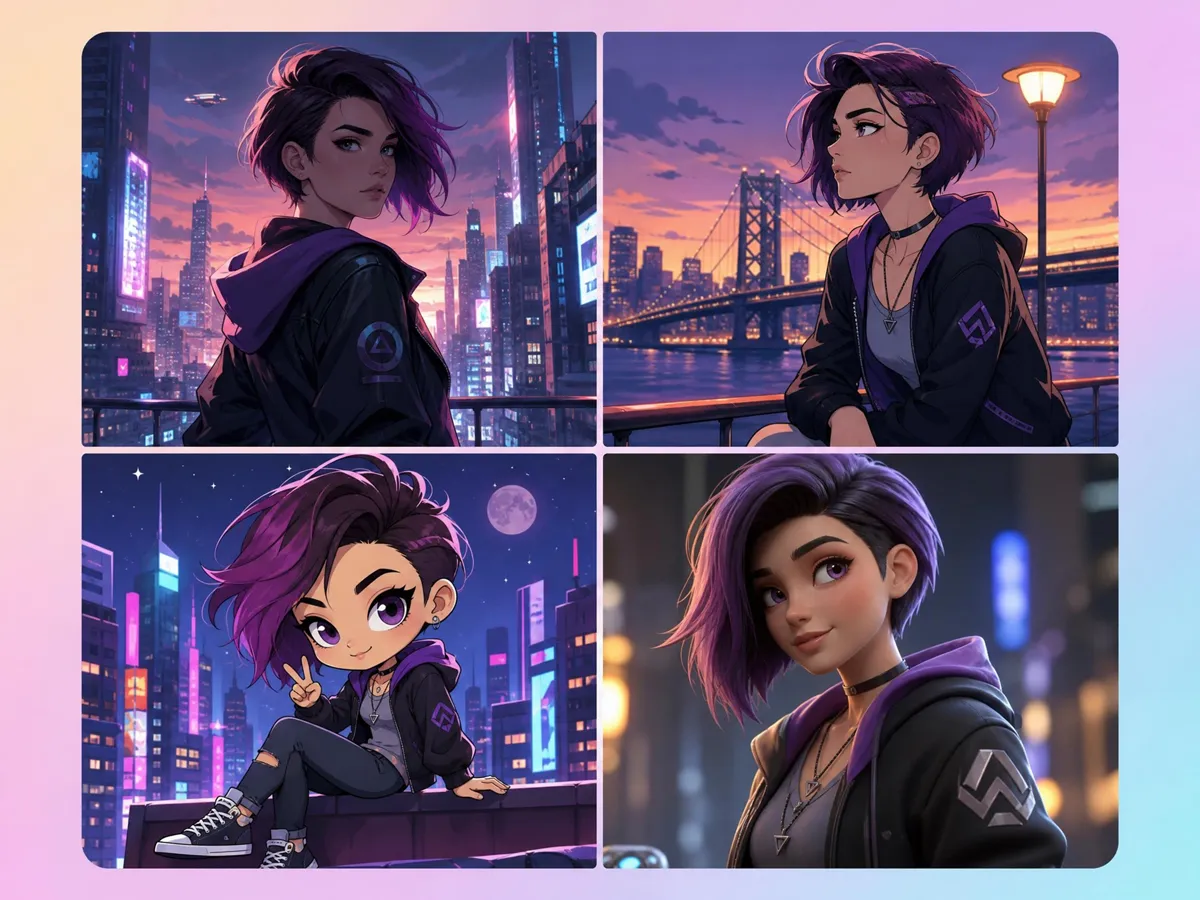
Generate Different Comic Styles
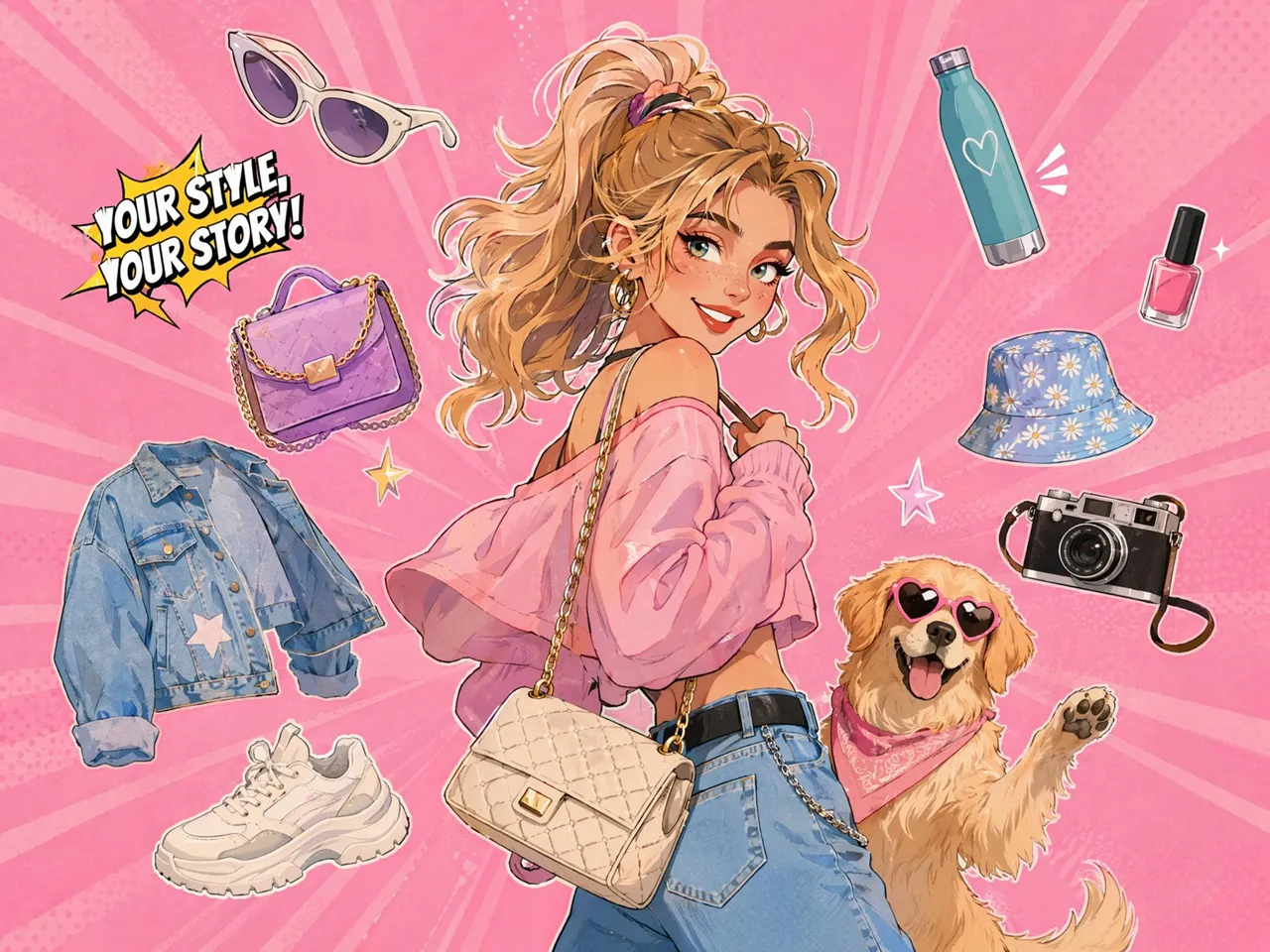
Different stories require different visual styles. Designkit's AI comic generator online creates superhero, manga, webcomic, newspaper strip, or cartoon versions from the same story, giving you more creative flexibility.
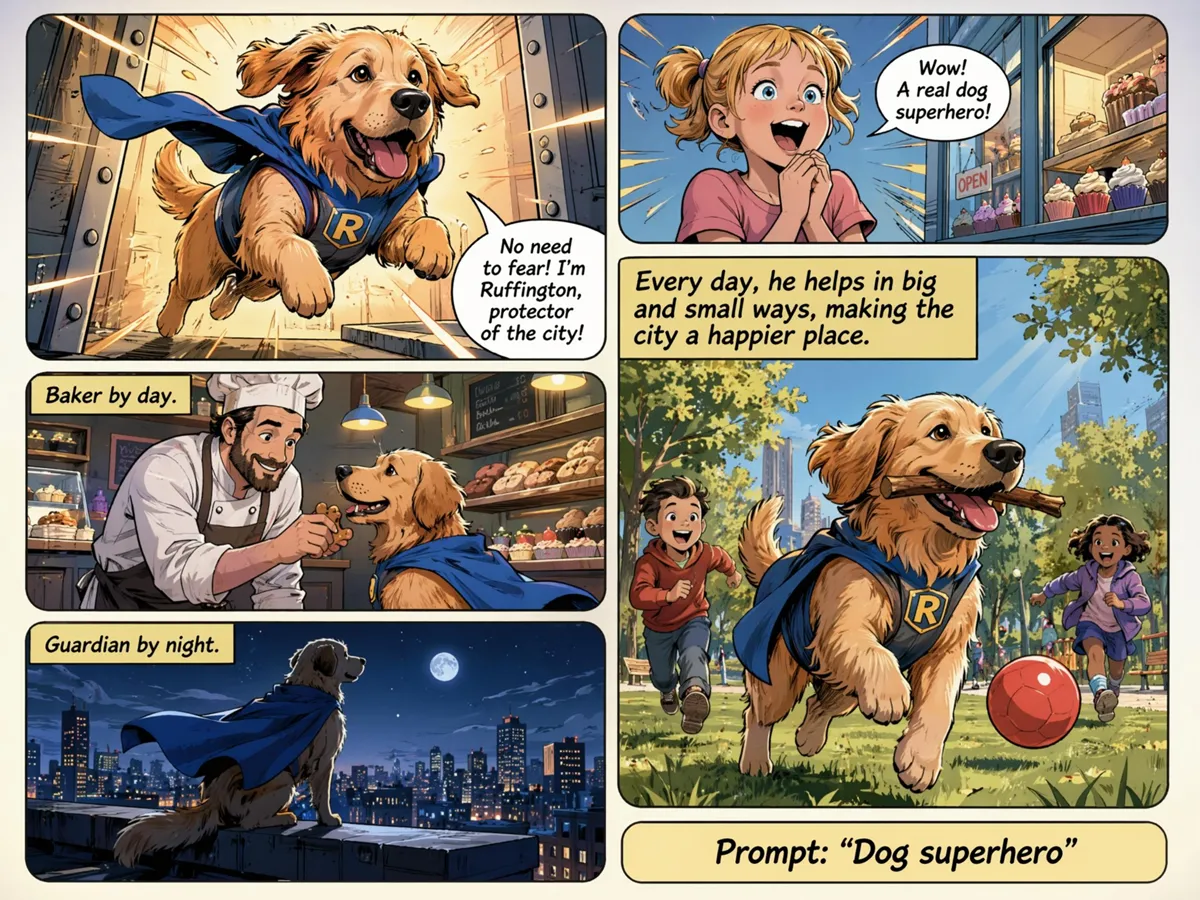
Generate Alternate Scenes from One Script
Test different panel layouts, camera angles, and storytelling approaches before publishing. Designkit lets you generate multiple scene variations from one script, making it easier to compare pacing and visual flow.
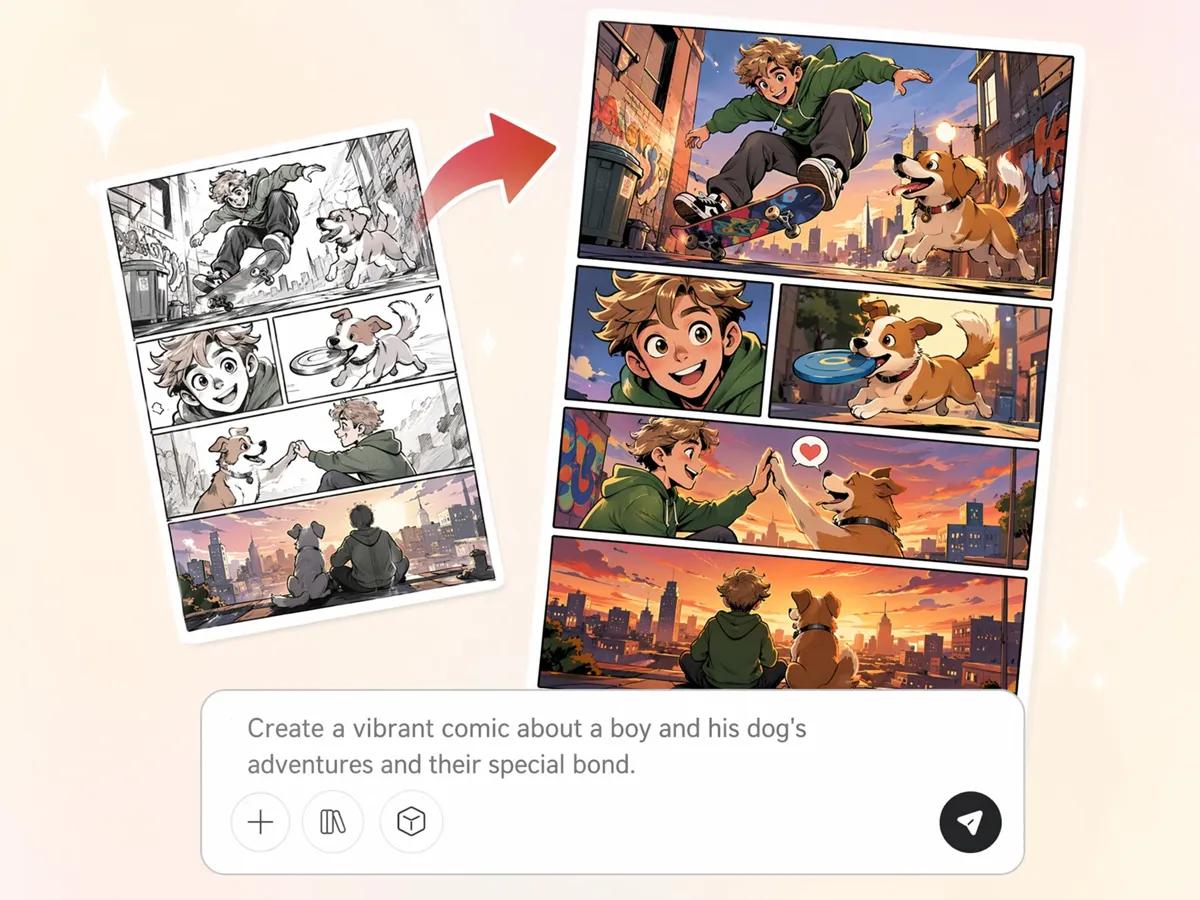
Continue Editing Beyond Comic Creation
Comic projects often need revisions after the first draft. With Designkit's free AI comic generator, you can refine characters, replace backgrounds, enhance images, and resize comic pages without rebuilding the entire project.
Built for Every Creator Who Needs AI Comics
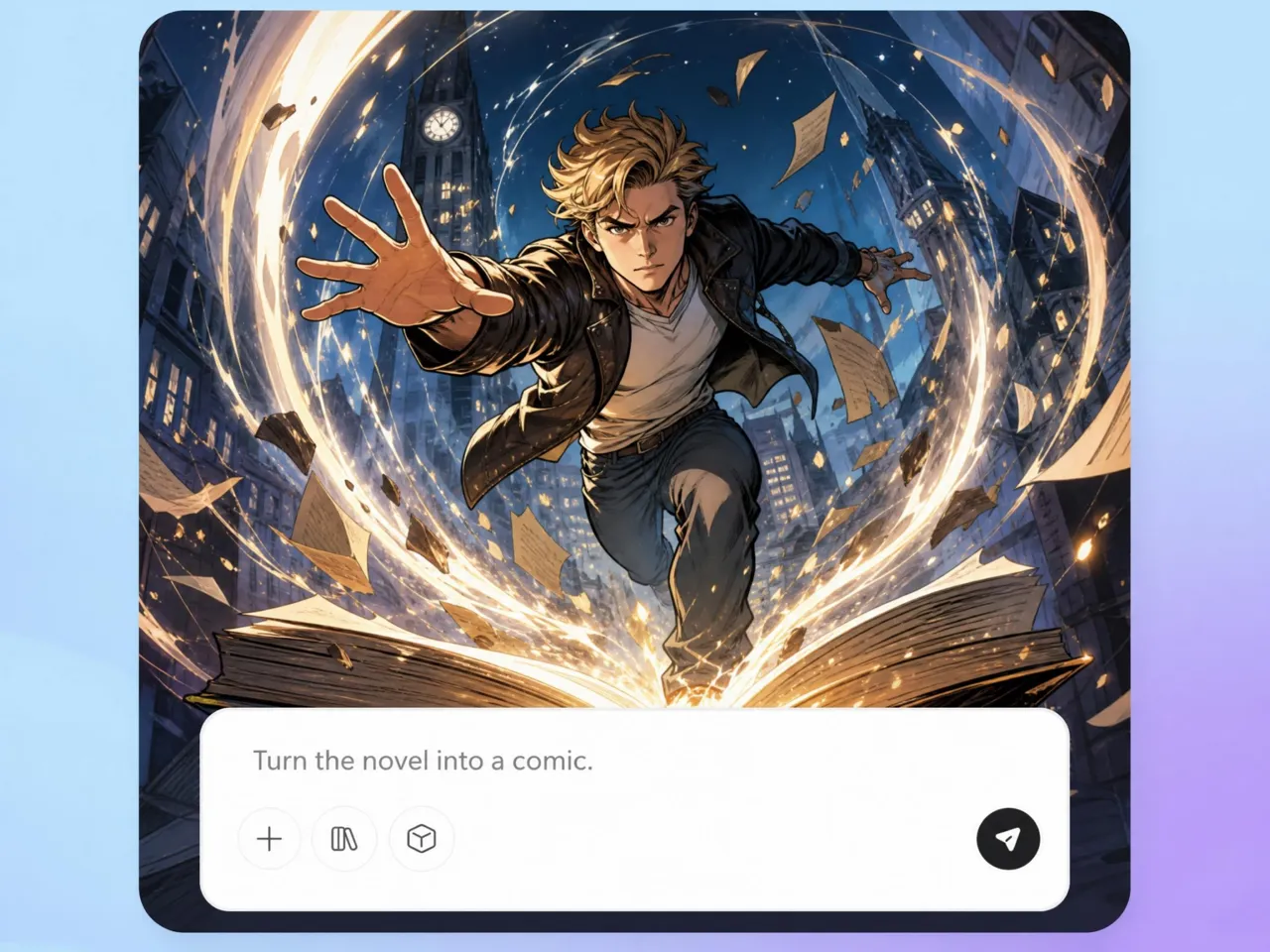
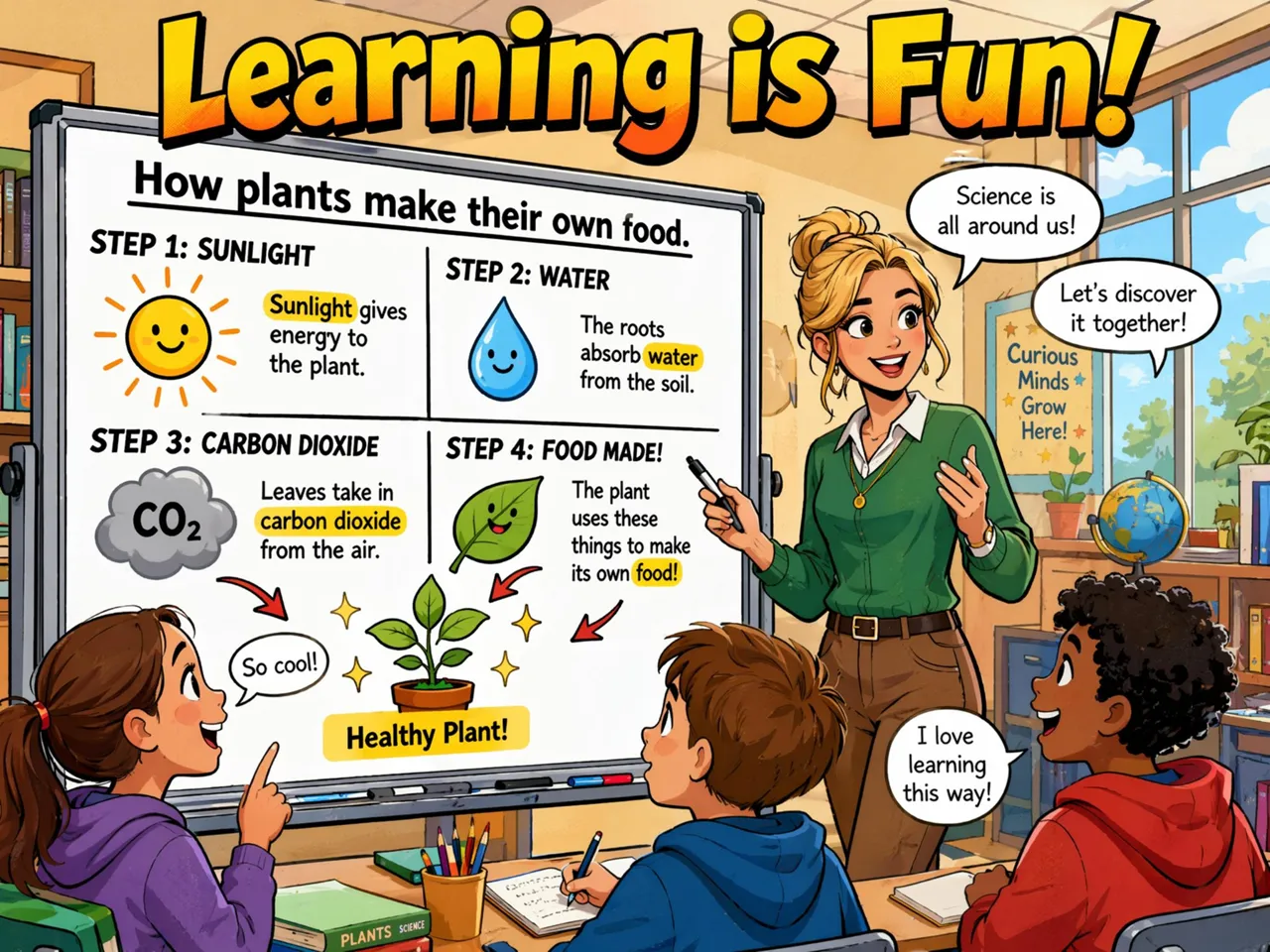
Turn novels, scripts, and ideas into comic pages
Writers often have complete stories but no practical way to visualize them. Designkit's AI comic generator from text free helps transform scripts, scenes, and dialogue into sequential comic pages, making it easier to pitch ideas, publish stories, or plan graphic novels.
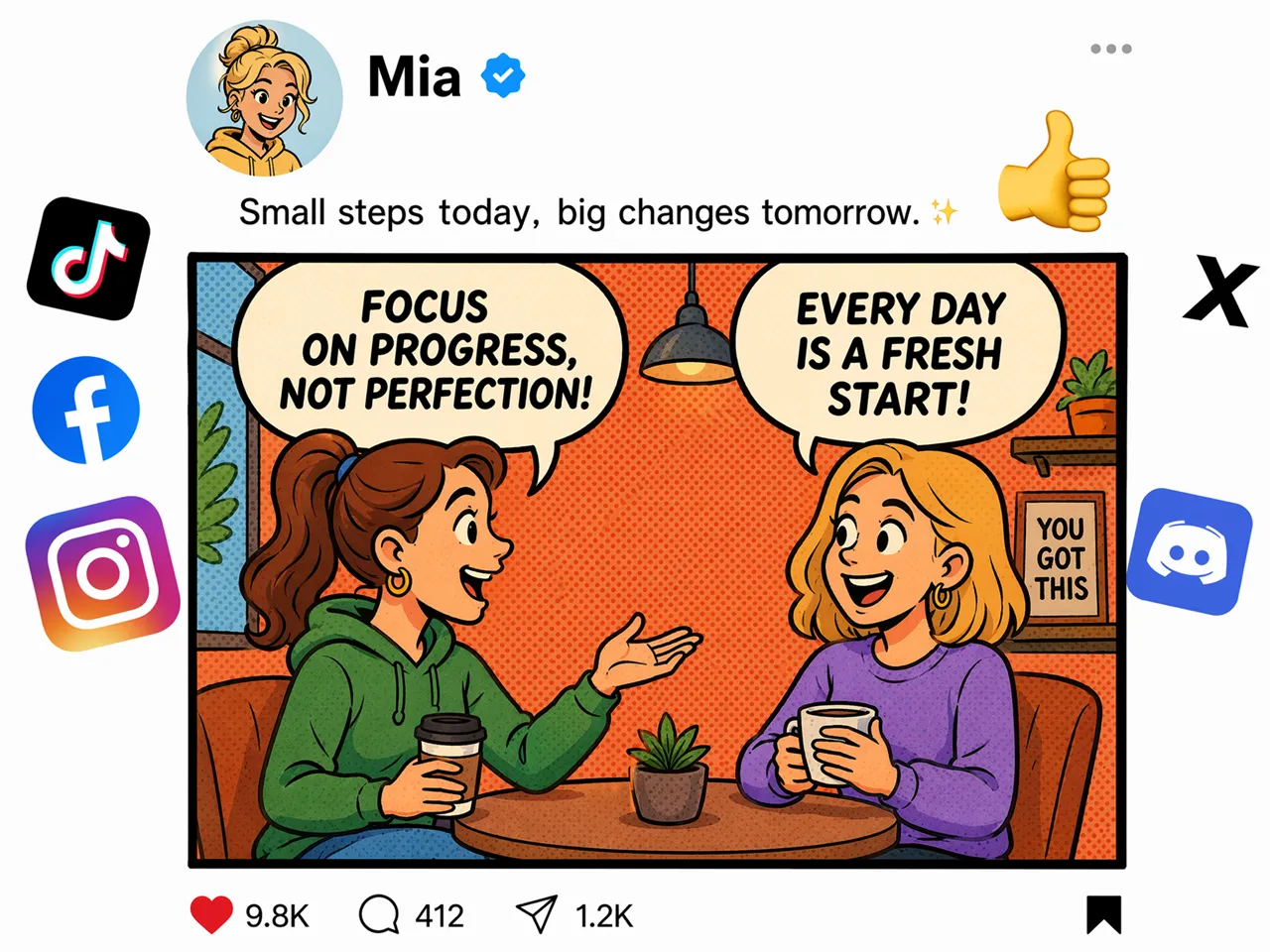
Why Choose Designkit for AI Comic Generation
No Illustrator Needed for First Drafts
Turn story ideas into comic drafts for review, pitching, or planning before investing time in manual illustration.

Connected Panels, Not Random Images
Create story sequences that follow a logical narrative, reducing the effort of arranging unrelated images into comics.

Same Character Look Across Every Panel
Keep recognizable characters throughout the story, minimizing manual revisions across multi-page comic projects.
Refine Comics Without Restarting
Update dialogue, scenes, or visuals while keeping the existing story structure and reducing repetitive recreation.
One Story, Multiple Comic Styles
Adapt the same storyline into different comic styles, making it suitable for varied audiences and publishing goals.

Export Pages for Web, Social, or Print
Publish comic pages in formats suitable for digital platforms, social media, presentations, or printed materials.
Unlock More Creative Possibilities
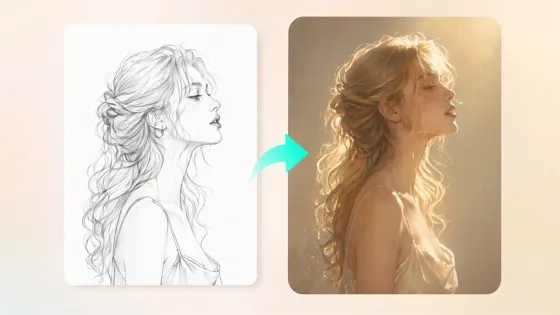
Sketch to Image AI
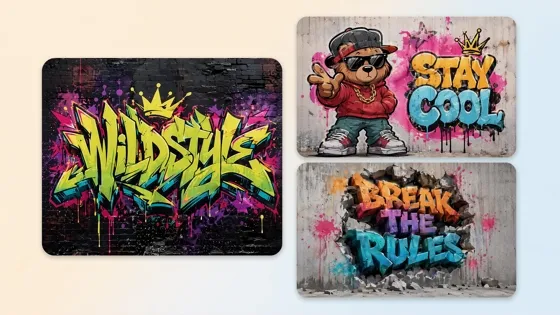
AI Graffiti Generator
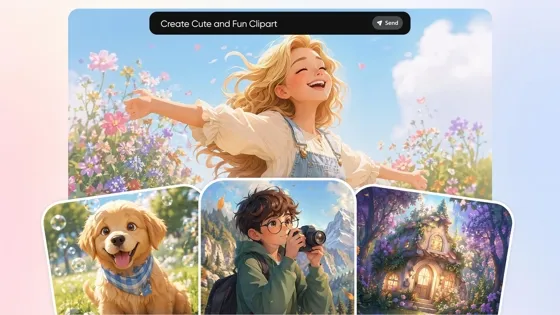
AI Clipart Generator

AI Filter
Frequently Asked Questions
Can I create AI comics from text prompts?
Can I turn photos into comic characters?
Can I keep the same character across every panel?
Can I create multi-page comic books?
Which comic styles can I generate?
Can I edit comic panels after generating them?
Can I use AI comics for commercial projects?
Do AI generated comics look professional and keep characters consistent across panels?
Start Your Comic from Text or Photos
Generate AI comic strips from text or photos, build consistent characters, and download complete comic pages ready to publish.



What Creators Say About Designkit AI Comic Generator
Real experiences creating AI comics for different creative projects
Finished My Web Comic Faster
I used to spend hours redrawing the same characters for every episode. Designkit kept their look consistent across panels, scenes, and pages, so I could finish a full web comic in one afternoon instead of stretching the work across several days. It also made revisions easier because I could update the story without rebuilding every frame from scratch.
Tested Scripts Before Hiring Artists
I wanted to see if my story worked visually before paying for artwork. Designkit turned my script into comic pages that showed pacing and scene flow clearly. I fixed weak scenes early and had a stronger draft to share.
Lessons Landed Better in Class
My students followed historical events much better after I turned lesson plans into comic strips. The visuals made the material easier to understand and I spent less time preparing panels by hand.
Comic Posts Got More Engagement
We needed something more interesting than static graphics for a product launch. Comic style posts explained the features in a clearer way and got more comments and shares than our usual promo images. FAQs