
AI Meme Generator for Jokes and Photos
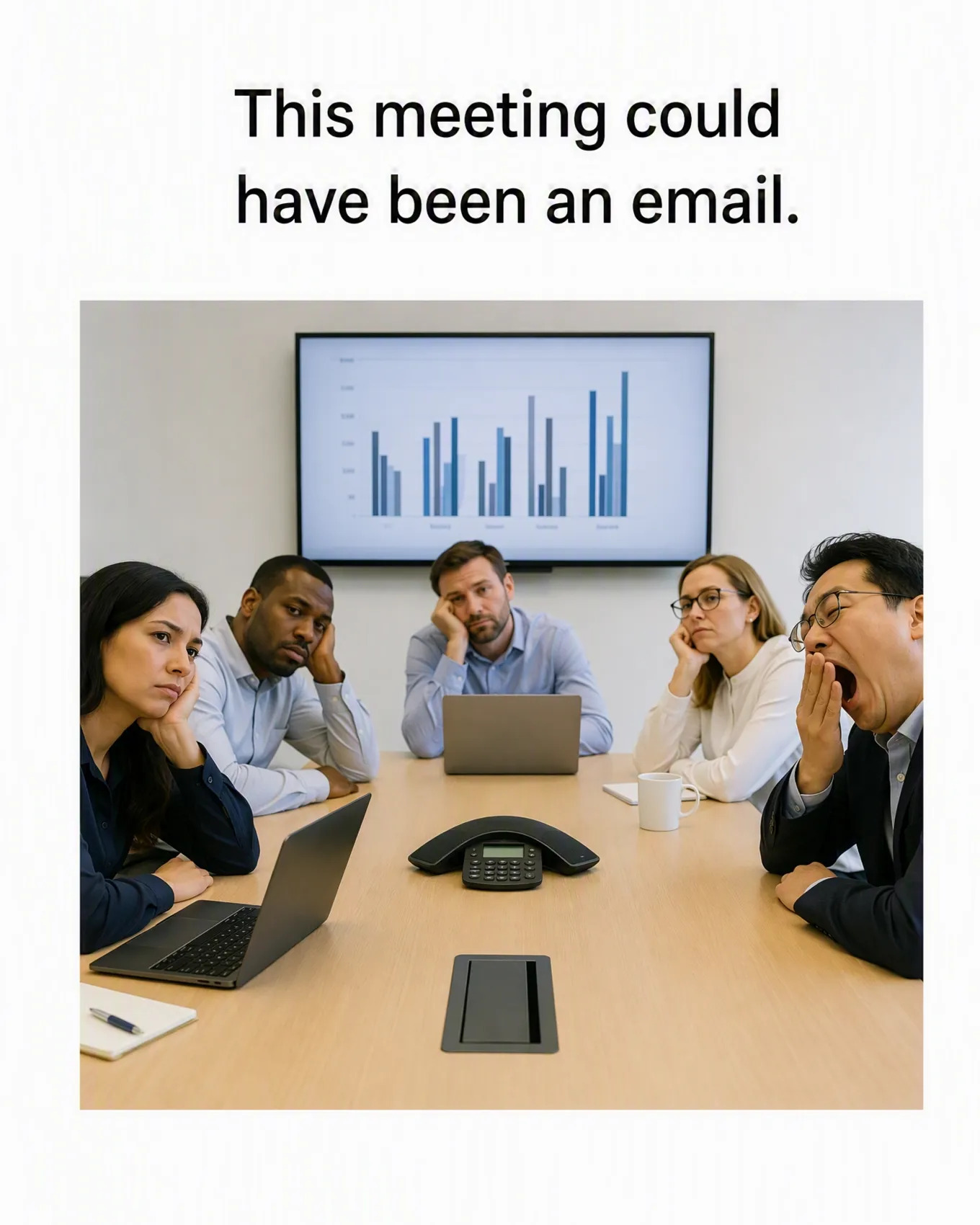
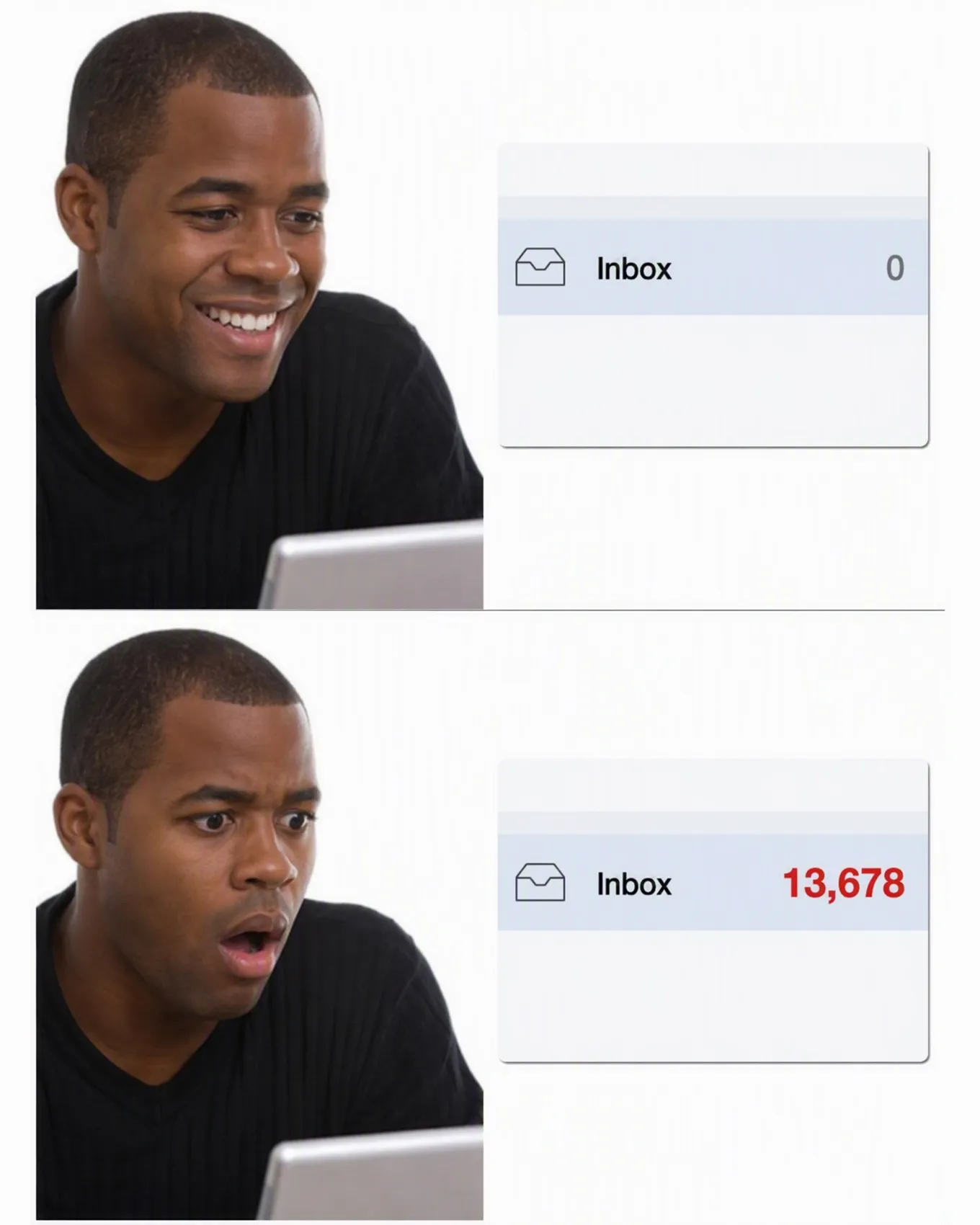
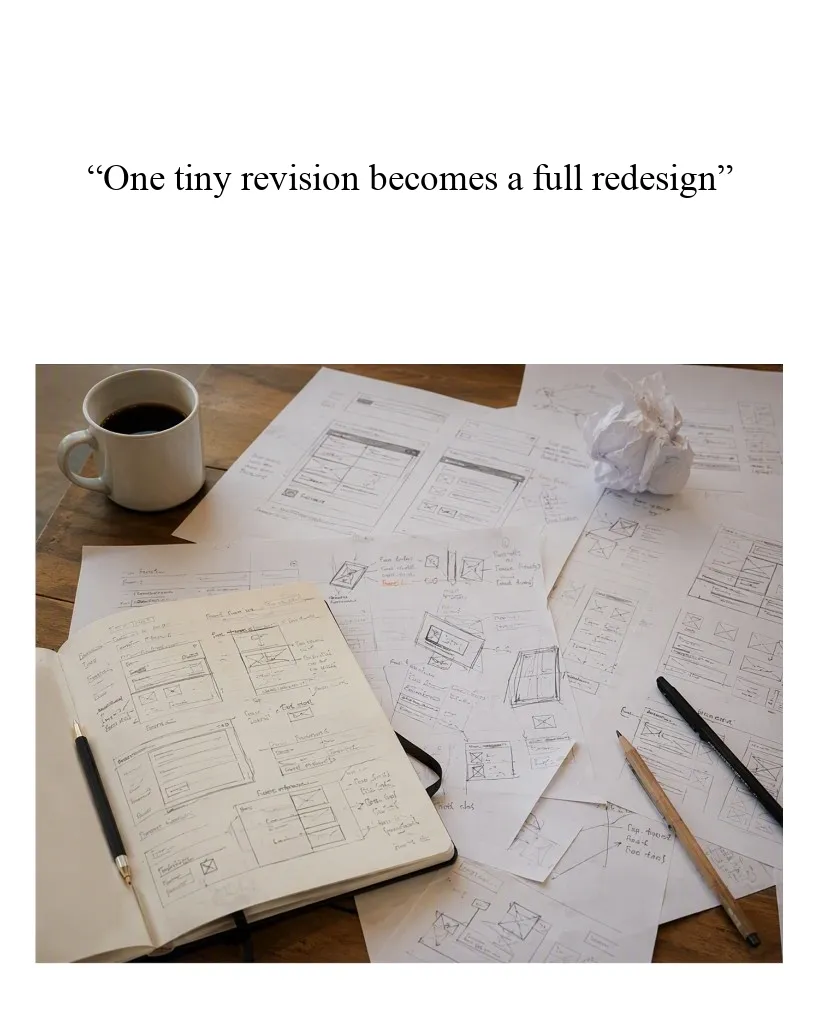
Type a joke idea or upload your own image. Designkit creates a meme draft where the scene and caption carry the same joke.
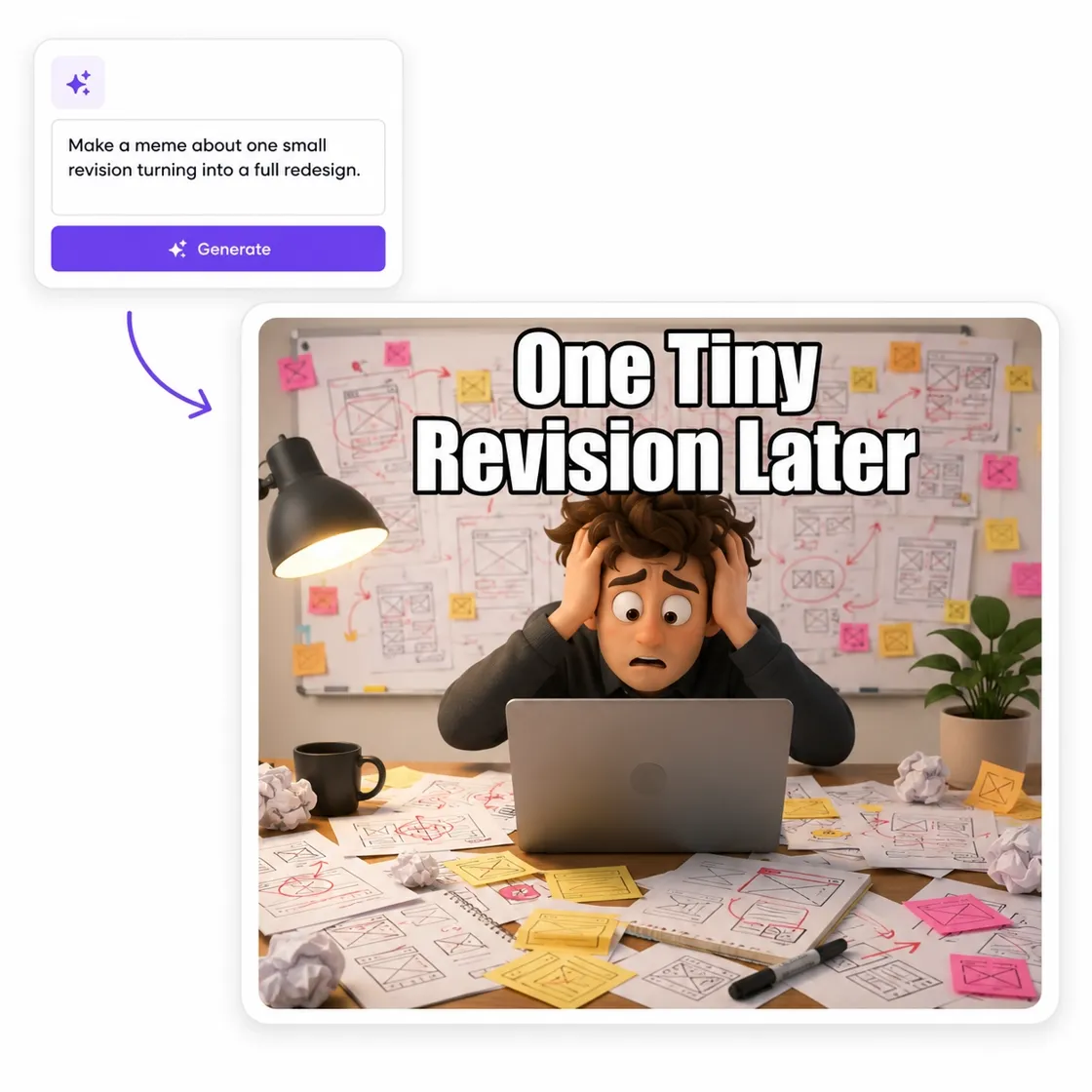
Explore Meme Styles You Can Generate
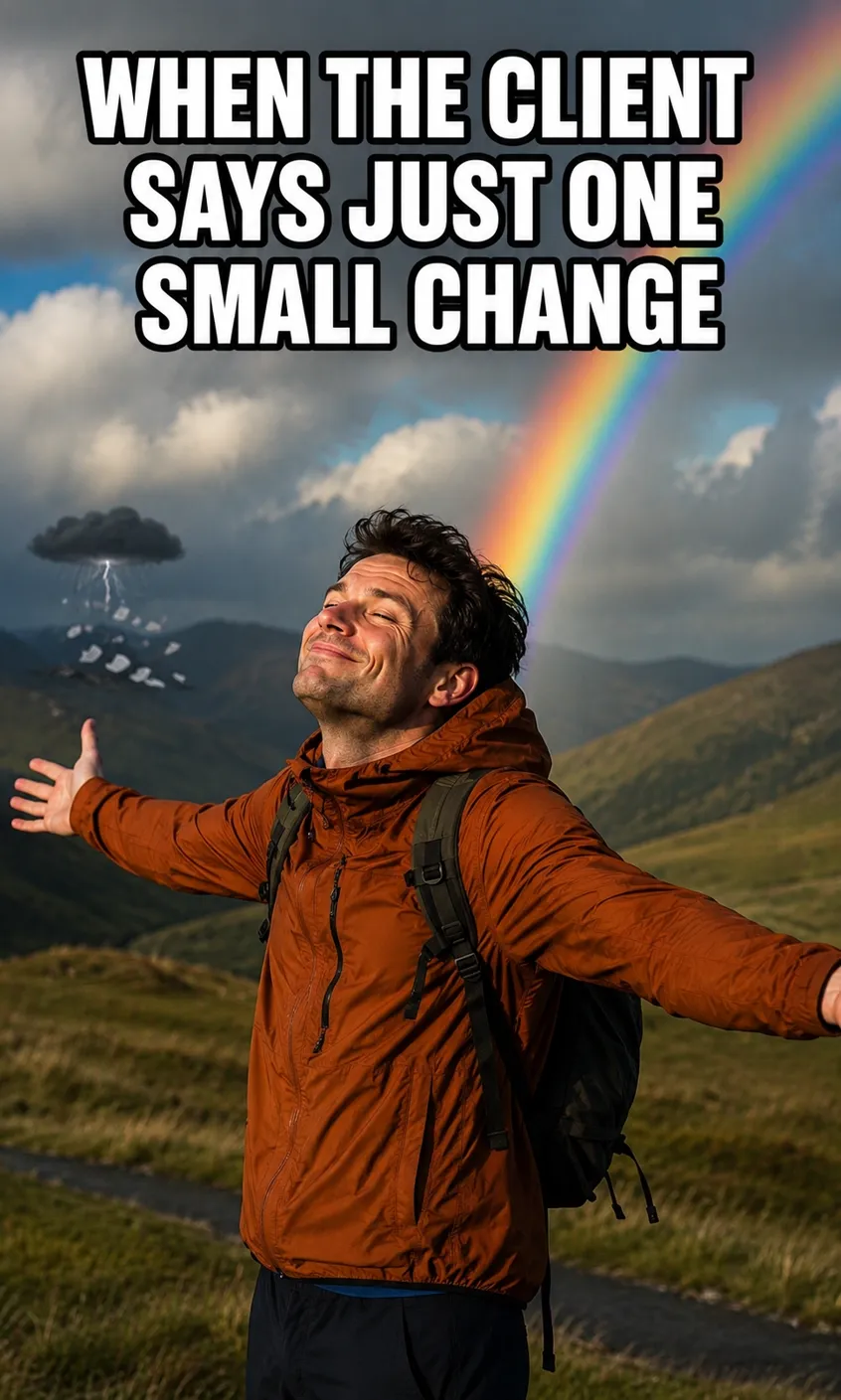
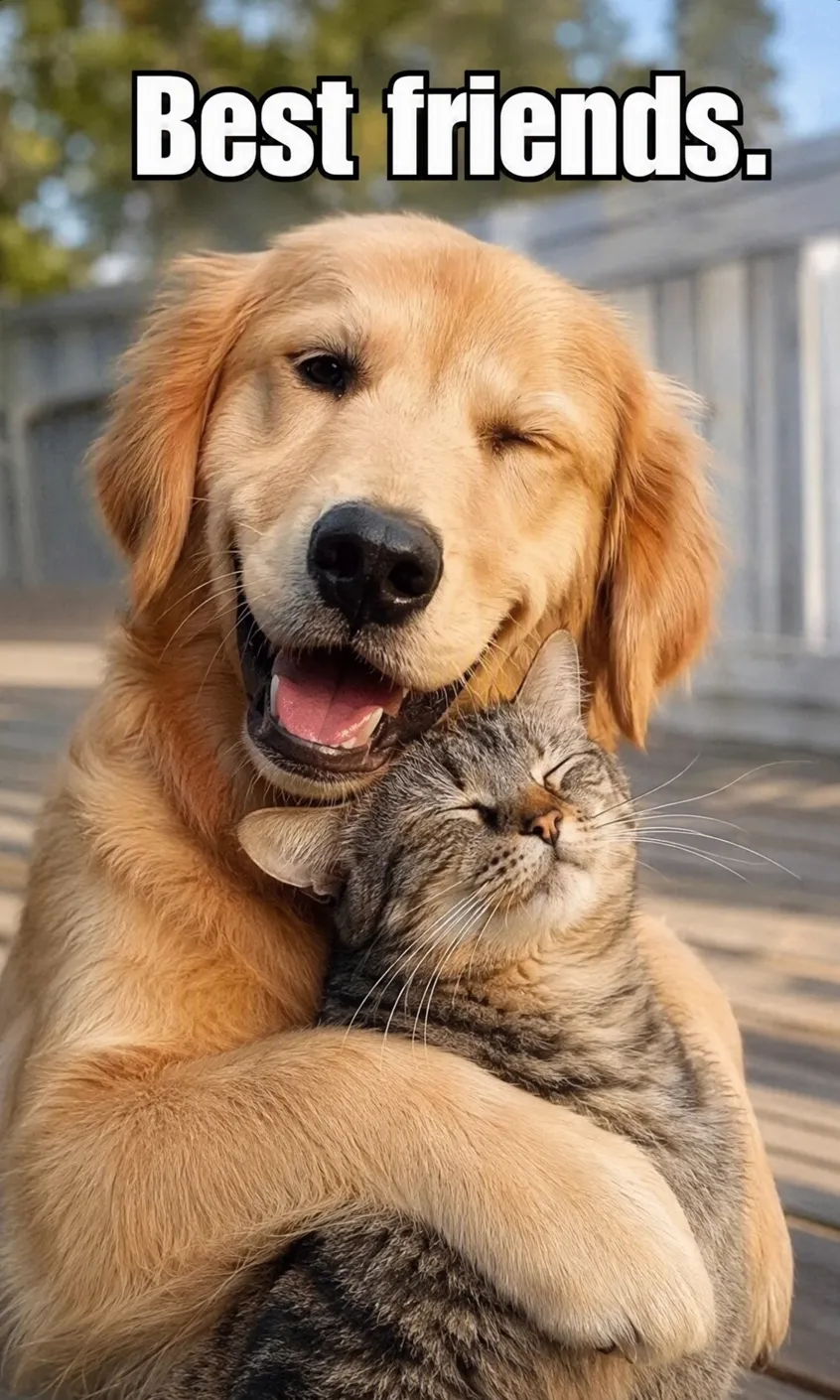
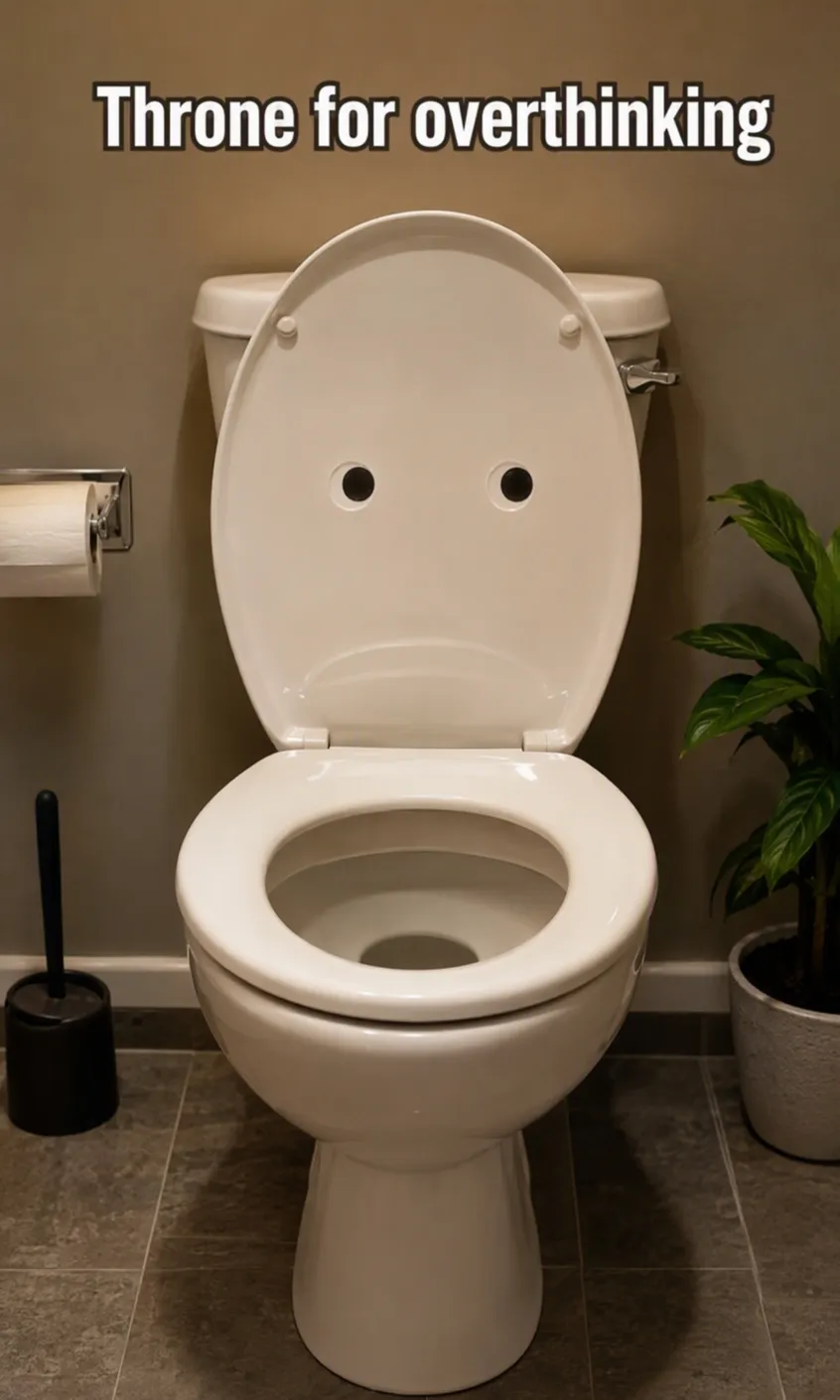
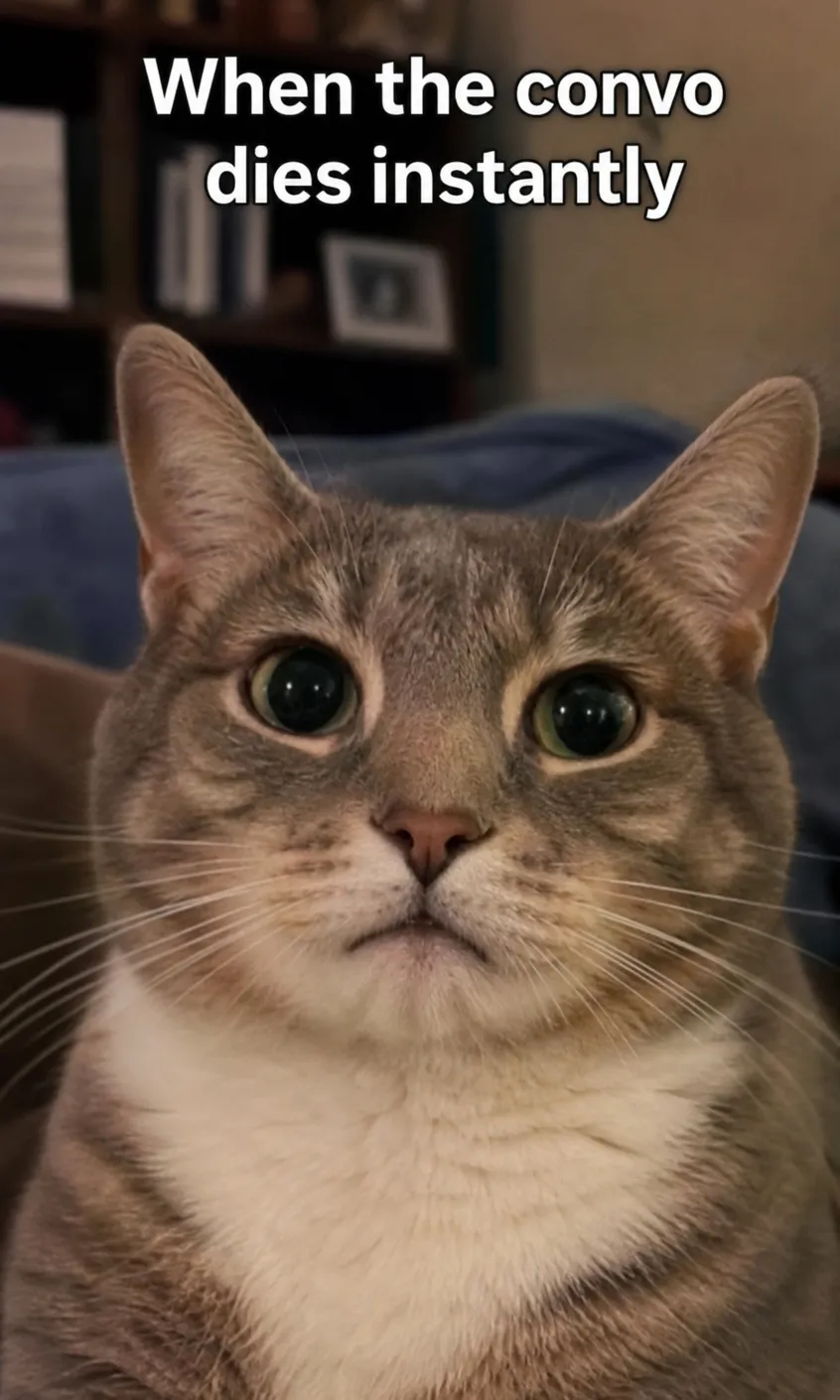
See What Your Meme Idea Can Become
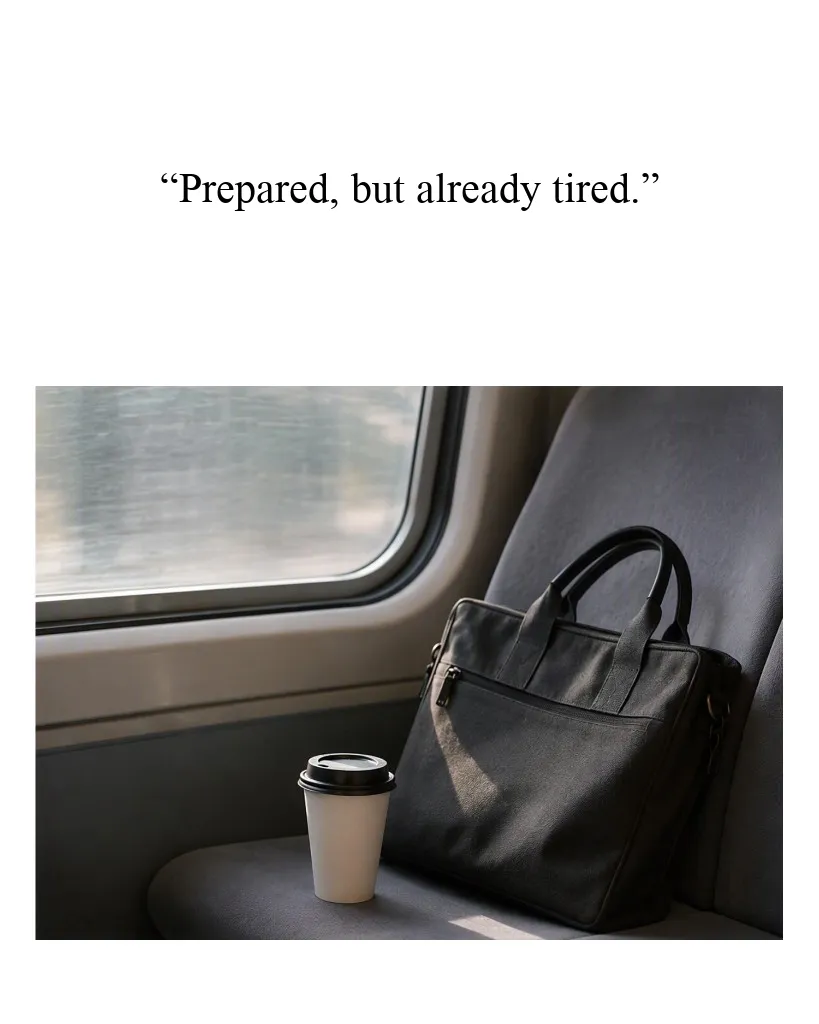
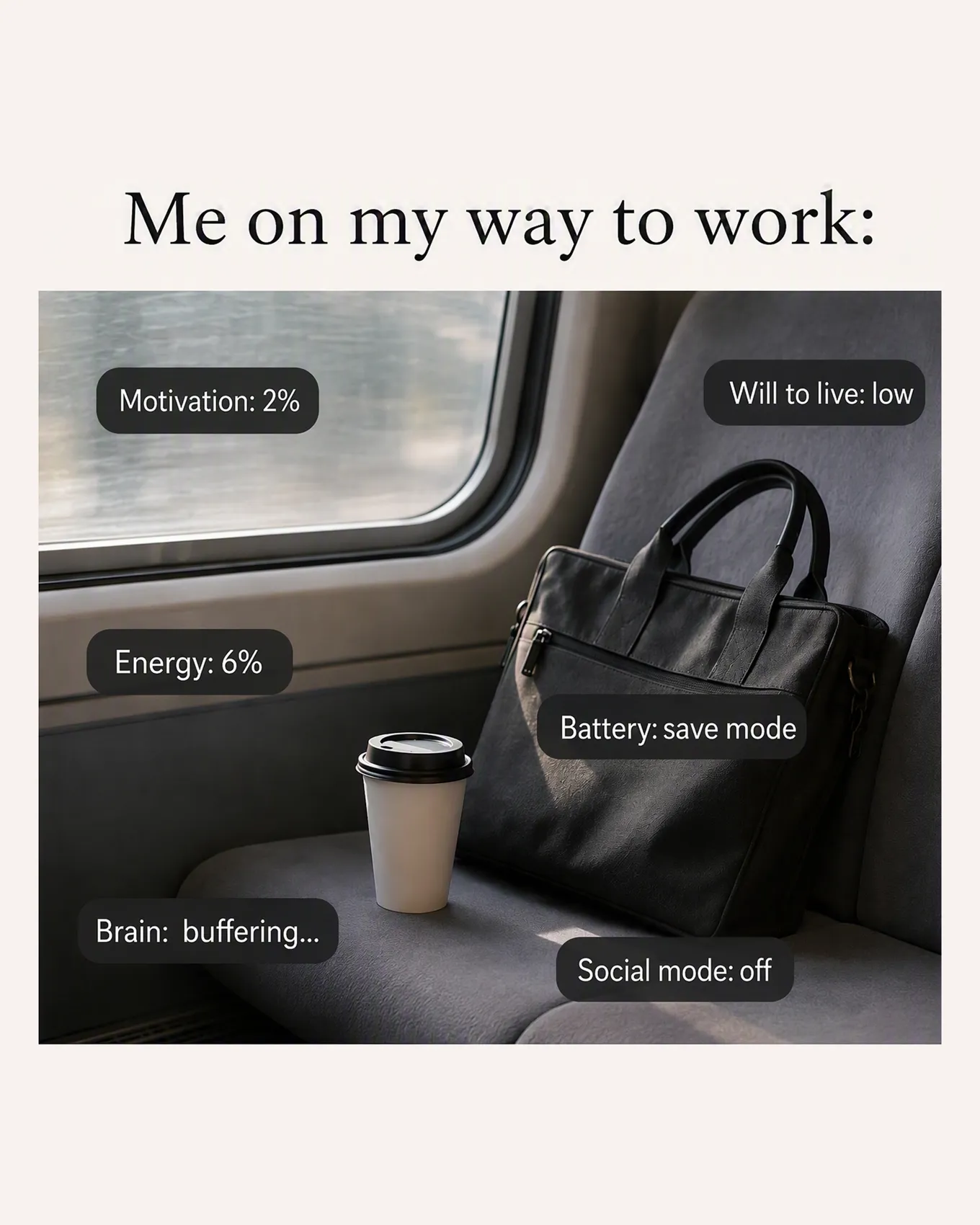
How to Make a Meme in 3 Steps with Designkit
Describe the Meme
Write the joke, reaction, or caption idea you want the meme to express.
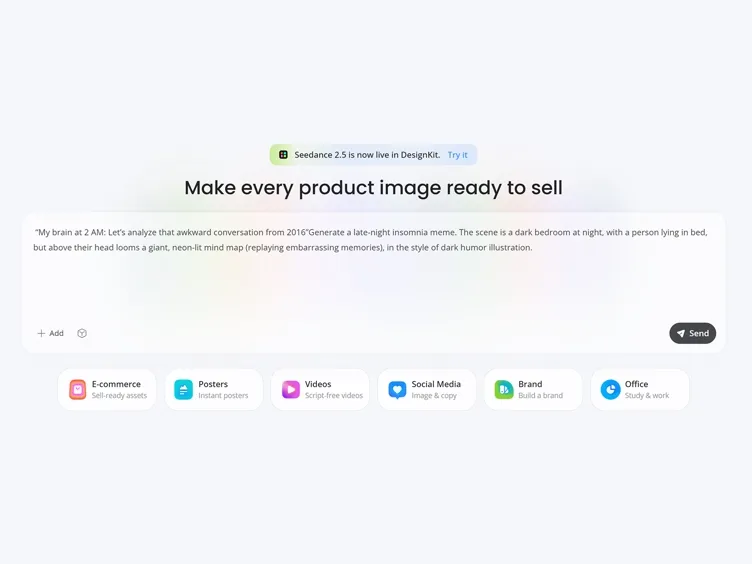
Add an Optional Photo
Upload your own image if the joke depends on a specific moment or subject.
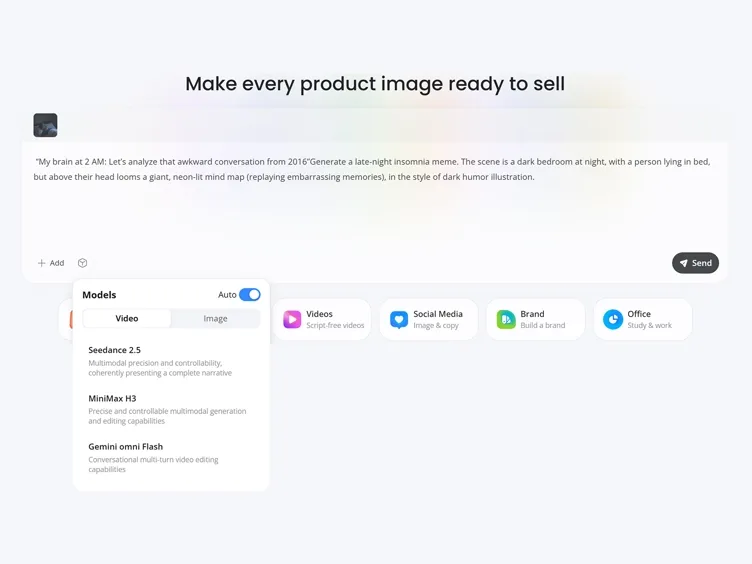
Generate and Export
Generate the meme draft, request final edits if needed, and export the finished image.
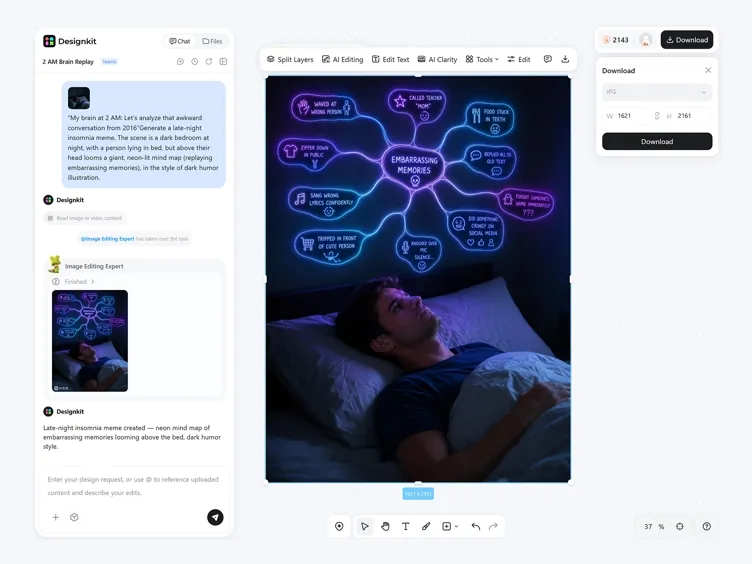
Shape the Joke Before You Export
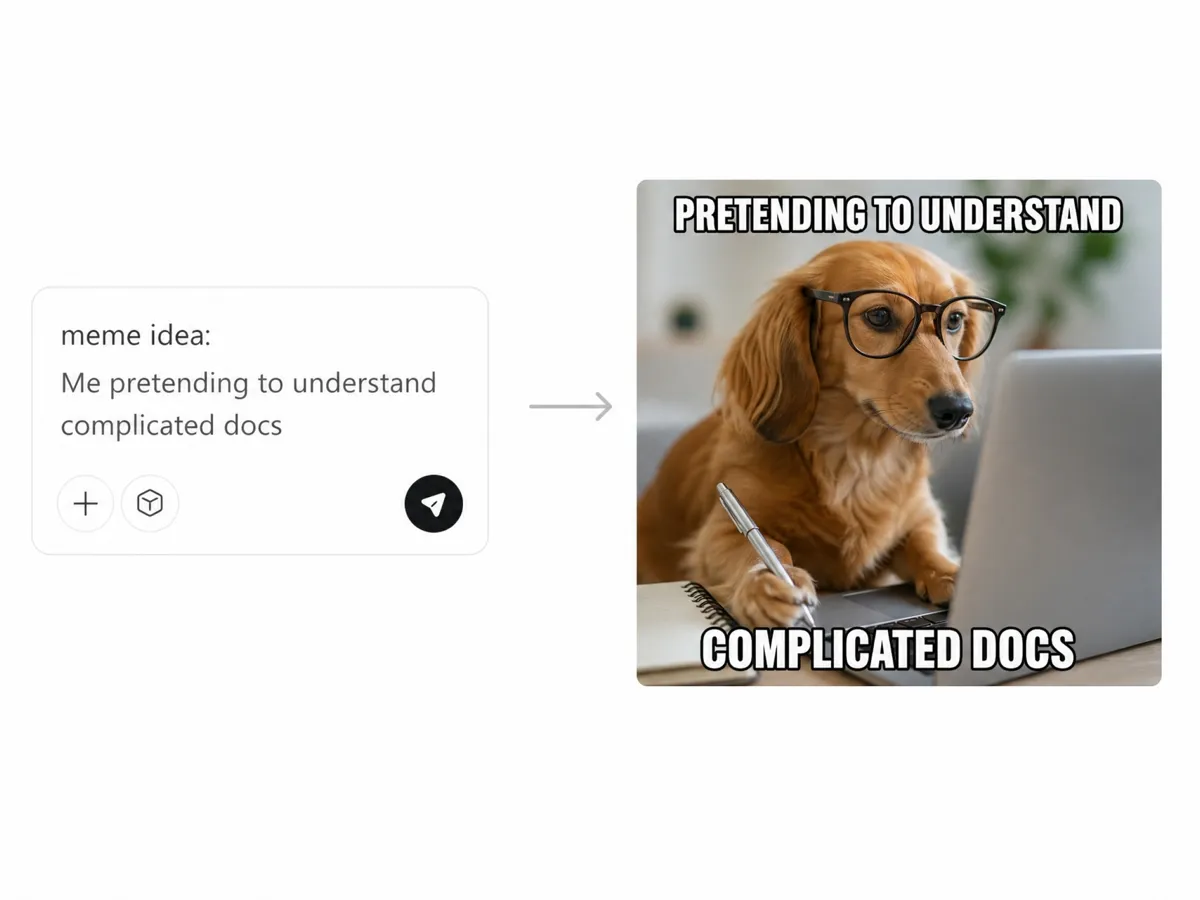
Create the Whole Meme from a Prompt
Describe the situation, reaction, and punchline in plain language. The AI meme generator uses the instruction to create a scene and caption together, so the first draft already has a clear joke instead of a random image with text added later.
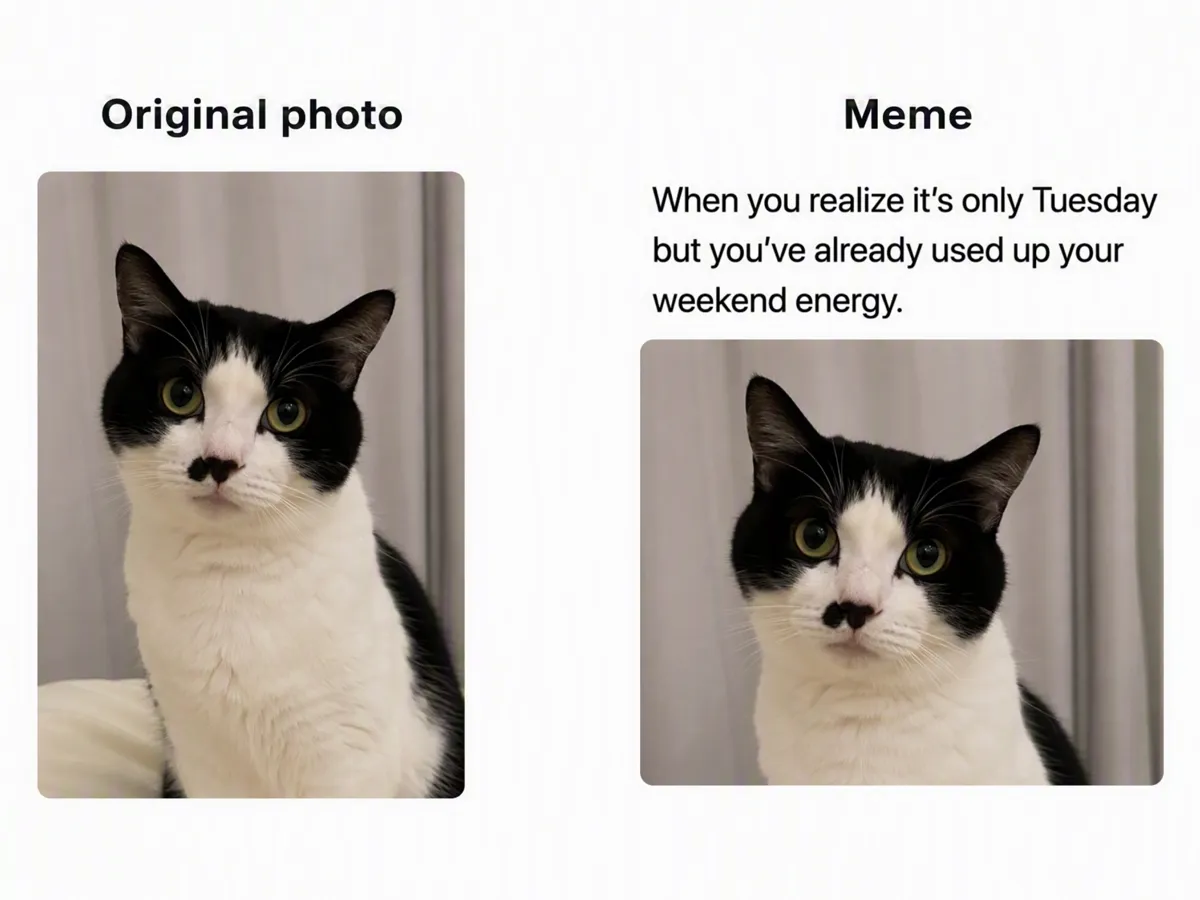
Use Your Own Photo as the Setup
Upload a photo you have permission to edit when the humor depends on a real moment. Designkit can use that image as the setup, then shape the caption and scene around the context already inside the photo.
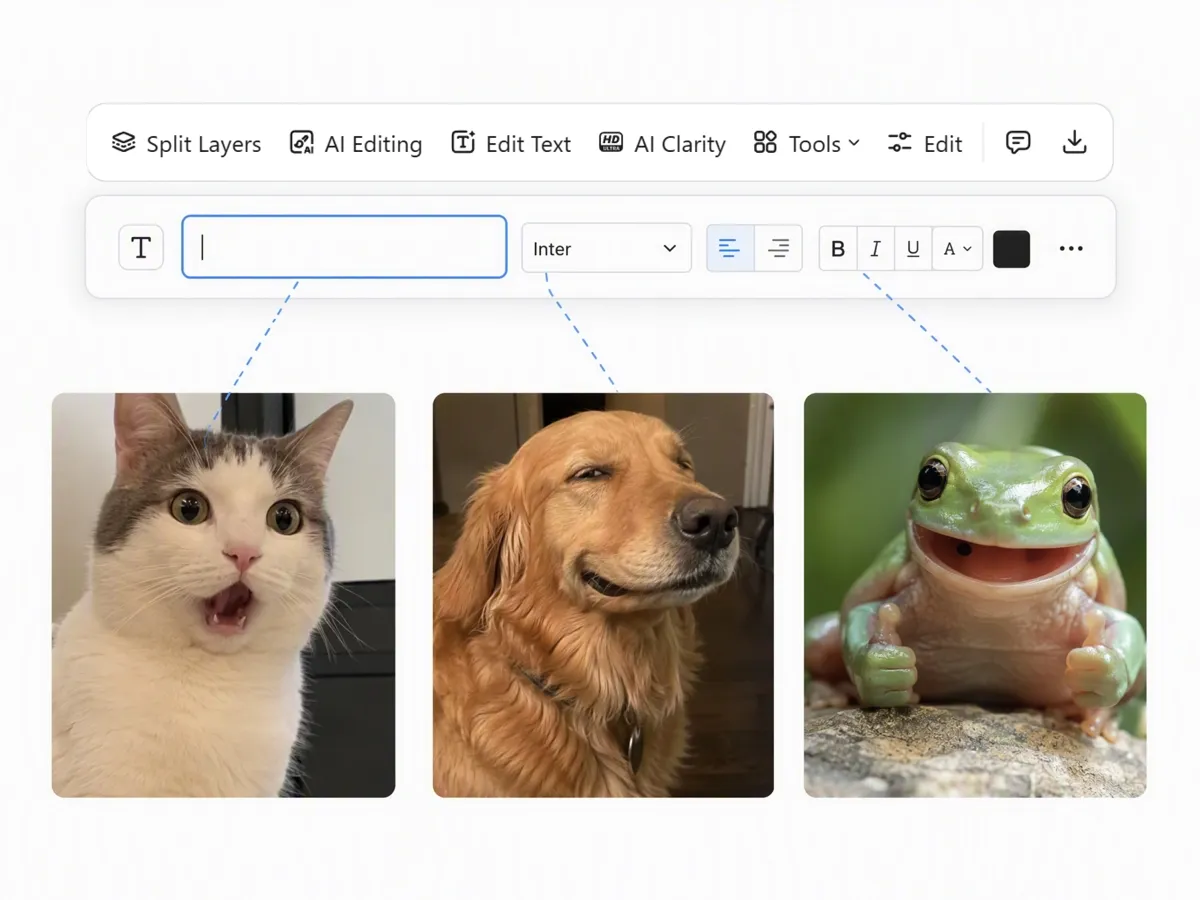
Make the Caption Fit the Reaction
Explain the role the caption should play before generating the meme. Give the setup, reaction, or wording style you want, so the text supports the same punchline as the image instead of feeling pasted on afterward.
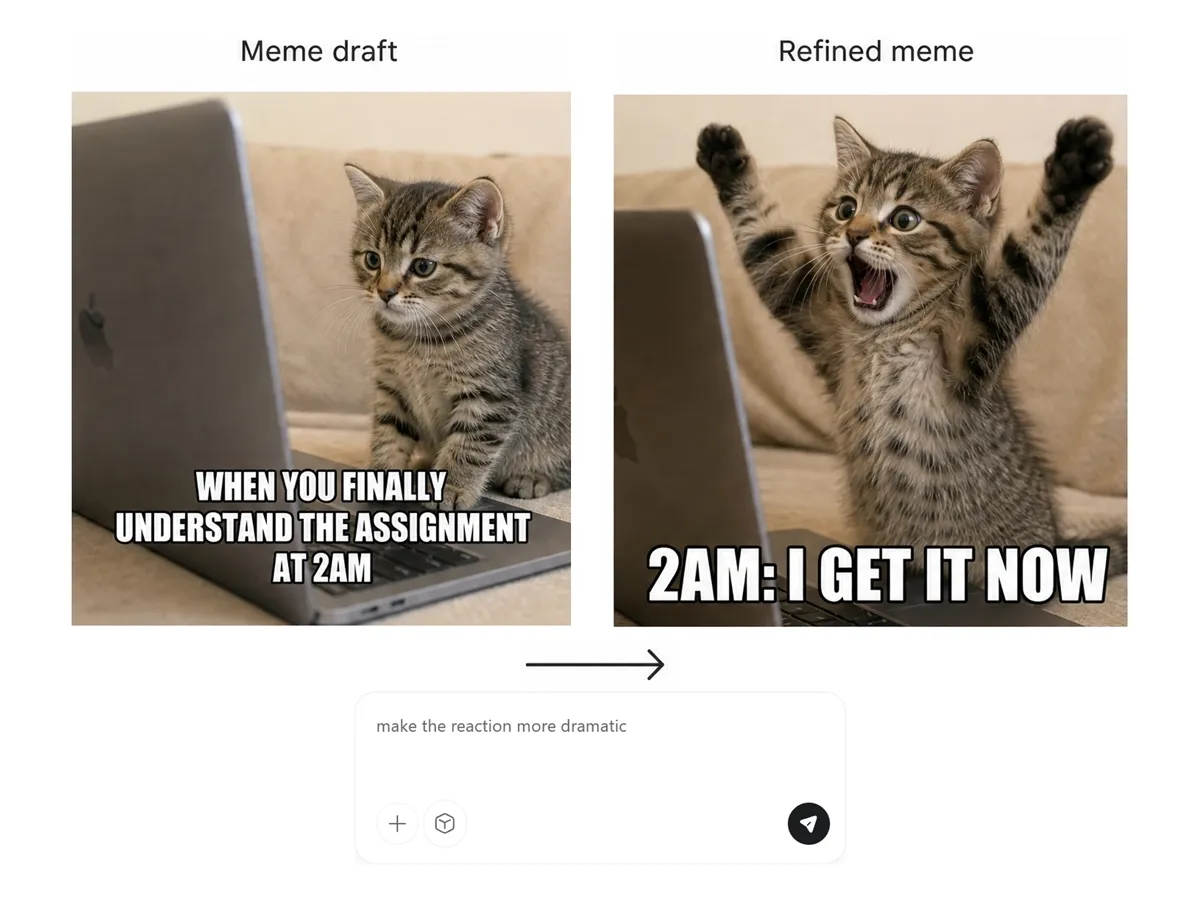
Fix the Draft Before It Leaves the Page
When a draft is close, describe the exact part that feels off. Change the wording, expression, or scene through conversation while keeping the original premise in place, instead of rebuilding the meme from the beginning.
AI Meme Ideas for Creators, Teams, and Groups
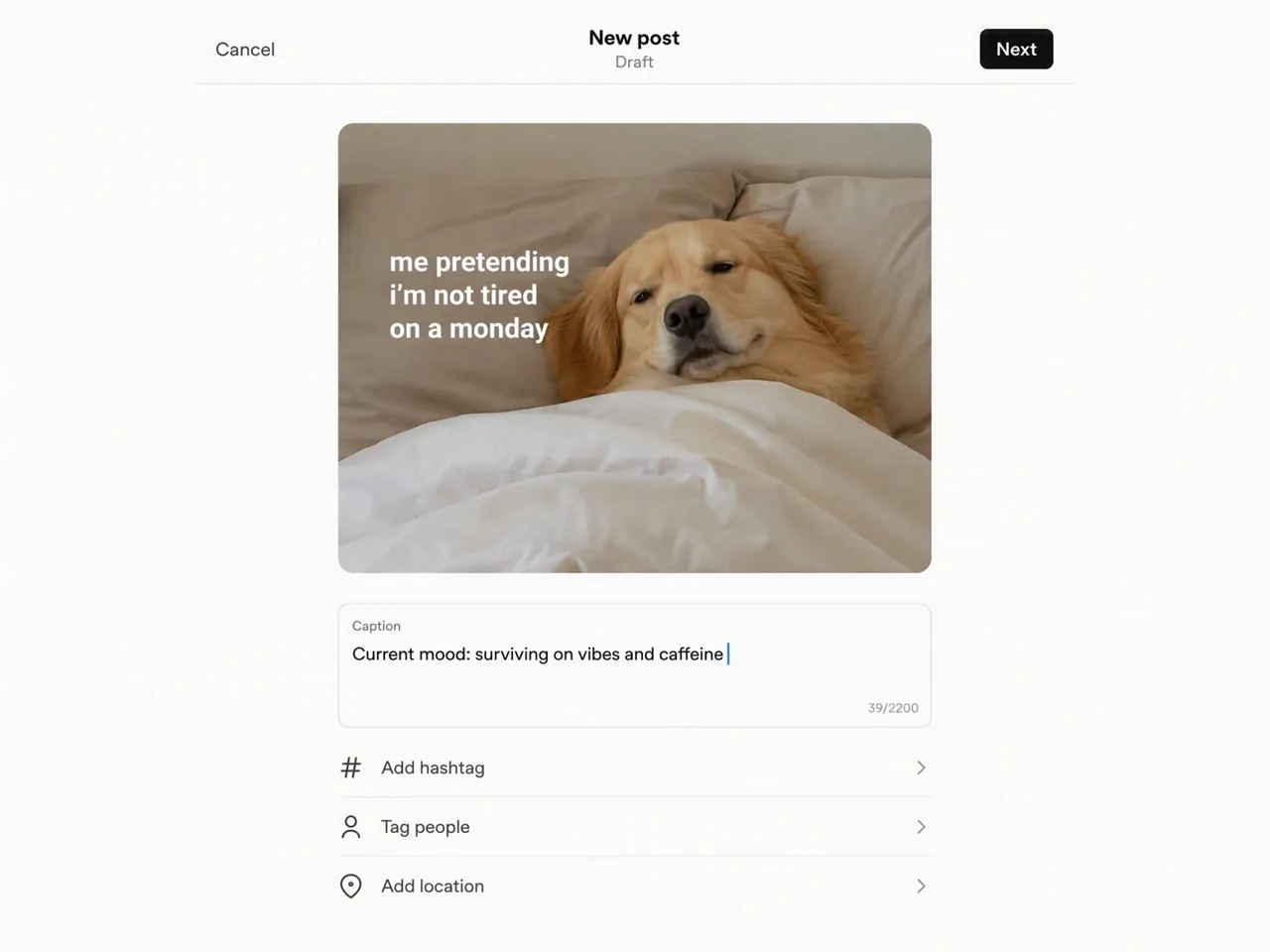
React to a Trend with a Clear Visual Joke
Social posts need a recognizable reaction before the topic moves on. Start from one timely observation and make a meme draft with a clear angle, so the post can read quickly in a feed without a long explanation.
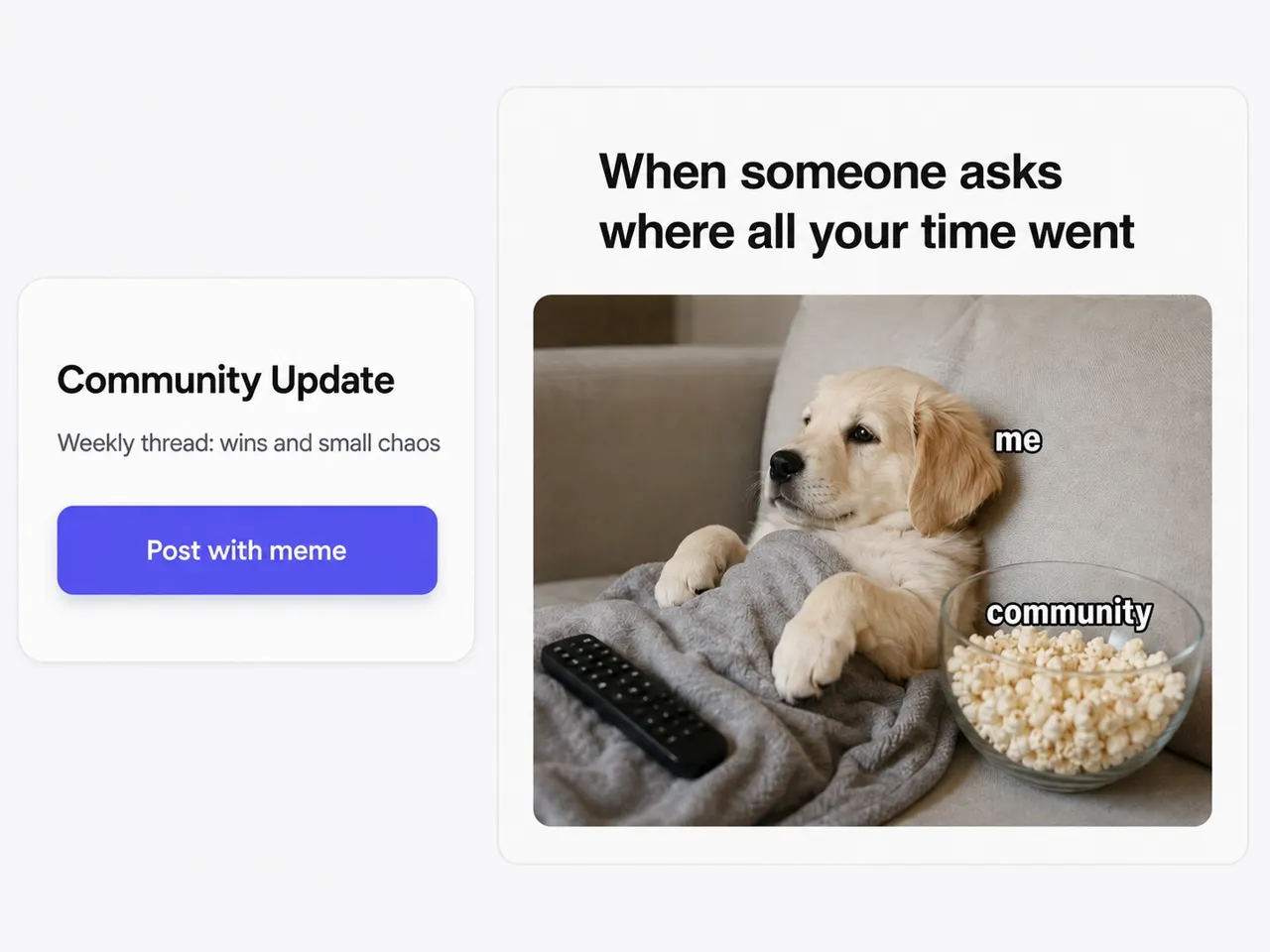
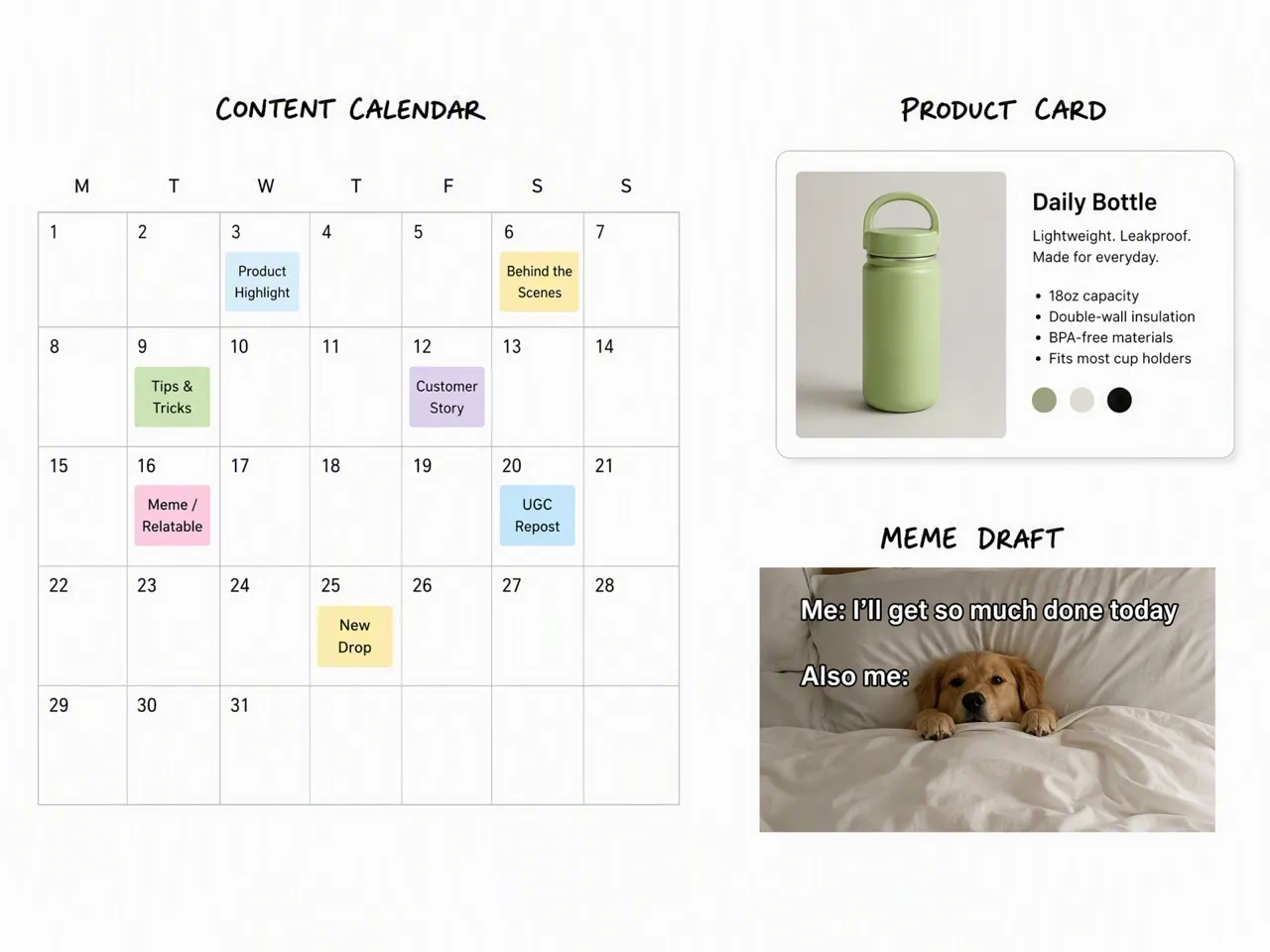
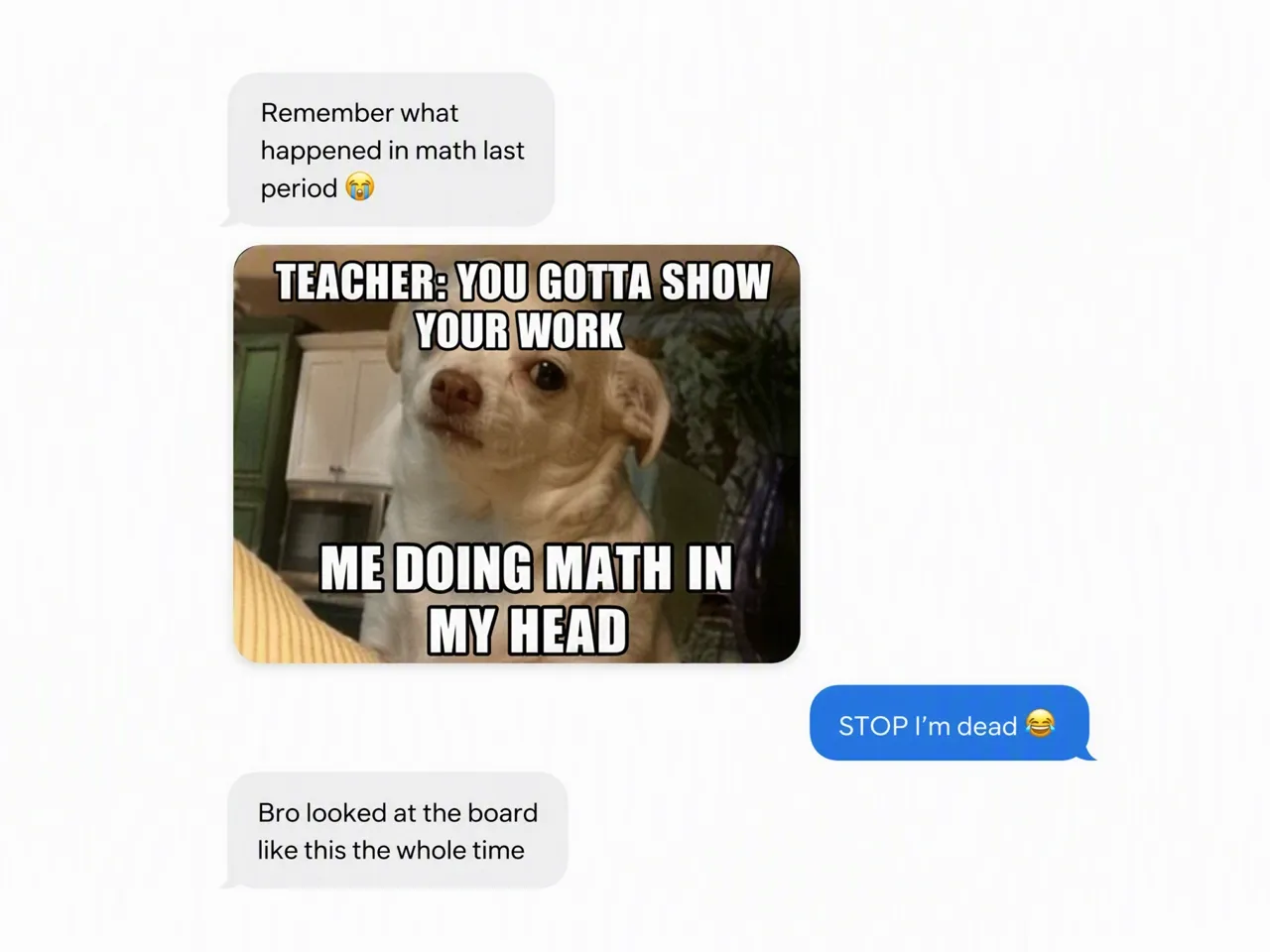
Why Choose Designkit for AI Meme Creation

Start Without Searching Templates
Template tools make you find the right format first; Designkit starts from the joke or photo you already have.
Spend Less Time Placing Text
Layout-first editors make you adjust captions by hand; Designkit forms the meme draft from your instruction.
Test More Than One Angle
A single template can lock the joke too early; Designkit lets you compare drafts before choosing the final direction.
Image Types You Can Create with Designkit
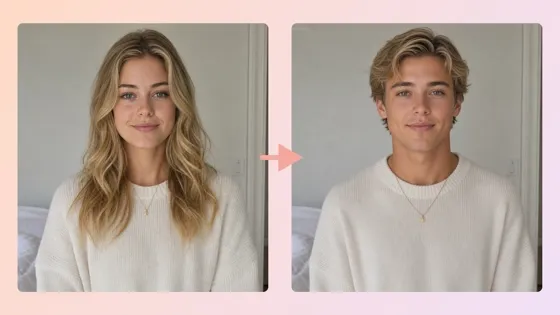
AI Gender Swap
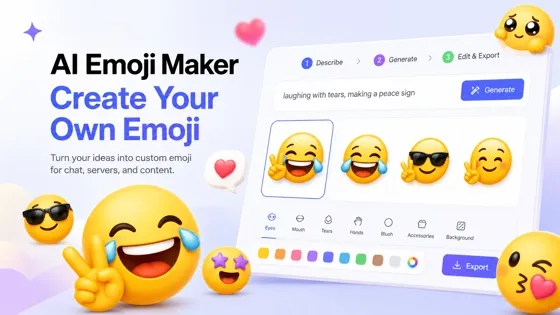
Emoji Maker
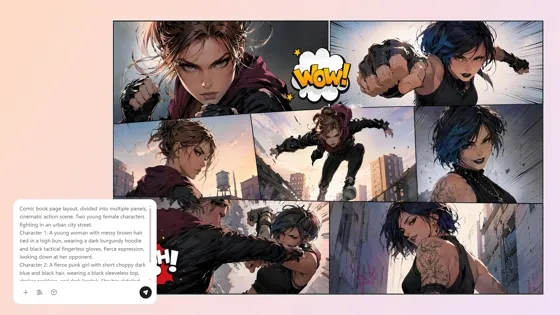
AI Comic Generator
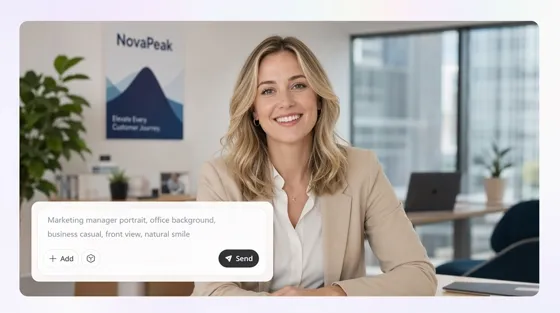
AI Human Generator

AI Icon Generator
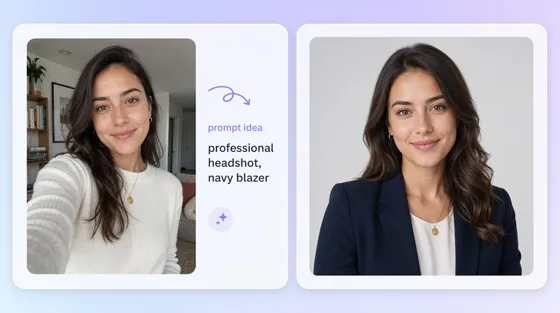
AI Portrait Generator
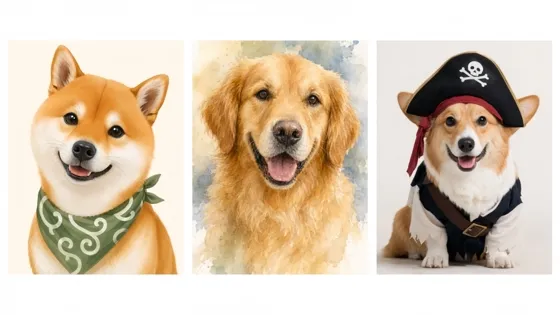
AI Pet Portrait Generator
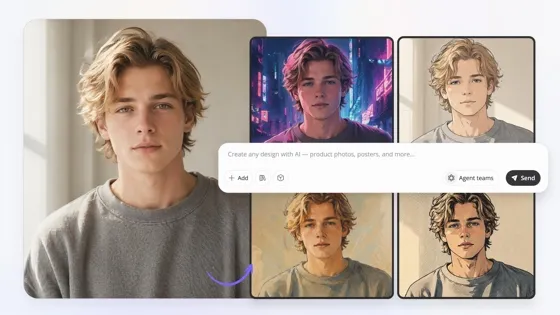
Image to Image AI
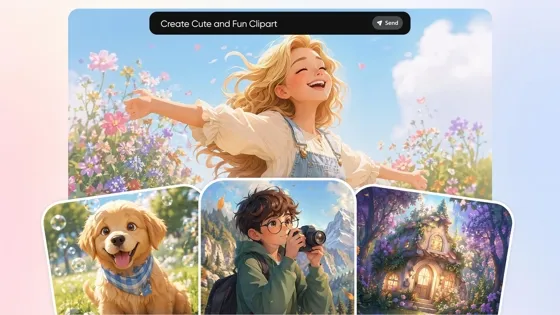
AI Clipart Generator
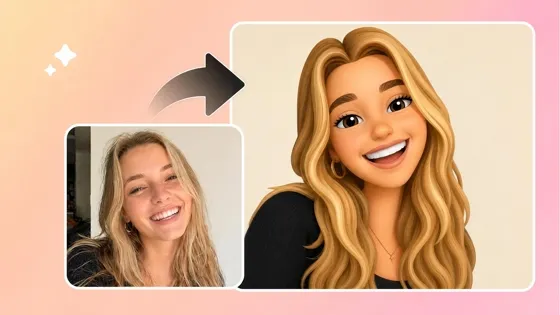
Image to Emoji Converter
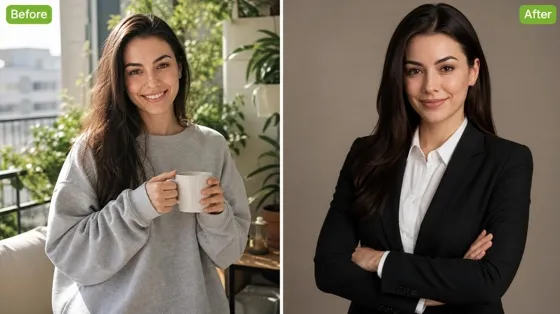
AI Headshot Generator
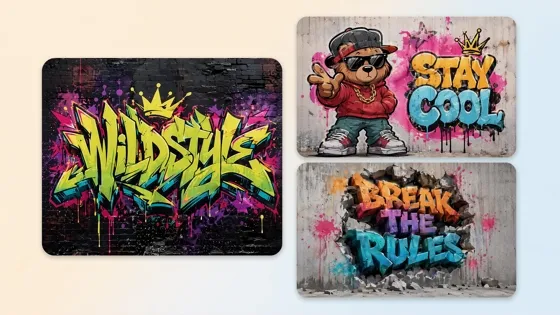
AI Graffiti Generator
Frequently Asked Questions
Can I create a meme from text only?
Can I make a meme from my own photo?
Yes. Upload a clear image you have permission to use, then explain the context and the change you want. Designkit can use that photo as the starting point for a custom meme rather than placing your text on a preset template.
Can I change an AI-generated meme after it is created?
Yes. Select the closest result and describe the part that needs to change. You can revise the caption, expression, scene, or overall tone in the same workspace while preserving the main concept.
Will the result look like a familiar internet meme?
It can follow familiar meme conventions, but the result depends on the instruction and final review. Keep the setup simple, use a concise caption, and check that the expression supports the joke. Revise awkward text or image details before posting.
Does Designkit include a library of meme templates?
This page is designed for AI-generated memes rather than template browsing. Start from a written concept or your own image. If you need an exact established template with manual font and layout controls, a traditional template editor may be a better fit.
Can I use an AI-generated meme on social media?
You can export a finished meme for online use, but review the result before posting. Make sure you have permission to use any uploaded photo and avoid content that misrepresents a person, copies protected material, or violates the destination platform's rules.
See If the Joke Works Before You Share It
Start with a joke, photo, or caption idea, then review the meme and choose the version that fits the conversation.

What Creators Say About Designkit's Meme Generator
Creators use Designkit to make rough jokes easier to judge, revise, and share.
The Punchline Was Easier to Judge
The line sounded funny in my notes, but I could not tell if it worked as an image. Seeing a first draft made the weak part obvious. I shortened the caption, kept the reaction that carried the joke, and stopped trying to explain the setup in the post.
The Rough Idea Became Clearer
I started with a half-formed joke and kept rewriting it in my notes. Once I saw a draft, I could tell which part of the situation mattered, which detail made the joke slower, and what the final meme actually needed to focus on.
The Caption Stopped Overexplaining
My first version tried to explain the whole setup in one long line. After revising the wording around the reaction, the meme became easier to read at a glance and did not need extra context in the post copy.
Feedback Became Much More Specific
Sharing only a written joke made everyone imagine a different result. Once the team had a meme draft to review, comments moved from vague reactions to clear notes about tone, wording, timing, and the version worth posting.